


The gap between strategic goals and daily execution is often filled with repetitive, manual work. These small processes, from sorting emails to scheduling meetings, accumulate and pull focus away from what truly drives progress. Building your own AI agents offers a practical way to close that gap by automating routine workflows and giving you back valuable time.
This guide provides a complete walkthrough on how to build AI agents for beginners. We will explore what AI agents are, why custom agents are more effective than generic tools, and how no-code platforms make this technology accessible to everyone. You will learn a simple five-step process to create your first agent, from defining its purpose to deploying it safely.
The key is to think of agents not as complex software, but as capable assistants you can train for specific roles. By understanding the fundamental components that make them work, you can start designing specialized agents that handle your unique processes. Let’s begin!
Key takeaways
- Start with a single use case: beginners get the best results by automating one clear, repetitive task before expanding to more complex agent workflows.
- No-code lowers the barrier: modern platforms let anyone build functional AI agents using plain language and visual tools, without technical skills.
- Custom agents beat generic tools: building your own agents gives you tighter control over data access, behavior, and integrations with existing systems.
- Team-based agents scale better: platforms like Agent Factory make it easier to create multiple focused agents that work together across everyday workflows.
- Test before you scale: safe deployment, monitoring, and gradual expansion are essential to building reliable agents you can trust over time.
What are AI agents and how do they work?
AI agents are software programs that can complete tasks and make decisions without constant human supervision, a market projected to reach USD 50.31 billion by 2030. They use artificial intelligence to understand what you need, take action, and learn from the results.
It’s helpful to imagine these agents as smart assistants that doesn’t just wait for commands. Instead, they actively work toward goals you set, make choices based on context, and handle complex workflows from start to finish.
To understand how agents operate autonomously, it’s important to know their core functions.
These key components work together to process information, make decisions, and take action on your behalf:
- Language understanding: AI agents process natural language, so you can communicate with them like you would with a colleague.
- Memory systems: they remember past interactions and use that context to make smarter decisions.
- Integration capabilities: agents connect to your existing tools — calendars, email, databases — to take real action.
- Decision logic: they evaluate options and choose the best path forward based on your goals.
For a bit more context, let’s say you build an AI agent to manage customer inquiries: it will then read incoming messages, understand the customer’s need, check your knowledge base for answers, and either respond directly or route the inquiry to the right team member (all without you lifting a finger!).
Why you need to build your own AI agents
Generic AI platforms work well for common processes. However, your business has unique processes, specific requirements, and proprietary information that off-the-shelf solutions can’t handle properly.
Building custom AI agents gives you control over exactly how they work. You decide what data they access, how they make decisions, and which systems they connect to.
The business case for custom AI agents comes down to several key advantages:
- Perfect fit for your workflows: design agents that match your exact processes instead of changing how you work.
- Complete data control: keep sensitive information within your systems rather than sending it to third-party services.
- Seamless integration: connect directly to your existing tools without compatibility headaches.
- Long-term cost savings: eliminate monthly subscriptions for multiple AI platforms.
- Competitive edge: create capabilities your competitors can’t buy or copy.
Consider a real estate team that needs to qualify leads, schedule property viewings, and follow up with prospects. A generic chatbot might handle basic questions, but it can’t manage the entire workflow.
A custom agent, however, can access your property database, check agent calendars, and send personalized follow-ups based on viewing history. It can even track which approaches convert most effectively, providing valuable data for your team.
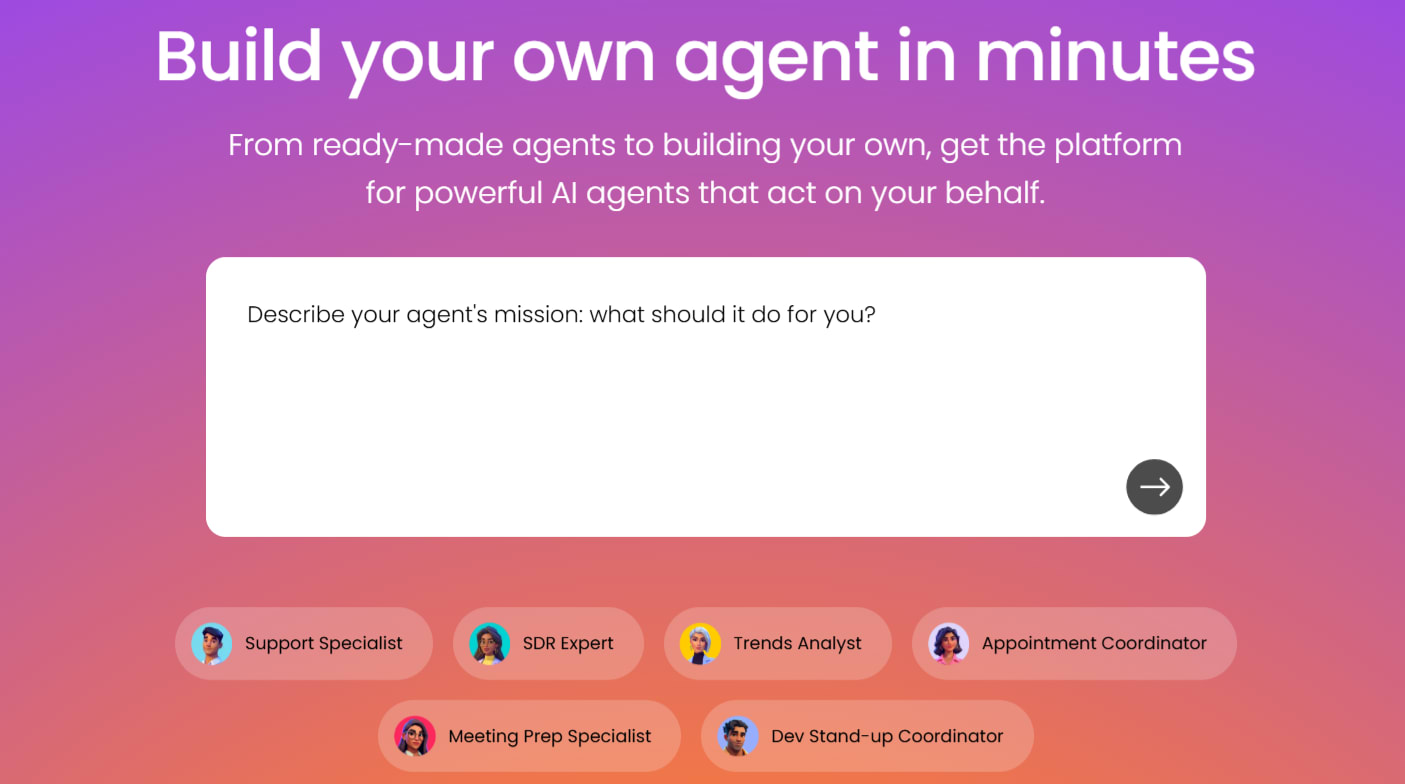
With platforms like Agent Factory, this customization becomes even easier by letting you build agents through simple conversation. You describe what you need, and the platforms creates specialized agents that work together as a team — each handling specific tasks while sharing information seamlessly.
Try Agent Factory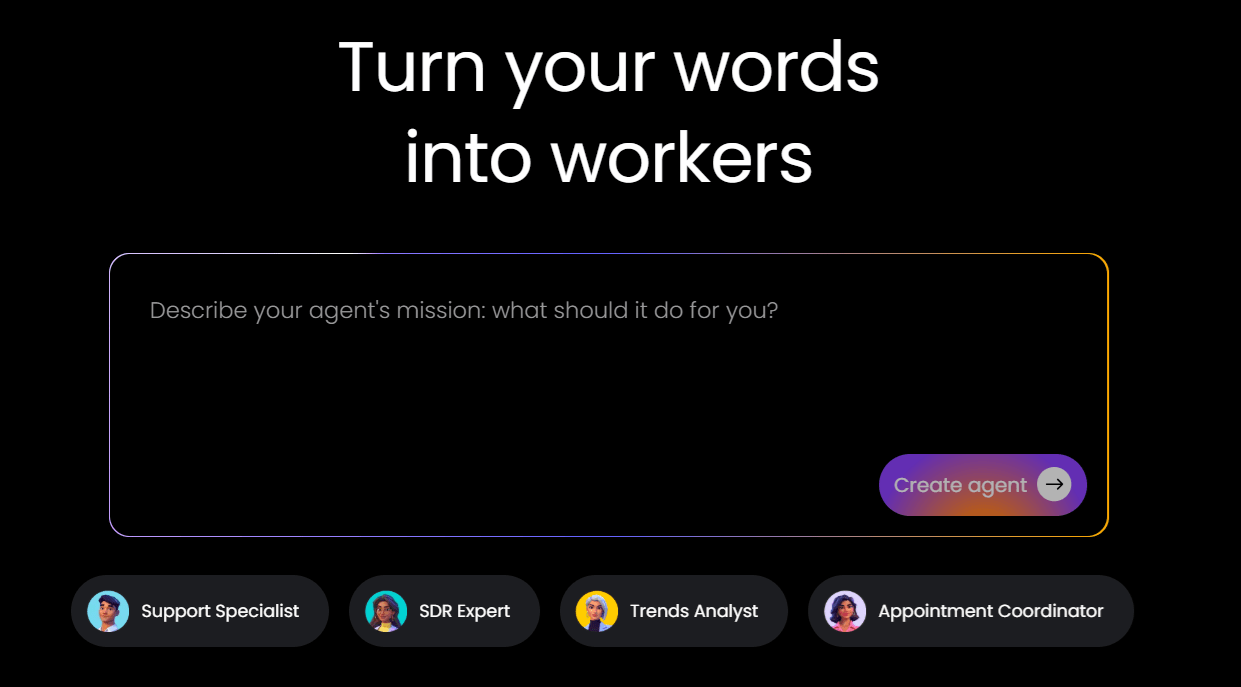
Building AI agents without coding experience
You don’t need to be a programmer to create AI agents. Modern no-code platforms let you build powerful agents using visual interfaces and plain language instructions, with projections showing that apps built outside of IT will increase to 70% in the coming years.
No-code development works by abstracting away the technical complexity. Instead of writing code, you describe what you want your agent to do, connect it to your tools, and test it — all through user-friendly interfaces.
The key features that make no-code AI development accessible include:
- Visual workflow designers: drag and drop logic blocks to create agent behaviors.
- Pre-built templates: start with proven frameworks for common scenarios.
- Natural language setup: configure agents by describing goals in plain English.
- One-click integrations: connect to popular business tools without technical knowledge.
Here’s how no-code compares to traditional development approaches:
| Aspect | Traditional coding | No-Code platforms |
|---|---|---|
| Time to build | Weeks to months | Hours to days |
| Skills needed | Programming expertise | Basic computer skills |
| Maintenance | Requires developer support | Self-service updates |
| Flexibility | Complete control | High within platform capabilities |
The real advantage? You can start small and iterate quickly. Build a simple agent today, test it with real work, and expand its capabilities as you learn what works best.
Essential tools and platforms for creating AI agents
Choosing the right platform shapes your entire AI agent experience. The best choice depends on your technical skills, specific needs, and growth plans.
Different platforms serve different purposes. Some excel at simplicity, others at power. Understanding these differences helps you pick the right starting point.
No-code AI agent builders
Platforms designed for non-technical users prioritize ease of use and quick results. They’re perfect for getting started without a steep learning curve.
What makes a great no-code platform? Look for these essential features:
- Intuitive interface: visual builders that feel familiar, like creating a presentation.
- Rich template library: pre-built agents for common business scenarios you can customize.
- Easy integrations: connect to tools you already use with simple authentication.
- Testing environment: safe spaces to experiment before going live.
AI agent platforms like Agent Factory are also great for beginners as they treat AI agents as team members rather than isolated tools. You can create multiple specialized agents — one for scheduling, another for research, a third for building customer relationships — that coordinate naturally.
Development environments for AI agents
Technical teams might prefer platforms with more customization options. These require programming knowledge but offer greater control over agent behavior.
Popular frameworks include tools that support multiple programming languages and advanced features: they are most effective when you have specific requirements that no-code platforms can’t meet.
Testing and deployment tools
Every AI agent needs proper testing before handling real work. Testing tools help you verify agent behavior, catch edge cases, and ensure reliable performance.
Good testing covers normal operations, unusual scenarios, and integration points. Deployment tools then help you roll out agents gradually while monitoring their performance.
Try Agent Factory
5 steps to create your first AI agent
Building your first AI agent becomes straightforward when you follow a proven process. Follow the handy advice below and keep in mind that each step builds on the previous one, creating a clear path from idea to working agent.
Step 1: define your AI agent’s purpose
Start with a specific problem you want to solve. Vague goals lead to disappointing results. Clear, focused purposes create agents that deliver real value.
Choose your first project based on these criteria:
- Single, clear objective: pick one task rather than trying to solve everything.
- Frequent occurrence: target activities you do multiple times per week.
- Measurable success: define exactly what “working well” looks like.
- Existing process: start with tasks you already do manually.
Instead of “help with sales,” try “qualify inbound leads from our website contact form and schedule demos with interested prospects.”
Step 2: select the right platform
Your platform choice affects everything from development speed to long-term capabilities. Match the platform to your immediate needs while considering future growth.
Base your selection on these factors:
- Personal use: choose platforms with strong individual productivity features.
- Team coordination: look for collaboration, permissions, and sharing capabilities.
- Customer-facing needs: prioritize security, reliability, and compliance features.
- Data processing: ensure robust integration and data handling capabilities.
Step 3: design your agent workflow
Map out how your agent will handle different scenarios. Good workflow design prevents confusion and ensures smooth operation.
Document these key elements:
- Triggers: what starts your agent working.
- Decisions: where your agent chooses between different actions.
- Actions: specific tasks your agent performs.
- Handoffs: when to involve humans.
Start simple. Map the happy path first, then add branches for exceptions and errors.
Step 4: test and train your AI agent
Testing separates agents that work in theory from those that work in practice. Thorough testing reveals issues before they impact real work.
Your testing approach should cover:
- Basic functionality: does the agent do what it’s supposed to?
- Edge cases: how does it handle unusual situations?
- Performance: Is it fast and reliable enough?
- Integration points: do connections to other systems work properly?
Document what works and what doesn’t. Use these insights to refine your agent’s behavior.
Step 5: deploy your AI agent
Finally, launch your agent gradually to minimize risk and gather feedback. Smart deployment builds confidence while maintaining stability.
Follow these deployment practices:
- Start small: begin with a limited scope or user group.
- Monitor closely: track performance and watch for issues.
- Communicate clearly: tell users what the agent does and how to use it.
- Plan for problems: know how to disable or modify the agent quickly.
AI agent tutorials for common examples
AI agents become most valuable when applied to real, everyday workflows. The examples below show how simple, task-focused agents can be used in common business scenarios, starting with marketing, where repetition and data-heavy processes make automation especially effective.
Building AI agents for marketing tasks
Marketing teams benefit from AI agents because much of their work follows predictable patterns. Agents handle routine tasks while humans focus on strategy and creativity.
Common marketing applications include:
- Content distribution: post to multiple channels at optimal times.
- Lead scoring: evaluate prospects based on behavior and demographics.
- Performance tracking: monitor campaigns and generate reports.
- Message personalization: customize content based on user data.
Creating customer service agents
Customer service agents excel at handling routine inquiries while ensuring complex issues reach the right people. They improve response times and consistency.
Effective service agents handle:
- FAQ responses: answer common questions instantly.
- Ticket routing: direct inquiries to appropriate team members.
- Follow-up sequences: check if issues were resolved.
- Escalation management: recognize when human help is needed.
Personal productivity AI agents
Personal productivity agents handle the small tasks that interrupt your flow. They work best for repetitive activities that don’t require creative thinking.
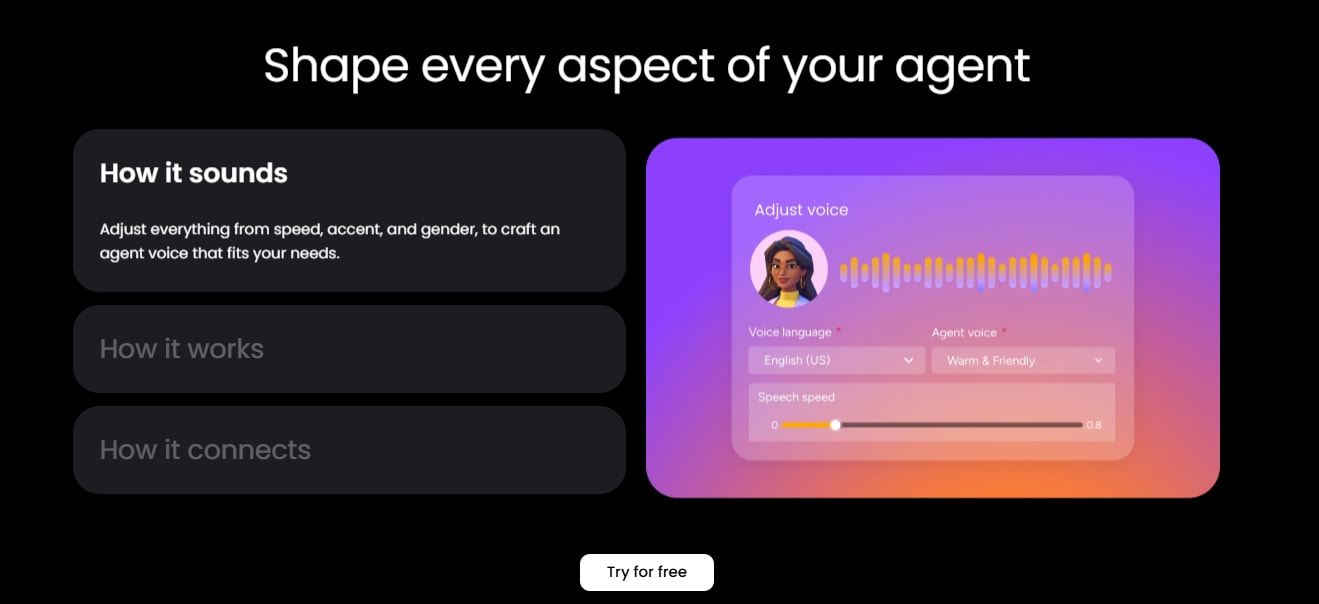
Intelligent solutions like Agent Factory let you build specialized agents for different aspects of your work:
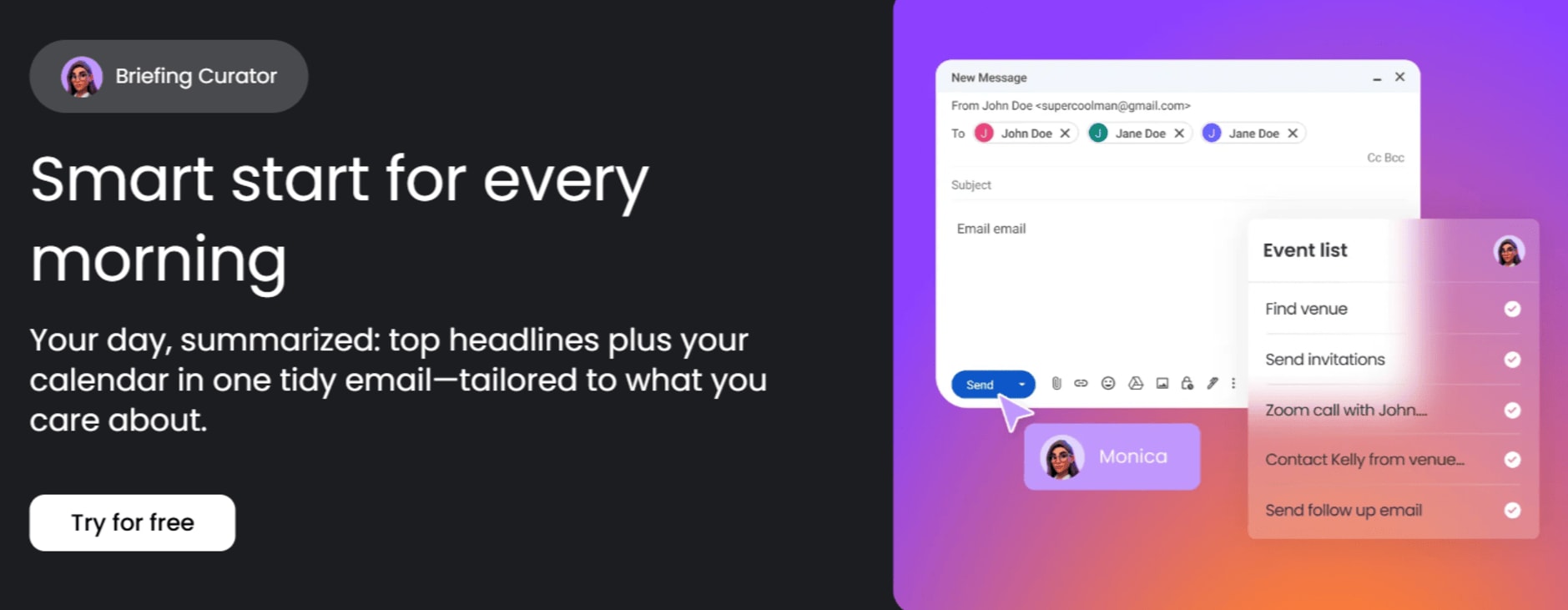
- Calendar management: schedule meetings and protect focus time.
- Email processing: sort messages and draft routine responses.
- Task tracking: manage to-do lists and send reminders.
- Research assistance: gather information and create summaries.
Team collaboration agents
Collaboration agents reduce the overhead of coordinating work across multiple people. They’re especially valuable for distributed teams.
Key collaboration applications:
- Meeting coordination: find times that work for everyone.
- Status updates: gather progress reports automatically.
- Document management: organize and share resources.
- Communication routing: direct messages to the right people.
How to build an AI agent team
Single agents handle individual tasks well. But complex workflows often require multiple agents working together, each contributing their specialized capabilities.
Keep in mind the advice below and you’ll be well on your way to building an effective AI agent team::
Connecting multiple AI agents
Agent teams need clear communication and coordination. Well-designed teams share information smoothly while maintaining distinct responsibilities.
Effective coordination patterns include:
- Sequential processing: one agent completes work and passes it to the next.
- Parallel execution: multiple agents work on different parts simultaneously.
- Hierarchical structure: a coordinator agent manages specialized workers.
- Event-driven collaboration: agents respond to specific triggers.
Orchestrating agent workflows
Managing multiple agents requires systems that handle coordination, prevent conflicts, and monitor overall performance.
Key orchestration considerations:
- Communication standards: how agents share information.
- Conflict resolution: what happens when agents disagree?
- Performance tracking: monitoring the entire team’s effectiveness.
- Resource allocation: ensuring agents don’t overwhelm systems.
Scaling from one agent to many
Growing your agent team works best when you add capabilities gradually. Start with two agents that have clearly different roles.
Follow this scaling approach:
- Identify handoff points: where does work move between different types of tasks?
- Design for clarity: give each agent distinct responsibilities.
- Plan information flow: map how data moves between agents.
- Monitor everything: track team performance, not just individual agents.

Start building AI agents with Agent Factory today
Agent Factory turns business AI agents into practical teammates you can design, deploy, and adjust without technical overhead. Instead of configuring abstract tools, you build focused agents that slot directly into how work actually gets done.
What sets Agent Factory apart is its emphasis on clarity and control:
- Plain-language setup: describe what an agent should do and how it should behave, without writing code.
- Task-focused agents: create specialists for one job at a time, rather than relying on a single do-everything assistant.
- Built-in coordination: agents can work together across workflows, sharing context where needed.
- Safe iteration: test, refine, and expand agent responsibilities as confidence grows.
In practice, this might mean one agent prepares meeting agendas and follow-ups, another tracks research or reports, and a third keeps routine tasks moving in the background. Each agent has a clear role, and together they reduce the day-to-day friction that slows teams down.
The result is a small but capable digital workforce that handles repetitive work reliably, so you can stay focused on decisions, strategy, and progress.
Try Agent FactoryFrequently asked questions
How much does it cost to build an AI agent?
The cost to build an AI agent ranges from free for basic no-code platforms to $50-200 monthly for advanced features, with most beginners starting with free tiers before upgrading based on usage. for advanced features, with most beginners starting with free tiers before upgrading based on usage.
What's the difference between AI agents and chatbots?
AI agents can take actions and make decisions autonomously across multiple systems, while chatbots primarily respond to questions within a single conversation interface.
How long does it take to create your first AI agent?
Creating your first AI agent typically takes 30 minutes to two hours using no-code platforms, depending on complexity and the number of integrations required.
Can I build AI agents without technical skills?
You can build functional AI agents without any coding experience using no-code platforms that offer drag-and-drop interfaces and pre-built templates.
Do AI agents need maintenance after deployment?
AI agents require minimal ongoing maintenance, typically involving periodic performance reviews and occasional updates to handle new scenarios or integrate with additional systems.
What happens if an AI agent makes a mistake?
AI agents can be configured with safety measures like human approval requirements for important actions and automatic rollback capabilities to undo problematic changes.

 Get started