

The best AI agents for your team are the ones that handle the work slowing your people down, freeing them to focus on strategy, creativity, and decisions that move the business forward. In 2026, the most effective teams are building specialized teams of AI agents, each designed for a specific job, creating a digital workforce that scales without burning out your existing team.
This guide shows you what AI agents actually do, how they differ from chatbots, and what to look for when choosing a platform. You’ll find a comparison table and detailed profiles of 15 AI agent platforms, covering features, pricing, and honest limitations, so you can match the right tool to your team’s actual needs and start seeing results fast.
What are AI agents and why do businesses need them
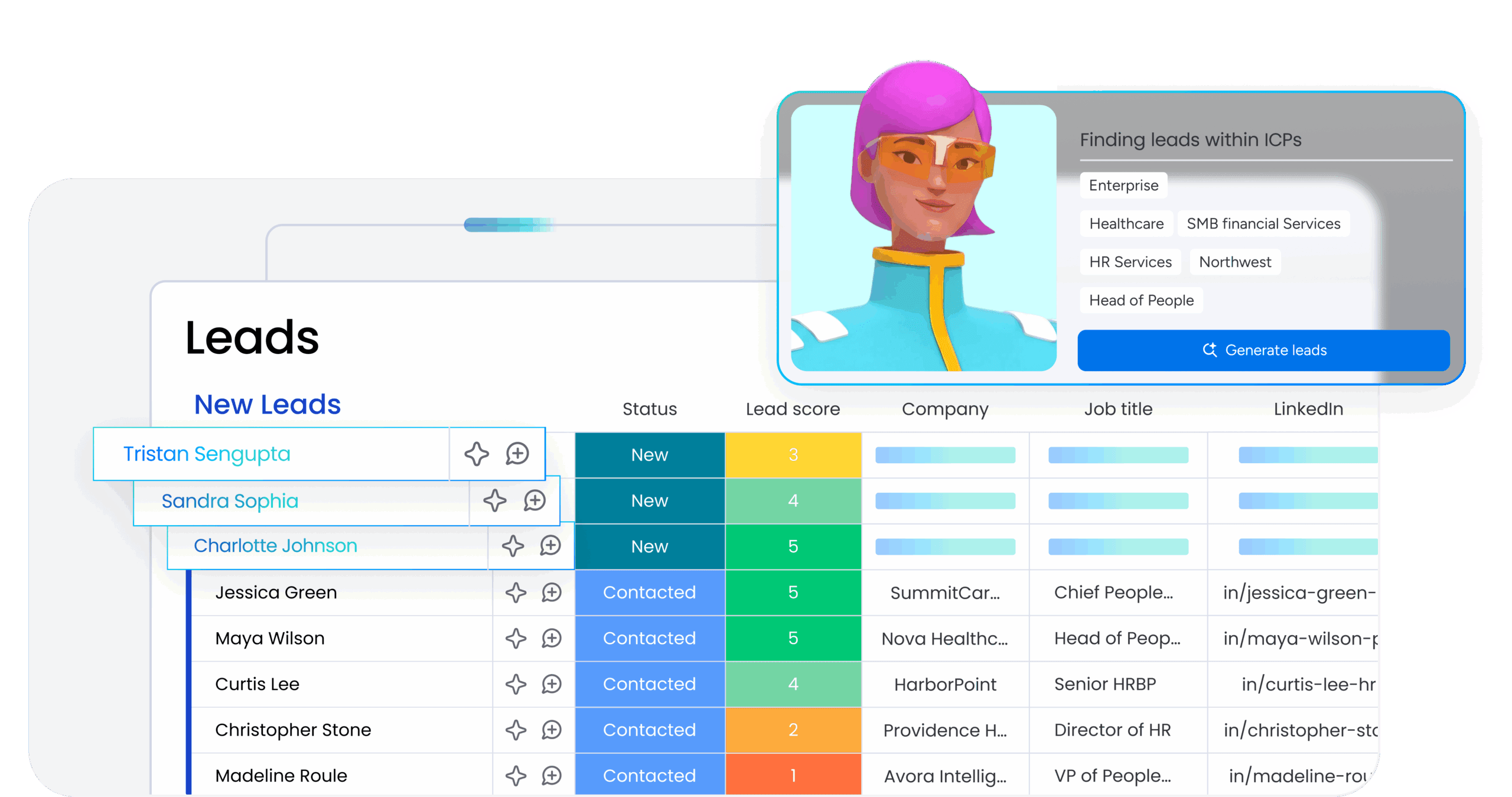
An AI agent is a new kind of autonomous teammate you build yourself. Each one is a focused helper designed for a single job, whether it’s sorting your inbox or tracking subscriptions, and they work without you needing to look over their shoulder. They’re not just following a script; they’re smart enough to adapt when things change, giving you a reliable team you can trust.
So, why build a team like this? Because every small task they handle is a piece of your day you get back. When one agent is managing your calendar and another is prepping your meeting notes, you’re free to focus on the work only you can do — the creative problem-solving and strategic thinking that moves your work forward.
From Q1 2024 to Q2 2025, Gartner reported a 1,445% surge in multi-agent inquiries, and the overall AI agent market is projected to reach $206.5 billion this year.
This isn’t some futuristic concept; it’s about getting practical help right now. Your team of agents can qualify leads, handle support tickets, and keep projects on track automatically, creating a calmer, more effective workplace.
AI agents vs. chatbots vs. traditional software
Chatbots answer questions, and traditional software follows instructions. Business AI agents go further — they think ahead, act independently, and adapt as things change.
- Chatbots: Respond to prompts, making them ideal for simple, one-off interactions
- Traditional software: Provides the tools but still depends on you to initiate every action
- AI agents: Anticipate what needs to happen next, make decisions within set boundaries, and handle routine work automatically
Is ChatGPT an AI agent? Not quite. Although ChatGPT and similar assistants can answer questions and generate content, they still rely on you to start every interaction. AI agents go a step further: they monitor conditions, decide what to do, and act without waiting for a prompt. That distinction is what makes agents so useful for operational work where speed and consistency matter.
This shift moves you from micromanaging tasks to leading a system that works alongside you. Instead of constantly giving commands, you can stay focused on strategy while your AI team takes care of the details.
Get Started15 best AI agents for 2026
We’ve done the heavy lifting for you, evaluating dozens of AI agent platforms to surface the 15 that consistently deliver in production environments. This list spans the full spectrum — from all-in-one work platforms and purpose-built sales tools to visual automation builders, developer frameworks, and open-source alternatives — so you’ll find options that match your team’s size, technical comfort level, and build-versus-buy philosophy.
Start with this quick-look table and then dive deeper into each option below.
| Platform | Best for | No-code? | Key strength | Starting price |
|---|---|---|---|---|
| monday AI Work Platform | Unified AI work management | Yes | Ready-made agents + no-code builder on one platform | Free ($0) |
| Zapier Agents | Cross-app automation | Yes | 9,000+ app integrations | Free ($0) |
| Claude by Anthropic | Complex reasoning and coding | Yes | Extended thinking and Claude Code agent | Free ($0) |
| ChatGPT by OpenAI | General-purpose AI assistant | Yes | Broad feature set and largest user base | Free ($0) |
| Lindy | Executive assistant tasks | Yes | Personal AI via iMessage/SMS | $49.99/month |
| 11x.ai | AI-powered sales development | Yes | Autonomous AI SDR that books meetings 24/7 | Contact sales |
| Gumloop | Visual multi-agent orchestration | Yes | Visual canvas for multi-agent workflows | Free ($0) |
| Relay.app | Human-in-the-loop automation | Yes | Built-in human approval steps | Free ($0) |
| HockeyStack | B2B revenue analytics | Yes | AI analyst for multi-touch attribution | Contact sales |
| Stack AI | Enterprise AI deployment | Yes | On-premise and VPC deployment options | Contact sales |
| Voiceflow | Conversational AI agents | Yes | Enterprise-scale voice and chat agents | Free trial |
| CrewAI | Multi-agent AI framework | Yes (Studio) | Role-based agent teams | Free ($0) |
| AutoGen by Microsoft | Custom agent development | Partial (Studio) | Event-driven distributed architecture | Free (open source) |
| n8n | Technical workflow automation | Partial | Execution-based pricing and full code control | Free (self-hosted) |
| Make | Visual automation with AI | Yes | 3,000+ integrations with visual scenario builder | Free ($0) |
1. monday AI Workspace
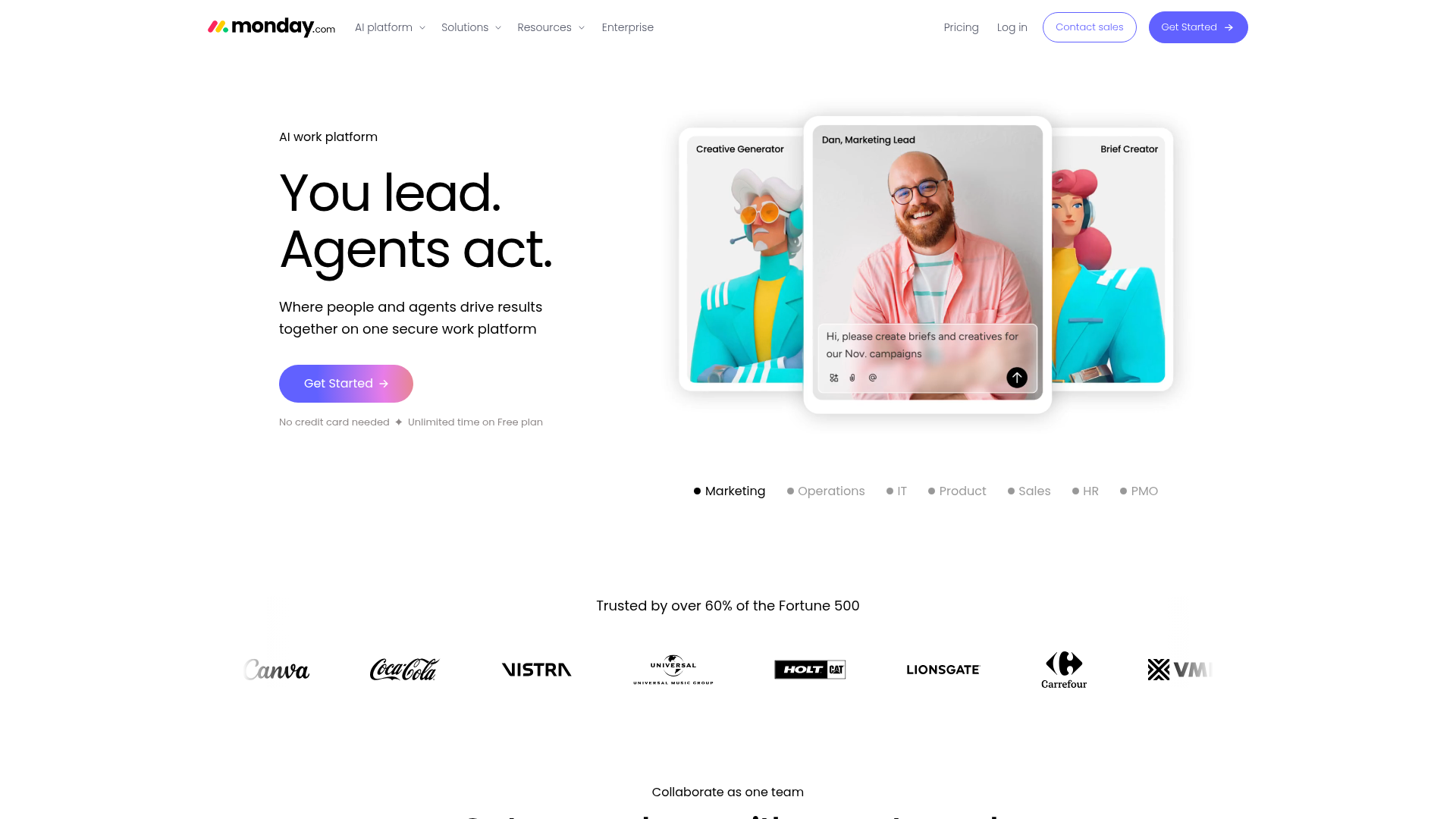
monday AI Workspace embeds AI agents directly into the work platform where teams already manage projects, data, and workflows — giving agents full context from day one. Trusted by nearly 250,000 customers worldwide, including more than 60% of the Fortune 500, the platform combines ready-made agents, a no-code agent builder, and agentic workflows into one connected environment, so teams get one platform instead of 5 point solutions.
Use case: Teams that want to deploy, manage, and scale AI agents across every department from a single, unified work platform
Key features
- Ready-made agents across every department: Deploy specialized AI agents for marketing, sales, operations, IT, HR, engineering, product, and legal without building from scratch.
- No-code agent builder: Describe the role and tasks in plain language, connect knowledge sources, test and refine—no technical skills required.
- Unified AI work platform: AI agents share a common data layer with your boards, automations, and workflows, so an agent triaging support tickets can pull context from your CRM, project timeline, and knowledge base without extra setup.
Pricing
- Free: $0/month (up to 2 seats, up to 3 boards)
- Basic: $12/seat/month
- Standard: $15/seat/month
- Pro: $24/seat/month
- Enterprise: custom pricing
Why it stands out
- monday AI Workspace doesn’t treat agents as an add-on — AI is built into the platform’s core, giving agents full context from day one and eliminating the need for complex integrations.
- Combines ready-made agents, a no-code builder (monday vibe), a personal AI assistant (monday sidekick), multi-agent workflows, 200+ integrations, MCP support, and enterprise governance through the AI Trust Center — all on a single platform.
“With monday CRM, we’re finally able to adapt the platform to our needs — not the other way around. It gives us the flexibility to work smarter, cut costs, save time, and scale with confidence.”
Samuel Lobao | Contract Administrator & Special Projects, Strategix
“Now we have a lot less data, but it’s quality data. That change allows us to use AI confidently, without second-guessing the outputs.”
Elizabeth Gerbel | CEO
“Without monday CRM, we’d be chasing updates and fixing errors. Now we’re focused on growing the program — not just keeping up with it."
Quentin Williams | Head of Dropship, Freedom Furniture
“There’s probably about a 70% increase in efficiency in regards to the admin tasks that were removed and automated, which is a huge win for us.“
Kyle Dorman | Department Manager - Operations, Ray White
"monday CRM helps us make sure the right people have immediate visibility into the information they need so we're not wasting time."
Luca Pope | Global Client Solutions Manager at Black Mountain
“In a couple of weeks, all of the team members were using monday CRM fully. The automations and the many integrations, make monday CRM the best CRM in the market right now.”
Nuno Godinho | CIO at Velv
“monday.com provides developmental flexibility, operational efficiency, and data transparency — all in one place. We became a company that moved from chasing data to leading with it.”
Hyunghan Lee | Team Lead, Sandbox Network
"monday.com brought every part of our business into one connected space. The harmony between work management and CRM has become our operating system — giving us the clarity and confidence to scale.”
Jennifer Chinburg | Executive Vice President of Corporate Development & Brand, Chinburg Properties
“We just weren’t getting value from our old CRM. With monday.com, it's a thousand times better. Our sales teams are more informed, more consistent, and far more connected."
James Arnold | Chief Operating Officer, Cenversa2. Zapier Agents
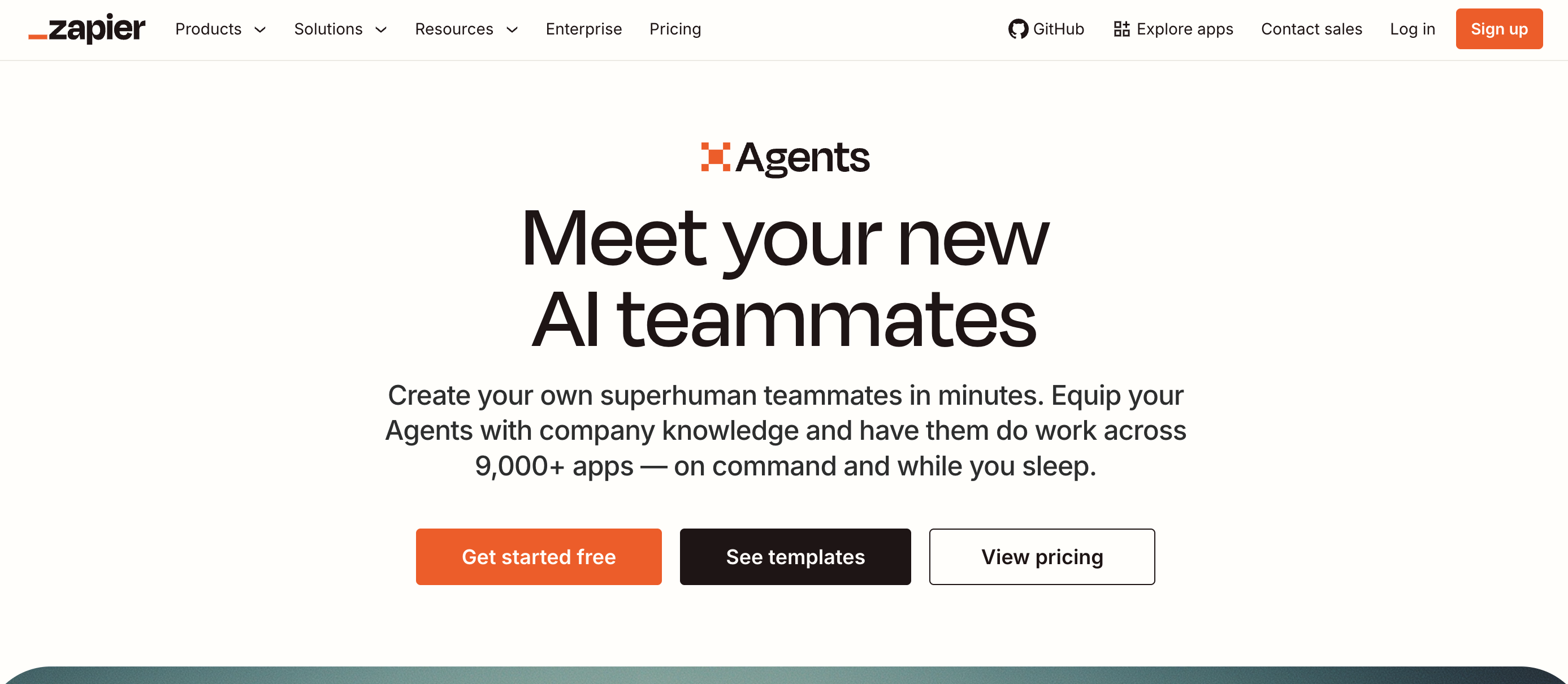
Zapier Agents (formerly Zapier Central) lets teams build AI-powered teammates that perform tasks across 9,000+ connected apps. For organizations already using Zapier’s automation ecosystem, adding agents is a natural extension that brings AI into existing workflows without starting from scratch. The platform includes Zapier Copilot, an AI assistant that helps configure and optimize agent behavior, along with a Chrome extension for browser-based agent work.
Use case: Teams that want to extend their existing team automation setup with AI agents that work across thousands of apps
Key features
- Company knowledge integration: Build specialized agents with knowledge from FAQs, docs, and public links.
- Autonomous and on-demand operation: Agents work independently in the background or respond through chat when needed.
- Chrome extension for web interaction: Enables agents to interact with web content directly in your browser.
Pricing
- Free: $0/month (100 tasks/month, two-step workflows)
- Professional: from $19.99/month
- Team: from $69/month
- Enterprise: contact for pricing
Considerations
- Task-based pricing can become expensive at scale, especially for complex multi-step workflows where AI step usage rates vary by model tier.
- Agents operate within Zapier’s sandbox and can’t run arbitrary code or access local systems, which limits flexibility for technical teams.
3. Claude by Anthropic
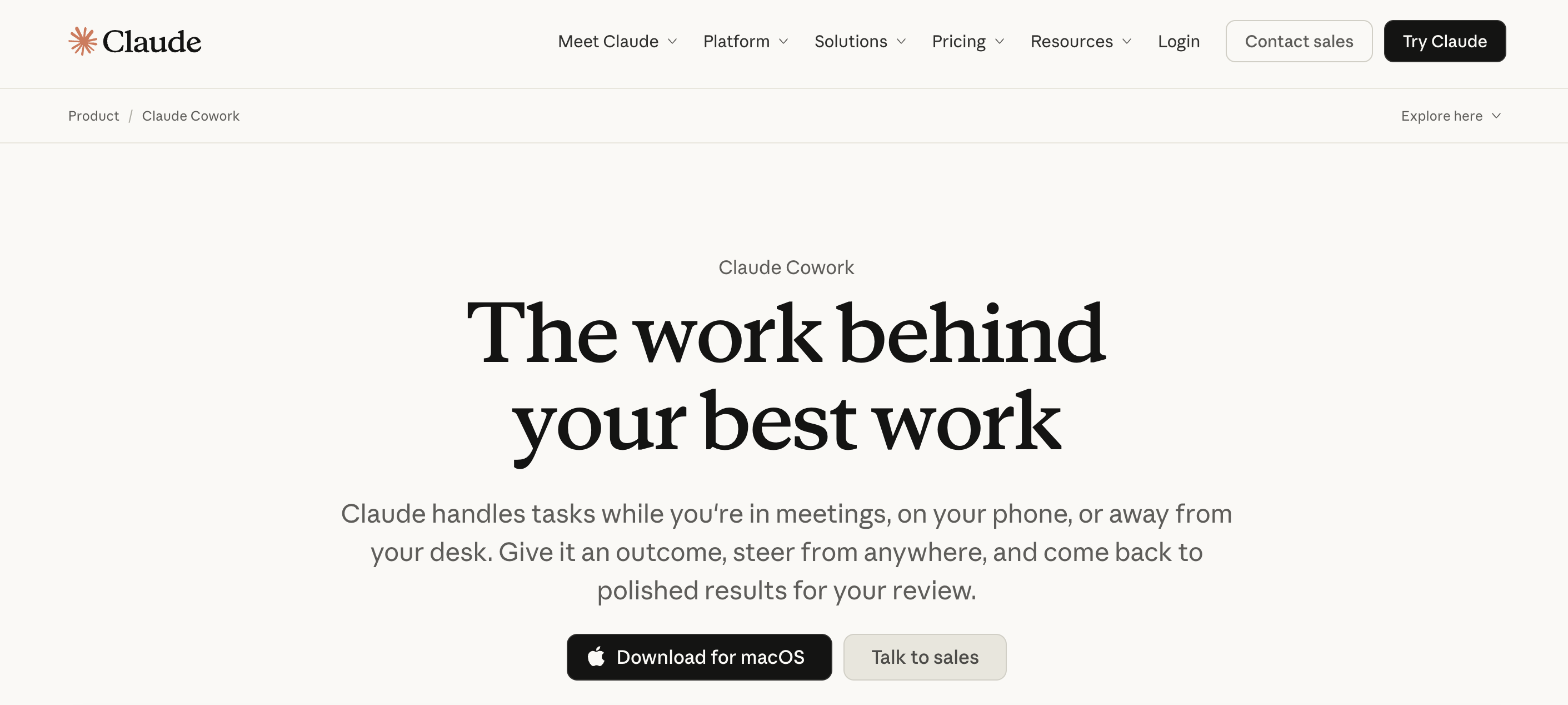
Claude is Anthropic’s AI assistant built for complex problem-solving. Its extended thinking mode delivers strong reasoning for multi-step tasks, while Claude Code and Claude Cowork add autonomous capabilities. For teams needing an AI partner for research, analysis, coding, and multi-step workflows, Claude offers a powerful foundation with deep MCP support for connecting to enterprise data sources.
Use case: Professionals and teams that need deep reasoning, autonomous coding, and flexible tool integration through MCP
Key features
- Autonomous coding and task execution: Claude Code runs in your terminal to handle complex development work, while Claude Cowork lets you hand off tasks through the desktop app for autonomous completion.
- Extended thinking for complex reasoning: Multi-step reasoning mode tackles sophisticated problems that require deep analysis, with MCP support for connecting to external tools and enterprise data sources.
- Massive context window: Process long documents and maintain conversation history with a 200K+ token context window that keeps full context across extended interactions.
Pricing
- Free: $0/month (basic access, web search, extended thinking)
- Pro: $20/month (Claude Code, Cowork, Research, projects)
- Max: from $100/month (5x-20x more usage)
- Team: $25/seat/month
- Enterprise: $20/seat + usage at API rates
Considerations
- Not a workflow automation platform; lacks native app-to-app integrations like dedicated automation tools.
- Agent capabilities are conversational rather than event-driven, with no native triggers or scheduling for automated workflows.
4. ChatGPT by OpenAI
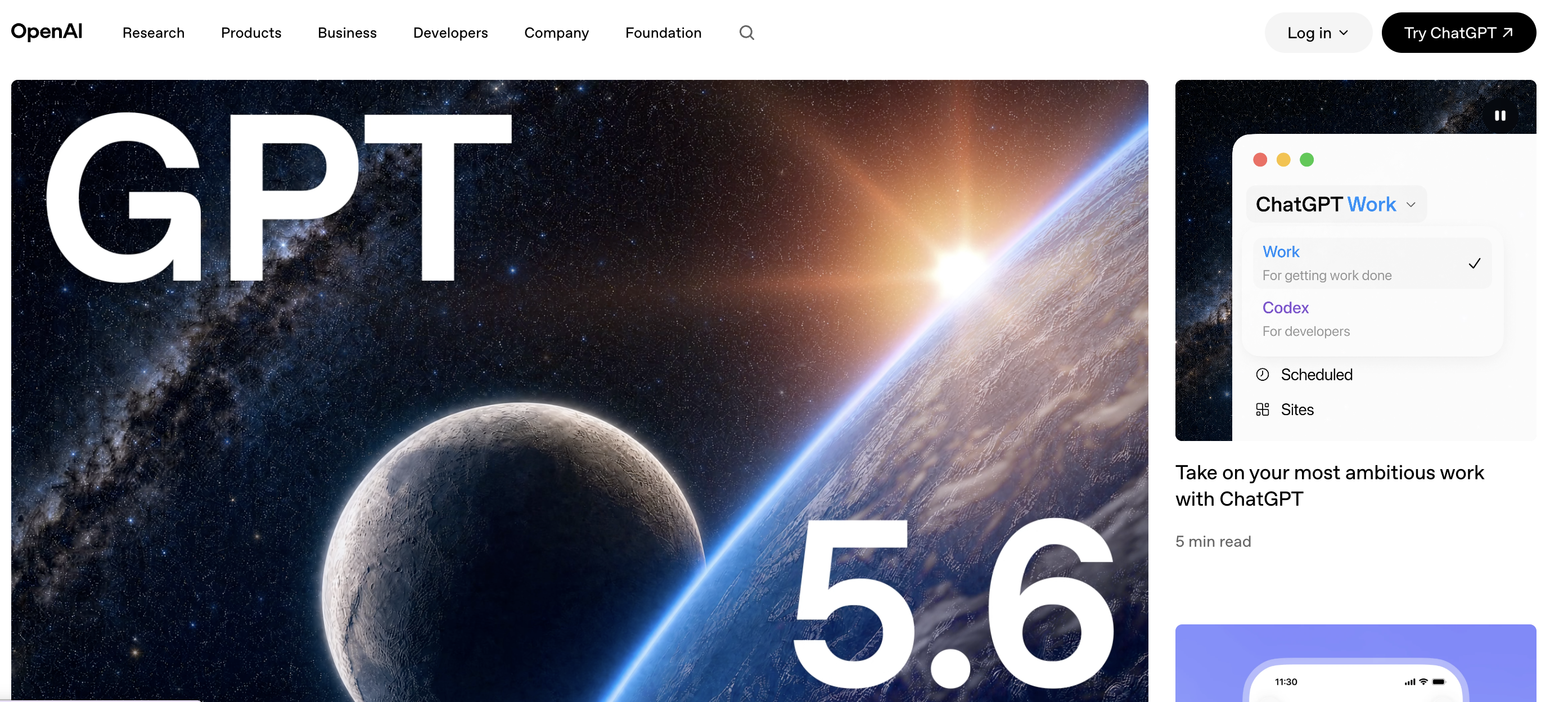
ChatGPT is the most widely used AI assistant in the world, with over 900 million weekly active users. OpenAI has steadily expanded its agentic capabilities through Agent Mode, Custom GPTs, Codex for autonomous coding, and Deep Research for comprehensive investigation tasks.
For teams that want a broad-featured AI assistant that can handle everything from drafting emails to running code, ChatGPT offers the widest range of capabilities in a single product. Its GPT-5.5 model family includes tiered intelligence levels, and the Custom GPTs marketplace lets anyone create specialized agents without coding.
Use case: Teams and individuals that need a general-purpose AI assistant with multimodal capabilities and the flexibility to create specialized agents through Custom GPTs
Key features
- Agent Mode and Custom GPTs: Build autonomous agents that complete multi-step tasks including web browsing and code execution, or create specialized GPTs with custom instructions and knowledge bases tailored to your specific needs.
- Codex and Deep Research: Deploy an autonomous software engineering agent that writes and executes code, while Deep Research synthesizes information from multiple sources to deliver comprehensive analysis.
- Multimodal capabilities: Generate and process voice, video, and images alongside text, giving you a complete AI assistant that handles every type of content your team creates.
Pricing
- Free: $0/month (limited access)
- Plus: $20/month
- Pro: from $200/month
- Business: contact for pricing
- Enterprise: contact for pricing
Considerations
- Multiple pricing tiers (Free, Plus, Pro, Business, Enterprise) can be confusing, and the Pro plan at $200/month is a significant investment for individuals.
- Custom GPTs are convenient but lack sophisticated workflow orchestration; not designed for structured, repeatable business automation like dedicated agent platforms offer.
5. Lindy
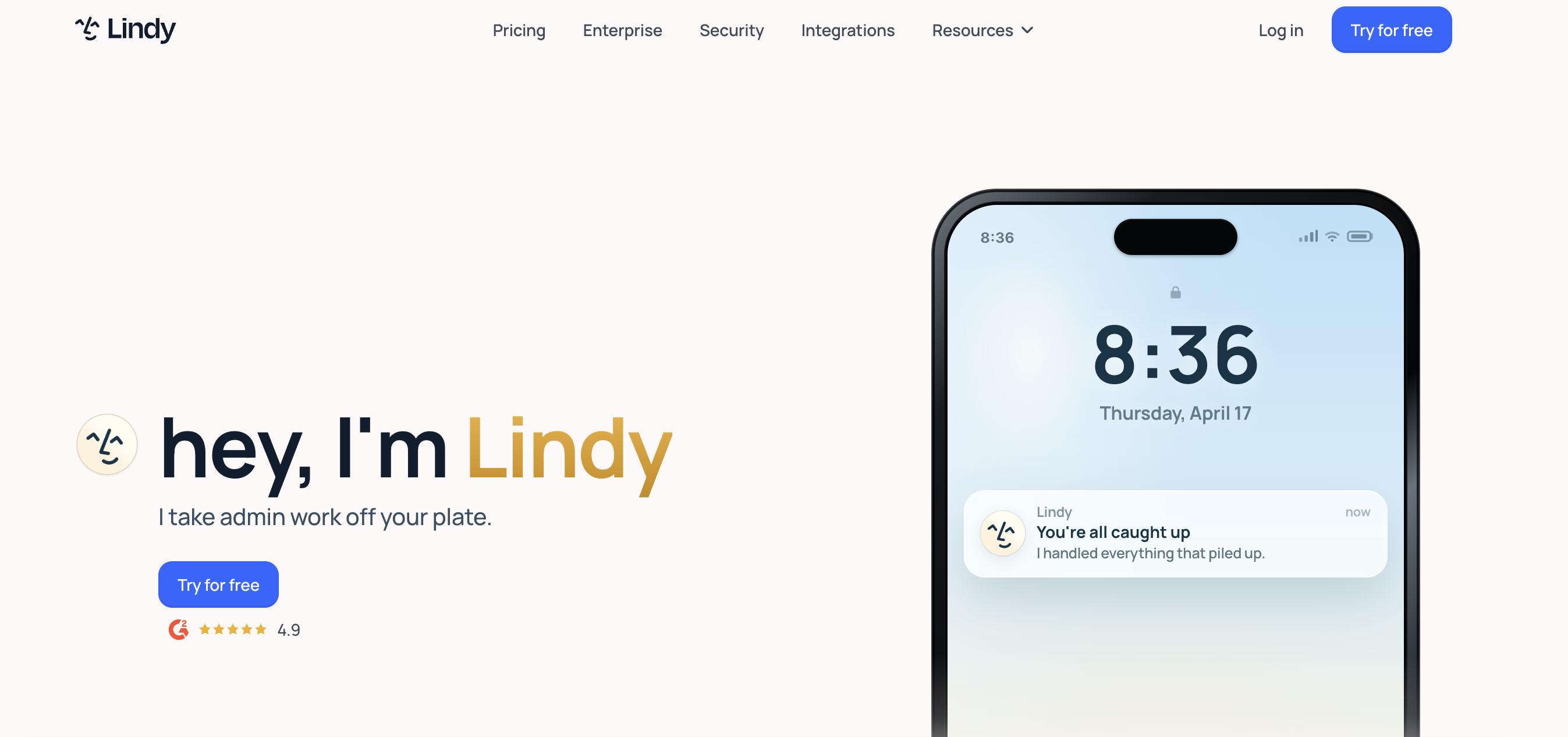
Lindy is a personal AI executive assistant that handles email triage, meeting scheduling, note-taking, and follow-ups. What sets it apart is accessibility: You can interact with Lindy via iMessage or SMS, making it feel more like texting a real assistant than using a software platform. The platform learns your communication style over time, drafting replies in your voice and alerting you to important messages.
Use case: Busy professionals who want to offload admin work like email management, scheduling, and meeting prep to a turnkey AI assistant
Key features
- Email triage with AI-drafted replies: Lindy learns your writing style and drafts responses that sound like you, handling inbox management so you can focus on high-priority messages.
- Full meeting lifecycle management: Handles scheduling, prep briefs, note-taking, and follow-ups automatically, keeping you organized without the constant back-and-forth.
- Accessible via iMessage/SMS: Interact with your AI assistant through text messages for on-the-go management, making it feel like texting a real executive assistant.
Pricing
- Plus: $49.99/month
- Pro: $99.99/month
- Max: $199.99/month
- Enterprise: contact sales
Considerations
- Primarily focused on executive assistant tasks; not a general-purpose workflow automation tool.
- No free tier, and consumption-based usage limits can be hard to predict.
6. 11x.ai
11x.ai creates AI “digital workers” for sales and revenue teams. Its flagship agent, Alice, operates as an autonomous SDR that researches prospects, crafts personalized outreach, handles follow-ups, and books meetings around the clock. One customer reported 9.7% reply rates, nearly double the industry average, while another said it would take 40 human BDRs to match Alice’s output.
Use case: Sales and revenue teams that want to automate outbound prospecting and meeting booking with AI SDR agents
Key features
- Alice the AI SDR: Autonomous outbound sales development that researches prospects, crafts personalized outreach, and books meetings without human intervention.
- Julian the AI Phone Agent: Handles inbound calls with fast response times, qualifying leads and answering questions around the clock.
- Deep prospect research at scale: Automatically gathers and synthesizes prospect data to personalize every interaction, delivering reply rates that outperform industry averages.
Pricing
Pricing is not publicly listed; contact sales for a custom quote based on team size and usage.
Considerations
- Narrowly focused on sales and revenue operations; not suitable for general business automation or non-sales use cases.
- No self-serve option or public pricing; requires a demo-based sales process to get started, which adds friction for smaller teams.
7. Gumloop
Gumloop is an AI automation platform from Benchmark. It enables teams to build, deploy, and interact with AI agents through a visual canvas, making multi-agent orchestration accessible to non-technical users. Agents live where your team already works, responding through Slack, Microsoft Teams, Gmail, and WhatsApp. Used by companies including Gusto, Instacart, Shopify, and Ramp, Gumloop’s model-agnostic approach means you’re not locked into a single AI provider.

Use case: Teams that want to visually build and orchestrate multi-agent workflows without writing code
Key features
- Visual canvas for multi-agent orchestration: Build and connect complex workflows on an intuitive visual canvas that makes multi-agent coordination accessible to non-technical users.
- Pre-built agent templates across use cases: Deploy ready-made agents for data analysis, support, CRM, meeting prep, and call analysis without starting from scratch.
- Model-agnostic flexibility: Supports every major AI model out of the box, giving you the freedom to choose the best provider for each task without vendor lock-in.
Pricing
- Free: $0/month (5,000 credits, 1 seat)
- Pro: from $37/month (20,000+ credits, unlimited seats)
- Enterprise: custom pricing
Considerations
- Newer platform with a smaller integration ecosystem than more established players.
- Credit-based pricing may be difficult to predict for complex workflows.
8. Relay.app
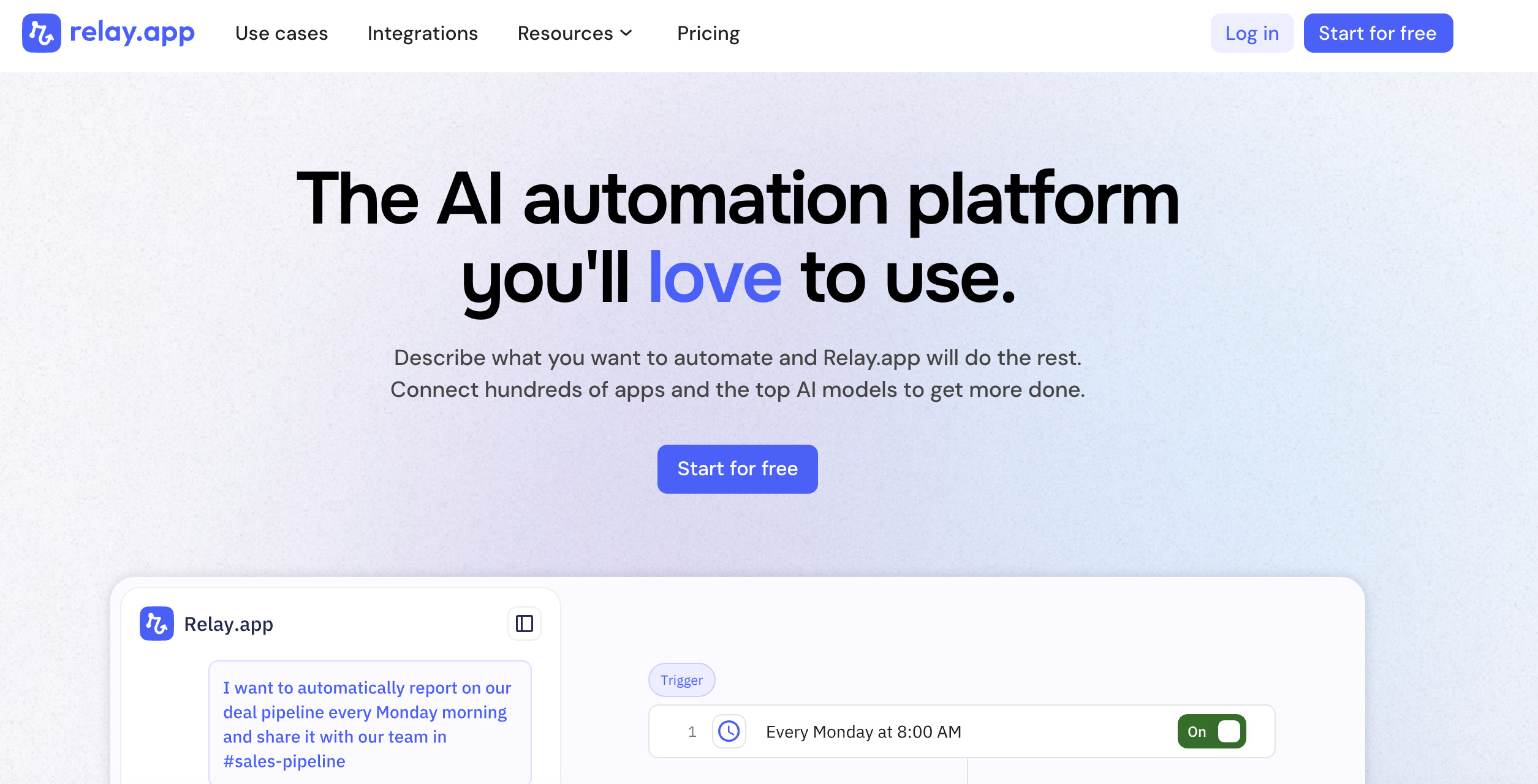
Relay.app combines workflow automation with AI agents and a distinctive human-in-the-loop approach. The platform is powered by a chat-first building experience that lets users describe automations in natural language and get working workflows back. The standout feature is built-in human approval steps at any point in a workflow, giving teams AI speed with human oversight. For organizations that need automation but aren’t ready to let agents run fully unsupervised, Relay.app hits the right balance.
Use case: Teams that want AI-powered automation with built-in human checkpoints for team collaboration and oversight
Key features
- Chat-first building powered by Claude Opus: Describe automations in natural language and get working workflows back without writing code or learning complex interfaces.
- Human-in-the-loop actions at any workflow step: Insert approval checkpoints wherever you need human oversight, giving you AI speed with human judgment.
- 200+ deep app integrations with built-in AI credits: Connect your existing tools and tap into GPT, Claude, and Gemini models without managing separate API accounts.
Pricing
- Free: $0/month (200 steps/month, 1 user)
- Professional: $19/month billed annually
- Team: $59/month billed annually (10 users)
- Enterprise: custom pricing
Considerations
- Smaller integration library (200+) compared to platforms with thousands of connectors.
- Less focus on fully autonomous agents; better suited for teams that want human oversight in the loop.
Get Started" href="https://auth.monday.com/users/sign_up_new" target="_blank">Get Started
9. HockeyStack
HockeyStack is a B2B revenue data intelligence platform that unifies marketing and sales data into one actionable source of truth. Its AI analyst, Odin, lets revenue teams explore complex attribution data through natural language queries instead of SQL or spreadsheets. Instead of spending hours building dashboards, GTM teams can ask Odin what’s working and get answers in seconds. HockeyStack is purpose-built for go-to-market teams that need to connect every touchpoint in the B2B buying process to actual revenue outcomes.
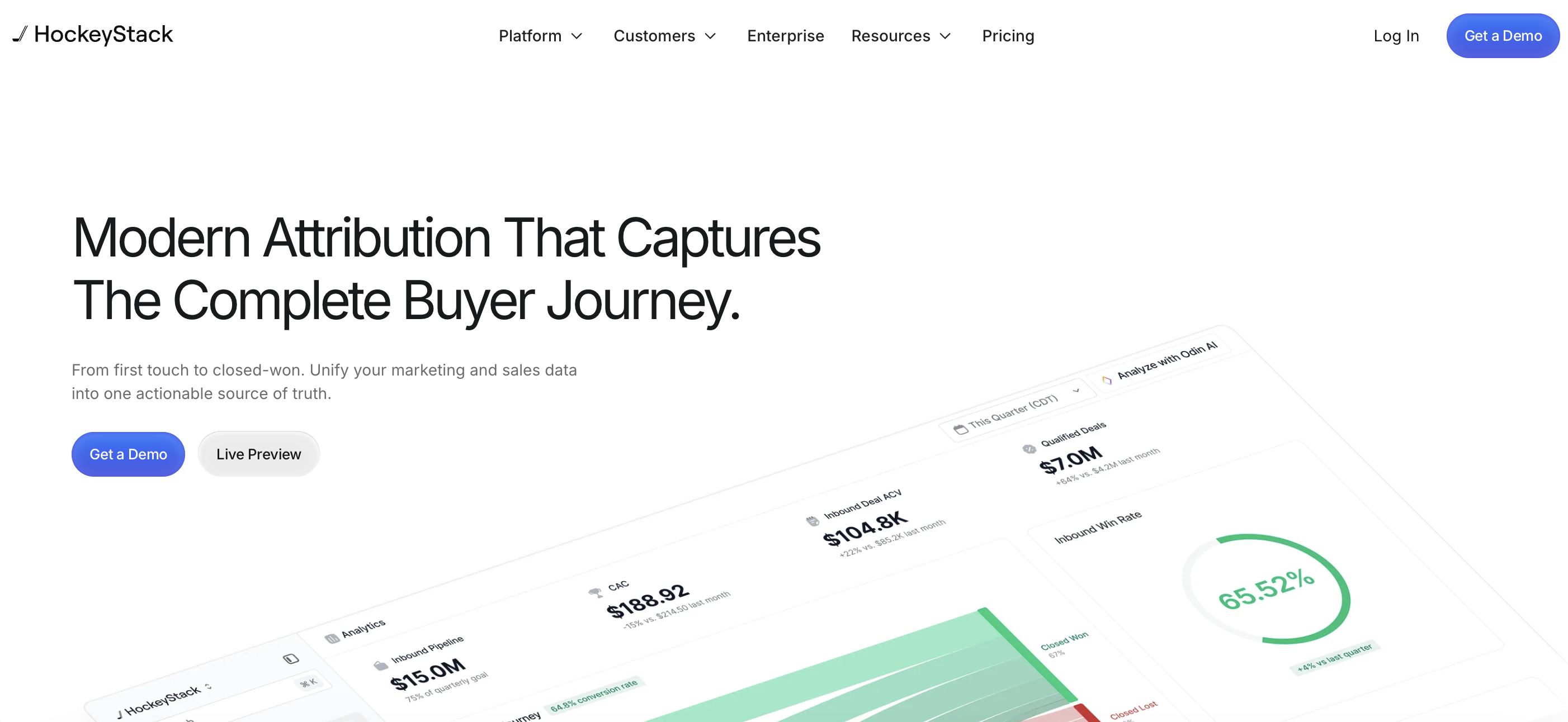
Use case: B2B marketing and sales teams that need AI-powered multi-touch attribution and revenue analytics to understand their customer journey, especially teams focused on B2B marketing performance
Key features
- Odin AI analyst for conversational data exploration: Ask questions in natural language and get instant answers from your revenue data without SQL or technical skills.
- Modern multi-touch attribution: Track every touchpoint in the B2B buyer journey to understand which channels and campaigns actually drive revenue.
- Account-level intelligence for ABM programs: See complete account engagement across marketing and sales touchpoints to power your account-based marketing strategy.
Pricing
- Pricing is not publicly listed; contact sales for a custom quote. All plans include CRM/GTM integrations, hands-on support, and real-time ROI tracking.
Considerations
- Narrowly focused on B2B revenue analytics; not a general-purpose AI agent platform.
- Primarily serves mid-market to enterprise B2B companies and may be more than smaller teams need.
10. Stack AI
Stack AI is an enterprise AI transformation platform recently acquired by Asana, positioning it as the foundation for agentic work management within Asana’s ecosystem. The platform enables IT teams to build and deploy AI agents with enterprise-grade AI agent deployment capabilities, including multi-tenant, VPC, and on-premise options. Stack AI focuses on regulated and complex enterprise operations where security and compliance are non-negotiable. The Asana acquisition means every human-agent workflow now runs in one place for teams already in that ecosystem.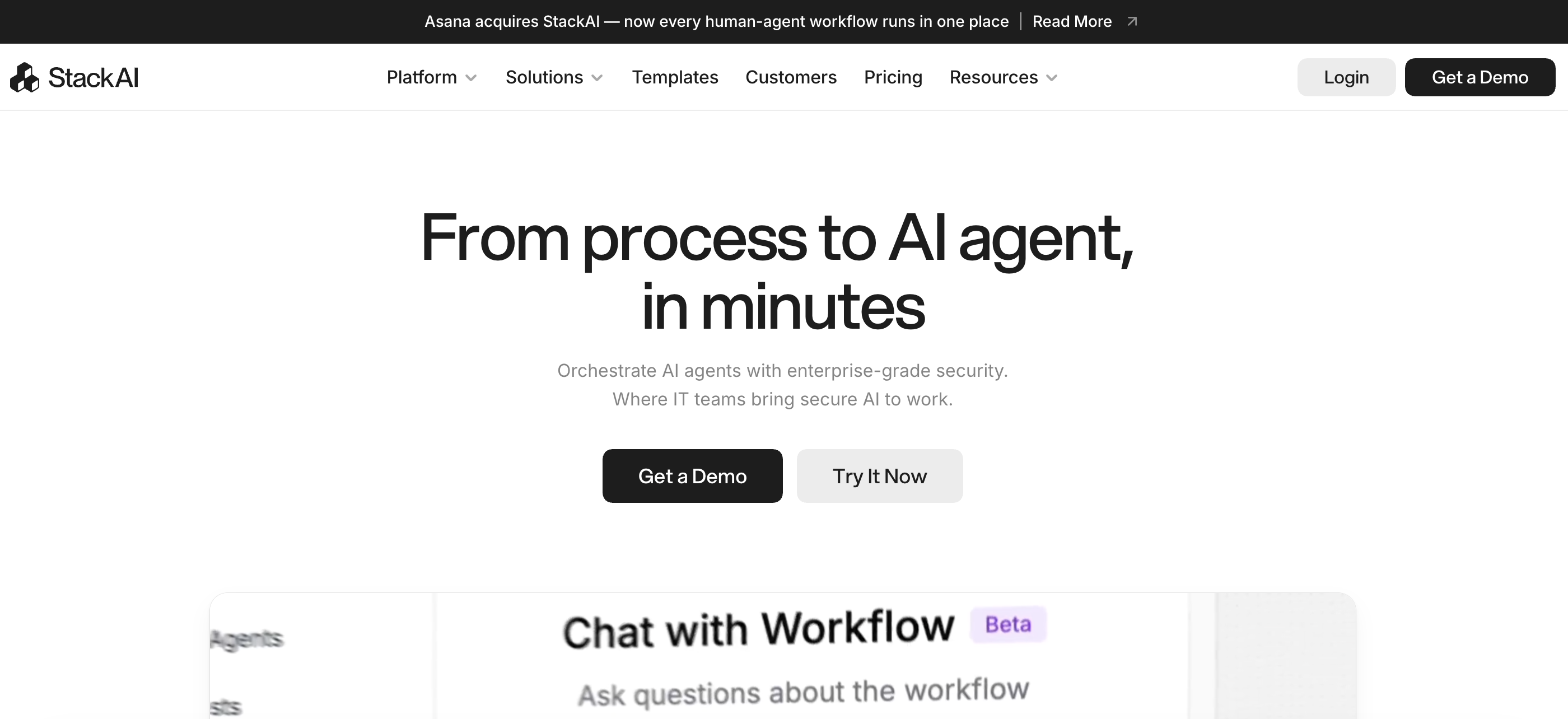
Use case: Enterprise IT teams that need to build secure AI agents and execute multi-step workflows with flexible deployment options
Key features
- Visual workflow canvas for rapid orchestration: Build and deploy agentic workflows in minutes using an intuitive visual interface that makes complex automation accessible to technical teams.
- Flexible deployment options for any environment: Choose from multi-tenant, VPC, or on-premise deployment to match your organization’s security requirements and infrastructure preferences.
- Enterprise-grade security and compliance: Deploy with confidence using SOC 2 and HIPAA-compliant infrastructure that connects securely to enterprise data sources like SharePoint, Azure Blob Storage, and Airtable across multiple AI model providers.
Pricing
Pricing is not publicly listed following the Asana acquisition; contact sales for enterprise pricing and deployment options.
Considerations
- The Asana acquisition means the product’s independent roadmap may shift to serve Asana’s strategic priorities.
- Primarily targets enterprise IT teams; may be more complex than smaller organizations need.
11. Voiceflow
Voiceflow is an enterprise conversational AI platform designed for building, launching, and scaling AI agents for customer support, lead generation, and sales conversations. Voiceflow gives teams granular control over every detail of agent behavior through its visual workflow designer, supporting both deterministic (scripted) and generative (AI-driven) conversation paths.
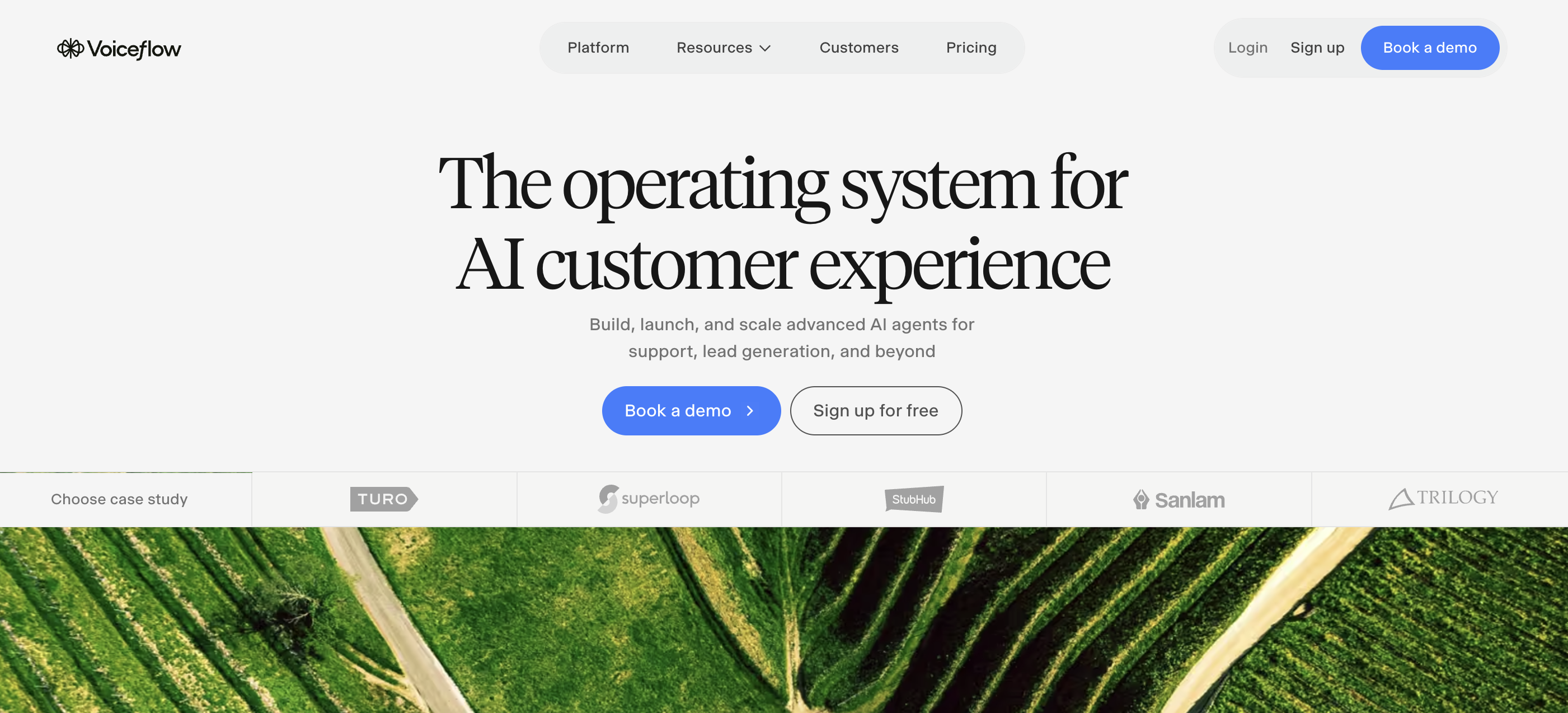
Use case: Teams that need to build and scale customer-facing conversational AI agents across voice and chat channels
Key features
- Visual workflow designer for complex conversations: Script sophisticated conversation flows through an intuitive visual interface that gives you granular control over every detail of agent behavior, supporting both deterministic and generative paths.
- Model-agnostic flexibility across leading AI providers: Choose from GPT, Claude, Gemini, Llama, Grok, and custom models to power your agents, giving you the freedom to select the best AI for each use case without vendor lock-in.
- Multi-channel deployment with enterprise-scale performance: Launch agents across voice and chat channels with real-time observability, performance analytics, and white-labeling capabilities that handle 300,000 messages per minute in production.
Pricing
- Agencies and partners: free trial with usage-based billing
- Businesses: contact for pricing (implementation support, multi-channel deployment, analytics)
Considerations
- Focused specifically on conversational AI; not suitable for non-conversational use cases like data processing, file management, or internal workflow automation.
- Requires investment in conversation design expertise for optimal results, and enterprise pricing may be prohibitive for smaller organizations.
12. CrewAI
CrewAI is the leading open-source framework for building multi-agent AI systems. CrewAI lets teams build “Crews” of AI agents that collaborate to complete complex tasks, each with defined roles, goals, and tools. The platform bridges no-code users and developers with both a visual Studio editor and CLI/API access. CrewAI recently launched Discovery, a feature that matches patterns from billions of agent runs against your organization’s data to identify the best automation opportunities. If multi-agent orchestration is your priority, CrewAI is one of the most battle-tested options available.
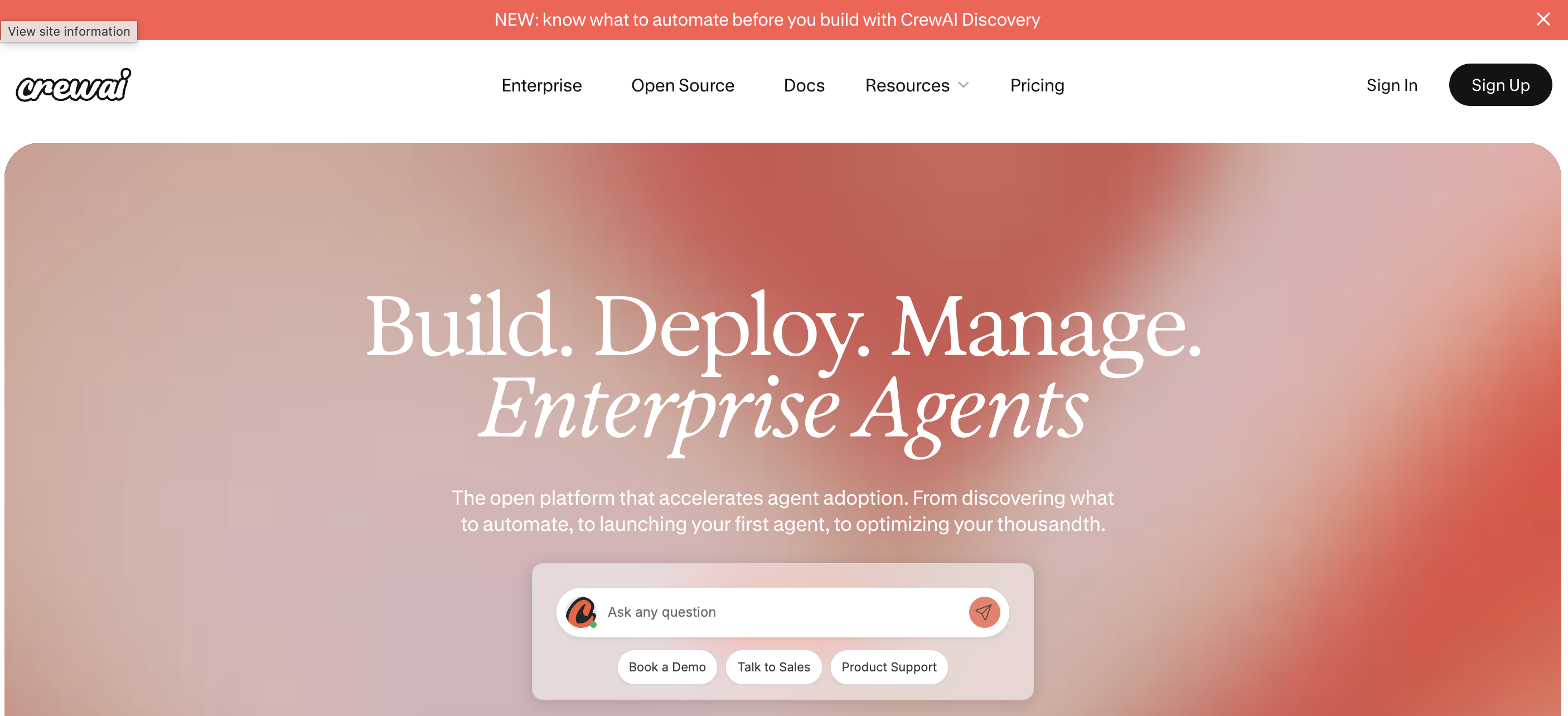
Use case: Teams and developers building multi-agent systems where agents need to collaborate, delegate tasks, and share context across complex workflows
Key features
- Role-based multi-agent orchestration: Build “Crews” of AI agents that collaborate to complete complex tasks, each with defined roles, goals, and tools that work together seamlessly.
- Visual Studio editor plus developer tools: Create agents through an intuitive no-code interface or dive into CLI and API access for full programmatic control, bridging technical and non-technical users.
- CrewAI Discovery for automation insights: Identify the best automation opportunities by matching patterns from billions of agent runs against your organization’s data, so you know exactly where agents will deliver the most value.
Pricing
- Free (Basic): $0/month (visual editor, AI copilot, 50 workflow executions/month)
- Enterprise: custom pricing (unlimited executions, dedicated infrastructure, on-site support)
Considerations
- Free tier is limited to 50 workflow executions per month, which is too restrictive for most production use cases.
- No mid-tier paid plan between free and enterprise creates a significant gap for growing teams that have outgrown the free tier but don’t need full enterprise features.
13. AutoGen by Microsoft
AutoGen is an open-source framework from Microsoft Research for building AI agent systems and multi-agent applications. It provides multiple layers of abstraction, from AutoGen Studio (a web UI for prototyping without code) to Core (an event-driven framework for scalable, distributed agent systems). AutoGen is perfect for developers who want maximum architectural flexibility and don’t need commercial hand-holding. The event-driven Core layer supports building distributed agents that communicate across services and programming languages, making it well-suited for complex engineering environments.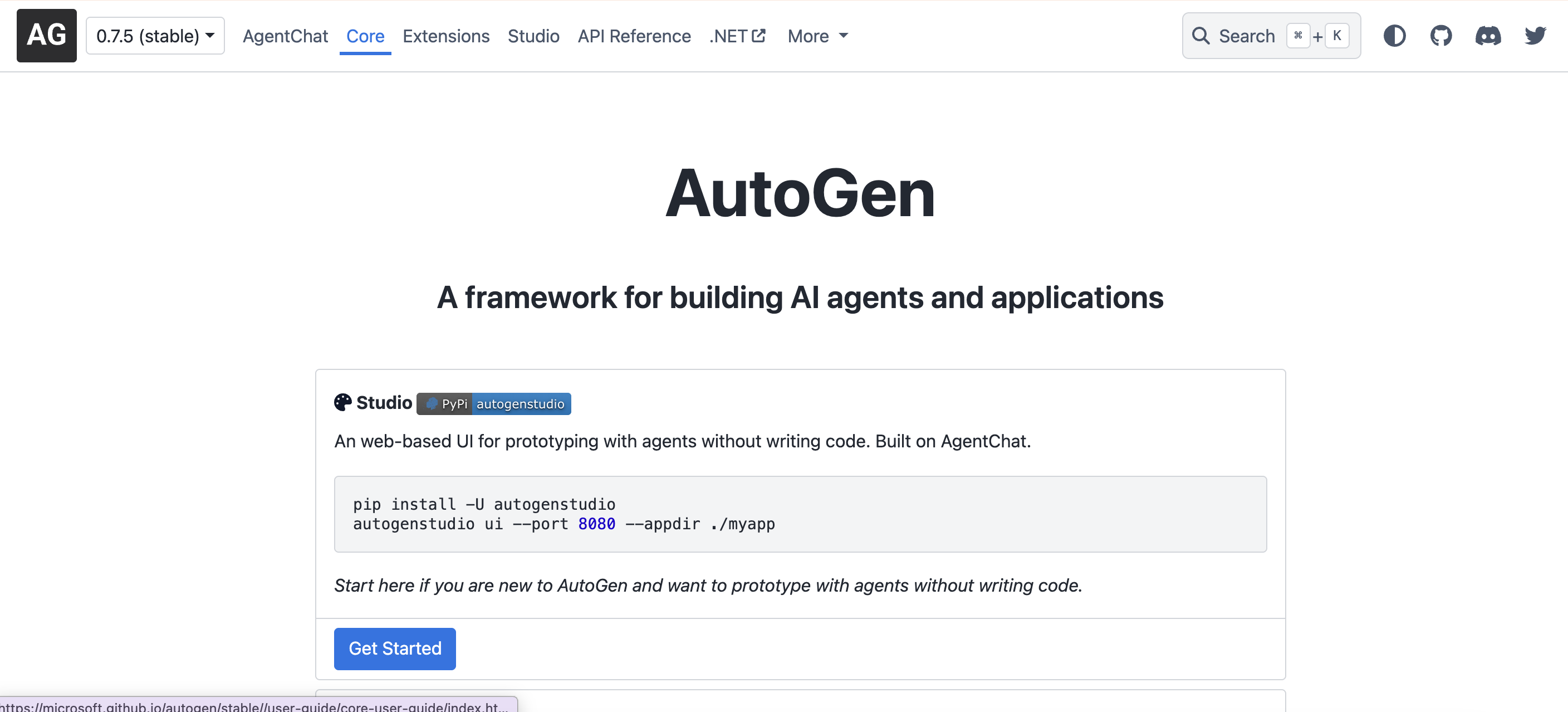
Use case: Engineering teams building custom, distributed agent systems that need event-driven architecture and full code-level control
Key features
- Multiple abstraction layers for every skill level: Choose from Studio for no-code prototyping, AgentChat for conversational workflows, or Core for event-driven distributed systems that scale across services and languages.
- Event-driven architecture for distributed agent systems: Build scalable multi-agent applications that communicate across services using gRPC runtime, supporting complex engineering environments that span multiple programming languages.
- Secure code execution with enterprise-grade controls: Run agent-generated code safely in Docker containers while connecting to external tools through MCP support, giving you full flexibility without compromising security.
Pricing
- Free: $0 (fully open-source, no paid tiers; users pay only for their own infrastructure and AI model API costs)
Considerations
- Requires Python version 3.10 or later and development expertise; not suitable for non-technical users or teams without dedicated engineering resources.
- No managed cloud hosting, commercial support, guaranteed SLAs, or enterprise compliance certifications. Users are responsible for their own infrastructure, security, and model API costs.
14. n8n
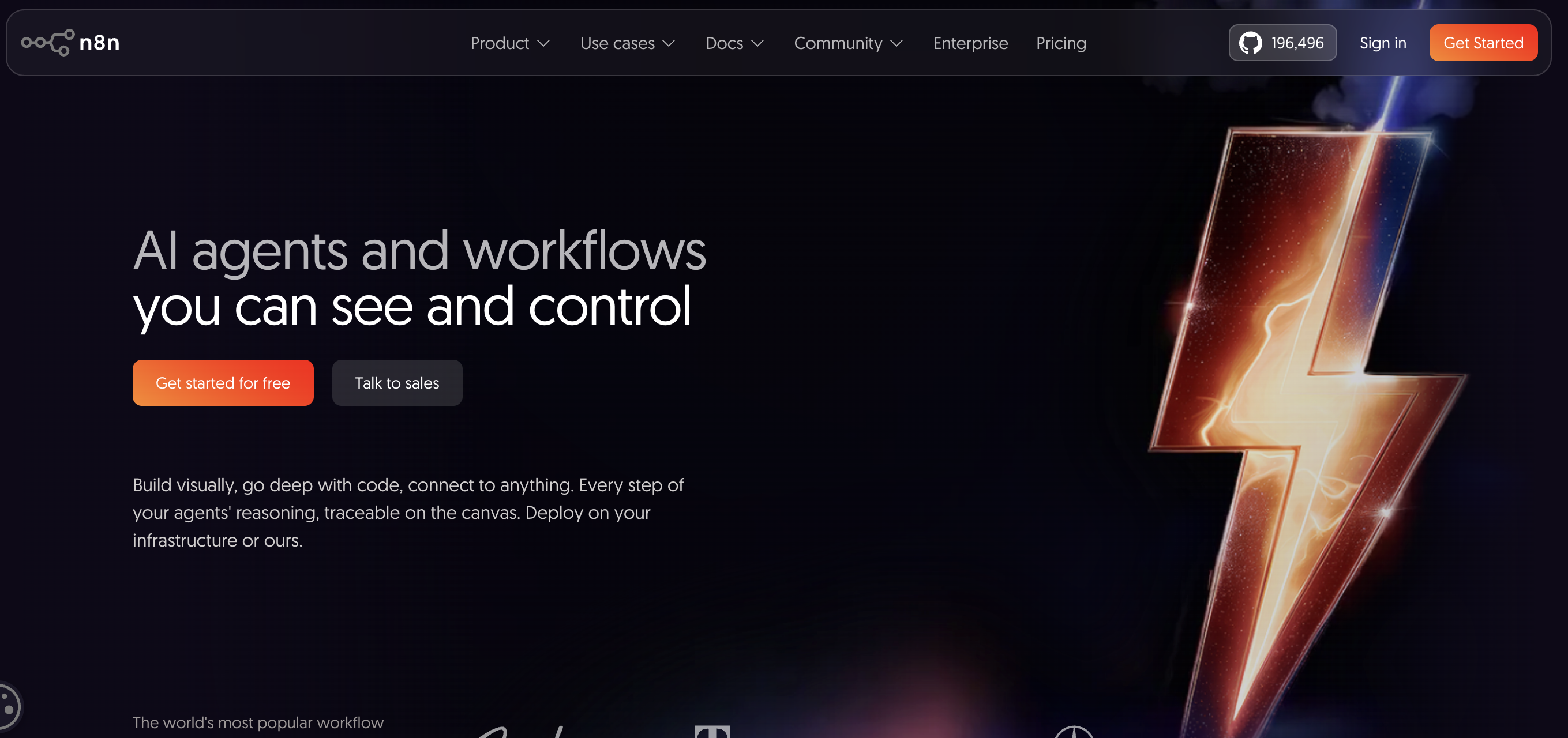
n8n is an open-source workflow automation platform designed for technical teams who want both visual building and code-level control. The platform’s standout feature is its execution-based pricing model: A 50-step workflow costs the same as a 2-step one. Competitors that charge per step make complex automations expensive quickly, so n8n’s approach is a significant advantage for teams running sophisticated agent workflows. The self-hosting option also gives organizations full control over data sovereignty.
Use case: Technical teams that want visual workflow building with full code capabilities and the option to self-host for data sovereignty
Key features
- Execution-based pricing that rewards complexity: Pay per workflow run instead of per step, so a 50-step automation costs the same as a 2-step one—giving you the freedom to build sophisticated agent workflows without worrying about escalating costs.
- Visual canvas with full reasoning transparency: See exactly how your AI agents think and make decisions through a visual workflow builder that displays every step of their reasoning process, giving you complete visibility and control.
- Self-hosting for complete data sovereignty: Deploy n8n on your own infrastructure to maintain full control over your data, security, and compliance requirements while still accessing 500+ integrations and custom API support.
Pricing
- Community Edition: free (self-hosted, open-source)
- Starter: from ~$22/month
- Pro: from ~$55/month
- Enterprise: contact sales
Considerations
- More technically oriented than competitors, with a steeper learning curve for non-developers.
- Fewer pre-built integrations (500+) than platforms with thousands of connectors.
15. Make AI Agents
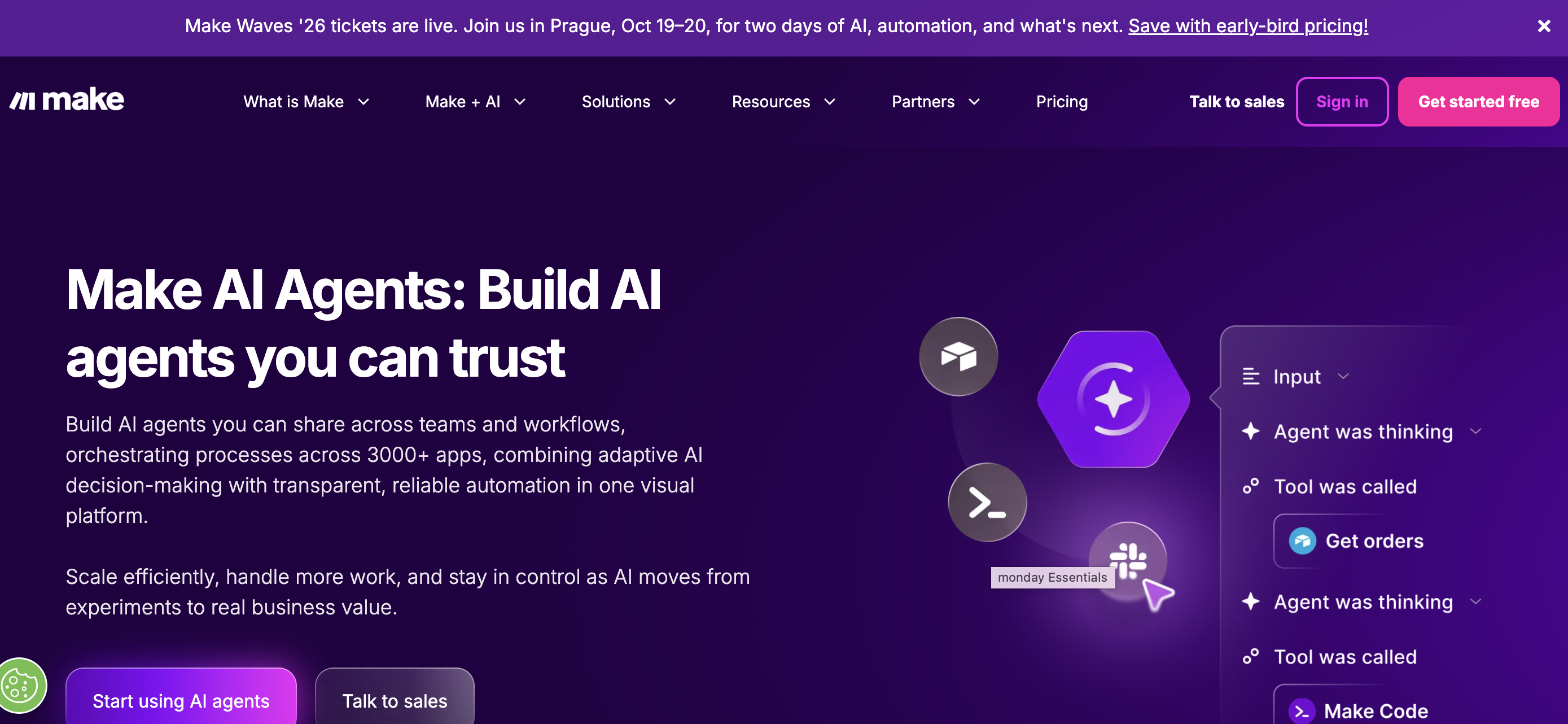
Make (formerly Integromat) is a visual AI automation platform that connects any app, data source, or AI model through a drag-and-drop scenario builder. With 3,000+ pre-built integrations and consistently top ratings across review platforms (4.8 on Capterra, 4.7 on G2), Make balances visual simplicity with workflow power. The platform is used by companies including BambooHR, BNY, Bolt, and Stellantis. Make recently added AI agent capabilities (in beta), including an AI toolkit, AI provider, and MCP server support for handling complex business processes.
Use case: Teams that want a visual automation platform with a broad integration library and emerging AI agent capabilities
Key features
- Visual scenario builder with 3,000+ integrations: Connect any app, data source, or AI model through an intuitive drag-and-drop interface that makes complex automation accessible without writing code.
- AI agent capabilities with built-in toolkit: Deploy AI agents (currently in beta) using Make’s native AI provider and toolkit, bringing autonomous decision-making directly into your existing workflows.
- MCP server support for universal AI connectivity: Connect AI agents to Make scenarios from anywhere using Model Context Protocol, giving your agents the ability to interact with external tools and data sources seamlessly.
Pricing
- Free: $0/month (1,000 credits, 3,000+ apps)
- Core: $12/month
- Pro: $21/month
- Teams: $38/month
- Enterprise: custom pricing
Considerations
- AI agent features are still in beta, suggesting they may be less mature than dedicated agent platforms.
- Credit-based pricing can be complex to estimate, with different actions consuming credits at different rates.
What to look for in AI agent software
When selecting an AI agent platform, it’s worth thinking less about specs and more about fit. You’re not just buying software; you’re building a team of AI helpers that needs to slot right in, without you having to rearrange everything. The flashiest demo doesn’t always translate into the most reliable agent in production, so it pays to evaluate platforms against the criteria that actually matter for day-to-day work.
Here’s what actually makes a difference when you’re trying to get work done:
- Integration depth: An AI agent that can’t connect to your current systems is like a new hire who refuses to use email. Your agents need to plug into Slack, your CRM, your calendar, and your data sources from day one.
- No-code accessibility: If your marketing lead or ops manager can’t build and customize agents without filing a dev ticket, adoption stalls. The best platforms let anyone describe what they need in plain language and get a working agent back.
- Customization and control: A one-size-fits-all assistant is rarely a perfect fit. You need the power to build and direct your agents, giving each one a specific, focused task. You’re in charge, and the platform should give you the tools to build the exact team you need.
- Pricing transparency: Credit-based, task-based, seat-based — pricing models vary widely. Look for clear documentation on what you’ll actually pay as usage scales, so there are no surprises when your agents start handling real volume.
- Security and governance: Your AI agents will be handling important information, so security isn’t just a feature; it’s the foundation of trust. Look for enterprise-grade safeguards, compliance certifications, audit trails, and clear controls around data access and usage.
- Multi-agent orchestration: As your agent team grows, you’ll need agents that can coordinate with each other. Platforms that support multi-agent workflows let you chain tasks across departments without manual handoffs.
- Production reliability: An agent that works in a demo but fails under real workloads creates more problems than it solves. According to a 2024 Gartner poll, enterprise surveys show rollback rates as high as 74% for live AI agent deployments. Look for observability tools, error handling, and guardrails that keep agents running predictably at scale.
The bottom line: the best AI agent software disappears into your existing workflows rather than demanding you rebuild around it. Focus on platforms that deliver value in the first week, not the ones that promise transformation after months of configuration.
How to choose the right AI agents for your team
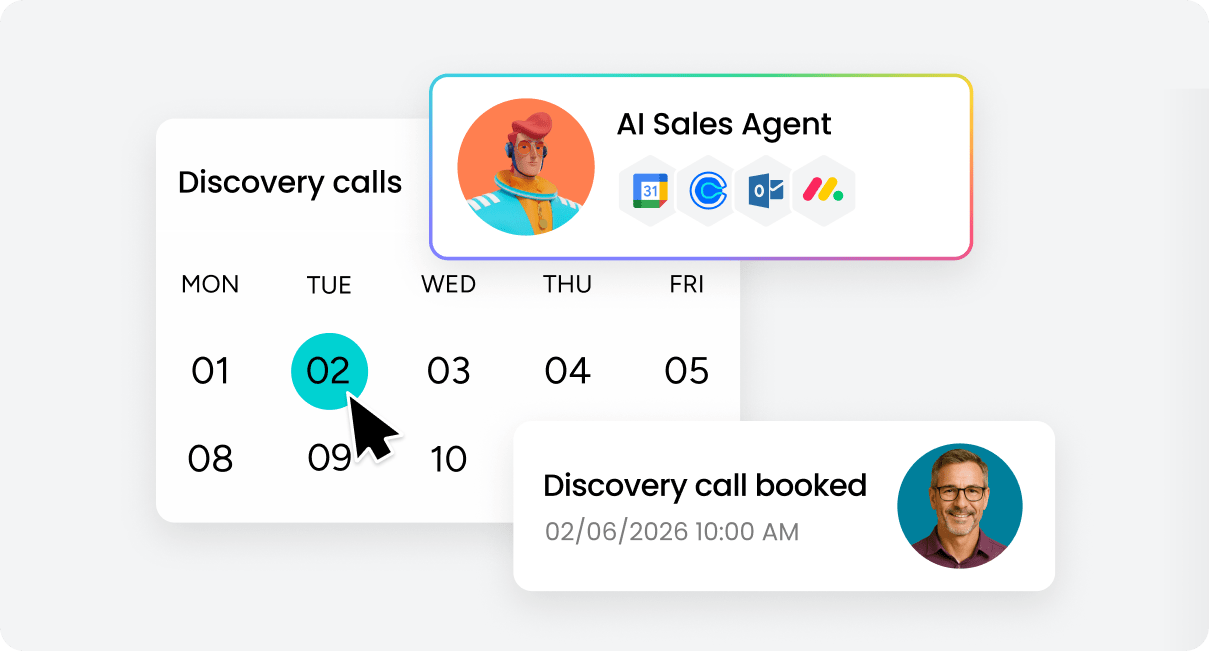
Choosing the right AI agents is less about flashy features and more about building a team that truly fits how your organization works. The goal is not to collect tools, but to create a digital workforce that complements your people, connects with your systems, and starts delivering value right away. With 88% of agentic AI early adopters reporting positive ROI on at least one use case, the opportunity is real — but only if you match the right platform to the right problem.
Auditing the annoying tasks
Start by identifying the work that slows your team down — the small, repetitive tasks that quietly eat into productivity. These are the ideal starting points for AI productivity agents, because they handle routine work consistently and free up time for high-impact projects.
Look for tasks like:
- Follow-ups and reminders: chasing updates, approvals, or overdue actions.
- Scheduling and coordination: juggling meetings, calendars, and time zones.
- Reporting and updates: pulling data, formatting reports, and sending summaries.
Once you know what’s draining the most time, review your current tools. If your team collaborates in one system but stores data in another, your AI agents should connect those worlds seamlessly. The most successful teams start with one or two high-volume, low-complexity tasks and expand from there once they’ve seen the first agent deliver consistent results.
Learn more: AI collaboration software
Be honest about your team’s tech level
Every team has a different comfort level with technology, and there’s no right or wrong answer. Be real about yours: do you have tinkerers who love to build, or do you need a no-code solution your marketing lead can set up in an afternoon? The goal is for everyone to feel empowered, not intimidated.
Remember to factor in the people cost, too. A platform that requires weeks of training isn’t a shortcut; it’s just another project. The best AI agents are the ones that start helping from day one, giving your team immediate relief. Match the platform’s complexity to your team’s readiness, and you’ll avoid the frustration of a tool that’s technically impressive but practically unused.
How to manage and coach your AI agents
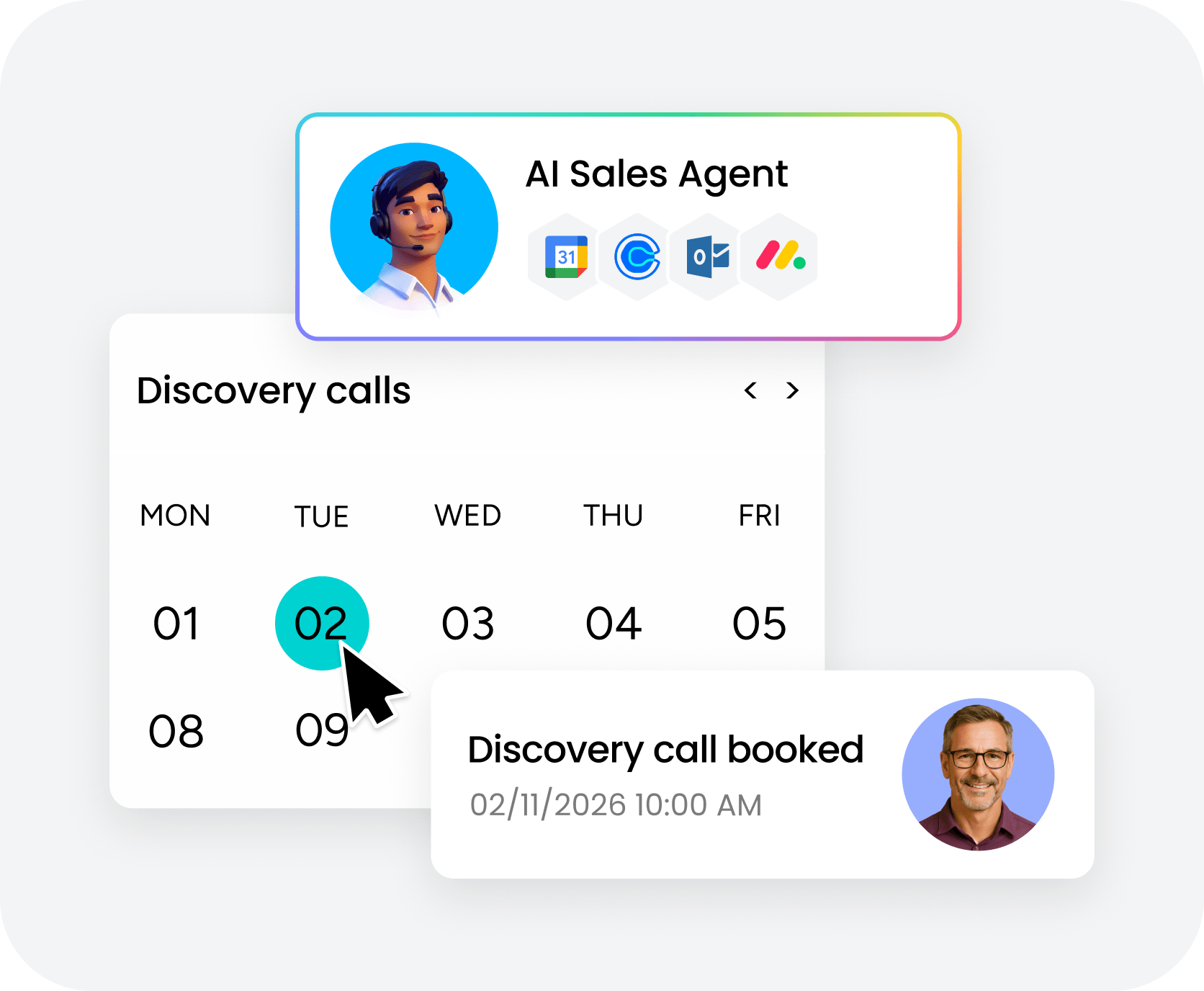
Even the most capable AI agents need guidance to perform at their best. Just like a new team member, an AI agent won’t deliver its best work on day one without clear direction. Managing them effectively starts with clarity — define each agent’s purpose, outline success metrics, and provide precise instructions from the start.
It’s also really important to regularly review their performance to catch small errors early, then refine prompts or workflows based on what you learn.
As your systems evolve, keep their context current by updating connected tools and data sources. Think of it as continuous coaching rather than correction. With steady feedback and a clear framework, your AI agents become sharper, faster, and more reliable over time.
The teams that get the most from their AI agents treat them like new hires: clear onboarding, regular check-ins, and ongoing refinement. It’s a small investment that compounds over time as agents become sharper and more aligned with how your team actually works.
How to choose between building and buying your AI agents
When teams start thinking about AI agents, the question isn’t whether to use them, but how to get started in a way that actually works.The right approach depends on your team’s technical depth, timeline, budget, and how much customization your workflows truly require.
Here’s how to decide:
- Assess your timeline: If you need results in days or weeks, platform-based agents deliver immediate value. Custom builds take months and require dedicated engineering resources.
- Evaluate technical resources: Teams without in-house developers should start with no-code platforms. Teams with strong engineering capacity can consider custom builds for specialized workflows.
- Calculate total cost: Platform pricing is transparent and predictable. Custom builds require engineering time, infrastructure costs, model API fees, and ongoing maintenance — even simple agents can take weeks to develop and deploy.
- Start with high-volume, repeatable tasks: Use platforms for the 80% of use cases that are well-defined. Reserve custom development for the 20% that require truly specialized logic.
- Validate before you build: Prove the use case works with a platform-based agent first. Only go custom once you’ve confirmed that no existing tool can handle your specific workflow requirements.
- Plan for a hybrid approach: The most effective AI deployments combine both: platform-based agents for speed and volume, custom agents for specialized edge cases where generic tools fall short.
The goal isn’t to choose one path forever. It’s to move forward confidently, learn what works, and scale your AI team in a way that keeps pace with your business.
Build smarter AI teams with monday AI Workspace
monday AI Workspace supports this approach by making it easy to assemble and grow an AI team around real work. Instead of redesigning your workflows, you add agents where they make the biggest difference — with ready-made agents for marketing, sales, operations, IT, HR, engineering, product, and legal, plus a no-code builder for anything custom.
monday vibe lets anyone build any business software in minutes by describing what they need in plain language, while monday sidekick acts as a personal AI assistant that accelerates execution across the platform.
With monday AI Workspace, teams can:
- Start small and see impact fast: Create one agent to handle a repetitive task and feel the difference almost immediately.
- Assign clear roles: Give each agent a focused responsibility, so work stays organized and predictable.
- Scale without disruption: Add new agents as needs grow, without reworking existing processes.
- Keep people in control: You set priorities, define guardrails, and maintain direction while agents handle execution. The AI Trust Center gives full transparency into what agents are doing and why.
This model keeps AI practical and flexible. Work continues smoothly, small tasks stop piling up, and your team can focus on decisions, creativity, and growth instead of constant task management.
With enterprise-grade security, an AI Trust Center for governance, and support for 200+ integrations, monday AI Workspace gives organizations the confidence to scale their AI workforce without compromising on control or compliance.
The future of AI agents and what comes next
AI agents are becoming the foundation of how modern teams work, and the gap between early adopters and everyone else is widening fast. With Gartner predicting that 40% of enterprise applications will feature task-specific AI agents by 2026, the barrier to getting started has never been lower.
This guide walks you through 15 proven AI agent platforms, from unified work management solutions to specialized tools for sales, analytics, and automation. You’ll learn what each platform does best, how pricing works, and how to match the right tool to your team’s needs so you can start seeing results immediately.
Get StartedFrequently asked questions
What is an AI agent?
An AI agent is an autonomous software program that handles specific tasks without constant supervision. Unlike traditional tools that wait for instructions, agents monitor their environment, make decisions, and take action on their own — whether that's triaging emails, qualifying leads, or updating timelines.
How do AI agents work?
AI agents combine large language models with task-specific instructions and data connections. You define what the agent should do and set its boundaries. From there, the agent processes information, decides on the appropriate action, executes it, and learns from the results to improve over time.
What's the difference between an AI agent and a chatbot?
A chatbot responds to prompts in a conversation. An AI agent goes further — it takes action independently, connects to external systems, makes decisions based on context, and handles multi-step workflows without waiting for someone to type a question.
Can AI agents replace people?
AI agents handle repetitive, time-consuming tasks so your team can focus on work that requires judgment, creativity, and relationships. They're teammates, not replacements. The most effective teams use agents to expand what they can accomplish — handling more volume, covering more time zones, and processing more data.
Are AI agents safe for business use?
Yes, when deployed on platforms with proper governance controls. Look for enterprise-grade security features like SOC 2 compliance, data encryption, role-based access controls, and audit trails. The best platforms include built-in guardrails, full transparency into agent actions, and strict compliance standards.
How much do AI agents cost?
Pricing varies widely depending on the platform and usage. Many platforms offer free tiers for basic usage, while paid plans typically range from $12 to $200+ per month depending on features, usage volume, and team size. The most important thing to evaluate is how pricing scales as your usage grows.
Can I use AI agents without coding skills?
Absolutely. Many platforms are built specifically for non-technical users. You describe what you need in plain language, connect your tools, and the platform builds the agent for you. No-code tools are making AI agents accessible to everyone, regardless of technical background.
What can monday AI Workspace do?
monday AI Workspace combines AI agents, a no-code app builder (monday vibe), a personal AI assistant (monday sidekick), and agentic workflows into one connected platform. You can deploy ready-made agents across departments or build custom agents using a no-code builder. The platform includes 200+ integrations, MCP support, and enterprise-grade security with an AI Trust Center.

 Get started