


AI agents and traditional automation both take work off your team’s plate, but they work in different ways. Automation follows rules you set in advance, so the same trigger always leads to the same action. An AI agent works toward a goal, reading the context and choosing the next step within limits you define.
This guide compares AI agents vs traditional automation and explains when each one is the better fit. It also shows how monday agents and automations run side by side in the monday AI Workspace.
Try monday agentsKey takeaways
- Automation and AI agents solve different problems: Automation follows fixed rules; agents use judgment to handle messy, unpredictable work. Most teams need both.
- Match the approach to the work: Use automation for high-volume, predictable steps and deploy agents where a person would otherwise need to read, interpret, and decide.
- Governance isn’t optional: Before any agent goes live, define what it can read, what it can edit, and which actions need a human sign-off.
- Start small and prove value fast: Pick one workflow with a measurable outcome before expanding to higher-stakes processes.
- monday agents and automations work side by side: In the monday AI Workspace, ready-made agents run on the same data as your automations, so steps that need judgment hand off to rule-based steps without switching systems.
What is the main difference between AI agents and automation?
Traditional automation is software that runs a fixed set of instructions when a specific event happens. An AI agent is software that’s given a goal and uses an AI model to decide which actions will reach it. The main difference is who chooses the next step. With automation, that choice was made when someone wrote the rules. An AI agent makes the choice in the moment, based on what it finds.
How rule-based workflow automation works
Traditional automation runs on a trigger-condition-action model: when a specific event meets a defined condition, the system performs a fixed action. Because the logic is linear, the output is the same every time. Here are some common examples of rule-based automation:
- Status change triggers a notification: When a deal moves to “Proposal sent,” the system emails the account owner, so no one has to remember to send it.
- Form submission creates a record: When a new lead fills out a web form, the system creates a contact and assigns it to a sales rep based on territory.
- Date-based reminder: Three days before a contract renewal date, the system sends a reminder to the account manager.
Someone has to write every rule before the automation can act, and it can’t adjust when a situation falls outside those rules.
How AI agents work
AI agents work in a continuous loop of 4 stages:
- Perceive: The agent reads data from boards, emails, documents, CRM records, and the web to understand the current state of the work. It can handle unstructured input such as free text and attachments.
- Reason: The agent compares what it finds against its goal and picks the most useful next step. For example, a lead qualification agent weighs fit, intent signals, and engagement together to judge each lead.
- Act: The agent carries out one or more actions, such as updating a record, drafting a message, routing a request, or searching the web for information.
- Learn and adapt: The agent refines its approach based on feedback and new data, so its rules don’t need rewriting each time the process changes.
People still set the limits an agent works within. We cover how to set them in the governance section below.

AI automation, AI agents, and agentic AI: where each fits
The terms in this space overlap, so it helps to place them on a scale from fixed rules to full autonomy.
- Level 1: Traditional automation. Fixed if-then rules carry out a set action each time a trigger fires, with no AI involved.
- Level 2: Automation with AI steps. A rule-based workflow includes AI blocks for specific tasks. For example, an automation might trigger when a ticket arrives and use AI to detect its sentiment before routing it. The workflow still follows a fixed path, but individual steps use AI to interpret content.
- Level 3: AI agents. An AI agent is a piece of software with a defined role and access to the data it needs, deployed to do a specific job. In the monday AI Workspace, for example, the Ticket Management Agent handles incoming support tickets, and the Dependency and Risk Mapper tracks risks across projects.
Where agentic AI fits. Agentic AI is the broader approach behind AI agents: AI systems that plan multi-step work and pursue goals with little human prompting. An AI agent is one way to put agentic AI to work.
The useful distinction across all of these is whether a system follows fixed rules or works toward a goal.

4 key differences between AI agents and automation
Automation and AI agents can work on the same workflow and still handle it in very different ways. The four differences below show where they diverge, with an example for each.
1. How they handle a decision
Automation carries out a choice that was made when the rule was written. An AI agent weighs what’s happening now before it acts. Take a demo follow-up. Automation sends the same email three days after every demo. An agent checks how the prospect has engaged since the demo and where the deal stands, then decides whether to follow up, wait, or escalate.
2. How far they can take a task
Automation works best on a single path with structured inputs. An agent can read unstructured content, such as email threads and PDFs, and carry a task across several steps. With a support ticket, automation can move it from “New” to “Assigned” based on its category. An agent can read the ticket, check the knowledge base for a fix, draft a reply, and route it to the right specialist.
3. How predictable the output is
Automation gives the same output for the same input every time, which makes it a good fit for compliance-sensitive work. An agent’s output depends on context, so two similar requests can get different responses. This flexibility lets agents handle edge cases, and it’s also why agents need oversight, such as simulation mode and human approval for high-stakes actions.
4. How cost scales
Once automation is built, each extra action costs almost nothing, so 500 notifications cost about the same as five. An agent uses more processing on each run as it consults more data sources and takes more actions. The fairer comparison is cost per successful outcome. An agent that saves hours of manual lead review or cuts down on ticket escalations can cost less overall, even though each run costs more.
Try monday agents
When to use AI agents vs automation
Most teams use both approaches, so the useful question is which steps in a workflow suit each one.
Signs a workflow suits automation
Automation is the better fit when you can write the rules in full before the work starts. If you answer yes to most of these questions, automate it:
- Is every step known in advance? If nothing branches on judgment, automation handles the process reliably and at low cost.
- Does the output need to be identical every time? Compliance and audit-sensitive work depends on predictable results.
- Are the inputs structured? Status fields, dates and dropdown values need no interpretation.
- Is the volume high but the logic simple? Bulk status updates and record syncing are where automation does its best work.
Signs a workflow suits an AI agent
An agent is the better fit when a person currently has to read something and decide what to do. If you answer yes to most of these questions, consider an agent:
- Does the work involve unstructured information? Emails, meeting notes and customer feedback all need interpreting before anyone can act.
- Are exceptions common? An agent can reason through the cases that don’t fit a rule instead of sending them all to a person.
- Does the work draw on several teams or data sources? An agent can pull context from sales, support and finance into a single decision.
- Would the work otherwise take hours of someone’s time? Research and coordination tasks are often faster with an agent.
Most workflows include steps of both kinds, so the answer is usually a split between automation for the fixed steps and an agent for the steps that need judgment. Before you hand any step to an agent, decide how much control it should have.
What to settle before an AI agent goes live
An agent acts on your data, so the permissions you set before launch decide how much it can change and how easily you can check its work later. Answer these six questions before you switch any agent on:
- What can it read? Limit the agent’s access to the workspaces and boards its job requires.
- What can it change? Decide whether the agent can edit and create items or only view them.
- Which actions need approval? For high-stakes actions, such as emailing a customer or updating a contract record, require a person’s sign-off before the agent acts.
- Where are its actions logged? Every action should be traceable, including what the agent did and which data it used.
- How will you test it? Run the agent in simulation mode first to see what it would do before it touches live work.
- How will you cap spending? Set usage limits and alerts so no single agent runs up unexpected costs.
How to roll out AI agents alongside automation
Most organizations are still early in their use of AI agents. According to Gartner, only 17% of organizations have deployed AI agents so far, though more than 60% expect to within two years. A phased rollout lets you prove value on one workflow before you commit more of the business to agents.
Step 1: Pick one workflow with a measurable outcome
Choose a workflow where the result is easy to see and a mistake would be easy to correct. Lead qualification and ticket triage are good first candidates because both have clear inputs and outcomes you can count.
Step 2: Automate the fixed steps first
Map the workflow and automate every step that follows a fixed path. This narrows what the agent has to handle and gives you a stable base to build on.
Step 3: Add an agent where judgment is needed
Bring in an agent for the steps where someone currently reads the situation and decides. Start it with read-only access and require approval for any changes it proposes, then widen its permissions once you’ve seen how it behaves.
Step 4: Measure outcomes
Track results such as time saved and escalations avoided, and compare them with what it costs to run and review the agent. Record the results so you have evidence when you propose the next workflow.
Step 5: Expand one workflow at a time
Once the first workflow proves its value, repeat the process on the next one. Review agent permissions every quarter as teams and processes change.
How to evaluate an AI agent or automation platform
Once you know which workflows suit each approach, the next decision is where to run them. Use these questions to compare platforms:
- Context: Can agents see the data they need from other teams, or only from one system?
- Control: Are permissions and approval steps built into the platform?
- Testing: Can you run an agent in simulation before it goes live?
- Shared data: Do automations and agents work on the same data, or does each handoff mean moving information between tools?
- Cost visibility: Can you see what each agent costs to run, so you can weigh it against the outcome?
- Ease of setup: Can business teams build and adjust automations and agents without developers?
- Compliance: Does the platform meet your security and data privacy requirements?
Run AI agents and automation in the monday AI Workspace
The monday AI Workspace brings automations and AI agents together on the same boards and data. monday agents are the AI agents built into the workspace, so work can pass between an automation and an agent without moving data between tools.
Built-in automations
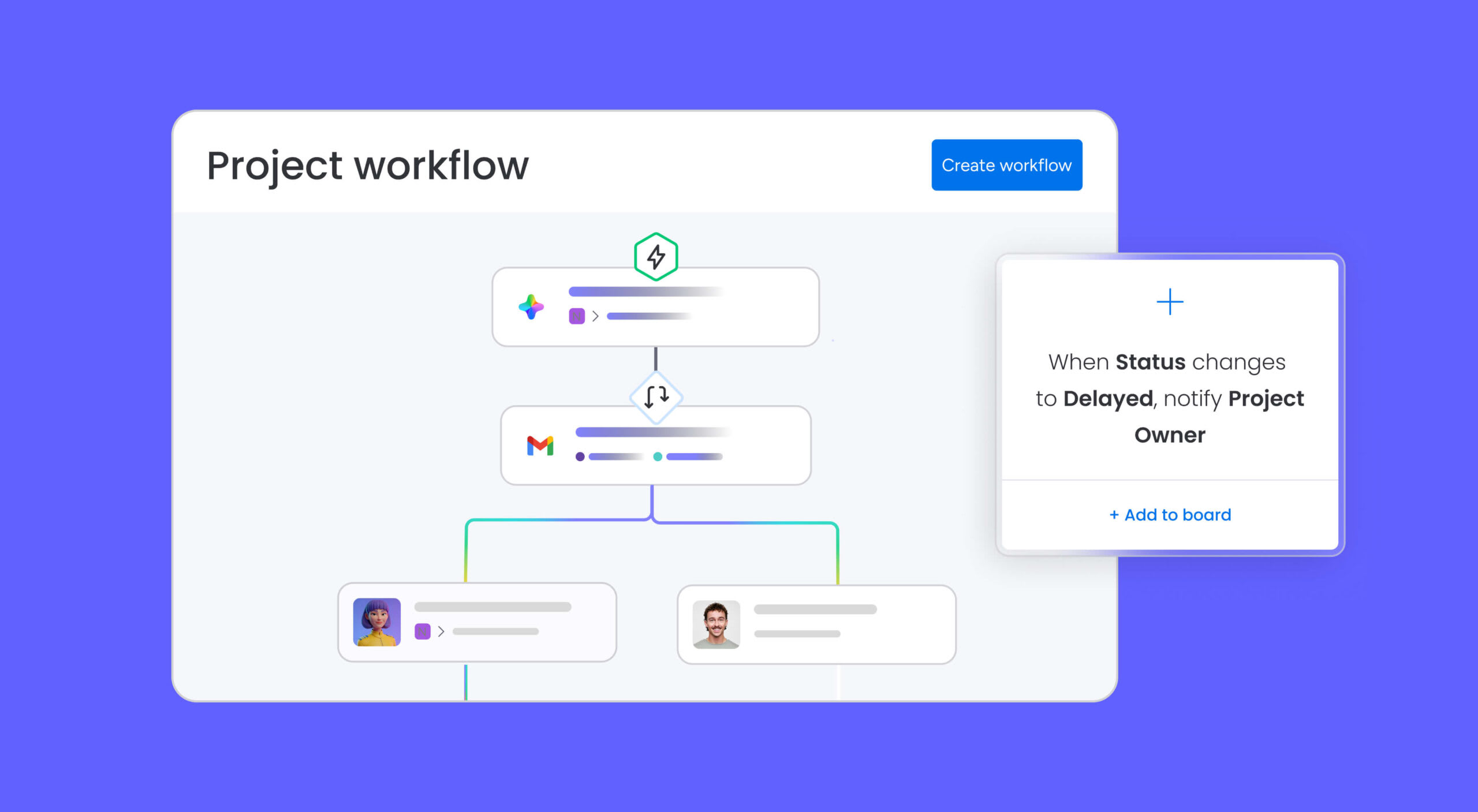
Automations in the monday AI Workspace are built without code, using ready-made recipes or your own if-then rules. They can trigger on a status change or a date and handle jobs such as assigning leads, routing approvals, sending notifications and syncing data between boards.
Automations can also include AI blocks, which add a single AI step to an otherwise fixed workflow. The available blocks include:
- Categorize: Sort items by type or urgency
- Summarize: Pull the key points from long text
- Extract info from files: Pull details from PDFs and other documents
- Detect sentiment: Identify the tone of text such as customer feedback
- Translate: Translate content into another supported language
- Custom block: Write your own prompt for the AI to run
monday agents by team
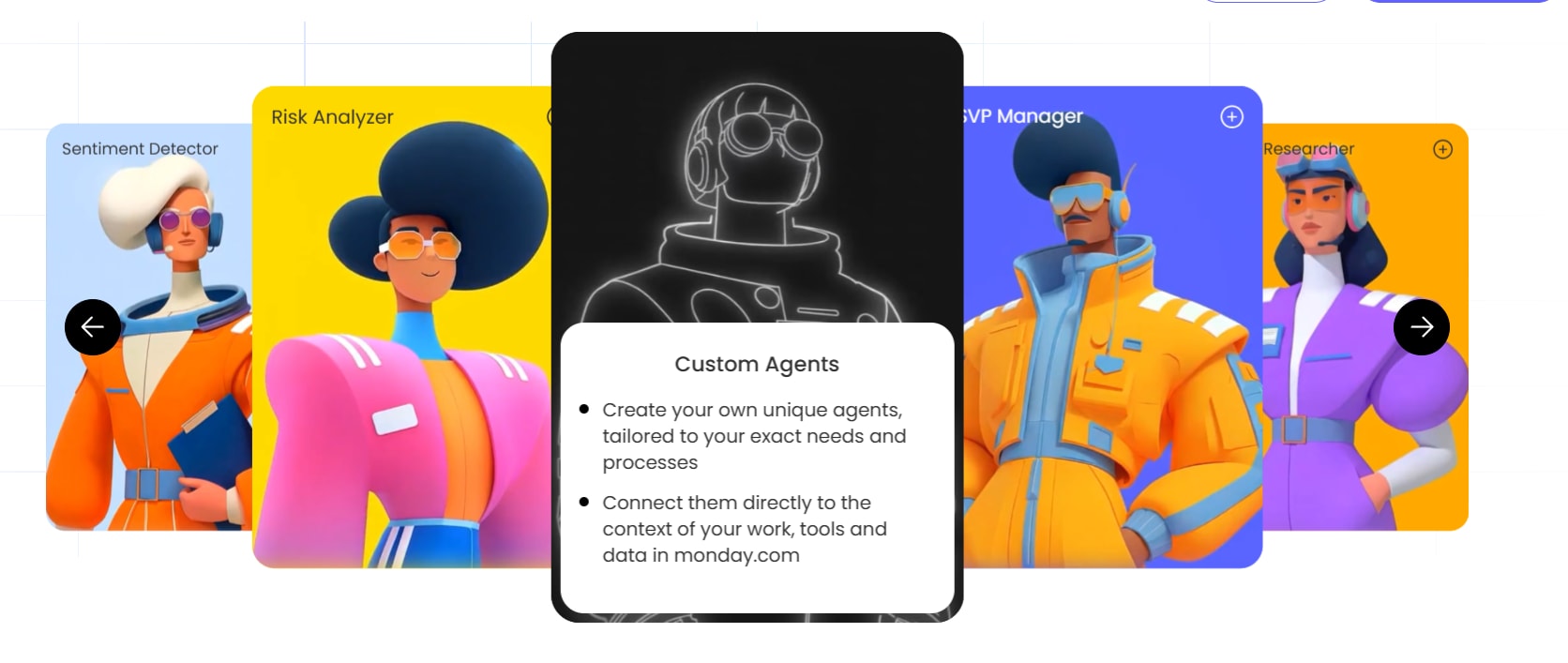
monday agents are ready-made AI agents for common jobs across departments, and each one works on your boards alongside your automations. Here’s how the work divides by team:
- Sales: Automation routes a new lead to the right owner. Lead Qualifier assesses incoming leads, and Pipeline Guardian monitors deals for risk.
- IT and service: Automation applies a fixed SLA timer to a ticket. Ticket Management Agent sorts and routes tickets, and SLA Monitor tracks breach risk.
- PMO and operations: Automation sends a notification when a status changes. Dependency and Risk Mapper flags project risks, and Status Reporter drafts updates.
- Marketing: Automation moves an item when a campaign stage completes. Competitive Intel Research tracks competitor activity, and Lifecycle Campaign Testing Agent tests campaign variations.
- HR: Automation sends a reminder for a scheduled interview. Candidate Matching Agent matches applicants to roles, and Employee Onboarding Agent coordinates new-hire tasks.
- Product: Automation creates an item when a bug form is submitted. Feature Request Agent organizes incoming requests, and Priorities Manager helps re-rank work.
One workflow, end to end
The clearest way to see automations and monday agents together is to follow a single lead through a sales workflow. Here’s how the steps divide:
- Automation: A new lead submits a form, and the system creates a contact record and assigns it to a rep based on territory.
- Agent: Lead Qualifier assesses how well the lead fits and how ready they are to buy.
- Automation: Qualified leads route to the assigned rep, and a follow-up item is created on their board.
- Agent: Outbound Sequencing Agent drafts a personalized first-touch email based on the prospect’s company and recent activity.
- Human approval: The rep reviews the draft and approves it before anything is sent.
- Automation: Status updates and notifications keep the record current.
- Agent: Pipeline Guardian watches the deal for risk signals and alerts the owner when something needs attention.
Automation runs the fixed steps, and the agents take the steps where someone would otherwise have to read and decide. Because both work on the same boards, nothing has to be copied between systems at each handoff.
Built-in guardrails
The governance controls covered earlier are part of the monday AI Workspace, so you don’t need a separate tool to manage agents. They include:
- Permissions: Decide which boards and data each agent can access, and whether it can edit or only view.
- Simulation mode: See what an agent would do before you activate it.
- Approval steps: Add an approval step to an agentic workflow so high-stakes actions wait for sign-off.
- Compliance: The platform is HIPAA compliant and holds ISO/IEC 27001, SOC 2 Type II, and ISO/IEC 27701 certifications.
- Data ownership: You keep ownership of the content you provide and the content AI generates, and customer data isn’t used to train AI models.
Choosing between AI agents and automation
Automation and AI agents suit different kinds of work. Automation fits the steps you can define in full, and agents fit the steps where someone would otherwise read the situation and decide. Most workflows contain both, so the strongest setups use the two together.
Start with one workflow where the outcome is easy to measure, and set the agent’s permissions before it goes live. Once the results are in, you’ll have the evidence to expand to the next workflow. In the monday AI Workspace, automations and monday agents share the same boards, so you can build the whole workflow in one place.
Try monday agentsFAQs about AI agents vs automation
Do I need technical skills to build an AI agent?
Not on platforms with a no-code agent builder. In the monday AI Workspace, you describe the agent's role in plain language and connect it to the boards and tools it needs, with no code required.
How do I know if an agent is making the right call?
Test the agent in simulation mode before it goes live, and add an approval step for high-stakes actions. Once it's running, review its activity regularly and adjust its instructions or permissions if its decisions drift.
Which business processes benefit most from AI agents?
Agents add the most value where a person currently has to read and interpret information before acting. Common examples include:

 Get started