

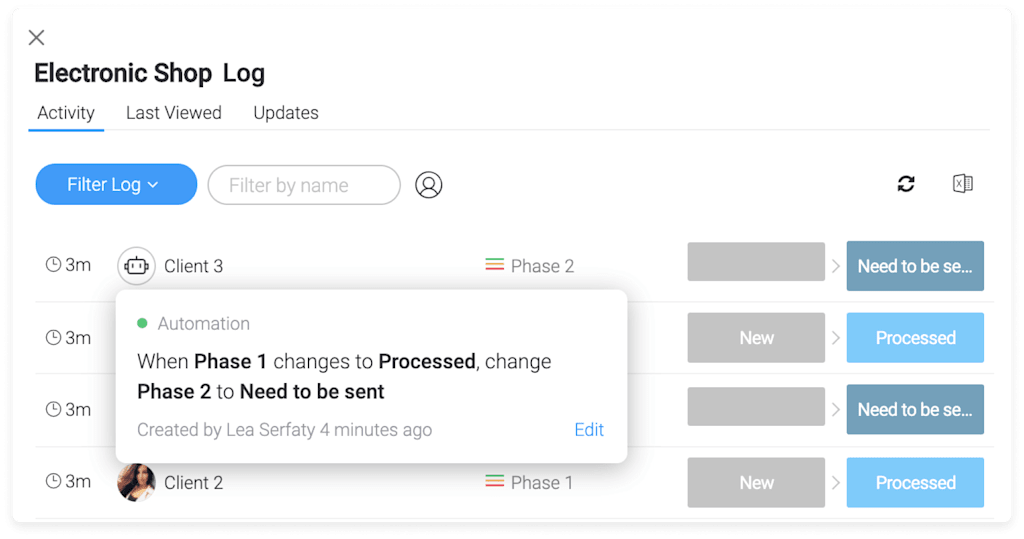
What is a task in project management? Although the answer might seem obvious, there’s actually a lot more to tasks than you might think.
Fortunately, we’ve created this simple overview of what a task actually is. We’re going to clear up any common misconceptions about task lists, and activities and talk about the difference between task management and project management.
What is a task in a project?
In project management, tasks are all of the individual activities that get you to your end goal; project completion. Whether that’s writing new copy for your website, or developing ads for social media, each task plays a part in getting you across the finish line.
A task can also be broken down into subtasks — or as we call them at monday.com, subitems — which allows you to split complex tasks into smaller, manageable actions.

That makes sense, but what is the purpose of a task?
Tasks are an extremely valuable part of your project. They help you plan exactly what will happen throughout your project, and estimate how long it will take.
If you don’t believe us, picture this — You’ve been given the responsibility of launching a marketing campaign. Exciting stuff. Now, imagine trying to launch the campaign without breaking it down into individual tasks. Instead, you just have to roll with the punches and do whatever you think needs doing at that point in time. No structure, no organization, no tasks.
It’s a scary thought, isn’t it? We don’t want to sound too dramatic, but it would be mayhem. You’d have no way of keeping on top of what needs to happen, what’s been done, and how long it will take to actually launch the campaign. Not ideal.
So you see, tasks really do serve a purpose.
What is the definition of a task list?
A task list — sometimes called a checklist or to-do list — is pretty much what it says on the tin: a list of tasks. They’re created at the start of a project to outline all the tasks that need to be completed. As you progress through the list, tasks are checked off.
Task lists typically include a description of each task, who’s assigned to the task, and when it needs to be completed. If you use a digital platform, like monday.com, to create your task lists, you can also add notes, attach files, and have one central location that everyone works from to help keep productivity as efficient as possible.

So how do you go about working through your task list? Is there a right or wrong way?
We wouldn’t go as far as to say there’s a wrong way, but there are definitely two common methods for working through task lists:
- Read-do: if you’ve ever followed a recipe, you’ll be familiar with the read-do method. It involves reading a specific task, completing it, then returning to the list to check it off and see what comes next. Simple.
- Do-confirm: this method is slightly more complex. It involves memorizing multiple tasks, completing them, and returning to the list to see if anything has been overlooked. It’s fine to use this method if you have a good memory, but it could cause problems further down the line if tasks are missed or not completed as they should be.
To help you keep on top of your task lists, you also might want to think about using a project management platform. In fact, with the right software, you’d never have to use the do-confirm method again. With monday.com, for example, you can access your task list quickly and easily, so no need to memorize a group of tasks and return to the list a few days later.

So what’s the difference between task and activity?
The difference is… well, not a lot. People often use ‘task’ and ‘activity’ interchangeably, and more often than not, they’re referring to the same thing. We’ve even done it ourselves throughout this article.
Having said that, some companies do refer to activities as a higher level in their work breakdown structure (WBS). But on the whole, tasks and activities are comparable.

Is there a difference between task management and project management?
To put it simply: yes.
Project management involves organizing and managing various aspects of a project with the bigger picture in mind. This includes setting priorities, aligning your goals, controlling your resources, and managing team members.
But with task management, you’re not as focused on the bigger picture. You’re simply managing the detail of each task in its own right, making sure that high priority tasks are getting the time and attention they need throughout the project, and that tasks are delivered on time.
Is there a difference between task management and project management software?
Yes, they’re different — and don’t let anybody tell you otherwise.
Let’s take a look at the differences in more detail:
- Task management software allows you to keep all your notes and task lists in one place. You can prioritize your tasks, set deadlines, and move through them one at a time. Our guide to task management goes into this in more detail.
- Project management software has more features than task management software, mostly because it needs to do more. You’re able to collaborate with your team, and plan your entire project in one place. You can also add automations, comments, and file attachments. Not to mention, you can easily see how your project is progressing.
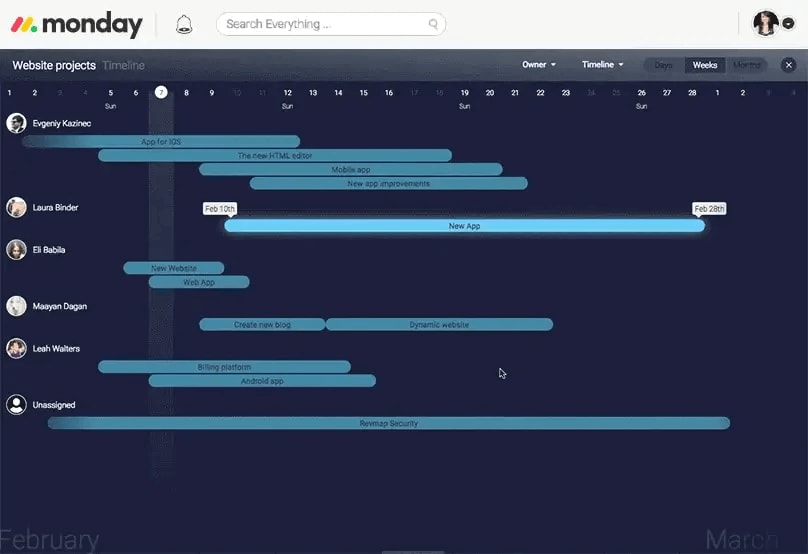
And with 68% of people believing that project work is going to increase, it’s a good idea to get ahead of the game and set yourself up with some handy project management software sooner rather than later.
Using monday.com for task management, project management, and work management
monday.com is a versatile Work Operating System (Work OS). If you’re not familiar with the phrase, it basically means that we provide businesses with the flexibility to build and adapt their workflow.
Being a Work OS also means that we help businesses with more than just task and project management. You can also use our software to track bugs, manage video production and social media posting, employee onboarding — you can even use it as your CRM.

But even though we do offer all of these awesome functions, at our core we keep it simple. So if you’re looking for a way to create a simple task list for your workspace, we’ve got you covered. We keep our software simple and easy to use so that you can spend less time organizing each new task, and more time getting work done.
Streamline task management on monday.com
So you see, there’s definitely more to tasks than meets the eye. Now you’ve read this article, consider yourself a task-pro.
No more uncertainty about what a task is, or how task management differs from project management. And you can categorically tell people that tasks and activities are the same thing — most of the time, anyway. If you want to get started with task management, take a look at our daily task tracker or team task tracker templates to get the ball rolling. You’ll save yourself a whole lot of time using one of our pre-made templates, that’s for sure.
 Get started