


We get it. The reason you’re here, we mean.
With so much jargon out there, it can be hard to understand what a schedule management plan actually is, and how to make one.
Does it involve scheduling tasks? Is it part of the project management plan? Or managing the project schedule somehow? Who? What? Where?
Worry not. We’ve got you covered.
In this article, we’re going to take a look at the definition of a schedule management plan, how to implement one in your next project, and why using project management software could be the answer to your worries.
Let’s roll.
What is a schedule management plan?
The schedule management plan is a vital part of the project planning process.
It allows project managers to monitor, control, and execute projects successfully. Not to mention, it makes project scheduling much easier to keep on top of.
Why should you use a schedule management plan?
Sure, a schedule management plan allows you to manage the project schedule and set expectations for the project.
But what are the actual benefits of using one?
Let’s take a look.
1. Create clear timelines
Using a schedule management plan, you can establish clear timelines for your project.
This includes setting a firm start date and end date, as well as identifying task duration and assigning deadlines. This ensures that your project schedule is running on track with timely completion.
But even with a schedule management plan, tracking timelines can be a tricky task (try saying that 5 times fast).
To make the process more efficient, you might want to think about using work management software.
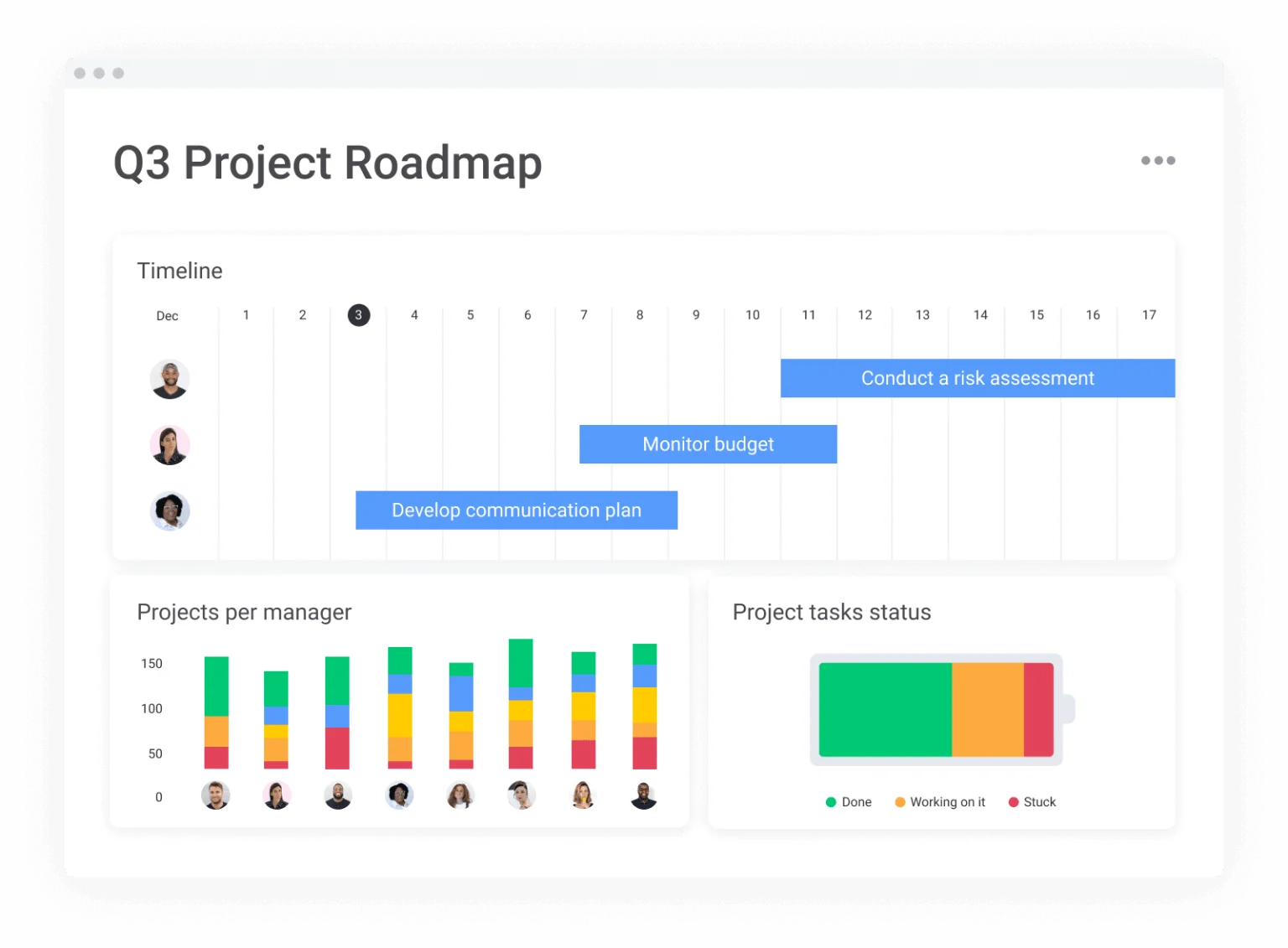
For example, with monday.com you can easily visualize the entire timeline of your project as a Gantt chart and make quick, fast changes. You can even identify sequence activities within your timeline to identify the critical path.
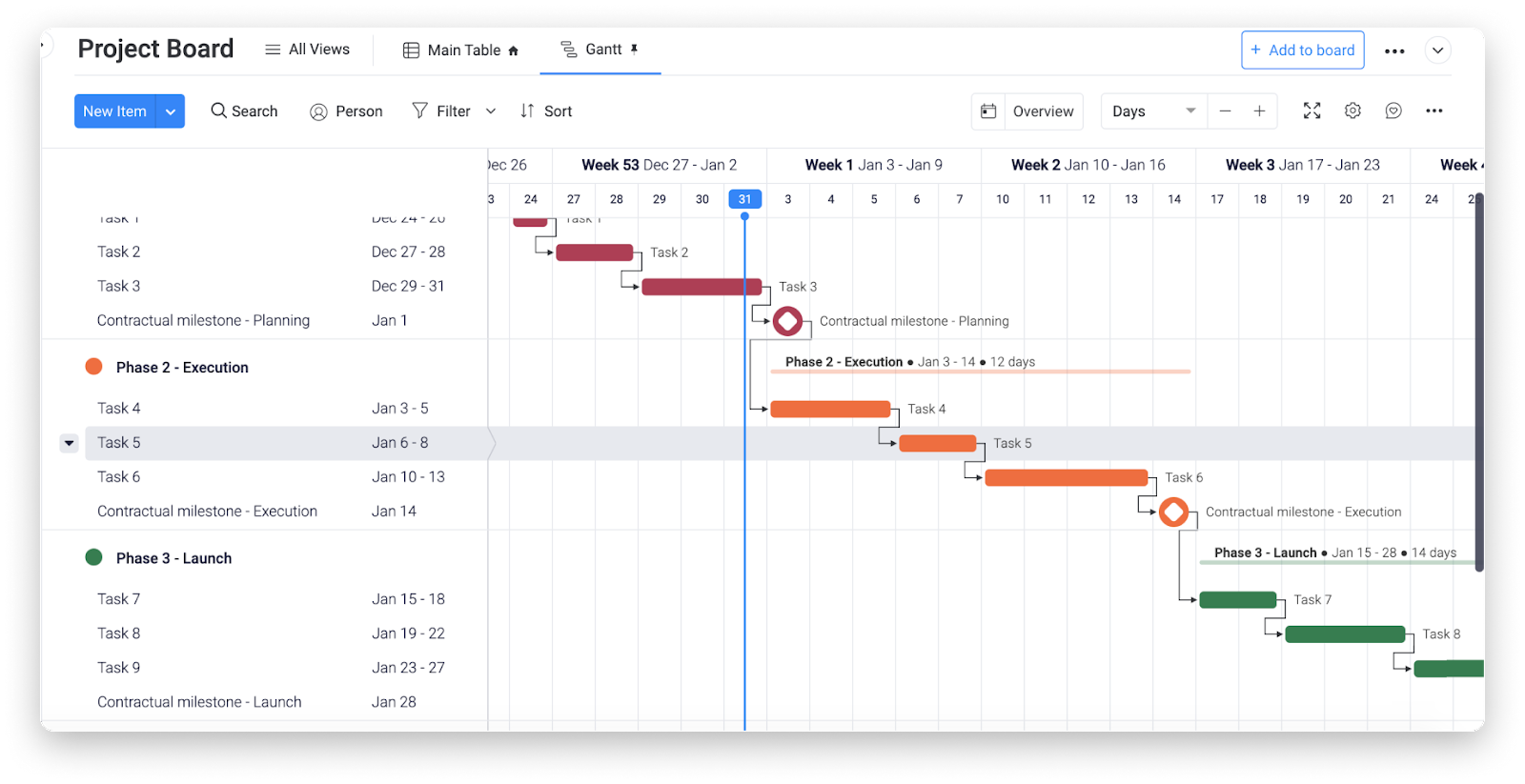
With the right software, you’ll be able to manage, control, and update your timelines as and when you need to.
2. Effective budget planning
It’s safe to say that everyone appreciates a helping hand when it comes to budget planning, right?
Well, with a schedule management plan, you’ll have a clear breakdown of your entire project budget — and more importantly, where and when you should spend it.
As a result, you’ll be more efficient in your budget allocation, and won’t have to worry about overspending.
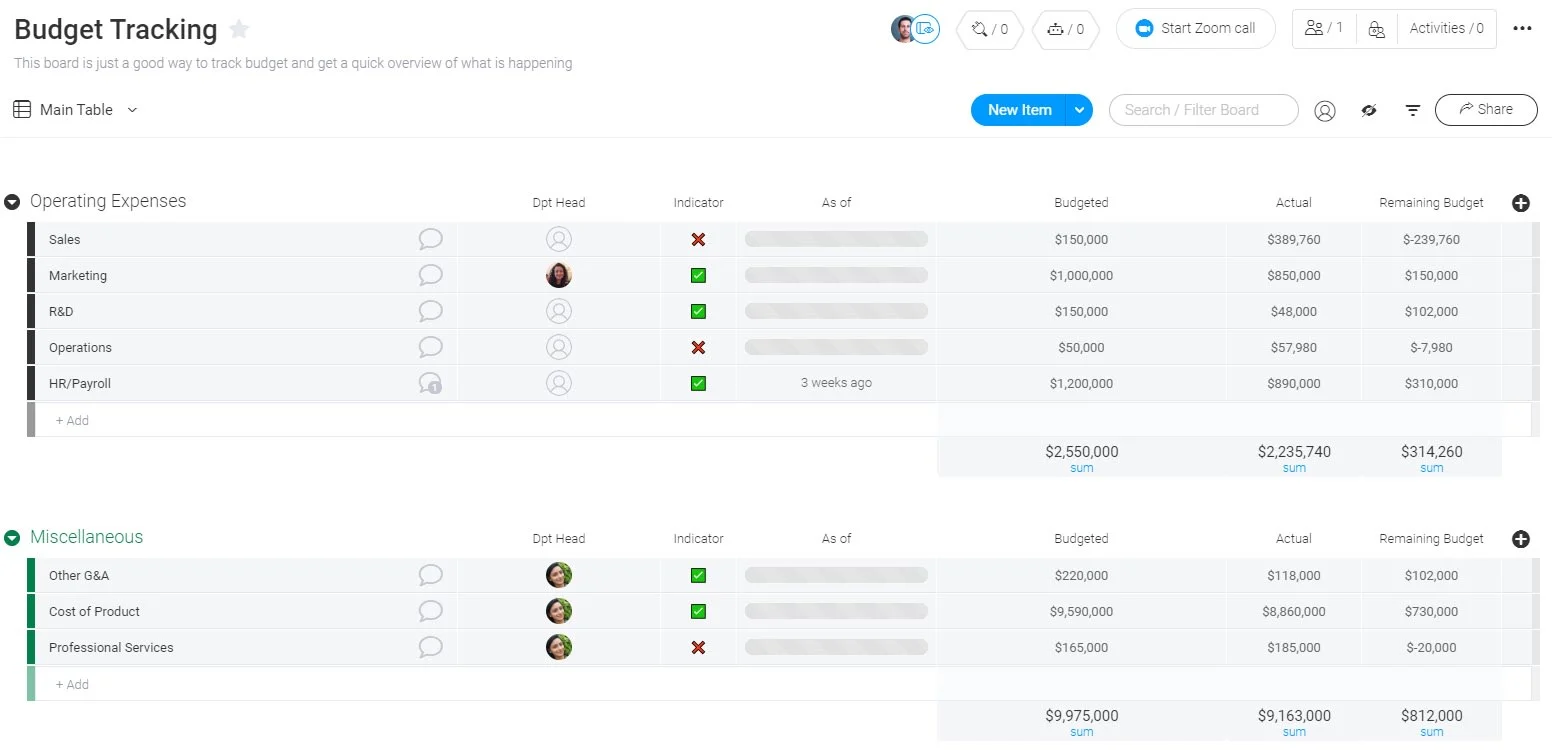
Again, using a platform like monday.com can improve this process. You can store all of your budgetary information in one place, align it with your project schedule, and keep track of your spending.
Take a look at our budget tracking template to see for yourself.
3. Successful resource allocation
When you create a schedule management plan, you’ll have oversight of all the resources you have available. Whether that’s how many employees will be working on the project, or how much money you have to spend, you’ll have visibility over it all.
That means you’ll be able to easily see where to allocate resources to make sure everything gets completed on time and within budget. Success!
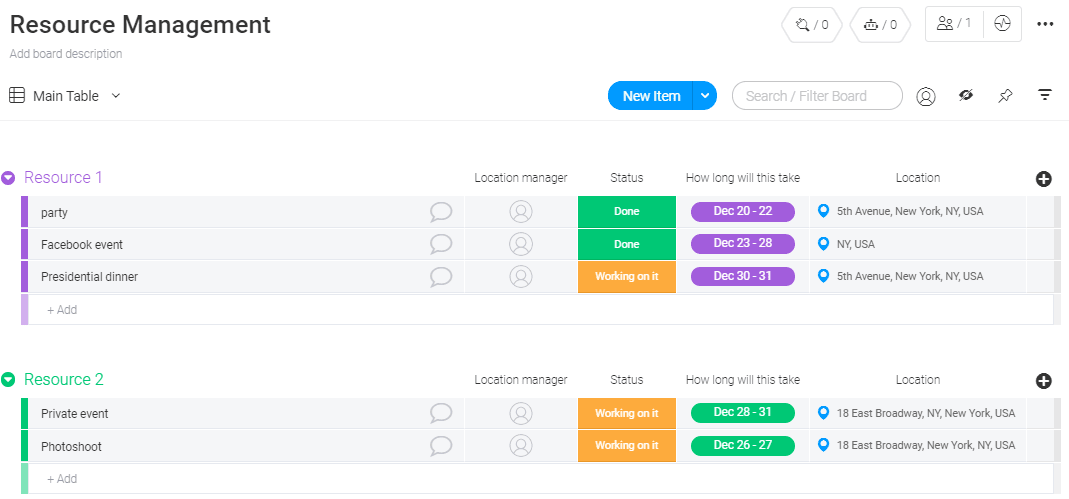
Using a project management platform can be useful for resource management and allocation — especially if you’ve got more than one project running at once.
You can easily see what resources you have available with a quick glance and easily make changes if you need to reallocate resources elsewhere.
4. Resolve project variations
Part of the schedule management planning process involves identifying the schedule baseline.
For example, let’s say your project is underway and the key stakeholder asks you to add some new project activities. Typical, right? But that’s beside the point…
To guarantee that you still reach project completion, you can use the baseline schedule as a way to make sure the project is still following its original path. It’s like a cheat sheet to the completion of your project.
Put simply, the schedule management plan is what you refer to if anything changes in your project.
How do you create a schedule management plan?
Now for the moment you’ve all been waiting for: how to create your own schedule management plan.
Before we dive in, let’s back up for a second. It’s important to note that the process of schedule development varies depending on the project size, resources, and timelines.
Unfortunately, there’s no one-size fits all.
Having said that, there are a few key steps that need to happen no matter what project you’re planning.
Let’s take a look at the 4 key stages of the process.
1. Build the initial schedule management plan
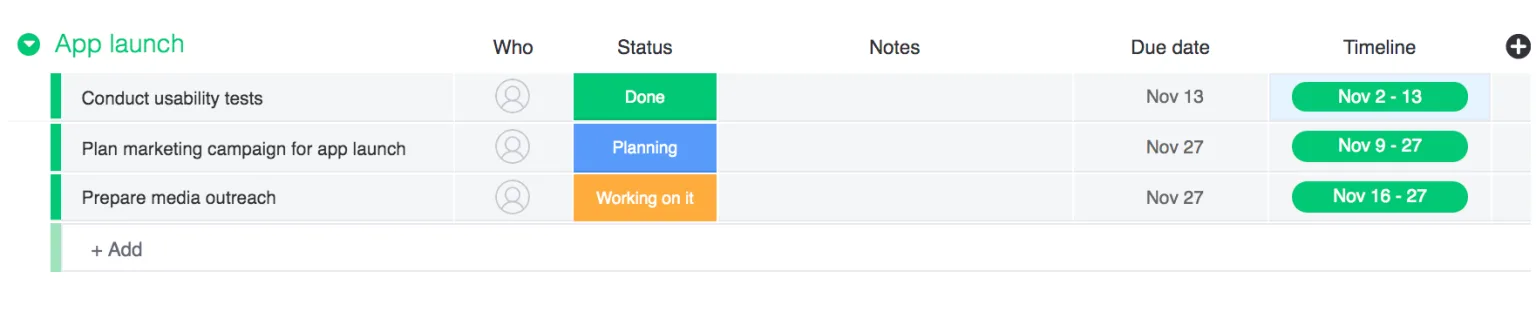
First things first, you need to build your initial schedule management plan. This involves pulling all the information together, reviewing what you have, and putting it into the schedule management plan.
In other words, you need to create a work breakdown structure, review this information, and then create your schedule management plan
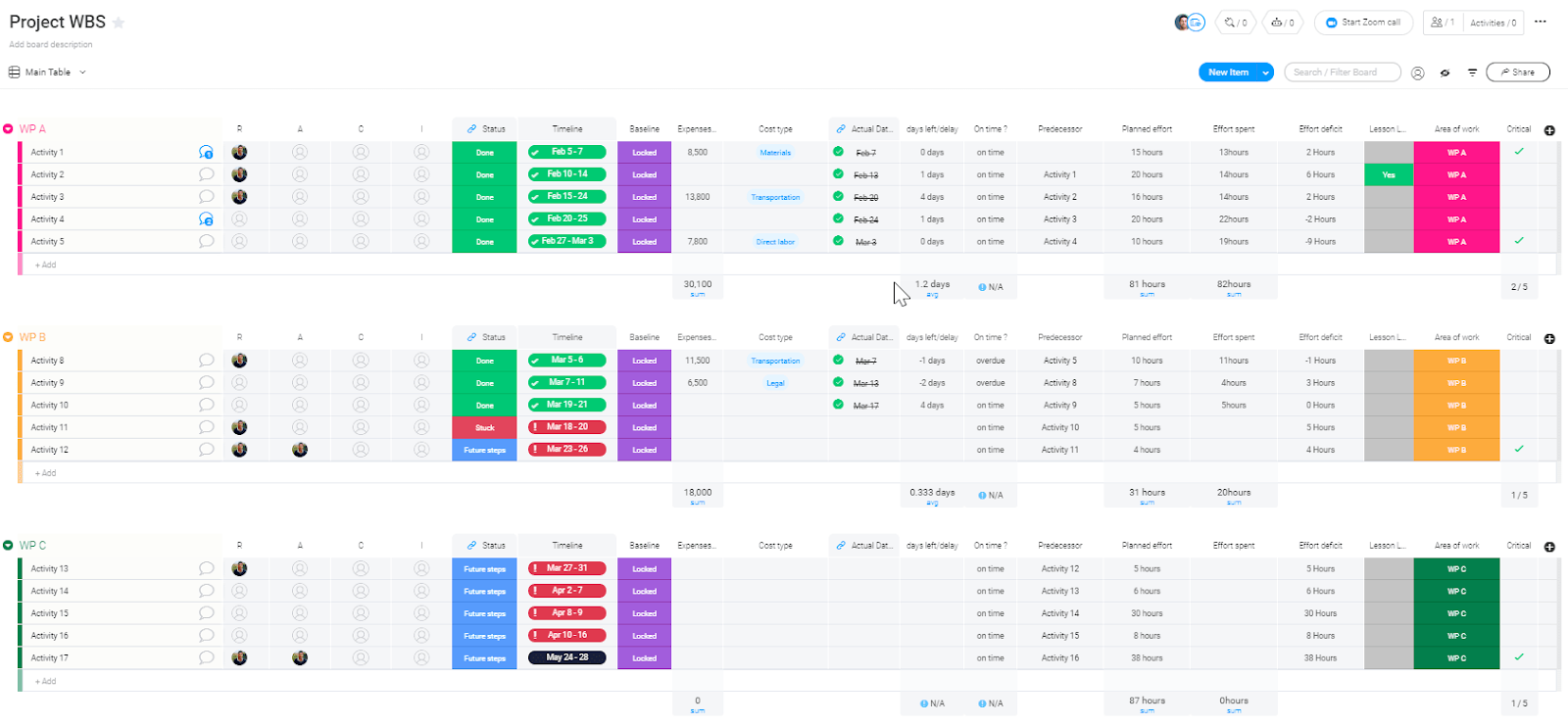
Using work management software is a great way to create this breakdown and build your schedule management plan.
Not only will it make your planning process much more coherent, but it’ll also allow you to manage the schedule going forward and keep track of any variations throughout the project.
Trust us, it’ll save you a lot of time and hassle. You don’t want to try to do it manually in a spreadsheet.
If you’d like to use a pre-made schedule management plan template, we’d recommend giving our project planning template a whirl.
2. Share the plan
Once you’ve outlined your initial schedule management plan, it’s time to show it to the world.
Well, maybe not the entire world. But at the very least, your key stakeholders.
Spend some time getting input from them to see if anything was missed, if they have any other thoughts, or any general feedback.
As a result, they’re more likely to buy-in to your plan — which, let’s face it, is pretty important.
You might also want to share the plan with members of your project management team to ensure that everyone is on the same page.
So what’s the best way to share your schedule management plan with your key stakeholders and senior co-workers?
Using a collaborative Work OS — like monday.com — is a great way to share your plan and collaborate with stakeholders.
You can easily share your plan with guests, and they can add comments and feedback directly onto your plan. No more back and forth with endless emails and phone calls.
Can we get a ‘hallelujah’?
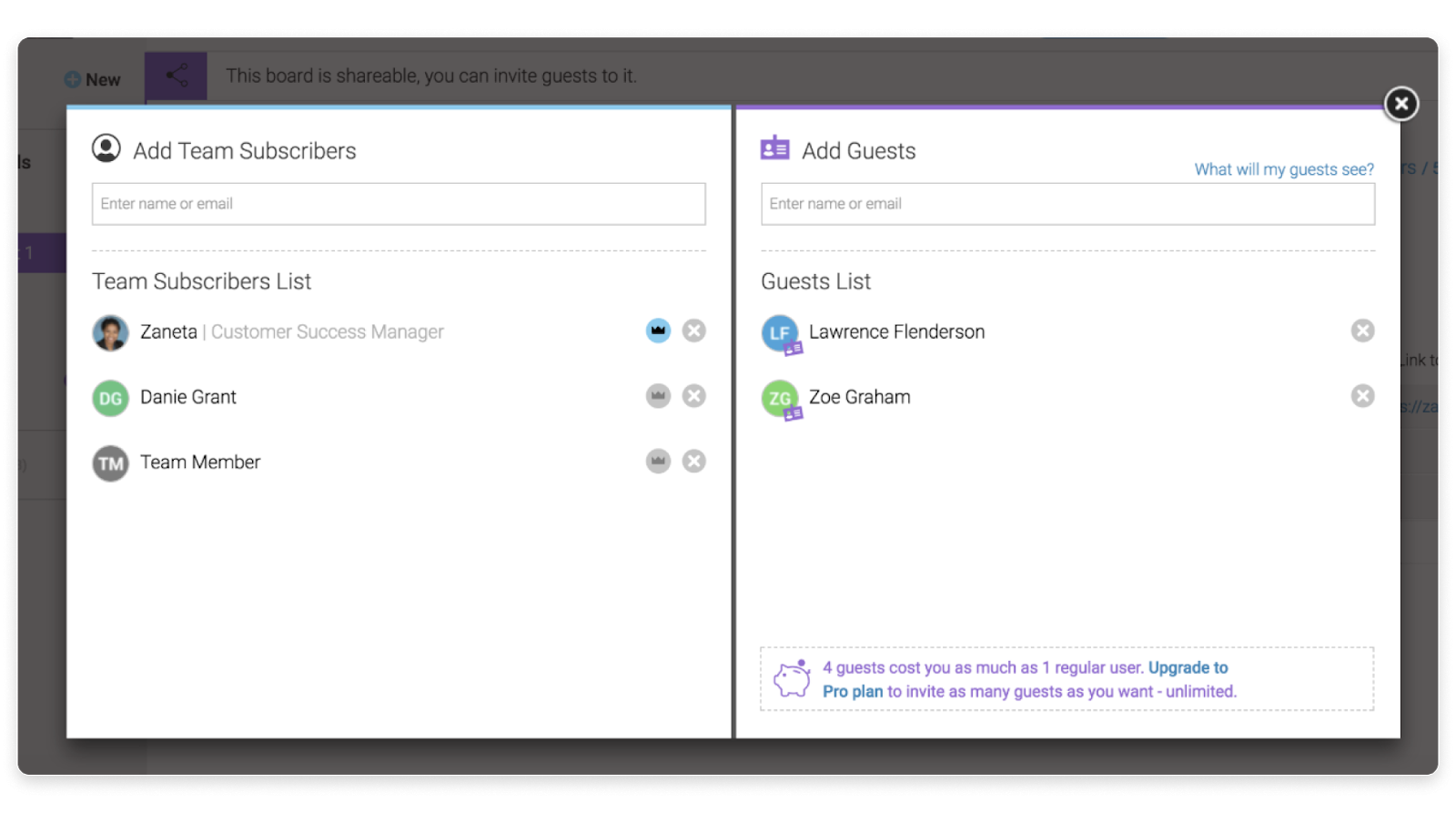
For more information on how to get started with guests, check out the video below.
3. Test out the plan
Once everything is approved, it’s time to put it to the test.
Spend some time building your schedule management plan, making sure to include any of the updates or changes that you received from your stakeholders. We’d recommend using our project tracker layout for this part.
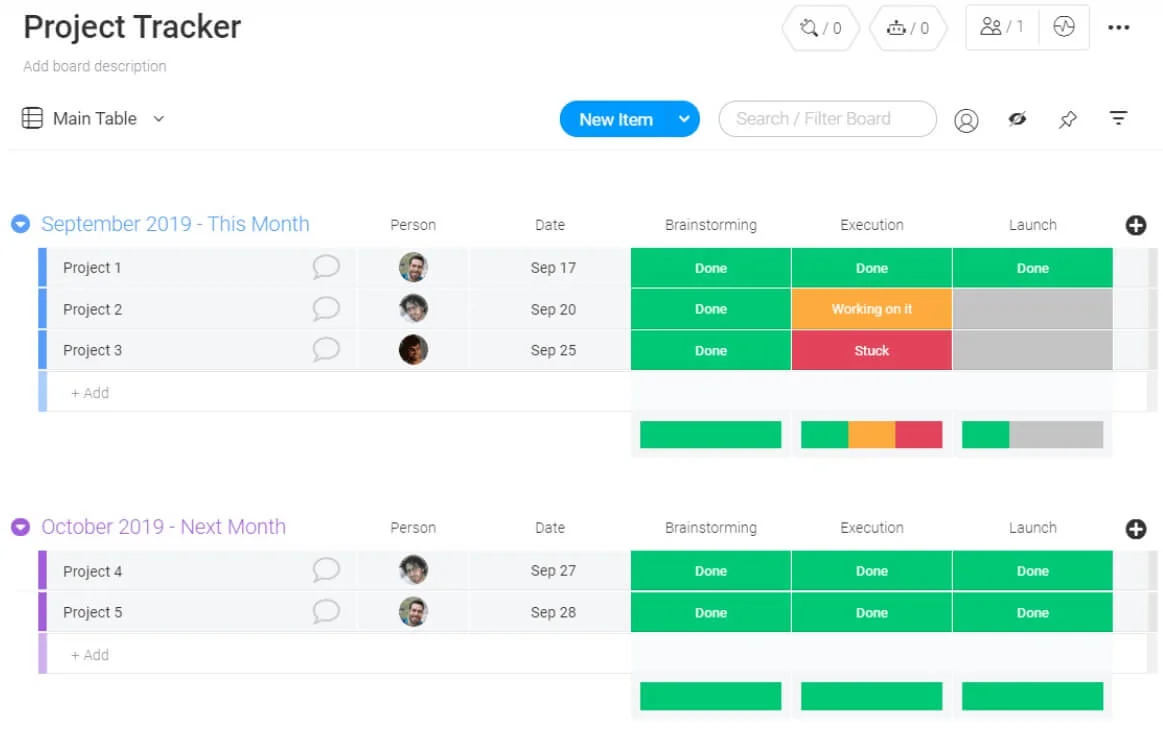
When it’s completed, you’ll be able to see if any additional updates or changes are needed to make it as efficient as possible.
4. Make improvements
So the project is now live. Job done, right?
Wrong.
Even when the project is live, you might need to make improvements to the schedule management plan. This is your chance to figure out if there are any gaps in your plan, and revise it accordingly.
Now, we know what you’re thinking.
Is there an easy way to make changes to my schedule management plan when things are already in motion?
And the answer is…. Yes!
Work management software will save you a whole lot of time when it comes to making changes in your schedule management plan.
For example, monday.com’s software is intuitive, easy to use, and pretty darn flexible, allowing you to make any schedule change at the drop of a hat.
We know we keep going on and on about it, but that’s because it’s worth going on and on about.
Using monday.com to create your schedule management plan
As you’ve probably gathered from what you’ve read so far, schedule management planning is no easy feat. There’s a lot of back and forth before the process even begins, and once you get started, you need a versatile and flexible platform to host your plan.
Here are a few of the main reasons why monday.com is the ideal platform for creating your schedule management plan.
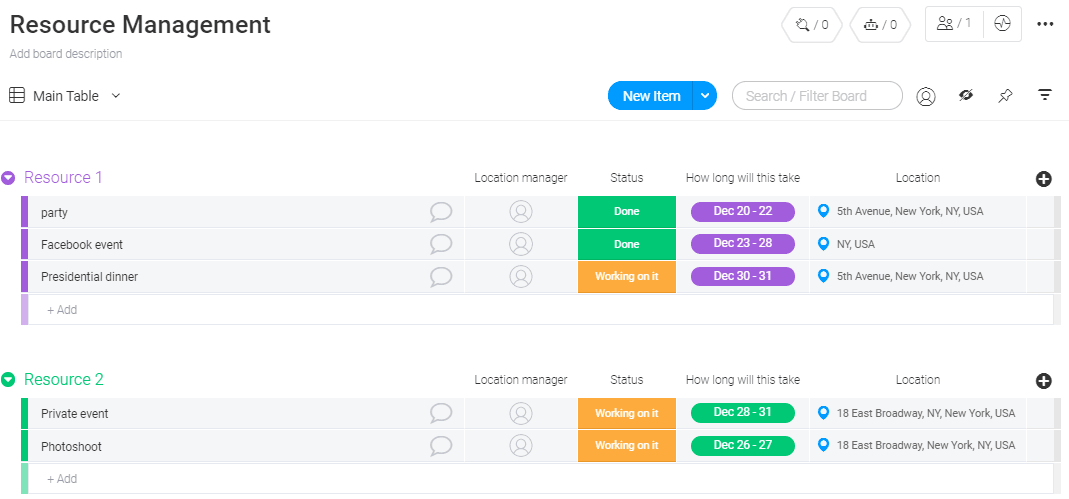
- Easily manage resources: our intuitive and user-friendly software makes it easy for you to allocate resources. You can easily track the resources you have available, and monitor any changes as the project progresses. It’s much easier than manually trying to keep on top of it, don’t you think?
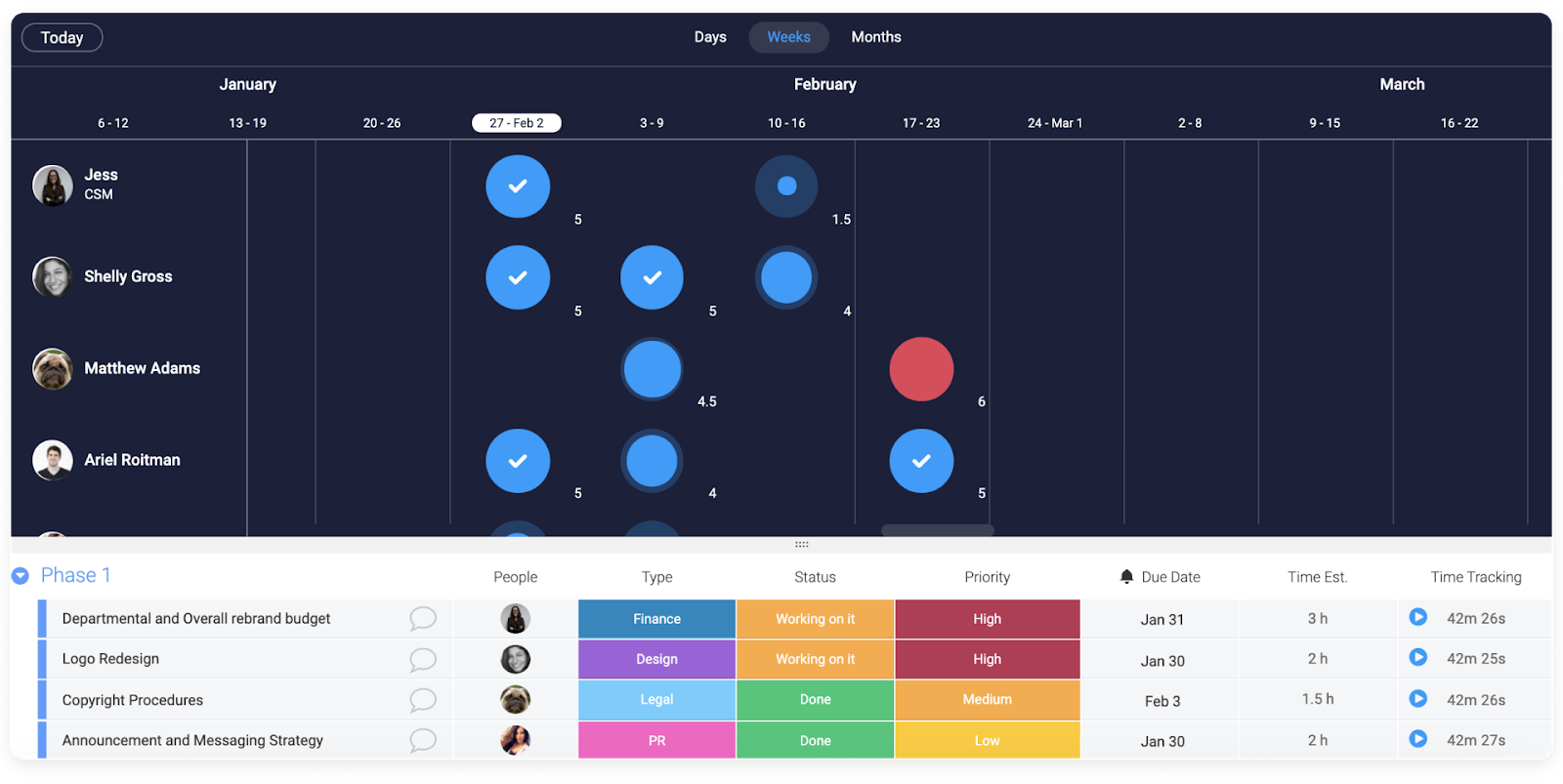
- High-level views at every stage: we know you don’t want to spend 10 minutes digging through a platform to find what you’re looking for, right? Well, monday.com’s high-level boards give you an overview of everything you and your project team are working on in your schedule management plan. At one quick glance, you can see all the information you need.
- Customize your layout: we want our platform to work for you. Not the other way around. That’s why our boards and templates are all customizable. So you can create a schedule management plan that’s perfect for you and your business.
Dive into creating your schedule management plan
Developing a schedule management plan is easier said than done, but it’s an extremely important part of project management.
By now you should have a pretty good understanding of what a schedule management plan is and how to make one in your next project plan.
If you want to dive straight in and start creating your next schedule management plan with monday.com, take a look at our project planning template to get started.
With monday.com’s Work OS, you can build a project management tool exactly the way your team wants, so you have the perfect platform for all your schedule management needs.
No fuss — just an easy, customizable platform that’ll make your life easier. Trust us on this one.
 Get started