



A bigger network doesn’t automatically create more opportunities; without a system, it often creates chaos. Contacts get lost in spreadsheets, inboxes, and forgotten notes, turning potential relationships into missed connections. When follow-ups fall through the cracks, what should be a strategic advantage becomes a source of stress and lost revenue.
Personal CRM software solves this by providing a command center for your professional connections. The right platform transforms scattered information into an organized system that surfaces the right person at the right time. It represents the crucial difference between hoping relationships stay warm and knowing they will.
By breaking down the differences between personal and business systems and reviewing the top AI-powered platforms, this roadmap provides the clarity needed to manage your network with purpose. You will learn how to select the right tools to transform your contacts into a scalable engine for growth.
Key takeaways
- Personal CRMs organize your network strategically: a personal CRM transforms scattered contacts into an organized system that surfaces the right person at the right time, turning your network from a source of stress into a predictable engine for growth.
- Automation eliminates follow-up gaps: smart automation tracks key details, surfaces them when needed, and keeps follow-ups consistent across long sales cycles, ensuring no valuable connection goes cold due to a busy schedule.
- Flexible platforms scale with your growth: modern solutions like monday CRM provide customizable workflows and visual dashboards that adapt from simple contact management to full relationship intelligence, allowing you to start small and expand as your network grows without losing the personal touch.
- AI-powered insights drive smarter outreach: artificial intelligence analyzes real engagement data to determine exactly when to reach out and what to say, replacing guesswork with perfectly timed connections that build trust and close deals faster.
- Integration creates a single source of truth: the right customizable CRM software connects directly to your email, calendar, and essential tools to centralize all relationship data, ensuring you have complete context for every interaction without manual data entry or switching between platforms.
What is personal CRM software?
A personal CRM is a tool for managing your own professional network, not a sales team’s pipeline. It helps you track conversations, remember key details, and follow up with confidence. This approach prevents important connections from going cold simply due to a busy schedule.
While a sales CRM focuses on team targets and deal stages, a personal CRM is built for individual use. It’s designed for professionals who recognize their network as their most valuable business asset.
More than just a smarter address book, this tool is an action plan for your network. By connecting to your email and calendar, it creates a single, unified timeline for every contact. You get the full story and the right reminders, so you always know who to talk to and what to say.
Personal CRM vs. business CRM
Choosing the wrong CRM is a fast track to wasted time and effort. Specifically, a personal CRM is engineered for managing an individual’s network, whereas a business CRM is built for driving revenue as a team. Because they are designed to solve two very different problems, picking the wrong one can actually create more administrative friction.
Avoid getting stuck with a solution that works against your workflow. A solo consultant doesn’t need a complex system built for a 50-person sales team, just as a high-growth team cannot operate on a static contact list. Ultimately, the right fit depends entirely on your specific goals and the scale of your operations.
5 key differences between personal and business CRMs
The gap between these tools isn’t just the price tag. It’s about two completely different ways of working, which changes everything from the features you get to the way the software feels. Main differences are presented in a table below.
| The guts | Personal CRM | Business CRM |
|---|---|---|
| Main job | Keeping your personal network warm. | Turning leads into revenue as a team. |
| Who is it for | Solo pros, freelancers, and one-person armies. | Sales, RevOps, and anyone managing a pipeline. |
| Learning curve | Simple and straightforward. Get in, get out. | More power, more customization. Built for complex plays. |
| The price tag | Often free or low-cost. Pay for what you use. | Tiered, per-user pricing. An investment in growth. |
| Plays well with | Your inbox, calendar, and social networks. | The whole tech stack: marketing, finance, and analytics. |
Choosing the right type for your needs
Your choice comes down to your team, your process, and where you’re headed. While one is for staying organized on your own, the other is for winning deals together.
- Choose a personal CRM if: you’re an individual focused on relationship building. It’s your digital rolodex supercharged, perfect for consultants or freelancers who need to track connections without a complex sales pipeline.
- Choose a business CRM if: you’re managing a sales team or a process with multiple steps. It’s your command center for tracking performance, coordinating work, and giving everyone the visibility to close deals faster and grow without chaos.
5 key benefits of personal CRM software
Your professional network is a goldmine of opportunity, but its value diminishes when you can’t keep track of it. Juggling hundreds of connections with manual methods is a recipe for missed follow-ups and lost deals.
A personal CRM helps you turn those relationships into revenue. Built to automate the busywork and organize your entire sales process in one place, it gets you more time back to actually sell.
1. Complete history of every connection
Advanced solutions like monday CRM eliminate the need to dig through old emails or scattered spreadsheets. By centralizing every call, email, and note, the platform ensures you always have the necessary context for every conversation. Additionally, you receive timely alerts to follow up, ensuring a warm lead never goes cold due to an oversight.
2. Smart automation
Remembering a prospect’s recent promotion isn’t just a nice gesture — it’s what separates you from the noise. Specifically, automations track these key details and surface them exactly when you need them. This personal touch builds real trust and significantly increases the likelihood of closing a deal.
3. Eliminating communication gaps with automated follow-ups
Long sales cycles can kill momentum. By automating your follow-ups, you remain top-of-mind without having to manually track every touchpoint. This creates the mental space required to focus on high-level strategy and closing rather than scheduling.
4. Data-driven insights into your network
Move beyond guesswork to understand what truly works. See your entire sales pipeline on one dashboard and get real-time insights into your team’s performance. This way you’ll know exactly which deals are at risk and where to focus your energy to hit your numbers.
5. Scaling your network without losing the personal touch
AA system that works for 20 contacts often breaks down at 200. The right CRM is designed to grow with you, from your first connection to your thousandth. By customizing your workflows, you can manage an expanding network with the same precision and personal connection you had on day one.

A CRM designed to drive sales performance
A CRM should not be a data graveyard. If it generates more administrative work than it does closed deals, its purpose is defeated. A truly great CRM gets out of the way, empowering you to focus on your pipeline. This is the foundation for closing more deals with speed and confidence.
- Stop managing contacts and start building relationships: your contacts are more than names on a list; they represent your next big opportunity. Tag and group them by what actually matters like deal stage, priority, or relationship, so your outreach is always sharp and relevant. No more scrolling through a messy database to find who to talk to next.
- Put your follow-ups on autopilot: consistent follow-up is what separates good reps from great ones, but it’s a grind. Automate reminders and post-meeting messages so nothing ever gets missed. Your team stays focused on the conversation, not the calendar.
- See the whole story, not just pieces: when your email and calendar sync to your CRM, the busywork disappears. Every interaction is logged automatically, giving you a complete timeline for any deal in one place. Prep for your next call in seconds, not hours digging through your inbox.
10 best personal CRM software solutions
What separates a great CRM from a good one? The answer lies in speed, intuitive design, and automation that works seamlessly. The right platform gives you back time, aligns your team, and helps you close more deals with confidence. It’s about delivering results, not guesswork.
This list bypasses the clunky, overly complicated tools to focus on platforms designed to fit your workflow, helping you manage relationships without adding administrative burden.
1. monday CRM
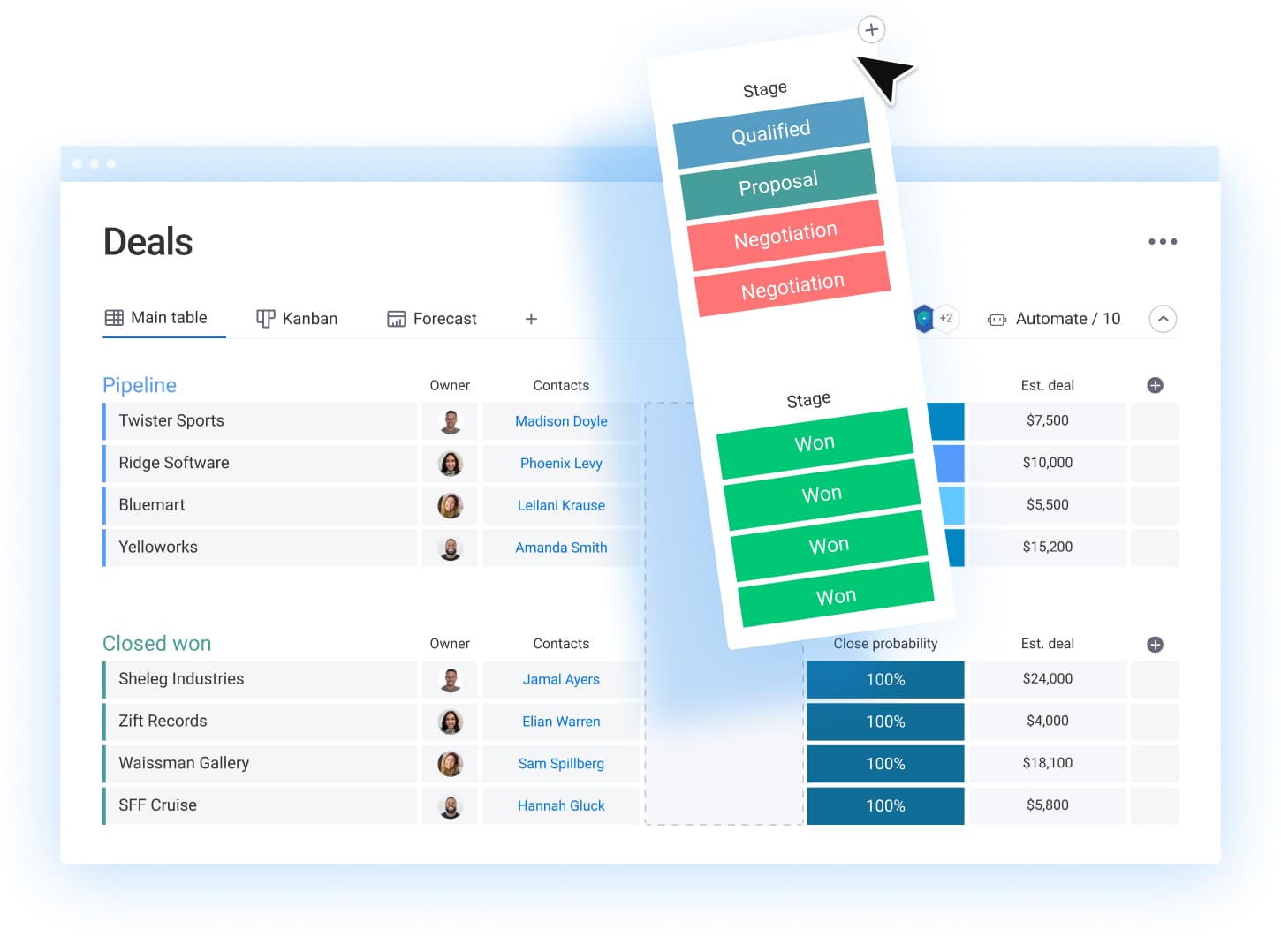
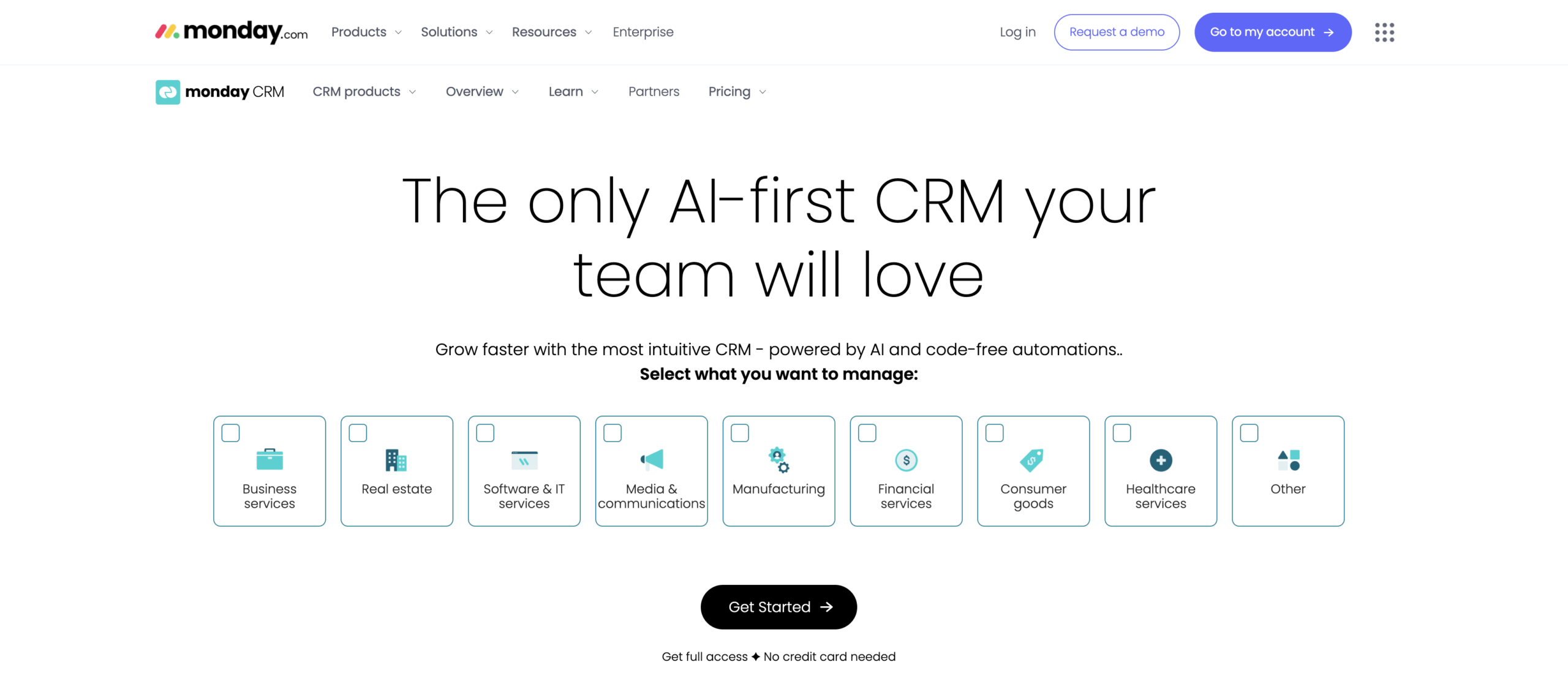
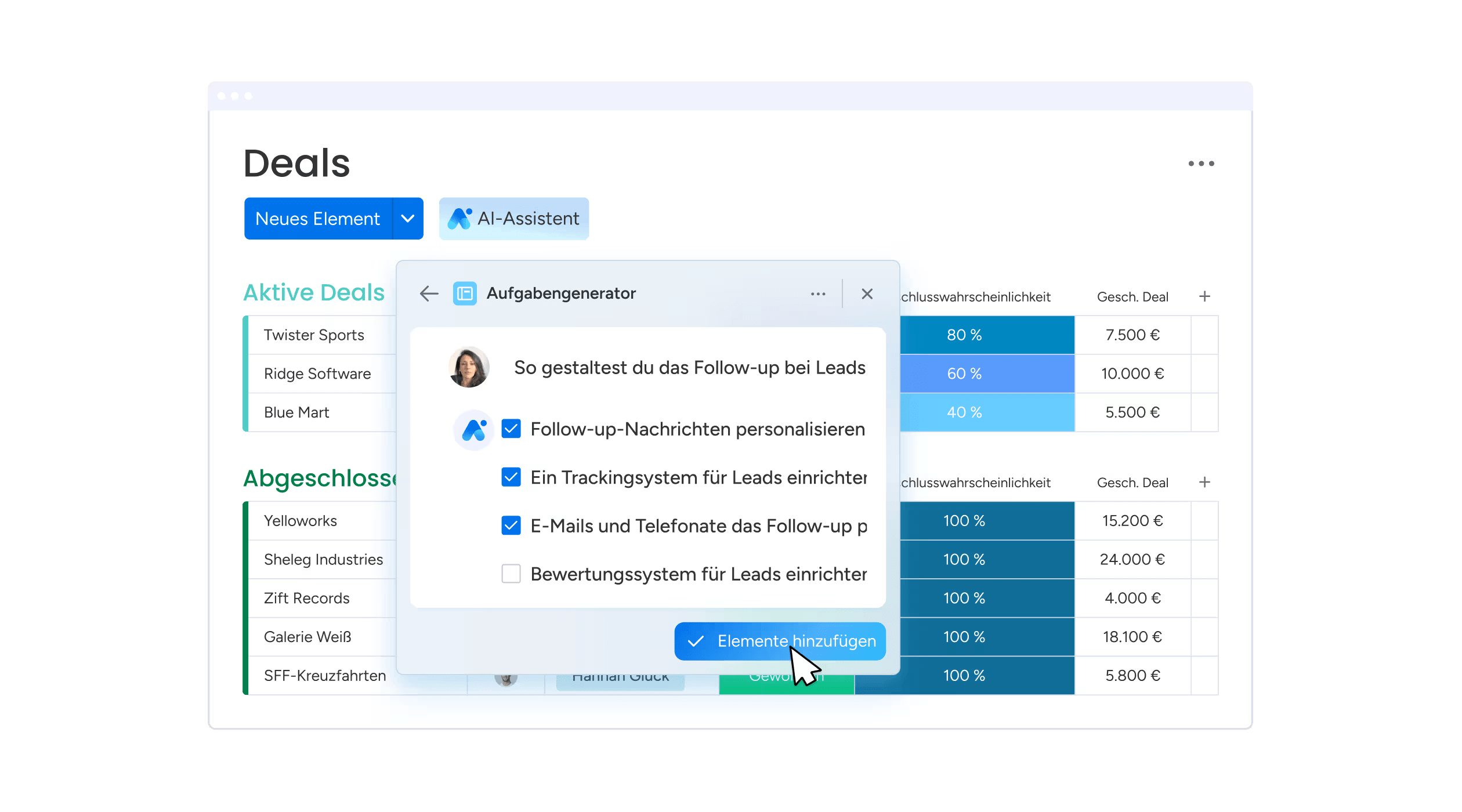
With monday CRM, personal relationship management becomes a visual, data-driven system that delivers results. The platform combines intuitive contact organization with powerful automation and AI insights, making it perfect for professionals who want their personal CRM to scale alongside their growing network.
Example:
Adapting from simple contact management to full relationship intelligence, monday CRM lets you start small and expand as your network grows.
Key features:
- Smart contact organization: duplicate detection and merge capabilities.
- Two-way email integration: Gmail and Outlook, plus shared inbox functionality.
- Visual timelines: track all interactions, calls, meetings, and notes in one place.
Pricing:
- Basic CRM: starting from three users minimum (14-day free trial available).
- Standard CRM: enhanced features with increased automation quotas.
- Pro CRM: advanced capabilities including shared inbox read/write access.
- Enterprise: custom pricing with advanced security and governance features.
- Annual billing: offers 18% discount.
- AI credits: for advanced features consumed by usage.
Why it stands out:
- Visual Work OS foundation: lets you build beyond basic contacts into full project and task management.
- Enterprise-grade security: ISO certifications and optional Guardian add-on for advanced encryption.
- AI assists: with email drafting, timeline summaries, and column autofill to speed up personal outreach and reduce manual entry.
- No-code automation builder: pre-built recipes and Zapier integration connects to 150+ apps for seamless workflows.
- Native two-way sync: Gmail and Outlook, plus click-to-call functionality and e-signature integrations centralize all relationship touchpoints.
2. Dex
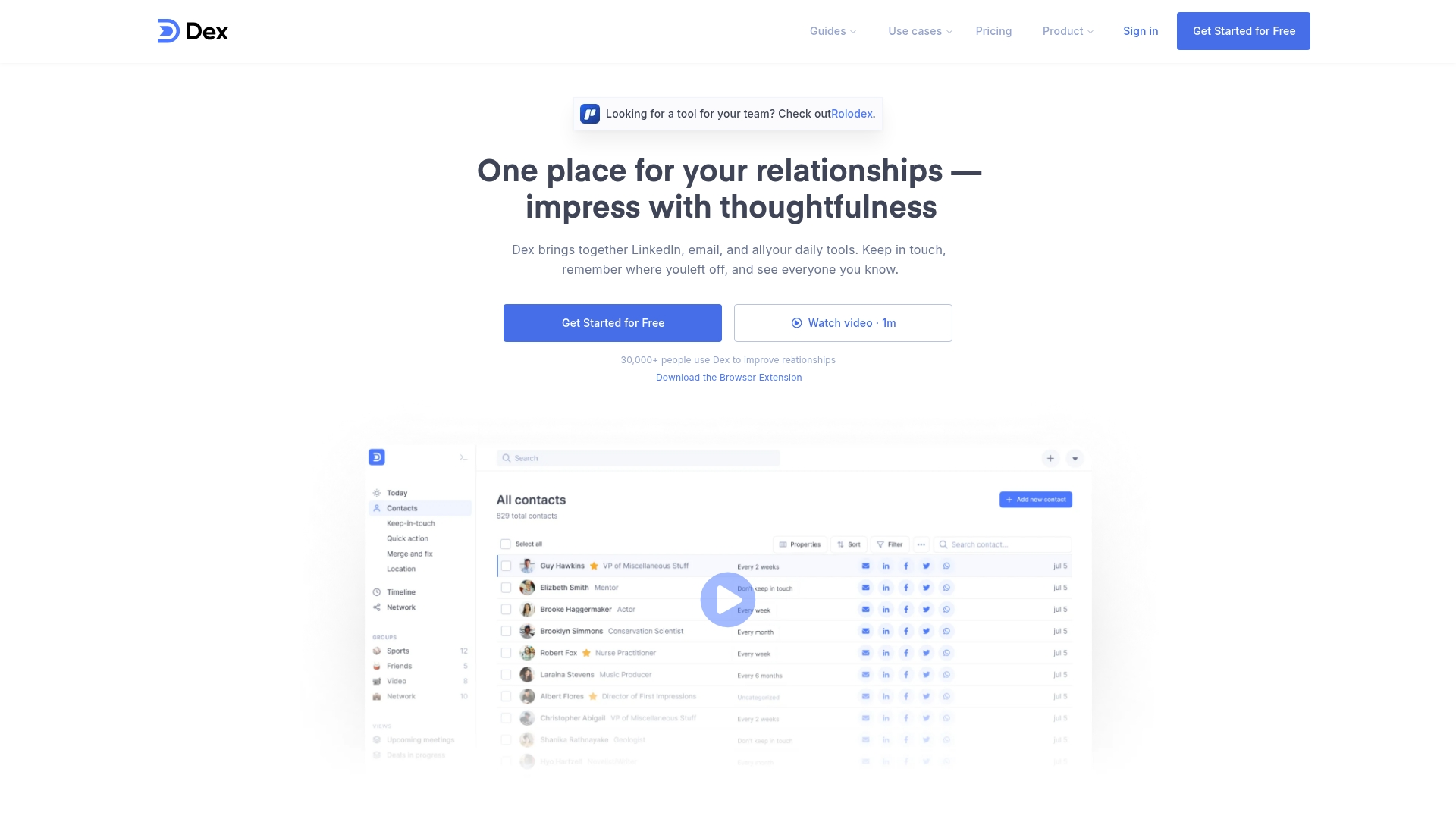
Dex streamlines relationship management into a simple, automated experience. Built specifically for professionals who live on LinkedIn, this personal CRM syncs your network data automatically and keeps you connected without the manual busywork.
Example:
Dex helps professionals build authentic networks by automatically tracking LinkedIn connections, email interactions, and messaging across multiple platforms to eliminate manual relationship management.
Key features:
- Automatic LinkedIn sync: job title change notifications and connection updates every three to five days.
- Multi-channel interaction tracking: across email, WhatsApp, Instagram DMs, and calendar events.
- Smart keep-in-touch reminders: with AI-powered message drafting and contact organization.
Pricing:
- Personal plan: $12/month (billed annually).
- Monthly billing: $20/month.
- Free trial: 7-day trial available.
- Student discount: 50% off annual plan.
- Group discounts: 25% off first year for academic programs.
Considerations:
- Chrome extension required: for LinkedIn sync, limiting browser compatibility.
- LinkedIn sync capped: at 10,000 connections with 3-5 day update windows.
3. Monica
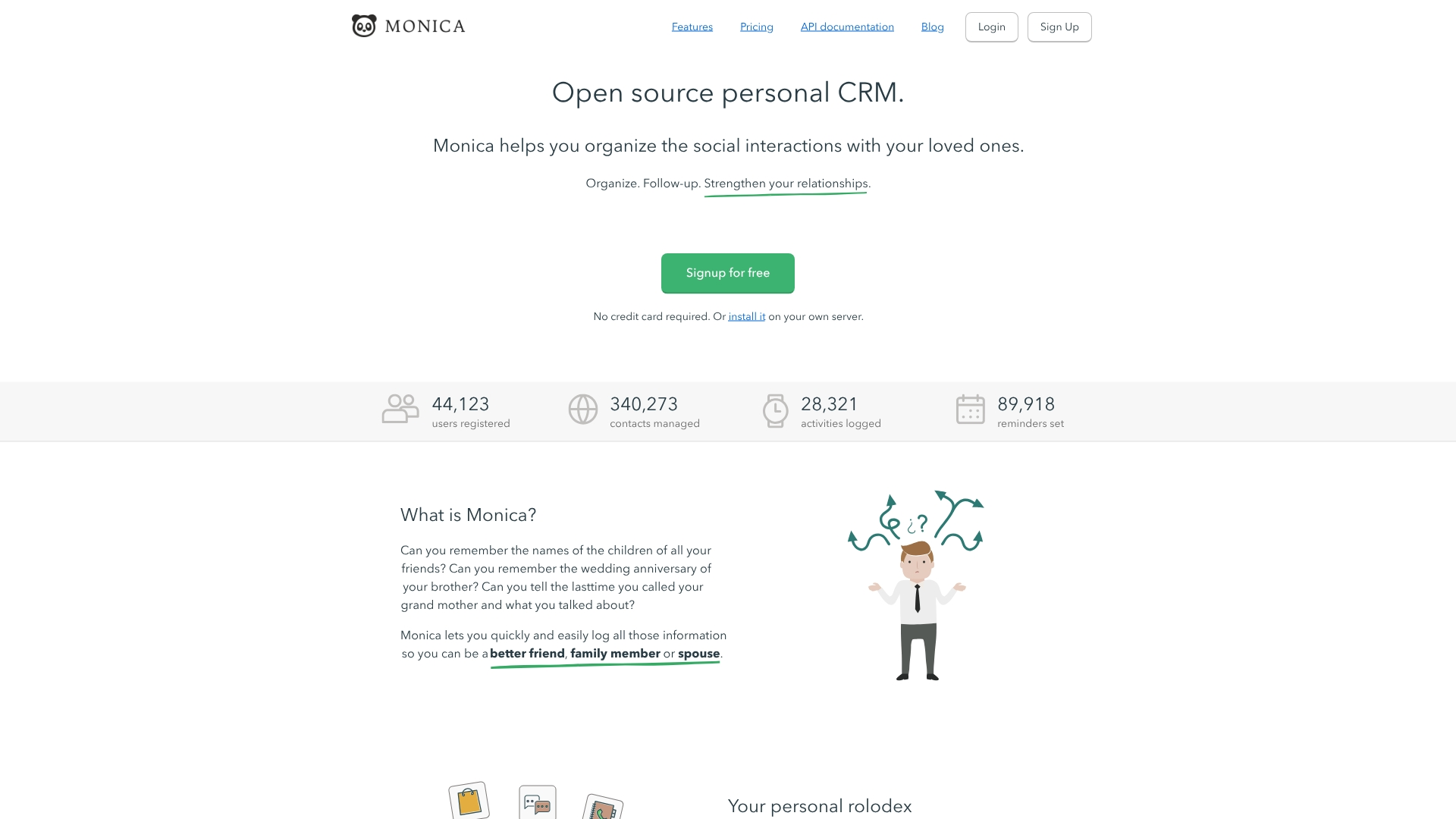
For those who prioritize privacy and control, Monica offers an open-source personal CRM for documenting relationships and life events in one private space. The platform specializes in privacy-first relationship management with journaling integration, making it ideal for individuals who want complete control over their personal data.
Example:
Monica serves individuals who want to maintain meaningful personal and professional relationships through structured contact management combined with life documentation and journaling.
Key features:
- Contact management with relationship mapping: reminders and activity logging.
- Integrated journaling system: links life events directly to specific contacts.
- Privacy-focused vault system: allowing secure data sharing within families or small groups.
Pricing:
- Free self-hosted: $0 (same codebase as hosted version).
- Free hosted plan: $0 (limited to ten contacts).
- Paid hosted plan: $9/month or $90/year (unlimited contacts and reminders).
Considerations:
- No official mobile app: access is web-only, though third-party community apps exist.
- Self-hosting requires technical setup: ongoing server management for maximum privacy benefits.
4. LeadDelta
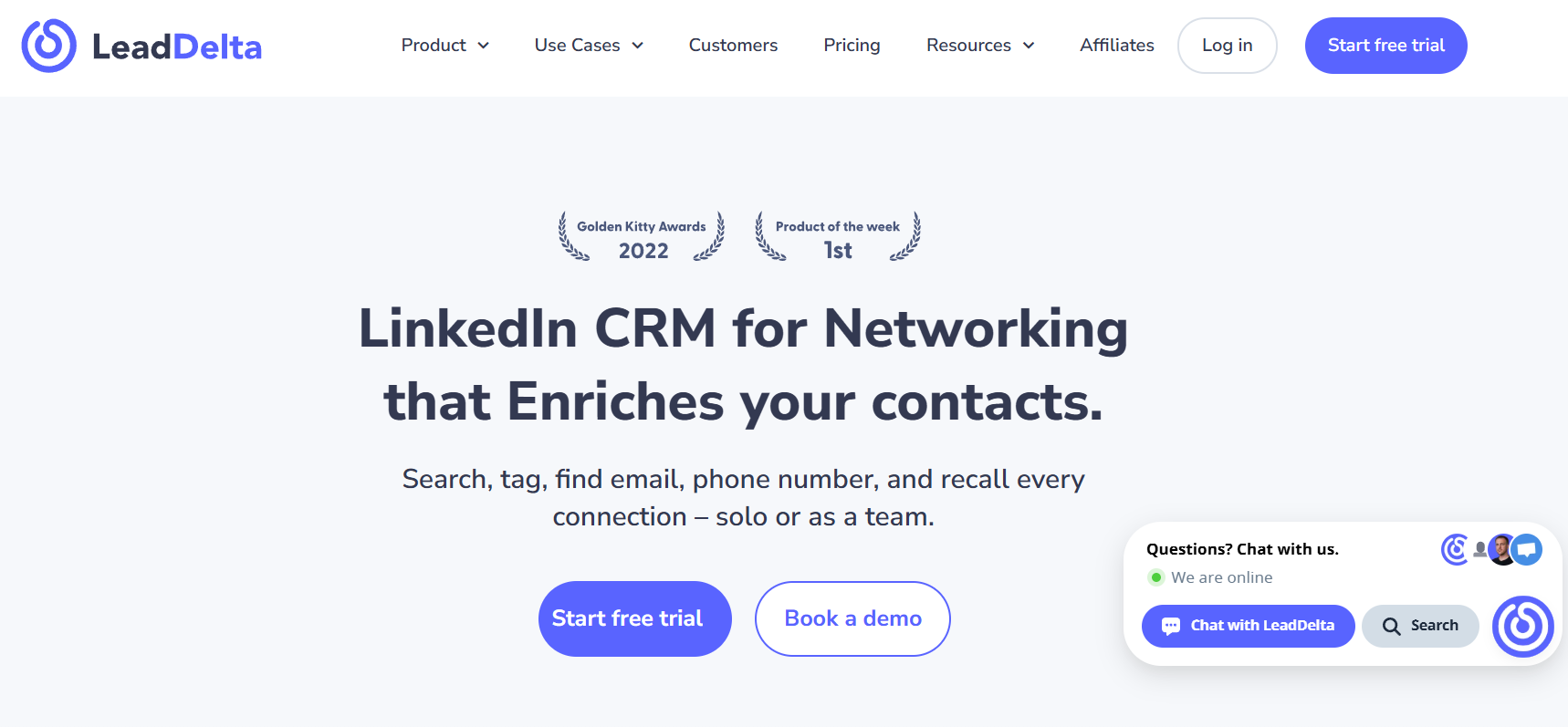
LeadDelta is engineered to convert your LinkedIn network into a powerful personal CRM. The platform specializes in managing LinkedIn connections and professional relationships, making it ideal for sales teams who live on LinkedIn but need real CRM functionality.
Example:
LeadDelta helps LinkedIn-heavy professionals manage connections, enrich contact data, and collaborate as a team without losing the context of professional relationships.
Key features:
- Auto-sync LinkedIn connections: CRM-style tagging, notes, and task management.
- Chrome sidebar enrichment: brings relationship data directly into LinkedIn workflows.
- Team workspaces: pool connections and show who knows whom across your organization.
Pricing:
- Starter: $9.80/month (annual only, 30% off monthly rate).
- Pro: $29/month or $20.30/month (annual).
- Business: $33/month or $23.10/month (annual, minimum three users).
- Enterprise: custom pricing for 100+ users.
- 7-day free trial: available without credit card.
- Additional enrichment credits: available as add-ons.
Considerations:
- Limited utility beyond LinkedIn: if your networking happens elsewhere, you’ll hit walls quickly.
- Mobile inbox isn’t available: you’re tied to desktop for full functionality.
5. Folk
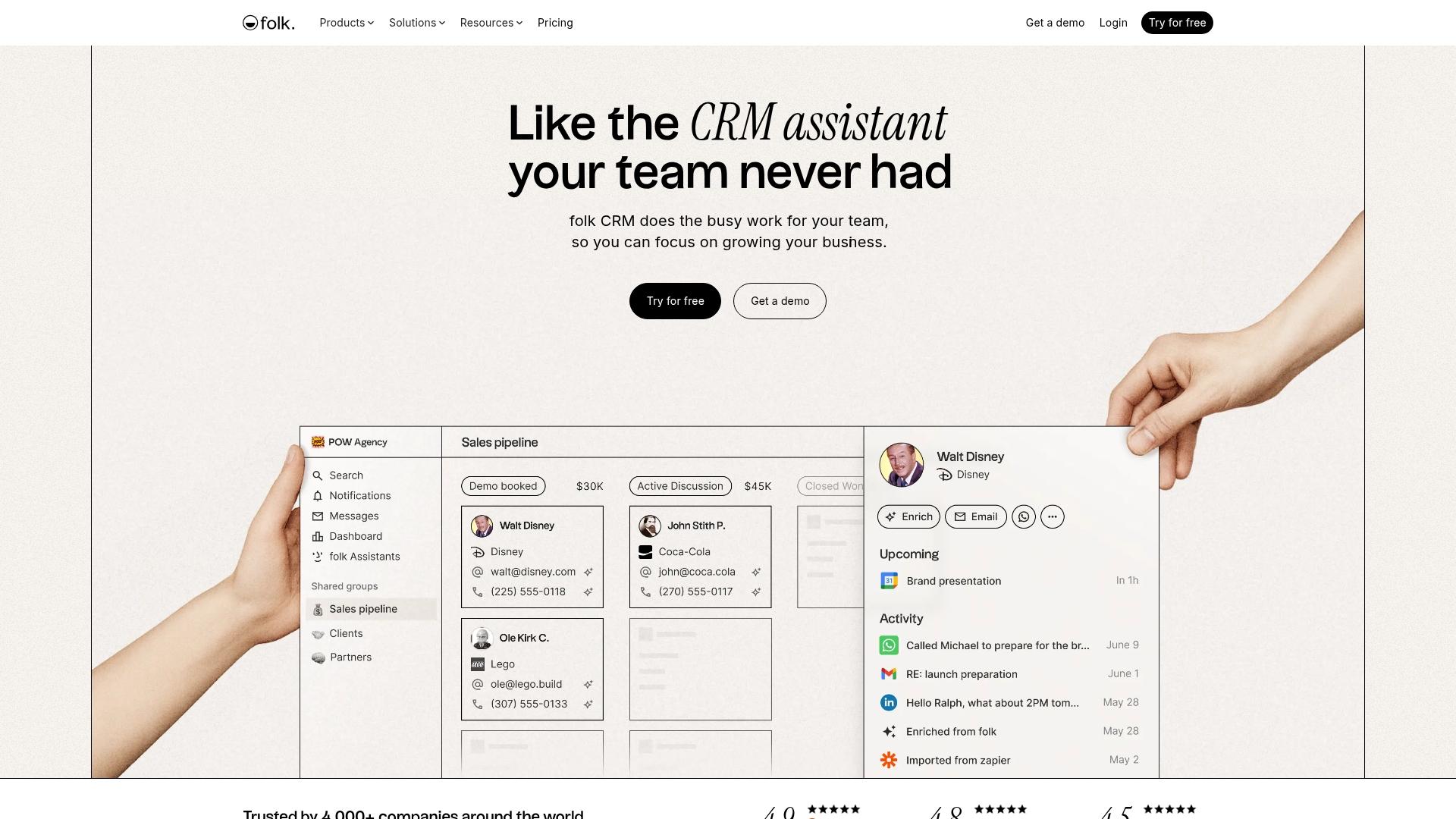
Folk introduces AI-powered assistance to personal CRM, turning contact chaos into organized insights. The platform specializes in proactive follow-up assistance and multi-channel contact capture, making it ideal for service professionals who need both personal relationship tracking and sales-grade outreach capabilities.
Example:
Folk serves as an AI assistant that automatically captures contact details, enriches profiles, and prompts timely follow-ups across email, LinkedIn, and WhatsApp channels.
Key features:
- AI Research Assistant: auto-generates company research notes and updates contact profiles with missing details.
- Multi-channel contact capture: from Gmail, LinkedIn, WhatsApp, and 6,000+ tools via integrations.
- Proactive Follow-up Assistant: scans conversations and suggests timely responses with draft replies.
Pricing:
- Standard: $17.50/month (billed annually) or $25/month (billed monthly).
- Premium: $35/month (billed annually) or $50/month (billed monthly).
- Custom: starting at $70/month (billed annually) or $100/month (billed monthly).
- 14-day free trial: available with no credit card required.
- Annual billing: offers approximately 30% discount.
Considerations:
- Email sequences require Custom Sender setup: adding complexity for individuals wanting simple automated campaigns.
- Monthly credit limits on enrichment: AI fields, and research actions may restrict high-volume personal users.
6. Clay
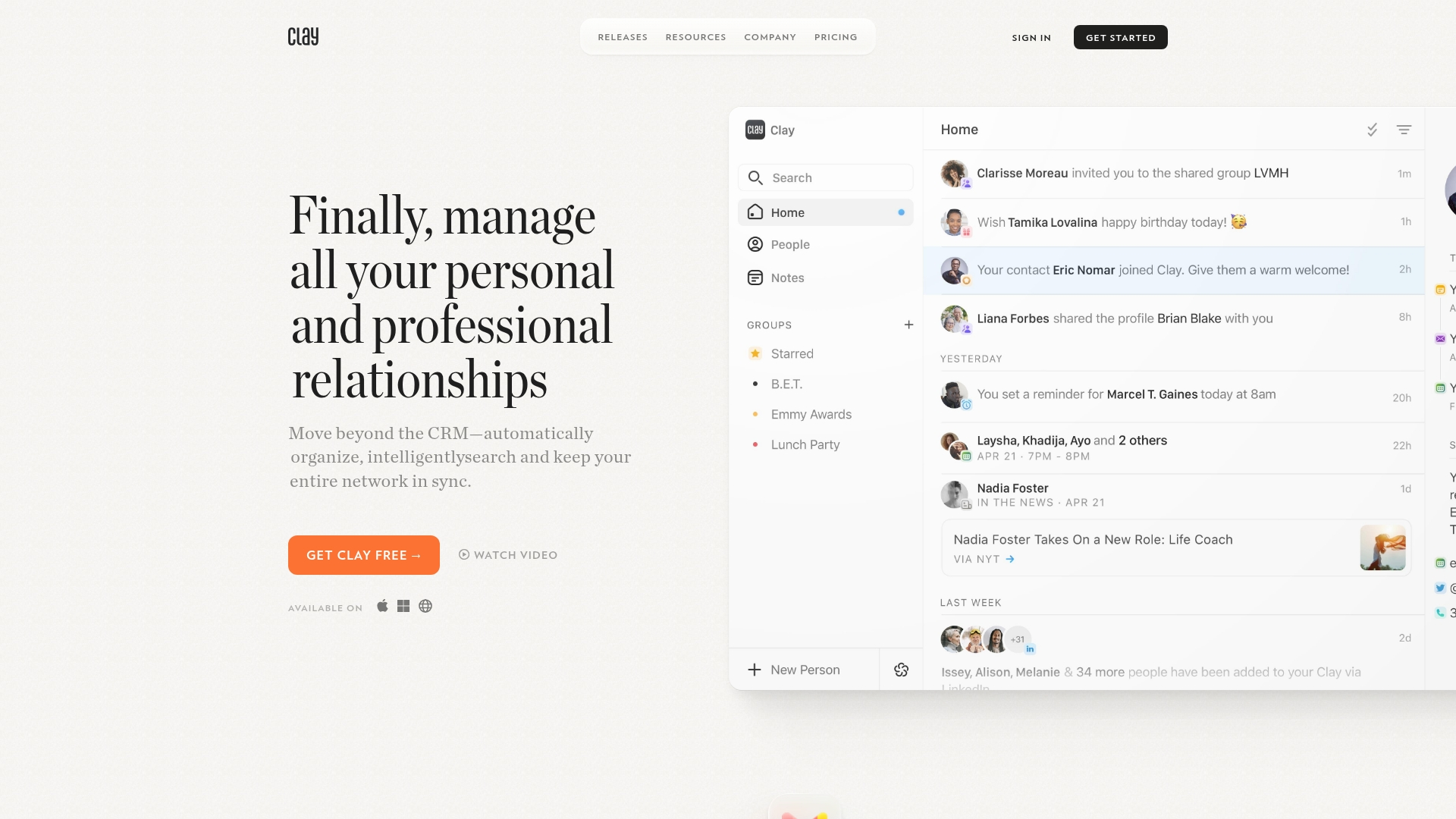
Clay redefines relationship management as an intelligent, privacy-first system that automatically enriches your contacts with data from across the web. The platform specializes in AI-powered networking insights and seamless multi-platform integration, making it ideal for professionals who value deep relationship context without the overhead of traditional sales CRMs.
Example:
Clay serves as a private “home for your people” that automatically aggregates interactions from email, calendars, and social platforms to create enriched contact profiles with work history, social links, and interaction timelines.
Key features:
- Nexus AI copilot: search your network, summarize contacts, and draft follow-ups with ChatGPT integration and Model Context Protocol support.
- Automatic data enrichment: pulls information from across the web to build comprehensive contact profiles with work history and social connections.
- 2-way CardDAV sync: integrates natively with your device’s address book, making Clay contacts available system-wide in phone apps, Siri, and CarPlay.
Pricing:
- Personal (Free): core features with up to 1,000 contacts.
- Pro: $10/month (billed annually) or $20/month with unlimited contacts and priority support.
- Team: $40/seat/month (annual) or $49/seat/month with up to four team members and advanced enrichment.
- Enterprise: custom pricing with unlimited team members, SAML SSO, and dedicated success management.
- 14-day Pro trial: available with credit card required.
Considerations:
- iMessage and phone call integrations require Mac app: with Full Disk Access permissions, which some users may find concerning.
- No dedicated Android app available: though CardDAV can surface contacts on Android devices.
7. Streak
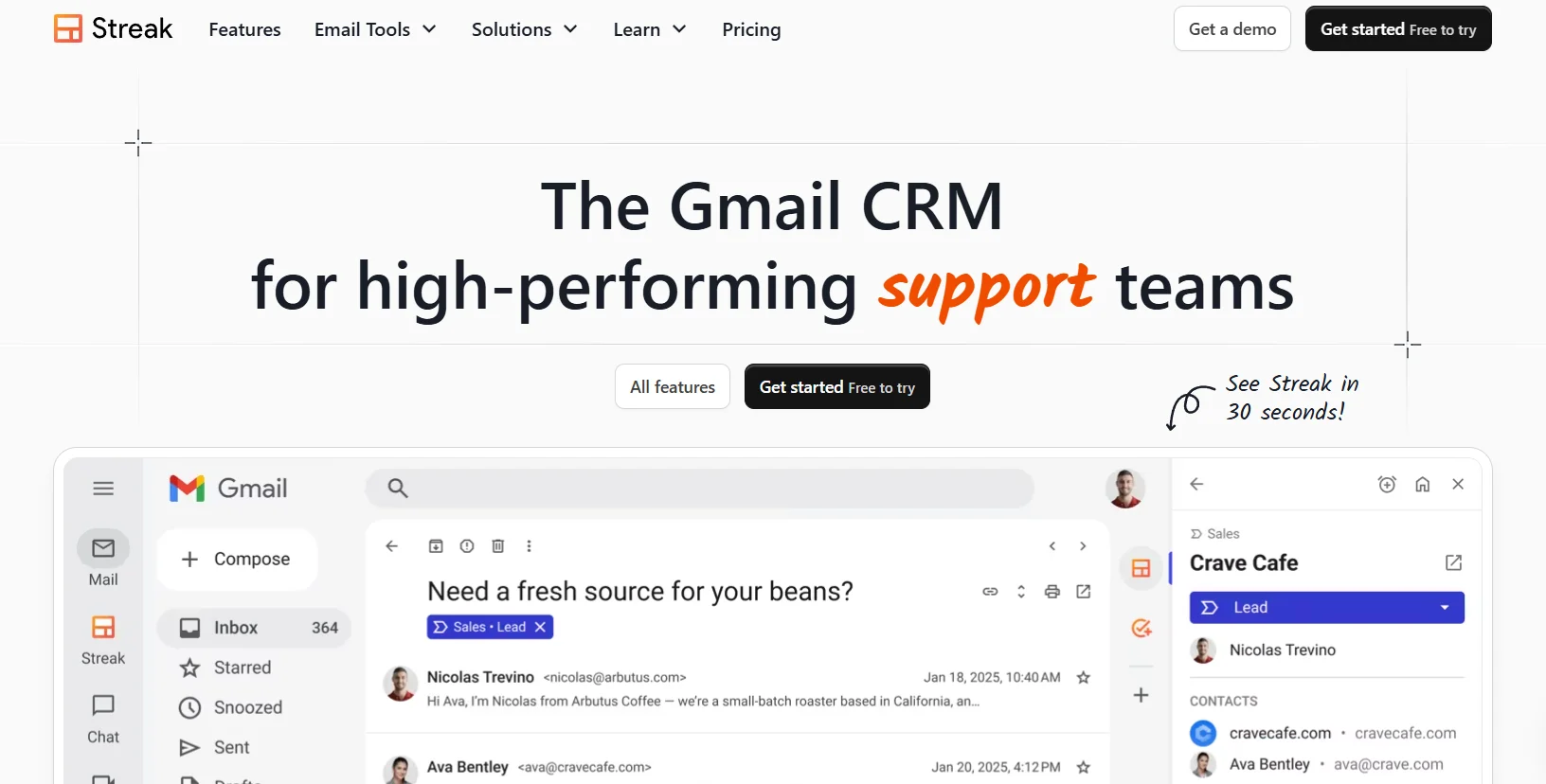
By embedding itself directly within Gmail, Streak transforms your inbox into a powerful personal CRM, eliminating the friction of switching between applications. The platform specializes in Gmail-native functionality, making it ideal for professionals who live in their email and want seamless contact tracking without learning new software.
Example:
Streak embeds a fully customizable CRM directly inside Gmail, allowing professionals to track relationships, manage pipelines, and automate follow-ups without ever leaving their inbox.
Key features:
- Gmail-native pipelines: create customizable relationship tracking workflows that live directly in your email interface.
- Contact auto-enrichment: automatically populate contact records with photos, roles, social links, and interaction timelines.
- Mail merge with follow-ups: send personalized email sequences from your Gmail address with automatic engagement tracking.
Pricing:
- Free: email tracking, snippets, mail merge up to 50/day.
- Solo: $15/month (annual) or $19/month (monthly), includes basic CRM, up to 5,000 contacts, mail merge up to 800/day.
- Pro: $49/month (annual) or $59/month (monthly), adds shared pipelines, team collaboration, mail merge up to 1,500/day.
- Pro+: $69/month (annual) or $89/month (monthly), includes advanced reports, automations, and AI Co-Pilot features.
- Enterprise: $129/month (annual) or $159/month (monthly), custom roles, data validation, priority support.
- Annual billing: up to 20% discount available.
Considerations:
- Gmail-only limitation: won’t work for Outlook or other email providers.
- Mail merge daily send limits: capped by Google’s quotas, which can constrain high-volume outreach campaigns.
8. Notion
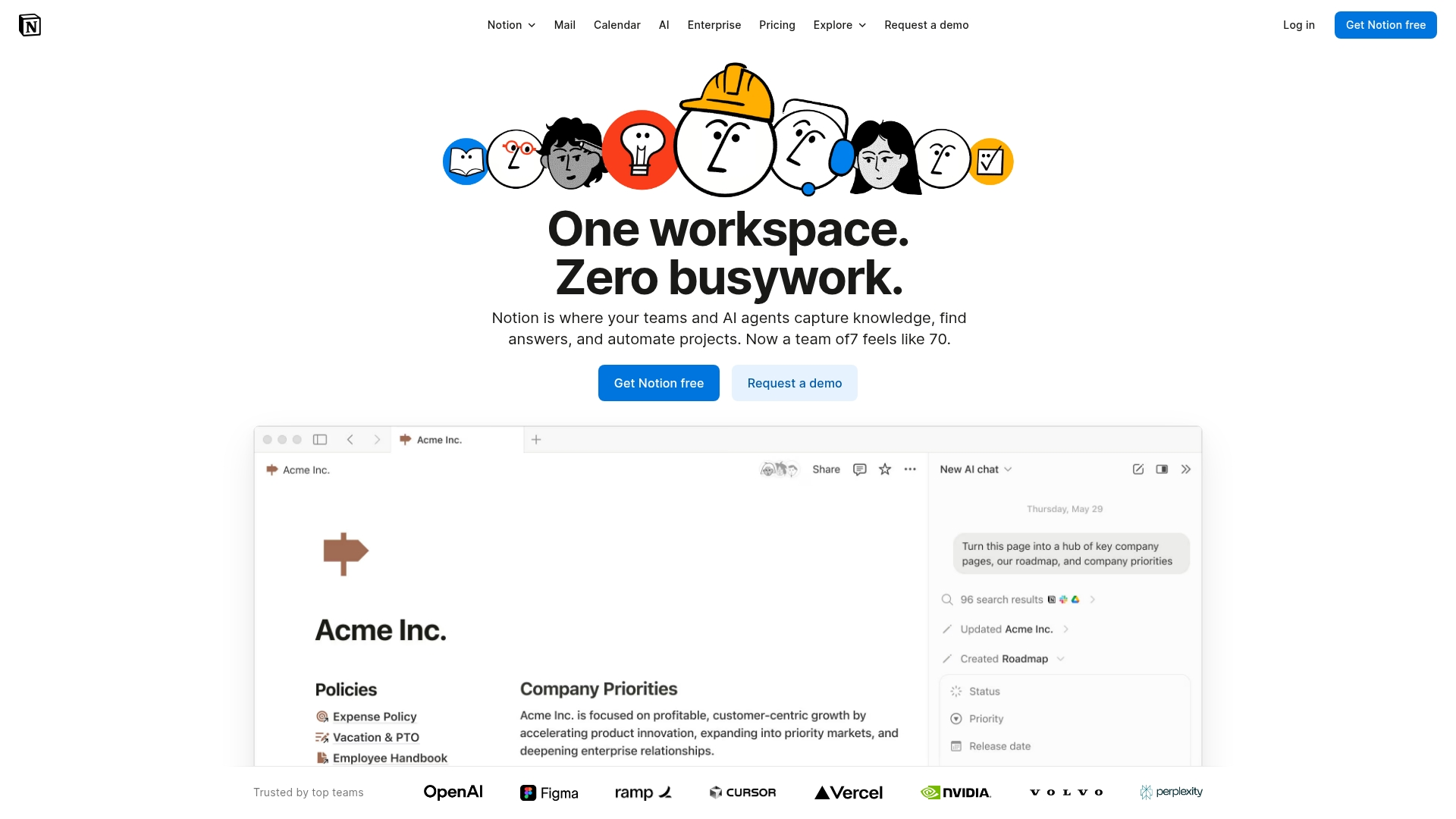
Notion’s inherent versatility allows it to function as a personal CRM, built from its flexible database system to create exactly the relationship management setup you need. The platform specializes in customizable building blocks, making it ideal for users who want complete control over their data structure and workflow design.
Example:
Notion serves users who need a highly customizable workspace where their personal CRM lives alongside notes, projects, and other productivity tools in one unified system.
Key features:
- Flexible database properties: for contacts, interactions, and companies with custom relations and rollups.
- Native integration with Notion Calendar and Notion Mail: for seamless scheduling and communication.
- AI-powered features: including contact categorization, meeting summaries, and database autofill.
Pricing:
- Free: $0 (core pages and blocks for individuals, basic forms, limited AI trial).
- Plus: $10/month (unlimited collaborative blocks, file uploads, charts, basic integrations).
- Business: $20/month (SAML SSO, granular permissions, AI features, premium integrations).
- Enterprise: custom pricing (advanced security, audit logs, dedicated support).
Considerations:
- Requires significant manual setup: and ongoing maintenance compared to dedicated personal CRM solutions.
- Lacks native contact sync: from phones or automatic contact enrichment features found in specialized tools.
9. Nat
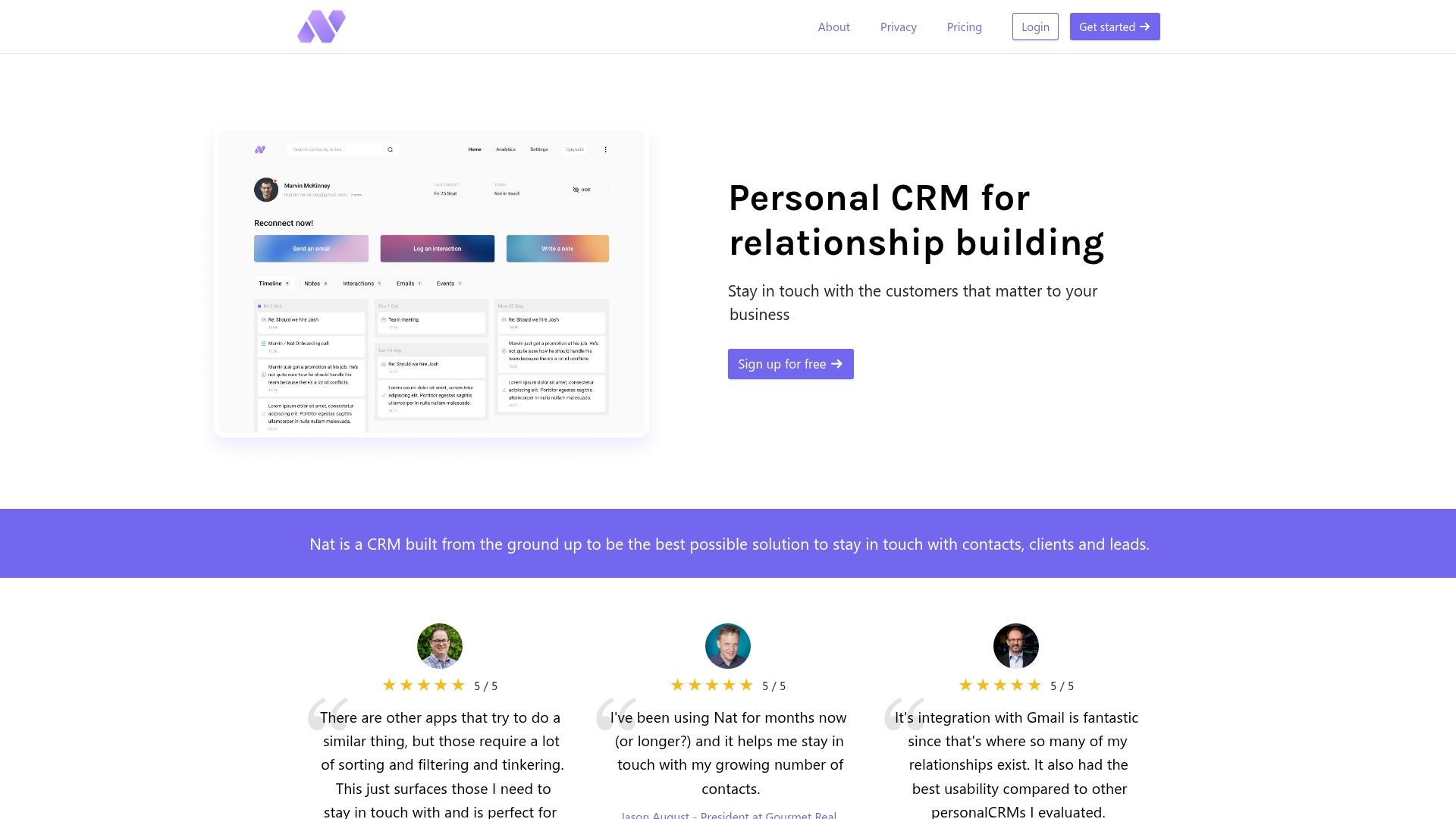
Nat is designed to make relationship maintenance a hands-off process by automating follow-ups and tracking who you’re losing touch with. The platform specializes in Gmail-native workflows and privacy-preserving email analysis, making it ideal for consultants and founders who live in Google’s ecosystem.
Example:
Nat helps busy professionals maintain relationships without manual effort by analyzing Gmail metadata to surface who needs follow-up and automating meeting prep emails.
Key features:
- One-click bulk follow-ups: for unanswered email threads with customizable templates.
- Automated meeting prep emails: surface past notes and context before each call.
- “Losing touch” detection: flags contacts you haven’t connected with recently.
Pricing:
- Magic plan: $370/year (annual billing only).
- Student discount: $97/year for eligible students.
- Free trial: 10-day trial available.
- Pro-rated refunds: available for annual prepayments.
Considerations:
- Google-only integration: limits users to Gmail, Google Calendar, and Google Contacts — no Outlook support.
- Single premium-priced plan: may feel expensive compared to alternatives that start around $10-15/month.
10. Covve
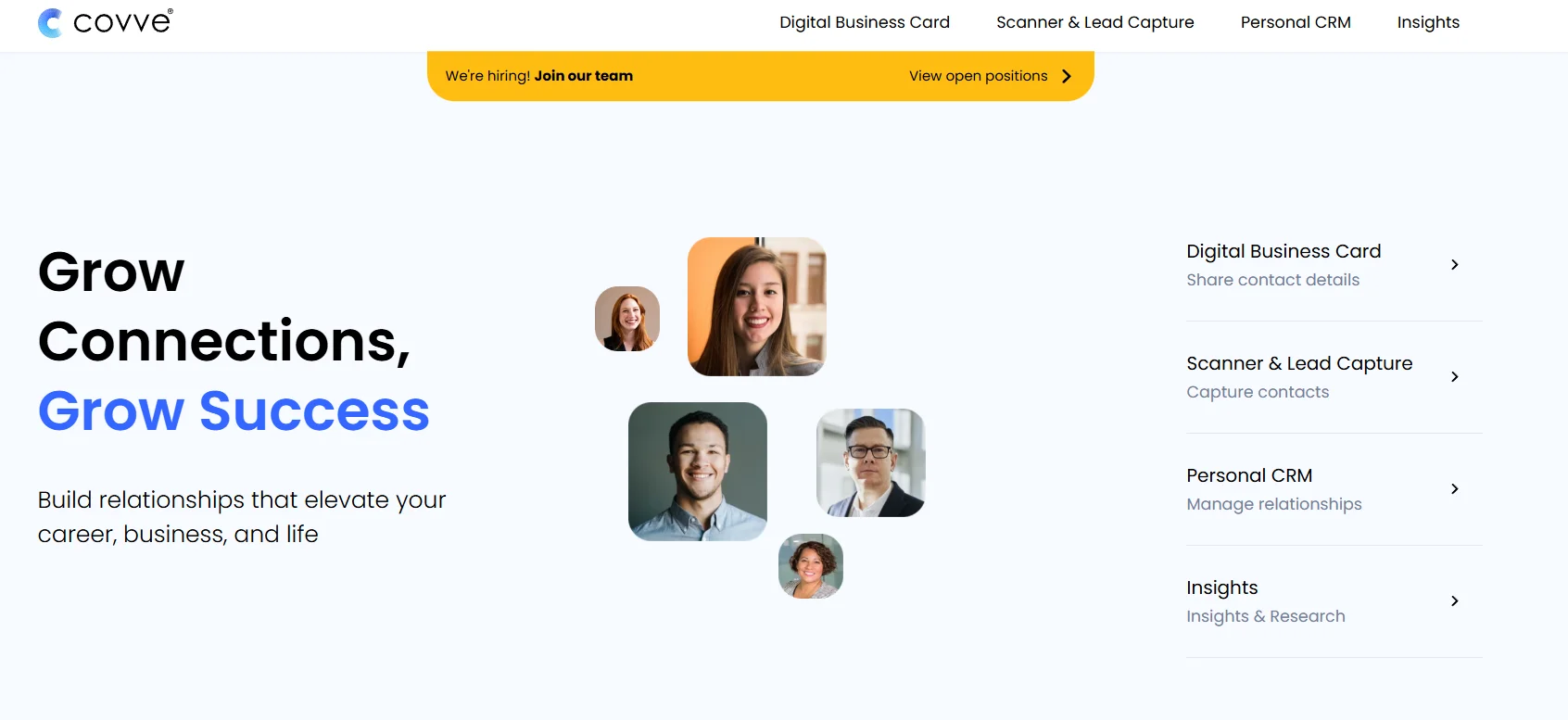
As a mobile-first personal CRM, Covve aims to turn relationship management into a habit, not a chore. The platform specializes in privacy-forward networking with end-to-end encryption, making it ideal for professionals who want to nurture connections without compromising sensitive data.
Example:
Covve helps professionals build consistent relationship habits through smart reminders, quick note capture, and contextual news insights, all while keeping sensitive data encrypted.
Key features:
- Smart reminders with automatic “keep-in-touch” cadences: birthday notifications and relationship maintenance prompts.
- End-to-end encryption: for notes, interactions, and personal relationship data.
- Business card scanning: 30+ language support and sub-2-second capture speed.
Pricing:
- Free: $0/month (up to 20 relationships, reminders, notes, and tags).
- Pro: $9.99/month with annual savings available (unlimited relationships, reminders, notes, and tags).
Considerations:
- Mobile-only access: no full-featured web app for desktop users.
- End-to-end encryption requires a user-managed 9-word key: cannot be recovered if lost.

“With monday CRM, we’re finally able to adapt the platform to our needs — not the other way around. It gives us the flexibility to work smarter, cut costs, save time, and scale with confidence.”
Samuel Lobao | Contract Administrator & Special Projects, Strategix
“Now we have a lot less data, but it’s quality data. That change allows us to use AI confidently, without second-guessing the outputs.”
Elizabeth Gerbel | CEO
“Without monday CRM, we’d be chasing updates and fixing errors. Now we’re focused on growing the program — not just keeping up with it."
Quentin Williams | Head of Dropship, Freedom Furniture
“There’s probably about a 70% increase in efficiency in regards to the admin tasks that were removed and automated, which is a huge win for us.“
Kyle Dorman | Department Manager - Operations, Ray White
"monday CRM helps us make sure the right people have immediate visibility into the information they need so we're not wasting time."
Luca Pope | Global Client Solutions Manager at Black Mountain
“In a couple of weeks, all of the team members were using monday CRM fully. The automations and the many integrations, make monday CRM the best CRM in the market right now.”
Nuno Godinho | CIO at Velv
“monday.com provides developmental flexibility, operational efficiency, and data transparency — all in one place. We became a company that moved from chasing data to leading with it.”
Hyunghan Lee | Team Lead, Sandbox Network
"monday.com brought every part of our business into one connected space. The harmony between work management and CRM has become our operating system — giving us the clarity and confidence to scale.”
Jennifer Chinburg | Executive Vice President of Corporate Development & Brand, Chinburg Properties
“We just weren’t getting value from our old CRM. With monday.com, it's a thousand times better. Our sales teams are more informed, more consistent, and far more connected."
James Arnold | Chief Operating Officer, CenversaHow AI enhances personal relationship management:
Artificial intelligence moves beyond the awkward “just checking in” email by analyzing engagement data to determine exactly when to reach out and what to say. This data-driven approach replaces guesswork with perfectly timed connections, ensuring your outreach is always relevant.
Instead of drowning in manual tracking, solutions like monday CRM provide clear recommendations for your next best move. Furthermore, the system can learn your specific communication style to suggest actions that keep every interaction genuine and on-brand.
Ultimately, the result is less time spent on administration and more time building the relationships that actually close deals. By allowing AI to handle the busywork, you can remain focused on the human connections that matter most.
Your guide to free personal CRMs
For those not yet ready for a full CRM, a free tool can be an effective way to organize contacts and establish a workflow without a financial commitment. However, it’s important to recognize that free versions often come with limitations on contacts, features, and integrations that can become restrictive over time.
Most free options provide the basics, like contact lists and simple reminders. Some integrate directly into your inbox, while others offer the flexibility to build layouts from scratch. They represent a solid starting point but are fundamentally designed for one person, not a growing team.
A free tool works until it doesn’t. You’ve likely hit its ceiling when you find yourself spending more time on manual data entry than on building relationships. Therefore, when the need arises to automate follow-ups, visualize the entire pipeline, and connect all your tools, it’s time for an upgrade.
The right CRM accelerates your workflow, not your workload
A truly effective CRM should never feel like a burden; it should fit into your workflow so seamlessly that it becomes an invisible engine, freeing you to focus on high-value relationships and strategy. Before committing to a platform, clarify your primary objective: are you nurturing a curated list of long-term clients, or are you scaling a high-volume hunt for new opportunities?
A system that manages 50 contacts effectively can quickly become a bottleneck as your network reaches 500. To maintain momentum, prioritize a flexible platform that handles data enrichment and automation natively. Investing in a tool that scales with your growth prevents the “technical debt” of a painful data migration down the road.
Finally, remember that an isolated CRM is a data silo. It must connect directly to your email, calendar, and other essential tools to centralize all your customer data. This connectivity ensures you have real-time visibility and a unified interaction timeline, allowing you to act with confidence from anywhere.
How to choose the right personal CRM?
Selecting the right personal CRM comes down to three key steps that ensure you’re building on a solid foundation.
Step 1: consolidate your contacts
First, bring all your contacts into one place. Export them from Gmail, Outlook, and LinkedIn to create a single, organized list.
Step 2: choose a flexible platform
Next, choose a platform that lets you organize contacts your way — by project, industry, or how you met them.
Step 3: connect your essential tools
Finally, integrate your CRM with your email, calendar, and communication tools to automate data capture and ensure nothing falls through the cracks.
Transform your network with monday CRM
Scattered contacts across inboxes, spreadsheets, and random notes are not a network; they are a liability. This disorganization means real opportunities are slipping away because the system is broken.
Designed to organize this chaos, monday CRM allows you to focus on people, not paperwork. It provides a single, clear view of every contact, conversation, and follow-up. Built for how you actually work, it offers confident control over your pipeline without a confusing setup.
You can start as a team of one and scale without skipping a beat. As your needs expand, the CRM grows with you, transforming individual efforts into a unified sales engine. Automate the busywork, align your team, and get back to what you do best: closing deals.
The content in this article is provided for informational purposes only and, to the best of monday.com’s knowledge, the information provided in this article is accurate and up-to-date at the time of publication. That said, monday.com encourages readers to verify all information directly.
Frequently asked questions
Can a business CRM work for personal networking?
It can, but most business CRMs are packed with complex features you won’t use. A personal CRM is simpler and built specifically for managing individual relationships.
What's the typical cost of personal CRM software?
Most plans range from free to about $30 per month. Pricing is based on features like contact limits and automation capabilities.
Which personal CRM offers the best LinkedIn integration?
Many CRMs offer strong LinkedIn integrations for importing and managing connections. Look for a solution that handles all your contacts in one place, not just one network.
How many contacts can personal CRM software handle?
Most platforms support thousands of contacts, with specific limits depending on your plan. Free tiers usually handle fewer contacts than paid ones.
Is personal data secure in CRM platforms?
Yes, reputable CRMs use standard security measures like encryption to protect your data. Always check the platform’s privacy policy and security features before signing up.

 Get started