


Zendesk has become a staple of customer service software, with thousands of customers touching countless industries. The platform helps organizations maximize client interactions and build a positive customer experience.
That said, expensive add-ons, limited customer support, and a steep learning curve and setup process are just some of the dissatisfactions users bring up online and on review sites. Aside from Zendesk, there are alternative support platforms on the market; the trick is knowing which are a good fit for your organization.
This guide introduces you to 9 of the best Zendesk alternatives. We’ll look at the benefits and disadvantages of Zendesk, and examine how alternatives like monday service are a better fit for many teams.
Try monday serviceKey takeaways
- Zendesk’s cost climbs quickly once you add AI Copilot, per-resolution AI fees, and workforce management on top of the sticker price.
- The right alternative depends on your team type, whether you need shared-inbox simplicity, omnichannel ticketing, or full ITSM.
- monday service leads for no-code customization and an AI Service Workforce that resolves requests autonomously within guardrails.
- Affordable picks like Zoho Desk, Freshdesk, and Help Scout deliver core ticketing and automation at a lower entry price.
- Pricing across these platforms ranges widely, from roughly $14 per agent to enterprise quotes with onboarding fees.
- Migrating off Zendesk is manageable when you plan the move and map your data before you switch.
What is Zendesk?
Zendesk has made a name for itself as one of the most popular customer service platforms. Thanks to an intuitive interface, tons of customizable tools for customer service operations, and integration capabilities, Zendesk has become the go-to service solution for various businesses.
The software uses advanced AI tools to connect human-led service with AI workflow automation and efficiency, a combination that helps teams deliver faster, more personalized customer journeys. Over 100,000 companies, including Uber, GrubHub, Shopify, and others, rely on Zendesk to deliver superior service to their customers.
Pros and cons of Zendesk
Zendesk has undeniably enabled a lot of businesses to succeed in delivering quality customer experiences, however, that doesn’t mean it’s the right solution for every organization. There are some great benefits to using Zendesk, but there are also some significant drawbacks.
Pros
- The interface is very customizable, making it easy for teams to tailor workflows
- Helps teams work more efficiently and productively while organizing service tasks
- Everything from customer texts to emails and social media messages are held in one platform
- User-friendly features that are easy to navigate and implement
Cons
- Can be expensive for small and medium businesses, with advanced tools such as AI as extra add-ons
- Some users on Zendesk’s G2 review page note that customer service could be improved
- Long onboarding time due to complex features and a relatively steep learning curve
- Some users find its automation and customization options less flexible than competitors
What to look for when choosing a Zendesk alternative
There are a lot of different elements to take into account when looking at Zendesk alternatives, or any customer support platform for that matter. A good way to find the platform that will best fit your team is to first determine what features your team needs most based on current and future business goals, workflows, and preferences. Some of the most important things to look for in a Zendesk alternative include:
- How easy a platform is to use: First and foremost, you want to make sure the interface is quick to pick up and not too complicated to use so that your service teams can get a handle on it fairly quickly and without a steep learning curve
- Built-in AI capabilities: The bulk of customer support platforms today have some AI features, but you want to make sure a platform has the ones you really need, whether it’s AI agents, AI-powered chatbots, internal AI assistants, AI-enabled automation, or anything else
- What workflows you can automate: One of the core functions of a customer support tool is its ability to automate repetitive tasks, like ticket management, so look for a platform that allows you to build the automations you really need
- Whether the platform can easily scale: You don’t want to switch from Zendesk to a new platform only to outgrow it in a couple of years, so make sure the solution you choose today can grow with your team and easily handle increased ticket volume during peak periods
- Options for reports and insights: With the right service platform, you can get deep insights via reports, dashboards, and AI-driven analytics, making it important to choose a solution with advanced reporting features
- Multi-channel support options: You want to be able to see all your customer interactions in one place, which is why it’s important to find a platform with a unified inbox, multichannel integrations for data syncing, and easy categorization
9 of the best alternatives to Zendesk
Zendesk remains a reliable customer support solution for many organizations, but that doesn’t mean it’s the best fit for everyone. Some teams need a very simple customer service platform, while others need more complex solutions for ITSM and other services. Below are our top recommendations for the best Zendesk alternatives out there, starting with the most customizable and moving through options for every team type and budget.
1. monday service
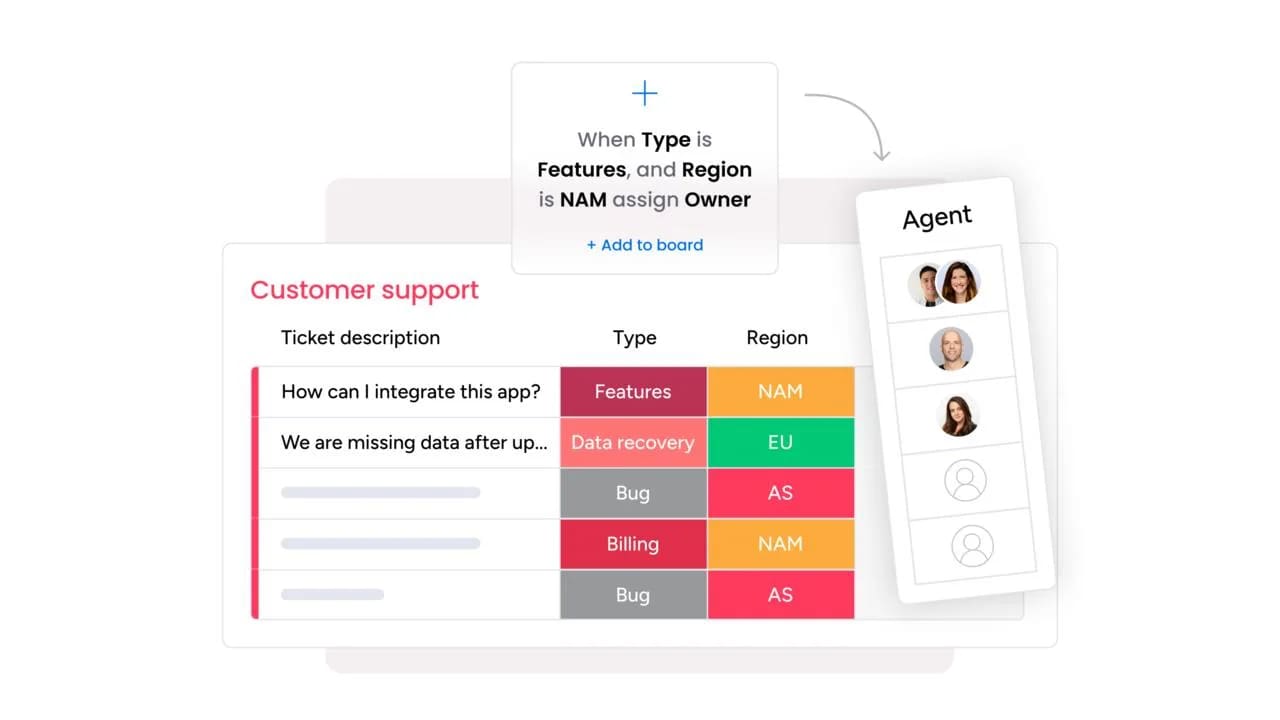
Best for: teams that want a highly customizable, AI-first service platform that connects support to the rest of the business.
monday service is an all-in-one customer support solution built on the monday.com Work OS. The platform offers an AI-powered no-code platform to manage customer interactions, automate workflows, and improve team collaboration. Featuring an intuitive interface that’s easy to use with plenty of customization options, monday service enables businesses to build tailored support processes that fit their work.
Key features
- AI service workflows: Automate repetitive tasks and build custom service workflows to put ticket management on autopilot
- Self-service customer portal: Build customizable self-service portals to offer customers resources to solve issues independently
- Smart AI ticketing: Leverage AI to categorize and prioritize incoming customer tickets and route them to the right agent
monday service pricing
- Starting price: $31/seat/month
- 3 plans to choose from: Standard, Pro, and Enterprise
- 14-day free trial available
Why it stands out
- No-code, drag-and-drop customization lets any support team tailor workflows without technical help
- The AI Service Workforce resolves repetitive requests autonomously within guardrails and escalates complex cases with full context
- Native connection to monday CRM and the rest of monday.com’s AI Work Platform unifies customer data across departments
Advanced AI features
- monday sidekick acts as an agent co-pilot, surfacing suggested replies and next steps in context
- monday agents provide an agentic AI workforce that handles routine service work end-to-end
- monday MCP connects external agents like Claude, ChatGPT, Copilot, and Gemini directly to your monday data
Automations
- Build custom, no-code automations for ticket assignment, escalations, and status updates
- Automate SLA tracking so the platform flags at-risk tickets before deadlines slip
- Trigger follow-ups and notifications to keep customers and stakeholders informed automatically
Zendesk alternative features
- No-code customization replaces Zendesk’s add-on-heavy setup, so you shape the platform to your process
- Included AI credits on service boards address the per-resolution fees that inflate Zendesk’s cost
- monday vibe lets teams build custom no-code apps, smoothing the transition from a rigid legacy suite
Integrations
- 200+ integrations, including Slack, Trello, DocuSign, and a two-way Salesforce sync
- Multi-channel intake from Gmail, Outlook, monday Inbox, and WorkForms
- Open API to connect the platform with your existing organizational resources
2. Freshdesk
Best for: teams that want familiar Zendesk-class features at a lower, more predictable price.
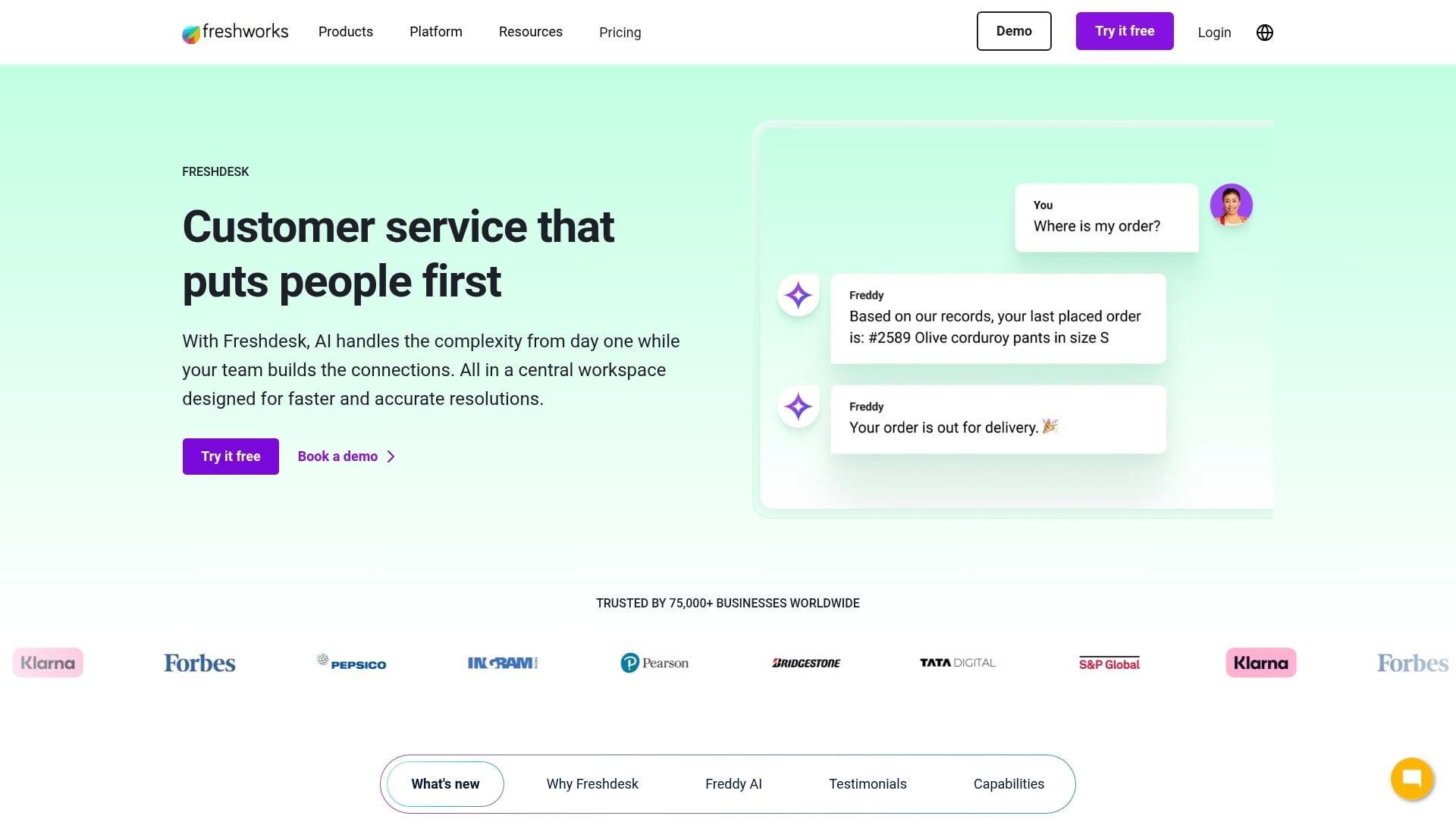
Freshdesk is an affordable, user-friendly customer service platform and one of the closest feature-for-feature Zendesk rivals at a lower price. It’s popular with SMBs and mid-market teams across e-commerce, education, healthcare, and SaaS. Teams often choose it for Zendesk-class capabilities with a cleaner, quicker setup.
Key features
- Omnichannel support across email, chat, phone, social, and WhatsApp
- Freddy AI Copilot for drafts and summaries, plus Freddy AI Agent for autonomous resolution
- Workflow automation and SLA management with an SEO-friendly knowledge base
Pricing
- $0 for up to 2 agents (first 6 months)
- Growth: $19/agent/month (billed annually)
- Pro: $55/agent/month (billed annually)
- Enterprise: $89/agent/month (billed annually)
Considerations
- Freddy AI costs climb at scale, with Copilot at an added per-agent fee and AI Agent sessions billed by usage
- Voice needs the separate Freshcaller product, and there’s no native workforce management
3. Zoho Desk
Best for: budget-conscious teams already working inside the Zoho ecosystem.

Zoho Desk is part of the Zoho suite and relies on AI to power its help desk software. It helps organizations improve support efficiency with a seamless ticketing system, extensive automations, and self-service options. Zoho Desk is both affordable and scalable, making it a solid option for companies of varying sizes.
Key features
- Zia, Zoho’s AI assistant, analyzes customer interactions to determine sentiment and suggest next steps
- SLA rules that align with your service level agreement (SLA) and automatically escalate violations
- Real-time analytics dashboards to monitor tickets and track performance
Pricing
- Free: $0 for up to 3 agents
- Standard: ~$14/agent/month (billed annually)
- Professional: ~$23/agent/month (billed annually)
- ~$40/agent/month (billed annually)
Considerations
- The UI can feel dated and cluttered next to newer platforms, and setup can take weeks
- Zia AI unlocks only on the Professional tier and above, and integrations outside Zoho, like project management connections, are weaker
4. Intercom
Best for: product-led SaaS teams where live chat and in-app messaging are the primary channels.

Intercom describes itself as an AI-first customer service platform, leveraging an advanced AI agent across support workflows. With a human-quality AI service agent, Intercom helps companies deliver high-quality customer service alongside their existing platforms.
Key features
- Fin AI agent that provides instant, personalized answers around the clock
- Copilot, a personal AI assistant that guides agents with relevant resolutions and ticket actions
- AI-driven reporting for insights into team performance and response time
Pricing
- Essential: $29/seat/month
- Advanced: $85/seat/month
- Expert: $132/seat/month
- Fin AI Agent add-on at $0.99 per resolution
Considerations
- There’s no native voice support, so phone-heavy teams need a separate solution
- Usage-based AI pricing makes budgeting harder, and cost scales up as resolution volume grows
5. Help Scout
Best for: small teams that value a simple, email-first support experience.

Help Scout is a human-centered support platform focused on email-style simplicity and collaboration. It’s a strong fit for small to mid-sized businesses that want warm, approachable support without help-desk complexity. The shared inbox feels like email, which shortens the learning curve for new agents.
Key features
- Shared inbox with collision detection and internal notes for smooth collaboration
- Beacon live-chat widget plus a built-in Docs knowledge base
- Built-in AI, including AI Answers, AI Drafts, and AI Summarize, with no extra per-seat AI SKU
Pricing
- Free: $0 with limited contacts
- Standard: $25/month
- Plus: $45–50/month
- Pro: $65/month; AI Answers at ~$0.75 per resolution
Considerations
- Multichannel support beyond email and basic chat is limited
- AI Answers draws only from Help Scout content, with no external knowledge sources
6. HubSpot Service Hub
Best for: teams already on HubSpot that want support unified with marketing and sales.

HubSpot Service Hub is the customer service module of HubSpot’s CRM platform, and it ties directly into HubSpot’s other products for a cohesive view of every customer. It helps teams deliver personalized service while engaging and retaining more customers. Support agents see marketing and sales context on the same customer record.
Key features
- Shared inbox for email, chat, Messenger, and WhatsApp with ticketing pipelines and SLAs
- Knowledge base and customer portal to reduce repeat requests
- Breeze AI agents on Enterprise for autonomous resolution without per-interaction fees
Pricing
- Free: $0 for basic ticketing
- Starter: $15/seat/month
- Professional: $90/seat/month (plus a $1,500 onboarding fee)
- Enterprise: $150/seat/month (10-seat minimum, plus a $3,500 onboarding fee)
Considerations
- Costs rise sharply at scale once you move past the Starter tier and add onboarding fees
- It’s strongest only if you use the rest of HubSpot, and it lacks native workforce management
7. Salesforce Service Cloud
Best for: large enterprises with complex, high-volume support and heavy customization needs.

Salesforce Service Cloud is an AI-driven service platform aimed at larger teams and enterprises. With advanced automation, AI insights, and deep customization, it gives companies a unified platform for service management in the same universe as their commercial operations.
Key features
- Case management with skill-based Omni-Channel routing across email, chat, phone, SMS, and social
- Einstein and Agentforce AI for agentic resolution and analytics
- Data Cloud insights and CTI telephony integrations for enterprise contact centers
Pricing
- Starter Suite: $25/user/month
- Pro Suite: ~$80/user/month
- Enterprise: ~$165/user/month
- Unlimited: ~$330/user/month; Agentforce at ~$2 per conversation
Considerations
- It’s expensive, with mid-tier plans costing several times more than lighter alternatives
- Implementations can run 3 to 6 months and require dedicated Salesforce admins
8. Jira Service Management
Best for: IT and DevOps teams that need ITSM connected to software development workflows.

Jira Service Management is Atlassian’s IT service management (ITSM) platform, geared toward IT, operations, and DevOps teams. It lets businesses handle service requests, incidents, and change management on one platform, with tight links to the wider Atlassian ecosystem.
Key features
- AI-led ITSM that automates routine tasks and operations like escalations, resolutions, and approvals
- Customizable help center for customers to find information and solve issues
- Engineering support that connects service requests directly to dev teams
Pricing
- Free: $0 for up to 3 agents
- Standard: ~$19–23/agent/month
- Premium: ~$47–48/agent/month
- Enterprise: quote-only (billed annually)
Considerations
- It’s oriented to internal IT and DevOps rather than external customer support
- The platform can be complex for non-technical support teams to adopt
9. HappyFox
Best for: teams wanting cost-effective, automation-strong help desk software across multiple departments.

HappyFox is an all-in-one help desk and ticketing platform that also serves internal teams like HR, IT, and facilities. With strong automation, self-service knowledge bases, and comprehensive reporting, it’s a fit for businesses of different sizes that want customizable, multi-team support.
Key features
- Customizable fields, workflows, roles, and permissions for a tailored setup
- Self-service chatbots, automated responses, and multilingual knowledge bases
- Powerful automation with smart rules, SLA escalations, and ticket assignment
Pricing
- Starting price: from ~$21/agent/month (increasingly quote-based)
- Plans: Basic, Team, Pro, and Enterprise Pro
- Enterprise: quote-only
Considerations
- Pricing is often quote-based and less transparent than newer platforms
- A free trial is available only after a demo, and AI depth trails AI-first platforms
How monday service solves customer support challenges
Choosing the right AI customer service platform starts with flexibility, and monday service is built around no-code customization. You manage tickets, incidents, and requests on customizable boards, then let AI-powered columns do the heavy lifting: they summarize each ticket, categorize it, detect sentiment, and auto-assign it to the right agent. On top of that, the AI Service Workforce uses your knowledge base, past tickets, and guardrails to resolve common requests end-to-end, escalating complex cases with full context so nothing slips.
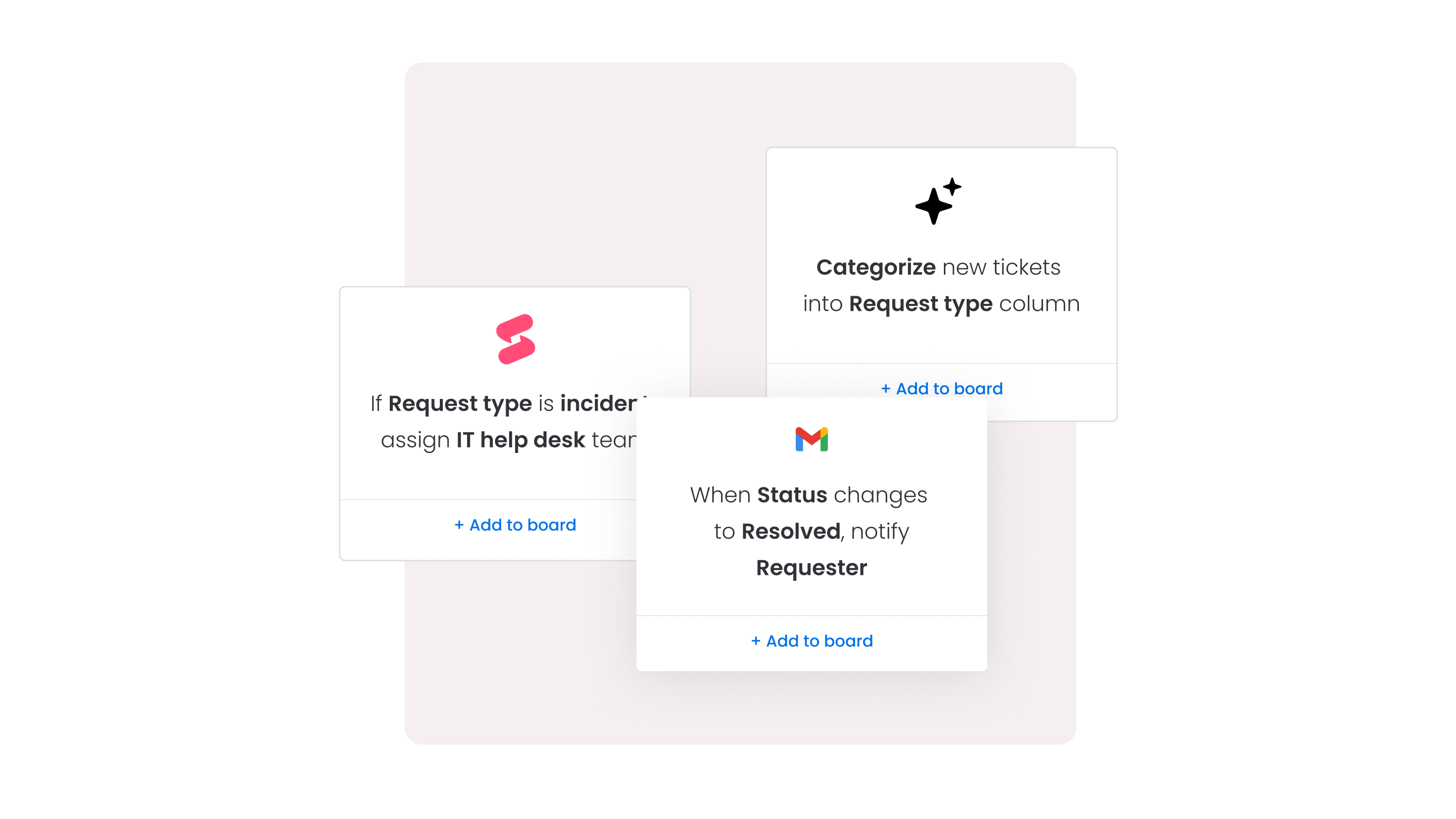
monday service also offers plenty beyond triage:
- monday sidekick works as an agent co-pilot, suggesting replies and next steps in the flow of work.
- monday vibe lets teams build custom apps and surfaces with no code
- monday agents provide an agentic AI workforce for routine service work
- monday MCP connects external agents like Claude, ChatGPT, Copilot, and Gemini directly to your monday data. That means you can extend the platform to your own processes instead of bending your team to fit a rigid legacy suite.
monday service also connects to everything around it. With 200+ integrations, including Slack, Trello, DocuSign, and a two-way Salesforce sync, plus native connections to the rest of monday.com’s AI Work Platform, your service process shares context with the rest of the business.
A self-service Customer Portal with My Tickets gives customers a clear view of their requests, while SLA tracking keeps agents ahead of deadlines. Teams handle facilities management, HR requests, and internal IT tickets on the same platform they use for customer support.
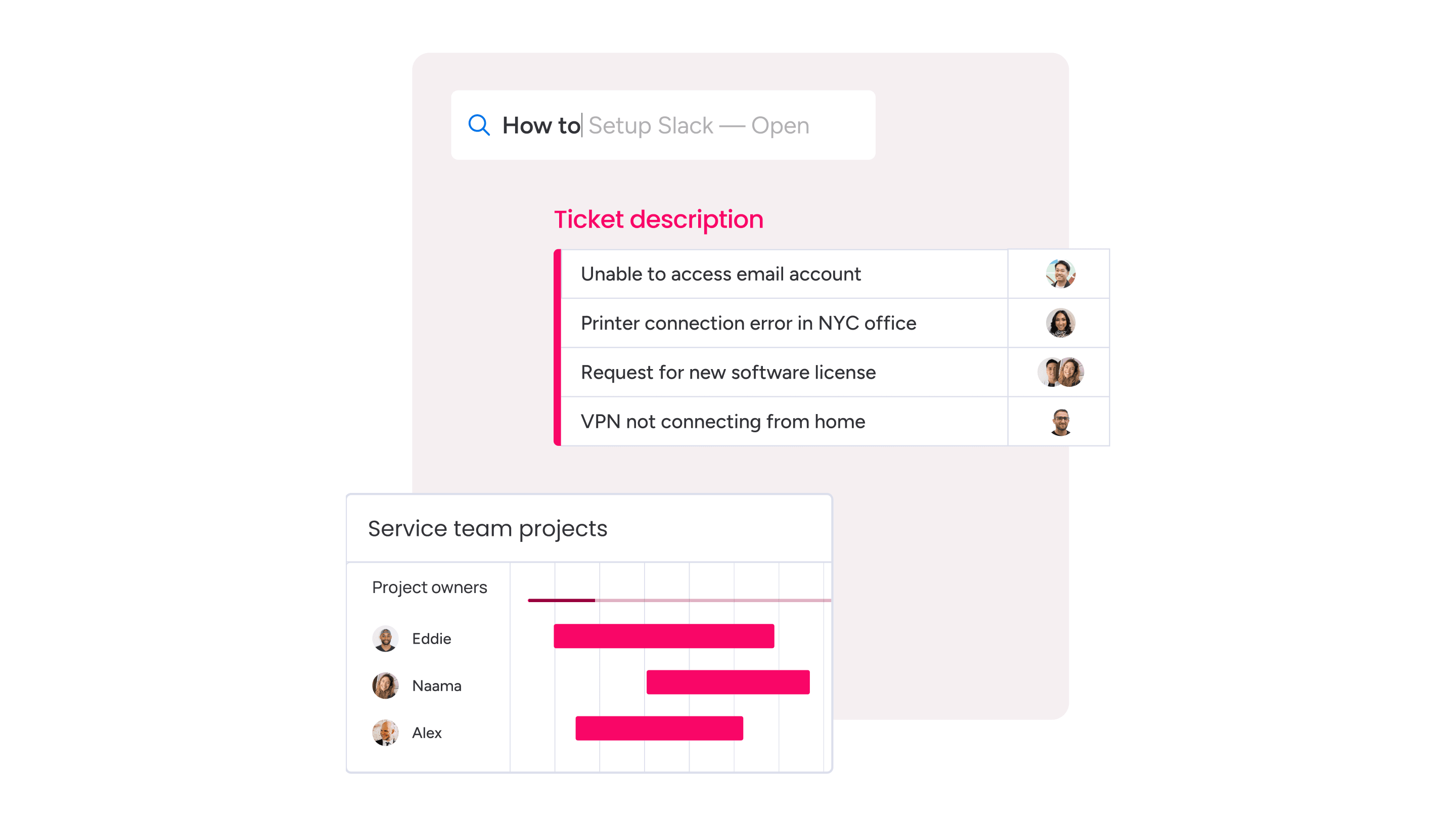
So how does this all this compare to Zendesk and the other alternatives on the list? The table below contrasts the platforms on the factors that matter most when you’re replacing a legacy suite.
| Factor | monday service | Zendesk | Other alternatives |
|---|---|---|---|
| No-code customization | Drag-and-drop boards and workflows any team can shape | Customizable, though advanced changes often need setup work | Varies, from simple shared inboxes to admin-heavy platforms |
| AI resolution approach | AI Service Workforce resolves requests autonomously within guardrails | Autonomous resolution largely through paid AI add-ons | Mix of drafting, deflection, and per-resolution AI agents |
| Integrations | 200+ integrations plus native monday CRM, dev, and work management | Broad marketplace with many third-party connectors | Range from ecosystem-tied to a handful of native connectors |
| Pricing model | Per-seat plans with included AI credits on service boards | Per-agent tiers with add-ons for AI and workforce management | Per-agent, per-contact, or usage-based per resolution |
How to migrate from Zendesk to monday service
Migrating customer service platforms may seem like a headache, but with the right planning, it can be a relatively smooth transition. Here’s how you can do it in a few straightforward steps on how to migrate from Zendesk, or any other customer service platform, to monday service:
- Plan your migration: Identify key data to transfer, such as tickets, contacts, and automation rules
- Export Zendesk data: Download customer information, ticket history, and knowledge base content in CSV or JSON format
- Configure monday service: Set up your workflows, automations, and custom fields in monday service to match your team’s support process
- Import data: Use monday service’s import tools or APIs to upload tickets, customer records, and help desk settings
- Train, test, and optimize: Train your agents on monday service, verify that all data migrated correctly, and run test cases based on your original workflows
- Monitor and go live: Fully switch to monday service while continuing to monitor performance and make necessary adjustments
For more complex migrations, the monday.com support team is on hand to help you with a more guided transition to your new monday service platform.
Set yourself up for success with the right Zendesk alternative
Organizations that want to succeed the first time with customer service software need to pick the right platform that matches how their team works. The best choice is entirely customizable to your unique workflows and can scale as your business evolves, turning support from a reactive cost center into a proactive advantage.
That’s where monday service fits. It pairs an AI Service Workforce that resolves repetitive requests within guardrails with no-code customization any team can manage, all on the unified AI Work Platform.
Start by identifying the features your team truly needs, test a couple of the Zendesk alternatives in this guide through their free trials, and choose the one that grows with you.
Try monday serviceFAQs
What are the best low-cost Zendesk alternatives?
Zoho Desk, Help Scout, and HubSpot Service Hub offer free and affordable plans with ticketing and automation features. Additionally, other platforms like monday service remain affordable and flexible in pricing while offering high value for a range of support services.
What are the best Zendesk knowledge base alternatives?
Many Zendesk alternatives, such as monday service, have strong knowledge base features with intuitive self-service options. With software like monday service, organizations of any size can use AI to create, manage, and optimize knowledge bases with help articles and resources that reduce the volume of support inquiries.
What are the disadvantages of Zendesk?
Zendesk can be expensive, especially for small and growing businesses that need advanced features, and its pricing structure often requires costly add-ons. For example, adding advanced AI tools that allow teams to generate content for canned responses and knowledge bases or create AI-powered workflows comes at an extra cost.
How much cheaper are Zendesk alternatives than Zendesk?
Zendesk alternatives can be significantly cheaper, with value picks like Zoho Desk starting around $14 per agent and Freshdesk Growth at $19 per agent billed annually. Actual savings depend on your team size and how many AI add-ons you would otherwise stack onto Zendesk.
Which Zendesk alternative is best for small businesses?
The best Zendesk alternative for small businesses is often Help Scout for email-first simplicity, Freshdesk for affordable omnichannel ticketing, or monday service for no-code customization. The right pick depends on whether your team prioritizes a shared inbox, low cost, or flexibility.
How does monday service handle migration from Zendesk?
monday service handles migration from Zendesk through a manageable, planned process of exporting your data, configuring workflows, and importing tickets with its import options or APIs. For more complex moves, the monday.com support team offers guided assistance.

 Get started