


Effective IT service management (ITSM) is crucial for organizations striving to deliver exceptional services and remain competitive. By focusing on process optimization, customer satisfaction, and continuous improvement, ITSM streamlines operations and supports agile innovation.
This article covers the core processes of service management, the most popular frameworks, and the lifecycle stages that drive continuous improvement. We’ll also explore how modern platforms like monday service help teams automate routine work and deliver exceptional support at scale.
Try monday serviceKey takeaways
- IT service management (ITSM) gives your team a clear, repeatable way to handle requests, outages, and changes.
- The right ITSM platform makes or breaks adoption. Look for one that’s easy to use, flexible enough to customize, and built with AI to handle the repetitive work automatically.
- AI is changing what’s possible in service management. Whether auto-classifying tickets or predicting problems before users notice them, AI helps teams shift from reactive to proactive.
- ITSM works best when you start focused and build from there. Pilot with high-impact workflows like incident and request management, measure results, then expand. Don’t try to do everything at once.
- monday service is built for modern service teams. Its AI-powered routing, no-code workflows, and real-time dashboards help IT and other departments deliver faster, smarter service without heavy technical setup.
What is IT service management?
IT service management, or ITSM, is how organizations design, deliver, support, and improve the technology services people rely on every day. It treats IT as a service provider, not just a team that fixes broken laptops. And it creates structured processes for handling everything from password resets to major outages.
The goal is simple: when someone needs help, there’s a clear path to resolution and a way to measure whether the service is working. ITSM transforms day-to-day support into proactive service delivery so technology stays aligned with business goals.
What is an IT service?
An IT service is any technology-related capability that helps the business operate and employees to stay productive.
Common examples include:
- Email access
- Laptop provisioning
- Network connectivity
- Software licenses
- Technical support
What is an ITSM platform?
An ITSM platform is software that puts service management into practice by centralizing ticket handling, workflow automation, asset tracking, and performance reporting in one system.
Unlike a basic help desk that only logs requests, an ITSM platform supports the full service lifecycle — from intake and triage to resolution and continuous improvement. That gap remains significant in practice: according to Capterra, 37% of help desk buyers still rely on non-specialized tools, and 23% have no dedicated system at all. As one example, monday service is a modern ITSM platform built to support both IT workflows and broader service needs across departments.
What's the difference between ITSM and ITIL?
ITSM is the practice of managing IT services. ITIL is a framework that guides how organizations do it. Think of ITSM as the goal, and ITIL as one of the most widely used playbooks for getting there. Here’s how they compare:
| Dimension | ITSM | ITIL |
|---|---|---|
| What it is | A discipline for managing IT services | A framework for service management best practices |
| Full name | IT service management | Information Technology Infrastructure Library |
| Purpose | Deliver, support, and improve IT services | Provide structured guidance for service delivery |
| Scope | Broad — processes, platforms, teams, outcomes | Specific — recommended practices and lifecycle guidance |
| How it's used | Applied through workflows, platforms, and policies | Used as a reference framework to shape those workflows |
ITIL remains the most adopted ITSM framework because it offers a shared language and a mature operating model. It’s not the only option, though, and many teams combine ITIL with other frameworks based on their industry and compliance needs.
5 popular ITSM frameworks and methodologies
ITSM frameworks are structured guidelines that help organizations apply service management consistently. The right fit depends on your size, industry, and appetite for process standardization.
ITIL
ITIL, currently in its fourth version (ITIL 4), is the most widely recognized ITSM framework. It works well for organizations that want a flexible, globally accepted foundation for service delivery.
DevOps
DevOps unifies software development and IT operations to speed up delivery while improving reliability. It complements ITSM by adding automation, faster feedback loops, and tighter coordination between build and run teams.
COBIT
COBIT is a governance framework from ISACA focused on aligning IT with business goals, managing risk, and supporting compliance. It’s a strong fit for regulated industries that need stronger oversight and auditability.
ISO/IEC 20000
ISO/IEC 20000 is the international standard for IT service management and offers a path to formal certification. It’s useful when you need to prove service quality to clients, partners, or regulators.
Microsoft Operations Framework
The Microsoft Operations Framework (MOF) is a set of best practices influenced by ITIL. It works well for Microsoft-heavy environments that want operational guidance closely tied to Microsoft technologies.
7 core ITSM processes every team needs
Learn more: Incident management vs service management
ITSM runs on repeatable processes that tell teams how to handle everything from a locked account to a major outage. Teams get the most value by building a strong foundation around these 7 ITSM processes. Each process plays a distinct role in keeping services reliable and aligned with business goals. Together, they form the backbone of a mature service operation that leaders can scale with confidence.
1. Incident management
Incident management restores normal service as quickly as possible after an unplanned interruption. An incident is any disruption to a service, like a crashed app or a user losing email access.
This process defines how incidents are logged, prioritized, assigned, and resolved to minimize business impact.
2. Problem management
Problem management finds and removes the root causes behind recurring incidents. An incident is the symptom; a problem is the underlying cause.
If 20 users hit email outages over several weeks, problem management investigates why the mail server keeps failing instead of closing each ticket one by one.
3. Change management
Change management controls how updates to IT systems are planned, approved, and rolled out. In ITSM, change management refers to technical changes, not employee communications.
It requires teams to assess impact, gain approvals, and document rollback plans before deployment begins.
4. Service request management
Service request management standardizes how users ask for and receive routine services. A service request isn’t a failure or outage; it’s a formal ask for something like system access, a laptop, or a software license.
A new employee requesting CRM access is a classic service request that benefits from a clear workflow and predefined approvals.
5. Knowledge management
Knowledge management captures and shares useful information so issues get resolved faster. A strong knowledge base helps both agents and end users find answers without reinventing the wheel.
A step-by-step article on resetting a VPN connection is a simple example, and modern platforms increasingly use AI to locate the right article at the right moment.
6. IT asset management
IT asset management tracks hardware and software throughout their lifecycle, from purchase to retirement. For IT leaders, this isn’t just an inventory exercise — unmanaged assets create security exposure, licensing waste, and audit risk.
A solid asset management program records who has which laptop, what software is installed, and when licenses renew.
7. Service level management
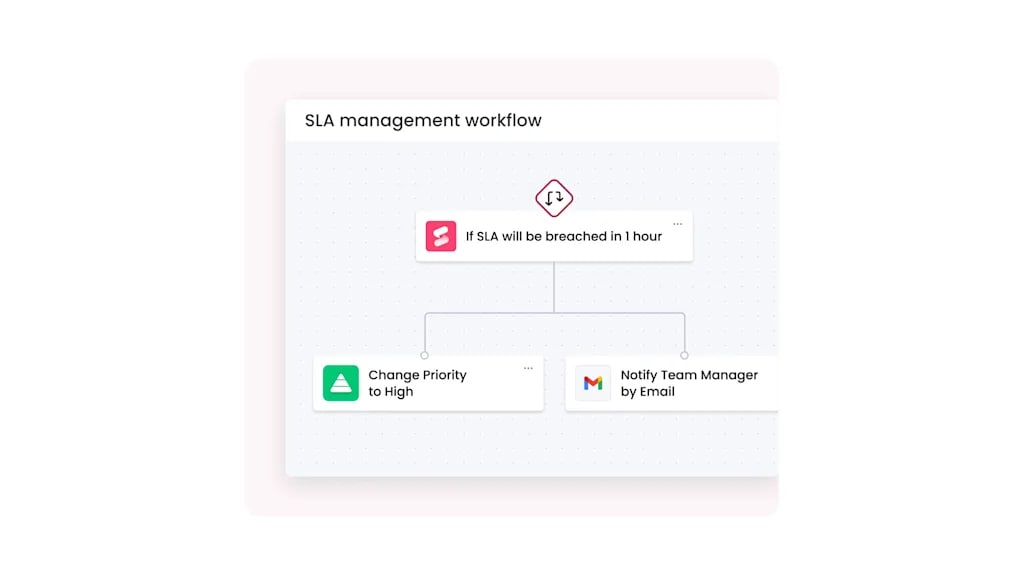
Service level management defines, monitors, and reports on service commitments. It turns expectations into measurable targets through service level agreements (SLAs) covering response times, resolution times, and availability.
A common example: an SLA that requires critical incidents to receive a response within 15 minutes and a resolution within 4 hours.
5 stages of the ITSM lifecycle
ITSM follows a structured lifecycle that connects day-to-day support to long-term business outcomes.
Stage 1: Service strategy
Service strategy is where leadership decides which services to offer, who they support, and how they align with business priorities. CIOs, IT directors, and service leaders typically own this stage.
Stage 2: Service design
Service design turns strategy into operating blueprints. Teams define how the service will work, what the user experience should look like, and which SLAs apply.
Stage 3: Service transition
Service transition moves a new or updated service into live operation through testing, training, and controlled rollout. Strong release risk management ensures even well-designed services launch successfully.
Stage 4: Service operation
Service operation is the daily running of live IT services. It covers the visible work of handling incidents, fulfilling requests, and keeping services available.
Stage 5: Continual service improvement
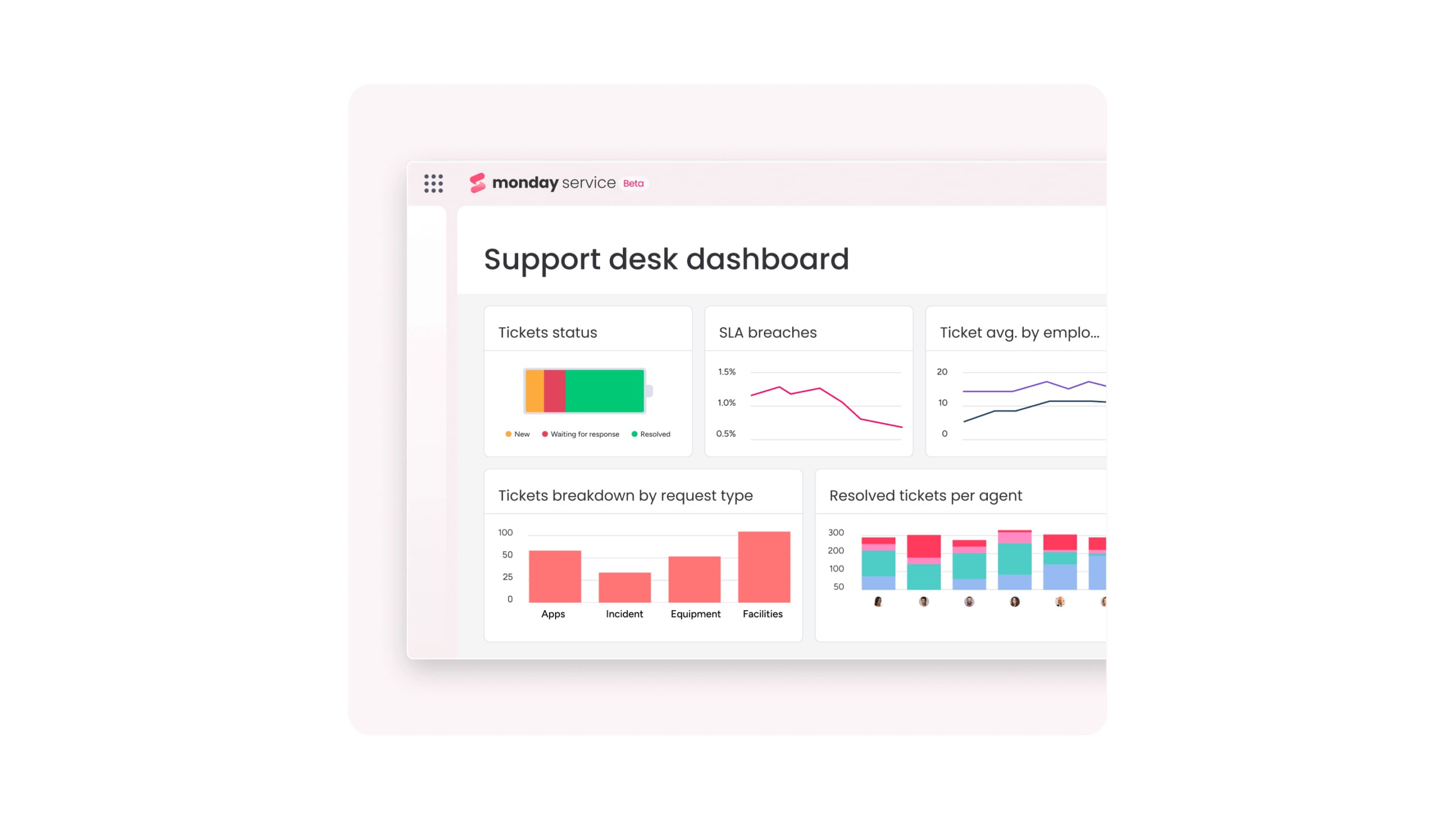
Continual service improvement is the ongoing practice of analyzing performance and making targeted changes to raise service quality. Teams can lean on monday service to support this stage with real-time dashboards that monitor trends and SLA compliance without manual data gathering.
6 key benefits of IT service management
ITSM delivers business value well beyond basic technical support. The benefits show up in measurable operational outcomes that support CIOs, IT directors, and service desk leaders. From faster resolutions to stronger governance, the impact extends far beyond the IT department. Here are 6 benefits that consistently rise to the top for service-led organizations:
- Faster incident resolution: Structured incident management cuts mean time to resolution through prioritized queues, smart routing, and clear escalation paths. The result is less downtime and fewer productivity losses.
- Consistent service delivery: ITSM replaces ad hoc responses with repeatable workflows, so service quality doesn’t depend on which agent picks up the request.
- Improved operational visibility: ITSM platforms provide a real-time view of ticket volumes, SLA performance, team workload, and asset status, replacing spreadsheet guesswork with a shared operating picture.
- Stronger governance and compliance: Change management, approval workflows, and asset tracking create auditable records that support frameworks like SOC 2, ISO 27001, and GDPR.
- Data-driven decision making: ITSM platforms generate detailed data on response times, recurring problems, and workload trends so leaders can make informed staffing and process decisions.
- Higher employee and customer satisfaction: Reliable services, faster fulfillment, and effective self-service reduce frustration and improve the day-to-day experience.

How AI is reshaping IT service management
AI is shifting ITSM from a reactive model to a proactive one. Modern platforms use AI to anticipate patterns and automate routine work, freeing teams from manually reading, classifying, and responding to every request. According to Gartner, 53% of reported AI “wins” among I&O leaders occurred specifically in IT service management.
Automated ticket classification and smart routing
AI reads incoming tickets, detects intent, assesses urgency, and assigns each request to the right queue or agent. A password reset can be routed instantly to an automated flow, while a production outage gets escalated to a priority queue. With monday service, AI classifies and routes tickets by content, sentiment, and priority.
Agentic AI for autonomous request resolution
Agentic AI describes systems that take multi-step actions on their own. In ITSM, that means AI can complete routine workflows, like resetting passwords or collecting missing ticket details, before a human ever gets involved. McKinsey research finds that 23% of organizations are already scaling agentic AI enterprise-wide, with IT and service-desk management among the most commonly reported use cases.
AI-powered knowledge management
AI helps users find answers before they submit a ticket by surfacing matching articles based on what they type. It also supports agents during live resolution by recommending documentation and similar past incidents.
Predictive analytics for proactive operations
AI analyzes historical incidents and service trends to spot patterns that signal future problems. If a server’s memory and error rates are trending the wrong way, an AI-powered IT management platform can alert the operations team before users feel the impact.
Learn more: AI for enterprise service management
How to choose the right ITSM platform
Choosing ITSM software is a strategic decision because it shapes how teams work every day. The right fit drives strong adoption and streamlined workflows across teams.
Several factors should guide your evaluation. The right balance of usability, flexibility, and intelligence determines whether teams will embrace the platform or work around it. Here’s what to prioritize during your assessment:
- Ease of use and team adoption: Even the most feature-rich platform fails if agents and end users avoid it. Strong platforms make ticket handling intuitive and self-service inviting.
- No-code customization: Service workflows vary widely between organizations. Here, monday service stands out with a no-code workflow builder that lets service managers iterate without engineering support.
- AI and automation capabilities: Look for native features like smart routing, automated replies, predictive insights, and AI-assisted resolution that operate within clear governance boundaries.
- Integrations and open API: The platform needs to connect with monitoring systems, identity providers, Slack and Microsoft Teams, HR systems, and asset management platforms.
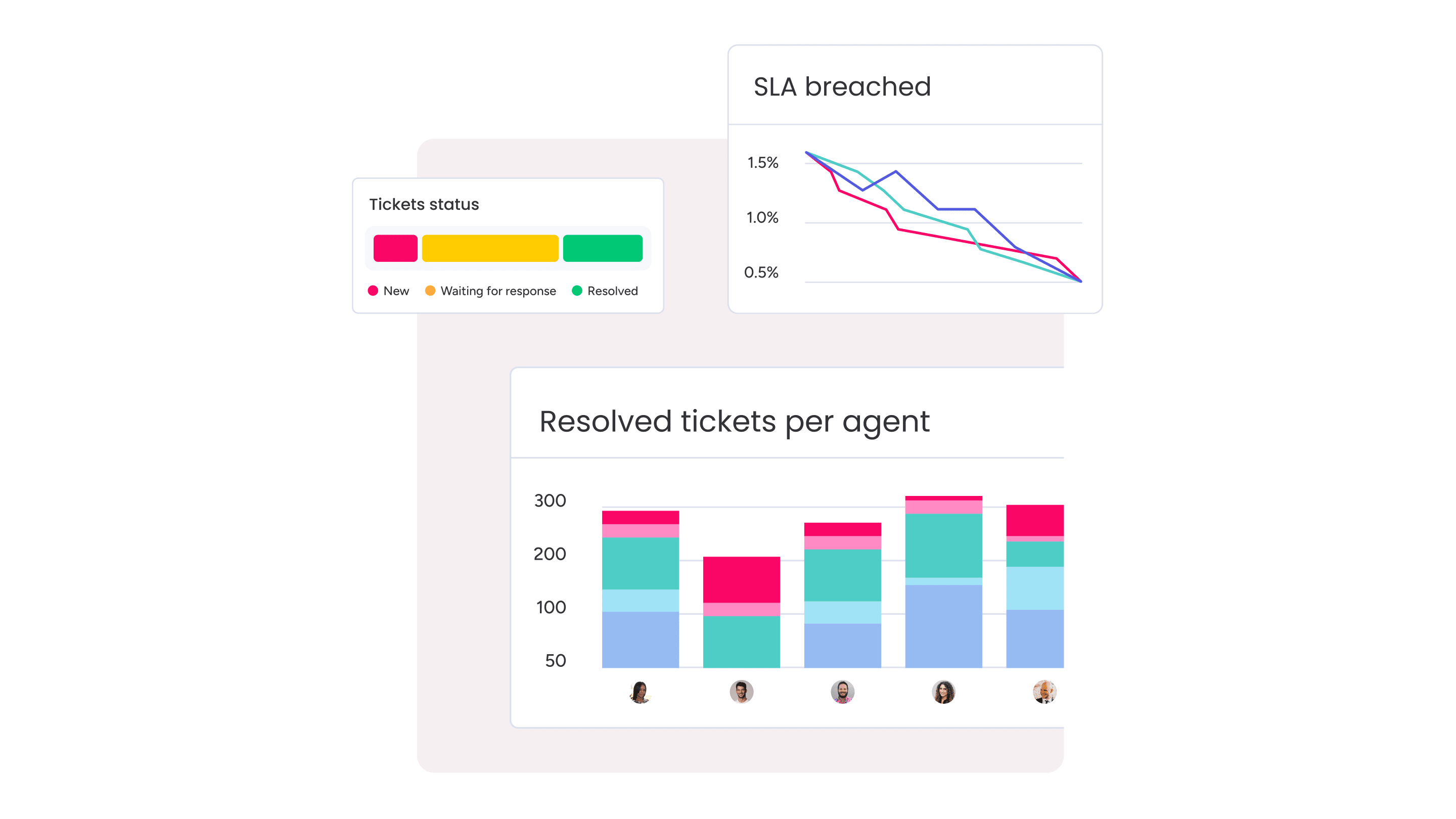
- Analytics and reporting: Built-in dashboards reduce manual reporting work and make continual service improvement easier to sustain.
- Total cost of ownership: Look beyond the subscription price — implementation, customization, admin overhead, and training all shape the real cost.
6 steps to implement ITSM successfully
Implementing ITSM is a phased operational change, not a one-and-done rollout. These six steps offer a practical path that works well for mid-market and enterprise organizations.
Step 1: Assess your IT maturity and pain points
Start with an honest look at current operations. Where are requests being missed? Which services create the most friction? Input from agents, managers, and end users keeps the assessment grounded in reality.
Step 2: Define your service catalog and KPIs
A service catalog lists the services IT offers, who can request them, and how requests are fulfilled. KPIs like mean time to resolution, first contact resolution, and SLA compliance create your performance baseline.
Step 3: Select the right ITSM platform
Platform selection works best when it follows business requirements rather than product hype. A proof of concept often reveals gaps that are easy to miss in a polished demo.
Step 4: Pilot with high-impact workflows
Most organizations start with incident management and service request management because these workflows generate fast, measurable results. With monday service, teams can configure and refine workflows quickly without engineering support, making this approach easy to adopt.
Step 5: Onboard teams with change management
Adoption requires even more focus than configuration. Role-based training, clear communication, and local champions help teams use the platform consistently instead of falling back on email.
Step 6: Measure, iterate, and continuously improve
Once live, the work shifts to continuous improvement. Teams review KPIs, refine workflows, and expand the service catalog based on real demand — exactly where monday service dashboards help leaders spot trends and act quickly.
Try monday serviceElevate your service delivery with monday service
Implementing ITSM effectively requires a flexible, AI-native platform. monday service is a modern, AI-powered service management platform built to help teams deliver faster, smarter support across IT and every department. With intelligent automation, no-code customization, and real-time visibility, it gives organizations the flexibility to scale service excellence without the overhead of traditional ITSM tools. Here’s how monday service transforms service delivery:
- Resolve tickets autonomously and accelerate agent productivity with AI: monday service’s AI agent and Sidekick work together to handle routine requests end-to-end, such as password resets and access provisioning, while helping agents draft responses, summarize ticket histories, and suggest next steps in real time. Issues get resolved before they reach your team, freeing agents to focus on complex, high-value work without leaving their workflow.
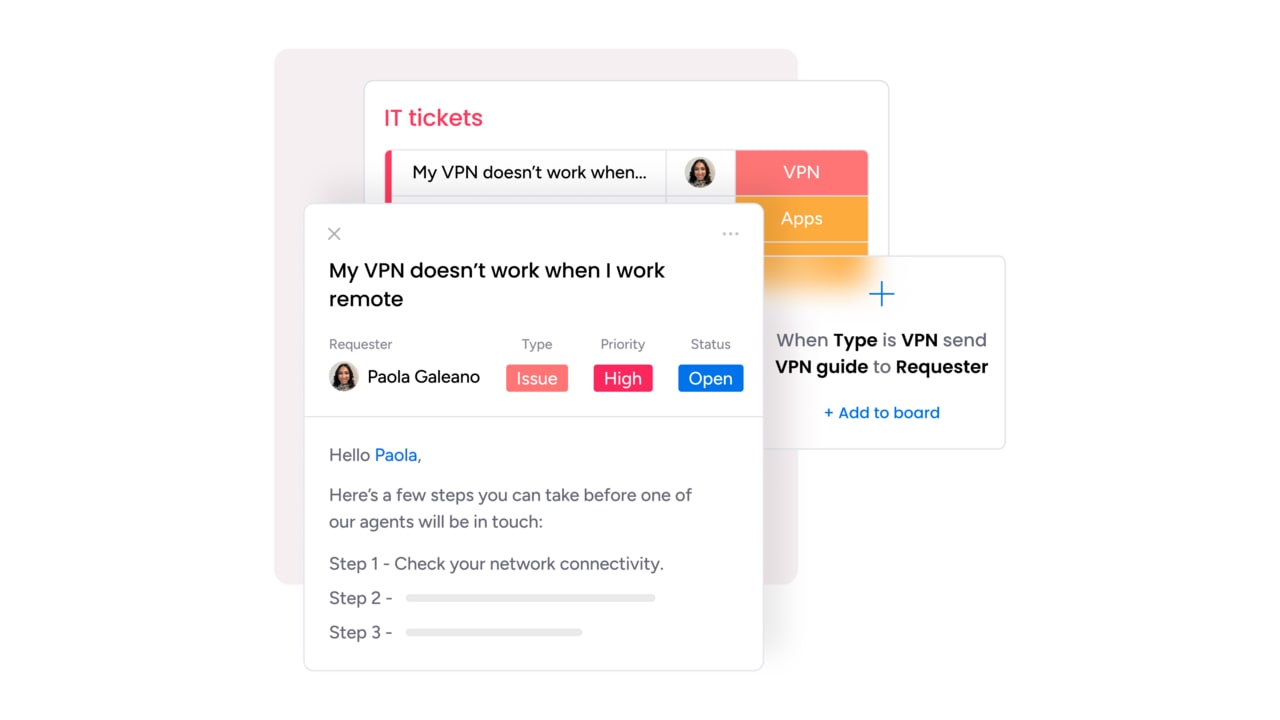
- Route, prioritize, and find solutions intelligently with AI-powered automation: AI reads every incoming request, detects intent and urgency, and routes tickets to the right agent or queue instantly while presenting the right knowledge article at the right moment. Sentiment analysis flags emotionally charged or high-stakes requests so frustrated users get attention fast, improving satisfaction and preventing escalations.
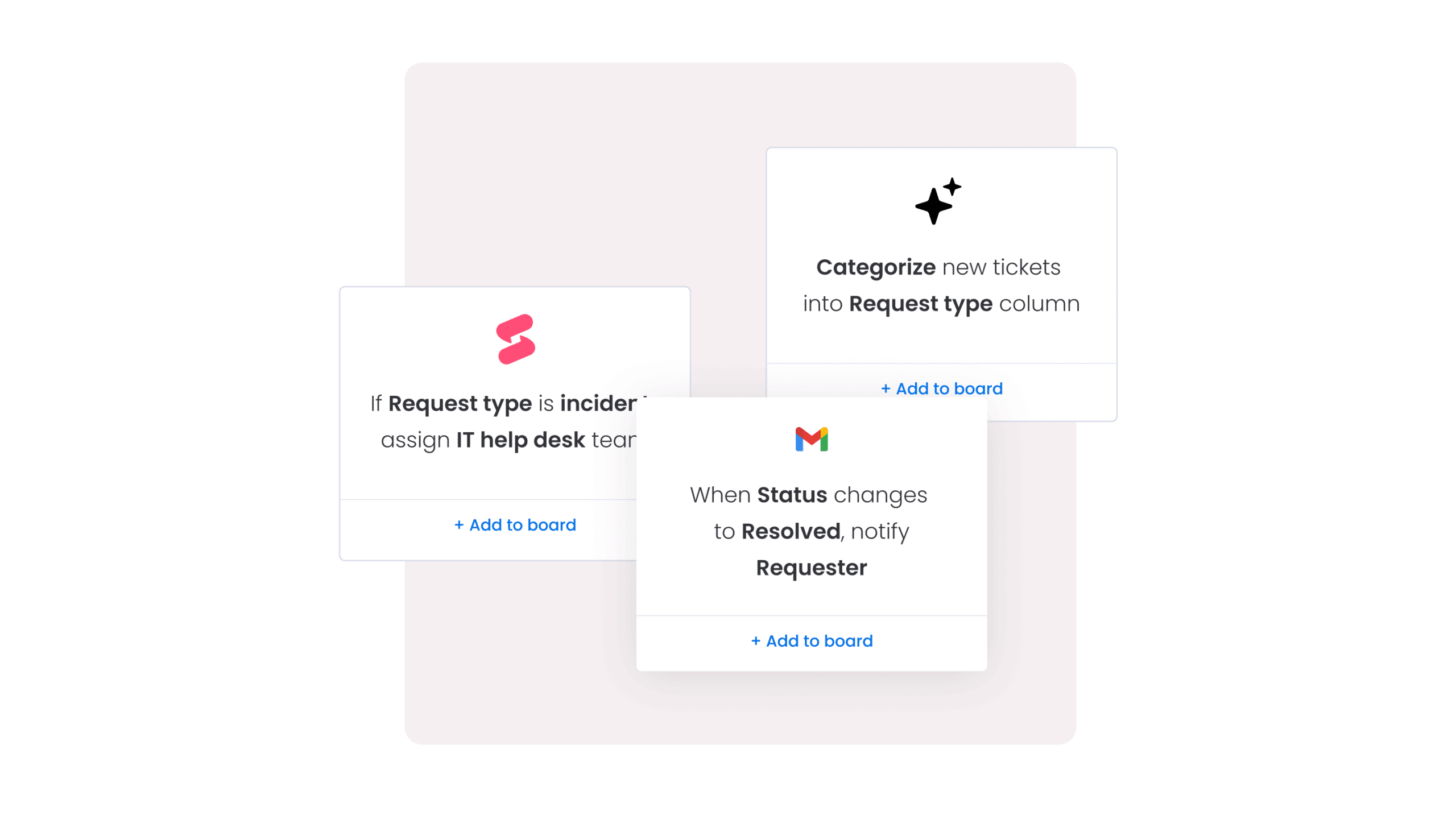
- Shift from reactive to proactive service management with predictive insights: AI analyzes ticket patterns, SLA trends, and service health to flag emerging issues before they escalate. Teams move from firefighting to prevention with intelligence baked into every workflow, reducing repeat requests and accelerating time to resolution.
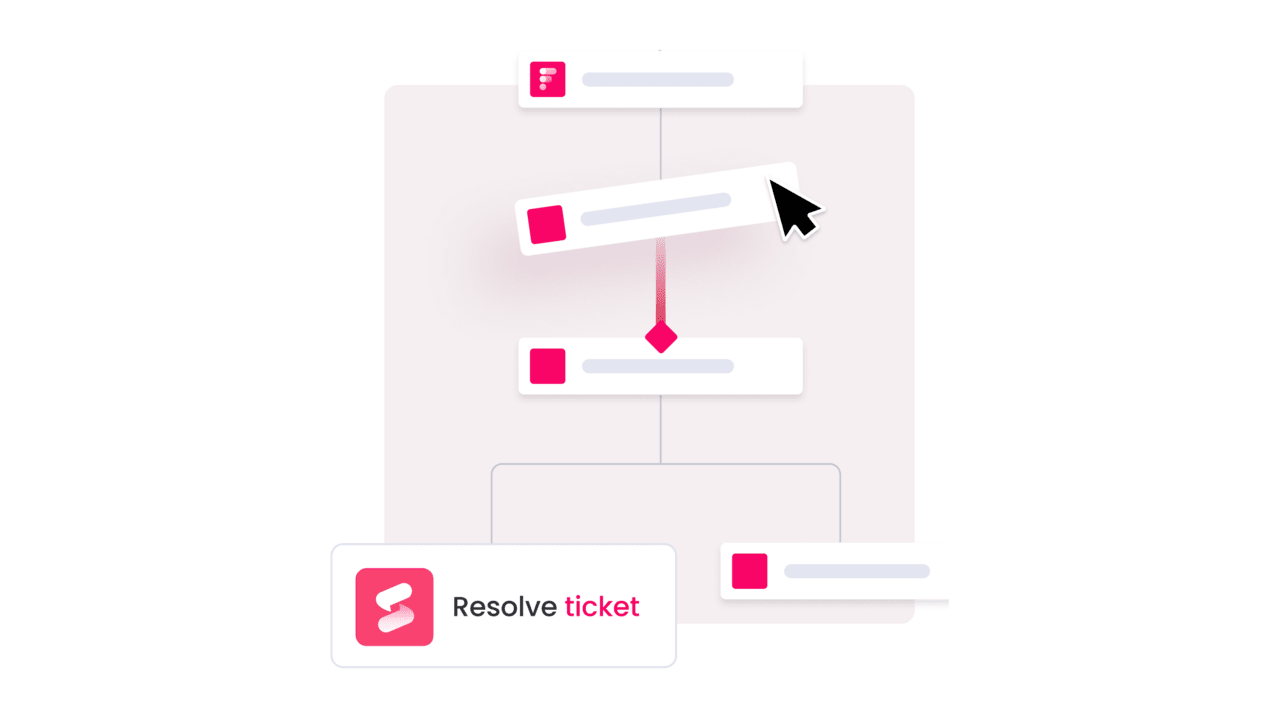
- Customize workflows without code and scale service delivery across departments: IT, HR, finance, and legal teams can build and modify workflows without writing code or waiting on developers. monday service centralizes service delivery across departments, giving leadership a complete view of operations and enabling smoother handoffs between teams without switching tools. You can even use monday vibe to turn your words and ideas into fully-fledged work apps.

- Monitor service health continuously and make data-driven decisions fast with real-time analytics: Live dashboards display SLA performance, ticket trends, workload distribution, and operational bottlenecks so leaders can spot issues, measure impact, and act quickly with full visibility into what’s working and what needs attention.
Whether you’re running a lean IT team or managing service delivery across multiple departments, monday service adapts to how you work with a platform that keeps pace as your operation matures. To see what AI-powered service management looks like in practice, start with a pilot, measure the impact, and scale from there. Your team, and everyone they support, will feel the difference.
Try monday serviceFrequently asked questions
What is the role of IT service management?
The role of IT service management is to govern how an organization designs, delivers, supports, and improves IT services. ITSM ensures IT operates as a structured service provider with clear processes for handling requests, incidents, and changes.
What are the 5 stages of the ITSM lifecycle?
The 5 stages of the ITSM lifecycle are service strategy, service design, service transition, service operation, and continual service improvement. Together, they cover how IT services are planned, launched, operated, and refined over time.
What is the difference between ITSM and ITIL?
The difference between ITSM and ITIL is that ITSM is the practice of managing IT services, while ITIL is a framework that provides guidance for implementing that practice. ITIL is the most widely used ITSM framework, but it's not the only one.
What is the difference between ITSM and a help desk?
The difference between ITSM and a help desk is that a help desk is one support function, while ITSM is the broader discipline that governs the full lifecycle of IT service delivery. A help desk fits inside ITSM, not the other way around.
What is the difference between ITSM and enterprise service management?
The difference between ITSM and enterprise service management is that ITSM applies service management principles to IT, while ESM extends those same principles to departments like HR, finance, legal, and facilities.
How long does it take to implement an ITSM platform?
The time it takes to implement an ITSM platform depends on the size of the organization and the complexity of its processes. A focused pilot can go live in weeks, while a broader enterprise rollout often takes several months.

 Get started