


Every IT team knows the feeling: your inbox overflows with password resets, software access requests, and hardware orders before the morning coffee gets cold. Without a clear system in place, these everyday asks pile up fast and drain your team’s capacity.
This guide explores service request management as a solution. We’ll explain how it differs from incident management, and the step-by-step process for managing requests efficiently. We also cover 8 proven practices to streamline fulfillment, explain the benefits of dedicated software, and show how monday service can help you scale service delivery across every department.
Try monday serviceKey takeaways
- Service requests are planned, user-initiated asks for standard services like password resets or software access, distinct from unplanned incidents that require urgent troubleshooting.
- A 5-step process drives consistent fulfillment: submission, assessment, fulfillment, resolution, and feedback. Each stage has a clear objective that keeps tickets moving efficiently.
- Automation eliminates manual bottlenecks. AI-powered routing, auto-categorization, and workflow triggers reduce resolution times and free agents to focus on complex issues.
- Self-service portals and knowledge bases deflect routine tickets before they reach your team, reducing volume by 30–60% while giving users instant answers and status visibility.
- monday service combines AI triage, customizable workflows, and real-time analytics to help teams resolve requests faster, meet SLAs consistently, and scale service delivery without proportionally growing headcount.
What is a service request?
A service request is a formal request from a user, employee, or vendor to satisfy a need, often made to an IT department. Service requests cover a range of different actions in IT service management (ITSM), from employee requests for access to specific applications, new software or hardware, and even password resets.
Service request management is essential to the information technology infrastructure library (ITIL) framework. Each ITIL service request goes through a predetermined procedure that determines how the request is handled. IT teams need to handle all aspects of a service request, from when it’s received to how it’s actioned and then resolved.
Common examples of service requests
Here are a few everyday examples of service requests you might recognize:
- Password reset: An employee locked out of their account submits a request to regain access.
- Software license provisioning: A new hire needs access to design or analytics applications on their first day.
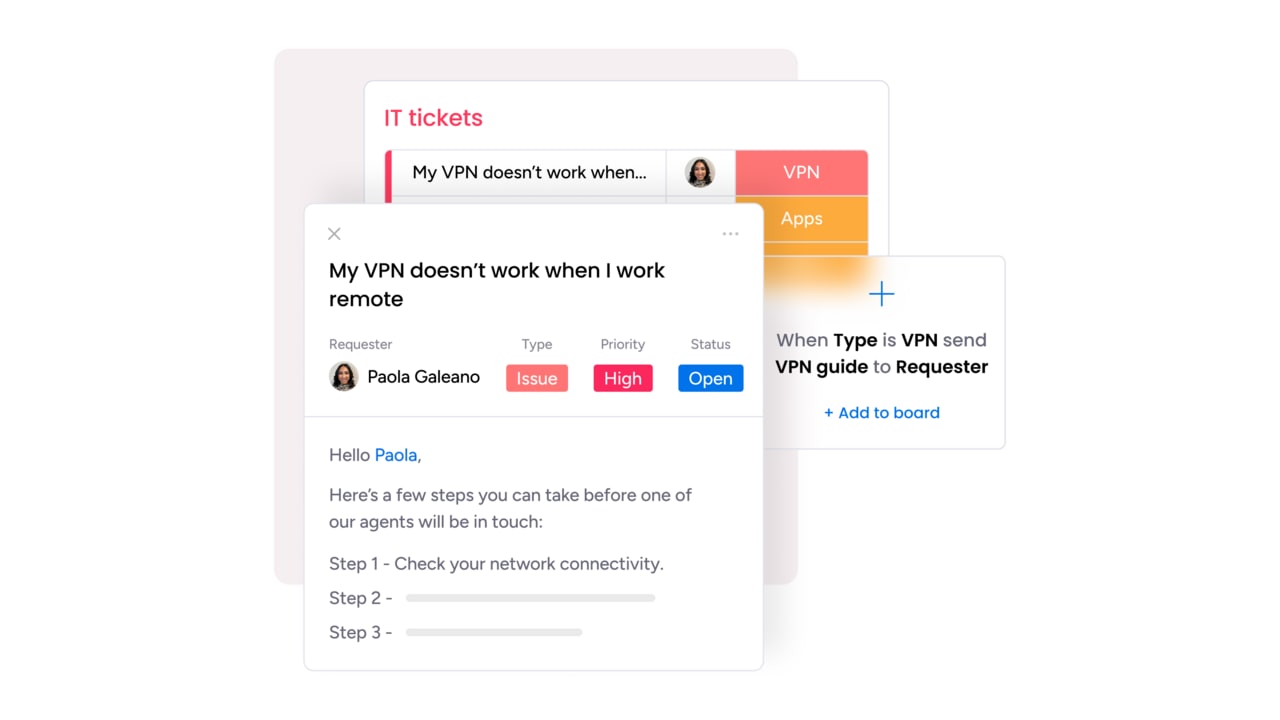
- VPN configuration: A remote team member requests secure network access from a new device.
- Office supply order: A department manager submits a request for monitors and keyboards through the service catalog.
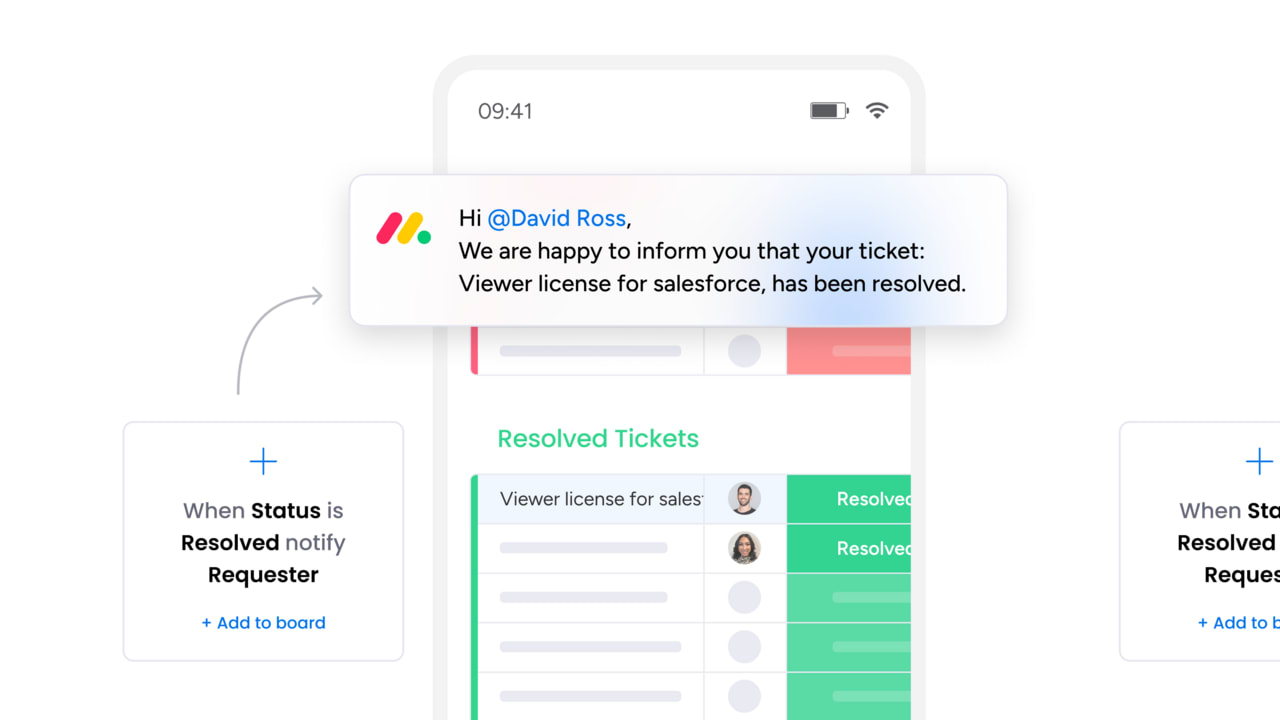
What is the difference between a service request and an incident?
Each type of ticket demands a different workflow, priority level, and response time. A service request is a planned, pre-approved ask: the user wants something. An incident is an unplanned disruption: something is broken. Mixing the two in a single queue leads to missed SLAs and frustrated users.
Example: If an employee submits a password reset after forgetting their credentials, this is a service request that is routine, low-risk, and expected. Now imagine the entire company’s authentication system goes down. That’s an incident that’s unplanned, high-impact, and requires immediate investigation.
| Criteria | Service request | Incident |
|---|---|---|
| Trigger | User-initiated, planned | Unplanned disruption or failure |
| Urgency | Low to moderate | Moderate to critical |
| Process | Standard fulfillment workflow | Investigation and restoration |
| Example | Request for a new software license | Company-wide email outage |
| SLA treatment | Fulfillment-based (e.g., resolve within 24 hours) | Response-based (e.g., acknowledge within 15 minutes) |
Why is service request management important?
Efficient service request management does more than keep tickets moving. It shapes how employees experience internal services, how teams allocate their time, and how leadership measures operational performance. A mature service management practice transforms your service desk from a bottleneck into a competitive advantage.
Faster resolution and SLA compliance
Standardized workflows eliminate guesswork. When every request follows a defined path from submission through approval to fulfillment, your team resolves tickets faster and meets SLAs consistently. Automated routing removes manual triage delays, so requests reach the right person within seconds instead of hours.
Learn more: Routing software
Higher team productivity
Repetitive requests consume a disproportionate amount of agent time. By automating common fulfillment steps like provisioning software access or resetting credentials, you free your team to focus on complex issues that require human judgment. The result is a more engaged, less burned-out support team.
Improved employee and customer satisfaction
Nobody enjoys submitting a request and wondering if it vanished into a queue. Clear status updates, self-service options, and predictable timelines give requesters confidence that their ask is being handled. That transparency directly improves satisfaction scores across the organization.
Lower operational costs
Every manual touchpoint in a fulfillment process carries a cost. Automated intake, categorization, and routing reduce the per-ticket cost and allow you to handle growing volumes without proportionally growing your team. That efficiency compounds as your organization scales.
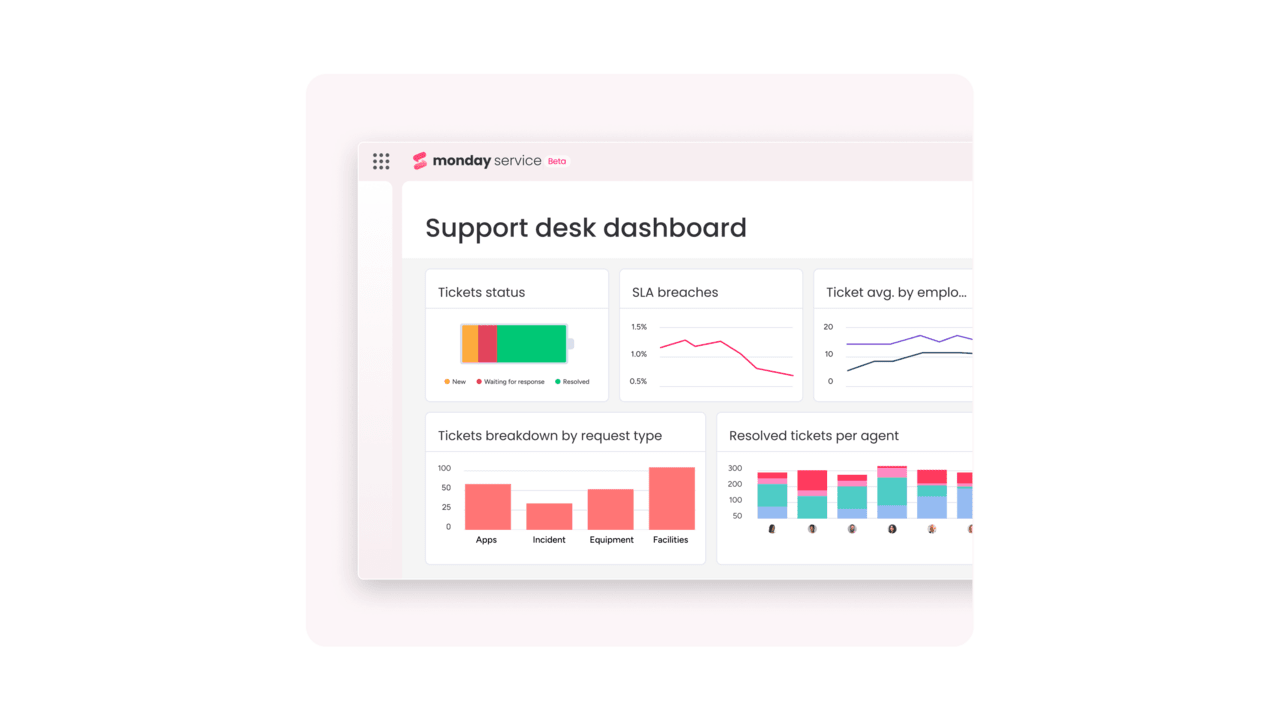
5 steps of the service request process
Here’s a step-by-step look at what happens from the moment someone logs a service request through to post-resolution.
- Submission: The requester logs a ticket through an intake channel such as a self-service portal, email, chat, or a structured form. A well-designed service catalog presents available services with the right fields, so users provide all the information your team needs upfront. Clear intake reduces clarification loops and speeds up the entire process.
- Assessment: The service team reviews, categorizes, and prioritizes the request. This is where ITSM automation delivers significant value. Platforms like monday service can auto-categorize tickets by type, assign urgency levels, and route them to the correct agent or queue without any manual intervention. Accurate assessment at this stage prevents misrouted tickets and SLA breaches downstream.
- Fulfillment: The assigned agent or automated workflow executes the requested action. For common asks like password resets or access provisioning, automation can handle fulfillment end-to-end. For more complex requests, a knowledge base lookup equips agents with step-by-step resolution guides, reducing handling time and ensuring consistency.
- Resolution: Once the action is complete, the agent confirms the outcome with the requester and formally closes the ticket. Resolution includes documenting the steps taken, and that record feeds your knowledge base, helping future agents resolve similar requests even faster.
- Feedback: After closure, the requester receives a brief satisfaction survey. This feedback loop is essential for continuous improvement. Trends in satisfaction scores highlight process gaps, training needs, or catalog items that consistently underperform.
8 best practices for service request management
What are the most effective ways to manage service requests efficiently? Start by automating what you can, measure what matters, and continuously refine based on real data. The eight practices below give your team a framework for handling high volumes without sacrificing quality or speed.
These practices apply whether you are managing a 3-person IT help desk or a cross-departmental service organization supporting thousands of employees. The common thread is intentional design: building systems that scale rather than relying on heroic individual effort.
- Automate repetitive workflows: Password resets, access provisioning, and status notifications follow the same steps every time. Automating these workflows eliminates manual effort, reduces errors, and frees your team for complex requests. Even partial automation, like auto-populating ticket fields from form submissions, creates meaningful time savings at scale.
- Prioritize tickets by urgency and impact: Not every request carries the same weight. A C-suite executive locked out of a critical system before a board meeting needs a different response time than a routine supply order. Define clear prioritization criteria and apply them consistently, ideally through automated rules that evaluate urgency and business impact at intake.
- Build and maintain a service catalog: A service catalog is your menu of available services. It tells users what they can request, what information to provide, and what timeline to expect. A well-maintained catalog reduces misdirected tickets and sets realistic expectations from the moment a request is submitted.
- Create a comprehensive knowledge base: Document resolution steps for your most common requests. When agents have a searchable library of proven solutions, they resolve tickets faster and deliver consistent answers. A strong knowledge base also powers self-service, giving users the ability to find answers without submitting a ticket at all.
- Enable self-service options: Self-service portals let users submit, track, and sometimes resolve their own requests. This reduces ticket volume, gives users instant visibility into status, and lets your team focus on issues that genuinely require human attention. The most effective portals combine a service catalog, knowledge base, and ticket tracker in one interface.
- Send follow-ups and collect feedback: Closing a ticket is not the end of the process. Automated follow-up messages confirm resolution and invite feedback. Those satisfaction scores are your earliest signal when a process is breaking down or when a specific service consistently delights users.
- Use AI to auto-assign and triage requests: AI and automation can read incoming tickets, determine the category, assess urgency, detect sentiment, and route the request to the right agent, all within seconds. On monday service, AI-powered routing achieves this with high accuracy, eliminating the manual triage bottleneck that slows down most service desks.
- Measure and optimize with analytics: Track metrics like first-response time, resolution time, SLA compliance rate, and requester satisfaction. Review these numbers weekly and look for patterns. Are certain request types consistently breaching SLAs? Is one team handling a disproportionate share of volume? Data-driven adjustments compound over time into significant performance gains.
What are the benefits of using service request management software?
Spreadsheets and shared inboxes can handle a handful of requests, but they collapse under real volume. Here’s what changes when you move to a purpose-built service request management platform instead.
- Centralized intake across every channel: Whether requests arrive via email, chat, a web form, or a self-service portal, they land in a single queue. No more hunting through inboxes or losing tickets between channels. Every request gets logged, timestamped, and tracked from the moment it is submitted.
- Automated routing and categorization: Software can read incoming requests and route them to the correct team or agent based on rules, keywords, or AI classification. This eliminates the manual triage step that adds hours of delay across high-volume environments.
- Self-service portals and knowledge bases: Modern platforms let you publish a searchable knowledge base alongside your service catalog. Users can find answers independently, reducing ticket volume. According to TeamDynamix’s 2026 ITSM Benchmark report, AI-powered self-service can deflect 30 – 60% of routine tickets before they ever reach an agent.
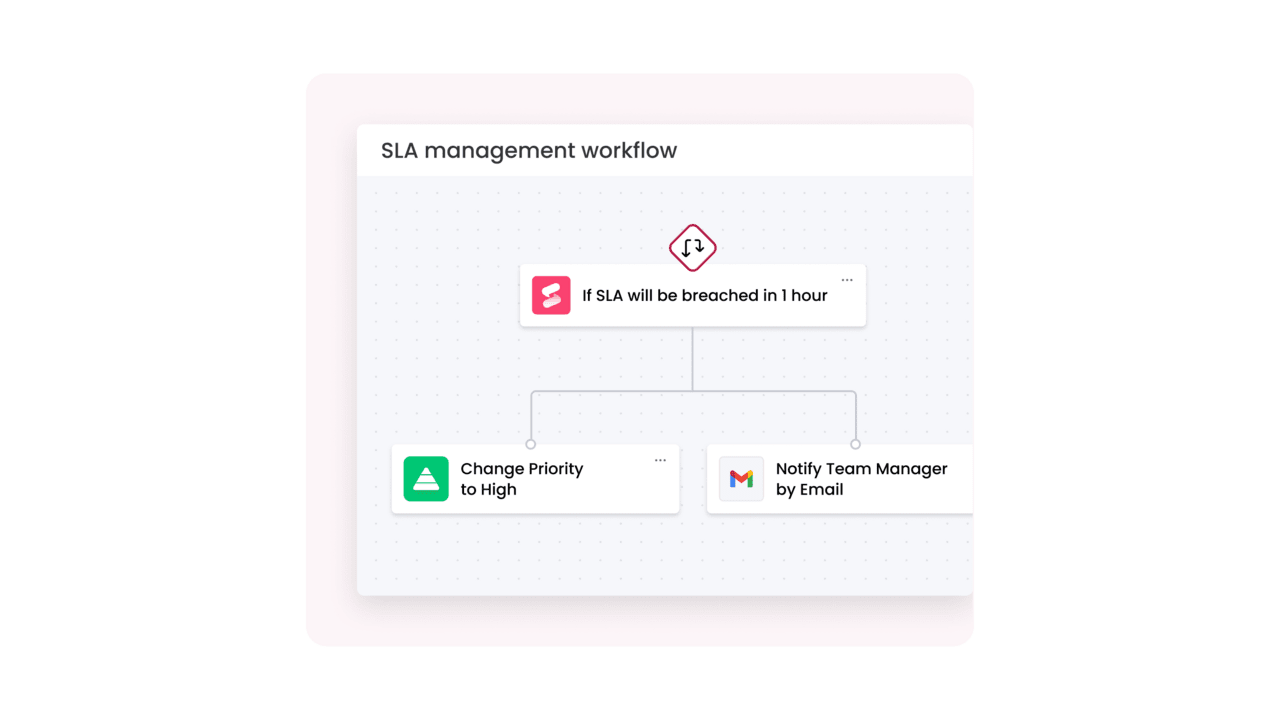
- SLA tracking and breach alerts: Software monitors every ticket against its SLA in real time. Automated alerts notify agents and managers when a deadline approaches, so your team can intervene before a breach, not after.
- Analytics and reporting: Dashboards surface patterns in ticket volume, resolution time, agent workload, and satisfaction scores. These insights help leadership allocate resources, justify headcount, and identify process improvements backed by data rather than intuition.
How monday service simplifies service request management
You have the framework, the process steps, and the best practices. The remaining challenge is execution — finding a platform that brings all of it together without requiring months of configuration or a dedicated admin team. That is where monday service comes in.
monday service combines AI-powered automation, customizable workflows, and real-time analytics into a single platform designed for teams that need to move fast. Here is how it addresses each stage of the service request lifecycle.
Resolve requests faster with AI-powered ticket triage
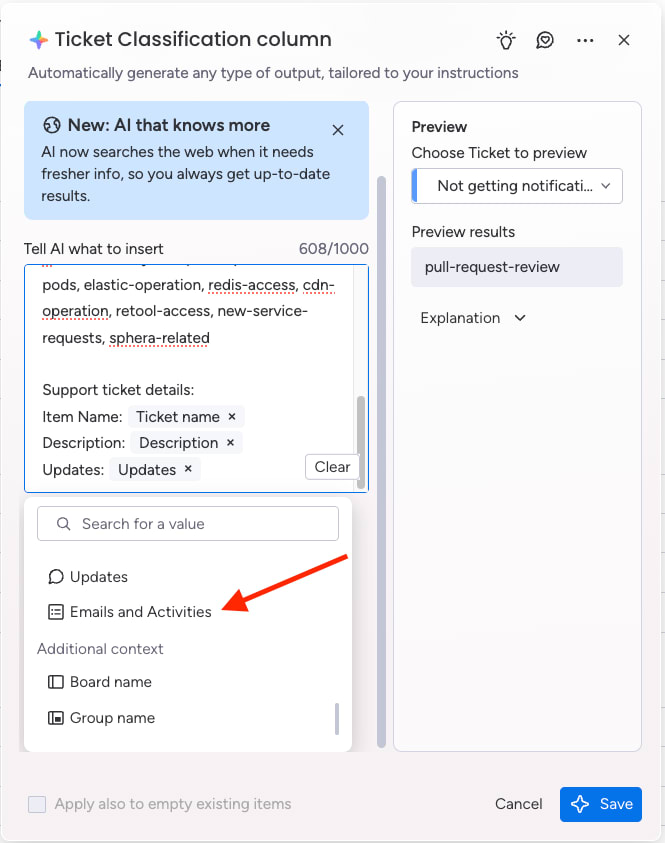
The moment a ticket arrives, monday service’s AI engine reads the content, auto-summarizes the request, assigns a category, detects sentiment, and routes it to the correct agent, without any manual intervention. This automated triage achieves 98% accuracy, which means your team spends virtually zero time on manual sorting.
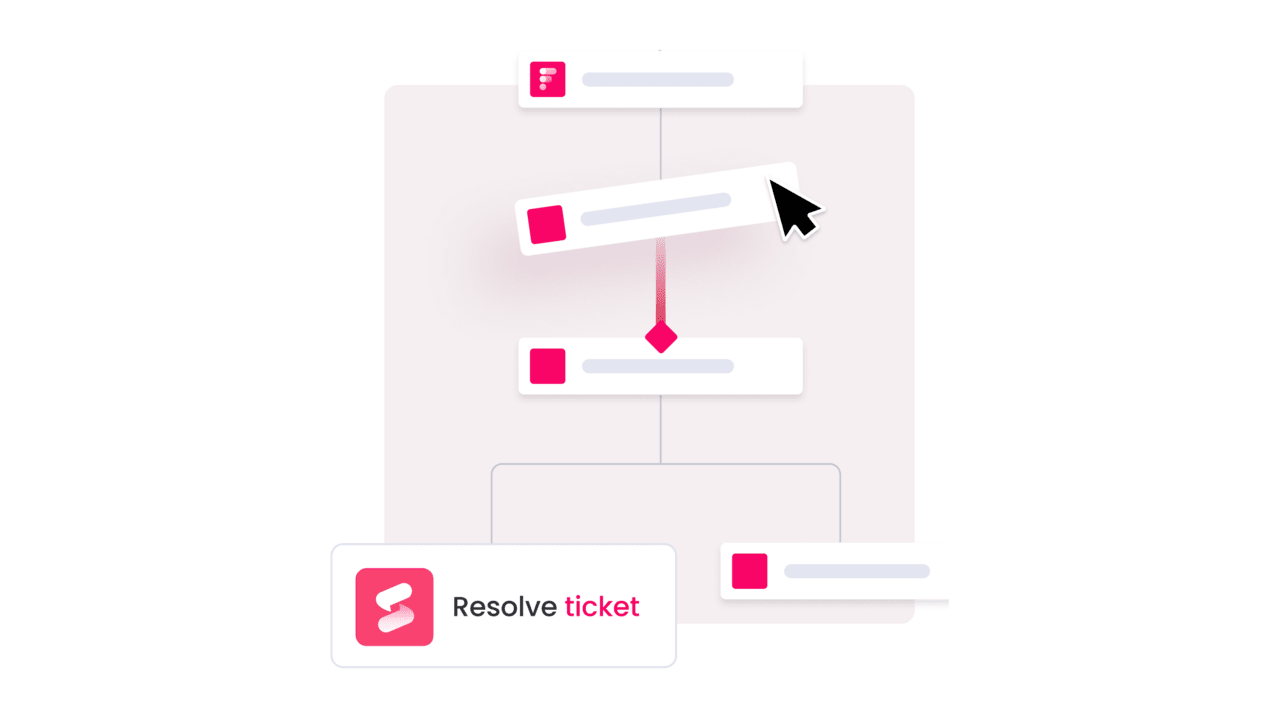
The AI also suggests relevant knowledge base articles to agents, so they can resolve requests with proven solutions rather than starting from scratch. For requesters, that translates into faster answers and more consistent service quality.
Scale service delivery with AI workforce
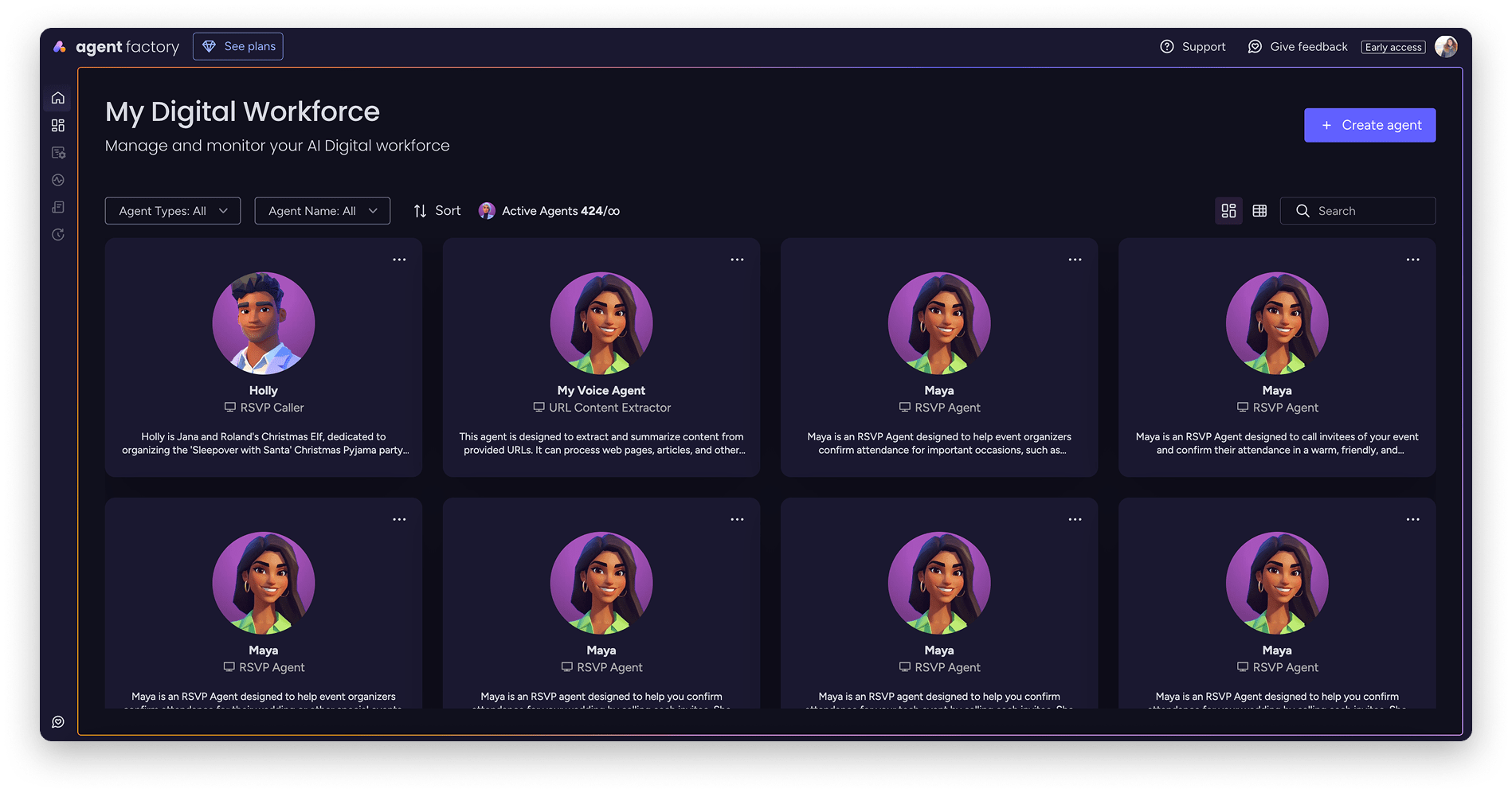
Beyond triage, monday service lets you deploy specialized AI agents that handle entire categories of requests autonomously. The Service AI Supervisor routes incoming tickets to the right AI agent based on the request type, and each agent operates within a defined scope with its own knowledge sources and guardrails.
An AI agent dedicated to access provisioning can verify eligibility, trigger the provisioning workflow, and confirm completion, all without a human agent touching the ticket. monday sidekick works alongside your team to suggest next steps, draft responses, and find relevant context from across your organization.
Empower users with self-service portals
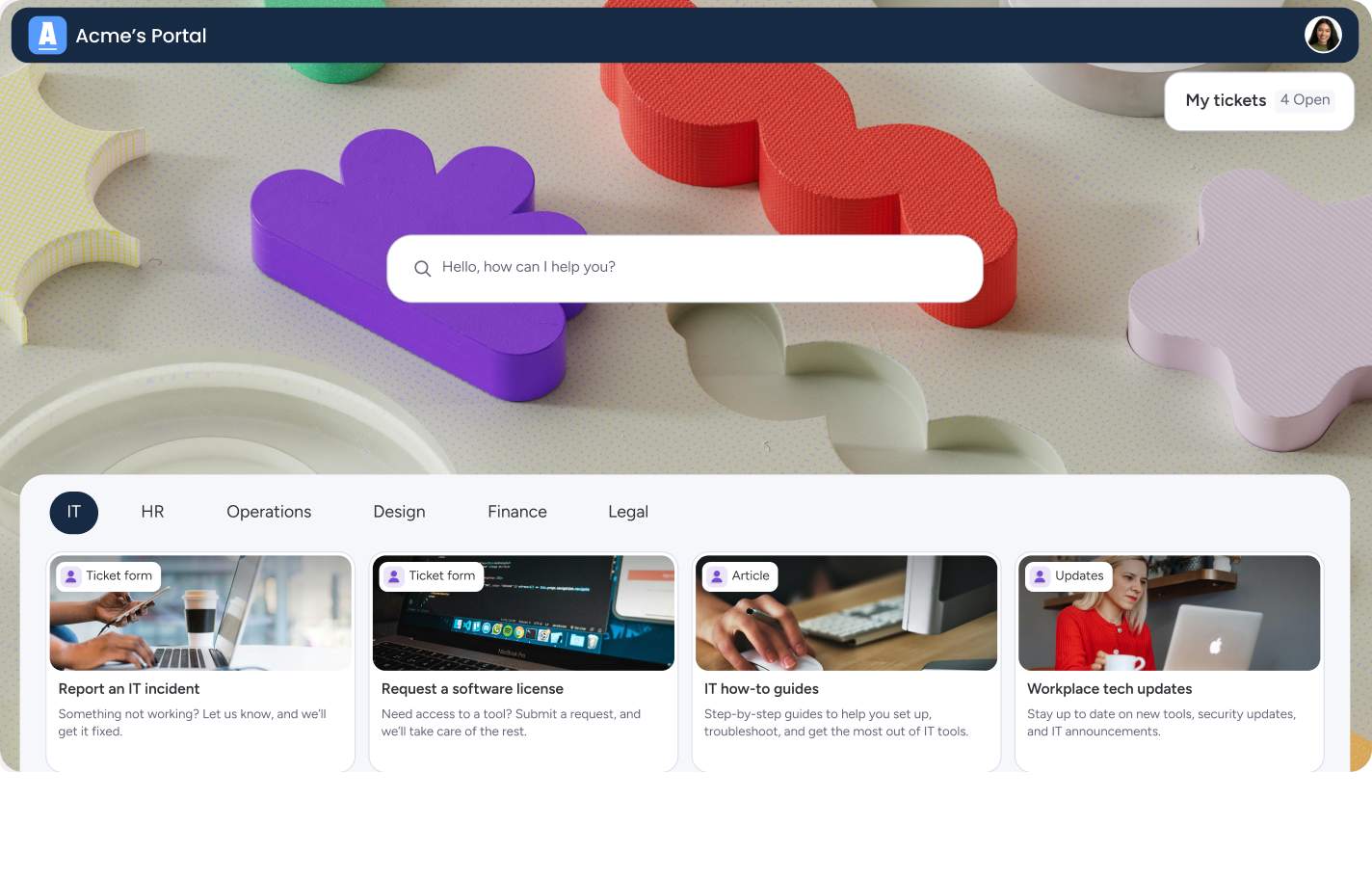
The Customer Portal gives your users a single destination to submit requests, browse knowledge base articles, and track ticket status in real time. You can configure forms for each service type, ensuring users provide the right information upfront. Enterprise plans support multiple portals, so you can create separate experiences for employees, customers, and external partners.
Self-service also gives requesters control and visibility, which directly drives satisfaction scores upward.
Track SLA compliance in real time
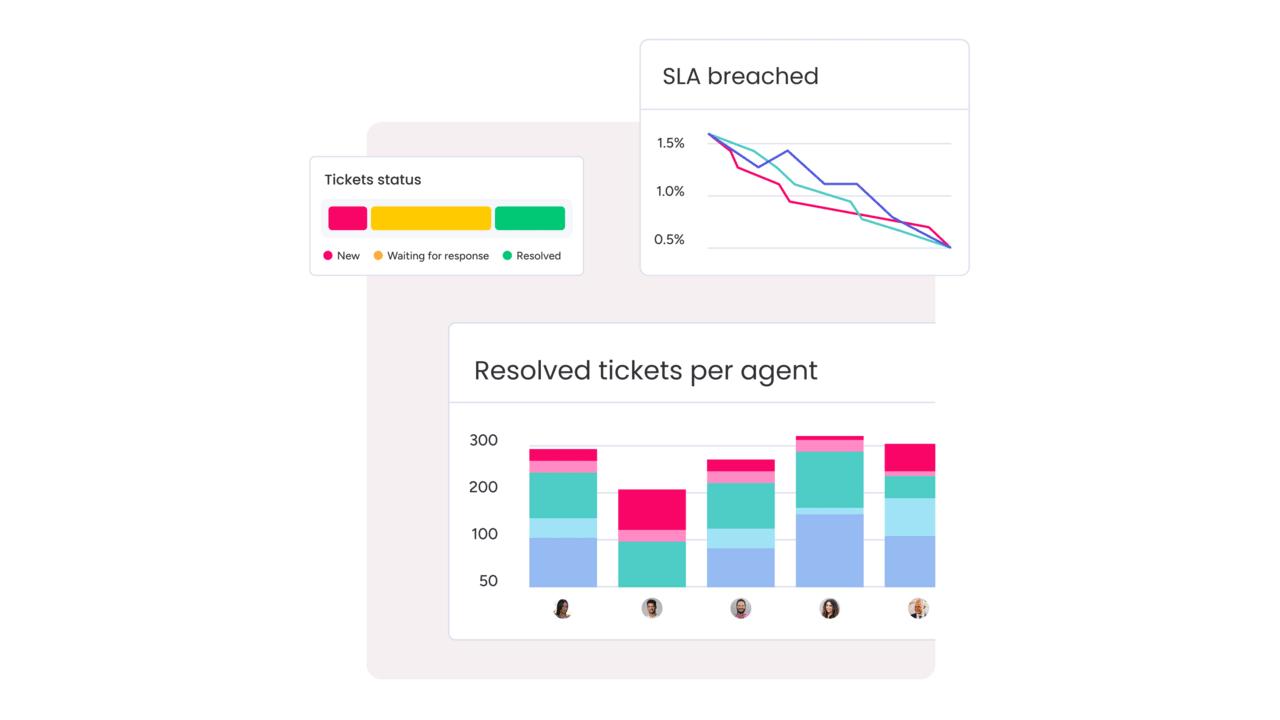
The SLA column on monday service attaches live countdown timers to every ticket. Timers automatically pause during non-working hours, so your metrics reflect actual response capacity. When a deadline approaches, automated alerts notify the assigned agent and their manager, giving your team a window to act before a breach occurs.
This real-time SLA visibility eliminates the end-of-month scramble to compile compliance reports. Leadership can check adherence at any moment, across any team or service category.
Gain visibility with service analytics
Pre-built dashboards display important metrics, like ticket volume trends, average resolution time, SLA adherence rates, agent workload distribution, and satisfaction scores. You can filter by time period, team, request type, or priority level and share dashboards with stakeholders who need visibility without digging into individual tickets.
How to build a scalable service request strategy
Service request management is an ongoing discipline. The organizations that handle requests most effectively share a common approach: they standardize their intake, automate what is repeatable, measure outcomes, and iterate based on data. Every practice covered in this guide supports that cycle.
A platform like monday service gives you the AI-powered triage, customizable workflows, and real-time analytics to execute this strategy without building everything from scratch. When your service request process runs on a unified platform, you gain the cross-department visibility and automation needed to scale from hundreds of tickets to thousands without proportionally scaling your team.
Start by auditing your current request volume and fulfillment times. Identify 3-5 request types that consume the most agent hours, and automate those first. From there, expand your service catalog, refine your SLAs, and use analytics to continuously optimize. The path to a mature service request operation is incremental, and every improvement compounds.
Try monday serviceFAQs about service request management
What is a service request in ITIL?
A service request in ITIL is a formal request from a user for something that is part of normal service delivery, such as access to a service, information, or a standard change. It is pre-approved, low-risk, and handled through a defined fulfillment process.
What is the difference between a service request and an incident?
The difference between a service request and an incident comes down to intent and urgency. A service request is a planned, user-initiated ask for a standard service (like a software license). An incident is an unplanned disruption that degrades or halts a service (like a system outage).
What are common examples of service requests?
Common examples of service requests include password resets, new hardware orders, software access provisioning, VPN setup, employee onboarding workflows, time-off requests, and marketing collateral submissions. These are routine, pre-approved actions handled through standard procedures.
How does automation improve service request fulfillment?
Automation improves service request fulfillment by removing manual steps from repetitive workflows. AI-powered platforms can auto-categorize tickets, route them to the correct agent, trigger provisioning actions, and send status updates, reducing resolution times and freeing agents for complex issues.
What is a service catalog?
A service catalog is a structured list of all services available to users within an organization. It acts as a menu that describes each service, outlines the request process, and sets expectations for delivery timelines and approval requirements...
How does monday service handle service request automation?
monday service uses built-in AI to auto-summarize, categorize, and route incoming tickets with 98% triage accuracy. It also supports specialized AI agents that can fulfill entire request categories autonomously, along with automated SLA tracking, self-service portals, and real-time analytics dashboards.

 Get started