

A great service operation is more than just a ticketing system. It is the engine that drives customer loyalty and internal efficiency. When every request, from IT issues to HR questions, is handled smoothly, it frees up your entire organization to focus on high-impact work. This shift turns service delivery from a simple cost center into a powerful strategic advantage.
This guide is your complete blueprint for service transformation. We break down everything you need to know about modern service desk software, including: the essential AI-powered features that separate the leaders, an in-depth comparison of the top platforms on the market, and a clear, step-by-step plan for seamless implementation and scalable growth.
Key takeaways
- Service as a strategic advantage: modern platforms elevate support from a reactive function to a proactive growth driver that improves both customer loyalty and internal efficiency.
- Adoption through simplicity: intuitive, no-code interfaces empower any team to build and adapt workflows without waiting on IT, accelerating rollout and long-term engagement.
- AI as the ultimate force multiplier: built-in intelligence automates repetitive tasks like ticket routing, tagging, and summarization so agents can focus on complex, high-value work.
- Unify every service channel: consolidate IT, HR, facilities, and customer requests into one connected workspace that eliminates silos and improves visibility across departments.
- Transform with monday service: manage all service requests, automations, and analytics in one unified platform that drives faster resolutions and higher-quality customer experiences.
What is service desk software?
Service desk software functions as a team’s central digital workspace for managing every request, question, and process. It consolidates all moving parts, from IT tickets to HR inquiries, into a single system to ensure nothing is overlooked. This approach replaces disorganized inboxes and spreadsheets with a clear, unified path for workflow resolution.
By automating the manual work that creates bottlenecks, this system turns chaos into clarity. The right requests are instantly routed to the right people, progress remains transparent, and teams are empowered to solve issues with unprecedented speed. The core objective is to establish smooth, predictable workflows, allowing a focus on delivering exceptional service.
A great service desk platform also gives you the full picture with real-time analytics and self-service options that lighten the load for everyone: this means any team can build and scale exceptional service operations without needing a team of developers to get it done.
Key features that power modern service desk platforms
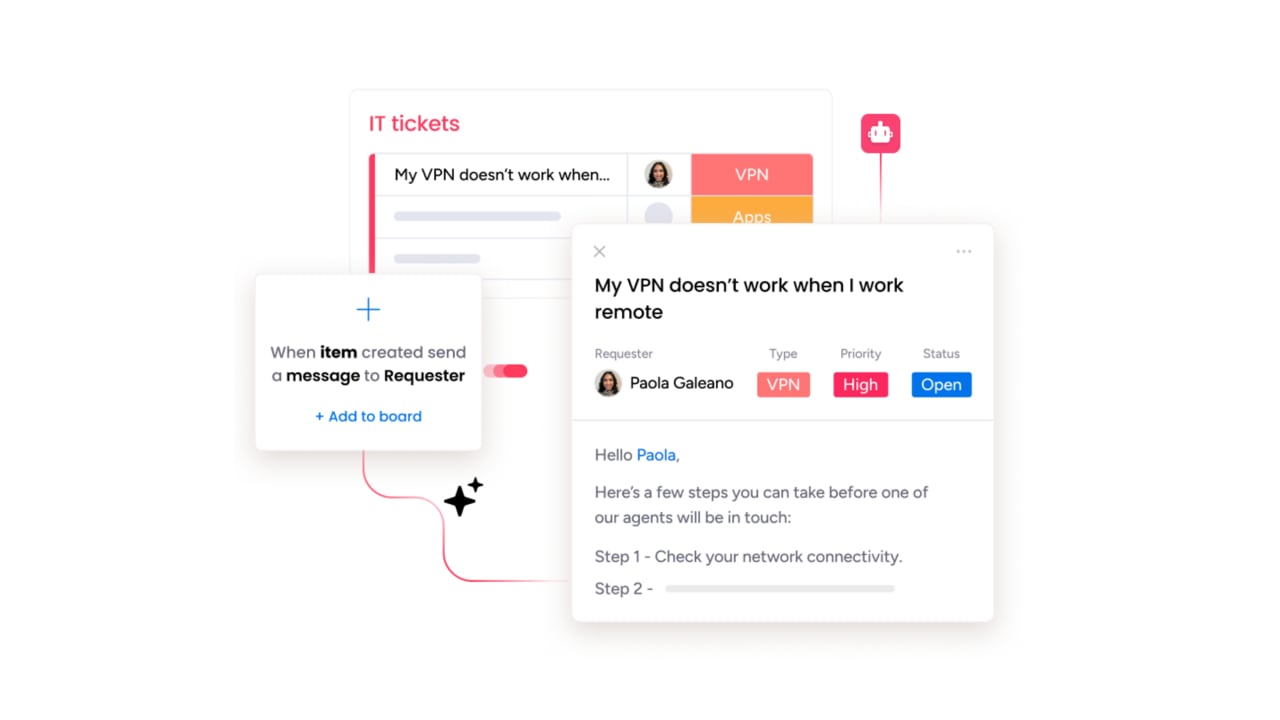
To deliver exceptional support, a service desk must evolve beyond a simple help desk system into a central command centre. This evolution from reactive to proactive service delivery hinges not on added complexity, but on foundational capabilities that create a seamless operational flow.
Modern service platforms achieve this by focusing on four core pillars:
- Intelligent automation: redirects expertise by instantly categorizing and routing requests, managing routine tasks, and eliminating manual administrative drag.
- Unified communication: consolidates all channels (email, chat, etc.) into one platform, providing agents with the complete context needed for personalized support.
- Effective self-service: empowers users to resolve issues independently by providing a simple, searchable knowledge base, reducing overall ticket volume.
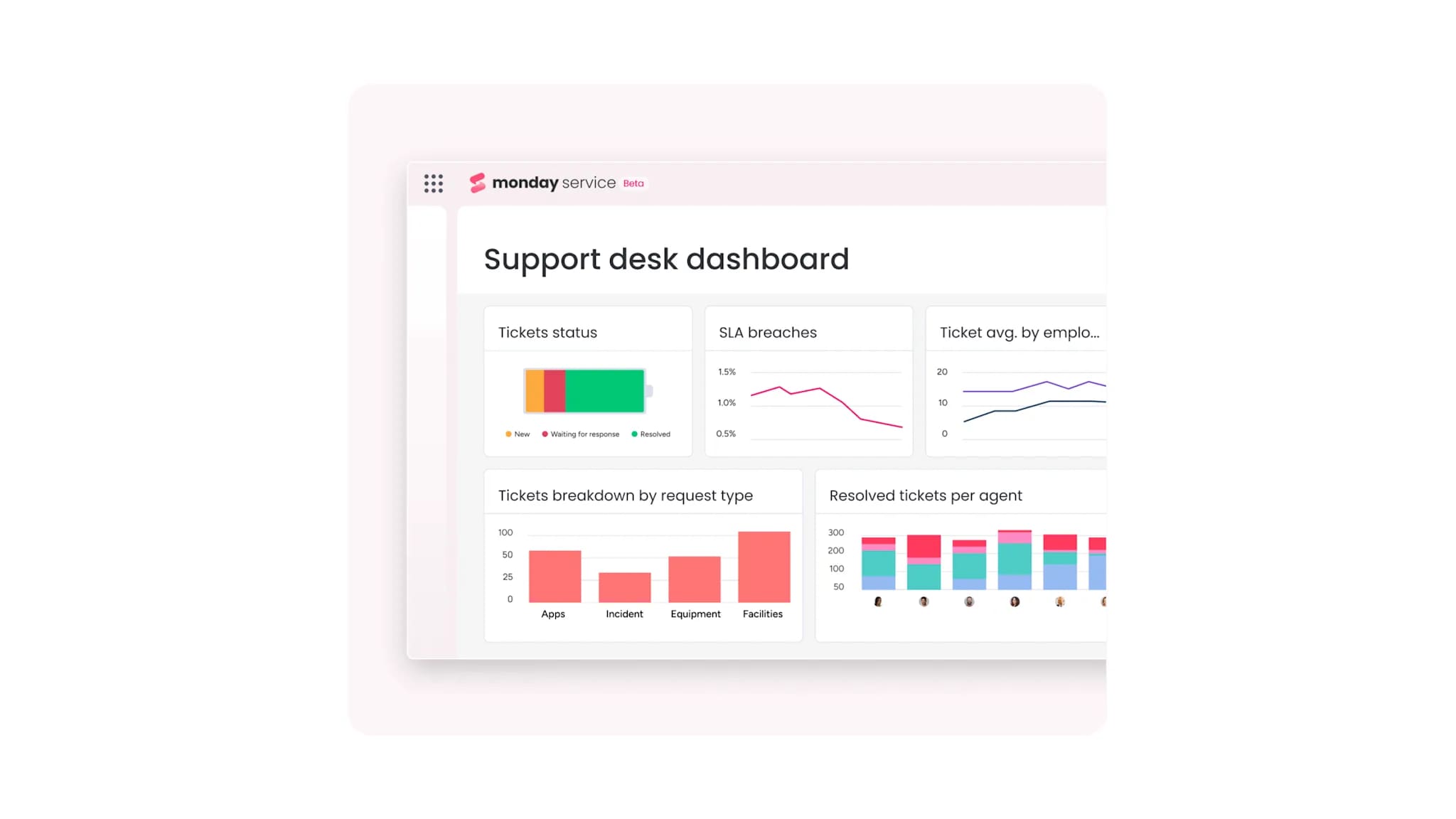
- Actionable analytics: converts raw data into a strategic playbook, delivering real-time visibility into performance and key metrics (like resolution times) to drive informed decisions.
Your service desk as a competitive advantage
A streamlined service desk transforms operational chaos into a competitive advantage, connecting every request to a clear resolution. With a platform like monday service, complexity is untangled, empowering everyone on the team to perform at their best.
Intuitive design and built-in AI are what truly empower your team. Automated workflows route tickets instantly while real-time analytics show you exactly where to focus, helping you accelerate resolution times and keep operations running smoothly.
This is not just about closing tickets faster but about unlocking true cross-department collaboration and giving your agents the freedom to solve real problems. By automating repetitive work, this powerful platform empowers teams to deliver incredible service, together, making work feel more impactful and rewarding.
Best service desk platforms for IT and customer support
Selecting the right service desk is a critical, strategic decision that can either accelerate or bottleneck your team’s performance. The objective extends beyond simply acquiring a platform. It is about identifying a solution that aligns precisely with your team’s specific workflow and genuinely empowers each member to excel.
A truly great platform should feel like an organic extension of your team, making complex operations feel simple and intuitive from day one. The focus must be on accelerating resolution times and streamlining service delivery, entirely avoiding clunky software or endless configurations. This shift is how we move from just managing tickets to systematically creating exceptional service experiences.
To simplify this evaluation process, we have organized a scouting report below that breaks down the top contenders. The table below also offers a quick, comparative view, highlighting each platform’s core strengths and how they stack up in terms of implementation time and pricing model.
| Platform name | Best for | Key strength | Pricing model | Implementation time |
|---|---|---|---|---|
| monday service | Cross-departmental service management | AI-powered, no-code customization, workflow integration | Per user, per month | Fast (no-code setup) |
| ServiceNow | Large enterprises, complex ITSM | ITIL compliance, deep customization | Subcription | Moderate to long |
| Jira Service Management | Dev teams, Atlassian users | Dev workflow integration, project management | Per agent, per month | Moderate |
| Zendesk | Customer service teams | Omnichannel support, marketplace integrations | Tiered subscription | Fast |
| Freshservice | Mid-market organizations | User-friendly, automation features | Per agent, per month | Fast |
| Asana | Small teams, project management | Simple service desk, project focus | Per user, per month | Fast |
| Wrike | Project-centric organizations | Work management, collaboration tools | Per user, per month | Fast |
1. monday service
monday service transforms service delivery with AI-powered automation that connects every department across your organization. The platform specializes in no-code customization and cross-departmental collaboration, making it ideal for teams managing everything from IT tickets to HR requests alongside broader organizational workflows.
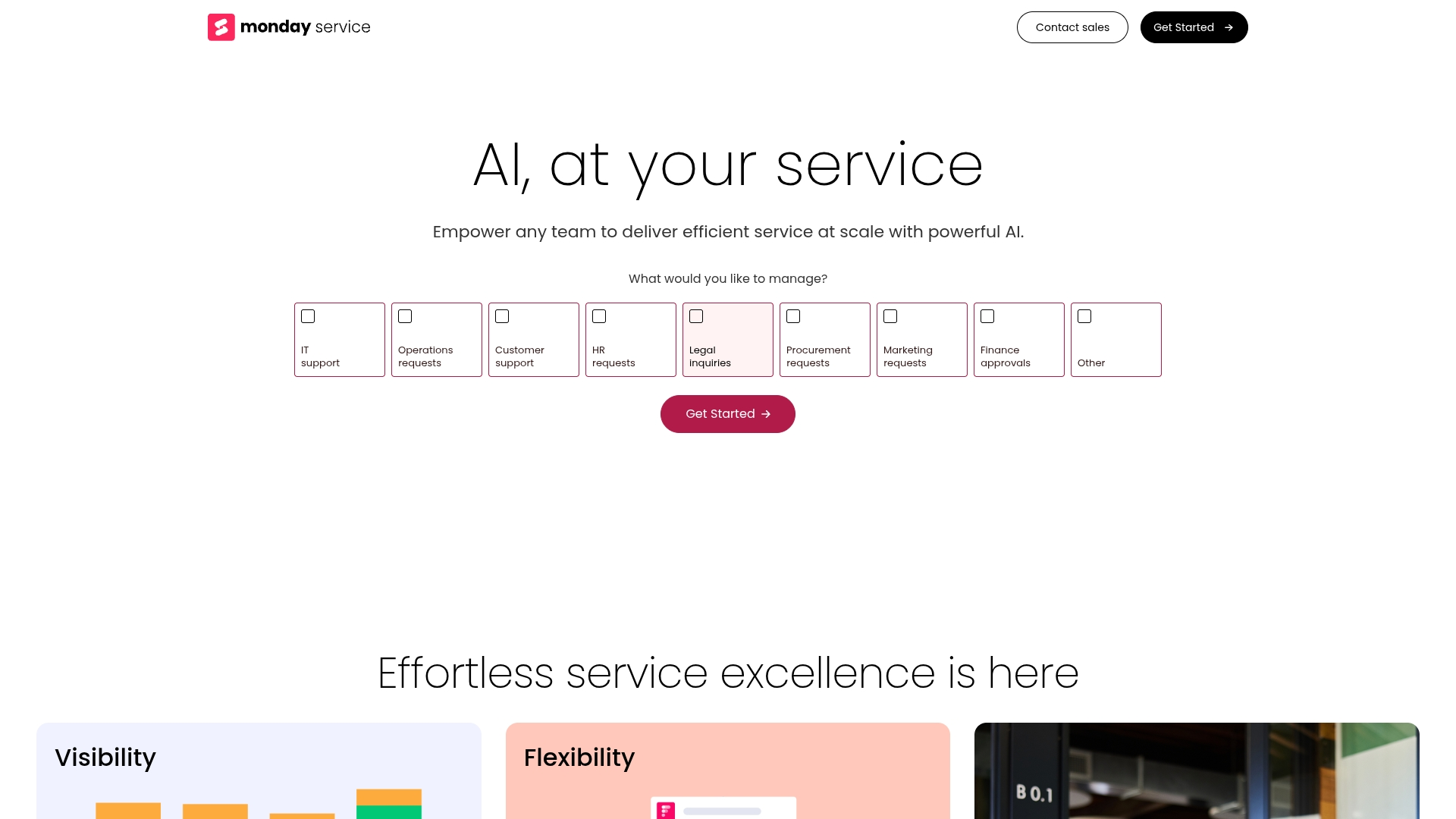
Example: monday service empowers organizations to streamline service operations across IT, HR, customer support, and operations teams through unified workflows that connect service requests with broader business processes.
Key features:
- Intelligent automation & AI: uses AI-powered tools to instantly resolve, classify (by urgency/sentiment), and suggest responses for tickets, while a drag-and-drop workflow builder automates replies, notifications, and approvals.
- Comprehensive visibility & reporting: provides a self-service portal for independent user resolution, and includes customizable, real-time analytics dashboards to track key KPIs (like volume, resolution, and satisfaction).
- Unified operational control: offers built-in asset and inventory management to track all organizational assets, complemented by seamless integrations with third-party tools like Slack, Jira, and Salesforce.
Pricing:
Note: All paid plans require a minimum of ten seats. Annual plans offer savings of up to 18%; monthly billing is also available.
- Free: $0 forever for up to two seats, including three boards, three docs, 200+ templates, and eight column types.
- Basic: $9 per seat/month (billed annually) with unlimited items and viewers, 5GB storage, and prioritized customer support.
- Standard: $12 per seat/month (billed annually) including timeline, Gantt & calendar views, guest access, 250 automations/integrations per month, and dashboards combining up to five boards.
- Pro: $19 per seat/month (billed annually) with private boards, time tracking, chart view, formula columns, 25,000 automations/integrations per month, and dashboards combining up to 20 boards.
- Enterprise: custom pricing with enterprise-grade security, advanced reporting, portfolio and resource management, multi-level permissions, trial AI credits, and dashboards combining up to 50 boards.
Why it stands out:
- Unified Work OS approach: connects service management with project management, CRM, and asset management in one platform.
- A built-in AI agent: helps resolve requests instantly by drawing from ticket history and your knowledge base to provide personalized solutions.
- No-code flexibility: allows teams to customize workflows without technical expertise while scaling across departments.
2. ServiceNow
ServiceNow delivers enterprise-grade IT service management that transforms how large organizations handle complex service operations. The platform specializes in ITIL-compliant workflows and extensive customization capabilities, making it the go-to choice for enterprises managing thousands of users and intricate IT environments.
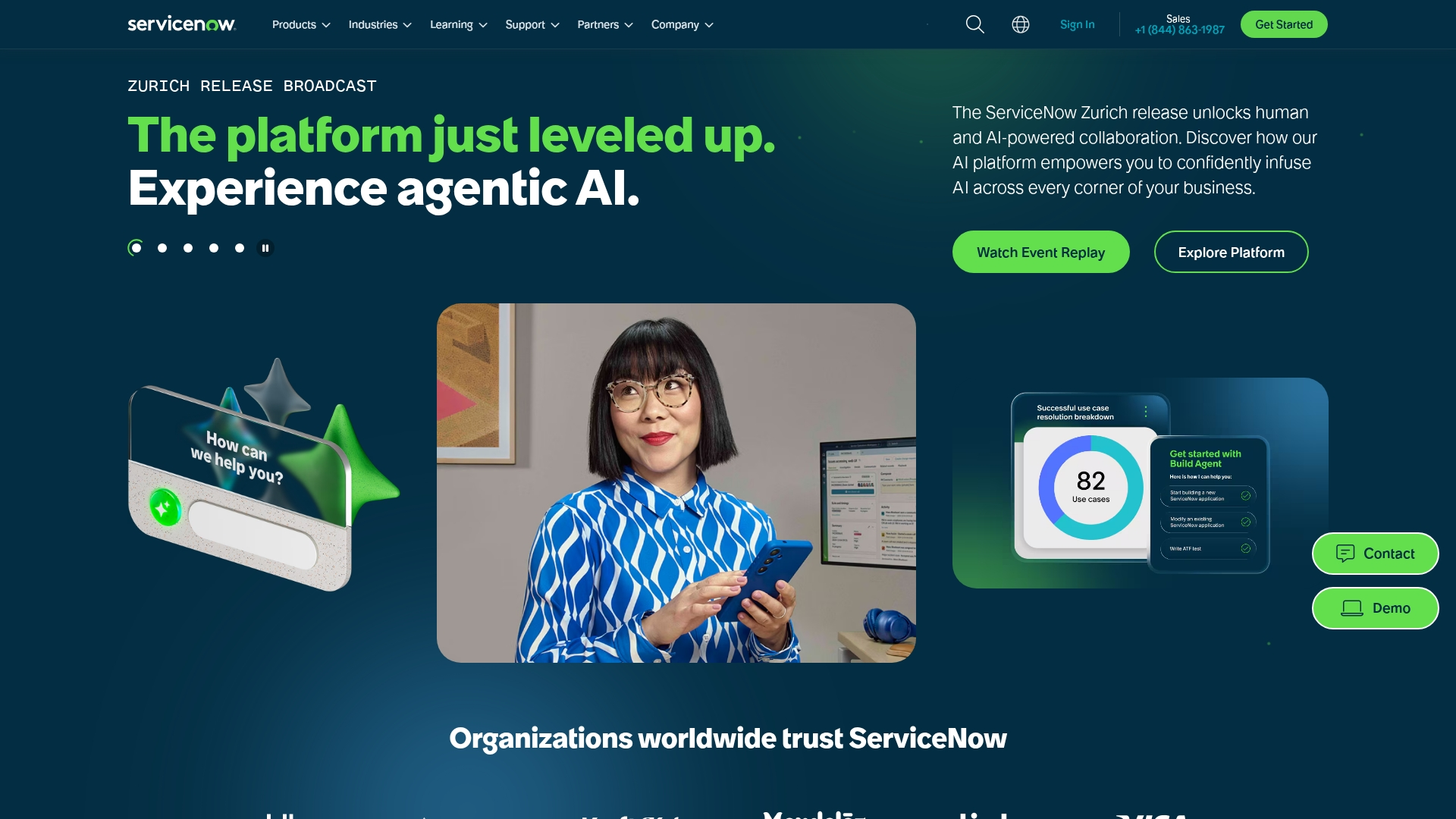
Example: ServiceNow provides a unified cloud platform that automates and optimizes digital workflows across IT, HR, customer service, and security departments for large enterprises.
Key features:
- Comprehensive ITSM suite: with incident, problem, change, and request management built on ITIL framework.
- AI-powered automation: with virtual agents and predictive intelligence for proactive issue resolution.
- Configuration Management Database (CMDB): that provides complete visibility into IT infrastructure relationships.
Pricing:
- Custom pricing: based on organizational needs and requirements.
- Pricing information: contact ServiceNow directly for detailed quotes.
- Scalable packages: available for different stages of business growth.
Considerations:
- High implementation costs and complexity: can be prohibitive for smaller organizations.
- Steep learning curve: requires specialized knowledge and extensive training for effective use.
3. Jira Service Management
Jira Service Management transforms how development and IT teams handle service requests by seamlessly bridging the gap between software development and service delivery. Built on Atlassian’s proven Jira platform, it’s specifically designed for organizations already using Atlassian tools who want to unify their development workflows with service management processes.
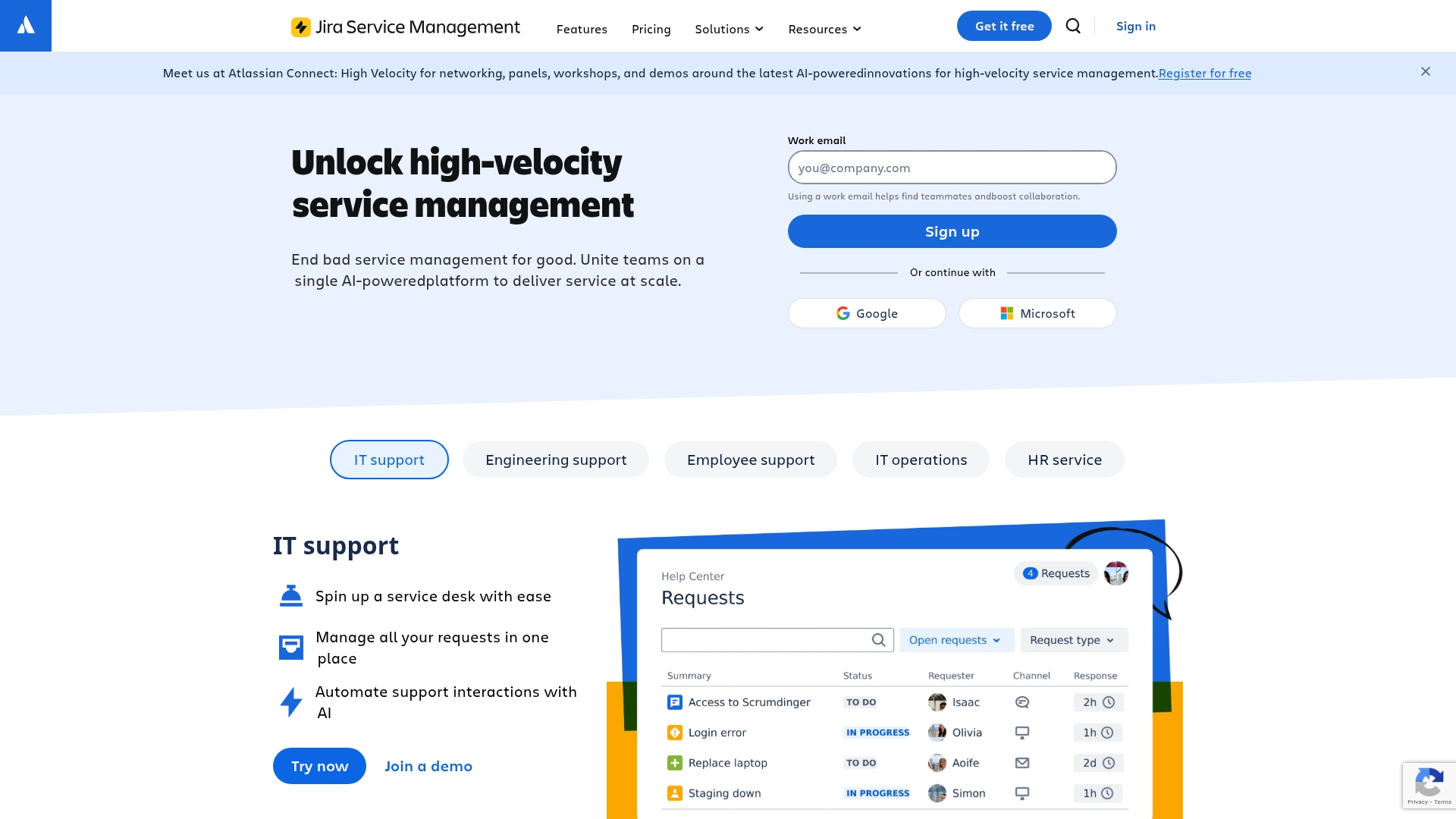
Example: Jira Service Management excels at creating a unified platform where development, IT operations, and business teams collaborate on resolving issues through high-velocity service management processes.
Key features:
- Seamless dev-to-service workflow: achieved through native integration with Jira Software and Confluence, ensuring a fluid process between development and service teams.
- Intelligent incident management: leverages AI-powered virtual agents and Atlassian Intelligence for automated issue summarization and high-velocity service delivery.
- ITIL-aligned processes: provides comprehensive support for ITIL frameworks, covering incident, problem, change, and knowledge management.
Pricing:
- Free: $0/month for up to 10 users with 2 GB storage.
- Standard: $7.53/user/month with 250 GB storage for up to 100,000 users.
- Premium: $13.53/user/month with unlimited storage and 99.9% uptime SLA.
- Enterprise: contact sales for custom pricing with 99.95% uptime SLA.
Considerations:
- Setup and configuration complexity: can be complex for teams unfamiliar with the Atlassian ecosystem.
- Pricing escalation: access to premium features, such as AI capabilities, is reserved for higher-tier plans, which can become costly for larger organizations.
4. Zendesk
Zendesk delivers comprehensive customer service software that transforms how organizations handle support across every channel. The platform specializes in omnichannel support with AI-powered service desk automation, making it ideal for businesses that need to manage high-volume customer interactions seamlessly. With over 100,000 businesses worldwide relying on its unified workspace, Zendesk has established itself as a leader in the customer service software market.
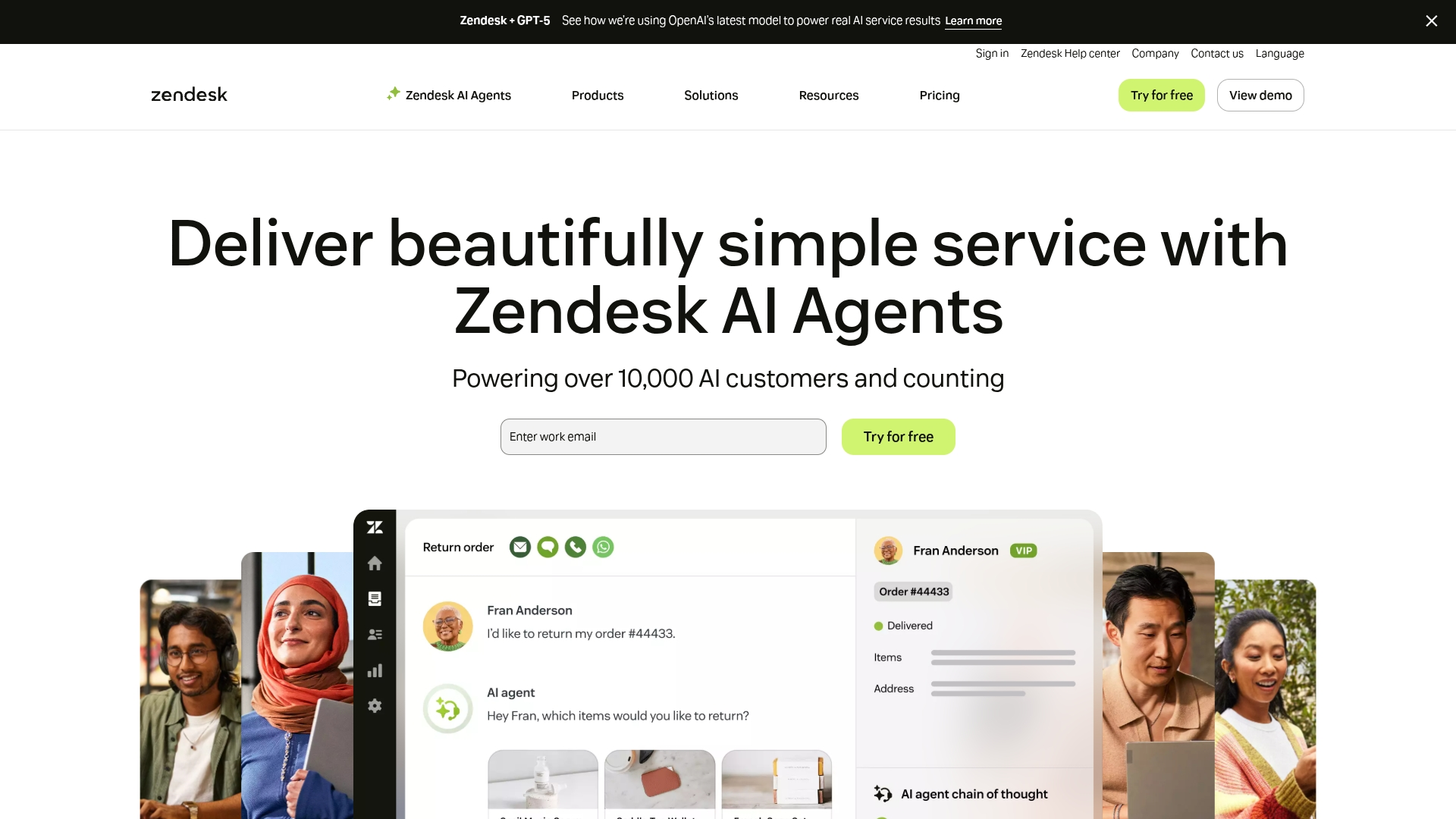
Example: Zendesk serves as a centralized hub for managing customer interactions across email, chat, phone, and social media channels while providing agents with complete conversation history and AI-powered tools for faster resolution.
Key features:
- Omnichannel ticketing system: that consolidates all customer interactions into a unified agent workspace.
- AI-powered automation: for intelligent ticket routing, response suggestions, and automated resolution of common issues.
- Comprehensive knowledge base: with self-service portals and community forums for customer empowerment.
Pricing:
- Support Team: $19/month per agent (billed annually) or $25/month (monthly billing).
- Suite Team: $55/month per agent (billed annually) or $69/month (monthly billing).
- Suite Professional: $115/month per agent (billed annually) or $149/month (monthly billing).
- Suite Enterprise: $169/month per agent (billed annually) or $219/month (monthly billing).
- Automated resolutions included: 5–15 per agent/month depending on plan.
- Additional automated resolutions: $1.50–$2.00 each.
- Various add-ons available: including Advanced AI agents, Quality Assurance, and Workforce Management.
Considerations:
- Pricing escalation: pricing can become expensive for growing teams, especially when accessing advanced features that are locked behind higher-tier plans.
- The extensive feature set: creates a steep learning curve that can overwhelm new users during initial setup and training.
5. Freshservice
Freshservice delivers AI-powered IT service management that transforms how mid-market organizations handle internal support. The platform combines intuitive automation with comprehensive ITSM capabilities, making it particularly attractive for teams that want enterprise-grade features without the complexity.
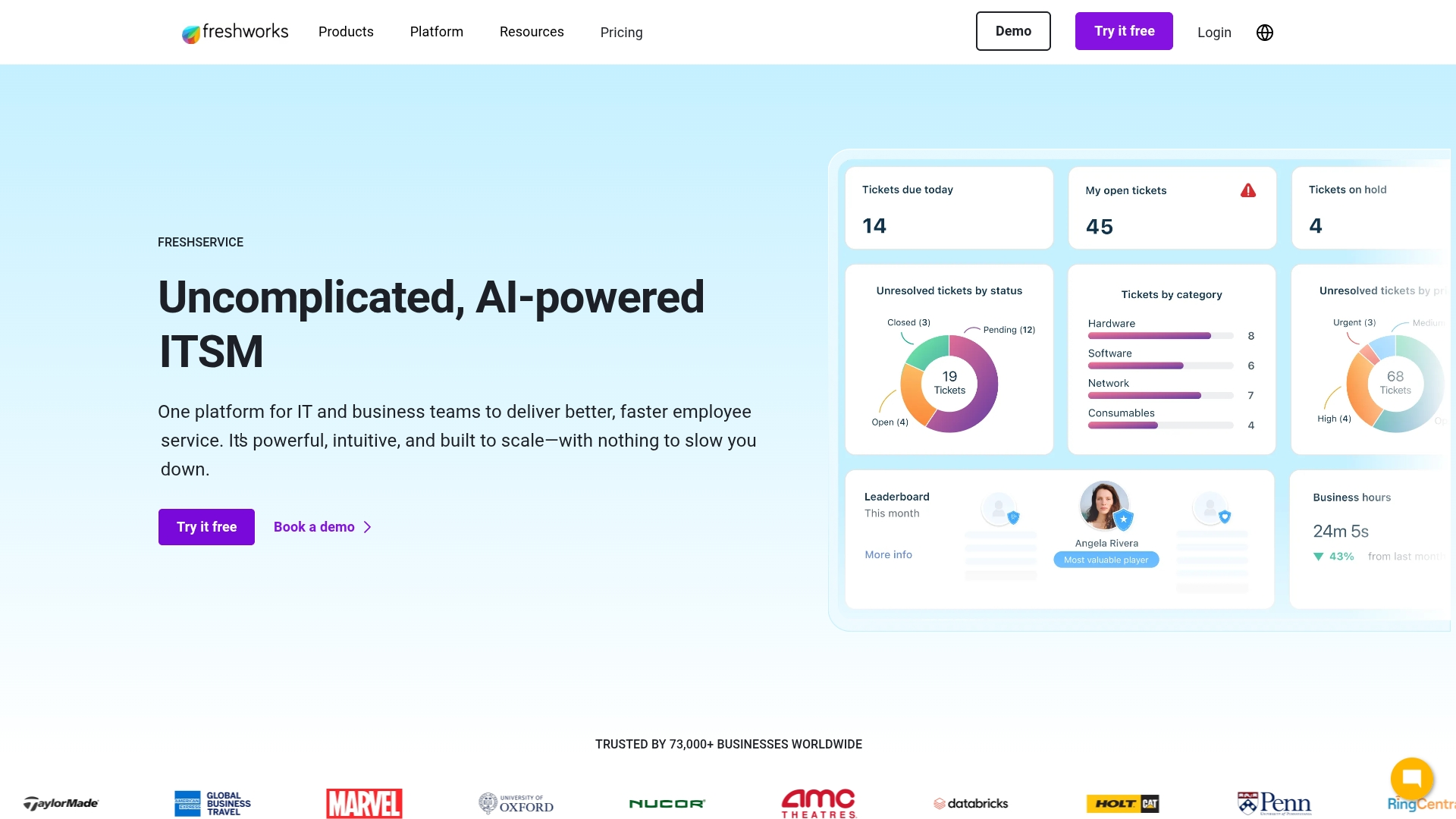
Example: Freshservice excels at providing comprehensive ITSM solutions for organizations that need robust automation and asset management capabilities without overwhelming complexity.
Key features:
- Intelligent automation: leverages AI (Freddy AI) for ticket categorization and routing, significantly accelerating resolution times.
- Integrated asset management: includes IT asset management with an auto-updating CMDB (Configuration Management Database) for complete infrastructure visibility.
- Comprehensive omnichannel support: delivers seamless support across all channels, including email, the self-service portal, phone, and collaboration tools like Slack and Teams.
Pricing:
- Several plans: to fit different team sizes and needs.
- Pricing information: visit Freshservice official pricing page.
Considerations:
- Limited reporting capabilities: for organizations requiring extensive customization and advanced analytics.
- Pricing escalation: with higher-tier plans and additional features, potentially impacting budget-conscious teams.
6. Asana
Asana transforms project management into a flexible service desk solution for teams who want to unify support requests with their existing workflows. The platform specializes in customizable forms and automation rules, making it ideal for smaller teams managing internal IT requests or basic customer support.
While not a dedicated service desk tool, Asana’s integration capabilities can extend its functionality significantly.

Example: Asana serves teams who want to manage service requests alongside their regular project work in a single, familiar platform.
Key features:
- Custom intake forms: convert submissions directly into trackable tasks, complete with custom fields for efficient categorization and prioritization.
- Kanban boards and multiple project views: to visualize ticket flow through stages like “New,” “In Progress,”, and “Resolved.”
- Automation rules: streamline workflows by automatically assigning tasks and moving them through different stages.
Pricing:
- Personal: free forever (up to 10 teammates).
- Starter: $10.99/user/month (billed annually), $13.49/user/month (billed monthly).
- Advanced: $24.99/user/month (billed annually), $30.49/user/month (billed monthly).
- Enterprise: contact sales for pricing.
- Enterprise+: contact sales for pricing.
- 50% discount: available for eligible nonprofit organizations on Starter or Advanced annual plans.
- Minimum requirement: two users; no single-user options available.
Considerations:
- Limited usability: best for teams that can extend its functionality with third-party integrations for specialized features like advanced SLA management or built-in live chat.
- Possible costs escalation: relies heavily on tools like Hipporello for full-featured service desk capabilities, which can increase overall costs and complexity.
7. Wrike
Wrike transforms project management into a comprehensive service desk solution for organizations that need both capabilities in one platform. The platform specializes in highly customizable workflows and enterprise-grade security, making it ideal for mid-market to large organizations managing complex support operations alongside project work.
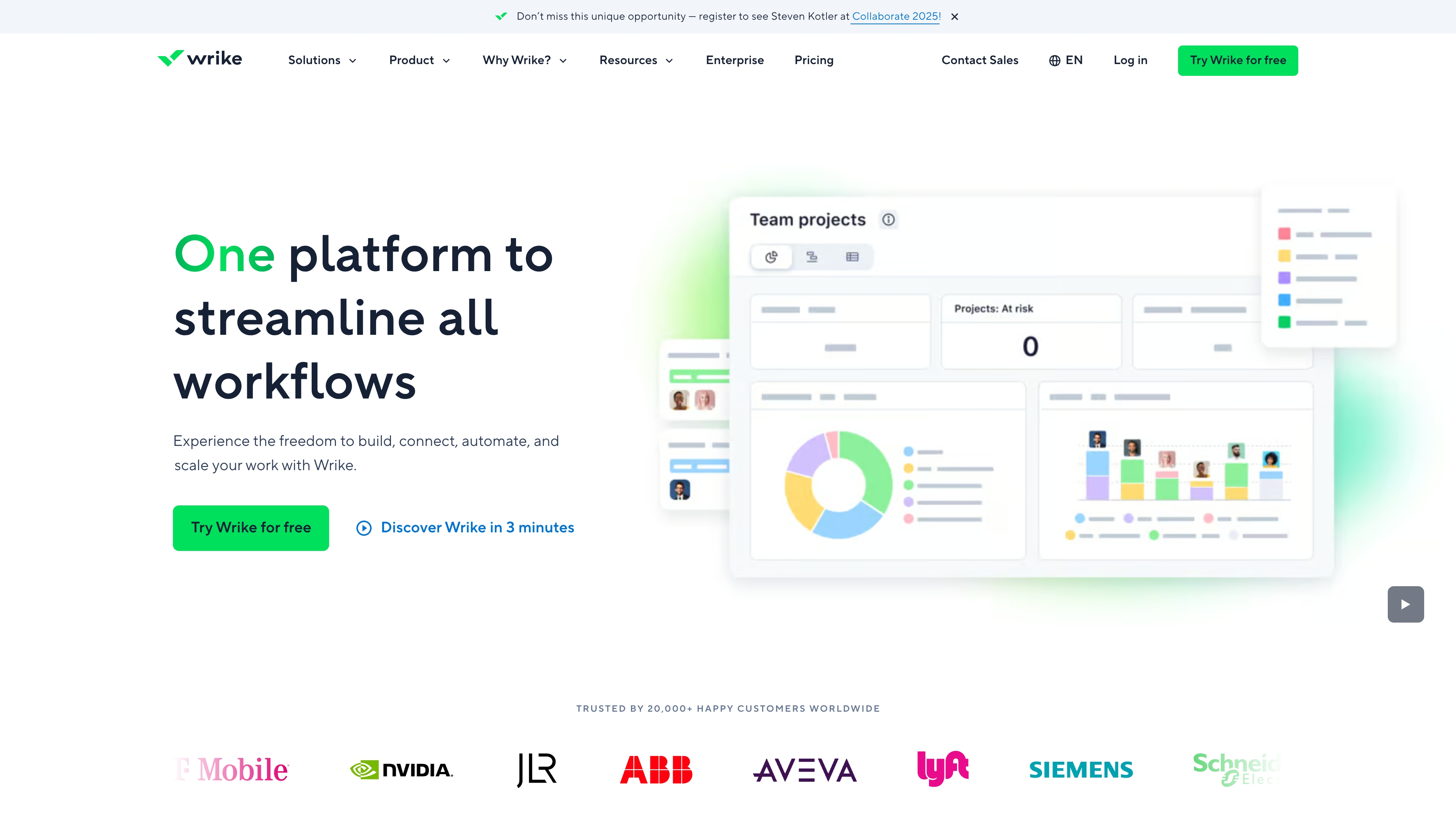
Example: Wrike enables teams to build custom service desk functionality within their existing project management workspace, providing unified visibility across support tickets and broader organizational work.
Key features:
- Custom request forms: that automatically create tasks and route tickets to appropriate team members.
- Flexible workflows and automation: that can mirror any support process with custom statuses and SLA tracking.
- Integrated dashboards and reporting: that provide real-time visibility into ticket volume, resolution times, and team performance.
Pricing:
- Free: $0/month for teams getting started with basic project and task management.
- Team: $10/month per user (billed annually) for small teams with unlimited projects and Gantt charts.
- Business: $25/month per user (billed annually) for organizations needing advanced features like approvals and resource planning.
- Enterprise: custom pricing with SAML SSO, advanced security, and enhanced automation.
- Pinnacle: custom pricing for complex organizations requiring advanced reporting and enterprise integrations.
Considerations:
- Additional requirements: requires significant initial setup and configuration to function as a full-featured service desk.
- Cost efficiency: may be more expensive than dedicated service desk solutions for teams only needing support functionality.
How to compare service desk software solutions
The evaluation of service desk software ultimately centers on finding a tool that integrates seamlessly into your team’s workflow and scales with your growth. A platform’s success is measured by its adoption and its ability to feel like a natural extension of your operational processes.
To achieve service excellence, organizations must select a platform that is flexible enough to adapt to existing workflows, not the other way around. Seamless integration with current tools is non-negotiable, as is a superior user experience, which is the cornerstone of rapid agent adoption and accelerated resolution times.
This philosophy is the foundation of platforms’ like monday service intuitive design. Utilizing no-code builders, teams can shape complex workflows and integrate necessary tools in minutes, not months. The platform is engineered to empower your team to rapidly build, adapt, and scale their ideal service setup, enabling them to focus their energy on delivering exceptional service rather than managing software complexity.
A three-phase implementation and scaling strategy
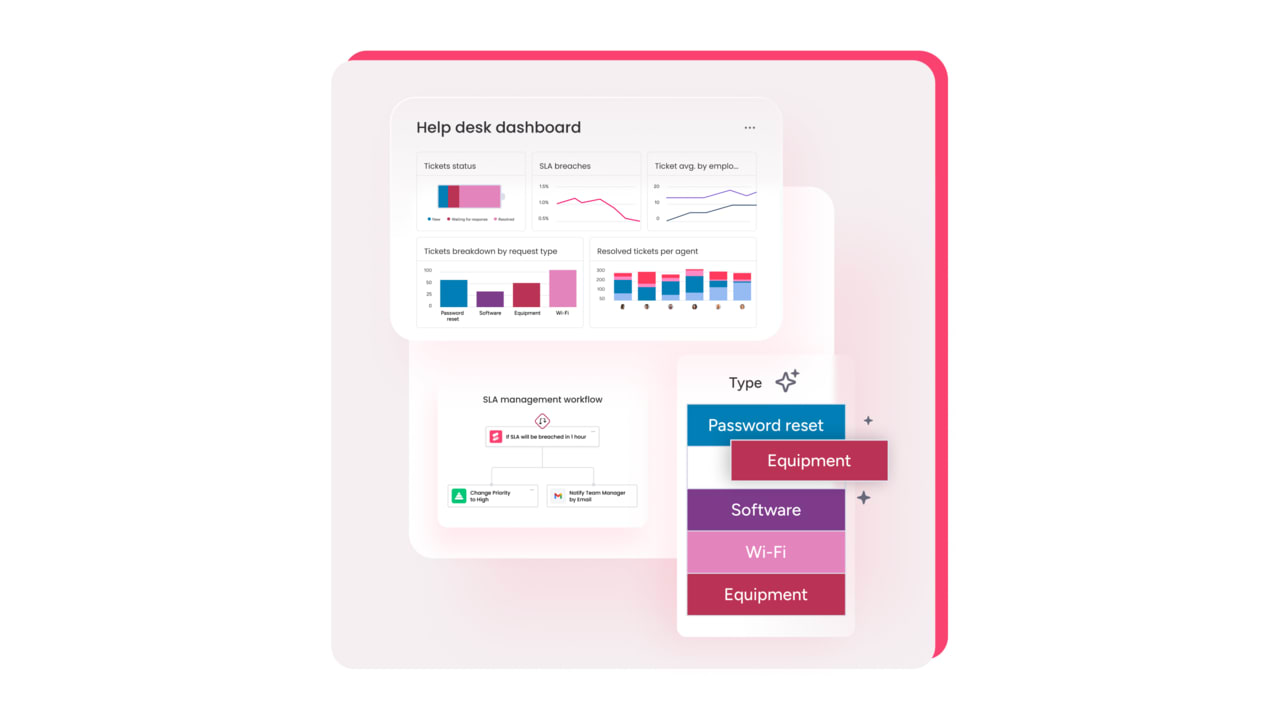
Successfully implementing and scaling a new IT helpdesk platform requires more than just installing software: it demands a strategic, phased approach to manage change, drive adoption, and secure long-term value. This strategy shifts the focus from a transactional tool to a unified engine that powers your entire service delivery operation.
Below is the three-phase framework designed to ensure your organization moves smoothly from initial launch to data-driven, continuous optimization:
- Foundation and adoption: start by mapping current workflows to identify quick wins, prioritizing immediate team comfort to ensure a rapid transition to the new platform.
- Customization and unification: tailor the platform by automating routine tasks with no-code tools and strategically integrating it with other core systems to create a unified command center.
- Data-driven optimization: utilize real-time analytics and continuous feedback to refine processes, transforming the platform into the data-powered engine that continuously scales your entire service delivery.
By following this strategic roadmap, we ensure your new platform is not just adopted, but fully utilized to drive maximum efficiency and service excellence.
Where AI makes a difference in service desk management
AI integration into your service desk eliminates the repetitive, manual tasks that impede productivity, freeing agents to apply their expertise where it matters most. This technology acts as a force multiplier for your team, augmenting their capabilities rather than replacing them.
Modern platforms like monday service use built-in AI to automate the predictable parts of the job, like sorting tickets and summarizing requests, so your team can move faster and focus on delivering amazing service. By turning complex operations into a streamlined, intelligent workflow that just works, they empower your people to do their best work.
By handling the heavy lifting behind the scenes, AI helps accelerate resolution times and gives you the real-time insights needed to optimize everything.
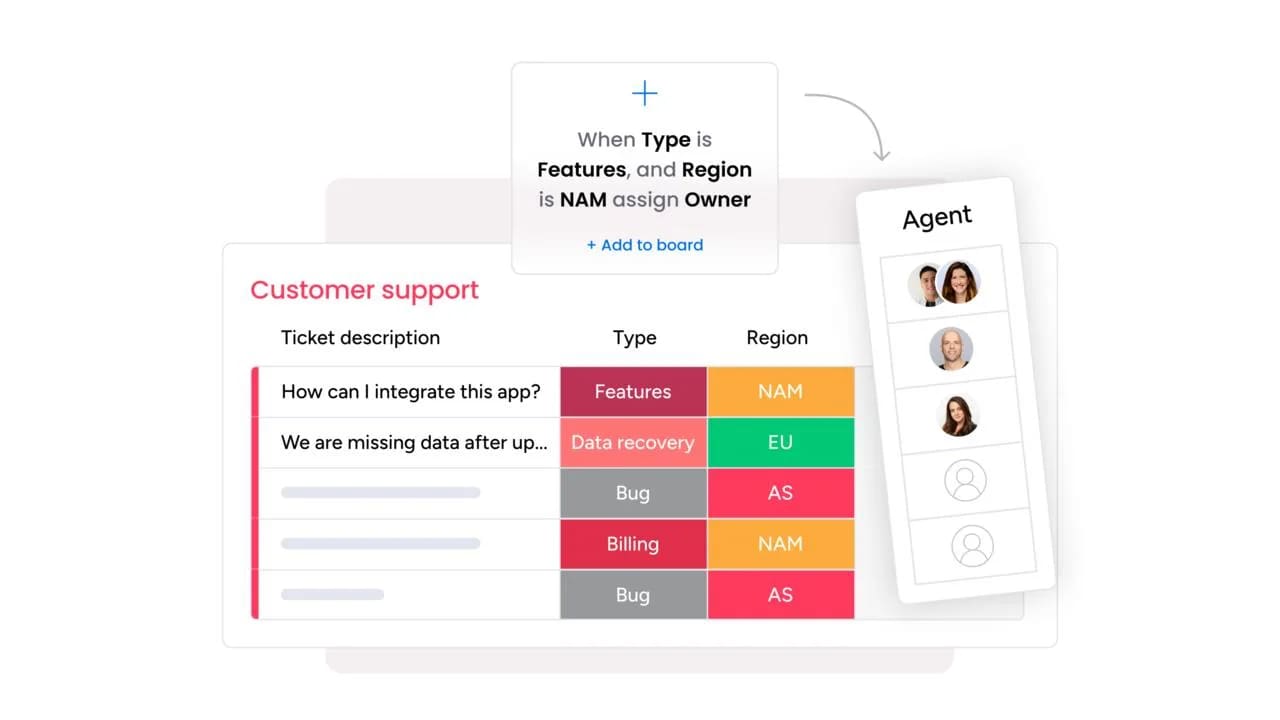
- Getting tickets to the right person: stop wasting time managing ticket traffic. The platform’s AI instantly analyzes and categorizes every request by type, urgency, and expertise required. This ensures the ticket lands in the perfect queue immediately, leading to a faster response time and predictable workload for your team.
- Automating data entry and summarization: eliminate tedious manual work. AI automatically extracts and populates key information from emails and forms into the ticket. It also instantly summarizes lengthy requests, giving agents a clear, concise overview in seconds so they can jump straight into resolution.
7 steps to maximize ROI with a cloud service desk software
Maximizing the return on investment (ROI) from a new cloud service desk requires a strategy that goes beyond installation. The focus must be on transforming service operations into a source of measurable, quantifiable value that resonates directly with business leadership.
The core goal is to shift your service function from a reactive ticketing queue to a proactive service engine. By connecting teams and workflows on one intuitive platform, you can eliminate operational silos and enable every agent to work faster and smarter.
To unlock the full financial and operational potential of your cloud service desk platform, follow this seven-step playbook:
- Move beyond ticketing: focus on strategic implementation that delivers quantifiable benefits, not just new software features.
- Break down silos: connect all teams and service workflows on a single, unified platform for organization-wide collaboration.
- Accelerate resolutions: leverage the platform’s built-in AI to speed up ticket triage and provide faster solutions.
- Implement proactive service: transform your approach from merely solving problems to anticipating and preventing them.
- Optimize workflows: use no-code tools to streamline and automate routine tasks, freeing up agent time for high-value work.
- Fine-tune with analytics: utilize real-time data and analytics to continuously monitor performance and identify bottlenecks.
- Demonstrate value: consistently track and report on key metrics to showcase the service engine’s ROI to leadership.
Try a no-code approach for service desk success
A no-code approach gives every team the freedom to design a service experience that fits their needs perfectly. With monday service, customization is no longer limited to IT — anyone can create and refine workflows that make daily support faster, smoother, and more transparent.
The intuitive drag-and-drop builder makes setup effortless, while built-in AI handles routine tasks like ticket categorization, routing, and follow-ups. This combination of automation and visibility helps agents resolve issues faster, leaders track performance in real time, and customers enjoy consistently great experiences.
By connecting all service work — from IT to HR to facilities — into one shared platform, monday service breaks down silos and keeps every department aligned. The result is a unified, agile operation that turns service delivery into a true competitive advantage.
Ready to simplify your support, empower your teams, and elevate every customer interaction?
The content in this article is provided for informational purposes only and, to the best of monday.com’s knowledge, the information provided in this article is accurate and up-to-date at the time of publication. That said, monday.com encourages readers to verify all information directly.
Frequently asked questions
How does service desk software handle sudden increases in ticket volume?
It manages surges using intelligent automation for routing tickets, providing self-service answers, and load-balancing work across your team. This ensures your crew stays productive and service quality remains high, even when demand spikes.
Can service desk software integrate with existing CRM and HR systems?
Yes, modern platforms offer robust APIs and pre-built connectors that make it easy to sync with your existing CRM, HR, and business systems. This creates a unified tech stack where data and workflows are shared seamlessly across departments.
Does AI in service desk software require technical expertise to implement?
No technical expertise is needed, as platforms like monday service provide no-code AI capabilities with simple drag-and-drop actions. Your team can immediately automate tasks like ticket categorization and smart routing without any IT support.
What is the difference between help desk and service desk software?
Help desk software is primarily reactive, focusing on fixing individual issues as they come up. Service desk software is more comprehensive and proactive, managing the entire service lifecycle with workflow automation and cross-departmental collaboration.

 Get started