


A successful enterprise company functions in much the same way as the human body. Just as the brain needs oxygen from the lungs, and vital organs depend on blood pumping to them from the heart, an efficient business also needs its critical functions and processes working in perfect harmony. And when something goes wrong, it can ripple across the entire organization.
This guide explores how enterprise resource planning (ERP) is the backbone of any modern business. We’ll look at the benefits of using enterprise resource planning software, how it works, and signs you could benefit from monday.com’s AI Work Platform.
Get startedKey takeaways
- Enterprise resource planning (ERP) unifies core business functions, like finance, HR, supply chain, and operations, into a single platform with shared data and automated workflows.
- 5 deployment types serve different organizational needs, from cloud-first startups to hybrid enterprises managing complex regulatory requirements.
- AI is reshaping ERP: intelligent agents, generative reporting, and composable architectures are replacing rigid, monolithic systems.
- AI-native platforms now deliver ERP-equivalent capabilities through no-code customization and enterprise-grade security, with deployment measured in days, not months.
What is enterprise resource planning (ERP)?
Enterprise resource planning (ERP) is a type of business management software organizations use to achieve success in their daily operations. ERP systems integrate key business processes, such as accounting, inventory management, human resources, and customer relationship management, into one central database. This allows for real-time information and data sharing across departments and ensures consistency throughout business practices.
A brief history of ERP
ERP systems originated in the 1960s, initially packaged as Material Requirements Planning (MRP) software for manufacturing processes. By the 1990s, they had evolved to provide a suite of separate systems with modules for accounting, financial services, supply chain management, etc.
As internet adoption skyrocketed around the turn of the millennium, cloud solutions sprung up as an alternative to the cumbersome ERP legacy models companies had relied on. These modern alternatives provided real-time access and advanced analytics for companies requiring smarter decision-making and streamlined operations.
How does ERP work?
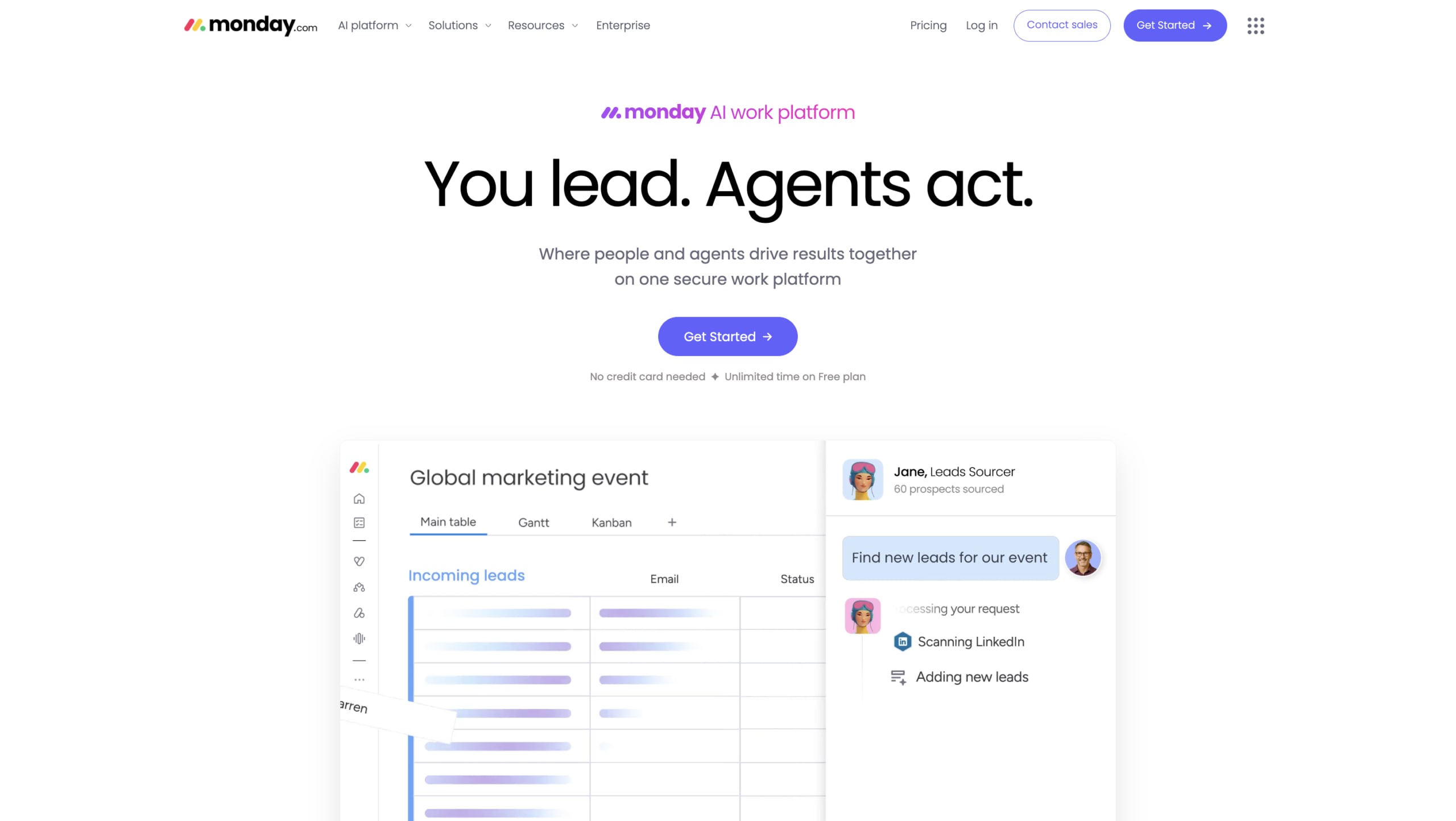
ERP exists to bust workplace siloes. Without enterprise resource planning systems, each department would typically use its own choice of software platform to manage its business operations. For instance, the financial department would use a particular accounting software, the sales team may use a CRM system, and inventory managers might still use Excel spreadsheets.
While these systems can provide efficiencies within each department, communication between departments isn’t as seamless.
Example: Sales leaders might manually request data or reports from the accounting team and then wait to receive this information, unable to progress without it.
Enterprise resource planning software avoids these steps by merging every department’s business management software to create a single source of truth in one primary platform. By regulating who has access to various data points, ERP integration provides leaders with the business intelligence they need to make informed decisions.
Why is enterprise resource planning important for business?
Organizations no longer view ERP as a back-office utility but as a strategic platform that drives competitive advantage. ERP implementation offers a wide range of benefits, including:
- Workplace efficiencies: ERP software streamlines core processes and automates tasks to make tasks, projects, and workflows run smoothly without any extra effort.
- Improved accuracy: ERP technology can improve accuracy by reducing the number of times data is inputted into separate systems.
- Lower risk: By reducing the need for manual data entry, ERP systems also decrease the risk of human error.
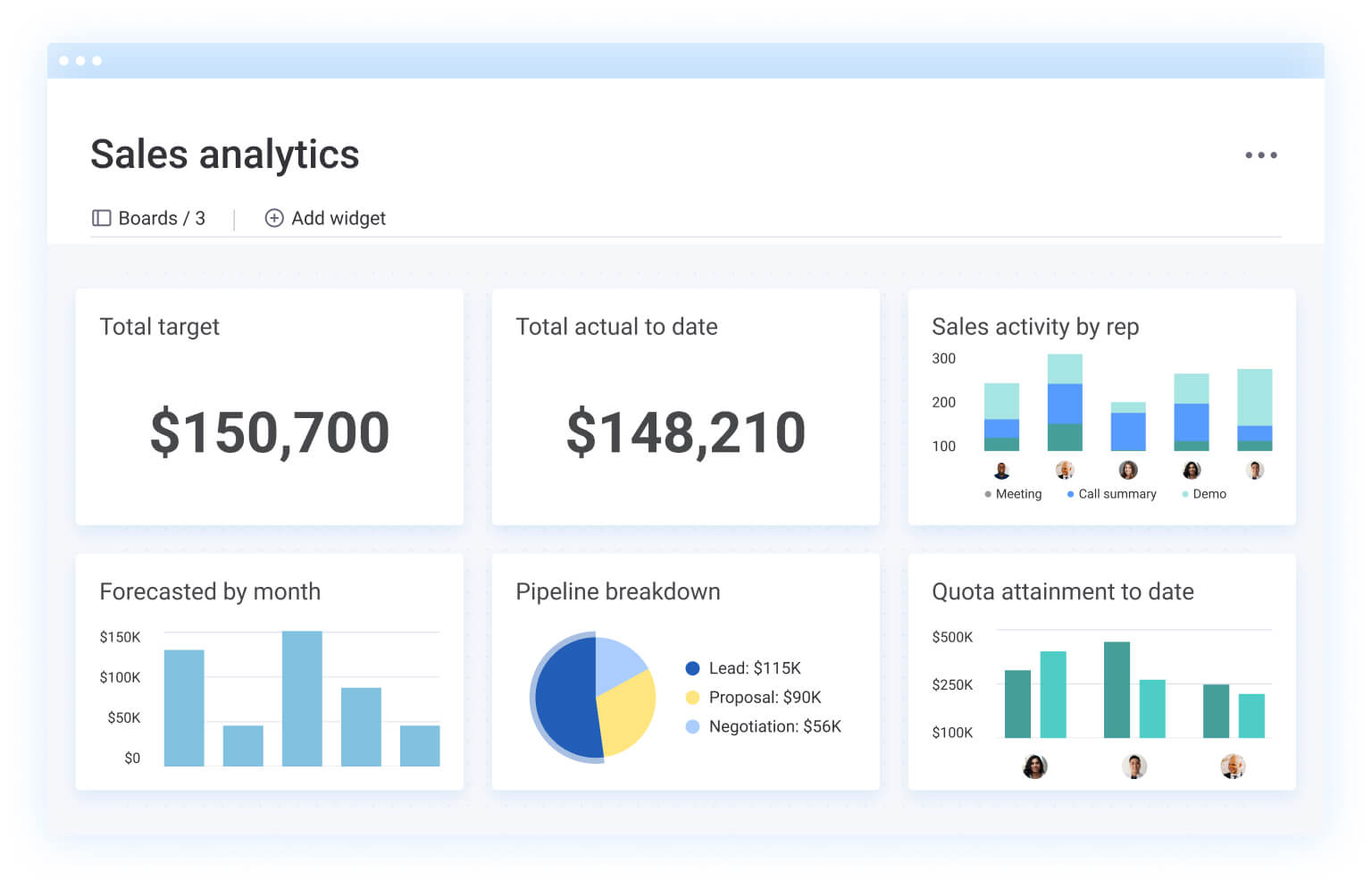
- Real-time data: Department leaders access one common database to view the real-time data and business insights they need to make informed decisions.
- Enhanced communication: This single source of truth also delivers enhanced inter-department collaboration and communication with executive leadership.
- Watertight compliance: An ERP platform achieves compliance with everything from OSHA to GAAP to GDPR.
- Operational cost savings: An investment in ERP technology provides an excellent return on investment. You’ll pay for one system instead of dozens, and stop wasting time on workflows that are repeated across teams.
- High user adoption rates: With a consistent infrastructure from the back to the front office, employees will engage with the resource software, achieving more value from your investment as accurate data flows from one department to the next.
- AI-driven decision-making: Modern ERP platforms use machine learning to surface predictive insights, flag anomalies, and recommend actions — turning raw data into strategic guidance.
- Cross-department alignment at enterprise scale: ERP connects every function under shared goals, KPIs, and reporting structures, eliminating the fragmentation that grows as organizations expand.
What business functions can you optimize with ERP?
ERP platforms touch nearly every department in an organization, from back-office finance to customer-facing commerce. Understanding which functions benefit most helps you prioritize your implementation and measure ROI from day one.
Human resources
An ERP system with human resources management functionality encompasses all employee lifecycle aspects, including hiring, payroll, performance, retention, and more, to improve employee experiences and support HR teams.
Finance
Finance is at the core of any business, and ERP systems offer a wide range of accounting and financial management features. For example, your ERP tool might include features to handle accounts payable/receivable, general ledger, budgeting, cash flow management, tax management, and more.
Manufacturing
ERP systems manage product lifecycle planning, inventory control, and supply chain logistics. By providing real-time insights into production schedules and raw material requirements, ERP ensures smooth operations, minimizes delays, and supports cost-effective manufacturing processes.
Commerce
Whether you operate a brick-and-mortar store or an ecommerce platform, ERP software enhances customer experience and business efficiency. It enables integrated order management, payment processing, and inventory tracking to deliver seamless transactions and improved customer satisfaction.
Supply chain management
ERP systems strengthen supply chain management by offering real-time tracking, demand forecasting, and supplier coordination. With these capabilities, businesses can reduce operational costs, prevent stockouts, and ensure timely delivery of goods and services.
7 signs you need an ERP system
If you’re already committed to a tech stack, you might question if you should switch to ERP systems. Typically, the time is right if any of the following resonate with you:
You struggle to cascade objectives down to your teams
Organizations often invest significant time and effort in defining objectives and strategies, but a lack of alignment will derail even the best plans. Without clear responsibilities, ownership, and communication, cascading objectives to teams becomes a daunting task. An ERP system enhances transparency which keeps everyone working toward the same goals, with clarity in priorities and ownership.
You lack visibility into progress, resources, and risks
As organizations scale, maintaining visibility and control over ongoing work is a serious challenge. Leaders may struggle with incomplete data, siloed tools, and inefficient reporting systems. ERP software provides a holistic view of progress, resource allocation, and potential risks, empowering executives to make informed decisions and course-correct as needed.
You experience delays in execution
Delays often stem from inefficient workflows, poor resource management, and insufficient communication. These bottlenecks hinder progress and slow innovation. ERP software helps organizations streamline workflows, optimize resource utilization, and foster collaboration between departments, resulting in faster execution and greater agility. You can take a demo here.
Your teams rely on spreadsheets for critical workflows
When departments manage budgets, project timelines, or inventory in standalone spreadsheets, version control breaks down and data integrity suffers. Spreadsheets lack audit trails, automated validations, and real-time collaboration. An ERP system replaces fragile manual processes with governed, automated workflows.
Data lives in disconnected systems across departments
If pulling a cross-departmental report requires exporting data from 4 different platforms and reconciling it manually, your organization has a data silo problem. ERP unifies departmental data into a single database, eliminating the gaps and inconsistencies that lead to flawed decisions.
Reporting takes days instead of minutes
When leaders wait days for a financial summary or project status update, the organization is operating on stale information. ERP platforms deliver real-time dashboards and automated reporting, giving decision-makers the data they need when they need it.
You cannot scale processes as the organization grows
Processes that work for 200 employees often collapse at 2,000. If onboarding a new team, entering a new market, or launching a product line requires rebuilding workflows from scratch, your current systems cannot scale. ERP provides the standardized foundation that supports growth without chaos.
Get started8 things to look for in an ERP system
ERP systems aren’t created equal, so how do you know what to look for when comparing vendors? These 8 criteria separate the platforms that accelerate your organization from those that become expensive shelf-ware.
1. Integrations
While an ERP houses multiple business units, the right platform allows you to extend its value further by connecting with third-party software providers, either using native integrations or an open API. For example, you might want to sync with Salesforce, QuickBooks, or other apps you’re already using so your team has access to key data.
2. Scalability
As business requirements change with time, you’ll want the reassurance that your ERP investment today will still deliver value several years from now on. Whether you anticipate a significant headcount change, new business directions, or a geographic expansion, the right platform will grow to meet your needs.
3. Customization
Plug-and-play ERP systems are convenient, allowing you to hit the ground running with templates and automated workflows from day one. But they should never be rigid. The strongest ERP solutions offer the ability to customize processes to fit your organization’s unique needs.
4. User-friendly interface
User engagement is a huge barrier to success for many enterprise organizations. Your employees need to work with an intuitive product they love that simplifies their day-to-day operations. Check vendor reviews and take platform demos to make sure the ERP system you’re considering is a product your team will embrace.
5. Accessibility
Companies can use an on-premises or cloud-based ERP system. While both types bring efficiencies to core business processes, such as workforce planning, budgeting, forecasting, and inventory control, cloud-based systems allow workers to access the data they need from their computers or mobile devices, including laptops, smartphones, and tablets. This mobility lets your team track operations on any device from any location.
6. Security and compliance
Protecting sensitive business and customer data should be a top priority when selecting an ERP system. The ideal platform will offer robust security features, such as encryption, multi-factor authentication, and access control, to safeguard your data. Ask vendors about their security protocols, compliance certifications, and how they handle data privacy to keep your business protected against breaches and regulatory fines.
7. AI and automation capabilities
Forrester identifies AI-driven automation as the leading ERP innovation trend for 2026. Evaluate whether the platform includes native AI capabilities — predictive analytics, intelligent assistants, anomaly detection, and workflow automation — rather than requiring expensive third-party add-ons.
8. Data analytics and reporting
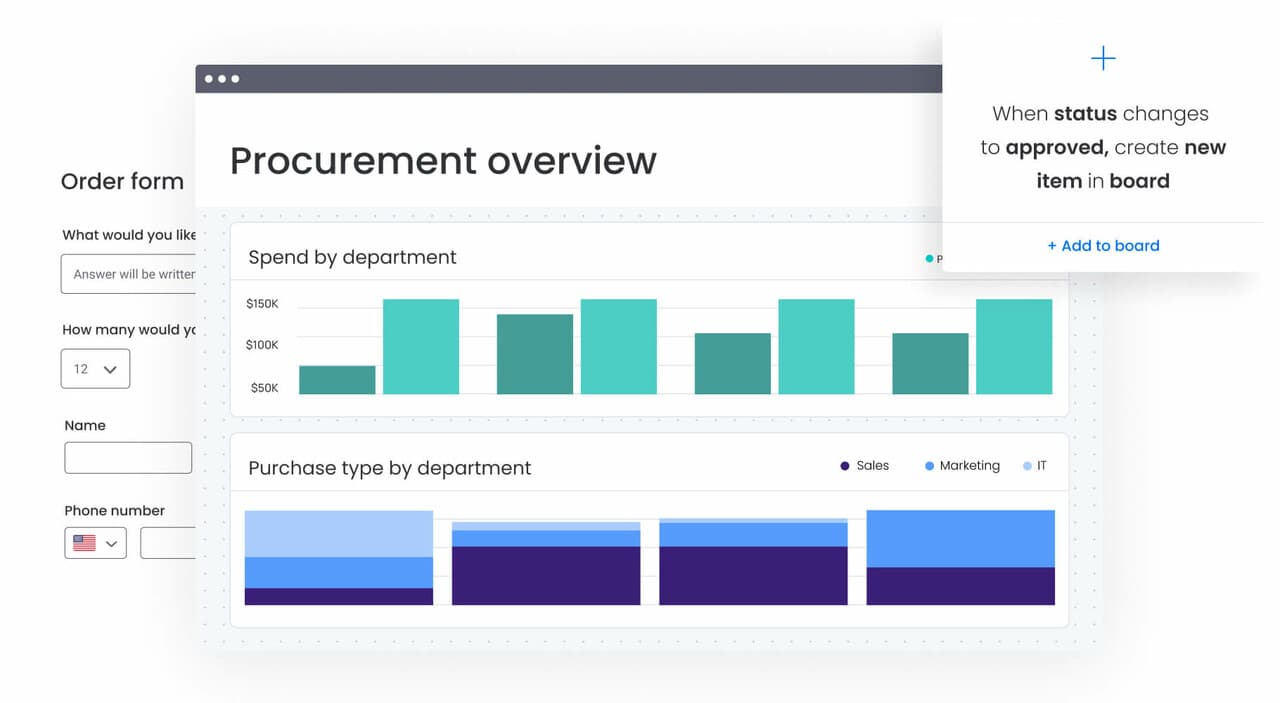
Real-time dashboards, cross-department reporting, and configurable KPIs are table stakes for enterprise ERP decisions. The platform should let leaders build custom views that combine data from multiple business units into a single, actionable report without relying on IT to build each one.
How to implement ERP in 5 steps
ERP implementation doesn’t have to be an 18-month project that drains budgets and morale. A structured approach keeps the process focused and reduces risk. Here are 5 steps to guide your rollout.
1. Define objectives and scope
Identify which departments and processes the ERP will cover first. Set measurable goals so you can track ROI from day one. Examples:
- Reducing eporting time by 50%
- Eliminating duplicate data entry
- Consolidating 6 platforms into 1
2. Evaluate and select a platform
Cross-reference vendor capabilities against the 8 selection criteria outlined above. Prioritize platforms that offer:
- Native AI
Open APIs - A track record of high user adoption at enterprise scale
3. Plan data migration
Audit existing data across every system you’re consolidating. Clean duplicates, standardize formats, and map fields to the new platform. Data migration is where most ERP projects encounter delays, so allocate your time accordingly.
4. Configure, test, and train
Customize workflows to match your organization’s processes, run parallel testing with real data, and train end users before go-live. Underestimating change management and skipping training are the 2 most common reasons ERP implementations fail to deliver expected value.
5. Launch and iterate
A phased rollout is safer than a big-bang launch. Start with 1 or 2 departments, monitor adoption metrics, gather feedback, and optimize workflows before expanding across the organization.
How enterprise resource planning is evolving with AI
The ERP category is undergoing its most significant transformation since the shift from on-premises to cloud. Far from being the add-on feature it was for years, AI is now the foundation of how enterprise resource software operates, analyzes, and executes.
AI-driven hyper-automation
AI agents now execute entire workflows end to end — from processing purchase orders to automating financial close procedures. Unlike rule-based automation that follows predetermined logic, AI-driven automation adapts to exceptions, learns from patterns, and escalates only when human judgment is required.
Generative AI for reporting and insights
Generative AI is transforming how organizations consume ERP data. Forrester’s Vice President and Principal Analyst, Liz Herbert, explores one possible use case:
In ERP, one of the big tasks of finance is to close the books and report on the financials externally, whether that’s to shareholders or the board or just managers. So, one early use case is simply narrative reporting, rather than a person go through all of the financial data and talk about where the business is performing well and where it isn’t.
Beyond narrative reporting, generative AI now powers anomaly detection, predictive forecasting, and scenario modeling directly within ERP platforms.
Composable, API-first architecture
The monolithic ERP suite is giving way to composable, modular architectures. Organizations assemble their ERP from interoperable components connected via APIs and open protocols — swapping, upgrading, or extending individual modules without disrupting the entire system. This approach also supports personalized user experiences, where departments configure interfaces and dashboards to match their specific workflows.
Intelligent co-pilots and agents
The next generation of ERP systems includes AI assistants that understand organizational context and act autonomously on data across departments. These copilots analyze patterns across finance, operations, and supply chain to spot insights, flag risks, and recommend actions.
Liz Herbert explains some of the scenarios a co-pilot could help with:
“If we tweaked the pricing like this, what would be the impact if we did our resourcing like that? What would be the impact if we shifted our supply network to be more centric on a geography close to us? What happens if the Suez Canal runs into trouble and we can’t ship goods through there, or it costs us millions more to have to go around the southern tip of Africa? Those kinds of questions are what any operational manager often outside of finance is dealing with that ERP can help them address.”
How monday.com's AI Work Platform streamlines enterprise resource planning
Traditional ERP systems promise unified operations but often deliver 18-month implementations, rigid architectures, and low user adoption. monday.com’s AI Work Platform takes a different approach, connecting departments, automating workflows, and giving leaders real-time visibility through a flexible, AI-native platform that teams use.
Here’s how the platform delivers ERP capabilities organized around its enterprise pillars.
Leadership visibility
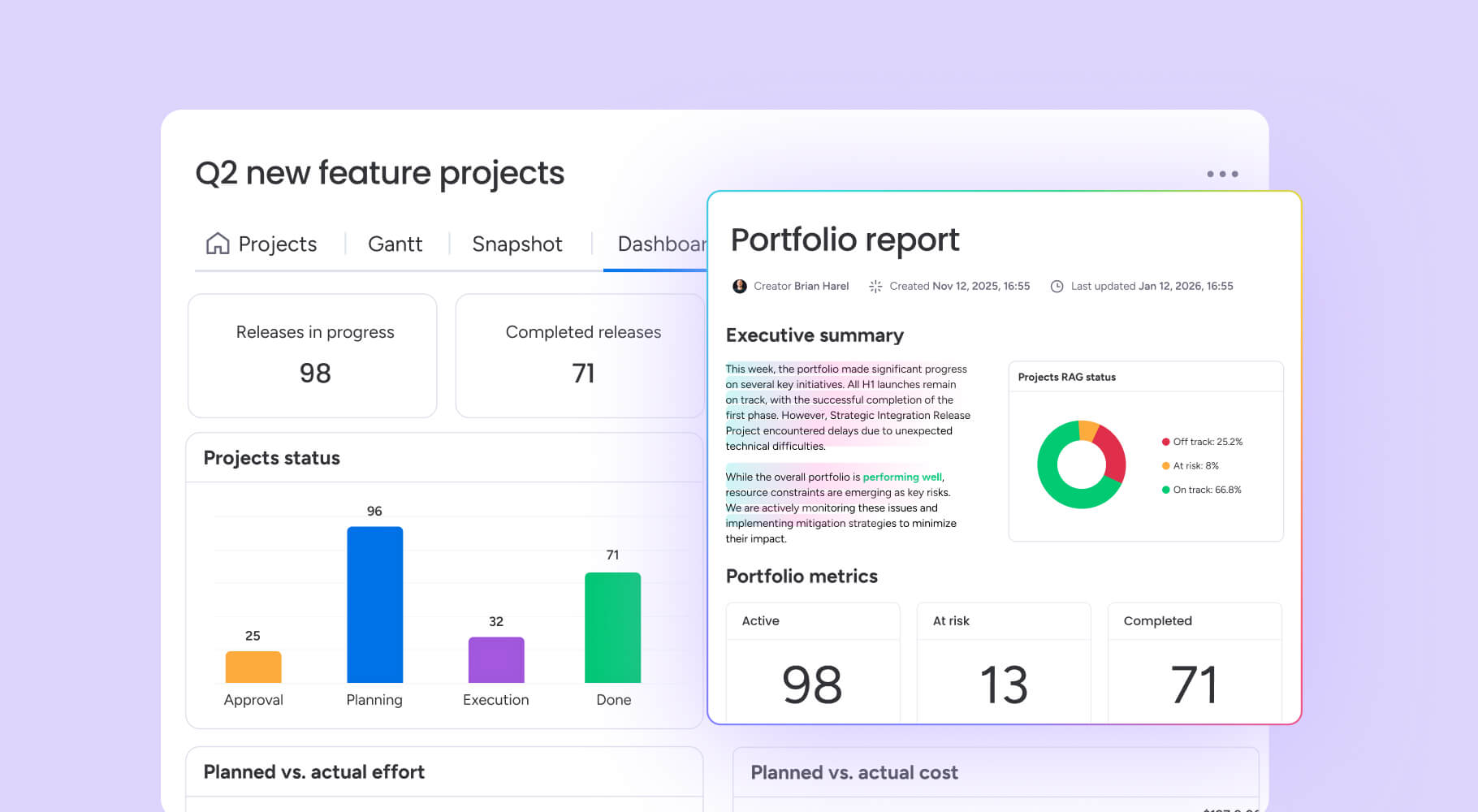
Advanced portfolio management gives executives oversight across programs, projects, and business units from a single view. AI-powered risk insights flag bottlenecks before they escalate into missed deadlines or budget overruns. Dashboards combine data from up to 50 boards into a unified executive view, and real-time portfolio reports keep leadership informed without waiting on manual report requests.

Standardization and alignment
Managed templates enforce best practices across teams without limiting flexibility. Cross-project dependencies keep work coordinated across departments, and monday agents — including Project Analyzer and AI Service Agent — monitor compliance and flag deviations in real time.
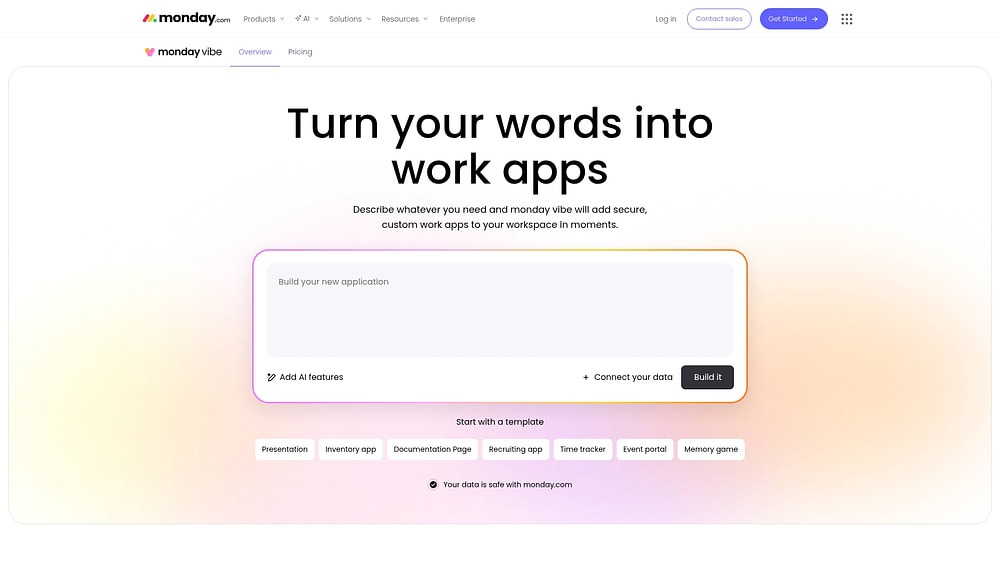
Menawhile, monday vibe, the platform’s AI-powered no-code app builder, turns prompts into custom business applications, letting teams build exactly what they need without developer resources.
Resource optimization
A unified resource directory provides a single view of talent and capacity across the organization. The capacity manager and workload views enable balanced allocation — preventing burnout on one team while another sits underutilized. With 250,000 automation and integration actions per month at the enterprise tier and a visual workflow builder, teams automate end-to-end processes from request intake to delivery.

AI-native capabilities
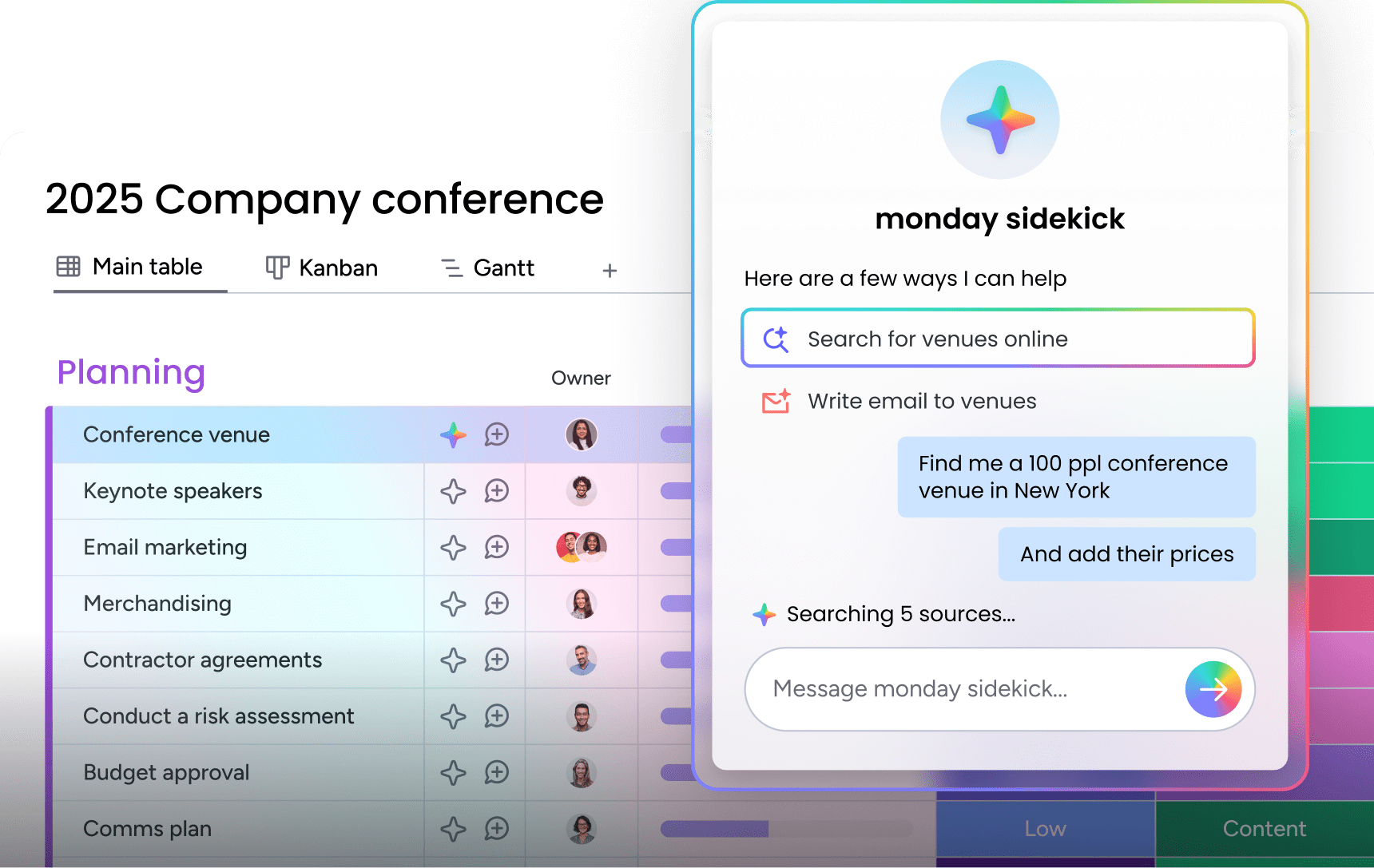
monday sidekick is a context-aware AI assistant that understands your work data and takes action — generating content, analyzing trends, and executing next steps without leaving the platform. monday agents are purpose-built AI agents for project analysis, service requests, research, and onboarding. monday MCP (Model Context Protocol) connects external AI platforms to monday.com data securely, and AI Blocks let teams build custom AI-powered columns and automations without writing code.
Secure, scalable platform built for enterprise growth
Trusted by nearly 250,000 customers, including over 60% of the Fortune 500, the platform meets enterprise security requirements with SOC 2 Type II certification, ISO certifications, GDPR and HIPAA support, multi-level permissions, SSO, IP restrictions, and BYOK encryption.
Teams that need strict compliance and no-code automation capabilities flexibility get both in a single platform.
Here is how the platform compares to traditional ERP systems:
| Capability | Traditional ERP | monday.com's AI Work Platform |
|---|---|---|
| Deployment time | 6–18 months | Days to weeks |
| Customization | Requires developers | No-code/low-code (monday vibe) |
| AI capabilities | Add-on modules | Native (sidekick, agents, AI Blocks) |
| User adoption | Low (complex UI) | High (9.1/10 ease of use) |
| Cross-department visibility | Siloed modules | Unified dashboards (50+ boards) |
| Automation | Rule-based | AI-driven (250K actions/month) |
| Security | Varies by vendor | SOC 2 Type II, ISO, GDPR, HIPAA |
Building a unified enterprise with the right ERP approach
Enterprise resource planning is the strategic platform that connects every department, workflow, and decision across your organization. The companies that thrive over the next decade will be those that choose composable, AI-native platforms over rigid legacy architectures.
Platforms like monday AI Workspace are leading this shift, giving enterprises the flexibility, visibility, and AI-powered automation they need to execute at scale. Whether you are replacing a legacy ERP or building your operational foundation for the first time, the right platform turns fragmented work into coordinated execution.
Get startedFAQs
What are the 5 components of ERP?
5 core components of enterprise resource planning systems are accounting and financial management, human capital management (HCM), customer relationship management (CRM), business intelligence, and supply chain management.
What is the difference between ERP and CRM?
A CRM is a type of software that enhances the customer experience. A well-built ERP system includes CRM functionality but connects with multiple other business processes, such as HR, finance, and supply chain management.
What are the 3 common types of ERP?
The common types of ERP systems include cloud-based, on-premises, hybrid, industry-specific, and open-source models. Cloud ERP has become the dominant deployment model, offering subscription pricing, automatic updates, and remote access. On-premises systems give organizations full control over their infrastructure. Hybrid models combine elements of both, often using a two-tier architecture with on-premises ERP at headquarters and cloud ERP for regional offices.
Is ERP the same as SAP?
No, ERP isn't the same as SAP. ERP is a category of business management software that unifies core operations into a single platform. SAP is one of many companies that sell ERP products. Other approaches include cloud-native platforms that offer ERP-equivalent functionality without the complexity and long implementation timelines of legacy systems.
How does monday.com's AI Work Platform handle ERP?
monday.com's AI Work Platform handles ERP by providing ERP-equivalent capabilities through a unified, AI-powered platform. It connects departments via shared workflows, dashboards, and automations, delivering portfolio management, resource optimization, and real-time reporting without the rigid architecture of traditional ERP systems.
How much does ERP cost?
ERP costs vary widely depending on the deployment model and organization size. Traditional on-premises systems can run $150,000 to $750,000+ for mid-size organizations, including licensing, implementation, and customization. Cloud ERP platforms use subscription pricing, typically $50 – $300+ per user per month, with lower upfront investment and faster deployment.
What is cloud ERP?
Cloud ERP is enterprise resource planning software hosted on remote servers and accessed over the internet. It eliminates the need for on-premises hardware, reduces IT overhead, and provides automatic updates. Cloud ERP has become the dominant deployment model, offering scalability and remote access that on-premises systems cannot match.

 Get started