



The right CRM should feel like a natural extension of your sales team, amplifying their strengths instead of forcing them into a rigid, one-size-fits-all process. This decision often comes down to a choice between a specialized sales pipeline platform and an all-in-one business suite.
In the Pipedrive vs HubSpot debate, teams must weigh the benefits of a focused, sales-first system against the promise of a fully integrated platform that connects marketing, sales, and service operations under one roof. The real goal is to find a platform that delivers both focus and flexibility — a philosophy that empowers teams to build their own ideal workflows without compromise.
Below you’ll find the key features, pricing structures, and ideal use cases for both platforms in comprehensive detail. We’ve covered how each system supports a sales team’s daily operations, examines their strengths and limitations, and provides a direct comparison to help you choose the right partner for your team’s growth trajectory.
Key takeaways
- Specialized focus drives sales efficiency: Pipedrive’s sales-first approach delivers streamlined pipeline management, while HubSpot’s all-in-one platform connects marketing, sales, and service. The right choice depends on whether your team needs laser focus or comprehensive integration.
- Pricing transparency matters for growth: hidden costs and mandatory add-ons can derail your budget as you scale. Evaluate total cost of ownership beyond the advertised per-user price when comparing CRM platforms.
- Implementation speed impacts adoption: a CRM’s true value emerges when your team actually uses it daily. Platforms that offer intuitive setup and no-code customization enable faster adoption and immediate productivity gains.
- Flexibility prevents future friction: rigid workflows force your team to adapt to the software rather than the other way around. Solutions like monday CRM provide customizable dashboards and automation builders that adapt to your unique sales process without requiring technical expertise.
- Unified visibility accelerates revenue: modern CRM solutions like monday CRM eliminate data silos by connecting sales, marketing, and customer success in one platform. This gives your entire revenue team real-time visibility and the control needed to move faster and hit targets with confidence.
Review of Pipedrive
Pipedrive provides a streamlined approach to visual sales pipeline management, designed by salespeople specifically for sales teams. The platform’s specialization in activity-based selling and intuitive drag-and-drop deal tracking makes it an excellent fit for small to mid-sized businesses aiming to close more deals without getting bogged down in complex features.
Example:
Pipedrive helps sales teams visualize their entire sales process, track communications, and automate repetitive tasks to focus on the activities that actually drive deals forward.
Key features:
- Visual Kanban-style pipeline: drag and drop deals through customizable sales stages with an intuitive interface that keeps your pipeline organized.
- Activity-based selling methodology: focuses on concrete actions like calls, emails, and meetings linked directly to specific deals.
- AI-powered sales assistant: provides personalized tips, suggests workflow shortcuts, and helps prioritize high-value opportunities.
Pricing:
- Lite: $14/month (billed annually).
- Growth: $39/month (billed annually).
- Premium: $49/month (billed annually).
- Ultimate: $79/month (billed annually).
- Add-ons: available starting at $6.67/month for additional features like lead generation, email campaigns, and document management.
- 14-day free trial: available for all plans.
Considerations:
- Limited native marketing automation: features compared to all-in-one platforms, requiring additional integrations or add-ons for comprehensive campaigns.
- Advanced features restricted to higher tiers: often limited to higher-priced plans, which can significantly increase total cost of ownership when add-ons are needed.
Review of HubSpot
As an all-in-one CRM platform, HubSpot unifies marketing, sales, and customer service operations into a single ecosystem. The platform champions the inbound marketing methodology and offers a powerful free CRM, making it a compelling option for small to medium-sized businesses looking to scale their customer relationships without a significant initial investment.
Example:
HubSpot serves businesses seeking an integrated platform that combines CRM functionality with marketing automation, content management, and customer service tools to create a unified customer experience.
Key features:
- AI-powered Breeze Assistant: provides company research, sales call preparation, and CRM record summarization to accelerate deal velocity.
- Comprehensive deal pipeline management: visual tracking and automated workflows that keep deals moving through your sales process.
- Extensive integration marketplace: connects over 1,700+ business applications for seamless data synchronization across your tech stack.
Pricing:
- Free CRM: $0/month (includes contact management, deal tracking, email templates, and basic reporting).
- Starter: pricing varies by hub (Marketing, Sales, Service hubs available separately).
- Professional: advanced features with custom reporting and automation.
- Enterprise: full customization with advanced permissions and dedicated support.
Considerations:
- Pricing can escalate quickly: as you add more contacts, users, or move to higher-tier plans with mandatory annual contracts.
- Advanced customization may require developer expertise: making it less flexible for enterprises with highly specific workflow requirements.
Pipedrive: the sales-focused CRM solution
Pipedrive excels at visual pipeline management, making it an attractive option for teams looking to move beyond spreadsheets. Its drag-and-drop interface provides clarity and simplicity, allowing sales reps to instantly understand where each deal stands in the pipeline. For teams seeking straightforward organization without complexity, it’s a practical starting point.
The platform’s core strength lies in its activity-based selling methodology, which keeps teams focused on the concrete actions that drive revenue: calls, emails, and meetings. By connecting daily activities directly to deal outcomes, Pipedrive helps reps understand which efforts generate results. This approach creates momentum and alignment across the sales team.
However, as organizations scale, Pipedrive’s specialized focus can become a limitation. Teams often need to connect sales data with marketing campaigns and customer support interactions, which requires additional integrations and separate tools. This fragmentation can create information silos, making it difficult to maintain a unified view of the customer journey from initial contact through post-sale support.
HubSpot: the comprehensive business platform
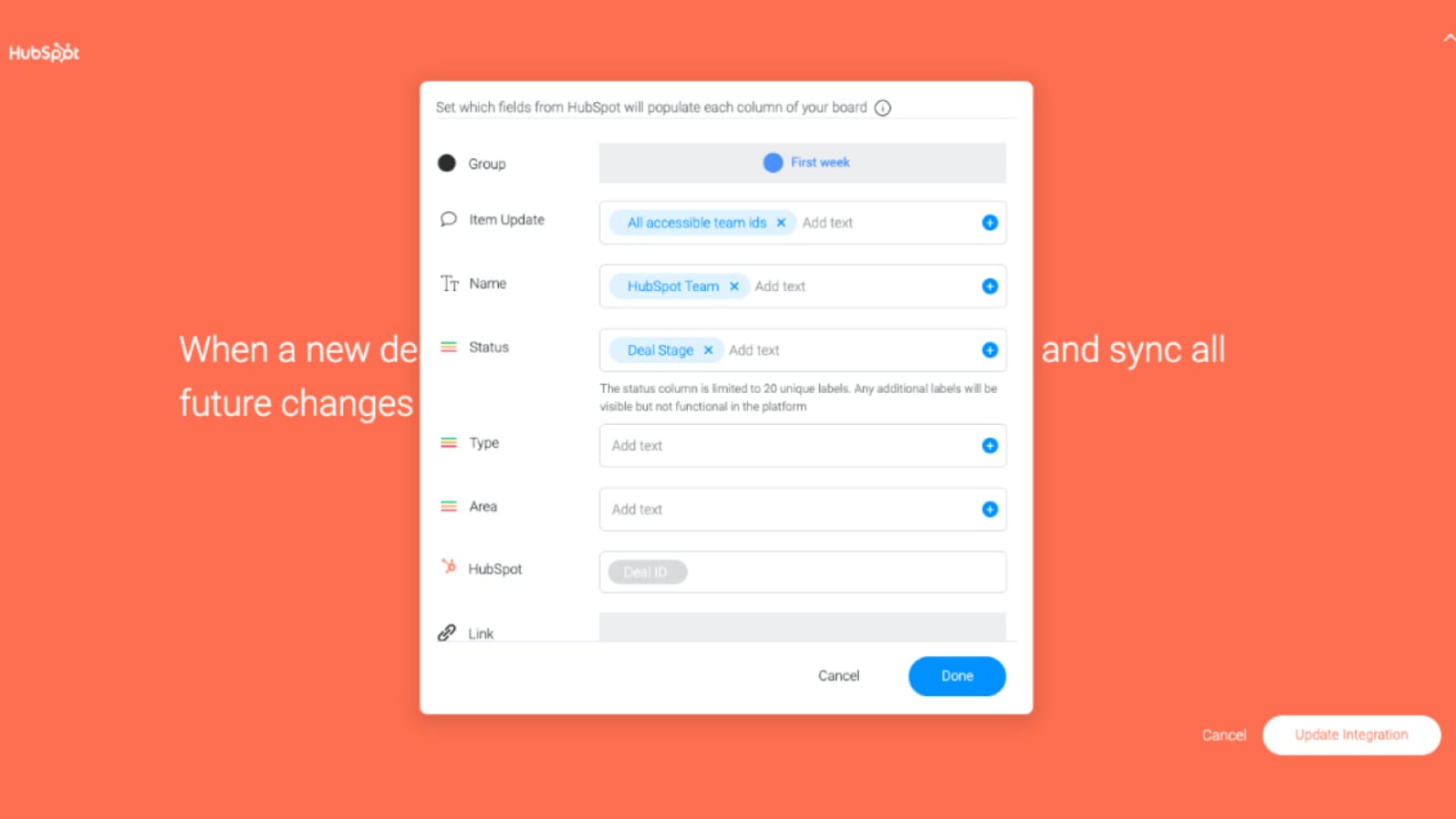
HubSpot delivers on an ambitious vision: a unified platform that connects marketing, sales, and service operations. While this integration offers clear benefits, the breadth of functionality can overwhelm teams whose primary objective is closing deals efficiently. The question becomes whether a platform designed to serve every department truly accelerates sales performance.
The platform’s strength is its ability to create a connected customer journey, automatically moving leads from marketing campaigns into sales pipelines. The trade-off is that extensive marketing automation features and content management tools can distract from core sales activities. For teams focused on relationship-building and deal closure, these additional capabilities may add complexity without proportional value.
Still, many organizations encounter challenges with HubSpot’s learning curve, unexpected costs as they scale, and features that remain unused. The most effective CRM strategy focuses on finding a solution that aligns precisely with your team’s workflow and objective— a platform that’s fast, flexible, and purpose-built to support your specific sales process.
Feature-by-feature comparison
When evaluating CRM platforms, the features that matter most are the ones your team will actually use every day. The right system should eliminate friction in your sales process, not add layers of complexity that slow your team down.
By focusing on these five critical areas, you can identify the platform that best supports your revenue goals.
- Pipeline visualization: both platforms offer visual deal tracking, but the question is whether the interface feels intuitive or cluttered when your reps are juggling multiple deals simultaneously.
- Automation capabilities: look beyond the number of automation templates to evaluate whether your team can build custom workflows without technical expertise or IT support.
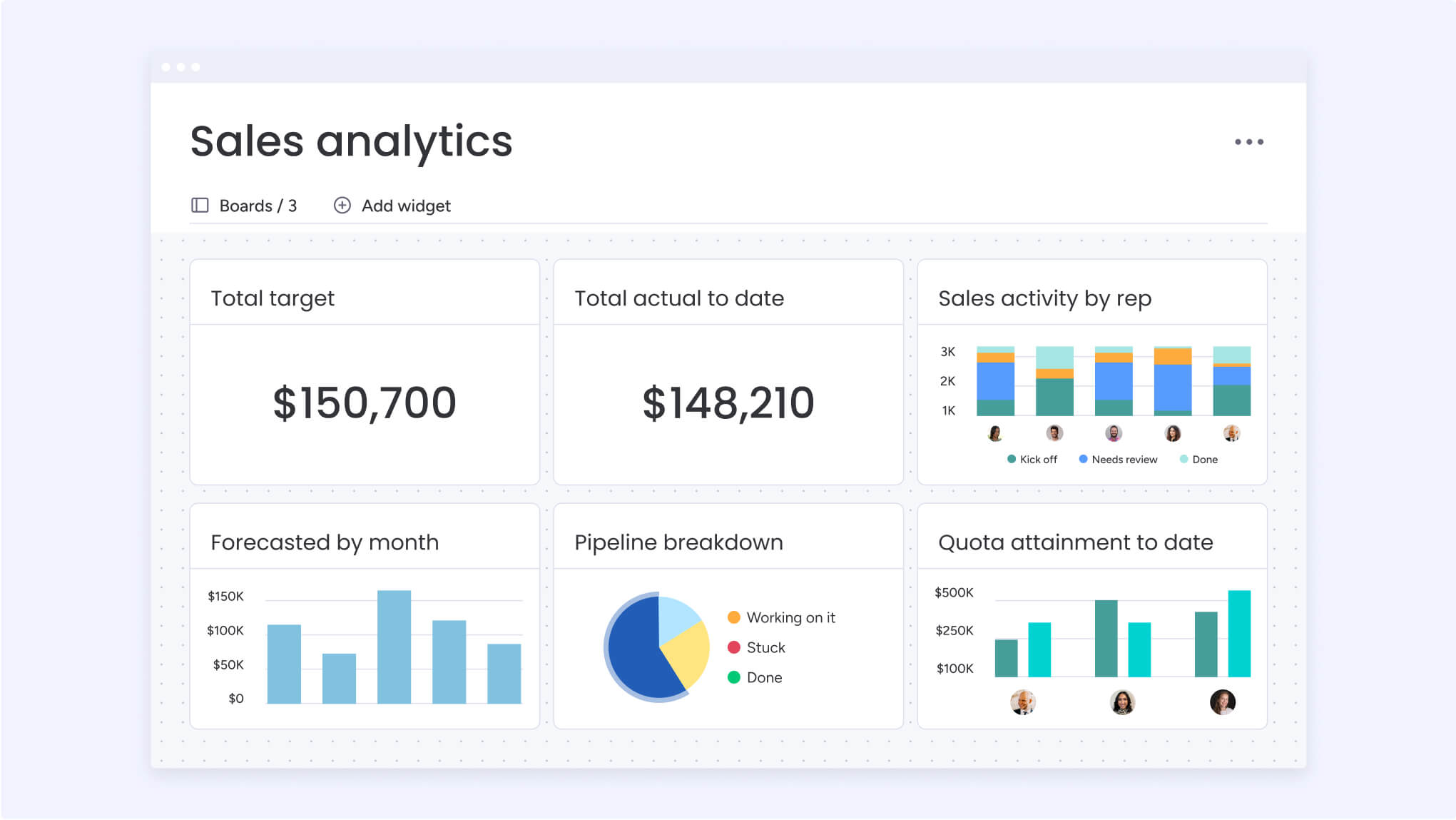
- Reporting and analytics: comprehensive dashboards mean nothing if they don’t surface the specific metrics your team needs to make confident decisions and forecast accurately.
- Integration ecosystem: assess whether the platform connects seamlessly with your existing tech stack or requires expensive middleware and constant maintenance.
- Customization flexibility: determine if you can adapt the CRM to match your unique sales methodology or if you’ll be forced to change your proven process to fit the software.
Modern solutions like monday CRM deliver on all these fronts with a visual, no-code approach that puts your team in control. Platforms provide complete customization without complexity, allowing teams to build workflows and visualizations that match their unique sales process. This approach empowers faster decision-making and greater confidence, giving your team the tools to exceed targets consistently.
Pricing breakdown: understanding total cost of ownership
Understanding true CRM costs requires looking beyond advertised per-user pricing. Initial rates often increase significantly once you factor in user minimums, feature restrictions, and separately-priced capabilities that most teams consider essential. This pricing structure can create budget challenges and limit growth.
The primary concern is identifying hidden costs before making a commitment. Many platforms are structured to increase expenses as your team grows and succeeds. Essential capabilities like email automation and lead capture are frequently available only through expensive add-ons, while expanding your contact database can force costly plan upgrades. This model creates tension between necessary functionality and budget constraints.
But, a transparent pricing eliminates this friction. A clear, flexible pricing structure that scales predictably with your team’s growth allows you to add functionality without unexpected costs. This approach provides the confidence and resources your team needs to focus on revenue generation rather than budget management.
Implementation and ease of use
A CRM’s value is determined not by its feature count, but by how readily your team adopts it. The most sophisticated platform delivers no value if your sales reps avoid using it. Successful implementation depends on intuitive design and minimal learning curves.
Complex setup processes drain team energy before delivering any value. Teams shouldn’t require technical documentation to build effective workflows or depend on IT support for simple modifications. The platform should adapt to your team’s needs, not the reverse.
The best CRM platforms are designed with this principle at their core. Rather than constraining your sales process within rigid structures, they adapt to your team’s methodology through intuitive interfaces and flexible customization options. Teams should be able to build, automate, and refine their entire pipeline in hours: no coding required, no delays, just immediate productivity.
Choosing the right CRM for your business
Selecting a CRM is fundamentally about finding the right partner for your team’s growth objectives. The ideal platform accelerates your sales team’s performance by providing visibility and removing obstacles. Conversely, a misaligned choice creates friction that slows progress and limits results.
Your CRM should enhance your team’s existing strengths by supporting their proven methodology rather than imposing unfamiliar processes. The right platform enables seamless lead management, communication automation, and cross-team collaboration without disrupting established workflows.
The ultimate goal is providing your team with a unified system that delivers complete visibility and eliminates uncertainty. When your tools align perfectly with your process, you eliminate wasted time and create the conditions for sustained momentum and consistent growth.
3 best CRM alternatives to consider
Finding a CRM that fits your team shouldn’t feel like forcing a square peg into a round hole. If rigid systems or overly complicated tools are slowing down your sales process, there are powerful alternatives designed to eliminate that friction.
A great CRM should feel like a secret weapon, not a chore. The best platforms are ones teams can adopt in days (not months), that bend to fit unique sales processes, and provide the visibility needed to make confident, data-backed decisions. This approach enables teams to focus on what truly matters: building momentum and closing more deals.
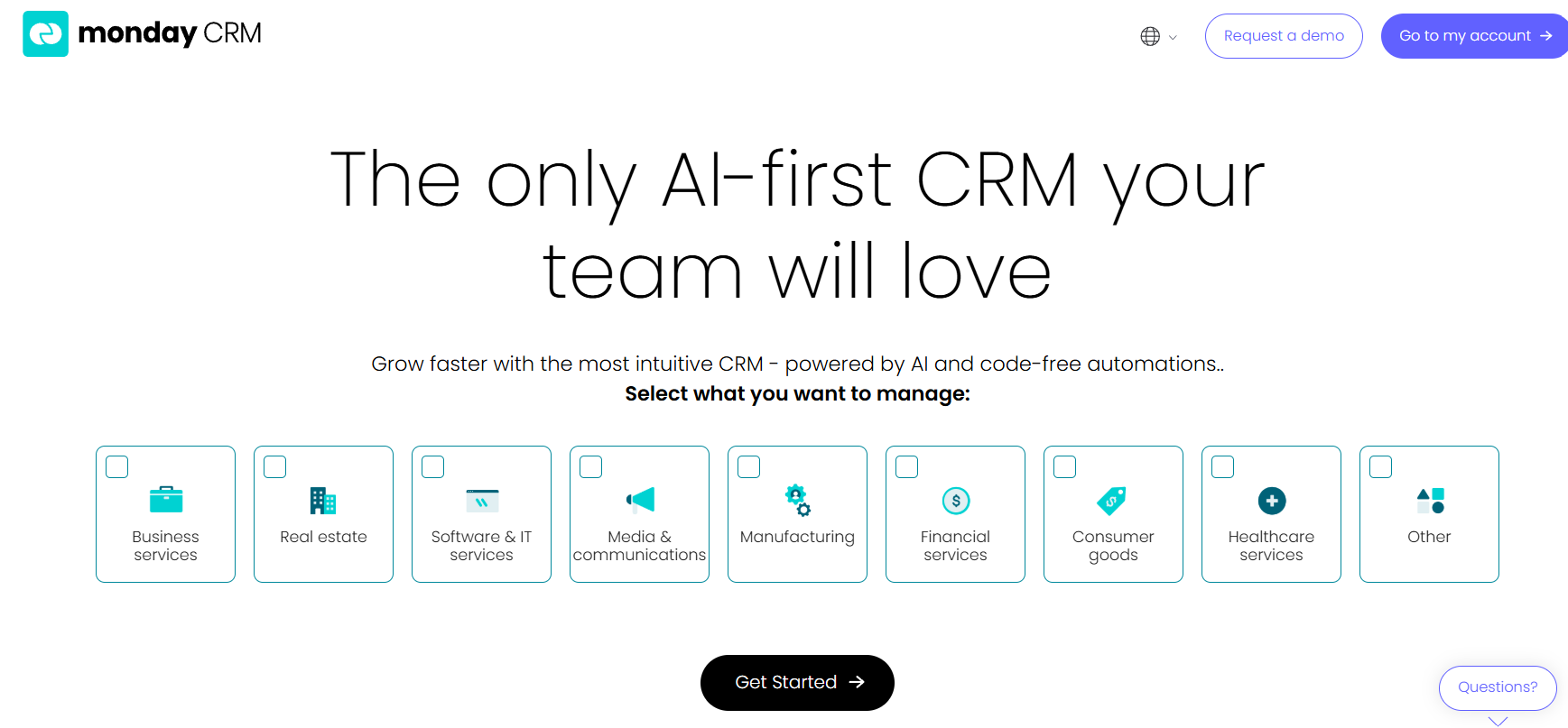
1. monday CRM
With its visual, no-code approach that puts customization and collaboration at the center, monday CRM transforms sales management. Built on the powerful monday.com Work OS, it’s designed for teams who want CRM flexibility without the technical headaches or rigid structures of traditional platforms.
Example:
Your entire sales cycle from lead capture to deal closure gets centralized with monday CRM, while seamlessly transitioning closed deals into project execution, all within one unified platform.
Key features:
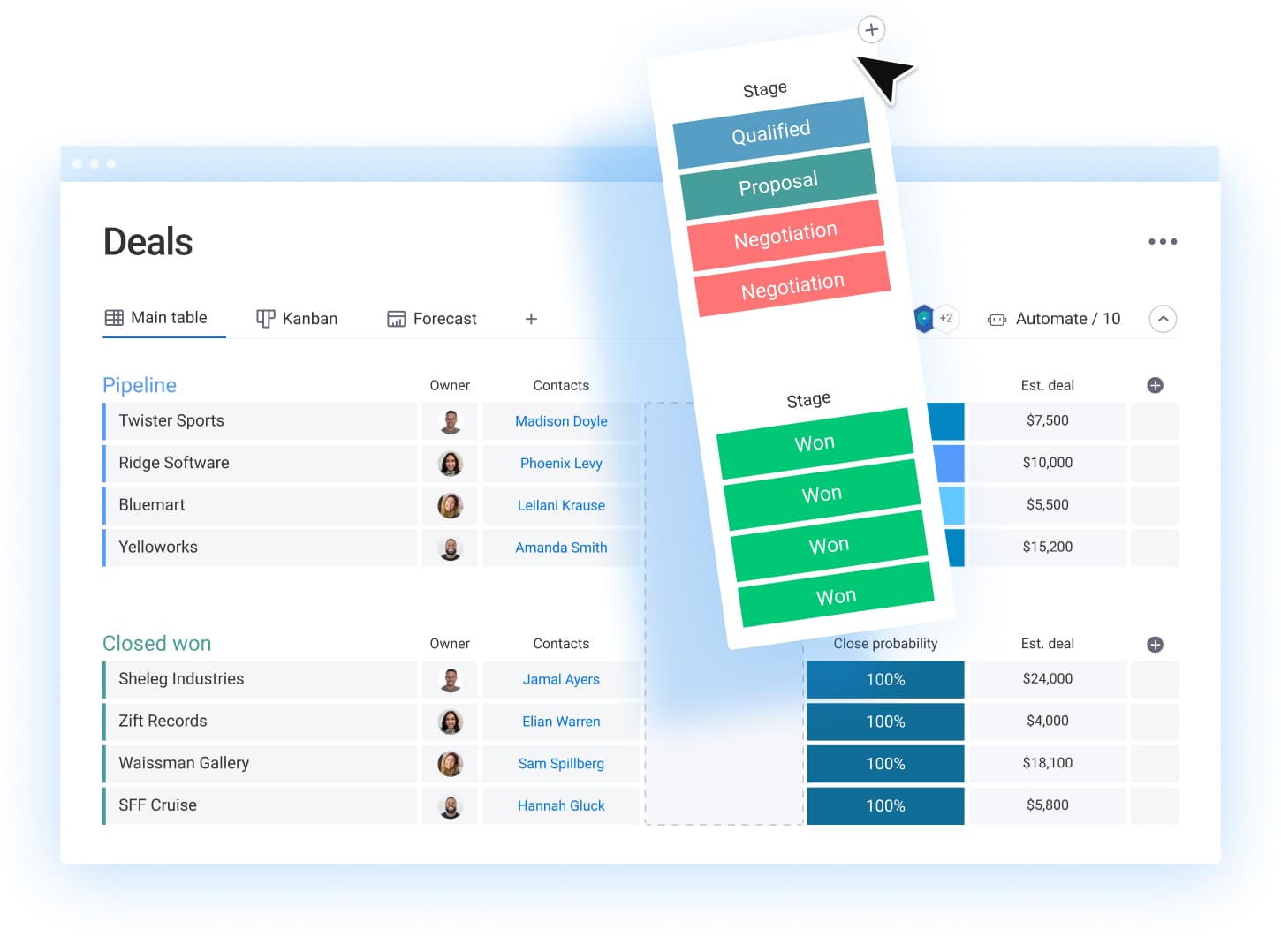
- Visual pipeline management: customizable Kanban boards, timeline views, and list formats that adapt to your unique sales process.
- No-code automation builder: handles repetitive tasks like follow-ups, status updates, and task assignments without technical expertise.
- Comprehensive contact management: automatic lead creation from emails and centralized customer communication tracking.
Pricing:
- Free: $0 (up to two seats, includes three boards, 200+ templates, and iOS/Android apps).
- Basic: $9/month per seat, billed annually ($90/month for ten seats).
- Standard: $12/month per seat, billed annually ($120/month for ten seats).
- Pro: $19/month per seat, billed annually ($190/month for ten seats).
- Enterprise: contact sales for custom pricing.
- Minimum users: three users required for paid plans.
- Annual discount: 18% discount available with annual billing.
Why it stands out:
- Work OS foundation: enables a seamless transition from sales to project management, eliminating handoff friction between teams.
- Visual customization: makes complex sales processes instantly understandable through color-coded boards and drag-and-drop simplicity.
- No-code flexibility: allows sales teams to build their ideal CRM without waiting for IT support or expensive customizations.
- Transparent pricing structure: with clear per-seat costs and feature tiers, making it easy to predict expenses as your team scales.
- AI-powered automation: with intelligent email composition, audience segmentation, and automated call summaries that streamline outreach and follow-up activities at scale.
2. Salesforce
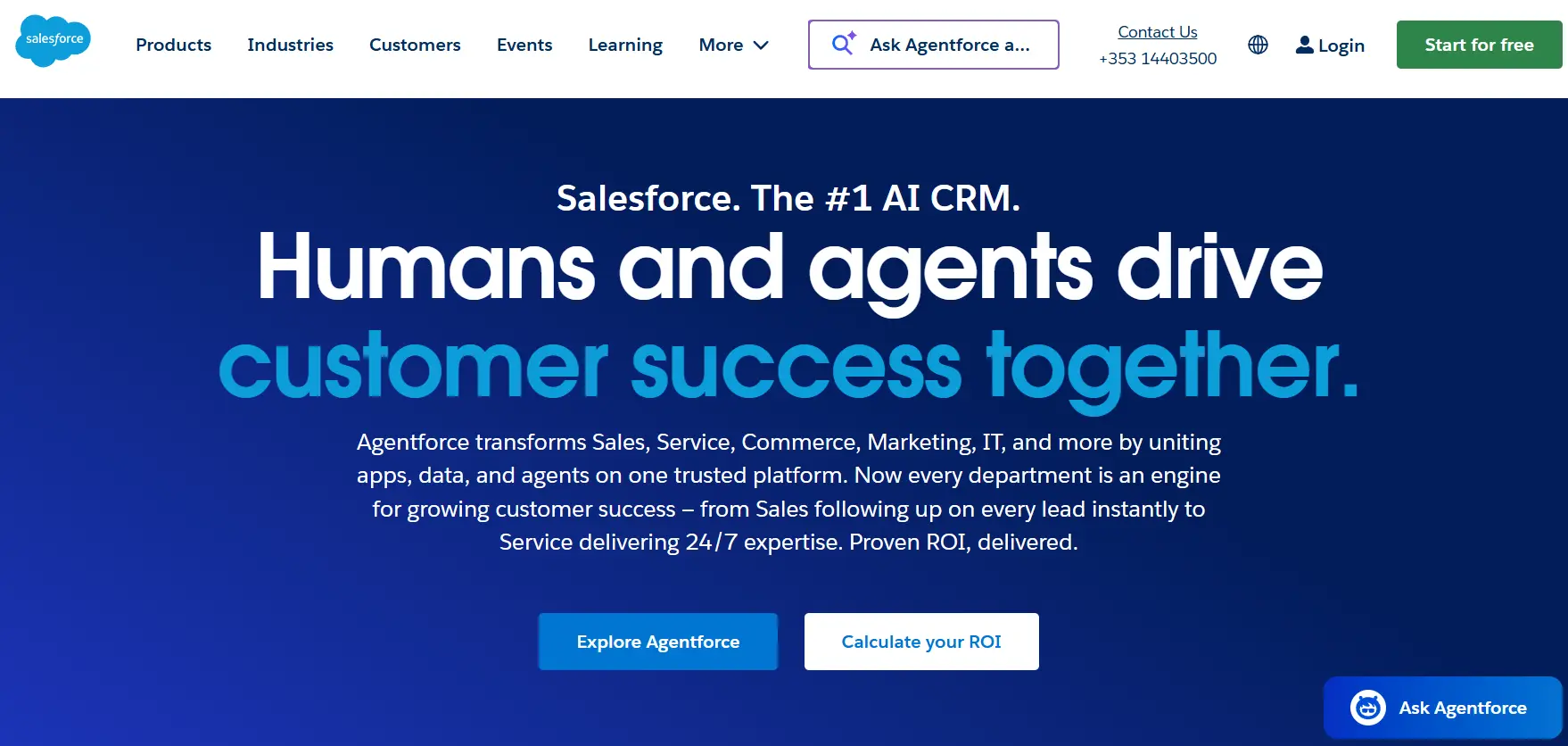
Salesforce stands as the world’s #1 AI CRM platform, uniting sales, service, marketing, and commerce teams on a single integrated system. Engineered for enterprise organizations with complex requirements, it offers unmatched customization capabilities and a massive ecosystem of third-party applications, making it the go-to choice for Fortune 500 companies.
Example:
Salesforce provides a comprehensive Customer 360 platform that gives large enterprises a unified view of every customer across all departments, enabling personalized experiences and data-driven decision making at scale.
Key features:
- AI-powered Einstein platform: predictive forecasting, lead scoring, and automated recommendations that surface intelligent insights.
- Extensive customization: lightning App Builder and AppExchange marketplace with thousands of third-party integrations for tailored workflows.
- Complete suite of clouds: Sales, Service, Marketing, Commerce, and Data Cloud for end-to-end customer management across your entire organization.
Pricing:
- Starter: $25/month per user (billed annually).
- Professional: $100/month per user (billed annually).
- Enterprise: $165/month per user (billed annually).
- Unlimited: $330/month per user (billed annually).
- Custom pricing: available for large enterprises with specific requirements.
- Additional costs: for implementation, customization, and third-party integrations should be factored into total cost of ownership.
Considerations:
- High total cost of ownership: subscription fees, implementation, customization, and potential consultant costs can be prohibitive for smaller businesses.
- Steep learning curve: complex interface requires significant training investment and dedicated IT resources to manage effectively.
3. Zoho CRM
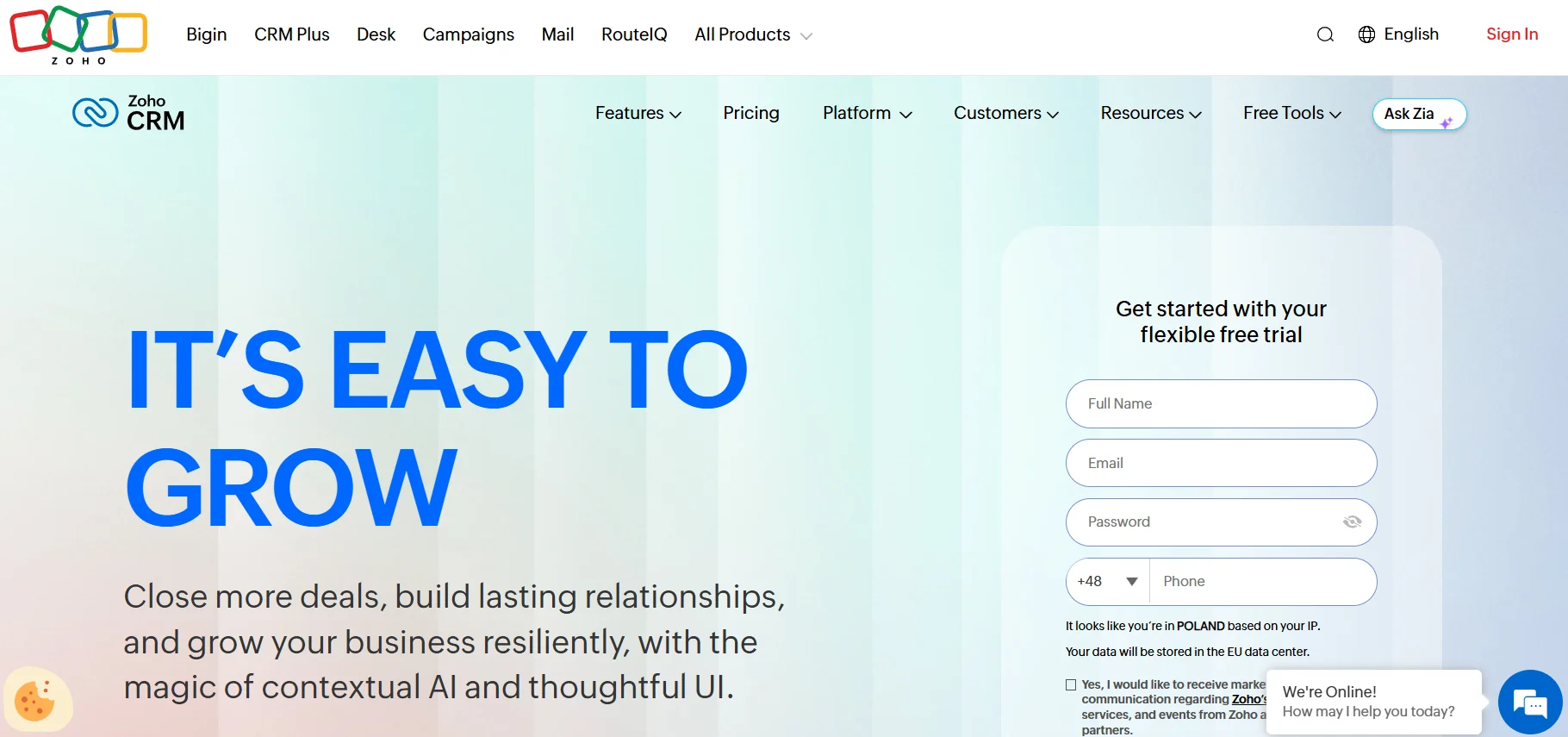
Zoho CRM offers a remarkably comprehensive suite of integrated business applications at an affordable price point, making enterprise-level functionality accessible to businesses of all sizes. The platform specializes in seamless integration across its 55+ business applications, positioning it as an ideal all-in-one solution for teams seeking a system that grows with their needs. With AI-powered insights through Zia and extensive customization options, Zoho CRM transforms how sales teams manage relationships and close deals.
Example:
Zoho CRM excels at providing small to medium-sized businesses with enterprise-grade CRM functionality at a fraction of the cost, while offering unlimited customization to match unique business processes.
Key features:
- AI-powered assistant (Zia): provides predictive analytics, lead scoring, and email sentiment analysis to help sales teams make data-driven decisions.
- Blueprint workflows: creates structured sales processes that ensure consistency and compliance across your entire team.
- Omnichannel communication: manages customer interactions across email, phone, live chat, and social media from a single dashboard.
Pricing:
- Free: $0/month (up to three users, includes basic CRM features and mobile apps).
- Standard: $14/month per user (billed annually).
- Professional: $23/month per user (billed annually).
- Enterprise: $40/month per user (billed annually).
- Ultimate: $52/month per user (billed annually).
- 15-day free trial: available for all paid plans.
Considerations:
- Steep learning curve: the extensive feature set can overwhelm new users, potentially slowing initial adoption and time-to-value.
- Performance limitations: handling very large datasets may cause lag, which could impact productivity for high-volume sales teams.

“With monday CRM, we’re finally able to adapt the platform to our needs — not the other way around. It gives us the flexibility to work smarter, cut costs, save time, and scale with confidence.”
Samuel Lobao | Contract Administrator & Special Projects, Strategix
“Now we have a lot less data, but it’s quality data. That change allows us to use AI confidently, without second-guessing the outputs.”
Elizabeth Gerbel | CEO
“Without monday CRM, we’d be chasing updates and fixing errors. Now we’re focused on growing the program — not just keeping up with it."
Quentin Williams | Head of Dropship, Freedom Furniture
“There’s probably about a 70% increase in efficiency in regards to the admin tasks that were removed and automated, which is a huge win for us.“
Kyle Dorman | Department Manager - Operations, Ray White
"monday CRM helps us make sure the right people have immediate visibility into the information they need so we're not wasting time."
Luca Pope | Global Client Solutions Manager at Black Mountain
“In a couple of weeks, all of the team members were using monday CRM fully. The automations and the many integrations, make monday CRM the best CRM in the market right now.”
Nuno Godinho | CIO at VelvWhy does monday CRM provide superior value?
Choosing a CRM shouldn’t feel like a compromise between power and usability. Built to deliver the best of both worlds, monday CRM offers enterprise-grade functionality that scales with your ambition and an intuitive design that your team will adopt in a heartbeat. It eliminates the need to choose.
Instead of boxing you into rigid workflows, our platform adapts to your unique sales process with flexible dashboards, easy-to-build automations, and AI that surfaces the insights that matter. This approach frees up your team to focus their energy where it counts: building relationships and winning more deals.
The true advantage emerges from connecting your sales engine to the entire monday.com Work OS, creating one unified space for sales, marketing, and success to collaborate effortlessly. This single source of truth gives your entire revenue team the visibility and control to move faster, stay aligned, and hit your targets with confidence. We handle the complexity so you can focus on the win.
The content in this article is provided for informational purposes only and, to the best of monday.com’s knowledge, the information provided in this article is accurate and up-to-date at the time of publication. That said, monday.com encourages readers to verify all information directly.
Frequently asked questions
Which CRM is more affordable for small businesses?
When determining which CRM is more affordable for small businesses, it's important to look beyond the initial price. Pipedrive often has a lower starting price per user, while HubSpot offers a free-forever plan with basic features. The most affordable option depends on whether you need a simple tool for today or a platform that can scale with your small businesses ambitions. The right platform ultimately pays for itself by helping your team win more deals, automate tedious work, and operate with total confidence.
Can Pipedrive integrate with HubSpot marketing tools?
Regarding whether Pipedrive can integrate with HubSpot marketing tools, the answer is yes, you can connect the two platforms using third-party integrations like Zapier. However, this approach often requires constant maintenance to keep data from falling out of sync, which can create the very data silos a CRM is meant to eliminate. A unified platform provides a single source of truth, aligning the entire team around revenue.
How long does CRM implementation take for each platform?
Pipedrive is known for a quick setup, often taking just a day or two for basic use, while HubSpot can take longer depending on the complexity of your data. The key isn't just how fast you can set it up, but how quickly your team can master it. A fast implementation means nothing if the platform isn't adopted, so a system that is intuitive and flexible allows your team to turn setup time into selling time.
Which platform offers superior mobile functionality?
Both platforms offer robust mobile apps. Pipedrive is frequently noted for its strong offline capabilities, which is great for teams in the field, whereas HubSpot’s app is comprehensive but can feel cluttered with features. A great mobile CRM should feel like a secret weapon, putting the exact information you need at your fingertips to update pipelines and prep for calls from anywhere.
What happens to my data if I switch CRM platforms?
Both platforms allow you to export your data, but migrating it successfully requires careful planning to map fields and clean up records. This process can be complex and time-consuming, which underscores the importance of choosing a flexible partner from the start. Your CRM should be a growth engine, not a temporary fix you’ll outgrow in a year or two.
Do both platforms offer free trials or free versions?
Pipedrive offers a 14-day free trial that gives you access to its full feature set. HubSpot provides a free CRM with limited functionality, along with trials for its premium tiers. A free trial is your team's opportunity to pressure-test a platform against your real-world sales process and see if it truly removes friction or just adds more clicks to their day.

 Get started