


Choosing the right AI often feels like hiring for a job you don’t fully understand. You see impressive demos and hear big promises, but it’s hard to know which candidate will actually show up and do the work. The real challenge is not just finding powerful technology, but deploying it in a way that frees up your team for high-impact strategic work.
Success comes from building a reliable support crew, not from managing a single, complicated system. This shift in thinking, from buying a platform to building a team with solutions like Agent Factory, is central to getting a real return on your investment.
This guide explores the best AI for business by comparing top platforms and outlining a clear framework for choosing the right one. We will walk through how to build specialized AI agents for marketing, sales, and operations, showing you what separates a true AI teammate from just another piece of software.
Key takeaways
- Build a crew, not a platform: growth comes from assembling focused AI helpers, each built to handle one task with precision.
- Free your experts for strategy: let AI take on repetitive work so your human team can focus on higher-value challenges.
- Start small and scale smart: begin with one clear use case, prove the impact, then expand your AI team as needs evolve.
- Choose a solution that fit your workflow: the best AI integrates naturally into existing processes instead of forcing new systems or habits.
- Use Agent Factory to lead your team: design and deploy your own AI agents without code, giving you a system that works the way your business does.
From systems to support: rethinking what AI platforms should do
Most AI platforms promise transformation, but many fall short once they’re part of day-to-day work. They automate individual tasks or generate insights, yet still require teams to manage the system itself, which can quietly offset the benefits.
What businesses actually need from AI platforms is dependable support that fits into existing workflows. The difference comes down to whether AI feels like another system to operate or something that genuinely assists the team.
In practice, effective AI support looks like this:
- Focused help, not feature overload: AI handles specific, repeatable tasks instead of trying to do everything at once.
- Low operational overhead: teams don’t need to constantly monitor, prompt, or adjust the system to get value.
- Natural workflow fit: AI works within the tools and processes people already use.
The most reliable results come from using AI in targeted ways that remove friction, such as preparing reports, tracking progress, or handling routine coordination. When those background tasks are handled consistently, teams regain time and attention for higher-value work.
Real impact doesn’t come from switching on a new system and hoping for results. It comes from embedding practical AI support into everyday operations until the busywork fades and people can focus on decisions, creativity, and leadership.
Top AI platforms for business that actually deliver ROI
Securing a tangible return on investment from AI can feel like navigating a hall of mirrors. Dazzling demos often give way to disappointing real-world results, leaving teams managing a complex tool instead of benefiting from it. The objective shouldn’t be to acquire the most feature-rich AI, but to deploy reliable helpers that genuinely lighten the operational load.
The platforms that truly deliver value are those that place control firmly in your hands. By moving past a one-size-fits-all mentality, they provide the building blocks to solve your specific challenges. This is the point where AI transitions from a managerial chore into a capable, integrated teammate.
Below, we explore the best AI platforms for business in 2026: the ones that go beyond flashy features to deliver measurable ROI. From no-code builders to enterprise-grade systems, these are the tools that help you assemble your own focused AI team and turn automation into real, sustainable growth.
| Platform name | Primary use case | Best for | Key differentiator |
|---|---|---|---|
| Agent Factory | Task-specific AI agents for business workflows | Teams that want repeatable automation without code | Build and manage focused AI agents, each designed to handle one recurring task |
| Salesforce Einstein | CRM automation and insights | Large sales organizations | Deep integration with existing Salesforce ecosystem |
| Microsoft Copilot | Document and workflow assistance | Enterprise teams using Microsoft 365 | Native integration across Office applications |
| Notion AI | Content creation and knowledge management | Content teams and knowledge workers | AI embedded directly in workspace |
| HubSpot AI | arketing and sales automation | Growing businesses | All-in-one platform with AI enhancements |
| monday vibe | Conversational work intelligence | Teams using monday | Natural language queries for instant project insights |
| monday sidekick | AI writing and communication assistant | Teams needing help with updates and messaging | Context-aware content generation within monday |
| monday magic | Intelligent workflow automation | Teams looking to optimize processes | AI-powered automation suggestions based on work patterns |
| Zapier | App integration and workflow automation | Small to medium businesses | Connects 8,000+ apps with no-code automation |
| Anthropic | Enterprise conversational AI | Businesses prioritizing AI safety and ethics | Constitutional AI approach with built-in ethical guardrails |
| OpenAI | Custom AI agents and API solutions | Developers and enterprises needing flexible AI | Powerful API ecosystem with custom GPT builder |
| Replika | Personal AI companion | Individuals seeking emotional support | Adaptive personality that learns from user interactions |
| X.ai | Agentic AI with real-time data | Enterprises needing autonomous AI agents | Live X platform data integration for current insights |
| Adobe Firefly | Generative AI for creative content | Creative teams and marketers | Commercially safe AI trained on Adobe Stock and public domain content |
| Jasper | AI copywriting and content creation | Marketing teams needing on-brand content at scale | Brand voice customization with campaign-level organization |
| Sembly AI | Meeting transcription and analysis | Teams wanting automated meeting notes and follow-ups | Automatic meeting attendance with smart summaries and action items |
| ThoughtSpot | AI-driven analytics and business intelligence | Business users needing data insights without SQL | Natural language search that turns questions into instant visualizations |
| Upmetrics | AI-powered business planning | Entrepreneurs and small business owners | AI writing assistant with financial forecasting and investor-ready templates |
1. Agent Factory
Agent Factory is built for businesses that want AI to actually take work off their plate, not create another system to manage. Instead of relying on a single, general-purpose assistant, it lets teams design focused AI agents that handle specific, repeatable tasks across marketing, sales, and operations.
This makes it especially useful for growing teams that want consistent execution without adding headcount or forcing rigid workflows.
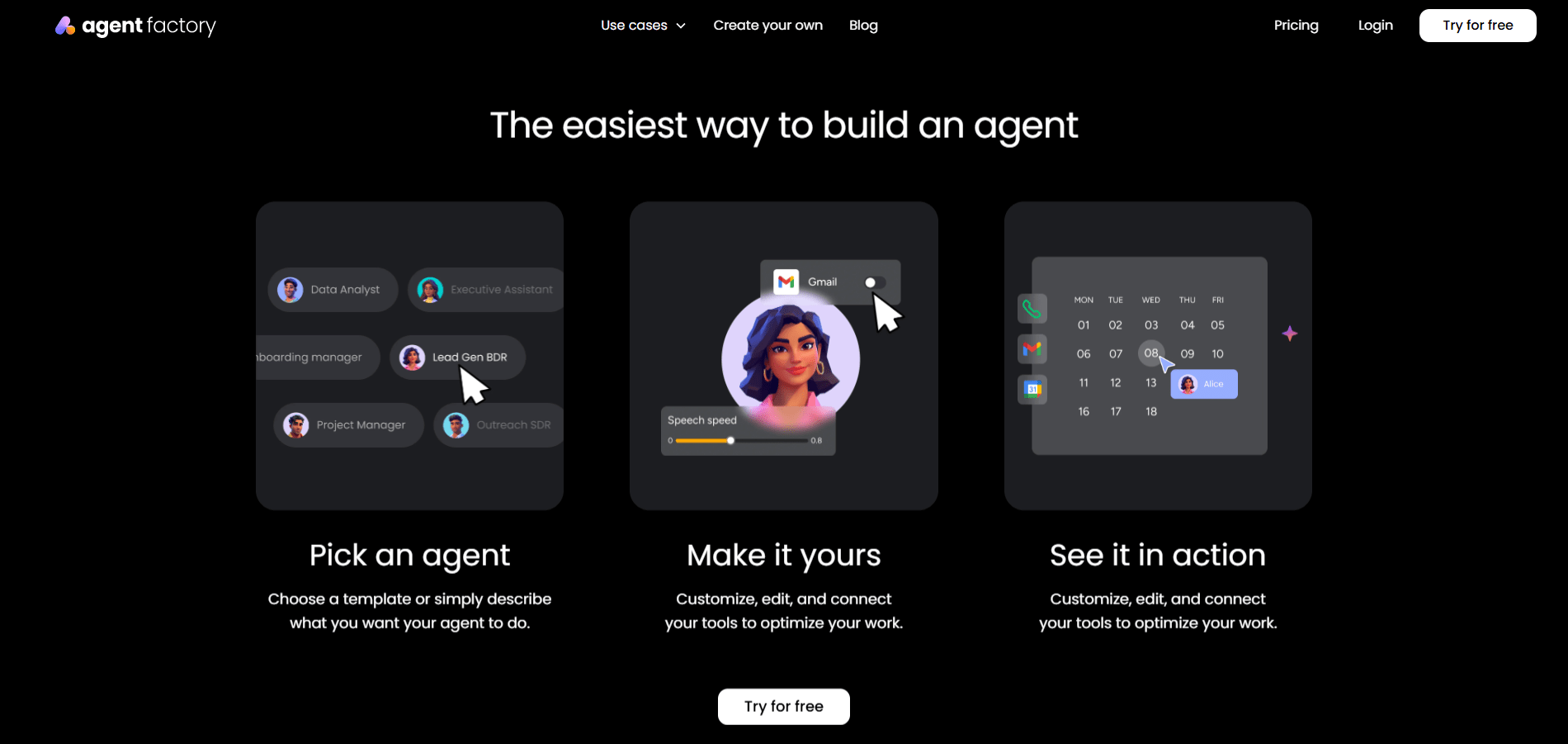
Use case: Agent Factory helps businesses create task-specific AI agents for recurring work such as lead qualification, content preparation, internal reporting, customer follow-ups, and operational coordination.
- Task-specific AI agents: build agents with clearly defined responsibilities, so each one handles a single workflow reliably.
- No-code setup: create and deploy agents without engineering support or complex configuration.
- Multi-agent workflows: run several agents in parallel to support different teams or processes at the same time.
- Flexible integrations: agents are designed to work alongside existing tools and workflows rather than replacing them.
- Scalable usage model: start with one agent and expand as automation proves its value.
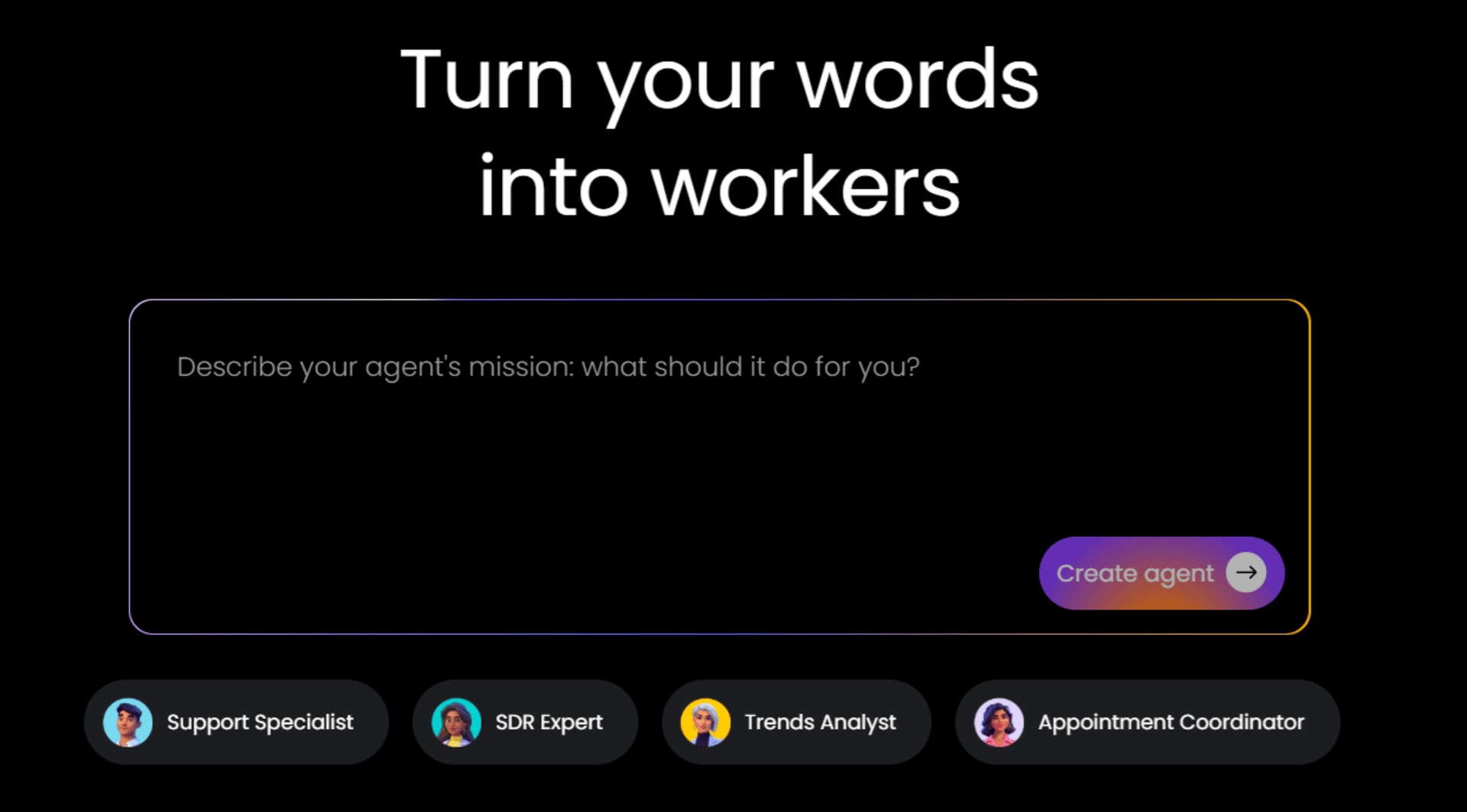
Pricing:
- Free plan: $0/month with one active agent, 200 agent credits per month (≈ten calls), two seats, and community support.
- Paid plans: Squad ($49/month) and Force ($299/month) unlock more active agents, higher agent credit limits, multi-agent workflows, and prioritized support.
- Add-on credits: additional agent credits are available starting at 10,000 credits for $99/month.
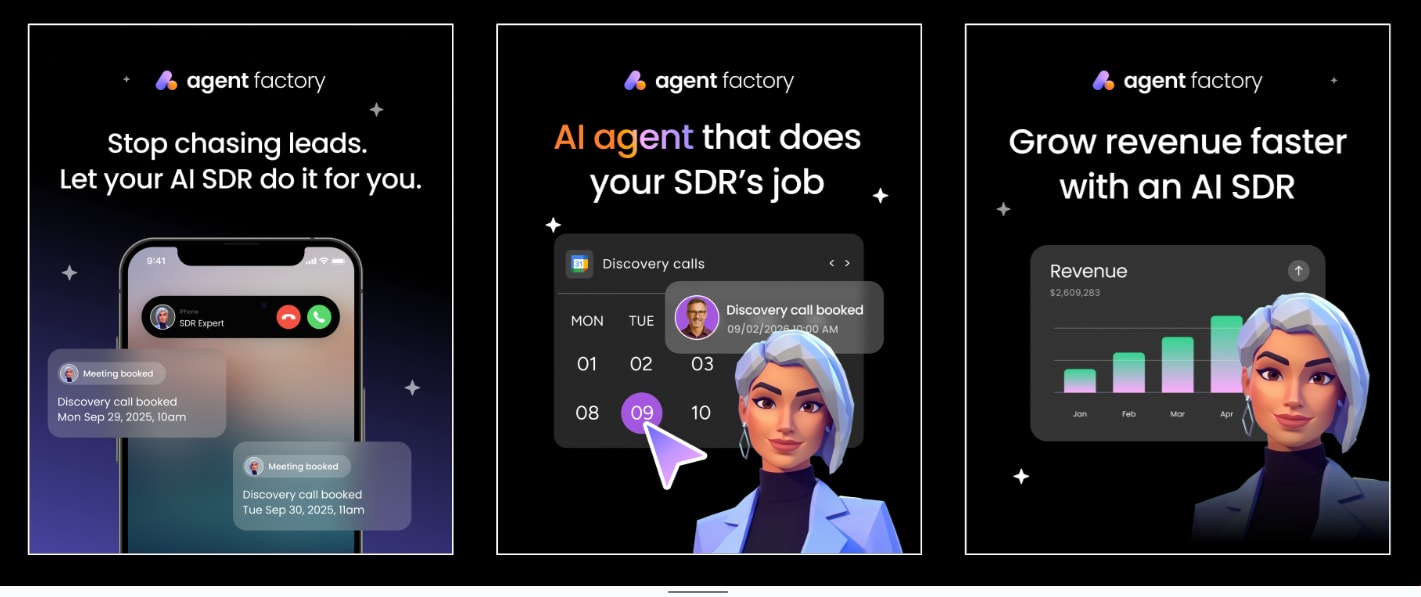
Why it stands out:
- Designed for real business work: focuses on recurring tasks that teams actually want handled, not demos or novelty use cases.
- Encourages consistency: agents perform the same task the same way every time, reducing errors and rework.
- Fits growing teams: useful for startups and scale-ups that need automation without heavy process change.
- Keeps humans in control: teams define what agents do and review outcomes, instead of handing over decisions blindly.
- System-first approach: helps businesses build a dependable support layer rather than relying on one-off automation.
2. Salesforce Einstein
Built directly into the Salesforce ecosystem, Einstein brings AI capabilities to teams already living in the CRM world. It’s designed to make your sales and service operations smarter without forcing you to learn a completely new platform. Think of it as adding a sharp analyst to your existing team who knows your customer data inside and out.
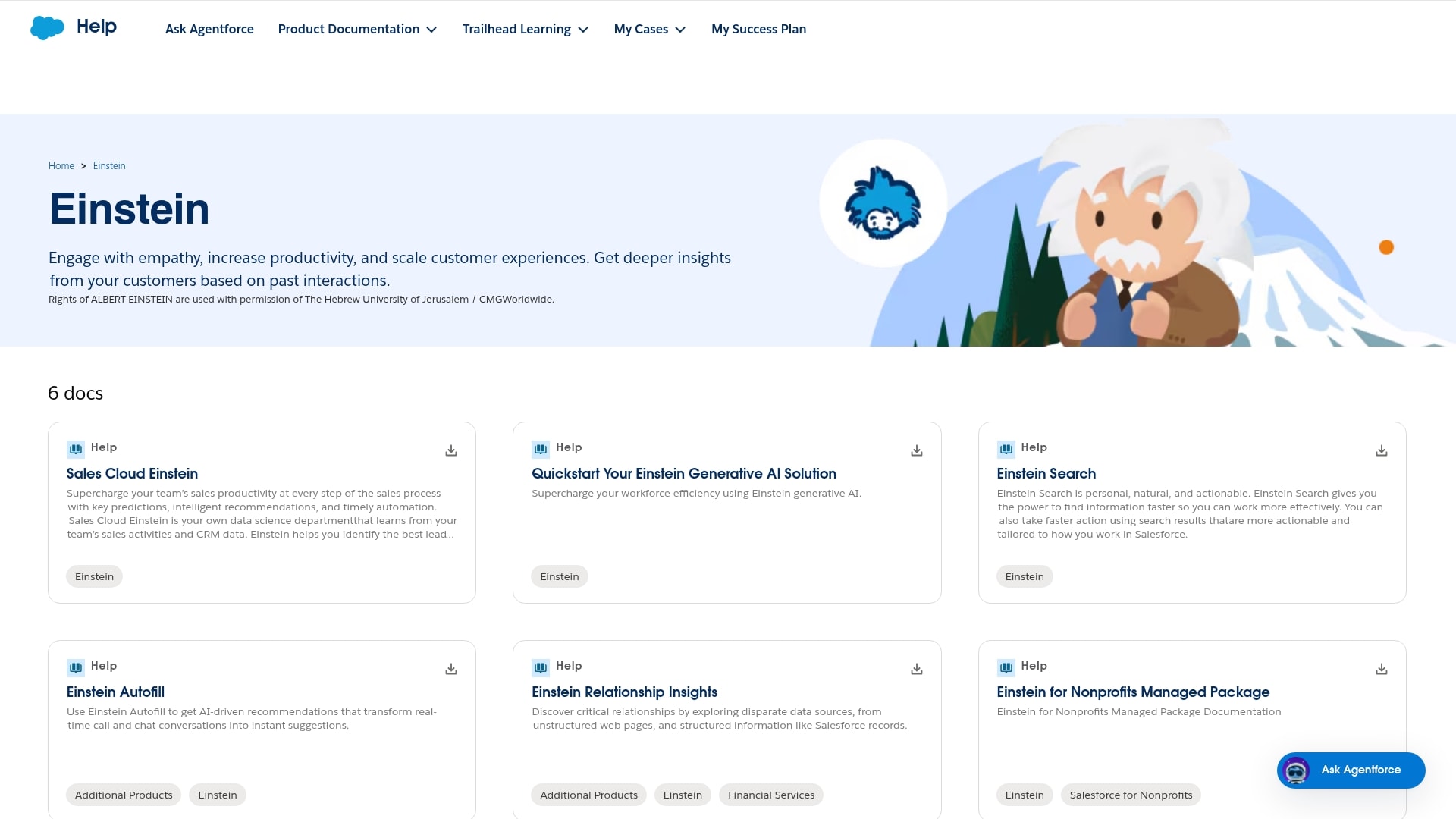
Use case: Salesforce Einstein helps sales teams prioritize leads, predict deal outcomes, and automate routine tasks like data entry and follow-up emails, all while staying inside the Salesforce environment they already know.
Key features:
- Predictive lead scoring: Einstein analyzes your historical data to identify which leads are most likely to convert, so your team focuses energy where it counts.
- Automated activity capture: automatically logs emails, meetings, and calls, eliminating the tedious manual data entry that drags down productivity.
- Natural language insights: ask questions in plain English and get instant answers from your CRM data without needing to build complex reports.
Pricing:
- Einstein 1 Sales: starting at $50/user/month (includes predictive AI, automated data capture, and conversation insights).
- Einstein 1 Service: starting at $50/user/month (adds case classification, chatbots, and service analytics).
- Einstein Copilot: available as an add-on to existing Salesforce licenses (pricing varies by edition).
- Enterprise and Unlimited editions: contact sales for custom pricing with advanced AI capabilities.
Why it stands out:
- Native integration advantage: If you’re already in the Salesforce world, Einstein feels like a natural extension rather than another tool to manage.
- Data-driven predictions: the platform learns from your actual sales patterns, making recommendations that reflect your business reality, not generic best practices.
- Minimal learning curve: your team doesn’t need to master a new interface; Einstein works within the Salesforce environment they already navigate daily.
Considerations:
- The real value comes when you’re already invested in the Salesforce ecosystem; standalone use cases are limited.
- Costs can climb quickly as you add users and unlock more advanced AI features across different clouds.
3. Microsoft Copilot
Microsoft Copilot embeds AI assistance directly into the Office applications your team uses every day. It’s like having a capable assistant sitting beside you in Word, Excel, PowerPoint, and Teams, ready to draft documents, analyze spreadsheets, and summarize meetings without you ever leaving your workflow.
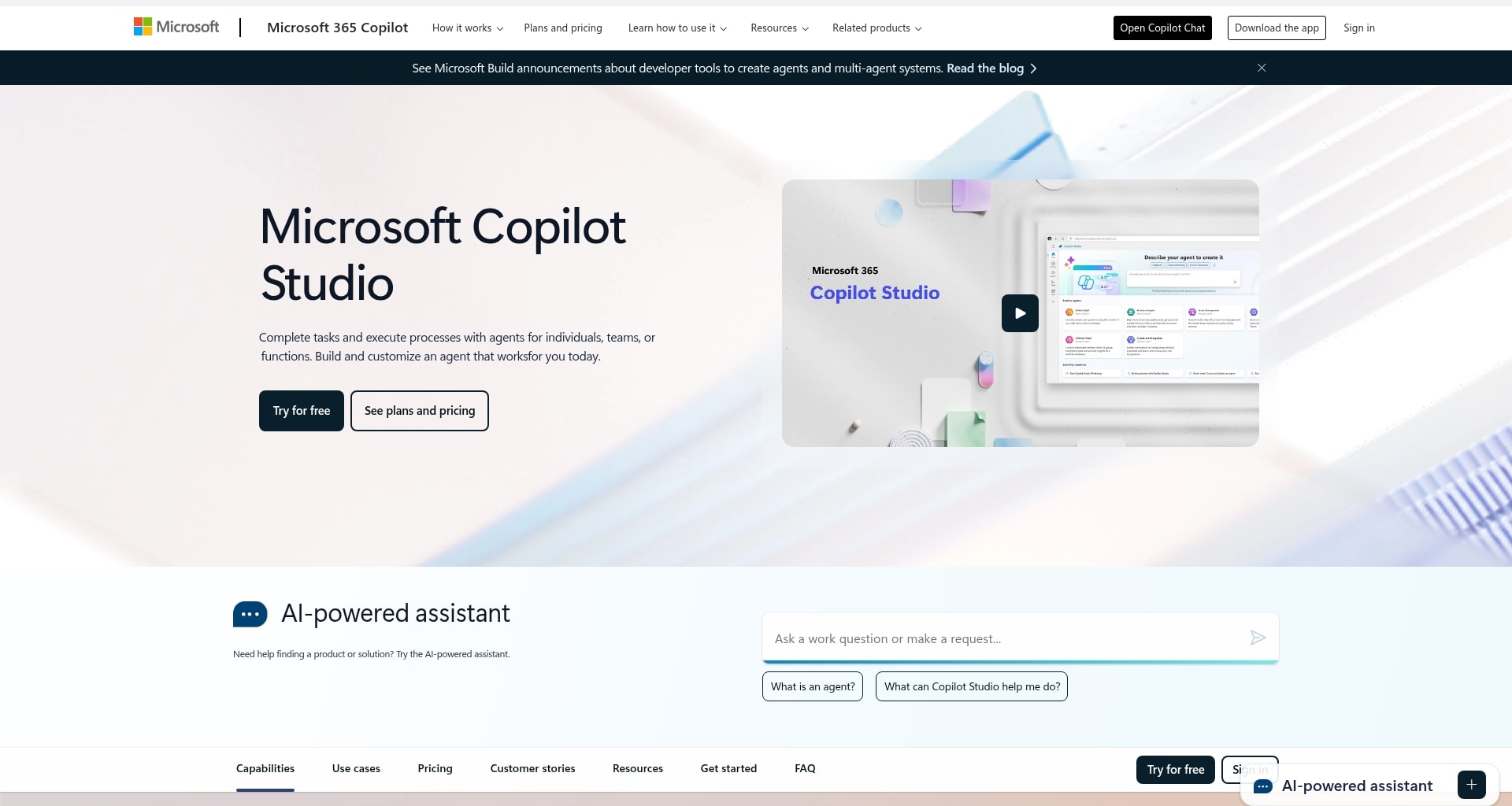
Use case: Copilot accelerates document creation, data analysis, and meeting productivity for teams already working in the Microsoft 365 environment, turning hours of work into minutes.
Key features:
- Contextual document assistance: draft emails, create presentations, and write reports by simply describing what you need in natural language.
- Excel data analysis: ask questions about your spreadsheets and get instant insights, charts, and trend analysis without writing complex formulas.
- Meeting intelligence: automatically generates meeting summaries, action items, and follow-up tasks from your Teams conversations.
Pricing:
- Microsoft 365 Copilot: $30/user/month (requires Microsoft 365 E3, E5, Business Standard, or Business Premium license)
- Copilot Pro: $20/user/month for individuals (includes priority access to latest models and Copilot in Office apps)
- Free tier: basic Copilot features available in Bing and Edge browser at no cost
Why it stands out:
- Seamless Office integration: Copilot lives where your work already happens, eliminating the friction of switching between tools.
- Enterprise-grade security: built on Microsoft’s security infrastructure, ensuring your business data stays protected and compliant.
- Immediate productivity gains: your team can start seeing value on day one without extensive training or workflow changes.
Considerations:
- The subscription cost adds up quickly for larger teams, especially when factoring in the required Microsoft 365 base license.
- Maximum value requires your organization to be deeply embedded in the Microsoft ecosystem.
4. Notion AI
Notion AI brings intelligent assistance directly into your team’s knowledge hub and workspace. It’s designed for teams who live in Notion, turning the platform from a place to store information into an active partner that helps you create, organize, and extract insights from your collective knowledge.
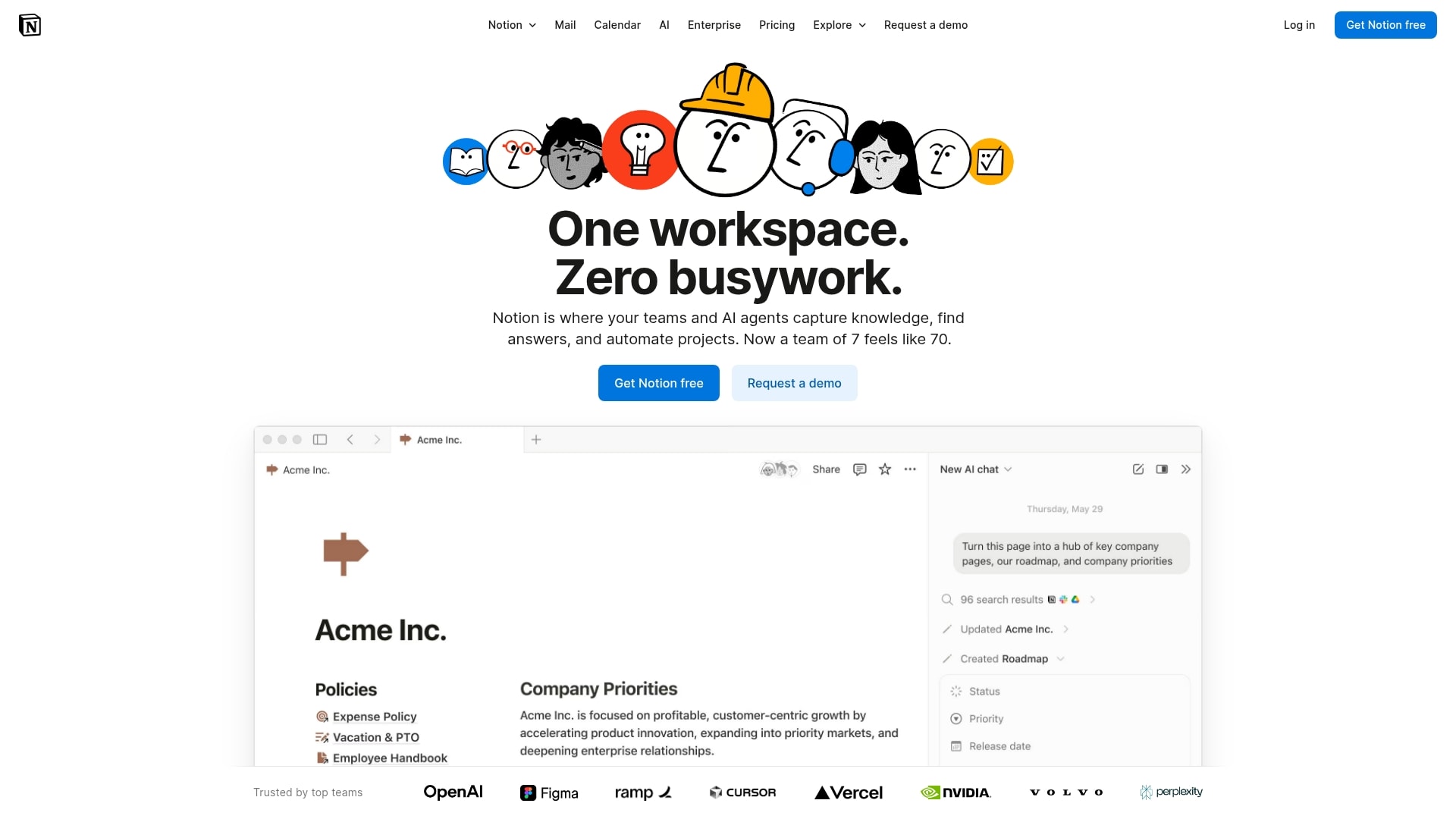
Use case: Notion AI helps content teams and knowledge workers draft documents, summarize meeting notes, extract action items, and quickly find information buried in your workspace without leaving the Notion environment.
Key features:
- Contextual content generation: write, edit, and brainstorm directly in your Notion pages, with AI that understands your workspace context and existing content.
- Intelligent summarization: instantly condense long documents, meeting notes, and research into digestible summaries and key takeaways.
- Knowledge extraction: ask questions about your workspace and get answers pulled from across all your Notion pages and databases.
Pricing:
- Notion AI add-on: $10/member/month (works with any Notion plan including the free plan).
- Free-trial: limited AI responses available to test the features before committing.
Why it stands out:
- Workspace-aware intelligence: unlike generic AI tools, Notion AI understands the context of your team’s knowledge base and can reference existing content.
- Affordable entry point: at $10 per user, it’s one of the most accessible AI enhancements for teams already using Notion.
- Frictionless integration: no new tools to learn or workflows to change; AI assistance appears right where you’re already working.
Considerations:
- The value is limited if your team doesn’t already use Notion as a central workspace.
- AI capabilities are focused on content and knowledge work, not broader business automation or specialized tasks.
5. HubSpot AI
HubSpot weaves AI throughout its all-in-one marketing, sales, and service platform, helping growing businesses work smarter without needing a dedicated data science team. It’s built for teams who want AI that enhances their existing workflows rather than forcing them to adopt entirely new processes.
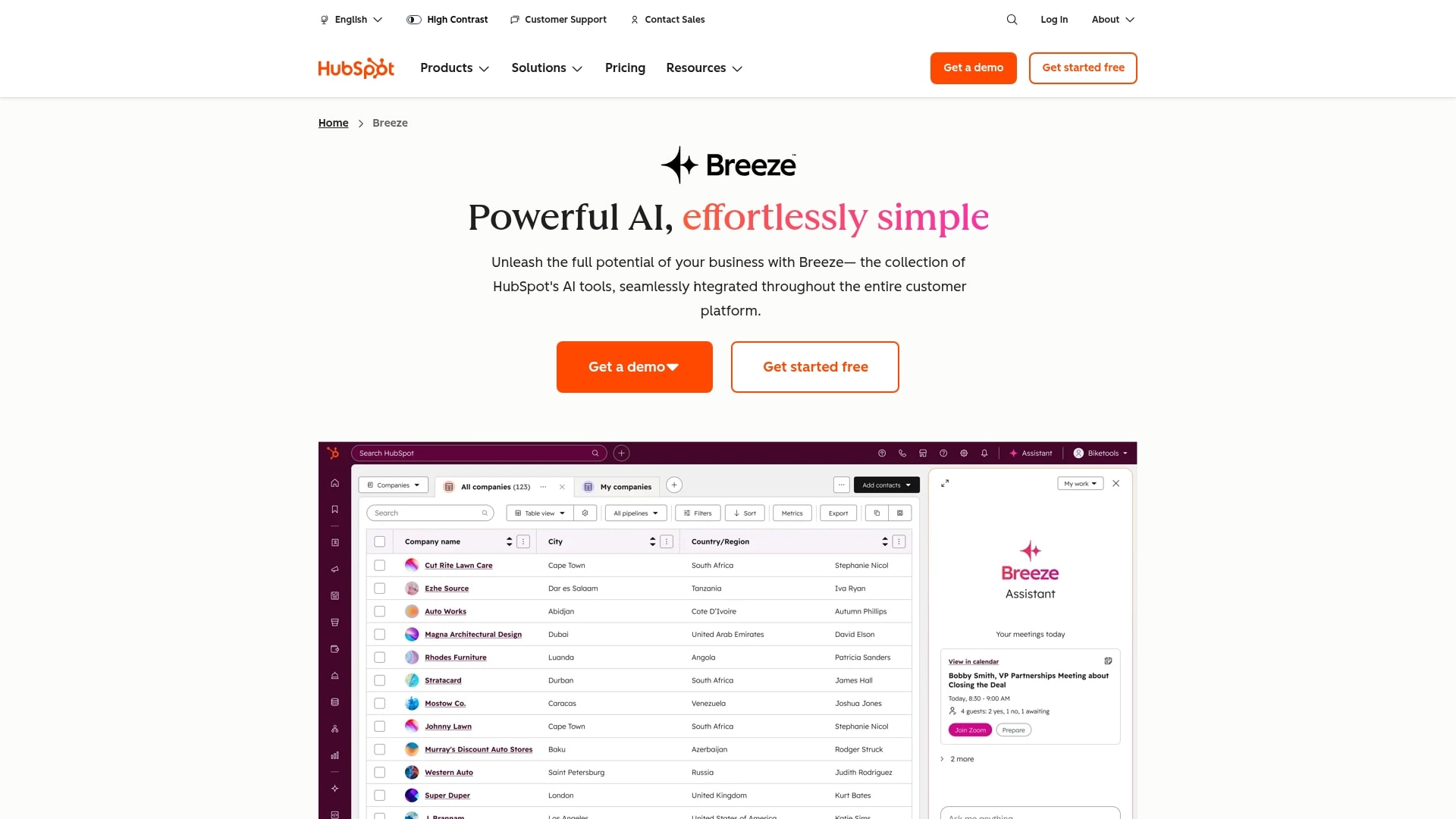
Use case: HubSpot AI helps marketing and sales teams generate content, score leads, personalize outreach, and automate routine tasks across the entire customer journey, all within a unified platform.
Key features:
- Content Assistant: generate blog posts, social media content, and email copy that matches your brand voice and resonates with your audience.
- Predictive lead scoring: automatically identify your hottest prospects based on behavior patterns and engagement signals.
- ChatSpot: a conversational AI assistant that helps you query your HubSpot data, create reports, and execute tasks using natural language.
Pricing:
- Free tools: basic AI features included in HubSpot’s free CRM.
- Starter: starting at $15/month (includes AI-powered email and basic automation).
- Professional: starting at $800/month (adds advanced AI features, predictive lead scoring, and content optimization).
- Enterprise: starting at $3,600/month (includes custom AI models and advanced analytics).
- Content Assistant: available as an add-on across all paid tiers.
Why it stands out:
- All-in-one convenience: AI capabilities span marketing, sales, and service in one platform, eliminating the need to stitch together multiple tools.
- Accessible to growing businesses: unlike enterprise-only AI platforms, HubSpot makes intelligent automation available to companies at various stages of growth.
- Continuous learning: the AI improves its recommendations as it learns from your specific customer interactions and business patterns.
Considerations:
- Professional and Enterprise tiers can be expensive for smaller teams, especially when adding multiple hubs.
- Maximum AI value requires adoption across marketing, sales campaigns, and service functions, not just one department.
6. monday vibe
monday vibe transforms how teams interact with their work data by bringing conversational AI directly into the monday Work OS. Instead of clicking through dashboards and building complex reports, you simply ask questions in plain English and get instant, intelligent answers about your projects, tasks, and team performance.
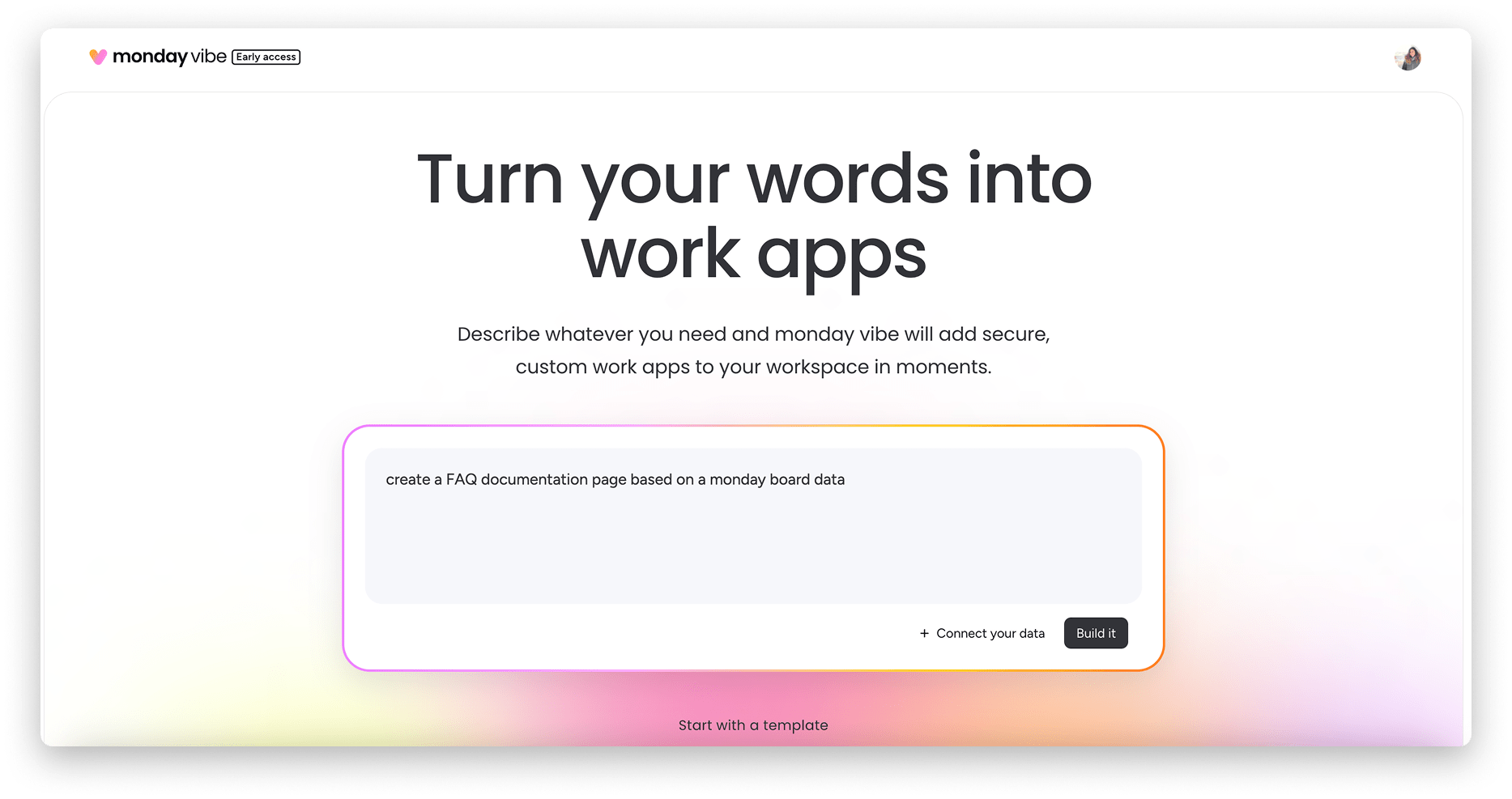
Use case: monday vibe helps teams quickly surface insights, track project status, and make data-driven decisions by having natural conversations with their work management platform.
Key features:
- Natural language queries: ask questions about your boards, projects, and team workload without needing to know how to build reports or filters.
- Instant insights: get immediate answers about project status, bottlenecks, and team capacity pulled directly from your monday.com data.
- Contextual understanding: the AI understands your workspace structure and can provide relevant answers based on your specific boards and workflows.
Pricing:
- Included with select monday plans (availability varies by subscription tier).
Why it stands out:
- Zero learning curve: if you can ask a question, you can use monday vibe. No training required.
- Real-time work intelligence: get instant visibility into your team’s work without waiting for someone to build a custom dashboard.
- Seamless integration: lives directly in your monday workspace, making insights accessible exactly where you’re already working.
7. monday sidekick
monday sidekick acts as your personal AI assistant within monday, helping you draft updates, summarize discussions, and handle routine communication tasks. It’s like having a capable colleague who’s always ready to help you articulate your thoughts and keep your team informed.
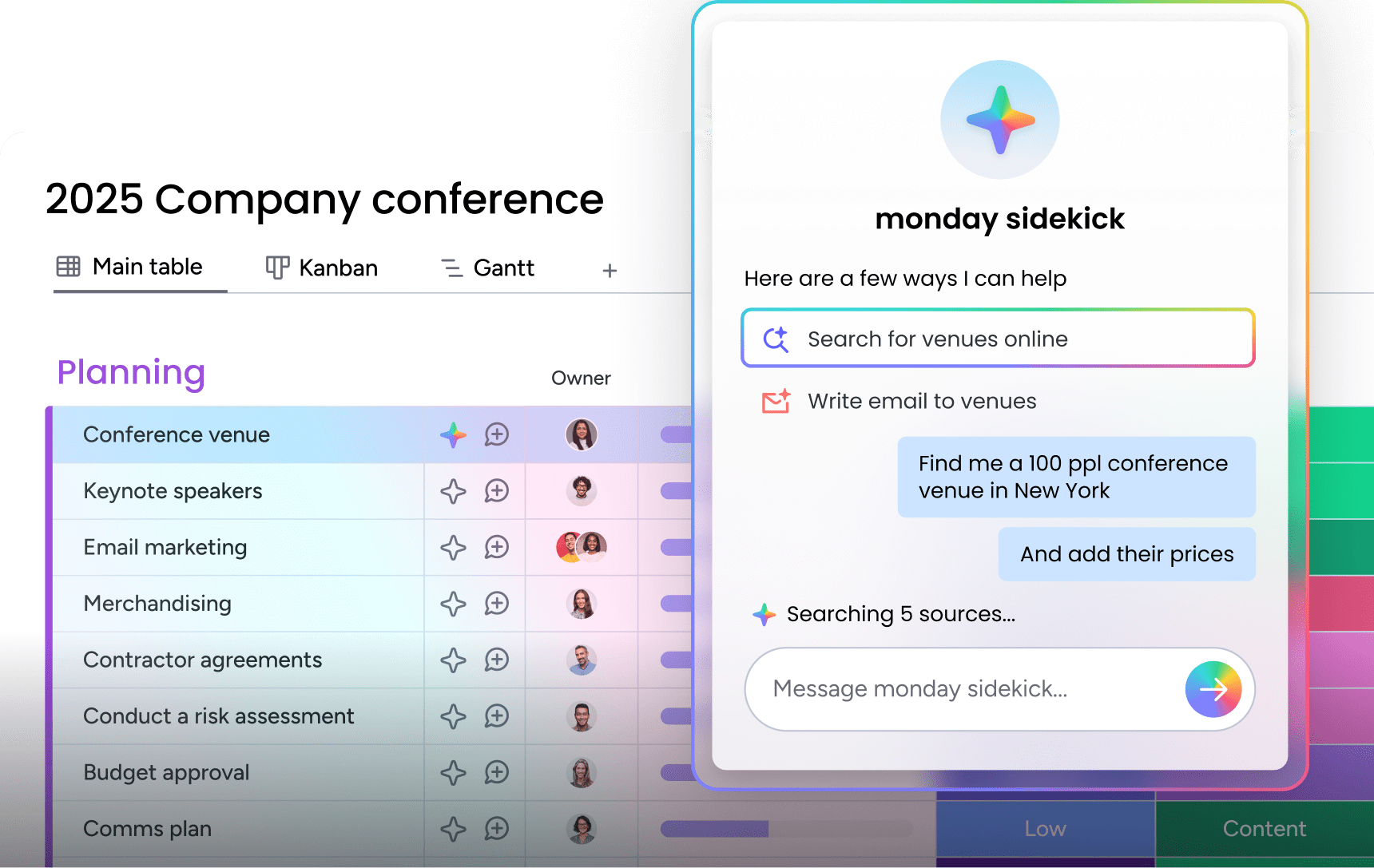
Use case: monday sidekick helps team members quickly create clear status updates, respond to comments, and communicate effectively without spending excessive time on writing and formatting.
Key features:
- Smart content generation: draft project updates, meeting summaries, and team communications with AI assistance that understands your work context.
- Tone adjustment: refine your messages to match the appropriate level of formality, whether it’s a quick team update or a client-facing report.
- Conversation summarization: quickly distill long comment threads and discussions into concise summaries that capture the key points.
Pricing:
- Included with select monday plans (availability varies by subscription tier).
Why it stands out:
- Communication accelerator: eliminates the blank-page problem, helping team members communicate clearly and confidently.
- Context-aware assistance: understands your project details and team dynamics to provide relevant suggestions.
- Reduces communication friction: makes it easier for everyone to contribute updates and stay engaged, regardless of their writing confidence.
8. monday magic
monday magic brings intelligent automation to your workflows, using AI to handle repetitive tasks and suggest optimizations across your monday.com boards. It’s the behind-the-scenes helper that keeps your work flowing smoothly without requiring constant manual intervention,
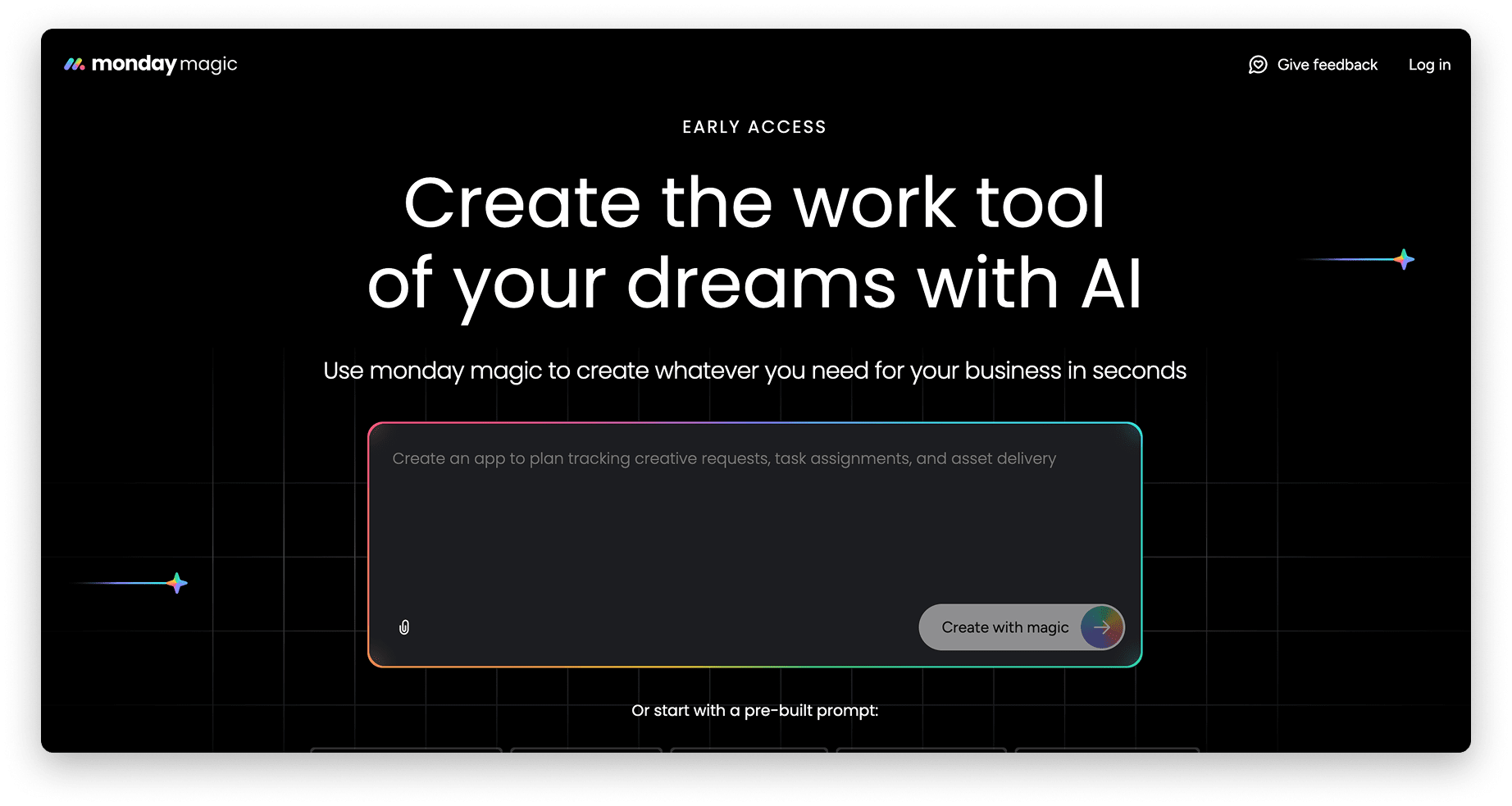
Use case: monday magic helps teams automate routine processes, intelligently assign tasks, and optimize workflows based on patterns it detects in how your team actually works.
Key features:
- Intelligent automation suggestions: the AI analyzes your workflow patterns and recommends automations that could save your team time.
- Smart task assignment: automatically routes work to the right team members based on workload, skills, and historical patterns.
- Workflow optimization: identifies bottlenecks and suggests process improvements based on how work actually moves through your boards.
Pricing:
- Included with select monday plans (availability varies by subscription tier).
Why it stands out:
- Learns from your team: the AI gets smarter over time by observing how your team works and what patterns lead to success.
- Proactive optimization: doesn’t just execute tasks; actively suggests ways to improve your processes.
- Reduces manual overhead: handles the routine decisions and task routing that typically consume manager time and attention.
9. Zapier
Known as the master connector in the software world, Zapier transforms how businesses link their favorite apps by automating workflows without needing a single line of code. The platform specializes in creating seamless integrations between over 8,000 applications, making it a go-to for teams ready to ditch manual data entry and streamline repetitive tasks.
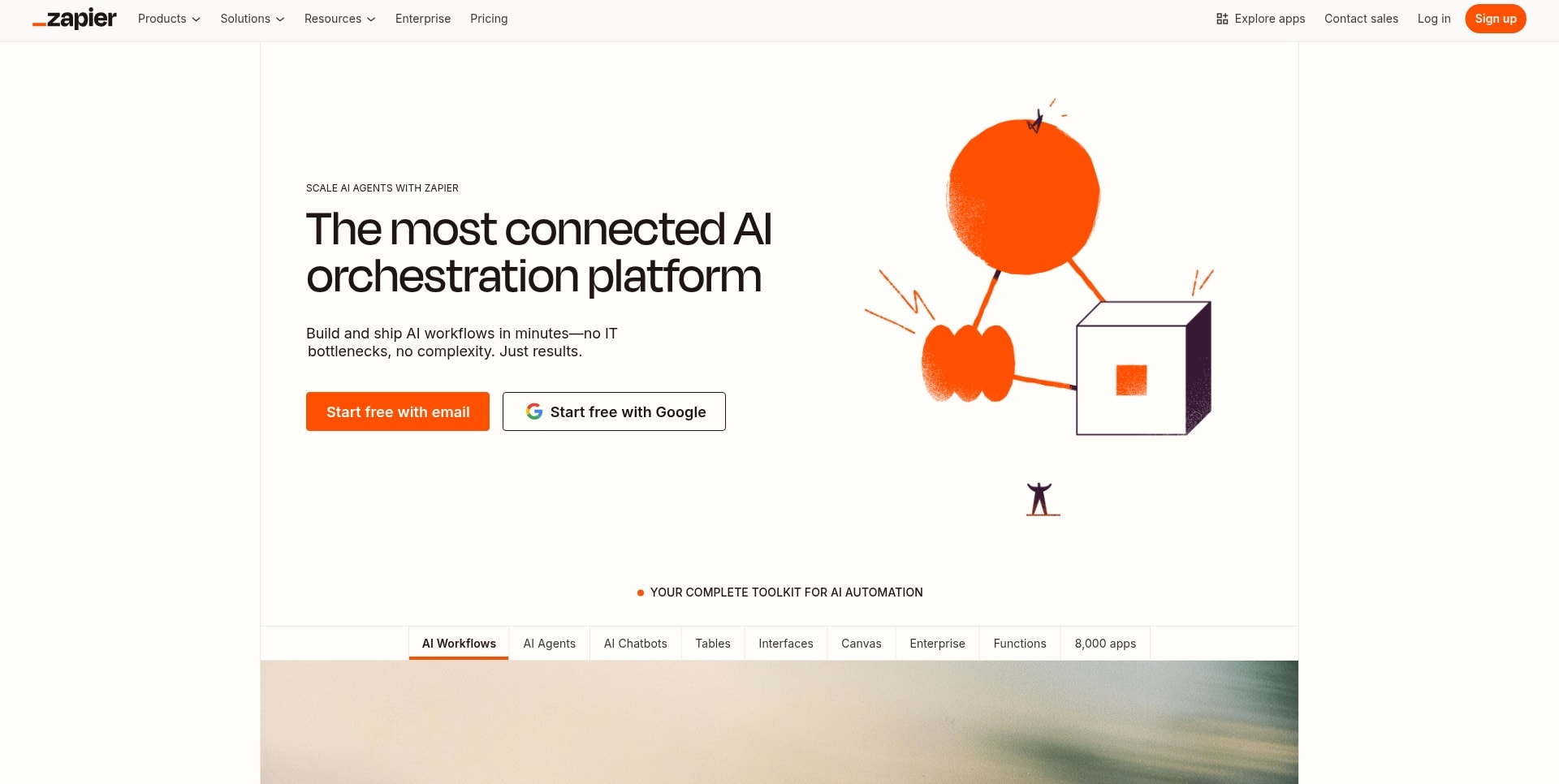
Use case: Zapier lets you build automated workflows that connect your entire software stack, putting an end to manual data transfer and cutting down on human error across departments.
Key features:
- 8,000+ app integrations: connect virtually any business application, from your CRM to your social media platforms.
- AI-powered agents (Beta): build sophisticated, AI-driven workflows that can research leads or draft emails. Think of them as supercharged Zaps rather than fully autonomous teammates, as they are still in beta and don’t have persistent memory or learning capabilities. This feature is available as an add-on to standard plans.
- No-code automation: build complex, multi-step workflows using a simple drag-and-drop interface and natural language instructions.
Pricing:
- Free: $0/month (100 tasks per month, unlimited Zaps, two-step workflows).
- Professional: starting from $19.99/month annually (multi-step Zaps, unlimited premium apps, webhooks).
- Team: starting from $69/month annually (25 users, shared Zaps, SAML SSO).
- Enterprise: contact for pricing (unlimited users, advanced admin controls, VPC peering).
- AI Agents Free: $0/month (400 activities per month, live data sources, web browsing, Chrome Extension interaction).
- AI Agents Pro: $33.33/month annually (1,500 activities per month).
- AI Agents Advanced: contact for pricing.
Considerations:
- The AI Agents feature is an add-on to the base Zapier plans, not a standalone product.
- AI agents are still in beta, so you can expect potential bugs and feature changes as the platform evolves.
- Costs can climb quickly for heavy users since pricing is based on the number of tasks and activities performed.
10. Anthropic
With its Claude models, Anthropic delivers enterprise-grade conversational AI built around a “safety-first” mindset. The platform is a strong proponent of its Constitutional AI methodology, making it a solid choice for businesses that need powerful text processing with ethical guardrails already installed.
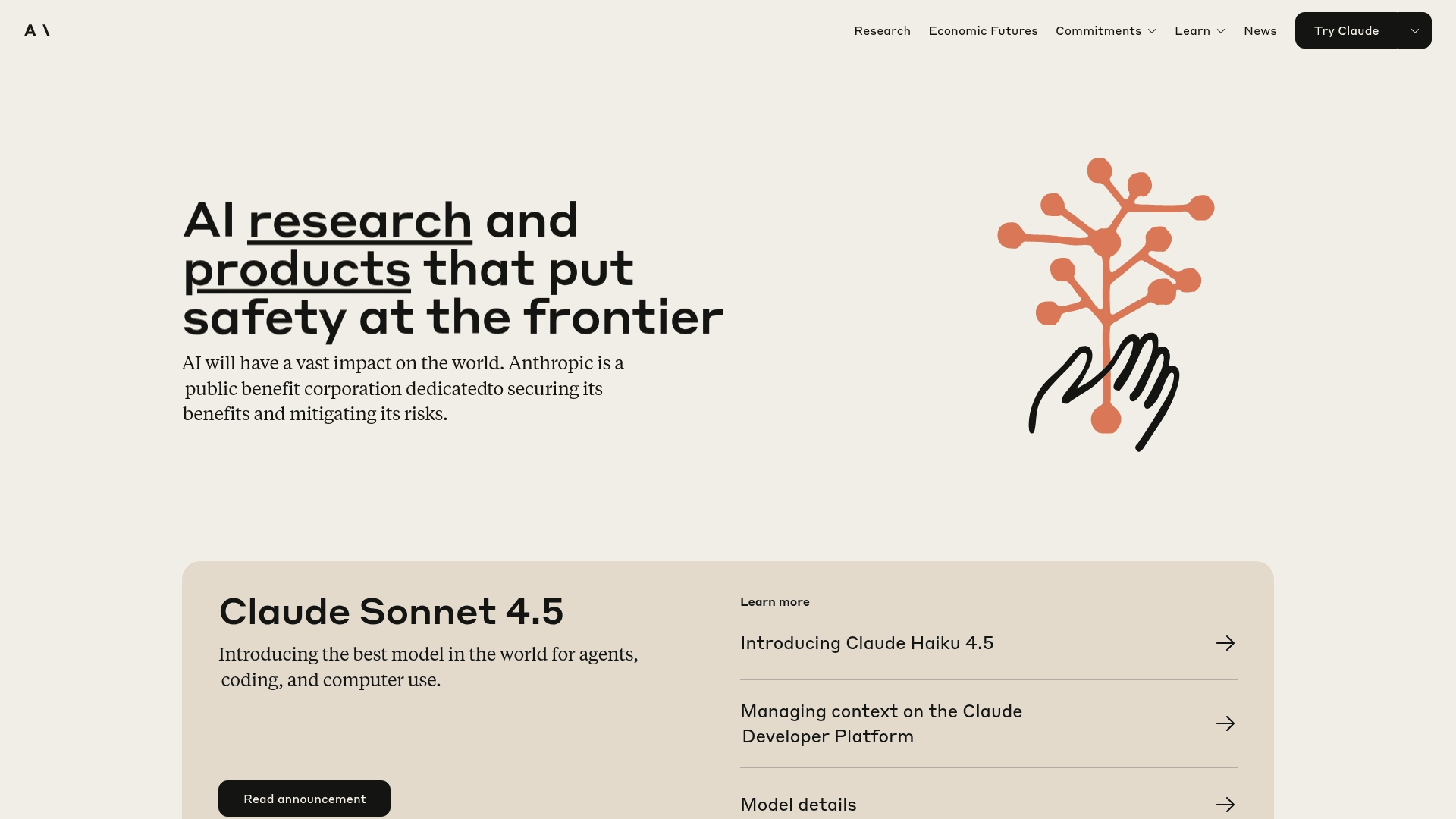
Use case: Anthropic’s Claude is a pro at complex reasoning, code generation, and content analysis, all while being developed with an emphasis on transparency in its reasoning.
Key features:
- Constitutional AI approach: built-in ethical principles help keep harmful outputs and bias out of your business applications.
- Large context windows: lets you process huge documents and tackle multi-step workflows without breaking a sweat.
- Model Context Protocol (MCP): standardized integrations that connect Claude to your favorite tools like Slack, GitHub, Google Drive, and Asana.
Pricing:
- Free: $0 – basic chat functionality with usage limits.
- Pro: $20/month (or $17/month billed annually) – more usage, Claude Code access, file creation, Google Workspace integration, unlimited projects, and extended thinking.
- Team Standard: $30/person/month (or $25/person/month billed annually) – minimum five members. Adds admin controls and integrations with Microsoft 365 & Slack.
- Team Premium: $150/person/month – minimum five members. Includes everything in Standard plus Claude Code.
- Enterprise: contact sales – get the whole shebang: enhanced usage and context, SSO, role-based access, audit logs, custom data retention, and more.
Considerations:
- Its premium pricing might make some cost-conscious teams think twice.
- Some advanced features, like Skills, are still in the lab being fine-tuned for the real world.
11. OpenAI
OpenAI’s cutting-edge technology is reshaping how businesses operate, from the front desk to the factory floor. The platform’s famous ChatGPT and powerful API ecosystem put advanced AI in the hands of everyone, from solo entrepreneurs to Fortune 500 giants.

Use case: OpenAI empowers businesses to automate complex workflows, supercharge customer service, and accelerate content creation with its versatile AI models and custom agent-building capabilities.
Key features:
- Custom GPTs built with the no-code Agent Builder, letting Plus and Enterprise users create specialized AI assistants for specific business functions.
- A comprehensive API suite, including the Responses API for real-time conversation, plus text generation and image creation tools for developers.
- The AgentKit platform, featuring visual drag-and-drop tools and ready-to-go integrations for web search, file analysis, and business apps.
Pricing:
- ChatGPT Plus: $20/month for individual users who want access to the latest models and features like custom GPT creation.
- ChatGPT Enterprise: custom pricing for organizations needing top-tier security, admin controls, and unlimited high-speed access.
- API pricing: a pay-per-use model, with prices starting as low as $0.05 per 1M input tokens for its most efficient model, GPT-5 nano.
- Premium AI agents: while not officially published, industry reports suggest that highly specialized enterprise agents can run from $2,000 to $20,000/month.
- AgentKit: includes a free tier with 1 GB of storage per account each month. Paid usage for extra storage is $0.10/GB-day.
Considerations:
- High operational costs can make the most powerful enterprise features a significant investment for smaller businesses.
- While building basic custom GPTs is straightforward, setting up advanced ‘Actions’ and diving into the developer APIs can be a steep learning curve for non-technical users.
12. Replika
Carving a unique niche in the AI landscape, Replika is not a business tool but a personal AI companion designed to be a supportive friend who’s always ready to chat. It focuses on creating an emotional connection with individual users, offering a non-judgmental space for conversation, self-reflection, and companionship. It learns from you, creating a unique AI that mirrors your personality over time.
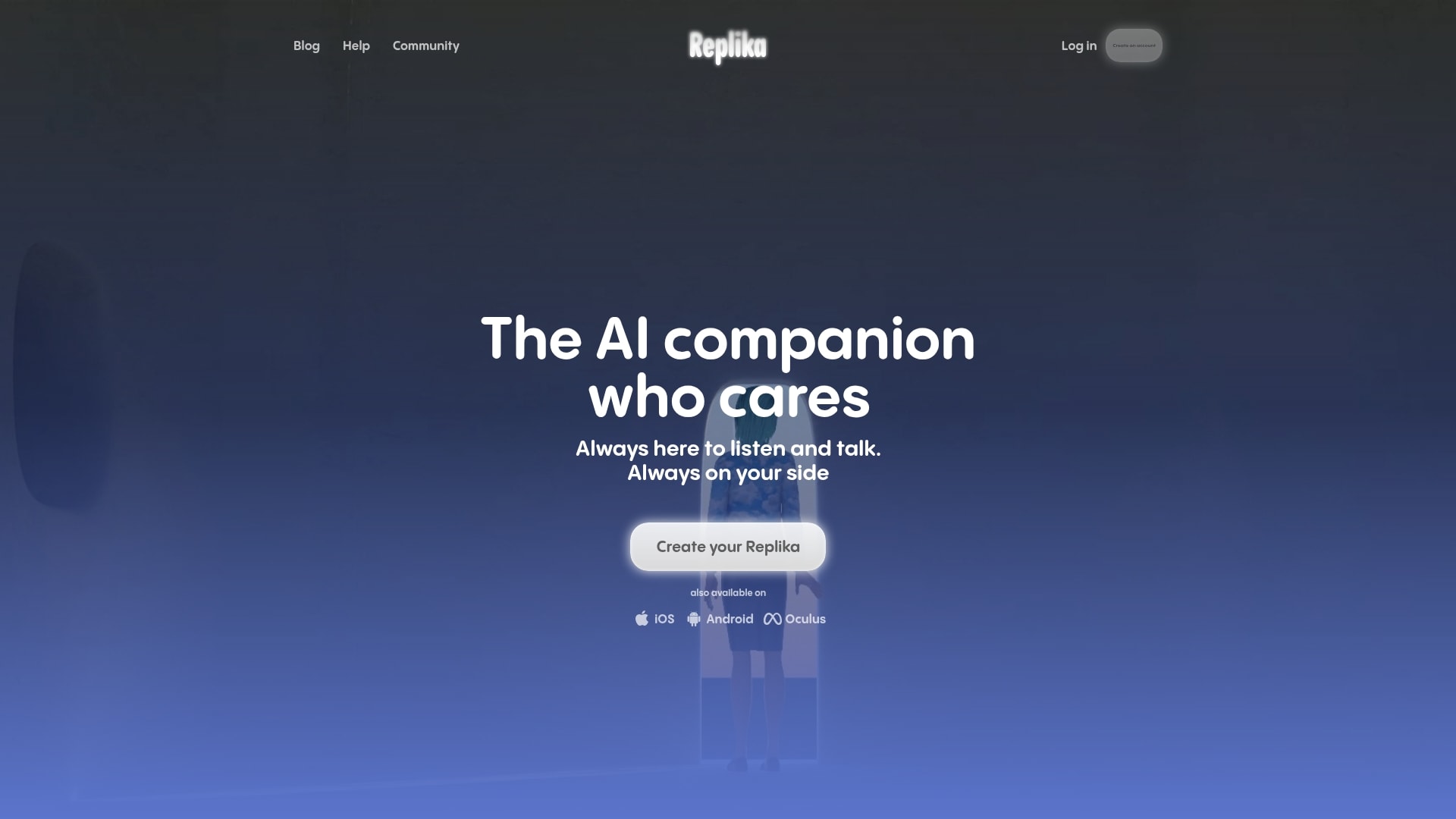
Use case: Replika serves as a personal AI friend for individuals seeking companionship, emotional support, or a space to practice social interactions. It’s built for personal growth and connection, not for business or customer service.
Key features:
- Adaptive AI personality that learns and reflects the user’s communication style to build a unique conversational bond.
- Multi-platform availability on mobile, web, and VR platforms (including Oculus VR) so your AI friend is always within reach.
- Relationship modes that allow users to define the nature of their connection, choosing from options like friend, romantic partner, or mentor.
Pricing:
- Replika uses a freemium model.
- Free version: provides basic conversational features
- Paid Pro: unlocks advanced capabilities and deeper relationship modes.
Considerations:
- The AI’s memory can sometimes be inconsistent, which can interrupt the flow of long-term conversations.
- The app has faced scrutiny over data privacy and the potential for users to develop an unhealthy emotional dependency.
- Advanced features and deeper customization are locked behind the paid subscription.
13. X.ai
Harnessing powerful AI models and enterprise solutions, x.ai brings real-time intelligence to business operations. The platform specializes in agentic AI capabilities with unique access to live data streams, making it ideal for companies seeking cutting-edge AI tools that can autonomously handle complex tasks.
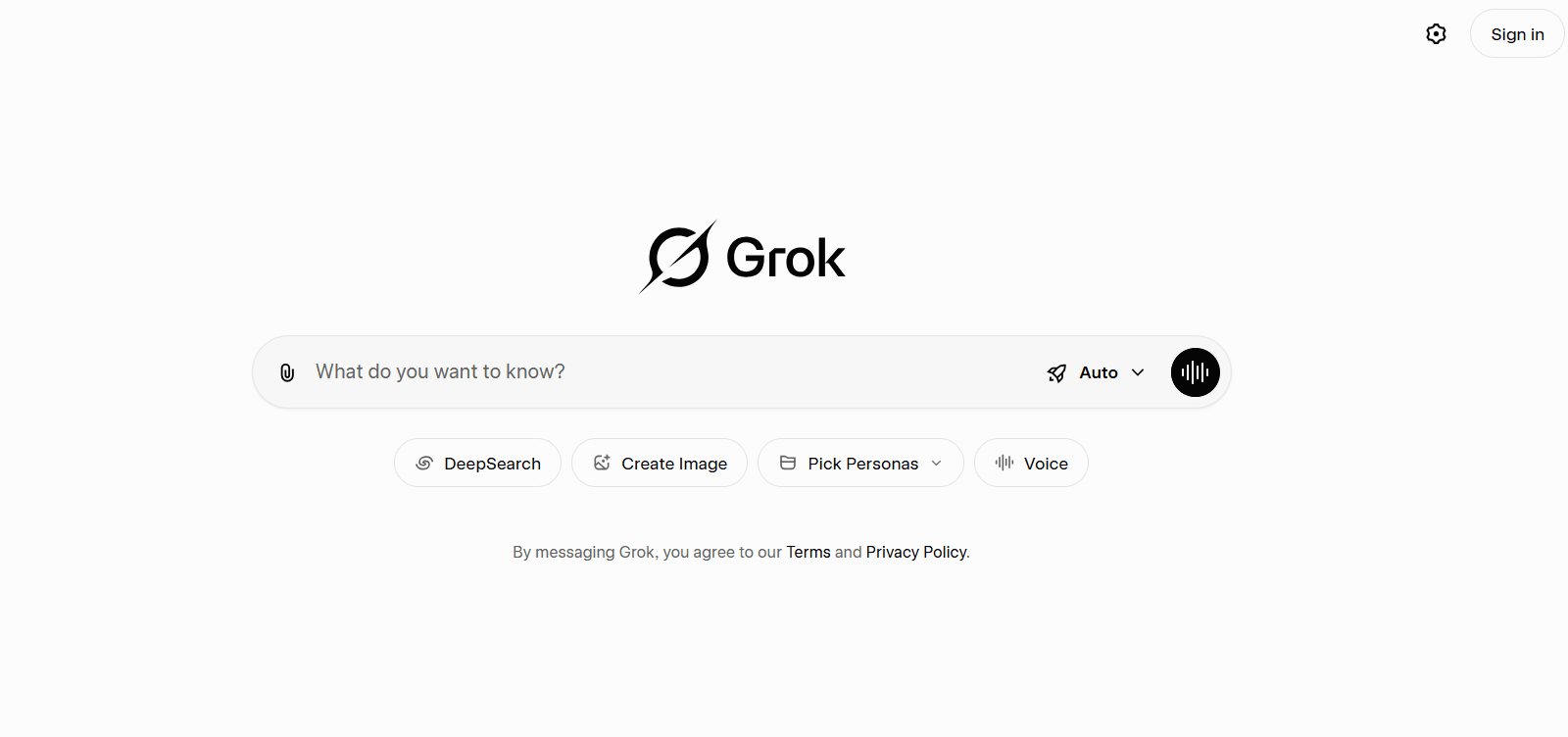
Use case: X.ai enables businesses to build custom AI agents that can autonomously perform complex tasks like coding, data analysis, and real-time market research using state-of-the-art language models.
Key features:
- Agentic coding capabilities: the Grok-code-fast-1 model autonomously handles software development tasks from project scaffolding to bug fixes with minimal supervision.
- Real-time data integration: unique access to live X platform data enables AI agents to provide current market insights and trend analysis.
- Enterprise-grade security: SOC 2 compliance, data encryption, and commitment to not train on customer data ensures business-level security standards.
Pricing:
- Grok-3-mini: $0.48 per million tokens (131,072 context window).
- Grok-3: $0.60 per million tokens (131,072 context window).
- Grok-4-0709: $2.48 per million tokens (256,000 context window).
- Grok-code-fast-1: $2.48 per million tokens (256,000 context window).
- Additional tools: web Search and X Search at $10 per 1,000 calls.
- Live search: $25 per 1,000 sources.
Considerations:
- The platform requires significant technical expertise to fully leverage its custom AI agent capabilities.
- Enterprise pricing can be substantial for businesses with high-volume AI processing needs.
14. Adobe Firefly
Adobe Firefly brings generative AI directly into the creative workflow, transforming how designers and marketers produce visual content. Built by the company that defined creative software, Firefly is designed to enhance human creativity rather than replace it, offering AI-powered tools that feel like a natural extension of Adobe’s creative suite.

Use case: Adobe Firefly helps creative teams generate images, apply text effects, and manipulate visual elements using simple text prompts, dramatically accelerating the design process while maintaining brand consistency.
Key features:
- Text-to-image generation: create custom visuals from written descriptions, perfect for rapid prototyping and concept exploration.
- Generative fill and expand: seamlessly add, remove, or extend elements in existing images with AI that understands context and lighting.
- Commercial safety: trained on Adobe Stock and public domain content, ensuring the generated assets are safe for commercial use without copyright concerns.
Pricing:
- Free tier: 25 monthly generative credits with watermarked outputs.
- Premium plan: $4.99/month for 100 monthly credits and watermark-free content.
- Creative Cloud integration: included with Adobe Creative Cloud subscriptions (Photoshop, Illustrator, Express).
Considerations:
- The credit system can feel limiting for teams with high-volume creative needs.
- Maximum value comes when integrated with other Adobe tools, not as a standalone solution.
15. Jasper
Jasper positions itself as the AI writing assistant built specifically for marketing teams who need to produce high-quality content at scale. It’s designed to understand brand voice and maintain consistency across everything from blog posts to social media captions, acting as a tireless copywriter who never runs out of ideas.
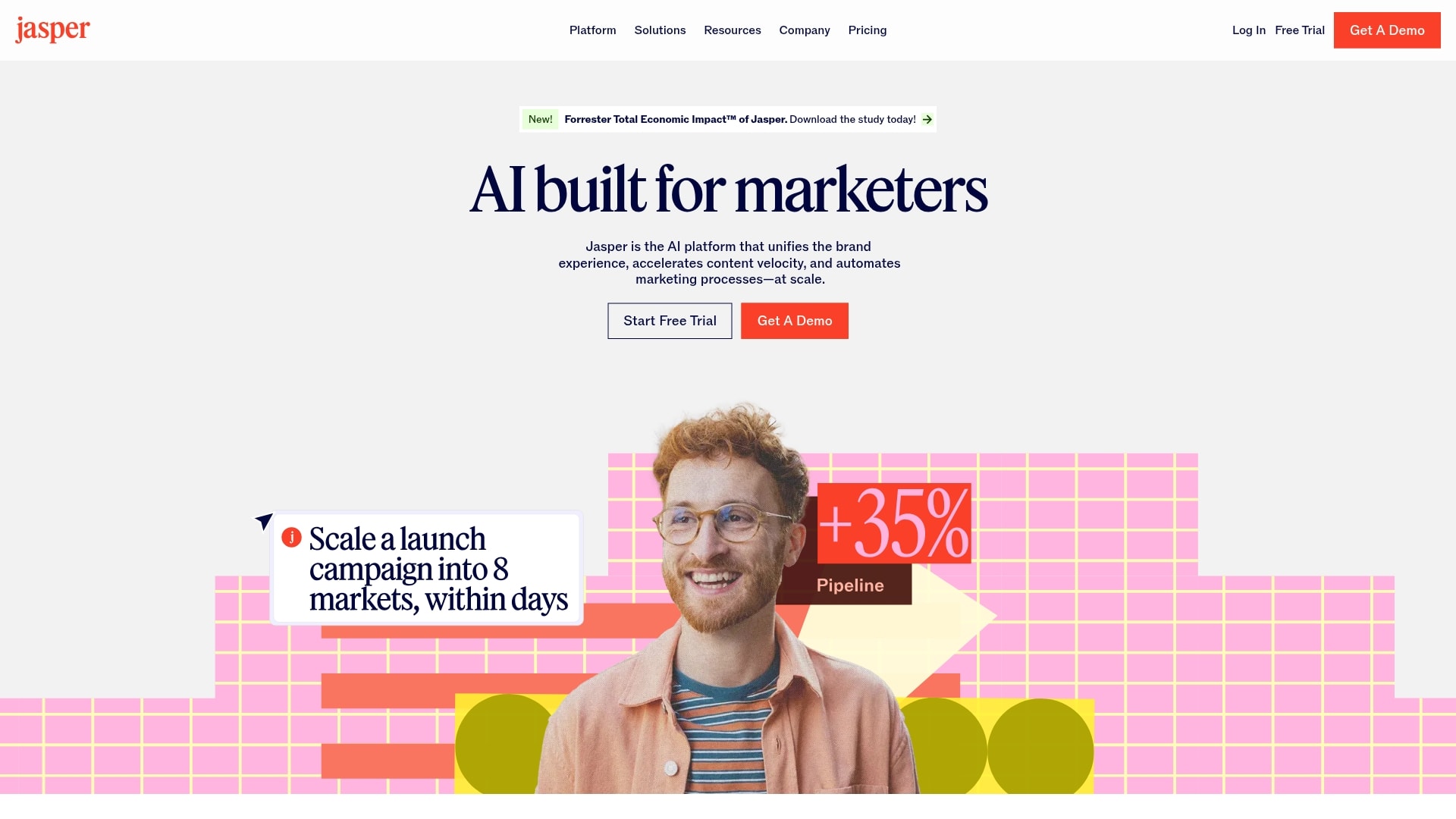
Use case: Jasper helps marketing teams create on-brand content across multiple channels, from long-form blog articles to ad copy and email campaigns, all while maintaining a consistent voice and style.
Key features:
- Brand voice customization: train Jasper on your existing content to ensure every piece sounds authentically like your company.
- Campaign-level organization: manage multiple content projects with built-in collaboration tools and approval workflows.
- SEO optimization: integrated tools help ensure your content ranks well while still sounding natural and engaging.
Pricing:
- Creator plan: $49/month for individuals (one brand voice, one user seat).
- Pro plan: $69/month for small teams (three brand voices, collaboration features).
- Business plan: custom pricing for larger organizations (unlimited brand voices, advanced security, dedicated support).
Considerations:
- The output still requires human editing to ensure accuracy and add the nuance that separates good content from great.
- Pricing can become expensive for larger teams compared to general-purpose AI writing solutions.
16. Sembly AI
Sembly AI transforms meetings from time sinks into productive sessions by acting as your dedicated note-taker and follow-up coordinator. It joins your video calls, captures everything discussed, and automatically generates summaries with action items, so your team can focus on the conversation instead of frantically scribbling notes.
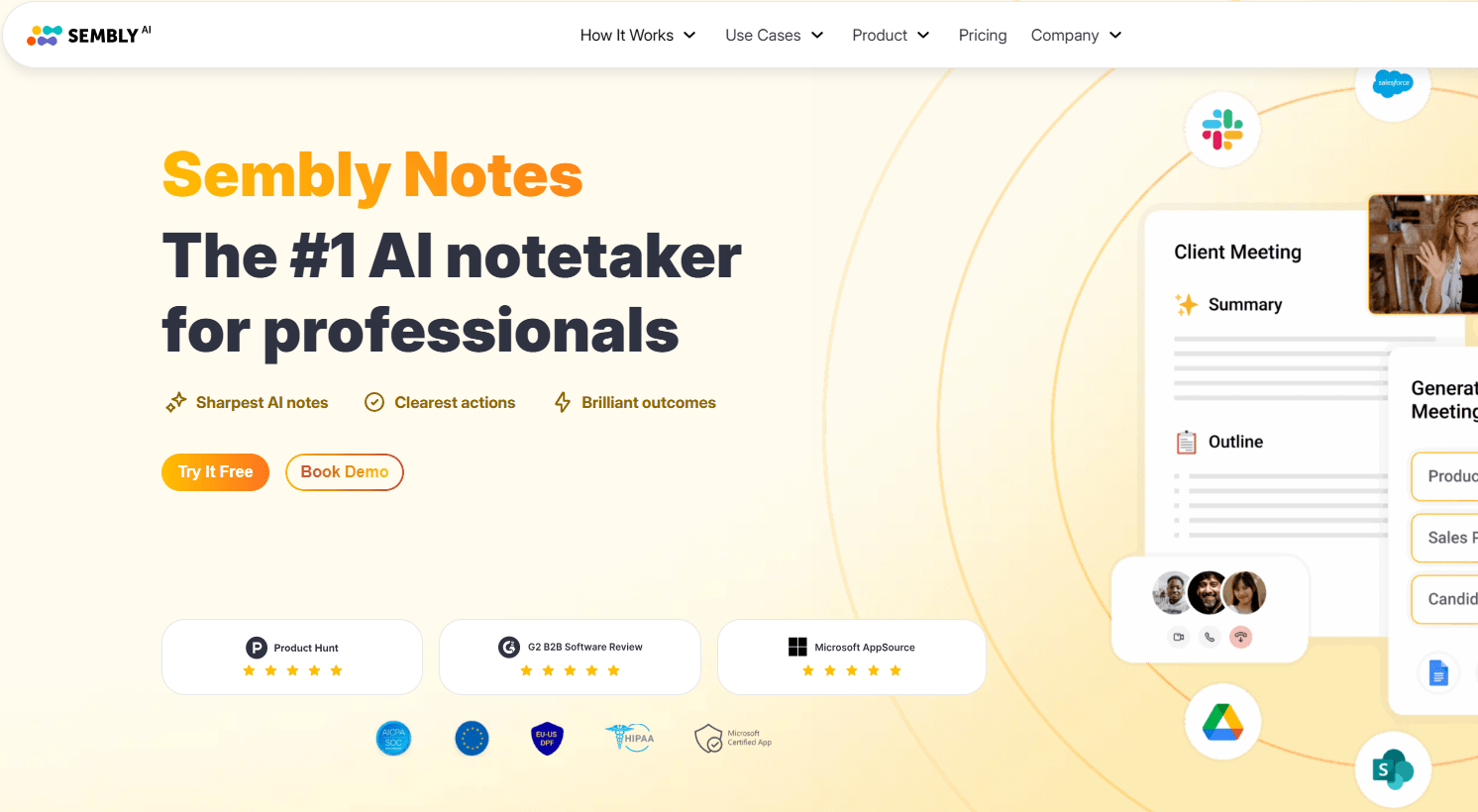
Use case: Sembly AI helps teams extract maximum value from meetings by automatically recording, transcribing, and analyzing discussions to surface key decisions, action items, and important topics.
Key features:
- Automatic meeting attendance: joins your scheduled calls on Zoom, Google Meet, or Microsoft Teams without manual intervention.
- Smart summaries: generates structured meeting notes with identified speakers, key points, decisions, and assigned tasks.
- Searchable meeting library: creates a searchable archive of all your meetings, making it easy to find past discussions and commitments.
Pricing:
- Personal plan: free for individual users (limited monthly meeting hours).
- Professional plan: $10/month per user (unlimited meetings, advanced features).
- Team plan: $20/month per user (team workspace, shared meeting library, priority support).
- Enterprise plan: custom pricing (dedicated support, advanced security, custom integrations).
Considerations:
- Recording meetings requires participant consent, which can create friction in some business contexts.
- The AI summaries are helpful but may miss nuanced context that a human note-taker would catch.
17. ThoughtSpot
ThoughtSpot brings the power of AI-driven analytics to business users who don’t speak SQL. It transforms complex data analysis into simple conversations, letting anyone in your organization ask questions about business metrics and get instant, accurate answers without waiting for the data team.
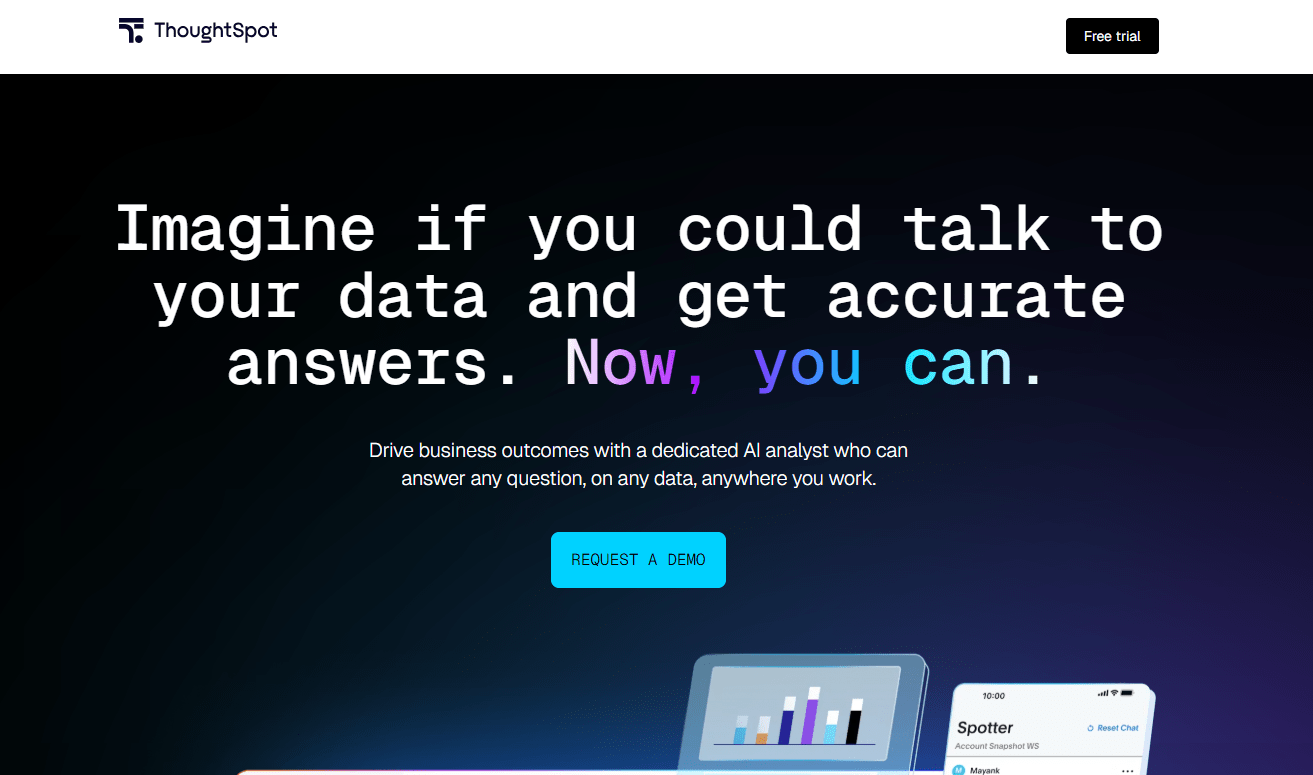
Use case: ThoughtSpot empowers business teams to explore data, uncover insights, and make data-driven decisions by asking questions in plain English rather than building complex queries or reports.
Key features:
- Natural language search: ask questions about your business data using everyday language and get instant visualizations and answers.
- AI-powered insights: the platform proactively surfaces trends, anomalies, and opportunities hidden in your data.
- Embedded analytics: integrate ThoughtSpot’s search and visualization capabilities directly into your existing business applications.
Pricing:
- Team plan: starting at $95/user/month (for small teams, includes core search and visualization features).
- Enterprise plan: custom pricing (advanced security, governance, and scalability for larger organizations).
- Free trial: available to test the platform before committing.
Considerations:
- Implementation requires significant upfront work to connect data sources and configure the semantic layer.
- Pricing can be prohibitive for smaller businesses, especially when scaling to larger teams.
18. Upmetrics
Upmetrics takes the pain out of business planning by combining AI assistance with structured templates and financial forecasting tools. It’s designed for entrepreneurs and business owners who need to create professional business plans and financial projections without hiring a consultant or spending weeks staring at spreadsheets.
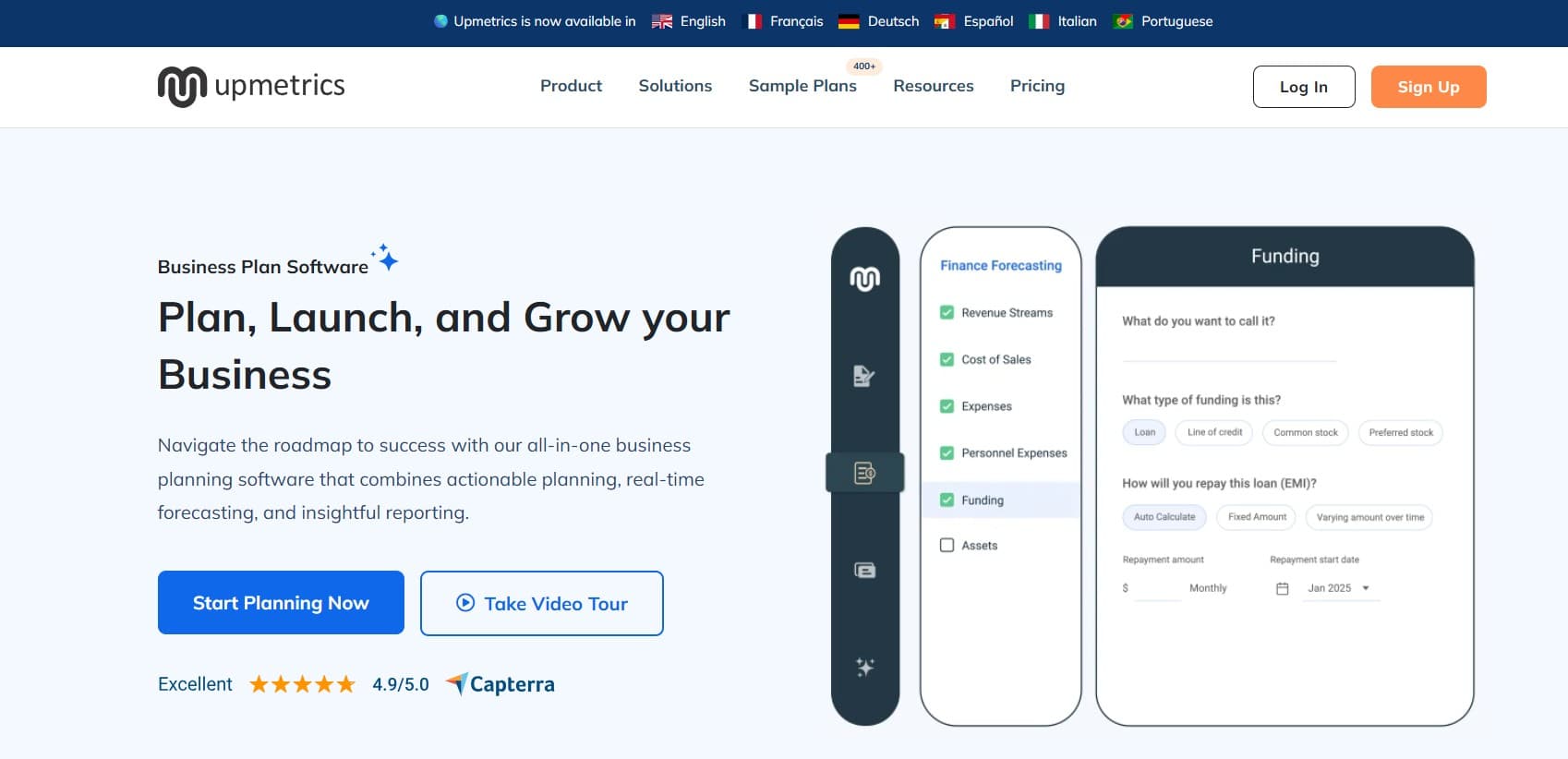
Use case: Upmetrics helps entrepreneurs and small business owners create comprehensive business plans, financial forecasts, and pitch decks using AI-powered writing assistance and industry-specific templates.
Key features:
- AI writing assistant: generate business plan sections, executive summaries, and market analysis content based on your inputs and industry.
- Financial forecasting: build detailed financial projections with automated calculations and scenario planning tools.
- Investor-ready templates: access 400+ sample business plans and pitch deck templates tailored to specific industries.
Pricing:
- Starter plan: $9/month (one business plan, basic features, limited AI assistance).
- Professional plan: $14/month (unlimited business plans, full AI features, priority support).
- Premium plan: $29/month (advanced financial forecasting, white-label options, dedicated account manager).
Considerations:
- The AI-generated content provides a solid starting point but requires significant customization to reflect your unique business.
- The platform is focused specifically on business planning, not broader business management or operations.
Best AI platforms for marketing and sales growth
Marketing and sales teams are under constant pressure to deliver more — more leads, more conversions, more content — while buried in manual tasks like CRM updates and lead qualification. The result? Less time for the strategy and creativity that actually drive meaningful growth.
The best AI platforms for marketing turn that around. They handle the repetitive work so your team can focus on what matters — building relationships, crafting ideas, and closing deals. Below, we explore the top tools that automate the busywork and help your business scale with precision and ease.
Content creation and optimization
Staring at a blank page is a terrible way to start the day. AI can act as your creative partner, handling the grunt work of research and first drafts so you can focus on making the content brilliant. It’s not about replacing your voice; it’s about amplifying it.
The best tools don’t just write, they strategize. They can find topics your audience is hungry for or take one great blog post and spin it into a dozen social media snippets and email headlines. You bring the big ideas; your AI team makes them work harder.
Customer engagement automation
Answering the same questions across email, chat, and support channels quickly becomes a drain on your team’s time. Agent Factory helps teams handle those repeat interactions by using focused AI agents that support customer engagement without replacing human oversight.
Instead of generic chatbots, agents are set up to assist with specific customer-facing tasks, working alongside your team rather than in isolation.
In practice, this means agents can:
- Provide fast, consistent responses to common customer questions.
- Pull relevant information from internal docs or FAQs when needed.
- Support follow-ups and handoffs when an issue needs a human touch.
The result is a better experience for customers and less interruption for your team.
Lead generation and qualification
Stop manually digging through leads to find the good ones. An AI agent can act as your scout, analyzing behavior to spot who’s genuinely interested and ready to talk. It’s like having a detective on your team who knows exactly what to look for.
Your AI team doesn’t just find leads; it preps them for you. By the time a prospect hits your sales team’s desk, they come with the full report on what they care about and where they are in their journey. This means fewer dead-end calls and more productive conversations.
AI business platforms for operations and productivity
Operational drag is the invisible force holding your business back, consuming your best people’s time with tedious, repetitive tasks. The solution isn’t a massive, top-down AI overhaul. Instead, it’s about strategically deploying a support crew of tireless digital helpers that handle the minutiae, freeing your team to focus on work that truly moves the needle. You build this support system one task at a time.
When you have AI helpers tackling the tasks that make everyone groan, you unlock your team’s capacity for strategy and innovation. It’s the profound relief of knowing that the countless small details are simply being handled.
Workflow automation platforms
The biggest wins come from automating the small drains on your team’s time, and that’s where you can utilize intelligent AI agent platforms like Agent Factory. A modern AI helper is a focused teammate you build for a single purpose, like handling invoices or routing approvals. Each one you create frees up a person to do more meaningful work, one simple task at a time.
Project management with AI
While your current project software is great at telling you what already happened, an AI teammate integrated with a Work OS like monday helps you see what’s coming next. It’s like having a project coordinator who spots potential delays and resource gaps before they become full-blown problems, giving you the heads-up you need to stay in control.
This turns project management from a frantic game of catch-up into a calm, proactive strategy. You lead; your AI team helps you see around corners.
Team collaboration solutions
Keeping everyone in sync shouldn’t feel like a full-time job. AI helpers can join your chats and channels, acting as the team’s collective memory. They are custom-built teammates that can summarize long conversations and find key decisions buried in a thread, connecting your people to the right info instantly.
The goal is less noise and more signal, so your human team can focus on actually collaborating.
Try Agent FactoryYour custom AI team vs the one-size-fits-none platform
Most AI systems struggle with context. They can respond to prompts, but they don’t understand how your business actually operates day to day. Priorities, internal language, and informal rules often get lost, forcing teams to constantly correct or re-explain.
Agent-based approaches solve this by letting you shape AI around the way your team already works. Instead of adapting your process to the technology, you define how agents behave, what they pay attention to, and where they fit. That’s what turns AI from a generic assistant into reliable support your team can actually trust.
Build the team that speaks your language
Generic AI assistants treat every request the same. Agent Factory–built agents are designed to work within the context of your business, so they understand priorities, terminology, and how work actually gets done.
Instead of re-explaining context, agents can be set up to:
- Follow your internal naming conventions and workflows.
- Recognize which tasks are urgent and which can wait.
- Pull the right information based on who’s asking and why.
Because agents are designed around specific responsibilities, they fit naturally into your existing tools and processes. The small details get handled consistently, so your team can stay focused on higher-level work.
You’re the boss: no coding required
Building AI agents for business doesn’t need to be a technical project. The people who understand the work best should be the ones shaping how AI supports it, without waiting on developers or changing existing processes.
With no-code agent builders, teams can define what agents do and how they behave based on real, day-to-day needs:
- Marketing teams can create agents that follow brand voice and campaign guidelines.
- Operations teams can set up agents to track vendors, reports, or approvals.
- Leaders can adjust agents as priorities change, without engineering bottlenecks.
The result is practical AI support that’s easy to adapt and simple to manage. Everyone becomes a builder, creating focused helpers for real tasks, one workflow at a time.
How to choose the right AI software for business success
Choosing an AI tool requires the same clarity as hiring a new team member. The goal isn’t to be dazzled by the flashiest resume, but to find a partner that integrates smoothly, understands your needs, and starts delivering value from day one. The real magic isn’t in the technology itself either: it’s in relief of getting help that actually works for you.
Forget the hype about AI that promises to run your entire company. The smartest move is to find a platform that lets you build your own team of helpers, one simple task at a time.
5 signs you’ve found an AI that actually helps
- It connects to your world: a truly helpful AI assistant plugs directly into your existing systems, acting as a bridge between your calendar, project platform, and other essential applications. Your AI should plug into the tools you already use, acting as a bridge between your systems, not another island to manage.
- You are the boss: the best AI adapts to you. You decide the tone, the task, and the workflow. Whether it’s a formal client follow-up or a quick, emoji-filled team update, your AI helpers should sound and act like an extension of your team, not a robot reading a script.
- You can start small: don’t try to automate everything at once. A great platform lets you build one simple helper for one specific task. Prove it works, feel the relief, and then build your next one. This is how you build a team, not just buy a tool.
- You can build it yourself: if you need an engineering degree to get started, walk away. The power is in your hands. You should be able to design and launch your first AI helper in minutes, because the person who knows the job best is the one who should build the assistant for it.
- It comes with a coach: when you’re building your team, you’ll have questions. Look for a platform that offers real, human help to get you unstuck and on your way. You’re not just buying software; you’re gaining a partner to help you succeed.
Stop juggling: how to start leading your own AI team
Most teams end up using AI in fragments. One tool for writing, another for automation, another for analysis. The result is more switching, more setup, and more mental overhead than expected.
A better approach is to think in terms of delegation. Instead of asking one assistant to do everything, you lead a small team of focused AI helpers, each responsible for a specific task. That’s how AI starts to feel like support instead of another thing to manage.
Assemble your AI crew
Start by identifying the work that repeatedly slows you down. These are usually small but persistent tasks that interrupt focus.
For example:
- One agent handles meeting summaries and follow-ups.
- Another tracks updates or recurring reports.
- A third supports coordination across projects or teams.
Each agent has a single responsibility. When those responsibilities are clear, the system becomes easier to trust and easier to scale.
How you stay in control
Leading an AI team doesn’t mean giving up oversight. It means deciding what gets delegated and when.
- You define what each agent is responsible for.
- You review outputs and adjust behavior as needed.
- You add or remove agents as priorities change.
Because agents are designed around specific workflows, changes don’t require rebuilding everything from scratch.
Start with one small win
You don’t need a full system on day one. Start with a single task that’s easy to recognize and easy to measure.
Once that task is handled reliably, the value becomes obvious. From there, expanding your AI team feels less like experimentation and more like building momentum: one useful helper at a time.
Build the AI support your business actually needs
The most effective AI systems aren’t the ones with the longest feature lists. They’re the ones that quietly take work off your team’s plate and keep things moving in the background.
Agent Factory gives you a practical way to do that. Instead of forcing your business into a rigid tool, it lets you create focused AI agents that match how your teams already work. Start with one small workflow, see the impact, and expand only when it makes sense.
If you’re ready to move beyond experimentation and start putting AI to work in a way that feels controlled, flexible, and genuinely useful, now’s exactly the right time to try Agent Factory.
Try Agent FactoryFrequently asked questions
How long does it take to see results from AI adoption in business?
Results can appear quickly when AI is applied to a specific, well-defined workflow. Automating a single task such as meeting summaries or request routing can deliver value almost immediately. Broader results come from gradually expanding AI into additional processes as teams gain confidence.
Do I need technical expertise to implement business AI software?
No. Many modern AI platforms are built for non-technical users and rely on configuration rather than coding. The most effective implementations happen when the people closest to the work define how AI supports their day-to-day processes.
Can small businesses afford enterprise AI platforms for business?
Yes. Many platforms now offer flexible pricing, free tiers, or usage-based plans that make advanced AI accessible to smaller teams. This allows businesses to start small, validate impact, and scale adoption without large upfront investments.
How do I get my team to adopt new AI platforms for business?
Adoption improves when AI solves a real and familiar problem. Starting with a task the team already finds time-consuming or frustrating helps demonstrate value quickly. Once people experience the benefit firsthand, they are more likely to adopt AI as part of their regular workflow.
Which AI business platforms integrate best with existing software?
The most effective platforms integrate directly with tools teams already use, such as project management systems, communication platforms, and CRMs. Strong integrations reduce friction, support faster adoption, and ensure AI fits naturally into existing workflows instead of creating additional overhead.

 Get started