


What if your team could hand off every repetitive task — updating spreadsheets, routing tickets, chasing approvals — to digital teammates that work with perfect consistency? The best AI agent builders make this possible by letting you create focused helpers that handle one job each, freeing your team to focus on work that actually moves the business forward.
This guide covers 12 AI agent builder platforms that let you design, deploy, and manage AI agents without writing code. You’ll learn which features matter most, how to choose the right platform for your team’s needs, and how to get started quickly with an agent builder that works inside your existing workflows.
Key takeaways
- AI agent builders turn busywork into momentum by letting teams design focused AI agents that handle repetitive tasks consistently, freeing up time for real progress.
- No-code AI agent builder tools remove the need for developers, making it easy for any team to create, customize, and deploy AI agents using natural language.
- The most effective setups rely on multiple task-driven agents, each responsible for a single job, rather than one overloaded AI assistant.
- Integration with your existing tools is what makes agents useful. The best builders connect to real workflows, not isolated environments.
- monday AI Workspace lets you build and manage AI agents directly inside the work platform where your team already operates, with enterprise-grade security and no code required.
What are AI agent builders?
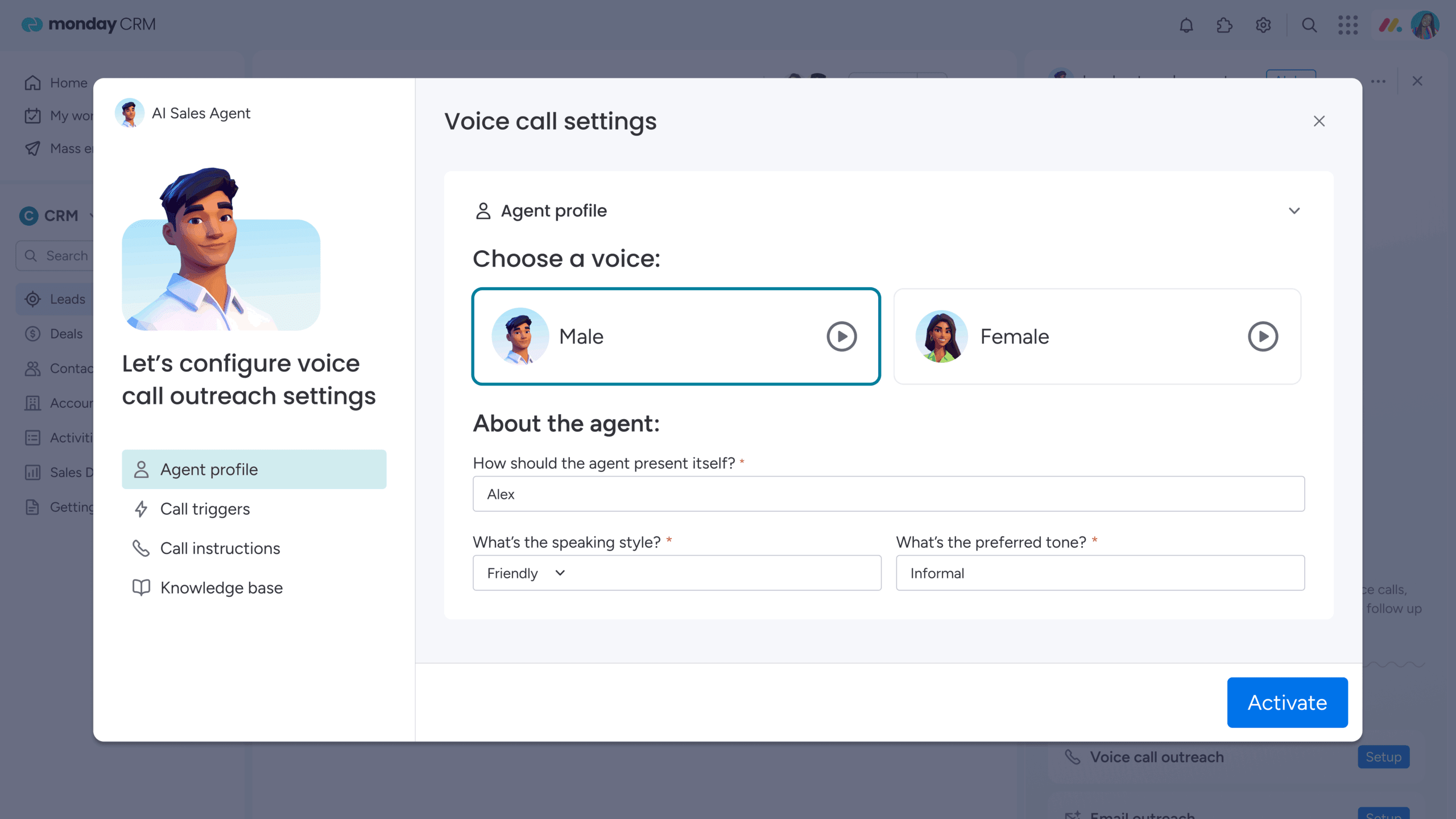
AI agent builders are platforms that let you design, deploy, and manage a personal team of digital assistants, no coding required. Unlike traditional chatbots that only respond when prompted, AI agents can reason about problems, decide which actions to take, and execute multi-step tasks across your tools. They provide the structure to create specialized helpers that handle repetitive tasks and keep your work running smoothly.
Each AI agent you build functions as an autonomous agent, capable of operating independently once given clear instructions. It connects to your existing tools and begins executing workflows on your behalf, from scheduling meetings to updating reports.
The real advantage lies in how simple they make automation. Instead of managing endless manual tasks, you can delegate the small, time-consuming work and stay focused on the projects that truly move your team forward.
Why no-code AI agent builders matter
AI agent builders take what used to be a complex, technical process and make it simple for anyone to use. Instead of needing developers or months of setup, you can now create agents through clear instructions and visual tools that make building feel intuitive.
No-code builders give you complete control over how your agents work. You describe what needs to get done, and the platform turns those directions into automated actions. It’s a faster, more flexible way to design the exact helpers your team needs without writing a single line of code. This means the people closest to the work, whether that’s a marketing manager, a support lead, or an operations director, can build agents that solve their own problems without filing a ticket with engineering.
What AI agents can actually do
Once your AI agents are up and running, they start to feel like true teammates. One can coordinate calendars and schedule meetings, another can manage routine customer requests, freeing your support team for higher-value work. A third might chase down project updates and compile them into a concise report so you always know what’s happening.
These helpers aren’t limited to office hours. They can also take care of personal tasks, like tracking subscriptions or keeping your weekly schedule organized. The real benefit comes from having a coordinated team of specialized agents, each focused on a single task, working quietly in the background so you can focus on the bigger picture.
Get Started12 best AI agent builders to streamline your workflows
The right AI agent builder depends on your team’s technical skills, existing tool stack, and the complexity of the work you want to automate. Some platforms are built for developers who want full control over agent behavior and architecture. Others are designed for business teams that need fast results without code or technical overhead.
Below is a comparison of 12 AI agent builders based on their agent building approach, integration ecosystem, pricing transparency, security capabilities, and how well they fit different team types.
| Platform | Use case | Free trial | Notable feature | Starting price |
|---|---|---|---|---|
| monday AI Work Platform | AI agents inside project management, CRM, and operational workflows | Yes | Agents work directly in your work platform with enterprise security | $12/seat/month |
| Gumloop | AI-powered workflow automation for marketing, growth, and operations teams | Yes | Drag-and-drop workflow builder with 100+ integrations | $37/month |
| Relay.app | AI workflows with human approval steps for business processes | Yes | Manual checkpoints within automated workflows | $38/month |
| Stack AI | Enterprise AI agents for document processing and compliance workflows | Yes | On-premise and VPC deployment for regulated industries | Contact sales |
| n8n | Self-hosted AI workflow automation for technical teams | Yes | Open-source with full data control and 400+ integrations | $24/month |
| Relevance AI | Enterprise AI workforces with voice, meeting, and customer-facing agents | No | Voice-based AI agents for sales and customer success | Contact sales |
| CrewAI | Collaborative multi-agent systems for research and complex workflows | Yes | Role-based agent specialization with autonomous delegation | Contact sales |
| LangChain | Custom AI agent development for production LLM applications | Yes | Industry-standard open-source framework with LangSmith observability | $39/seat/month |
| AutoGen | Conversational multi-agent systems for developers and researchers | Yes (open source) | Event-driven architecture for distributed agent systems | Free (open source) |
| Gemini Enterprise Agent Platform | Enterprise AI agents integrated with the Google Cloud ecosystem | Yes | 200+ AI models with deep BigQuery and Cloud Storage integration | Pay-as-you-go |
| Microsoft Copilot Studio | AI agents built for Microsoft 365 and Dynamics workflows | No | Native Teams, SharePoint, and Outlook deployment | $30/user/month |
| Voiceflow | Customer-facing AI agents for voice and chat experiences | Yes | Multi-channel deployment with voice and chat support | Contact sales |
*Pricing and trial availability as of publication date. Contact vendors for current details.
1. monday AI Workspace
monday AI Workspace is the AI agent builder built for teams that want agents working directly inside their operational workflows. Instead of adding another disconnected tool to your stack, you get AI agents that live where your team already manages projects, tracks campaigns, closes deals, and resolves tickets, giving agents full context from day one. The platform combines a no-code agent builder, built-in AI assistant, app builder, and agentic workflows into one connected system, trusted by nearly 250,000 customers including more than 60% of the Fortune 500, with enterprise-grade security and compliance standards tested across industries from marketing agencies to healthcare enterprises.
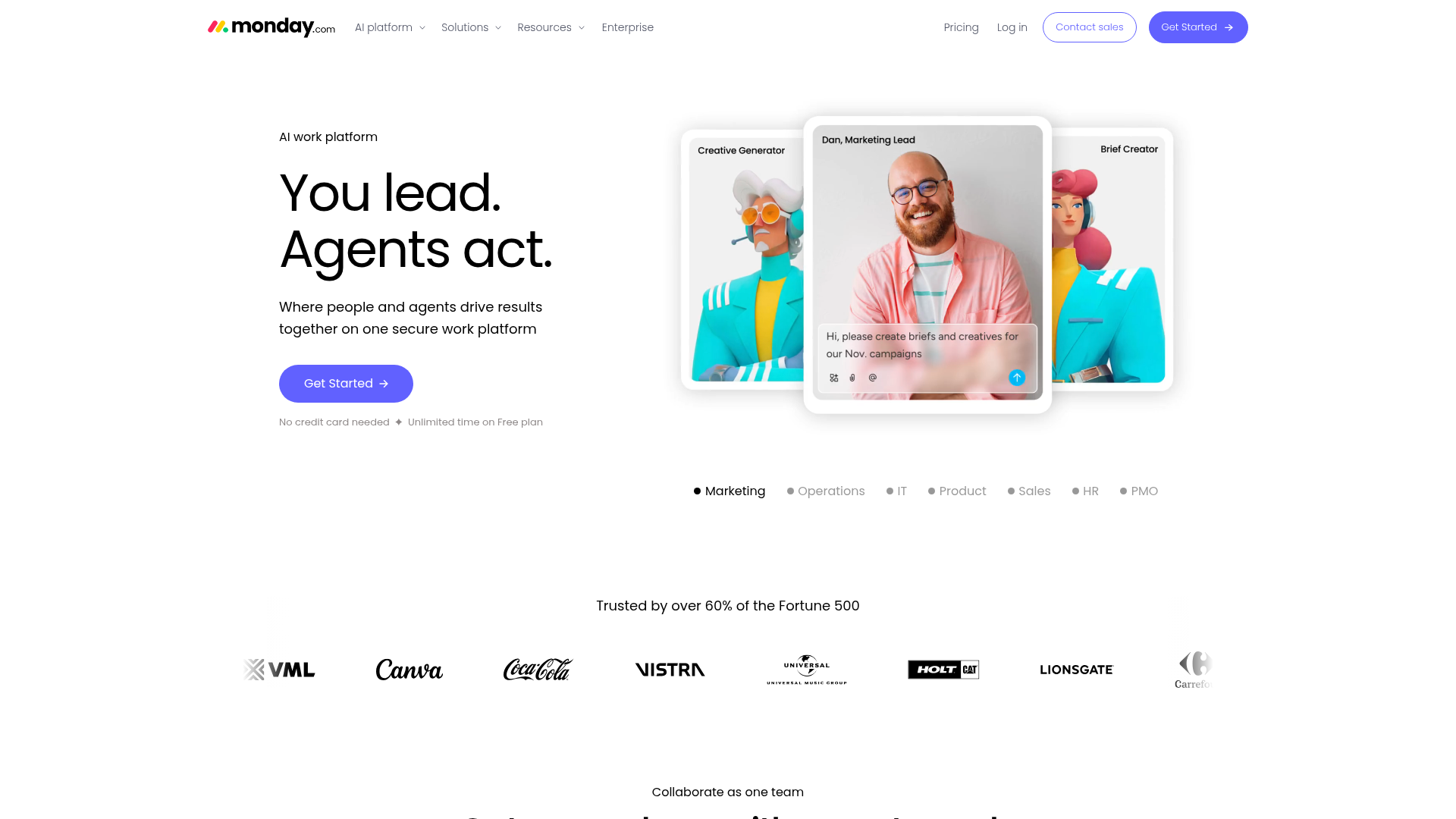 Use case: Teams that want to build AI agents directly inside their project management, CRM, and operational workflows without writing code
Key features
- Cross-department AI agents: Prebuilt and custom agents for ticket assignment, lead scoring, risk analysis, vendor research, meeting summarization, and sentiment detection across Marketing, Sales, Operations, PMO, Product, Legal, IT, and HR departments.
- Agentic workflows with AI decision-making: Visual workflow builder with 200+ no-code automation recipes that incorporate AI reasoning at each step, moving work across tools and teams with less manual coordination.
- 200+ native integrations plus MCP support: Connect to Slack, Gmail, Google Calendar, Teams, Jira, Salesforce, WhatsApp, and any MCP-compatible AI tool like Claude, ChatGPT, and Cursor through the Model Context Protocol.
Pricing
- Free: $0/month (up to 2 seats)
- Basic: $12/seat/month (monthly billing)
- Standard: $14/seat/month (monthly billing)
- Pro: $24/seat/month (monthly billing)
- Enterprise: Visit the pricing page and contact sales for custom pricing.
Why it stands out
- Agents work inside your operational system: monday AI Workspace is the only AI agent platform where AI agents operate directly within the system your team already uses to manage projects, track campaigns, and close deals, giving agents full context from day one without adding another disconnected tool to your stack.
- Enterprise-grade security and compliance: With nearly 250,000 customers worldwide, including more than 60% of the Fortune 500, the platform delivers SOC 2 Type II, ISO 27001, GDPR, and HIPAA compliance with built-in guardrails and human-in-the-loop controls that let you scale AI adoption safely across departments.
- Proven ROI and productivity gains: A Forrester Total Economic Impact study shows 346% ROI over 3 years, with teams reporting significant time savings as agents update boards, assign tasks, score leads, and manage workflows across departments rather than just sending notifications or generating text.
2. Gumloop
Gumloop turns complex workflow automation into a visual, drag-and-drop experience. The platform focuses on AI-native automation, making it accessible for marketing and growth teams who need to deploy sophisticated agents quickly without deep technical knowledge. This means every workflow can include AI-powered decision making, content generation, data extraction, and multi-step processing as native capabilities rather than bolt-on integrations that require separate configuration.
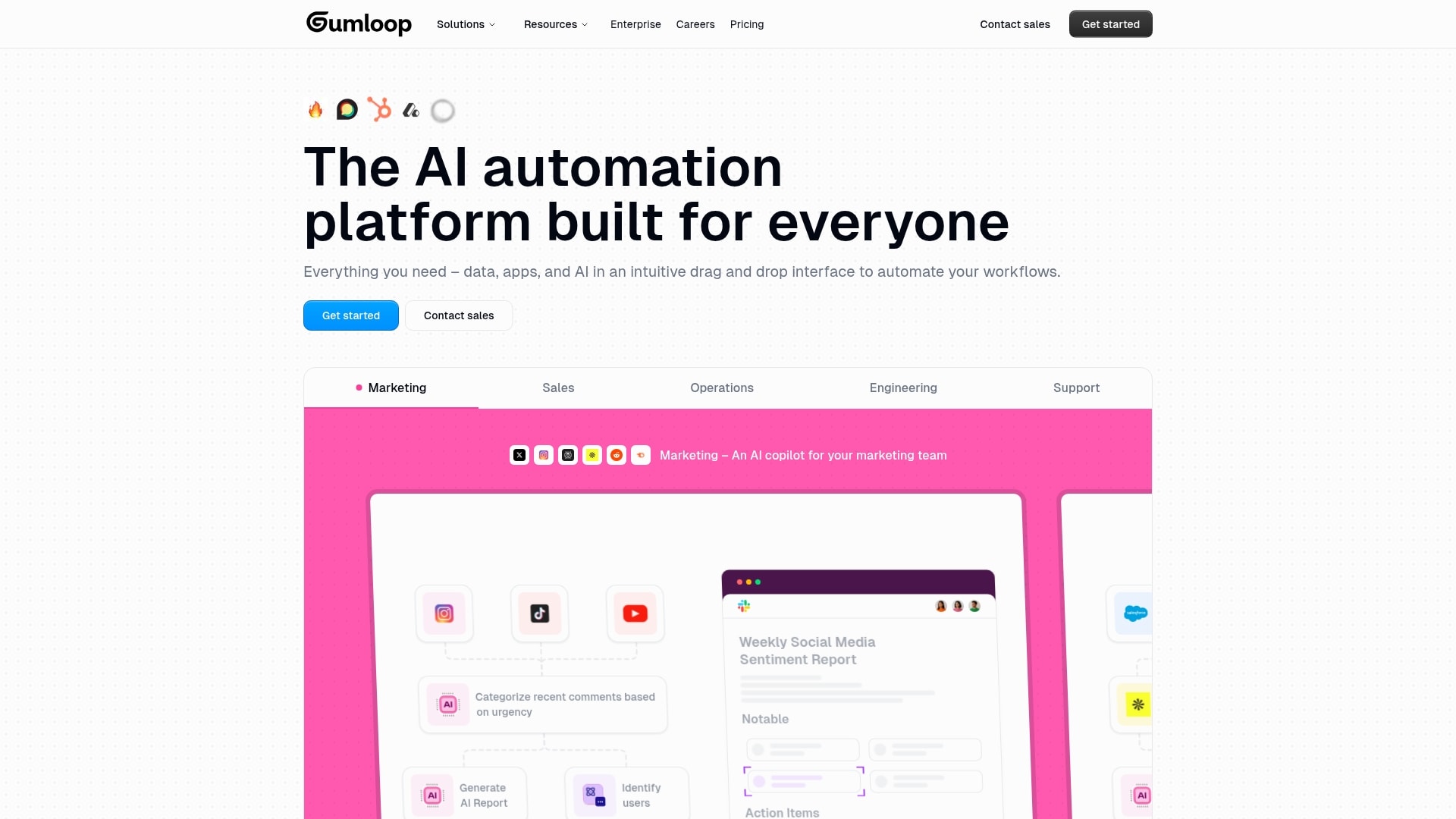 Use case: Marketing, growth, and operations teams building AI-powered automations with a visual, no-code workflow builder
Key features
- Visual workflow builder with drag-and-drop nodes: Create complex, multi-step AI processes without writing code by connecting pre-built nodes that handle everything from data extraction to decision-making, making sophisticated automation accessible to non-technical teams.
- 100+ integrations with CRMs, analytics platforms, and AI models: Connect Gumloop to your existing tool stack including Salesforce, HubSpot, Google Analytics, and leading AI models like GPT and Claude, so agents can pull data from and push actions to the systems you already use.
- AI copilot for rapid workflow prototyping: Describe what you want to automate in natural language and let Gumloop’s AI copilot generate a working workflow draft, then refine it with agent reflections that enable self-improving behavior over time.
Pricing
- Free: $0/month (5,000 credits, 1 seat, 1 active trigger, 2 concurrent runs, unlimited agents and flows)
- Pro: $37/month (20,000+ credits, unlimited seats, 5 concurrent runs, agent reflections, MCP server hosting)
- Enterprise: Custom pricing (RBAC, SCIM/SAML, admin dashboard, audit logs, VPC, custom data retention)
Considerations
- Credit-based pricing can be hard to predict for teams with variable workloads and complex automations.
- Advanced security features like RBAC, SCIM/SAML, and audit logs are locked to the Enterprise tier.
- Relatively newer platform compared to established competitors, which means a smaller community and fewer third-party resources.
3. Relay.app
Relay.app blends AI intelligence with human oversight through its human-in-the-loop functionality, letting teams add manual approval points, task assignments, and data input steps at any point in an automated workflow. This makes it especially useful for processes where full automation carries risk — contract approvals, financial transactions, and customer escalations — allowing you to automate everything around critical decision points while keeping a human in the loop for steps that require judgment, context, or accountability that AI can’t yet provide on its own.
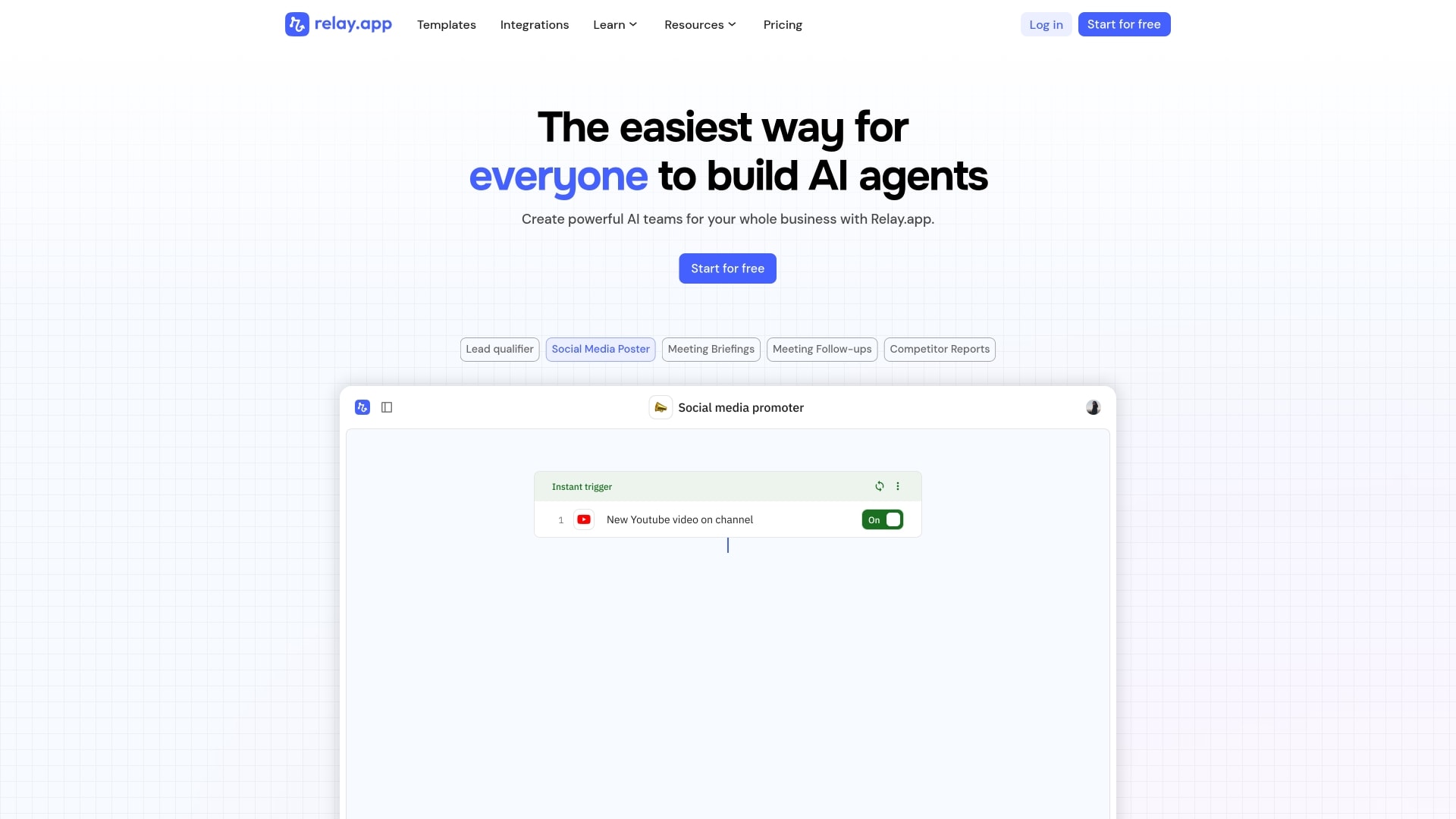 Use case: Teams that need AI-powered workflows with human approval steps for finance, operations, customer support, and other business processes
Key features
- Human-in-the-loop automation: Relay.app lets you integrate manual approval points, task assignments, and data input within automated workflows at any step, making it ideal for processes where human judgment is critical before moving forward.
- Multi-model AI access: Choose from GPT, Claude, and Gemini without managing separate API keys or billing, giving you flexibility to pick the right model for each task without vendor lock-in.
- AI builder powered by Claude models: Create workflows using natural language descriptions through an AI builder that translates your instructions into working automation, making sophisticated agent creation accessible to non-technical teams.
Pricing
- Free: $0/month (200 steps/month, 1 user, 500 AI credits/month, 2 active workflows)
- Professional: $38/month (750 steps/month, 1 user, 2,000 AI credits/month, unlimited workflows)
- Team: $118/month (1,500 steps/month, 10 users, 2,000 AI credits/month, shared workflows and connections)
- Enterprise: Custom pricing (custom usage limits, SOC 2 and GDPR compliance, priority support)
Considerations
- Step-based pricing on lower tiers (200-1,500 steps/month) can be restrictive for high-volume automation use cases.
- Smaller integration library (200+) compared to some competitors that offer thousands of connectors.
- Free plan limited to a single user and 2 active workflows, which may only suit light testing.
4. Stack AI
Stack AI provides enterprise-grade AI automation through its no-code platform, designed to turn complex workflows into intelligent agents. Founded by MIT PhDs, the platform focuses on security-first deployment with SOC 2, HIPAA, and GDPR compliance, specifically targeting enterprise document processing, financial analysis, and compliance-heavy workflows that require strict data handling and on-premise deployment options.
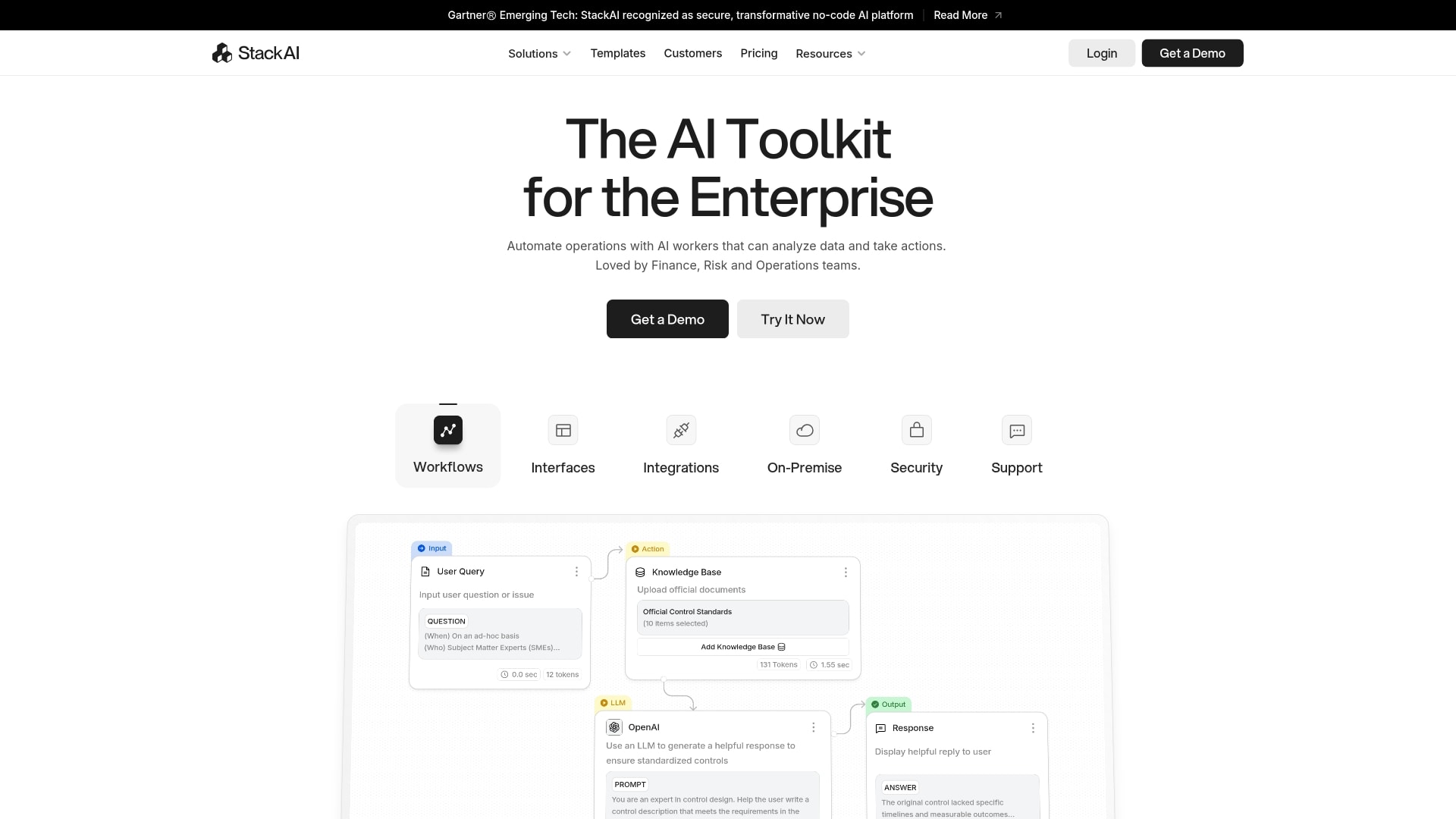 Use case: Enterprise organizations building secure AI agents for document processing, compliance, financial operations, and regulated industries
Key features
- Drag-and-drop visual workflow builder with enterprise-grade security: Create complex, multi-step AI processes without writing code while maintaining SOC 2, HIPAA, and GDPR compliance standards that meet the strictest regulatory requirements.
- On-premise and VPC deployment options: Deploy agents within your own infrastructure for organizations with strict data residency requirements, giving you complete control over where your data lives and how it’s processed.
- Multi-modal capabilities for complex document processing: Handle vision, text-to-speech, and speech-to-text processing in a single workflow, making it possible to automate sophisticated document analysis that combines multiple data types.
Pricing
- Free: $0/month (500 runs/month, 2 projects, 1 seat, community support)
- Enterprise: Custom pricing (unlimited runs, unlimited projects, custom seats, dedicated infrastructure, on-prem/VPC deployment, SSO, BAA, dedicated support)
Considerations
- No mid-tier pricing option exists. Teams jump directly from the limited free plan to enterprise-only custom pricing, which may block mid-sized organizations.
- Smaller community and integration ecosystem compared to open-source alternatives like LangChain or n8n.
- Free plan limited to 500 runs per month and 2 projects, which may not provide enough capacity to thoroughly evaluate the platform for production use cases.
5. n8n
n8n is the world’s most popular open-source workflow automation platform for technical teams, with over 194,000 GitHub stars. Companies including Meta, Mistral AI, and Microsoft use it for AI-powered workflow automation. One of n8n’s biggest differentiators is its pricing model: It charges per workflow execution rather than per step, which can mean significant cost savings for teams running complex, multi-step processes.
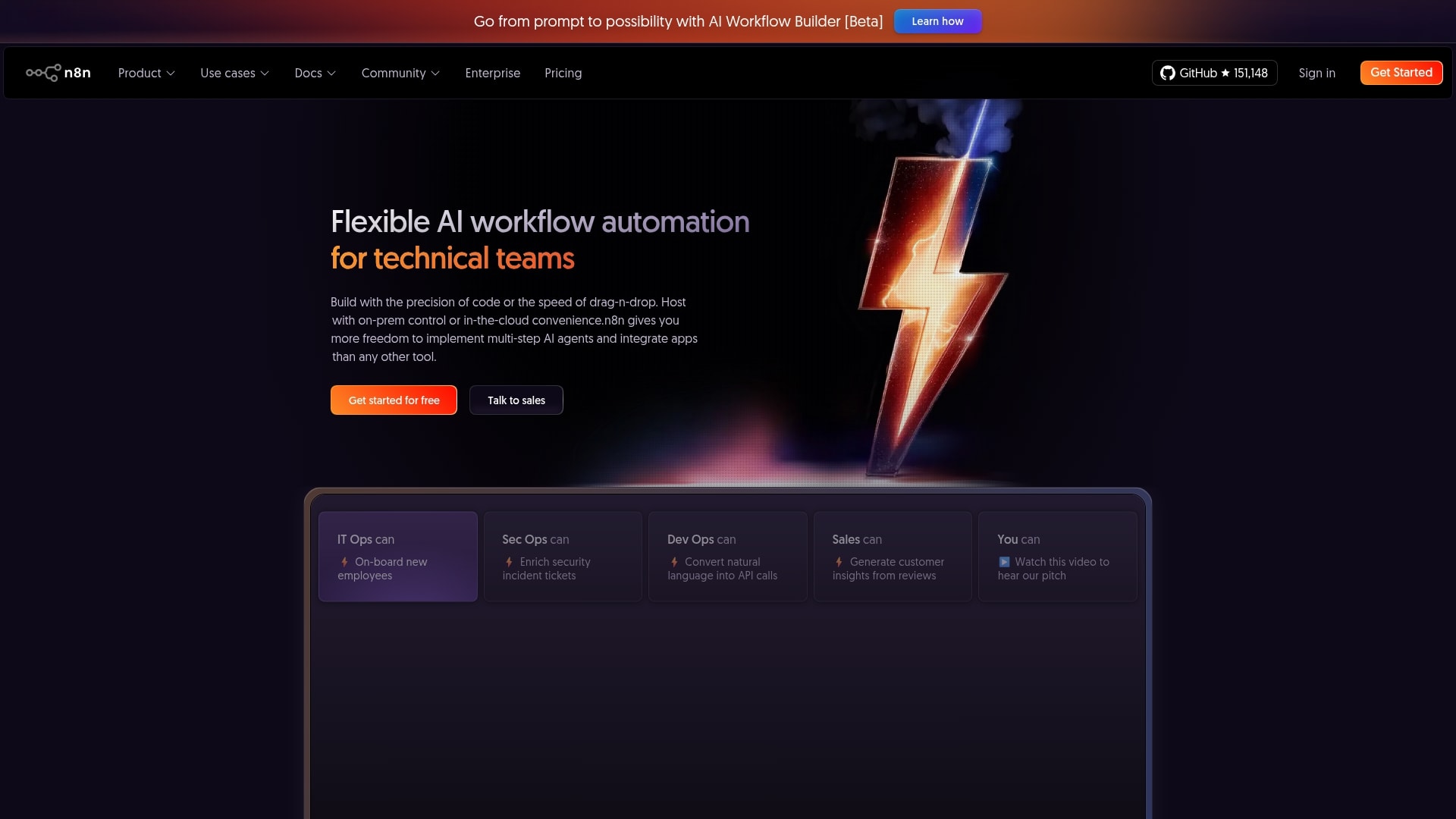 Use case: Technical teams that want to build self-hosted AI agents and workflow automations with full control over infrastructure and data
Key features
- AI Workflow Builder that creates workflows from natural language descriptions: Describe what you want to automate in plain English and n8n’s AI builder generates a working workflow draft, making sophisticated automation accessible to technical teams without starting from scratch every time.
- 400+ integrations with databases, CRMs, LLMs, and business applications: Connect agents to your existing tech stack including PostgreSQL, Salesforce, OpenAI, Slack, and hundreds of other tools so they can pull data from and push actions to the systems you already use every day.
- Self-hosting capabilities for complete data control: Deploy n8n on your own infrastructure with both cloud and community editions, giving you full control over where your data lives and how it’s processed without relying on third-party servers.
Pricing
- Community Edition: Free, self-hosted (limited features)
- Starter: $24/month (2,500 executions/month, 5 concurrent executions, 50 AI Builder credits, unlimited users)
- Pro: $60/month (10,000 executions/month, 20 concurrent executions, 150 AI Builder credits, admin roles, global variables)
- Enterprise: Custom pricing (unlimited executions, 200+ concurrent executions, SSO/SAML/LDAP, dedicated support with SLA)
Considerations
- Steeper learning curve compared to no-code alternatives, especially for non-technical users who aren’t comfortable with development concepts.
- AI Workflow Builder credits are limited on lower tiers (50 on Starter, 150 on Pro) and currently exclusive to cloud plans.
- Self-hosting requires infrastructure management and maintenance overhead, which can add operational complexity for teams without dedicated DevOps resources.
6. Relevance AI
Relevance AI is an enterprise AI workforce platform that enables companies to build, deploy, and manage AI agents at scale, serving major enterprises including Canva, KPMG, Databricks, and Autodesk. What sets it apart is its calling and meeting agent capabilities — while most agent builders focus on text-based interactions, Relevance AI lets you create agents that handle voice-based conversations, make phone calls, participate in meetings, and follow up with stakeholders verbally, positioning agents as virtual team members with specific roles rather than just automation tools.
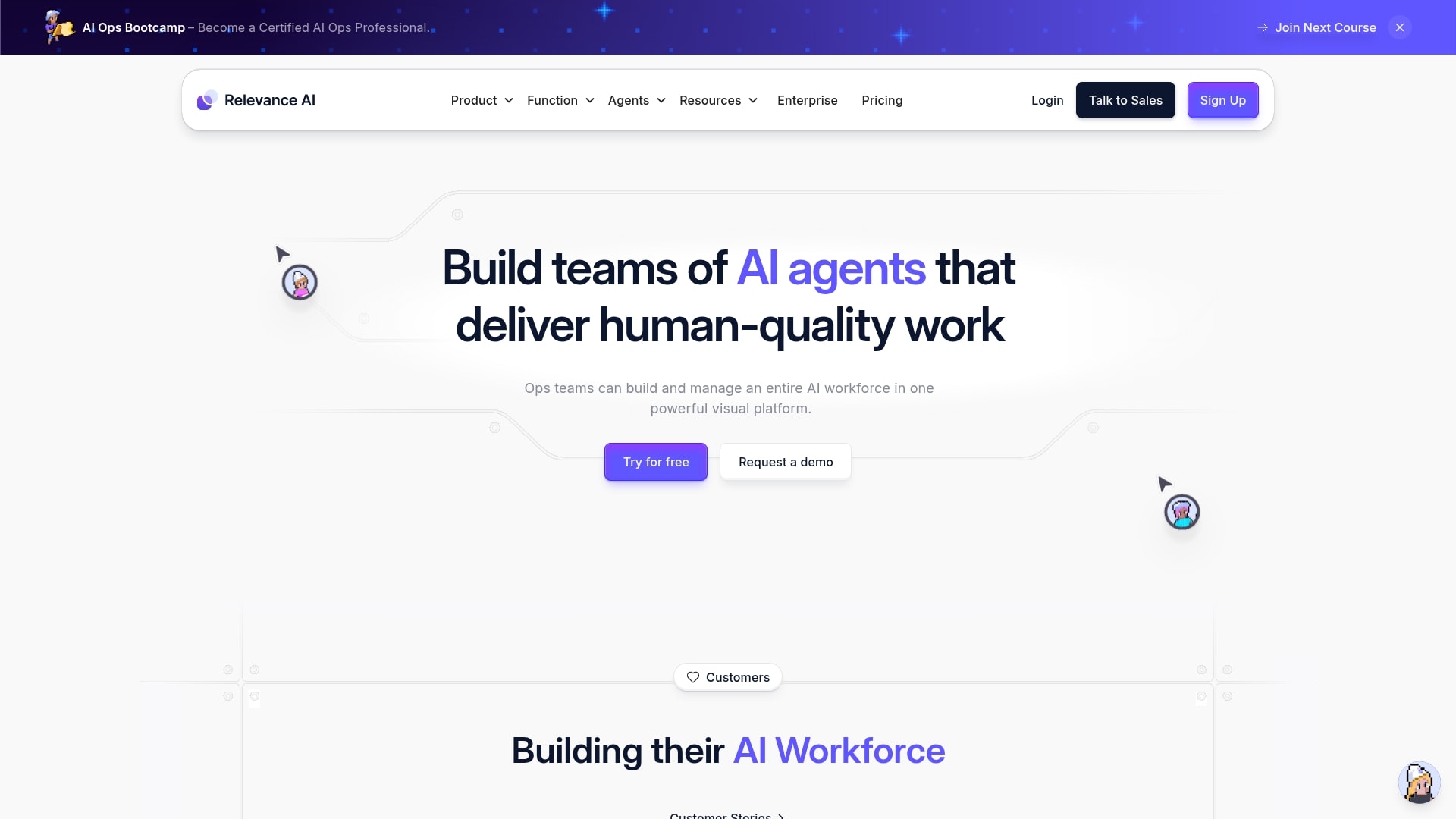 Use case: Large organizations deploying AI workforces with voice, meeting, sales, and customer success agents
Key features
- Calling and meeting agents for voice-based AI interactions: Relevance AI lets you create agents that handle phone calls, participate in meetings, and follow up with stakeholders verbally, positioning agents as virtual team members rather than just text-based automation tools.
- Multi-agent workforce builder with visual workflow design: Build complex, coordinated workflows where multiple specialized agents work together across teams, each handling distinct roles within larger business processes.
- 2,000+ integrations for connecting to existing tools: Connect agents to your current tech stack including HubSpot, Salesforce, Slack, and ZoomInfo so they can pull data from and push actions to the systems you already use every day.
Pricing
- Enterprise: Custom pricing only (includes custom actions, vendor credits, unlimited agents/tools/users, 2,000+ integrations, calling and meeting agents, SSO/RBAC/audit logs, dedicated account manager)
- Free version: No free or self-serve tier is currently available. Contact sales for pricing details.
Considerations
- Enterprise-only pricing model with no free tier or self-serve option. This rules it out for small teams, freelancers, or anyone who wants to test before committing to a sales conversation.
- Limited public documentation on agent building capabilities compared to open-source alternatives.
- Voice-based agent features require additional setup and testing to ensure call quality, transcription accuracy, and natural conversation flow meet your standards.
7. CrewAI
CrewAI re-envisions complex automation as collaborative teamwork by orchestrating specialized AI agents that work together like a well-coordinated crew. The platform excels at role-based agent specialization, making it a strong option for organizations that need multiple AI agents to tackle intricate, multi-step workflows where each agent has a distinct role, goal, and area of expertise. The platform combines an open-source Python framework with a commercial cloud platform that includes a visual Studio editor, deployment infrastructure, and enterprise features like dedicated VPC, SSO, and role-based access control.
 Use case: Organizations building collaborative multi-agent systems for research, analysis, and complex business workflows
Key features
- Role-based agent specialization with autonomous delegation: CrewAI lets you define agents with specific roles, goals, and backstories that guide their behavior, then enables those agents to delegate tasks to each other and collaborate on complex issues without human intervention, creating a true multi-agent workforce.
- Visual Studio editor with AI copilot for no-code workflow building: Build sophisticated agent workflows without writing code using CrewAI’s visual editor and AI copilot, which translates your natural language descriptions into working multi-agent systems that you can refine and deploy quickly.
- Built-in observability with performance tracking and hallucination detection: Monitor agent behavior with detailed tracing, OpenTelemetry support, performance metrics, and hallucination scores that help you identify when agents produce unreliable outputs, giving you the visibility needed to maintain quality at scale.
Pricing
- Free: $0/month (50 workflow executions/month, visual editor, AI copilot, GitHub integration, community support)
- Enterprise: Custom pricing (unlimited executions, dedicated VPC, enterprise connectors, SSO with Entra and Okta, RBAC, dedicated support and training)
Considerations
- Free tier limited to only 50 executions per month, and no mid-tier paid plan exists. Teams either use the constrained free plan or commit to enterprise pricing.
- Learning curve can be steep for users new to multi-agent systems, especially when debugging complex agent interactions and delegation chains.
- Smaller community and ecosystem compared to more established frameworks like LangChain, which means fewer tutorials, templates, and third-party resources for troubleshooting.
8. LangChain
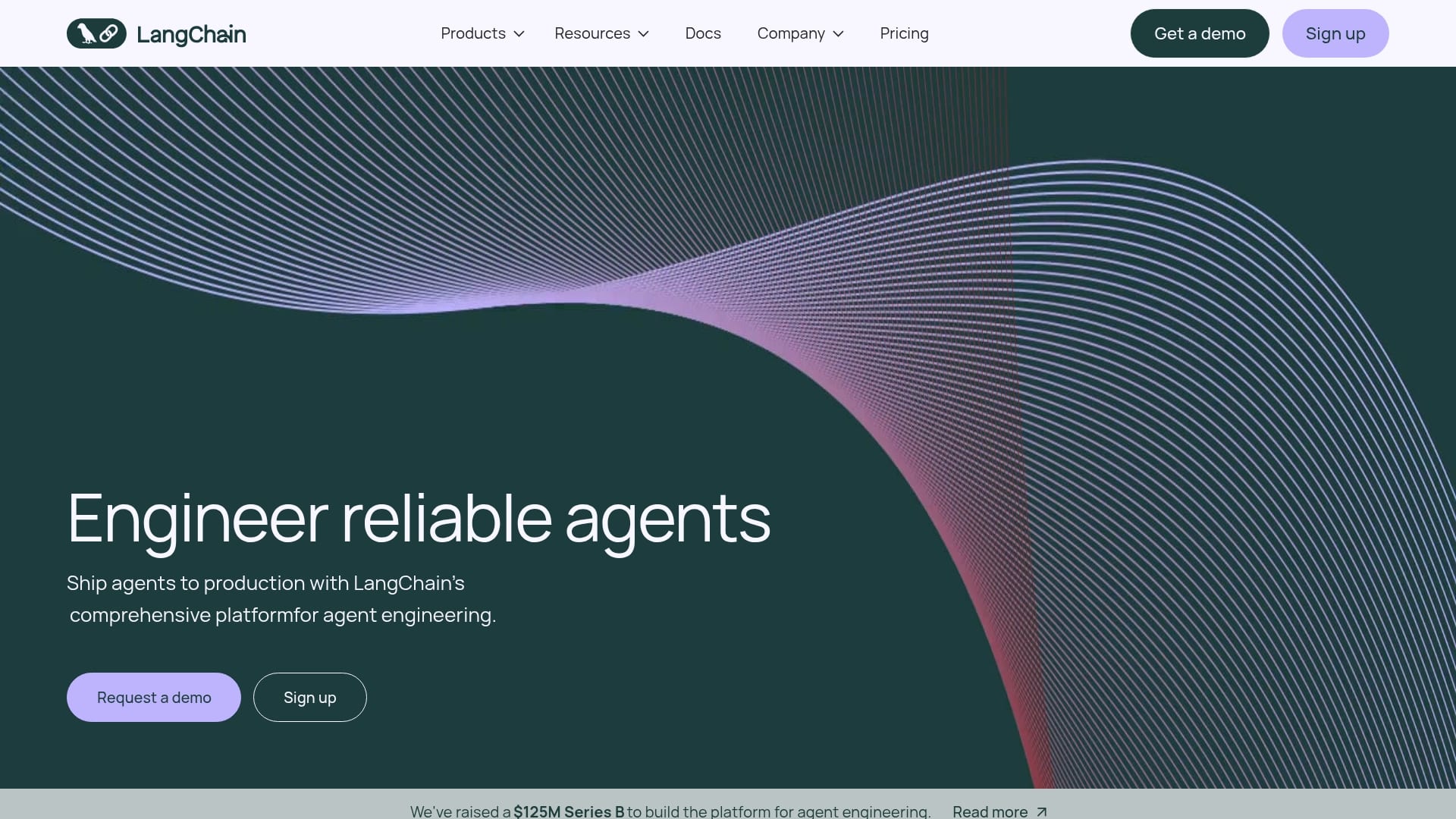
As a comprehensive open-source framework, LangChain takes a layered approach to AI agent building. The open-source framework and LangGraph provide the programming foundation for building stateful, multi-step agents. LangSmith adds commercial tooling for production use including monitoring, automated failure detection, and no-code agent creation through its Fleet feature. This combination of open-source flexibility and commercial reliability makes it the most comprehensive developer-oriented agent platform available.
 Use case: Developers building custom, production-ready AI agents and LLM applications with maximum flexibility
Key features
- LangGraph architecture for stateful, multi-step agents: Build complex agents as graphs where nodes represent workflow steps and edges define transitions, giving you precise control over how agents move through decision trees and handle state across multi-turn interactions.
- LangSmith observability with detailed tracing and evaluation: Debug and monitor agent performance in production with comprehensive tracing that shows exactly what your agents are doing at each step, plus evaluation capabilities that help you measure quality and catch issues before they affect users.
- Fleet for no-code agent creation with 1-click deployment: Create agents using natural language descriptions without writing code, then deploy them instantly using pre-built templates that handle common use cases like document analysis, customer support, and data extraction.
Pricing
- Developer: $0/seat/month (5,000 base traces/month, 1 seat, 1 Fleet agent, 50 Fleet runs/month, community support)
- Plus: $39/seat/month (10,000 base traces/month, unlimited seats, unlimited Fleet agents, 500 Fleet runs/month, 1 free dev deployment, email support)
- Enterprise: Custom pricing (self-hosted/hybrid deployment, custom SSO and RBAC, support SLA, team training, architectural guidance)
Considerations
- Steep learning curve requires strong Python development skills and AI framework knowledge to get meaningful results.
- Pricing complexity with multiple metered dimensions (traces, deployment runs, uptime, engine LCUs, sandbox compute) makes budgeting difficult for teams new to the platform.
- Open-source framework means you’re responsible for hosting, scaling, and maintaining infrastructure, which adds operational overhead compared to fully managed platforms.
9. AutoGen
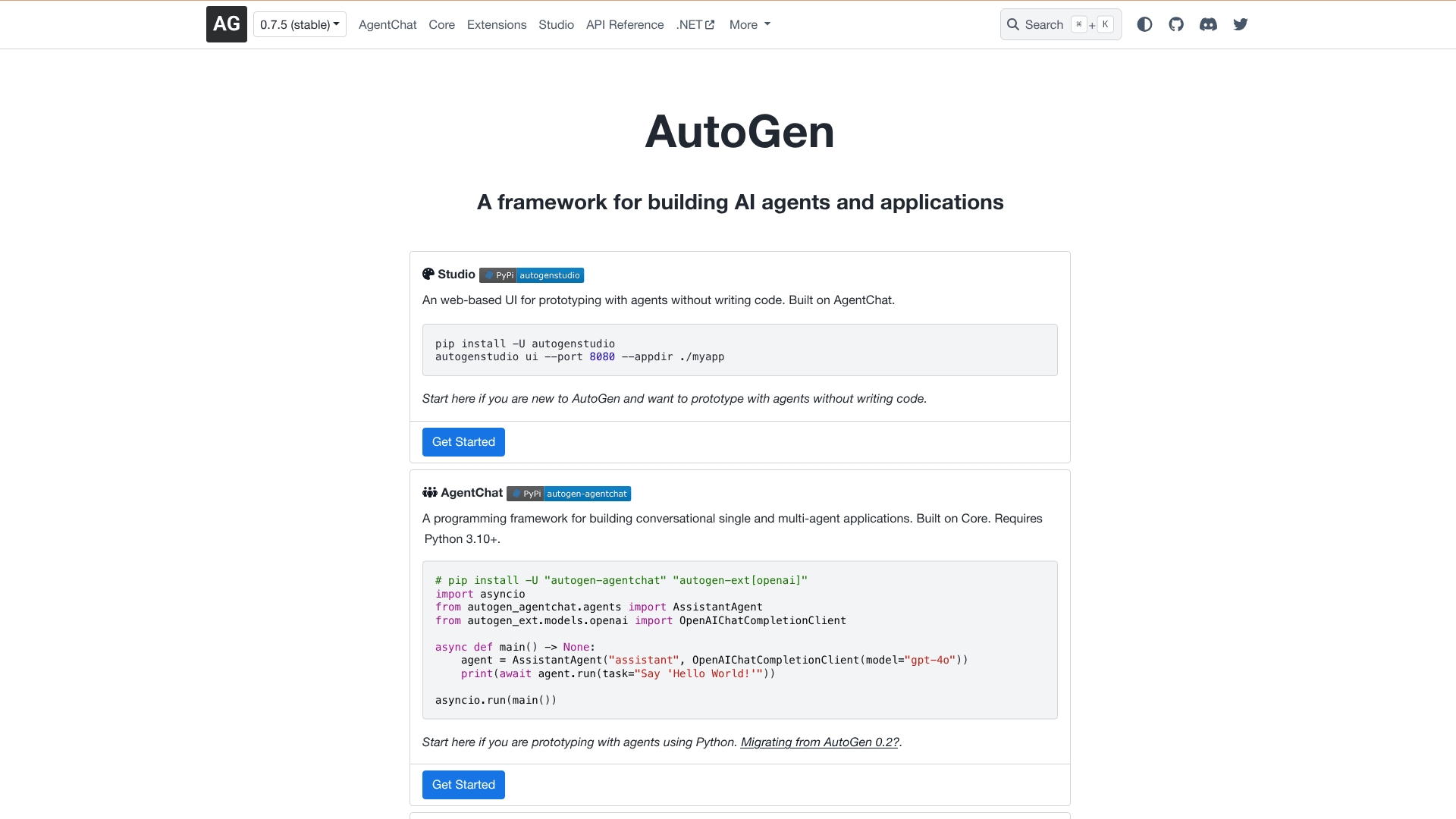
Backed by Microsoft Research, AutoGen is an open-source framework for building multi-agent AI systems that collaborate through structured conversations, making it well-suited for developers and researchers who need sophisticated automation workflows. Its event-driven architecture sets it apart from traditional single-agent or rigid workflow builders. AutoGen provides multiple entry points depending on your skill level: AutoGen Studio offers a web-based UI for prototyping agents without code, AgentChat provides a Python framework for building conversational single and multi-agent applications, and Core delivers an event-driven architecture for production-scale distributed systems that can span multiple servers and programming languages.
 Use case: Developers and researchers building conversational multi-agent systems that collaborate to solve complex tasks
Key features
- Multi-agent conversation framework where agents collaborate autonomously: AutoGen lets you create teams of specialized AI agents that work together through structured dialogue, delegating tasks to each other and solving complex problems without human intervention at every step.
- Event-driven Core architecture for scalable, distributed systems: Build production-grade multi-agent systems that run across multiple servers using AutoGen’s Core architecture, giving you the infrastructure to scale from prototype to enterprise deployment without rebuilding your agent logic.
- AutoGen Studio for visual, low-code agent building: Prototype and test agent workflows quickly using AutoGen Studio’s visual interface, which lets non-technical team members experiment with multi-agent systems before committing to full development.
Pricing
- Open source: Completely free under the MIT license with no usage limits. Users pay only for their own LLM API usage (OpenAI, Anthropic, etc.) and hosting infrastructure.
Considerations
- No managed cloud service available. Users must host and manage their own infrastructure, which adds operational overhead.
- High operational costs from multiple LLM API calls during agent conversations. Multi-agent discussions can quickly consume API credits and exceed rate limits.
- No enterprise support, SLAs, or professional services. Support is community-driven through GitHub and Discord.
10. Gemini Enterprise Agent Platform
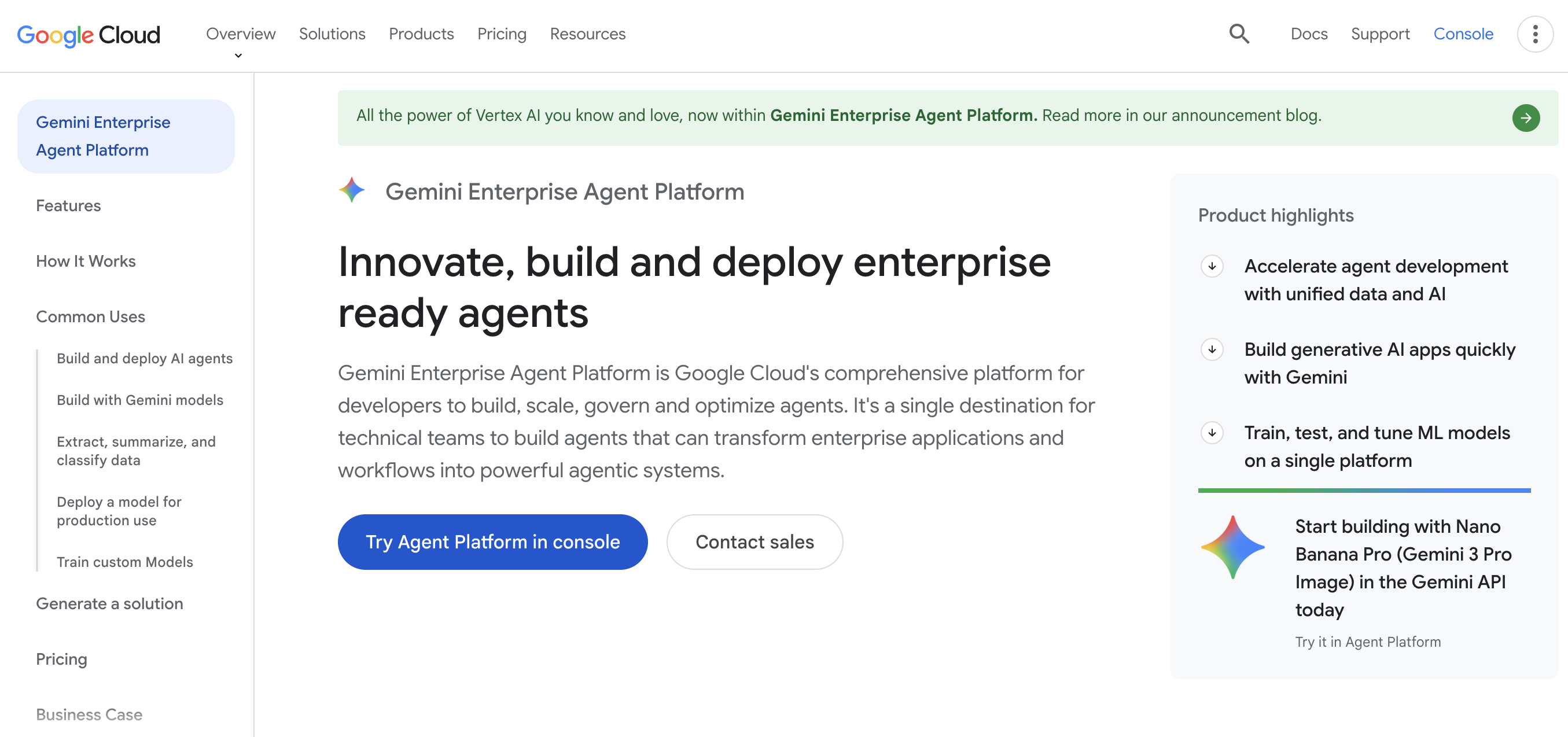
Google’s Gemini Enterprise Agent Platform (formerly Vertex AI Agent Builder) provides enterprise-grade AI agent development with deep integration across the Google Cloud ecosystem, offering access to 200+ AI models including Gemini, Claude, and Gemma. Named a Leader in the Gartner Magic Quadrant for AI Application Development Platforms, it covers the full AI lifecycle from model training to agent deployment, with native connections to BigQuery, Cloud Storage, and Compute Engine that make it a natural extension for organizations already invested in Google Cloud infrastructure.
 Use case: Organizations already using Google Cloud that want enterprise AI agents tightly integrated with Google’s AI ecosystem
Key features
- Agent Development Kit (ADK) for rapid Python-based agent creation: Build production-ready agents in under 100 lines of Python code with native support for popular frameworks like LangChain and LangGraph, giving developers a fast path from prototype to deployment without starting from scratch.
- 200+ AI models through Model Garden with multi-provider flexibility: Access Google’s latest Gemini models alongside third-party providers like Claude and Gemma through a single interface, so you can choose the right model for each task without managing separate API keys or vendor relationships.
- 100+ pre-built enterprise connectors for seamless system integration: Connect agents directly to ERP, procurement, HR platforms, and other enterprise systems using pre-built connectors that eliminate custom integration work and let agents operate across your existing tool stack from day one.
Pricing
- Pay-as-you-go: Usage-based pricing across multiple dimensions (text/chat generation starting at $0.0001 per 1,000 characters, image generation, pipeline runs, custom model training).
- New customer credit: $300 in free credits to try the platform along with 20+ free products.
- Compute and storage: Billed at standard Google Cloud rates. Custom model training requires contacting sales for pricing details.
Considerations
- Deep Google Cloud integration can limit flexibility for organizations running multi-cloud strategies or using AWS or Azure.
- Complex, consumption-based pricing structure with multiple metered dimensions makes budget planning difficult for teams new to the platform.
- Steeper learning curve for teams without prior Google Cloud experience, especially when navigating Vertex AI’s extensive feature set and configuration options.
11. Microsoft Copilot Studio
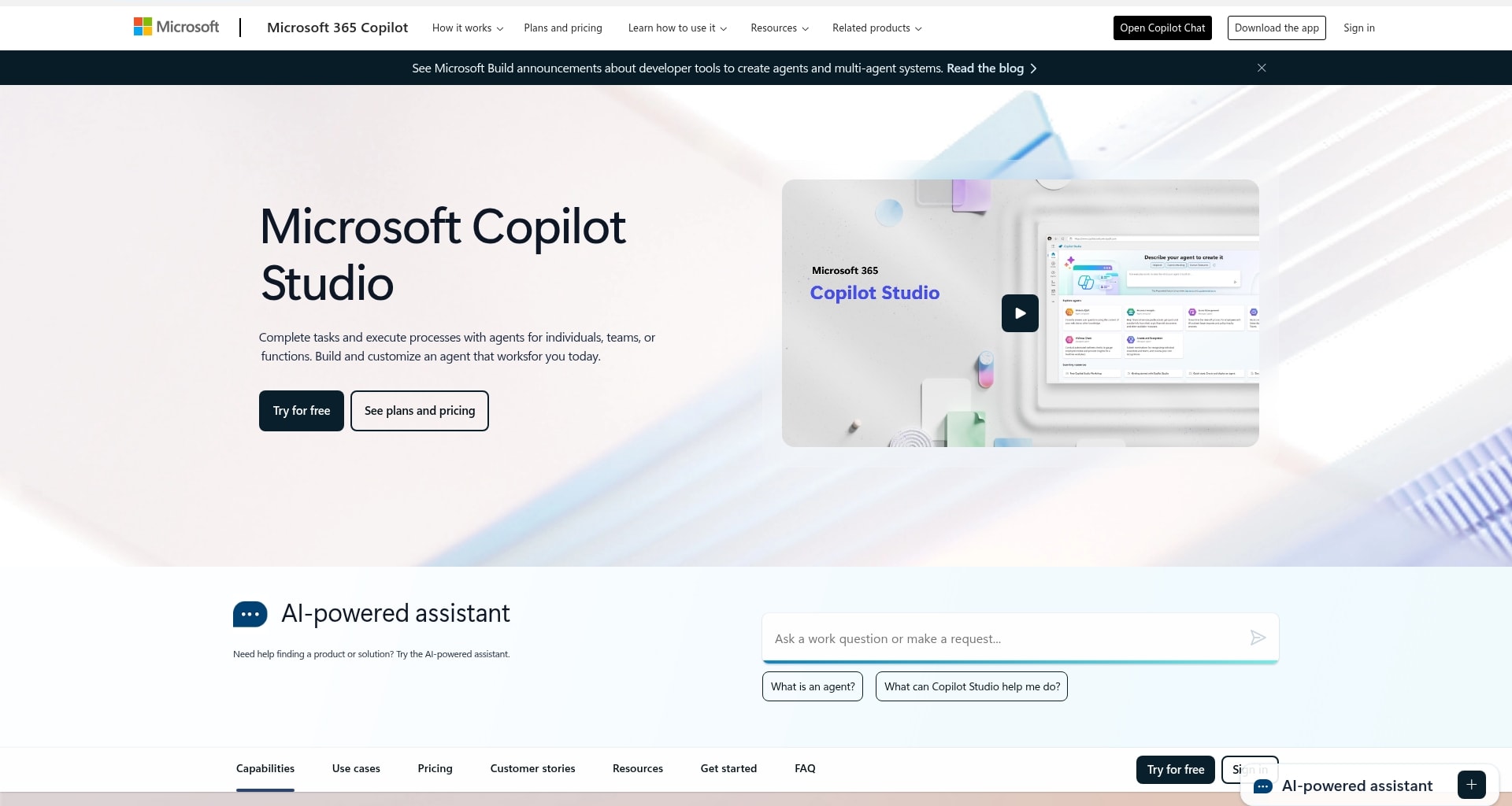
Microsoft Copilot Studio provides an end-to-end conversational AI platform for building and managing intelligent agents that combine generative AI with deep Microsoft 365 integration for organizations that want AI agents working natively inside Teams, SharePoint, Outlook, and Dynamics 365. Recent updates added multi-model support with GPT-5 and Claude, expanded the connector library to 1,400+ external connectors with MCP server support, and introduced a Work IQ intelligence layer that gives agents access to organizational knowledge and context, which means agents can answer questions about company policies, project history, and team structures without requiring separate knowledge base setup.
 Use case: Microsoft 365 organizations building AI agents for Teams, Outlook, SharePoint, and Dynamics workflows
Key features
- Native Microsoft 365 integration for seamless deployment: Deploy agents directly within Teams, SharePoint, and Outlook where your team already works, eliminating the need to adopt a separate tool or train users on a new interface for AI-powered automation.
- Work IQ intelligence layer that grounds agents in organizational context: Give agents access to company knowledge, project history, and team structures automatically through Work IQ, so they can answer questions about policies and processes without requiring separate knowledge base setup or manual data entry.
- Multi-agent orchestration for complex business processes: Build collaborative AI systems where specialized agents work together on multi-step workflows, each handling distinct roles within larger processes that span departments and require coordination across multiple tasks.
Pricing
- Via Microsoft 365 Copilot: $30/user/month (includes Copilot Studio access for internal agents within M365)
- Pre-purchase plan: 25,000 Copilot Credits at $200/pack/month (up to 20% discount with upfront commitment)
- Pay-as-you-go: Usage-based billing via Azure subscription (no upfront commitment)
Considerations
- Pricing uses an opaque Copilot Credit system where credit consumption varies by action type, making accurate budgeting difficult.
- Strongest value proposition is tied to existing Microsoft 365 investment. Organizations outside the Microsoft ecosystem may get less value from the platform’s native integrations.
- Agent customization options are more limited compared to open-source alternatives, which can restrict flexibility for teams that need highly specialized agent behaviors or custom integrations beyond the pre-built connector library.
12. Voiceflow
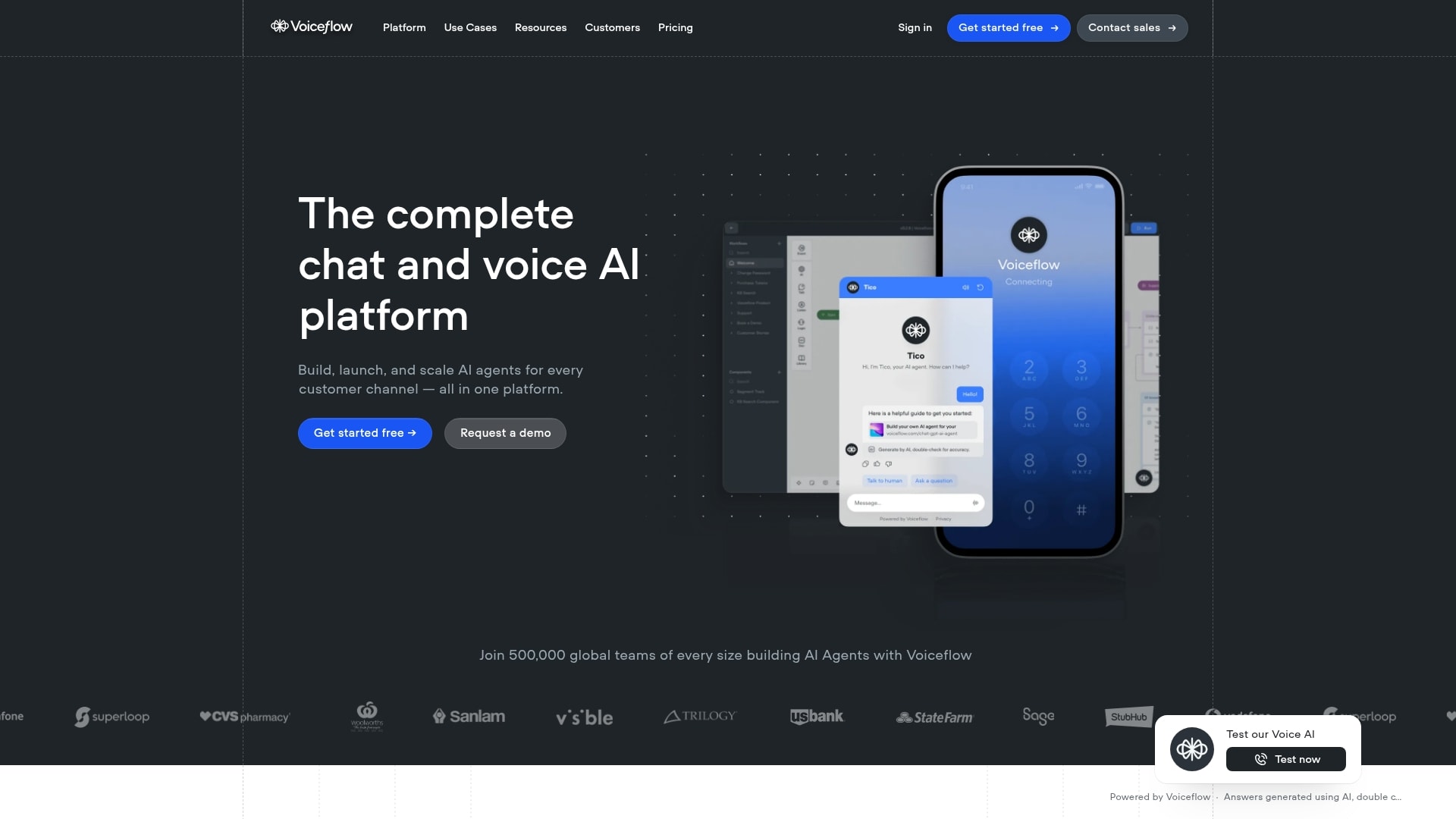
Voiceflow is a conversational AI platform designed for building, deploying, and managing AI agents focused on customer experience. The platform supports both voice and chat agent deployment across multiple channels. Voiceflow combines agentic AI playbooks with deterministic scripted workflows, giving teams granular control over agent behavior while still enabling flexible AI-driven responses. The platform serves 2 primary audiences: agencies and partners who build agents for clients, and businesses that deploy agents across their customer channels. This dual focus creates a partner ecosystem that drives adoption across industries.
 Use case: Teams building customer-facing AI agents for support, sales, voice assistants, and chat experiences
Key features
- Visual drag-and-drop builder for designing complex conversation flows: Create sophisticated customer interactions without writing code by combining deterministic scripted steps with flexible AI-driven responses, giving you precise control over agent behavior while still enabling natural conversations that adapt to user needs.
- Multi-channel deployment across web, mobile, IVR, and in-app assistants: Build once and deploy your conversational agents everywhere your customers are, from website chat widgets to phone-based IVR systems to in-app co-pilots, so you maintain consistent experiences across every touchpoint without rebuilding agents for each channel.
- Production pipeline with full observability and LLM-powered evaluations: Move agents from development to production safely using separate dev/staging/production environments, then monitor performance in real-time with detailed tracing and AI-powered quality evaluations that help you catch issues before they affect customers.
Pricing
- Agencies and partners: Free trial available, usage-based billing, multi-client workspace management, white-labeling
- Businesses: Custom pricing (contact sales), includes implementation support, multi-channel deployment, real-time observability, team roles and permissions
- Voiceflow: Uses transparent, usage-based billing rather than fixed monthly tiers. Contact sales for specific per-unit pricing details.
Considerations
- Specialized for customer-facing conversational agents, making it less suited for internal workflow automation or general-purpose agent building. If you need agents that update databases, route tickets, or manage projects, this isn’t the right fit.
- No publicly listed pricing tiers means you need to contact sales before you can evaluate cost. This adds friction to the evaluation process for teams comparing multiple platforms.
- Steeper learning curve for non-technical users compared to simpler chatbot builders, especially when designing complex conversation flows with branching logic.
Must-have features in an AI agent builder
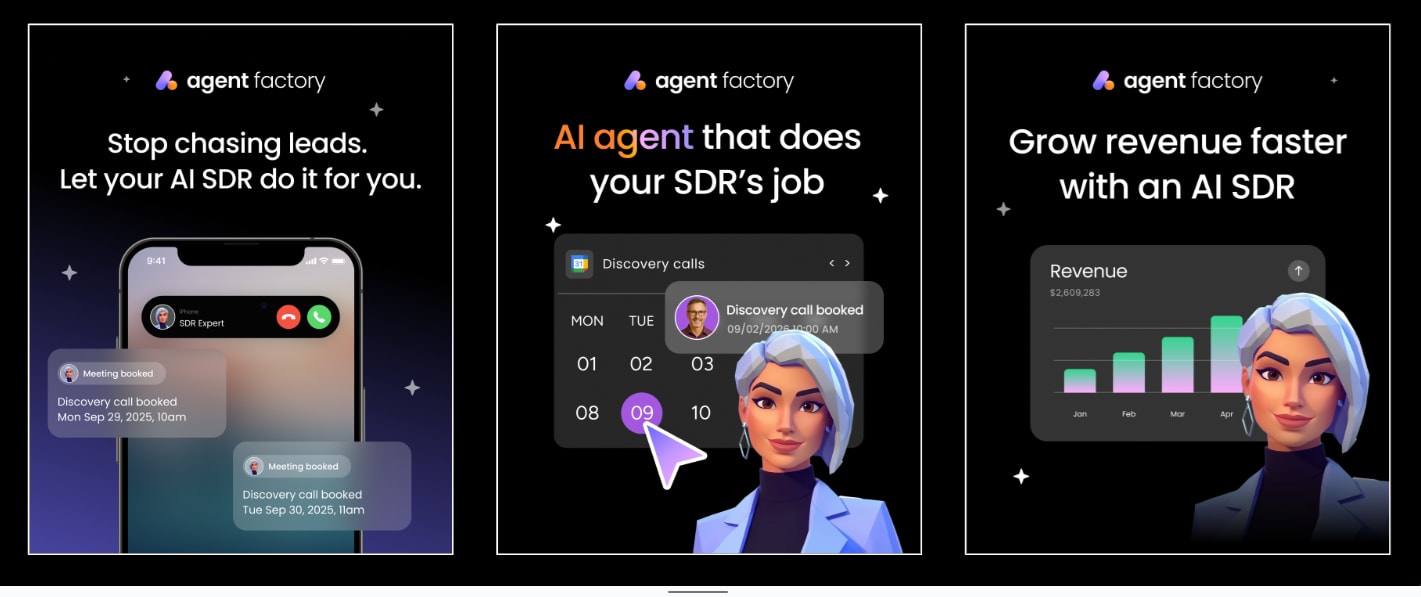
Choosing an AI agent builder isn’t just about ticking boxes on a feature list. It’s about finding a platform that can actually lighten your load. The right builder feels like hiring a dependable team you can trust, while the wrong one just adds more work to your plate.
The best platforms make your AI agents feel like capable co-workers: reliable, adaptable, and easy to direct. They understand context, remember your preferences, and know when to take initiative. Below are the core features that separate standout builders from forgettable ones.
Memory and context awareness
Effective agents should recall past conversations and learn your preferences so you never have to repeat the same instructions twice. Look for platforms where agents retain context across interactions and improve over time.
This kind of memory transforms agents from passive tools into teammates who anticipate what needs to happen next. For example, an agent that remembers your weekly reporting format can generate updated reports every Friday without you re-explaining the structure. An agent that recalls which stakeholders need to approve certain request types can automatically route work to the right people.
Multi-step execution
Great agents can manage a process from start to finish. They kick off tasks, follow up, gather data, and deliver results rather than just sending reminders. The most valuable agent builders support complex, multi-step workflows where agents coordinate across tools and people to complete entire processes autonomously.
Consider the difference between an agent that sends you a reminder to follow up with a lead versus one that drafts the follow-up email, pulls the latest engagement data from your CRM, personalizes the message, and schedules the send at the optimal time. Multi-step execution is what separates useful automation from true agentic behavior.
Tool connectivity and integrations
If your AI agents can’t connect to your email, calendar, or project software, their utility is severely limited. The real power is unlocked when agents operate inside and between the applications you already use every day.
Seek out platforms that offer pre-built connectors for common apps, along with the flexibility to integrate with any unique systems your team uses. Look for platforms that support MCP (Model Context Protocol) as well, which lets external AI tools connect securely to your work data. Your AI team should fit into your existing world, not force you to rebuild processes around a new tool.
Learn more: AI agent orchestration
Natural language control
The most powerful AI is useless if you can’t direct it in plain English. A great builder lets you create a new AI helper just by describing its job. When your marketing lead can build an agent to track campaign results without involving IT, you’ve found the right platform.
The best natural language interfaces go beyond simple prompt-and-response. They let you describe the agent’s role, set boundaries for what it should and shouldn’t do, connect data sources through conversation, and refine behavior over time through feedback rather than configuration changes.
Security and compliance
Enterprise teams need agents that meet regulatory standards. Look for SOC 2 Type II, ISO 27001, GDPR, and HIPAA compliance as baseline requirements. The best platforms also offer granular permissions, audit trails, and human-in-the-loop controls so you can scale AI adoption without compromising data governance.
Beyond certifications, look for practical governance features: role-based access control that determines who can create and modify agents, guardrails that prevent agents from taking unauthorized actions, and audit logs that track everything an agent does. These controls become critical as you move from experimenting with 1 or 2 agents to deploying them across departments.
Multi-model support
AI agent builders that support multiple large language models give you more flexibility. You can choose the right model for each task, avoid vendor lock-in, and take advantage of new models as they become available. This matters because different models excel at different types of reasoning and output quality.
A platform that supports GPT, Claude, Gemini, and open models lets you pick the fastest option for simple tasks and the most capable option for complex reasoning. It also protects you from disruptions if one model provider changes pricing, policies, or availability.
Scalability
Your first agent might handle a single task for one team member. Within months, you could have dozens of agents running across departments, handling everything from lead scoring to project risk analysis. The right platform should scale smoothly from a personal productivity tool to an organization-wide AI workforce without requiring a complete rebuild as your needs grow.
Evaluate how each platform handles growing usage: can you add more agents without rebuilding your setup? Do pricing models stay predictable as usage increases? Can you organize agents by department, team, or function? Scalability isn’t just about handling more volume. It’s about maintaining control and visibility as your AI agent team grows.
Learn more: AI collaboration software
How to choose the right AI agent builder
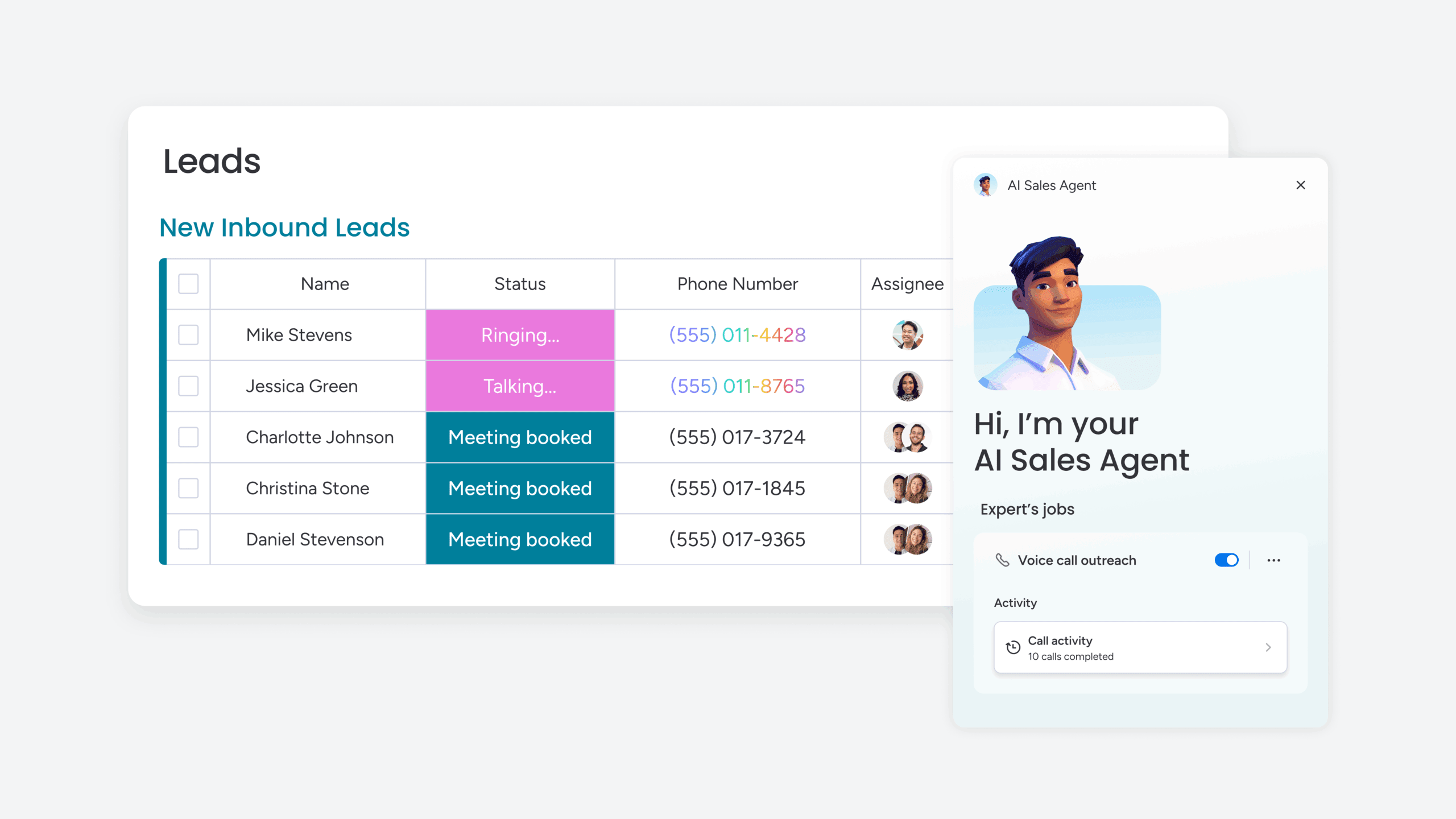
Picking the right AI agent builder means matching your team’s technical skills, existing tools, and automation needs with a platform built for those specific workflows. The wrong choice creates friction through poor integrations, constant developer dependencies, or unpredictable costs. The right choice removes obstacles and keeps your team focused on high-value work. Here’s how to choose:
1. Identify the repetitive tasks you want to automate
Start by listing the small, nagging jobs that slow your team down. Is it routing support tickets, chasing project updates, qualifying leads, or compiling weekly reports? The clearer you are about what needs to happen, the easier it is to choose a platform that handles those specific workflows.
Map out the full process for each task, including which tools are involved and who currently does the work. This gives you a concrete scope for your first agent projects. Prioritize tasks that happen frequently, follow predictable patterns, and consume meaningful time when done manually. These are the best candidates for your first agents.
2. Match your technical skill level to the platform type
No-code platforms like monday AI Workspace, Gumloop, and Relay.app let business teams build agents with natural language and visual tools. You describe the task, and the platform handles the rest. Code-first frameworks like LangChain, AutoGen, and CrewAI give developers deep customization and control over every aspect of agent behavior, but they require Python skills and infrastructure management.
Choose based on who will actually be building and maintaining the agents. If your marketing team needs to create their own agents without waiting on engineering, a no-code platform is the right fit. If your engineering team wants to build custom agent architectures, a code-first framework gives them the flexibility they need.
3. Evaluate integrations with your existing stack
Your agents are only as useful as the tools they connect to. Before choosing a platform, check whether it integrates natively with your CRM, project management software, communication tools, and data sources. Platforms with 200+ integrations or MCP support typically cover most team needs without custom development.
Pay special attention to the depth of integrations, not just the count. A platform that connects to Salesforce but only syncs contact names isn’t as useful as one that can read pipeline data, update deal stages, and trigger workflows based on CRM events. Check whether the platform supports bidirectional data flow, real-time triggers, and the ability to create custom actions within your integrated tools.
4. Assess security and compliance needs
If your organization handles sensitive data or operates in a regulated industry, security isn’t optional. Look for platforms with SOC 2 Type II, ISO 27001, GDPR, or HIPAA compliance as baseline requirements. Enterprise-grade governance features like role-based access control, audit trails, and guardrails for maintaining security and reliability are important for scaling AI adoption safely across an organization.
Also consider data residency requirements. If your data can’t leave specific geographic regions, look for platforms that offer on-premise or VPC deployment options. Platforms like Stack AI and n8n (self-hosted) support these requirements, while cloud-only platforms may not work for organizations with strict geographic data restrictions.
5. Consider the pricing model and scalability
AI agent builder pricing varies widely, and the model you choose affects your costs as you scale. Common pricing models include:
- Per execution: Platforms like n8n charge each time a workflow runs
- Per seat: Platforms like monday AI Workspace charge per team member
- Per step: Platforms like Relay.app charge for each action in a workflow
- Per credit: Platforms like Gumloop use credit-based consumption
Free tiers are great for testing, but evaluate what happens as your usage grows and you add more agents and workflows.
- Execution-based pricing can be cost-effective for complex workflows where a single execution covers dozens of steps.
- Seat-based pricing is more predictable for growing teams because costs scale linearly with headcount.
- Credit-based pricing requires careful monitoring to avoid unexpected costs, especially when agents run frequently or process large volumes of data.
Choose the model that aligns with how your team will actually use the platform, and always calculate what your estimated monthly cost would be at realistic usage levels before committing to a paid plan.
6. Test with a free tier before committing
Product development best practice applies here: start small, test, and iterate. Most platforms offer free plans or trials that give you enough capacity to evaluate the experience. Build 1 or 2 agents, connect them to your tools, run them for a week, and evaluate whether the platform makes your team faster or adds friction.
If you’re new to the category, the guide on how to build AI agents for beginners is a good starting point for understanding the fundamentals before you commit to a platform. The best way to evaluate any AI agent builder is to use it on a real problem your team faces today, not a hypothetical scenario.
Why teams choose monday AI Workspace for AI agents
Most AI agent builders force you to adopt a separate tool and figure out integrations later. monday AI Workspace is different: AI agents work directly inside the platform where your team already manages projects, runs campaigns, closes deals, and handles support tickets. No separate tool to learn, no complex integration to build, and no data silos to bridge.
Key capabilities that set monday AI Workspace apart:
- Agents with full cross-department context: Sales agents see pipeline data, marketing campaign results, and customer support history in one place for smarter lead scoring. Operations agents monitor project health across teams and flag risks before they escalate. Marketing agents track campaign performance and suggest next steps without pulling data from multiple tools.
- No-code Agent Builder for any team: Describe what you need the agent to do, connect your knowledge sources and tools, and test the results. No engineering resources required to build, deploy, or maintain agents. The people closest to the work can build the agents that solve their own problems.
- 200+ native integrations plus MCP support: Connect to Slack, Gmail, Google Calendar, Teams, Jira, Salesforce, WhatsApp, and any MCP-compatible AI tool like Claude, ChatGPT, and Cursor through the Model Context Protocol.
- Agentic workflows with AI decision-making: Visual workflow builder with 200+ no-code automation recipes that incorporate AI reasoning at each step, moving work across tools and teams with less manual coordination.
- Enterprise-grade security and compliance: SOC 2 Type II, ISO 27001, GDPR, and HIPAA compliance come standard. Guardrails, permissions, and human-in-the-loop controls let you monitor agent activity with full visibility into what agents are doing and why.
- Proven ROI and productivity gains: A Forrester Total Economic Impact study found that monday.com delivers 346% ROI over 3 years. Teams report saving 98+ hours of manual work with AI capabilities.
- Trusted at enterprise scale: Nearly 250,000 customers including over 60% of the Fortune 500 rely on monday.com for enterprise-scale adoption with the security and compliance controls to match.
Whether you’re automating ticket routing for your support team, building custom agents for marketing outreach, or creating AI-powered workflows that span sales, operations, and engineering, monday AI Workspace gives you a no-code agent builder inside a trusted work platform your team already knows.
Build smarter workflows with AI agents
AI agent builders free your team from repetitive tasks by automating everything from ticket routing to lead scoring, letting you focus on work that drives real business results. monday AI Workspace lets you build AI agents directly inside your existing workflows with no code required, enterprise-grade security, and 200+ native integrations. Start with a free plan, create your first agent in minutes, and scale across departments as your needs grow.
Get startedFAQs
How quickly can I build my first AI agent?
Most no-code AI agent builders let you create your first agent in minutes using natural language. You describe the task, connect your data sources, and the agent starts working. More complex agents with multiple knowledge sources and custom guardrails may take longer to refine, but basic agents that handle single tasks can be up and running the same day you start.
What's the difference between an AI agent and a chatbot?
Chatbots respond to prompts with text-based answers. AI agents go further by reasoning through problems, making decisions, and taking actions across your tools. An agent can update a CRM record, route a support ticket, or score a lead automatically based on its assessment of the situation.
Do AI agent builders require coding knowledge?
Many platforms, including monday AI Workspace, are designed for non-technical users. You create and manage agents by describing what you want in plain language. Some platforms like LangChain and AutoGen are code-first and require Python skills, so choose based on your team's technical comfort level.
Can I build multi-step workflows with AI agents?
Yes. Modern AI agent builders support agentic workflows where agents handle multi-step processes end to end. An agent can gather data from multiple sources, analyze it, make a recommendation, update records, and notify stakeholders without manual intervention between steps. Look for platforms that offer visual workflow builders or natural language configuration to create these multi-step automations without code.
How do AI agent builders handle data security?
Leading platforms prioritize data protection with enterprise-grade encryption and compliance standards. monday AI Workspace supports SOC 2 Type II, ISO 27001, GDPR, and HIPAA compliance with granular permissions, audit controls, and human-in-the-loop guardrails.
Can my team collaborate on AI agent development?
Yes. Most modern AI agent builders support team collaboration through shared workspaces where multiple team members can build, manage, test, and refine agents together. Look for platforms that offer role-based permissions, version control, and the ability to assign different team members to create agents for their specific departments and workflows.
What's the difference between AI workflows and AI agents?
AI workflows follow predefined steps in a fixed sequence and execute the same way every time. AI agents can reason, adapt, and decide which actions to take based on context, making them more flexible for tasks where the right next step depends on the situation and available data.
Can I transfer agents between different platforms?
AI agents are typically built to operate within the platform where they're created, with platform-specific configurations, integrations, and data structures that don't easily port elsewhere. If portability is a priority, open-source frameworks like LangChain or AutoGen give you more control over the underlying code and make it easier to migrate agents between environments.

 Get started