


Building a new workflow in a large organization can feel like trying to order a custom meal in a cafeteria. You know exactly what you want, but you’re stuck with the daily special and a long wait. Your request joins a queue, gets translated by multiple people, and what eventually arrives might not be what you envisioned. This delay isn’t just frustrating; it’s a bottleneck that slows down entire departments. The gap between identifying a workflow need and actually using it has traditionally required technical expertise, formal requirements gathering, and lengthy development cycles.
Prompt to prod flips this on its head. This approach lets business teams describe what they need in plain language and receive working, production-ready workflows in minutes rather than months. You’ll learn the five-step process for building production-ready workflows, how to write prompts that actually work, and how to scale this across departments. You’ll also see how platforms like monday vibe enable teams to turn natural language descriptions into secure, functional business apps without writing a single line of code.
Key takeaways
- Build workflows in minutes, not months: Describe what you need in plain language and get a working app immediately, without waiting for developers or IT approval cycles.
- Turn business teams into builders: Operations managers, marketers, and project leads can create custom workflows by explaining their process to AI.
- Follow the five-step production path: Define outcomes, write structured prompts, refine outputs, test with real data, then publish and iterate based on feedback.
- Build secure, enterprise-ready apps from prompts: Create cross-departmental dashboards and workflows that respect permissions, connect multiple data sources, and work on any device.
- Scale across departments with templates: Successful workflows become reusable blueprints that other teams can adapt, creating organizational agility without technical debt.
What is prompt to prod?
Prompt to prod is the process of turning a natural-language description into a fully functional, production-ready workflow or app that teams can use immediately. This goes beyond chatting with AI or generating one-off answers. The output is deployed, shared with the right people, and actively running inside a real business process.
This concept emerged from three converging forces: AI models capable of interpreting business intent, no-code execution environments (a market projected to reach $44.15 billion by 2033 according to Grand View Research), and organizations under pressure to move faster without adding headcount or developer dependency. “Production-ready” means the workflow has been tested, secured with appropriate permissions, shared with its intended audience, and operates on live data.
To make this tangible: imagine a marketing operations manager typing a few sentences describing a campaign approval workflow, including who submits requests, who reviews them, and what happens when something is approved or rejected. Within minutes, they have a working app ready for the entire team to use.
How prompt to prod changes the way teams build workflows
Building a custom business workflow has traditionally been a slow, formal process. It meant hiring a developer, writing a detailed requirements document, and enduring weeks of back-and-forth before deployment. Even relatively simple needs could sit in IT backlogs for months.
Prompt to prod compresses that entire cycle into a conversation, fundamentally changing who builds, how fast they build, and what becomes possible.
From manual processes to AI-generated workflows
The traditional workflow-building process follows a familiar, slow path. Someone on a business team identifies a need, writes up a request, submits it to IT, and waits in a queue alongside dozens of other requests. Eventually, a developer reviews the requirements, builds a prototype, sends it back for feedback, incorporates changes, and deploys the final version.
Prompt to prod cuts that timeline to minutes. The person with the need describes it in plain language, receives a working output, and refines it in real time through follow-up prompts.
| Dimension | Traditional approach | Prompt to prod approach |
|---|---|---|
| Who builds it | Developer or IT team | The person who needs the workflow |
| Time to first version | Weeks to months | Minutes to hours |
| Iteration speed | Requires new development cycles | Conversational refinement in real time |
| Technical skill required | Coding, database design, deployment knowledge | Ability to describe the desired outcome |
| Bottleneck | Developer availability and backlog | Prompt quality and review process |
This doesn’t eliminate the need for technical oversight. Developers and IT teams still play a critical role in complex integrations, security reviews, and infrastructure management. What changes is who initiates and iterates on workflow creation.
Why business teams no longer need developers to build apps
Three technologies made this possible:
- Large language models that understand business context: AI can interpret intent from descriptions like “I need a way to track vendor contracts and get alerts 30 days before renewal” and translate that into structured logic without the person specifying technical details.
- No-code execution environments: These can take AI-generated logic and render it as functional apps, dashboards, or automations without requiring anyone to touch code.
- Enterprise-grade infrastructure underneath: Generated outputs run on secure, permission-aware infrastructure, so business teams are not sacrificing governance for speed.
The rise of the generalist builder
A “generalist builder” is a new capability that existing roles are acquiring. This person is not a developer, but they understand their team’s processes well enough to describe them to AI and iterate on the output until it works. They might be an operations coordinator, a marketing manager, a project lead, or an HR specialist.
Why this matters:
- Democratizes workflow creation: More people can build solutions without technical training
- Closes the problem-solution gap: The person who understands the problem builds the solution
- Creates organizational agility: Teams respond to changing needs in hours rather than quarters
When is an AI-generated workflow ready for production?
A workflow is production-ready when it’s shared with the right people, connected to live data, tested with real workflows, protected by permissions, and maintained over time. This isn’t the same as code deployment. It’s about operational readiness for business teams.
What separates a promising AI output from a production workflow? Structure. Non-technical builders can achieve enterprise-grade governance with the right approach.
Production readiness checklist:
- Permissions configured: The right people can view and edit, and the wrong people cannot access sensitive data
- Data connected: The workflow pulls from actual production data sources, not sample or test data
- Edge cases tested: The workflow handles unexpected inputs, missing data, and unusual scenarios
- Team trained: Intended users understand what the workflow does and how to use it
- Monitoring established: A review cadence exists to gather feedback and make adjustments
5 steps to go from prompt to a production-ready AI workflow
Prompt to prod is dramatically faster than traditional development, but output quality depends on a structured approach. You need to make sure the workflow actually solves the right problem. These five steps take you from initial idea to deployed solution.
Step 1: Define the workflow outcome
Before writing a single prompt, answer these four questions:
- Who will use this workflow? For example, the 12-person marketing team, the VP of operations, or external vendors who need to submit invoices
- What specific outcome should it produce? For example, a weekly project status report, an automated approval chain, or a resource allocation dashboard
- What data does it need to work with? For example, project boards, CRM records, budget spreadsheets, or time-tracking entries
- What does “done” look like? For example, the workflow is published, shared with the team, and producing accurate outputs
Step 2: Write a structured prompt with context
A production-quality prompt has three layers. The first is the role and audience, which tells the AI who the workflow is for. The second is the functional requirements: describe what the workflow should do, step by step. The third is the constraints and preferences: specify formatting, design preferences, and data sources.
Example prompt: “I manage a marketing campaign with 25 employees on my team. Build me a time tracking dashboard where my employees can easily log new hours and I can see their total hours. Use a professional, modern design.”
Step 3: Review and refine the AI-generated output
Treat the first output as a strong draft, not a finished product. Review the output against the outcome defined in Step 1 and identify gaps.
Key areas to check:
- Functional accuracy: Does it do what you asked?
- Data connections: Is it pulling from the right sources?
- User experience: Will your team find it intuitive?
- Edge cases: How does it handle unusual scenarios?
Refinement happens through follow-up prompts: “Add a filter for date range,” “Move the chart to the top,” “Make the approval button more prominent.”
Step 4: Test the workflow with real data
Real data testing is what separates a demo from something your team can actually use. This step proves your workflow works in the real world.
Testing process:
- Connect to production data: Link the workflow to actual data sources
- User testing: Have 2–3 members of the intended audience use the workflow without guidance and note where they get confused
- Full cycle testing: Run the workflow through a complete process and verify the results match expectations
Step 5: Publish, share, and iterate
Publishing isn’t the end of the process. It’s the beginning of the workflow’s operational life. This final step keeps your workflow useful over time.
Launch checklist:
- Publish with intention: Make the workflow available with the right permissions in place
- Share context: Include a brief description of what it does and how to use it
- Plan for iteration: Set a review cadence after the first week, then monthly
How to write prompts that produce production-ready results
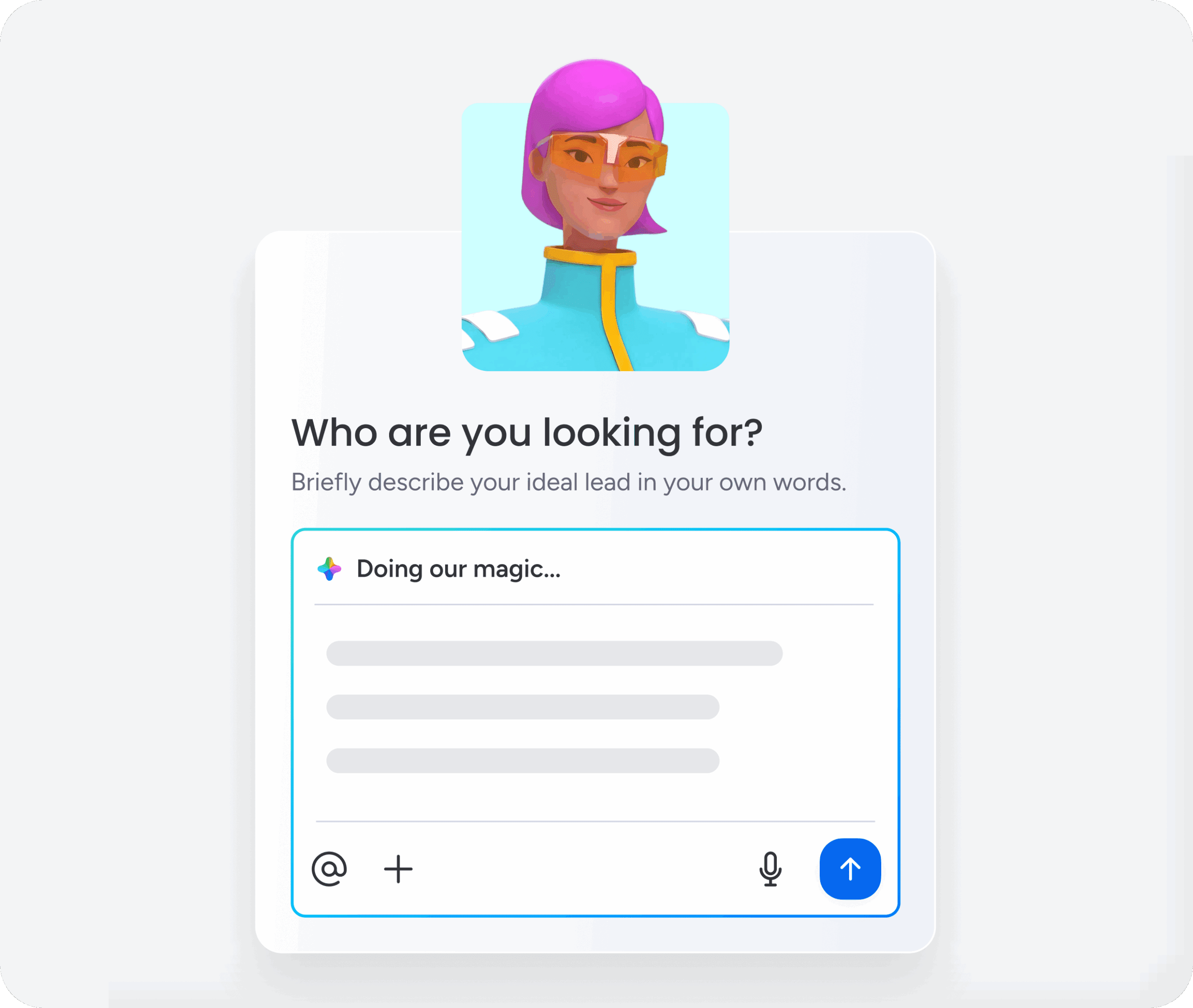
Prompt quality determines output quality more than anything else. A vague prompt produces a generic output you’ll have to rebuild from scratch. Learn to write effective prompts, and you’ll get something you can deploy immediately instead of just a useful starting point.
Include the who, what, and how in every prompt
Every effective prompt contains three elements: The “who” is the intended user and their context. The “what” is the specific actions the workflow should enable. The “how” is design preferences, data sources, and behavioral rules.
Weak prompt: “Build me a project tracker”
Strong prompt: “I lead a 10-person operations team. Build a project tracker that shows each project’s owner, deadline, status, and budget. Include a Gantt-style timeline view and flag any project that is more than 5 days overdue. Use a clean, professional design.”
Add constraints and formatting instructions
Constraints are what turn a generic output into something production-ready. They tell the AI what to build and how it should behave in specific situations.
Common constraint types:
- Data constraints: “Only include projects from the Q3 board”
- Access constraints: “This dashboard should be viewable by the entire marketing department but editable only by team leads”
- Design constraints: “Use our brand colors”
- Logic constraints: “If a request is not approved within 48 hours, escalate to the department head”
Iterate with follow-up prompts instead of rewriting
When the first output isn’t quite right, refine with follow-up instructions instead of starting over. You’ll save time and keep what’s already working. With monday vibe, this refinement happens through a conversational chat interface where you can adjust your app in real time without losing your progress.
Examples of effective refinement prompts:
- “Add a filter so I can view projects by department”
- “Change the color coding so red means overdue and green means on track”
- “Move the approval section to the top of the form”
Governance and security for production AI workflows
Speed without governance creates risk. Prompt to prod makes it easier for anyone to build workflows. That means organizations need guardrails to keep those workflows secure, compliant, and aligned with company policies. Deloitte’s 2026 State of AI in the Enterprise found that while 74% of companies plan to deploy agentic AI within two years, only 21% have a mature governance model for autonomous agents. This makes the case that governance must be built in from the start, not added after the fact.
Enterprise-grade permissions and access controls
Every production AI workflow needs a permission model that answers three questions: Who can view it? Who can edit it? Who can publish it?
Mature organizations use a layered permission approach:
- Account-level controls: Determine which teams or roles have the ability to create and publish AI-generated workflows
- Board and data-level permissions: Ensure workflows that pull from sensitive data respect existing data access policies
- Guest and external stakeholder access: Ensure permissions are granular enough to share relevant information without exposing internal data
Preventing agent drift with context management
“Agent drift” is the tendency of AI agents to gradually deviate from their intended purpose as they encounter new data or ambiguous instructions over time. Here’s how to prevent agent drift:
- Explicit boundaries in the initial prompt: Define not only what the agent should do, but what it should not do
- Regular review cadences: Schedule periodic reviews of agent behavior
- Context grounding: Ensure agents are connected to up-to-date, relevant data sources
How to scale prompt to prod across departments
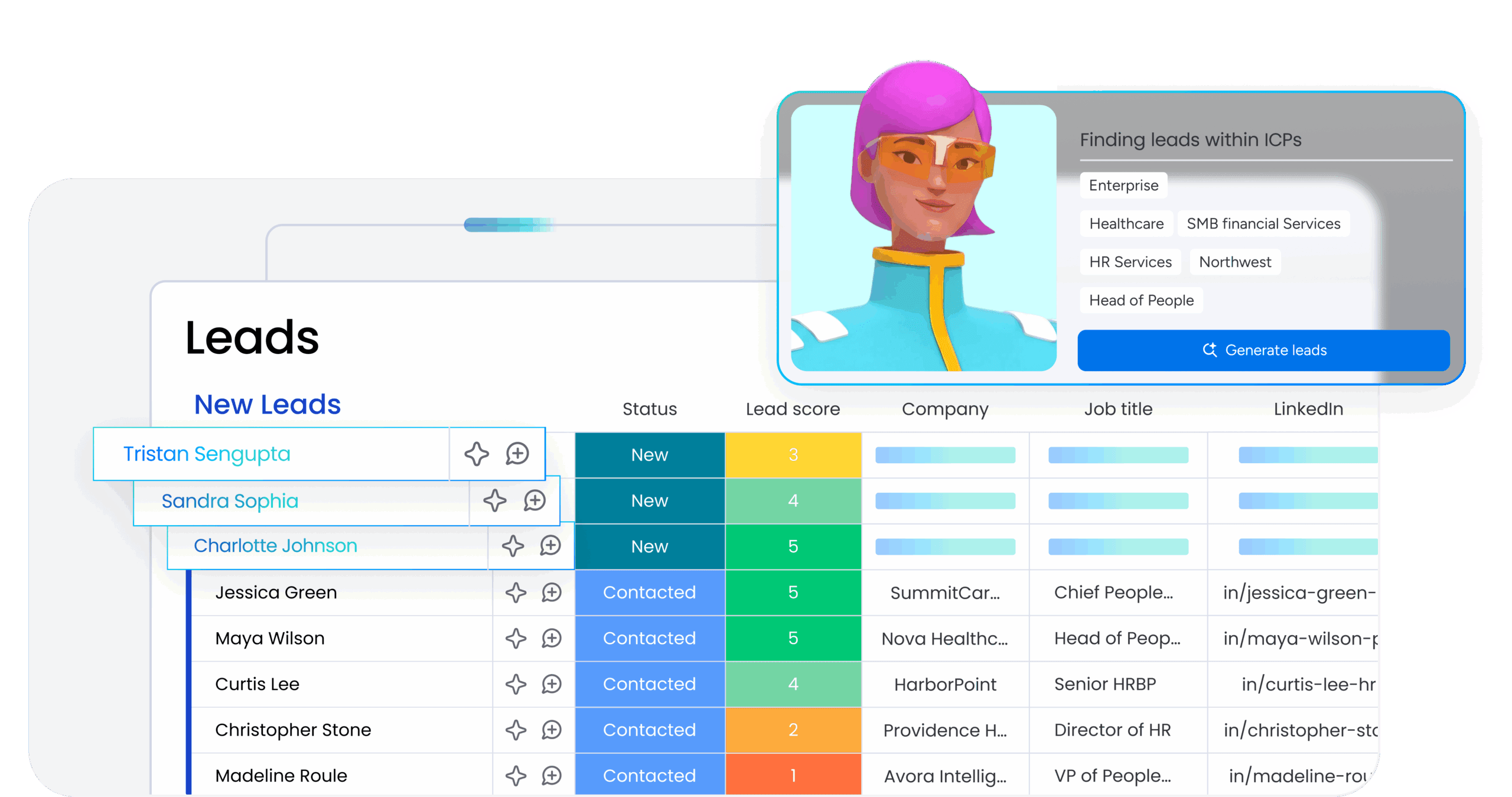
Building one workflow from a prompt delivers value. Real impact comes from scaling prompt to prod across multiple teams and departments. According to the Microsoft Work Trend Index 2025, 46% of leaders say their companies are already using AI agents to fully automate workflows or processes, evidence that this shift is moving well beyond individual experiments into systematic capability building.
Start with high-value, high-volume workflows
Start with workflows that are both high-value and high-volume. These deliver immediate impact and build organizational confidence in the approach.
Strong candidates include:
- Status reporting and dashboard creation
- Request intake and routing systems
- Resource allocation reviews
- Client onboarding checklists
- Approval chains and workflow automation
Build reusable templates and standardized blueprints
When a team builds a successful prompt-to-prod workflow, turn it into a template other teams can adapt. This speeds up adoption and keeps things consistent across the organization.
Template development process:
- Document the prompt, not only the output: Capture the thinking behind successful workflows
- Create department-specific starter templates: Adapt successful patterns for different team needs
- Establish naming conventions and organizational standards: Ensure workflows are discoverable and maintainable
How monday vibe takes teams from prompt to production
These principles require a platform that combines AI-powered building, enterprise security, and cross-departmental connectivity. monday vibe delivers this through an AI-powered no-code builder. It turns natural-language prompts into fully functional, secure business apps.
monday vibe lets team members describe what they need and get secure, custom work apps in their workspace within minutes. Builders can type or dictate what they need, and monday vibe generates a working app. After the first output, builders refine through follow-up prompts in a chat interface: “Add filters,” “Switch to dark mode,” “Add a chart.” This enables a completely code-free building experience.
Key capabilities that enable production readiness:
- Cross-board connectivity: Apps built with monday vibe can connect data from up to 5 boards, enabling cross-departmental dashboards and onboarding systems that track progress across multiple boards
- Mobile-responsive design: Every app automatically adjusts to all screen sizes, including mobile
- Enterprise governance: Account admins control who can publish monday vibe apps, and created apps are private by default until published
- Permission inheritance: Apps respect existing board-level permissions, so members and guests see only the data they are authorized to access
Evaluating prompt to prod solutions for your organization
When assessing prompt-to-prod capabilities, consider six criteria that determine whether a solution delivers real business value or creates new problems. The right platform accelerates work without compromising security or creating technical debt.
Evaluation criteria:
- Context integration: Does the solution build where your work already happens, or does it create another isolated app?
- Governance model: Is security and access control built-in, or bolted on after the fact?
- Iteration support: Can you refine AI-generated outputs through conversation and keep changes in draft until ready?
- Production readiness: Are apps mobile-responsive by default with enterprise infrastructure?
- Cost transparency: Can you predict AI usage costs before deployment?
- Scaling path: Does the platform support templates, reusable components, and central visibility?
From consumers of technology to creators of solutions
Organizations seeing the greatest impact treat prompt to prod as a core operational capability, not a novelty. They build reusable templates, form cross-functional teams, measure results, and keep improving. The opportunity is to rethink what your organization can accomplish when the people closest to the work build the solutions. Success requires more than access to AI-powered building platforms. It requires building organizational muscle around rapid iteration, user-centered design, and distributed problem-solving.
The shift from traditional development to prompt-to-prod workflows fundamentally changes how organizations approach operational challenges. When done well, it transforms teams from consumers of technology to creators of solutions, enabling a level of organizational agility that wasn’t possible before. Platforms like monday vibe make this transformation accessible by letting anyone describe what they need and get a working, production-ready app in minutes—no code required.
Try monday vibeFAQs
What is the difference between prompt to prod and prompt engineering?
Prompt engineering focuses on crafting effective inputs to get useful AI responses. Prompt to prod covers the entire journey — from that initial prompt through building, testing, deploying, and maintaining a production-ready workflow teams actually use every day.
Can non-technical teams use prompt to prod to build workflows?
Yes. Prompt to prod lets non-technical team members build production-ready workflows by describing what they need in plain language. No code or technical architecture knowledge required.
How long does it take to go from a prompt to a production-ready workflow?
Simple workflows — dashboards, status trackers, request forms — can go from prompt to production in minutes. More complex multi-department workflows with integrations and approval chains typically take hours to a few days, depending on testing and refinement.
What types of business workflows can be built using prompt to prod?
Prompt to prod can generate project status dashboards, resource allocation trackers, request intake and approval systems, campaign performance monitors, client onboarding checklists, time tracking apps, organizational charts, and AI-powered reporting systems.
Do prompt to prod workflows require ongoing maintenance?
Yes. Review production AI workflows periodically to make sure they stay accurate as business processes, data sources, and team structures evolve. Maintenance happens through the same conversational prompt interface you used to build them. Updates are as simple as describing what needs to change.

 Get started