


When orders arrive from five different channels and your spreadsheet can barely keep up, something has to give. Order management software centralizes every order, shipment, and return into a single system, so your team spends less time chasing updates and more time keeping fulfillment on schedule.
The right platform does more than track packages. It helps teams route orders, sync inventory across locations, manage returns, and get real-time visibility into every stage of fulfillment. As operations grow more complex, teams also need automation and AI-powered support that can reduce manual sorting, flag exceptions, and help teams act on order data faster.
This article breaks down how order management works, what features matter most, and which eight platforms stand out in 2026. Whether you run a lean ecommerce operation or manage enterprise-scale logistics, you’ll find options that fit different needs, including how monday.com’s AI Work Platform helps teams build flexible, visual workflows for order management.
Key takeaways
- Order management software replaces disconnected spreadsheets and manual tracking with a centralized system for managing orders from placement through delivery and returns
- The best platforms consolidate multichannel orders, sync inventory in real time, support fulfillment routing, and help teams manage exceptions without relying on manual handoffs
- Sales order management workflows often benefit from approval routing, custom pricing tiers, purchase order matching, and clear ownership at every stage
- AI-powered capabilities can support order management by categorizing orders, extracting key details, summarizing trends, and surfacing exceptions that need attention
- monday.com’s AI Work Platform helps teams design and automate order workflows with visual boards, dashboards, automations, integrations, AI Blocks, monday agents, monday sidekick, and monday vibe
What is an order management system?
An online order management system (OMS) gives teams a shared place to track orders from purchase to delivery. It replaces spreadsheets and email threads with a structured, automated workflow that keeps order status, inventory signals, and handoffs visible.
Teams use it to centralize orders from multiple channels, such as your website, online marketplaces, and retail locations. Everyone sees the same status and supporting details, which reduces missed updates and speeds up fulfillment decisions.
Automation handles repeatable work like routing orders, updating statuses, sending notifications, and flagging exceptions. That reduces manual entry, cuts preventable errors, and helps teams manage higher volume without adding workflow friction.
Why teams use order management solutions for growing needs
Growth puts pressure on every part of fulfillment. Spreadsheets and inbox updates stop working once orders come in from multiple channels and more people touch the same order. Teams spend time reconciling information instead of moving orders forward.
Order management software creates a clear, repeatable process for intake, validation, fulfillment, and customer updates. Rules and automations can assign owners, trigger internal handoffs, and flag missing details early, which helps teams reduce delays and rework.
Reliable fulfillment supports retention. Faster processing, fewer exceptions, and clearer customer communication help teams deliver on delivery timelines and reduce the support load that comes with missed or unclear order updates.
Key features of the best order management software
Look for software that gives teams real-time visibility into order status and inventory. A shared view helps teams spot delays, resolve exceptions faster, and avoid selling inventory that is no longer available.
Prioritize automation and integrations. Integrations connect your sales channels, shipping tools, accounting software, and customer support systems so order data stays consistent. Automations reduce repetitive work like status updates, task handoffs, and notification workflows.
Include returns and post-purchase workflows in your evaluation. Strong systems support return intake, approvals, status tracking, and internal routing so teams handle issues quickly and keep customers informed without creating extra manual steps.
How to choose the right order management system
Choosing an order management system shapes how your team handles orders, inventory updates, and customer communication at scale. The right platform supports growth without forcing teams to rebuild processes as volume increases. Focus your evaluation on how well a system adapts to real operational change.
Choose a system that scales with order volume
Order volume rarely grows in a straight line. Seasonal spikes, new sales channels, and expanded product catalogs all increase operational load. Look for software that supports higher order counts, more users, and new workflows without adding manual steps.
Prioritize reporting that stays useful as volume increases. Track cycle time, exceptions, and backlog by stage so teams can adjust quickly when fulfillment slows down.
Centralize orders across all sales channels
Orders often originate from multiple places, including ecommerce sites, marketplaces, and direct sales tools. A strong order management system consolidates these inputs into one shared workflow, so teams track status, ownership, and inventory from a single view.
Centralized order data reduces duplicate work and helps teams respond faster to exceptions, such as partial shipments or backorders, without reconciling information across tools.
Use data to guide operational decisions
Order data should support daily execution and long-term planning. Systems that surface trends in order volume, fulfillment time, and exceptions help teams plan inventory, staffing, and delivery timelines more accurately.
Look for reporting that highlights bottlenecks, repeat issues, and fulfillment performance so teams can adjust workflows based on actual order behavior rather than assumptions.
Eight best order management software platforms
Order management software varies in setup, orchestration depth, and integration coverage. Some tools prioritize enterprise-level routing and inventory logic, while others focus on simpler order and stock tracking.
The platforms below support order tracking, inventory visibility, and cross-team coordination at different levels of complexity. Each option fits different needs depending on order volume, sales channels, and internal processes.
1. monday.com’s AI Work Platform
monday.com’s AI Work Platform gives operations teams a visual, flexible way to design custom order management workflows without writing code or waiting on IT.

Teams can build order pipelines using customizable boards, track every order through defined stages, assign owners, attach documents, monitor inventory signals, and automate repetitive handoffs with rule-based triggers.
For example, a team can create an order board with statuses like new, validated, in fulfillment, shipped, exception, returned, and closed. Automations can notify the right owner when an order enters exception status, send reminders when a fulfillment deadline approaches, or move completed orders into a reporting group.
Dashboards surface real-time performance metrics across the order lifecycle, such as backlog by stage, open exceptions, fulfillment status, and volume by channel. Inventory management templates can also help teams track stock across locations and connect order workflows to broader operations.
monday.com’s AI-powered capabilities add another layer of support. AI Blocks can help categorize orders by urgency or type, extract key details from purchase documents, and summarize order trends. monday agents can support repetitive coordination work, surface items that need attention, and help teams monitor workflows. monday sidekick can help individuals find context and answer questions inside the platform. monday vibe can help teams build custom order apps using plain language, such as returns trackers, fulfillment dashboards, or order intake workflows.
Best for teams that want a flexible, visual approach to order management with automations, dashboards, integrations, and AI-powered workflow support.
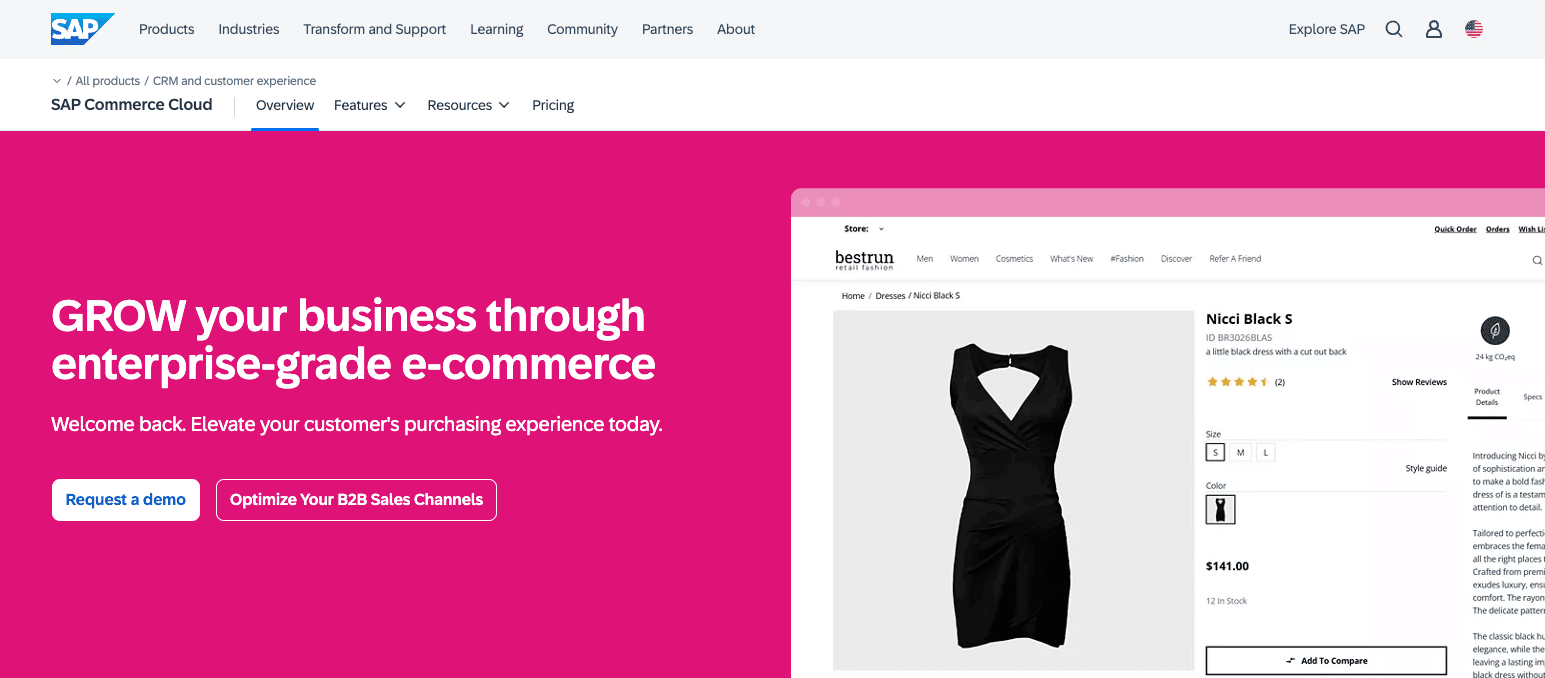
2. SAP Commerce Cloud
SAP Commerce Cloud is an enterprise-grade order management and commerce platform built for organizations with complex, global supply chains. It handles distributed order orchestration across multiple fulfillment centers, supports configurable order routing rules, and integrates deeply with SAP’s broader ERP and logistics ecosystem.
The platform excels at high-volume, multi-geography operations where regulatory compliance, tax calculation, and currency management add layers of complexity. Its order promising engine evaluates inventory across locations in real time to provide accurate delivery estimates at checkout.
Best for:
Large enterprises running SAP environments that manage high order volume across multiple regions and fulfillment models.
Key features:
- Omnichannel order capture across digital and physical channels
- Centralized order routing and fulfillment logic
- Real-time inventory visibility across locations
- Support for complex pricing, promotions, and contracts
- Integration with SAP ERP and supply chain tools
Pricing:
SAP Commerce Cloud pricing is based on annual order volume or gross merchandise value, with contracts sold in blocks of 50,000 orders per year. SAP offers multiple editions, including Composable and Premier, each with different feature sets and deployment options. Costs vary based on edition, transaction volume, and deployment scope.
Considerations:
- Requires significant configuration and implementation effort
- Fits organizations already invested in SAP infrastructure
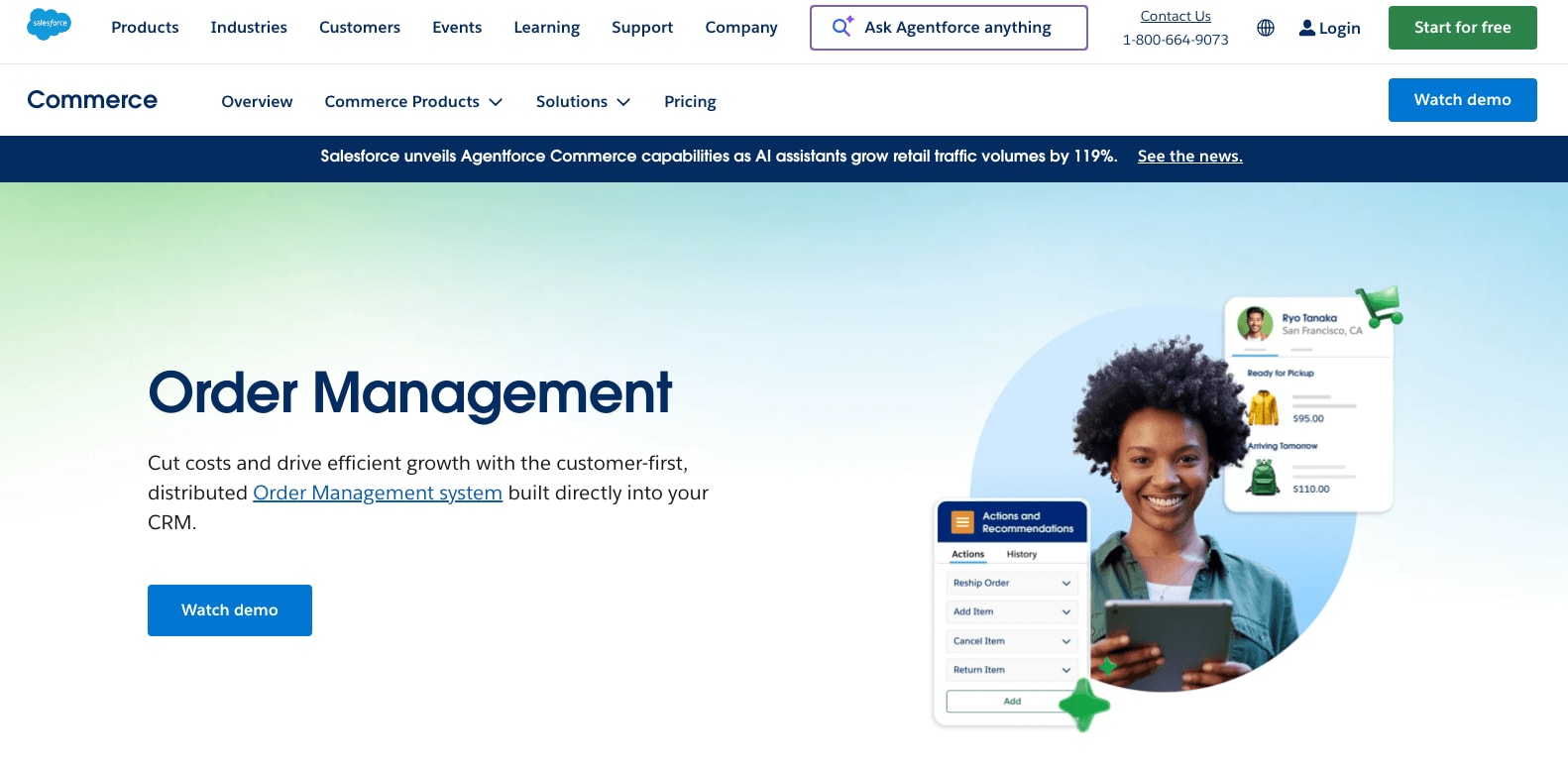
3. Salesforce Order Management
Salesforce Order Management extends the Salesforce ecosystem to support order lifecycle tracking after checkout. It connects customer data, service workflows, and fulfillment updates within Salesforce tools.
Best for:
Teams using Salesforce who want order data connected to customer service and account workflows.
Key features:
- Post-purchase order tracking and updates
- Integration with Salesforce Service Cloud
- Support for order changes, cancellations, and returns
- Centralized customer and order records
- Workflow automation through Salesforce Flow
Pricing:
Salesforce Order Management is available through multiple packages, including Order Visibility and Growth editions. Pricing is provided on a custom quote basis and depends on features, order complexity, and Salesforce product usage. Packages support varying levels of order visibility, orchestration, inventory tracking, and service integration.
Considerations:
- Requires Salesforce expertise for setup and customization
- Focuses on post-purchase order workflows; inventory capabilities depend on connected systems
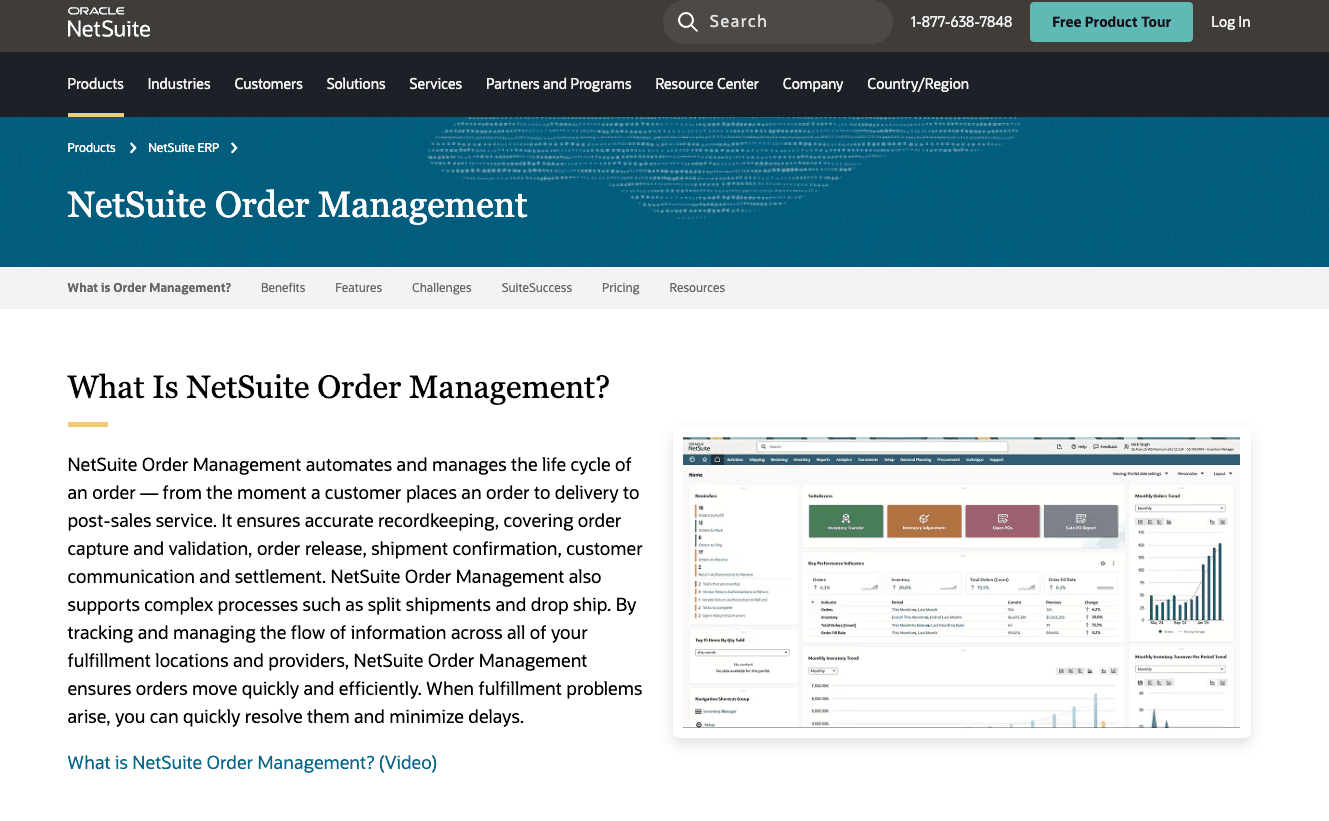
4. NetSuite Order Management
NetSuite Order Management connects order processing with inventory, finance, and fulfillment inside the NetSuite ERP platform. It supports end-to-end order tracking within a unified business system.
Best for:
Mid-market and enterprise organizations using NetSuite ERP for financial and operational management.
Key features:
- Unified order and inventory management
- Automated order processing and fulfillment rules
- Real-time visibility into stock and availability
- Financial integration for billing and revenue recognition
- Support for global operations and subsidiaries
Pricing:
NetSuite Order Management is included as part of the NetSuite platform license. Customers subscribe through an annual licensing model that combines the core platform, optional modules, and user count. Pricing varies based on selected modules, number of users, and business requirements.
Considerations:
- Less flexibility for teams needing highly custom workflows
- Implementation and configuration often require partner support for complex environments
5. IBM Sterling Order Management
IBM Sterling Order Management focuses on large-scale order orchestration across distributed inventory and fulfillment networks. It supports advanced routing logic and high transaction volumes.
Best for:
Enterprises managing complex fulfillment networks with multiple warehouses and delivery options.
Key features:
- Distributed order management across locations
- Inventory availability and promise logic
- Advanced fulfillment routing rules
- Support for ship-from-store and pickup models
- Integration with supply chain and logistics systems
Pricing:
IBM Sterling Order Management uses a usage-based pricing model based on order lines processed per month or year. Plans include Essentials, Standard, Professional, and Enterprise editions. Indicative pricing starts at approximately $0.028 per order line per month for Essentials, with higher tiers supporting more advanced orchestration, inventory availability and promise logic, and scalability. Pricing varies by edition and volume, with final costs provided by IBM sales.
Considerations:
- Implementation requires specialized expertise
- Best suited for large, operationally complex organizations
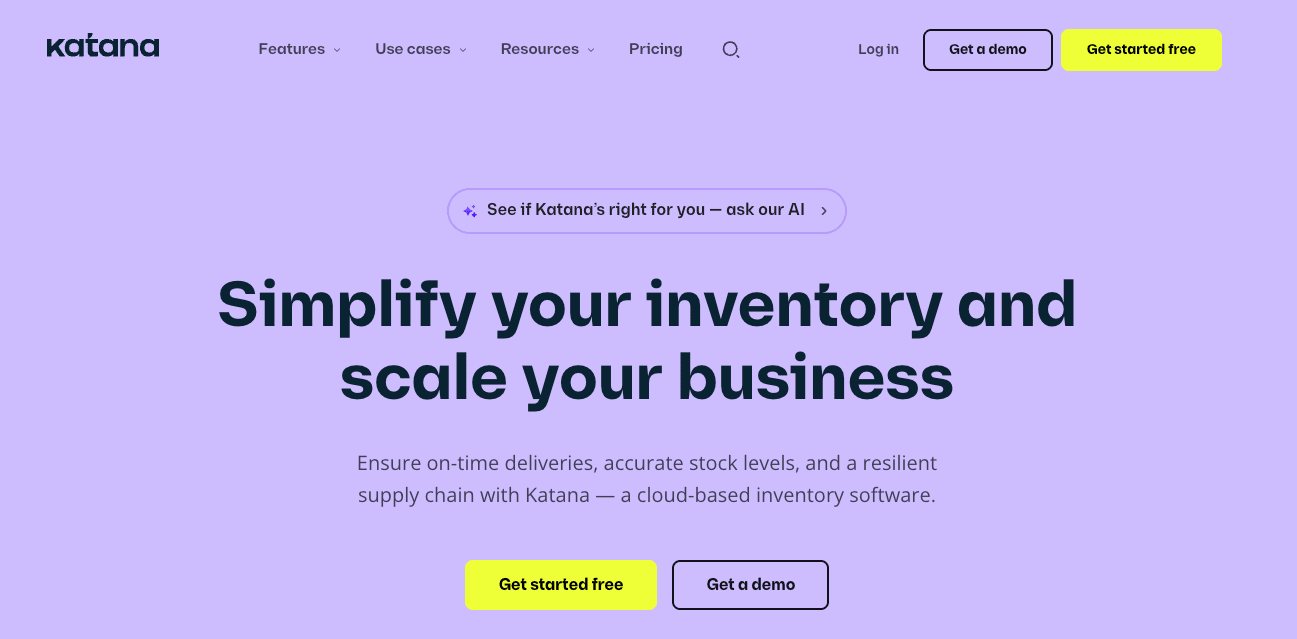
6. Katana Cloud Inventory
Katana Cloud Inventory supports order and inventory management for manufacturers. It connects production planning, inventory tracking, and sales orders in one system.
Best for:
Manufacturers that need visibility into materials, production schedules, and sales orders.
Key features:
- Real-time inventory and material tracking
- Production order and workflow management
- Sales order visibility tied to manufacturing status
- Integration with ecommerce and accounting tools
- Demand forecasting support
Pricing:
Katana offers Free, Standard, Professional, and Professional Plus plans. The Free plan starts at $0 per month with limited SKU and location support. Paid plans start at $359 per month, billed annually for Standard, with higher tiers supporting more inventory locations, advanced planning, forecasting, and warehouse management. All paid plans include unlimited users and integrations, with pricing scaling based on operational complexity.
Considerations:
- Focuses on manufacturing workflows rather than retail fulfillment
- Limited customization outside production-centric use cases
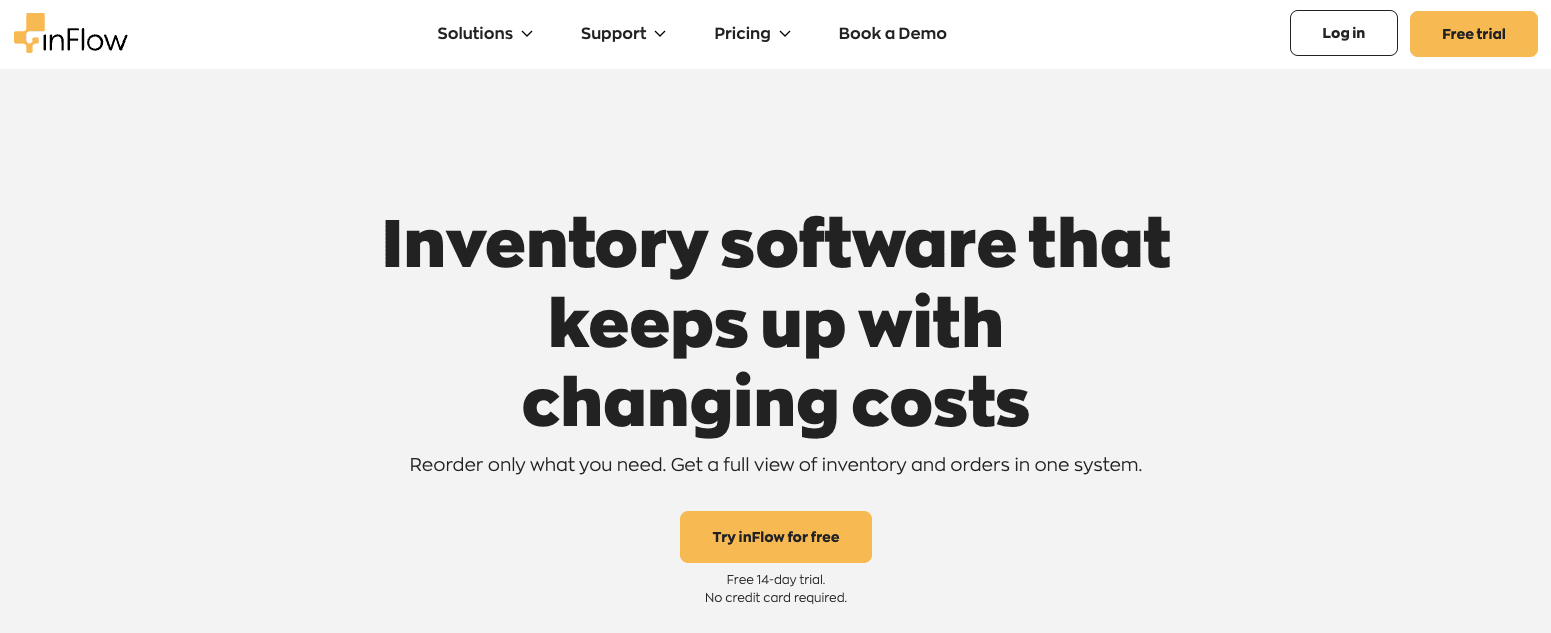
7. inFlow Inventory
inFlow Inventory offers order and inventory management for small to mid-sized businesses. It focuses on simple setup and day-to-day order tracking.
Best for:
Small teams that need straightforward inventory and order control without complex configuration.
Key features:
- Inventory tracking across locations
- Order and purchase order management
- Barcode scanning support
- Basic reporting and alerts
- Integrations with ecommerce platforms
Pricing:
inFlow Inventory offers tiered plans for Entrepreneur, Small Business, Mid-Size, and Enterprise teams. Pricing varies based on team size and annual order volume, with discounts available for annual billing. Optional add-ons, such as advanced reporting and onboarding services, are priced separately.
Considerations:
- Limited workflow automation options
- Reporting depth may not meet advanced analytics needs
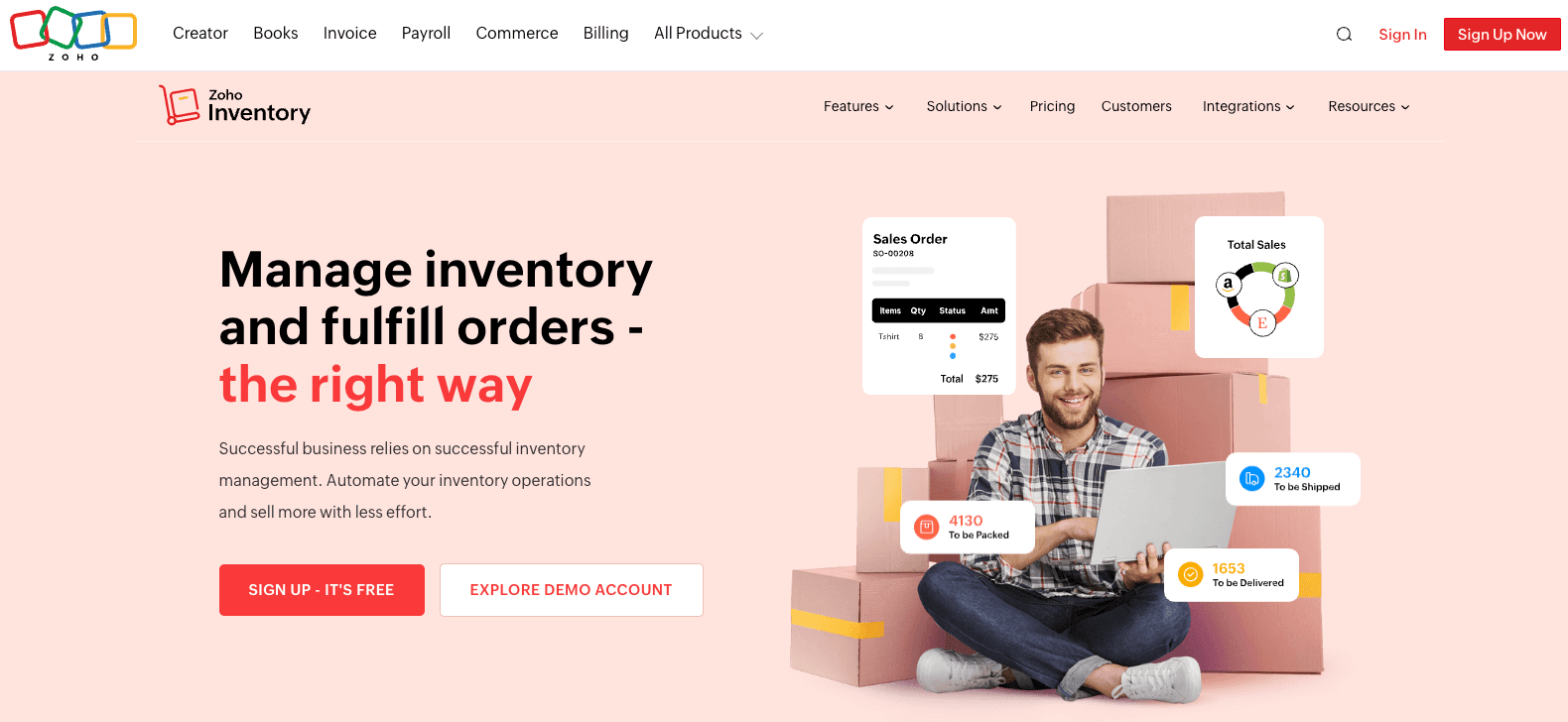
8. Zoho Inventory
Zoho Inventory supports order and inventory management for small to mid-sized businesses operating across multiple sales channels. It connects sales orders, stock levels, shipping, and invoicing within the broader Zoho application ecosystem.
Best for:
Growing businesses that want order and inventory management tightly connected to accounting, CRM, and other Zoho tools.
Key features:
- Centralized order management across online sales channels
- Real-time inventory tracking with stock level alerts
- Shipping integrations for label creation and tracking updates
- Support for backorders, partial shipments, and returns
- Invoicing and tax handling through Zoho integrations
Pricing:
Zoho Inventory offers Free, Standard, Professional, Premium, and Enterprise plans. Paid plans start at $29 per organization per month, billed annually, with a Free plan available for up to 50 orders per month, 1 user, and 2 locations. Higher tiers increase monthly order limits, locations, and advanced capabilities such as serial and batch tracking, automation, analytics, and multi-currency support. Pricing scales primarily based on order volume rather than per-seat usage.
Considerations:
- Workflow customization is limited outside Zoho’s built-in structure
- Works best when connected to Zoho’s broader product suite
Overcoming common challenges with automated order management
Automating order management changes how teams align, prioritize work, and report progress. Most friction comes from unclear ownership, inconsistent data, and workflows that do not scale as volume increases. Address these early to keep execution predictable and keep leadership informed as order operations expand.
The monday.com platform helps teams standardize order stages, assign owners, and track execution in one place so work stays aligned as volume grows.
Prevent stockouts with shared inventory visibility
Stockouts often happen when teams rely on disconnected inventory updates. Sales teams move faster than inventory data, and fulfillment teams find out too late.
Track inventory signals in the same workflow as orders. Set owners for inventory updates, connect stock status to order stages, and use alerts when items hit defined thresholds. Teams can respond early and keep customer communication accurate.
Manage demand spikes with scalable workflows
Order volume shifts quickly during promotions, seasonal peaks, and channel expansion. Teams need workflows that handle more intake without creating extra handoffs.
Standardize the core process, then scale execution with automations that assign work, route exceptions, and notify stakeholders. Teams can handle higher volume without losing track of priorities or leaving leadership guessing about progress.
Align teams around ownership and real-time order status
Execution slows down when teams do not share a consistent view of order status. Sales, operations, warehouse teams, and support all act on different information. Orders stall, updates get missed, and customers wait longer for answers.
Assign ownership at each stage and track status updates in a shared workflow. Automated notifications route changes to the right teams, and dashboards give leaders a clear view of progress, risks, and bottlenecks.
How AI supports online order management
AI is no longer a differentiator in order management; it’s a baseline expectation. Gartner projects that 30% or more of digital commerce interactions will involve AI agents this year. What features should you look for when choosing order management software? AI capabilities should be near the top of your evaluation criteria. Here are three categories of AI functionality reshaping order management in 2026.
AI-powered order routing and prioritization
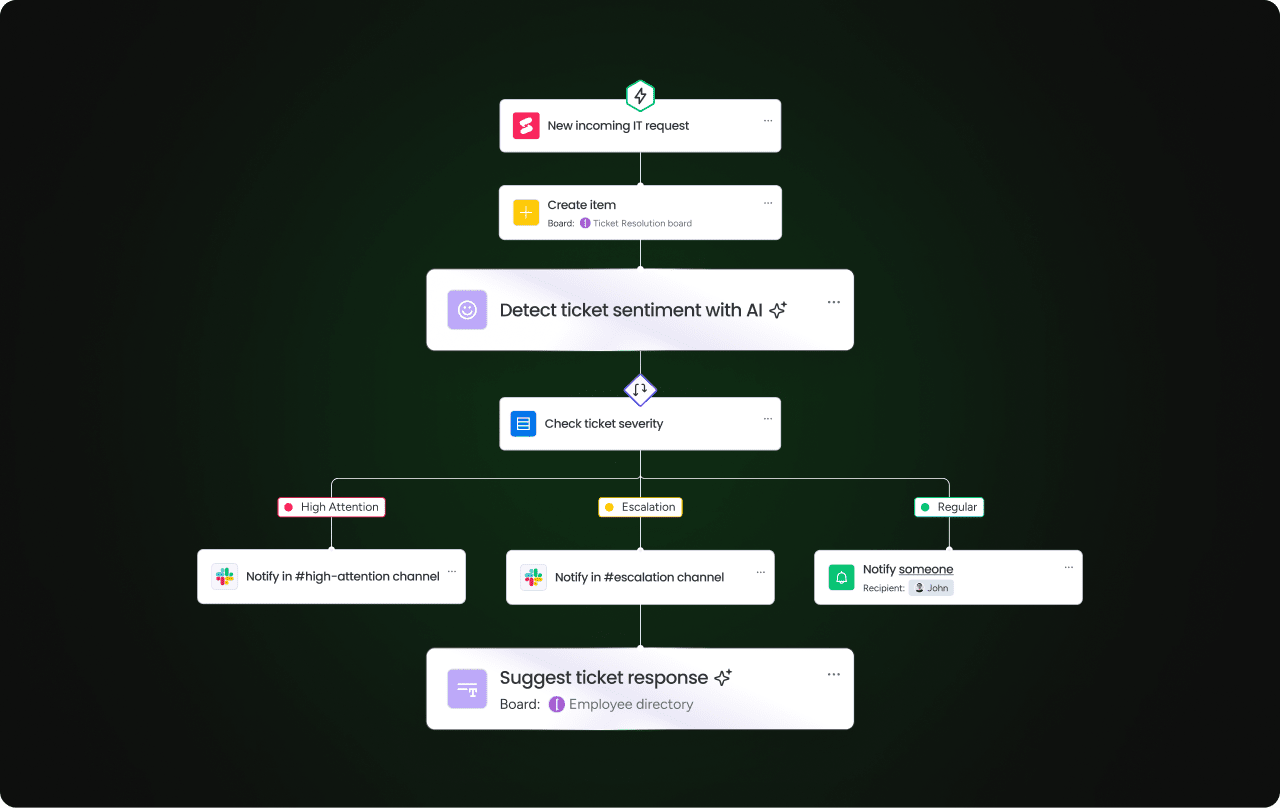
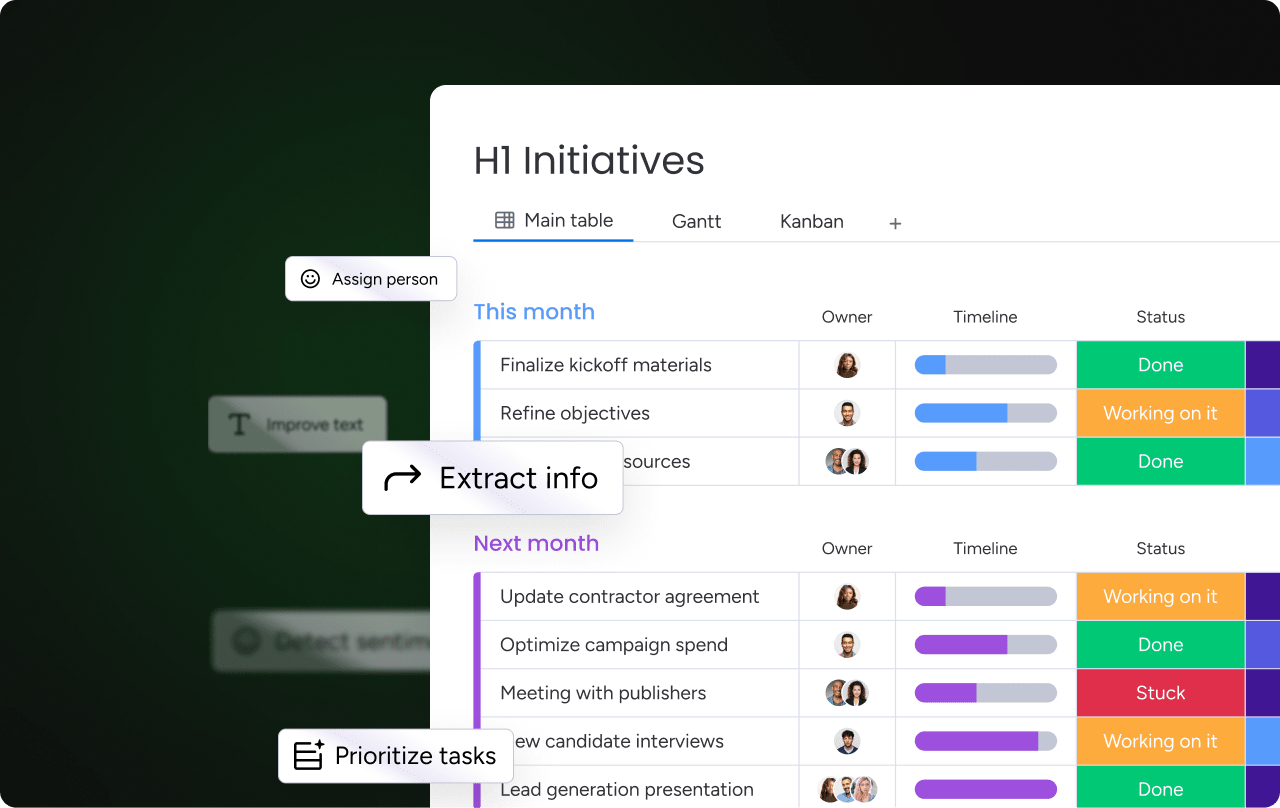
Teams lose time when they manually scan orders, read notes, and decide what needs attention first. AI-powered capabilities can help categorize orders based on attributes such as urgency, customer tier, order type, or fulfillment constraints. AI Blocks in monday.com can support this by categorizing order types, extracting key details from purchase documents or customer messages, and summarizing open-text information.
Those outputs can connect to automations that assign owners, update statuses, and notify the right team.
AI agents that execute order workflows
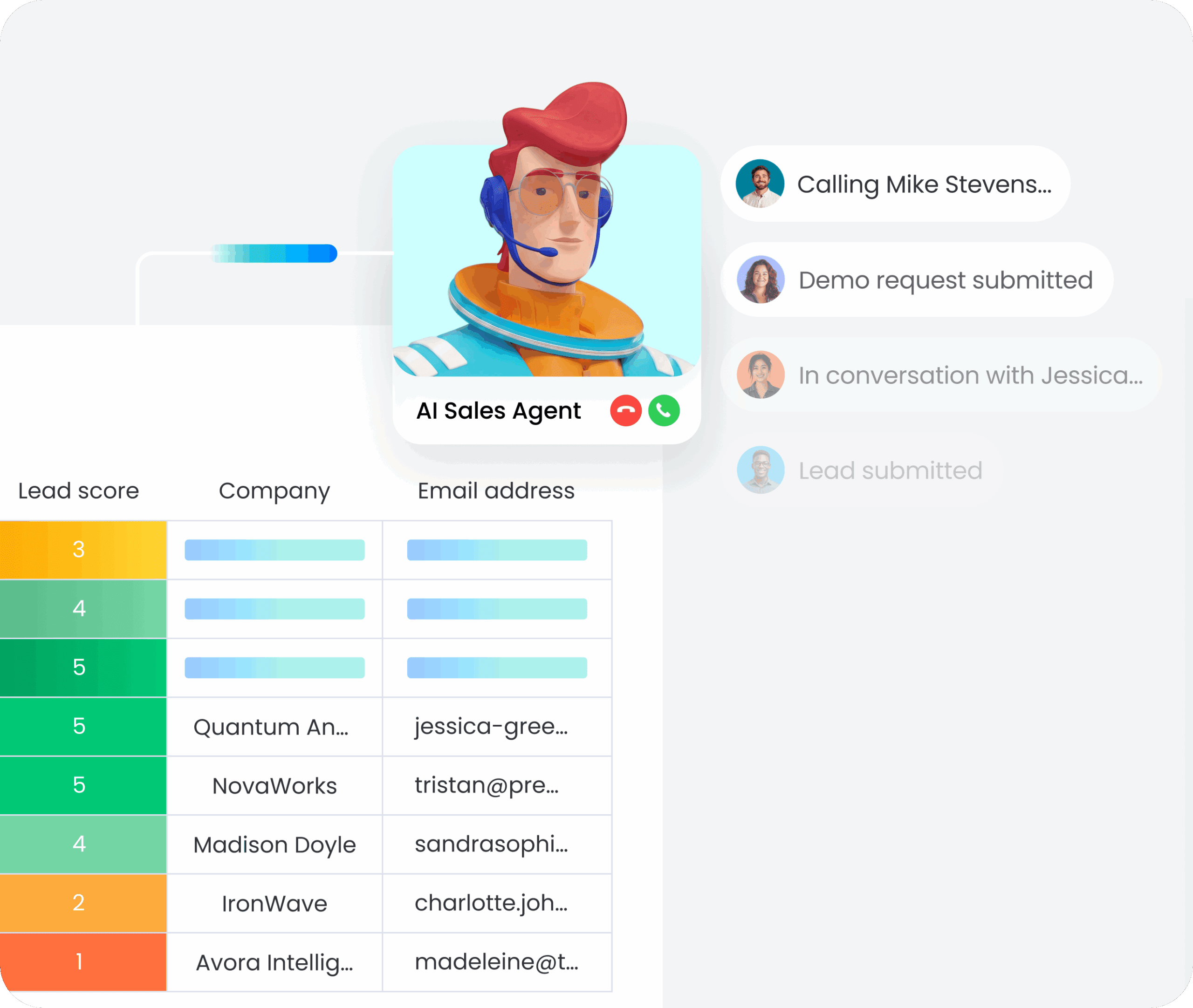
monday agents bring autonomous AI capabilities to order management workflows. The Process Automator identifies repetitive order-handling patterns and suggests automations that eliminate manual steps. The Customer Support Agent reviews order-related tickets, consults your knowledge base, and drafts responses that resolve common issues faster. The Vendor Researcher analyzes procurement needs, researches supplier options, and prioritizes vendor lists based on reliability and cost. The SLA Monitor tracks service-level commitments and flags at-risk orders before they breach deadlines, giving teams time to intervene.
Each agent operates within the existing monday AI Workspace, using the same data and permissions your team already has in place. Learn more about monday.com’s AI capabilities in the support documentation.
Custom AI applications with monday Vibe
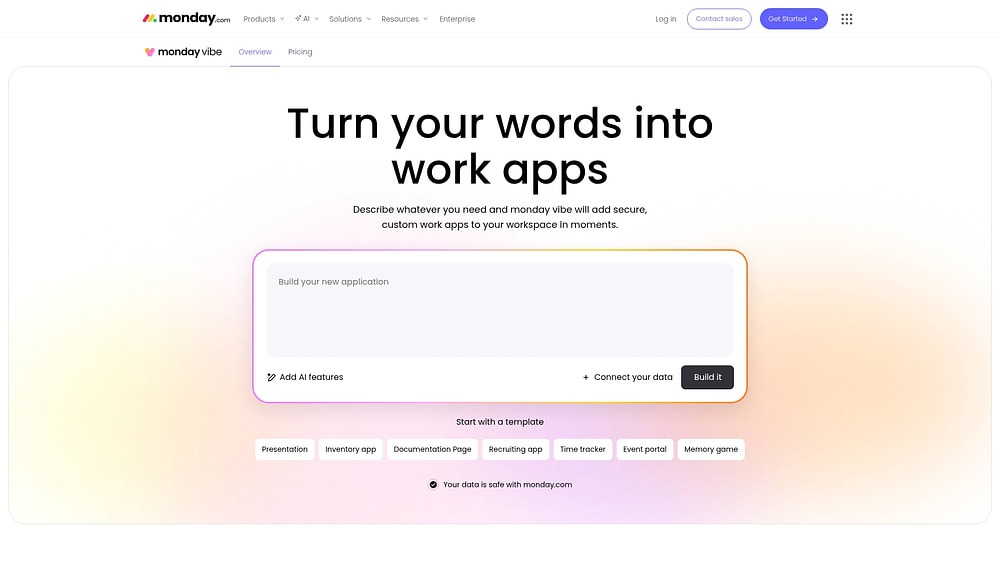
monday Vibe lets teams build custom order management applications by describing what they need in plain language. Want a returns tracking dashboard that flags high-value items? A fulfillment status widget that updates stakeholders automatically? A vendor scoring app that ranks suppliers by delivery reliability? Describe it, and monday Vibe builds it, running on monday.com’s enterprise-grade infrastructure with built-in security and permissions. No coding required.
Strengthen your fulfillment operations with clearer execution
The right order management software gives your team the speed and accuracy to compete as customer expectations keep climbing. In 2026, AI-powered automation handles routine decisions, so your team can focus on the exceptions that require human judgment.
As agentic commerce grows and AI handles more routine order routing, categorization, and fulfillment decisions, the competitive advantage shifts to teams that can adapt workflows quickly, not those locked into rigid systems built for last year’s requirements. Order management software is the foundation. What you build on top of it is what sets your operation apart.
Try monday.comFAQs
How long does it take to implement order management software?
Implementation timing depends on workflow complexity, integration needs, and how many teams need access. Many organizations start with one standardized workflow for core order stages, then add automations, integrations, and reporting once adoption is stable.
What data should I standardize before rolling out an OMS?
Standardize order status stages, ownership rules, inventory fields, and exception categories. Clean inputs reduce downstream rework and make reporting more useful for leadership.
What should leaders track to stay in control of fulfillment execution?
Track order cycle time, exception rate, backlog by stage, fulfillment accuracy, and trend changes in volume. Dashboards help leaders spot risks early and course correct without waiting for manual updates.
Track order cycle time, exception rate, backlog by stage, fulfillment accuracy, and trend changes in volume. Dashboards help leaders spot risks early and course correct without waiting for manual updates.
Many platforms support request intake and approvals through forms or structured workflows. This helps teams standardize how orders, returns, or special requests enter the process.
How do teams handle order exceptions without slowing fulfillment?
Define exception categories, assign owners, and automate routing based on exception type. Track exceptions in the same workflow as orders so teams can resolve issues without losing visibility into progress.
What is order orchestration in order management software?
Order orchestration is how a system routes an order through fulfillment steps, such as splitting shipments, selecting a warehouse, and triggering handoffs to shipping and support teams.
How does monday.com handle order management?
monday.com helps teams manage order workflows through customizable boards, visual workflow stages, automations, dashboards, integrations, and AI-powered capabilities. Teams can track orders, assign owners, route exceptions, manage status updates, and monitor fulfillment progress in one connected workspace.

 Get started