



Sales teams often blame lost deals on lead quality or pricing, but the real culprit is usually closer to home: data chaos. When customer information lives in scattered spreadsheets and disconnected inboxes, your team spends more time hunting for details than building relationships.
This operational friction creates a gap between your team’s potential and their performance but the right CRM database software closes that gap by creating a single source for every interaction, helping to give your team the visibility and control needed to operate with confidence.
This essential guide walks you through everything you need to know to make that shift. We’ll explore the core benefits of a CRM database, the core features your team needs to succeed, and how to choose the right platform that scales with your growth.
Key takeaways
- Unified customer visibility: centralizes all contact details, interactions, and notes so teams work from a single, accurate source of truth.
- Stronger sales performance: gives reps clearer pipelines and activity tracking so they can prioritize deals and move opportunities forward with confidence.
- Improved team alignment: helps sales, marketing, and service collaborate smoothly by keeping context and communication in one shared workspace.
- Automation that unlocks time: removes repetitive data entry and task management so teams can focus on meaningful customer conversations.
- Flexible workflows at scale: monday CRM adapts to your sales process with customizable boards, automation, and views that grow alongside your team.
What is CRM database software?
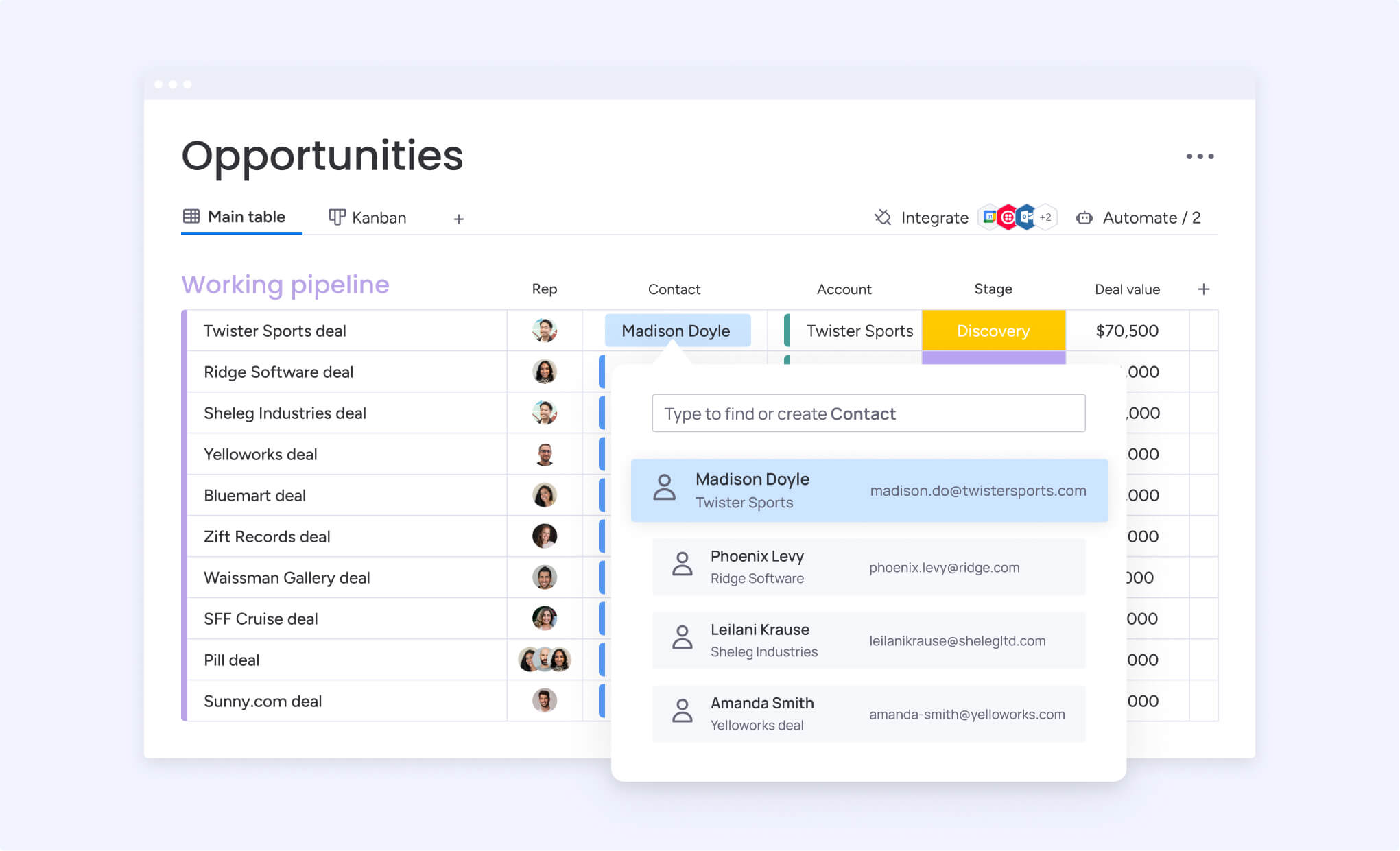
A CRM database acts as a centralized intelligence system for your entire team. It consolidates every customer detail, from contact information to the complete history of communications, creating a single, coherent picture of each relationship.
This unified view gives your team the direct insight and confidence needed to execute decisions flawlessly.
Modern CRMs do more than just store data; they connect the dots to tell you the complete customer story. A platform like monday CRM transforms scattered emails and notes into a visual, collaborative workspace, empowering your team to stop hunting for information and spend more time building relationships that lead to closed deals.
Transitioning from disparate spreadsheets to an intelligent CRM is a catalyst for significant growth. By automating manual data entry, you can achieve a real-time, unified perspective of the entire sales pipeline.
How does CRM database software work?
At its core, CRM database software functions by aggregating customer data from disparate sources into a single, organized repository. It automatically captures interactions from emails, phone calls, and website visits, constructing a comprehensive profile for every contact. This process eliminates the need for manual data consolidation, providing an immediate and transparent view of each customer relationship.
The system is designed to handle tedious but crucial processes (such as data entry and follow-up reminders) freeing your representatives to concentrate their efforts on building genuine connections and finalizing agreements.
By creating one cohesive customer view, the software ensures your entire team operates in unison, aligned from the initial contact through to the final sale..
Key benefits of using CRM database software
Adopting a robust CRM platform delivers a strategic advantage that extends far beyond simple contact management:
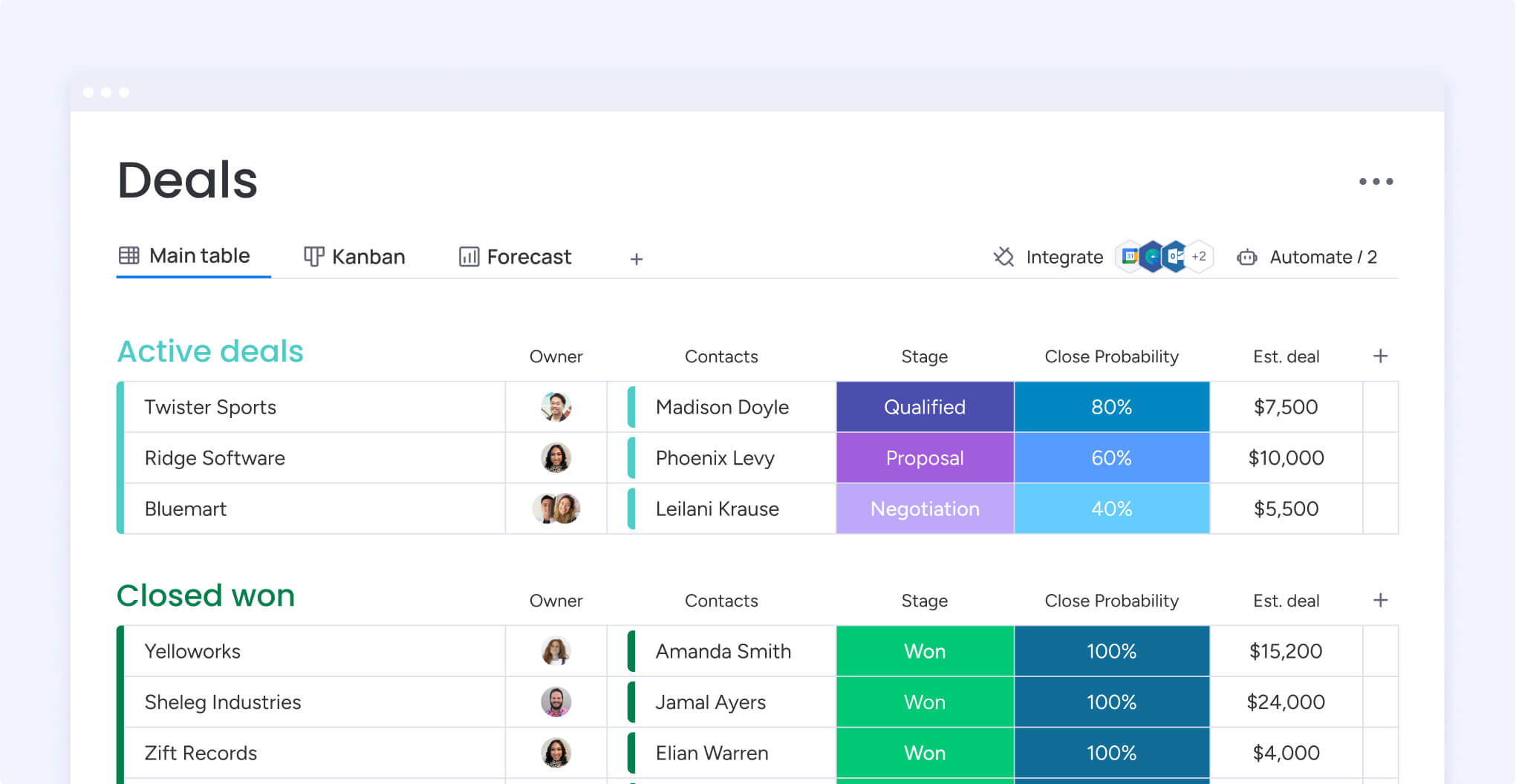
- Centralized customer data: replaces scattered spreadsheets with one organized workspace that keeps every detail, activity, and interaction in sync.
- More time for selling: reduces manual tracking so sales representatives can focus on building relationships and closing deals while platforms like monday CRM manage repetitive tasks through automation.
- Improved customer experiences: gives every team immediate access to the full customer story, helping them deliver faster responses, more personalized support, and consistent follow through.
- Stronger collaboration: connects sales, marketing, and support around the same information, creating smoother handoffs and a shared understanding of customer needs.
- Data-backed decisions: offers interconnected information and customizable dashboards that highlight performance trends, coaching opportunities, and the strategies that truly drive growth.
Which CRM playbook will level up your sales game?
Selecting a CRM requires a proper evaluation of your team’s primary objectives, as the right platform is not a generic solution but a tailored one. The decision hinges on identifying your most critical need: are you aiming to enhance operational efficiency, derive deeper analytical insights from your data, or foster seamless collaboration across departments? Pinpointing this priority is fundamental to architecting a high-performance sales operation.
An operational CRM automates daily administrative tasks, allowing your team to concentrate on selling. In contrast, an analytical CRM helps you uncover narratives within your data to inform smarter, more predictive strategies. Further, a collaborative CRM focuses on unifying departments, breaking down silos to ensure sales, marketing, and success teams function as a single, cohesive unit.
Essential CRM database features your business needs
Navigating the extensive range of CRM features can be daunting; however, the objective is not to acquire the most complex system but the one that most effectively streamlines your team’s workflow. An optimal CRM integrates so seamlessly into daily operations that it becomes an indispensable asset, removing friction and accelerating the sales cycle rather than adding another layer of administrative burden.
The most valuable features are those that restore time and control, automating monotonous tasks so your team can excel at what matters most: fostering relationships and securing business.
Consider your CRM database not as a static filing cabinet, but as the operational core of your growth strategy. Together, we’ll pinpoint the essential capabilities that convert a simple contact list into a powerful engine for winning more business, ensuring your team is equipped, aligned, and prepared for any challenge.
CRM database software vs traditional database solutions
While a traditional database excels at raw data storage, it lacks the specialized functionality a sales team requires to convert leads into revenue. A simple repository of names and numbers is insufficient; teams need a dynamic system engineered specifically for managing the entire customer lifecycle and driving sales outcomes.
This is where purpose-built CRM software introduces a paradigm shift. It represents the difference between a static filing cabinet and an active digital workspace, designed from the ground up to help your team translate data into revenue.
Every feature is intentionally crafted to advance relationships, not merely archive them.
| Feature | Traditional database | CRM database Software |
|---|---|---|
| User Interface | Technical/Complex | Intuitive/User-friendly |
| Customer Focus | Generic data storage | Relationship-centered |
| Automation | Limited | Extensive workflows |
| Collaboration | Basic sharing | Real-time team access |
| Mobile Access | Limited | Full mobile functionality |
How to choose the right CRM database software for your business
Selecting the right CRM is a pivotal decision that directly impacts revenue and team productivity. The process should begin with a thorough internal audit of your existing sales workflow. By meticulously mapping out each stage, you can pinpoint critical bottlenecks, identify where deals are lost, and define the precise requirements for a solution that will enhance speed and alignment across the team.
The most powerful platform is useless if your team doesn’t embrace it, so put usability at the top of your list. The real test is how it feels in your reps’ hands during a busy week: if it doesn’t feel like a natural part of their day and give them more confidence, it’s not the right tool for your team.
Your next CRM needs to be a growth partner, not a roadblock you’ll outgrow in a year.
Leading CRM database software solutions in 2026
The CRM platform you select can fundamentally shape your sales team’s performance and trajectory. As we’ve touched on, the ideal system must transcend basic contact tracking to become an active partner in strategy execution and revenue generation. It should be an intuitive, powerful asset that your team relies on daily, not a cumbersome tool that hinders productivity.
The platforms we’ve scouted below are effective for building a faster, more aligned sales team. Each one offers a direct path to gaining the visibility and control you need to not just meet your goals, but confidently exceed them.
Let’s find the right fit to get more wins on the board.
1.monday CRM
monday CRM helps sales teams build their ideal workflow on a flexible, no-code platform. Built on the powerful monday Work OS, it lets you customize every part of your sales process without needing a developer. With smart automation and helpful AI features, it’s a great fit for teams looking for a CRM that can adapt and grow with them.
Example:
monday CRM helps sales teams close more deals faster by combining intuitive customization with AI-powered automation, eliminating manual tasks while providing complete visibility into every stage of the sales pipeline.
Key features:
- AI-powered assistance: generate tasks from meeting notes and compose emails.
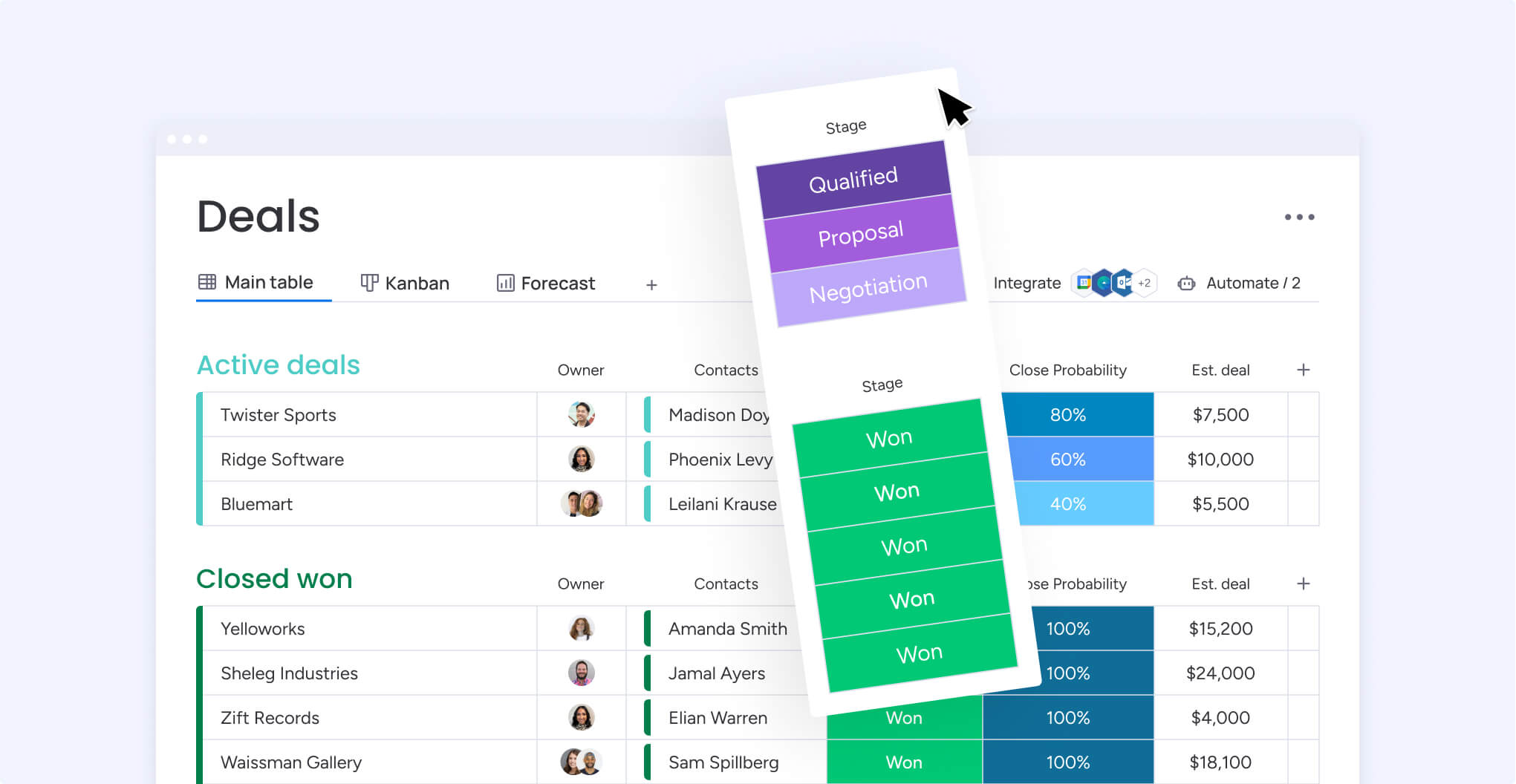
- No-code pipeline customization: allows teams to tailor deal stages and workflows without IT support.
- Automated lead assignment and email sequences: nurtures prospects at every pipeline stage.
Pricing:
- Free: for up to two seats with core CRM features.
- Basic: $9/month per seat (billed annually).
- Standard: $12/month per seat (billed annually).
- Pro: $19/month per seat (billed annually).
- Enterprise: custom pricing available.
Why it stands out:
- Schema-less database architecture: provides unmatched flexibility to structure data exactly how your team works.
- Built-in Work OS integration: connects CRM data seamlessly with project management and other business processes.
- Visual, drag-and-drop interface: makes complex sales operations accessible to non-technical team members.
Advanced AI features:
- Smart email composition helps generate outreach messages and suggests relevant templates.
- Automated content summarization: transforms lengthy notes and transcripts into key insights and follow-up tasks.
- Natural language formula building: lets you create board formulas using plain English, simplifying data calculations.
Automations:
- One-click automation recipes: eliminate repetitive tasks like lead assignment, activity reminders, and email notifications.
- Customizable workflow triggers: automatically move deals through pipeline stages based on specific actions or time-based conditions.
- Tiered automation capacity: from 250 actions/month on the Standard plan up to 250,000 on the Enterprise plan, to match your team’s scale.
Integrations:
- Native monday.com ecosystem: connects CRM data with project management, marketing campaigns, and team collaboration tools.
- Popular sales tool connections: integrate with email platforms, calling software, and marketing automation systems.
- Robust API access: enables custom integrations and data synchronization with existing business systems.
CRM database software features:
- Flexible data structure: allows teams to create custom fields, relationships, and views without database administration knowledge.
- Real-time data synchronization: ensures all team members access the most current customer information across devices and locations.
- Comprehensive contact and account management: provides 360-degree customer views with interaction history, communication logs, and deal progression tracking.
2. Salesforce
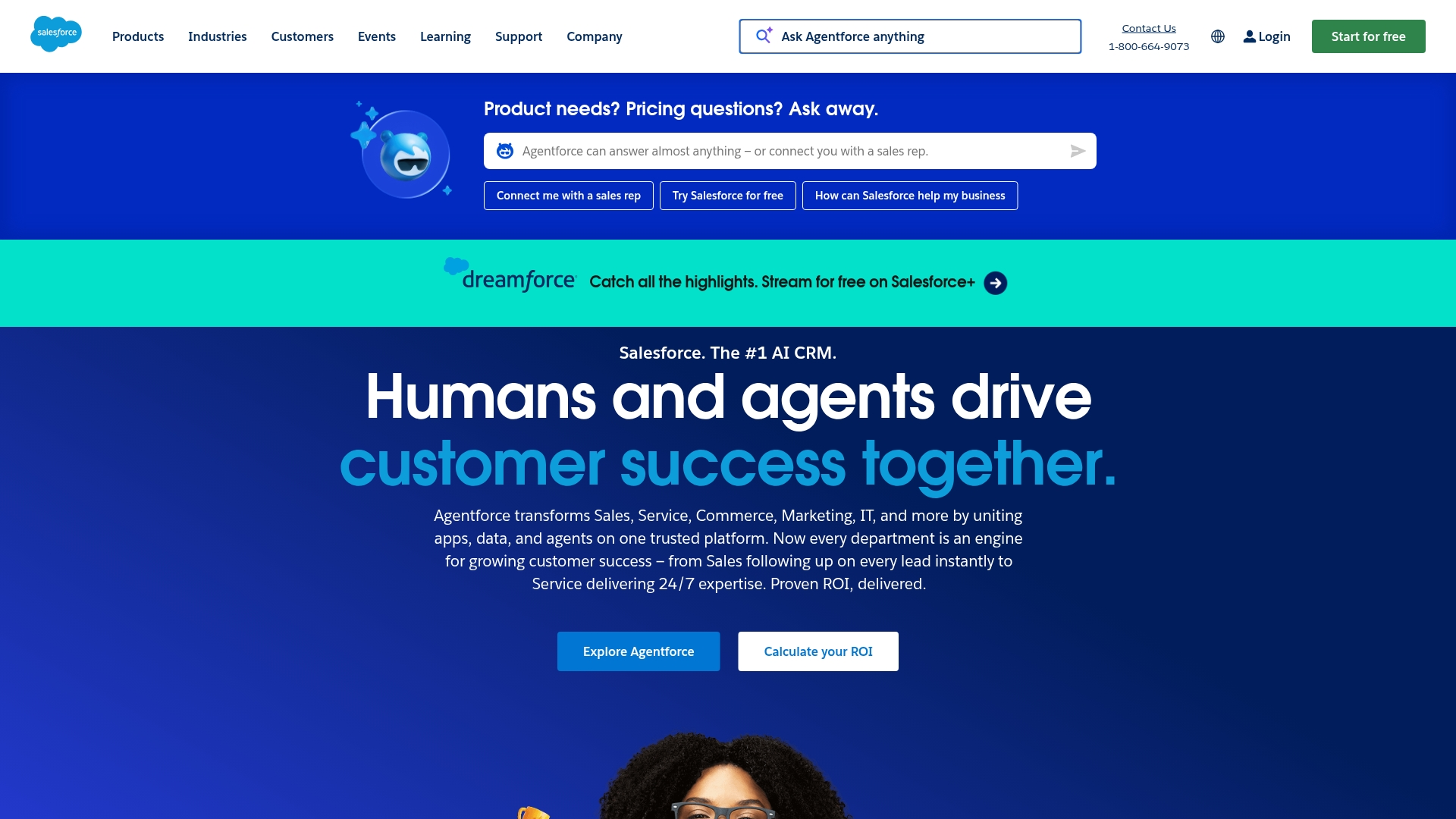
As an enterprise-grade platform, Salesforce provides CRM database capabilities that serve as the foundational architecture for comprehensive customer management. The system is distinguished by its metadata-driven structure and Customer 360 approach, positioning it as the ideal solution for large organizations navigating complex data landscapes and requiring deep customization.
Use case:
Salesforce provides a unified Customer 360 platform that centralizes all customer interactions, data, and insights across sales, service, marketing, and commerce teams to create a single source of truth for enterprise organizations.
Key features:
- Multi-tenant architecture: with metadata-driven customization that allows extensive data structure modifications without altering core application code.
- Data Cloud with zero-copy architecture: unifies customer data from external sources like Snowflake and Amazon S3 without data migration.
- Comprehensive analytics and AI integration: through Einstein platform for automated lead scoring, predictive insights, and customer behavior analysis.
Pricing:
- Starter Suite: contact sales for pricing (designed for small businesses).
- Professional: contact sales for pricing (standard CRM features).
- Enterprise: contact sales for pricing (advanced customization and analytics).
- Unlimited: contact sales for pricing (unlimited customization and premium support).
- Pricing varies by product line (Sales Cloud, Service Cloud, Marketing Cloud) and is typically based on annual contracts.
- Free 30-day trial available for most products.
Considerations:
- Complex implementation process often requires specialized expertise and can be overwhelming for smaller teams.
- High total cost of ownership: with expensive add-ons and the need for dedicated administrators or consultants to manage the platform effectively.
3. HubSpot
HubSpot’s platform is built around an all-in-one CRM database designed to unify marketing, sales, and service data into a cohesive customer profile. Its strength lies in combining an inbound marketing methodology with powerful automation, making it a compelling choice for small to mid-sized businesses focused on scaling their customer acquisition and retention efforts.

Example:
HubSpot’s CRM database serves as the central nervous system for businesses wanting to track the complete customer journey from first touchpoint to long-term advocacy, all while maintaining data quality through automated deduplication and syncing tools.
Key features:
- Contact management software: for up to 1 million contacts with unlimited storage and comprehensive interaction tracking.
- AI-powered Breeze Copilot: that researches companies, prepares sales calls, and summarizes CRM records automatically.
- Seamless integration: with 1,900+ third-party applications plus native email, meeting scheduling, and payment processing tools.
Pricing:
- Free CRM: $0/month with core contact management, deal tracking, and basic reporting.
- Marketing Hub Professional: $800/month with 3 core seats and 2,000 marketing contacts.
- Marketing Hub Enterprise: $3,600/month with 5 core seats and 10,000 marketing contacts.
- Professional plans require a $3,000 onboarding fee, Enterprise plans require $7,000.
- Additional core seats cost $45/month (Professional) or $75/month (Enterprise).
Considerations:
- Pricing can escalate quickly as businesses scale: with marketing contacts and advanced features driving up costs significantly.
- Lower-tier plans lack essential features: like A/B testing and advanced automation, forcing upgrades sooner than expected.
4. Zoho CRM
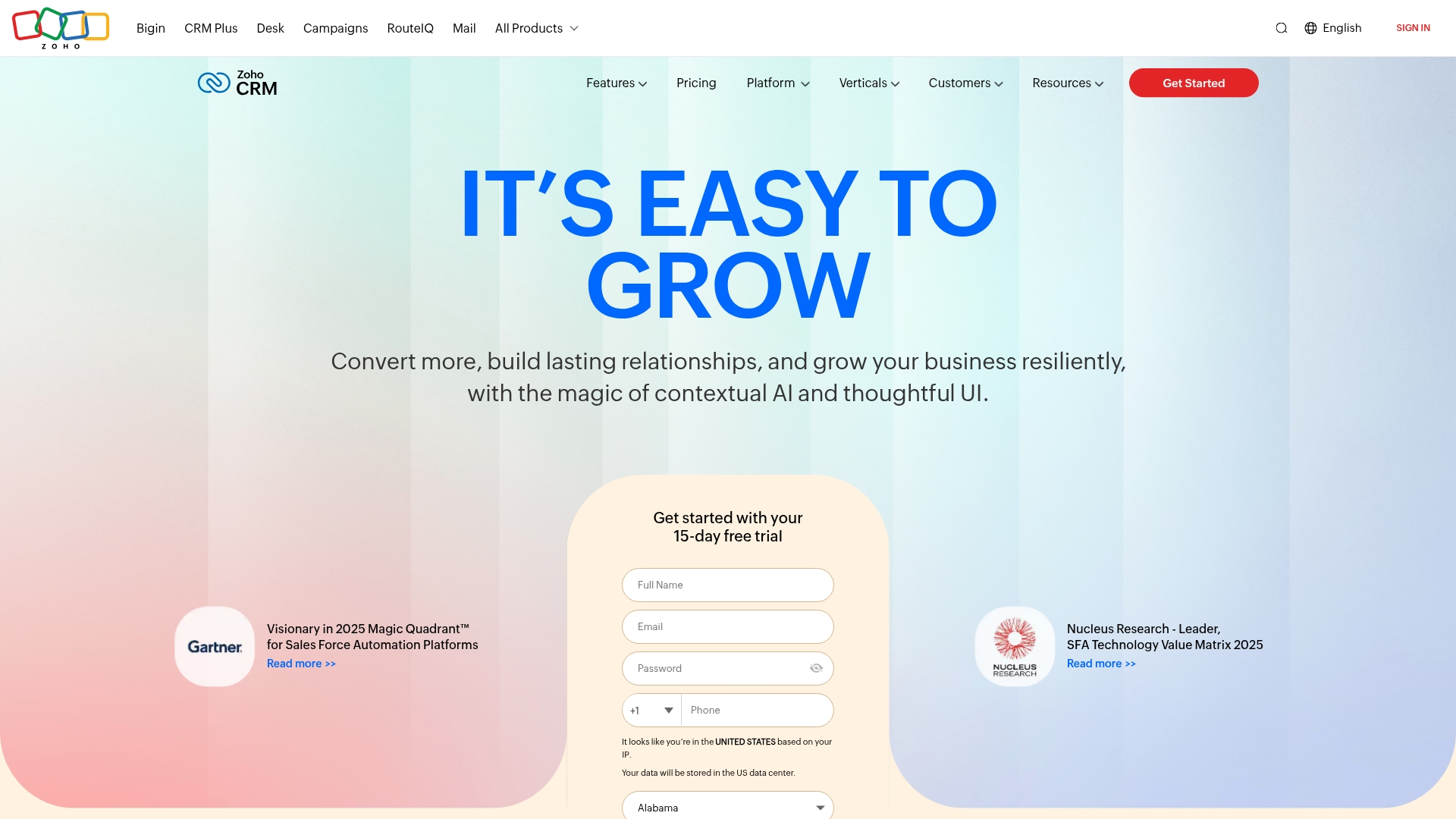
Offering a suite of comprehensive customer relationship management tools, Zoho CRM is known for its extensive customization options and seamless integration across a wide array of business applications.
The platform’s blend of affordability and flexibility makes it a strong contender for small to medium businesses that need an all-in-one solution without a prohibitive price tag.
Example:
Zoho CRM serves as a centralized database system that combines traditional CRM functionality with AI-powered analytics and extensive customization capabilities for businesses of all sizes.
Key features:
- AI-powered Zia platform: provides predictive analytics, data anomaly detection, and business intelligence to enhance decision-making.
- Custom modules and workflows: allow teams to build tailored data structures and automate processes without extensive coding.
- Comprehensive integration ecosystem: connects seamlessly with other Zoho applications and external systems through REST and GraphQL APIs.
Considerations:
- Learning curve: can be steep due to extensive customization options and feature depth.
- Advanced features: may require technical expertise to implement effectively.
5. Pipedrive
Pipedrive offers a highly visual, sales-centric CRM database engineered to transform how teams monitor deals and manage client interactions. Conceived by salespeople for salespeople, its core specialization is in pipeline management and an activity-based selling philosophy, which resonates strongly with small to medium-sized businesses prioritizing simplicity and actionable insights.

Example:
Pipedrive excels at helping sales teams visualize their entire pipeline through an intuitive drag-and-drop interface that keeps deals moving and prevents prospects from falling through the cracks.
Key features:
- Visual sales pipeline: with customizable stages and drag-and-drop deal management.
- Activity-based selling methodology: prompts users to schedule next steps for every deal.
- Smart contact data enrichment: automatically pulls in publicly available information to build comprehensive customer profiles.
Pricing:
- Lite: $14/month (billed annually).
- Growth: $39/month (billed annually).
- Premium: $59/month (billed annually).
- Ultimate: $79/month (billed annually).
- Add-ons available starting at $6.67/month per company for additional features like Projects and Campaigns.
- Free 14-day trial available for all plans.
Considerations:
- Limited marketing automation capabilities: compared to all-in-one platforms like HubSpot.
- Advanced features and detailed analytics: locked behind higher-priced tiers, which can increase costs significantly.
How to get started with CRM database software implementation
A successful CRM rollout hinges less on technical complexity and more on a strategic implementation plan that ensures user adoption and immediate value. The goal is to foster enthusiasm from day one by framing the initiative as the construction of a new revenue engine, not merely a software installation.
First, you need get your data in shape — like a spring cleaning for your contacts — to ensure your team starts with a clean, reliable foundation. From there, you can map out a clear path so everyone knows the play, a process made simple with monday CRM’s flexible boards that adapt to your team’s existing workflow, not the other way around.
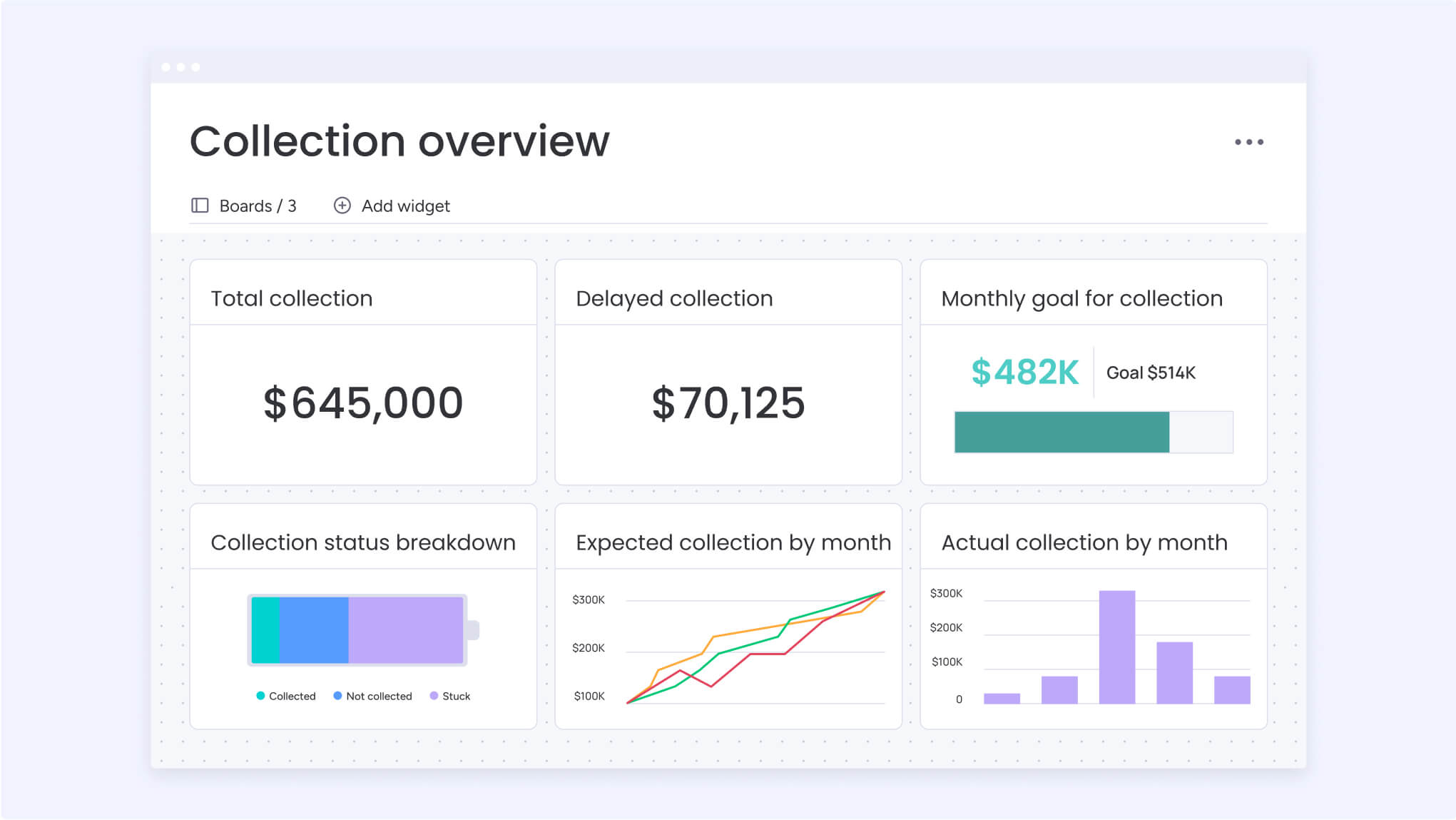
With a solid plan in place, you can then focus on turning your team into power users by showing them exactly how the CRM makes their jobs easier and helps them close deals faster. By tracking your progress with detailed dashboards, you get the visibility to celebrate wins, spot opportunities, and build the confidence that comes from having total control over your pipeline.
Upgrade your database software: try monday CRM today
A common pitfall of many CRM systems is their rigidity, imposing inflexible workflows that clash with how sales teams naturally operate. In contrast, monday CRM was engineered for adaptability. It provides a flexible, visual environment that can be customized in minutes using an intuitive no-code builder, allowing you to perfectly mirror and enhance your unique sales process.
Let’s get your team’s time back from tedious admin work so they can focus on what they do best: building relationships. The platform’s smart automations handle the heavy lifting (from logging communications to scoring leads) giving your reps the signals they need to close faster and with more confidence.
A great sales tool shouldn’t isolate your team; it should connect everyone. By integrating with the tools you already love and linking to the wider monday Work OS, we create one unified space for the entire revenue team.
The content in this article is provided for informational purposes only and, to the best of monday.com’s knowledge, the information provided in this article is accurate and up-to-date at the time of publication. That said, monday.com encourages readers to verify all information directly.
Frequently asked questions
What is the difference between CRM software and CRM database software?
CRM software is the broad term for managing customer relationships, while "CRM database software" highlights the system's core function of storing and organizing customer data. Most modern platforms combine both, giving you a powerful sales tool built on a centralized database.
How much does CRM database software typically cost?
Pricing varies from free plans to custom enterprise solutions, with most teams paying between $20–$100 per user monthly. The best platforms offer flexible pricing that scales with your team's growth and specific needs.
Can small businesses benefit from CRM database software?
Yes, small businesses gain a major advantage by replacing manual spreadsheets with an automated system that organizes customer data and sales activities. This helps teams track their pipeline, save time, and close more deals faster.
How secure is customer data in cloud-based CRM database software?
Reputable cloud CRMs use enterprise-grade security, including data encryption and compliance with standards like GDPR and SOC 2. These platforms are often more secure than on-premise options due to dedicated, 24/7 security teams.
What is the typical implementation timeline for CRM database software?
Implementation can take a few weeks for small teams or several months for complex enterprise deployments. Modern, intuitive platforms are designed to get your team onboarded and working in days, not months.
Do I need technical skills to manage CRM database software?
No, modern CRM platforms are built for non-technical users with intuitive, drag-and-drop interfaces for customization. You can manage your sales pipeline and build automations without needing any coding skills or IT support.

 Get started