


Top sales teams don’t just sell more; they operate smarter. They spend their time building relationships and closing deals rather than hunting for contact details in spreadsheets or manually logging emails. Therefore, the right platform shouldn’t just store contacts; it should power your entire sales motion.
Choosing that platform is the challenge. Some CRMs overwhelm teams with complexity, while others oversimplify and limit growth. The real difference comes down to adoption speed, workflow fit, integrations, and whether the system scales without hidden costs.
This comparison breaks down 10 leading client tracking tools, what they actually offer sales teams, and how to implement the right one successfully. This knowledge will help you achieve your goal of finding a platform that removes friction, supports real-world selling, and keeps your team focused on what matters most: meaningful growth.
Key takeaways
- Client tracking software consolidates relationships: a unified platform eliminates scattered spreadsheets and disconnected emails, giving your team complete visibility into every account and interaction.
- Automation reclaims selling time: the right CRM handles administrative tasks like data entry and follow-up reminders, returning 10+ hours per week to your team for relationship-building and deal-closing.
- Visual workflows accelerate adoption: platforms like monday CRM use intuitive, drag-and-drop interfaces that reduce learning curves and help teams start tracking clients effectively from day one.
- AI transforms busywork into insights: modern client tracking platforms leverage AI to extract key details from communications, flag at-risk deals, and surface upsell opportunities without manual analysis.
- Implementation strategy determines success: a phased rollout with pilot testing, process mapping, and internal champions drives adoption far more effectively than company-wide launches.
What is client tracking software?
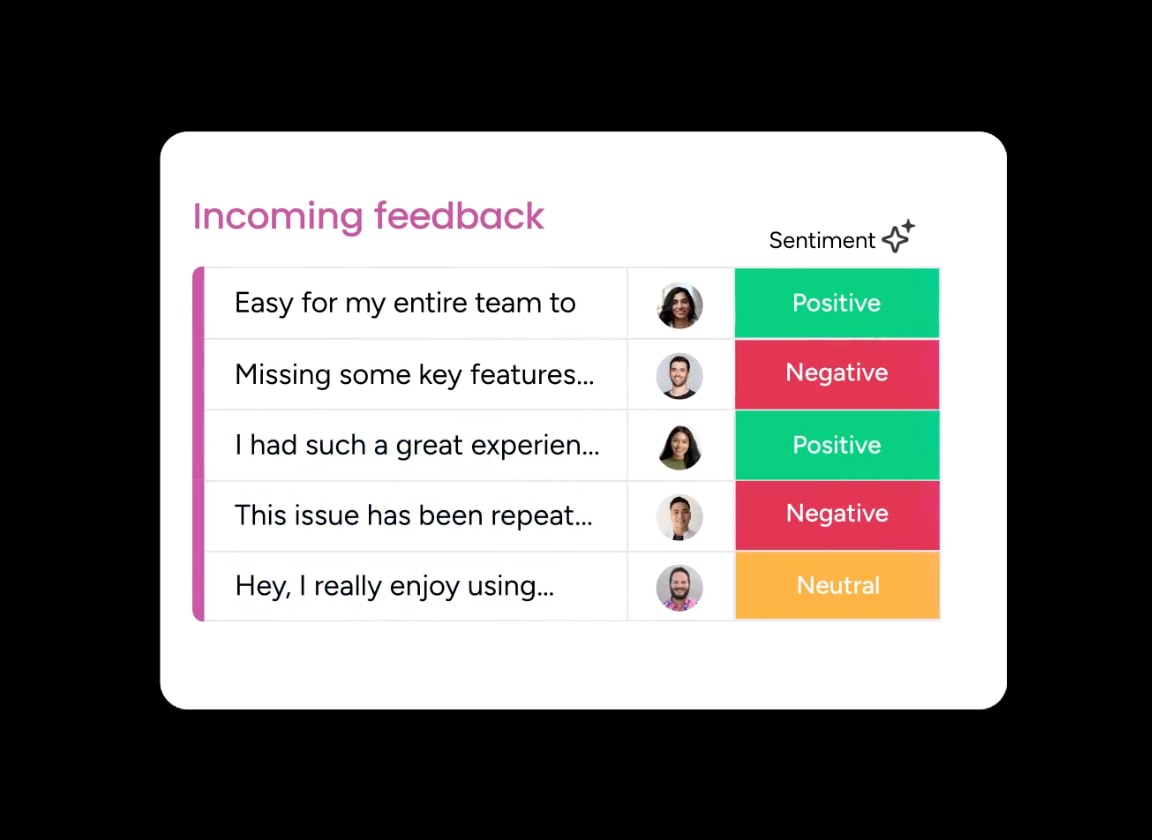
Client tracking software consolidates every client relationship into a single, authoritative platform for your team. It eliminates the need to dig through disconnected emails and spreadsheets for critical information. With a complete, shared picture of every account, your entire team can operate with greater speed and cohesion.
This is far more than a digital contact list; it’s the operational engine for your entire sales cycle, from the initial outreach to the final renewal. You can automate essential follow-ups to ensure no opportunity is missed and gain real-time insights into the health of every account, all from one digital workspace.
The result is a more empowered and confident team. Sales managers gain the visibility required for effective coaching, while account managers have a client’s complete history readily available. Leadership receives the direct, actionable insights necessary for strategic business growth, without the burden of manual report generation.
Client trackers comparison
The selection of an inadequate CRM often results in a “data graveyard,” where disorganized information leads to missed opportunities and lost revenue. Conversely, an optimal platform serves as a strategic foundation, empowering sales teams to execute deals with greater precision and efficiency.
The following analysis provides a structured overview of the leading ten client tracking solutions. By focusing on critical decision factors (such as primary use cases, entry-level pricing, core organizational strengths, and integrated AI capabilities) this comparison will help you achieve the goal of selecting a platform that aligns with your specific operational requirements and budgetary parameters.
This high-level summary allows for a streamlined evaluation, ensuring you identify the most effective solution without the distraction of marketing jargon or non-essential features.
| Software Name | Best For | Starting Price | Key Strength | AI Features |
|---|---|---|---|---|
| monday CRM | Visual workflows | $10/user/month | No-code automation & integrations | Yes |
| HubSpot CRM | Small teams | Free | Marketing automation & free tier | Limited |
| Salesforce | Enterprise sales | $25/user/month | Customization & scalability | Yes |
| Pipedrive | Sales-focused teams | $14/user/month | Pipeline visualization | Limited |
| Zoho CRM | Business suite users | $14/user/month | Affordable suite integration | Yes |
| Freshsales | Omnichannel teams | $15/user/month | Built-in phone & email | Yes |
| Airtable | Data organization | Free | Spreadsheet-database flexibility | Limited |
| Notion | Workspace consolidation | Free | Documentation & knowledge management | No |
| ClickUp | Project + CRM teams | $7/user/month | Task/project management integration | Limited |
| Copper CRM | Google Workspace users | $23/user/month | Native Google integration | Limited |
Why your business needs client management software?
Relying on spreadsheets, sticky notes, and scattered emails isn’t a modern sales process. When your best reps are mired in administrative tasks instead of closing deals, the lost time translates directly to a weaker bottom line. This isn’t a scaling issue, but a fundamental systems problem.
To resolve this, a dedicated CRM automates the administrative overhead that stalls your team’s progress, from data entry to follow-up reminders. This shift can return 10+ hours per week to your team, allowing them to concentrate on what drives revenue: building relationships and winning deals. It’s a transition from wasted effort to pure selling.
Moreover, a centralized system eliminates the need to hunt for information across a dozen different applications. Instead, it places every contact detail, conversation, and deal history in one location, giving your team the single source of truth required to move faster and close with confidence. By doing so, it delivers the visibility and control essential for growth—without the accompanying chaos.

“With monday CRM, we’re finally able to adapt the platform to our needs — not the other way around. It gives us the flexibility to work smarter, cut costs, save time, and scale with confidence.”
Samuel Lobao | Contract Administrator & Special Projects, Strategix
“Now we have a lot less data, but it’s quality data. That change allows us to use AI confidently, without second-guessing the outputs.”
Elizabeth Gerbel | CEO
“Without monday CRM, we’d be chasing updates and fixing errors. Now we’re focused on growing the program — not just keeping up with it."
Quentin Williams | Head of Dropship, Freedom Furniture
“There’s probably about a 70% increase in efficiency in regards to the admin tasks that were removed and automated, which is a huge win for us.“
Kyle Dorman | Department Manager - Operations, Ray White
"monday CRM helps us make sure the right people have immediate visibility into the information they need so we're not wasting time."
Luca Pope | Global Client Solutions Manager at Black Mountain
“In a couple of weeks, all of the team members were using monday CRM fully. The automations and the many integrations, make monday CRM the best CRM in the market right now.”
Nuno Godinho | CIO at VelvWhat should your CRM actually do for you?
Your CRM should be an asset, not an obstacle. Too many teams are burdened by clunky systems that generate more work than they eliminate. The right platform, however, transforms scattered data into closed deals and turns manual tasks into a distant memory.
The core capabilities, that distinguish a tool that helps you win from one that merely gets in the way, are:
- Get the full story on every contact: a contact represents more than just a name and an email. Your CRM should map the entire ecosystem of a deal: organizational hierarchies, key influencers, and budget holders. This level of insight allows you to move beyond guesswork and know precisely who to engage and when.
- Sync your inbox, see everything: cease the frustrating search through sent folders and forwarded threads. A superior CRM automatically logs every email, creating a single source of truth for every conversation accessible to the entire team. Real-time tracking of email opens and link clicks tells you exactly when to make your next move.
- Build your process, your way: because your sales process is unique, your CRM should adapt to your methodology. With simple drag-and-drop tools, you can create powerful automations for follow-ups, handoffs, and internal approvals. No coding team is necessary, only a commitment to working more efficiently.
- Let AI do the busywork: delegate the repetitive tasks to intelligent automation. AI can extract key details from emails and documents, populating fields so your team doesn’t have to. It can also flag at-risk deals or identify prime upsell opportunities, freeing your team to focus on the human element of building relationships.
- Insights, not just data dumps: endless spreadsheets offer little practical value. What you need are clear, immediate answers. Live dashboards should reveal what’s working and what isn’t, enabling you to address problems before they escalate and to capitalize on your successes.
- Your CRM, in your pocket: deals are not confined to a desk. Your CRM must be fully functional from anywhere including your car, a coffee shop, or an airport lounge. The ability to pull up contact information, log a call, or update a deal’s status directly from your phone ensures that momentum is never lost.
The 10 best client tracking software solutions
Many client tracking platforms create unnecessary friction. They promise transformative results but often deliver clunky software that teams dread using. The ideal solution should accelerate workflows, not obstruct them.
Evaluating these platforms requires asking a single question: what actually helps close deals faster? This translates to rapid setup, intuitive workflows, and immediately actionable insights. The objective is finding a platform that conforms to real-world processes, not the other way around.
The market offers various solutions, each with distinct approaches to simplicity and user experience. Some platforms prioritize visual interfaces and no-code customization, while others focus on deep integrations or industry-specific features. Exploring these options helps identify the right fit for specific business needs.
1. monday CRM
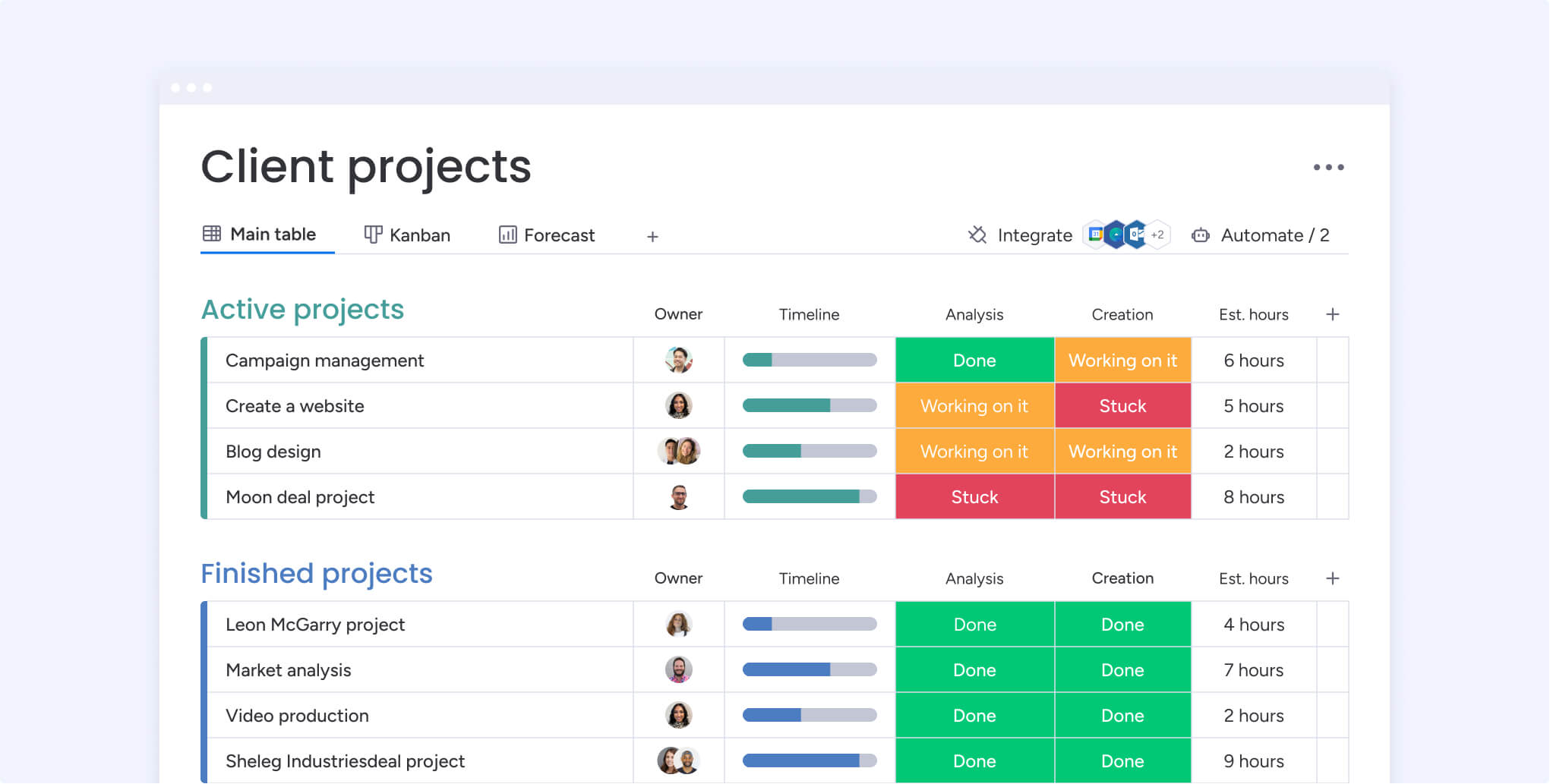
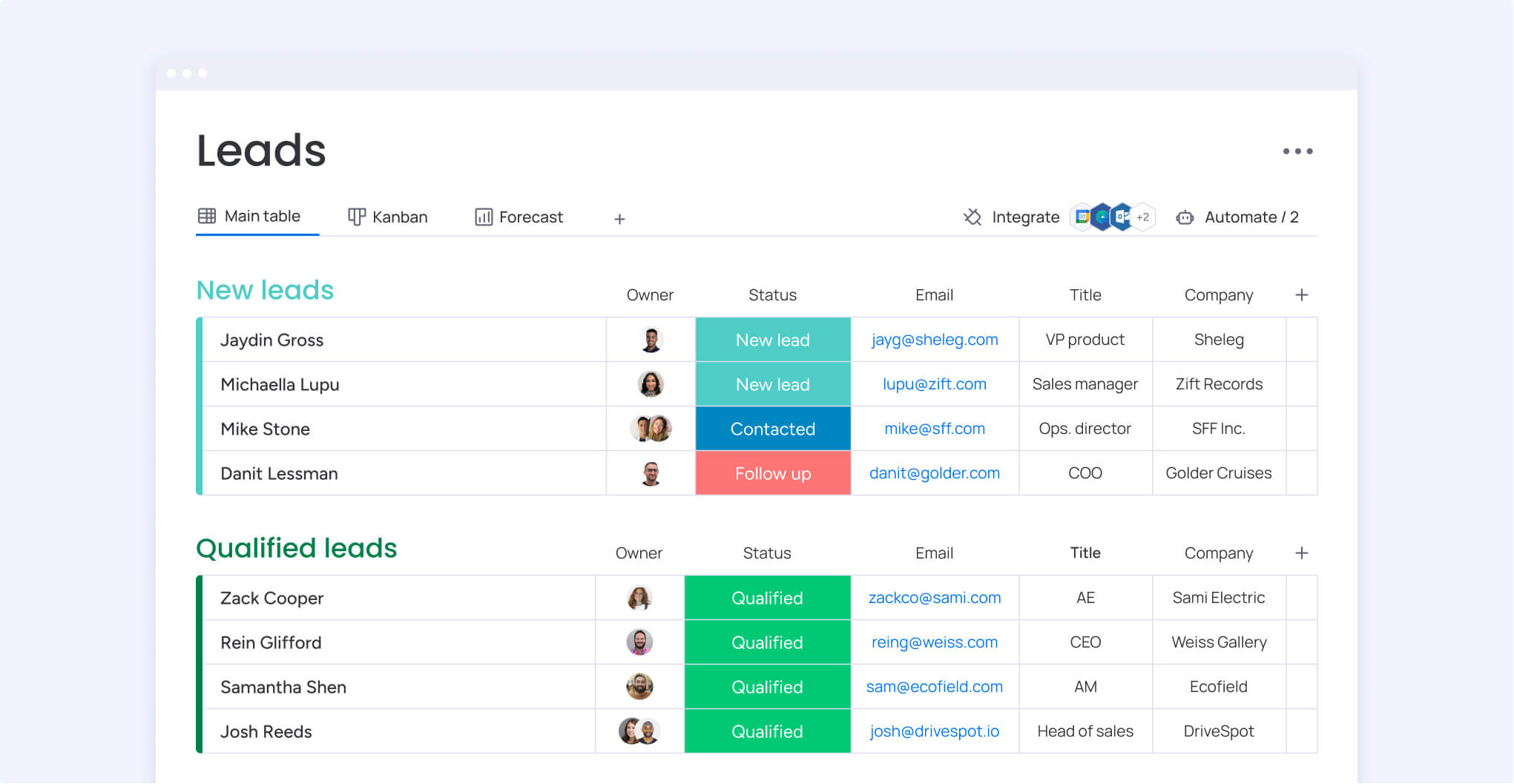
By transforming client tracking from scattered spreadsheets into a unified visual workspace, monday CRM brings clarity to complex sales processes. The platform merges intuitive project management with robust CRM features, making it an excellent choice for growing teams that need to manage clients without being overwhelmed by complexity.
Built on the flexible monday.com Work OS, it provides enterprise-grade client management that can scale alongside your business.
Example:
Connecting pre-sales client tracking with post-sales project delivery is where monday CRM truly excels, creating seamless handoffs that prevent clients from falling through the cracks.
Key features:
- Unified client timeline: all emails, calls, meetings, and notes appear in one consolidated view per client, giving you complete context at a glance.
- Visual pipeline management: customizable board views let you track deals, projects, and client touchpoints using drag-and-drop simplicity.
- No-code automations: build custom workflows that automatically move clients through stages, create follow-up tasks, and trigger notifications without technical expertise.
Pricing:
- Basic CRM: $12/month per seat (billed annually).
- Standard CRM: $17/month per seat (billed annually).
- Pro CRM: $28/month per seat (billed annually).
- Enterprise: custom pricing.
- Annual discount: 18% savings for annual billing vs monthly.
- Minimum requirements: three seats required with bucketed pricing tiers.
Why it stands out:
- Zero learning curve: visual boards make client tracking intuitive for teams of all technical backgrounds, with drag-and-drop builders that let you create complex automations without coding knowledge.
- AI-powered intelligence: automatically extracts key insights from client communications, analyzes workload to suggest optimal task distribution, and monitors communication tone to flag potential issues before they escalate.
- Enterprise-grade automation: choose from dozens of pre-built templates for common scenarios like lead qualification, create custom multi-step workflows that trigger based on client actions, and handle thousands of automated actions per month with advanced plans.
- Comprehensive integration ecosystem: two-way email sync with Gmail and Outlook automatically logs all communications, direct connections with HubSpot, Salesforce, and Facebook Ads enable seamless lead capture, and robust REST API supports custom integrations with proprietary systems.
- Intelligent data management: automatically links contacts to companies based on email domains, built-in detection and merging capabilities keep your database organized, and full-featured mobile apps support call logging and client updates from anywhere.
2. HubSpot CRM
For teams seeking powerful features without an initial investment, HubSpot CRM offers a free, comprehensive platform that unifies marketing, sales, and service data. Its specialization in inbound marketing automation and seamless contact management makes it a go-to choice for growing businesses that want robust capabilities without the typical complexity.
 Example:
 Example:
HubSpot CRM creates a unified timeline for each client that automatically captures website visits, email interactions, calls, meetings, and deal progress — giving sales teams complete visibility into every customer touchpoint.
Key features:
- Smart activity timeline: automatically logs all client interactions across channels, from website visits to email opens, creating a complete picture of engagement.
- Built-in email tracking: real-time notifications when prospects open emails or revisit your website, plus automatic logging of all communications.
- Marketing automation integration: native tools for lead capture, email campaigns, and behavioral tracking that feed directly into client records.
Pricing:
- Free: core CRM features with unlimited users and contacts.
- Starter: from $15/month per seat with promotional pricing for new customers.
- Professional: from $50/month per seat with advanced automation and reporting.
- Enterprise: from $75/month per seat with full customization and governance features.
- Onboarding fees: additional $3,000-$7,000 for Professional and Enterprise tiers.
Considerations:
- Timeline limitations: free accounts created after February 4, 2025 only show the last 30 days of activity; older interactions require a paid upgrade.
- Click tracking restrictions: email click tracking requires a paid Sales seat, limiting free users to open tracking only.
3. Salesforce
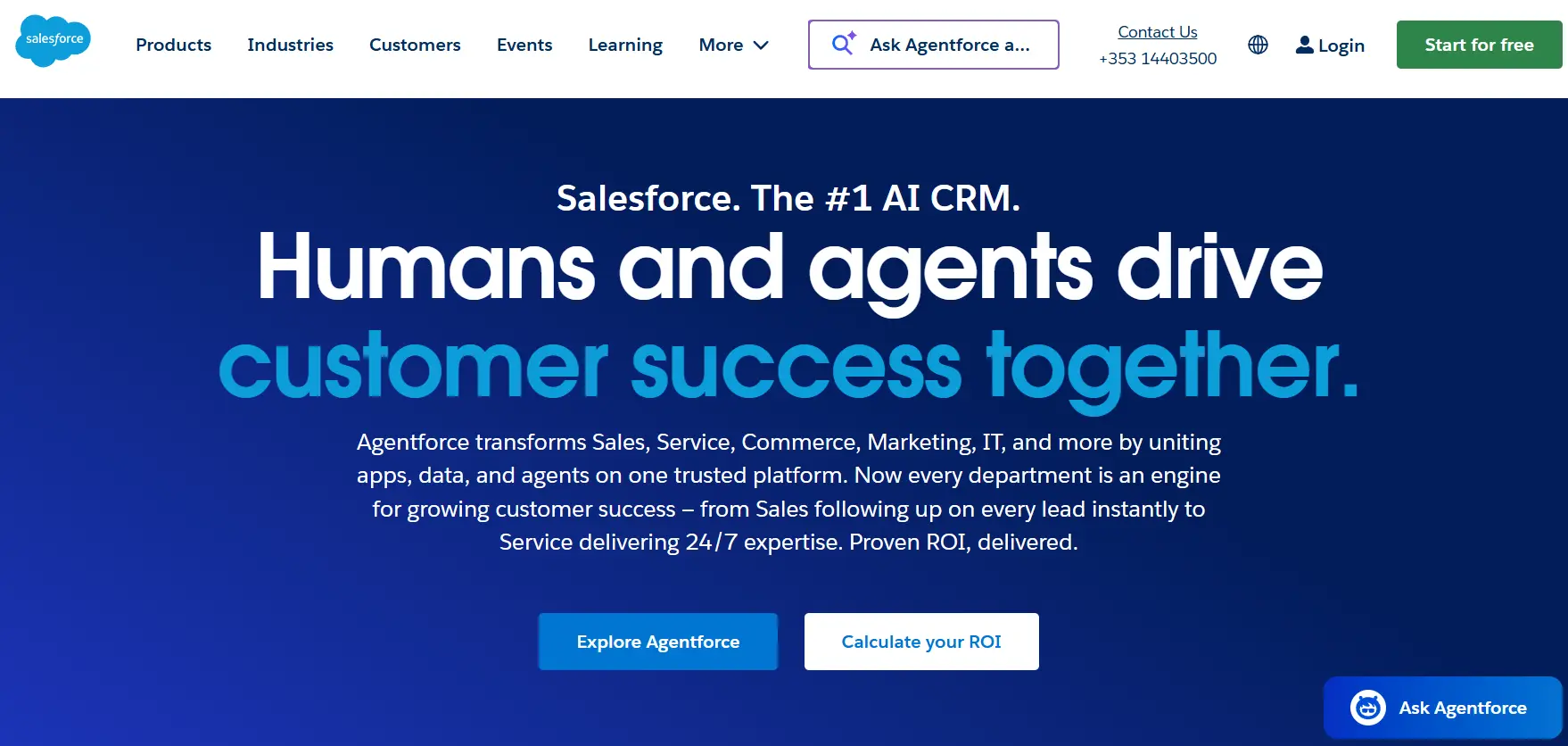
As the dominant force in the enterprise CRM market, Salesforce provides unmatched scale and customization power. The platform is engineered for large organizations and global teams that require profound flexibility, robust security protocols, and an extensive integration ecosystem to manage complex client tracking workflows.
Example:
Salesforce excels at creating unified customer profiles across multiple touchpoints while providing enterprise-grade security and compliance for organizations with complex, global client tracking requirements.
Key features:
- Unified customer profiles: data Cloud identity resolution consolidates client information from multiple sources into single, real-time profiles that eliminate duplicates and provide complete customer visibility.
- Automatic activity capture: Einstein Activity Capture syncs emails, meetings, and contacts from Microsoft or Google directly to client timelines, reducing manual data entry and ensuring nothing falls through the cracks.
- Enterprise security and compliance: SOC 2, GDPR, and HIPAA compliance with Hyperforce data residency options and advanced encryption through Salesforce Shield for organizations with strict regulatory requirements.
Pricing:
- Starter Suite: $25/user/month (billed monthly or annually).
- Pro: $100/user/month.
- Enterprise: $175/user/month.
- Unlimited: $350/user/month.
- Agentforce 1 Sales: $550/user/month.
- Premier Success Plan: adds 30% of net license fees for advanced support.
- Additional costs: for add-ons like Sales Engagement, Revenue Cloud, and Slack Enterprise+.
Considerations:
- Steep learning curve: requires significant training investment for teams new to the platform.
- Implementation complexity: often demands technical expertise or professional services, increasing total cost of ownership.
4. Pipedrive
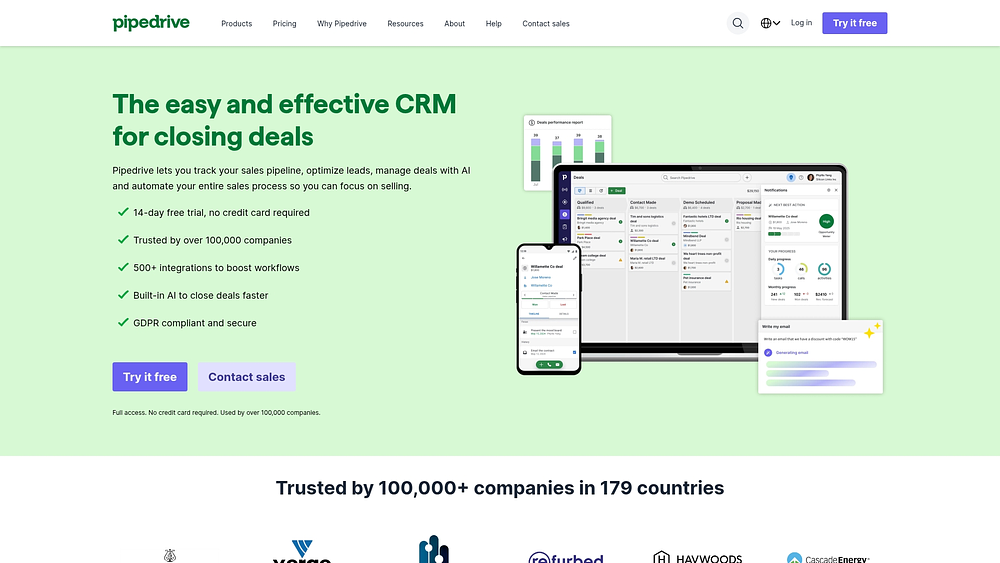
With its emphasis on visual pipeline management, Pipedrive is designed to keep sales teams laser-focused on closing deals. Conceived by salespeople for salespeople, the platform champions activity-based selling and simplicity, positioning it as an ideal solution for small to medium-sized businesses seeking quick wins without heavyweight complexity.
Example:
Pipedrive helps sales teams track client interactions through a visual pipeline that shows exactly where each deal stands and what actions to take next.
Key features:
- Pipeline-first interface: drag-and-drop deal management with customizable stages that make it easy to see progress at a glance.
- Activity tracking and automation: schedule calls, emails, and meetings with built-in reminders and follow-up sequences to keep client communication consistent.
- Real-time email tracking: instant notifications when prospects open emails or click links, plus full two-way sync with Gmail and Outlook.
Pricing:
- Lite: $14/user/month (billed annually).
- Growth: $24/user/month (billed annually).
- Premium: $49/user/month (billed annually).
- Ultimate: $69/user/month (billed annually).
- Add-ons available: LeadBooster starts at $32.50/month, Web Visitors starts at $41/month.
- 14-day free trial: available for all plans.
Considerations:
- Email tracking limitations: only works on emails sent after enabling the feature so you can’t track opens or clicks retroactively.
- Additional costs for advanced features: lead generation and website visitor identification require paid add-ons, which increases total cost.
5. Zoho CRM
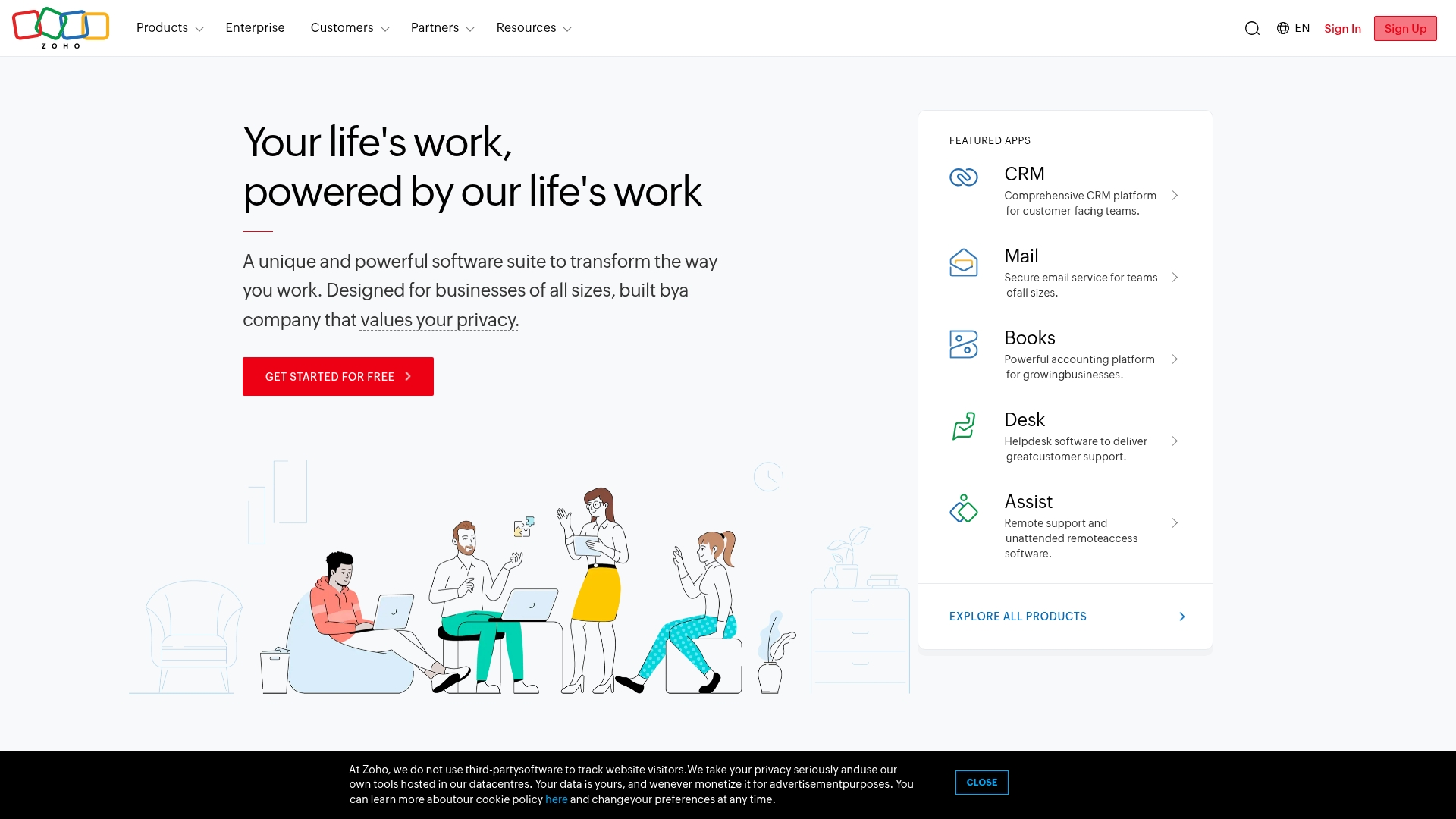
Through its privacy-first platform, Zoho CRM offers comprehensive client tracking that connects sales, marketing, and support into one unified system. The platform’s focus on real-time customer insights and omnichannel communication makes it a strong contender for growing businesses that require deep visibility without a prohibitive price tag.
 Example:
 Example:
Zoho CRM helps sales teams track client interactions across email, phone, chat, and social media with real-time alerts and a three-year timeline view for complete relationship visibility.
Key features:
- SalesSignals: real-time notifications when prospects open emails, visit your website, or engage across any channel; no more guessing when to follow up.
- 360° customer view: centralized records showing every touchpoint, conversation, and interaction history across your entire business ecosystem.
- Three-year timeline: extended activity history with filters and notes that help you understand long sales cycles and client relationship patterns.
Pricing:
- Standard: $14/user/month (billed annually).
- Professional: $23/user/month (billed annually).
- Enterprise: $40/user/month (billed annually).
- Ultimate: $52/user/month (billed annually).
- Annual discount: save up to 34% with annual billing.
- Free plan: available for up to three users.
Considerations:
- Interface complexity: can feel cluttered with so many features and integrations available.
- Learning curve: new users need time to navigate the extensive customization options.
6. Freshsales
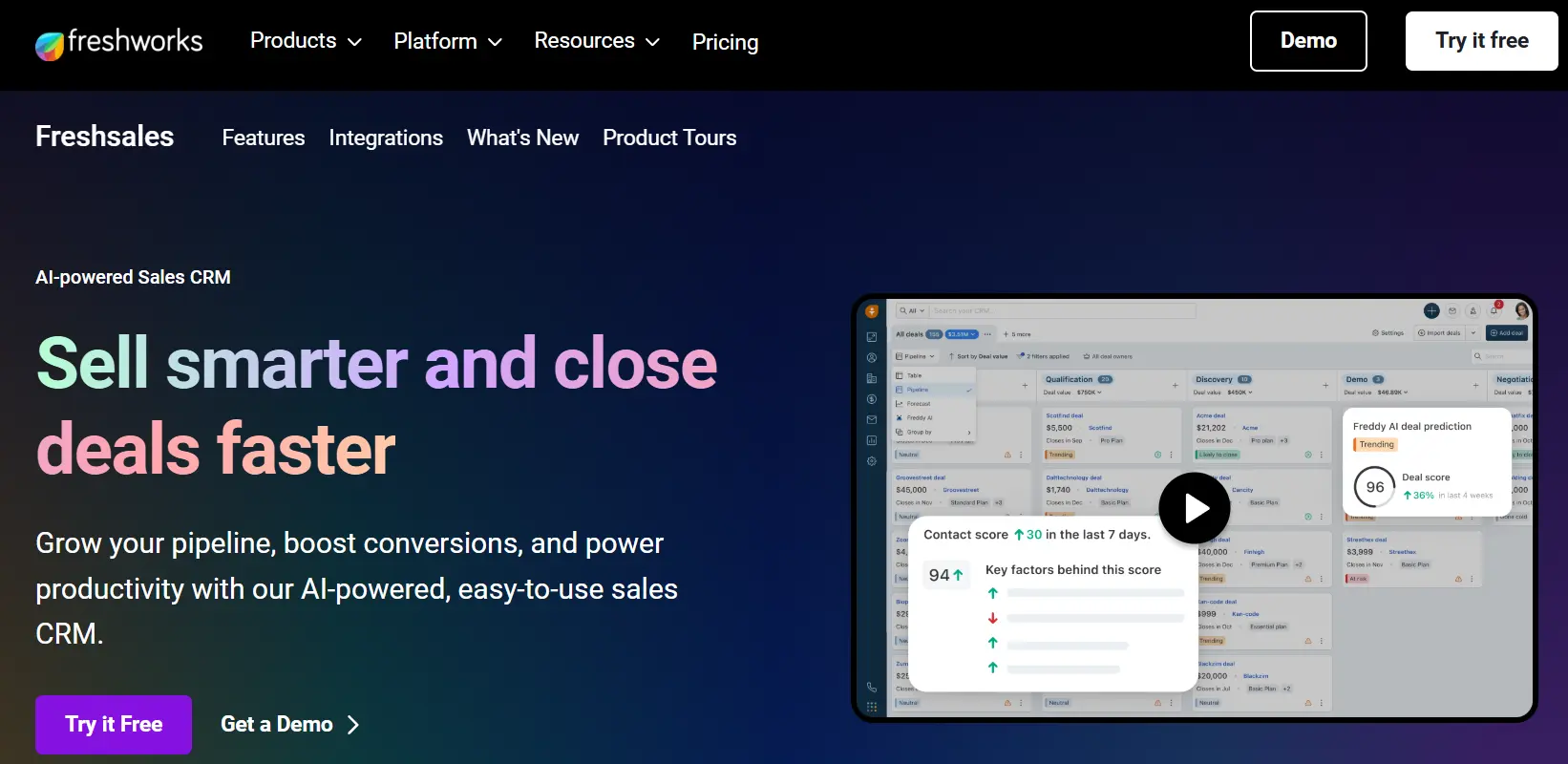
Freshsales provides AI-powered client tracking complemented by built-in communication tools, ensuring every customer interaction is captured in one place. The platform’s strength lies in creating 360-degree client visibility through unified activity timelines, making it well-suited for teams that want comprehensive tracking without the complexity of enterprise-level systems.
 Example:
 Example:
Freshsales consolidates all client interactions including emails, calls, chats, and meetings, into a single activity timeline with AI insights that predict deal outcomes and recommend next actions.
Key features:
- 360° activity timeline: view all client interactions across channels in one chronological feed with automatic logging and AI-driven deal insights.
- Built-in communication tools: make calls, send emails, and chat directly from the platform with automatic conversation capture.
- AI-powered prioritization: Freddy AI analyzes activity patterns to flag deals as “Likely to Close,” “Trending,” or “At Risk” with recommended actions.
Pricing:
- Free plan: up to three users.
- Growth: $9/user/month (billed annually).
- Pro: $39/user/month (billed annually).
- Enterprise: $59/user/month (billed annually).
- Free trial: 21-day trial available.
- Additional charges: telephony usage and premium add-ons billed separately.
Considerations:
- Timeline limitations: account activity timeline limited to 100 related contacts and doesn’t show upcoming activities in aggregated view.
- Email sync restrictions: only captures conversations tied to known contacts, requiring clean data hygiene for complete tracking.
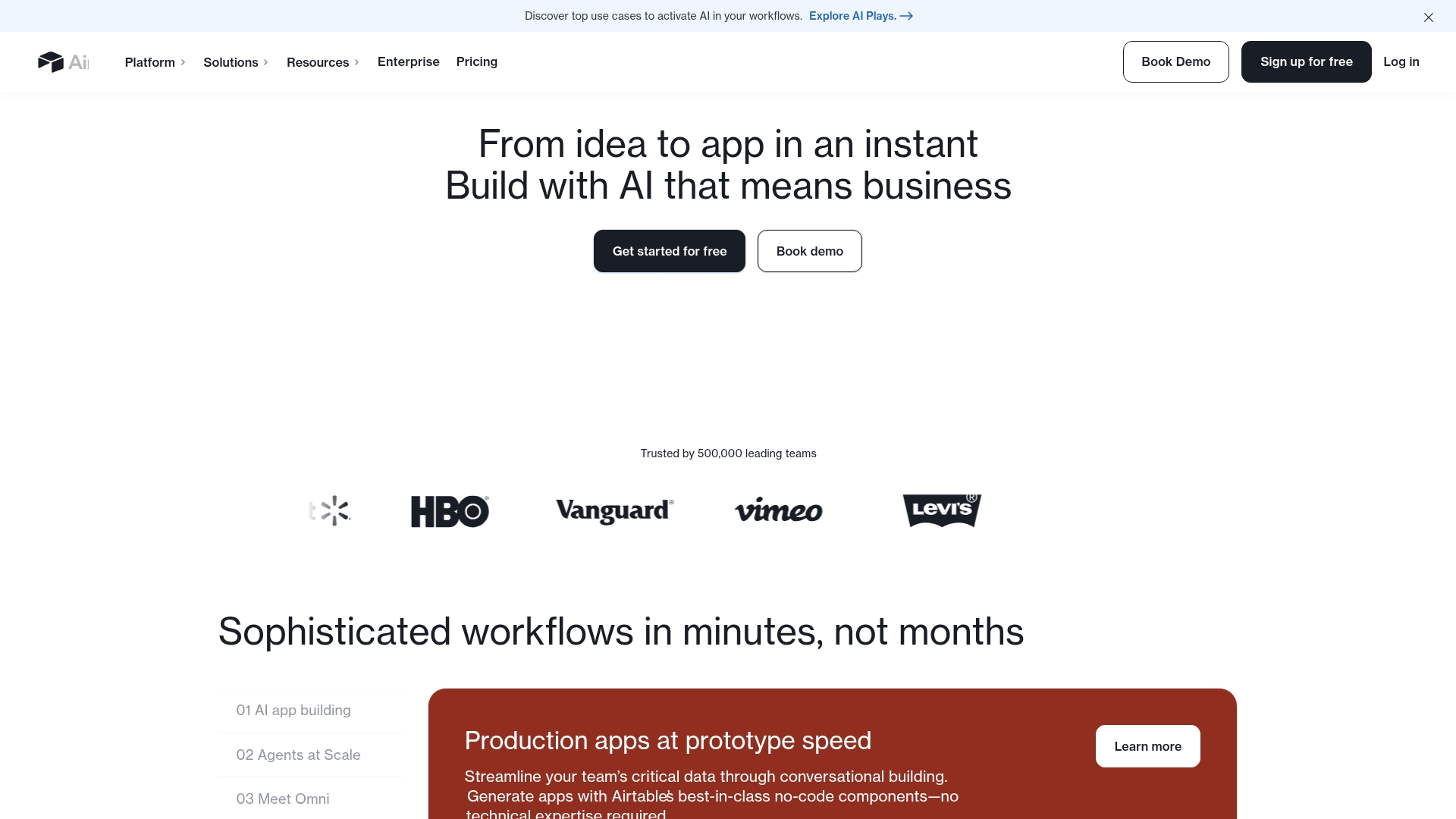
7. Airtable
By blending the simplicity of a spreadsheet with the power of a database, Airtable gives teams the flexibility to construct custom client tracking systems that perfectly match their workflow. The platform’s specialization in visual, collaborative data organization makes it a prime choice for teams that have outgrown basic CRM features but wish to avoid the rigidity of complex enterprise software.
Example:
 Example:
Airtable works best for teams who want to build their own CRM-style client tracking system with the visual appeal of spreadsheets and the relational power of databases.
Key features:
- Flexible data organization: customizable tables, fields, and views that adapt to any workflow or data structure.
- Real-time collaboration: team editing, commenting, and sharing with role-specific interfaces for different stakeholders.
- Connected workflows: two-way sync capabilities and integrations with Salesforce, HubSpot, and hundreds of other platforms.
Pricing:
- Free: $0/month for individuals and small teams.
- Team: $20/user/month (billed annually) or $24/user/month (billed monthly).
- Business: $45/user/month (billed annually) or $54/user/month (billed monthly).
- Enterprise Scale: custom pricing with advanced governance and compliance features.
- Portals add-on: starting at $120/month for 15 external guests on Team plan.
- AI credits: included monthly allowances with additional credit packs available.
Considerations:
- Setup requirements: requires ongoing admin work since it’s a configurable platform rather than a turnkey CRM solution.
- Scaling costs: record limits and feature restrictions can impact larger client databases, with costs scaling significantly as teams grow.
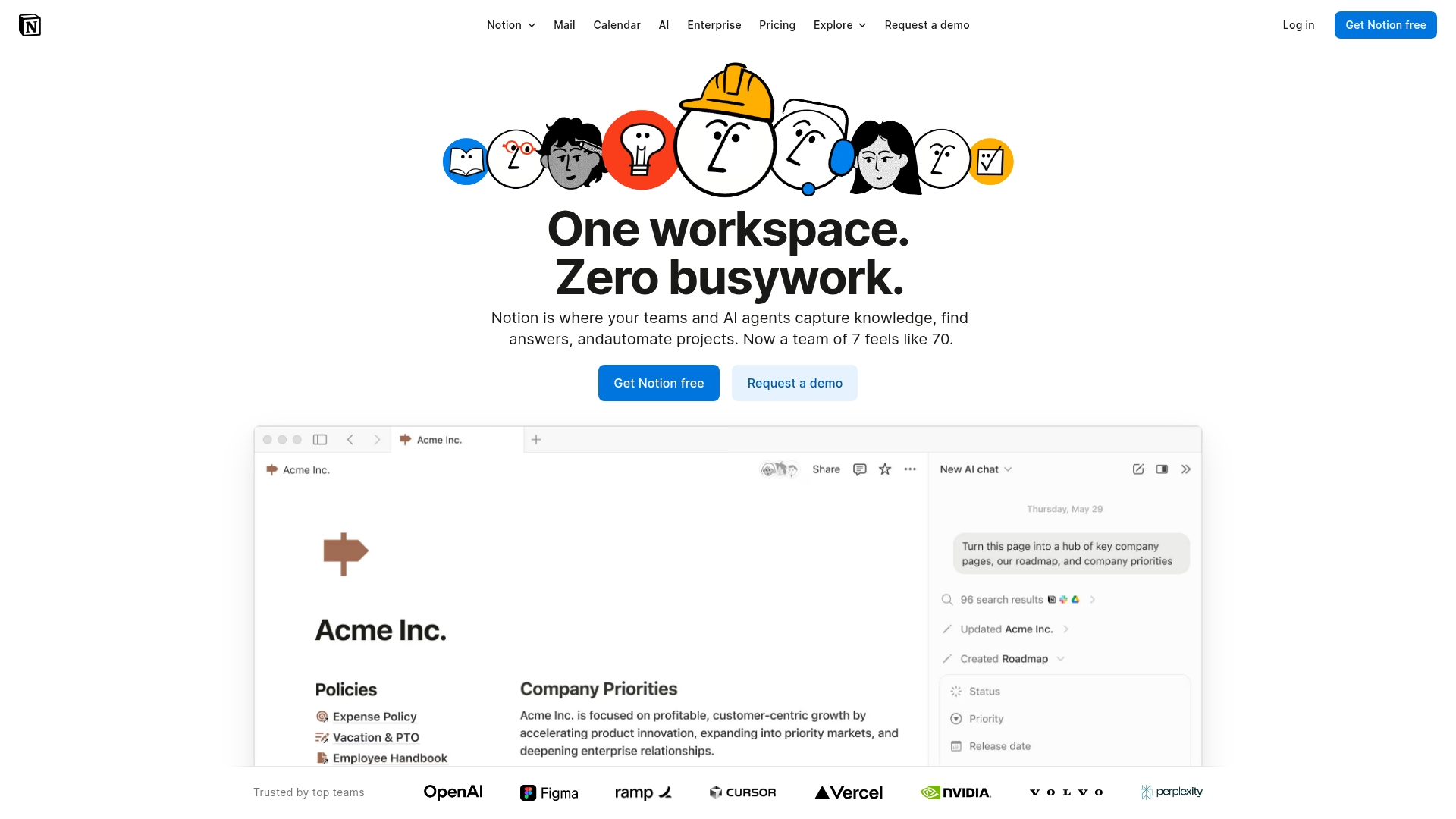
8. Notion
Notion redefines how teams approach client tracking by integrating databases, documents, and workflows into a single, adaptable workspace. Its capacity for building highly customizable client management systems makes it a compelling option for teams that want to create their own CRM solution alongside project documentation and internal collaboration hubs.
Example:
 Example:
Build a custom client tracking system that lives alongside your team’s docs, projects, and knowledge base in one unified workspace.
Key features:
- Custom database creation: design client databases with relations, rollups, and automations to mirror your exact workflow needs.
- Native forms and email integration: capture client data through Notion Forms and manage communications with integrated Gmail through Notion Mail.
- Template marketplace: access proven CRM templates and customize them for your specific client tracking requirements.
Pricing:
- Free: $0/member/month.
- Plus: $10/member/month.
- Business: $20/member/month.
- Enterprise: custom pricing.
- Annual discount: saves up to 20% with annual billing.
- Startup program: up to six months free on Business plan.
- Special pricing: education and nonprofit discounts available.
Considerations:
- Setup requirements: requires significant setup time to build effective client tracking systems from scratch.
- Email integration limitations: limited to Gmail only, with no multi-provider inbox support.
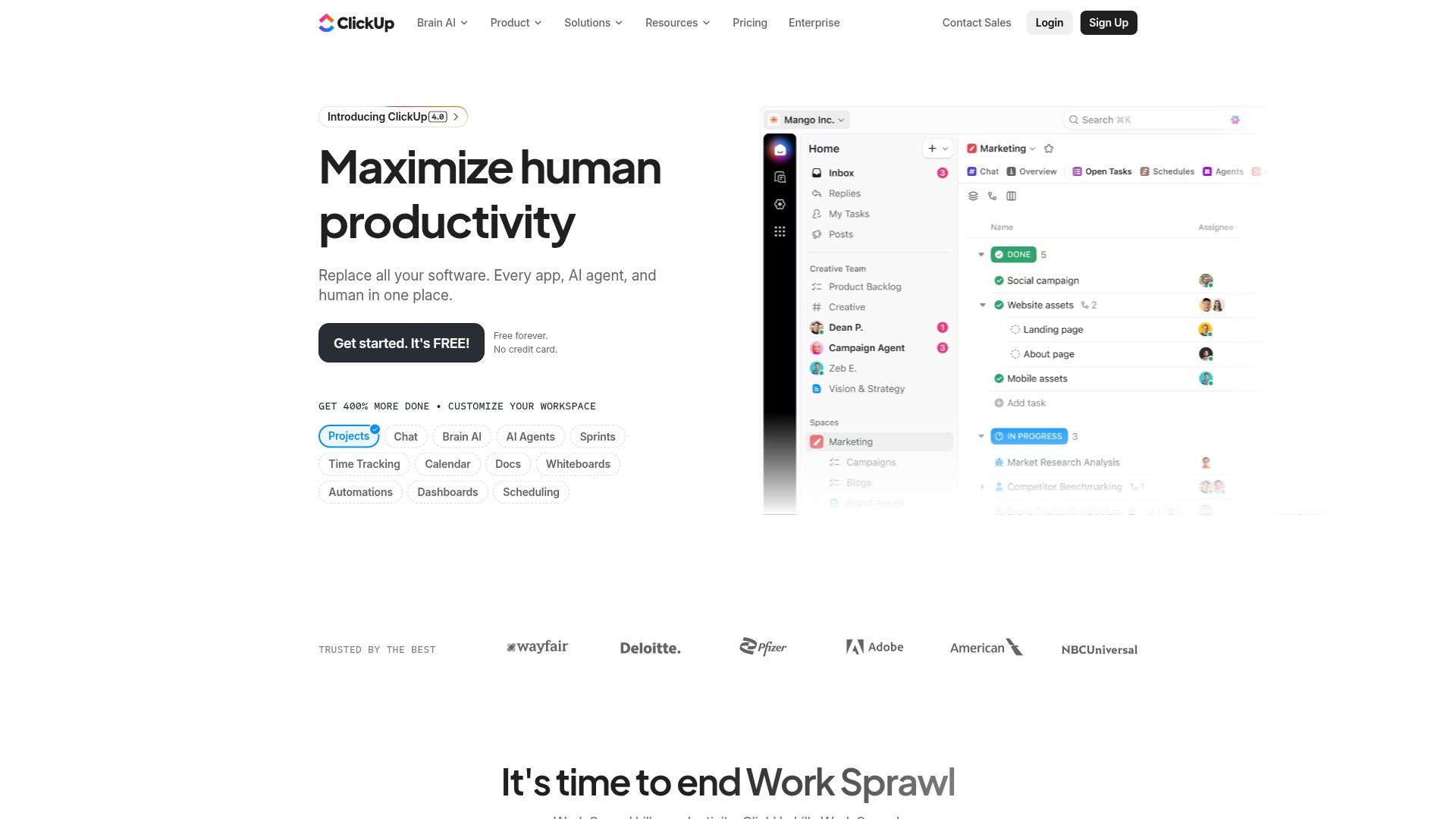
9. ClickUp
Uniting project management with CRM functionalities, ClickUp provides an all-in-one workspace for teams that must track both client relationships and project delivery simultaneously. The platform’s flexible data modeling and automation capabilities make it particularly useful for service-based businesses aiming to manage the entire client lifecycle, from lead capture to project completion, within a single system.
Example:
 Example:
ClickUp works best for teams that need to blend client tracking with project execution, offering customizable views and automation to keep both sales pipelines and delivery workflows moving forward.
Key features:
- Flexible data modeling: custom fields and relationships let you build a CRM structure that fits your exact business needs.
- Multiple view options: switch between lists, boards, calendars, and timelines to visualize client data however makes sense for your team.
- Built-in automation: no-code automation builders handle repetitive tasks like moving leads through stages and creating follow-up reminders.
Pricing:
- Free Forever: basic features with usage limits.
- Unlimited: $7/user/month (billed annually).
- Business: $12/user/month (billed annually).
- Business Plus and Enterprise: custom pricing available.
- ClickUp Brain AI: additional $9-28/user/month for AI features.
- Annual billing: saves up to 20% with 30-day money-back guarantee.
Considerations:
- Free plan limitations: caps dashboards at 60 uses and custom fields at 60 uses, which can limit CRM reporting as you scale.
- Guest billing costs: permission-controlled guests and limited members count as paid seats, increasing expenses.
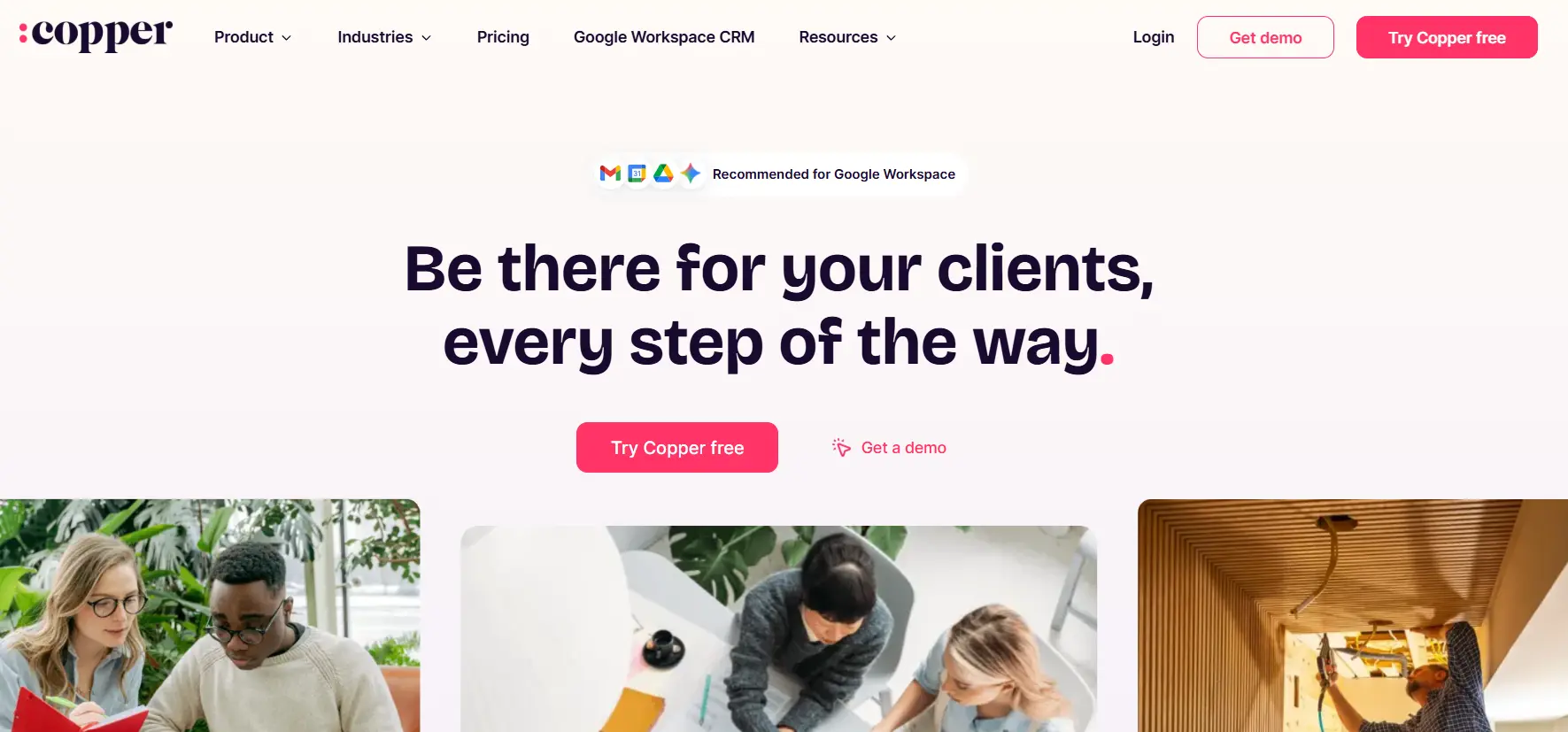
10. Copper CRM
For teams embedded in the Google ecosystem, Copper CRM transforms Gmail and Google Calendar into a client tracking command center. It is built exclusively for Google Workspace users, automatically capturing every email, meeting, and interaction without manual data entry. This makes it an excellent fit for relationship-focused businesses that prioritize client insights over administrative tasks.
Example:
Copper CRM eliminates manual client tracking by automatically pulling emails, calendar events, and contact details directly from Google Workspace into organized client profiles.
Key features:
- Native Google integration: syncs emails, contacts, and calendar events automatically with zero manual entry.
- Real-time activity feeds: shows chronological client interaction history across all touchpoints.
- AI contact enrichment: auto-fills phone numbers, emails, and social profiles to complete client records.
Pricing:
- Starter: $9-$12/user/month (billed annually).
- Basic: $23-$29/user/month (billed annually).
- Professional: $59-$69/user/month (billed annually).
- Business: $99-$134/user/month (billed annually).
- Annual discount: up to 26% savings with annual billing.
- Free trial: 14-day trial available.
- Contact limits: vary by tier from 1,000 to unlimited.
Considerations:
- Google Workspace dependency: only works with Google Workspace with no native Microsoft 365 integration.
- Customization constraints: limited customization options compared to enterprise-level CRMs.
AI-powered capabilities that enhance sales performance
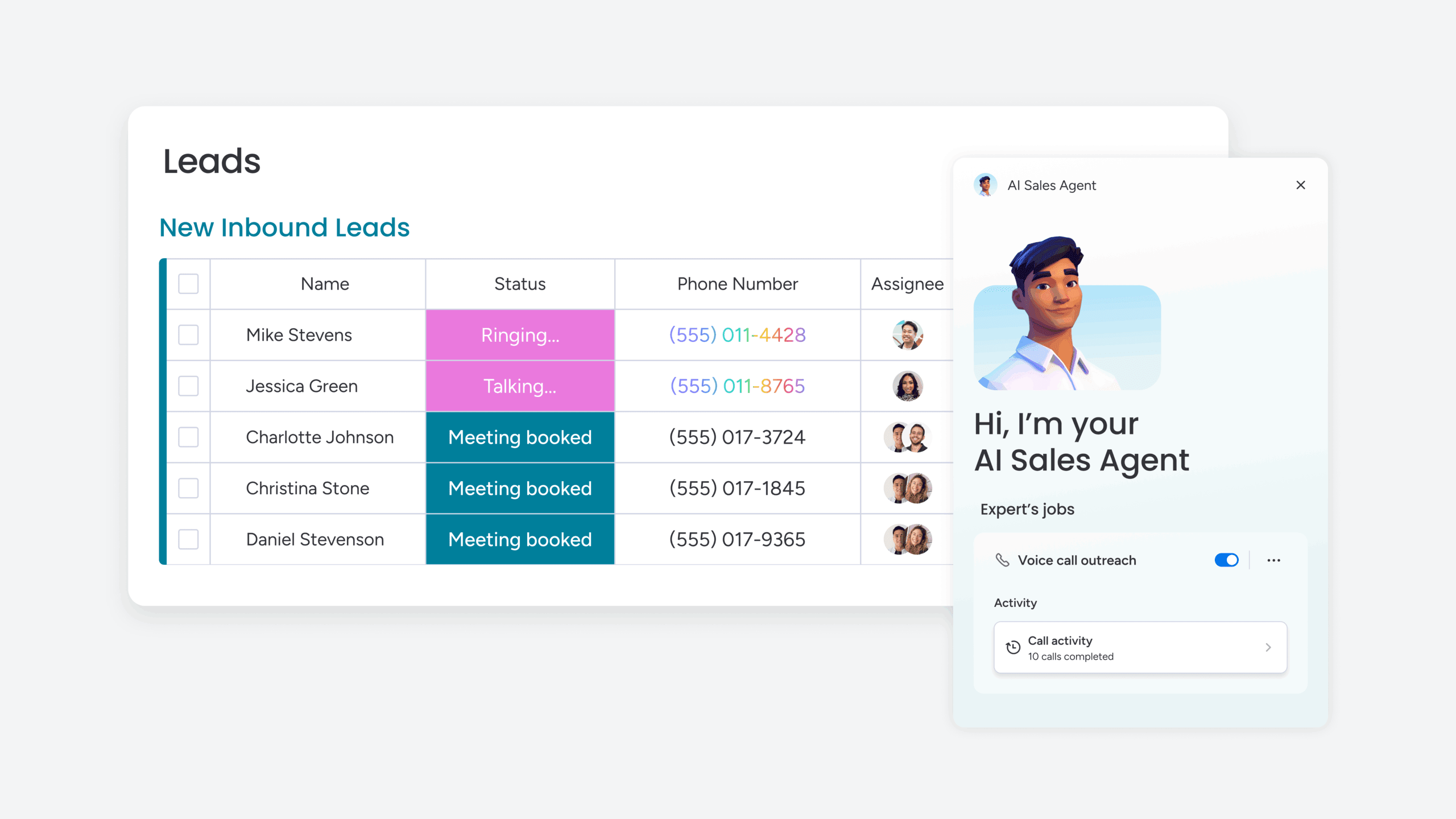
Modern client tracking platforms integrate AI directly into workflows to eliminate the administrative overhead that slows teams down. By automatically capturing contact details and enriching profiles, these tools help you achieve the goal of maintaining a high-integrity database with zero manual effort.
This shift replaces guesswork with certainty, as AI identifies at-risk clients and surfaces upsell opportunities at the peak of buyer intent. Consequently, your team receives clear signals on where to direct their energy for maximum impact.
Furthermore, AI helps reps maintain momentum by drafting follow-ups and suggesting replies, accelerating response times while preserving a personal touch. This ensures every communication is fast, smart, and consistently on-brand. Ultimately, leveraging these predictive insights helps you achieve the goal of eliminating revenue surprises through data-driven pipeline intelligence.
How to select the right client management platform?
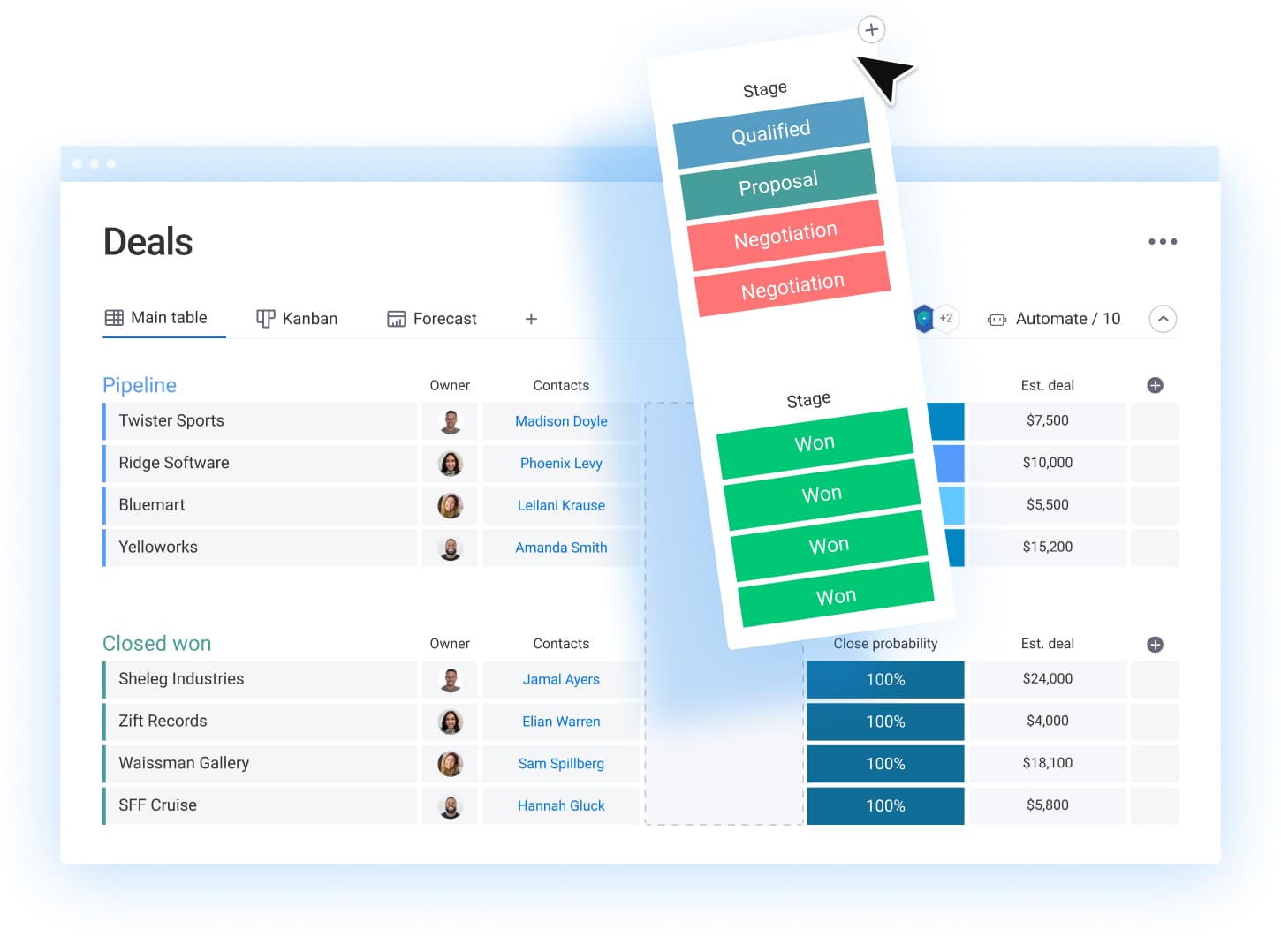
Selecting an inappropriate CRM can result in lost deals and reduced revenue. It burdens your team with administrative overhead and impedes progress at critical moments. The right platform should function as a seamless enabler, automating routine tasks so your sales representatives can concentrate on their core strength: closing deals.
To ensure long-term success, evaluate beyond the demonstration and address essential integration questions. Specifically, does the platform connect effectively with your existing technology stack, or will it create another isolated data repository? Because a CRM that cannot accommodate your growing pipeline represents a significant risk to your revenue objectives, selecting a scalable system helps you achieve the goal of maintaining a unified single source of truth.
Evaluate beyond the demonstration and address the essential questions. Does it integrate effectively with your existing technology stack, or will it create another isolated data repository? A CRM that cannot accommodate your growing pipeline represents a significant risk to your revenue objectives.
The most effective CRM is one that your team adopts and uses consistently. If implementation presents substantial barriers, adoption rates will decline. Select a platform that offers sufficient capability to support complex workflows while maintaining an intuitive interface that requires minimal training.
Client tracking software pricing guide
The advertised price is seldom the final cost. True CRM expenses are often concealed in the details: per-user fees that penalize growth, unexpected storage limitations, and essential features locked behind expensive upgrades. It’s a pricing structure designed to be complex.
Don’t fixate on the monthly fee per user. The crucial question is what value you receive for your investment and what you will be compelled to pay for later. Seek out transparent tiers that scale with your team, not barriers that impede your progress just as you gain momentum.
Transparent pricing matters because sales teams require predictability to maintain focus. Platforms like monday CRM deliver powerful automations and complete visibility from the start, allowing teams to invest their energy in closing deals, not deciphering invoices. No hidden fees, no surprise limits — just the tools needed to move faster.
5 steps to successful implementation
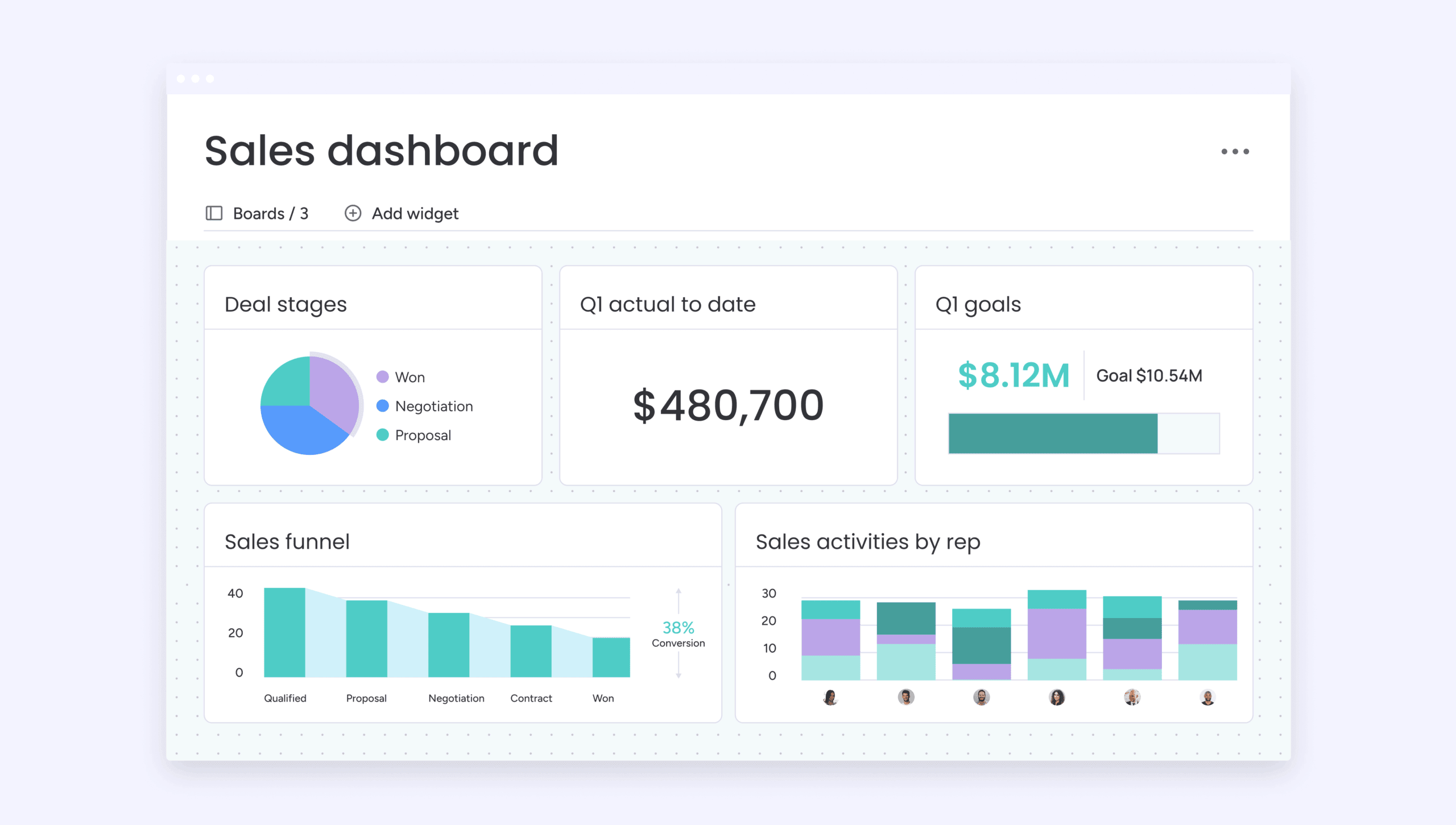
CRM rollouts that fail to gain traction are a common sight. The team resists the change, the data becomes disorganized, and operations revert to spreadsheets before the quarter ends. This is not a failure of the tool, but of the implementation strategy.
Successful CRM adoption is the result of a well-executed rollout: a clear plan that secures team buy-in from day one. This is exactly what you’ll find below.
Step 1: run a pilot, not a revolution
Avoid a company-wide, big-bang launch. Instead, select a small group of your most adaptable reps for a 30-day pilot using real client data. This group will serve as your early warning system, identifying quirks and validating workflows before the full rollout.
Step 2: map the mess
You cannot improve a process you do not fully understand. Therefore, document every touchpoint, from the first call to the final invoice, identifying where deals stall and handoffs fail. The objective is not to create a perfect diagram but to comprehend the existing chaos so platforms like monday CRM can effectively resolve it.
Step 3: automate the obvious
Begin with high-impact, low-effort wins. Implement simple automations for follow-up reminders, task assignments, and new lead alerts. The goal is to eliminate the repetitive work that consumes your team’s day, not to construct a fully autonomous sales robot.
Step 4: unleash your champions
Your pilot group now becomes your internal support network. Provide them with advanced training and empower them to demonstrate the system’s value to their colleagues. An endorsement from a peer is invariably more effective than a training manual.
Step 5: track, tweak, and win
Adoption is an ongoing process, not a single event. Monitor the key metrics, but more importantly, communicate with your team to identify areas for refinement. The most effective CRM setup evolves with your team until its use becomes second nature.
Enhance your client management with monday CRM
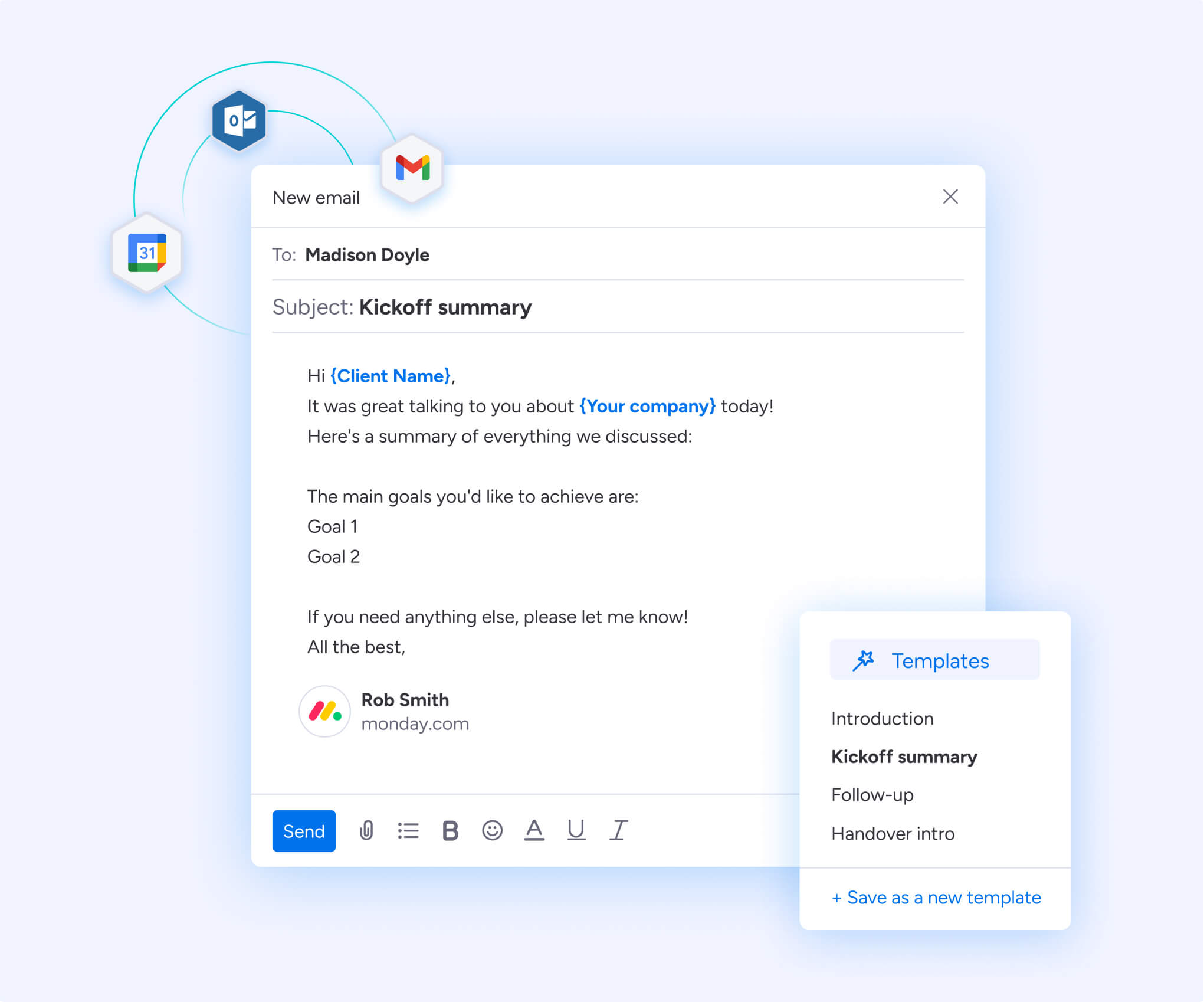
Your CRM should be a catalyst for sales, not a source of administrative burden. Too many teams are constrained by clunky software that stifles their progress. It’s time for a platform that genuinely empowers your team to sell.
Automate the repetitive tasks that consume your day with monday CRM, ending the reliance on spreadsheet scavenger hunts and manual data entry. With all client information and deal progress consolidated in one place, your team can concentrate on what they do best: closing.
Customize your workflows without needing IT intervention. Gain a clear, comprehensive view of your entire pipeline, forecast with accuracy, and provide your team with the confidence required to win. This is how you construct a sales process that is fast, aligned, and prepared for any challenge.
The content in this article is provided for informational purposes only and, to the best of monday.com’s knowledge, the information provided in this article is accurate and up-to-date at the time of publication. That said, monday.com encourages readers to verify all information directly.
Frequently asked questions
What is client tracking software and why do I need it?
Client tracking software consolidates every client relationship into a single platform that eliminates scattered spreadsheets and disconnected emails. It automates essential follow-ups, provides real-time insights into account health, and gives your team complete visibility into every interaction. The result is a more empowered team that spends time building relationships and closing deals rather than hunting for information across multiple systems.
How much does client tracking software typically cost?
Pricing varies significantly across platforms, from free tiers like HubSpot CRM to enterprise solutions like Salesforce starting at $25/user/month. Most mid-market solutions range from $10-$50/user/month when billed annually. Watch for hidden expenses like per-user fees that penalize growth, storage limitations, and essential features locked behind expensive upgrades. Platforms like monday CRM offer transparent pricing starting at $10/user/month with powerful automations included from the start.
What features should I prioritize when choosing a CRM?
Focus on capabilities that directly impact revenue: complete contact visibility, automatic email syncing, no-code automation builders, AI-powered insights that flag at-risk deals, and live dashboards that provide actionable answers rather than data dumps. Full mobile functionality ensures your team can update deals from anywhere. The most effective CRM adapts to your existing processes rather than forcing rigid structures on your team.
How long does it take to implement a new CRM system?
Implementation timelines vary based on your approach, but successful rollouts typically follow a phased strategy rather than company-wide launches. Start with a 30-day pilot using a small group of adaptable reps and real client data to validate workflows and identify issues. Platforms with intuitive interfaces like monday CRM can achieve meaningful adoption within weeks rather than months, especially when teams focus on quick wins before tackling complex customizations.
Can client tracking software integrate with my existing tools?
Modern client tracking platforms offer extensive integration ecosystems to prevent data silos. Look for two-way email sync with Gmail and Outlook, direct connections with marketing platforms like HubSpot and Facebook Ads, and robust APIs that support custom integrations with proprietary systems. Before committing to a CRM, verify that it connects with your critical systems — a platform that creates another isolated data repository will hinder rather than help your team's productivity.

 Get started