


Automation promised to lighten workloads but often added new ones instead. Teams now juggle tools, dashboards, and endless settings — all in the name of efficiency. The actual bottleneck is not the big projects but the steady flow of small, routine tasks that quietly drain focus.
The smartest AI agents for business tackle that problem directly. They act less like a single system and more like a team of digital specialists — focused, reliable, and ready to handle the repetitive work that slows everything else down.
Across sales, marketing, and operations, organizations are starting to build these agents into their daily workflows. The result is a shift from managing tools to directing a capable digital crew that keeps things moving behind the scenes.
Below, this guide explores how to get started — from the key benefits of building your own AI team to the simple steps for creating agents that actually help, not hinder.
Key takeaways
- AI agents for business: reduce friction by handling the steady stream of small, repetitive tasks that quietly drain focus across teams.
- Digital teams over single tools: productivity improves when work is distributed across multiple focused agents instead of one overloaded system.
- Better delegation: modern AI agents manage admin, coordination, and follow-ups in the background, freeing people to concentrate on strategic decisions.
- Flexible agent platforms: make it possible to build and adjust digital teammates without code, so automation fits real workflows rather than forcing new ones.
- Scalable by design: a modular agent setup helps organizations grow faster, stay consistent, and adapt processes as priorities change.
What are AI agents for business?
AI agents for business are digital workers designed to handle specific tasks on behalf of teams. Instead of responding only when prompted, they operate continuously in the background, managing routine work such as updates, coordination, and information handling.
Unlike traditional automation tools that follow rigid rules, AI agents can understand context, adapt to changing inputs, and work across multiple systems. Each agent is typically assigned a single responsibility, allowing it to perform that task consistently and accurately without constant oversight.
Used together, these agents function like a digital workforce. One might track project status, another prepare reports, while a third manages scheduling or follow-ups. This model shifts teams away from managing tools and toward directing outcomes, letting people focus on decisions, strategy, and high-impact work rather than administration.
Key benefits of AI agents for modern businesses
The small, routine tasks that interrupt real work — searching for files, sending reminders, updating trackers — quietly drain time and attention. AI agents are designed to absorb that background noise by taking ownership of clearly defined tasks, so teams can stay focused on higher-value work.
Instead of relying on one all-purpose assistant, businesses can deploy multiple focused agents, each responsible for a single job. This specialist model creates a dependable digital workforce that runs quietly in the background while humans stay in control of priorities and outcomes.
Get your focus back
Productivity isn’t about doing more tasks faster. It’s about spending time on the work that actually moves the business forward. AI agents handle repeatable workflows end-to-end, so people can concentrate on planning, decision-making, and leadership.
Agents can:
- Pull updates from multiple systems and prepare summaries automatically.
- Handle follow-ups, reminders, and status checks without manual intervention.
- Reduce context switching by keeping routine work out of your day.
The result is fewer interruptions and more intentional work.
Grow smarter, not just bigger
Hiring to manage repetitive processes is expensive and slow. AI agents offer a way to increase operational capacity without adding headcount for work that doesn’t require human judgment.
Instead of scaling teams to keep up with admin, businesses can:
- Assign agents to ongoing operational tasks that run continuously.
- Redirect people toward creative, strategic, or customer-facing work.
- Maintain consistency and accuracy without burnout.
This approach maximizes the impact of both people and budget.
Scale on your terms
Growth often exposes operational weak points. AI agents scale instantly with volume, handling increased workloads without delays, retraining, or performance dips.
Whether demand doubles overnight or workflows expand gradually, agents:
- Absorb spikes in activity without affecting service quality.
- Maintain the same standards regardless of volume.
- Let teams grow output without growing complexity.
That flexibility makes expansion far less disruptive.
Deliver a flawless customer experience
AI agents are especially effective at managing routine customer interactions. They handle common questions quickly and consistently, creating a smoother experience without overwhelming support teams.
Key benefits include:
- Providing round-the-clock responses without additional staffing.
- Keeping communication aligned with brand guidelines.
- Escalating complex issues to the right human at the right time.
This balance improves responsiveness while preserving human connection where it matters most.
Types of AI agents for your digital workforce
Building a digital workforce works best when each agent has a clearly defined role. Rather than deploying one general-purpose assistant, teams get better results by creating focused AI agents that handle specific responsibilities reliably and at scale.
Platforms like Agent Factory support this model by making it easy to design, deploy, and manage multiple agents across different parts of the business, each aligned to a single function.
Customer support agents
Customer-facing agents act as the front line of your digital workforce. They handle routine questions, guide users through common issues, and route more complex cases to human teams when needed.
These agents are especially valuable for maintaining responsiveness without increasing support headcount. When built on shared knowledge bases, they deliver accurate answers consistently across channels.
Common responsibilities include:
- Responding to FAQs and product questions instantly.
- Handling basic account or order requests.
- Escalating sensitive or complex issues to human agents.
- Maintaining conversation context for smoother interactions.
Sales and marketing agents
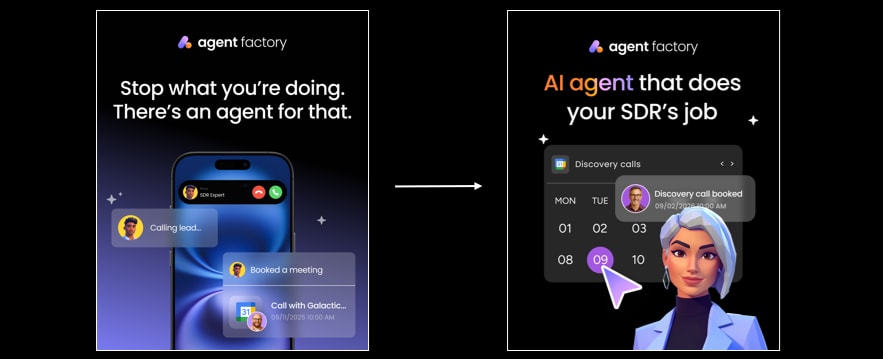
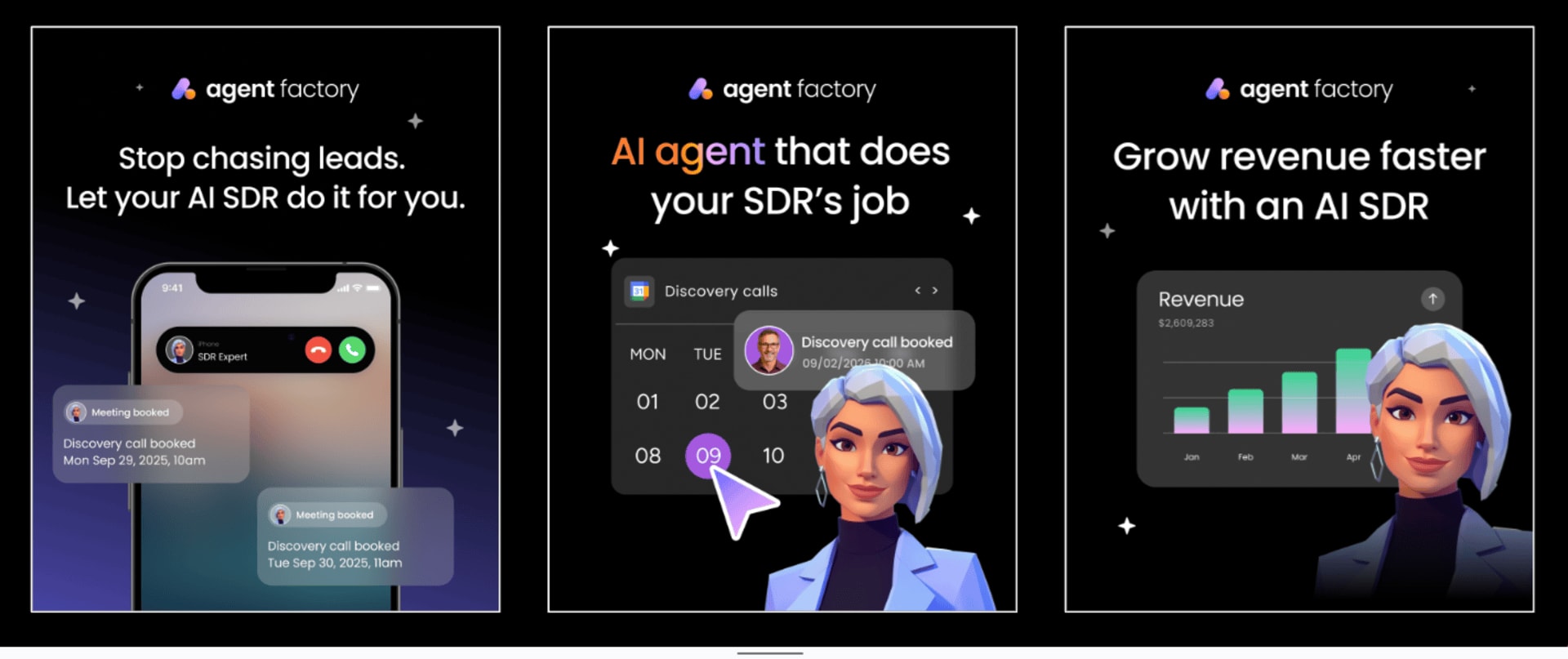
Sales and marketing agents focus on pipeline momentum and audience engagement. They work continuously in the background to qualify leads, prepare outreach, and support campaigns with timely insights.
Within platforms like Agent Factory, these agents can be designed to plug into CRMs, email tools, and analytics systems, helping teams stay organized without manual effort.
Typical use cases include:
- Lead qualification and scoring based on predefined criteria.
- Drafting personalized outreach messages and follow-ups.
- Enriching prospect data before sales conversations.
- Monitoring campaign performance and surfacing insights.
Operations and analytics agents
Operations agents specialize in keeping the business running smoothly. They monitor workflows, track performance, and flag inefficiencies before they become problems.
These agents are particularly effective when connected across tools, where they can turn raw data into actionable summaries and reports.
They commonly support:
- Automated reporting and dashboard updates.
- Trend and anomaly detection across key metrics.
- Workflow monitoring and bottleneck identification.
- Inventory checks, scheduling, and process coordination.
Finance and admin agents
Finance and administrative agents handle the repetitive but essential tasks that keep organizations compliant and organized. They reduce manual processing while improving accuracy and consistency.
When built through an agent platform, these agents can safely interact with financial systems and internal tools under strict permission controls.
Typical responsibilities include:
- Expense categorization and approval routing.
- Invoice tracking and payment reminders.
- Budget monitoring and variance alerts.
- Document organization and record management.
HR and people operations agents
HR-focused agents support hiring, onboarding, and internal operations. They manage structured processes so people teams can spend more time on culture, development, and strategy.
These agents often assist with:
- Resume screening and candidate shortlisting.
- Onboarding checklists and training coordination.
- Answering common policy and benefits questions.
- Scheduling interviews and internal meetings.
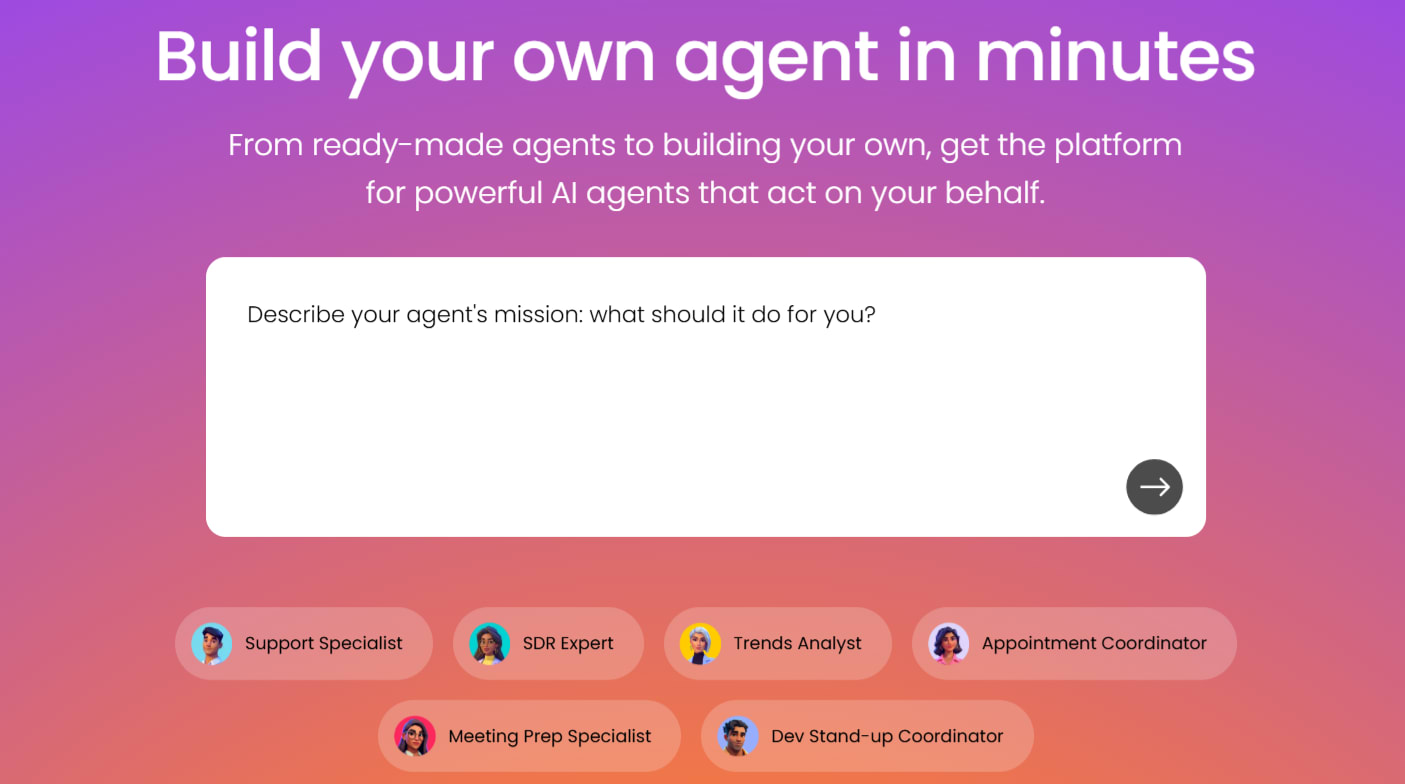
Build your own AI agent team in 5 simple steps
Creating a digital workforce doesn’t require deep technical skills or complex setup. The most effective approach is to start small, define clear roles, and build gradually as you see what works.
Here’s a simple, practical way to get started.
- Identify tasks worth delegating: look for small, repetitive tasks that interrupt focus or consume time without requiring much judgment. These are the easiest wins and the best place to start.
- Choose a flexible agent platform: use a no-code system that works with the tools you already rely on and gives you control over access, actions, and oversight.
- Start with one focused agent: define a single, clear responsibility. keeping the scope narrow makes the agent more reliable and easier to trust.
- Test in real workflows: run the agent in day-to-day scenarios and adjust based on what actually saves time and reduces friction.
- Expand as value becomes clear: add new agents for other tasks and connect them where it makes sense. over time, you’ll build a coordinated AI team that handles operational work while you focus on strategy and outcomes.
Learn more: How to build AI agents for beginners
Top AI agent platforms for business
The world of AI agents is getting crowded, and it’s easy to get lost in the noise. Most platforms offer a single, do-it-all assistant, but the real power comes from building a specialized team.
You really need a crew of helpers that can tackle everything from project deadlines to gym subscriptions, starting small and scaling up as you go.
| Platform | Key strengths | Pricing model | Use case |
|---|---|---|---|
| Agent Factory | No-code AI agent creation, workflow-based automation, human-in-the-loop controls | Freemium with premium tiers | Businesses who want structured, customizable automation without coding |
| Relevance AI | Multi-agent collaboration, LLM-agnostic, enterprise integrations | Tiered subscription with free option | Companies looking to scale operations with collaborative teams of AI agents |
| Microsoft Copilot | Deep Office 365 integration, enterprise security, pre-built templates | Per-user licensing starting at $20/month | Large organizations already invested in the Microsoft ecosystem |
| Agent.ai | Professional network marketplace, no-code builder, pay-per-task model | Credit-based system with free tier | Professionals seeking pre-built agents or a marketplace to share their own |
| Zapier Central | Workflow automation focus, 8,000+ app integrations, trigger-based actions | Usage-based pricing from $19.99/month | Businesses prioritizing process automation over conversational AI |
| Claude by Anthropic | Advanced reasoning, long-form content, safety-focused design | API pricing plus subscription tiers | Content creators and researchers needing sophisticated text generation |
1. Agent Factory
Agent Factory is designed for teams that want AI support without adding complexity. Instead of a single general-purpose assistant, it lets you build focused AI agents that handle specific operational tasks across your business, from internal coordination to reporting and follow-ups.
The emphasis is on structure and control. You define what each agent does, how it behaves, and where it fits into existing workflows. That makes it well suited to businesses that want practical automation without handing decision-making over to a black box.

Use case: best for teams that want to introduce AI gradually by delegating small, repeatable tasks, then expanding into coordinated multi-agent workflows as needs grow.
Key features:
- Custom agent creation: build agents for specific tasks like reporting, internal coordination, or status updates.
- No-code setup: configure and adjust agent behavior using plain-language instructions.
- Workflow-based execution: run agents inside repeatable processes instead of one-off prompts.
- System connectivity: link agents to internal tools, dashboards, and communication channels.
- Human checkpoints: define when agents act independently and when they escalate for review.
Pricing:
- Free plan: available with limited agent usage for testing workflows.
- Paid plans: start at $49/month, scaling by active agents and monthly usage.
- Usage add-ons: additional credits available for higher-volume automation.

Why it stands out:
- Business-first design: Built around operational workflows, not chat or novelty features.
- Modular approach: Add agents one role at a time instead of committing to a single system.
- Clear boundaries: Agents follow defined responsibilities rather than improvising.
- Accessible to non-technical teams: No engineering support required to get value.
- Scales with the organization: Works for individuals, small teams, and growing operations.
2. Relevance AI
Relevance AI helps businesses build collaborative teams of AI agents that can plan, reason, and execute tasks together. Instead of a single assistant, it gives you a coordinated crew capable of managing complex workflows across sales, marketing, and operations.
The platform stands out for its flexibility, allowing you to mix and match different agents, connect to your favorite business tools, and scale from simple automations to full, multi-agent systems — all without heavy technical setup.
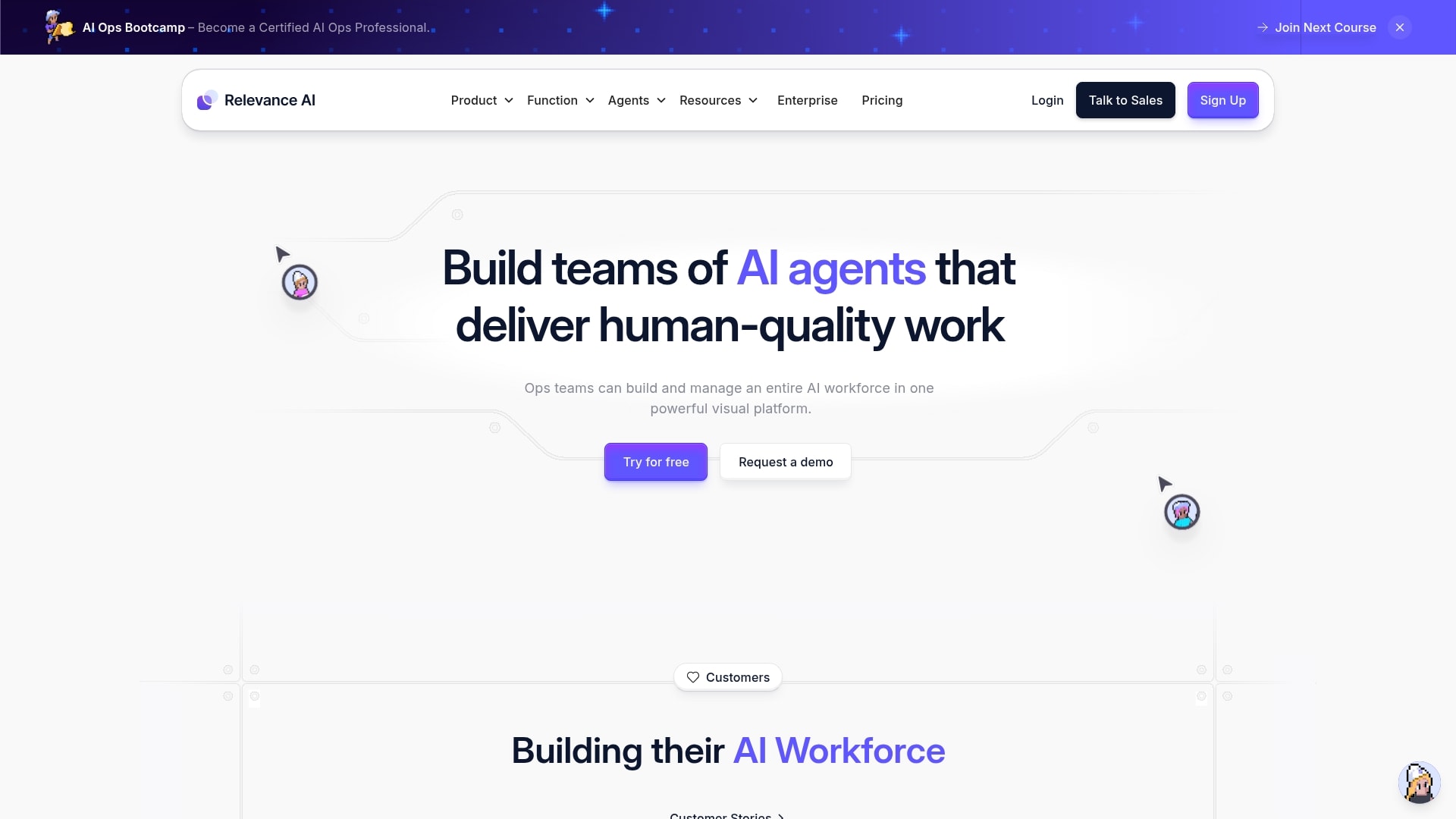
Use case: Relevance AI empowers businesses to create collaborative teams of AI agents that can reason, plan, and execute complex multi-step processes across sales, marketing, customer support, and operations.
Key features:
- Multi-agent collaboration: build teams of AI agents that work together to solve complex business problems and handle entire workflows autonomously.
- LLM-agnostic platform: switch between different language model providers like OpenAI, Anthropic, and Cohere to optimize for performance and cost.
- Enterprise integrations: connect with over 1,000 business tools including Salesforce, HubSpot, Zapier, and Snowflake through extensive API capabilities.
Pricing:
- Free: $0/month with 100 credits/day, one user, 10MB knowledge storage.
- Pro: $19/month with 10,000 credits/month, one user, 100MB knowledge storage.
- Team: $199/month with 100,000 credits/month, ten users, 1GB knowledge storage.
- Business: $599/month with 300,000 credits/month, unlimited users, 5GB knowledge storage.
- Enterprise: custom pricing with unlimited users, custom credits and storage.
- Extra credits available at $20 per 10,000 credits.
- Additional knowledge storage at $100 per GB.
Considerations:
- Initial learning curve despite the no-code interface, as users need to understand how to best deploy and manage AI agent teams.
- Pricing can become significant for smaller businesses as they scale up to more advanced features and higher usage tiers.
3. Microsoft Copilot
Microsoft Copilot brings AI assistance directly into the Microsoft 365 suite, turning familiar tools like Word, Excel, Outlook, and Teams into smart, connected workspaces. It acts as an embedded partner that automates routine tasks, summarizes meetings, drafts content, and surfaces insights from your organization’s data.
Designed for seamless enterprise use, Copilot integrates securely across existing workflows, helping teams work faster and make better decisions without leaving the tools they already rely on every day.
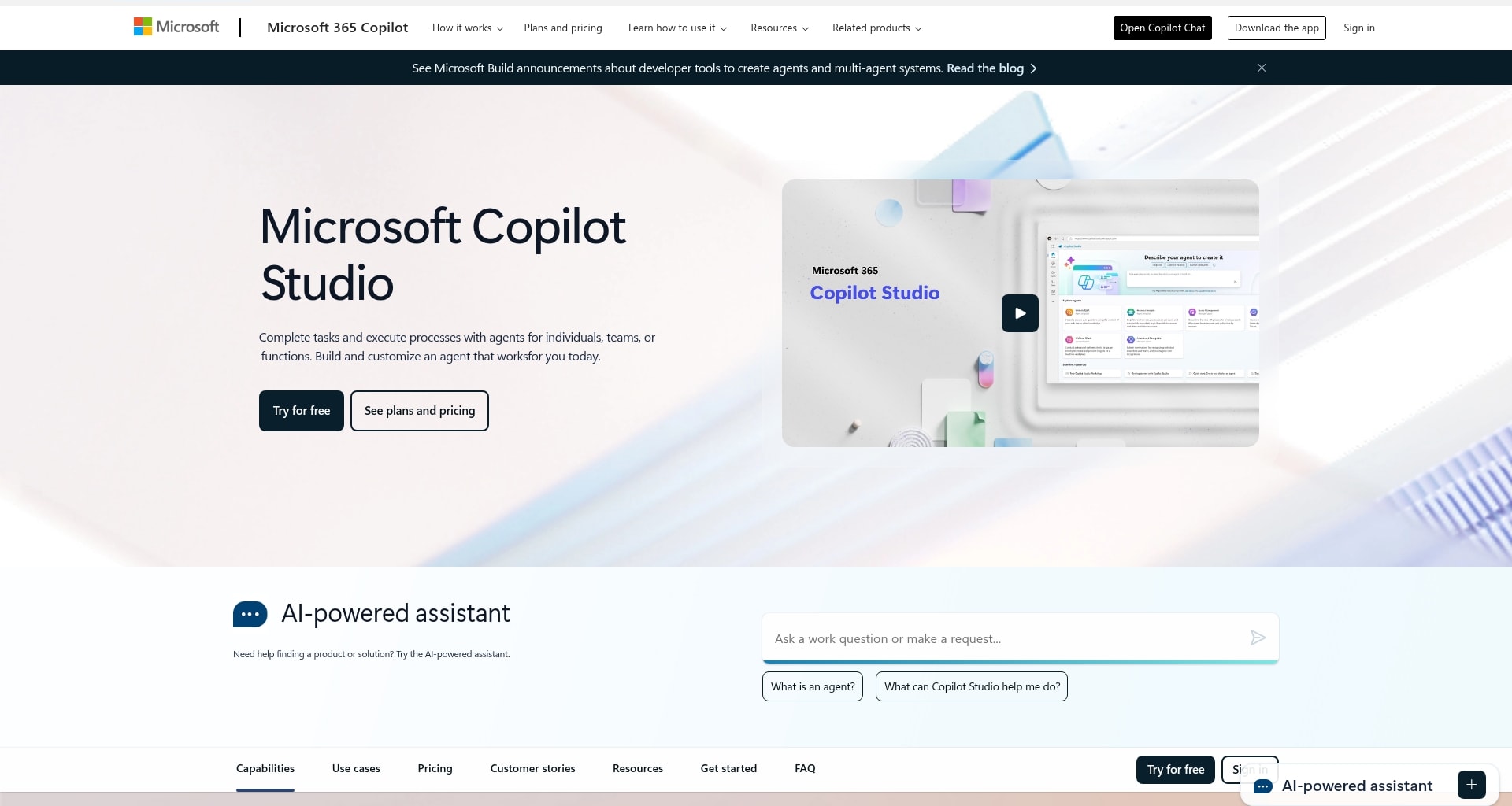
Use case: Microsoft Copilot delivers enterprise-grade AI agents that automate workflows across Word, Excel, PowerPoint, Teams, and Outlook while maintaining your organization’s security and compliance standards.
Key features:
- Native integration with Microsoft 365 applications provides context-aware assistance that understands your organizational data and permissions.
- Specialized agents for different business functions including sales acceleration, customer service automation, and meeting facilitation.
- Copilot Studio enables teams to build custom AI agents using low-code tools without requiring extensive technical expertise.
Pricing:
- Microsoft 365 Copilot Chat: included at no additional cost for all Microsoft Entra account users with an eligible Microsoft 365 subscription.
- Microsoft 365 Copilot: $30.00 user/month, paid yearly (requires a separate license for a qualifying Microsoft 365 plan).
- Microsoft 365 Business Basic and Microsoft 365 Copilot: starting at $36.00 user/month, paid yearly.
Considerations:
- High subscription cost at $30 per user monthly may be challenging for smaller businesses to justify without clear ROI demonstration.
- Effectiveness depends heavily on the quality and organization of your existing Microsoft 365 data, which may require cleanup before optimal performance.
4. Agent.ai
Agent.ai operates as a marketplace for AI agents, giving professionals access to thousands of ready-made assistants built by a global community. It combines a no-code builder with an open network where users can browse, test, and customize agents to handle everything from research and outreach to workflow automation.
Its flexible, pay-per-task model makes it easy to experiment and scale, letting teams build or hire the exact agents they need without committing to complex enterprise software.
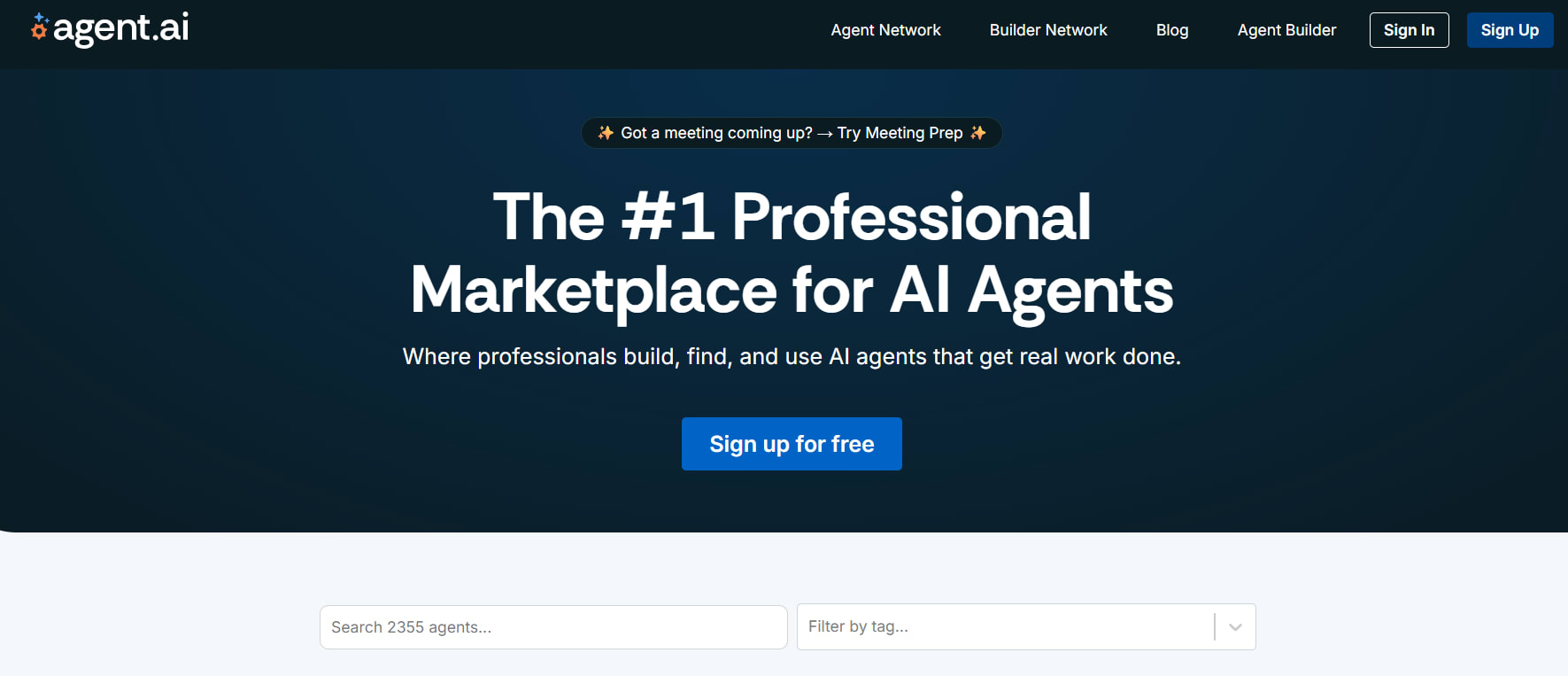
Use case: Agent.ai serves as a comprehensive marketplace where professionals can access thousands of pre-built AI agents or create custom ones using their no-code builder, making AI automation accessible to non-technical users.
Key features:
- Professional network approach: browse, rate, and hire AI agents created by a community of builders, with task completion metrics and user reviews.
- No-code agent builder: create custom AI agents through a visual, drag-and-drop interface without requiring programming skills.
- Pay-per-task model: flexible credit-based system where each task execution costs one credit, making it cost-effective for occasional use.
Pricing:
- Free tier: access to browse and use agents with limited functionality.
- Credit-based system: pay-per-task model with one credit per task execution.
- Enterprise solutions: custom pricing available for larger organizations.
Considerations:
- Quality varies significantly across user-created agents, requiring careful evaluation before deployment.
- Limited formal quality control mechanisms compared to enterprise-focused platforms, relying primarily on community ratings.
5. Zapier Central
Zapier Central expands traditional automation into the world of AI agents, connecting thousands of apps to create workflows that actually think, not just trigger. It allows teams to design intelligent agents that move data, send updates, and manage tasks across tools like Gmail, Slack, HubSpot, and Notion.
Built for flexibility, Zapier Central helps businesses automate complex processes without coding, turning everyday apps into a connected network that works together behind the scenes.
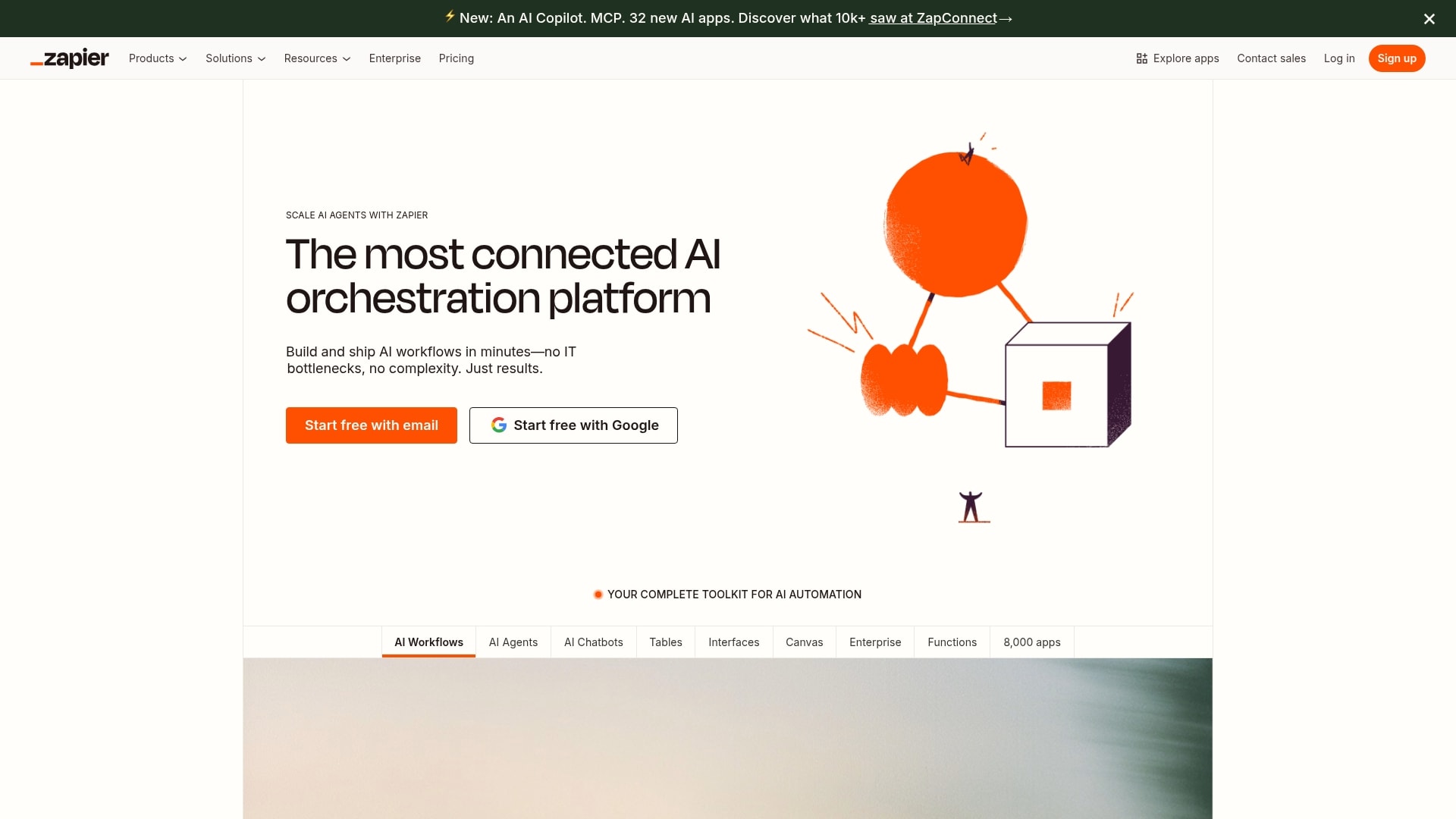
Use case: Zapier Central excels at creating AI agents that can perform real work across your entire business tech stack, from lead qualification in HubSpot to automated customer support responses in Zendesk.
Key features:
- Extensive app integration: connect AI agents to over 8,000 applications including Gmail, Slack, Google Docs, Airtable, and HubSpot.
- Live data synchronization: agents work with real-time business data and can trigger actions based on events across your connected apps.
- Template library: pre-built agent configurations for common business use cases like lead enrichment, expense classification, and customer support.
Pricing:
- Free: $0/month with 100 tasks per month and basic Zapier automation features.
- Professional: starting from $19.99/month (billed annually) with 2,000+ tasks and multi-step workflows.
- Team: starting from $69/month (billed annually) with 25 users and shared resources.
- Enterprise: features unlimited users and advanced admin controls (custom price).
Considerations:
- Task-based pricing can become expensive for complex, multi-step AI workflows since each agent action counts as a billable task.
- The platform focuses more on sophisticated workflow execution rather than truly autonomous agents with learning capabilities and persistent memory.
6. Claude by Anthropic
Claude by Anthropic is designed for safe, intelligent collaboration between people and AI. Known for its strong reasoning and clear communication style, Claude acts as a capable teammate that can draft content, summarize research, and manage complex workflows with accuracy and context.
Businesses use it to create specialized agents for everything from analysis to coding, supported by Anthropic’s emphasis on transparency, reliability, and responsible AI behavior.

Use case: Claude enables organizations to build AI agents that handle complex multi-step workflows while maintaining the highest standards for safety, reasoning, and collaborative interaction in production environments.
Key features:
- Skills framework: create modular, reusable components that Claude can execute for specific tasks like data retrieval, document summarization, and API integrations.
- Claude Code: agentic coding tool that collaborates directly in terminals for code migrations, bug fixes, and development tasks.
- Constitutional AI safety: built-in ethical guidelines that ensure agents behave responsibly and align with human values across all interactions.
Pricing:
- Free: $0/month with basic chat, code generation, and content creation features.
- Pro: $20/month (monthly) or $17/month (annual) with increased usage, Claude Code access, and unlimited projects.
- Max: from $100/month per person with 5x-20x more usage and priority access.
- Team Standard: $30/month per person (monthly) or $25/month (annual) with admin controls and enterprise features.
- Team Premium: $150/month per person including Claude Code access.
- Enterprise: custom pricing with enhanced context windows, SSO, and compliance features.
Considerations:
- Usage limits on paid plans can be restrictive for high-volume applications like extensive coding projects.
- Lacks image generation capabilities that some competitors offer, limiting creative and visual content applications.
How to put AI agents to work
Once your AI team is built, the real value comes from how it fits into everyday workflows. A well-designed agent is more than a clever tool — it’s a teammate that thrives when given the right environment, direction, and boundaries.
To make that happen, your setup needs three things: strong connections to your existing systems, clear communication between people and agents, and a shared set of rules for how work gets done.
Below, we explore how to connect your agents to the right tools, introduce them to your team, and create the guardrails that keep everything running smoothly.
Connect your agents to the tools they need
Your AI team is only as good as the information it can access. Without the right connections, your agents are stuck asking you to copy-paste things they should already know: and nobody has time for that. Give them the keys they need by connecting them where your team works every day.
- Communication platforms: Slack, Microsoft Teams, Discord.
- Project management tools: Asana, Notion, Jira.
- Customer relationship systems: Salesforce, HubSpot, Pipedrive.
- Document repositories: Google Drive, SharePoint, Dropbox.
- Calendar systems: Google Calendar, Outlook.
- Analytics platforms: Google Analytics, Mixpanel.
- Financial systems: QuickBooks, Stripe.
Introduce your team to their AI teammates
The biggest hurdle isn’t the tech; it’s getting your people on board. Coach your team to see agents not as replacements, but as specialized helpers designed to take tedious work off their plate, freeing them up for the stuff that actually moves the needle.
Find your champions and let their success stories do the talking. Once people see an agent handling expense reports or pulling meeting notes, that “aha!” moment of relief is what wins everyone else over.
Remember to set simple ground rules so everyone knows when to hand off a task and when a human touch is needed — this clarity builds trust.
Set clear rules for your AI team
Setting rules isn’t about limiting your agents; it’s about giving them a clear playbook so they can act confidently. These are the house rules that let your digital teammates do their best work without stepping on any toes.
Your playbook should define what data each agent can see and what decisions it can make on its own. Define precisely when an agent needs to flag something for human approval, especially with sensitive customer or company info. This ensures your AI team is not just helpful, but also compliant and secure from day one.
How to manage your AI agent workforce
Your agents are less like software and more like a team you’re building. You’re the boss, and they look to you for direction. The good news is, they don’t need performance reviews or pep talks: just clear, simple tasks to get the job done.
Leading your team of AI birds isn’t about micromanaging every little detail. It’s about setting them up to work together seamlessly so you can focus on what matters. When your agents are in sync, your day just flows.
See what’s working (and what isn’t)
You’ll know your agents are working when you start to forget the little tasks they handle for you. Notice which jobs are getting done perfectly and which ones might need a little nudge in the right direction. This isn’t about spreadsheets; it’s about making sure your AI team is actually making your life easier.
Let your agents team up
Your agents are great solo, but they’re unstoppable as a team. Connect your meeting summarizer to your task manager so action items land on your to-do list automatically. You’re no longer the go-between, connecting one app to another.
Each agent has its specialty, but they can pass the baton like a relay team. For example, your research agent finds the stats, your writer agent drafts the report, and you just have to give the final approval.
Help your team grow with you
Your agents learn from you. When you adjust the output of an agent or give it a new instruction, you’re teaching it to think more like you do. It’s a quick correction, not a complex reprogramming.
As your priorities change, your team adapts right alongside you. The agent that started by just organizing your calendar can grow into an agent that plans your entire week. You’re building a team that evolves with your needs.
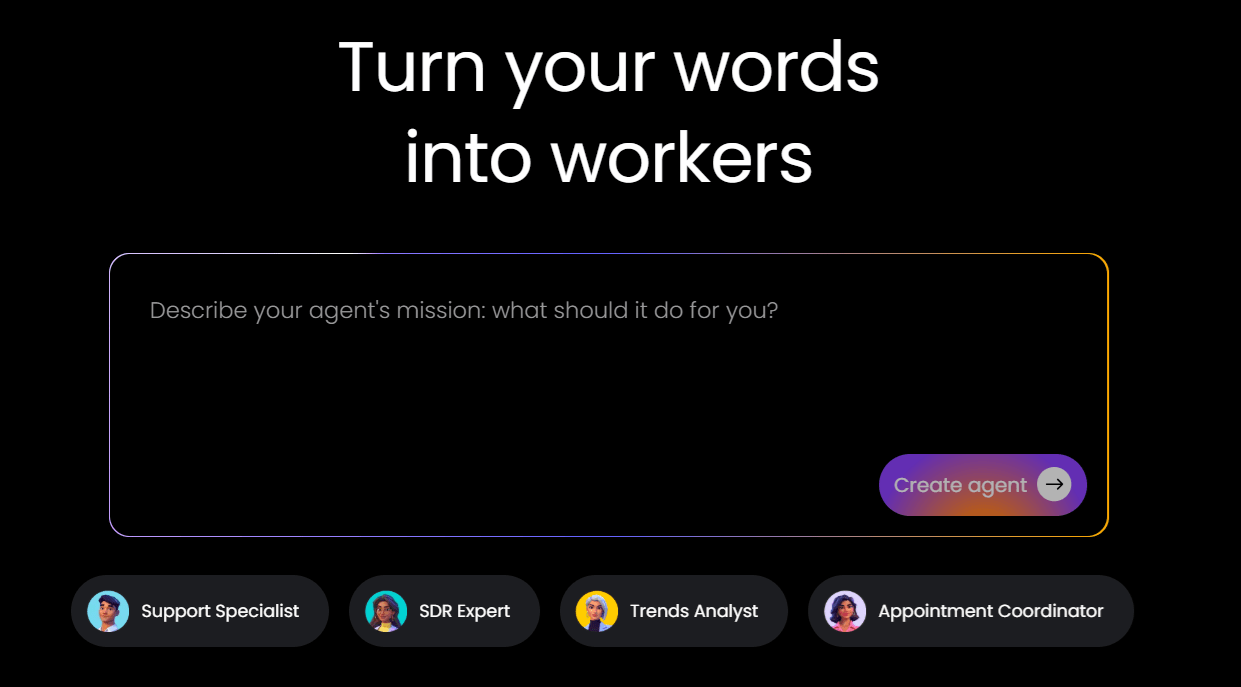
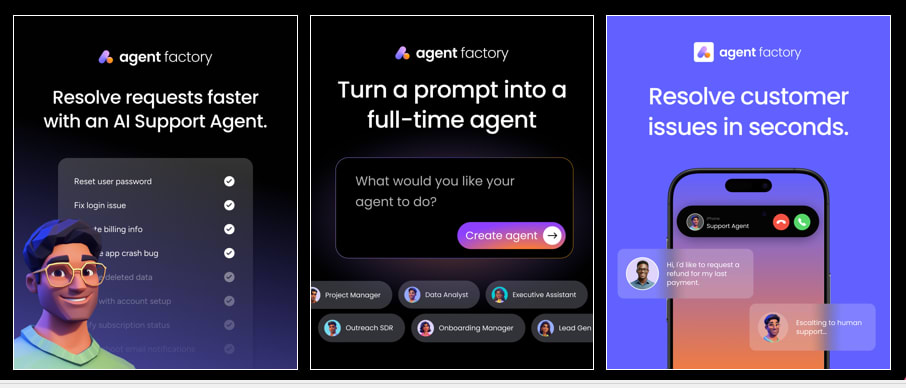
How Agent Factory makes building AI agents simple
Most AI platforms feel like they were built for developers, not for you. They’re complex, rigid, and often require a team of experts just to get started. In 2026, building your own AI help should be simple — giving you the right tools to solve your own problems, without the technical roadblocks.
Your work and life are full of small, repeatable tasks that drain your focus. Agent Factory is designed to handle them. You’re the boss, and building your team should feel as easy as sending a text, not like you’re trying to launch a rocket.
Built for business users, not developers
Agent Factory is designed for the people closest to the work. You don’t need engineering support, complex logic trees, or technical setup to get started. Agents are created using clear instructions that reflect how teams already think about their work.
Instead of configuring systems, you define outcomes. The platform handles the rest, turning everyday tasks into repeatable, reliable agent behavior.
No-code setup that mirrors real workflows
Agents in Agent Factory are built around actual business processes, not abstract prompts. You decide what an agent should monitor, act on, or prepare, and when it should step aside for human review.
This makes it easier to:
- Delegate routine tasks without losing visibility.
- Adjust agent behavior as priorities change.
- Keep workflows predictable and auditable.
Agents that work inside your existing tools
Rather than forcing teams into a new interface, Agent Factory fits into the systems they already use. Agents can pull updates, prepare summaries, and trigger actions across connected tools, reducing the need to jump between platforms.
That means less friction, fewer handoffs, and automation that feels like a natural extension of your team.
Designed for gradual adoption and scale
You don’t need to automate everything at once. Most teams start with one agent handling a single, repetitive task, then expand as confidence grows.
Agent Factory supports this step-by-step approach, allowing businesses to:
- Prove value quickly with low risk.
- Scale automation only where it makes sense.
- Maintain clarity as the number of agents grows.
Frequently asked questions
How much does it cost to implement AI agents for business?
The cost to implement AI agents for business can vary, with both free and paid plans widely available. With platforms like Agent Factory you can create and deploy your own AI agents without any setup fees or hidden costs.
What's the difference between AI agents and chatbots for business?
The difference between AI agents and chatbots for business is that chatbots are designed to answer questions, while AI agents are built to take action, proactively manage workflows, and integrate with your systems to get work done.
Can AI agents work together as a team in business operations?
Yes, you can build a team of agents that work together. Each agent can handle a specific task, collaborating to manage complex workflows automatically.
Do I need technical skills to build AI agents for my business?
No, you do not need any technical skills. For example, Agent Factory is a no-code platform that lets anyone build and manage their own team of AI agents.
How quickly can I see ROI from business AI agents?
You will notice time savings within the first week. Significant ROI is typically seen after two to four weeks as your team of agents fully integrates into your workflows.
Which industries benefit most from AI agents?
Any business with repetitive administrative or coordination tasks will see immediate benefits. Project-based teams in marketing, consulting, and real estate often experience the most dramatic improvements.

 Get started