











AI Apps built for HR teams
Browse ready-to-run AI apps for your team, or build your own AI app for work in minutes.
Trending templates
Get instant AI answers sourced from your FAQ boards, so people find what they need without searching.
A visual product roadmap for managing for managing strategic initiatives. Track themes, stages, quarters, priorities, and effort estimates. Perfect for product teams planning releases and aligning on what ships now, next, and later.
A knowledge portal with a searchable grid of resource and FAQ cards grouped by category, a page for each article, a featured row and a way to contact support. Works on mobile.
A retrospective board with a card for each project: what went well, what didn't, key learnings and action items, plus a sentiment rating and tags. Two charts summarize delivery quality (Success, Issues, Major issues) and results by tag. Everyone on the team sees the same cards and comments.
A complete customer support management app with ticket tracking, customer directory, and knowledge base. It has inline editing, AI responses based on your knowledge base articles, links across boards, real-time updates and team @mentions.
A recruiting pipeline with a tab for each hiring stage, each showing a count. Click a candidate to open their details, see when each step was requested and change their status. Add your logo and brand color. Works on mobile.
A vacancy management app for HR and department heads to submit, approve and track job openings across regions. It has a submit form, a color-coded approval workflow from Draft to Filled, a timeline by target date, and a view of open vacancies by region and recruiter, plus filters and a KPI strip.
A hiring platform with a dashboard, drag-and-drop pipeline, candidate and role management, inline editing, team notes with @mentions, and an AI-powered CV analyzer that reads resumes and evaluates fit against role requirements.
Turn candidate profiles into client-ready CVs. Search by project experience, filter by expertise, preview the layout as you go and export to Word or PDF for your proposals.
Generate campaign briefs with AI. Enter your goals, audience and budget, and get a structured brief in seconds. Track status, timelines and approvals for every campaign in one workspace.
A shared weekly hub for marketing activities and tests, laid out like a presentation with a section for each activity. Highlights and comments save to the board and everyone sees them right away. Switch between this week and next week, and see cumulative totals and trends.
Review and approve marketing assets in one streamlined view. Browse submissions with live previews, approve with one click or request revisions with tagged issues and feedback. Filter by status, navigate with keyboard shortcuts, and process assets fast.
Turn monthly marketing board data into an executive-ready recap: earned media impressions, social engagement mix, PR coverage, top-performing properties and embedded Instagram posts. Switch months, copy the summary or export a branded PDF.
A weekly scheduler for field crews, with crews as rows and days as columns. Job cards show status and revenue. Assign jobs to all crews at once, carry crews from week to week, add or rename crews, reconcile daily and weekly revenue, and export to PDF or CSV. Works on mobile.
Track inventory across every site. Count stock, spot shortfalls, and generate reorder lists — all in one view. Navigate weeks, export PDFs, and keep your team aligned with real-time par level tracking. Built for monday.com.
A facility and room scheduler with month and day views and color-coded activity types, with a legend. Whole-day events block the full day. Add, edit or delete activities, drag to reschedule and filter by type.
Build your staff roster in minutes. Shift scheduling connects your team directory to your coverage needs, so you can see gaps, assign roles and track status in real time on mobile and desktop.
Manage your IT assets in one place. Track your entire hardware and software lifecycle, easily manage team member assignments, and monitor real-time distribution and financial analytics on a clean, centralized dashboard.
Plan and map driving routes for your venues. Easily organize locations, calculate travel times, view real-time maps, and save step-by-step itineraries directly on your board.
Global Shipment tracks your global logistics. Connected directly to your board, it visualizes shipments on an interactive 3D rotating globe, maps active routes, and tracks status metrics. With built-in detailed tables and shipment forms featuring route previews, managing global cargo transfers is simpler than ever.
A weekly sales-call tracker where reps log upsells after each call. Entries stay on the board until you reset the week. Add several upsells at once, filter by status, search accounts and watch a weekly KPI strip (total upsells, total value, by status) update live for every rep.
An appointments CRM that sorts clients into Upcoming, Follow-ups, No-shows and Reschedule-needed, with a count on each tab. Client cards show the name, date and status, with quick actions. KPI cards summarize the week, and you can switch to a monthly view.
Capture leads instantly and never lose a contact. Add prospects with smart duplicate detection, track status from New to Qualified, filter and search your pipeline, and manage updates, all from a sleek interface embedded right in your monday.com workflow
A tactile contact book app that mirrors the experience of a physical address book. Browse contacts alphabetically through leather-bound pages, search instantly, and organize relationships. A split-page layout shows contact details on the right.
Track your contacts, companies, and pipeline in one view. Search instantly with keyboard shortcuts, filter by status or industry, edit inline, post updates, and see profile completeness, all synced live with your monday.com boards.
Generate AI-powered competitor battle cards from live web research. Give your team each competitor's pricing model, market position and strategic insights before every pitch.
Turn incoming leads into customers. See your whole pipeline, schedule follow-up reminders, view regional analytics and reach out to leads directly, so your sales team stays organized and follows up faster.
See how your goals are tracking at a glance, with board-wide progress rings and KPIs, objectives grouped by focus area, and key results that open on demand. It stays fast even across thousands of items.
A client scorecard that compares internal and client-facing performance with scores, progress bars and a radar chart. Drill into any project's scores, see a breakdown by dimension and export the scorecard to PDF.
A capacity planner that compares each person's allocation with their backlog. Team rows highlight who is over or under capacity, a quarterly view totals hours and cost, and a timeline shows your major projects by quarter.
A development pipeline that gives you a multi-view overview of your projects, with a color-coded status workflow and a feedback log for each project. Switch between a table, a Kanban board by status, a feedback log and a history timeline of status changes.
A quoting tool that builds customer quotes from a product catalog and turns each quote into a tracked order followed to delivery. Search products into a live cart with subtotal, discount, tax and grand total; save to create an order with line-item subitems and a Draft to Delivered status workflow.
A sales forecasting app built on your monday.com board data that compares projection scenarios against actual performance. Choose a conservative, base case or best case scenario, switch between linear and weighted models, and filter by territory or team and time range to see how revenue is tracking.
Match students with scholarships automatically. Smart matching by eligibility, GPA, and financial need. Track donations, manage awards, and run your entire scholarship program from one dashboard. Built for universities, foundations, and nonprofits.
A resource management dashboard that helps you plan team capacity, balance workloads and track critical blockers across projects. It has an interactive timeline, workload charts, risk lists and inline editing.
Browse and review meetings recorded by monday.com's AI Notetaker. View summaries, topics, action items, and full transcripts. Filter by date or search. Ask AI questions about any meeting. Save action items directly to your monday.com board.
This app turns your monday.com board into an interactive, presentation-ready slideshow. It visualizes projects, metrics, timelines, and priority breakdowns in a polished format. Perfect for stakeholder walkthroughs, you can present in fullscreen or export your slides directly to PDF and PowerPoint files.
Monitor pledges, track collections and manage donor relationships from one dashboard. Real-time KPIs, alerts and filters keep your funding pipeline clear and your deadlines on track.
See workload across all your project boards at once. A cross-project resource planning tool that visualizes team workload across multiple boards. Features timeline and heatmap views, workload insights, overload alerts, and task details to help managers balance capacity and prevent burnout.
A self-serve onboarding hub for new monday users. One page shows who to ask, a personal getting-started checklist, help articles, tutorials and community links, plus an AI assistant that answers monday questions with sources. Admins set it up once.
AI apps built for your team, ready to run
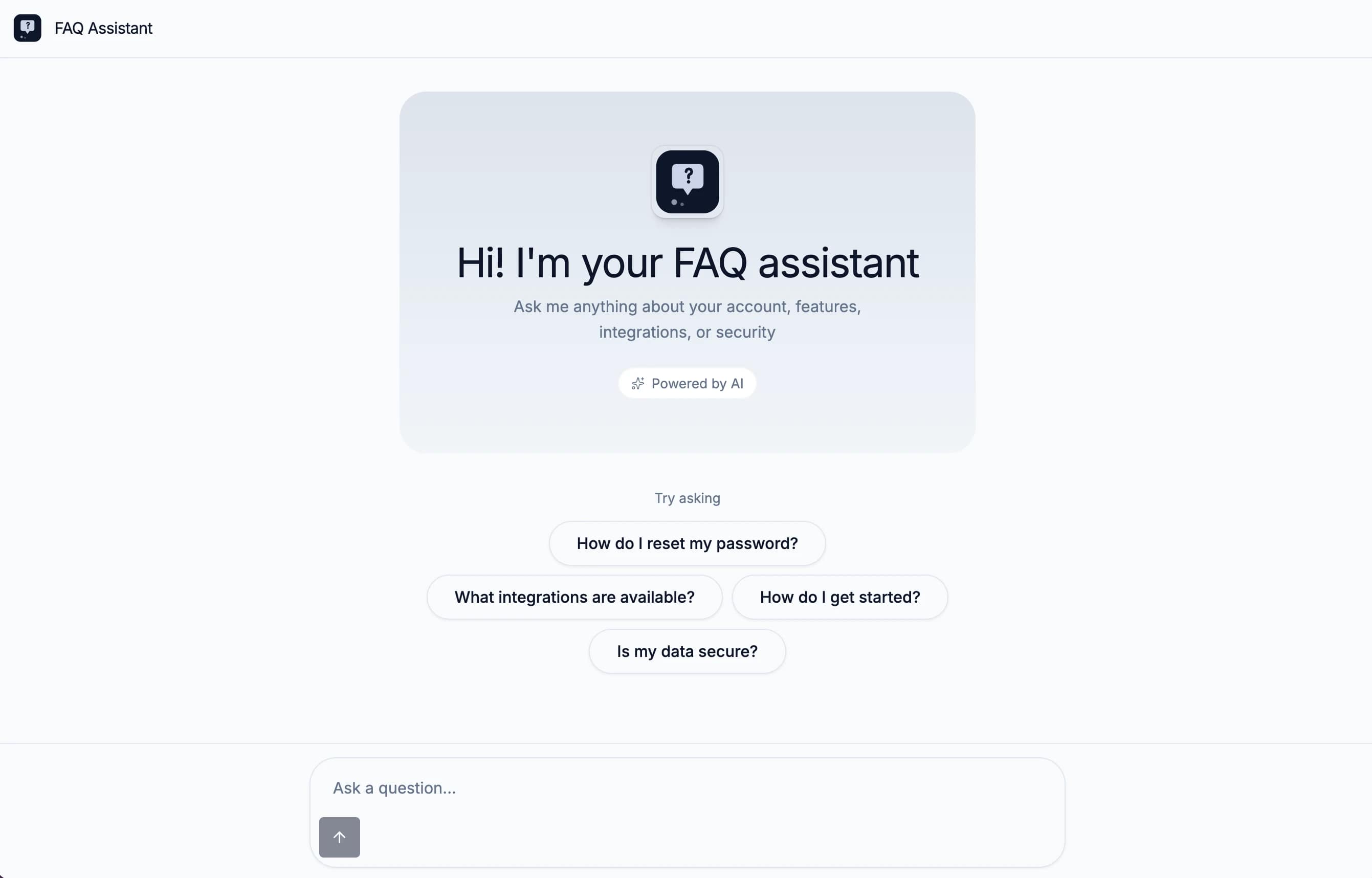
Get instant AI answers sourced from your FAQ boards, so people find what they need without searching.
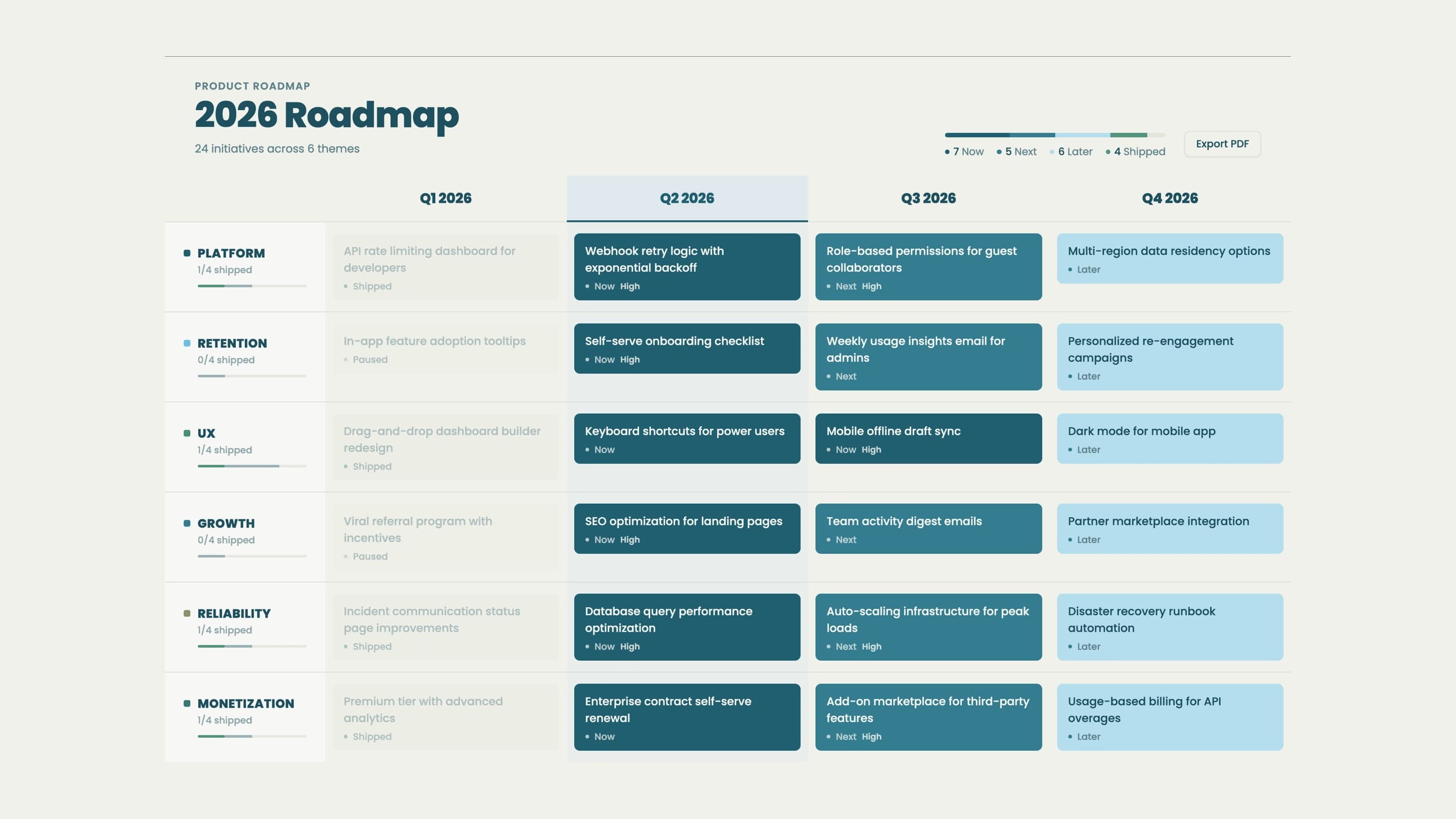
A visual product roadmap for managing for managing strategic initiatives. Track themes, stages, quarters, priorities, and effort estimates. Perfect for product teams planning releases and aligning on what ships now, next, and later.
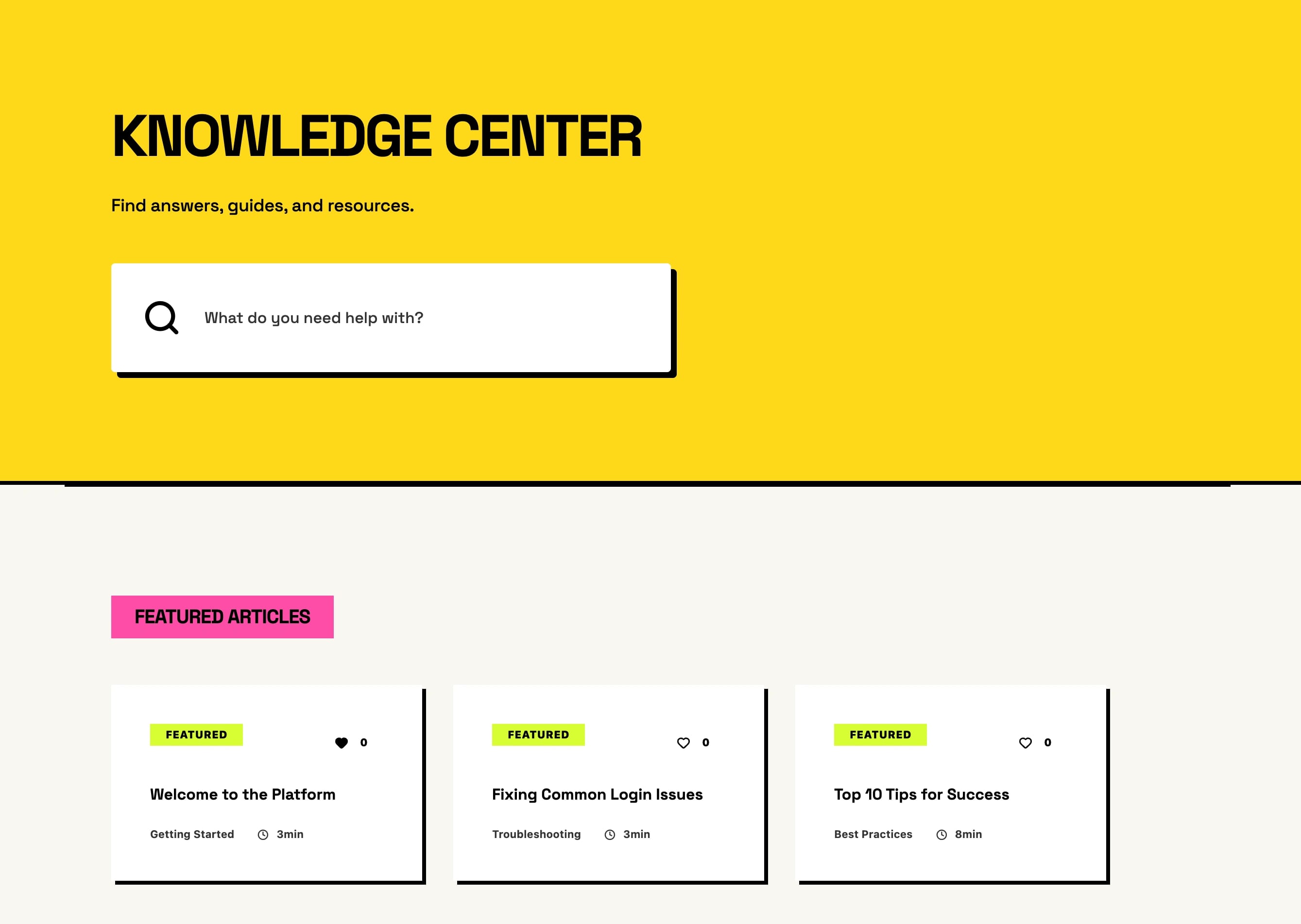
A knowledge portal with a searchable grid of resource and FAQ cards grouped by category, a page for each article, a featured row and a way to contact support. Works on mobile.
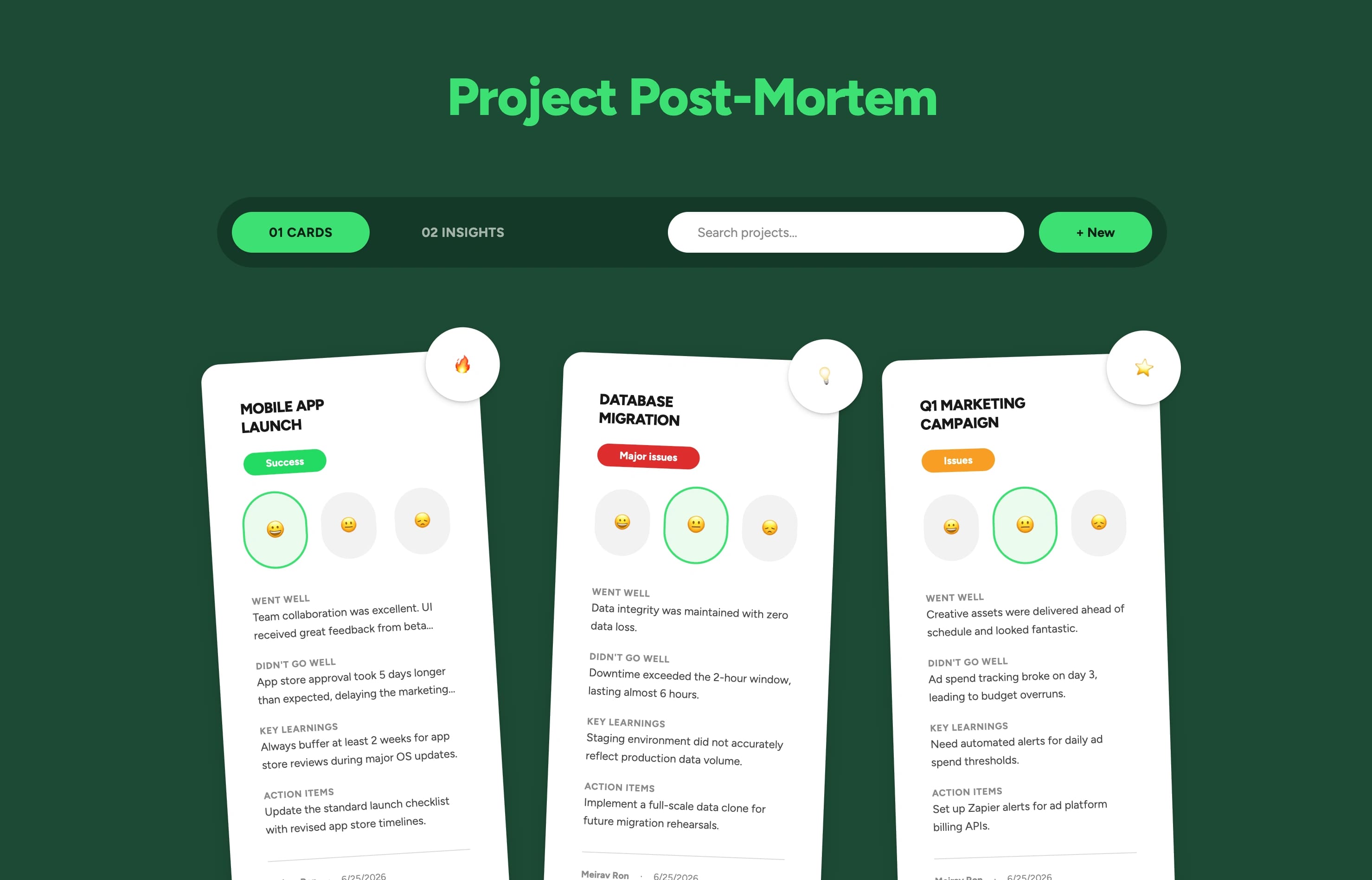
A retrospective board with a card for each project: what went well, what didn't, key learnings and action items, plus a sentiment rating and tags. Two charts summarize delivery quality (Success, Issues, Major issues) and results by tag. Everyone on the team sees the same cards and comments.
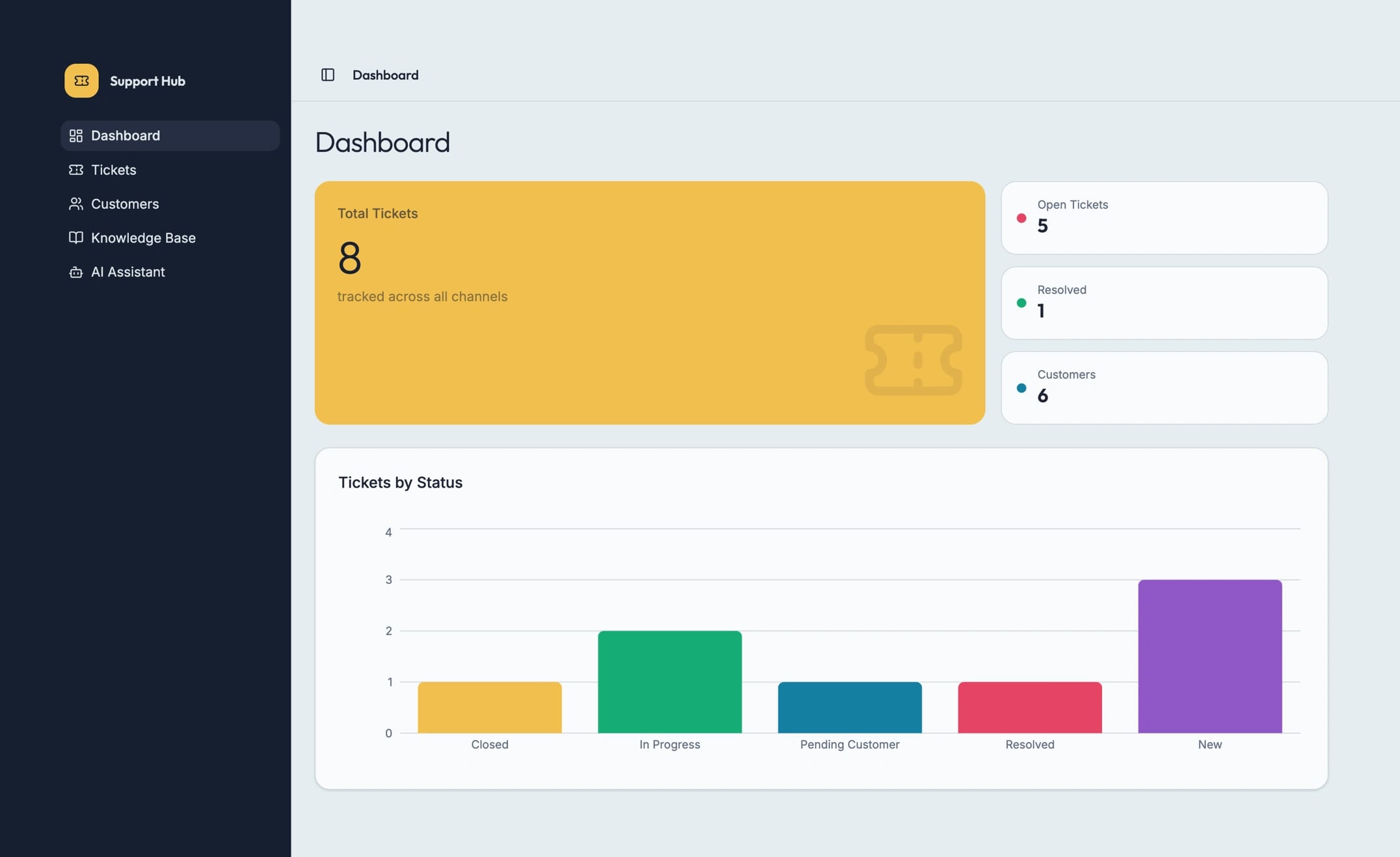
A complete customer support management app with ticket tracking, customer directory, and knowledge base. It has inline editing, AI responses based on your knowledge base articles, links across boards, real-time updates and team @mentions.
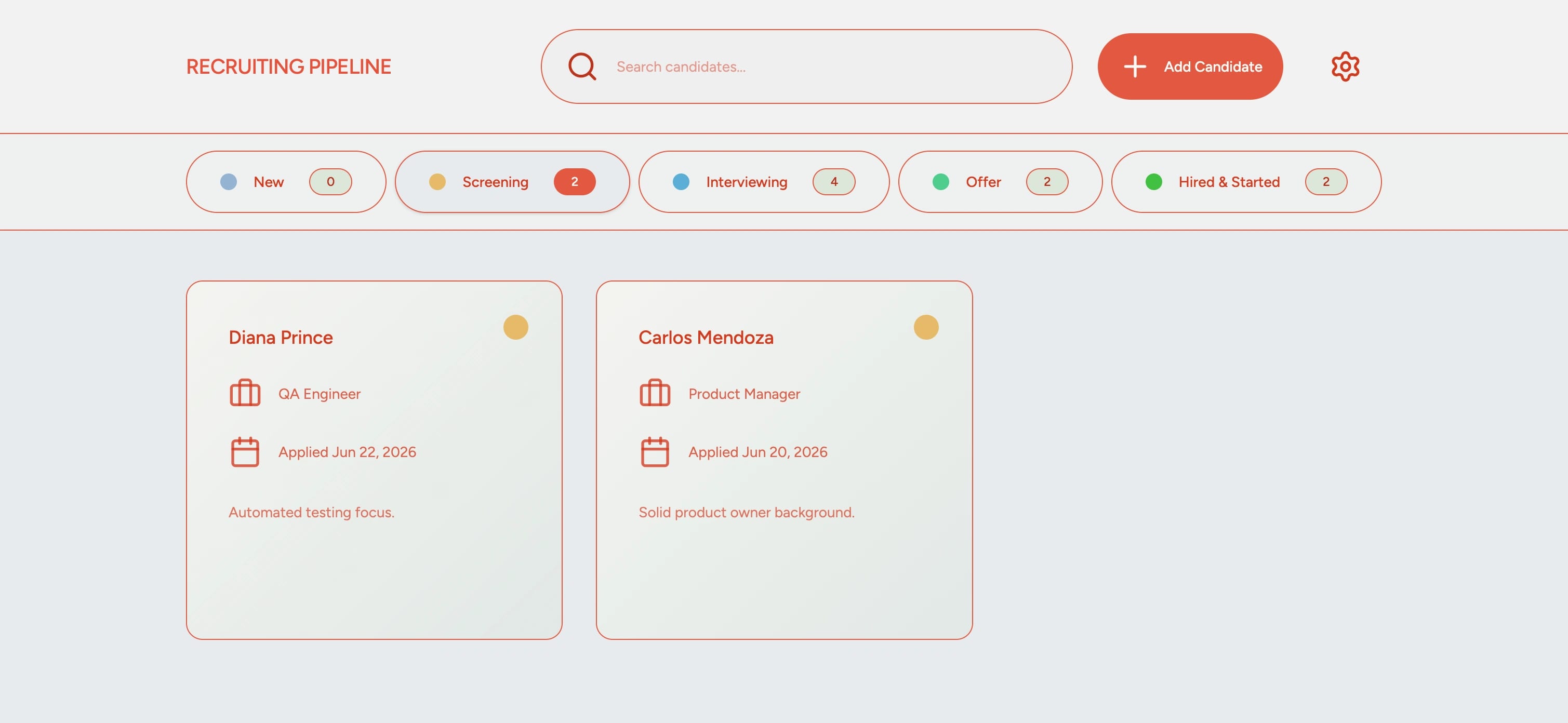
A recruiting pipeline with a tab for each hiring stage, each showing a count. Click a candidate to open their details, see when each step was requested and change their status. Add your logo and brand color. Works on mobile.
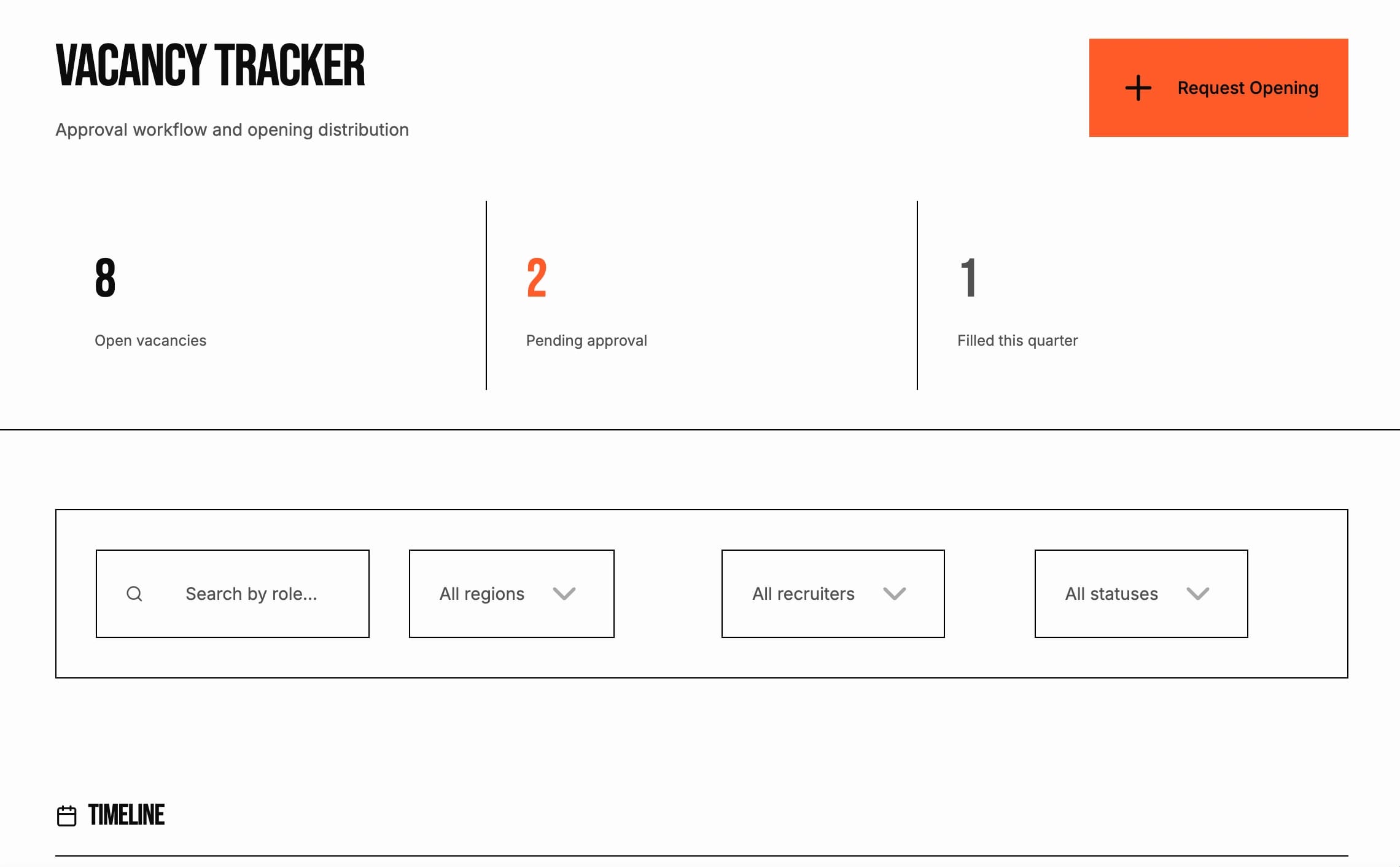
A vacancy management app for HR and department heads to submit, approve and track job openings across regions. It has a submit form, a color-coded approval workflow from Draft to Filled, a timeline by target date, and a view of open vacancies by region and recruiter, plus filters and a KPI strip.
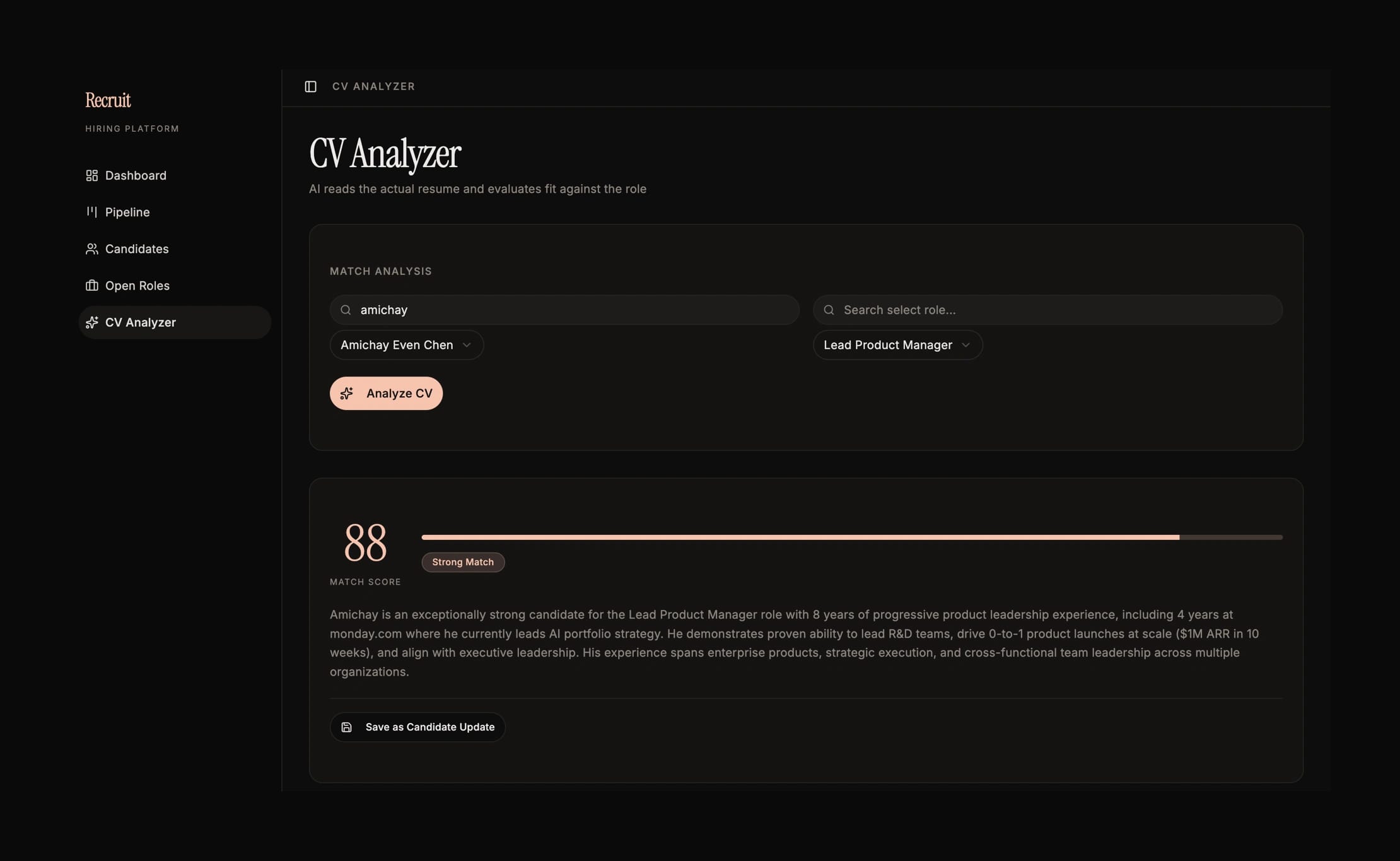
A hiring platform with a dashboard, drag-and-drop pipeline, candidate and role management, inline editing, team notes with @mentions, and an AI-powered CV analyzer that reads resumes and evaluates fit against role requirements.
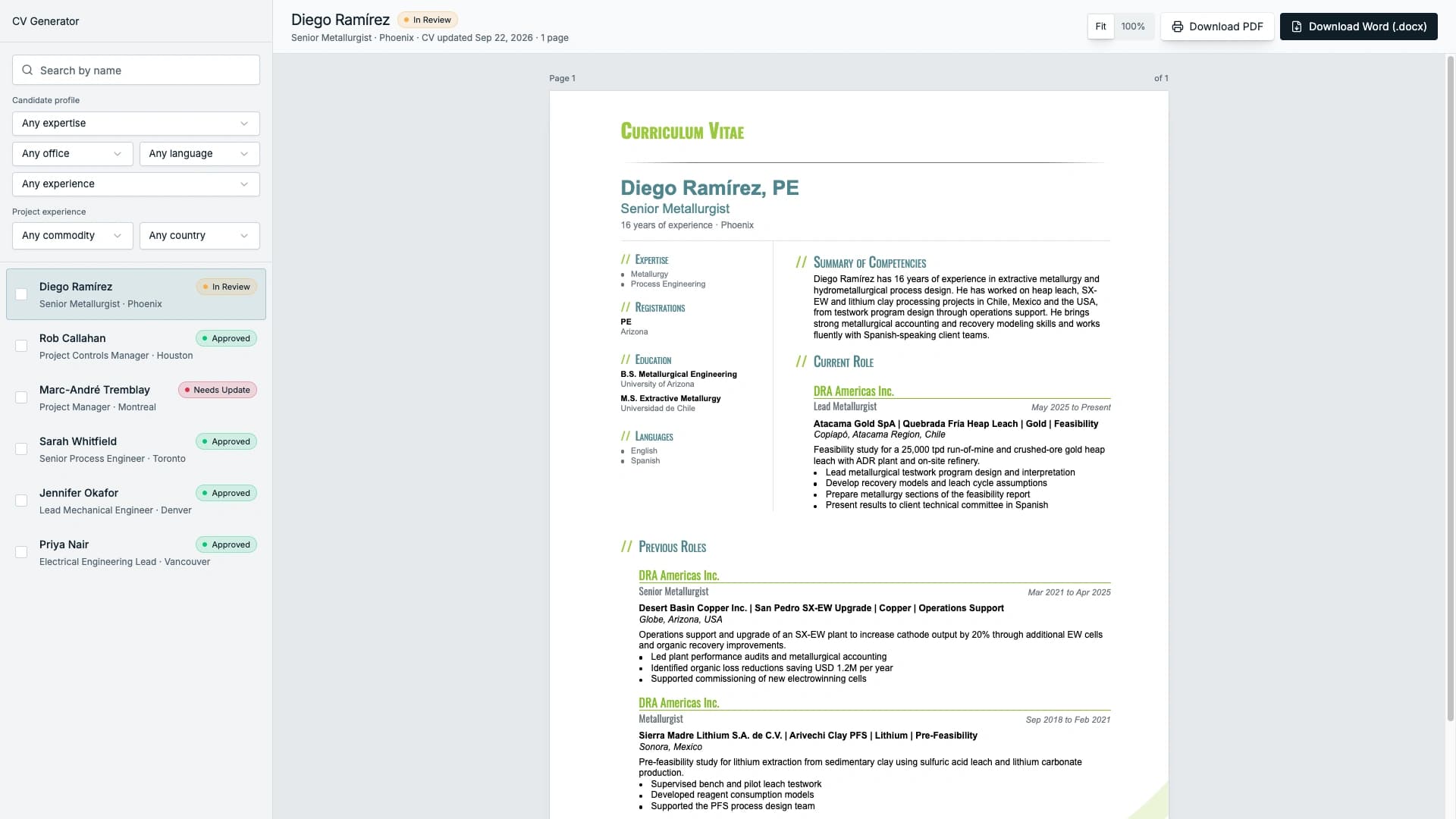
Turn candidate profiles into client-ready CVs. Search by project experience, filter by expertise, preview the layout as you go and export to Word or PDF for your proposals.
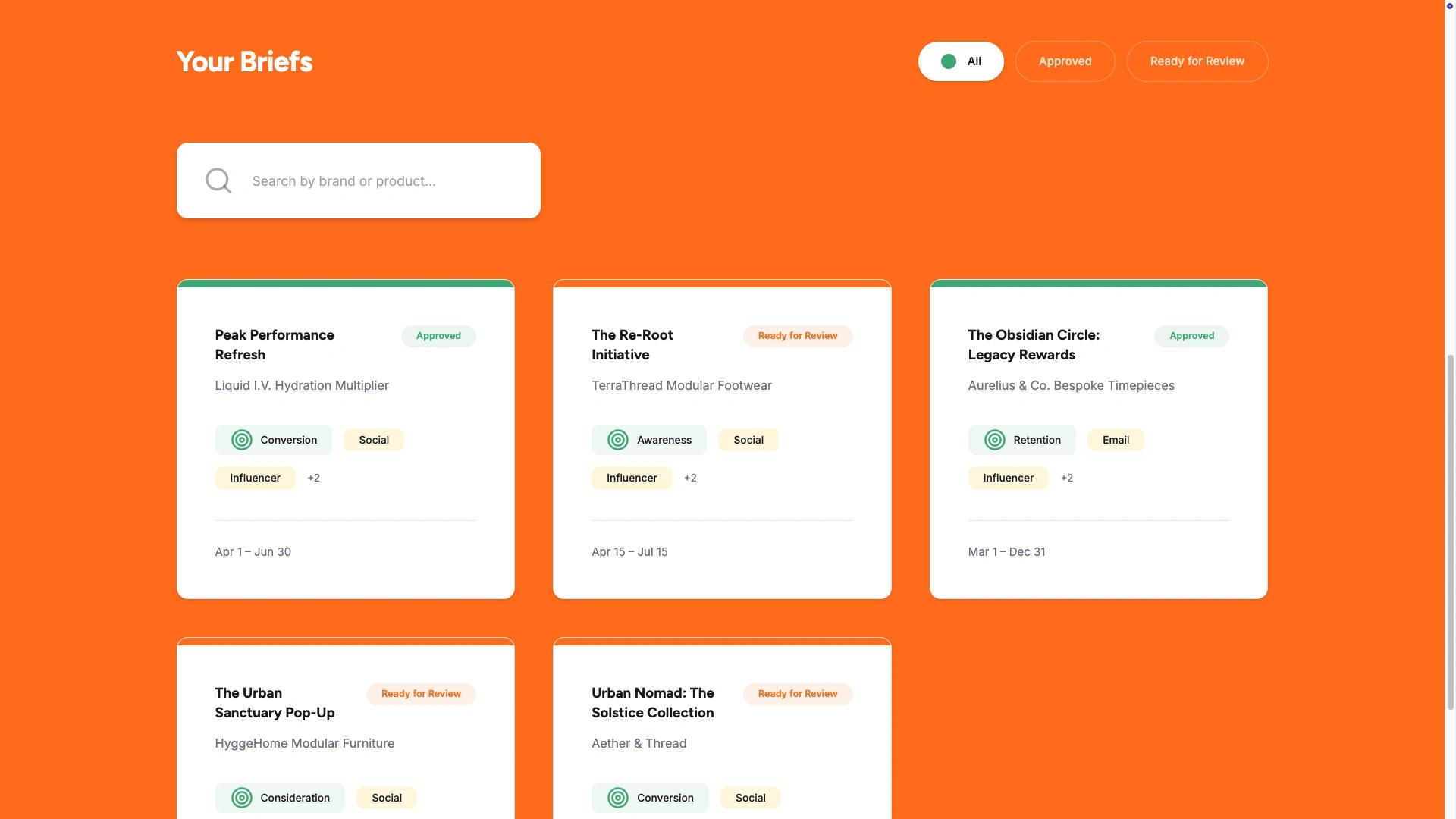
Generate campaign briefs with AI. Enter your goals, audience and budget, and get a structured brief in seconds. Track status, timelines and approvals for every campaign in one workspace.
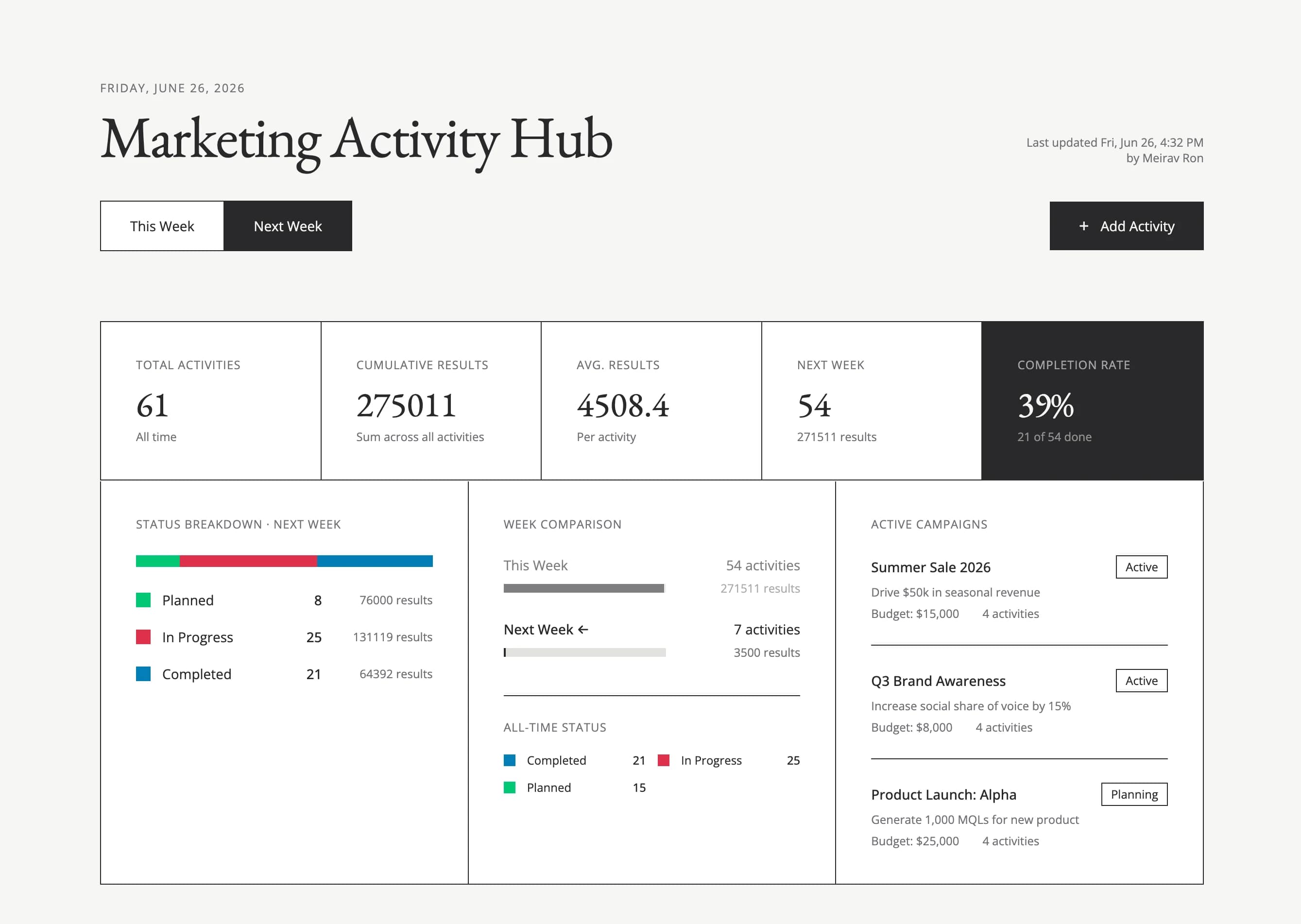
A shared weekly hub for marketing activities and tests, laid out like a presentation with a section for each activity. Highlights and comments save to the board and everyone sees them right away. Switch between this week and next week, and see cumulative totals and trends.
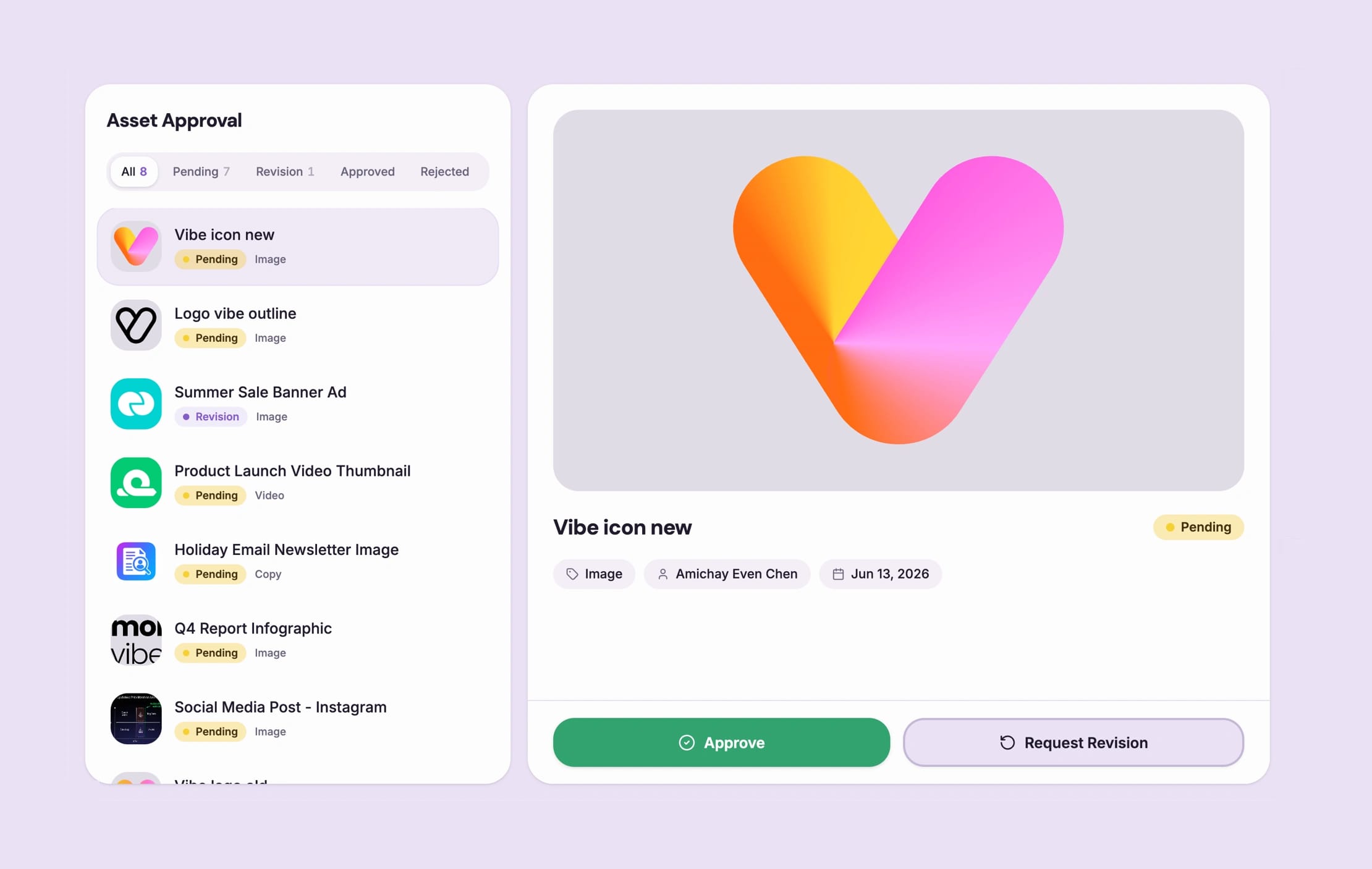
Review and approve marketing assets in one streamlined view. Browse submissions with live previews, approve with one click or request revisions with tagged issues and feedback. Filter by status, navigate with keyboard shortcuts, and process assets fast.
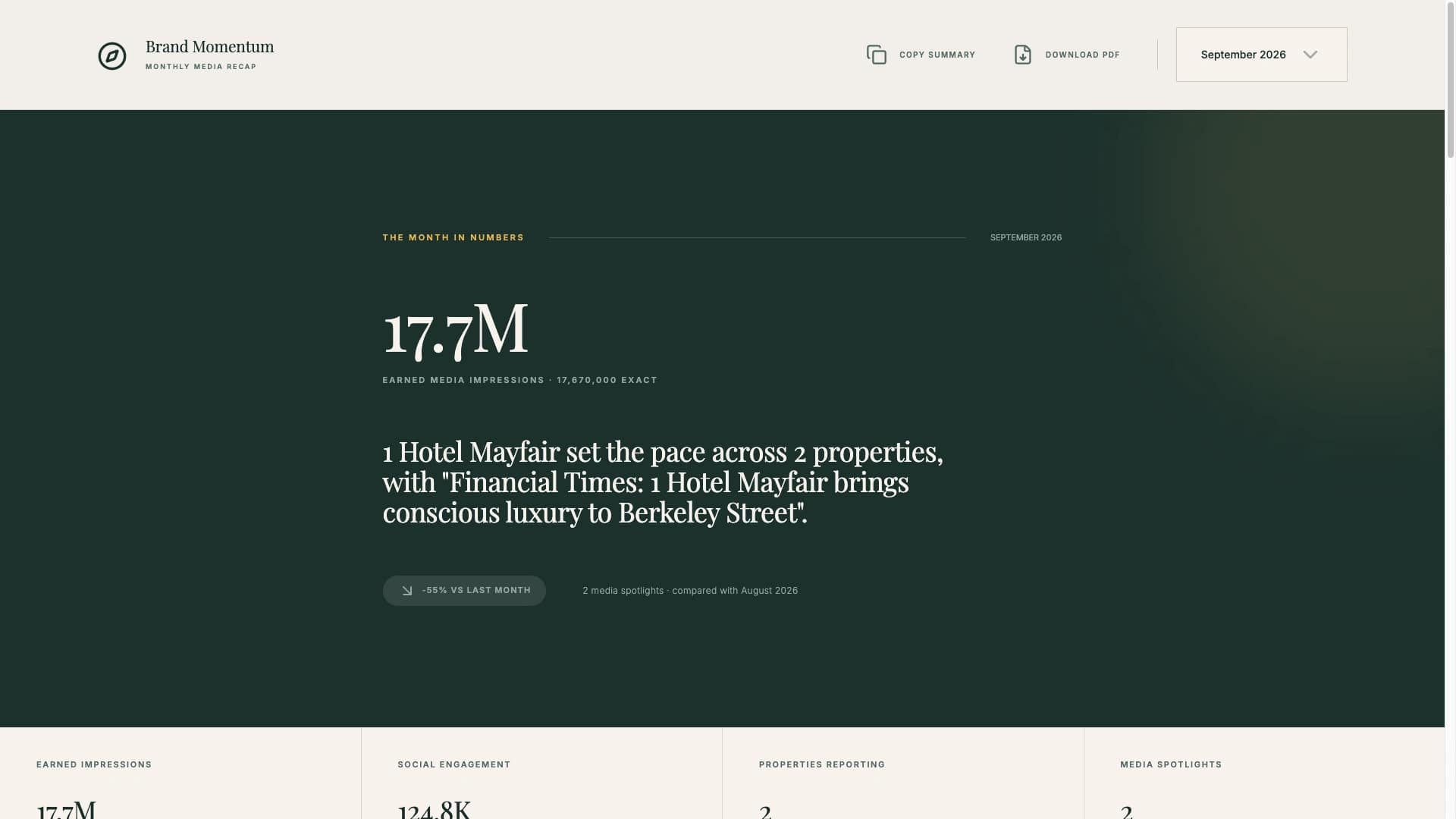
Turn monthly marketing board data into an executive-ready recap: earned media impressions, social engagement mix, PR coverage, top-performing properties and embedded Instagram posts. Switch months, copy the summary or export a branded PDF.
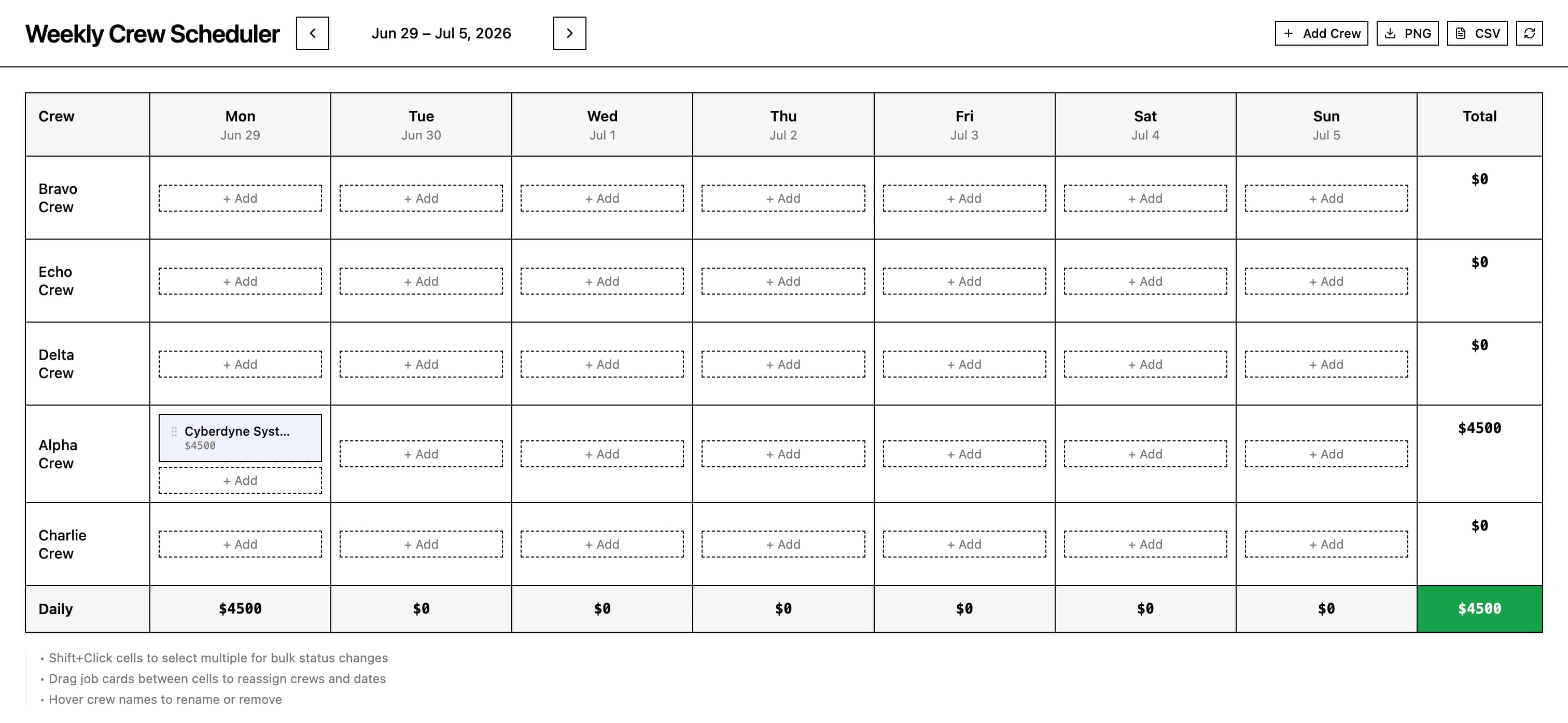
A weekly scheduler for field crews, with crews as rows and days as columns. Job cards show status and revenue. Assign jobs to all crews at once, carry crews from week to week, add or rename crews, reconcile daily and weekly revenue, and export to PDF or CSV. Works on mobile.
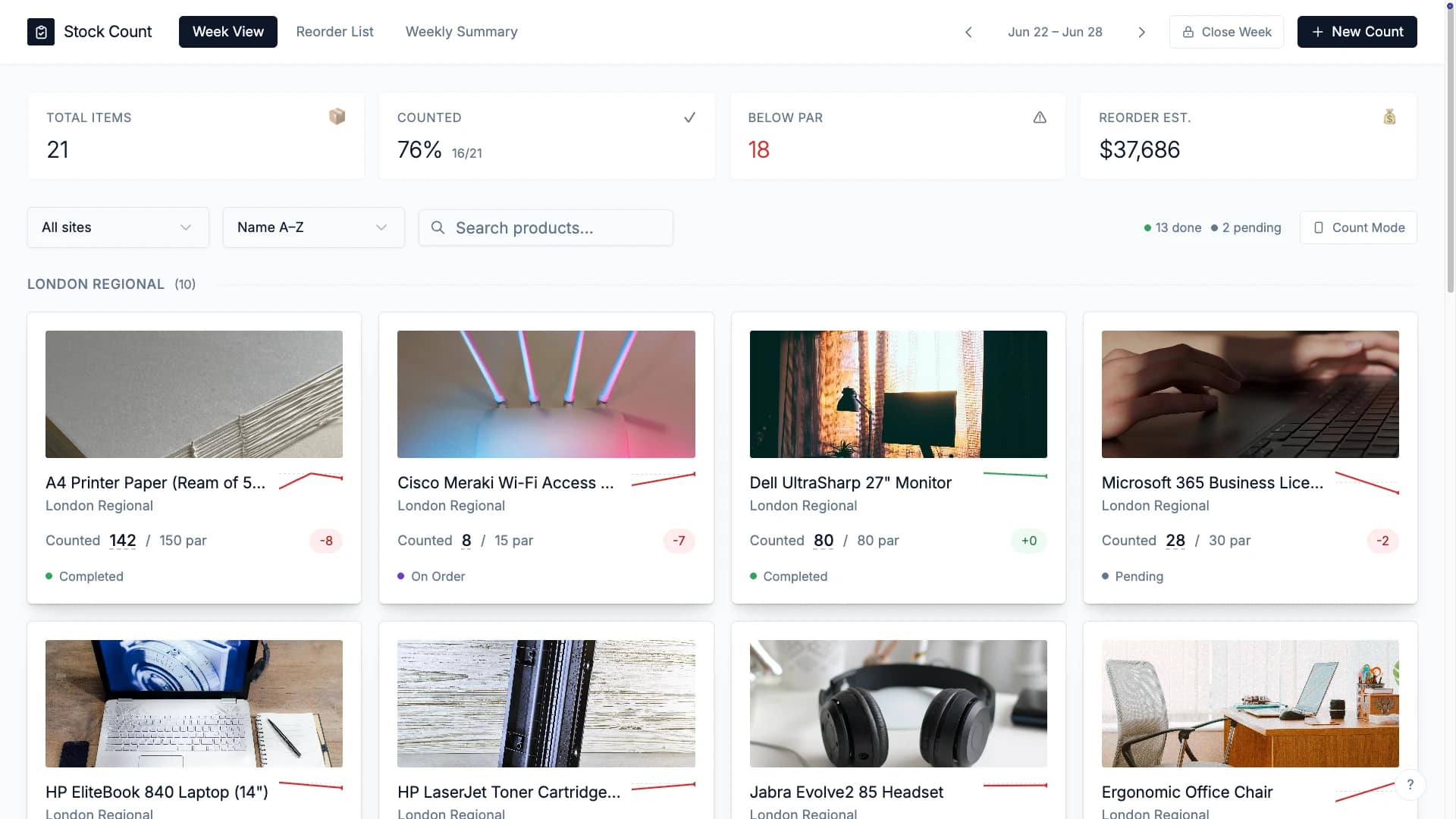
Track inventory across every site. Count stock, spot shortfalls, and generate reorder lists — all in one view. Navigate weeks, export PDFs, and keep your team aligned with real-time par level tracking. Built for monday.com.
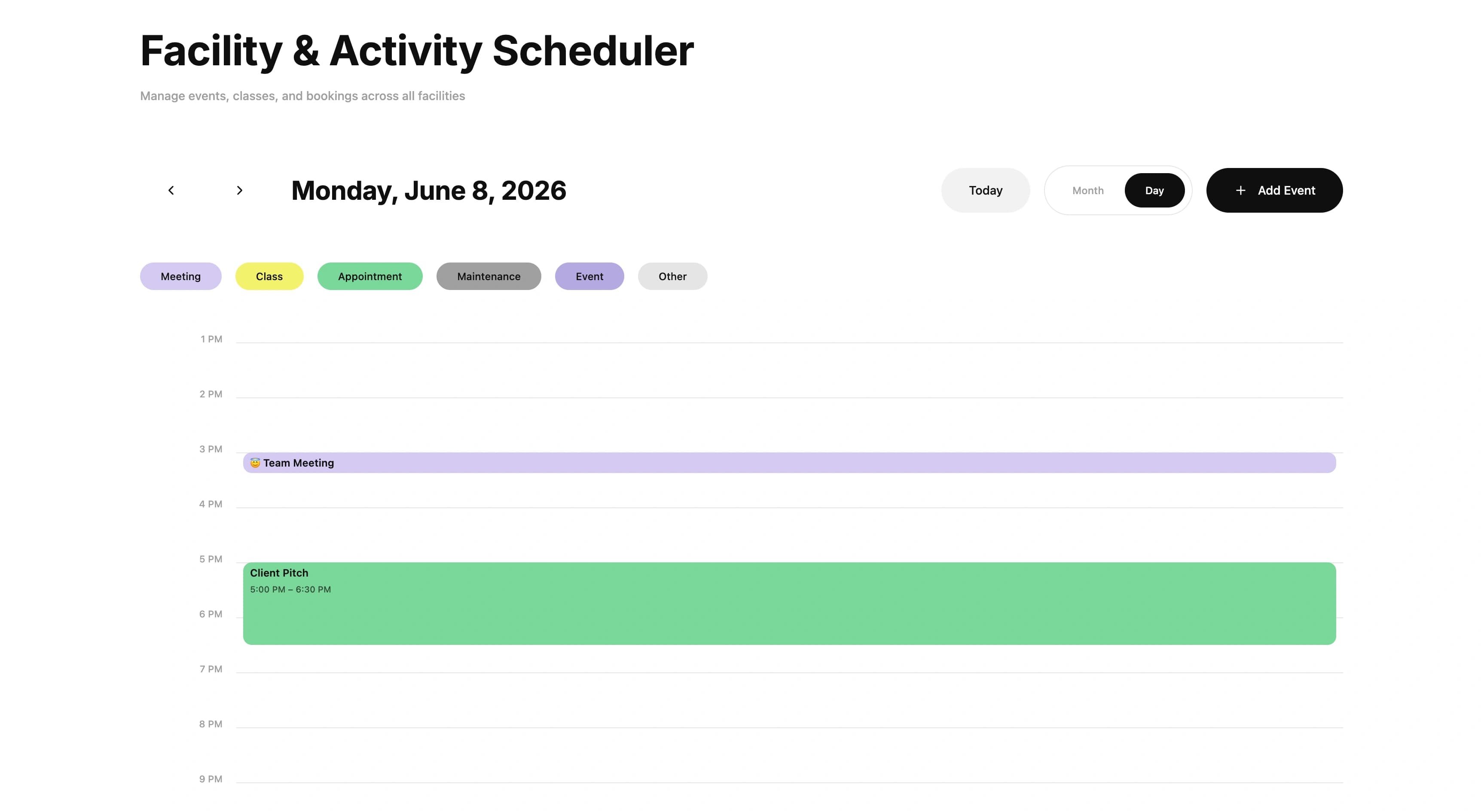
A facility and room scheduler with month and day views and color-coded activity types, with a legend. Whole-day events block the full day. Add, edit or delete activities, drag to reschedule and filter by type.
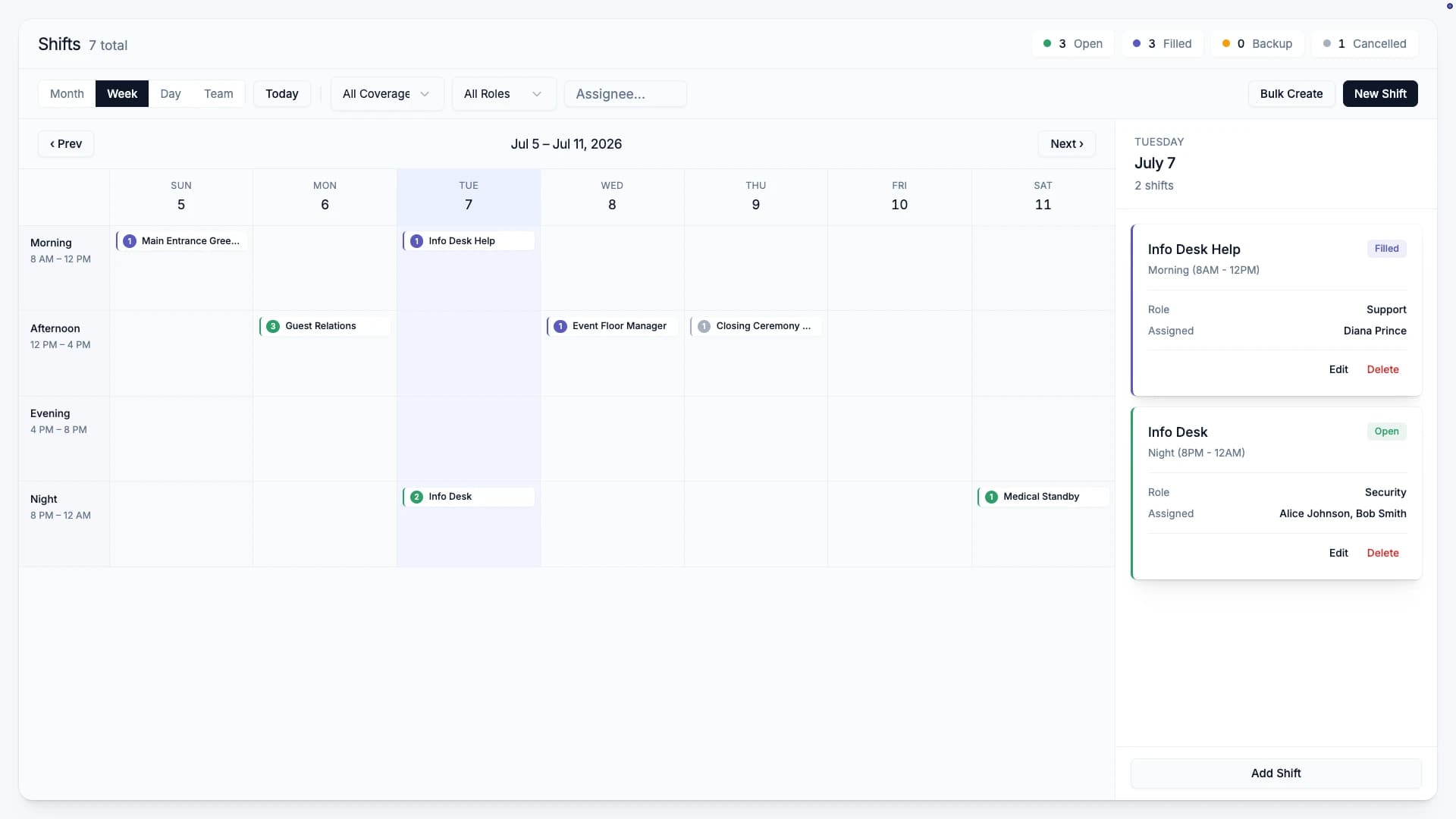
Build your staff roster in minutes. Shift scheduling connects your team directory to your coverage needs, so you can see gaps, assign roles and track status in real time on mobile and desktop.
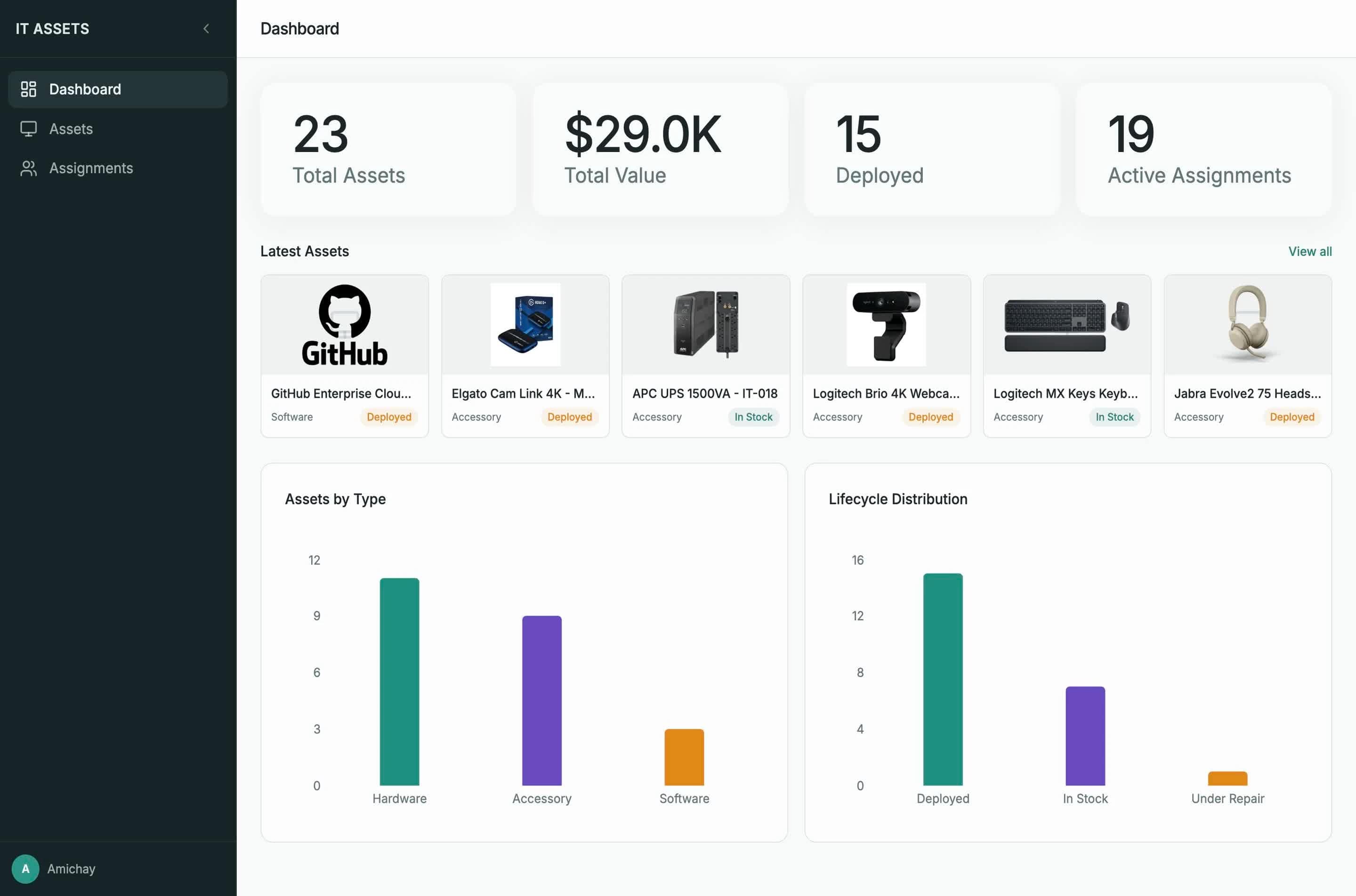
Manage your IT assets in one place. Track your entire hardware and software lifecycle, easily manage team member assignments, and monitor real-time distribution and financial analytics on a clean, centralized dashboard.
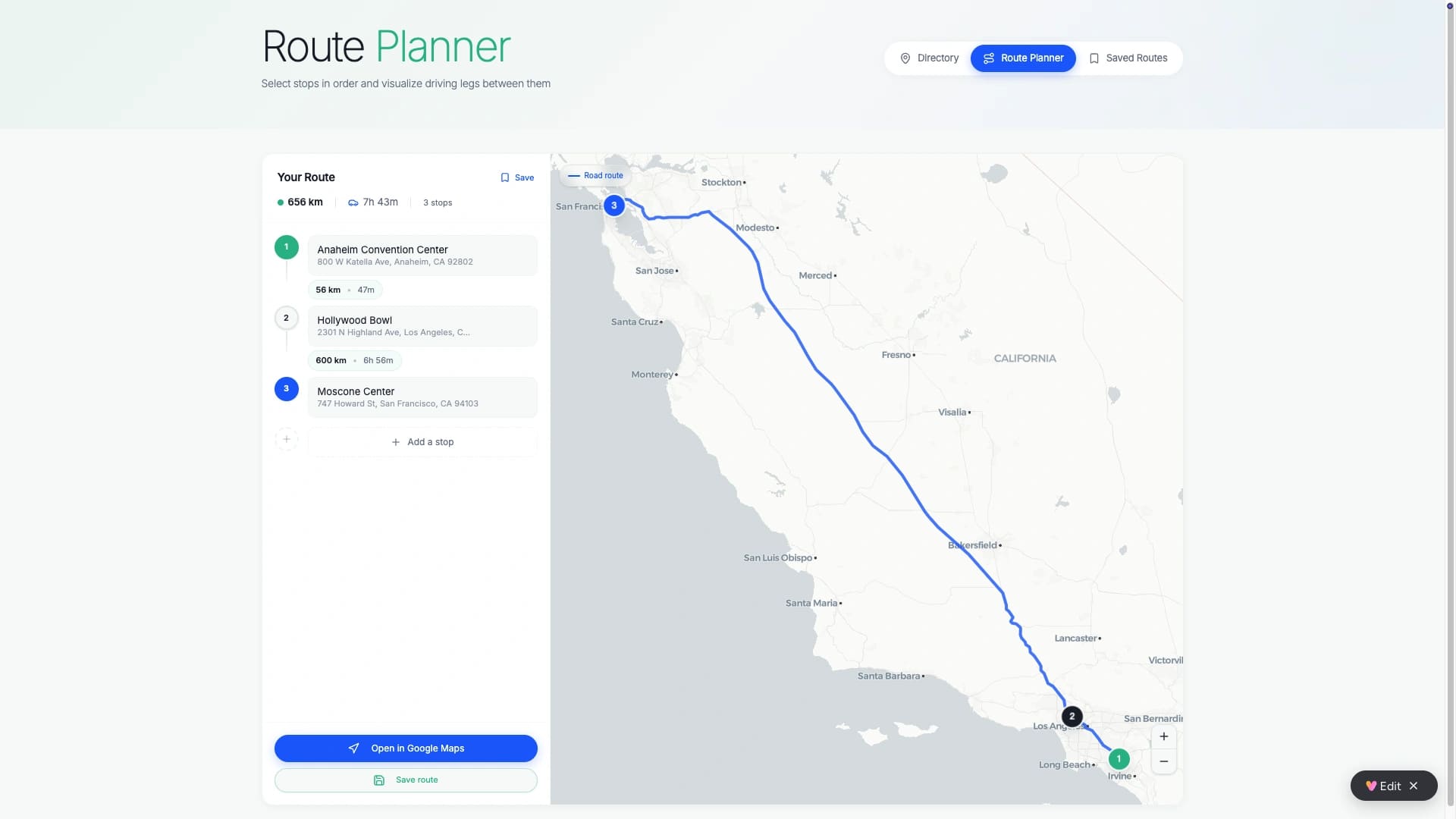
Plan and map driving routes for your venues. Easily organize locations, calculate travel times, view real-time maps, and save step-by-step itineraries directly on your board.
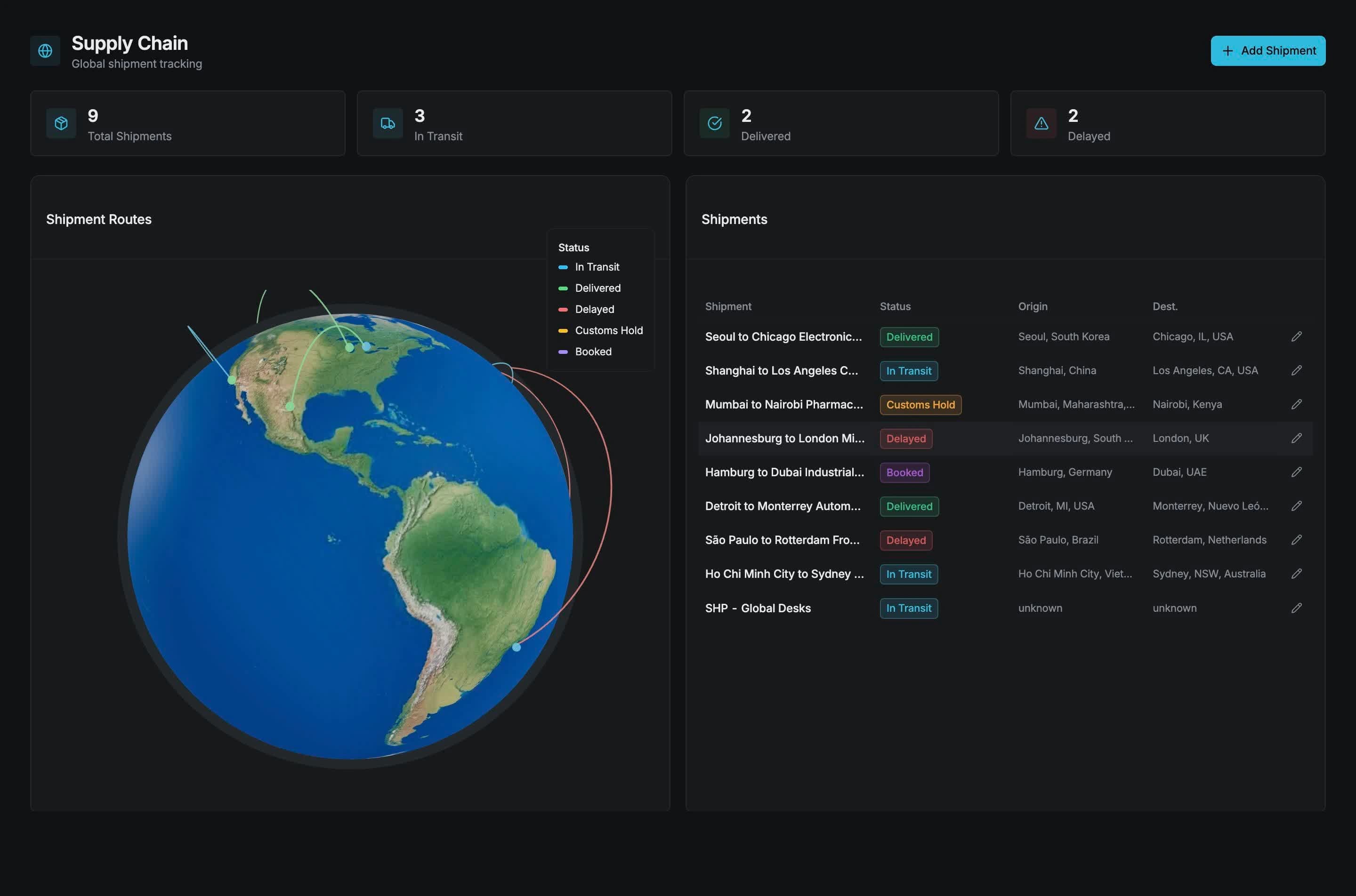
Global Shipment tracks your global logistics. Connected directly to your board, it visualizes shipments on an interactive 3D rotating globe, maps active routes, and tracks status metrics. With built-in detailed tables and shipment forms featuring route previews, managing global cargo transfers is simpler than ever.
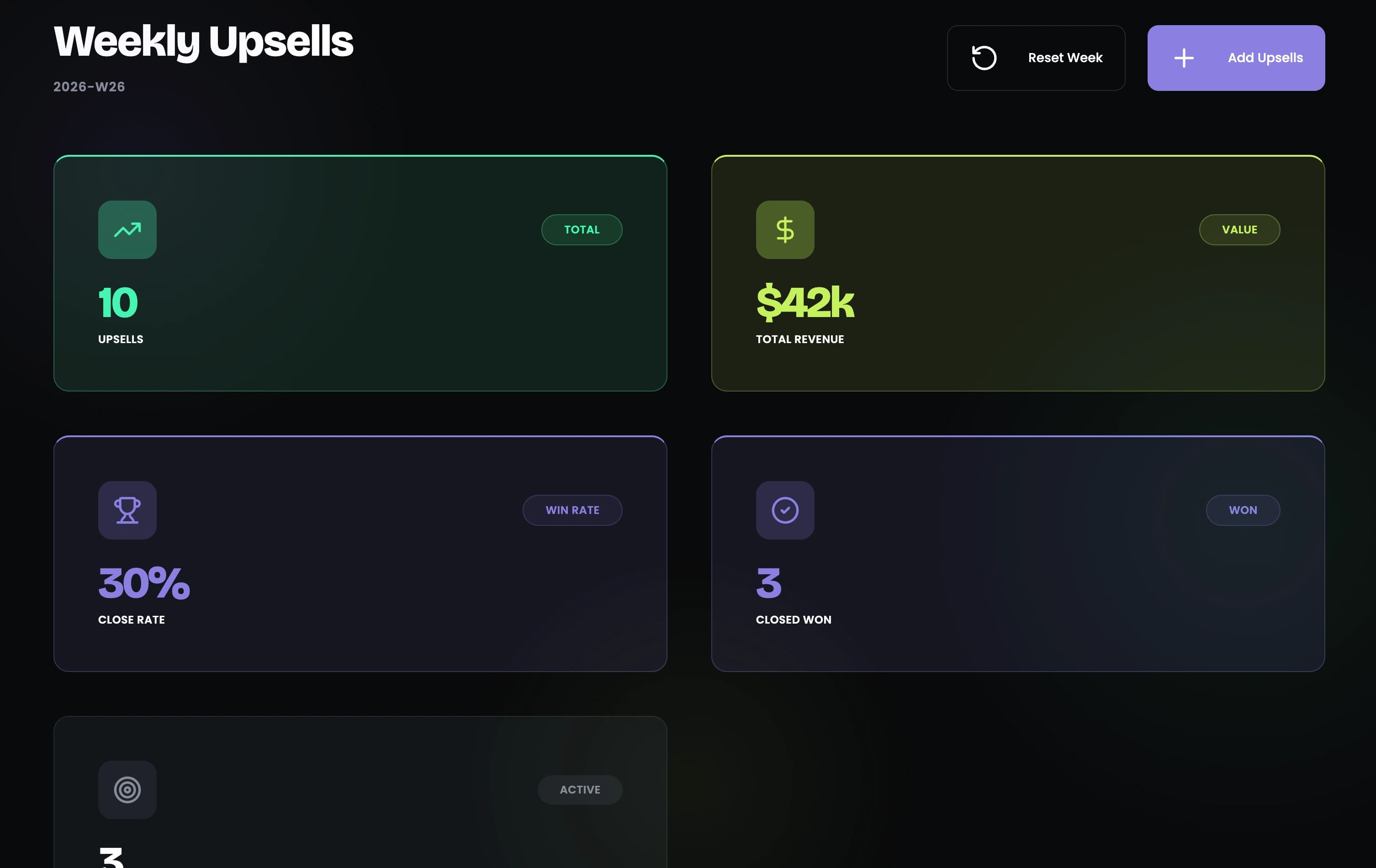
A weekly sales-call tracker where reps log upsells after each call. Entries stay on the board until you reset the week. Add several upsells at once, filter by status, search accounts and watch a weekly KPI strip (total upsells, total value, by status) update live for every rep.
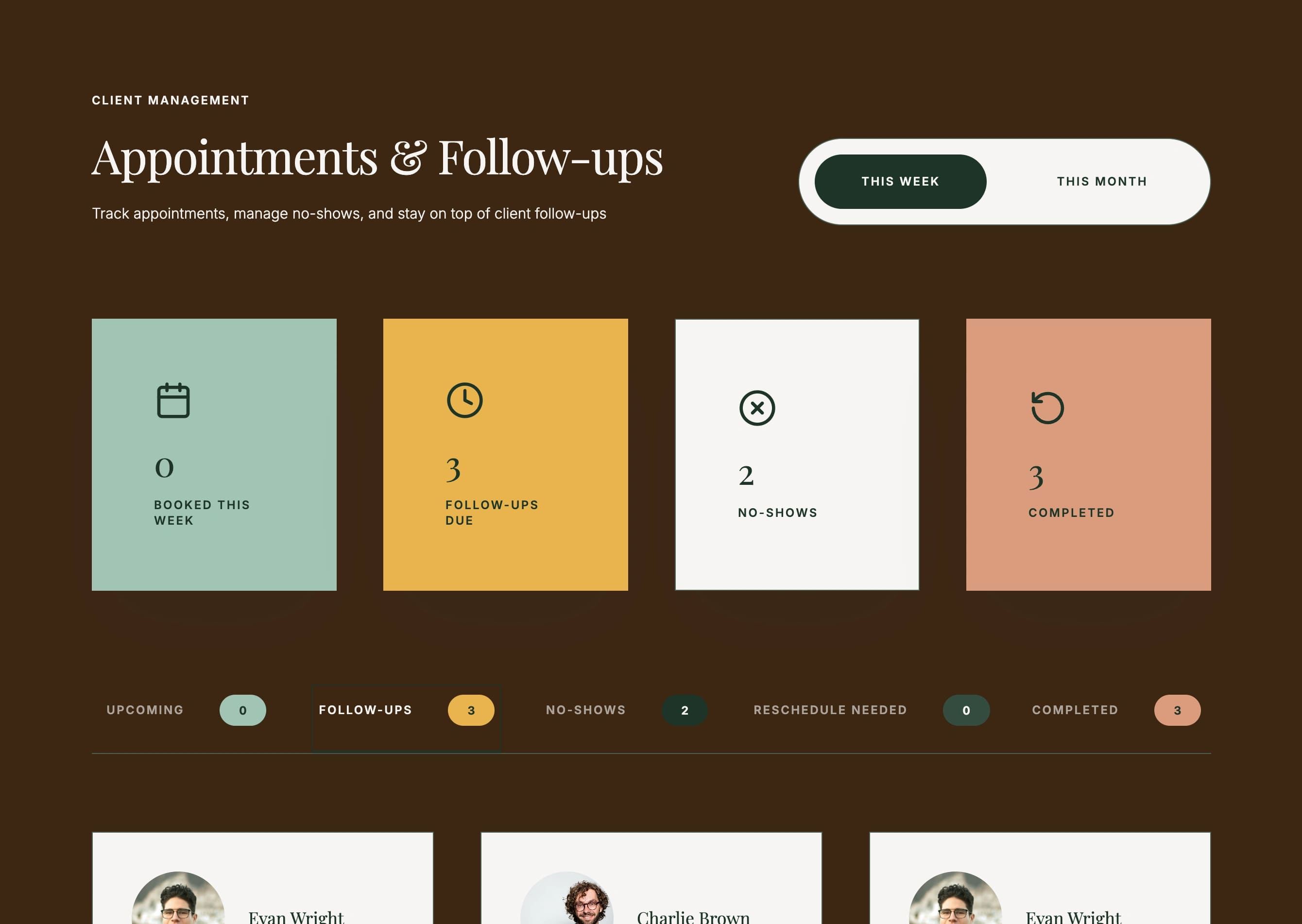
An appointments CRM that sorts clients into Upcoming, Follow-ups, No-shows and Reschedule-needed, with a count on each tab. Client cards show the name, date and status, with quick actions. KPI cards summarize the week, and you can switch to a monthly view.
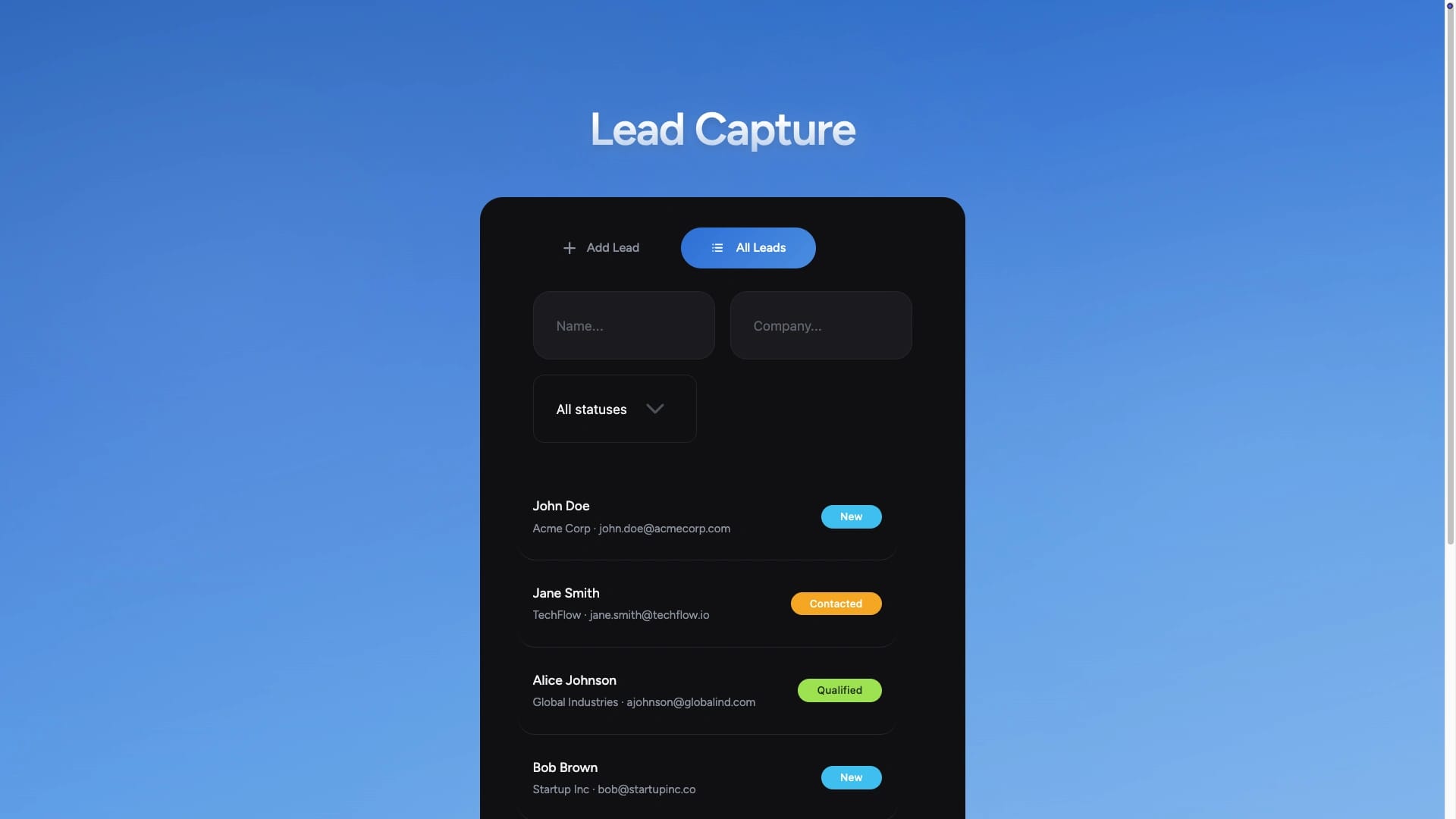
Capture leads instantly and never lose a contact. Add prospects with smart duplicate detection, track status from New to Qualified, filter and search your pipeline, and manage updates, all from a sleek interface embedded right in your monday.com workflow
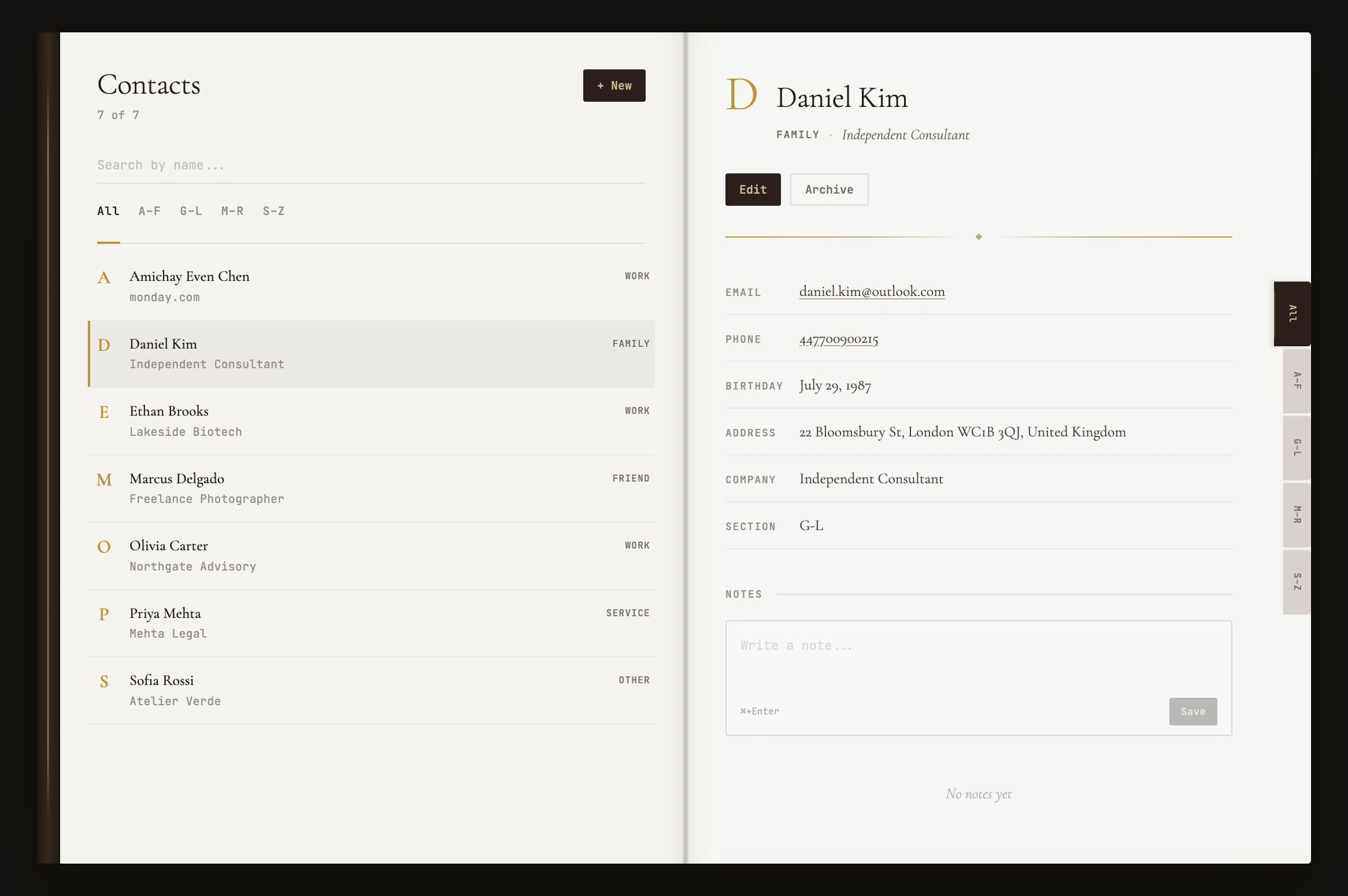
A tactile contact book app that mirrors the experience of a physical address book. Browse contacts alphabetically through leather-bound pages, search instantly, and organize relationships. A split-page layout shows contact details on the right.
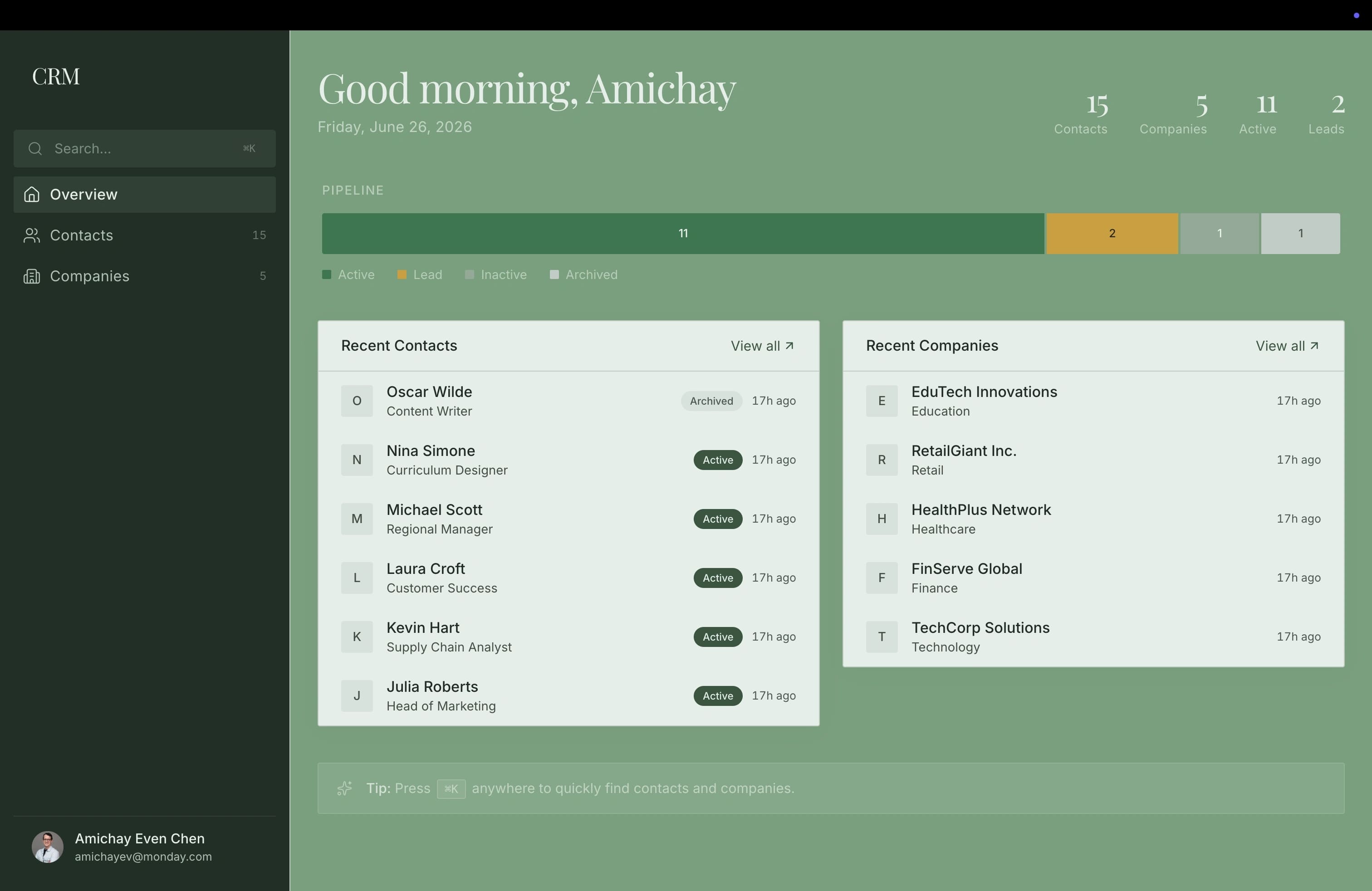
Track your contacts, companies, and pipeline in one view. Search instantly with keyboard shortcuts, filter by status or industry, edit inline, post updates, and see profile completeness, all synced live with your monday.com boards.
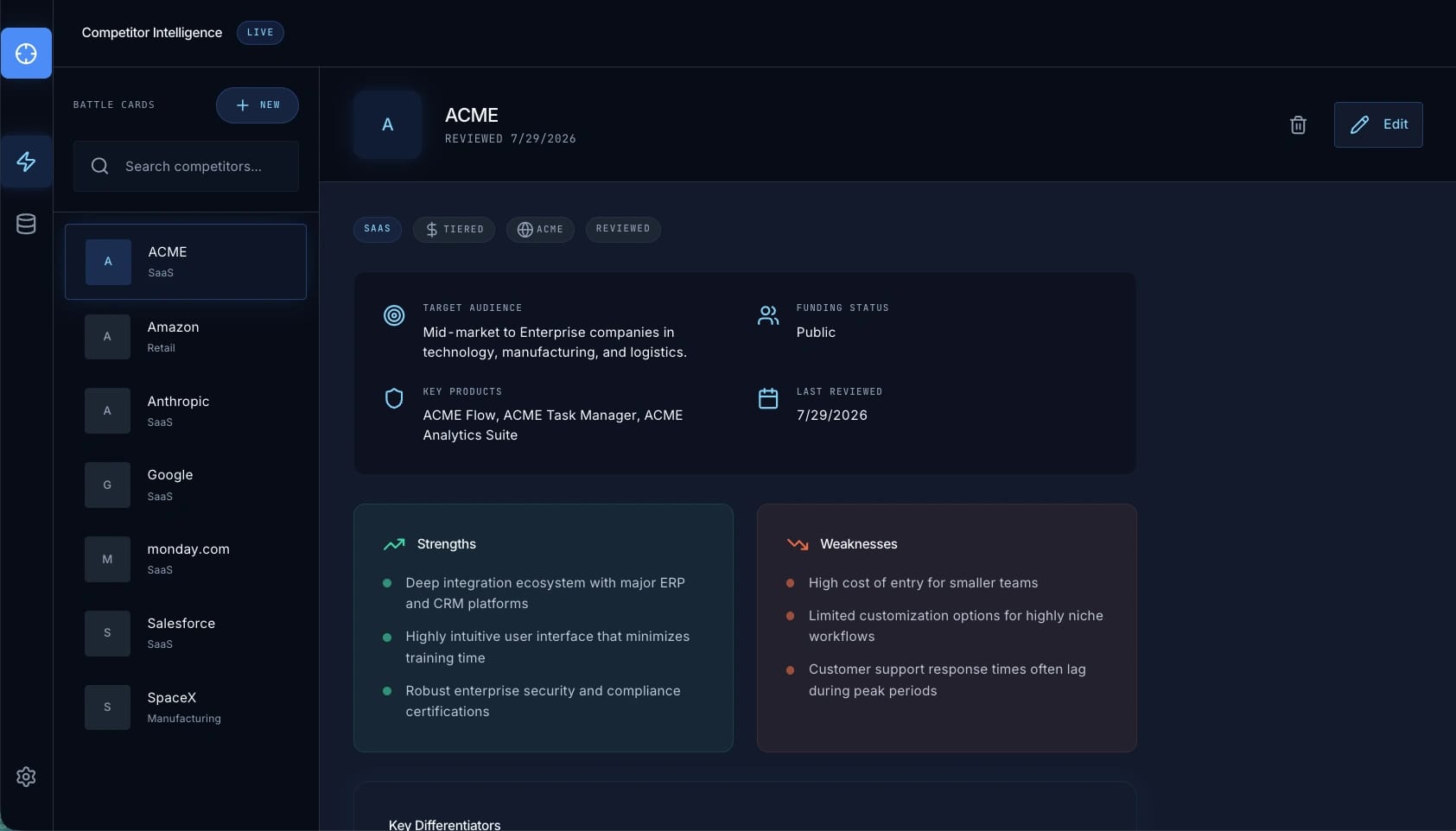
Generate AI-powered competitor battle cards from live web research. Give your team each competitor's pricing model, market position and strategic insights before every pitch.
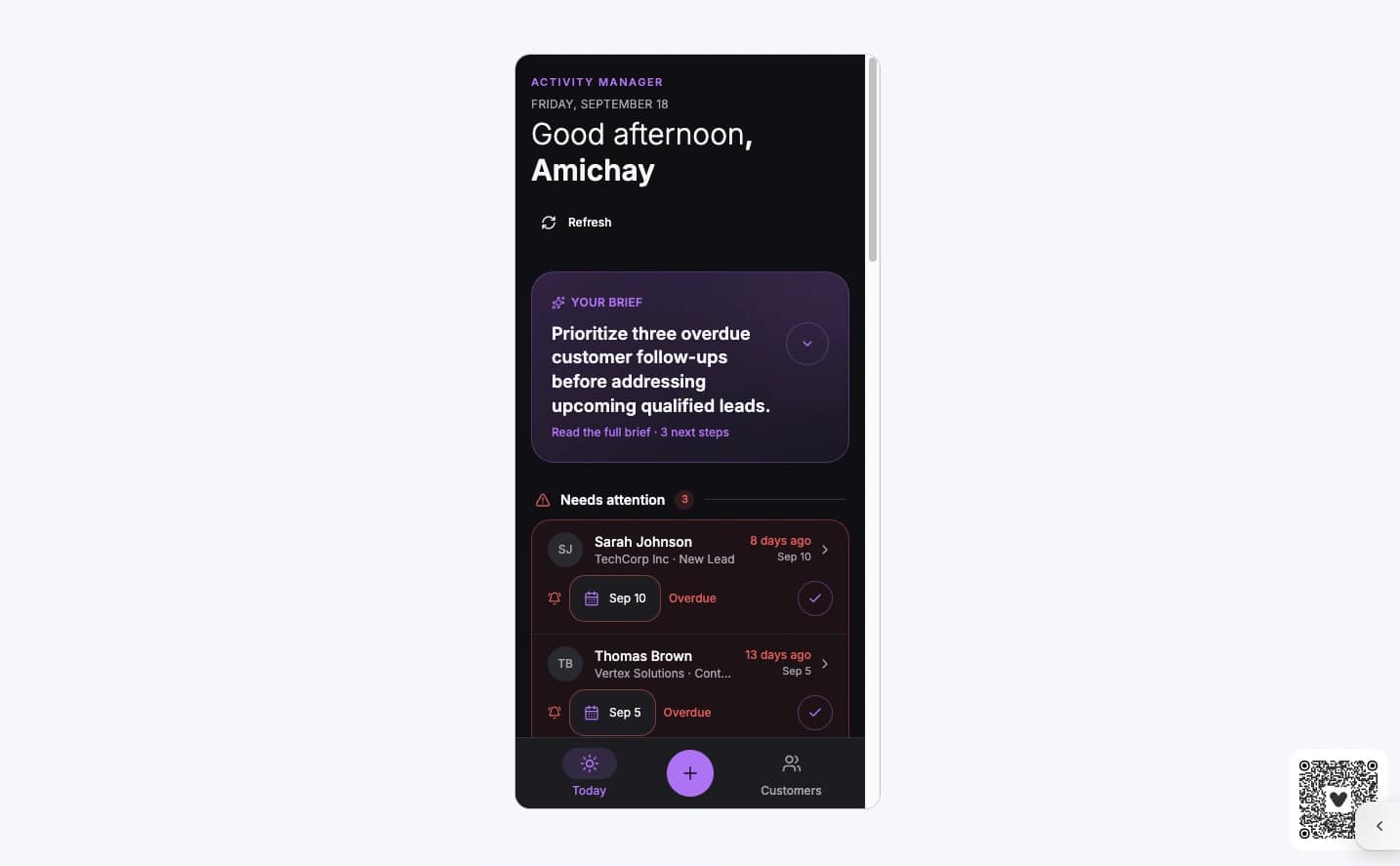
Turn incoming leads into customers. See your whole pipeline, schedule follow-up reminders, view regional analytics and reach out to leads directly, so your sales team stays organized and follows up faster.
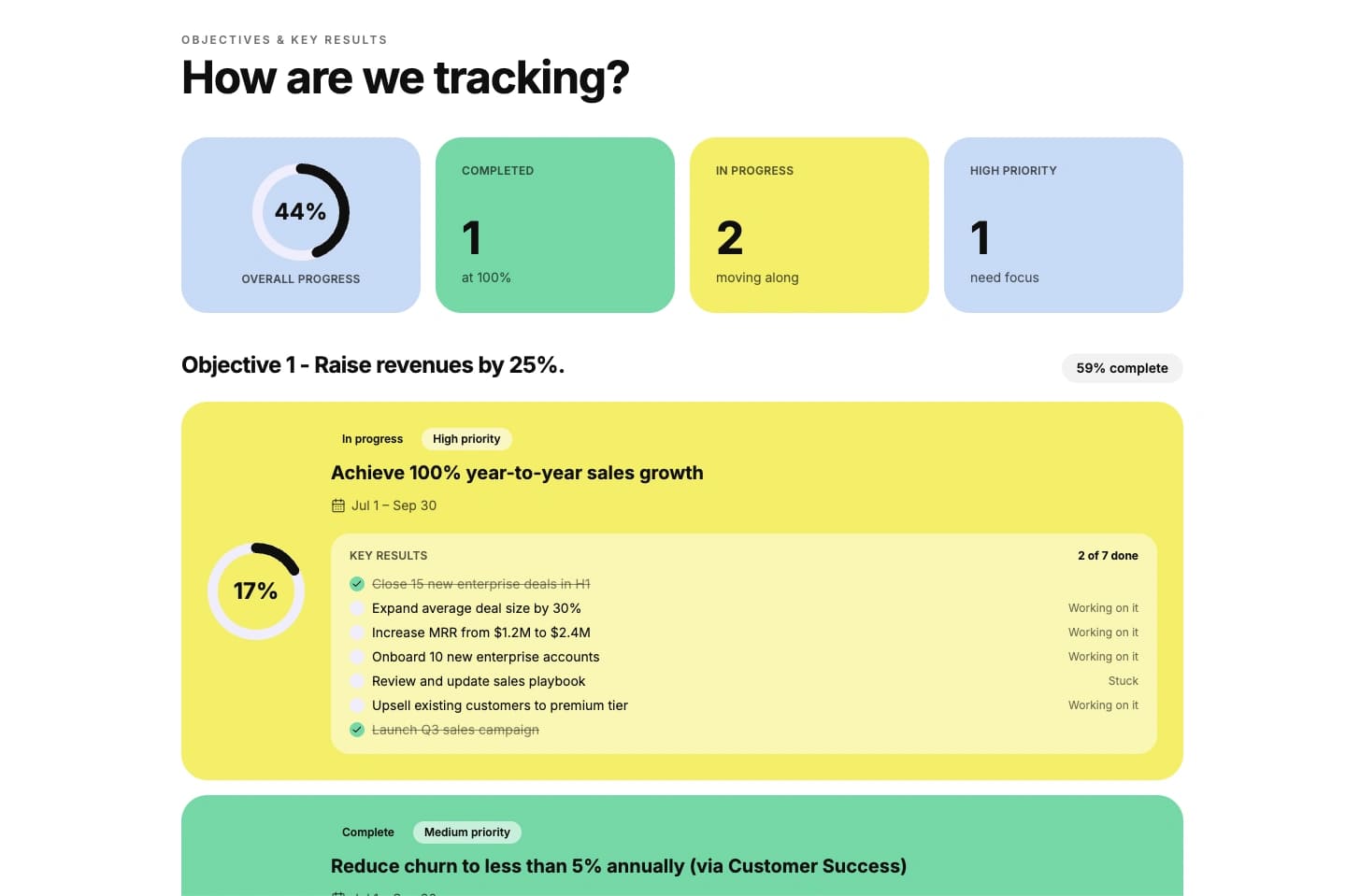
See how your goals are tracking at a glance, with board-wide progress rings and KPIs, objectives grouped by focus area, and key results that open on demand. It stays fast even across thousands of items.
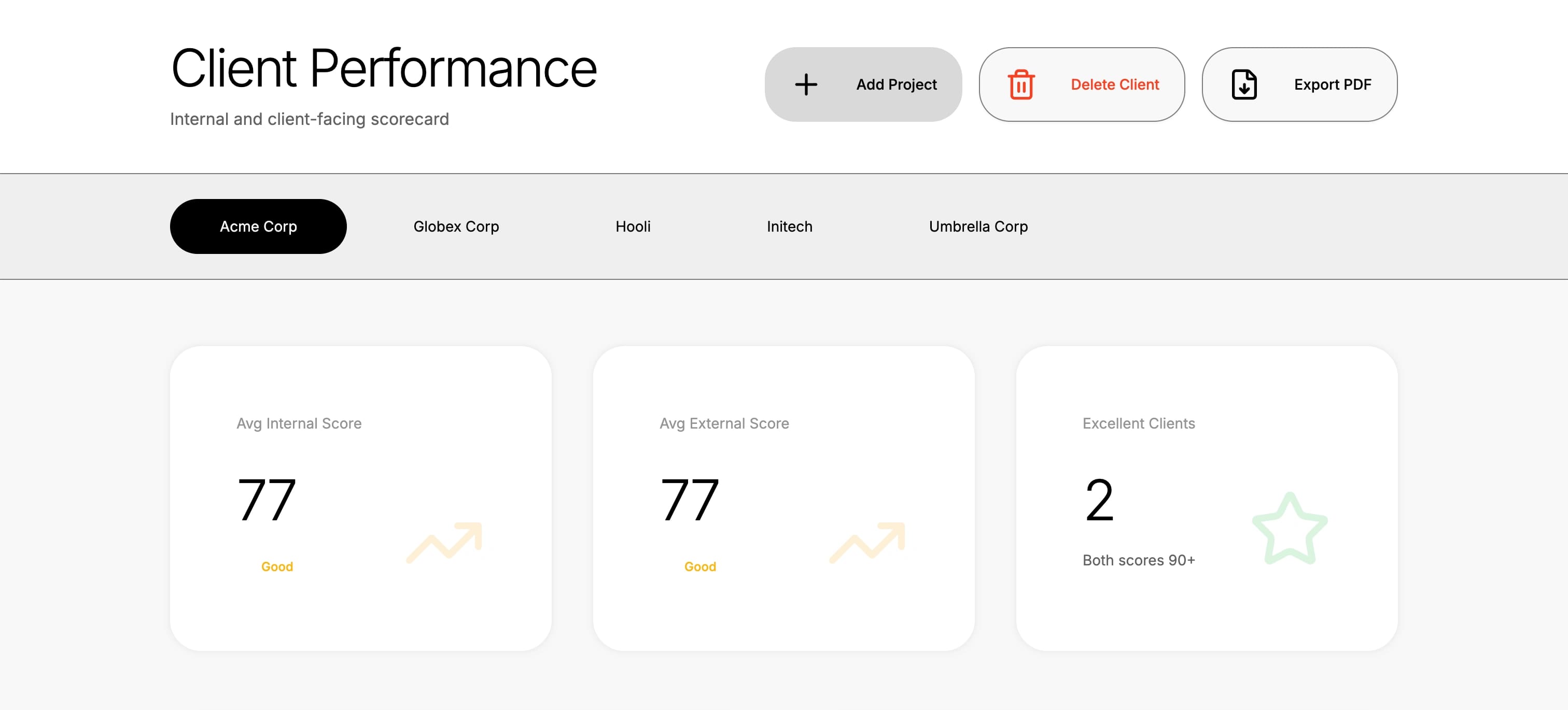
A client scorecard that compares internal and client-facing performance with scores, progress bars and a radar chart. Drill into any project's scores, see a breakdown by dimension and export the scorecard to PDF.
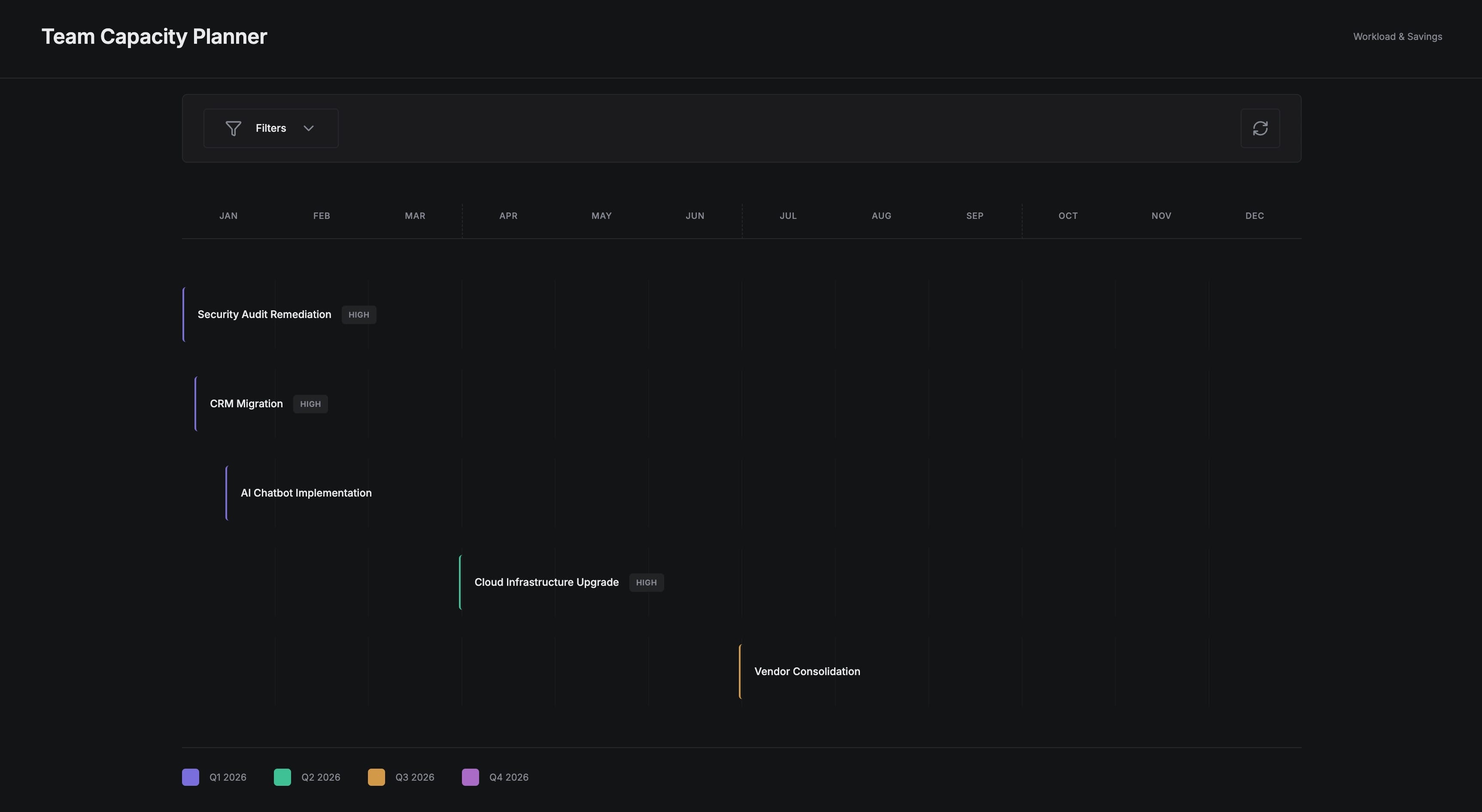
A capacity planner that compares each person's allocation with their backlog. Team rows highlight who is over or under capacity, a quarterly view totals hours and cost, and a timeline shows your major projects by quarter.
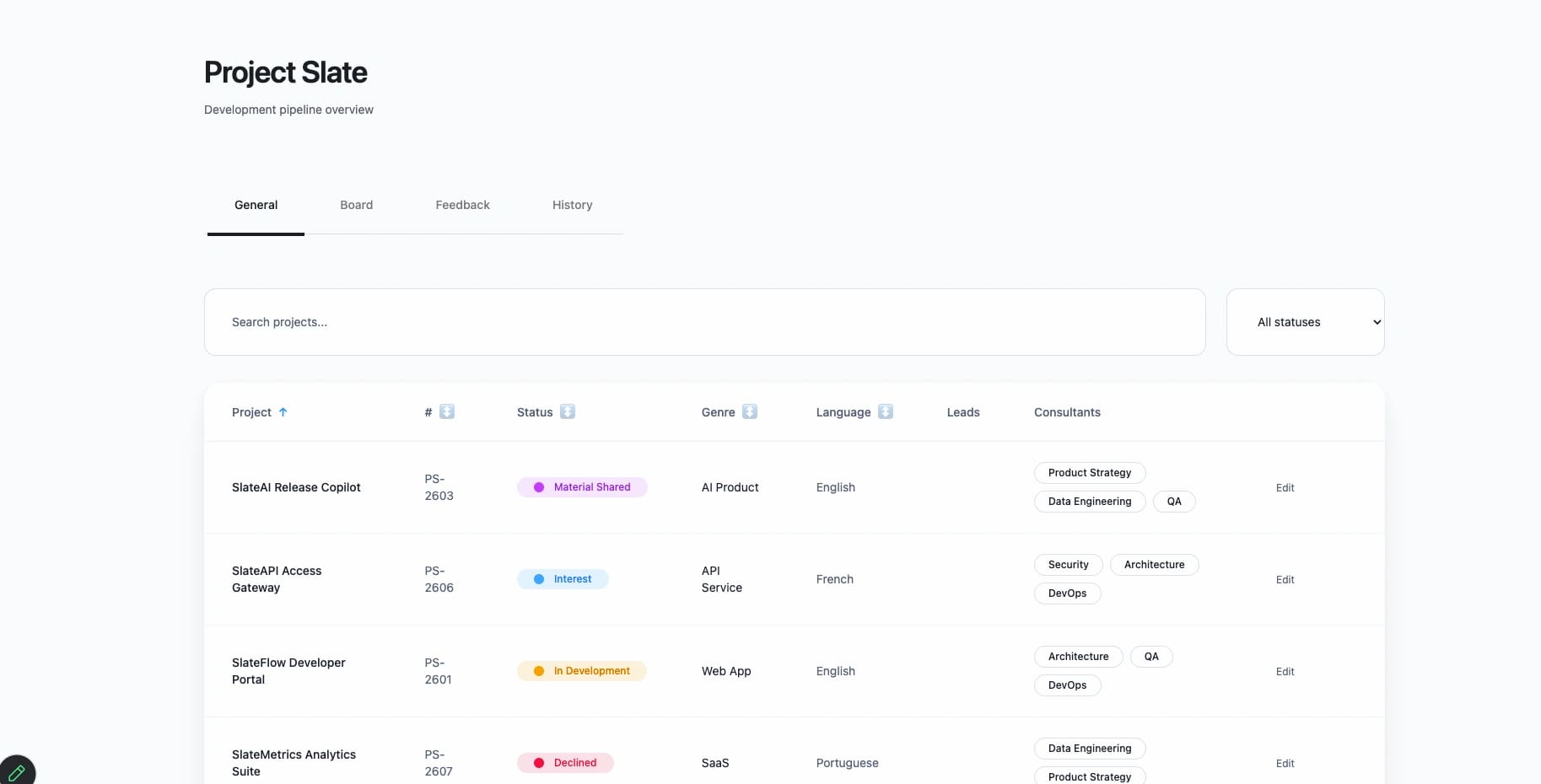
A development pipeline that gives you a multi-view overview of your projects, with a color-coded status workflow and a feedback log for each project. Switch between a table, a Kanban board by status, a feedback log and a history timeline of status changes.
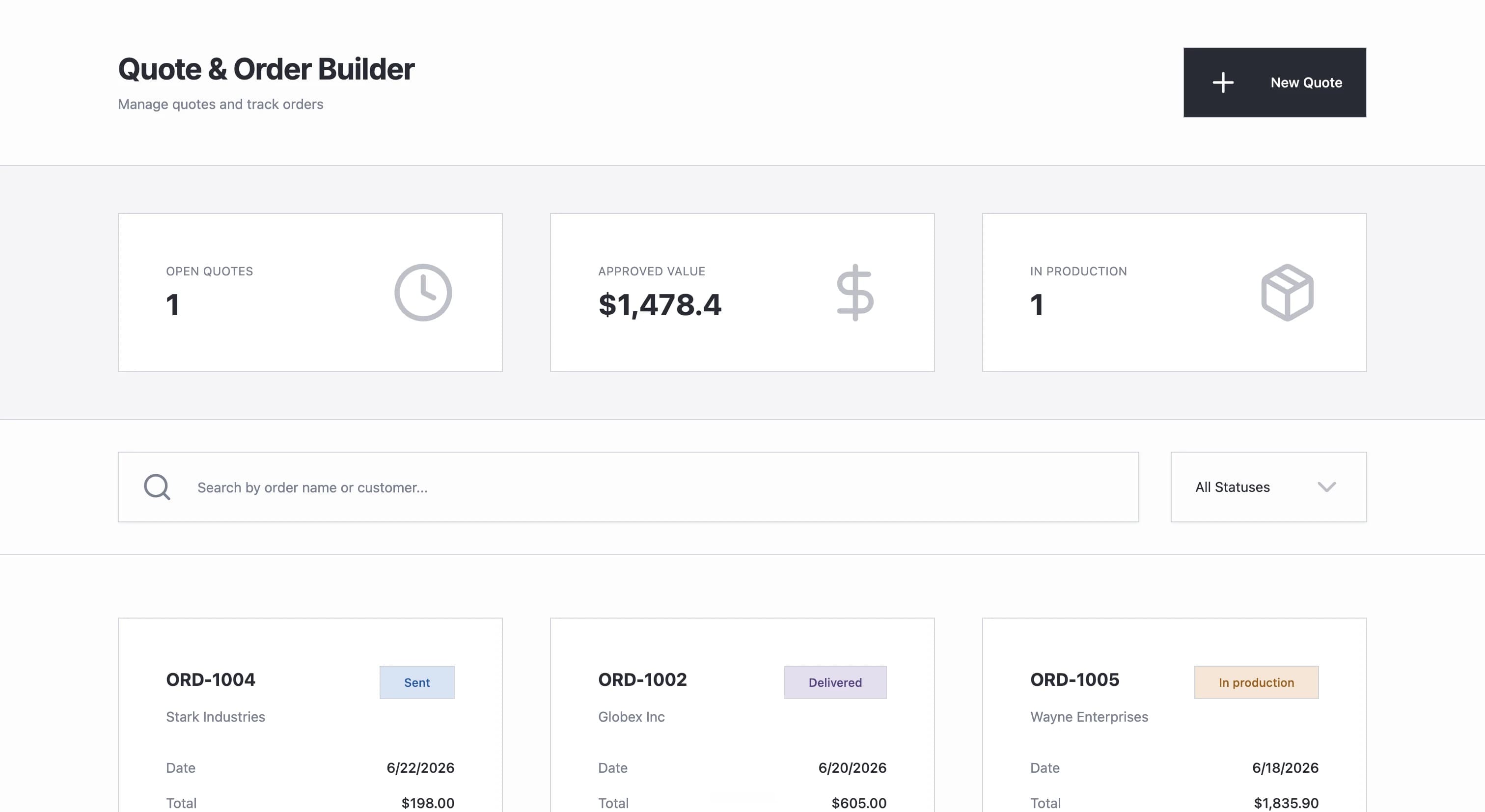
A quoting tool that builds customer quotes from a product catalog and turns each quote into a tracked order followed to delivery. Search products into a live cart with subtotal, discount, tax and grand total; save to create an order with line-item subitems and a Draft to Delivered status workflow.
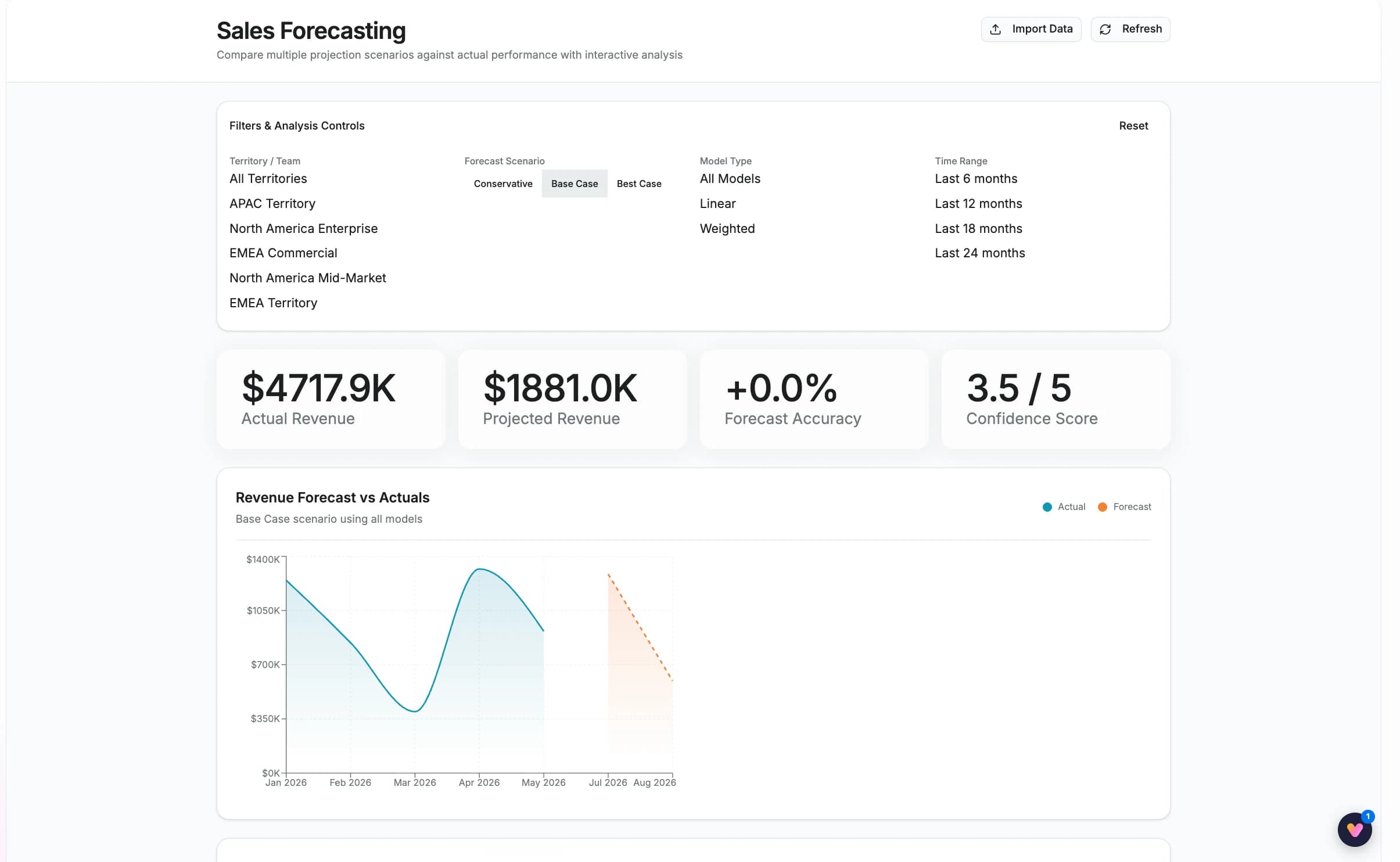
A sales forecasting app built on your monday.com board data that compares projection scenarios against actual performance. Choose a conservative, base case or best case scenario, switch between linear and weighted models, and filter by territory or team and time range to see how revenue is tracking.
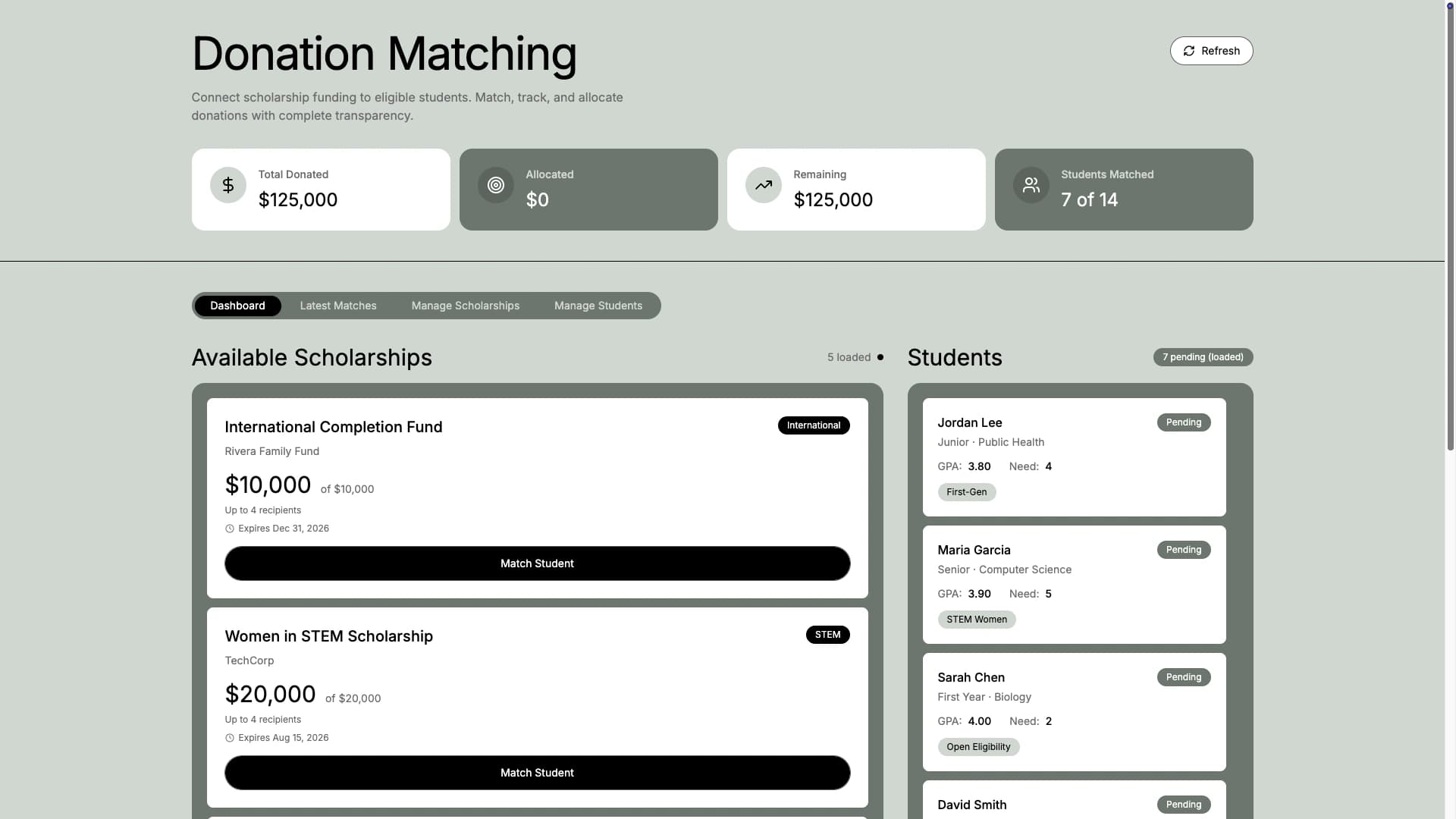
Match students with scholarships automatically. Smart matching by eligibility, GPA, and financial need. Track donations, manage awards, and run your entire scholarship program from one dashboard. Built for universities, foundations, and nonprofits.
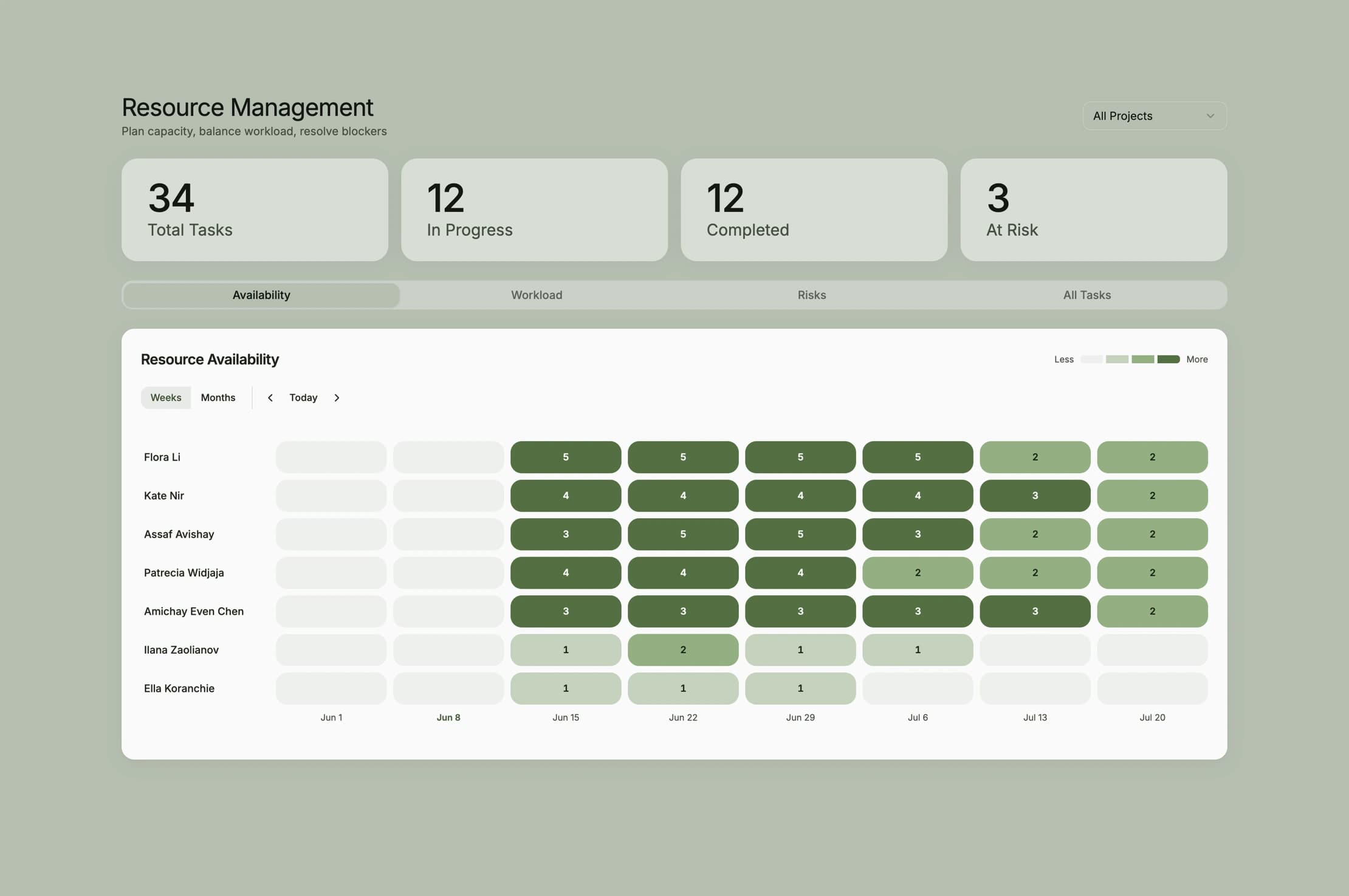
A resource management dashboard that helps you plan team capacity, balance workloads and track critical blockers across projects. It has an interactive timeline, workload charts, risk lists and inline editing.
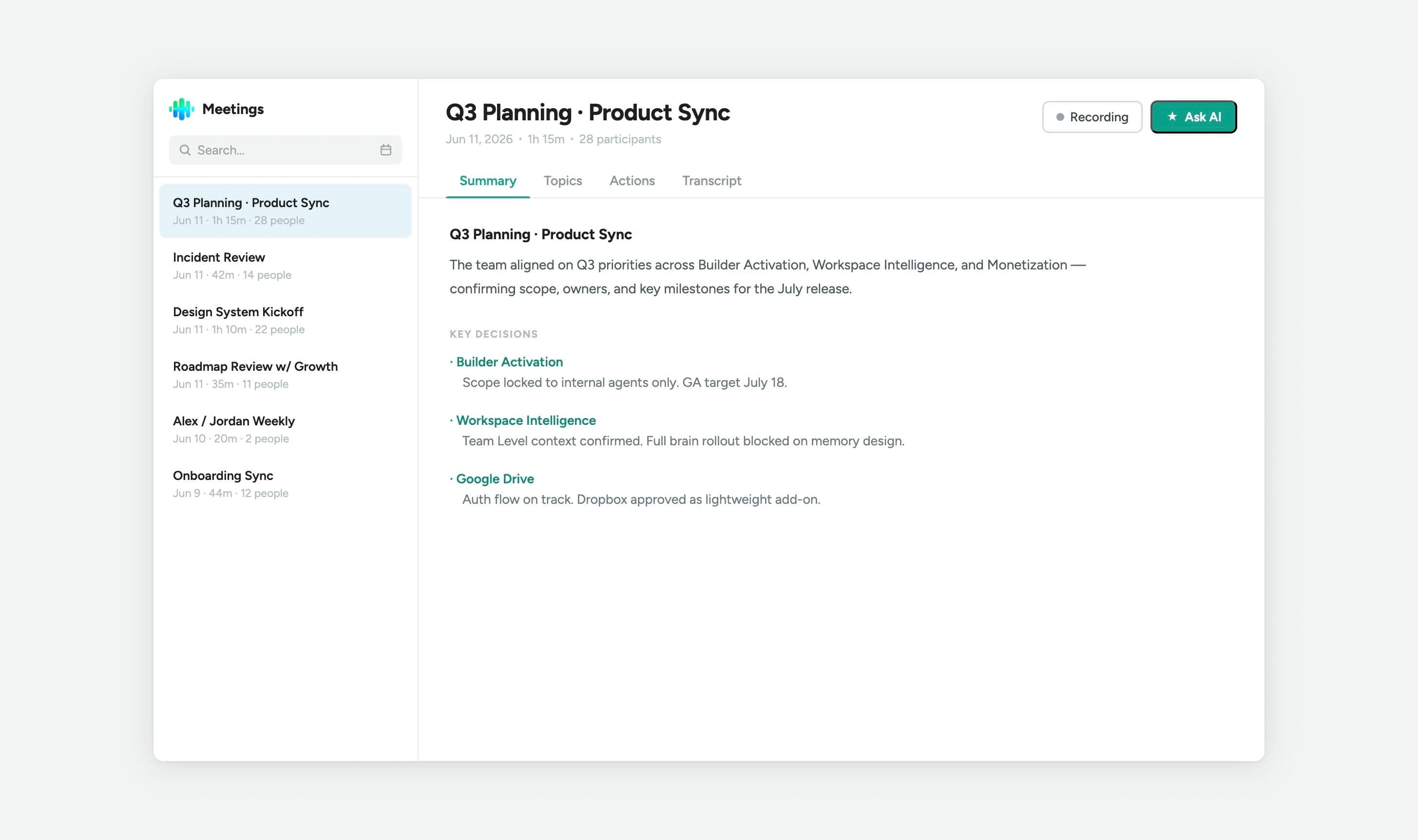
Browse and review meetings recorded by monday.com's AI Notetaker. View summaries, topics, action items, and full transcripts. Filter by date or search. Ask AI questions about any meeting. Save action items directly to your monday.com board.
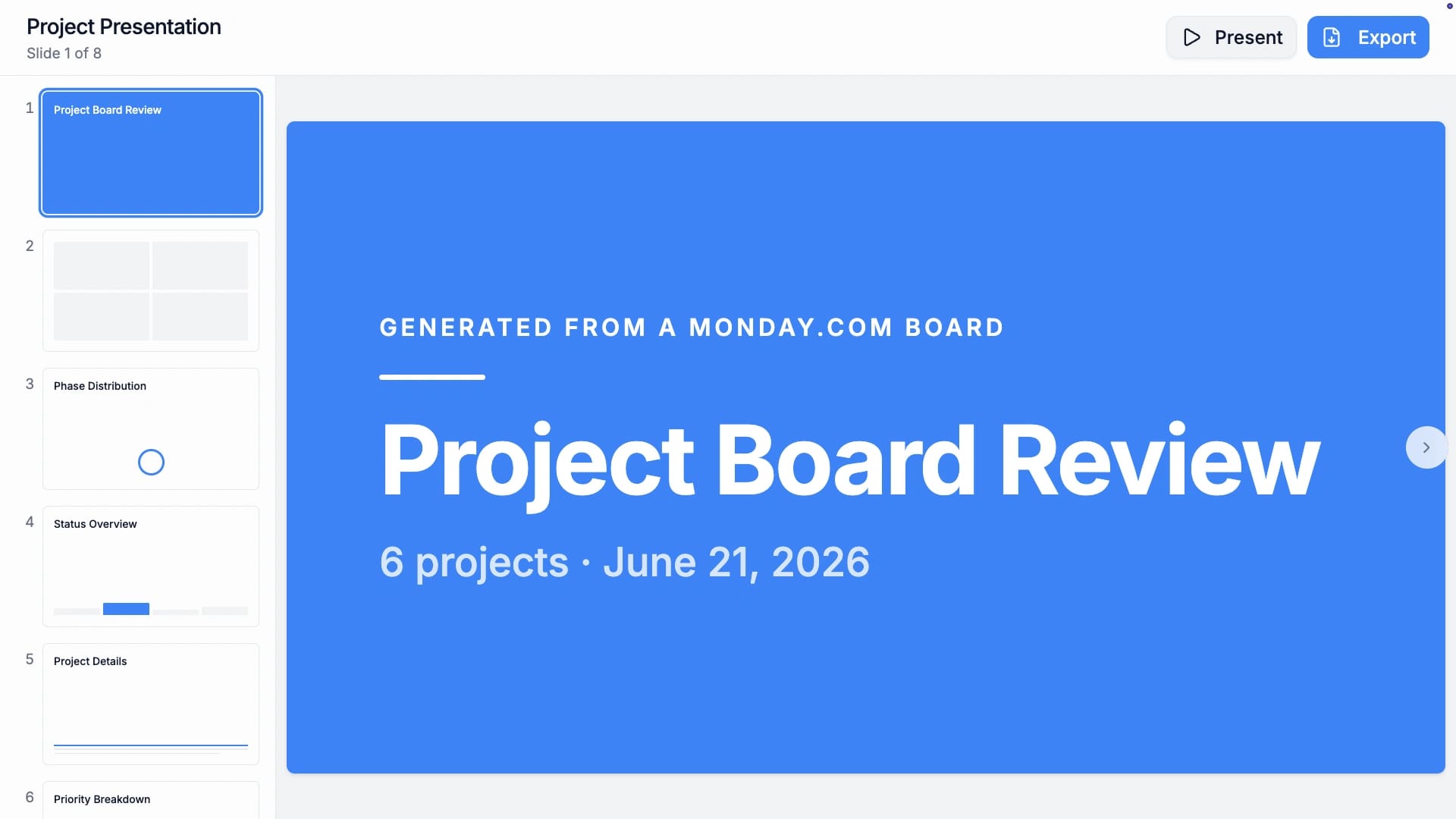
This app turns your monday.com board into an interactive, presentation-ready slideshow. It visualizes projects, metrics, timelines, and priority breakdowns in a polished format. Perfect for stakeholder walkthroughs, you can present in fullscreen or export your slides directly to PDF and PowerPoint files.
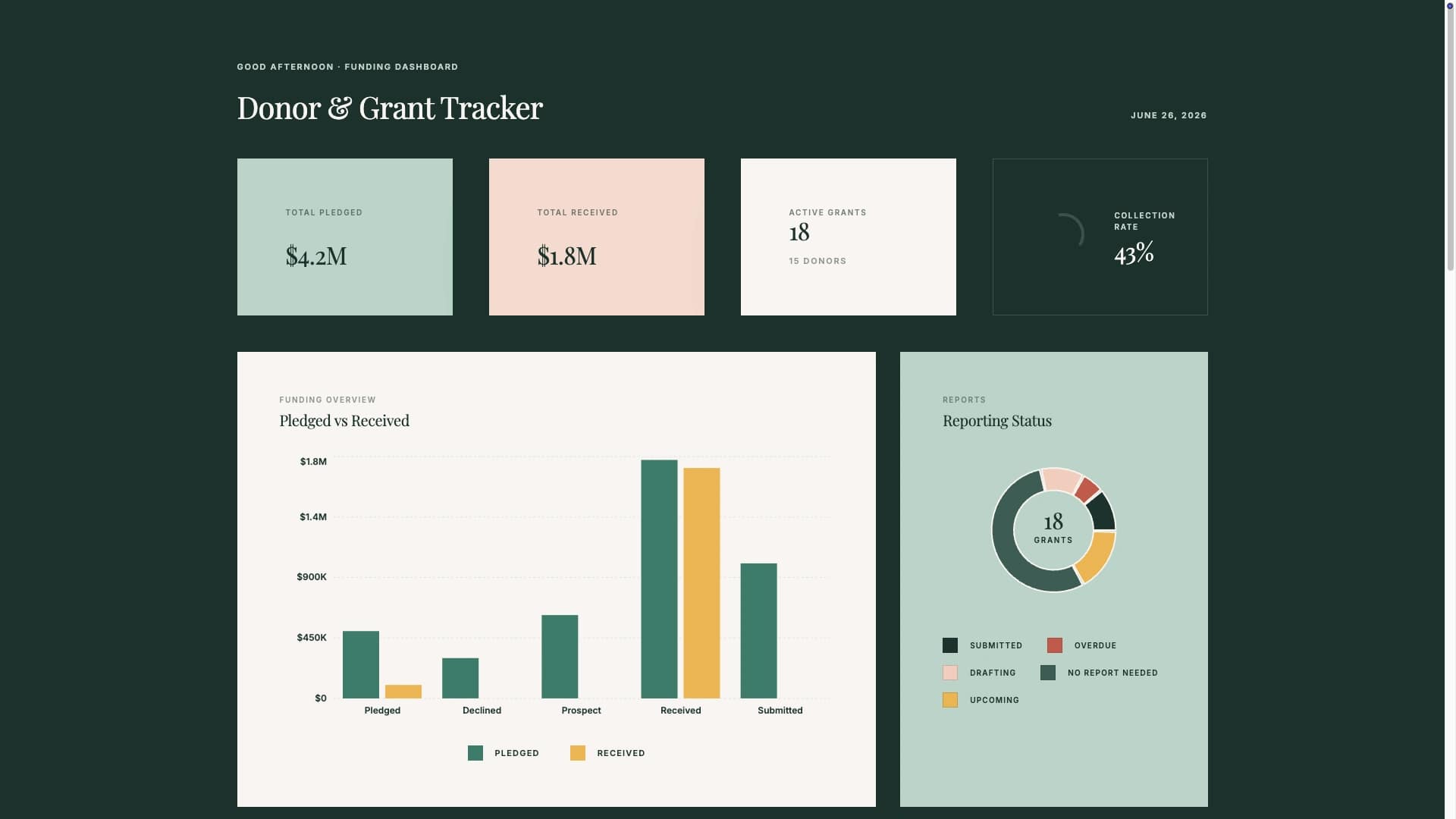
Monitor pledges, track collections and manage donor relationships from one dashboard. Real-time KPIs, alerts and filters keep your funding pipeline clear and your deadlines on track.
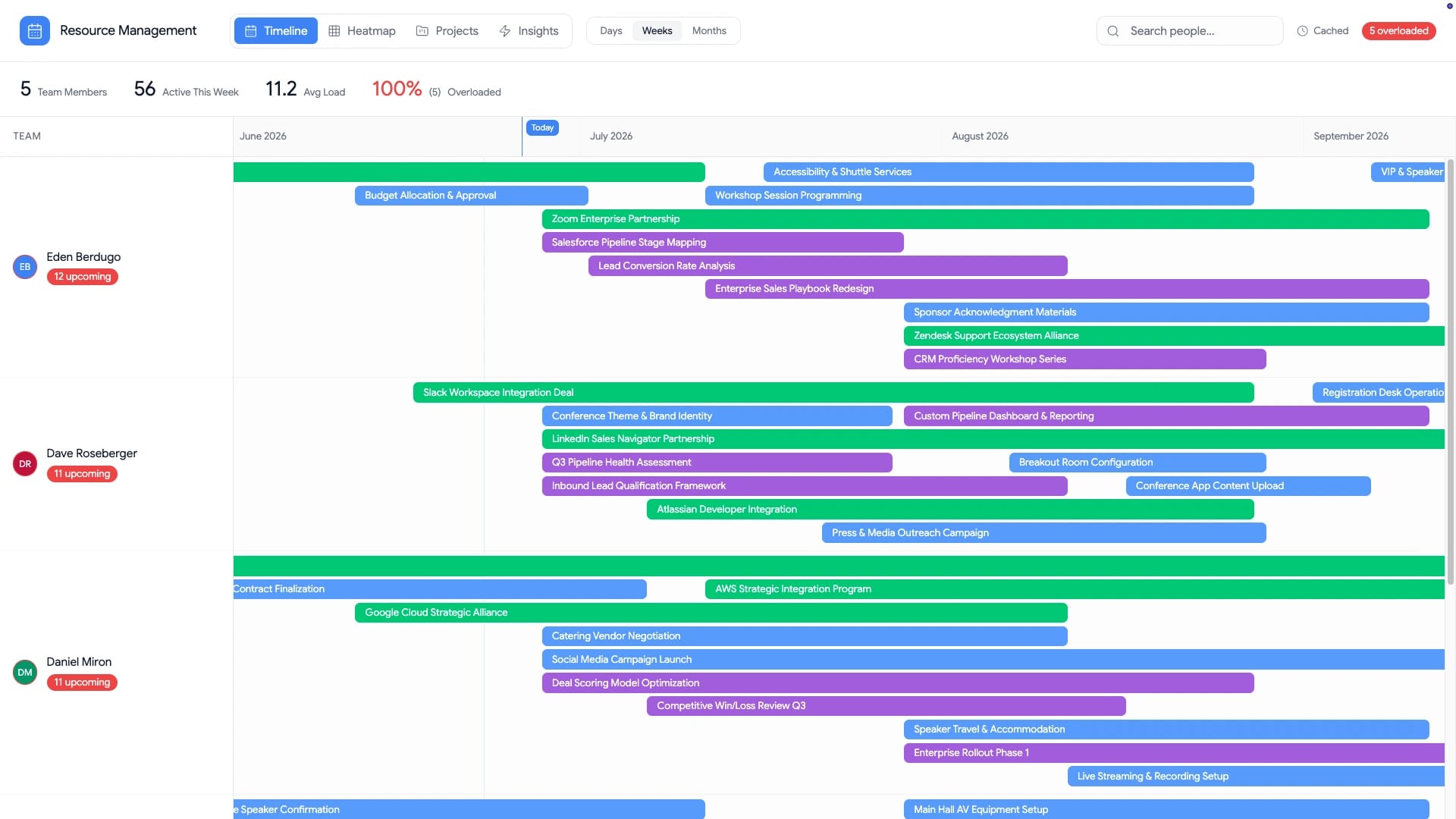
See workload across all your project boards at once. A cross-project resource planning tool that visualizes team workload across multiple boards. Features timeline and heatmap views, workload insights, overload alerts, and task details to help managers balance capacity and prevent burnout.
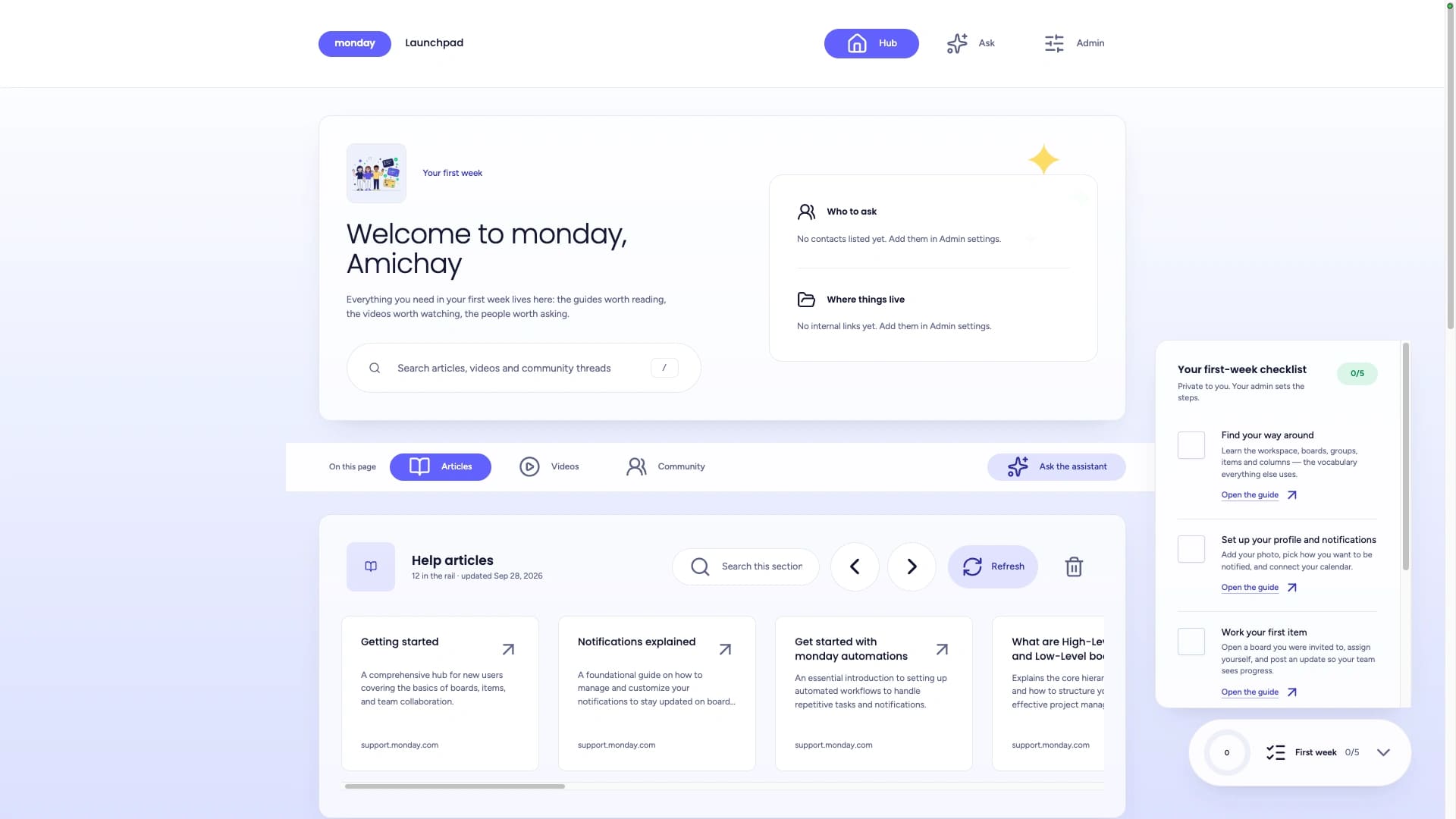
A self-serve onboarding hub for new monday users. One page shows who to ask, a personal getting-started checklist, help articles, tutorials and community links, plus an AI assistant that answers monday questions with sources. Admins set it up once.
Don't see what you need? Build it.
Describe what you need and build your own AI app for work on monday.com.



Identifies growth and efficiency opportunities and generates structured action plans with clear next steps and impact.



Scans company data to detect revenue risks, cost leaks, and underperforming initiatives in real time.

Prepares agendas, summarizes context, and tracks decisions and follow-ups so leaders stay focused on priorities.



Coordinates interviews by syncing availability. Handles booking, reminders, and rescheduling without manual effort.



Evaluates applications against role criteria, filters non-fits, and highlights top candidates for faster hiring decisions.


Sources and ranks candidates across channels. Initiates personalized outreach and improves based on recruiter feedback.



Detects and classifies incidents, alerts the right teams, and tracks resolution. Ensures post-mortems are completed and learnings captured.


Audits content quality, identifies gaps from ticket trends, and updates knowledge base articles using real resolution data.


Classifies, prioritizes, and routes tickets automatically. Sets SLAs and resolves common issues using knowledge base data.



Uses templates and past documents to generate accurate drafts. Applies company policies to produce documents ready for legal review.


Captures requests, asks follow-ups, flags duplicates, and routes work automatically. Surfaces existing answers to reduce repetitive requests.

Converts product decisions into detailed specs with requirements, edge cases, and acceptance criteria so teams can execute without ambiguity.

Synthesizes feedback from support, sales, and usage data. Identifies patterns and recommends what to build next with clear evidence.


Analyzes user behavior, identifies drop-offs, and deploys improvements to increase conversions. Continuously tests and applies learnings across pages.

Generates and adapts content for different channels and audiences. Learns from engagement signals to refine messaging and improve performance over time.

Plans, launches, and optimizes campaigns across channels. Allocates budget dynamically and connects performance to revenue data so teams can scale what drives pipeline.