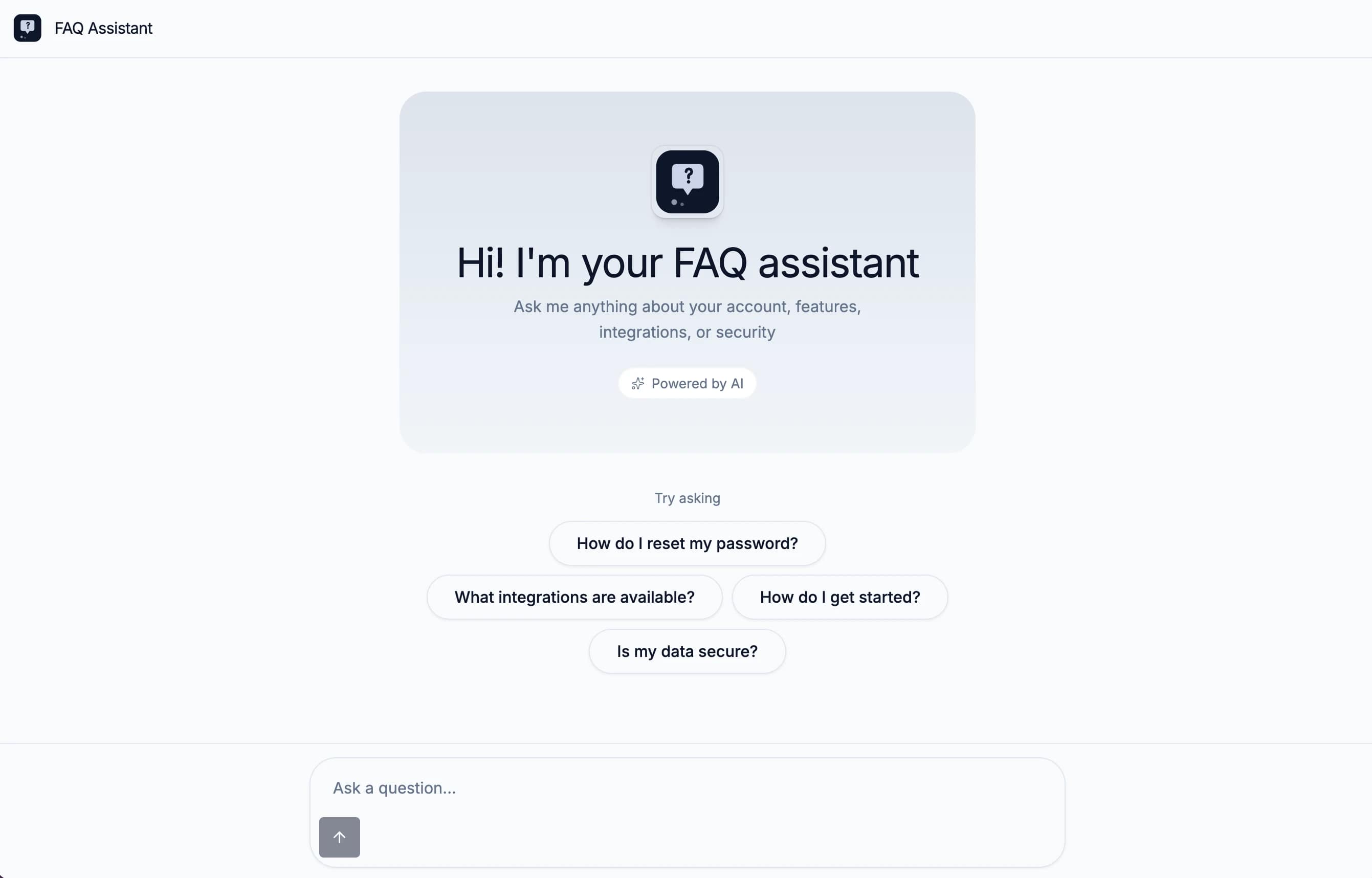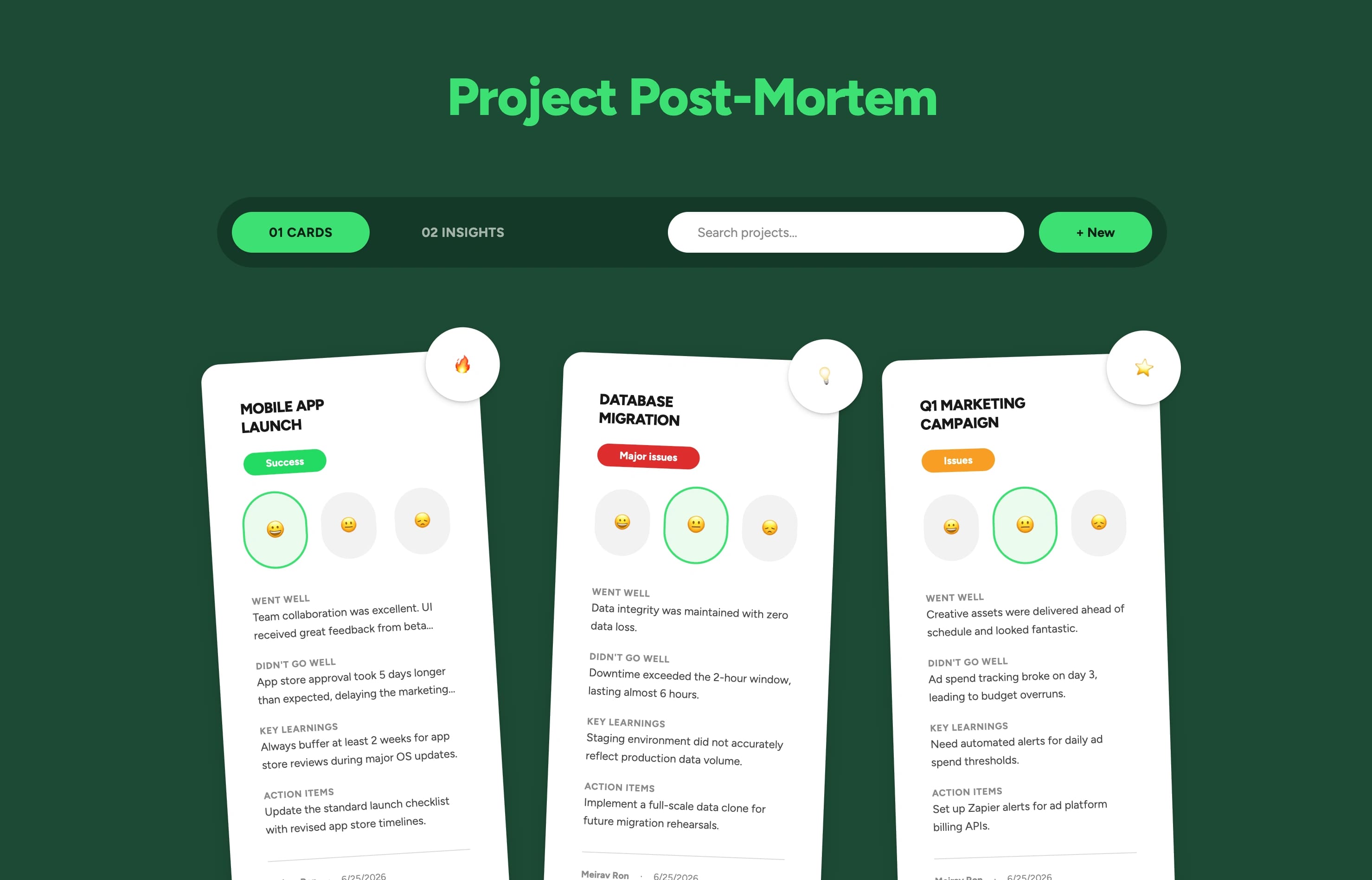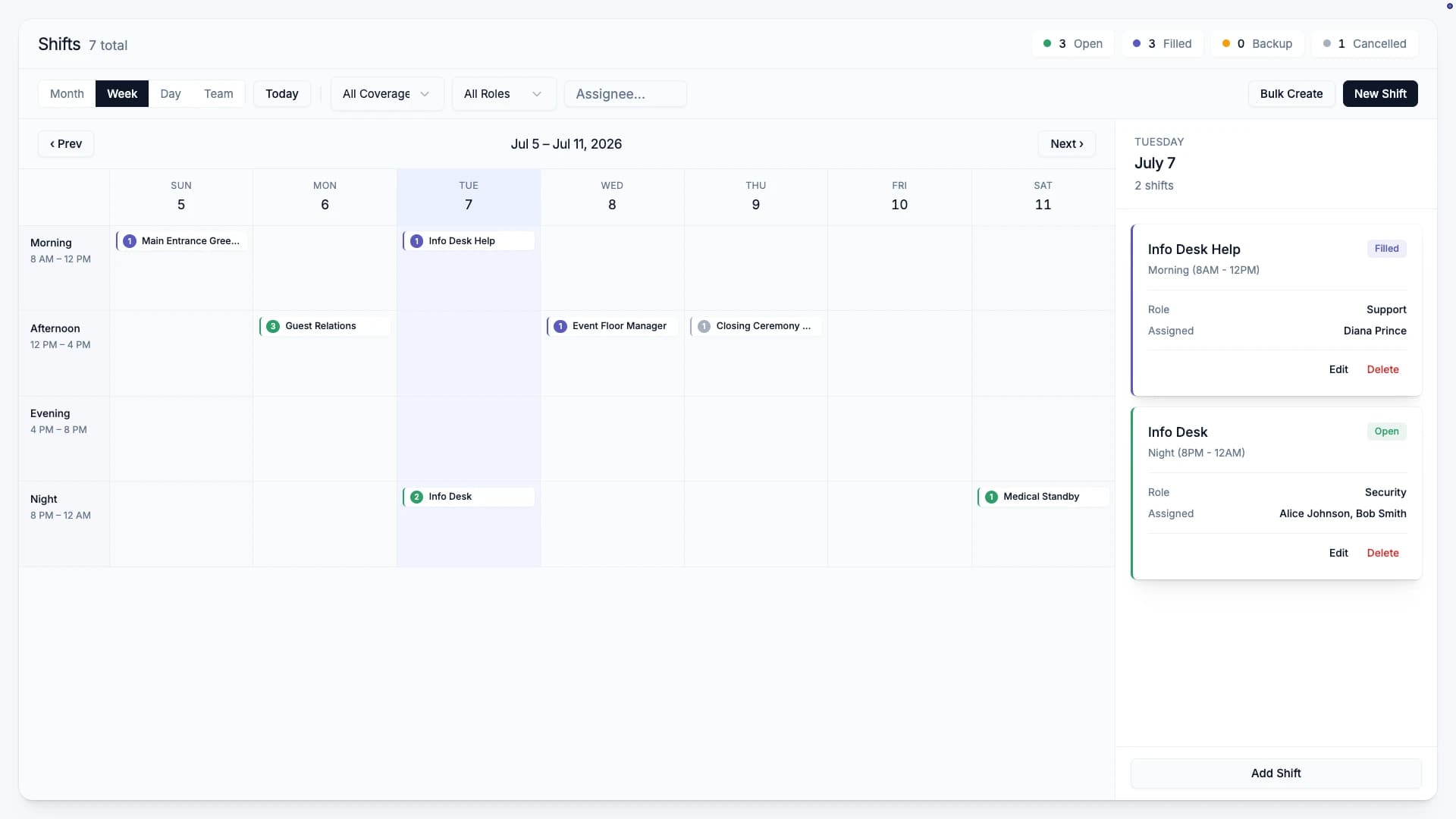











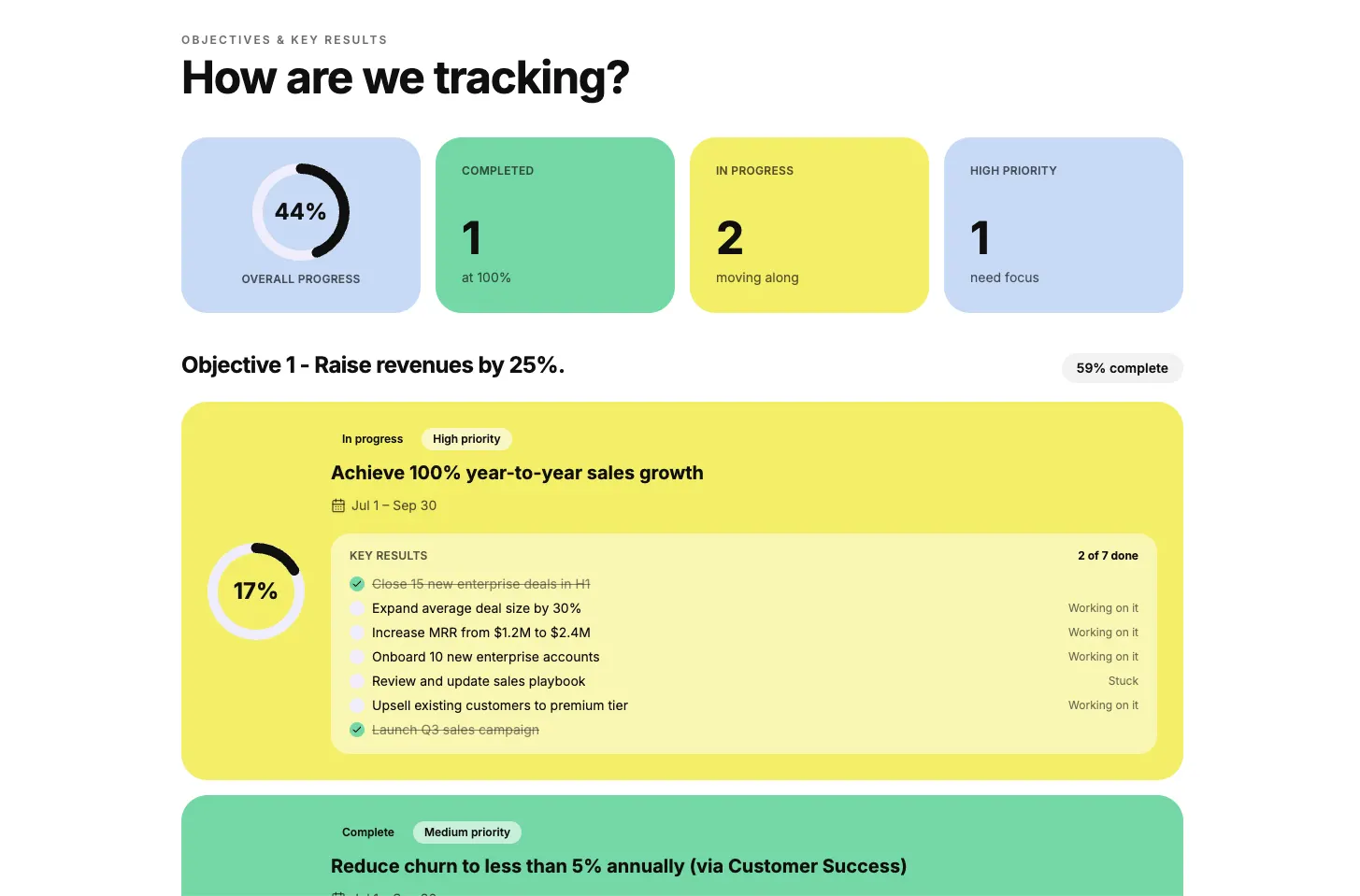

A development pipeline that gives you a multi-view overview of your projects, with a color-coded status workflow and a feedback log for each project. Switch between a table, a Kanban board by status, a feedback log and a history timeline of status changes.
A development pipeline that gives you a multi-view overview of your projects, with a color-coded status workflow and a feedback log for each project. Switch between a table, a Kanban board by status, a feedback log and a history timeline of status changes.
Four switchable views: General table, Kanban by status, Feedback log and History timeline.
A configurable, color-coded status workflow.
A feedback log for each project that shows where feedback was shared.
A project tracker gives teams one view of every project, from the first idea through delivery. The Project Tracker app is a monday work app that gives you a multi-view overview of your development pipeline.
The Project Tracker app gives you a multi-view overview of your development pipeline, with rich project metadata, a configurable color-coded status workflow and a per-project feedback log. It has four switchable views: a General table, a Kanban by status, a Feedback log and a status-change History timeline. It runs inside your monday.com workspace.
Yes. The Project Tracker app works with your monday.com boards, so you add it to your workspace and connect it to the boards where you track projects. Once connected, you can customize it to match how your team works.
The Project Tracker app is an AI work app, and AI work apps are available on paid monday.com plans, starting at $9/mo per seat. Each work app run consumes AI credits, which are included with paid plans and can be topped up as needed. You can explore the platform for free and unlock the ability to create AI work apps when you upgrade.
Automations follow fixed if/then rules. The Project Tracker app is a four-view pipeline overview with a configurable status workflow, a feedback log and a history timeline. That goes beyond what a rule can do.
Yes. monday vibe lets you build your own work apps without code. You describe what you need, and you can start from a ready-made app like the Project Tracker app and adapt it to your workflow.
monday work apps run inside the workspace your team already uses and work with your live board data. The Project Tracker app works on your projects right where your team already works, with no separate tool and no data copied between systems.