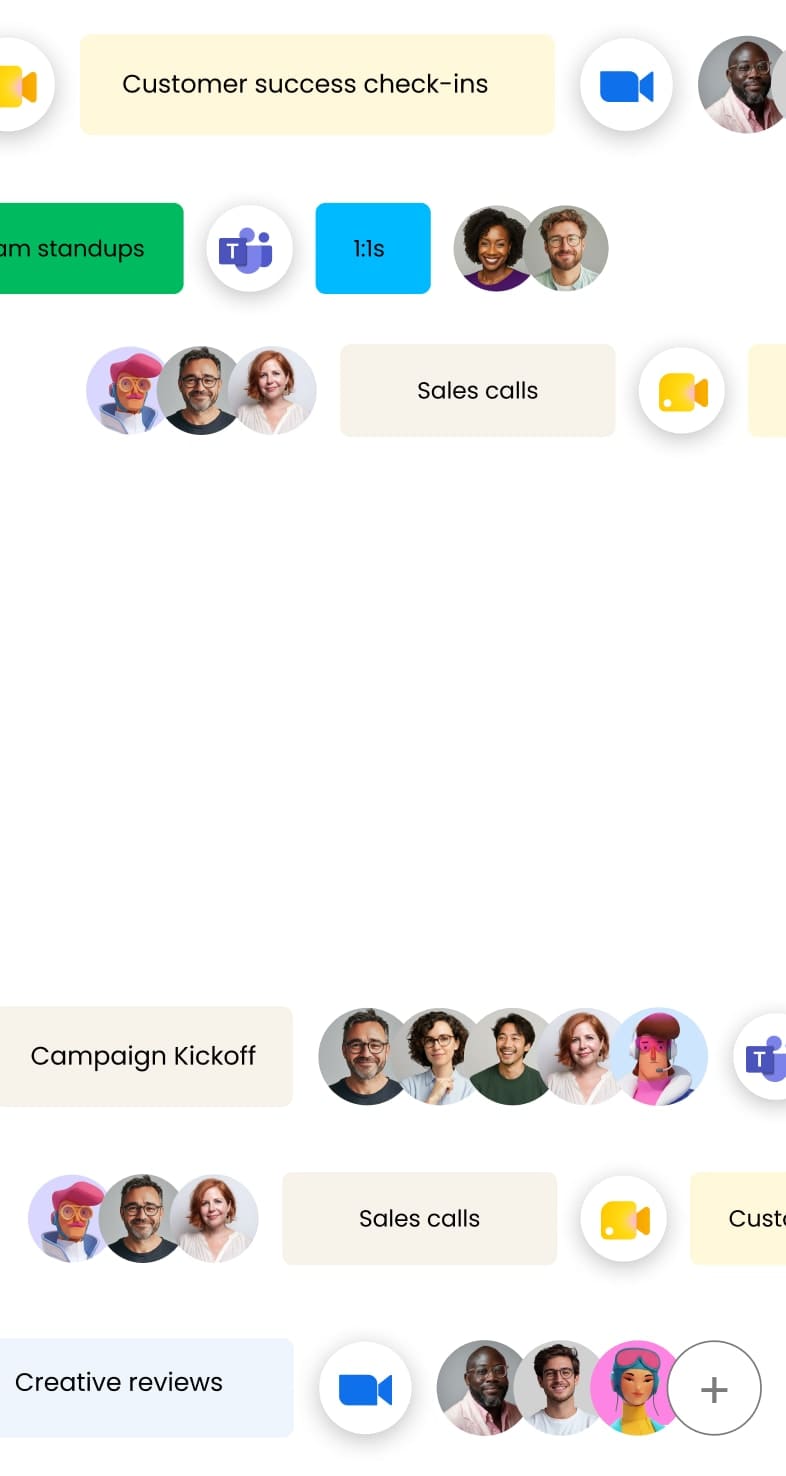
Agents act while the meeting's still on.
Bring an agent into the call, and it can answer a question or complete a task on the spot, not just write it up once you're done.
Get started


AI Notetaker
monday AI Notetaker records the meeting, holds the context, and turns decisions into action items, so every meeting leaves you with real progress.

Joins Zoom, Microsoft Teams, and Google Meet on its own

Private by default,
shared only if you choose

Captures in-person meetings too,
no bot needed
How it works
monday Notetaker keeps you focused on the real work.

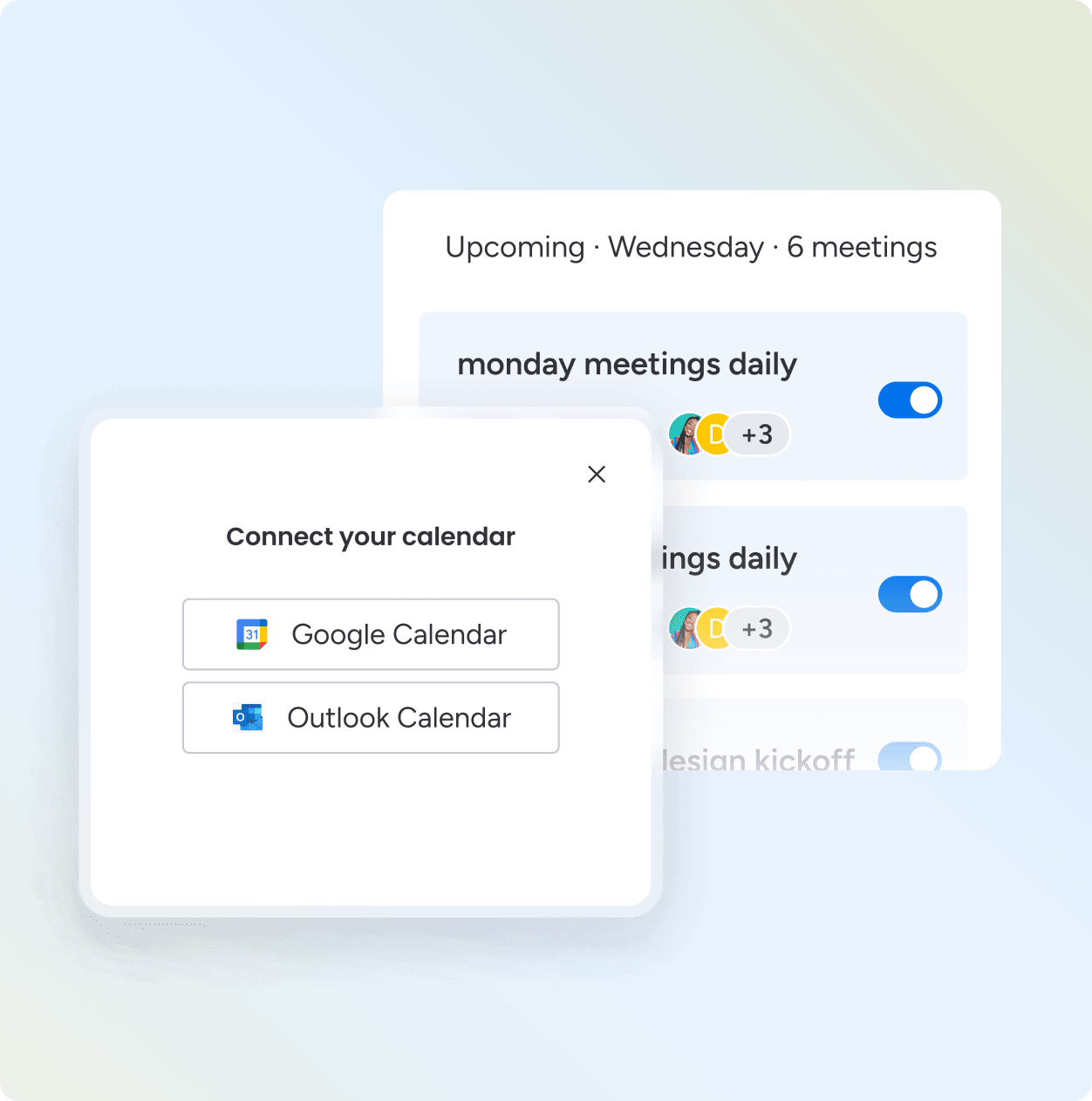
Connect your calendar once. monday Notetaker joins every meeting after that on its own.
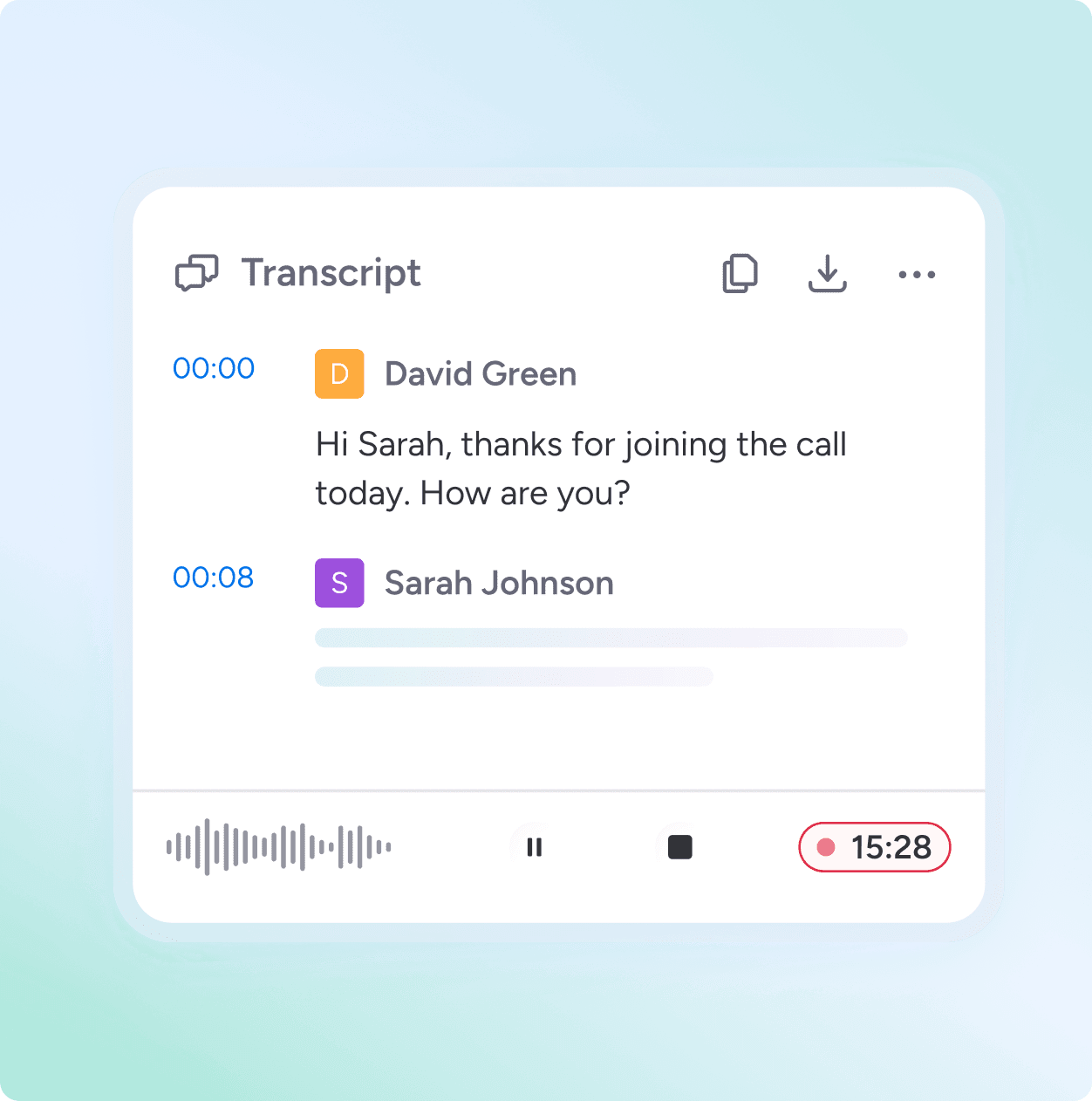
It records and transcribes while you stay in the conversation.
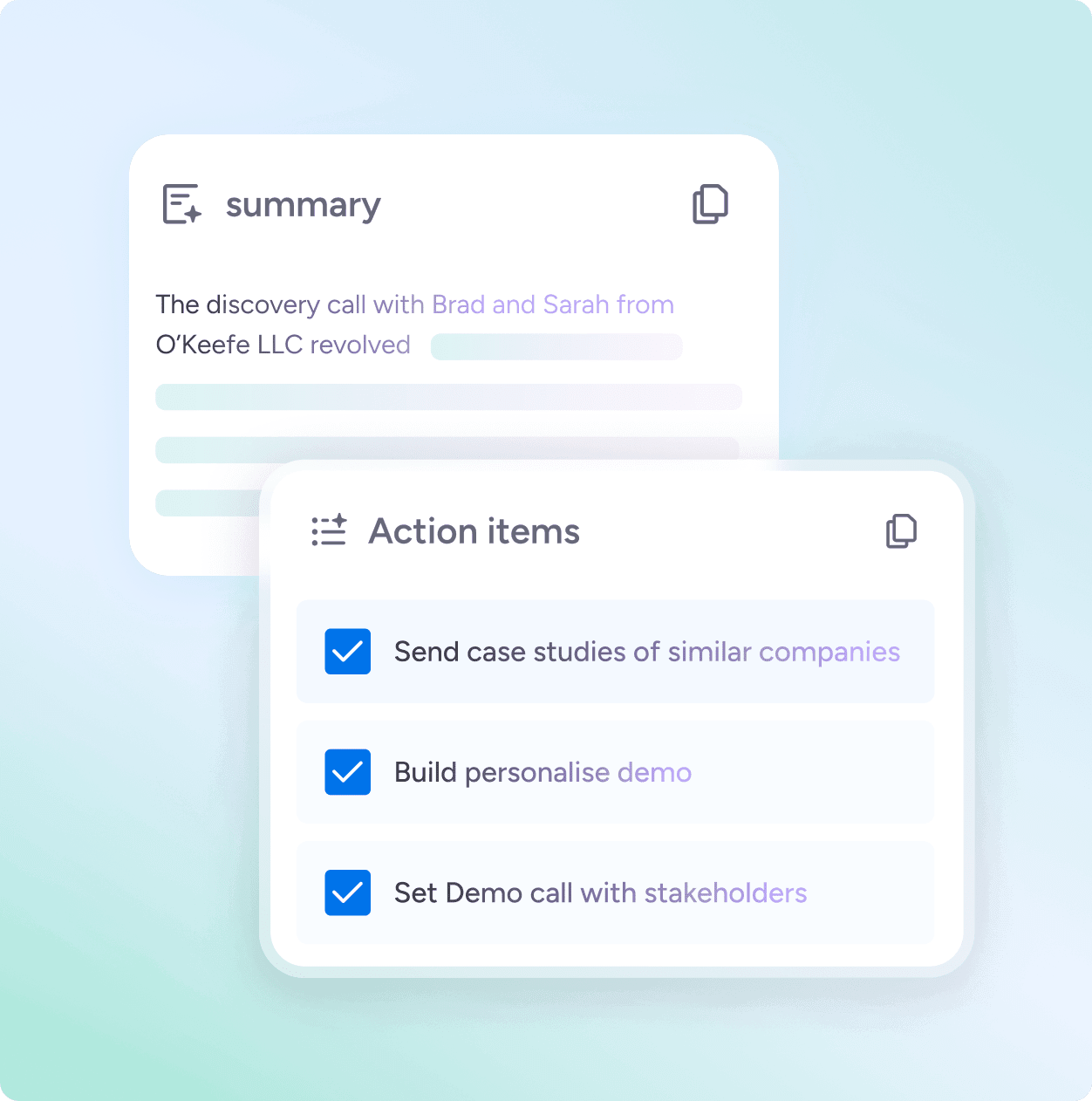
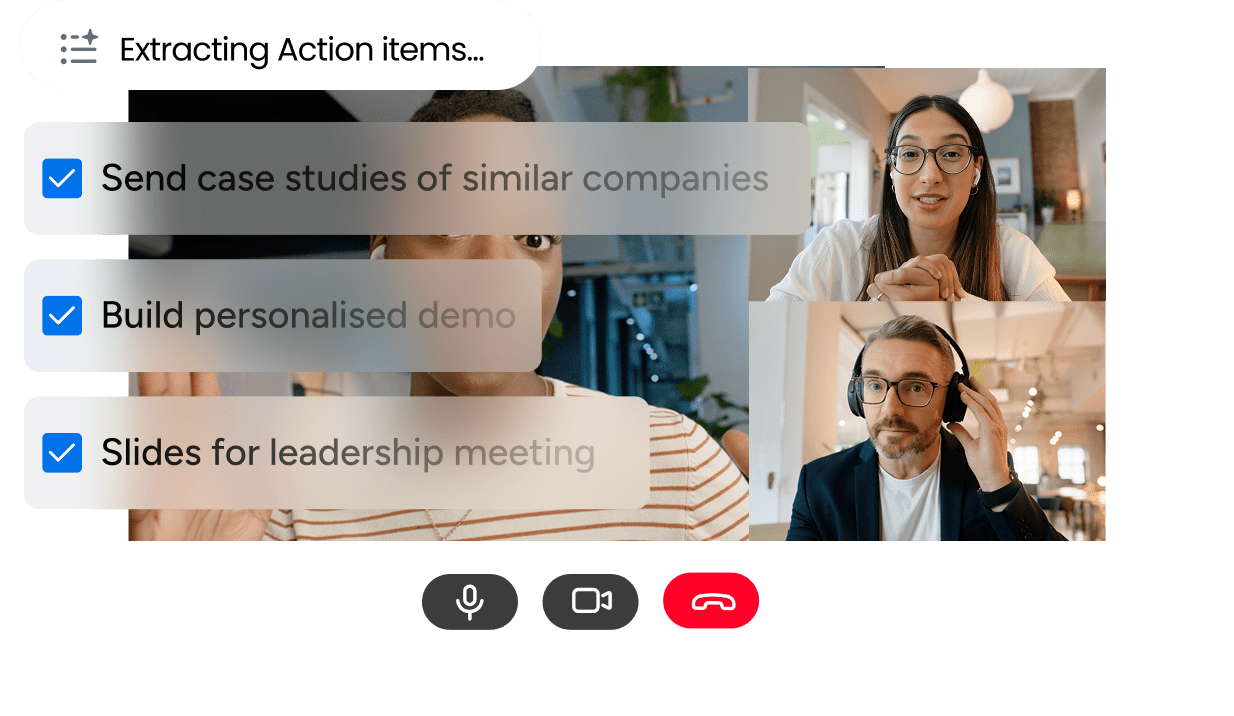
A summary and action items are ready the moment the call ends. You choose which project each one goes to and who owns it.
Why monday notetaker
Bring an agent into the call, and it can answer a question or complete a task on the spot, not just write it up once you're done.
Action items go straight onto the same projects your team is already working on, the moment the call ends.

The moment a meeting ends, it updates the context your team is already working from, and it keeps building with every meeting after. Nothing to copy over.

Key features


Enterprise-ready AI work platform
Privacy and control
Every meeting stays private unless you decide otherwise. Recordings and transcripts aren't viewed, shared, or used without your say, case by case.
Security
Enterprise-grade AI infrastructure with built-in protection and security, data privacy, governance, permissions, and compliance. SOC 2 Type II, ISO 27001, GDPR, and HIPAA, with granular permissions over who sees what.

An AI notetaker is software that joins your meetings, listens to what's said, and automatically produces transcripts, summaries, and action items - so you can stay present in the conversation instead of typing notes. Most AI notetakers do this well. The problem is what happens after the meeting ends. monday AI Notetaker is built into monday.com, where your work already lives. Summaries, action items, and highlights connect directly to your boards, items, and workflows — so what was discussed in the meeting becomes what's tracked in your workspace, automatically.
monday AI Notetaker is monday.com's built-in meeting assistant. It automatically joins your Zoom, Microsoft Teams, or Google Meet sessions, transcribes in real time with speaker identification, and generates summaries, action items, and highlights — all linked to your monday.com workspace. Access it via the Notetaker tab in your left pane.
monday AI Notetaker supports Zoom, Microsoft Teams, and Google Meet. It connects to your Google or Outlook calendar to detect upcoming meetings automatically.
You can configure auto-invite in Settings to have AI Notetaker join all meetings you create, all meetings you're invited to, or both. You can also invite it manually to individual meetings from the Upcoming section. Switch off both settings to keep all activity manual.
After a meeting, summaries and action items can be linked directly to boards, items, and workflows in your monday.com workspace. Action items extracted from the conversation are ready to assign and connect to the relevant project or pipeline — without manual data entry.
Yes. monday AI Notetaker includes a post-meeting AI chat feature. After the meeting, ask follow-up questions about what was discussed — decisions made, commitments given, specific topics covered — and the AI answers from the transcript.
Yes. Recordings are stored securely and searchable by keyword, so you can jump to the exact moment something was discussed without rewatching the full recording.
monday AI Notetaker is available as an add-on for Pro and Enterprise plans. Usage consumes 120 AI credits per hour of meeting transcription. Visit the monday.com pricing page to review plan options.
AI Notetaker only joins meetings you explicitly invite it to, or meetings covered by your auto-invite settings. You control which meetings it attends. You can also remove it from a meeting at any time through the Zoom, Teams, or Google Meet interface — removing it as a participant stops the recording.
Yes. monday AI Notetaker operates within monday.com's enterprise-grade security infrastructure. Recordings are stored securely in your monday.com workspace. Access is governed by your existing board permissions. monday.com holds SOC 2 Type II, ISO 27001, GDPR, and HIPAA certifications.