Sales email tracking built into your AI CRM
When sales emails live in personal inboxes, opens, clicks, and replies disappear the moment a deal changes hands. monday CRM builds sales email tracking directly into the deal record, so reps know exactly when to follow up and managers can coach and forecast based on real activity.
.png)

.svg)

Email engagement, tracked right inside your CRM
monday CRM turns every email interaction into a signal on the deal record: who opened it, when, and what they clicked. That visibility means the whole team can act on real engagement instead of waiting to hear back.
Send and track every email without leaving your CRM
Send individual or mass emails with templates and dynamic fields directly from monday CRM, so reps stay focused on selling while monday CRM keeps the record accurate.
- Use Emails & Activities to send with templates, dynamic fields, and a built-in HTML editor, and view engagement instantly.
- Opens, clicks, and replies sync straight to your CRM timeline, no manual updates needed.
- Every email stays attached to the Lead, Contact, Account, or Deal it belongs to for seamless follow-ups and handoffs.

Act on every email signal with AI
monday CRM's AI agents don't just log engagement, they act on it, so reps spend less time managing inboxes and more time closing deals.
- The Lead Sourcing Agent enriches an engaged lead's record automatically the moment they respond, pulling in contact and account details.
- The AI Notetaker drafts follow-up notes and next steps after every call, so nothing gets lost between meetings and email.
- monday sidekick drafts reply suggestions based on engagement history, so reps spend less time writing and more time closing.
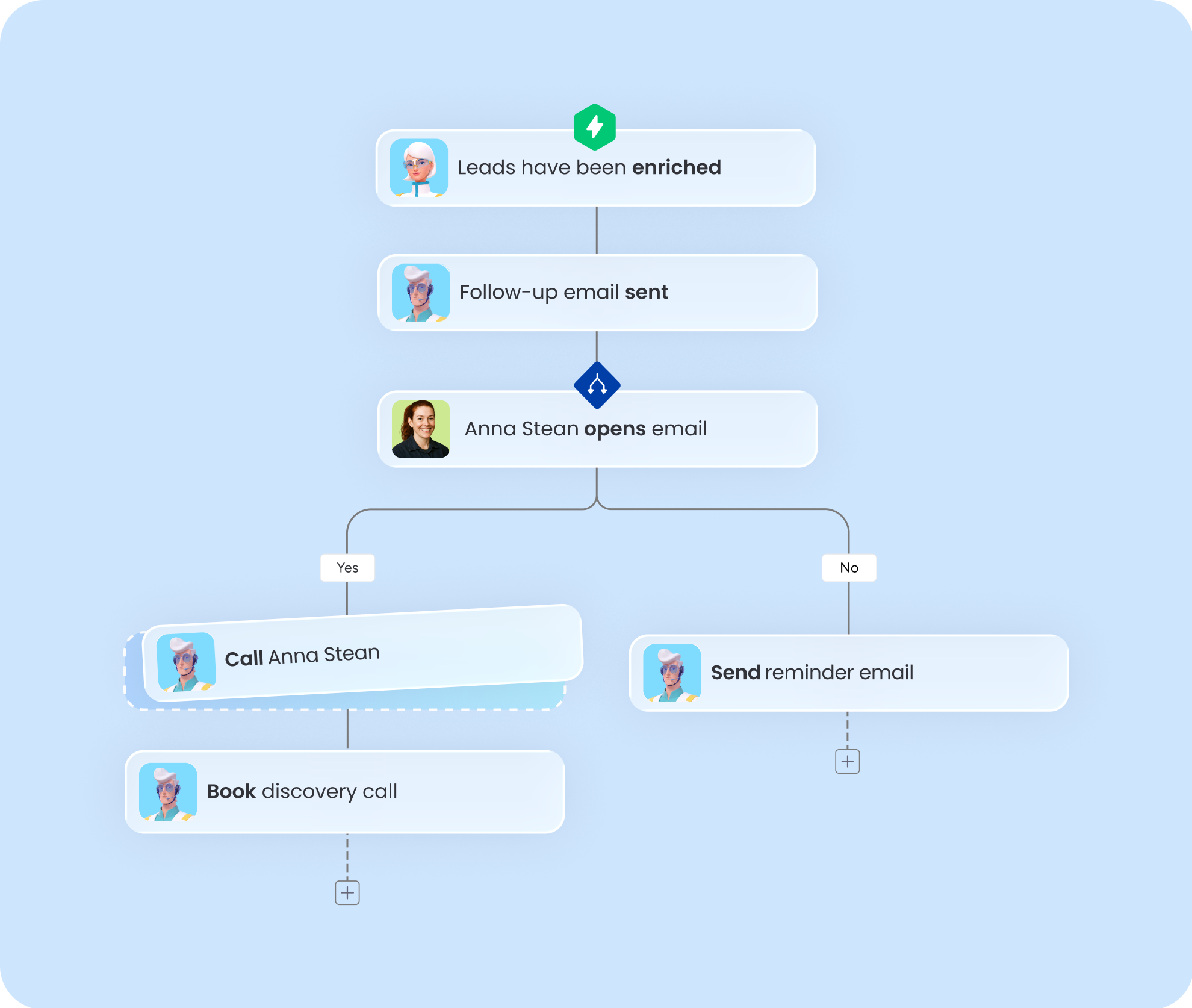
Keep every email and reply in one CRM inbox
Every monday CRM record includes a shared inbox, so reps can send, reply, and see full threads without switching to Gmail or Outlook, and conversations stay visible to the whole team.
- Reps send and reply to emails directly from the contact or deal view, so conversations stay attached to the pipeline during handoffs.
- When a prospect replies, the thread appears right on the record next to deal stage and recent activity, so reps always know where things stand.
- Teammates don't need to be CC'd to stay in the loop; the full thread is already visible to anyone with access to the record.
.png)
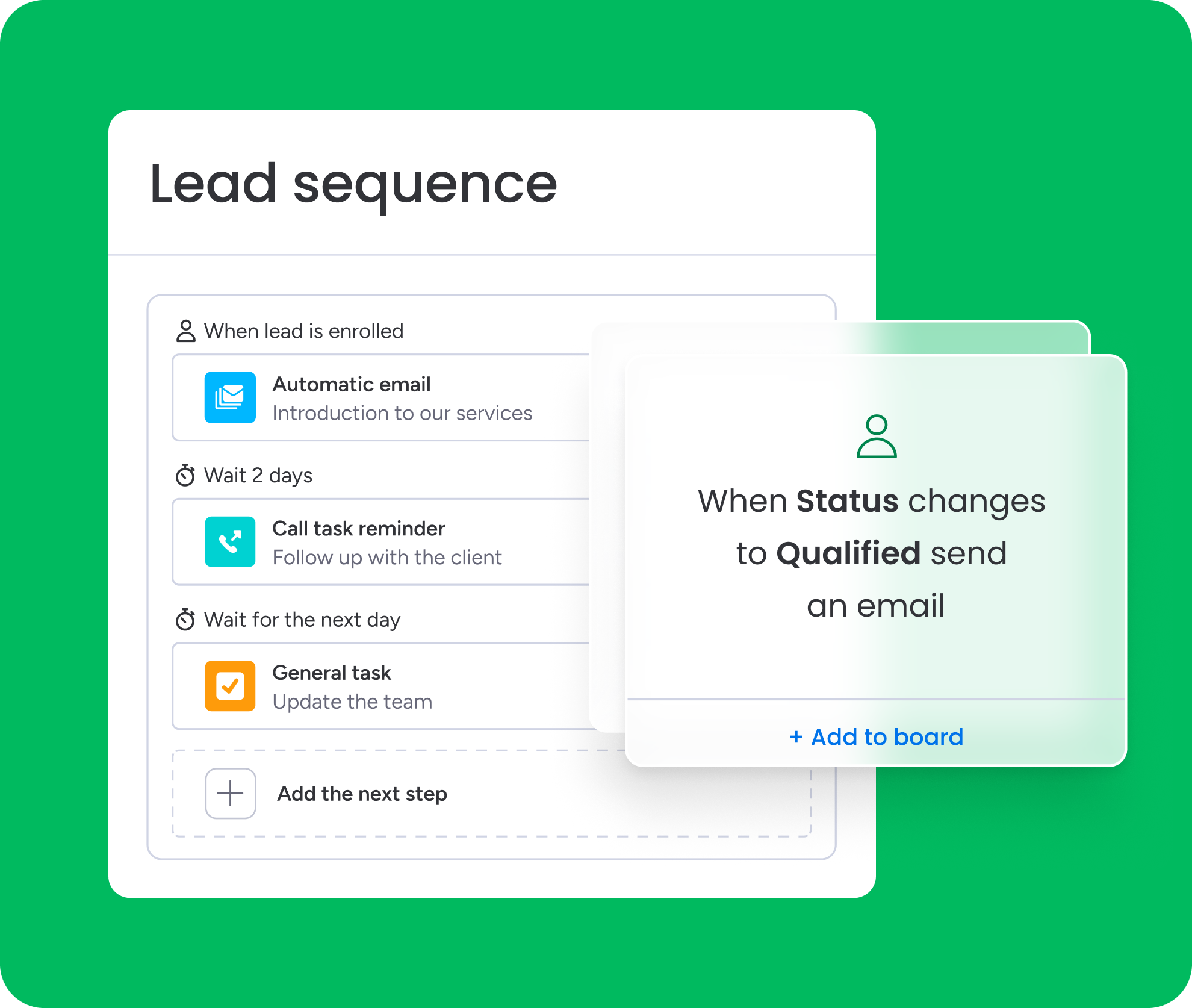
Automate follow-ups the moment engagement happens
monday CRM turns engagement into action automatically, so reps don't have to watch inboxes to know when to follow up.
- Automations can move a lead to a new status the moment they open an email or click a link, so hot leads surface without anyone checking manually.
- Set up instant notifications when a high-value prospect engages, so reps follow up while interest is still fresh.
- Round-robin automations assign newly engaged leads fairly across the team, keeping response times consistent no matter who's available.
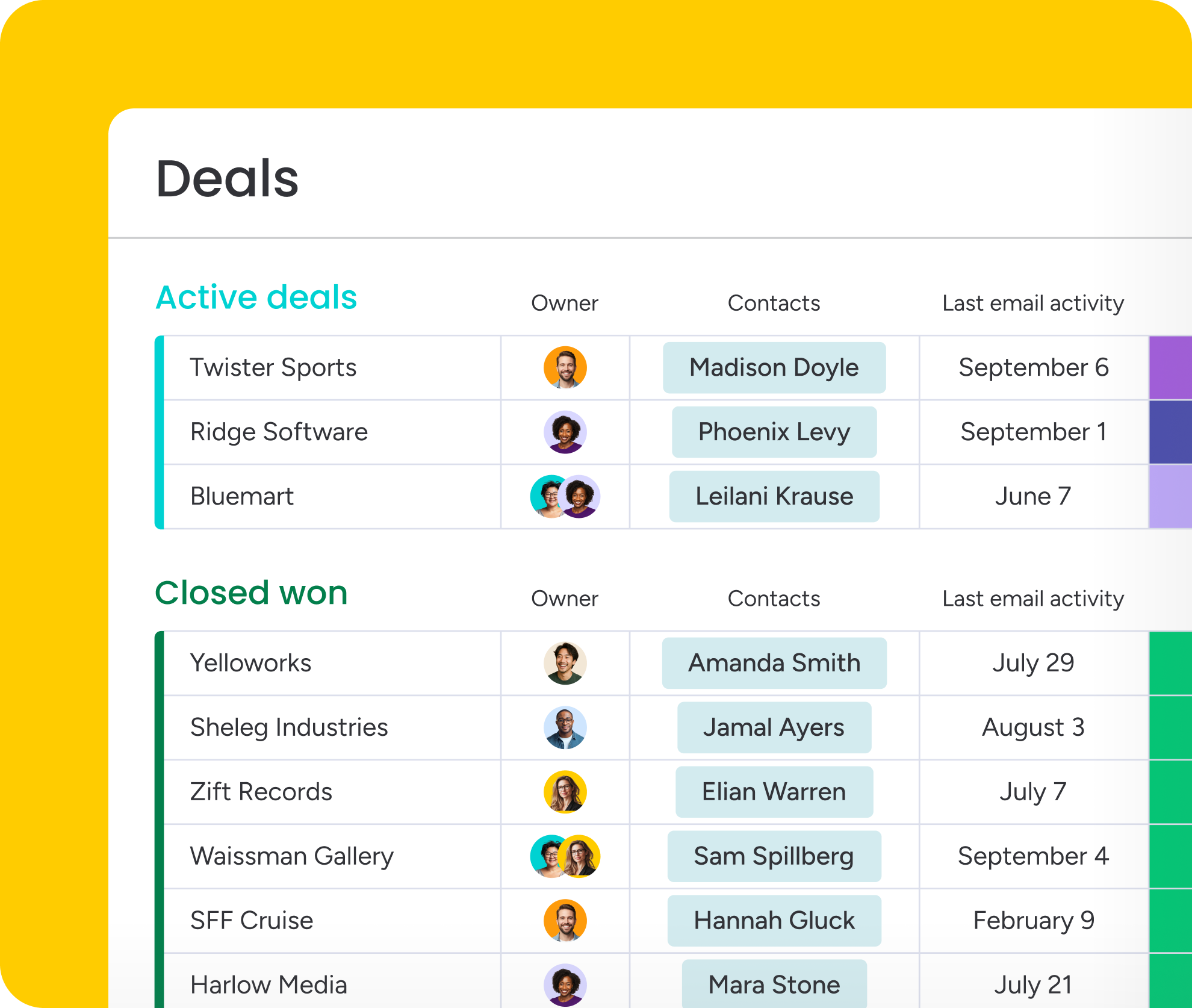
See a complete email history on every contact
monday CRM centralizes every email, meeting, and note on the customer record, so reps and managers can review the full story during renewals or coaching without asking "what did we promise?"
- Email history lives alongside calls, notes, and logged tasks, so reps and managers see the full story without switching between tools.
- Before a renewal conversation, AI can summarize months of email history into a quick brief, so reps walk in caught up instead of digging through old inboxe
- Link Contacts, Accounts, and Deals so email history shows up wherever your team works, and the right people always have access to the right threads.
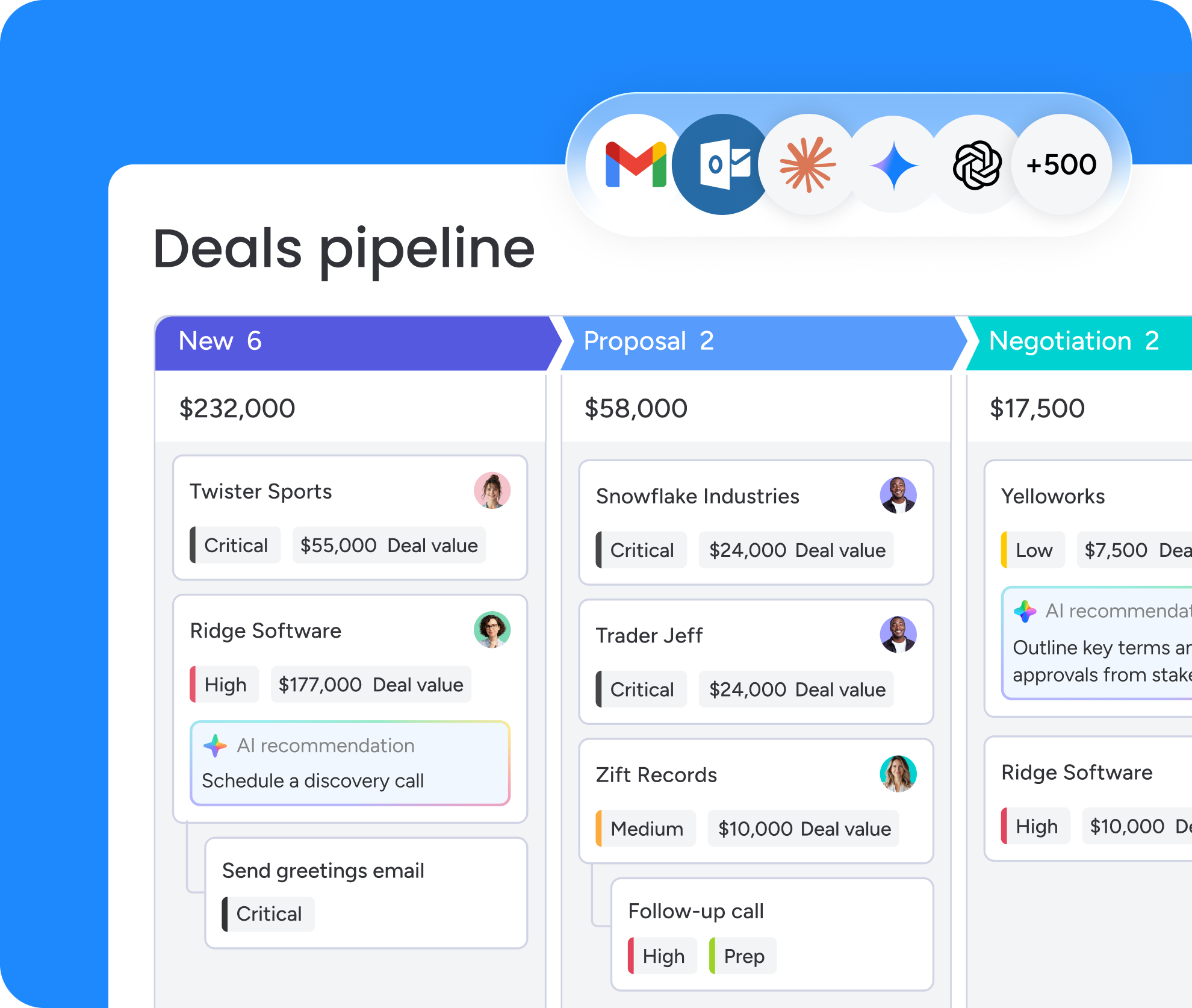
Connect your email tracking to existing tools
monday CRM syncs with Gmail and Outlook, so reps can send from their preferred inbox while every message still logs to the right record. For teams that need more, an API pushes engagement data into your BI or RevOps stack.
- Connect Gmail or Outlook so reps can send from their own inbox while tracking stays consistent across the team.
- No browser extension to install or maintain; tracking works the moment email is connected.
- Expose engagement data as structured fields or activity logs, then feed it into your RevOps stack or trigger actions with the no-code agent builder.
Speed up every follow-up with AI in monday CRM
AI tracks engagement, decides what needs attention, and surfaces threads that have gone quiet. monday CRM's AI agents get the next email action ready, so reps always know their next move.
.png)
AI enriches every engaged lead
.png)
Flag the threads that have gone quiet
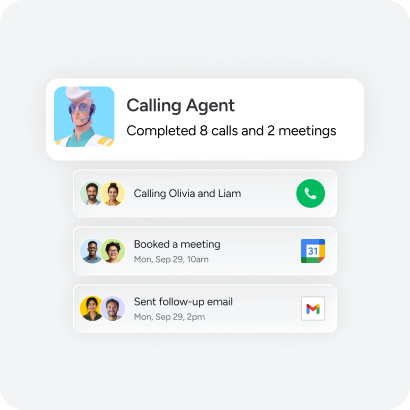
Let AI pick up where email leaves off
How teams like yours drive business impact with monday CRM



"Now we have a lot less data, but it’s quality data. That change allows us to use AI confidently, without second-guessing the outputs."


“We became a company that moved from chasing data to leading with it.”
.avif)
Connect 500+ apps and tools your team already trusts
Integrate your tech stack to reduce admin time and boost velocity.



.png)
.png)
.png)
.png)
Resources to power your success
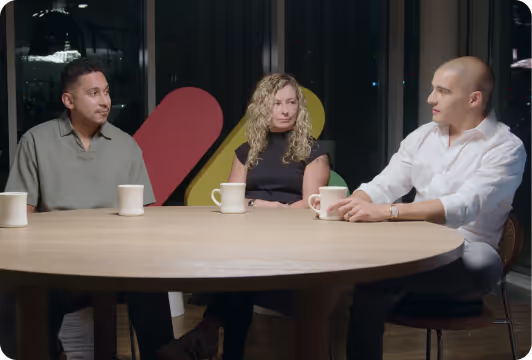
The bottom line
Get the unfiltered scoop from sales leaders about how to tackle major challenges with care.
What’s new
Be the first to get the latest on the newest features and updates we’re rolling out on monday CRM.

monday CRM blog
Sharpen your monday CRM skills and master every stage of the customer journey.

Looking for sales inspo?
Follow us on LinkedIn for pro sales tips, product updates, hilarious memes, and much more!
Questions?
We’ve got answers
monday CRM captures opens, clicks, and replies the moment they happen and surfaces them directly on the contact or deal record, so reps act on real buying signals instead of guessing. Teams can pair that visibility with automations that assign the right owner, create a follow-up task, or update the deal stage automatically, so engagement turns into next steps instead of sitting in a log.
monday CRM sends and tracks individual and mass emails directly from the CRM using templates, dynamic fields, and a built-in HTML editor, then logs open rates, link clicks, and replies automatically to the right Lead, Contact, Account, or Deal. This keeps outreach standardized and reporting accurate without any manual data entry.
Emails & Activities works like a shared inbox inside every CRM record, so reps send emails, see replies, and keep conversations tied to the pipeline instead of buried in a personal inbox. This keeps threads visible during handoffs rather than disappearing when a deal changes hands. Emails & Activities is included starting on the Standard plan.
Of course, monday CRM centralizes email communication as part of the customer record, alongside meetings, notes, and other logged activities, creating a single timeline that's easy to review during handoffs or renewals. Linking Contacts, Accounts, and Deals keeps that history showing up wherever your team already works.
Definitely. Reps can connect Gmail or Outlook to keep sending from their preferred inbox, or send directly from monday CRM without installing a tracking extension for each person. Either way, monday CRM keeps that activity tied to the correct lead, contact, or deal without extra setup. Most teams pick one standard to keep tracking consistent.
Email engagement becomes a practical prioritization signal in monday CRM, especially alongside deal stage and next actions. The Lead Sourcing Agent enriches and scores leads daily, factoring in signals like opens and replies, while the Pipeline Monitor Agent flags leads and deals that have gone quiet. Reviewing engagement alongside pipeline stage helps reps avoid chasing low-intent leads.
monday CRM turns engagement into action with AI built into the CRM itself. The Meeting Prep Agent briefs reps on recent email activity before a call, while AI Notetaker drafts a follow-up email after the call and syncs next steps back to the record. For fast replies straight from a thread, monday Sidekick can generate a follow-up message in seconds, so reps never start from a blank page.
Yes, monday CRM supports mass email sending with tracking, so teams run consistent outreach while activity still logs to each lead or contact record. For multi-step outreach, the Outbound Sequencing Agent personalizes each touch, replies in-thread, stops automatically once someone responds, and logs everything back to the CRM. Sending limits and clear stop rules help protect deliverability.
monday CRM data is accessible through the monday.com API, and teams commonly expose email engagement as structured fields or activity logs tied to Leads and Deals, so it flows into BI tools, RevOps platforms, or a data warehouse. For custom, email-triggered workflows without developers, the no-code agent builder can route actions based on engagement.
Some recipients or security tools block tracking pixels and link tracking, so email engagement should be treated as a helpful signal, not a guaranteed one. In monday CRM, replies and scheduled next steps are stronger intent indicators than opens alone, and pairing email activity with call notes from AI Notetaker or Deal Insights widget signals gives a fuller picture of deal health.