


IT support teams are moving beyond their reputation as reactive fix-it crews. Today, they are becoming strategic partners that actively support business growth. This shift from simply closing tickets to delivering value requires more than a traditional ticketing system. It calls for a centralized digital workspace that connects requests, workflows, and teams.
This easy-to-follow article explains how to build a high-performing service operation. It compares the leading IT help desk platforms, breaks down pricing models to assess real return on investment, and explores AI-powered capabilities that reduce resolution times.
You will also find a practical implementation playbook and an overview of the trends shaping the future of IT service management. Let’s dive in!
Key takeaways
- IT support is shifting toward strategic service delivery: Teams are moving beyond reactive ticket handling to proactive, business-aligned operations.
- Centralized platforms improve service consistency: Consolidating tickets, workflows, and assets reduces fragmentation and operational friction.
- AI-driven automation shortens resolution cycles: Intelligent routing, self-service, and predictive workflows reduce manual effort and response times.
- Pricing models directly affect long-term ROI: Transparent plans and lower implementation overhead often deliver faster time to value.
- Successful adoption depends on integration and scalability: Platforms must connect with existing tools and adapt as organizational needs evolve.
What is IT help desk software?
IT help desk software serves as the central system for managing every technology request, from a flickering monitor to a major system outage. It transforms scattered emails and frantic messages into a single, transparent workflow, ensuring no request is overlooked and making service delivery organized and efficient.
Modern platforms go beyond ticketing, using AI and automation to classify and route requests to the most qualified team member. This reduces manual work, speeds up resolution, and allows IT teams to focus on strategic initiatives.
By centralizing everything from incidents to assets, the software delivers real-time analytics that reveal trends, optimize operations, and enable exceptional service at scale.
Top IT help desk software solutions
Choosing the right IT help desk platform can transform your team’s performance. The platforms below are intuitive, scalable, and equipped with features that streamline complex processes, helping teams resolve issues faster and collaborate more effectively.
1. monday service
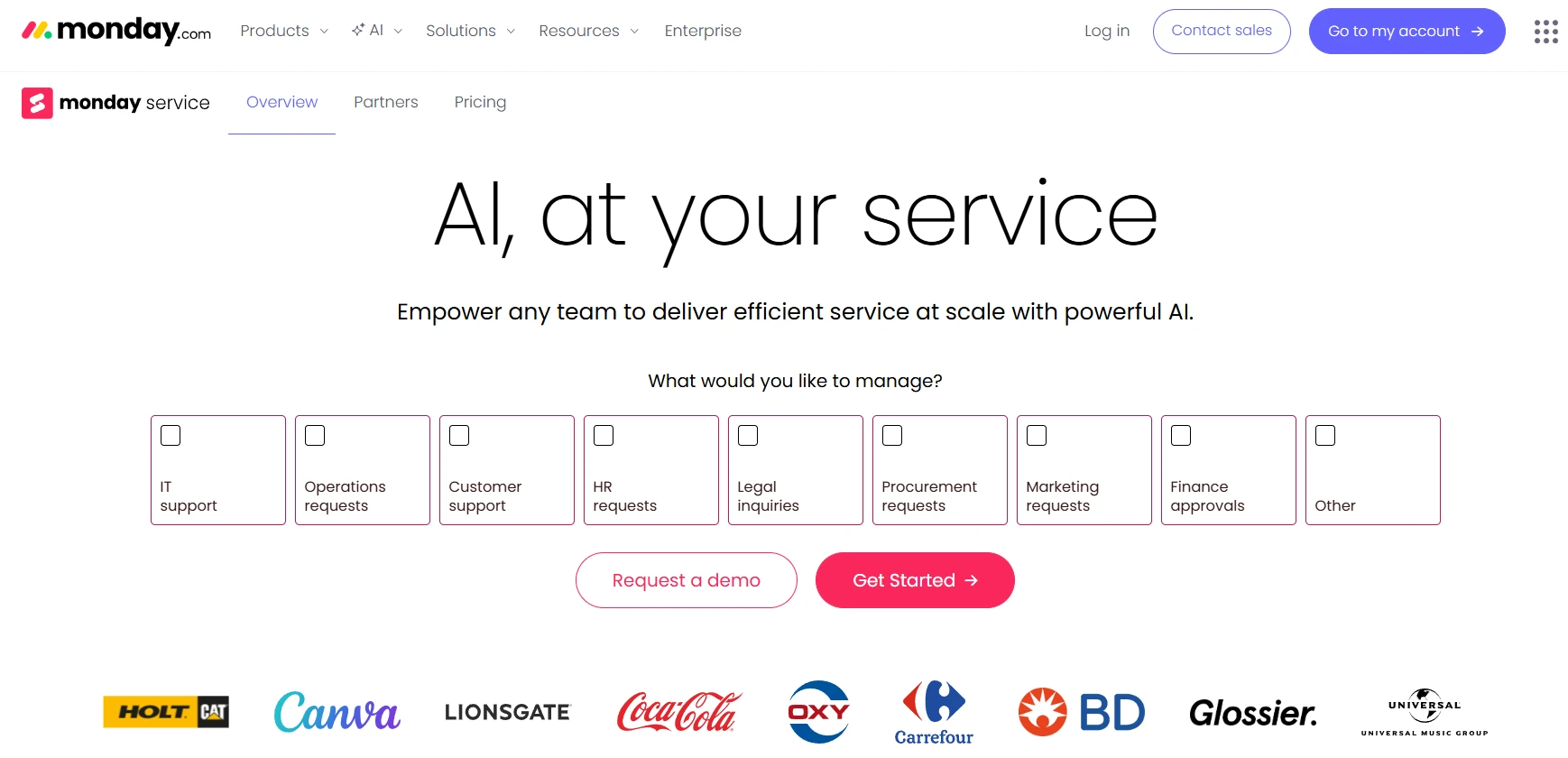
monday service delivers a flexible IT help desk platform built on a unified work management foundation. Instead of operating as a standalone ticketing tool, it connects incident management, service requests, project work, and cross-team collaboration in one centralized workspace.
Designed for IT teams, HR, facilities, and enterprise service environments, the platform combines no-code configuration with AI-powered automation to help organizations modernize service operations without complex deployments.
Use case:
monday service supports IT teams that need structured ticket management while maintaining the flexibility to customize workflows. It is well suited for organizations that want to connect service delivery with broader initiatives such as change management, onboarding, infrastructure projects, and compliance tracking.
Key features:
- Custom Ticket Intake And Routing: Branded request forms automatically route tickets based on issue type, urgency, department, or workload.
- AI-Powered Ticket Triage: Built-in AI classifies tickets, detects sentiment, and suggests responses to accelerate resolution.
- No-Code Workflow Automation: A visual automation builder enables teams to configure approvals, escalations, SLAs, and notifications without engineering support.
- Unified Service Workspace: Incidents, service requests, and related projects are managed in one connected environment.
- Customer And Employee Portal: A secure portal allows users to submit requests, access knowledge articles, and track ticket status independently.
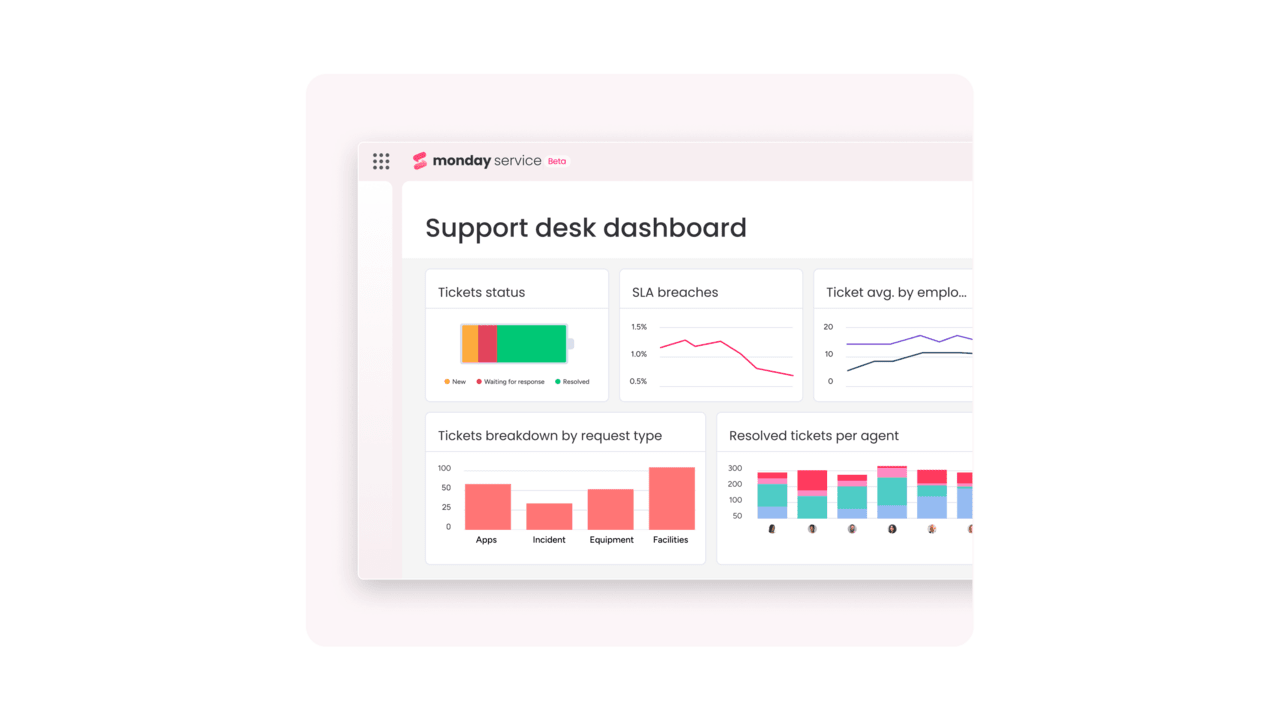
- Real-Time Dashboards And Reporting: Custom dashboards provide visibility into SLA compliance, backlog volume, response times, and service trends.
Pricing
- Standard Plan: $26 per seat per month billed annually, including unlimited tickets and core service desk automation features.
- Pro Plan: $38 per seat per month billed annually, adding expanded AI triage, advanced automations, and larger portal capacity.
- Enterprise Plan: Quote-based pricing with enhanced security, compliance controls, and unlimited automation scalability.
Annual billing provides savings compared to monthly subscriptions.
Why it stands out:
- Work OS Integration: Tickets connect directly to projects, change initiatives, and cross-team workflows without switching platforms.
- Flexible No-Code Configuration: Teams can build and adjust service processes quickly without relying on developers.
- Built-In AI Efficiency: Automated classification, prioritization, and response suggestions reduce manual effort and improve consistency.
- Portfolio-Level Visibility: Real-time dashboards provide leadership with insight into service performance across departments.
2. ServiceNow IT service management
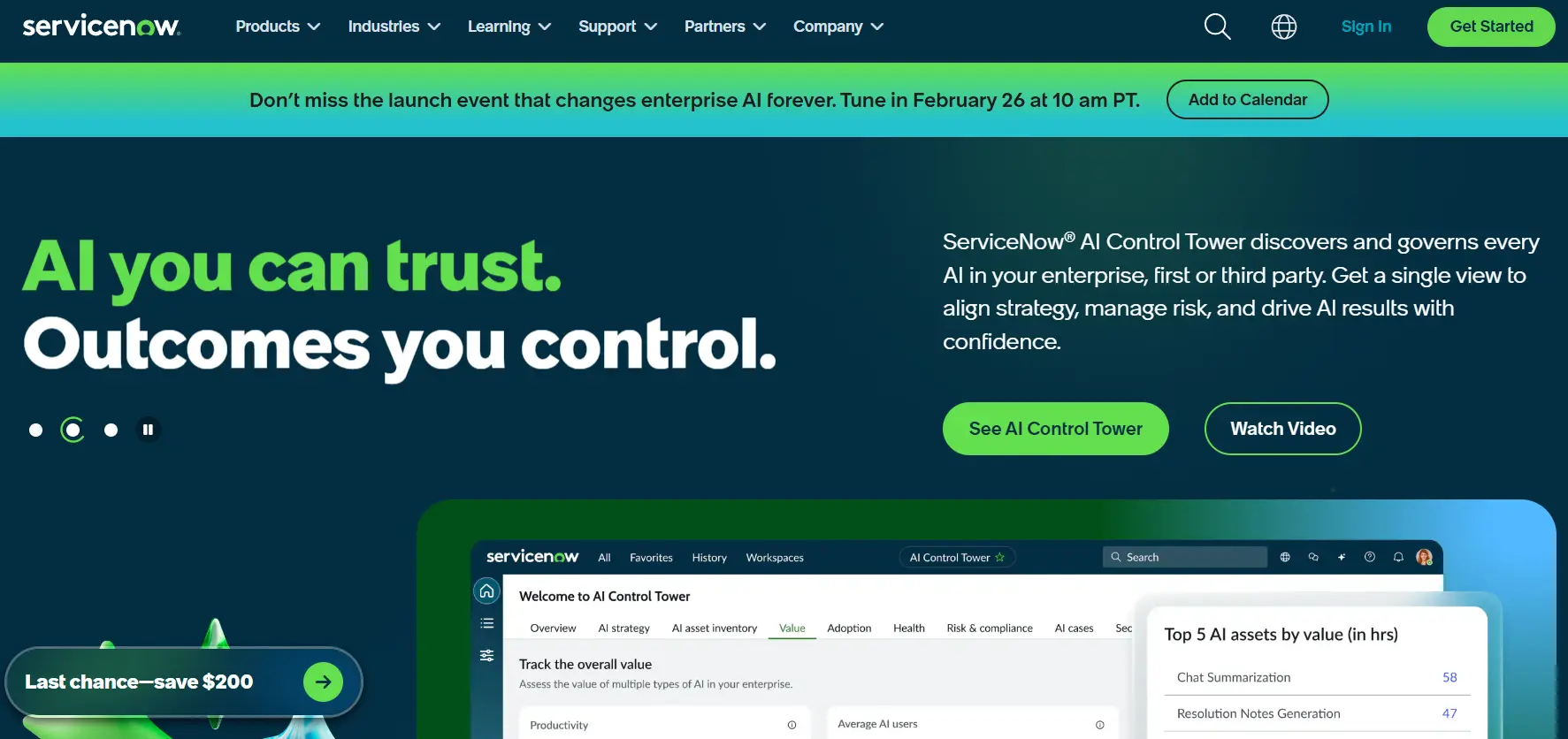
ServiceNow ITSM helps enterprises unify IT operations with intelligent automation and advanced workflows. It is built for large organizations managing multi-department IT environments.
Use case:
ServiceNow ITSM delivers enterprise-grade service management that unifies IT operations with intelligent automation, making it ideal for large organizations seeking to consolidate multiple tools while maintaining ITIL compliance and governance standards.
Key features:
- Service operations workspace: Unified interface combining ITSM and ITOM capabilities with proactive incident detection, root cause analysis, and guided resolution workflows.
- Now assist AI capabilities: Generative AI features for incident summarization, automated resolution notes, knowledge article generation, and intelligent search across Microsoft Teams and Slack integrations.
- Common services data model (CSDM): Prescriptive framework with integrated CMDB that standardizes service modeling and accelerates cross-departmental workflows.
Pricing:
- ITSM standard: Includes incident, problem, change, and request management, asset/cost management, and service operations workspace.
- ITSM pro: Adds predictive intelligence, virtual agent, performance analytics, and DevOps change velocity capabilities.
- ITSM enterprise: Includes workforce optimization and process mining features.
- Pro plus/enterprise plus add-ons: Required for full AI agents and now assist capabilities.
- Pricing: Quote-based with custom enterprise negotiations.
Considerations:
- Implementation complexity: Enterprise-grade breadth and CMDB/CSDM requirements can demand significant implementation effort, skilled administrators, and strong ITIL governance maturity to succeed.
- Premium pricing model: Quote-only pricing with AI features requiring additional Pro plus/enterprise plus licensing can result in higher total cost of ownership, especially when factoring in implementation and partner services.
3. Zendesk
With an employee-centric approach to IT service management, Zendesk helps organizations transition from reactive firefighting to proactive service excellence. The platform’s specialization in omnichannel support and AI-powered automation makes it an excellent choice for businesses that prioritize user-friendly solutions meeting employees where they already work.

Use case:
Zendesk for IT Teams delivers employee-centric ITSM designed to centralize incident and service request management in an AI-powered workspace while meeting employees in their existing channels like email, Slack, and Microsoft Teams.
Key features:
- Unified ticket management across email, chat, phone, and self-service portals with AI-powered triage and routing.
- Deep collaboration integrations with Slack and Microsoft Teams for seamless ticket creation, updates, and notifications.
- Service Catalog for standardized service requests with SLAs, audit trails, and out-of-the-box analytics.
Pricing:
- Employee service suite team: $55/agent/month (annual billing).
- Employee service suite professional: $115/agent/month (annual billing).
- Employee service suite enterprise: $169/agent/month (annual billing).
- Add-ons available: Copilot ($50/agent/month), quality assurance ($35/agent/month), workforce management ($25/agent/month).
- Annual billing discount: Save 20% with annual plans.
Considerations:
- Asset and configuration management relies on third-party marketplace partners rather than native CMDB capabilities, potentially adding vendor complexity.
- Advanced features like SLAs and multiple ticket forms are restricted to higher-tier plans, with essential add-ons increasing per-agent costs.
4. ManageEngine service desk plus
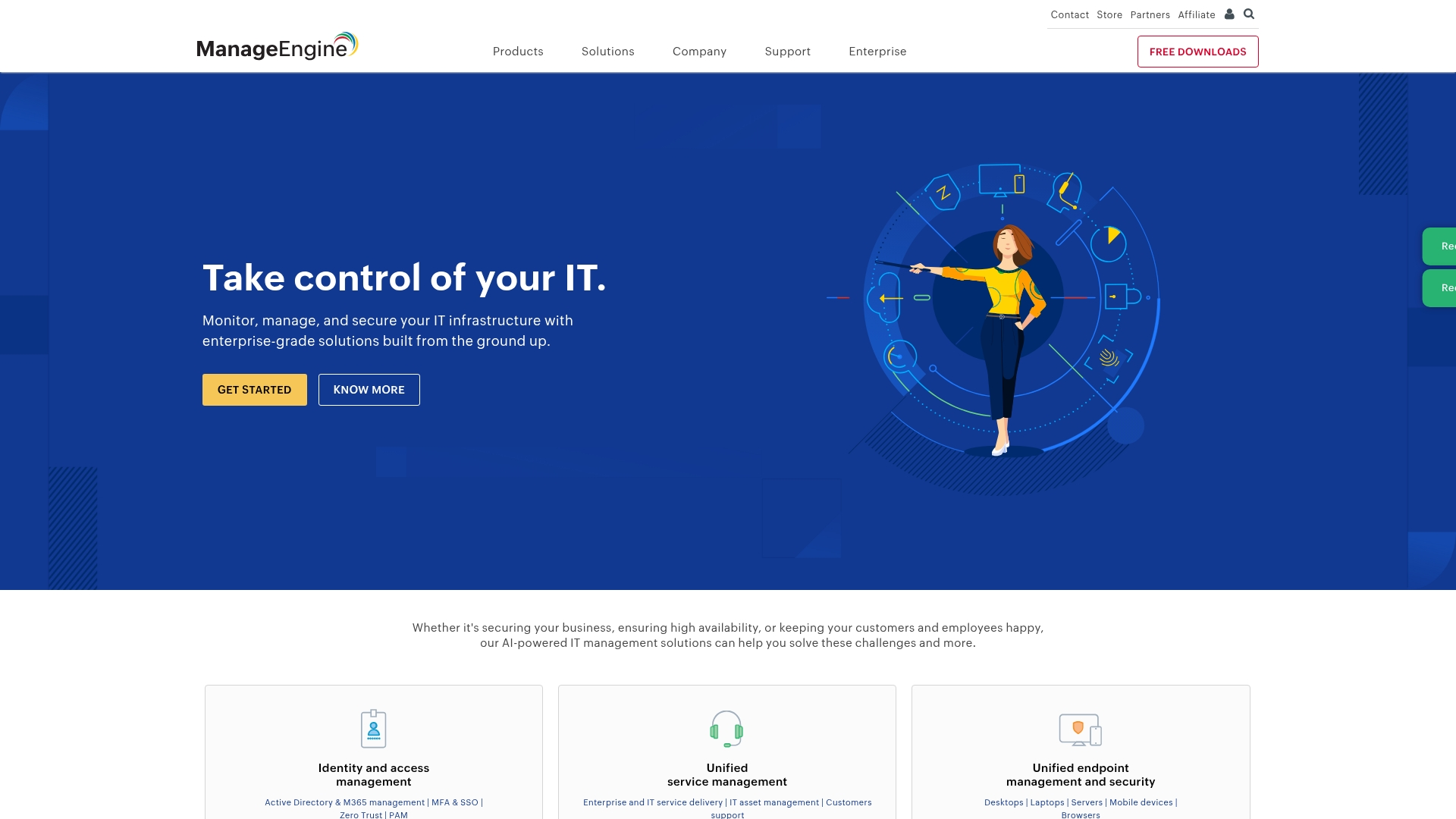
ManageEngine service desk plus provides a comprehensive suite of ITSM capabilities, offering the crucial flexibility of deployment on-premises or in the cloud. For organizations navigating strict compliance mandates and requiring ITIL-certified processes, the platform stands out as an especially valuable solution for managing complex regulatory requirements.
Use case:
Service desk plus excels at providing enterprise-grade ITSM with transparent pricing and deployment flexibility for organizations that need both cloud convenience and on-premises control.
Key features:
- Modular ITSM capabilities, including incident, problem, change, and asset management, with ITIL 4 certification.
- True deployment flexibility with seamless migration options between cloud and on-premises environments.
- Embedded AI features like predictive ticket triage, Zia virtual agent, and optional GenAI integrations without premium upcharges.
Pricing:
- Standard: $13/technician/month (cloud) with free edition for up to five technicians.
- Professional: $27/technician/month (cloud).
- Enterprise: $67/technician/month (cloud).
- On-premises licensing: Available with published pricing for add-on modules.
Considerations:
- Some users report complex initial configuration for advanced examples, and note that support response times can vary.
- Reporting capabilities may require the separate analytics plus module for deeper insights, and certain integrations can need extra configuration effort.
5. SolarWinds service desk
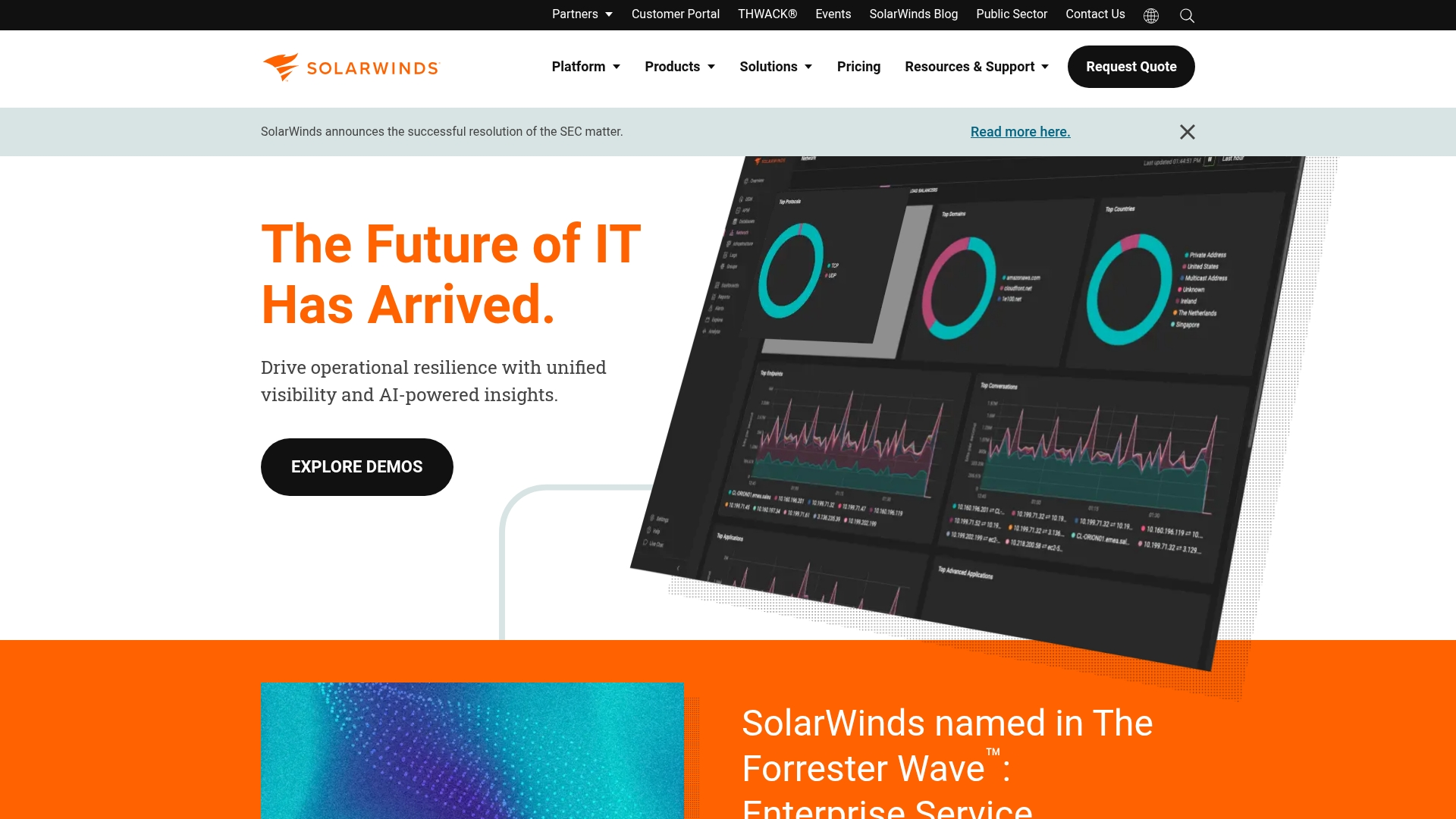
Built as a cloud-native ITSM solution, SolarWinds service desk is engineered for rapid deployment and straightforward operations. It merges ITIL-aligned processes with AI-powered automation, creating an ideal platform for mid-sized businesses that require enterprise-grade capabilities without the associated complexity.
Transparent pricing and unlimited requesters across all plans further remove common barriers to scaling service operations.
Use case:
SolarWinds service desk streamlines IT service delivery through automated ticket routing, integrated asset management, and AI-powered workflows that accelerate resolution times while maintaining ITIL compliance.
Key features:
- AI-powered automation: Virtual agents, guided solutions, and automated ticket summaries reduce manual work and speed up resolution times.
- Integrated asset management: Built-in CMDB with visual dependency mapping helps teams understand service relationships and prevent incidents.
- Enterprise service management: Pre-built templates extend ITSM processes to HR, facilities, and other departments beyond IT.
Pricing:
- Essentials: $39/technician/month (annual billing), core ITIL processes, knowledge base, and asset management.
- Advanced: $79/technician/month (annual billing), adds virtual agent, discovery, ESM templates, and advanced automations.
- Premier: $99/technician/month (annual billing), includes visual CMDB, AI runbooks, and enhanced API limits.
- Free trial: All plans include unlimited requesters and 30-day free trial.
Considerations:
- Advanced AI features are limited to US and EU data centers, which may restrict global organizations.
- Some users report occasional support responsiveness issues and mobile functionality constraints that could impact field teams.
6. Ivanti
Ivanti offers a comprehensive IT help desk solution that unifies service management with endpoint security and device management. Its specialization in AI-powered automation and “self-healing” capabilities makes it a strong contender for regulated industries and large enterprises facing complex compliance requirements.
Use case:
Ivanti neurons for ITSM scales from core IT help desk operations to full enterprise service management, with built-in AI that automatically detects, diagnoses, and resolves endpoint issues before they impact users.
Key features:
- AI-powered ticket classification, incident summarization, and automated “self-healing” for endpoint issues.
- Unified platform integrating ITSM with endpoint management and security workflows.
- 1,000+ prebuilt connectors through iPaaS integration powered by Workato for seamless cross-system automation.
Pricing:
- Contact for a quote (four tiers available: Professional, enterprise, premium, enterprise premium).
- Add-ons: iPaaS integration, digital assistant, and service mapping are available separately.
- Professional services: Required for enterprise ESM content implementation.
Considerations:
- Premium AI features and some newer capabilities are only available with higher-tier licensing.
- Administrators may find the documentation comprehensive and should plan for a learning curve, particularly with legacy elements like SOAP APIs.
7. TOPdesk
Originating in the Netherlands, TOPdesk provides a comprehensive service management platform that extends far beyond traditional IT support. It excels at creating unified service delivery across IT, HR, and facilities, making it a perfect fit for organizations aiming to dismantle departmental silos.
With over three decades of experience and a global customer base of more than 5,000, TOPdesk has refined the art of making complex service operations feel remarkably simple.
Use case:
TOPdesk empowers organizations to create a single service portal where employees can access IT support, HR services, and facilities management through one unified experience.
Key features:
- Multi-department service delivery with shared self-service portal for IT, HR, and facilities teams.
- Visual process design tools with no-code configuration for rapid customization.
- Unlimited end users and assets included across all pricing tiers with transparent per-agent pricing.
Pricing:
- Essential: $55/agent/month (includes incident management, asset tracking, self-service portal).
- Engaged: $72/agent/month (adds change management, problem management, SLA tracking).
- Excellent: $101/agent/month (adds project management, live chat, premium 24×5 support).
- Additional cost: Implementation and consulting services.
- Volume discounts: Available for 50+ agents.
Considerations:
- Advanced automation requires technical knowledge of REST/JSON and TOPdesk’s action framework.
- Some AI features and marketplace integrations require external subscriptions or consulting services, adding to total cost.
8. SysAid
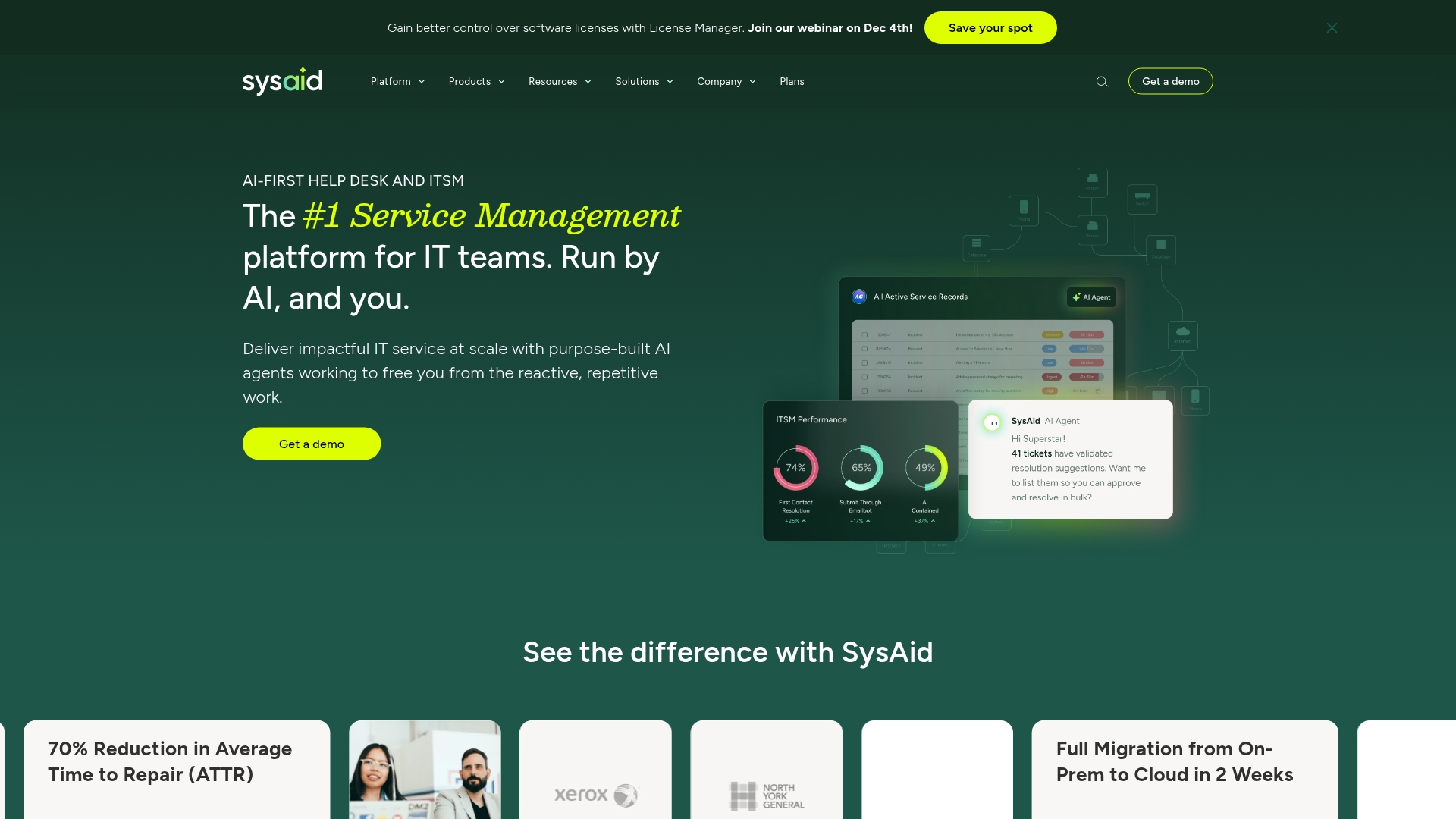
SysAid champions an AI-first approach to IT service management, fundamentally transforming how organizations process support requests and streamline operations. By combining agentic AI with a full suite of ITSM capabilities, the platform is perfectly suited for teams ready to evolve beyond traditional ticketing into a new era of intelligent, automated service delivery.
Use case:
SysAid empowers IT teams to reduce manual workload through pre-built AI agents that automatically detect issues, triage tickets, and initiate resolution workflows without human intervention.
Key features:
- Agentic AI platform: Pre-built AI agents handle ticket triage, categorization, and automated actions, plus a no-code AI agent builder for custom workflows.
- Integrated asset management: Built-in CMDB and asset intelligence provide complete visibility for faster root cause analysis and change management.
- 1,000+ app integrations: Workato-powered connectivity extends automation across identity management, collaboration tools, and business applications.
Pricing:
- Standard (help desk): Quote-based pricing for basic ticketing and self-service.
- Pro (ITSM): Quote-based pricing for full ITSM capabilities with AI automation.
- Enterprise: Quote-based pricing for advanced features and custom configurations.
- Onboarding fee: A separate, one-time charge applies in addition to the monthly subscription cost.
- Managed assets: Additional charges apply for managed assets that exceed the included thresholds.
Considerations:
- Quote-only pricing requires direct contact for budget planning, with separate implementation fees adding to initial costs.
- Advanced AI features and continuous innovations are limited to cloud deployments, while on-premises focuses on core ITSM functionality.
9. Zoho
Through ManageEngine service desk plus, Zoho delivers a comprehensive IT service management platform that also supports enterprise-wide service delivery. The solution integrates ITIL-certified processes with AI-powered automation, making it an ideal choice for organizations seeking to consolidate IT operations and service desk functions under a single vendor.
Use case:
Zoho’s ServiceDesk Plus delivers unified service management that extends beyond IT to support HR, facilities, and other departments through multi-instance enterprise service management.
Key features:
- AI-powered Ask Zia virtual agent with multi-turn conversations and knowledge base integration.
- Multi-instance ESM for dedicated service desks per department from a single console.
- Native integrations with ManageEngine’s full IT operations stack including endpoint management and monitoring.
Pricing:
- Standard edition: Free for up to five technicians in a single instance.
- Professional edition: Starting price is per technician/month with annual billing.
- Enterprise edition: Custom pricing is available for advanced features and add-ons.
- Annual billing: Discounts are offered across all paid editions.
- Asset management: Additional costs apply based on the number of managed assets.
Considerations:
- The licensing model is designed to scale with your needs, with many advanced features available in higher editions or as add-ons.
- Some capabilities are marked “english only” and certain features have language limitations.
10. HubSpot service hub
HubSpot service hub adapts best practices from customer service to create a powerful IT help desk solution that integrates seamlessly with broader business operations. The platform’s strength lies in its CRM-native ticketing and omni-channel support, making it a natural fit for organizations already invested in the HubSpot ecosystem or those aiming for unified customer and IT service management.
Use case:
HubSpot Service Hub delivers CRM-connected help desk functionality with AI-powered automation, enabling organizations to provide contextual IT support while maintaining unified visibility across sales, marketing, and service operations.
Key features:
- Help desk workspace with omni-channel intake (email, live chat, whatsApp, phone) and skill-based routing.
- Breeze AI customer agent that autonomously resolves routine inquiries and provides reply recommendations.
- Integrated knowledge base management with secure customer portal and self-service capabilities.
Pricing:
- Free: $0/month (basic ticketing and team email).
- Starter: $15/agent/month (promotional pricing, simple automation and live chat).
- Professional: $100/agent/month (help desk workspace, knowledge base, Breeze AI).
- Enterprise: $150/agent/month (skill-based routing, conditional SLAs, IVR, plus $3,500 onboarding fee).
Considerations:
- Focuses on help desk functionality rather than full ITIL/ITSM capabilities like CMDB or change management.
- Help desk features not available in mobile app, requiring desktop/web access for agents.
The power-ups that turn your service desk into a powerhouse
A service desk should operate as the operational core of the organization, enabling efficiency rather than slowing teams down. When supported by the right platform, routine work is automated, and insights become immediately actionable, allowing teams to focus on solving higher-value problems.
An effective service desk platform learns from team expertise, adapts to unique workflows without complex configuration, and delivers real-time analytics that help prevent issues before they escalate. Built-in AI and advanced analytics within monday service support this approach by simplifying even the most complex operations.
The capabilities below form the foundation of a service experience that is efficient, intuitive, and scalable, helping teams work smarter and resolve issues faster.
AI-powered ticket routing
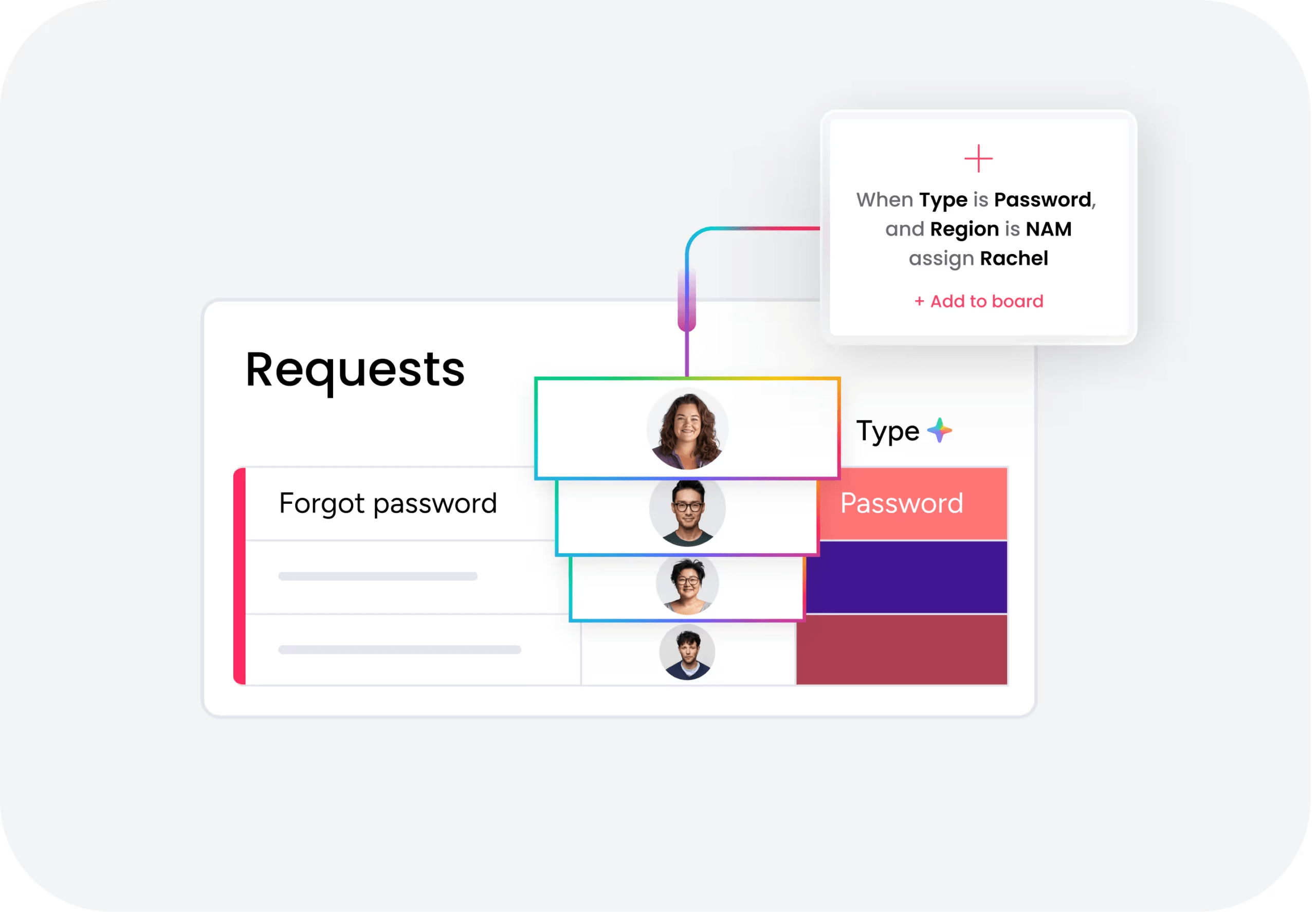
Intelligent routing removes the need for manual triage. AI learns from previously resolved tickets and automatically directs new requests to the most qualified agent as soon as they are submitted.
Assignments consider skills, workload, and priority levels, ensuring issues reach the right expert without delay. This allows specialists to focus on complex challenges while routine requests move forward efficiently.
Self-service that actually serves
A well-structured self-service portal gives customers immediate access to answers, reducing incoming ticket volume and easing pressure on support teams.
Each resolved request can feed the knowledge base, turning recurring issues into searchable resources. Over time, this creates a self-sustaining system that improves resolution speed and encourages organization-wide self-sufficiency.
Automation that works your way
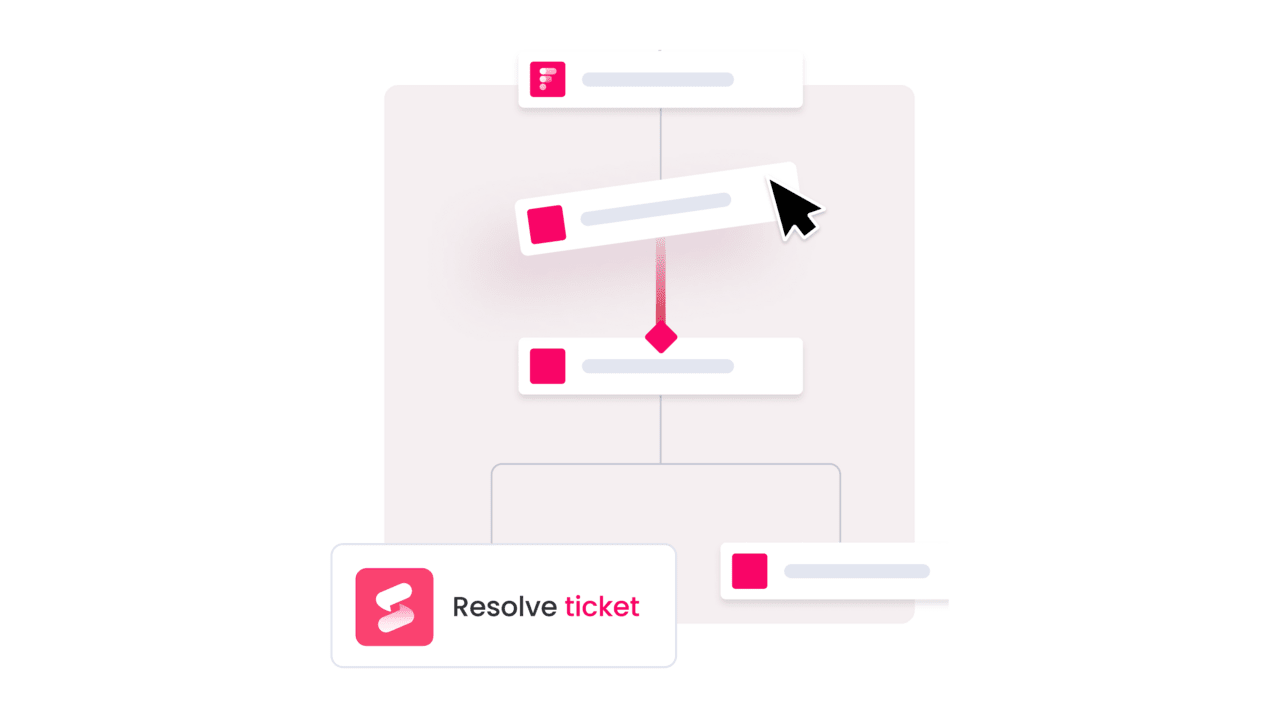
Automation is most effective when it adapts to how teams already operate. A visual, no-code builder allows workflows to be designed and adjusted for assignments, approvals, and escalations without manual intervention.
As processes evolve, workflows can be updated in minutes, without developer support, giving teams the flexibility to stay responsive as demands change.
Dashboards that tell you what’s next
Service data should guide decisions, not create confusion. Real-time dashboards surface key metrics such as ticket volume, resolution time, and SLA performance in a single view.
By tracking trends over time, teams can move beyond reactive support and proactively optimize workflows, staffing, and service performance.
One conversation, no matter the channel
Customers expect consistent support across email, chat, and self-service portals. A unified workspace brings all conversations into one timeline, preserving context regardless of where a request begins.
This continuity prevents information loss and removes the need for customers to repeat details, creating a smoother experience for both support teams and requesters.
Asset management that connects the dots
Context is critical when incidents occur. Integrated asset management links tickets directly to devices, software, and systems, reducing investigation time and improving impact assessment.
Assets become an active part of service delivery, triggering workflows for expiring warranties or automatically populating ticket details to support faster resolutions.
Effortless SLA and compliance tracking
Service level agreements reflect commitments to the business, and automated tracking helps teams meet them consistently. Proactive alerts signal risks before deadlines are missed.
By embedding compliance into everyday workflows, teams create clear audit trails and documentation automatically, helping the organization stay prepared and audit-ready at all times.

A guide to IT help desk pricing
Understanding IT help desk pricing can be difficult, as vendors rely on different models and bundled plans. The goal is not simply to choose the lowest per-agent cost, but to evaluate the overall value delivered through faster resolutions, better visibility, and stronger end-user experiences.
A proper strategic evaluation looks beyond the list price to the total cost of ownership, where real return on investment becomes clear. Teams are often drawn in by low entry pricing, only to face added costs for implementation, training, or features assumed to be included.
This is where platforms like monday service stand apart, offering transparent pricing and a setup designed for speed and clarity. The focus remains on enabling teams to deliver reliable service, rather than managing hidden costs or prolonged onboarding cycles.
Common pricing models for service desk solutions
To compare platforms effectively, it helps to understand the pricing structures vendors commonly use. Most service desk platforms follow a per-agent pricing model, charging a monthly fee for each service team member to keep costs predictable.
Many vendors also offer tiered plans that bundle features by capability level. This approach allows teams to choose the functionality they need without paying for advanced tools too early.
Some platforms introduce usage-based pricing or custom enterprise agreements. While flexible, these models require closer evaluation to ensure long-term costs remain aligned with organizational growth.
Hidden costs in help desk Implementation
The quoted subscription price is only part of the total investment. One-time setup costs, including configuration and data migration, are often billed separately and should be considered early in the decision process.
Training is another essential factor, as even intuitive platforms require onboarding to reach full adoption. Without proper enablement, teams risk underutilizing the platform and delaying value realization.
Ongoing expenses such as integrations, maintenance, and administrative support can also impact total cost. Addressing these items upfront creates a more accurate and reliable budget forecast.
Calculating ROI for IT service investment
Measuring return on investment goes beyond cost reduction. It includes gains in productivity, faster resolution times, and improved satisfaction across internal teams and stakeholders.
A strong ROI calculation compares total platform costs against these measurable outcomes. Reduced manual effort, fewer escalations, and clearer reporting all contribute to long-term value.
With monday service, returns are realized earlier through simplified setup and predictable pricing. Built-in automation reduces repetitive work from day one, allowing teams to focus on higher-impact service delivery.
How AI and automation transform IT service delivery
The future of IT service delivery depends on moving teams beyond reactive ticket queues and toward focused, high-impact work. Intelligent automation reduces repetitive effort, allowing skilled professionals to concentrate on strategic initiatives that support business goals. This shift replaces reactive firefighting with proactive problem-solving.
With a platform like monday service, issues can be identified before they escalate, while incoming tickets are automatically routed to the right specialist. This design shortens resolution times by turning complex service workflows into a clear, efficient process that supports faster, more accurate outcomes.
Over time, the system becomes more effective by learning from resolved requests. AI continuously strengthens the knowledge base, ensuring teams have access to up-to-date information and creating a service operation that is built to scale with confidence.
Critical integrations for IT help desk success
An IT help desk succeeds only when it connects seamlessly with the broader technology ecosystem. Its effectiveness depends on how well it communicates with the tools teams already rely on across development, infrastructure, and collaboration workflows.
When systems are disconnected, agents must manually gather information from multiple platforms. This slows response times, introduces errors, and creates unnecessary friction during incident resolution.
A well-integrated platform also brings essential context directly into each ticket. With connected systems and flexible APIs, teams can reduce manual effort and focus on delivering faster, more consistent service outcomes.
DevOps and development tool connections
Connecting the help desk with development platforms such as Jira, GitHub, or Azure DevOps creates a direct line between support and engineering teams. Agents gain immediate visibility into deployments and code changes tied to reported incidents.
When an update introduces an issue, this visibility removes guesswork. Support teams know who owns the change and can escalate efficiently, reducing downtime and resolution delays.
This integration also strengthens feedback loops for agile and DevOps teams. Context-rich tickets support clearer collaboration and keep all stakeholders aligned during high-impact incidents.
Infrastructure monitoring and cloud platform integration
Integrating monitoring tools like Datadog or AWS CloudWatch allows infrastructure alerts to generate tickets automatically. These tickets arrive pre-populated with diagnostic data, enabling faster investigation and response.
This approach shifts teams from reactive troubleshooting to proactive issue prevention. Problems can often be addressed before users notice service disruptions.
Over time, correlating infrastructure alerts with ticket trends reveals patterns. These insights support smarter capacity planning, investment decisions, and long-term operational stability.
Communication and collaboration platform integration
Since many teams work primarily in Slack or Microsoft Teams, help desk workflows should extend into those environments. Integrations allow agents to receive notifications and collaborate without leaving their primary workspace.
This reduces context switching and keeps conversations focused. Teams can coordinate responses, share updates, and resolve issues more efficiently.
During major incidents, centralized communication becomes critical. Integrated collaboration channels help maintain clarity, align stakeholders, and ensure consistent updates throughout the resolution process.
How to select the right IT help desk software
Choosing IT help desk software isn’t just a technical decision. It shapes how your service operation runs every day. The platform you choose will influence how tickets are routed, how teams collaborate, and how performance is measured across the organization.
The best systems do more than organize requests. They reduce manual work through automation, give leaders real-time visibility into trends, and adapt to the way your teams already operate. Rigid tools often create more friction than they remove.
When evaluating options, look beyond feature lists. Consider how well the platform fits your current workflows and whether it can scale as demand grows. The goal is a solution that simplifies work, supports long-term growth, and helps your team deliver consistent, reliable service.
IT help desk implementation timeline and strategy
Rolling out a new help desk system works best when speed and structure move together. Move too fast and you risk confusion. Move too slowly and momentum fades. The key is planning both the technical setup and how the team will actually adopt the new workflows.
Start with the essentials. Configure intake forms, ticket categories, routing rules, and SLAs before layering on advanced automation. When the foundation is clear, additional features can be added without creating friction or rework later.
Phasing the rollout helps. Begin with a pilot group, refine workflows based on feedback, then expand gradually. This approach keeps service running smoothly while giving teams time to adjust. Over time, the system becomes part of how work happens, not a disruption to it.
2026 trends revolutionizing IT help desk software
IT help desk software is evolving quickly. In 2026, several clear shifts are reshaping how service operations function.
1. AI handles routine work automatically
Virtual agents now resolve common requests like password resets and access approvals without agent involvement. Predictive analytics surface recurring incidents and infrastructure weaknesses before they escalate, helping teams reduce ticket volume rather than just react to it.
2. Self-service becomes the first line of support
Knowledge bases, portals, and embedded chat tools allow employees to find answers instantly. This reduces inbound tickets while improving satisfaction through faster resolution.
3. Omnichannel support is expected
Requests arrive through email, Slack, Microsoft Teams, portals, and other channels. Modern platforms unify these touchpoints into one structured workspace so data stays centralized and workflows remain consistent.
4. Performance is tied to productivity
Organizations are measuring more than SLA compliance. Help desk impact is now assessed based on downtime reduction, employee efficiency, and overall business continuity.
5. Security and compliance are built in
Role-based permissions, audit trails, and encrypted communication are baseline requirements. As AI adoption increases, governance and data protection controls are becoming even more critical.
Read more: 50 help desk statistics that prove the power of smart service management
Why cross-department service connectivity drives IT excellence
Service excellence increases when IT workflows connect with departments such as HR, facilities, and finance. Integrated service delivery replaces isolated processes with coordinated, organization-wide workflows.
For example, employee onboarding becomes more efficient when one request triggers tasks across multiple teams. This reduces delays and improves the overall employee experience.
With broader visibility, IT teams can align priorities with business goals. Clear data supports better resource planning and demonstrates IT’s role as a strategic partner, not just a support function.

"Our team LOVES the monday service platform and we’re already exploring how we could incorporate it for other departments, too. It has streamlined our workflow in a way that both our team and customers appreciate."
Andrew Marshall | VP Operations
״monday service provides clear insights into requests volume and types, response times, and trends - helping us continuously improve operations"
Grant De Waal-Dubla | CIO
"The biggest value for us is speed and flexibility. You can get up and running in days, change anything instantly, and see everything in real time. And you don’t need a dedicated admin to do it."
Clive Camilleri | Head of People Tech & OperationsAccelerate your IT service transformation with monday service
IT service initiatives often stall due to complexity and slow adoption. Modern platforms are designed to remove these barriers by simplifying setup and accelerating time to value.
monday service adapts to existing workflows rather than enforcing rigid structures. Teams can configure processes quickly, reduce reliance on custom code, and begin delivering results sooner.
By supporting automation, visibility, and collaboration in one connected environment, the platform helps IT teams operate as strategic contributors to the business.
Frequently asked questions
How do I migrate data from my current help desk system to a new platform?
Most modern platforms provide migration tools and guided support for transferring tickets, users, and knowledge base content. Structured onboarding helps ensure a secure and accurate transition.
What is the typical timeline for user adoption of new IT help desk software?
Adoption commonly ranges from two to eight weeks. Platforms with no-code configuration and intuitive interfaces often shorten this timeline significantly.
Can IT help desk software effectively support hybrid work models?
Yes. Cloud-first platforms with mobile access and remote asset visibility are designed to support distributed teams without sacrificing control or oversight.
How does AI automation actually reduce ticket resolution times in help desk software?
AI automates ticket categorization, routing, and response suggestions. This reduces manual handling and allows agents to focus on complex issues.
What security certifications should I look for when evaluating help desk software?
Look for SOC two, ISO twenty-seven thousand one, and GDPR compliance. Industry-specific requirements may also apply depending on regulatory needs.
How do I calculate the ROI of implementing new IT service desk software?
ROI is calculated by comparing total platform costs against measurable savings from improved productivity and reduced support overhead. Intangible benefits such as team satisfaction also contribute to long-term value.

 Get started