



Most development delays are not caused by bugs or complex architecture. They come from people working in different tools, on different timelines, with different interpretations of the same priorities.
When information becomes scattered, teams lose focus. Approvals take longer, blockers stay hidden, and the delivery cycle slows down even when the work itself is ready to move.
The right collaboration platform removes these barriers by creating a shared environment where communication is clear and progress is transparent. With a unified workspace, teams can align faster, resolve issues sooner, and keep projects moving at a steady pace.
This practical article explores the platforms that do this best and outlines the capabilities that actually improve how teams coordinate and ship software. Ready to dive in?
Key takeaways
- Communication is the core bottleneck: the primary constraint on software delivery is the communication gap between engineering, product, and leadership, not code complexity. The right tool must unify these perspectives.
- Flexibility over rigidity: success comes from selecting a platform flexible enough to adapt to a team’s unique rhythm, providing total visibility and control over the development process.
- Unified workspace is essential: the most effective tools bridge high-level strategy and daily execution by connecting the product roadmap, sprint plans, and technical execution (like code commits) into a single, flexible environment.
- Real-time integration is key: integration with the existing tech stack (code repositories, CI/CD, communication) is crucial to eliminate data silos and keep information flowing automatically across platforms.
- Avoid siloed functionality: teams should seek platforms, such as monday dev, that demolish the trade-off between powerful dev-specific features and cross-company business visibility, ensuring all stakeholders are perfectly in sync.
What are software development collaboration tools?
These platforms function as a team’s shared playbook, creating a single environment where developers, product managers, and leadership operate from the same page. They are the critical infrastructure that turns a collection of talented individuals into a synchronized team, fully equipped to build and ship exceptional products together.
More than just a simple chat application, these platforms serve as the bridge connecting well-written code to tangible business outcomes. This is achieved by creating a unified space where the entire organization can view the same roadmap, track progress in real-time, and understand precisely how individual contributions align with the company’s strategic objectives.
By consolidating everything from high-level roadmaps to sprint planning into one flexible environment, teams can finally move beyond juggling disparate tools. With complete visibility and control, they gain the ability to clear backlogs efficiently, collaborate without friction, and ship with newfound speed and confidence.
Essential features for developer collaboration tools
The modern development process is often fragmented, forcing teams to duct-tape a dozen different applications together and call it a workflow. Your team deserves a single, flexible space where you can design the exact development process that fits your unique rhythm.
A crystal-clear picture of progress emerges when pull requests, CI/CD pipelines, and project roadmaps all inhabit the same ecosystem. This level of visibility connects the dots between a single line of code and a major business goal, tearing down the walls between engineering, product, and leadership. Collaboration ceases to be just a scheduled meeting; it becomes the default mode of operation.
Putting manual, repetitive processes on autopilot frees your team to focus on more engaging challenges, like solving complex problems and shipping features users will love. With powerful yet simple-to-configure automations, you can obliterate your backlog, keep stakeholders updated effortlessly, and establish a smooth, predictable flow from idea to deployment.
This is how your team can build momentum, move faster, and gain the confidence that comes from having total command over your domain.
Top software development collaboration tools compared
Selecting the right collaboration tool is a really big decision, as it sets the foundation for your team’s productivity and success. The ideal platform must adapt to how you actually work, rather than imposing a rigid, outdated process upon you. Your goal should be to find a space that grants your team both total ownership over their workflows and a seamless connection to the rest of the business.
We’ve scouted the field to see what top dev teams are using right now, breaking down the 15 leading platforms. This isn’t just a feature list; it’s your cheat sheet for understanding where each tool shines and how it fits into the bigger picture of shipping great products.
| Platform | Best for | Key strength | Pricing model |
|---|---|---|---|
| monday dev | End-to-end product management | Flexibility, real-time visibility, AI, security | Subscription-based |
| Jira | Agile project tracking | Robust issue tracking and reporting | Subscription-based |
| GitHub | Code collaboration | Open-source collaboration, code management | Free & paid tiers |
| GitLab | DevOps lifecycle management | All-in-one DevOps platform | Free & paid tiers |
| Asana | Task and project management | Task organization, workflow customization | Subscription-based |
| Trello | Visual project management | Kanban boards, simplicity | Free & paid tiers |
| ClickUp | Customizable workspaces | Highly customizable, all-in-one platform | Free & paid tiers |
| Smartsheet | Spreadsheet-style management | Familiar interface, enterprise features | Subscription-based |
| Wrike | Resource and project planning | Resource management, advanced planning | Subscription-based |
| Notion | Documentation & project tracking | All-in-one workspace, flexible documentation | Free & paid tiers |
| Basecamp | Team communication | Simplicity, centralized communication | Flat-rate pricing |
| Confluence | Knowledge management | Documentation, integration with Jira | Subscription-based |
| Slack | Real-time communication | Messaging, integrations ecosystem | Free & paid tiers |
| Microsoft Teams | Enterprise collaboration | Video calls, Office 365 integration | Subscription-based |
| Linear | Modern issue tracking | Fast, intuitive issue tracking for dev teams | Subscription-based |
1. monday dev
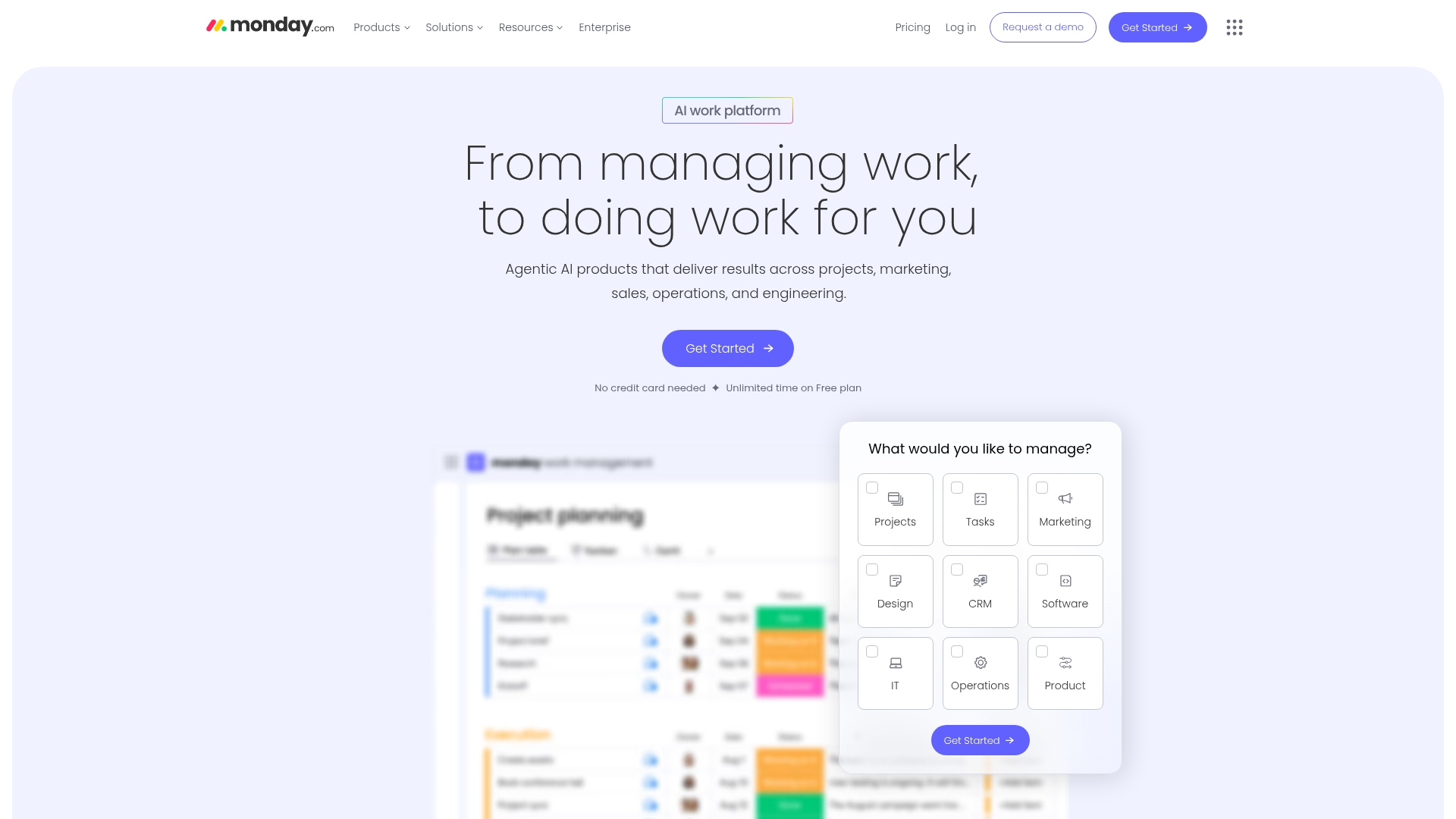
monday dev is engineered to unify product workflows from ideation to release, transforming how engineering and business teams collaborate on one flexible platform. Built for dev teams who want to ship faster without sacrificing alignment, it bridges the gap between technical execution and business strategy with real-time visibility and AI-powered insights.
 Example:
monday dev eliminates silos between engineering and business teams by providing a unified workspace where product roadmaps, sprint planning, and cross-functional collaboration happen seamlessly in one place.
Key features:
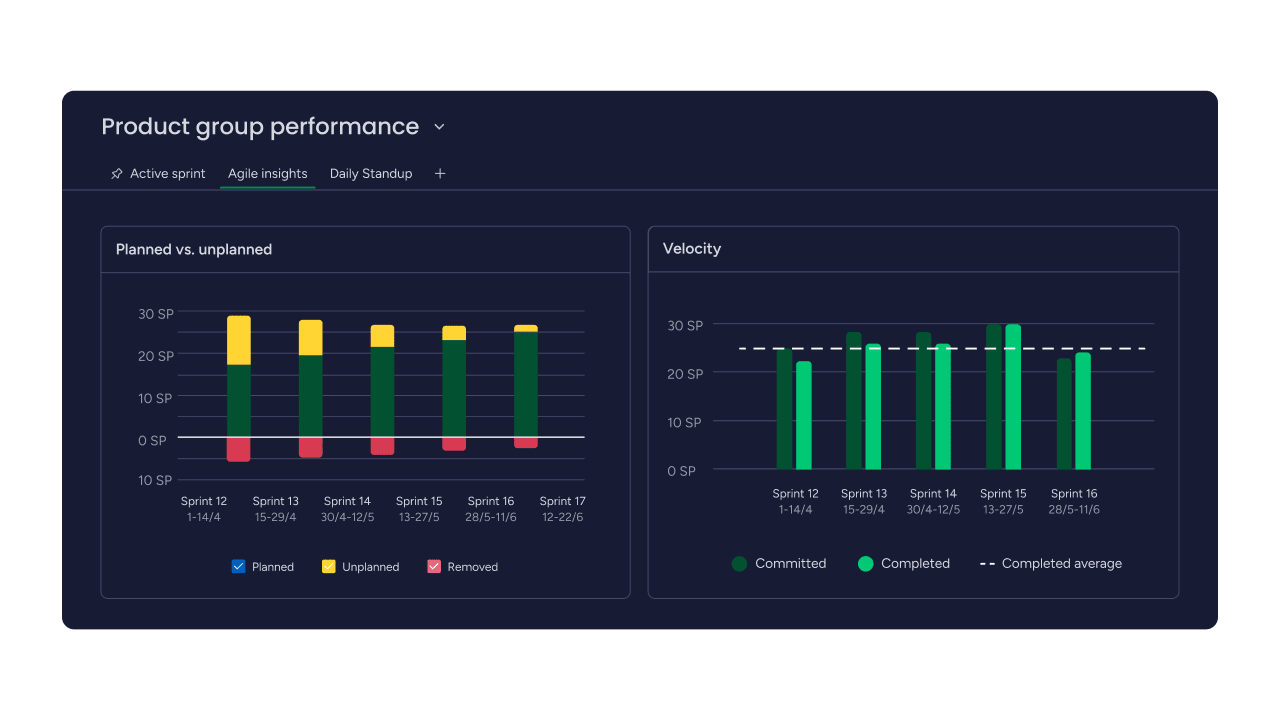
- Agile workflow management: complete Scrum and Kanban boards with sprint planning, backlog management, and velocity tracking.
- Cross-functional collaboration: shared workspaces where engineering, product, and business teams align on priorities with real-time updates.
- Deep development integrations: two-way sync with GitHub, GitLab, and CI/CD tools plus in-IDE board access through VS Code.
Pricing:
- Basic: $9/month per seat (billed annually, 3-seat minimum).
- Standard: $12/month per seat with sprint management, GitHub integration, and 250 automation actions.
- Pro: $20/month per seat including hierarchy management, Agile reporting, and 25k automation actions.
- Enterprise: custom pricing with advanced analytics, enterprise security, and dedicated customer success manager.
Why it stands out:
- Advanced AI for Agile efficiency: features AI-powered tools that automatically generate daily standup summaries, provide intelligent sprint performance insights, and enable smart task categorization to keep the backlog organized and prioritized.
- No-code workflow automation: facilitates the building of custom, no-code automation recipes, including Git-triggered updates, which automatically transition sprints, escalate bugs, and keep all stakeholders informed of code and deployment changes in real-time.
- Seamless integration ecosystem: provides two-way sync with the entire development stack (GitHub, GitLab, CI/CD tools) and communication hubs (Slack, Teams), along with enterprise compatibility to connect with tools like Jira and Azure DevOps.
- Unified project visibility and collaboration: offers dashboards that aggregate data from code, sprint boards, and business metrics into a single source of truth, supported by real-time co-editing in workdocs for PRDs, technical specs, and other documentation with embedded, synchronized boards.
- Cross-functional enterprise platform: functions as a cross-functional platform that connects engineering work directly to CRM, service, and business operations on the same system, backed by Enterprise-grade security (ISO, SOC certifications) and Gartner-recognized leadership in collaborative work management.
2. Jira
Jira brings order to software development chaos, creating organized and trackable workflows that keep teams aligned from backlog to release. The platform specializes in Agile project management and issue tracking, making it ideal for development teams who need robust reporting and cross-functional collaboration.
With its open DevOps approach, Jira connects seamlessly with your existing toolchain while providing enterprise-scale governance.
Example:
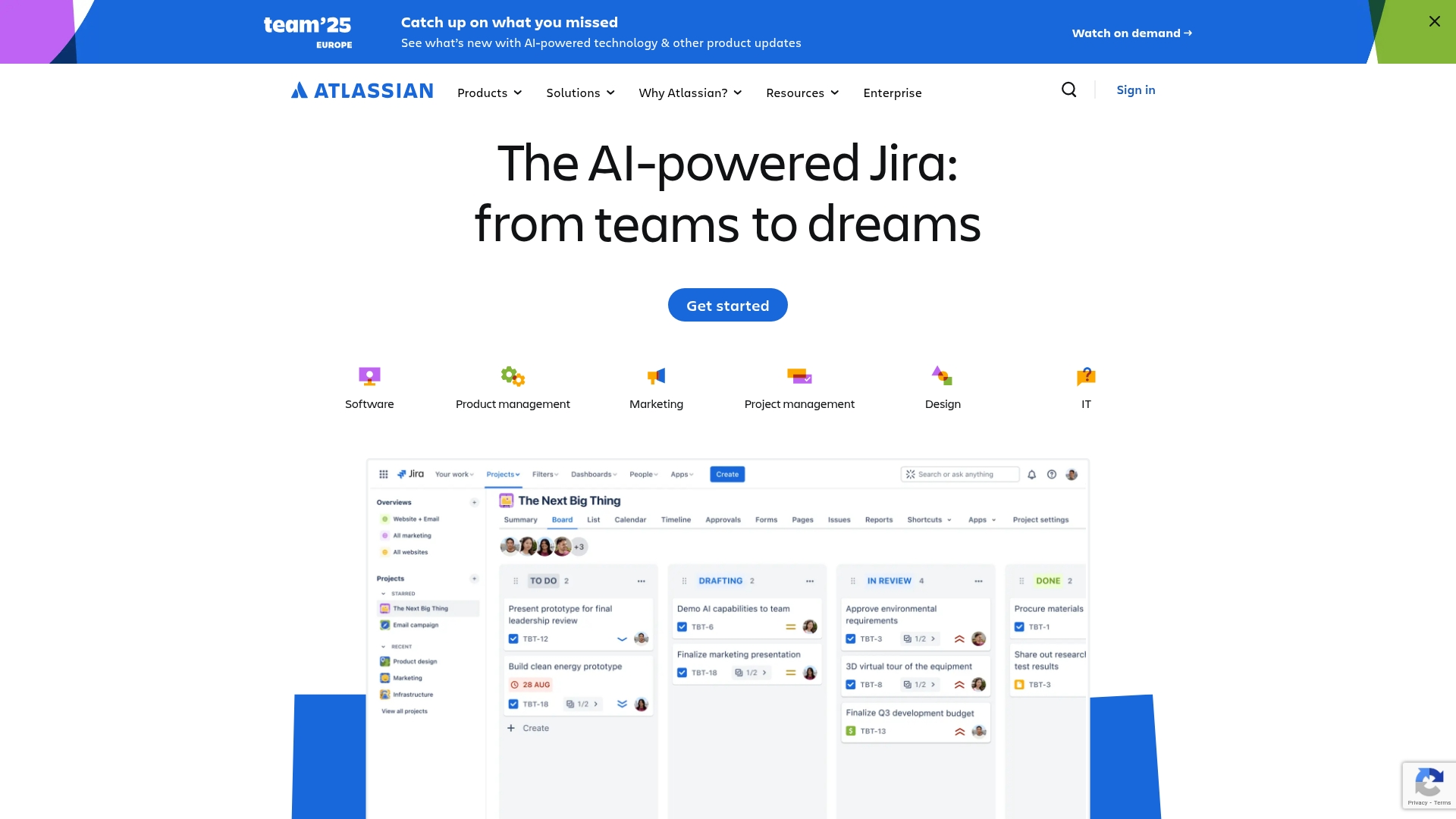
Jira provides a shared work hub where cross-functional teams plan, track, collaborate, launch, and report, from backlog to release and post-release insights, while integrating development signals and business context.
Key features:
- Multiple work views: including Scrum/Kanban boards, Timeline, Calendar, and Summary with integrated dashboards for comprehensive project visibility.
- Open DevOps integration: connecting Jira with 3,000+ marketplace apps and native Atlassian tools like Bitbucket, Confluence, and Opsgenie.
- Rovo AI capabilities: providing natural-language search, cross-app knowledge access, and configurable AI agents that can reason over and update work items.
Pricing:
- Free: $0/month for up to 10 users.
- Standard: $7.91/user/month (annual billing).
- Premium: $14.54/user/month (annual billing).
- Enterprise: Quote-only pricing with advanced governance features.
- Annual billing: provides up to 17% savings
- Government Cloud: available with FedRAMP Moderate authorization (quote-only).
Considerations:
- Complex learning curve: for new users, with advanced configuration requiring admin expertise for optimal setup.
- Performance can slow down: with heavily customized or very large projects, requiring careful governance and tuning.
3. GitHub
As the world’s largest development platform, GitHub makes code collaboration a team sport, streamlining version control and code review for millions of teams. With over 180 million developers building on the platform, it has become the de facto standard for both open-source projects and enterprise development workflows.
Example:
GitHub serves as the central hub for code repository management and collaborative development, enabling teams to manage version control, conduct code reviews, and coordinate development workflows in one integrated platform.
Key features:
- Pull request workflow: with inline code review, suggested changes, and required approvals to maintain code quality.
- GitHub Actions: for automated CI/CD pipelines and repository automation with event-driven workflows.
- Codespaces: for instant, consistent cloud development environments with pre-configured setups and collaborative coding.
Pricing:
- Free: individual developers and organizations with public repositories.
- Team: $4 per user/month for private repositories and team collaboration features.
- Enterprise Cloud: starting at $21 per user/month with advanced security and compliance features.
- Copilot Business: $19 per user/month for AI-powered coding assistance
- Copilot Enterprise: $39 per user/month with advanced AI features and enterprise controls.
- Usage-based pricing: applies for Actions minutes, Codespaces compute time, and storage overages.
Considerations:
- Advanced collaboration features: like merge queues and certain security controls are limited to higher-tier plans, potentially increasing costs for teams needing enterprise-grade safeguards.
- Usage-based billing: for Actions, Codespaces, and storage can lead to unexpected cost spikes without proper budget monitoring and controls.
4. GitLab
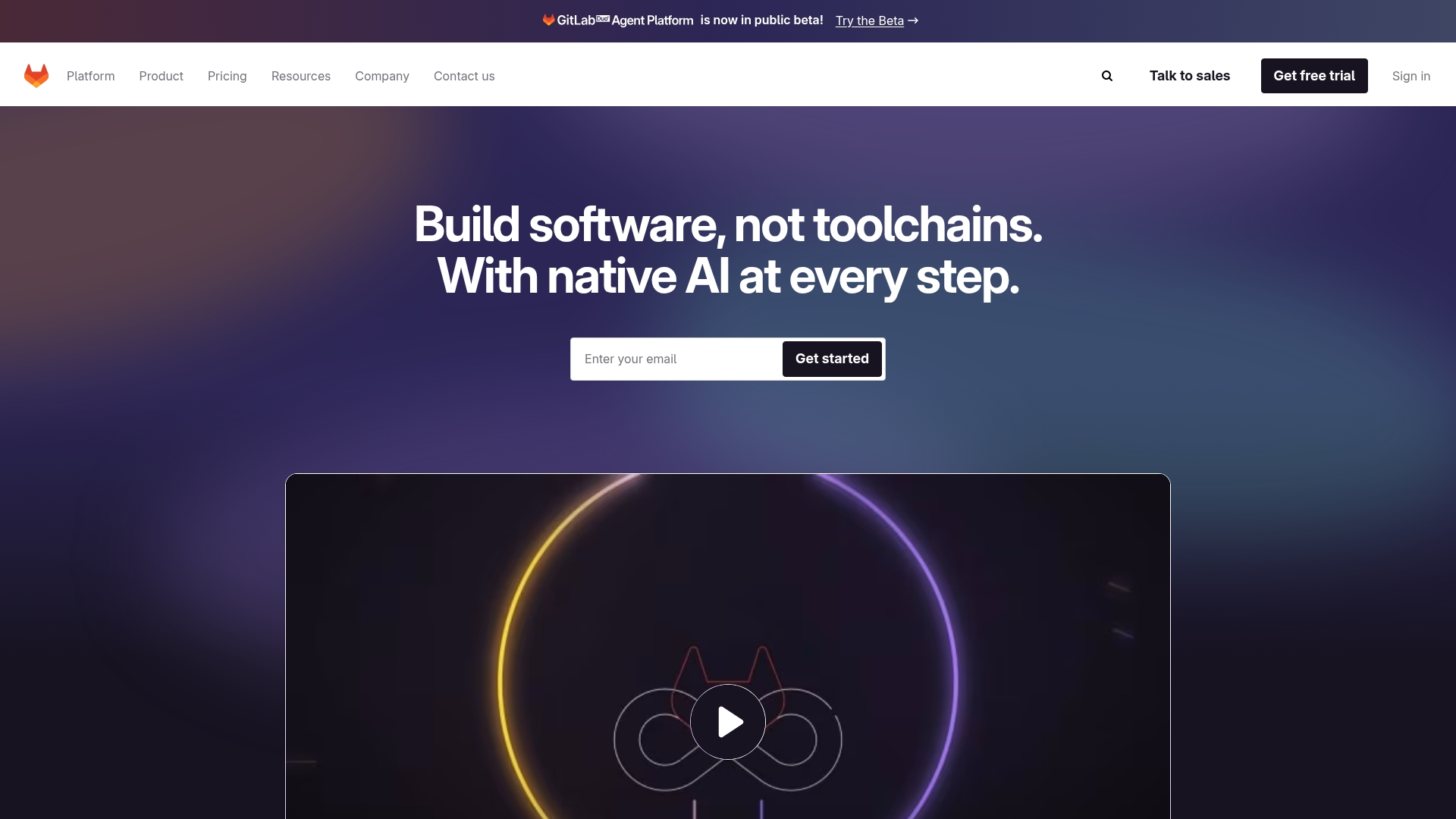
GitLab delivers an all-in-one DevOps platform that consolidates code management, CI/CD, and project tracking into a single, unified workflow. The platform specializes in merge request-centric collaboration with built-in governance and analytics, making it ideal for teams seeking to eliminate toolchain complexity while maintaining enterprise-grade security and compliance.
Example:
GitLab streamlines software development collaboration by centering all planning, code review, approvals, and deployment activities around merge requests, reducing context switching and integration overhead for development teams.
Key features:
- Merge request workflows: threaded discussions, suggested changes, and approval rules with Code Owners integration ensure structured collaboration and quality control.
- Integrated planning and tracking: issues, epics, and custom boards keep conversations and status updates in the same platform as your code.
- Value stream analytics: built-in DORA metrics and cycle time tracking help teams identify collaboration bottlenecks and improve development flow.
Pricing:
- Free: $0/month with 5 licensed users, 400 compute minutes/month, and 10 GiB storage per project.
- Premium: $29/user/month (billed annually) with AI Code Suggestions, advanced approval rules, and 10,000 compute minutes/month.
- Ultimate: quote-based pricing for enterprises requiring advanced security, compliance, and 50,000 compute minutes/month.
- GitLab Duo Pro: $19/user/month (billed annually) for AI-powered code generation and chat capabilities.
- Duo essentials (AI Chat + Code Suggestions): as of May 2025 are included with Premium and Ultimate at no additional cost.
Considerations:
- Feature richness: can overwhelm smaller teams, and advanced collaboration governance requires Premium or Ultimate tiers.
- SaaS plans: have compute minutes and storage quotas that may require additional purchases for high-usage teams.
5. Asana
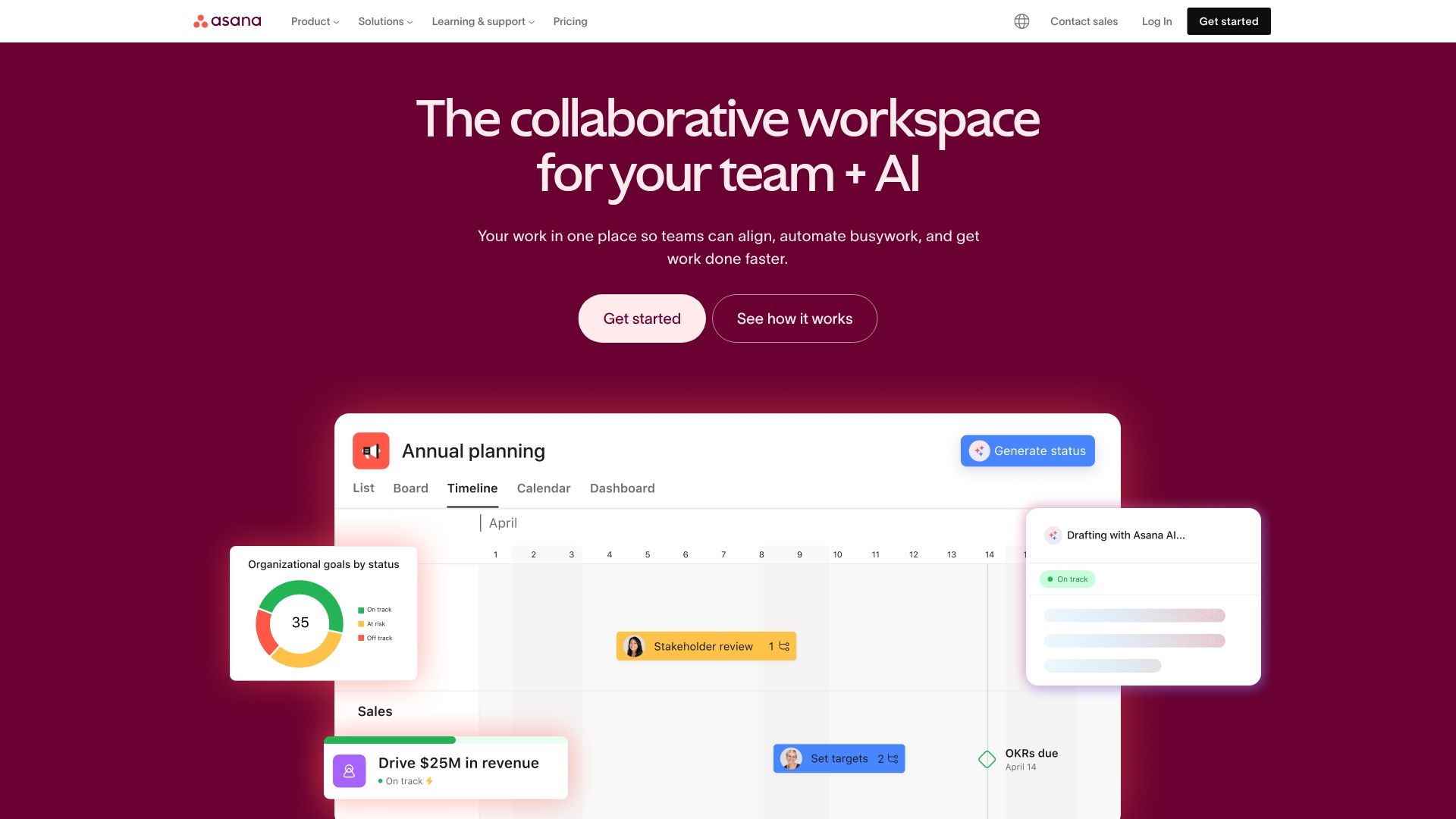
Asana provides a direct line from high-level goals to daily execution, connecting engineering, product, and business teams in one unified platform. Its Work Graph data model breaks down silos between technical and non-technical stakeholders, making it ideal for cross-functional teams who need visibility from sprint planning to product launches.
Example:
Asana centralizes sprint planning, product roadmaps, feature launches, and bug tracking while maintaining seamless alignment between development teams and business stakeholders through shared goals and real-time progress tracking.
Key features:
- Two-way Jira Cloud sync and GitHub PR status integration: keeps dev tools connected while maintaining business visibility.
- Native Goals feature: links company OKRs directly to sprints, epics, and individual tasks with real-time progress tracking.
- AI Studio and AI Teammates (in beta): provide no-code workflow automation and collaborative AI agents that operate within live projects.
Pricing:
- Personal: free for up to 10 teammates with unlimited tasks, projects, and basic project views.
- Starter: $10.99/user/month (billed annually) includes AI Studio, Timeline/Gantt, Workflow Builder, and unlimited automations.
- Advanced: $24.99/user/month (billed annually) adds Goals, Portfolios, Workload management, and enterprise integrations.
- Enterprise: custom pricing with SAML/SCIM, advanced admin controls, and 24/7 support.
- Enterprise+: custom pricing includes audit logs, data residency, and compliance features.
- Nonprofits: receive 50% off Starter and Advanced annual plans.
Considerations:
- Cloud-only platform: with no on-premises deployment option, which may limit teams requiring self-hosted solutions.
- Advanced Agile collaboration features: like Goals, Portfolios, and Workload management require higher-tier plans, potentially increasing costs for full software development functionality.
6. Trello
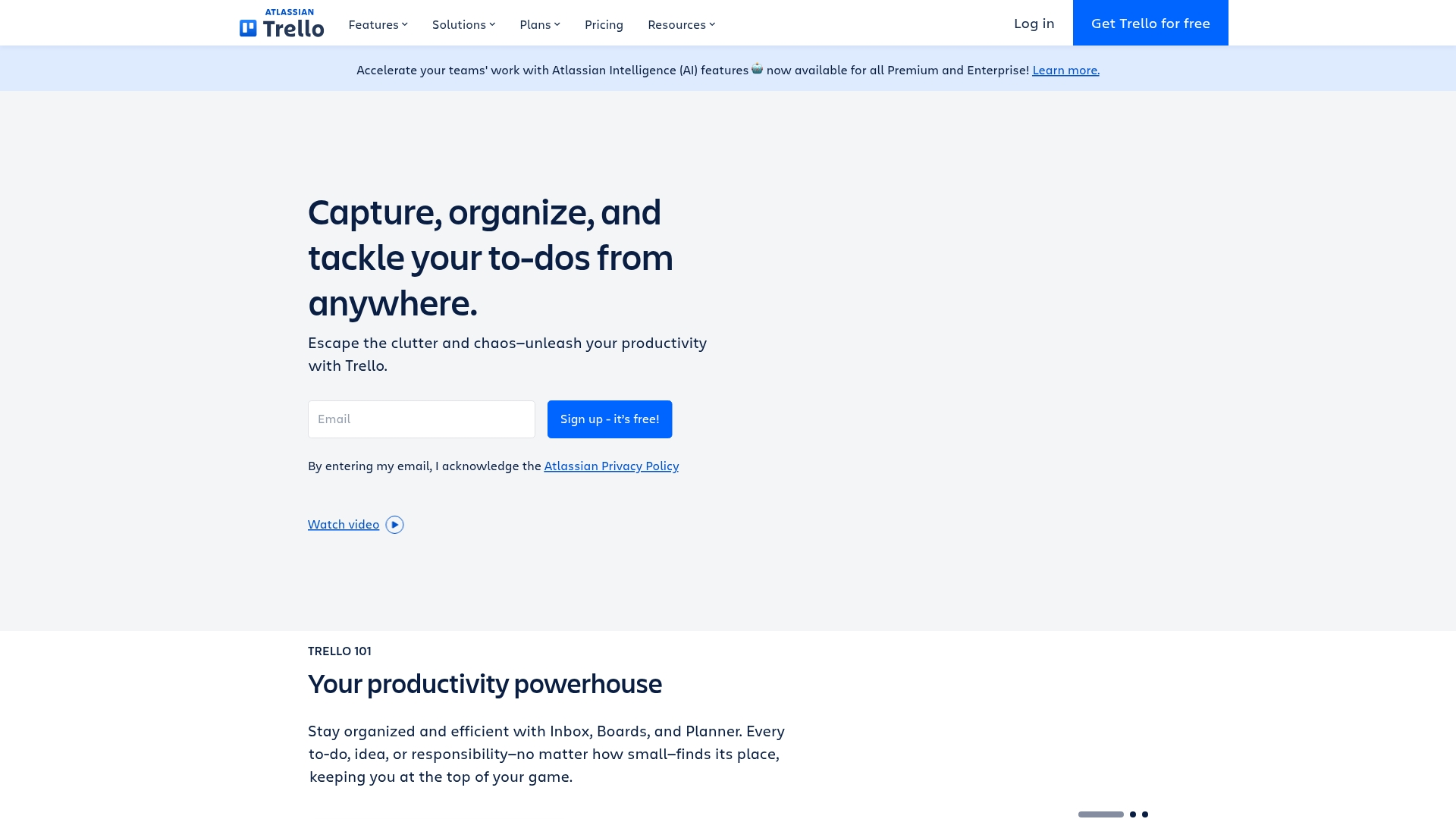
Trello cuts through project chaos with its famously intuitive Kanban-style boards that make task management feel effortless. The platform specializes in drag-and-drop simplicity and extensive integrations, making it ideal for development teams who want powerful collaboration without the complexity.
Example:
Trello organizes software development workflows into visual boards, lists, and cards that track features, sprints, and bugs while connecting seamlessly with developer tools like GitHub, GitLab, and Jira.
Key features:
- Multiple project views: including Timeline, Dashboard, Calendar, and Table views for comprehensive sprint planning and workload management.
- 200+ Power-Up integrations: with essential dev tools plus Butler automation for eliminating repetitive tasks.
- Card mirroring functionality: displays and edits the same card across multiple boards for cross-team collaboration.
Pricing:
- Free: $0/month — up to 10 collaborators and boards, unlimited cards, 250 automation runs.
- Standard: $5/user/month (billed annually) — unlimited boards and collaborators, card mirroring, 1,000 automation runs.
- Premium: $10/user/month (billed annually) — all Trello views, AI assistance, unlimited automation runs.
- Enterprise: $17.50/user/month (billed annually) — advanced security, SSO, 24/7 support, minimum 50 licenses.
Considerations:
- Advanced project management features: like native Gantt charts and complex dependencies require Power-Ups or higher-tier plans.
- Desktop apps: require constant internet connection with no offline sync capabilities.
7. ClickUp
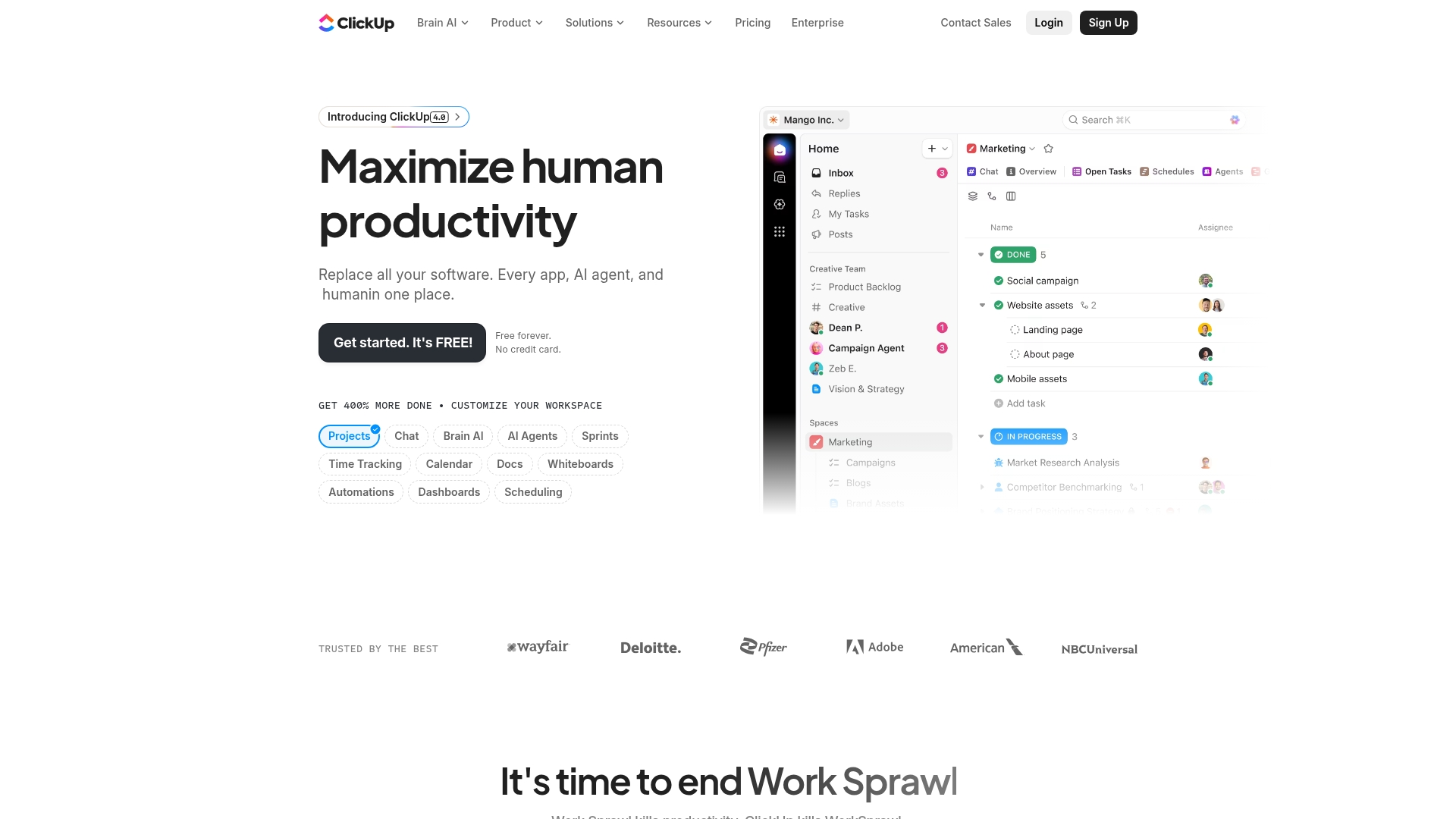
ClickUp consolidates scattered work into one unified workspace, allowing teams to ideate, collaborate, and execute without constantly switching between apps. The platform specializes in connecting brainstorming to delivery through real-time docs, whiteboards, and chat that convert directly into actionable tasks, making it ideal for teams tired of juggling multiple collaboration tools.
Example:
ClickUp consolidates tasks, docs, chat, whiteboards, and dashboards into one platform, eliminating context switching while keeping collaborative work tightly linked to execution.
Key features:
- Real-time collaborative docs and whiteboards: convert text and sticky notes directly into tasks.
- Integrated chat: with AI-powered summaries and one-click voice/video calls tied to specific work items.
- Connected Search: unifies search across ClickUp and integrated third-party apps like GitHub, Slack, and Google Drive.
Pricing:
- Free Forever: $0/month with collaborative docs, basic sprints, and 24/7 support.
- Unlimited: $7/month (annual billing) with unlimited storage, integrations, and native time tracking.
- Business: $12/month (annual billing) with unlimited dashboards, whiteboards, message history, and advanced automations.
- Enterprise: custom pricing with SSO/SCIM, data residency options, and dedicated customer success management.
- Add-ons available: for AI features, additional automations, and AI Notetaker functionality.
Considerations:
- Steep learning curve: due to extensive customization options and feature breadth.
- Total cost increases significantly: with AI add-ons and advanced automation features, potentially reducing the consolidation savings.
8. Smartsheet
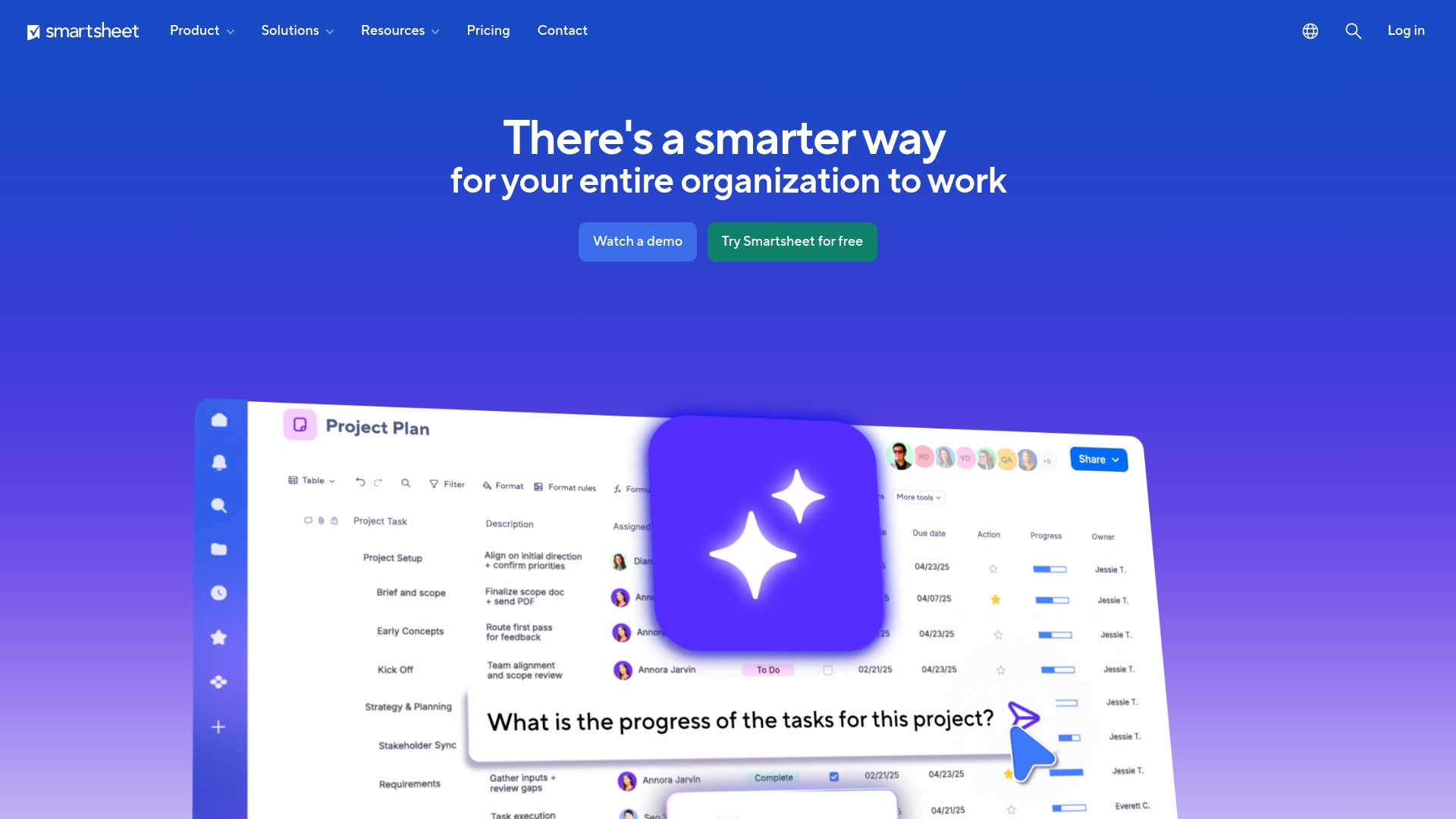
By building on the familiar spreadsheet interface, Smartsheet creates a powerful collaboration hub that scales with enterprise needs. The platform combines grid-based simplicity with advanced project management capabilities, making it perfect for organizations that want sophisticated workflow management without abandoning the interface their teams already know.
With deep integrations across Microsoft Teams, Slack, and major business tools, Smartsheet keeps collaboration flowing seamlessly across departments.
Example:
Smartsheet serves as a central collaboration hub for teams who need enterprise-grade project management with the familiar feel of spreadsheets, enabling seamless coordination across internal teams and external stakeholders.
Key features:
- Multi-view workspaces: with Grid, Gantt, Board, Calendar, and Dashboard views for flexible project visualization.
- Real-time proofing and content collaboration: with version control and asset management through integrated Brandfolder.
- Role-based WorkApps: package sheets, reports, and dashboards into custom applications for external collaboration.
Pricing:
- Pro: $9/month per member (annual) or $12/month (monthly) for 1-10 members with unlimited viewers.
- Business: $19/month per member (annual) or $24/month (monthly) for 3+ members with enhanced collaboration features.
- Enterprise: custom pricing with SAML SSO, Work Insights, and enterprise controls.
- Advanced Work Management: custom pricing bundle including Control Center, Dynamic View, and premium connectors.
- Premium apps: available separately starting from $100-125/month for features like Data Shuttle and Dynamic View.
Considerations:
- Sheet limitations: 500,000 cells and 20,000 rows, may constrain large-scale development projects.
- Many advanced collaboration features: require expensive add-ons or enterprise-level plans, potentially increasing total cost of ownership.
9. Wrike
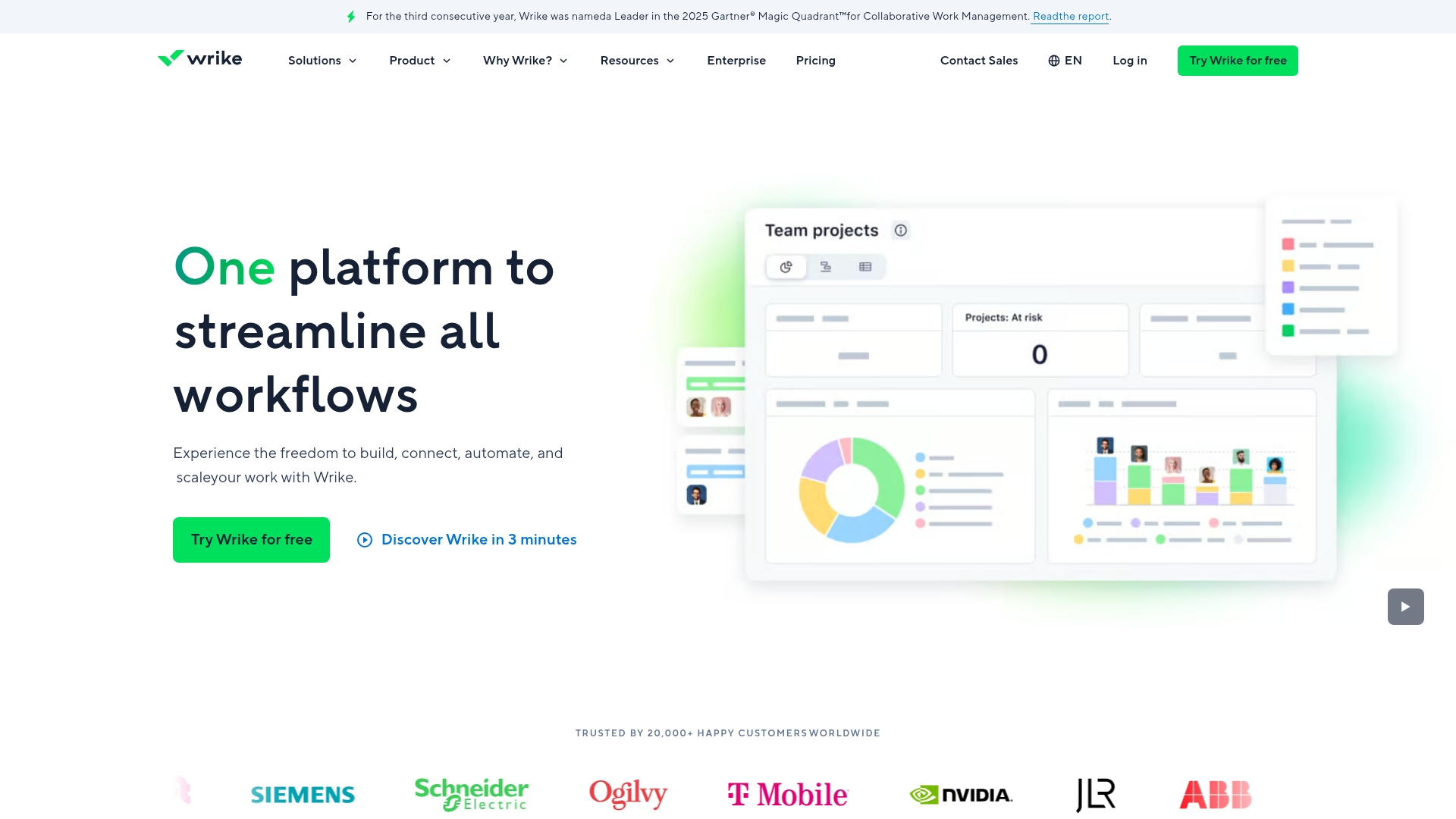
Wrike delivers workflow-powered collaboration that connects ideation to execution in one unified platform. The platform specializes in cross-functional visibility and enterprise-grade security, making it ideal for teams that need robust proofing, approvals, and resource planning capabilities.
Example:
Wrike combines visual collaboration through embedded whiteboards with structured work execution, enabling teams to move from ideas to outcomes without switching between multiple tools.
Key features:
- Visual collaboration: Wrike Whiteboard embedded directly into workspaces for workshops and diagramming.
- Native proofing & approvals: available on $30+$ file types with internal and guest approval workflows.
- Two-way developer sync: connects with developer tools like Jira and GitHub while maintaining business team workflows in Wrike.
Pricing:
- Free: $0/month with intelligent task management and AI essentials.
- Team: $10/month (billed annually, 2-15 users) with unlimited projects and Gantt charts.
- Business: $25/month (billed annually, 5-200 users) with approvals, resource planning, and proofing.
- Enterprise: quote-only with SAML SSO and advanced permissions.
- Pinnacle: quote-only with advanced reporting and budgeting features.
- Add-ons: like Wrike Integrate, Two-Way Sync, and Wrike Lock require additional fees.
Considerations:
- Whiteboard integration: currently requires paid subscriptions to both Wrike and Klaxoon platforms, adding contract complexity.
- Business tier and above: are annual-only commitments with seat purchases sold in blocks, limiting flexibility for small pilots.
10. Notion
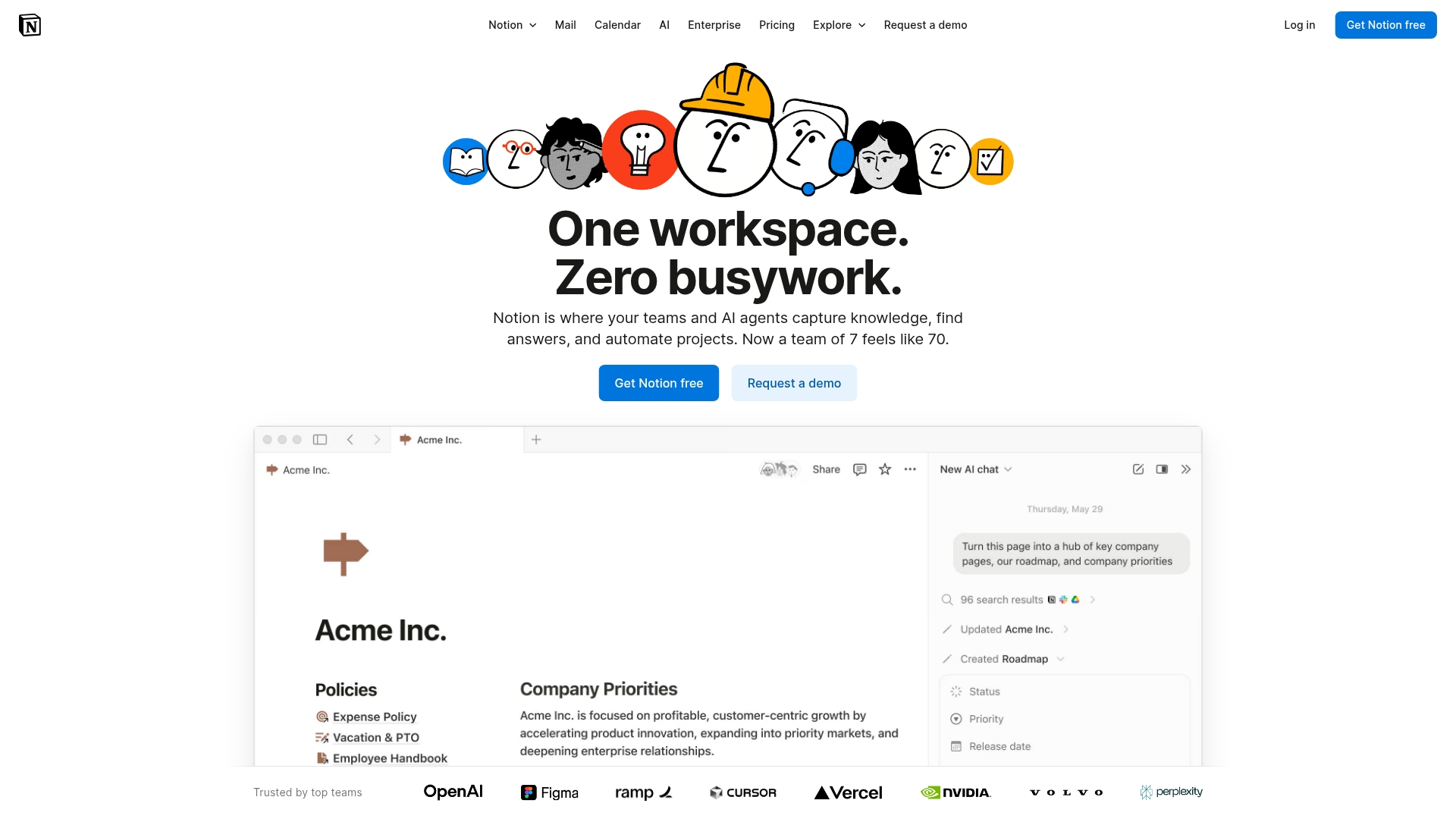
Notion brings scattered documentation, project management, and team collaboration into one unified and highly flexible workspace. The platform specializes in connected databases and AI-powered knowledge management, making it ideal for development teams who want to centralize their workflows without losing the ability to integrate with existing tools like GitHub and Jira.
Example:
Notion serves as an all-in-one workspace that unifies documentation, project tracking, and team collaboration through customizable databases and AI-powered search across connected development tools.
Key features:
- Synced databases: pull GitHub PRs and Jira issues directly into your workspace with automatic status updates through “magic words”.
- AI-powered Enterprise Search: surfaces relevant information across Notion, Slack, GitHub, and other connected tools.
- Verified Pages and wikis: with governance controls to maintain trusted knowledge and reduce documentation sprawl.
Pricing:
- Free: $0 per member/month with trial AI access and basic collaboration features.
- Plus: $10 per member/month (annual) with unlimited blocks and file uploads plus AI trial.
- Business: $20 per member/month (annual) with full AI suite, SAML SSO, and premium integrations.
- Enterprise: custom pricing with advanced security, SCIM, and zero data retention at LLM providers.
- Annual billing: saves up to 20%.
- Startup program: offers up to 6 months free for eligible teams.
Considerations:
- Synced databases: are one-way only, meaning you can’t edit GitHub or Jira data directly within Notion.
- API rate limits: average 3 requests per second, which can constrain bulk automations for larger development teams.
11. Basecamp
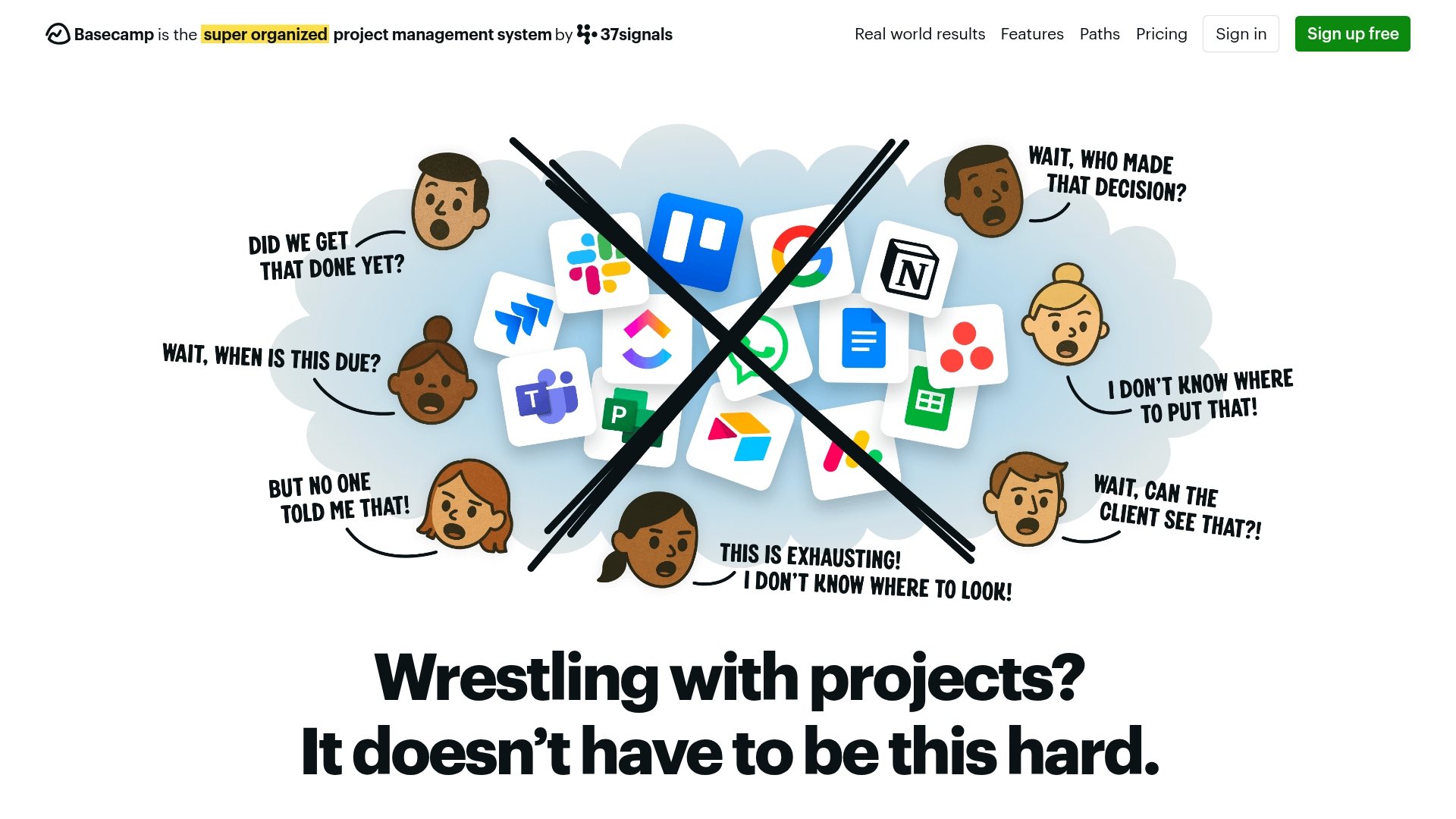
With its all-in-one workspace, Basecamp aims to replace team chaos with calm, organized collaboration by consolidating multiple tools into a single platform. It specializes in asynchronous communication and simplified project management, making it a strong choice for small to mid-sized teams looking to reduce meeting overload and tool sprawl.
Example:
Basecamp consolidates messaging, file sharing, task tracking, and project documentation into one centralized workspace, eliminating the need for multiple collaboration tools.
Key features:
- Hill Charts visualization: unique progress tracking that shows whether work is in the problem-solving phase or execution phase.
- Automatic check-ins: replace daily standups with asynchronous status updates that team members complete on their schedule.
- Client collaboration: add external stakeholders and contractors for free without separate accounts or additional costs.
Pricing:
- Free: one project, unlimited personal use.
- Plus: $15/employee/month (clients and contractors free).
- Pro Unlimited: $299/month billed annually (unlimited users, all features included).
- Add-ons: Timesheet tracking ($50/month) and Admin Pro Pack ($50/month) for Plus plans.
- Education discount: 100% free for K-12 and universities.
- Nonprofit discount: 10% off for 501(c)(3) organizations.
Considerations:
- Interface is English-only: with data hosted exclusively in U.S. datacenters, which may not meet international compliance requirements.
- Limited advanced project management features: compared to enterprise-focused platforms, potentially requiring workarounds for complex workflows.
12. Confluence
Confluence organizes scattered information into a centralized knowledge hub that keeps your entire software development team aligned. The platform’s strength lies in its seamless Jira integration and AI-powered content creation, making it ideal for teams needing to bridge the gap between planning and execution.
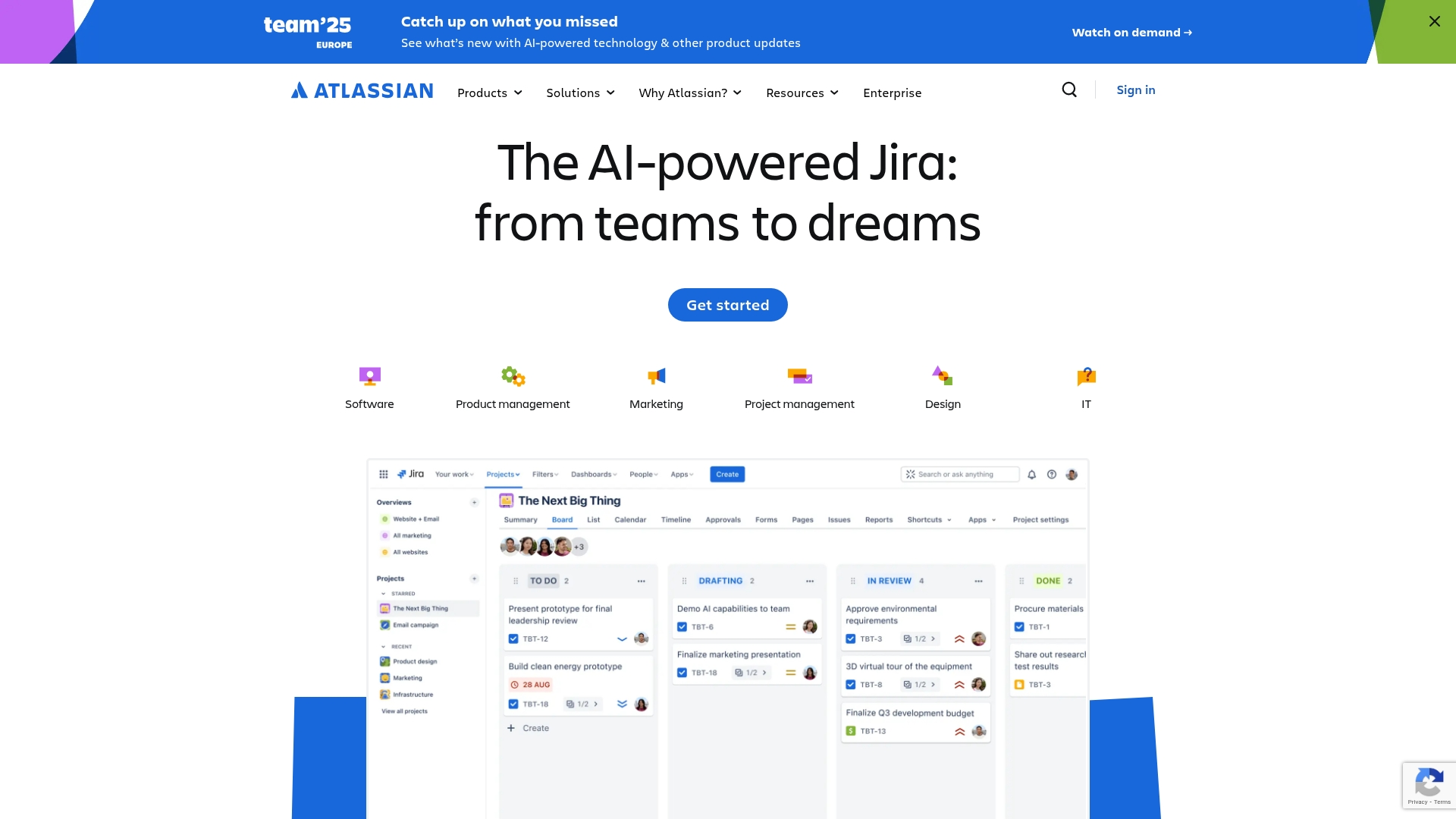
Example:
Confluence creates structured workspaces where development teams can document specs, architectural decisions, and project requirements while maintaining real-time connections to their Jira workflows.
Key features:
- Jira integration: create tasks directly from documentation pages and embed live project dashboards to keep docs synchronized with active work.
- AI-powered content creation: leverage Rovo AI for automated drafting, summarization, and cross-platform search across your entire toolchain.
- Multi-format collaboration: combine live documents, whiteboards for ideation, structured databases, and embedded video for comprehensive project communication.
Pricing:
- Free: Up to 10 users, 2 GB storage, community support.
- Standard: $5.42/user/month with advanced permissions, 250 GB storage, Rovo AI features, guest access.
- Premium: $10.44/user/month with unlimited storage, 24/7 support, 99.9% SLA, analytics.
- Enterprise: annual contract pricing with 99.95% SLA, multiple sites, enhanced security features.
- Annual billing: saves up to 17%.
- 75% academic discounts: available.
Considerations:
- Advanced features like analytics and automation quotas are locked behind higher-tier plans, potentially increasing costs as teams scale
- Cloud-only features like Loom integration aren’t available for Data Center deployments, limiting video collaboration options
13. Slack
By organizing communication into searchable channels, Slack keeps teams connected and productive. The platform excels at real-time collaboration and boasts an extensive integration library, making it the go-to choice for teams that need to centralize conversations, files, and workflows in one place.
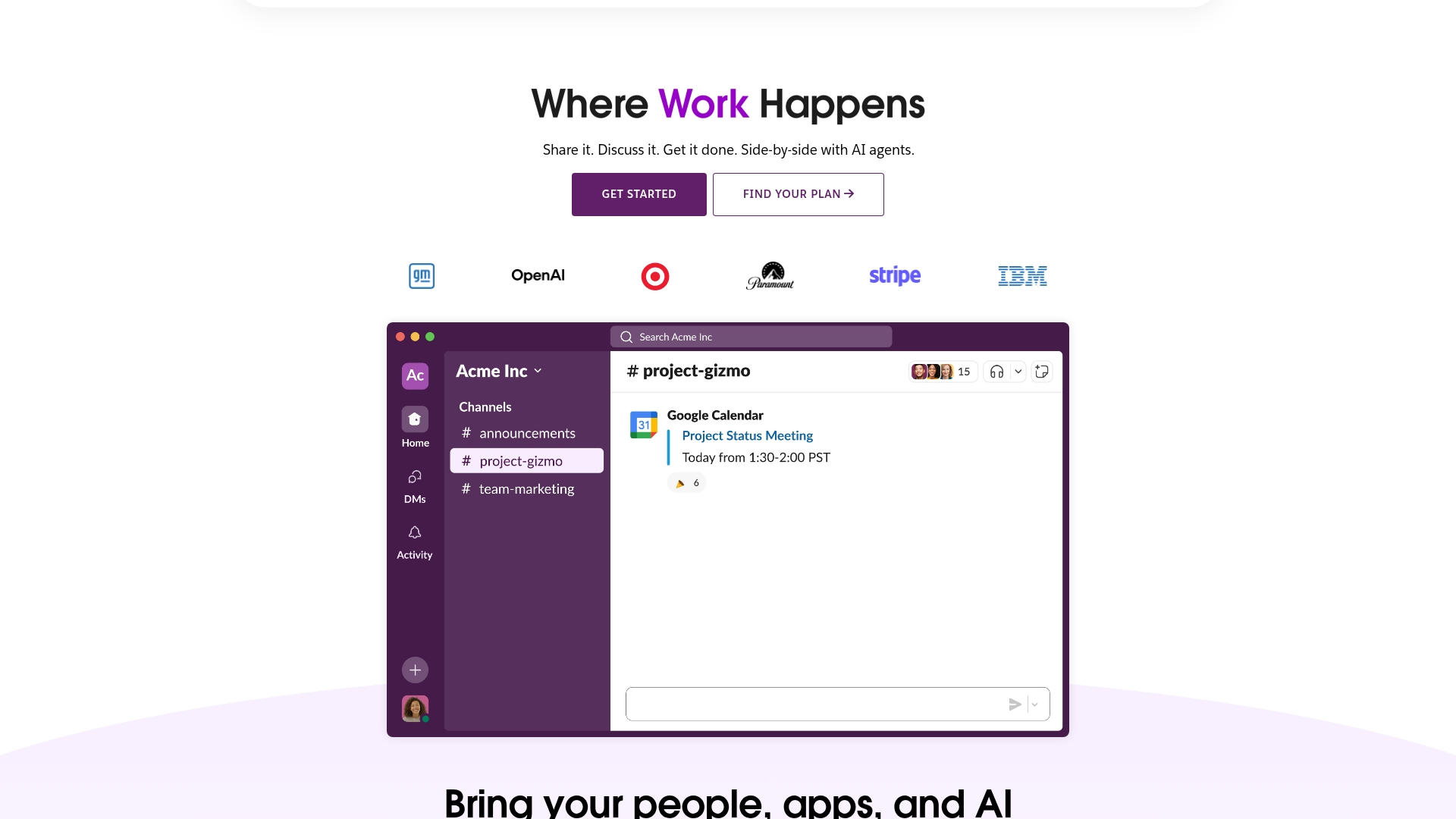
Example:
Slack enables teams to collaborate across departments and even external organizations through secure channels, reducing email clutter while maintaining searchable project history.
Key features:
- Channel-based organization: create dedicated spaces for projects, teams, or topics with persistent, searchable message history.
- Slack Connect: collaborate securely with external partners and clients through shared channels and direct messages.
- Workflow automation: build no-code automations with AI assistance to streamline repetitive processes and approvals.
Pricing:
- Free: $0/month with 90-day message history and basic features.
- Pro: $7.25/month per user (annual) or $8.75/month (monthly) with unlimited history and integrations.
- Business+: $15/month per user (annual) or $18/month (monthly) with advanced AI and Salesforce integrations.
- Enterprise+: custom pricing with enterprise search and full security features.
- Nonprofit and education discounts: available (85% off Pro and Business+ plans).
Considerations:
- Free plan limitations: include restricted message history and basic huddle functionality that may not suit growing teams.
- Effective channel management: requires discipline to prevent notification overload and maintain organized conversations.
14. Microsoft Teams
Microsoft Teams delivers enterprise-grade collaboration that unifies chat, meetings, and file sharing in one workspace. The platform specializes in deep Microsoft 365 integration with robust security features, making it ideal for organizations already invested in the Microsoft ecosystem.
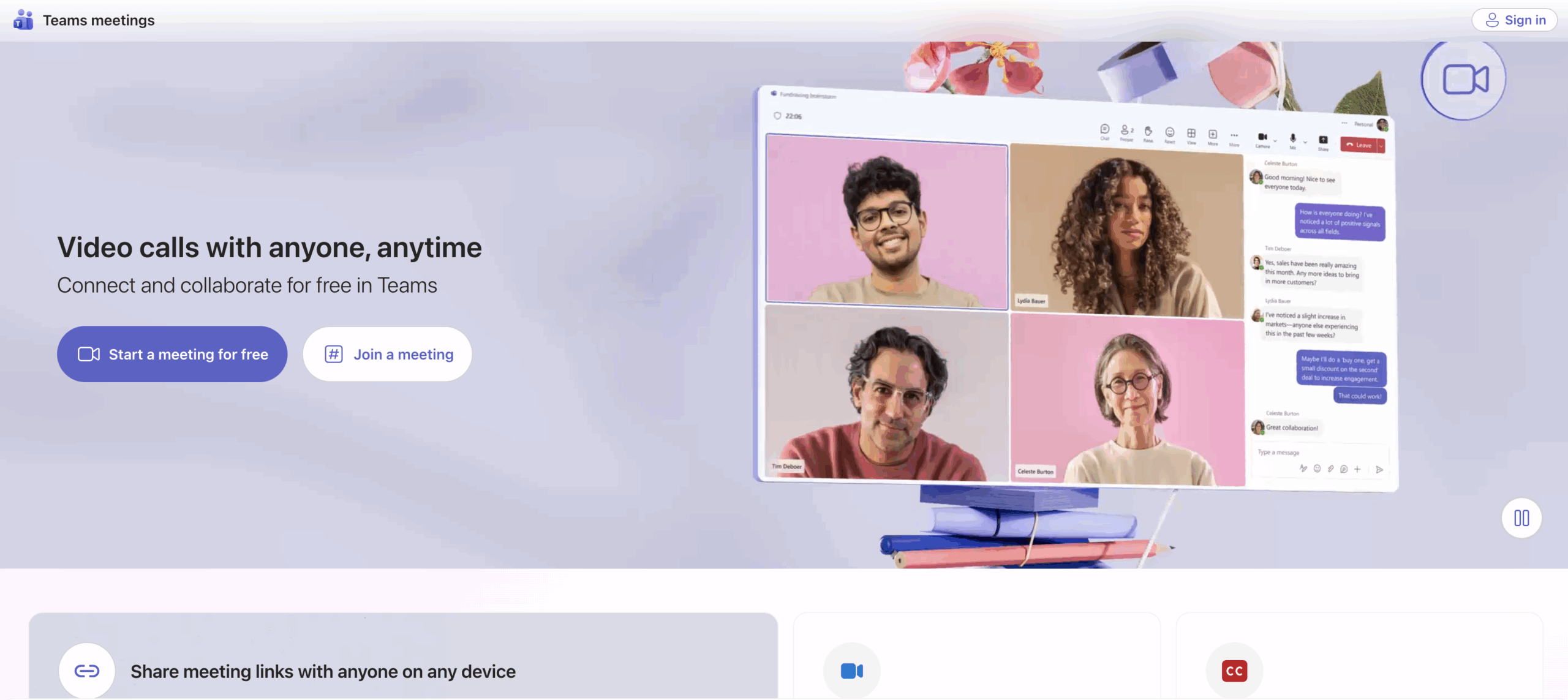
Example:
Microsoft Teams serves as the collaboration front-end for Microsoft 365, reducing tool sprawl by integrating files, meetings, mail, calendar, and security compliance natively within one platform.
Key features:
- Deep Microsoft 365 integration: with SharePoint, OneDrive, and Office apps for seamless file collaboration and co-authoring.
- Developer-focused integrations: with GitHub, Azure DevOps, and Jira that deliver notifications and actions directly in Teams channels.
- AI-powered meeting assistance: through Copilot that summarizes conversations, suggests action items, and provides real-time insights.
Pricing:
- Microsoft Teams Free: free tier available.
- Teams Essentials: $4.00/month per user (annual billing).
- Business Basic: $6.00/month per user (includes Teams with Microsoft 365).
- Business Standard: $12.50/month per user (includes Teams with Microsoft 365).
- Business Premium: $22.00/month per user (includes Teams with Microsoft 365).
- Teams Premium: $10.00/month per user add-on (annual billing).
- Microsoft 365 Copilot: $30.00/month per user add-on (annual billing).
- Teams Phone Standard: $10.00/month per user.
- Monthly billing: carries a 5% premium over annual billing.
Considerations:
- End-to-end encryption: has significant limitations, only supporting 1:1 calls by default and requiring Teams Premium for meetings while disabling key features like recording and captions.
- Advanced collaboration features and AI capabilities: often require paid add-ons, which can increase costs significantly beyond the base subscription.
15. Linear
Linear provides a lightning-fast issue tracking system designed for modern software teams that refuse to compromise on speed or quality. The platform’s opinionated workflows and AI-powered collaboration make it a favorite among high-growth startups and enterprises building the next generation of software products.
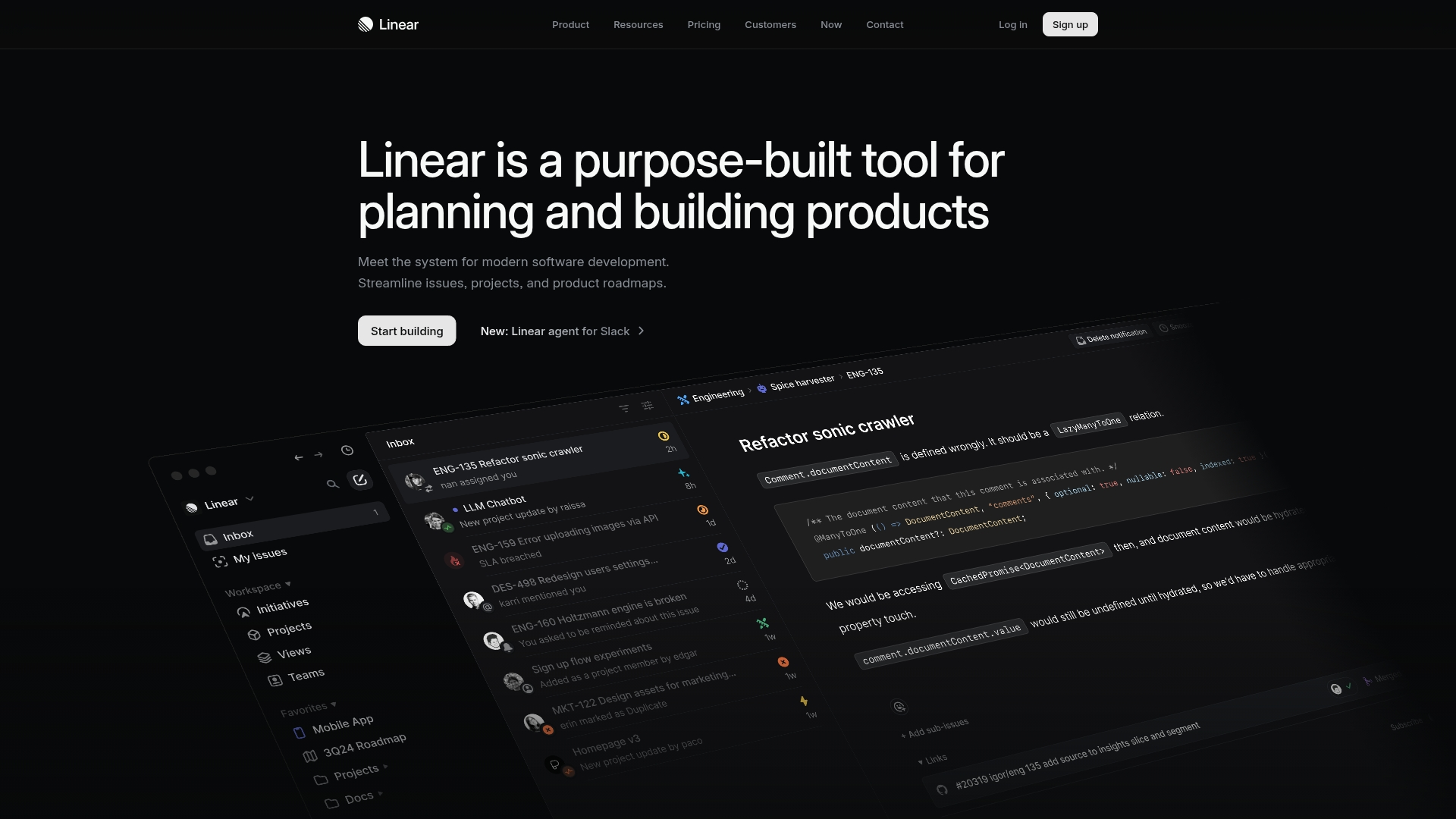
Example:
Linear serves as a unified system of record for product work across issues, projects, cycles, and long-term initiatives, with real-time sync and AI-powered routing that connects engineering, product, and business teams seamlessly.
Key features:
- AI-powered collaboration: agents act as artificial teammates you can assign work to, while Triage Intelligence automatically suggests routing, assignees, and labels for incoming issues.
- Unified intake system: linear Asks standardizes internal and external requests from Slack and email, flowing directly into your triage workflow with bi-directional thread sync.
- Deep integrations: native connections with Slack, GitHub, GitLab, Figma, and customer support tools like Zendesk create a seamless workflow from feedback to deployment.
Pricing:
- Free: $0 for unlimited members, two teams, 250 issues, includes Slack/GitHub integration and AI agents.
- Basic: $10/month per user (billed yearly) with unlimited issues, 5 teams, unlimited file uploads, and admin roles.
- Business: $16/month per user (billed yearly) adds unlimited teams, Triage Intelligence, Linear Insights, Linear Asks, and SLAs.
- Enterprise: custom pricing with advanced security, SAML/SCIM, Dashboards, and migration support.
- Startup program: offers up to six months free for eligible companies.
- Nonprofits: receive 75% off Basic and Business plans.
Considerations:
- Advanced analytics and enterprise identity: controls require higher-tier plans, which may increase costs for growing teams.
- The third-party ecosystem: is smaller compared to established platforms like Atlassian, potentially limiting deep customization options.

How to select the best collaboration platform for your dev team
Choosing the right platform is less about a checklist of features and more about finding the engine that will power your team to ship incredible products, faster. The right tool becomes a central hub that accelerates your entire development cycle, whereas a rigid one just creates drag. Your decision should be focused on building for speed and creating a seamless workflow.
Your team’s unique workflow is its competitive advantage, so don’t settle for a tool that imposes a generic process. The best platforms provide complete freedom to design the exact sprints, backlogs, and roadmaps you need, whether you’re running pure Scrum or blending methodologies. This level of adaptability empowers teams to hit their goals and focus on what they love: building.
A truly connected workspace integrates all your essential tools, from GitHub and Jira to Slack, into a single, uninterrupted flow, ending the productivity-killing chaos of context switching. When engineering, product, and leadership all operate from a shared source of information, the entire organization gains the clarity and confidence to move as one, turning great teams into unstoppable ones.
Key benefits of software project collaboration platforms
When a development team must navigate a maze of disconnected tools, progress grinds to a halt and resources are wasted. A unified platform acts as a command center, clearing the fog by giving everyone a direct line of sight into what is happening, what is blocked, and what is next. This shift from chaos to clarity yields three primary benefits:
- Ensures organizational alignment: establishes a definitive single source of truth that aligns engineering, product, and leadership around shared goals, ensuring the features built directly drive business value.
- Accelerates delivery: replaces fragmented process management with a streamlined, unified workflow, allowing teams to focus on shipping game-changing products faster.
- Empowers teams with flexibility: grants complete visibility and control over the entire development lifecycle, allowing teams to design high-performance workflows and efficiently tackle backlogs with confidence.
Implementation strategies for development collaboration platforms
An effective rollout isn’t a massive, top-down overhaul; it’s about building unstoppable momentum. Kick things off with a hand-picked pilot team, to score some quick wins and demonstrate the value of a more connected workflow from day one. When other teams see them shipping faster and collaborating without friction, they won’t need convincing; they’ll be asking how they can get in on the action.
Adoption should feel like a powerful upgrade, not a mandate. With a flexible platform like monday dev, you can embrace your team’s unique rhythm by molding the tool to fit your existing workflows, whether you live in sprints, Kanban boards, or something in between. This approach respects the processes your team already knows and trusts, ensuring a smoother transition.
From there, you can bridge the gaps between engineering, product, and leadership to create a single, authoritative view for everyone. Developers get to focus on code without endless status meetings, stakeholders gain instant visibility into progress, and your entire organization becomes aligned to ship better products, faster. This is how you turn siloed groups into one high-performing, confident team.
Transform your development process with monday dev
Stop letting rigid tools dictate how your team builds. monday dev gives you the keys to design the exact development process you need, whether that’s classic Scrum, a custom hybrid, or something entirely new. With customizable sprint boards, backlog management views, and flexible roadmap planning, you can mould every workflow to match your team’s unique rhythm.
Remember, your platform should adapt to your team, not the other way around.
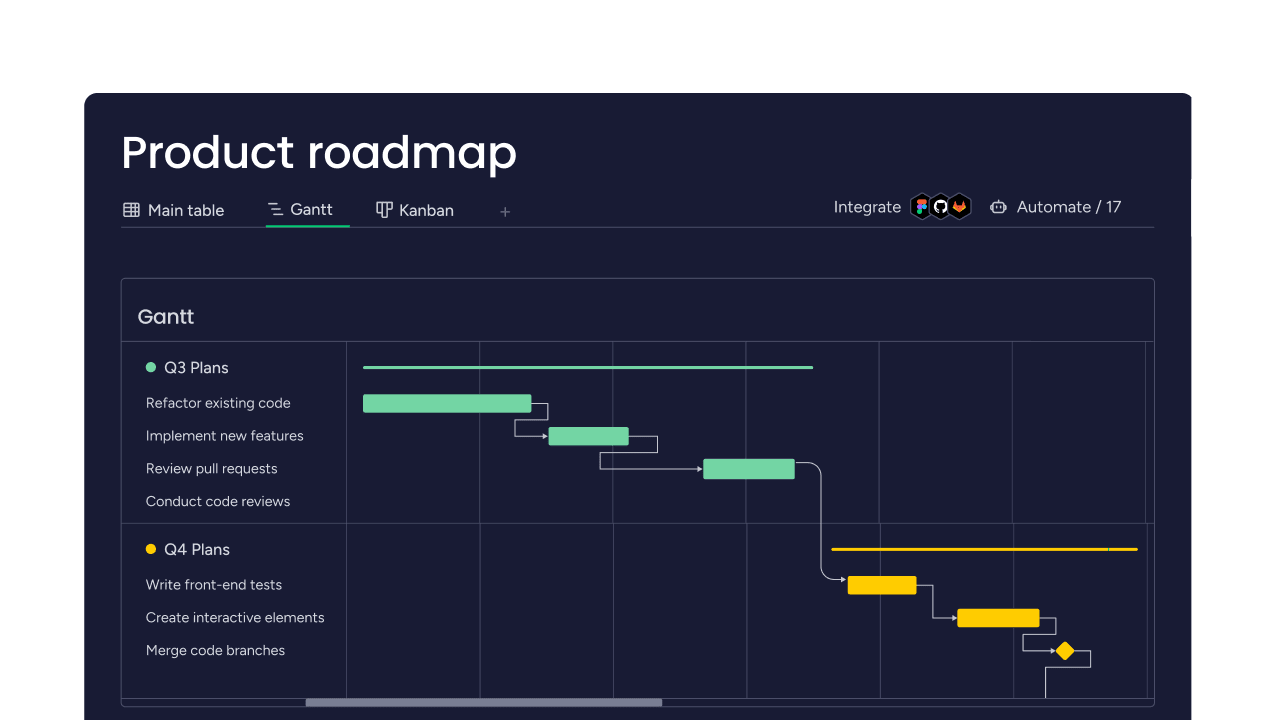
Visualize your entire product lifecycle — from big ideas to the final deploy — all in one place. Our unified workspace connects your engineering, product, and leadership teams through real-time dashboards that aggregate data from GitHub, GitLab, and your CI/CD pipelines. With two-way sync keeping code commits, pull requests, and deployment status automatically updated on your boards, everyone operates from the same source of truth. This means less time spent chasing updates and more time building amazing products.
With powerful visibility also available through customizable views (from Kanban and Gantt to Calendar and Timeline) your team gains the control to spot roadblocks early and keep momentum high.
Plus, in-IDE access through our VS Code extension lets developers update boards without breaking their flow. It’s all about empowering your developers to own their workflow and deliver faster than ever before.
The content in this article is provided for informational purposes only and, to the best of monday.com’s knowledge, the information provided in this article is accurate and up-to-date at the time of publication. That said, monday.com encourages readers to verify all information directly.
Frequently asked questions
How do software development teams collaborate effectively using these platforms?
To collaborate effectively using these platforms, software development teams use a single, unified platform to manage the entire development lifecycle, from planning to deployment. This centralizes work, eliminates context-switching, and creates a shared understanding that keeps everyone in sync and accelerates progress.
What makes a collaboration platform effective for software developers?
An effective platform offers the flexibility to design custom workflows that match a team's process. It must also integrate seamlessly with the existing tech stack (like GitHub and CI/CD tools) and provide full visibility to all stakeholders, adapting to the team's needs.
Which collaboration platforms work best for remote development teams?
The best platforms for remote teams excel at both asynchronous and real-time collaboration. They provide transparent progress tracking and clear communication channels, which keeps everyone aligned without constant meetings and gives developers the autonomy they need to be productive.
How much do enterprise development collaboration platforms typically cost?
Costs vary widely based on team size, required features, and the specific vendor. When evaluating options, consider the total cost of ownership, including integrations, add-ons, and maintenance. The key is to find a platform that delivers a clear return on investment through increased efficiency and faster delivery.
What integrations are essential for developer collaboration platforms?
Essential integrations connect to your core development toolchain, including source control (GitHub, GitLab), CI/CD pipelines, and communication hubs (Slack, Teams). The most powerful platforms also include robust native features to reduce overall toolchain complexity and reliance on third-party apps.
How do you measure ROI from a collaboration platform implementation?
Measure ROI by tracking concrete improvements in key performance indicators. Look for reduced cycle times, faster time-to-market, a lower bug rate post-deployment, and increased team velocity. Ultimately, a successful platform helps your team ship more high-quality product, faster.

 Get started