


Three weeks into what seemed like a straightforward project, you’re suddenly fielding requests for work you never discussed. And it’s all because you’re missing an essential project document.
A statement of work (SOW) defines exactly what you’ll deliver, when you’ll complete it, and how you’ll measure success. It transforms vague agreements into concrete commitments that protect both parties and keep projects on track. Unlike contracts that focus on legal terms, an SOW dives into the operational details that determine whether a project succeeds or fails.
Here’s everything you need to create an effective SOW, including choosing the right type and how to turn static documents into live project systems with monday.com.
Try monday.comKey takeaways
- Define exactly what “done” looks like: Create specific deliverables, timelines, and acceptance criteria to eliminate confusion and protect both parties from disputes or unmet expectations.
- Prevent scope creep with formal boundaries: Explicitly list what’s included and excluded in your project, then require written change requests for any additions to protect budgets and deadlines.
- Choose the right SOW type for your project: Use design-detail SOWs for fixed requirements, level-of-effort for flexible timelines, or performance-based when focusing on outcomes over methods.
- Transform static documents into live project tracking: monday.com connects SOW milestones directly to real-time dashboards, automated alerts, and AI-powered risk detection for proactive project management.
- Structure payments around milestone completion: Link financial schedules to specific project deliverable approvals rather than time periods to incentivize progress and protect cash flow.
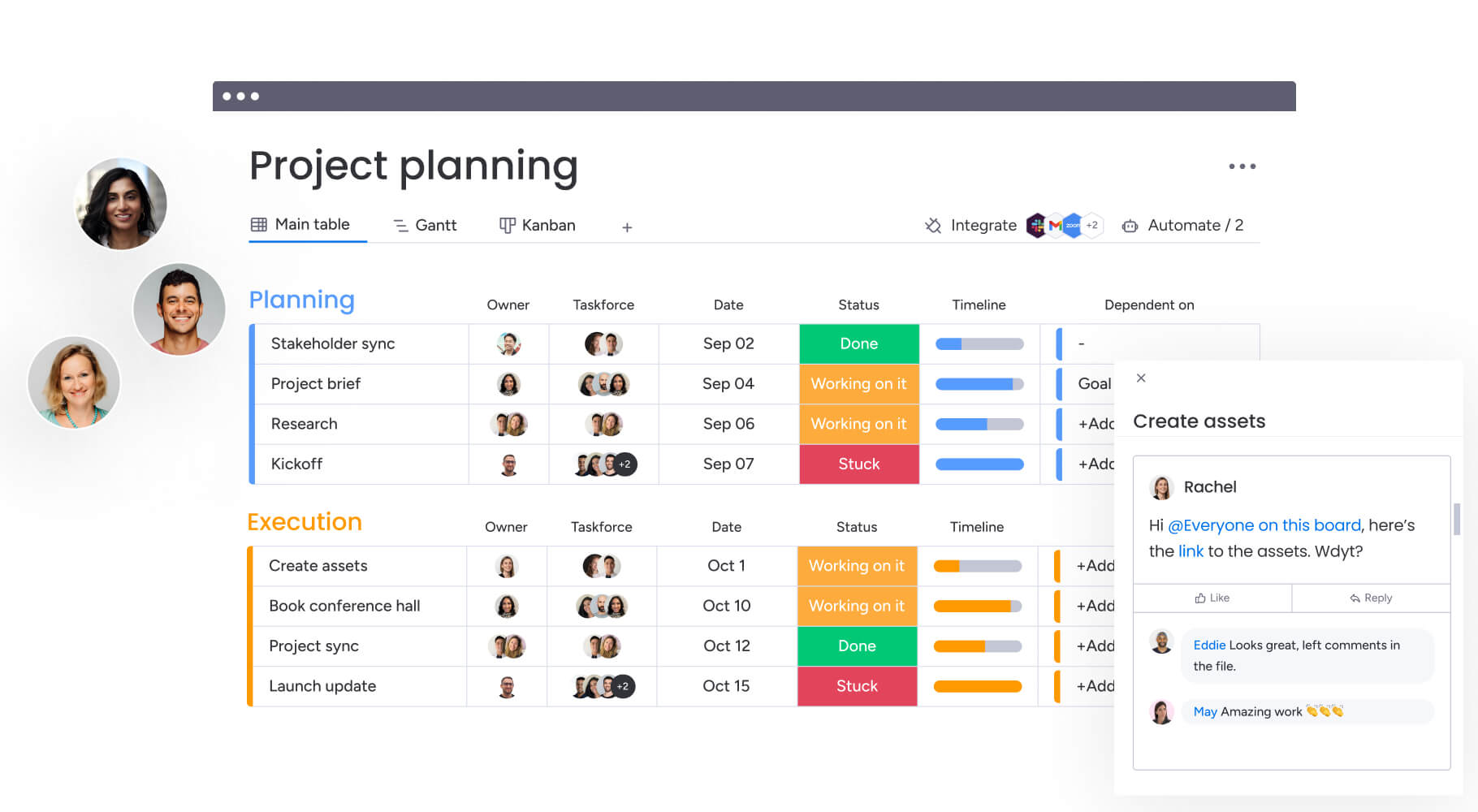
What is a statement of work (SOW)?
A statement of work defines all aspects of a project between two parties (typically a client and service provider). It captures specific activities, deliverables, timelines, and how the work gets done. Unlike verbal agreements or brief email summaries, an SOW serves as the single source of truth that eliminates ambiguity about what “done” looks like.
Some situations where you might need an SOW include:
- External vendor relationships: When hiring an agency for marketing, IT, or logistics, an SOW ensures your project deliverables match the investment
- Complex internal projects: For cross-departmental initiatives, such as IT rolling out new software to HR, an SOW specifies resource allocation and responsibilities
- Consulting engagements: It distinguishes between strategic advice (deliverables) and implementation (often a separate scope)
- Software development: It defines feature sets, testing protocols, and launch criteria to prevent perpetual development cycles
- Creative services: It specifies revision rounds and asset formats to keep creative projects profitable and on time
What are the benefits of using a statement of work?
A statement of work protects your project’s ROI. Executives use SOWs to make sure spending matches strategic goals and risks are identified before money goes out the door. A solid SOW achieves the following benefits.
Establishes legal protection for all parties
An SOW creates a framework that protects both buyer and provider. By documenting terms in detail, it becomes your go-to reference during disputes.
Example: If a client claims a deliverable is missing, the SOW provides evidence of whether that deliverable was ever purchased. Conversely, if a vendor fails to meet a deadline, the SOW outlines the recourse available to the client. This cuts down on lawsuits and helps preserve the relationship when problems pop up.
Learn more: AI dispute follow-up agent
Creates measurable project boundaries
Scope creep (the gradual expansion of requirements without budget or timeline adjustments) is the most common reason projects fail. An SOW draws a hard line around what’s included in the project. It lists what’s out of scope, so project managers can push back on new requests without guilt.
Example: In a website redesign, an SOW specifies that designing pages is included while writing content for those pages is not. This prevents a massive workload increase for the design team.
Delivers accurate budget and timeline planning
Detailed SOWs allow for realistic resource allocation. You cannot accurately budget for a project without knowing the granularity of work involved.
Breaking down work into specific deliverables and milestones lets organizations forecast cash flow requirements and resource availability.
Example: A software implementation SOW might reveal that Phase 3 (user testing) depends on the client’s IT team completing security reviews in Phase 2. Identifying this dependency upfront allows the project manager to schedule IT resources months in advance rather than discovering the bottleneck 2 weeks before launch when those resources are already committed elsewhere.
Strengthens cross-team collaboration
Projects often stall because different teams use different terminology or have different assumptions about success. An SOW aligns stakeholders around a shared dictionary of deliverables and objectives.
Example: A marketing team might define “campaign launch” as publishing ads, while the sales team expects a full lead nurturing sequence and CRM integration. An SOW clarifies that “launch” includes both, preventing the sales team from discovering missing components weeks after go-live.
Statement of work vs. contract vs. scope of work vs. MSA vs. proposals
Confusion regarding project documentation often leads to redundancy or legal exposure. While the following documents are related, they serve distinct functions in the commercial lifecycle. Here’s a clear comparison between SOWs and other essential documents.
| Document type | Primary purpose | Level of detail | Duration | Key focus |
|---|---|---|---|---|
| Statement of work (SOW) | Defines specific project execution, deliverables, and timelines | High (granular) | Project-specific (short-term) | Here is exactly what we are doing so things don't go wrong |
| Contract | Establishes the legal relationship, liability, and payment obligations | High (legal) | Project or relationship-based | If things go wrong, here is who is liable" — the legal wrapper for SOWs |
| Scope of work | A section within the SOW defining what is being built | Medium | Project-specific | Defines the "what" without the how, when, who, or how much |
| Master service agreement (MSA) | Sets baseline terms for an ongoing business relationship | High (broad) | Long-term (years) | Handles the heavy legal lifting once so multiple SOWs can be executed quickly |
| Project proposal | A sales document designed to persuade and win business | Medium (marketing-focused) | Pre-contract | Contains estimates and idealistic timelines; becomes an SOW after negotiation and signature |
Learn more: AI contract renewal agent
3 main types of statement of work
Different project methodologies require different SOW structures, based on the nature of work and the desired risk profile. Each type serves specific project scenarios and risk tolerance levels.
Design and detail SOW
The most rigid type of SOW is a strong fit when the client knows exactly what they want. It specifies exact materials, measurements, and quality standards required. The vendor has little autonomy regarding how the work gets done; they simply execute instructions.
Key characteristics:
- Best for: Construction, manufacturing, or government contracts where strict adherence to specifications is mandatory
- Risk profile: Low risk for client, high risk for vendor
- Example: “Build a 10-page React application using the provided Figma designs, hosted on AWS, with these exact security protocols”
Level of effort SOW
Also known as time and materials (T&M), this SOW focuses on resources provided rather than fixed output. The deliverable is the time and expertise of staff and the approach is common when the scope remains unclear or likely to change rapidly.
Key characteristics:
- Best for: Agile software development, staff augmentation, or research projects
- Risk profile: Shared risk between client and vendor
- Example: “Provide two senior DevOps engineers for 40 hours per week for 6 months to assist with infrastructure scaling”
Performance-based SOW
This SOW focuses on the outcome rather than the method. The client defines the problem and success metrics, leaving the vendor free to determine the best solution. This transfers risk to the vendor but often incentivizes creative and effective solutions.
Key characteristics:
- Best for: Digital marketing, IT consulting, or procurement
- Risk profile: High risk for vendor, low risk for client
- Example: “Increase organic web traffic by 25% within 6 months,” regardless of whether that requires 10 blog posts or 100
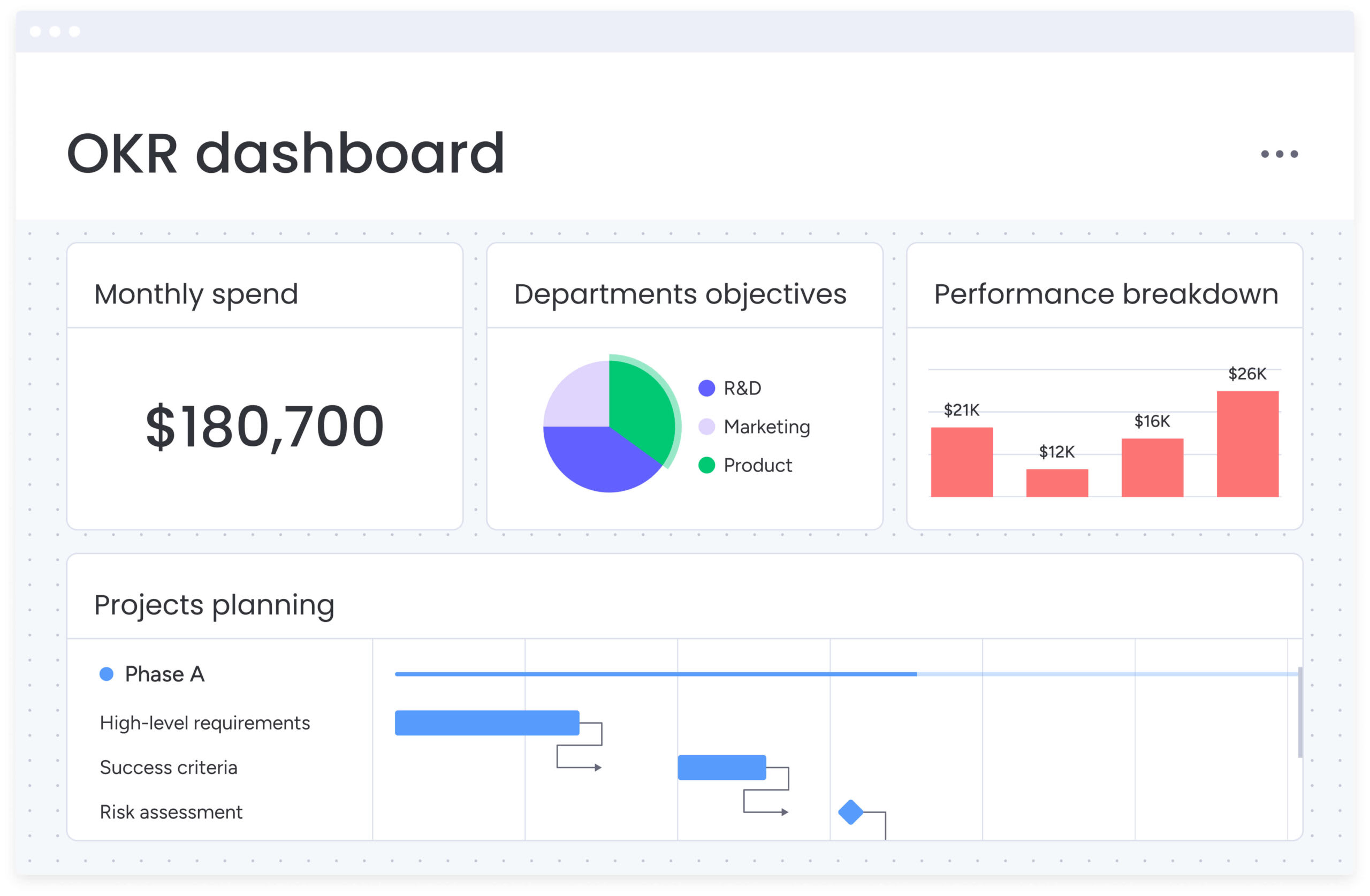
12 essential components of an effective SOW
While formats vary by industry, a comprehensive SOW must include specific components to ensure all project dimensions are covered. Missing any of these elements introduces risk and creates opportunities for misunderstanding. The following list outlines each essential component and explains why it matters for creating accountability and alignment.
- Executive summary and project overview: A high-level narrative explaining why the project is happening. It aligns stakeholders on business value and strategic goals before diving into technical details.
- Detailed scope of work description: The specific list of work to be performed. This section must explicitly state what is in scope and, equally importantly, what is out of scope to prevent ambiguity.
- Specific deliverables and outputs: A tangible list of what the client will physically (or digitally) receive. Items must be nouns, not verbs (e.g., “Monthly Analytics Report” rather than “Analyzing data”).
- Project timeline and key milestones: A schedule linking deliverables to dates. This includes start date, end date, and critical checkpoints where approvals are required to proceed.
- Acceptance criteria and quality standards: The objective definition of “done.” This defines testing protocols or quality benchmarks a deliverable must pass to be invoiced.
- Roles and responsibilities matrix: A definition of who is responsible for what, often using a RACI model. It specifies who has authority to approve deliverables and who provides raw materials.
- Payment terms and invoicing schedule: The financial structure of the agreement. It details whether payments are tied to time (monthly) or performance (milestone completion) and payment terms (e.g., Net-30).
- Project assumptions and dependencies: A list of conditions that must be true for the project to succeed. This protects the vendor if delays are caused by the client (e.g., “Project assumes client provides API access by Day 1”).
- Communication and reporting protocols: The cadence of governance. It defines how often status meetings occur, what reports are generated, and which platforms will be used.
- Change management procedures: The formal process for altering the SOW. It outlines how change requests are submitted, how impact on cost/time is calculated, and who must sign off.
- Risk mitigation strategies: An assessment of potential failure points and agreed-upon plans to address them. This proactive approach minimizes panic if issues arise.
- Termination and exit clauses: The specific conditions under which the project can be paused or cancelled. It defines ownership of incomplete work and final payment obligations.
How to write a statement of work in 6 steps
Writing an SOW is a systematic process of refining vague ideas into concrete commitments. Follow a structured approach to create a final document that’s operationally viable.
Step 1: Define project objectives and success metrics
Begin by establishing the “why.” Before listing work items, specify the business problem the project solves. Define success using quantitative metrics (KPIs) whenever possible.
If the objective remains vague, the deliverables will be equally unclear. Alignment on what success looks like prevents dissatisfaction at project close, even if all work is technically completed.
Step 2: Map out all deliverables and requirements
Brainstorm every tangible item the project will produce. Work backward from the final outcome to identify every intermediate step required. Group these deliverables logically.
Be exhaustive; if a requirement isn’t listed here, the vendor is not obligated to provide it. This step often requires input from technical leads to ensure feasibility.
Step 3: Build a realistic timeline with milestones
Sequence the deliverables into a logical flow. Identify dependencies — items that cannot start until a previous item finishes. Assign realistic dates to these milestones, building in buffer time for review cycles and unexpected delays.
A realistic timeline that accounts for review cycles and unexpected delays is structured for success.
Step 4: Assign roles and set communication expectations
Determine who will do the work and who will approve it. Identify the single point of contact for both client and vendor to streamline communication. Define the escalation path for issues the project team cannot resolve.
Ownership prevents the “bystander effect” where critical items get ignored because no one knew they were responsible.
Step 5: Include payment terms and budget details
Link the financial schedule to project milestones. Avoid front-loading all payments; instead, structure payments to trigger upon acceptance of specific deliverables. This incentivizes progress and protects the client’s cash flow.
State any variable costs, such as travel expenses or software licensing fees.
Step 6: Add legal protections and approval processes
Incorporate standard legal clauses regarding intellectual property ownership, confidentiality (NDAs), and warranties. Define the formal sign-off mechanism, whether digital signature or email confirmation is required for acceptance.
This step finalizes the document as a binding agreement ready for execution.
Try monday.com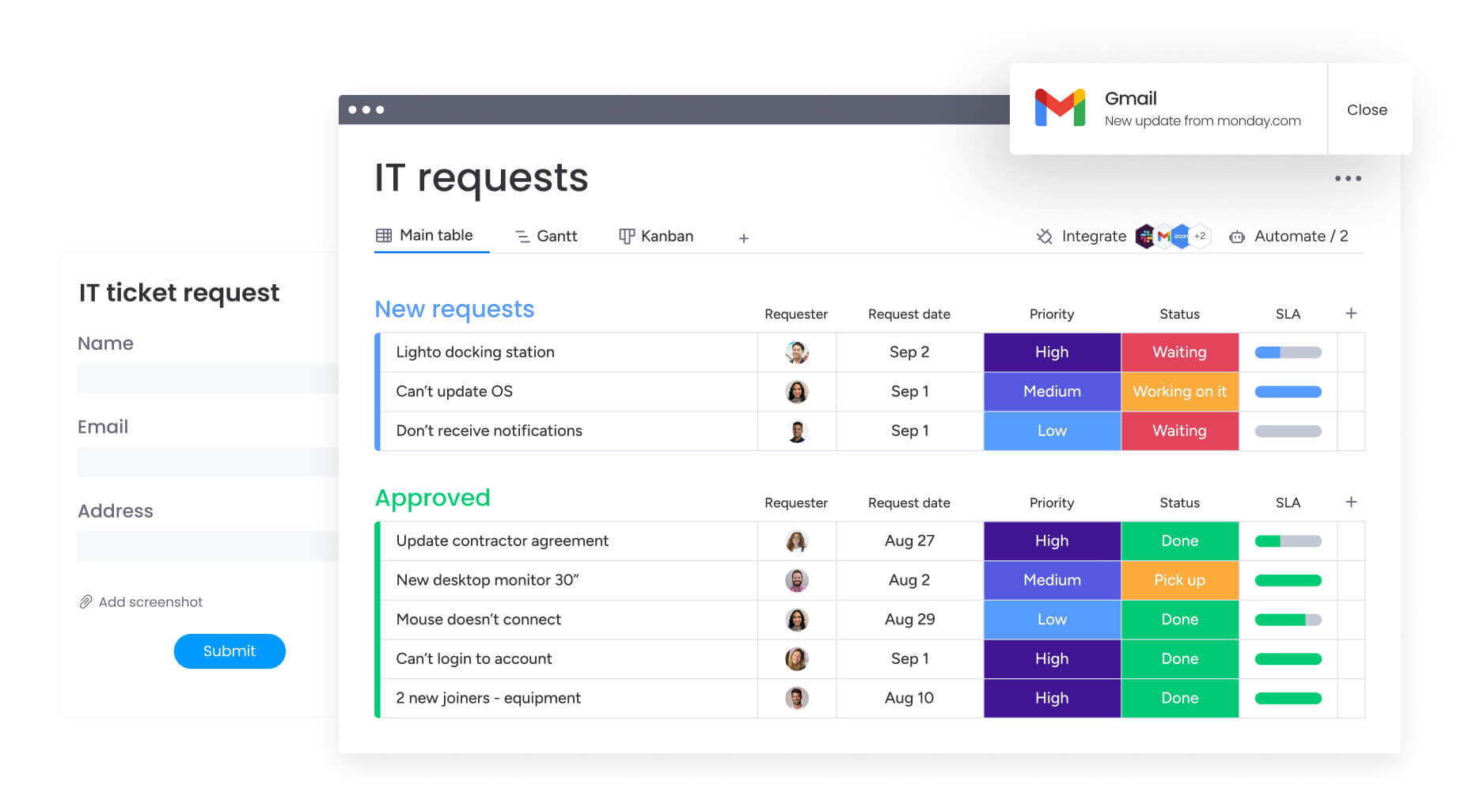
Modern SOW best practices for distributed teams
Your SOW should be relevant to your team members, wherever they work. Include the following best practices to reflect how your remote, hybrid, and on-site team members work together.
Define digital collaboration requirements
Modern SOWs must specify the “digital headquarters” for the project. This includes mandating use of specific work management platforms, file-sharing protocols, and access rights.
Defining the platform upfront prevents fragmentation where half the team works in email and the other half in a project board.
Specify response times across time zones
“End of day” means different things in London, New York, and Tokyo. SOWs for distributed teams must define communication windows and expected response times (SLAs) for inquiries.
Using Coordinated Universal Time (UTC) for deadlines eliminates ambiguity and prevents missed handoffs due to time zone confusion.
Include remote work security protocols
With teams accessing data from various locations, security cannot be an afterthought. The SOW should explicitly detail requirements for VPN usage, two-factor authentication, and device compliance.
It specifies who owns data on personal devices and how access gets revoked upon offboarding.
Set virtual meeting and reporting cadences
To maintain focus and ensure visibility, the SOW should define a sustainable meeting rhythm. Distinguish between synchronous “stand-ups” and asynchronous status reports.
Establishing a “written-first” culture in the SOW documents decisions in the work management platform rather than lost in video calls.
How to manage SOW changes and protect project scope
While change is inevitable, managing it effectively is the key to project success. The difference between an agile pivot and scope creep lies entirely in how the change gets managed and documented within the SOW framework. Here’s how.
Implement formal change request processes
The SOW should outline that any deviation from the original scope needs a formal change request form (CRF). This document describes the change, the reason for it, and crucially, the impact on timeline and budget.
Requiring a signature on a CRF stops casual, verbal requests from inflating the workload.
Track modifications in real time
Managing changes requires a centralized log accessible to all stakeholders. Instead of burying changes in email threads, they should be tracked in a shared digital workspace.
This visibility makes sure everyone understands the current version of scope, preventing teams from working on outdated requirements.
Automate alerts for scope deviations
Modern platforms allow for automated monitoring of project health. SOW management benefits from setting triggers that alert project managers when hours spent approach the cap or when a milestone date is at risk.
Organizations using monday.com can configure automations to send instant notifications as new risks emerge, helping teams stay ahead of problems.
Document timeline and budget impacts
Every “yes” to a new feature implies a “no” to an existing deadline or budget cap. The change management process must explicitly quantify this trade-off.
Presenting the impact analysis (“We can add feature X, but it will delay launch by two weeks and cost $5,000”) allows stakeholders to make informed business decisions rather than emotional ones.
Transform static SOWs into living project documents with monday.com
Traditional SOWs are often static PDF documents, which can become disconnected from day-to-day work once a project begins. monday.com solves this by transforming the SOW from a passive document into an active operating system for the project. Mapping SOW requirements directly to digital workflows allows organizations to close the gap between what was promised and what gets delivered.
| Capability | Traditional SOW management | monday work management |
|---|---|---|
| Visibility | Static document buried in email/Drive | Live dashboards accessible to all stakeholders |
| Progress tracking | Manual updates in spreadsheets | Real-time status updates linked to deliverables |
| Risk management | Reactive (discovered after deadlines miss) | Proactive (AI and automation flag risks early) |
| Collaboration | Disconnected emails and chats | Contextual communication directly on items |
| Change control | Verbal agreements or lost email threads | Formalized, trackable change request workflows |
Connect SOW milestones to live project tracking
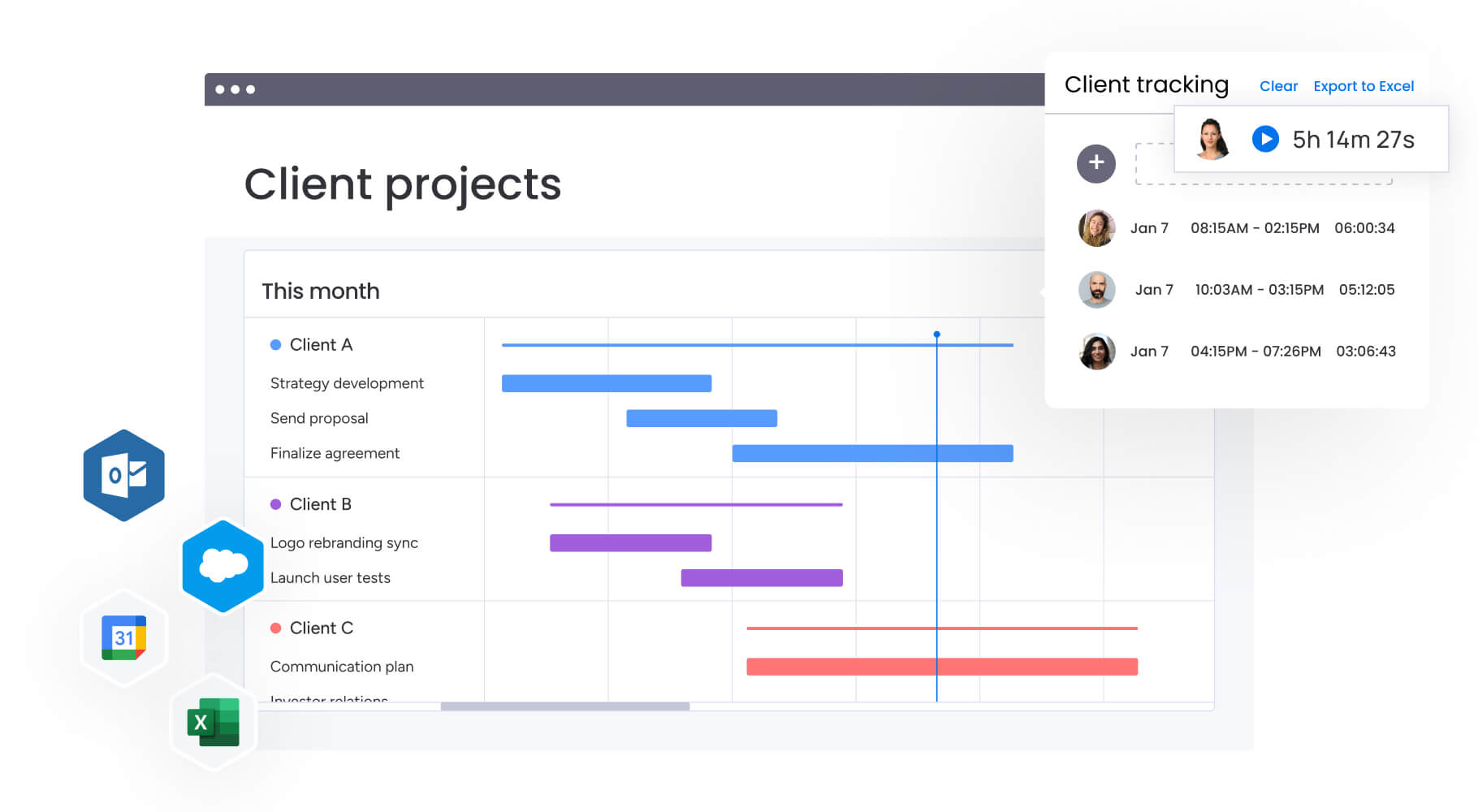
With monday.com, the milestones defined in the SOW become live entities on a Gantt chart or timeline view. As teams complete items, the high-level milestones update automatically.
This provides executives with an instant, real-time view of SOW adherence without needing to request status reports.
Enable real-time collaboration across teams
The platform breaks down silos by allowing external vendors and internal teams to collaborate within the same secure environment. Multi-level permissions ensure vendors only see relevant items.
Discussions happen in context, right on the specific deliverable, eliminating the confusion that often plagues SOW execution.
Automate progress updates and milestone alerts
Automation replaces manual administrative work. When a deliverable gets marked “Done,” the platform can automatically notify the client for approval, update the budget tracker, and unlock the next phase of work.
If a milestone approaches without necessary prerequisite items being complete, the system triggers an alert, allowing for immediate intervention.
Use AI to identify risks before they impact delivery
monday AI enhances SOW management by analyzing project data to spot trends before they become problems. Portfolio Risk Insights can flag if a specific team consistently falls behind schedule or if an item takes significantly longer than the SOW estimated.
If you need help interpreting those insights, monday sidekick acts as your AI project assistant. It can explain what’s causing delays, suggest resource reallocation, and even draft status updates for stakeholders, all by asking it simple questions.
This predictive capability allows leaders to address resource shortages or scope misunderstandings before they result in a breach of contract.
Create SOWs faster with monday workdocs
monday workdocs allow teams to draft, edit, and collaborate on SOWs directly within the platform. Unlike a static word processor, workdocs can embed live widgets, such as timelines and resource boards, directly into the document.
Once the SOW is signed, elements within the doc can be converted instantly into project items on a board, ensuring a seamless transition from planning to execution.
Turn your SOW into a competitive advantage
The transition from chaotic email chains to transparent, trackable workflows begins with a definition of work that lives where work really happens. Organizations that connect their SOWs directly to project execution gain real-time visibility, reduce disputes, and deliver projects that match the original vision. Get started with monday.com today.
Try monday.comFrequently asked questions
How long should a statement of work be?
The ideal length of a statement of work is as long as necessary to be specific, but as short as possible to remain usable. It typically ranges from 2 to 10 pages, depending on project complexity.
Can you change an SOW after signing?
Yes, an SOW can be changed after signing, but only through a formal amendment or change order process signed by both parties.
Who writes the statement of work?
Typically, the service provider (vendor) drafts the SOW based on discussions with the client, as they are the experts in the work required.
What happens when projects exceed the SOW scope?
When work exceeds the defined scope, the vendor is generally entitled to stop work or request additional payment via a change order.
Is a lawyer required to create an SOW?
While a lawyer should review the master contract, business stakeholders usually draft the SOW since it deals with operational details.
What's the difference between an SOW and RFP?
A request for proposal (RFP) is a document a client sends to ask vendors for bids. The SOW is the document created after a vendor is selected to define exactly what they will do.

 Get started