


Project timelines and dependencies are mapped, and launch dates are established — yet even the most carefully planned schedules can be disrupted. Deliverables may slip, resources can shift, and static Gantt charts quickly lose alignment with real-world progress.
Free Gantt chart software offers teams a way to visualize schedules, track progress, and adjust plans dynamically without relying on expensive tools. Some platforms focus on building simple timelines, while others integrate scheduling with resources, goals, and team collaboration, creating an adaptable planning system.
This guide reviews some of the very best free Gantt chart tools for 2026, highlighting their strengths, limitations, and ideal use cases so you can find the right solution to fit your workflow.
Key takeaways
- Free Gantt chart software provides basic timeline visualization: Most tools allow users to create simple charts with drag-and-drop scheduling and task dependencies, suitable for small projects or teams.
- Feature limitations vary across platforms: Free plans often restrict users, projects, storage, and access to advanced capabilities like automated dependencies, critical path analysis, and portfolio management.
- Integration and collaboration are key differentiators: Tools that connect with communication, file storage, and project management apps reduce manual work and improve team alignment, even on free tiers.
- monday work management offers scalable Gantt functionality: The platform provides advanced features such as AI-assisted scheduling, workload balancing, and portfolio-level visibility, supporting teams as their projects and complexity grow.
- Selecting the right platform requires assessing growth potential and workflow fit: Teams should evaluate dependency management, resource planning, and reporting needs to ensure the chosen tool supports both current and future project requirements.
A quick look at the best free Gantt chart software contenders
Free Gantt chart software generally falls into two categories: simple timeline builders and full-featured work ecosystems. The former offers a clear visual map of your schedule, while the latter connects that map to resources, strategic objectives, and team collaboration. It is the difference between a paper map and a GPS system integrated into your vehicle’s dashboard.
To get real value from Gantt charts, choose tools that do more than display timelines. The leading options balance visual clarity with practical functionality, supporting both everyday tasks and long-term planning.
Here’s how the top contenders compare at a glance:
- monday work management: Evolves Gantt charts from static visuals into dynamic business engines, connecting execution to strategy while providing enterprise-level security.
- ClickUp: Offers highly customizable views but limits storage and Gantt features on the free plan.
- Zoho Projects: Focuses on traditional project management for smaller teams.
- Miro: Excels as a visual whiteboard for collaborative planning but lacks structure for complex project tracking.
- OpenProject: Provides open-source flexibility for technical teams that can handle self-hosting and configuration.
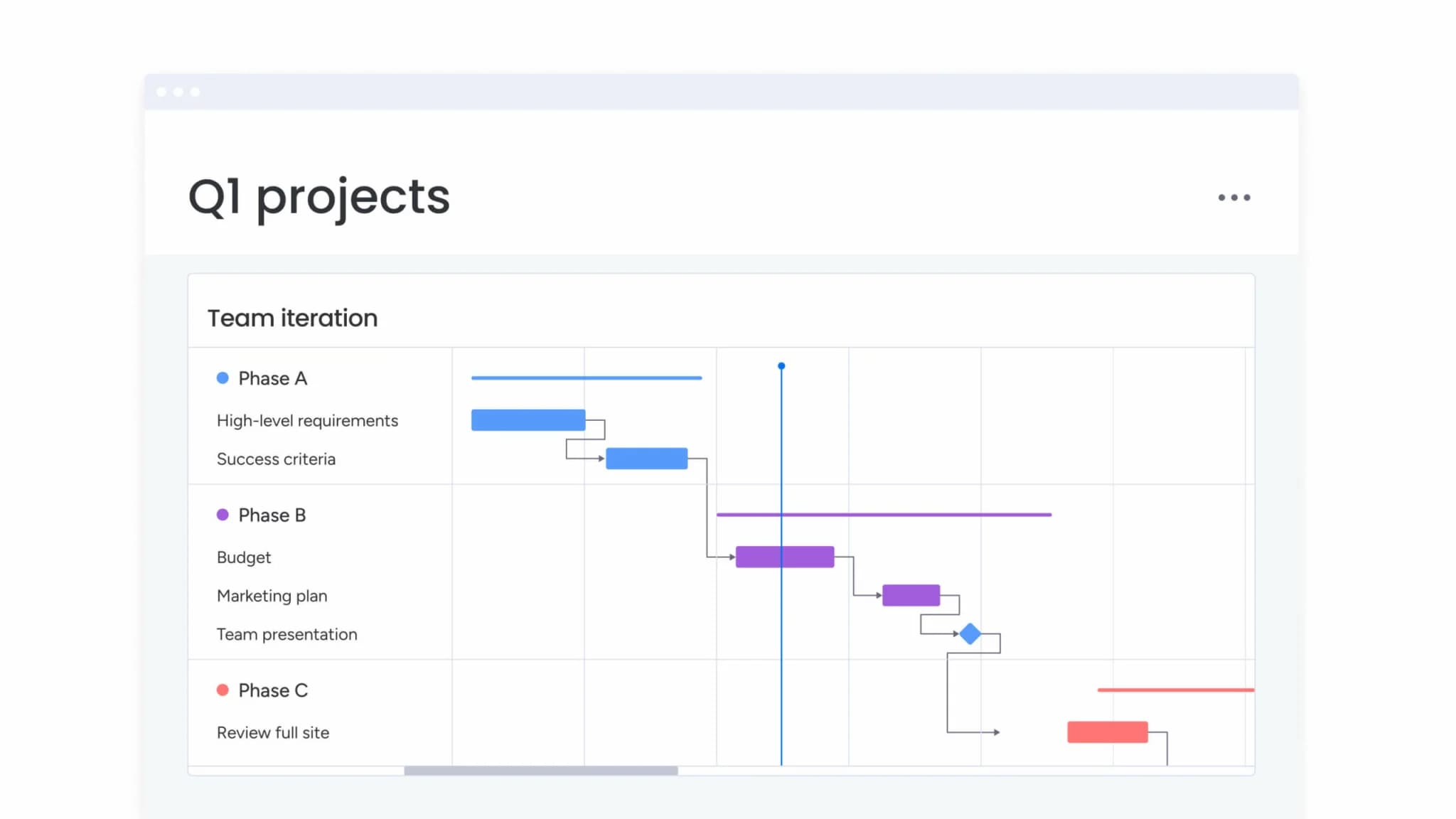
Free Gantt chart software comparison table
Free Gantt chart tools may all advertise “free,” but what you actually get can vary significantly. Most platforms allow you to build a basic timeline with tasks and dependencies. The differences appear when you look at user limits, reporting capabilities, automation, and how well the tool connects to the rest of your workflow.
Some free plans are designed for lightweight planning on a single project. Others offer a more flexible foundation that can grow with your team, supporting dashboards, integrations, and more advanced scheduling features as complexity increases.
The comparison table below breaks down each platform’s free plan limits, core Gantt functionality, ideal use case, and upgrade path so you can quickly see which option aligns with your needs.
| Platform | Free plan limits | Key Gantt features | Best for | Upgrade path |
|---|---|---|---|---|
| monday work management | Up to 2 seats | Timeline view, dependencies, critical path, milestones, AI-powered scheduling | Teams that need a full work management platform with advanced Gantt features and AI-powered insights | Starts at $9/seat/month for unlimited items and advanced automations |
| ClickUp | Unlimited users, 100MB storage | Basic timeline view, task dependencies, drag-and-drop scheduling | Individuals or small teams managing simple projects | $7/user/month for unlimited storage and advanced features |
| Zoho Projects | 3 users, 2 projects | Gantt charts, task dependencies, milestone tracking | Small teams testing out basic project management | $5/user/month for more projects and reporting |
| Miro | 3 editable boards | Visual timeline templates, collaborative planning | Creative teams who prioritize visual brainstorming over structured project tracking | $8/user/month for unlimited boards and advanced features |
| Instagantt | 1 project, limited features | Drag-and-drop Gantt, basic dependencies | Individuals who need a straightforward timeline creator for a single project | $7/user/month for unlimited projects and team collaboration |
| OpenProject | Unlimited users (community edition) | Full Gantt functionality, work packages, version control | Technical teams who can manage a self-hosted, open-source platform | €7.25/user/month for cloud hosting and support |
| ProjectLibre | Unlimited (desktop software) | Traditional Gantt charts, resource leveling, earned value | Users looking for a free, desktop-based alternative to Microsoft Project | No paid tier; open-source desktop application |
While many free tools provide a single timeline view, more advanced platforms like monday work management connect Gantt planning to dashboards, automations, and integrations. This means your timeline is not just a visual plan. It becomes part of a broader execution system, giving leaders real-time visibility without relying on manual updates or separate reporting tools.
In-depth look at the best free Gantt chart solutions
You’ve seen how the top options compare at a glance. Now let’s break down each platform in detail so you can understand where it truly fits.
Remember, free Gantt chart software is not one-size-fits-all. Some tools focus purely on timeline visualization. Others connect Gantt charts to task management, resource planning, dashboards, and automation. The difference matters. A simple chart may work for a small team managing one project but a growing organization will need more structure, reporting, and visibility.
1. monday work management
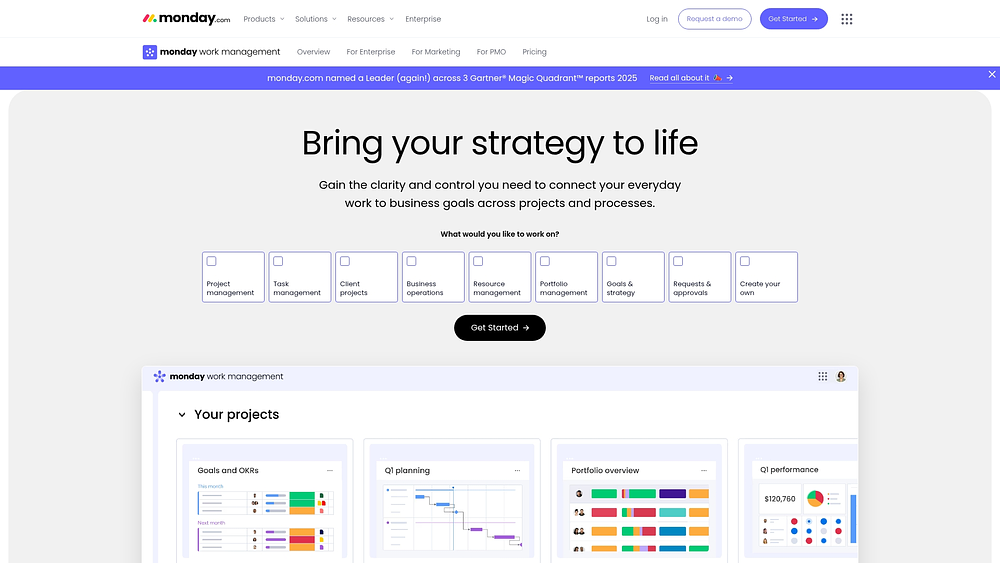
Planning is only part of the equation — monday work management turns the Gantt chart into a central hub for projects, portfolios, and processes. Teams visualize schedules directly on the chart and leverage portfolio dashboards to maintain alignment with stakeholders across the organization.
The platform becomes especially valuable when timelines shift. Features like dependencies, critical path analysis, and baselines allow PMOs and operations teams to compare planned versus actual progress, identify drivers of delay, and adjust effectively.
Use Case:
Organizations gain portfolio-wide visibility by managing projects on individual boards that roll up into executive dashboards, keeping PMOs and department leads informed.
Key features:
- Gantt chart: Keeps teams synchronized by visualizing tasks, milestones, and dependencies.
- Dependencies: Highlights blocking items to surface schedule risks immediately.
- Critical path: Pinpoints work that dictates the finish date, directing focus where it is needed most.
- Baseline: Maintains realistic delivery commitments by comparing original plans against actual progress.
- Milestones: Establishes checkpoints for monitoring progress and adjusting course.
- Time tracking: Improves future forecasting by logging actual time spent on work items.
- Workload view: Distributes capacity effectively so the right people handle the right tasks.
- Project intake & approvals: Ensures work begins with proper context and authorization through standardized requests.
- Dashboards & reporting: Provides high-level visibility into timelines, budgets, and status.
- Views: Offers multiple perspectives including Gantt, Kanban, Workload, Calendar, and Timeline to suit different stakeholders.
Pricing:
- Free: Up to two seats, unlimited boards, and essential work management tools.
- Basic: $9/seat/month (billed annually).
- Standard: $12/seat/month (billed annually) — unlocks Timeline and Gantt views.
- Pro: $19/seat/month (billed annually) — adds Time Tracking, milestones, and private boards.
- Enterprise: Custom pricing for advanced security, governance, and scale.
Advanced AI features:
- AI Blocks: Embeds actions such as Summarize, Extract info, Categorize, Translate, and Detect sentiment into workflows.
- AI Automations (Pro and Enterprise): Uses AI action blocks within the Automation center to handle updates, requests, and sorting.
- Instant project planning support: Generates detailed project plans with suggested tasks and phases instantly.
- Digital Workforce (early access / planned): Deploys Digital Workers like Project Analyzer to monitor projects, identify bottlenecks, and provide proactive insights.
Automations:
- Automations and templates: Standardizes workflow from approvals to status notifications.
- Automation center: Creates repeatable patterns that teams follow for consistent reporting.
Integrations:
- Connect essential platforms: Slack, Microsoft Teams, Outlook, Gmail, Google Drive, Zoom, Excel, Jira Cloud, and more.
- Open API: Enables custom integrations for alignment with internal systems and governance.
Free Gantt chart software features:
- Free Forever plan (up to two seats): Unlimited boards for testing workflows, structuring projects, and collaborating centrally.
- Collaboration in context: Keeps decisions attached to work through comments and file sharing.
Why it stands out:
Leaders choose monday work management for a Gantt chart that drives execution across the entire organization.
- Recognized as a leader: Identified as a Leader in the 2025 Gartner® Magic Quadrant™ for Collaborative Work Management and for Adaptive Project Management and Reporting.
- Built for high adoption: Intuitive interface encourages use, keeping data fresh and reporting accurate.
- Portfolio-ready: Executives track progress across multiple initiatives via dashboards without micromanagement.
2. ClickUp
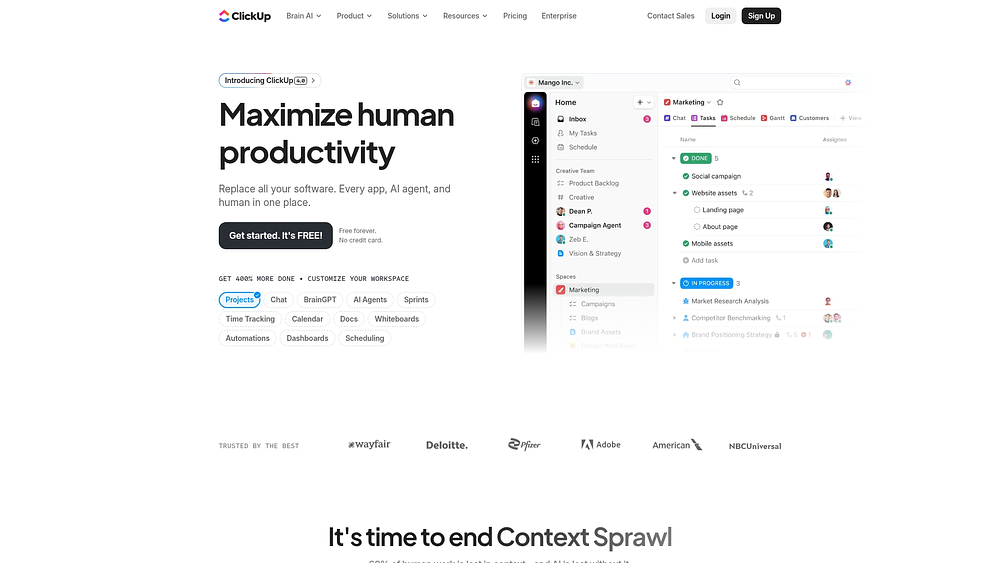
If a team requires a workspace that adapts to their needs, ClickUp provides a highly flexible productivity platform. It brings scattered work together into unified workflows, with Timeline views that support complex grouping and organization.
While it offers flexibility, its strength lies more in customizable visualization than in rigid Gantt methodology.
Use case:
Ideal for teams that need granular control over how projects are displayed, grouping tasks by custom fields or priorities when sufficient Timeline access is available.
Key features:
- Sidebar scheduling: An unscheduled task sidebar allows drag-and-drop planning.
- Flexible grouping: Organizes work by custom fields, status, or assignee to fit workflow needs.
- External sharing: Public timelines support client-facing roadmaps without guest accounts.
Pricing:
- Free Forever: $0 (60 timeline uses, 60MB storage).
- Unlimited: $7/month per user annually (100 timeline uses, unlimited storage).
- Business: $12/month per user annually (unlimited timeline views).
- Enterprise: Contact sales (advanced sharing and governance features).
AI add-ons are available starting at $9/month per user.
Considerations:
- Timeline view limits on free and unlimited tiers can restrict active teams.
- Dependencies and critical path analysis are less robust, often requiring separate views.
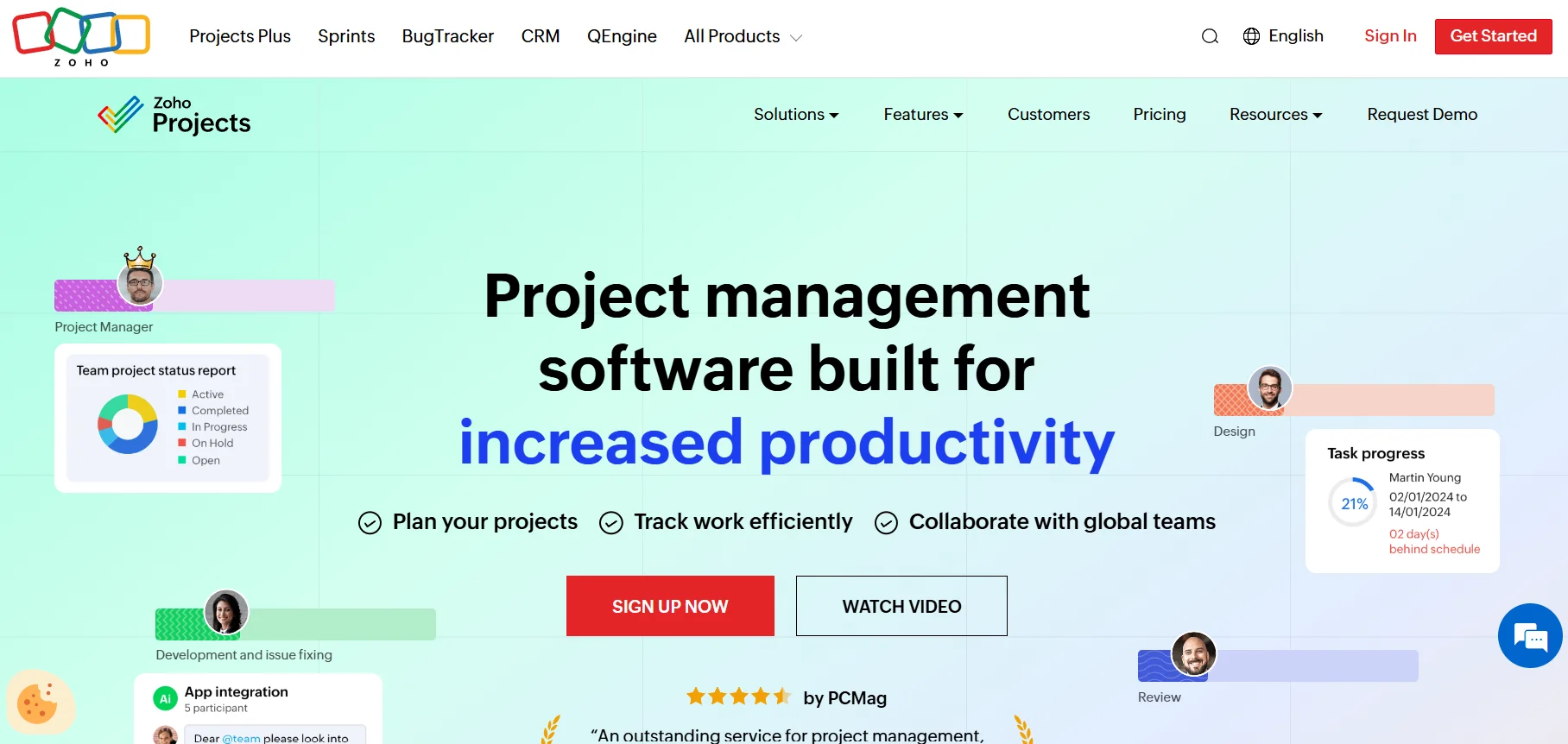
3. Zoho Projects
Organizations using Zoho’s suite benefit from Zoho Projects, which offers structured planning with deep integration across portfolio, project, and resource timelines. This platform is suited for managing complex hierarchies with high visibility.
Use case:
Best for teams needing project management tightly integrated with native time tracking, budgeting, and billing tools.
Key features:
- Varied timeline scopes: View portfolio, task, or resource-level data across up to five years.
- Interactive planning: Drag-and-drop adjustments include dependency management and baseline comparisons.
- Ecosystem synergy: Native connections to Zoho apps streamline invoicing and analytics.
Pricing:
- Free: up to five users, three projects, 5GB storage.
- Premium: Contact for pricing (unlimited projects, custom views, time tracking, budgeting).
- Enterprise: Contact for pricing (portfolio dashboard, critical path, baseline comparison, SSO).
- Ultimate: Contact for pricing (expanded storage, multi-user timesheets, advanced workflow actions).
Annual billing saves over 15%, with Premium support available at 20% of license fees for 25+ users.
Considerations:
- Task-Gantt Timeline panel and some visualization tools require the Enterprise tier.
- Unscheduled tasks remain invisible until manually assigned dates.
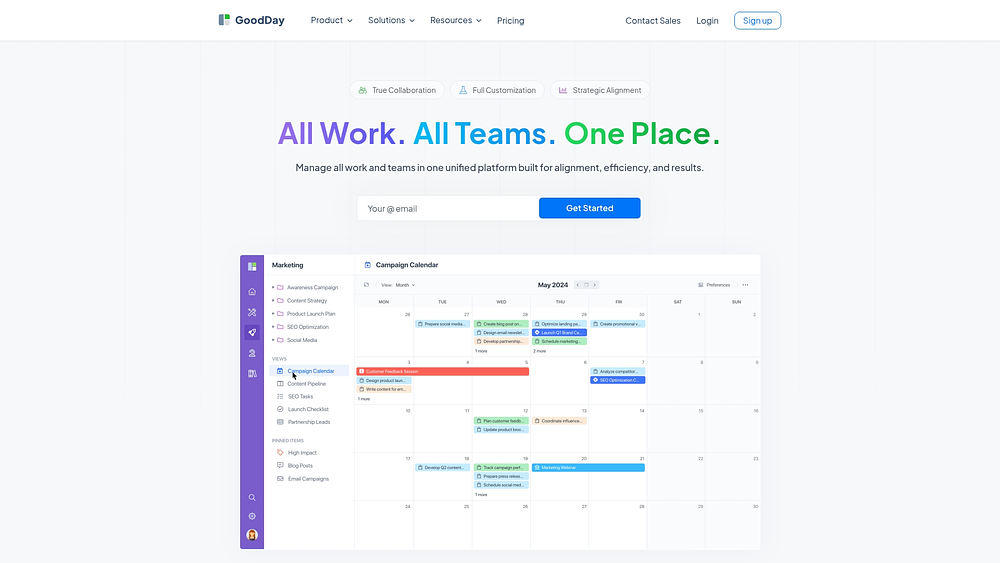
4. GoodDay
GoodDay supports project planning, resource allocation, and productivity tracking across multiple business functions. Integrated modules for goals, finance, CRM, and HR make it suitable for teams seeking a consolidated platform.
Use case:
Teams needing more than project tracking gain value from integrated finance and HR modules alongside Gantt chart functionality.
Key features:
- Comprehensive Gantt: Supports four dependency types and drag-and-drop scheduling.
- Auto-planning: Workload view allocates hours based on team capacity.
- Business modules: Includes Goals/OKRs, Finance, CRM, and HR tools within the same workspace.
Pricing:
- Free: Up to 15 users with unlimited projects and 1GB storage.
- Professional: $4/user/month (includes Gantt views, Time Tracking, and advanced integrations).
- Business: $7/user/month (adds Workload & Resource management, Finance module, and CRM).
- Enterprise: Custom pricing (includes SAML SSO, advanced security, and private cloud options).
Annual billing saves 30% across paid plans.
Considerations:
- Advanced resource management requires the Business tier.
- Some users report occasional interface freezing and view customization challenges.
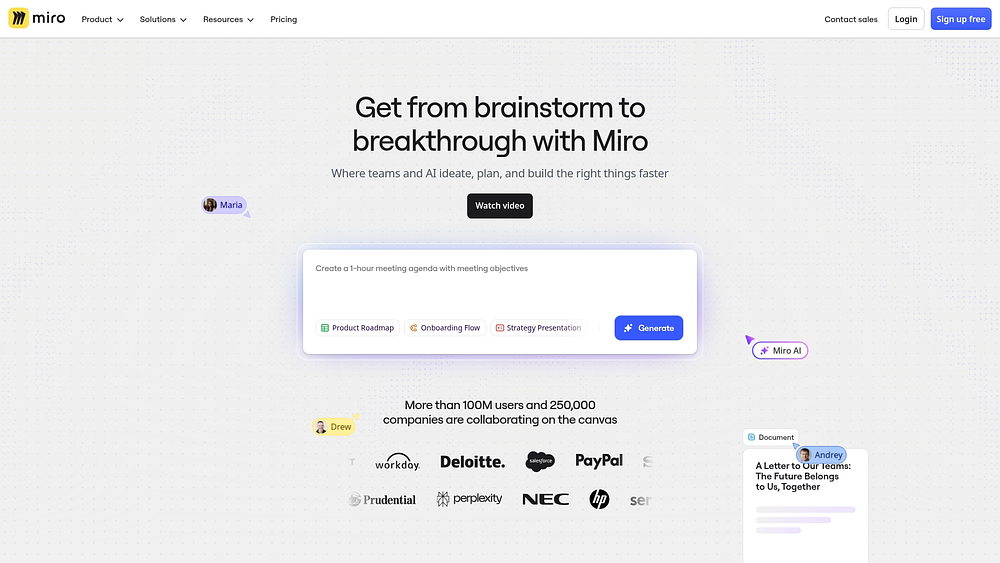
5. Miro
Miro offers an infinite canvas that blends timeline planning with freeform brainstorming. It is ideal for innovation-focused teams and creative groups that need to transition from ideation to structured execution.
Use case:
Ideal for teams that want to brainstorm and plan in one space, allowing ideas to evolve naturally into actionable roadmaps.
Key features:
- Interactive widgets: Timelines support drag-and-drop scheduling and multiple scales, from days to years.
- View switching: Toggle between timeline and table views while maintaining filters.
- DevOps sync: Two-way synchronization with Jira and Azure DevOps keeps planning aligned with delivery.
Pricing:
- Free: $0 with three editable boards, 5,000+ templates, and ten AI credits per month.
- Starter: $8/month (billed annually) with unlimited boards, public sharing, and 25 AI credits per member.
- Business: $16/month (billed annually) with multiple workspaces, advanced diagramming, and 50 AI credits per member.
- Enterprise: Custom pricing with enterprise security, data residency options, and 100 AI credits per member.
- Discounts: 25% volume discount for teams upgrading from free to business (five+ licenses). Annual billing provides 20% savings compared to monthly plans.
Considerations:
- Maturing features: Dependencies and nesting are still developing, often limited to higher-tier plans.
- Guest access: External collaborators generally cannot modify timelines, which may limit joint planning.
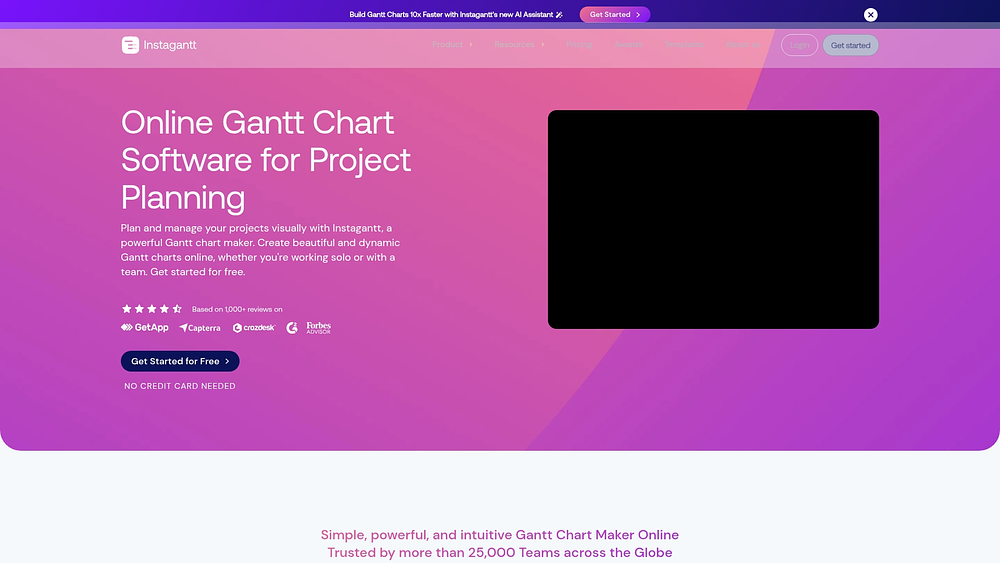
6. Instagantt
Instagantt focuses exclusively on timeline management, providing sophisticated charting tools. It functions as both a standalone product and an integration for Asana, making it a strong choice for teams seeking professional Gantt capabilities without leaving their existing task management system.
Use case:
Best for teams that require detailed planning, including baselines and critical path analysis, especially if they already use Asana.
Key features:
- Detailed dependencies: Includes lag/slack controls and auto-scheduling based on working days.
- Snapshot history: Create baselines to compare current progress against past states.
- Public sharing: Generate read-only links for stakeholders without needing additional licenses.
Pricing:
- Individual: $12/month or $120/year for single-user timeline creation.
- Team: $24/month or $240/year for three collaborators, $8/month per additional member.
- Instagantt for Asana: Free plan supports up to three connected projects, with paid plans matching standalone pricing.
- Savings: Annual billing reduces costs by 17% compared to monthly plans.
Considerations:
- Free plan limitations: Supports only a single project, which may restrict ongoing team use.
- Advanced features: AI assistant and other capabilities are exclusive to the standalone version.
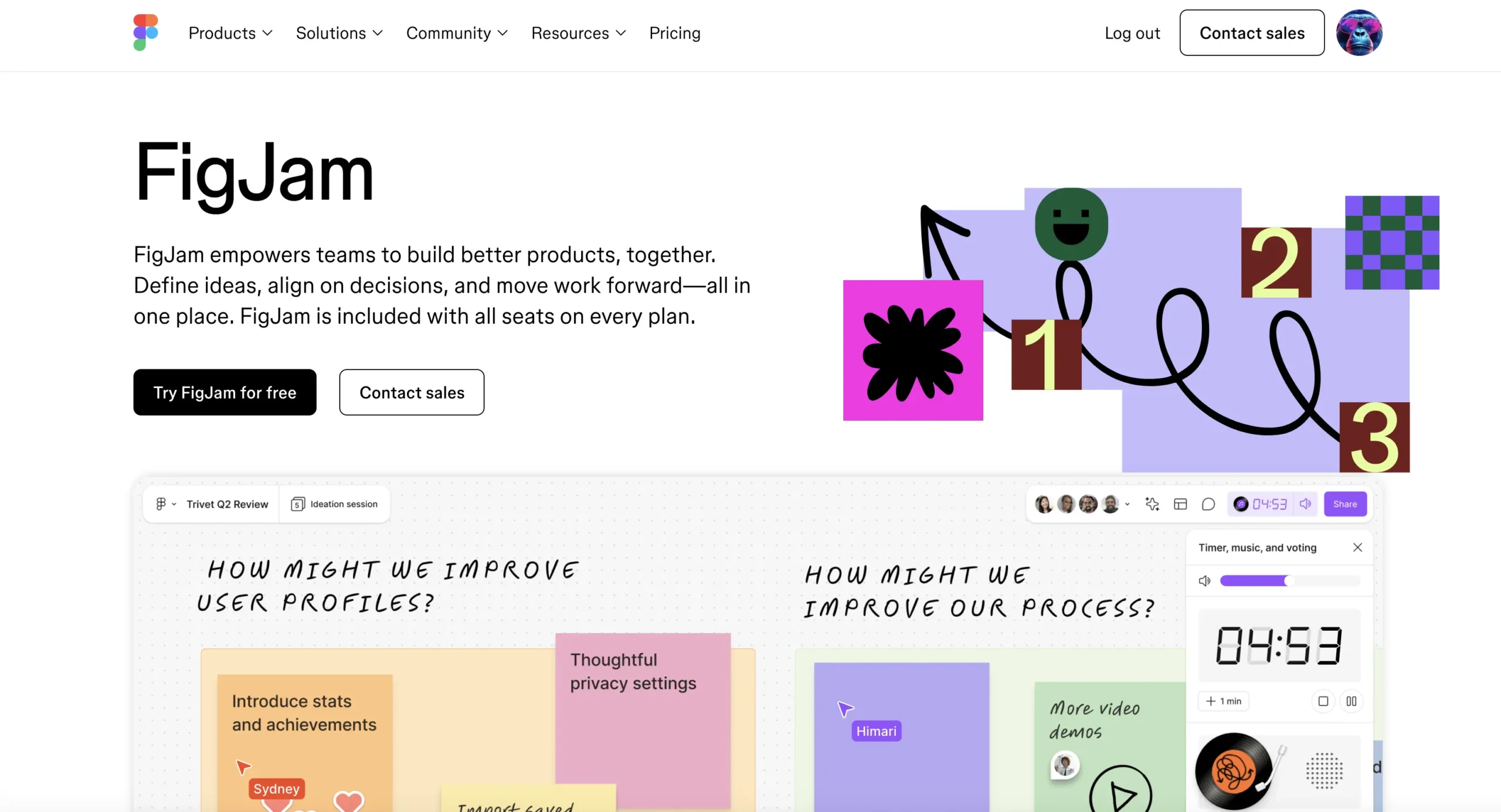
7. FigJam
Design teams often find traditional project tools too rigid. FigJam introduces project planning into a collaborative whiteboarding environment, using AI to generate timelines and interactive tools to promote team alignment. It works best in the early stages of planning where visual consensus is more valuable than granular task tracking.
Use case:
Great for rapid, workshop-style planning where teams use AI prompts and widgets to build timelines in real time.
Key features:
- AI generation: Create Gantt charts instantly from text prompts.
- Facilitation tools: Timers, voting, and spotlight modes keep sessions engaging.
- Open access: External partners can edit for 24 hours without creating an account.
Pricing:
- Starter: Free.
- Professional: $3/month (Collab), $12/month (Dev), $16/month (Full).
- Organization: $5/month (Collab), $25/month (Dev), $55/month (Full) — billed annually.
- Enterprise: $5/month (Collab), $35/month (Dev), $90/month (Full) — billed annually.
- Multi-product access: Includes FigJam and Figma Slides across all paid plans.
Considerations:
- Task management: Lacks structured tracking and automated dependencies, making it better for planning than execution.
- Separate systems: Teams may need another platform to manage daily progress.
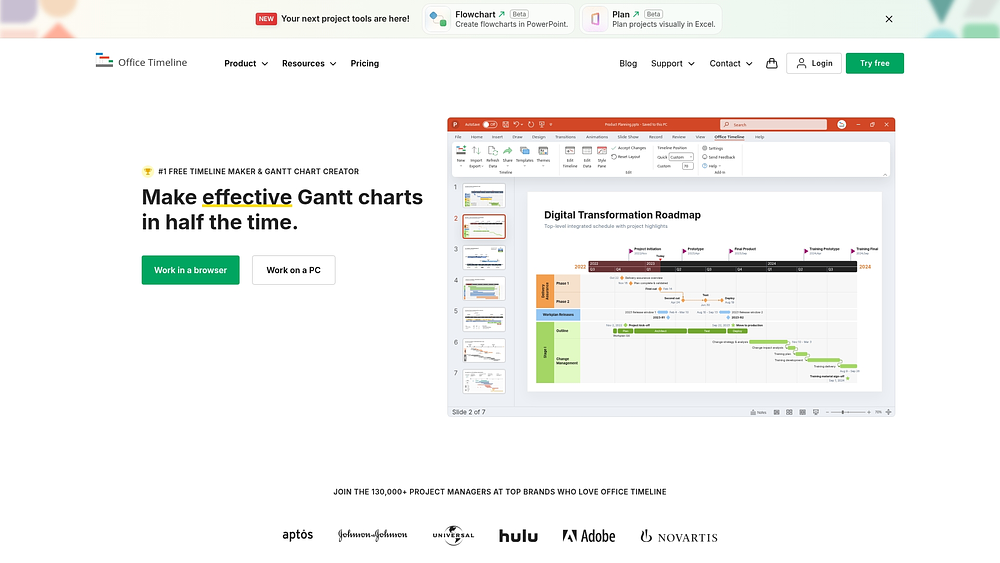
8. Office Timeline
Office Timeline helps project managers convert complex data into polished, executive-ready PowerPoint slides. It emphasizes presentation quality over operational management, making it suitable for PMOs communicating status to leadership.
Use case:
Ideal for translating data from Microsoft Project, Smartsheet, or Jira into visual stories for high-stakes presentations.
Key features:
- Flexible timescales: Display years, quarters, months, weeks, or days based on audience needs.
- PowerPoint native: Functions as an add-in, with a web version for broader access.
- Design controls: Swimlanes and custom themes enable professional visuals.
Pricing:
- Free: Basic timeline creation with limited features.
- Lite: $108/user/year with enhanced formatting options.
- Plus: $199/user/year, including dependencies and critical path features.
- Expert: $249/user/year with custom themes and planned vs. actual tracking.
- Online Premium: $149/user/year for the web version.
Considerations:
- Platform limitations: PowerPoint add-in is Windows-only; Mac users rely on the web version.
- Operational gap: Serves as a visualization layer, not a project management engine, requiring separate execution tools.
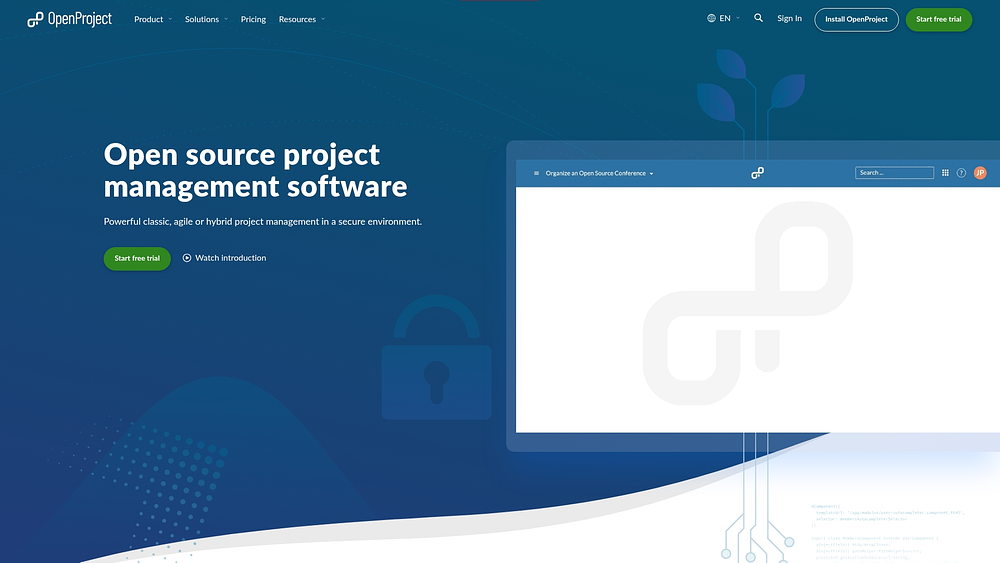
9. OpenProject
OpenProject provides open-source project management for technical teams that require full control over infrastructure. It is particularly relevant for government bodies and regulated industries where on-premises hosting is mandatory.
Use case:
Technical organizations with the resources to self-host can access complete Gantt functionality without per-user subscription fees.
Key features:
- Portfolio planning: Cross-project Gantt views support both manual and automatic scheduling.
- Timeline editing: Drag-and-drop functionality includes dependency management.
- View management: Save public and private timeline views with grouping options.
Pricing:
- Community: Free and open source.
- Basic: $7.25/user/month (25 user minimum).
- Professional: $13.50/user/month (25 user minimum).
- Premium: $19.50/user/month (100 user minimum).
- Corporate: Custom pricing (1,000 user minimum).
- Subscription benefits: Multi-year commitments provide up to 15 months free for five-year plans; educational institutions and NGOs receive special rates.
Considerations:
- Technical expertise: Self-hosting requires setup and security maintenance.
- Feature restrictions: Some premium capabilities, such as PDF exports, are limited to paid plans with high user minimums.
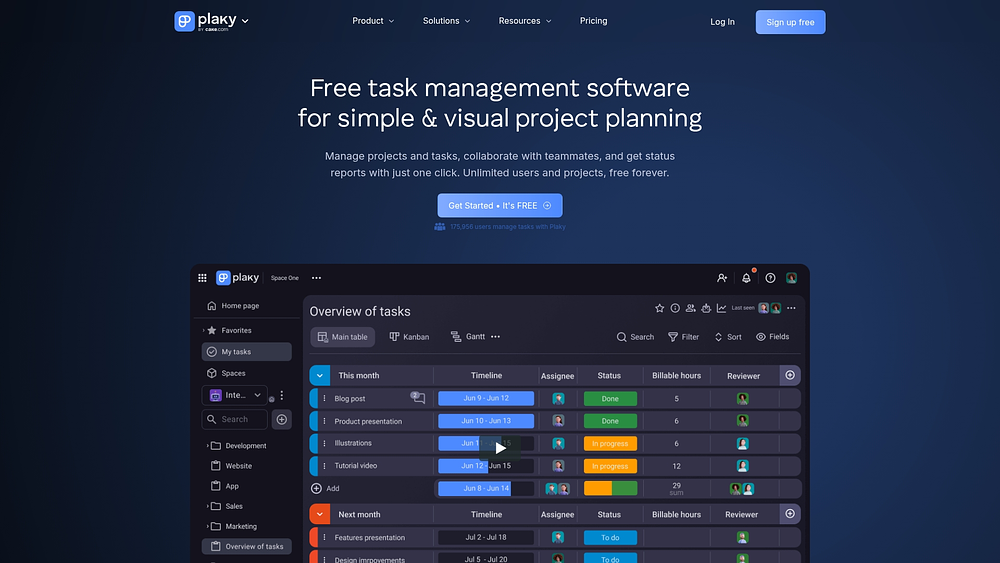
10. Plaky
Simplicity drives the design of this platform. Plaky offers board-based organization with paid plans that unlock timeline views for teams seeking straightforward tracking. As part of the CAKE.com suite, it provides unlimited users and human support even on the free tier.
Use case:
Teams of any size can manage work visually, with paid upgrades available for Gantt visualization.
Key features:
- Configurable Gantt: Visualize task duration and sequence on the Pro plan.
- Flexible grouping: Organize by status, person, or tag with color coding.
- Suite integration: Connects seamlessly with Clockify and Pumble.
Pricing:
- Free: $0/month with unlimited users, boards, and basic chart views (Gantt not included).
- Pro: $3.99/user/month (billed annually) includes Gantt view, private boards, automations, and timeline fields.
- Enterprise: $8.99/user/month (billed annually) adds unlimited fields, SSO, and enhanced permissions.
- CAKE.com Bundle: $12.99/user/month (billed annually) for enterprise access across all three products.
Considerations:
- Limited hierarchy: Gantt view does not support time ranges for sub-items.
- Advanced analysis: Critical path and baseline tracking are not included.
11. Visor
Many teams work in spreadsheets but need the clarity of a Gantt chart. Visor bridges this gap by syncing data from Jira, Asana, and Salesforce into timeline visualizations without requiring a migration. Teams can create unified views while preserving existing workflows.

Use case:
Teams needing portfolio-level visibility across multiple platforms can consolidate timelines without disrupting processes.
Key features:
- Bi-directional sync: Consolidate timelines from Jira, Asana, Salesforce, and HubSpot.
- Multi-view sync: Visualize the same dataset as Gantt charts, dashboards, or Kanban boards.
- Advanced filtering: Apply logic and conditional formatting to tailor views for stakeholders.
Pricing:
- Free: $0/month with table and board views only, up to two workbooks, five workspace members.
- Starter: $18/month (billed annually) with Gantt and timeline views, up to ten workbooks, 500 records per workbook.
- Team: $24/month (billed annually) with unlimited free viewers, unlimited workbooks, 1,000 records per workbook.
- Business: $750/month flat rate (billed annually) for up to 100 editors with unlimited free viewers.
- Annual billing: Saves 25% across all paid plans.
- Sync credit booster packs: $37.50/month (annual billing) for high-volume environments.
Considerations:
- Free plan limitations: Timeline creation is unavailable once the trial ends.
- Performance: Large datasets may affect responsiveness for enterprise portfolios.
12. dotProject
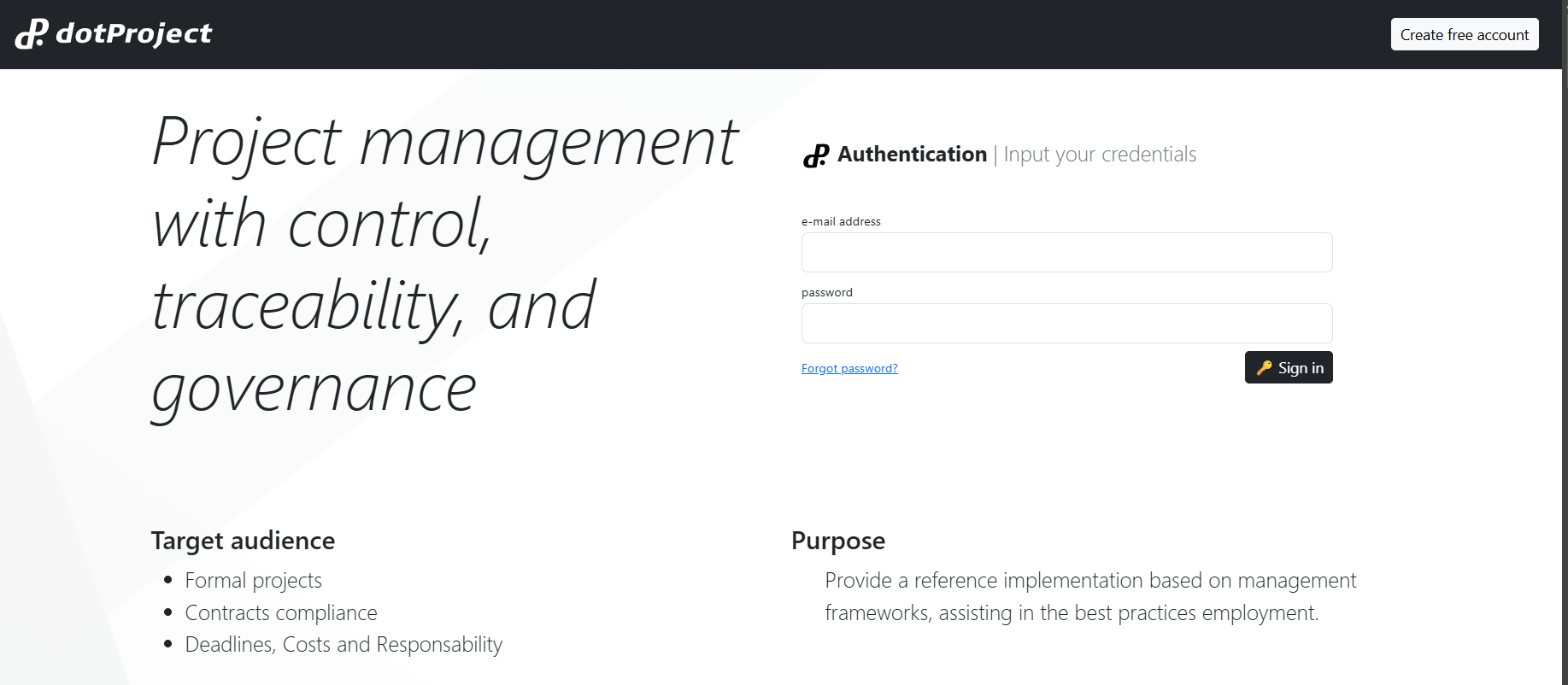
For teams that prioritize full control over infrastructure rather than modern UI polish, dotProject provides a legacy open-source solution. It targets organizations focused on zero licensing costs and self-hosting. This community-maintained platform suits teams experienced with PHP environments and server management.
Use case:
Organizations seeking a modular, self-hosted project management system can leverage dotProject without subscription fees.
Key features:
- Built-in Gantt: Configurable options for task visibility and captions.
- Community modules: Add-ons like Interactive Gantt enhance functionality.
- Deployment: Supports LAMP stack and Docker Compose.
Pricing:
- Open source: Free download and use with no licensing fees.
- Community support: Volunteer-maintained with no commercial backing.
- Add-ons: Community-distributed modules available at no cost through the official repository.
Considerations:
- Technical expertise: Setup and maintenance require significant knowledge.
- Development pace: Updates are slower than commercial alternatives, with some add-ons over a decade old.
13. Tom’s Planner
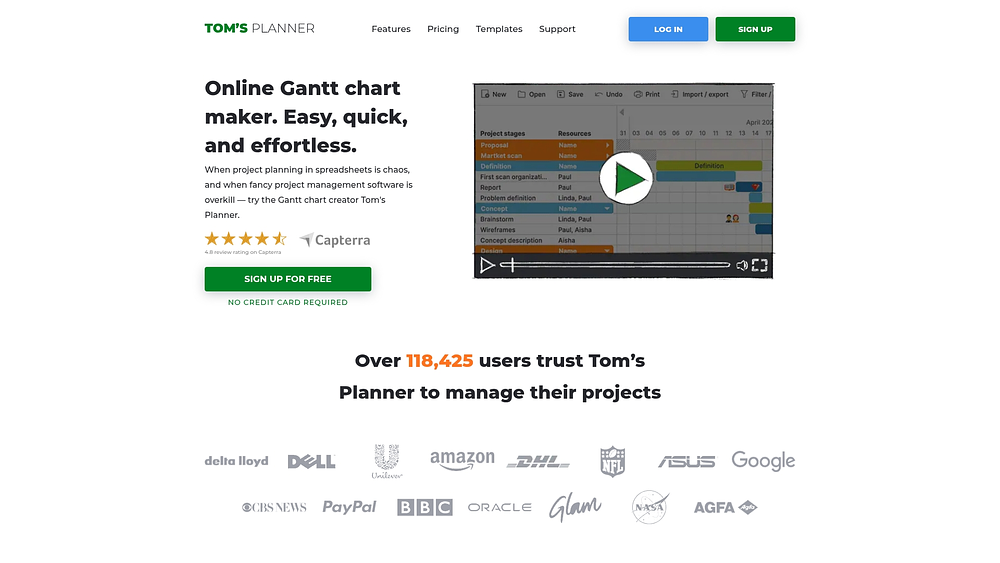
Tom’s Planner is designed for individuals and small teams who need a chart in minutes rather than hours. The platform simplifies visualization while avoiding the complexity of full project management software. With hundreds of templates and AI assistance, it emphasizes speed and ease of use.
Use case:
Best for creating visual timelines quickly without extensive training or setup.
Key features:
- Granular zoom: View schedules from a yearly overview down to five-minute intervals.
- AI assist: Generate plans from simple text descriptions.
- Collaboration: Free access for unlimited viewers.
Pricing:
- Personal: Free (one chart, no exports or sharing).
- Professional: $9.95/month annually (up to 20 charts, exports enabled).
- Unlimited: $19.95/month annually (unlimited charts, embedding, JSON export).
- Volume discounts: 25% off for five to nine seats, 35% for ten to 19 seats, 50% for 20+ seats.
Considerations:
- Limited free plan: Only one chart is available, with no export options.
- Scheduling limitations: Only one time block per day is supported, which prevents split-shift planning.
14. Height
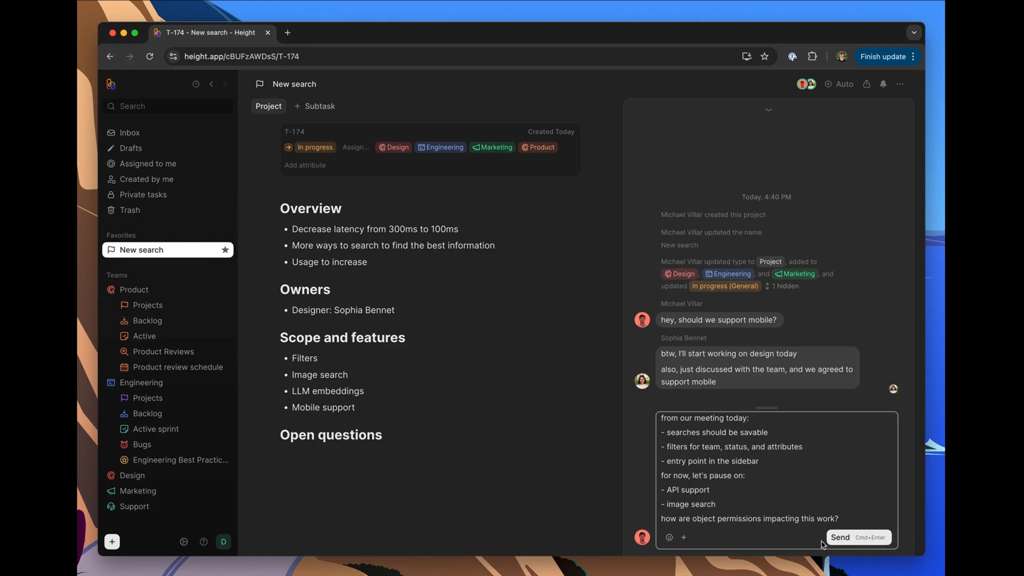
Height focused on automating routine aspects of project management. Its AI-driven task management and timeline visualization reduced manual overhead, making it a strong choice for cross-functional teams looking to streamline workflows.
Use case:
Teams used this platform for autonomous updates, bug triage, and automatic summaries.
Key features:
- Inline planning: Bulk drag-and-drop with flexible time scales.
- AI automation: Categorization, priority suggestions, and automated updates.
- Unified workspace: Combined timeline, Kanban, spreadsheet, and calendar views.
Pricing:
- Basic: Free for up to ten members, then $8 per additional member/month.
- Core: $15 per member/month.
- Business: $24 per member/month.
- Enterprise: Custom pricing.
- Annual billing: 20% discount available.
Considerations:
- Platform shutdown: Height ceased operations on September 24th, 2025, making it unavailable.
- Timeline limitations: Lacked some critical path and dependency visualization features compared with competitors.
15. ProjectLibre
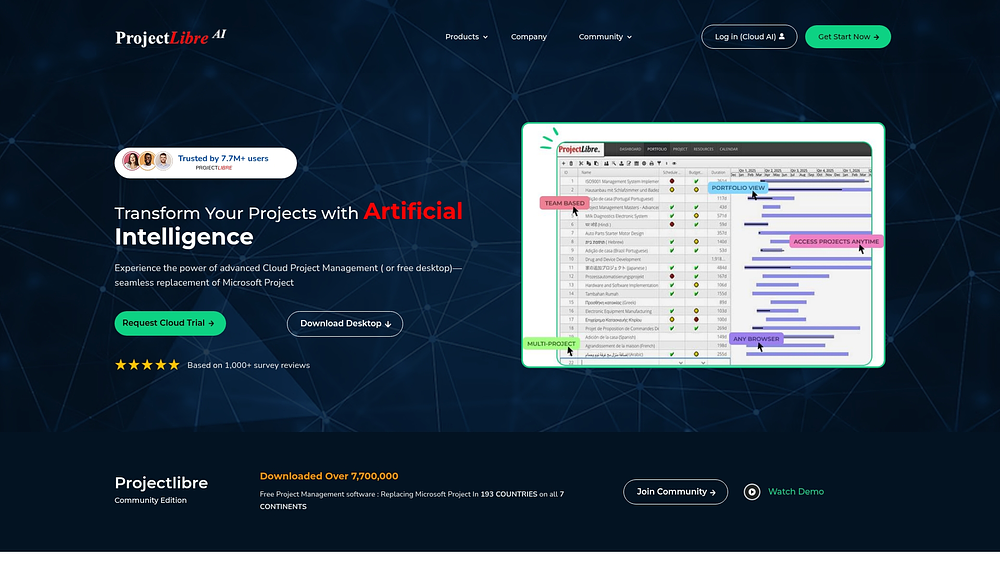
ProjectLibre offers a cost-free alternative to Microsoft Project while maintaining traditional Gantt chart functionality. It supports cloud-based collaboration and serves organizations seeking robust project scheduling without enterprise costs. Millions of downloads demonstrate its popularity among users transitioning from Microsoft Project.
Use case:
Ideal for project managers who want familiar tools with AI assistance for scheduling and planning.
Key features:
- AI scheduling: Generate schedules from natural language descriptions.
- Compatibility: Seamless import and export of Microsoft Project files.
- Portfolio views: Visibility across multiple project timelines.
Pricing:
- Desktop: Free open-source download.
- Cloud AI: Custom pricing (contact for a quote).
- Education: Free for professors, $19.99 per semester for students.
Considerations:
- Cloud pricing: Not transparent and requires contacting sales.
- Collaboration limits: Desktop version lacks real-time collaboration or mobile access.
What to expect from free Gantt chart software

Free plans offer a way to visualize work without cost, but they come with intentional boundaries, including:
- User limits: Inviting an entire team may not be possible on a free tier.
- Project constraints: Older projects may need to be deleted to create space for new ones.
- Storage restrictions: Heavy file usage can quickly reach limits.
- Locked features: Advanced features like automation and custom reporting are typically reserved for paid plans.
Functionality differences
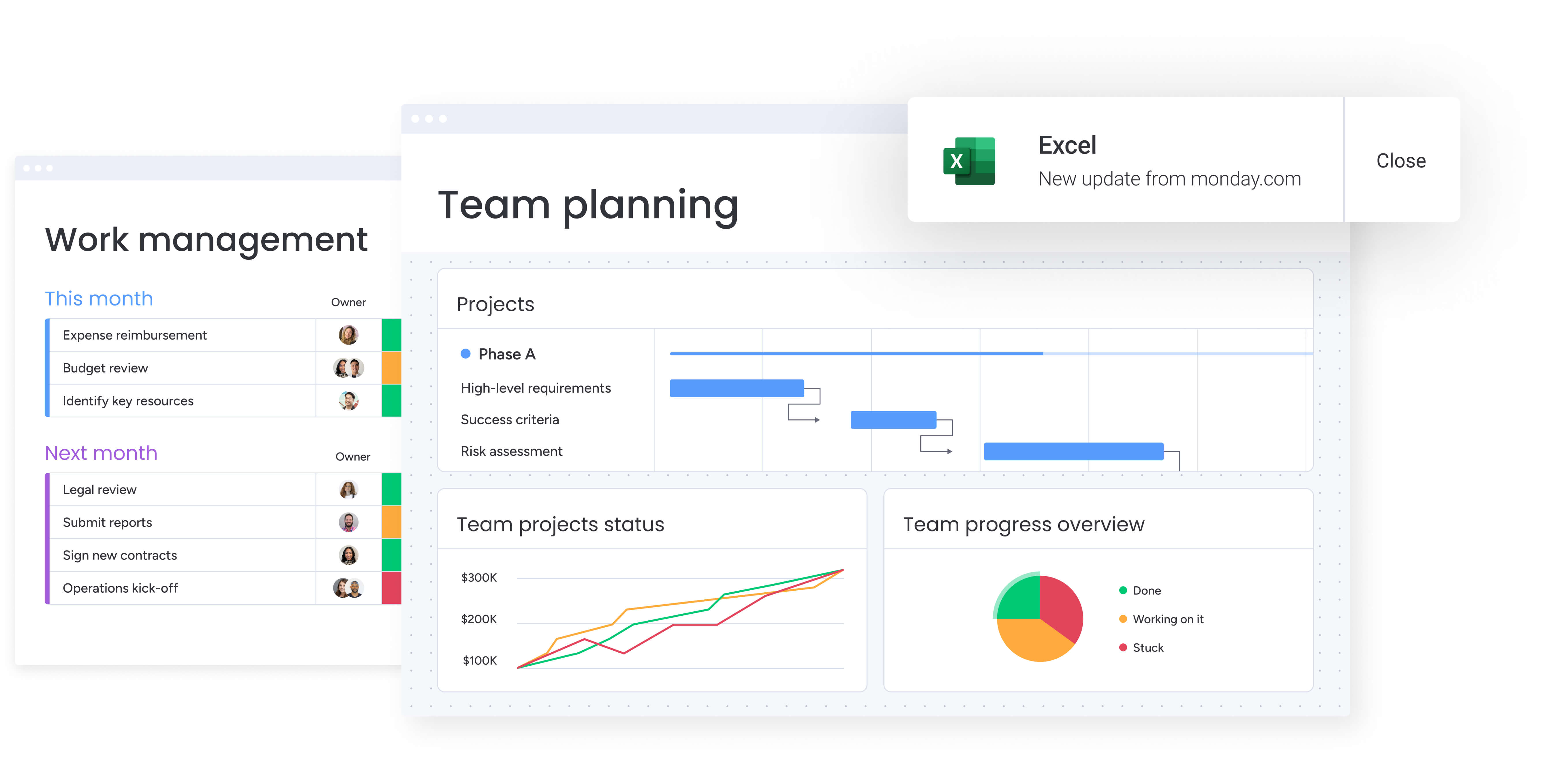
Free and paid tiers differ in more than feature counts. They differ in what you can actually do with the timeline. Free tools typically focus on visibility. You can map tasks, adjust dates, and see dependencies. Paid tiers shift the focus to execution, adding automation, resource balancing, advanced reporting, and cross-project coordination.
The table below outlines how these differences typically show up across capability areas. Instead of just comparing features, it highlights the practical gap between viewing a plan and actively managing delivery at scale.
| Capability category | Typically free | Typically premium |
|---|---|---|
| Timeline visualization | Basic Gantt charts, drag-and-drop scheduling | Critical path analysis, baseline comparison, scenario planning |
| Collaboration | Basic comments, file attachments | Real-time co-editing, advanced notifications, stakeholder portals |
| Automation | None or very limited | Workflow automation, status updates, deadline reminders |
| Resource management | Simple task assignment | Workload balancing, capacity planning, skill-based allocation |
| Reporting | Basic progress views | Custom dashboards, executive reports, portfolio analytics |
| Integrations | None or 1–2 basic connections | Extensive integration library, API access, bi-directional sync |
Choosing a platform that scales with you
Selecting software is not just a short-term decision. It shapes how your team plans, collaborates, and reports as projects grow in complexity.
A lightweight timeline may work today, but as dependencies multiply and stakeholders demand clearer reporting, basic tools often reach their limits. Scalability becomes the key differentiator. The strongest platforms allow teams to start with essential functionality and expand into advanced automation, portfolio oversight, and resource management without migrating to a new system.
How to select free Gantt chart software for your team
Choosing free Gantt chart software is not just about avoiding cost. It is about selecting a tool that fits how your team actually works today and how it will work tomorrow. The right platform should handle real project complexity, support collaboration, and connect with the systems you already rely on.
Evaluate how the platform handles complexity
A project is more than a list of tasks. It is a network of dependencies, deadlines, and resource constraints. Before committing to a tool, look at how it manages those relationships.
Ask yourself:
- Dependency management: Can the platform identify the critical path and automatically adjust schedules when dates shift?
- Resource visibility: Does it offer workload or capacity views to prevent overallocation across multiple projects?
- Reporting flexibility: Can you share high-level progress updates without exposing operational details?
If the answer to these questions is no, you may outgrow the platform quickly.
Think about team growth and structure
What works for a three-person team may break down for a department of 30. As usage expands, pricing models, permission controls, and collaboration features start to matter more.
- Small teams: Prioritize simplicity and fast adoption.
- Growing teams: Watch per-user costs and limits on projects or storage.
- Larger groups: Look for stronger reporting, governance, and portfolio visibility to align execution with broader objectives.
Choosing a scalable platform early reduces the need for disruptive migrations later.
Ensure it connects to your existing tools
A Gantt chart should not live in isolation. It should connect to communication tools, file storage, and other project systems your team uses daily.
Strong integrations reduce manual updates and eliminate data silos. Platforms with native connections and open APIs create a single source of truth, turning your timeline from a static chart into part of a connected workflow.
Key benefits of free Gantt chart software
Free Gantt chart software lowers the barrier to structured project planning. Instead of relying on scattered task lists or disconnected spreadsheets, teams gain a shared visual timeline that makes deadlines, dependencies, and sequencing clear to everyone involved.
That clarity delivers immediate benefits:
- Plan with structure from day one: A visual timeline replaces informal to-do lists and creates a more disciplined planning process.
- Reduce missed deadlines: Mapped dependencies highlight bottlenecks early, improving forecasting and preventing last-minute surprises.
- Increase stakeholder confidence: A clean, visual overview communicates progress and risk more effectively than status emails or spreadsheets.
As project needs grow, more advanced platforms build on this foundation. They layer in automation, workload management, reporting, and AI-driven insights, transforming a simple timeline into a connected system that supports execution across teams and departments.
AI and automation trends transforming Gantt charts
Gantt charts are no longer static timelines that you update once a week and hope for the best. They are becoming intelligent planning systems that actively support how teams work.
AI and automation are driving that shift:
- Smarter scheduling: AI suggests realistic timelines based on workload, dependencies, and historical patterns.
- Early risk signals: Potential delays or conflicts are flagged before they disrupt delivery.
- Plan from plain language: Describe your project in simple terms and generate a structured timeline in seconds.
- Balanced workloads: Capacity insights help distribute work evenly, reducing burnout and improving predictability.
Instead of spending time adjusting dates and chasing updates, teams can focus on decisions that move projects forward. AI handles the repetitive coordination work behind the scenes, helping ensure timelines stay realistic and delivery stays on track.
How to implement free Gantt chart software
Rolling out free Gantt chart software is not just a technical change. It is a workflow shift. The goal is to embed the platform into daily routines so timelines stay accurate and teams consistently rely on the system.
Here is a practical five-step approach to ensure adoption feels natural and sustainable.
Step 1: Map your current workflow
Before configuring anything, understand how work actually flows today. A new tool should strengthen your process, not disrupt what already works.
- Map the real process: Talk to team members to document how projects are planned, tracked, and delivered.
- Identify friction points: Look for missed deadlines, bottlenecks, duplicated work, or unclear ownership.
- Define success upfront: Agree on what improvement looks like, whether that means faster delivery, clearer visibility, or fewer escalations.
This clarity prevents unnecessary configuration and keeps the rollout focused.
Step 2: Identify must-have capabilities
Free platforms can include long feature lists. Focus only on what directly supports your team’s priorities.
- Scheduling requirements: Determine whether basic timelines are sufficient or if you need dependencies, baselines, and resource views.
- Collaboration approach: Decide how updates, approvals, and discussions will take place inside the platform.
- Reporting expectations: Clarify what leadership needs to see and how often.
A focused setup reduces confusion and accelerates adoption.
Step 3: Run a focused pilot
Rather than launching company-wide, test the platform on a real initiative first.
- Choose the right project: Select a moderately complex effort with an engaged team.
- Set measurable goals: Define clear targets such as improved on-time delivery or reduced status meetings.
- Gather structured feedback: Capture insights on usability, clarity, and workflow improvements.
A successful pilot builds internal trust and momentum.
Step 4: Train with intention
Adoption improves when teams feel confident using the tool.
- Provide role-based training: Tailor sessions for executives, managers, and individual contributors.
- Standardize structure: Establish naming conventions and workflow rules early.
- Create quick-reference resources: Offer short guides or recorded demos for ongoing support.
The objective is usability, not complexity.
Step 5: Scale deliberately
Once the foundation is stable, expand thoughtfully.
- Target high-impact teams: Focus on departments where coordination and visibility create measurable value.
- Reinforce best practices: Maintain consistent standards as adoption grows.
- Track engagement and satisfaction: Monitor usage patterns to ensure continued value.
Go beyond static Gantt charts with monday work management
Traditional Gantt charts are powerful for visualization. They show timelines, milestones, and dependencies clearly. But as projects scale, visibility alone is not enough. Teams need systems that actively support execution, not just display it.
Modern platforms bring planning, resource management, automation, and AI into the same workspace. Instead of maintaining a static timeline, teams work inside a dynamic environment where updates, risks, and workload changes are reflected in real time.
With monday work management, you still get the core Gantt functionality you expect, including drag-and-drop scheduling, dependencies, milestones, and critical path analysis. What changes is how those features connect to the rest of your workflow.
- Predictive risk insights: AI surfaces potential delays and bottlenecks early, so teams can act before deadlines slip.
- Smarter resource allocation: Workload views and AI-assisted recommendations help assign tasks based on real capacity, not guesswork.
- Automated project creation: Generate structured timelines from simple descriptions and reduce time spent on manual setup.
The table below illustrates how this approach differs from traditional Gantt software across key capability areas.
| Capability | Traditional gantt software | monday work management |
|---|---|---|
| Timeline visualization | Basic gantt charts with manual updates | Dynamic timelines with automated scheduling |
| Dependency management | Simple finish-to-start dependencies | Multiple dependency types with critical path analysis |
| Resource management | Manual task assignment | AI-powered workload balancing and capacity planning |
| Risk management | Reactive, manual monitoring | Predictive AI identifies risks before they impact delivery |
| Portfolio management | Requires separate platforms | Integrated portfolio visibility with cross-project dependencies |
| Automation | Limited or none | Extensive workflow automation without coding |
| Scalability | Requires platform migration | Seamless scaling from a single team to the enterprise |
Rather than treating the Gantt chart as a static planning tool, monday work management turns it into an execution layer that scales from a single project to enterprise-wide coordination.

Building a foundation for scalable work
Starting with free Gantt chart software gives your team an immediate upgrade in clarity. Instead of juggling disconnected task lists, you gain a shared timeline that makes ownership, sequencing, and deadlines visible to everyone.
That foundation matters. It creates alignment early and builds better planning habits without requiring budget approval.
Over time, however, project complexity increases. Dependencies multiply, stakeholders request deeper reporting, and resource conflicts become harder to track manually. What once felt sufficient can begin to slow execution.
This is where choosing the right platform makes a difference. A scalable solution allows you to move from basic visualization to connected execution without rebuilding your processes from scratch.
Take a close look at how work actually flows in your organization. Identify where coordination breaks down or visibility is limited. The right Gantt platform should not just map your timelines. It should support consistent delivery as your projects and ambitions grow.
Try monday work managementFrequently asked questions
Can I export gantt charts from free software?
Most free platforms allow exports as basic PDF or image files. More advanced formats, such as Excel or Microsoft Project files, are generally included only in paid plans, giving teams greater flexibility when sharing or analyzing project timelines.
Do free gantt chart platforms integrate with Google Workspace?
Integration with Google Workspace varies: some free platforms provide basic calendar syncs, while others do not offer integration at all. Full, bi-directional connections are typically reserved for paid plans that support larger teams and more complex workflows.
What are the typical user limits on free plans?
Typical user limits range from two to five users. Some free plans allow additional seats but enforce strict feature or storage restrictions. These constraints can make it challenging for growing teams to scale and maintain visibility across projects.
How secure is data in free gantt chart software?
Data security varies widely among free platforms. Enterprise-grade compliance certifications, such as SOC 2 or ISO 27001, are rarely included. Organizations that require robust data protection should consider platforms offering advanced security features across all plans.
Which free platforms offer the best mobile gantt chart apps?
The top free platforms provide full viewing and editing capabilities on native iOS and Android apps. Many free options are limited to read-only views or lack mobile access entirely, restricting collaboration for teams on the go.
Can free gantt chart software handle resource management?
Free Gantt chart software typically covers basic resource management, such as assigning a person to a task. Advanced features for workload balancing and capacity planning are generally available only in paid, comprehensive work management platforms.

 Get started