


Your marketing team just got a last-minute request for 15 Facebook posts promoting next week’s product launch. The designer is swamped with the rebrand project, the copywriter is juggling three campaigns, and everyone’s looking at you wondering how this will get done without sacrificing quality or missing the deadline.
Facebook post templates fix this problem by turning content creation from a custom design challenge into a repeatable process. These pre-designed frameworks keep your brand consistent while letting any team member produce professional posts in minutes instead of hours. Facebook post templates fix this problem by turning content creation into a repeatable process. These pre-designed frameworks keep your brand consistent while letting any team member produce professional posts in minutes.
Read on below and learn how to build and manage a Facebook post template system that actually works. We’ll cover template categories for your marketing goals, platform options for different teams, customization strategies for your brand, and workflow management that grows with your content needs. Let’s get started!
Key takeaways
- Transform content creation from hours to minutes: use pre-designed templates with locked brand elements and flexible placeholders to produce professional posts in 15-30 minutes instead of 2-4 hours.
- Maintain brand consistency across every team member: templates embed your brand guidelines directly into the design, making it nearly impossible to use wrong colors or outdated logos when anyone creates content.
- Centralize your entire template workflow with monday.com: store all creative assets in one platform, automate content requests, and track performance with real-time dashboards that connect templates to your publishing calendar.
- Focus 80% of content on templates, 20% on custom designs: reserve expensive custom work for major launches while templates handle daily posts, announcements, and routine updates that drive consistent engagement.
- Measure template performance to optimize your visual strategy: track engagement rates, click-through rates, and conversion data by template type to identify which designs resonate most with your audience.
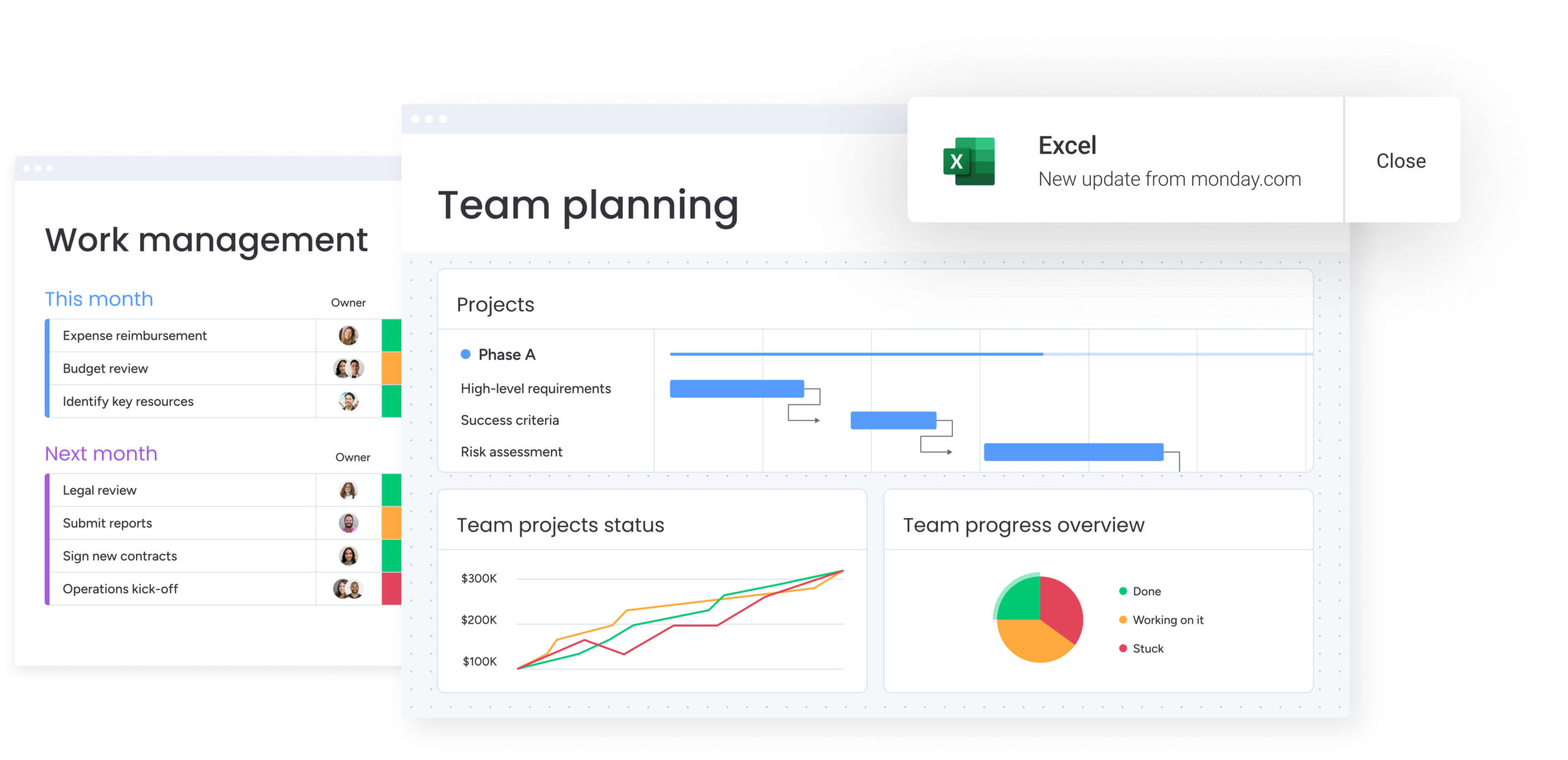
Facebook post templates are pre-designed frameworks that provide the structural foundation for creating consistent, professional social media content. Unlike static images or one-off graphics, templates work as reusable containers where teams can plug in specific text, imagery, and video while keeping the brand consistent.
Professional templates lock in brand elements (logos, color palettes, and typography) and add flexible placeholders for campaign-specific assets. This distinction shifts the focus from “how does this look?” to “what does this say?” enabling rapid content production without sacrificing quality or brand integrity.
Template categories for marketing goals
The best template libraries are organized by purpose, not just visual style. Knowing these categories helps teams pick the right framework for each campaign: less guessing, better results. Each template type has a job — from building awareness to driving conversions.
- Brand awareness templates: these frameworks use bold logo placement and distinct color blocking to stop the scroll and make your brand stick with new audiences.
- Engagement templates: these layouts focus on interactive elements — readable text questions, poll structures, or visual comparisons that get users to comment and react.
- Promotional templates: built for conversion, these designs use prominent call-to-action buttons, pricing zones, and product-focused imagery to get clicks during launches and sales.
- Educational templates: these formats use carousel layouts, numbered lists, or infographic styles to break down complex insights into bite-sized content.
- Event templates: these time-sensitive frameworks include dedicated spaces for dates, times, and location details: ensuring critical info is always prominent and easy to find.
- User-generated content templates: these frame designs showcase customer photos or reviews in a branded container, adding polish to authentic community content.
Templates vs custom designs
Knowing when to use templates versus custom designs helps you allocate resources smarter. Templates handle most daily content, but custom designs are for big moments where breaking the visual mold is the point.
| Aspect | Templates | Custom designs |
|---|---|---|
| Time investment | Minutes to customize: ready in 10-15 minutes | Hours to create: requires two to four hours for concept and execution |
| Brand consistency | High: guardrails ensure strict adherence | Variable: depends on designer's interpretation |
| Team accessibility | Universal: accessible to copywriters and managers | Restricted: requires specialized software expertise |
| Cost efficiency | Low: one-time build cost over hundreds of uses | High: significant resource cost for single-use assets |
| Scalability | High: produce dozens of variations per hour | Low: production limited by designer bandwidth |
Templates function as the workhorse for 80% of content, including daily updates, recurring features, and standard announcements used by marketing teams. Save custom designs for big moments—major rebrands, flagship product launches, or unique creative campaigns.
Why marketing teams need Facebook post templates
As content demands grow, the traditional design workflow creates bottlenecks that slow down marketing. Templates solve core organizational problems, moving teams from reactive content creation to proactive, scalable publishing. Here’s why template systems are now essential for marketing teams.
Accelerate content creation across campaigns
Templates cut the time between concept and publication. In a product launch requiring 50+ unique assets across different regions, templates allow teams to version content instantly using a social media calendar. Instead of designing 50 individual posts, teams create one master template and fill it with localized copy and imagery.
According to McKinsey research, merchants report that standardized, reusable structures can help them reclaim up to 40% of their time by offloading manual, repetitive tasks.
This cuts design time from hours to minutes per asset. McKinsey analysis finds that up to 60% of once‑manual decision‑support tasks can be automated or standardized through template-led workflows. It lets teams respond in real time and jump on trending topics while the opportunity’s still there.
Maintain brand consistency at scale
Visual consistency often breaks down as teams grow and more people create content. Without templates, a regional manager might use the wrong hex code or an outdated logo. Templates build brand guidelines directly into the file structure.
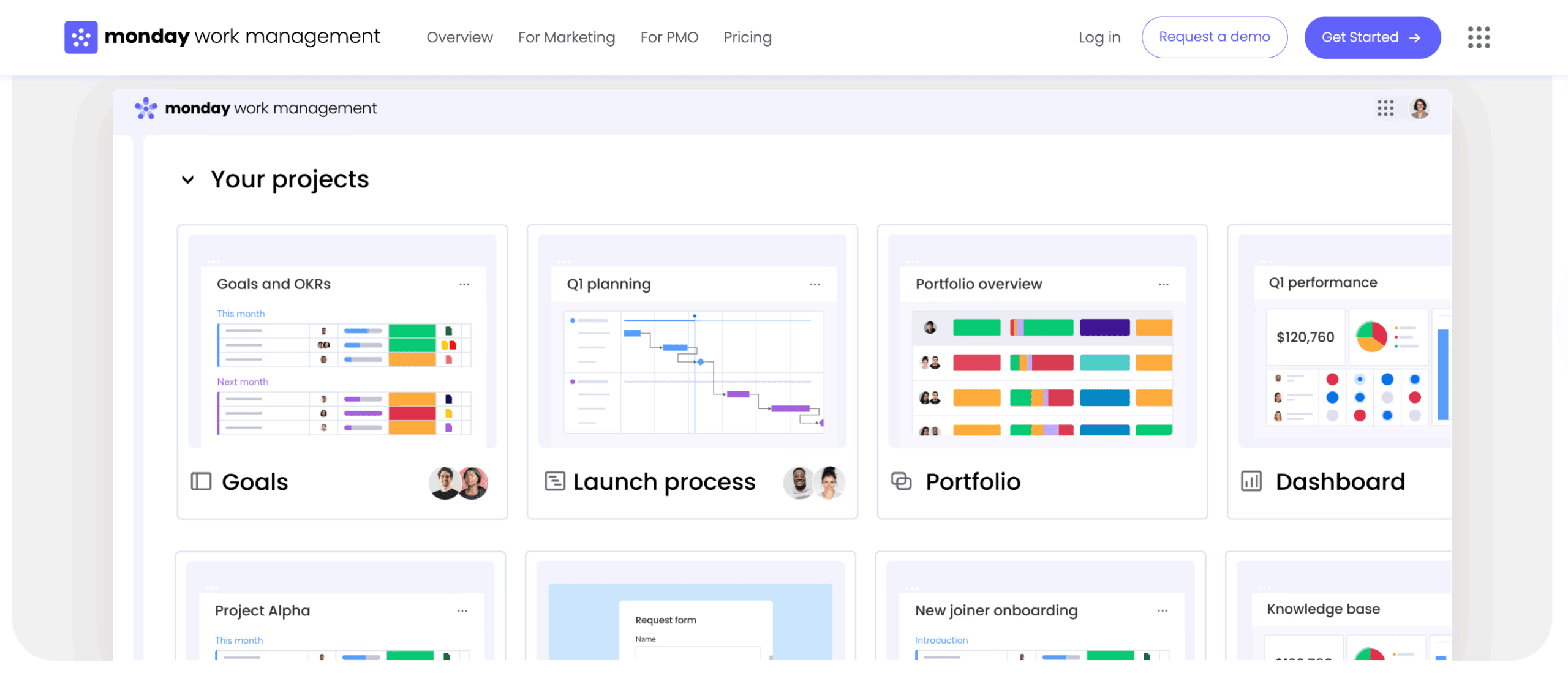
Margins, font weights, and color combinations are pre-set, making it hard to go off-brand. This creates a consistent visual language across all channels. Marketing teams using monday.com can house standardized assets in a central repository, ensuring everyone accesses current, approved versions through the Files Column.
Enable every team member to create posts
Content ideas often come from outside the design department. Templates open up the creation process by removing the technical barrier. A social media manager or copywriter can produce professional graphics without advanced design software knowledge.
This independence reduces reliance on the creative team and removes the design bottleneck. Experts can communicate directly with the audience using polished, branded assets.
Streamline compliance and approvals
For companies in regulated industries, every visual element carries compliance risk. Templates reduce this risk by using pre-approved layouts and legal disclaimers. The structural elements have already passed compliance review, so approvals focus only on new text or images.
This consistent approach creates an audit trail and reduces costly errors. Organizations using monday.com can integrate templates into automated approval workflows, routing content to the right stakeholders immediately after modification.
Essential Facebook post template dimensions
Using the right dimensions means your content displays correctly across all devices. Facebook’s algorithm penalizes poorly cropped images, and users scroll past unprofessional content. Knowing these specs helps you create templates that perform consistently across Facebook’s content formats.
Facebook feed post specifications
The feed is still where most engagement happens. Templates must account for how images appear on both mobile and desktop screens. Getting these specifications right ensures maximum visibility and professional presentation.
- Square posts: 1080 x 1080 pixels (1:1 aspect ratio). This versatile format occupies maximum vertical real estate on mobile screens without getting cropped in grid views.
- Landscape posts: 1200 x 630 pixels (1.91:1 aspect ratio). Used for link shares, this format ensures the preview image aligns perfectly with metadata.
- Portrait posts: 1080 x 1350 pixels (4:5 aspect ratio). This format offers the highest visibility on mobile feeds, physically taking up more screen space.
- Text overlay guidelines: Facebook’s delivery system favors images with minimal text. Templates should keep text concise and visually balanced.
- Safe zones: critical logos and text should be kept at least 150 pixels from outer edges to prevent accidental cropping.
Stories and Reels template formats
Vertical content requires a different design approach, prioritizing full-screen immersion and accounting for interface overlays. These formats demand careful attention to where interactive elements and platform UI appear.
- Stories dimensions: 1080 x 1920 pixels (9:16 aspect ratio) fills the entire mobile screen.
- Reels specifications: 1080 x 1920 pixels with four-second minimum duration for recommendation eligibility.
- Safe zones for Stories: top 250 pixels and bottom 250 pixels are often covered by account name and reply field.
- Interactive element placement: designs must leave negative space for native stickers, polls, and text tools.
Video post template requirements
Video templates provide a container for motion content, including branded intros, outros, and lower-thirds. These specifications ensure your video content meets platform requirements while maintaining professional quality.
- Aspect ratios: square (1:1) for feed videos, Vertical (4:5) for mobile-first viewing, Landscape (16:9) for longer content.
- Duration guidelines: templates should account for videos from 15 seconds up to 240 minutes.
- Thumbnail templates: custom thumbnails at 1280 x 720 pixels ensure professional appearance before playback.
- Caption overlay zones: templates must include dedicated space for captions at the bottom of the frame
Cross-platform template considerations
Efficiency dictates that templates should work across multiple networks where possible. A square 1080 x 1080 template works natively on Facebook, Instagram, and LinkedIn without modification.
When designing vertical templates, centering the main content ensures that if the asset is cropped to 4:5 ratio for feed preview, the core message remains visible. Text readability must be tested against both light and dark modes.
Try monday.com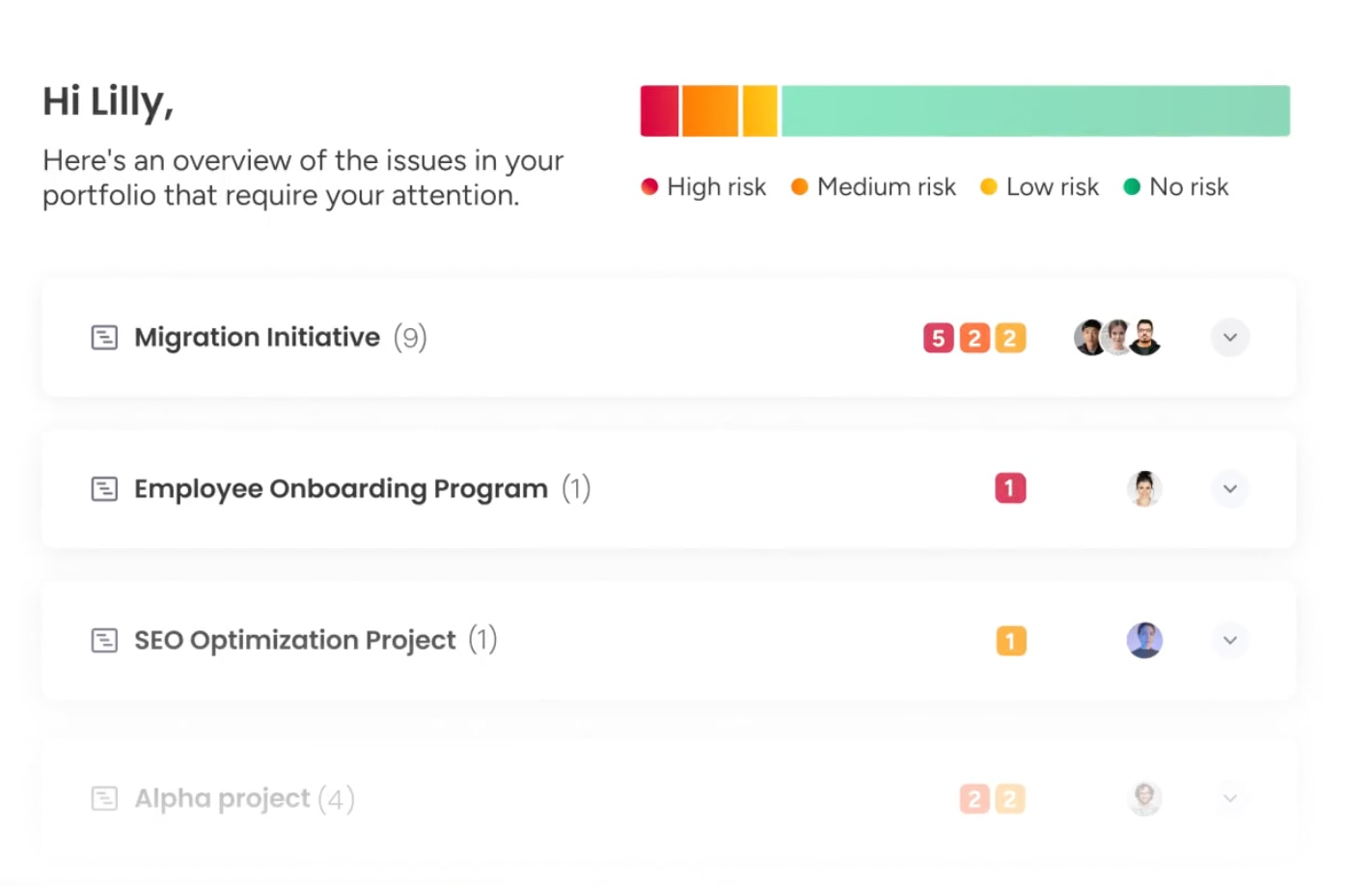
How to create professional Facebook post templates
Creating a robust template library moves from brand definition to technical execution. Follow these five steps to build templates your entire organization will actually use.
Step 1: define visual brand standards
Before opening any design software, codify the visual rules. Define the primary, secondary, and accent color palette with exact hex codes. Establish typography hierarchy by selecting specific fonts for headlines, body text, and captions, along with rules for weight and spacing.
Prepare logo variations including horizontal, stacked, and icon-only versions for different spatial constraints. Photography guidelines dictate mood, lighting, and subject matter. Grid systems define spacing and alignment to ensure every layout feels balanced and professional.
Step 2: select your design platform
The choice of platform dictates the workflow. Simple drag-and-drop options prioritize speed and accessibility for non-designers. Professional design software offers total creative control but requires specialized skills.
Cloud-based collaborative platforms allow real-time teamwork and component libraries. Teams must weigh budget, team size, and existing tech stack integration when making this decision.
Step 3: build master template sets
Create a comprehensive toolkit rather than isolated designs. Start with three to five core layouts addressing the most frequent content needs: quote cards, product highlights, and event announcements.
Build variations for different campaign themes or seasonal moments. Design modular elements like interchangeable buttons, text boxes, and photo frames to be mixed and matched. Include both text-heavy options for announcements and image-focused options for brand building.
Step 4: organize template libraries
A disorganized library renders templates useless. Files must be named using a searchable convention like Promo_Square_Holiday_2025. Folder structures should mirror the marketing strategy, organizing assets by campaign type, product line, or quarter.
Version control is critical. Old templates must be archived to prevent accidental use of outdated branding. Access permissions ensure everyone can use templates while only designated leads can edit master files. Teams using monday.com leverage multi-level permissions to control who can view, edit, or approve template changes.
Step 5: document usage guidelines
Create the instruction manual for the library. Usage guidelines state what can be changed and what must remain fixed. Content specifications outline character limits and quality standards for imported images.
Approval processes are documented so every team member knows who must review posts before they go live.
7 free Facebook post template platforms
Selecting the right platform depends on your team’s technical proficiency and collaboration needs. Each option offers distinct advantages for different organizational contexts. These platforms range from beginner-friendly drag-and-drop interfaces to professional-grade design environments.
1. Canva for quick designs
Canva offers a massive library of pre-made Facebook templates requiring zero design experience. Its drag-and-drop interface allows rapid customization. The Brand Kit feature enforces color and font consistency. It integrates directly with many social media scheduling platforms.
2. Adobe Express for professional templates
Adobe Express bridges the gap between consumer ease and professional power. It offers high-quality templates that integrate seamlessly with the Adobe Creative Cloud ecosystem. As one of the leading workflow automation software platforms, it also excels in brand management and offers robust animation and video template options.
3. VistaCreate for bulk creation
VistaCreate distinguishes itself with bulk editing capabilities. Users can apply changes across multiple designs simultaneously. The platform includes an extensive library of stock photos and graphics. Its automatic resize feature adapts one master design into formats for every social platform.
4. Facebook Creator Studio native options
Facebook’s built-in options offer basic template functionality. These templates are guaranteed to be platform-optimized for dimensions and loading speed. While customization is limited, the direct integration with publishing workflows and performance insights makes it practical for simple updates.
5. Figma for collaborative design
Figma allows multiple users to edit templates in real-time. Its component system ensures that changes to master elements update across all instances. It’s ideal for teams needing strict design governance and developer handoff features.
6. Photoshop for advanced customization
Photoshop remains the industry standard for pixel-perfect control. It allows advanced photo manipulation, complex compositing, and professional typography. While it has a steep learning curve, it’s essential for creating high-end master assets.
7. Creatopy for animation templates
Creatopy specializes in high-volume ad production and animated content. Its timeline-based editor allows creation of complex motion graphics. The platform’s automation features can generate hundreds of variations from a single spreadsheet or data source.
How to customize Facebook templates for your brand
Strategic customization ensures templates feel unique to your brand rather than generic stock designs. The goal is creating assets that are instantly recognizable while remaining flexible for diverse content needs.
Follow this process below to transform basic templates into powerful brand-building assets.
Implementing brand colors and typography
Brand identity is established through systematic application of color and type. Primary brand colors are used for backgrounds and dominant visual elements. Secondary colors function as accents for buttons or highlights. Neutral tones are reserved for text to maximize readability.
Typography hierarchy guides the viewer’s eye. Bold headlines grab attention, legible body fonts deliver the message, and distinct brand fonts reinforce identity. Color contrast ratios must meet WCAG guidelines to ensure content is legible for all users, with minimum requirements of at least 4.5:1 for normal text and 3:1 for large text.
Strategic logo and element placement
Logo placement serves as a subtle signature rather than a billboard. The logo typically occupies 10-15% of the total template area, positioned in a corner where it anchors the design without interfering with the platform’s interface.
Watermarking provides brand protection for original imagery. White space gives brand elements breathing room, preventing a cluttered appearance that degrades perceived quality.
Creating flexible template variations
A robust template system includes families of designs catering to different content needs while sharing visual DNA. These variations ensure teams have the right framework without starting from scratch.
- Layout variations: text-heavy layouts for announcements, image-forward layouts for product showcases, and balanced compositions for general updates.
- Color scheme alternatives: variations for light mode and dark mode to offer visual variety in the feed.
- Seasonal adaptations: core templates modified with thematic elements for holidays without breaking the underlying grid structure.
- Campaign-specific versions: temporary template sets for major launches using distinct visual motifs tied to the master brand.
Building quick-edit components
Modular design speeds up customization. Text blocks are pre-formatted with correct line spacing and kerning. Image placeholders are set with specific aspect ratios and clipping masks.
Call-to-action buttons are standardized components with pre-set colors and shadow effects. Icon libraries provide brand-consistent graphics that can be dragged into place.
Try monday.com
As template libraries grow, management becomes as important as design. Without a system, libraries become cluttered and outdated assets proliferate. Effective template management ensures your investment in design systems pays dividends across the organization.
Structuring template categories and tags
Large libraries require taxonomy that mirrors how teams work. Templates are categorized by campaign objectives, content types, and specific brand lines.
Tags add searchability, allowing users to filter by “Holiday,” “Urgent,” or “High Performer.” Naming conventions like 2025_Q1_ProductLaunch_Square_v2 ensure any team member can find the exact asset through simple search.
Setting team access permissions
Governance is maintained through tiered access. View-only access is granted to the wider team for downloading and using templates. Edit permissions are reserved for the design team and marketing leads authorized to update core structures.
Admin controls belong to brand guardians managing the library’s organization. monday.com supports this through multi-level permissions, controlling users’ access to viewing and changing data, including vendors and guests.
Implementing version control systems
Templates are living documents that evolve with the brand. A version control system tracks every modification, recording who made changes, when, and why. This allows teams to roll back to previous versions if updates introduce errors.
Master templates are assigned an owner responsible for maintenance and work order management. When templates are updated, the system archives old versions and notifies the team.
Creating efficient sharing workflows
Frictionless access drives adoption. Centralized repositories serve as the single source of truth. Quick access shortcuts are pinned to team dashboards for frequently used assets.
Integration with social media scheduling platforms allows users to pull templates directly into publishing workflows. Feedback loops are established where users can rate templates or request improvements.
AI-powered Facebook template optimization
Artificial intelligence transforms templates from static layouts into intelligent, adaptive frameworks. Organizations integrating AI into template workflows gain speed and consistency advantages that compound over time. This technology represents the next evolution in scalable content creation.
Automated content personalization
AI dynamically adapts templates to specific audience segments. By integrating with customer data, AI automatically inserts personalized text, selects imagery that resonates with demographics, or adjusts color schemes based on preference data.
For global campaigns, AI instantly resizes and translates text within templates, adjusting layouts to accommodate different character counts across languages, similar to how email templates adapt to different messaging needs.
AI Blocks within intelligent platforms like monday.com include translation capabilities that break language barriers with accurate localization.
Performance-based template suggestions
AI analyzes historical performance data to recommend the most effective template for a given goal. It identifies patterns like “blue backgrounds drive 20% more clicks” and suggests specific layouts based on these insights.
It automates A/B testing, running template variations simultaneously and automatically shifting focus to winning designs. This data-driven approach removes guesswork from creative decisions.
Smart copy generation for posts
Generative AI assists in filling template placeholders with high-quality copy. It generates headlines that fit perfectly within character limits, ensuring designs don’t break.
It suggests engaging captions that complement visuals, recommends relevant hashtags based on current trends, and optimizes call-to-action buttons with phrases predicted to drive highest conversion rates. Teams using monday.com leverage AI Blocks to summarize complex topics, extract key points, and suggest action items.
Predictive engagement analysis
Before posts go live, AI models score populated templates to predict performance. This analysis evaluates visual balance, text-to-image ratio, and emotional sentiment of copy, providing engagement forecasts.
Teams refine creative before spending budget on promotion, identifying potential issues like low contrast or confusing messaging early. monday.com’s Portfolio Risk Insights scans project boards and flags potential issues by severity.

“monday.com has been a life-changer. It gives us transparency, accountability, and a centralized place to manage projects across the globe".
Kendra Seier | Project Manager
“monday.com is the link that holds our business together — connecting our support office and stores with the visibility to move fast, stay consistent, and understand the impact on revenue.”
Duncan McHugh | Chief Operations OfficerMeasuring Facebook post template performance
Measurement validates the investment in templating and guides future design decisions. Without tracking, template libraries become stale and disconnected from business goals. Data-driven optimization ensures your templates continue delivering results as audience preferences evolve.
Critical metrics to track
Understanding template impact requires tracking specific KPIs that connect design to business outcomes. These metrics reveal which templates resonate with audiences and which need refinement.
- Engagement rates: tracking likes, comments, and shares per template type reveals which layouts resonate emotionally.
- Reach and impressions: comparing organic reach across designs highlights which templates the algorithm favors.
- Click-through rates: measuring traffic from specific link-post templates indicates which visual cues drive action.
- Conversion tracking: attributing sales or leads to specific template styles proves ROI of design consistency.
- Brand consistency scores: audits measure how strictly published content adheres to template guidelines.
- Production efficiency: tracking reduction in time-to-publish quantifies operational value of the template program.
A/B testing template elements
Optimization requires systematic experimentation. A/B tests isolate specific variables, testing photo-background templates against solid-color backgrounds while keeping copy identical.
Teams test headline placement, button colors, and font styles to incrementally improve performance. Tests are run across different times and audience segments to ensure findings are robust.
ROI calculation methods
Template system value is calculated by combining cost savings with performance gains. Cost savings are derived by multiplying hours saved per post by the hourly rate of the design team. Performance improvements are measured by lift in engagement or conversion rates.
Brand value is assessed through long-term metrics like increased brand recall and sentiment scores. monday.com dashboards automatically display live high-level project data for insights on budget, goals, schedules, and resources.
Performance dashboard creation
Data is visualized in real-time dashboards providing at-a-glance views of template health. These dashboards display trend lines for key metrics, allowing teams to spot fatigue where once-popular templates begin losing effectiveness.
Comparative charts rank templates by performance, helping teams decide which designs to retire and which to iterate upon. Automated alerts notify stakeholders when performance drops below set thresholds.

monday.com acts as the central operating system for template-driven content production, bridging the gap between design assets, team workflows, and strategic goals. It transforms scattered processes into connected operations that scale with your content demands.
Centralize template assets and workflows
A centralized system keeps every template easy to find, up to date, and ready to use. Instead of hunting through folders or outdated files, teams work from one shared source of truth.
Key elements include:
- Visual template libraries: organize assets by campaign, format, or performance status so teams can find the right template fast,
- Live file access: preview and download approved master files directly from the Files Column.
- Clear lifecycle tracking: use status columns to show whether a template is in design, approved, or archived.
Automate content request processes
Automation removes the back-and-forth that slows content creation and approvals. Requests move through the system without manual handoffs or follow-ups.
This works by:
- Standardized request forms: capture copy, image needs, deadlines, and channel details upfront.
- Automatic routing: assign template-based requests to junior creators and custom work to senior designers.
- Built-in approval alerts: notify stakeholders the moment a draft is ready for review.
Connect templates to publishing calendars
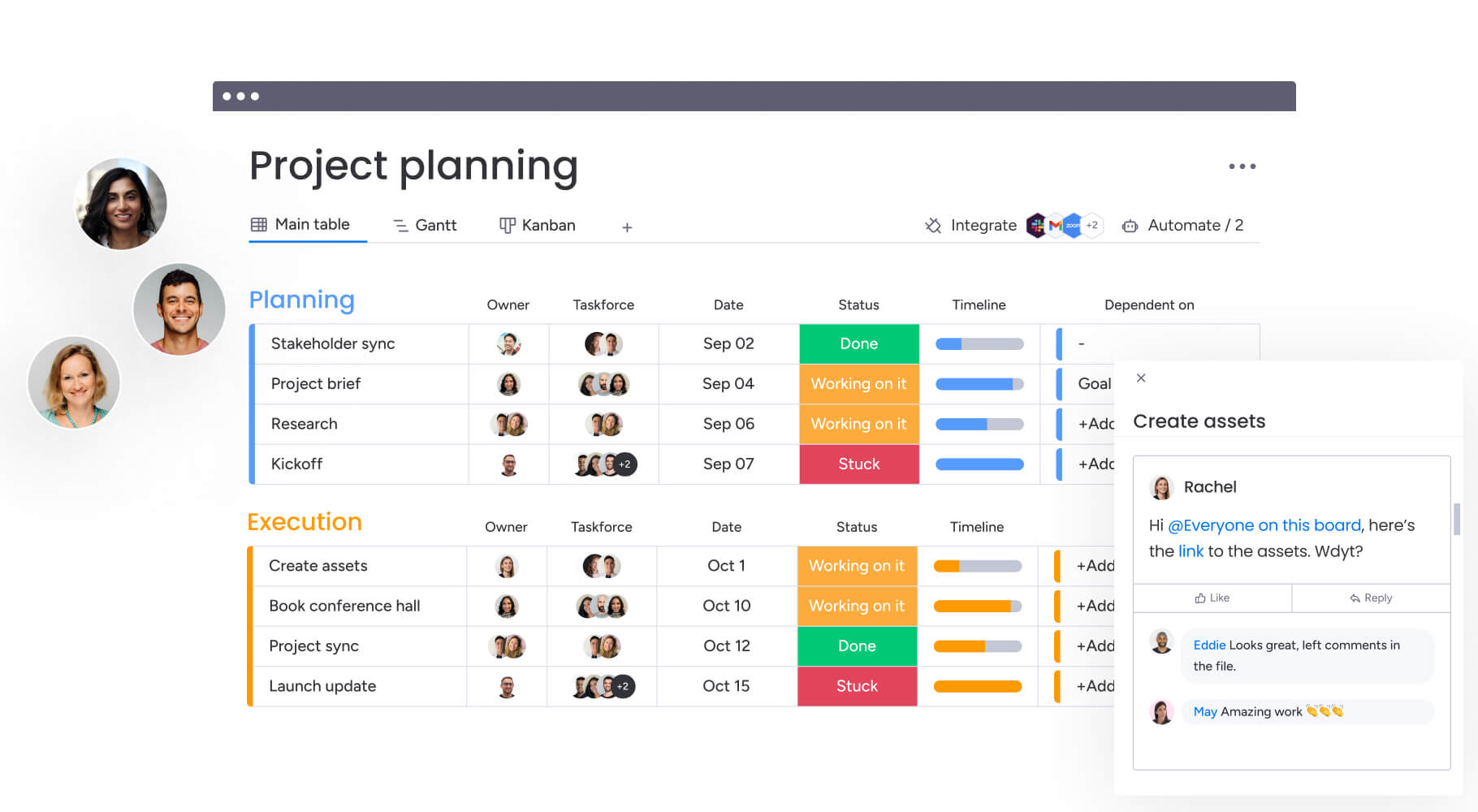
Templates are integrated directly into the strategic timeline. The platform links specific template assets to the content calendar, allowing managers to visualize the visual mix of the feed weeks in advance.
Gantt charts and timeline views show resource allocation, ensuring teams aren’t over-reliant on a single template type when planning their social media posting schedule. This connection ensures template usage aligns with broader marketing campaigns and seasonal events.
Track team performance and output
The platform provides granular visibility into the operational impact of the template program. Dashboards track productivity metrics like average time to complete a request, highlighting efficiency gains from template adoption.
| Metric | Traditional approach | Template-driven with monday work management |
|---|---|---|
| Average creation time | Two to four hours per post: custom design for every asset | 15-30 minutes per post: rapid customization of pre-set frames |
| Brand consistency | Variable: relies on individual memory | High: embedded guardrails ensure compliance |
| Team accessibility | Restricted: only designers can produce | Universal: anyone with access can build approved assets |
| Approval cycles | Complex: multiple rounds of revisions | Streamlined: review focuses only on new copy/images |
| Performance tracking | Manual: spreadsheets and disconnected platforms | Automated: real-time dashboards linked to workflows |
Integrate AI for smarter content creation
monday.com incorporates AI to enhance template workflows. AI Blocks help categorize vast template libraries automatically, making discovery instant. The Summarize feature distills creative briefs into captions that fit template text constraints.
Digital Workers analyze past performance data stored in the platform to suggest which template type is most likely to succeed for upcoming campaigns, effectively acting as strategic assistants that optimize content decisions before production begins.
Transform your content strategy with template systems
Facebook post templates represent more than a design shortcut — they’re the foundation of scalable, consistent brand communication. Organizations that implement robust template systems see immediate gains in production speed and long-term improvements in brand recognition.
The shift from custom design to template-driven workflows frees creative teams to focus on strategy rather than execution. When templates handle routine content needs, designers can dedicate time to breakthrough campaigns and innovative formats that truly differentiate your brand.
Success with templates requires commitment to the system. Teams that invest in proper organization, governance, and measurement see templates evolve from simple time-savers into strategic assets.
Frequently asked questions
Does Facebook provide native post templates?
Facebook Creator Studio offers basic post formatting options and some pre-designed layouts. Most marketing teams use third-party template platforms for greater customization and brand control.
How do I make Facebook post templates in Photoshop?
To create Facebook post templates in Photoshop, you should start a new document at the correct dimensions (e.g., 1080 x 1080 pixels for square posts). From there, you can design your layout with placeholder text and image areas, save it as a layered PSD file, and create variations for different content types.
What are the ideal dimensions for Facebook post templates?
The ideal dimensions for Facebook post templates are square posts at 1080 x 1080 pixels, landscape posts at 1200 x 630 pixels, and portrait posts at 1080 x 1350 pixels. Stories and Reels require 1080 x 1920 pixels in vertical format.
Can Facebook templates work on Instagram and LinkedIn?
Facebook templates can work on Instagram and LinkedIn with dimension adjustments. Square templates at 1080 x 1080 work well across platforms, while Stories templates can be shared between Facebook and Instagram with minimal modifications.
How frequently should teams refresh their templates?
Teams should review template performance quarterly and update designs every 6-12 months to prevent audience fatigue. Refresh immediately when brand guidelines change or when engagement rates decline significantly.
How does monday.com help with Facebook template workflows?
monday.com centralizes template libraries, automates content request processes, tracks team performance, and integrates AI capabilities for smarter template optimization. Teams manage entire template lifecycles from creation to performance analysis in one platform.

 Get started