


Picture an invisible teammate who spots a high-intent lead the second they appear, then instantly crafts and sends personalized outreach. Meanwhile, another teammate sorts, categorizes, and routes IT support tickets before they ever hit a queue. This happens thousands of times daily across organizations, not because teams lack good intentions, but because most are stuck with reactive automation that waits for human input instead of acting on obvious patterns. Proactive AI agents flip that model. They watch your workflows, learn from what they see, and act autonomously within boundaries you control to handle processes like lead scoring, ticket triage, and vendor research.
Agent sophistication varies wildly, and picking the wrong type leads to expensive tech that solves the wrong problem. We’ll walk through seven core types of AI agents, from simple rule-based systems to multi-agent networks. You’ll see how each type works, how to match complexity to your team’s needs, and how platforms like monday agents help teams combine different agent types for marketing campaigns, project risk analysis, and more.
Key takeaways
- Match agent complexity to your actual needs: Start with simple rule-based agents for predictable processes, then scale to learning agents when patterns change frequently.
- Focus on autonomy level over technical features: The key difference between bots, assistants, and agents is whether they wait for instructions or proactively monitor and act on their own.
- Build on structured data and clear processes: AI agents need organized information and documented workflows to make smart decisions across your organization.
- Deploy ready-made agents for common workflows: monday agents provides pre-built solutions for lead scoring, risk analysis, and ticket triage, plus custom agent builders for unique organizational needs.
- Plan for cross-departmental coordination: Multi-agent systems work best when marketing, sales, and operations agents can share data and coordinate actions through a unified platform.
What is an AI agent?
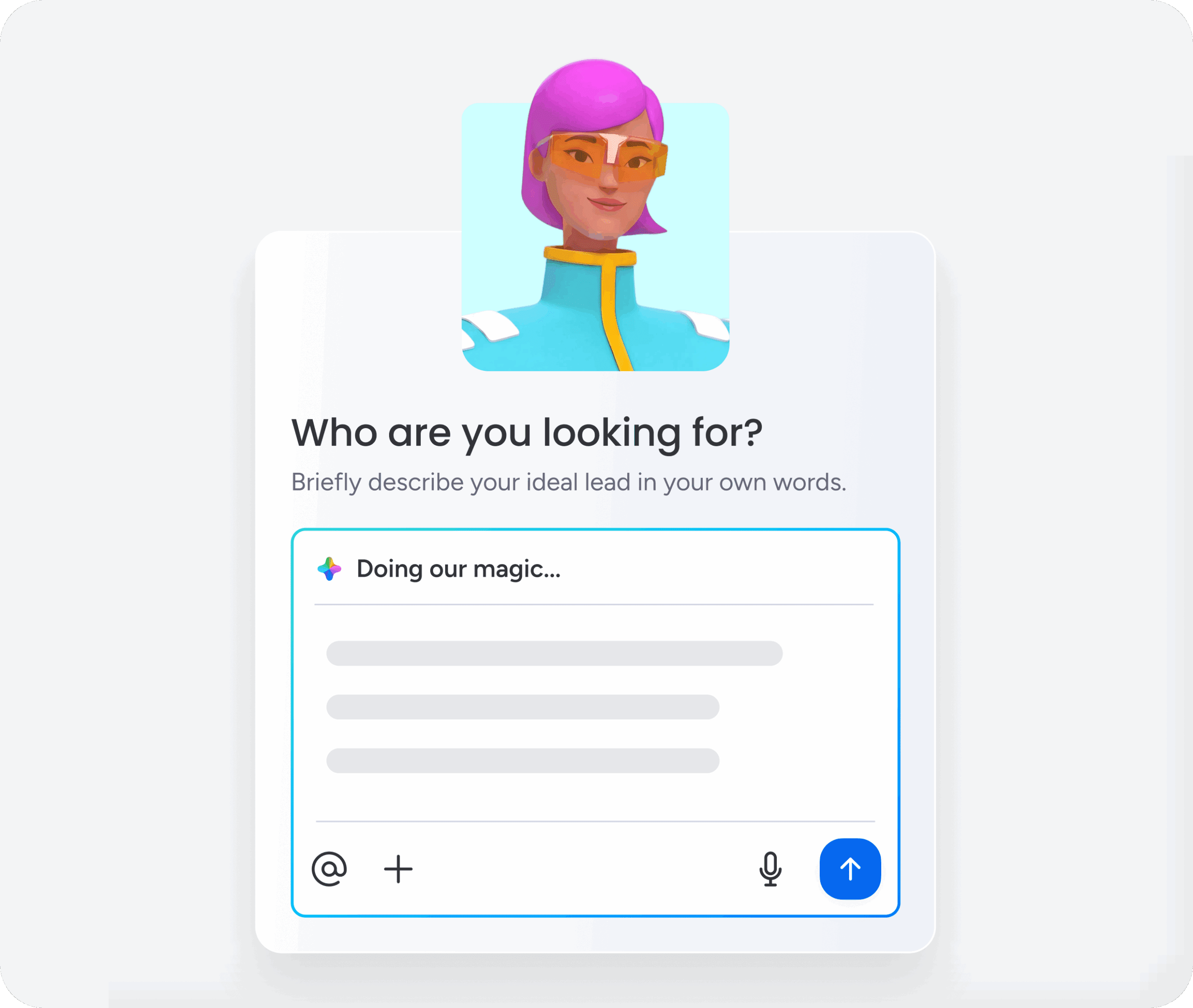
An AI agent is software that watches its environment, reasons about what it sees, and acts on its own to hit specific goals. Simple automation waits for a trigger and follows a script.
An AI agent interprets context, weighs options, and decides what to do next as conditions shift.
Traditional automation works like a mail sorter routing letters by zip code. It does one thing, reliably, every time. An AI agent reads the letter, understands the intent, and decides the most appropriate recipient and response, adapting its behavior when the situation shifts.
AI agents now work across departments, handling lead scoring, ticket triage, project risk analysis, and more. Agent sophistication varies wildly. Understanding the different types helps you pick the ones that actually fit your organization.
Learn more: AI agent frameworks
AI agents vs. AI assistants vs. bots
These three terms get used interchangeably, but they’re not the same thing. Each represents a different level of capability. Knowing where each sits on the intelligence and autonomy spectrum keeps you from buying the wrong solution or underestimating what’s possible.
| Characteristic | Bot | AI assistant | AI agent |
|---|---|---|---|
| Decision-making | Follows scripted rules with no deviation | Responds to prompts and suggests actions, but requires human approval | Evaluates situations and takes independent action within defined boundaries |
| Context awareness | None; operates on keyword matching | Understands conversational context within a single session | Maintains persistent context across workflows, departments, and time |
| Autonomy level | Executes pre-set commands only | Augments human work but waits for direction | Proactively initiates actions, monitors outcomes, and adjusts course |
| Learning ability | Does not learn | Improves responses within a session | Learns from outcomes and refines its approach over time |
| Typical example | A FAQ chatbot matching keywords to canned answers | A writing assistant that drafts an email when asked | A risk analyzer that continuously monitors project timelines and reassigns resources when deadlines are at risk |
These categories aren’t rigid boxes. They exist on a spectrum. Many platforms blend capabilities. An AI assistant might evolve into an agent once it has persistent context and the authority to act on its own.
The key distinction: Does the system wait for you to ask, or does it watch, decide, and act on its own?
Learn more: AI agent architecture
A look at how AI agents work

All AI agents follow a core cycle that lets them work autonomously as conditions change. The cycle: perception, reasoning, action, and learning. It repeats continuously as conditions shift. Understanding this cycle helps you figure out which agent capabilities you actually need.
Perception, reasoning, and action
AI agents operate through three fundamental processes that work together to create intelligent behavior.
Perception: Agents gather data from their environment, including:
- Structured data from project boards
- Unstructured data from emails and documents
- Real-time signals like status changes and deadline alerts
Reasoning: The agent processes what it perceives using rules, models, or large language models. Say an agent monitoring a project board spots three items assigned to the same person, all due within 48 hours. It reasons that the concentrated workload creates a delivery risk based on historical completion rates. For example, AI agents for product management and engineering teams could apply this reasoning to sprint planning and release risk, not just marketing or IT workflows.
Action: The agent then executes a response, such as:
- Flagging the risk to a manager
- Suggesting reassignment
- Automatically adjusting timelines
The scope of action depends on the agent’s type and the permissions you’ve given it. monday agents handle this perception-reasoning-action cycle across your workflows, monitoring project boards, analyzing patterns, and taking action within the boundaries you define.
Memory and context retention
Two types of memory separate sophisticated agents from simple ones and determine how effectively they work across complex workflows:
- Short-term memory: Allows an agent to maintain context within a single interaction or session, remembering earlier steps in a conversation or the sequence of actions it has already taken.
- Long-term memory: Enables an agent to retain information across sessions and over time, such as learning that a particular team consistently underestimates project timelines by two weeks.
Context retention gets especially powerful when an agent can see data across departments. An agent that sees marketing campaign timelines, sales pipeline stages, and IT support ticket volumes can spot patterns and dependencies no single-department view would catch. monday agents operate on a unified platform where this cross-departmental visibility happens naturally, giving agents the full context they need to make smart decisions.
Autonomy and external integrations
Autonomy exists on a spectrum that determines how independently an agent can operate within your organization:
- Human-in-the-loop agents: Require human approval before every action, providing maximum oversight but limiting speed and efficiency.
- Autonomous agents: Operate independently within defined guardrails, only escalating when they encounter situations outside their authority.
Agents extend their capabilities through integrations with external systems like communication platforms, data sources, and other AI models.
- Communication platforms
- Data sources
- Other AI models
The Model Context Protocol (MCP) is an emerging open standard that enables AI assistants to securely connect to and act on data across platforms, creating a more standardized way for agents to interact with the systems organizations already use.
Try monday agents7 core types of AI agents
AI researchers generally classify agents into seven core types, arranged from simplest to most complex. Each type builds on the ones before it, creating a hierarchy of intelligence and autonomy. That helps you match the right agent to your actual business needs.
| Agent type | How it decides | Memory | Best suited for |
|---|---|---|---|
| Simple reflex | Condition-action rules (if X, do Y) | None | Repetitive, predictable processes with known inputs |
| Model-based reflex | Rules + internal model of environment state | Tracks environmental state | Processes requiring awareness beyond what's immediately visible |
| Goal-based | Evaluates actions against a defined objective | Tracks state + goal progress | Workflows where the outcome is defined but the path varies |
| Utility-based | Scores actions by how well they achieve the goal | Tracks state + goal + outcome quality | Decisions involving trade-offs and optimization |
| Learning | Improves performance based on experience and feedback | Retains and learns from past outcomes | Evolving processes where patterns aren't obvious upfront |
| Hierarchical | Higher-level agents direct lower-level agents | Shared across agent layers | Complex, multi-layered processes spanning teams |
| Multi-agent systems | Independent agents coordinate toward shared objectives | Shared data layer across agents | Cross-departmental processes requiring coordination |
1. Simple reflex agents
Simple reflex agents operate on condition-action rules. If X happens, do Y. No memory of past events. They don’t have the ability to consider future consequences and react only to the current state of their environment.
Workplace examples:
- An automation that moves an item to “Done” whenever its status changes to “Approved”
- A rule that routes form submissions to specific boards based on category selection
Key limitations: Simple reflex agents fail in partially observable environments and cannot handle ambiguity. They work best for repetitive, predictable processes where the correct response to every possible input is known in advance.
2. Model-based reflex agents
Model-based reflex agents improve on simple reflex agents by maintaining an internal model of the world: a representation of how the environment works and what the agent can’t directly observe.
Workplace example: An agent that tracks which team members are currently on leave (even though that information isn’t on the project board) and factors availability into routing decisions.
Value proposition: These agents add value in contexts that require awareness of environmental state beyond what’s immediately visible.
3. Goal-based agents
Goal-based agents don’t just react to conditions; they actively work toward a defined objective. They evaluate multiple possible action sequences to find the one that will most efficiently reach the desired outcome, making them ideal for complex project management or resource allocation.
Workplace example: An AI agent for project management is tasked with scheduling a product launch evaluates team availability, dependency chains, and resource constraints to propose the optimal timeline.
When to use them: Goal-based agents shine in workflows where the outcome is defined but the path varies based on context.
4. Utility-based agents
Utility-based agents take goal-based reasoning one step further. Instead of just asking “Will this action achieve the goal?” they ask “How well will this action achieve the goal compared to alternatives?”
They assign a utility score to each possible action, weighing trade-offs like speed versus cost, quality versus timeline, or risk versus reward.
Workplace example: A resource allocation agent doesn’t just assign tasks to available team members. It evaluates skill match, workload balance, project priority, and deadline urgency to optimize overall team performance.
When to use them: Deploy utility-based agents when decisions involve competing priorities and optimization matters more than binary success.
5. Learning agents
Learning agents improve their performance over time by analyzing outcomes and adjusting their behavior. They don’t just execute; they evolve.
A learning agent has four components:
- Learning element: Analyzes feedback and adjusts behavior
- Performance element: Selects actions based on current knowledge
- Critic: Evaluates how well actions worked
- Problem generator: Suggests exploratory actions to discover better strategies
Workplace example: A lead-scoring agent starts with basic rules but learns over time which signals actually predict conversion. It notices that leads from certain industries convert faster, adjusts its scoring model, and routes those leads with higher priority.
When to use them: Learning agents work best in evolving environments where patterns aren’t obvious upfront and continuous improvement matters.
6. Hierarchical agents
Hierarchical agents organize intelligence across multiple levels. High-level agents set strategic direction and delegate specific tasks to lower-level agents, which handle execution details.
This structure mirrors how organizations actually work: executives set objectives, managers coordinate teams, and individual contributors execute tasks.
Workplace example: A campaign management agent (high-level) monitors overall performance and adjusts strategy. It directs specialized agents to handle content creation, audience targeting, and performance reporting. Each lower-level agent focuses on its domain while the high-level agent ensures coordination.
When to use them: Hierarchical agents make sense for complex, multi-layered processes that span teams and require both strategic oversight and tactical execution.
7. Multi-agent systems
Multi-agent systems consist of multiple independent agents that coordinate toward shared objectives. Unlike hierarchical agents, these agents operate as peers, each with specialized capabilities and the ability to communicate, negotiate, and collaborate.
Workplace example: A sales operations system might deploy three agents:
- A lead qualification agent that scores incoming prospects
- A scheduling agent that coordinates demo calls
- A follow-up agent that monitors engagement and triggers outreach
These agents share data, coordinate handoffs, and adjust their behavior based on what the others are doing.
When to use them: Multi-agent systems excel at cross-departmental processes where coordination matters more than hierarchy: marketing to sales handoffs, IT incident response, or supply chain management.
How to choose the right AI agent for your needs
Picking the right agent type isn’t about finding the most sophisticated option. It’s about matching capability to the actual problem you’re solving. Here’s how to think through it.
Start with process complexity
Ask: How predictable is this workflow?
- Highly predictable, repetitive tasks: Simple reflex agents handle these efficiently. Think status updates, form routing, or notification triggers.
- Tasks requiring context awareness: Model-based reflex agents work when you need to track state beyond what’s immediately visible, like team availability or task dependencies.
- Workflows with variable paths to a clear outcome: Goal-based agents evaluate options and choose the best route.
- Decisions involving trade-offs: Utility-based agents optimize across competing priorities.
Consider how often patterns change
If your process is stable, rule-based agents work fine. If patterns shift frequently because customer behavior changes, market conditions evolve, team dynamics fluctuate, learning agents adapt without constant manual reconfiguration.
Evaluate coordination needs
Single-function workflows can run on standalone agents. Cross-departmental processes benefit from multi-agent systems that share context and coordinate actions.
Factor in risk tolerance
High-stakes decisions might require human-in-the-loop oversight, even with sophisticated agents. Lower-risk, high-volume tasks can run autonomously with periodic audits.
Build on your data foundation
AI agents need structured data and clear processes to make smart decisions. If your workflows live in disconnected spreadsheets and email threads, start by centralizing that information before deploying agents.
How monday agents work in practice
monday agents operate directly inside your workflows, not as a separate tool you need to learn. You get pre-built agents that handle common use cases like lead scoring and risk analysis right out of the box, plus the flexibility to build custom agents that match your organization’s specific processes. Here’s a look at how monday agents work to help users get the most out of their workflows.
Pre-built agents for immediate impact
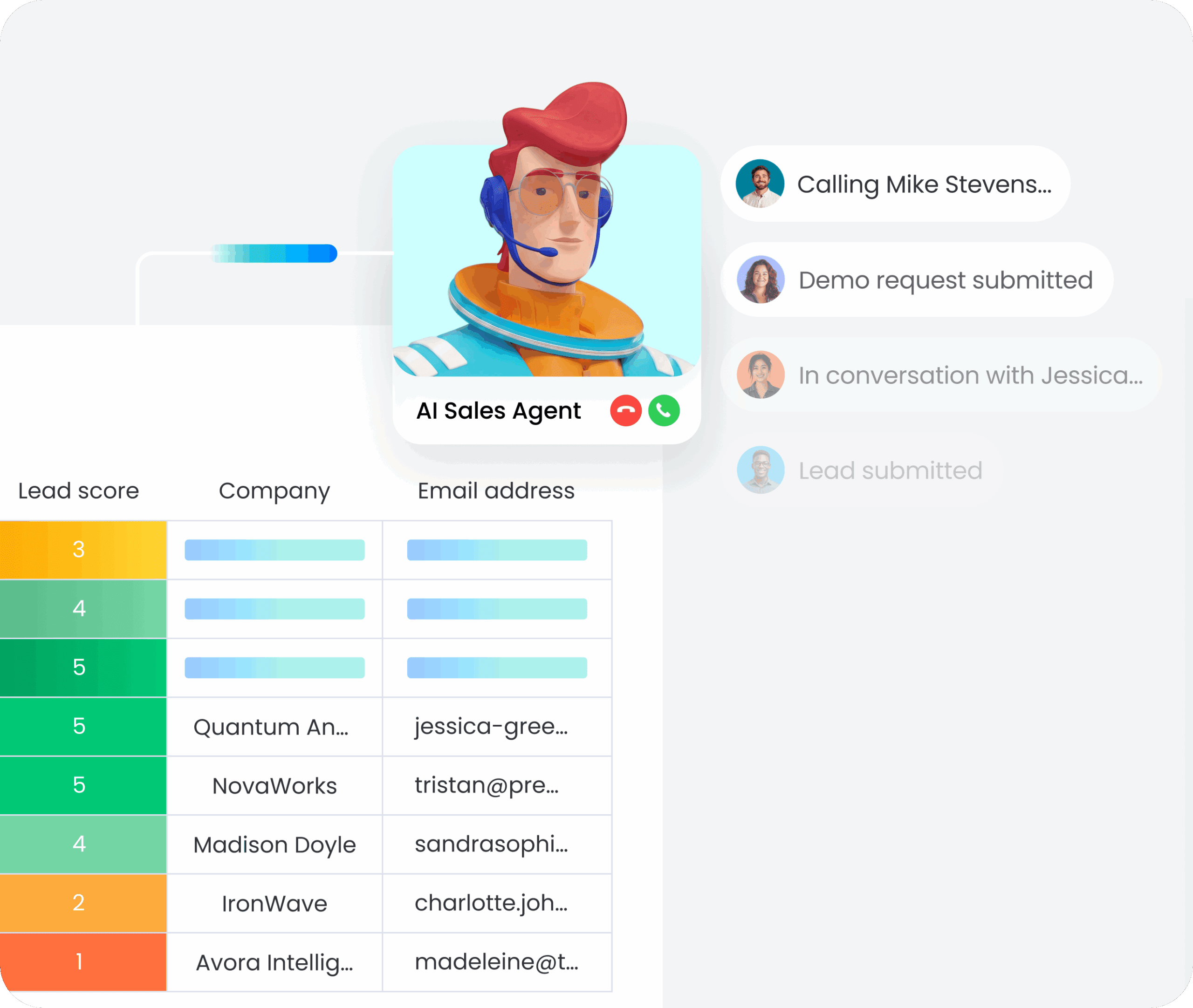
monday agents includes ready-to-deploy solutions that handle high-value workflows out of the box:
- Lead scoring agent: Monitors incoming leads, evaluates them against your criteria, and prioritizes follow-up based on conversion likelihood. It learns from outcomes to refine scoring over time.
- Risk analysis agent: Continuously scans project boards for timeline risks, resource conflicts, and dependency issues. It flags problems early and suggests corrective actions before deadlines slip.
- Ticket triage agent: Routes support requests based on urgency, category, and team capacity. It learns which types of issues get resolved fastest by which team members and optimizes assignments accordingly.
Custom agent builder for unique workflows
Not every workflow fits a template. The custom builder in monday agents lets you design agents that match your specific processes:
- Define the data sources your agent monitors
- Set the conditions that trigger action
- Specify what actions the agent should take
- Configure approval workflows and escalation rules
You’re not writing code. You’re configuring intelligent behavior using the same boards, automations, and integrations you already use.
Multi-agent coordination on a unified platform
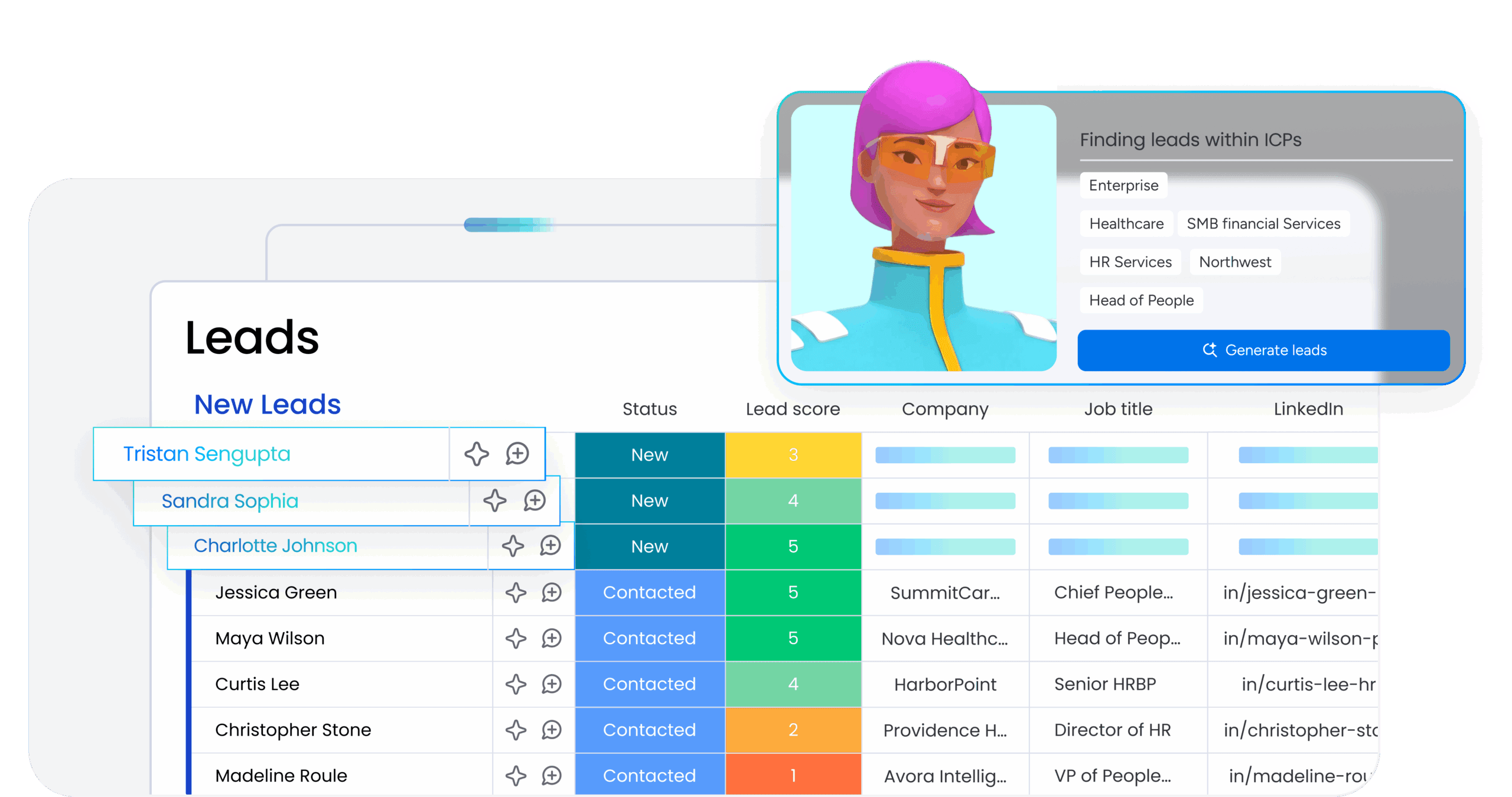
Because monday.com operates as a unified Work OS, agents can share context across departments and products. A marketing agent that spots a high-intent lead can hand off to a sales agent that schedules a demo, which then triggers a customer success agent to prepare onboarding materials.
That cross-functional coordination happens on a shared data layer, so agents aren’t passing information through disconnected systems. They’re working from the same source of truth.
Human oversight built in
monday agents give you control over autonomy levels. You decide which agents operate independently and which require approval before acting. Audit logs track every decision and action, so you can review what agents are doing and refine their behavior over time.
Start deploying the right AI agents for your workflows
AI agents aren’t one-size-fits-all. The right agent for lead scoring isn’t the same as the right agent for project risk analysis or IT ticket routing. Understanding the seven core types helps you match capability to complexity. The teams moving fastest aren’t the ones with the most sophisticated AI. They’re the ones deploying the right agents for the right workflows, built on structured data and clear processes.
monday agents gives you both: pre-built solutions for common workflows and the flexibility to build custom agents that fit your organization. You get intelligent automation that works across departments, learns from outcomes, and scales as your needs evolve. The question isn’t whether AI agents will change how work gets done, it’s whether you’re deploying the right ones.
Try monday agentsFAQs
What's the difference between an AI agent and traditional automation?
Traditional automation follows fixed rules: if X happens, do Y. AI agents interpret context, evaluate options, and decide what to do next as conditions change. Automation waits for triggers. Agents watch, reason, and act autonomously within boundaries you set.
Do I need technical skills to deploy AI agents?
Not with platforms like monday.com. Pre-built agents work out of the box for common workflows like lead scoring and ticket triage. Custom agent builders let you configure intelligent behavior using visual interfaces, no coding required.
How do I know which type of AI agent I need?
Start with process complexity. Simple, repetitive tasks work with rule-based agents. Workflows with variable paths need goal-based agents. Processes that involve trade-offs benefit from utility-based agents. If patterns change frequently, learning agents adapt over time. Cross-departmental coordination calls for multi-agent systems.
What happens if an AI agent makes a mistake?
You control autonomy levels. Human-in-the-loop agents require approval before acting. Autonomous agents operate within defined guardrails and escalate edge cases. Audit logs track every decision, so you can review actions and refine agent behavior over time.
Are AI agents secure?
Security depends on the platform. Look for agents that operate within your existing permission structures, encrypt data in transit and at rest, and provide audit trails. monday.com agents respect board-level permissions and integrate with enterprise security controls.
Can I start with one agent and add more later?
Absolutely. Most organizations start with a single high-impact workflow, like lead scoring, ticket triage, or risk analysis, then expand as they see results. The key is building on structured data and clear processes so additional agents can plug into the same foundation.

 Get started