












.avif)
.avif)
.avif)
.avif)
.avif)




.svg)
.png)
.png)
.png)
.png)
Built on monday.com’s trusted security standards so it’s safe for sensitive work at scale.
.svg)
Your data, context, and chats stay private. Nothing is shared unless you say so.
.svg)
Acts on your behalf, but with your approval. You review, approve, and stay in control of every step.
.svg)
Every action is clear and traceable. You always know what happened, and why.
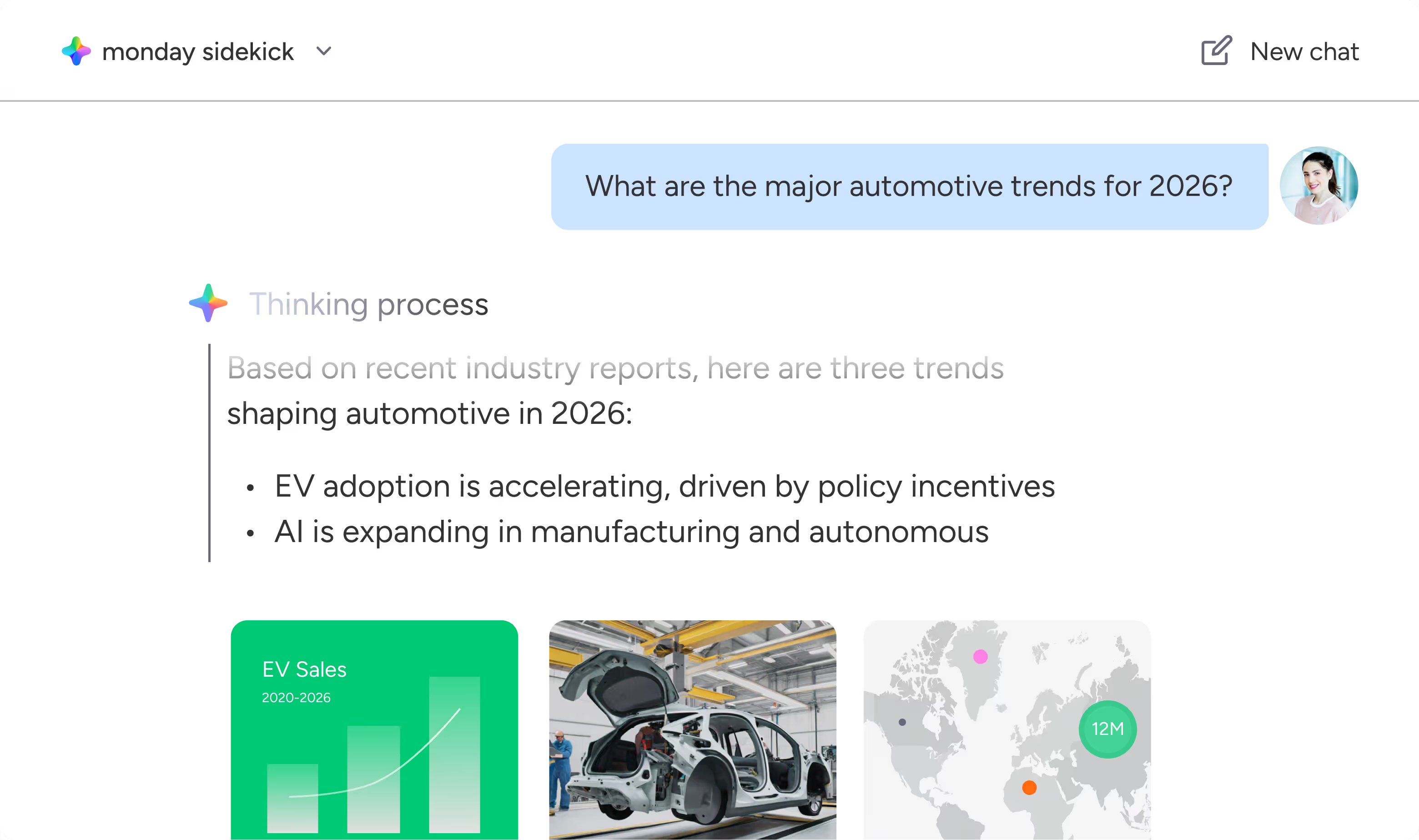
monday sidekick is an intelligent, context-aware AI assistant built directly into monday.com. It understands your work, connects to your tools, and helps you think, create, and take action through natural conversation, all inside your workspace.
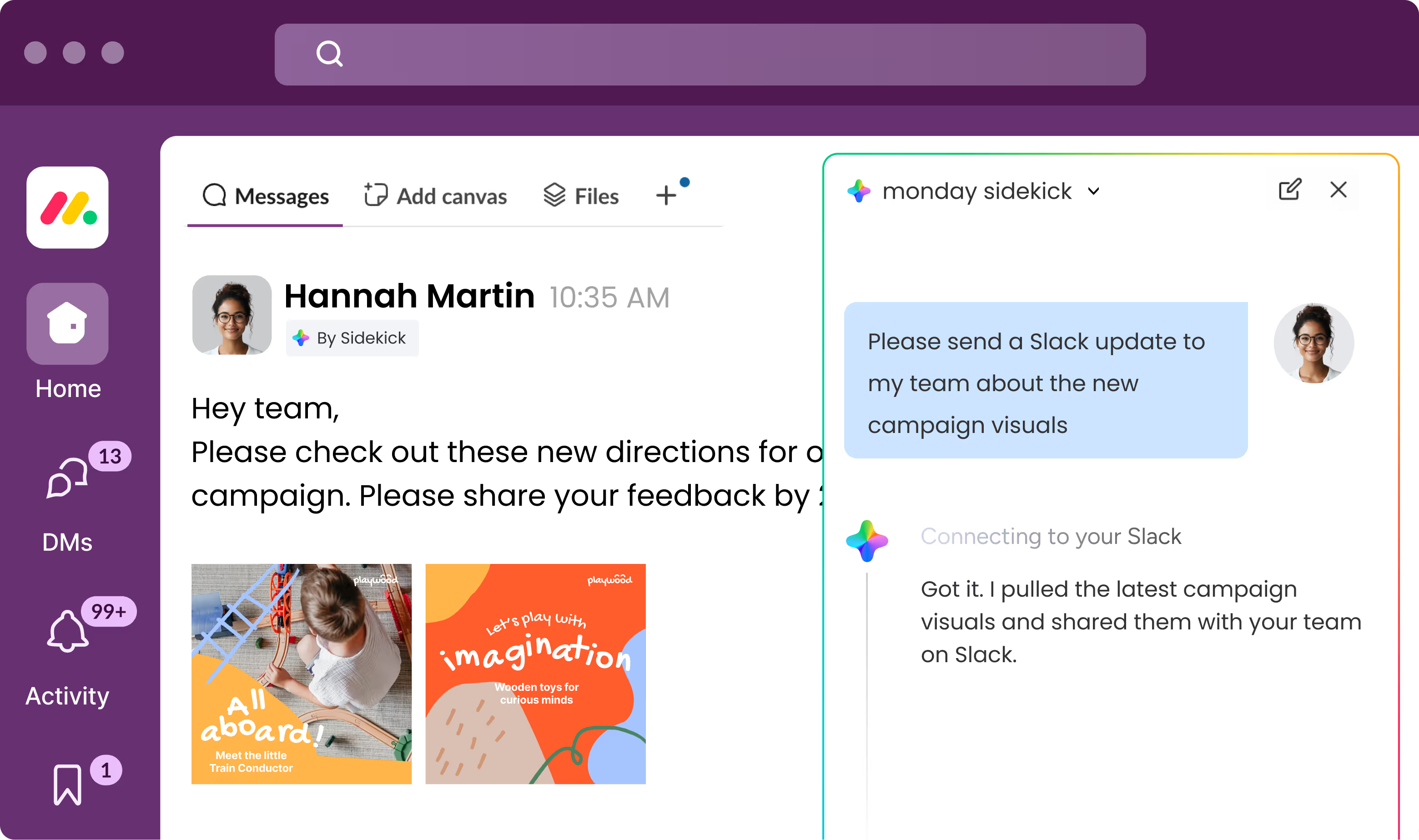
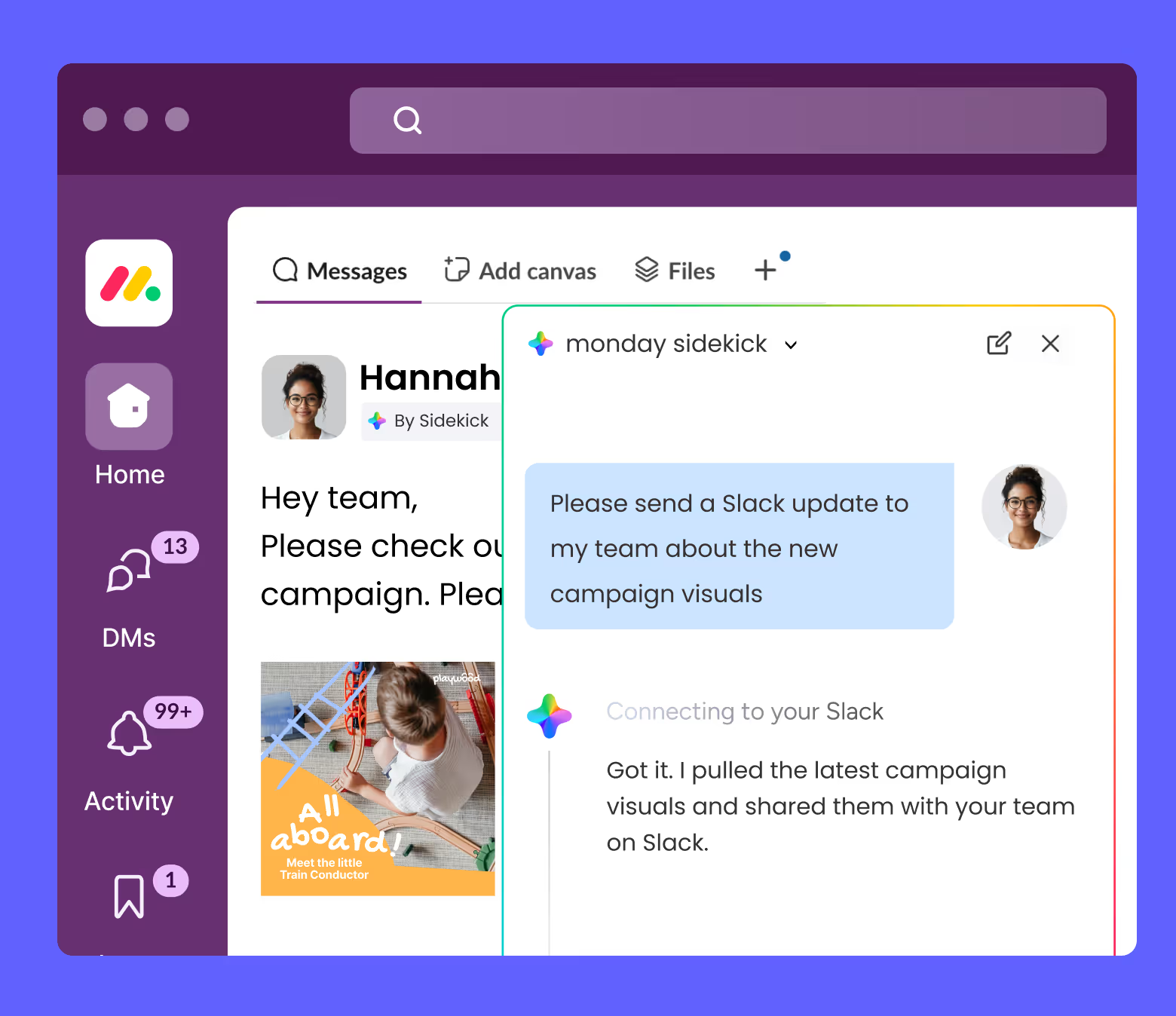
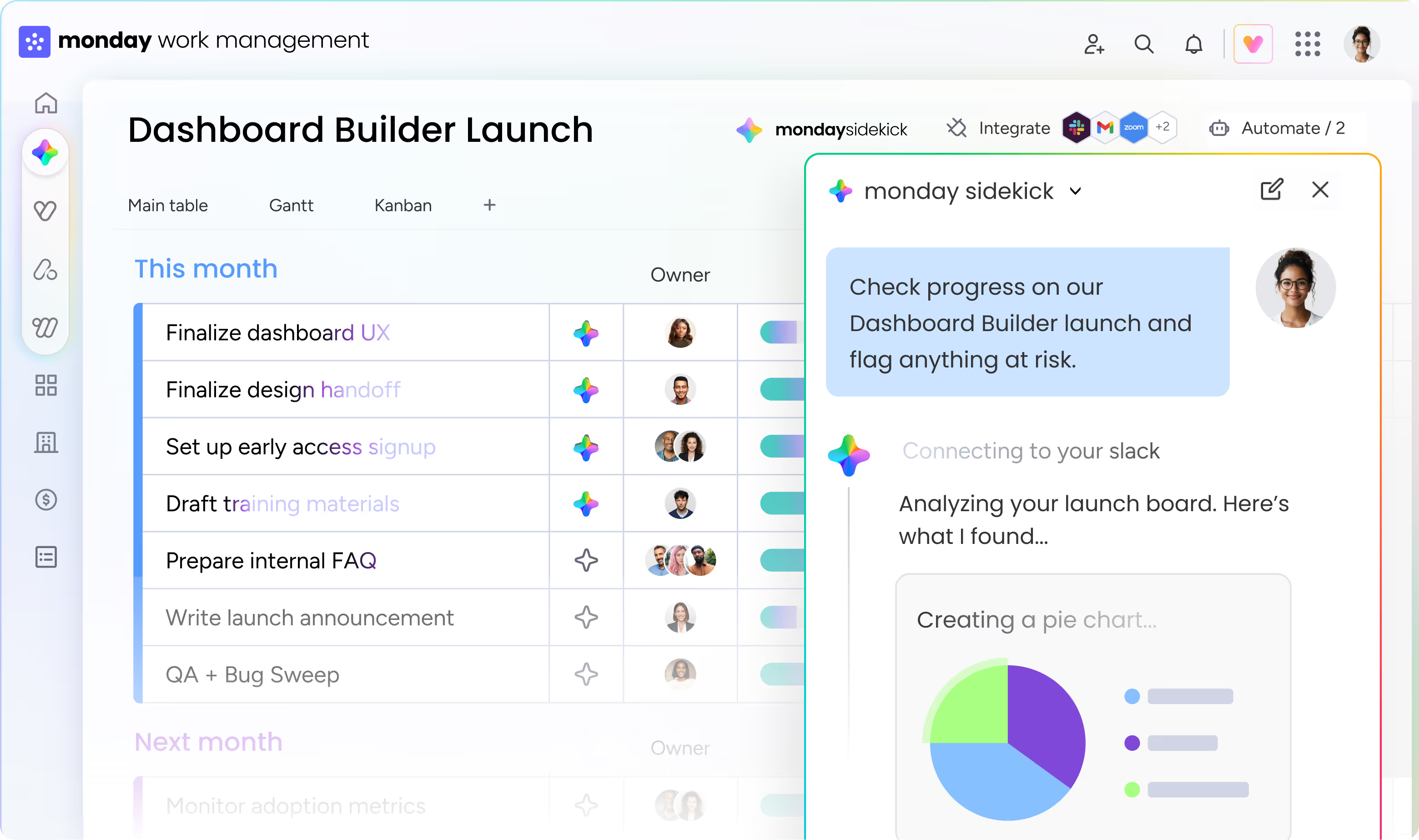
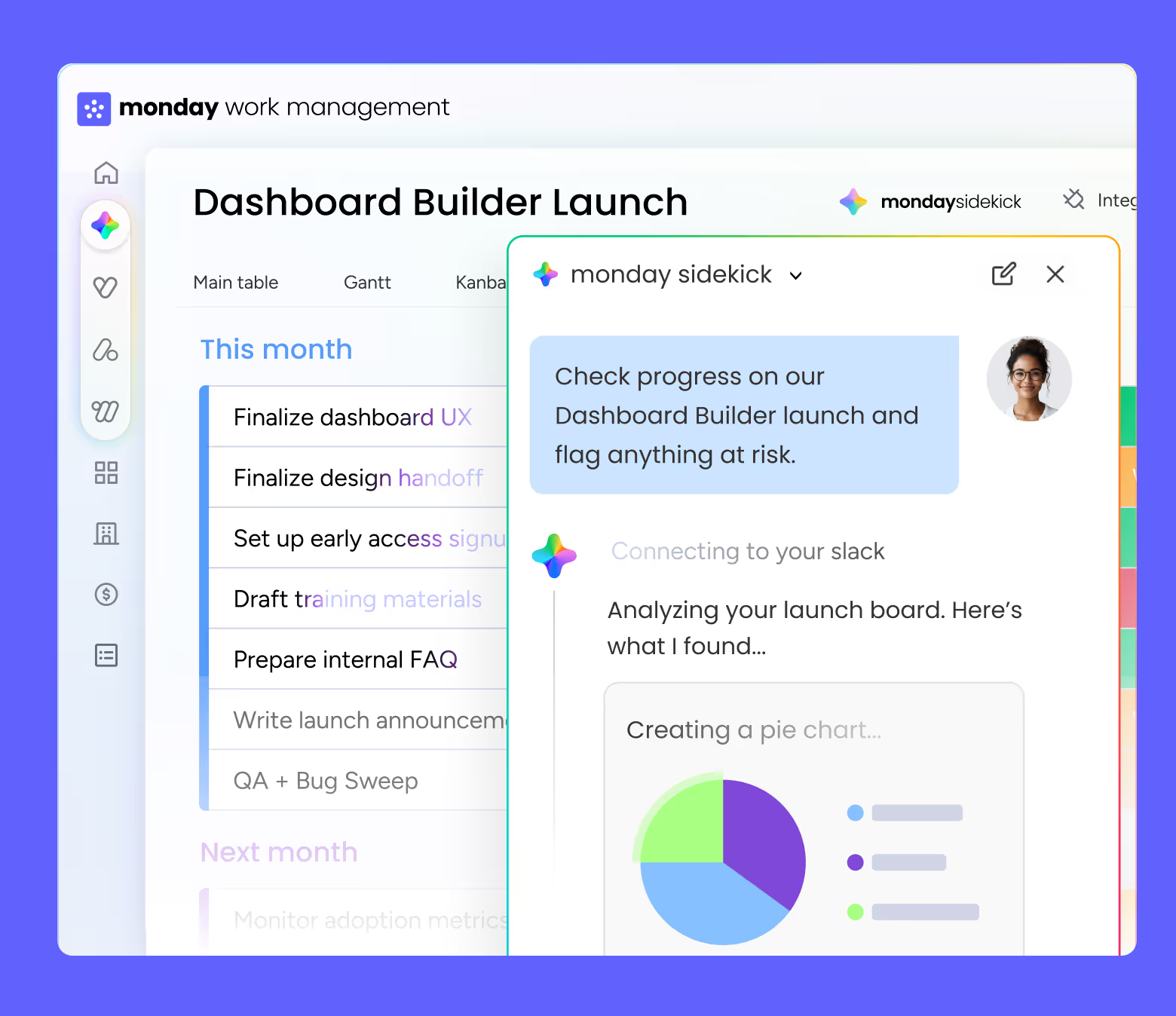
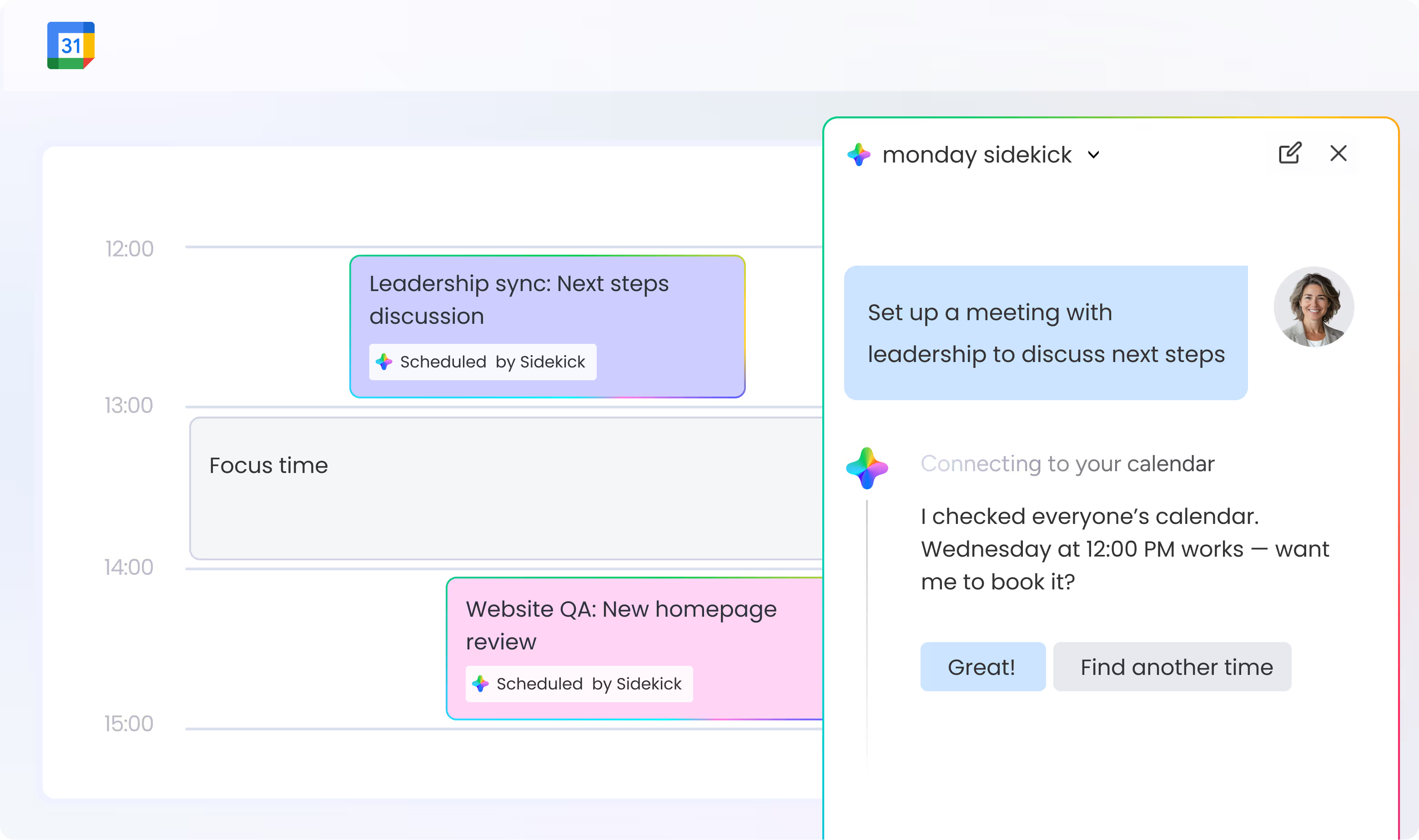
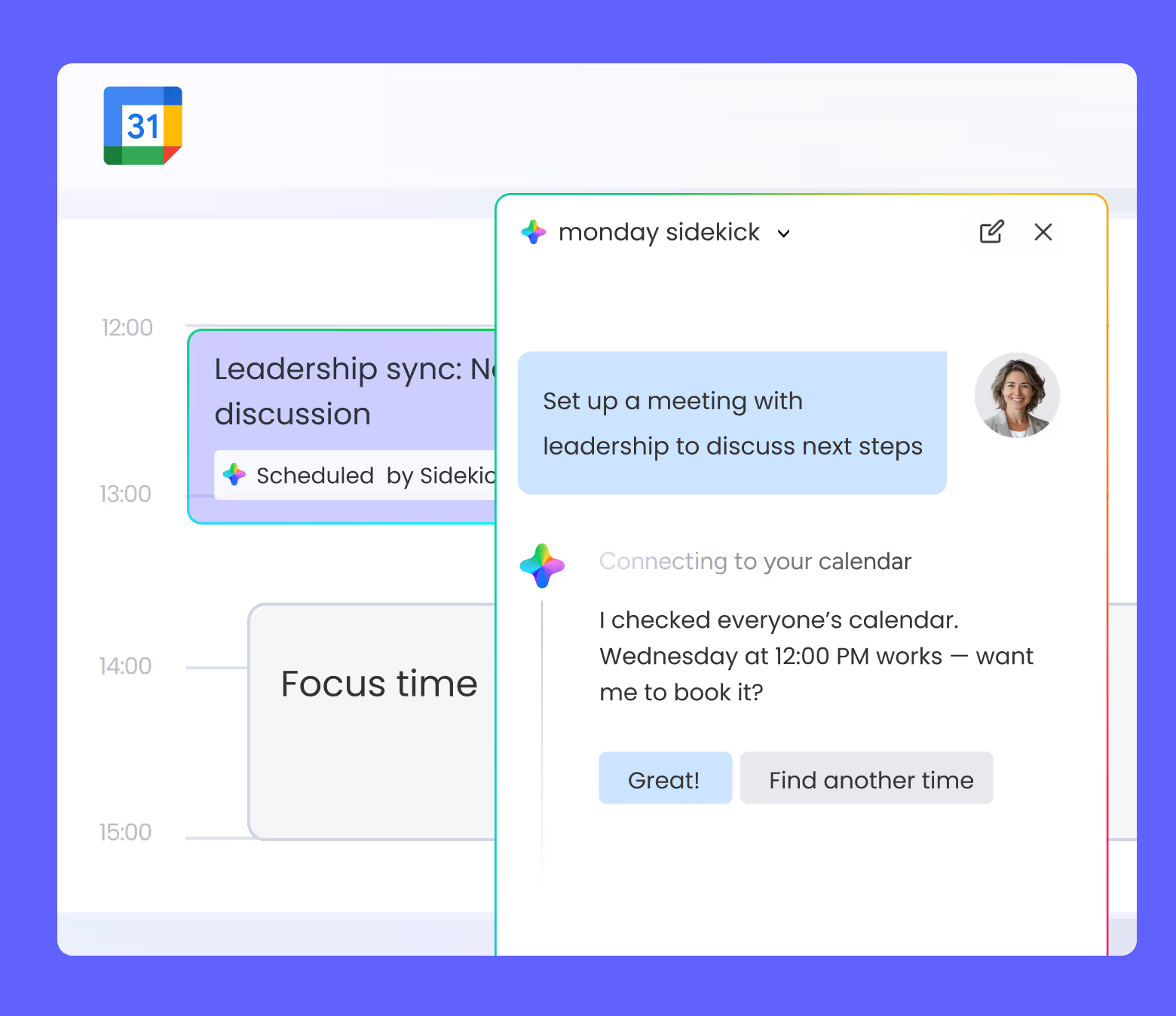
monday sidekick brings together leading AI models, your work data, and your work apps (Slack, Gmail, Google Calendar, and more) in one place. It understands your business context and uses it to analyze information, generate content, and take action directly inside your workflows, without leaving monday.com.
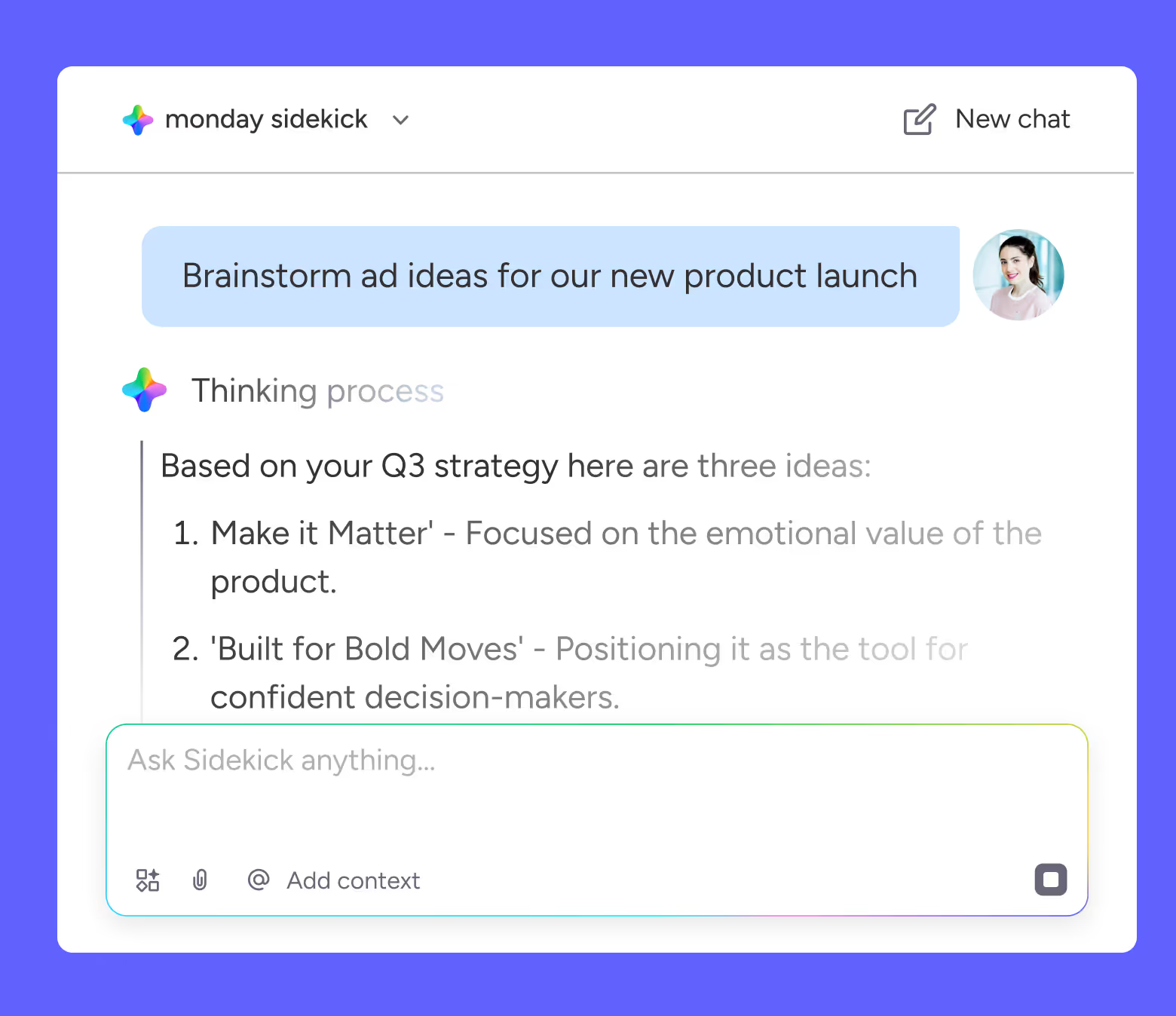
monday sidekick helps you move work forward end-to-end. It can summarize updates and conversations, create content and plans, update tasks and timelines, notify teammates, analyze data, and trigger workflows based on your work context, all from a simple prompt.
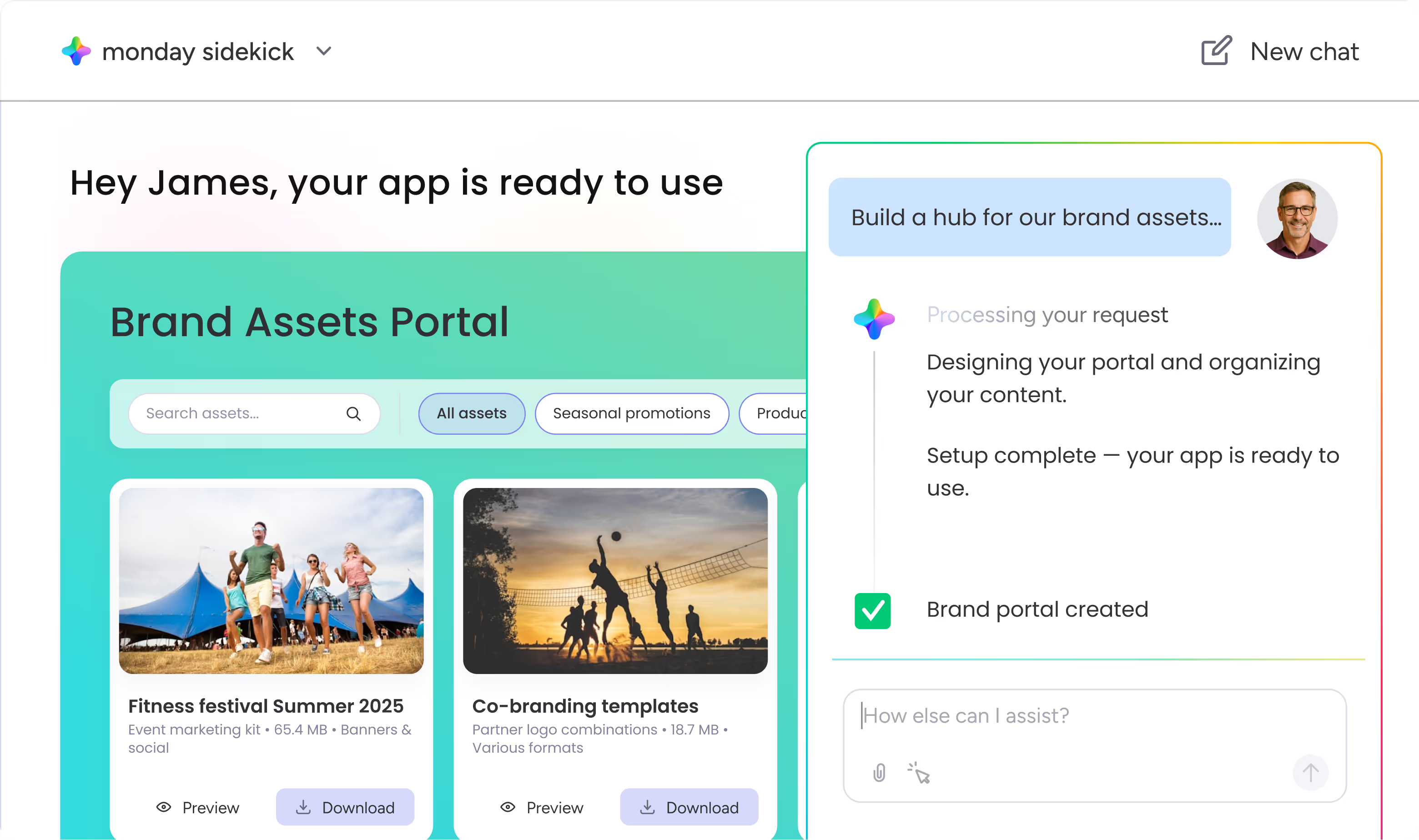
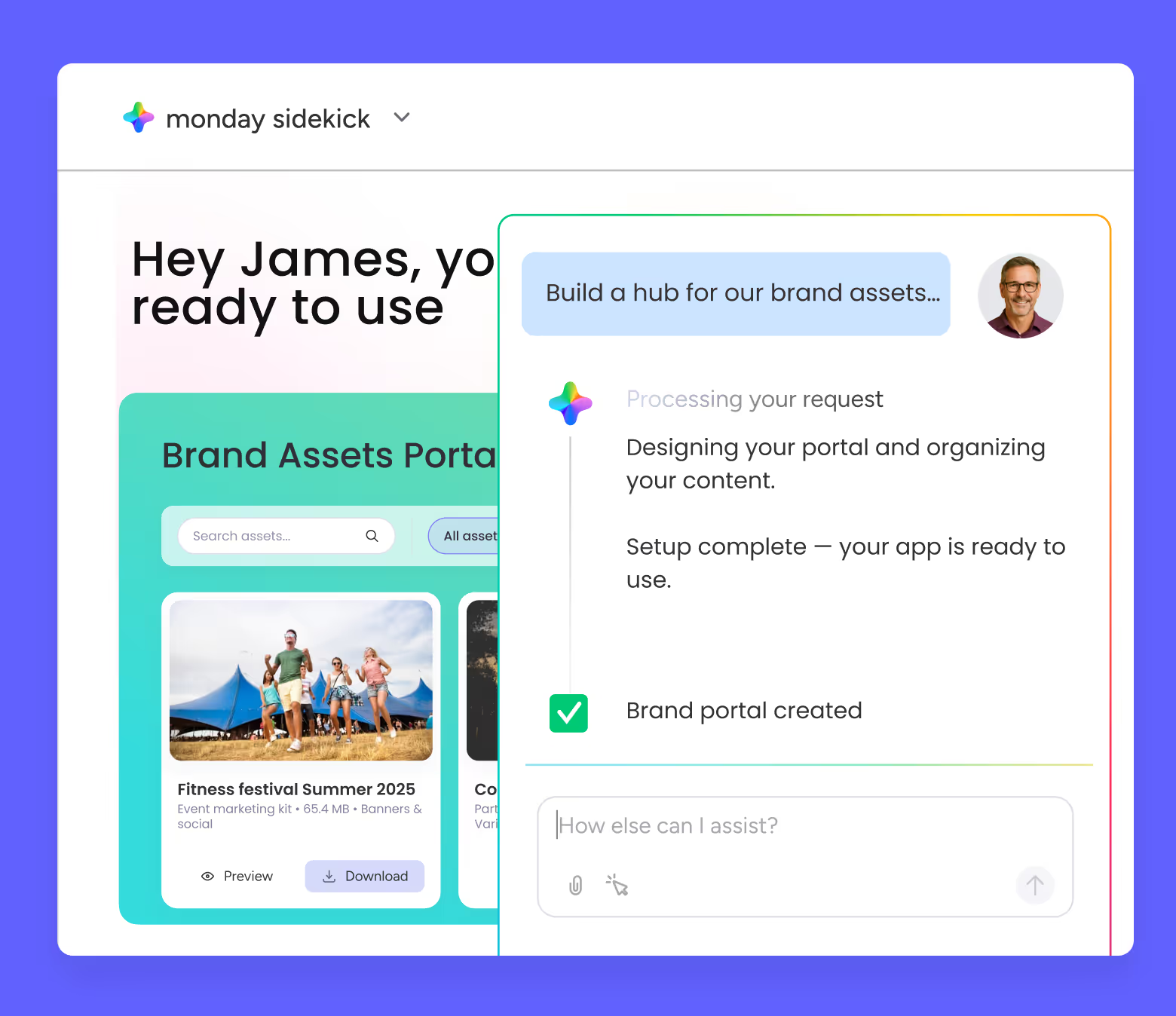
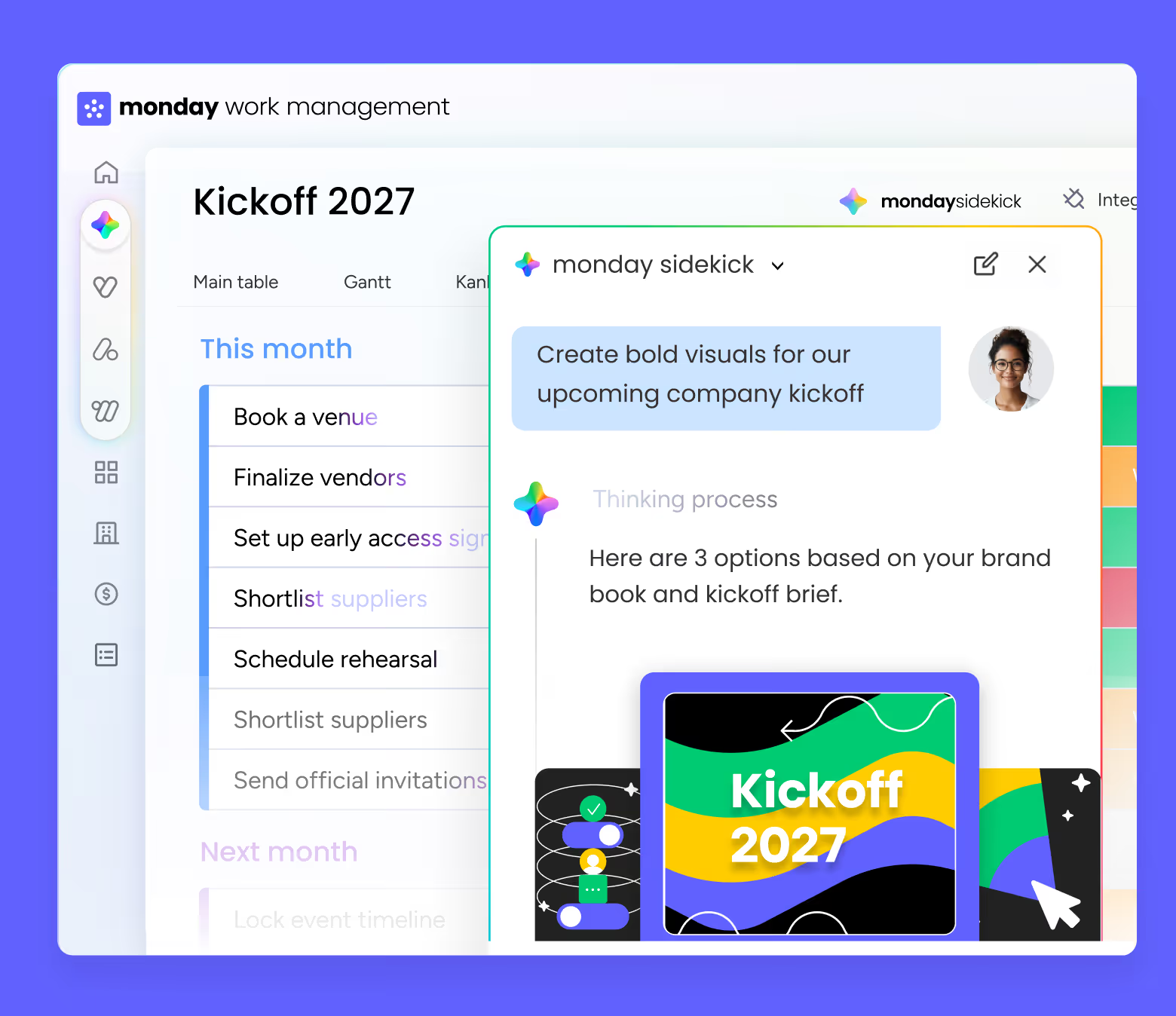
monday sidekick can create workflows, automations, dashboards, and forms from a simple request. It can also guide you to other AI capabilities in monday.com to create apps or agents. In addition, it can generate project plans with owners and deadlines, strategic documents, reports, decks, and on-brand visuals and images, all ready to use inside your workspace.
Unlike standalone AI tools, monday sidekick lives inside your workspace. It’s connected to your boards, docs, and tools like Slack, Gmail, and Google Calendar in one place. It doesn’t just answer questions, it understands your work and acts on your behalf across monday.com and your connected apps.
monday sidekick understands your role, goals, priorities, and active work across boards, docs, and connected tools. This business-aware context ensures every response and action is relevant, precise, and tied to real work.
Teams use monday sidekick to plan campaigns, manage projects, prepare sales briefs, analyze product and service data, and get leadership-level insights. It supports marketing, sales, operations, product, service, HR, and leadership workflows in one unified AI experience.
Yes. monday sidekick adapts to how you work and what you’re responsible for, so the help you get is tailored, relevant, and actionable. Everything monday sidekick does is based on your permissions and stays private to you unless you decide otherwise.
Yes. monday sidekick follows your existing permissions, explains every action before taking it, and never shares data unless you choose to. You stay in control at every step with enterprise-grade security built in.
Yes. monday sidekick has a dedicated mobile app, so you can research, plan, update, and take action on the go.
Yes. monday sidekick is available on all monday.com workspaces. Just start typing to activate it and try it on your own work, with no setup required. Try monday sidekick
Pricing details are available here → [Pricing link]
monday sidekick is built directly into your monday.com workspace. Unlike standalone AI tools, it’s connected to your boards, docs, and apps like Slack, Gmail, and Google Calendar, so it understands your work context and can take action on your behalf, not just answer questions.
Different teams use monday sidekick to plan campaigns, manage projects, prepare sales materials, analyze product and service data, and gain leadership-level insights. Marketing, sales, operations, product, HR, service teams, and leadership all use monday sidekick to work faster with fewer handoffs and more clarity, all within one unified AI-powered workspace.
Yes. monday sidekick is available on all monday.com workspaces. You can start using it immediately by typing to activate it, with no setup required.
monday sidekick is an intelligent, context-aware AI assistant built directly into monday.com. It understands your work, connects to your tools, and helps you think, create, and take action through natural conversation, all inside your workspace.