














.svg)




Your backlog doesn’t need a full reset, just a few smart adjustments.

Your backlog — one week, it’s tidy and manageable, the next, it’s piling up beyond belief.If that sounds familiar, you’re not alone. I’m Roy from the monday dev engineering team, and I’ve been there too. Over time, my team and I have found that clearing the backlog isn’t about working harder — it’s about having a good system and tools in place to manage tasks effectively.Here are four practical ways to keep your backlog in check, plus the monday dev features that make it simple to do every sprint.
1. Visualize your sprint progress
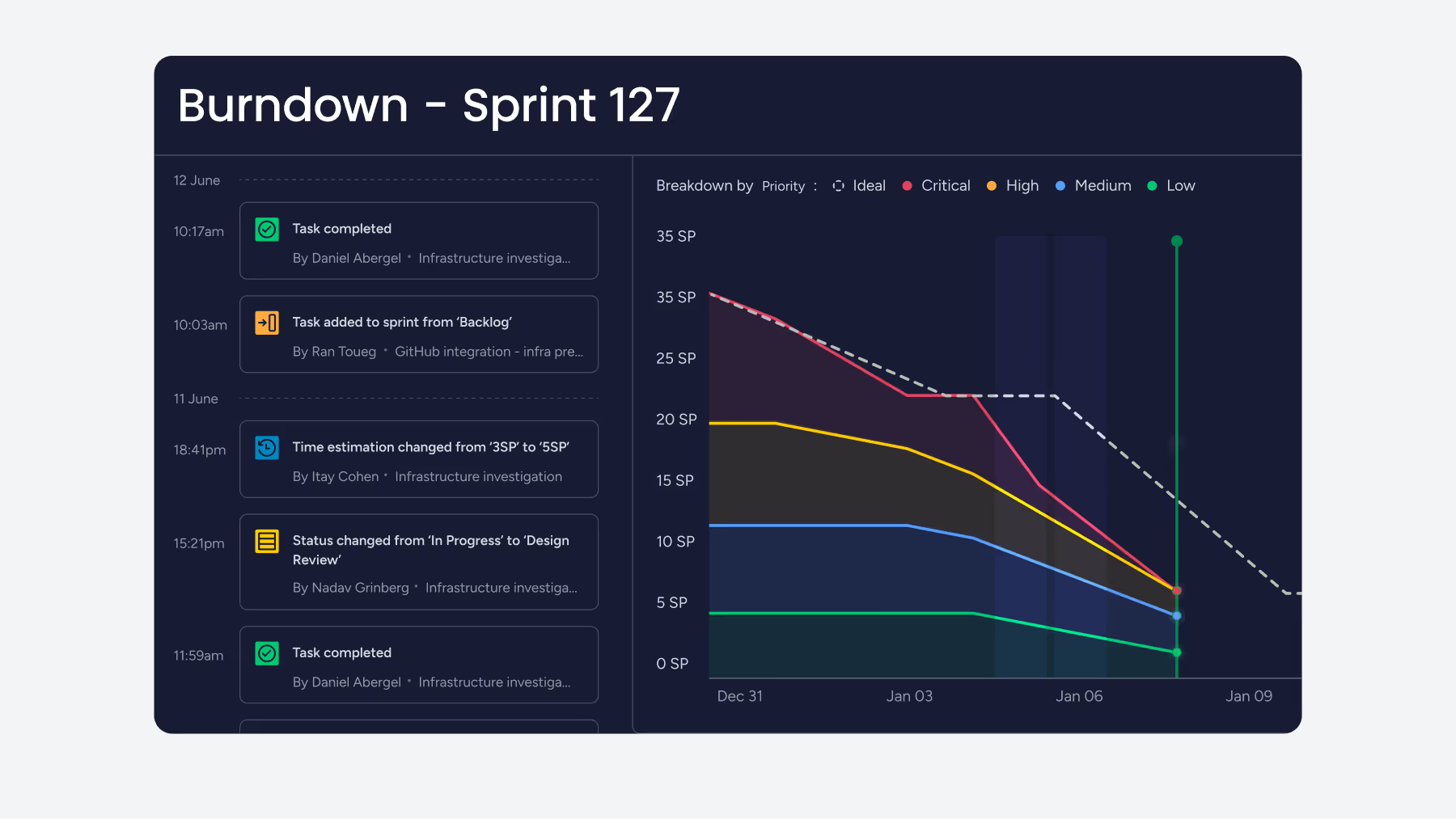
If you can’t see it, you can’t fix it. Tracking your sprint progress in real time gives you the visibility to spot issues early and adjust before it’s too late.Start with a burndown chart — it’s the simplest way to monitor planning accuracy. Burning down too fast? You might be undercommitting. Too slow? You could be underestimating or running into blockers.With monday dev’s built-in Burndown Chart, progress updates automatically as your team works. Even better, the Breakdown view lets you split progress by status (such as blocked or In QA), so you can see exactly where things are stalling and step in to provide support.
2. Track unplanned work
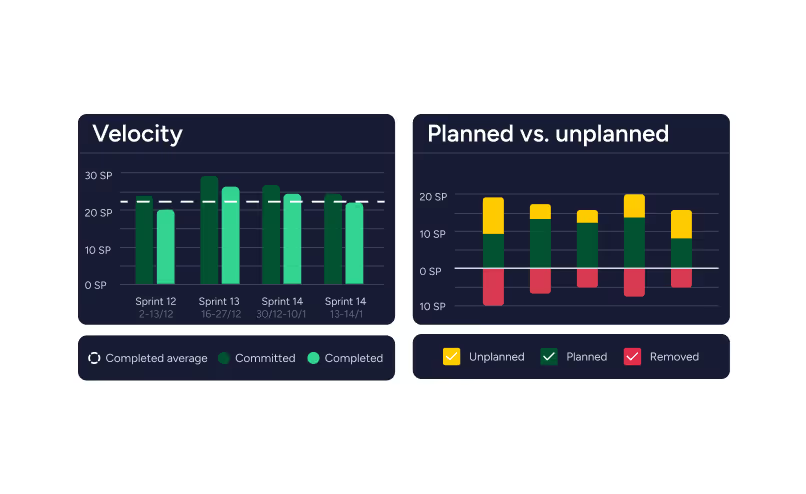
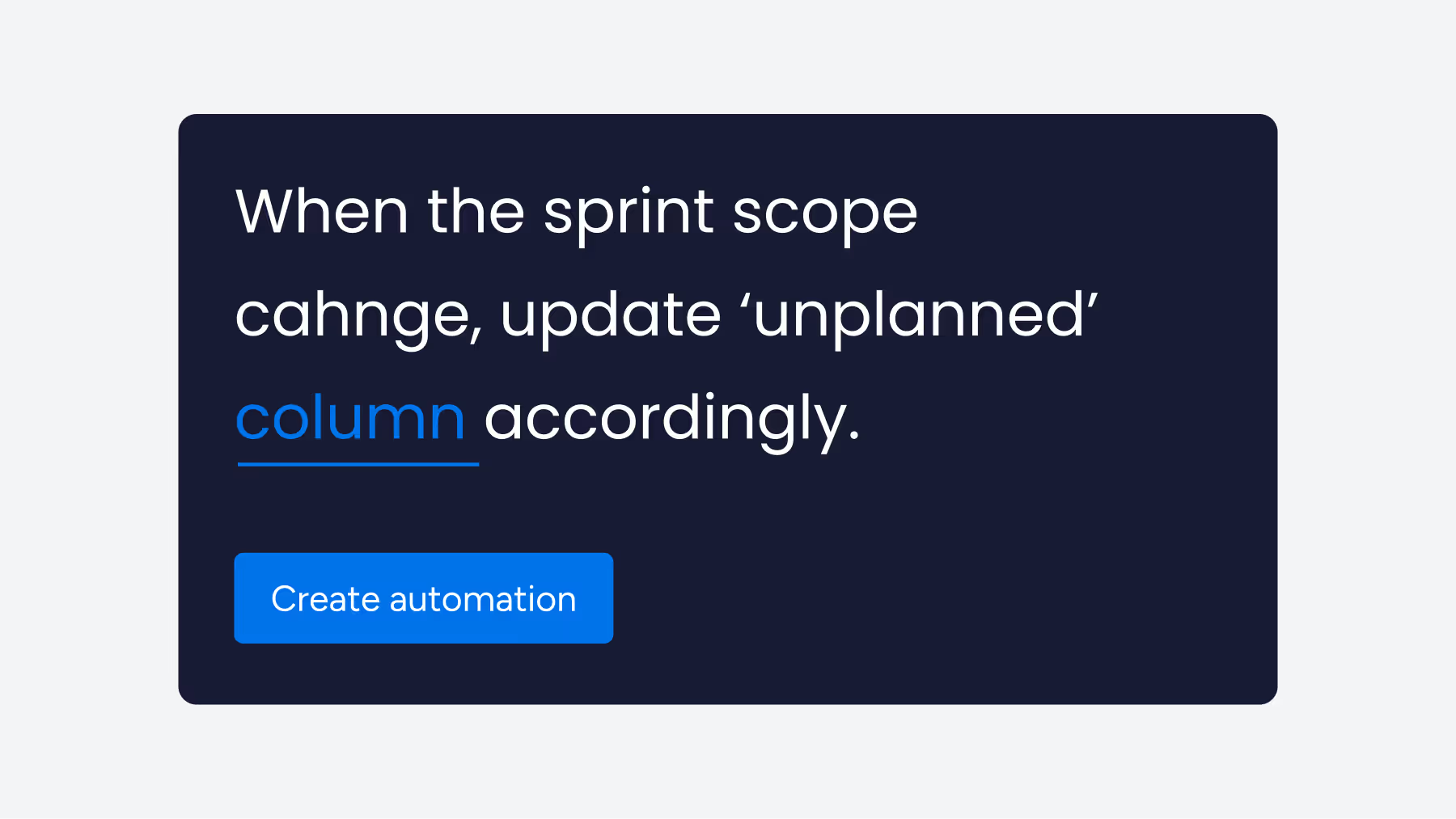
Every sprint brings unexpected work — last-minute bugs, urgent requests, or “just one quick thing.” And if it’s not tracked, it’s easy to lose sight of how much impact it’s having.That’s why we use monday dev’s Unplanned Task automation. It automatically flags any new items added mid-sprint, so nothing slips through the cracks.Over time, this gives us a clear picture of how much unplanned work creeps in and whether we’re underestimating or just getting hit with too many surprises. Either way, it’s data we can act on.
3. Keep backlog grooming short and consistent
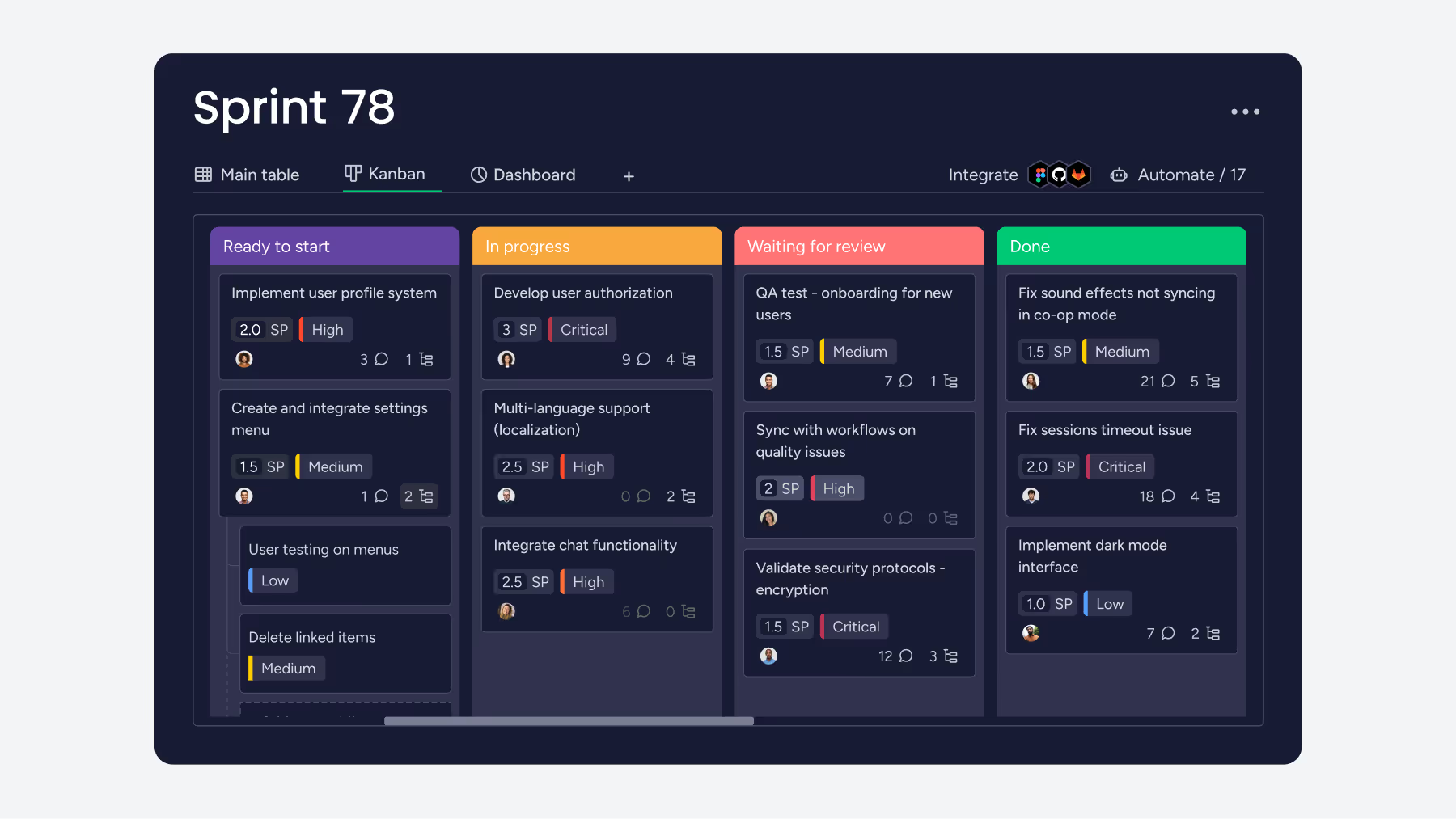
Let’s be honest — no one loves backlog grooming. But skipping it just makes things worse.Our fix? We keep it quick: a 15-minute weekly review to clean up, reprioritize, and keep the backlog lean.monday dev makes it easy to switch between Kanban and Scrum views, so we can move from spotting bottlenecks to sorting priorities in seconds. It’s simple, visual, and painless enough that we actually do it.
4. Turn sprint insights into action items
Improving sprint over sprint starts with understanding what worked — and what didn’t.At the end of each cycle, our team reviews completed work, slipped items, blockers, and unplanned tasks. Those patterns reveal where our process needs fine-tuning.With monday dev’s AI Sprint Summary, this analysis happens automatically. It generates instant insights on metrics such as carried-over work, blockers, and completion rates — no manual reporting is required. That means more time spent improving, less time crunching numbers.
The takeaway
Your backlog doesn’t need a full reset — just a few smart adjustments. Visualize progress, track what really happens, keep grooming light, and learn from each sprint.And if you’re already using monday dev, all the tools to do it are right at your fingertips.Explore how monday dev can help your team plan smarter, execute faster, and finally say goodbye to backlog overwhelm.