

What's new
on monday Dev
Discover the latest releases here

Filters
Clear all
Product





monday platform
All Updates & Releases
June
June 1
Build live workflows with monday Vibe AI Notetaker access
Use monday vibe AI Notetaker access to surface action items, query transcripts, and auto-fill CRM fields after every call.

June 1
Export editable Office files with monday vibe Office export
monday vibe Office export, builders generate fully editable Word, PowerPoint, and Excel files — including formatting, formulas, and macros — in one action.
June 1
Build trend charts with monday vibe historical board data
Query monday vibe historical board data to build trend charts, burn-downs, and sprint velocity apps.
June 1
Capture physical items via monday Vibe barcode & QR scanning
Use monday vibe barcode & QR scanning to scan items on the spot and instantly link them to your boards.
May
May 25
See the full picture with List View unmapped columns
Add and map board-specific columns to the List View for complete visibility across connected boards.
May 17
Build any widget you need with monday vibe custom board widget
Describe the widget you need in plain language and monday vibe custom board widget generates the custom code to bring it to life.
May 17
Track actions with scheduled cleaning activity log
View and export a complete audit trail of boards archived or deleted with scheduled cleaning to support governance and compliance.
May 17
Log in securely with Email one-time password login
Access your account faster with Email one-time password login. Receive a one-time password by email to sign in securely — no password to create, remember, or reset.
May 17
Scale without limits using Managed Templates expanded instance limit
Create up to 1,000 instances per managed template without worrying about account-wide caps.
May 17
Clean up your data by deleting unused labels in managed columns
Delete unused status and dropdown labels permanently to keep managed columns clean and aligned with your evolving processes.
May 17
Automate follow-ups with Emails & Activities workflow triggers
Use Emails & Activities workflow triggers to automate responses the moment a portal message, email, or call is logged.
May 17
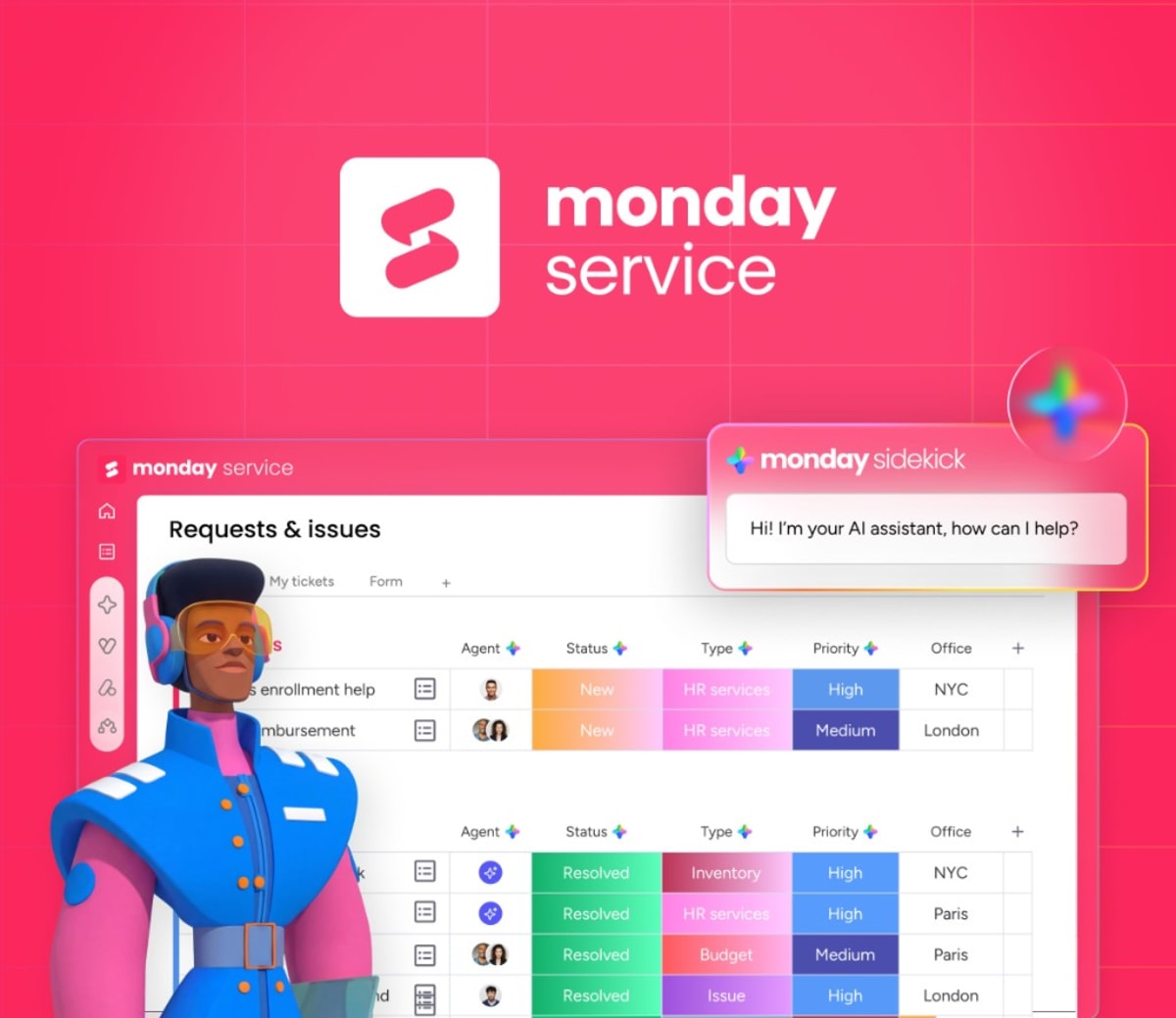
Build dashboards instantly with Sidekick dashboard creation
Describe your reporting need to Sidekick dashboard creation and get a ready-to-use reporting board view in seconds.
May 17
Query meeting transcripts instantly with monday MCP
Query meeting transcripts in natural language to surface action items, themes, risks, and feedback across all your meetings.
May 17
Control builder access with monday vibe creation permissions
Assign monday vibe creation permissions separately — controlling builder access and AI credit usage by role.
May 17
Build CRM apps with monday vibe for Emails & Activities
Create custom views and apps with monday vibe for Emails & Activities to turn communication data into insights and workflows.
May 17
Track AI spend by user with AI Admin Usage dashboard
Use the AI Admin Usage dashboard to view spend per user, filter by feature or team, and export data for reporting and chargeback.
May 17
Enforce accurate data entry with Data Validation Rules
Set required fields and create Data Validation Rules to enforce accurate, structured data across every item lifecycle stage.
May 17
Enforce data standards with managed template data validation
Apply validation rules to managed templates to maintain data quality and consistency across all child boards.
May 17
Build a branded landing experience with monday Vibe homepage
Set a monday Vibe homepage as your accounts landing page — build branded portals, onboarding hubs, and action centers for your team.
May 17
Perform more actions with monday Sidekick expanded actions
create sub-items, connect and mirror columns, manage folders, and execute any monday action through natural conversation.
May 17
Plan resources conversationally with Sidekick in Resource Planner
Use Sidekick in Resource Planner to create, update, query plans through natural conversation — keeping your data accurate and planning fast.

May 17
Extract data from images with Extract Information with AI for images
Extract Information with AI for images now reads PNG, JPG, WEBP, and scanned PDFs — pulling structured fields like vendor, totals, and line items automatically.
May 17
Choose your AI engine with monday vibe AI model picker
select the AI model that best fits your use case and get more relevant, precise results.
May 17
Spot SLA risks and team overload with Sidekick for ticket boards
Sidekick for ticket boards surfaces team overload and SLA risks in seconds — so you can prioritize before issues escalate.
May 17
Consolidate duplicate requests with ticket merge
Merge related tickets into one unified view to streamline resolution and keep all information in a single place.
May 17
Build a self-service hub with Customer Portal docs
Add Customer Portal docs to curate knowledge alongside forms and reduce ticket volume.
May 17
Open your portal to anyone with Customer Portal open access
Choose Customer Portal open access to let anyone register with email verification and captcha required.
May 17
Export true-to-screen PDFs with monday vibe rendering
monday vibe PDF exports no longer break your layout. Export PDFs that match your on-screen design exactly — what you see is precisely what you share.
May 17
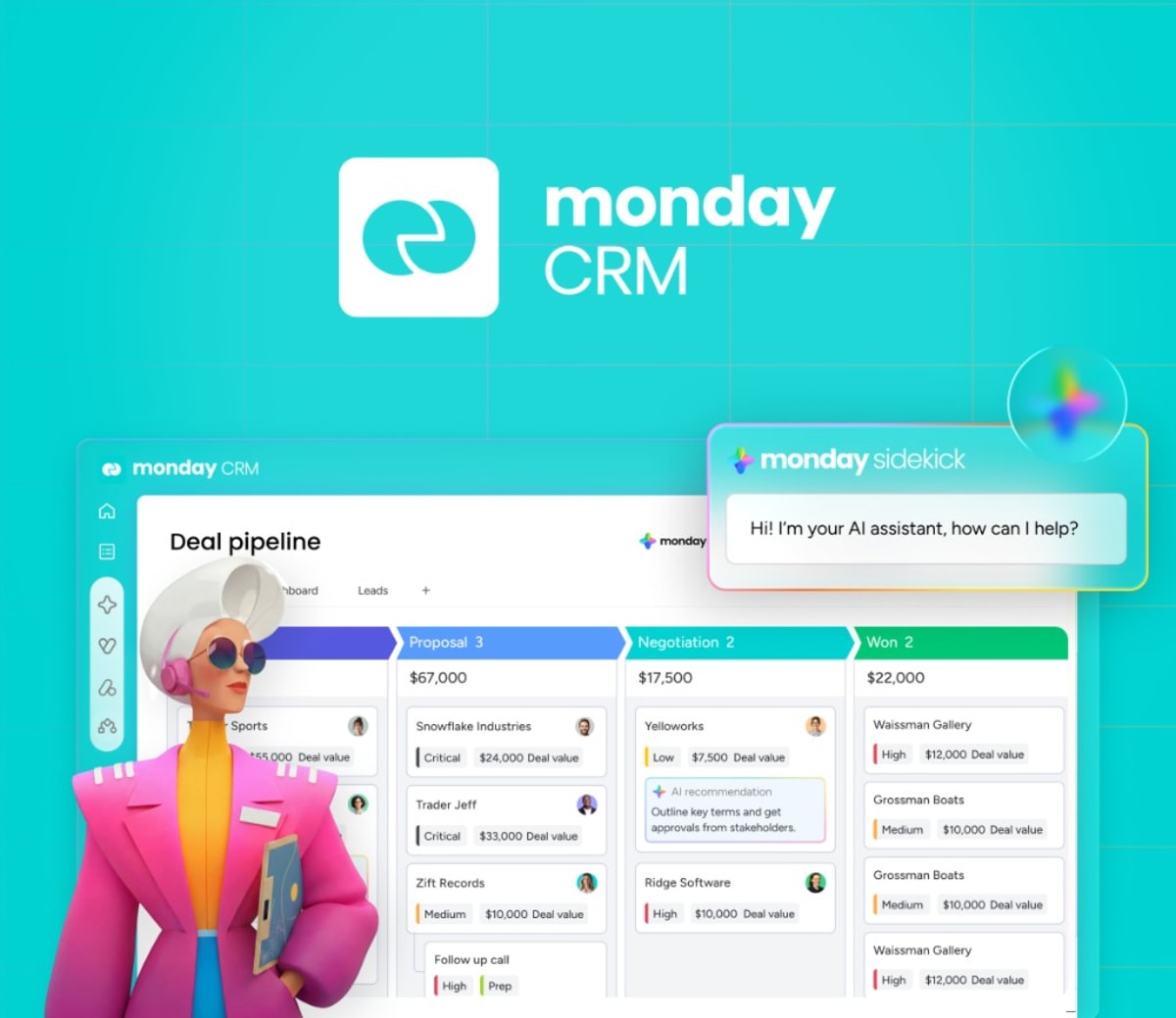
Link deals to Quotes & Invoices for auto-filled documents
Link Quotes & Invoices to deal items to auto-fill recipient and product details — giving reps speed and managers full pipeline visibility.
May 12
Reach all portal users with Portal Announcements
Use Portal Announcements to post banners with custom text, timelines, and styles — right at the top of your portal.
May 7
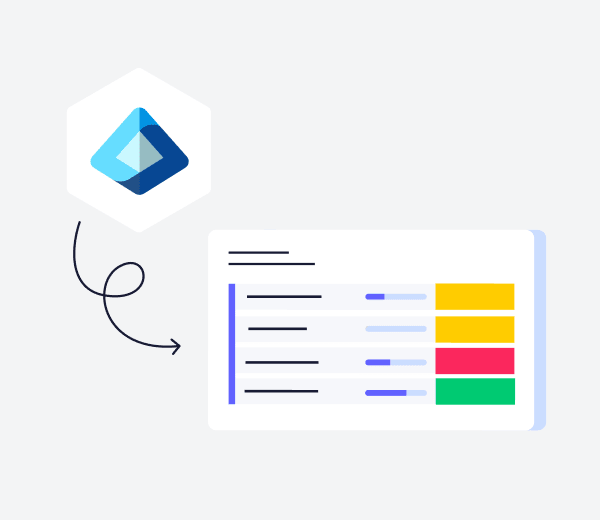
Auto sync ticket requester info from Active Directory
Sync active directory keeps requester details updated on every ticket so teams start work immediately with accurate employee context and no manual lookup.
May 7
Track and manage support requests with My Tickets
My Tickets lets requesters track status, comment, and reply in real time so they stay informed, keep everything organized, and resolve issues faster without switching channels.
April
April 7
Protect data with Workspace exclusions for data retention
Customer admins can exclude specific workspaces from scheduled cleaning policies to align retention rules with real business needs.
March
March 30
Scale without limits using Managed Templates expanded instance limit
Create up to 1,000 instances per managed template without worrying about account-wide caps.
March 30
Keep views consistent with Managed Templates board view sync
Add board views to your managed template and they're automatically synced to all existing and future instances.
March 30
Control AI spend with AI governance with user limits
Set per-user AI credit limits in the admin panel to control budgets, monitor usage with threshold warnings, and maintain workflows with soft enforcement.
March 30
Execute work across tools with Sidekick Skills Marketplace
Discover and activate AI-powered skills from the Sidekick Skills Marketplace to act across your entire tech stack.
March 30
Expand your app by connecting boards with monday vibe board expansion
Connect additional existing monday boards to your live monday vibe board expansion app to add data, expand scope, or merge workflows across teams without rebuilding.
March 25
Notify individual users with Microsoft Teams user messaging
Send messages directly to specific Microsoft Teams users from monday workflows to keep stakeholders aligned without switching tools.
March 22
Create professional marketing images with monday sidekick
Generate high-quality marketing images using monday sidekick.
March 16
Get started fast with AI generated boards from prompts
Turn ideas into action with AI generated boards from prompts. Describe what you need and generate a personalized board in seconds to save setup time and start faster.
March 15
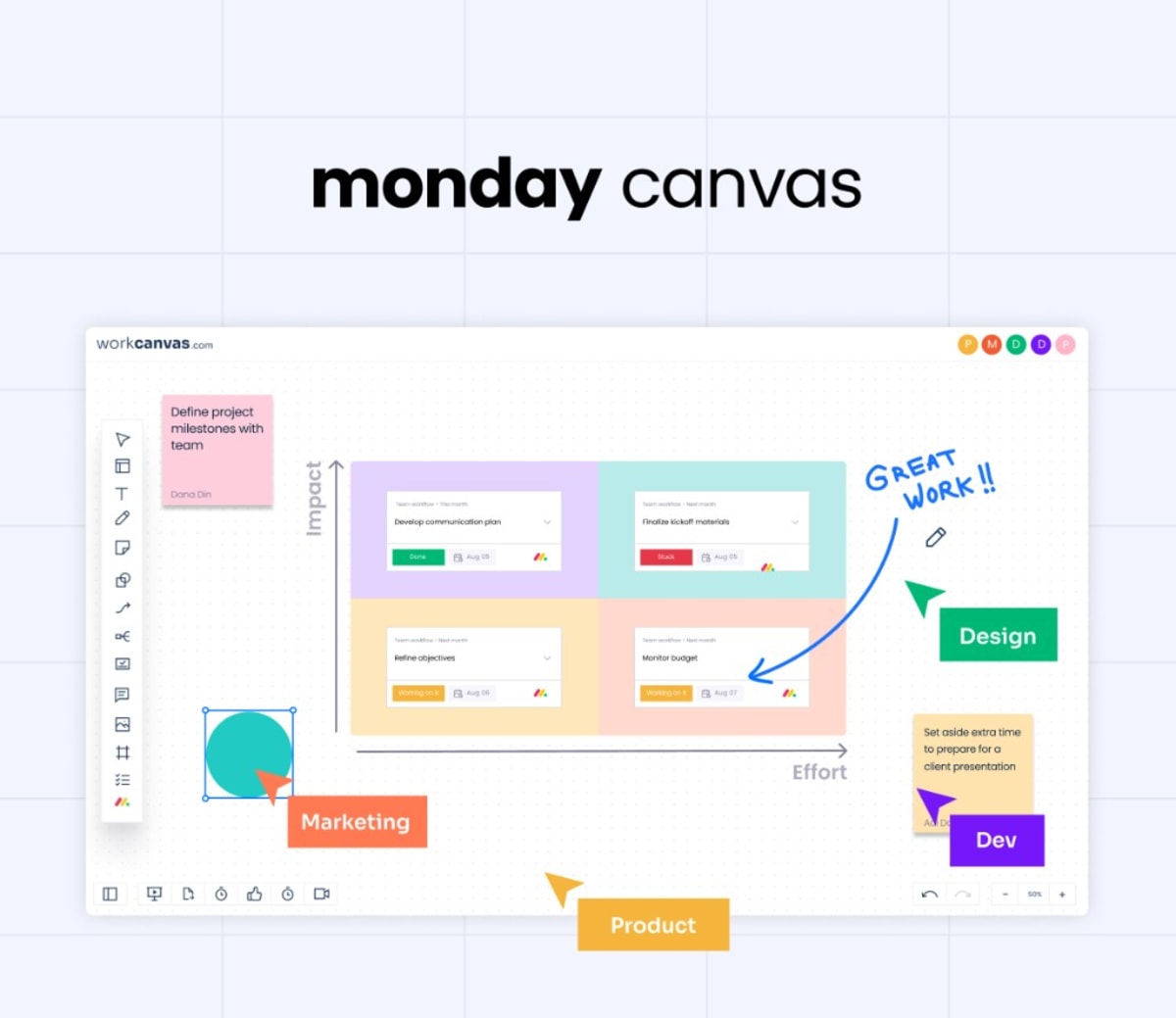
Collaborate seamlessly with the native visual canvas
Bring free-form thinking into execution with WorkCanvas boards integration. Use an AI-powered collaborative canvas that syncs live with your boards to align ideas, plans, and delivery in one place.
March 15
Plan with clarity using calendar time range support
Easily configure start and end date columns in the Calendar Widget to display events across their full duration and improve scheduling accuracy.
March 1
Visualize charts using monday sidekick
Make smarter decisions faster with Sidekick charts. Easily turn your item fields into visualized item data in clear, dynamic charts — so you can spot trends quickly and act with confidence.
December
December 23
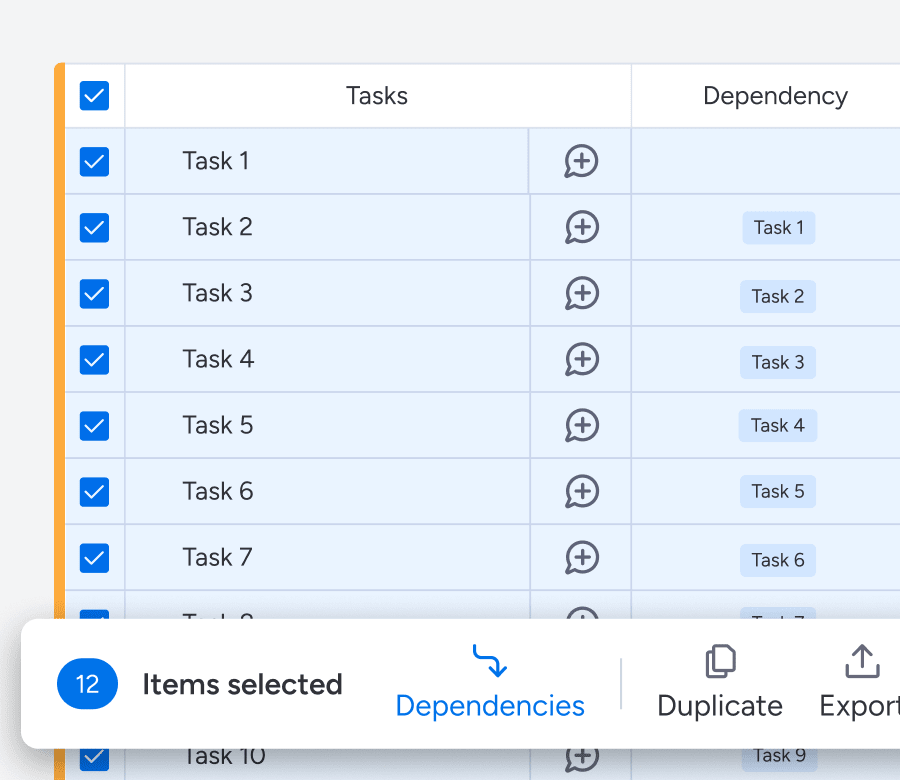
Streamline your project setup with batch dependecies
Transform hours of dependency mapping into one click. Build complex sequential workflows across multiple tasks instantly.
November
November 6
Control automations & workflows across your entire account
Get full visibility into everything that’s automated in your organization with the new Autopilot Hub.

October
October 22
Import PDFs seamlessly into your workcanvas
Bring external content into your workspace with the new PDF import feature. Upload and visualize documents directly on your canvas to keep all project context in one place.
Company wide

October 22
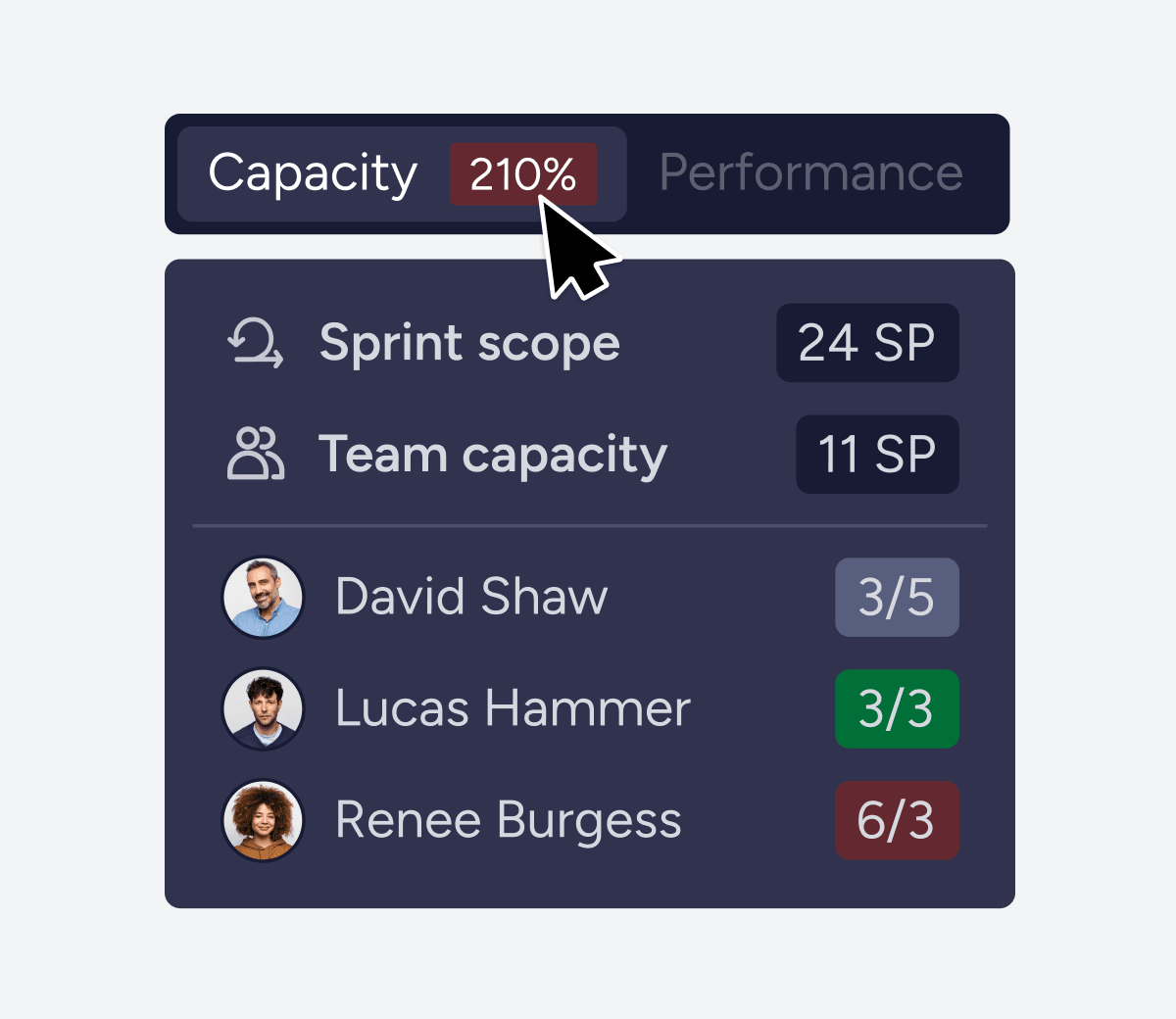
Accurately plan your team's workload with Capacity Planner
Get a data-driven view of workload, velocity, availability, and sprint scope to balance resources and keep delivery on track.
October 22
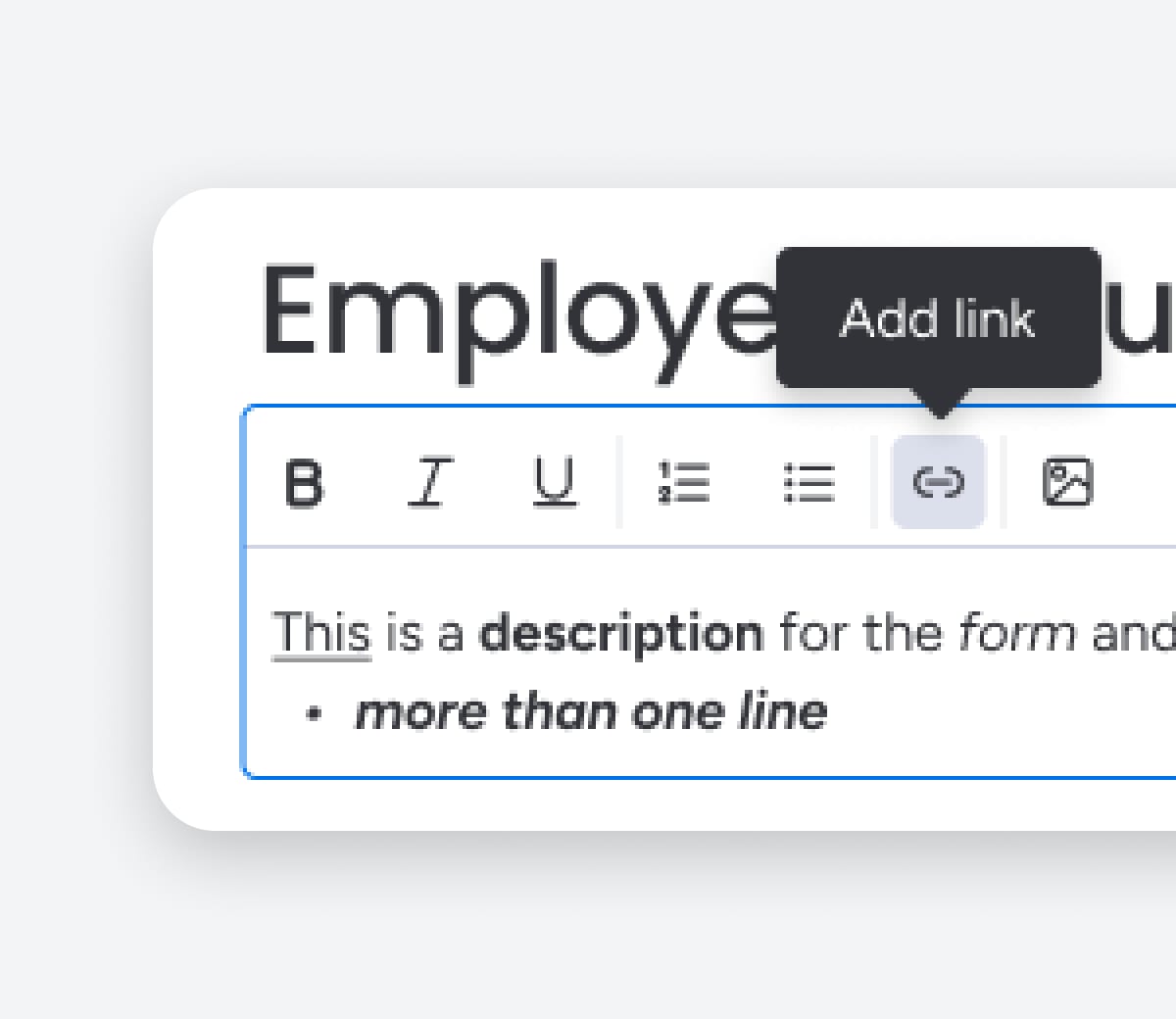
Elevate your content with Rich Text Formatting!
Enhance your form descriptions with more customizing functionality like bold, underline, hyperlinks, bullets and more.
monday platform
October 22
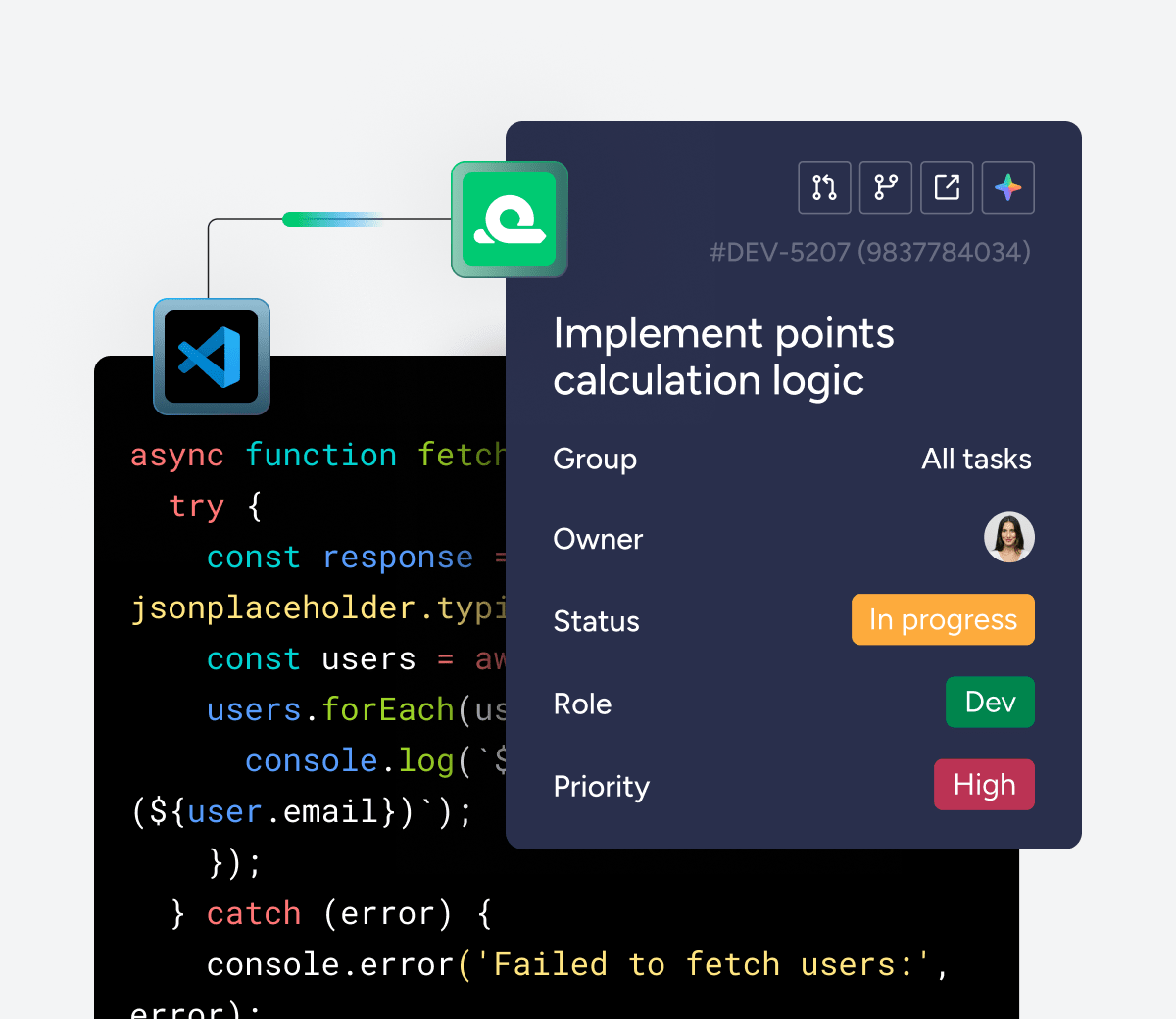
See your monday dev tasks right in VS Code
Manage tasks and context with the monday VSCode extension—stay in flow while coding and give AI richer context to deliver more accurate, relevant code suggestions.
October 22
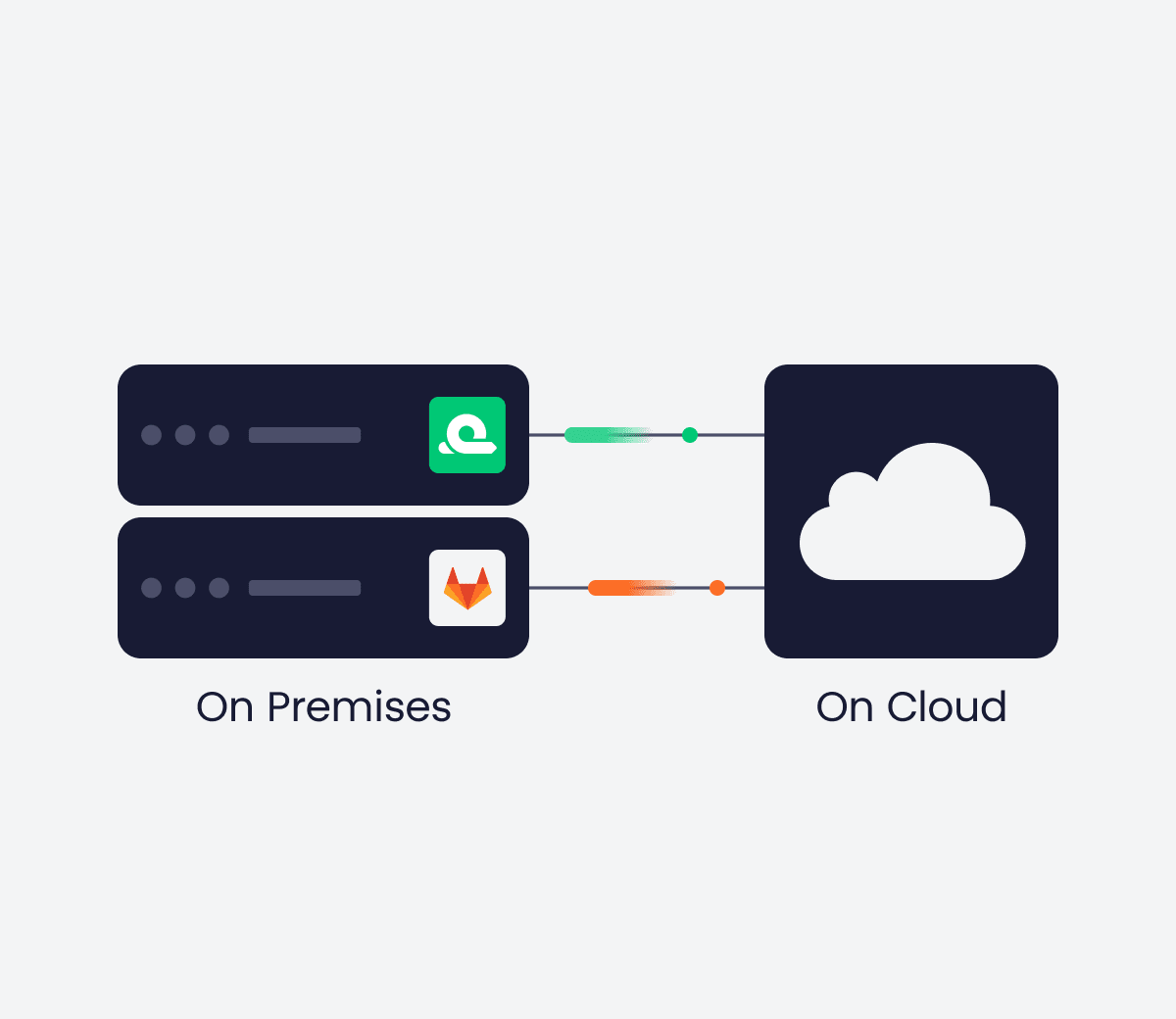
Create a secure GitLab on premise connection
Set up the monday dev GitLab on premises connection for secure, reliable access to merge requests and project updates while keeping full control of your data.
October 8
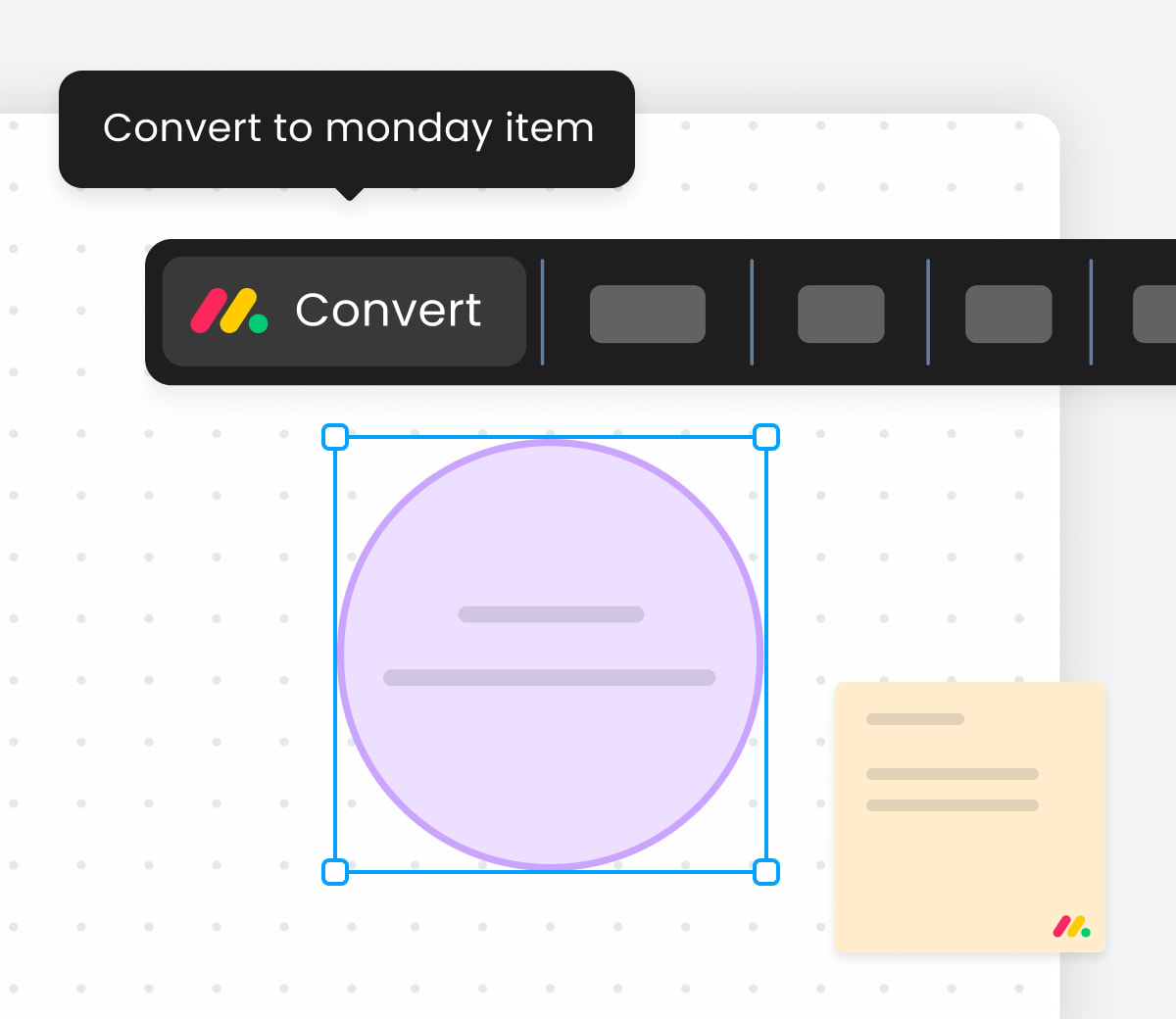
Visualize data with WorkCanvas Data Layers
Display board data directly on your canvas and style elements with rules based on item values. Highlight key insights, customize visuals, and keep context clear at a glance.
Company wide
August
August 26
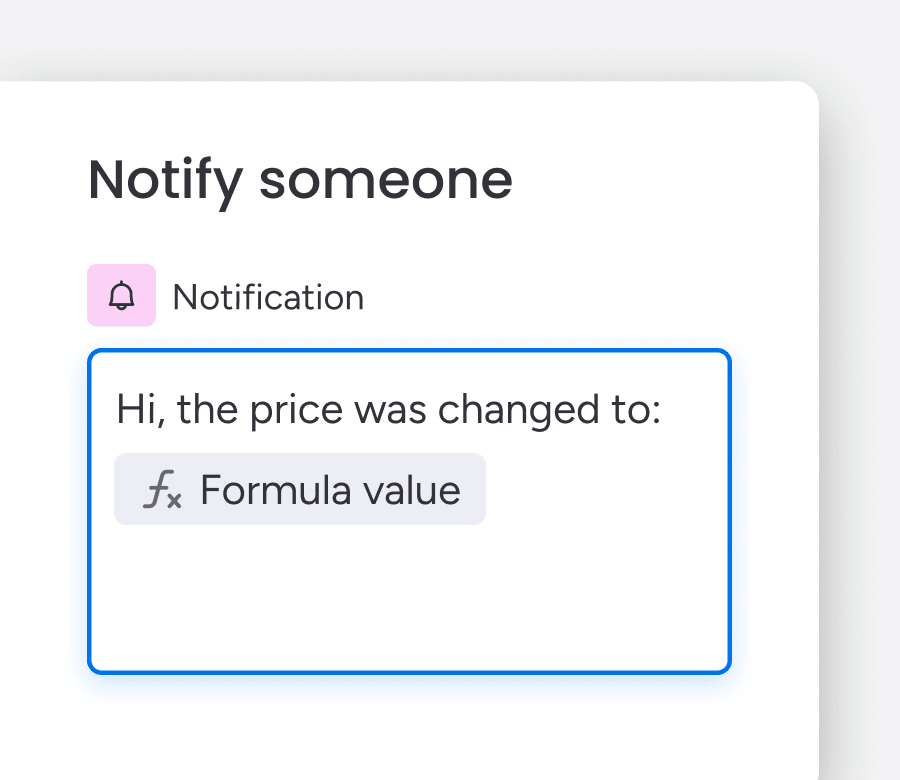
Power smarter automations with formula values
Create smarter automations by using formula column values in workflow actions and conditions, making your processes more dynamic and precise.
August 24
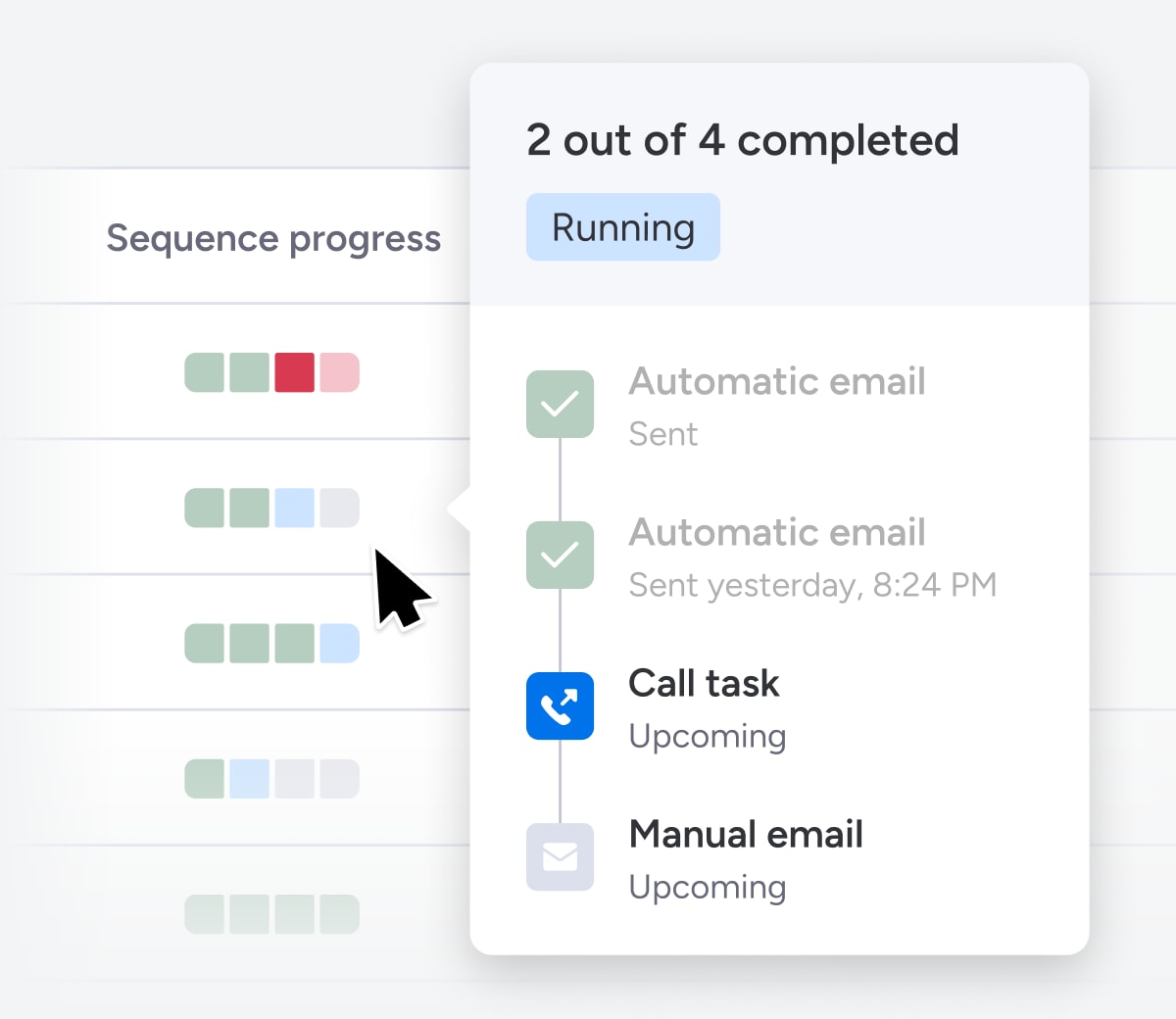
Know exactly where each sequence enrollment stands
See what’s been done and what’s next for every contact in a sequence. Track progress, switch between runs, and stay on top of your outreach—all from a clean, updated view.
August 7
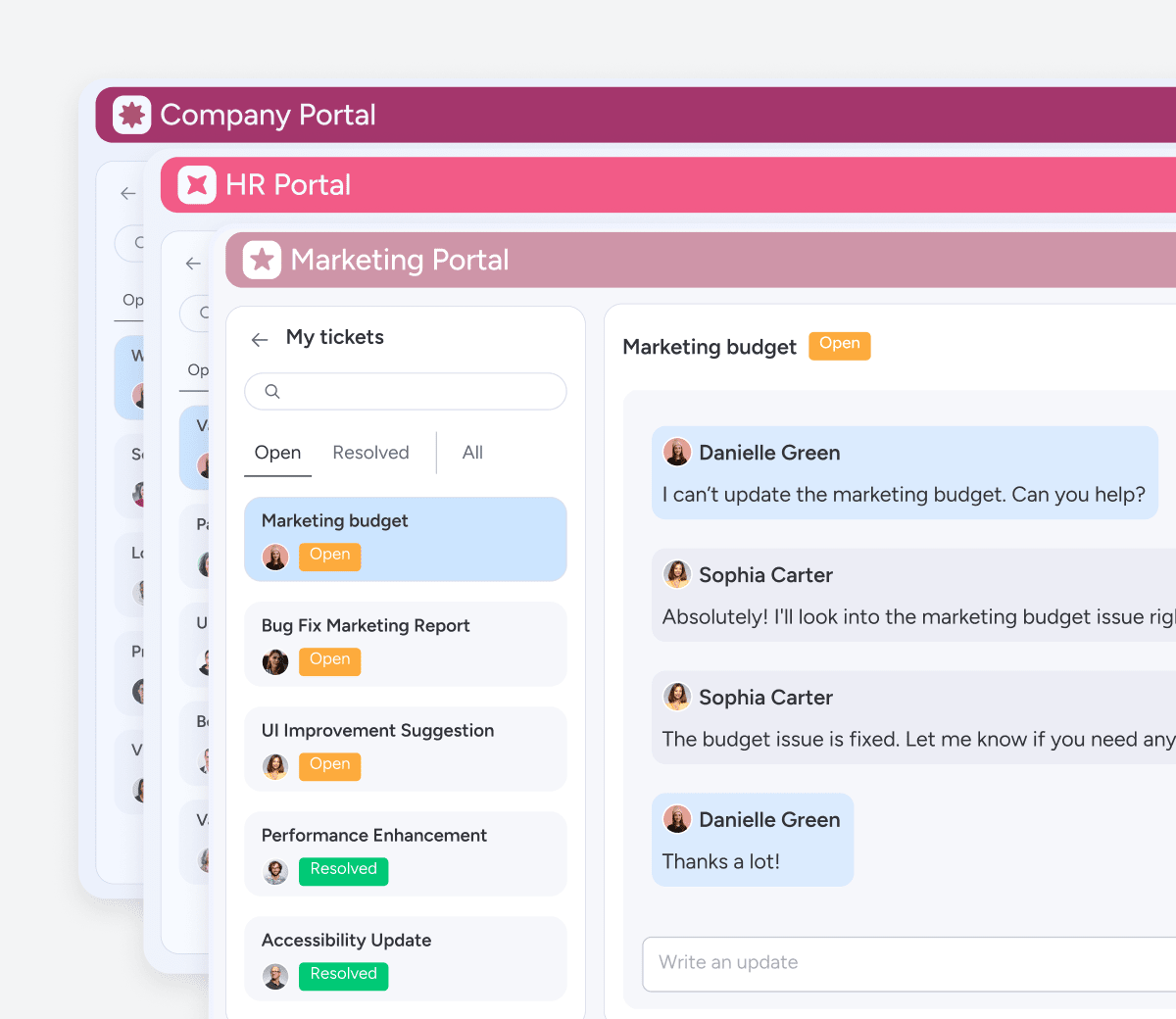
Manage and customize multiple customer-facing portals
Create and customize multiple portals for different audiences - all fully branded and built to deliver a personalized self-service experience.
August 6
View full item hierarchy, including sub-items, in your live card stack
Get full board visibility with real-time, two-way sync. Toggle sub-items on or off for full control over what you see.
Company wide

August 3
Balance capacity for maximum efficiency with the capacity manager
Gain clear insights into resource capacity across multiple projects, enabling smooth adjustments and smarter decision-making.

August 3
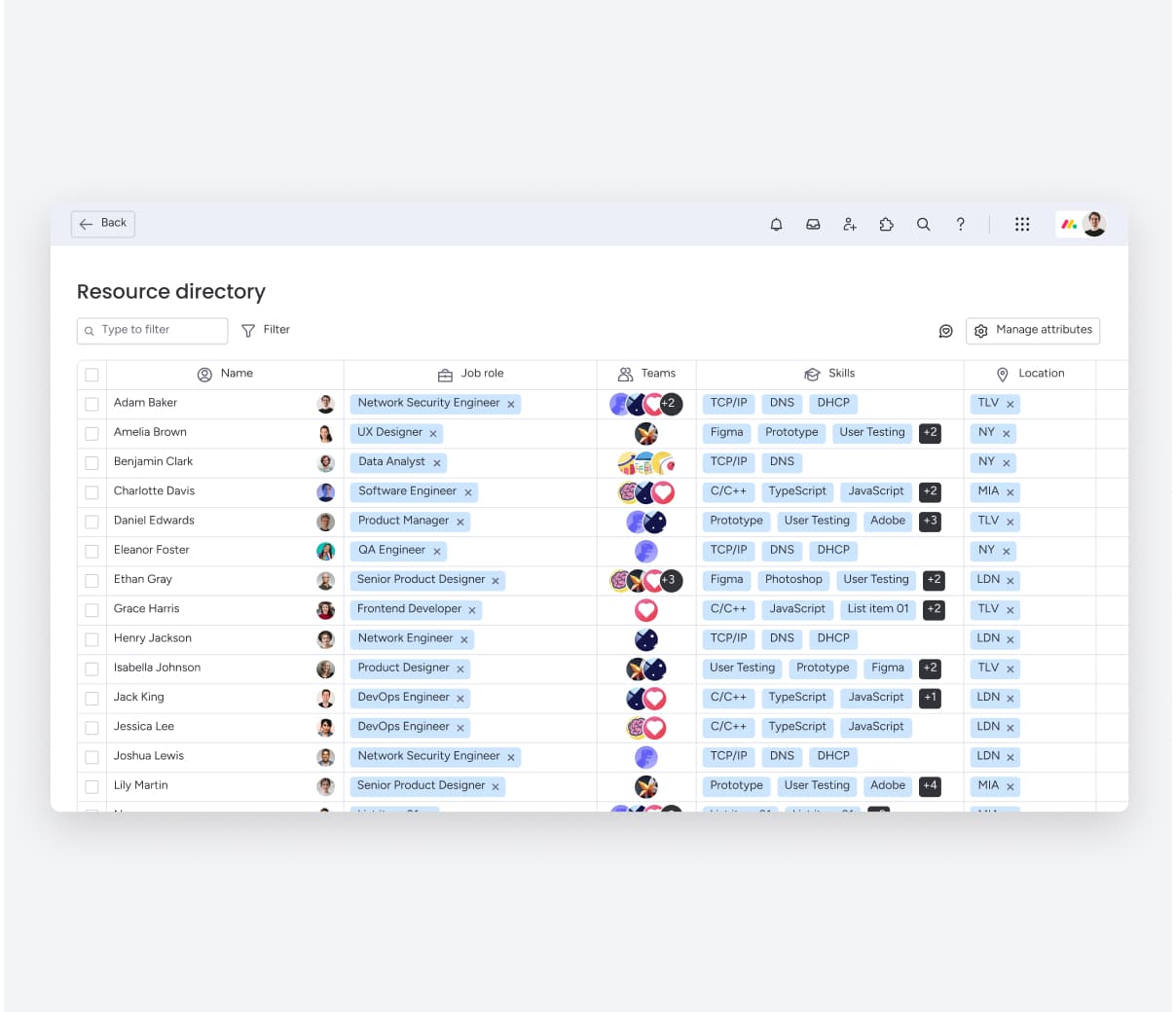
Organize people and skills with the resource directory
Define key resource attributes — like department, job role, and expertise — in a sleek, centralized directory.
August 3
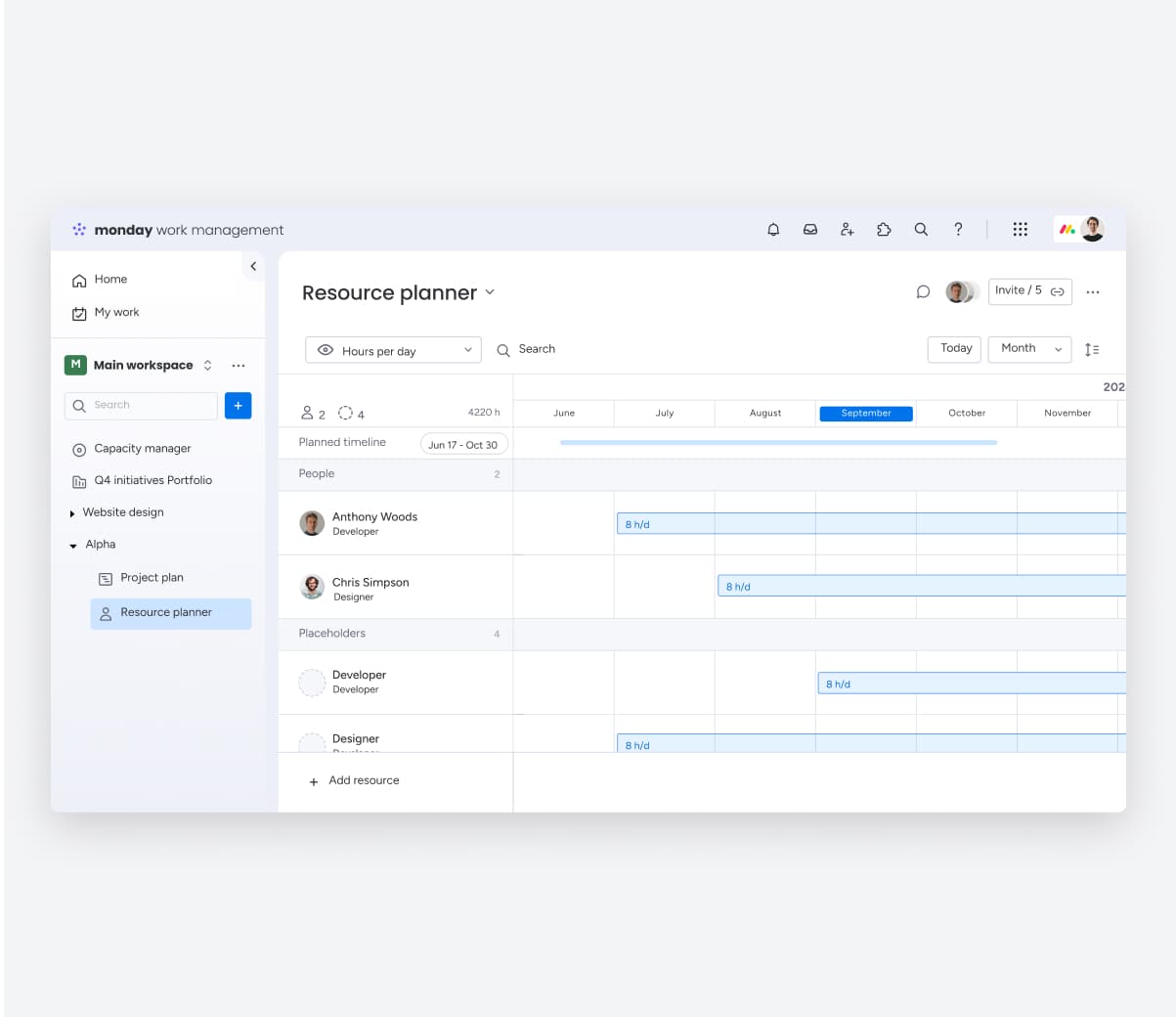
Plan resources seamlessly with the resource planner
Plan, assign, and adjust resources at the project level — using job role placeholders or assigning users directly.
July
July 28
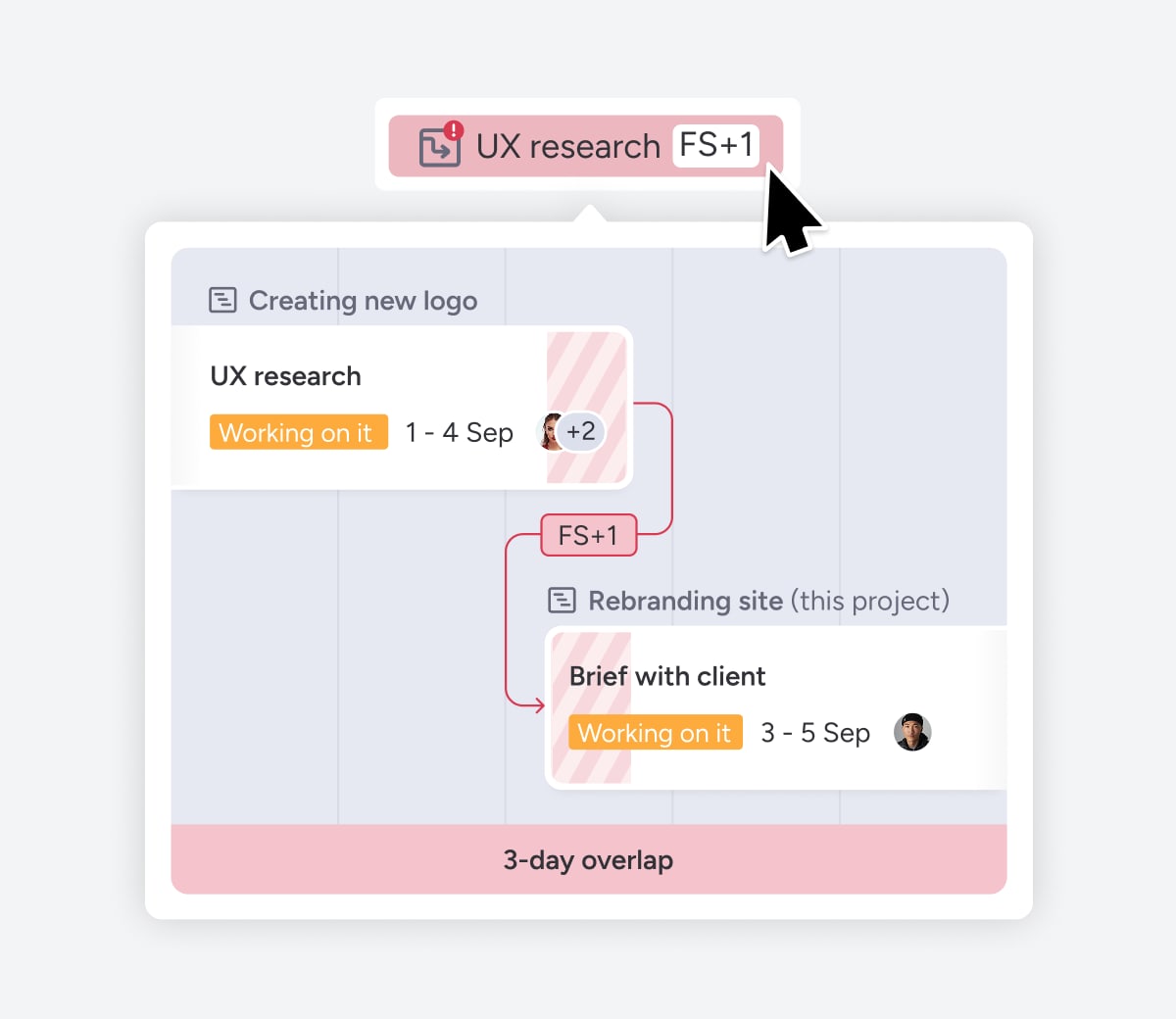
Stay aligned across projects with cross-project dependencies
Manage task dependencies across projects by easily visualizing and communicating conflicts, ensuring everything stays on track.
July 28
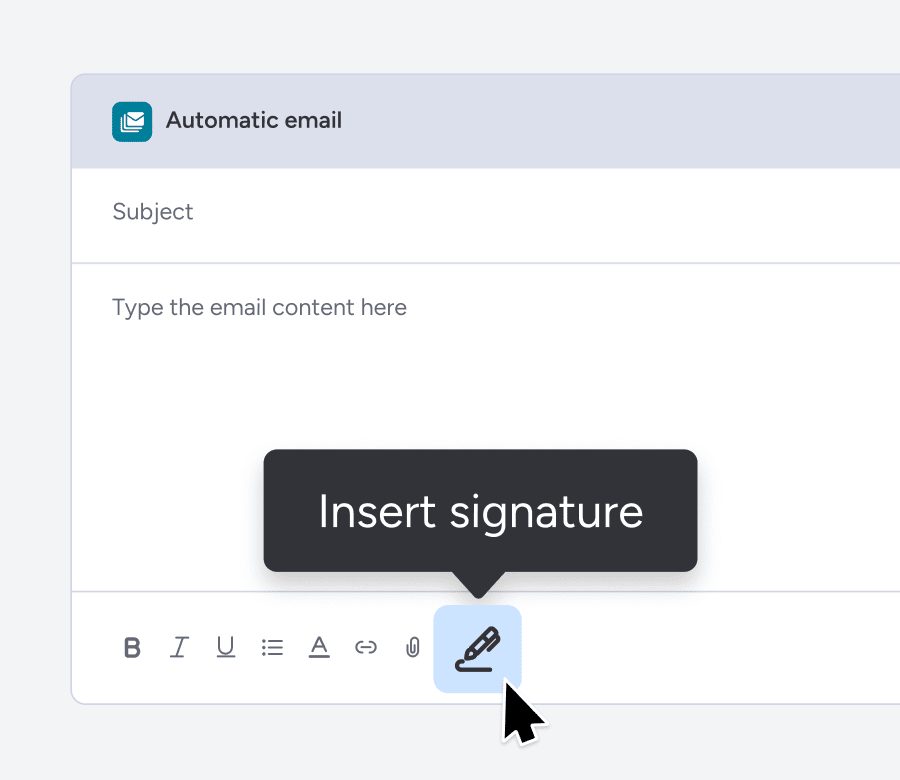
Add your email signature in every sequence
Ensure every sequence email looks polished. Add, remove, or edit your email signature with ease—keeping your outreach on-brand and professional.
July 28
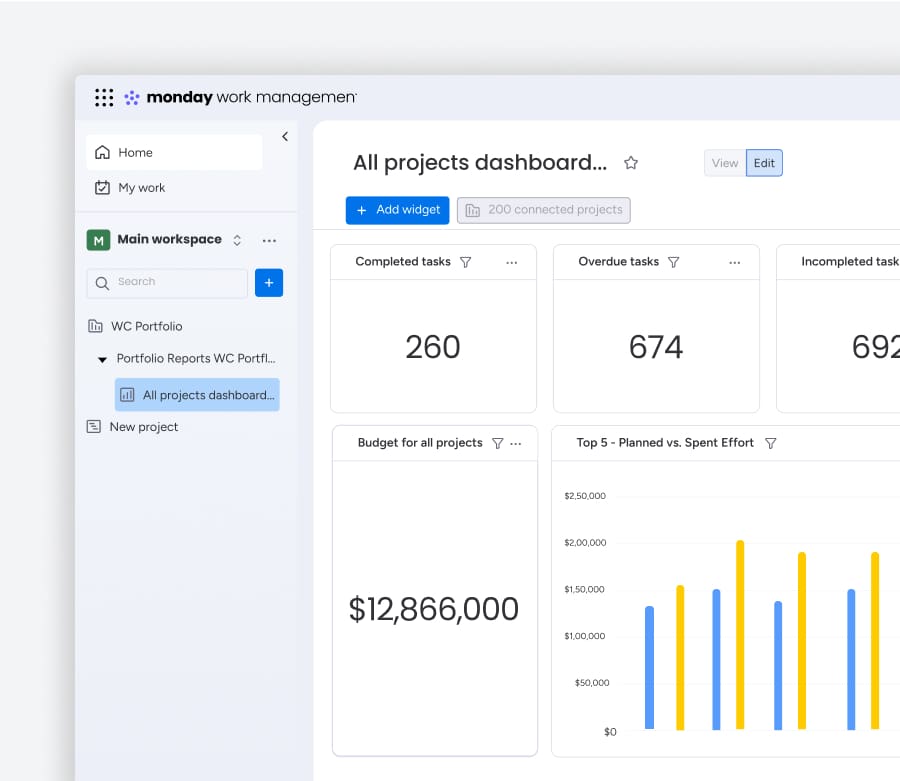
Gain insights in seconds with the portfolio dashboard
Access out-of-the-box dashboards that connect all your projects, giving you a clear view of your portfolio metrics—all in one place.
July 28
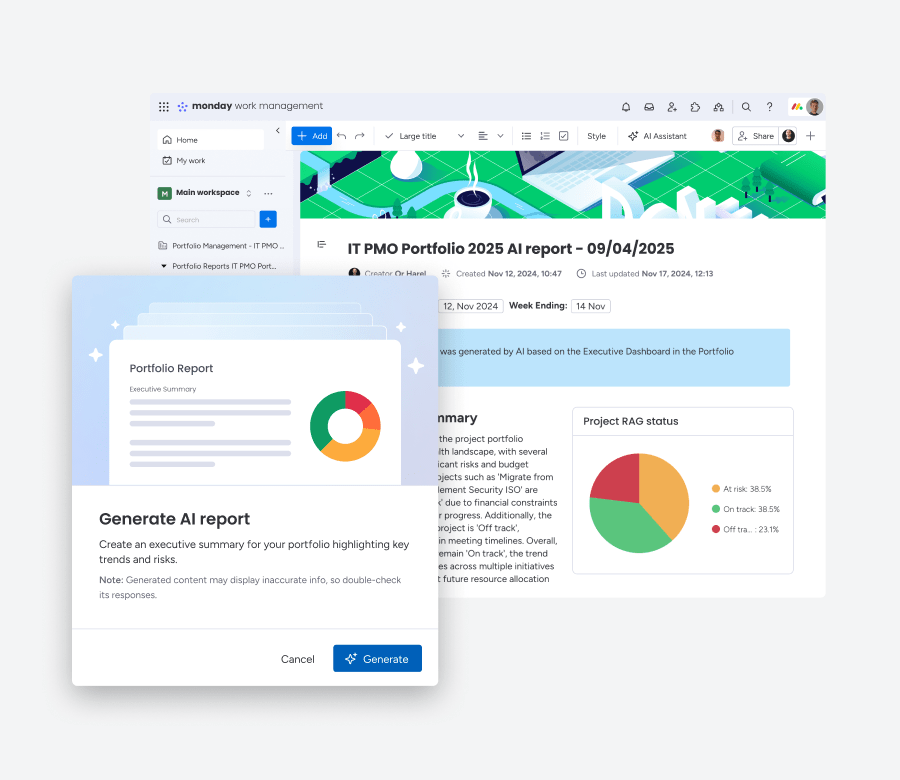
Generate instant reports with AI portfolio report
Create executive-level reports with key insights into portfolio progress and risks at the click of a button.
July 8
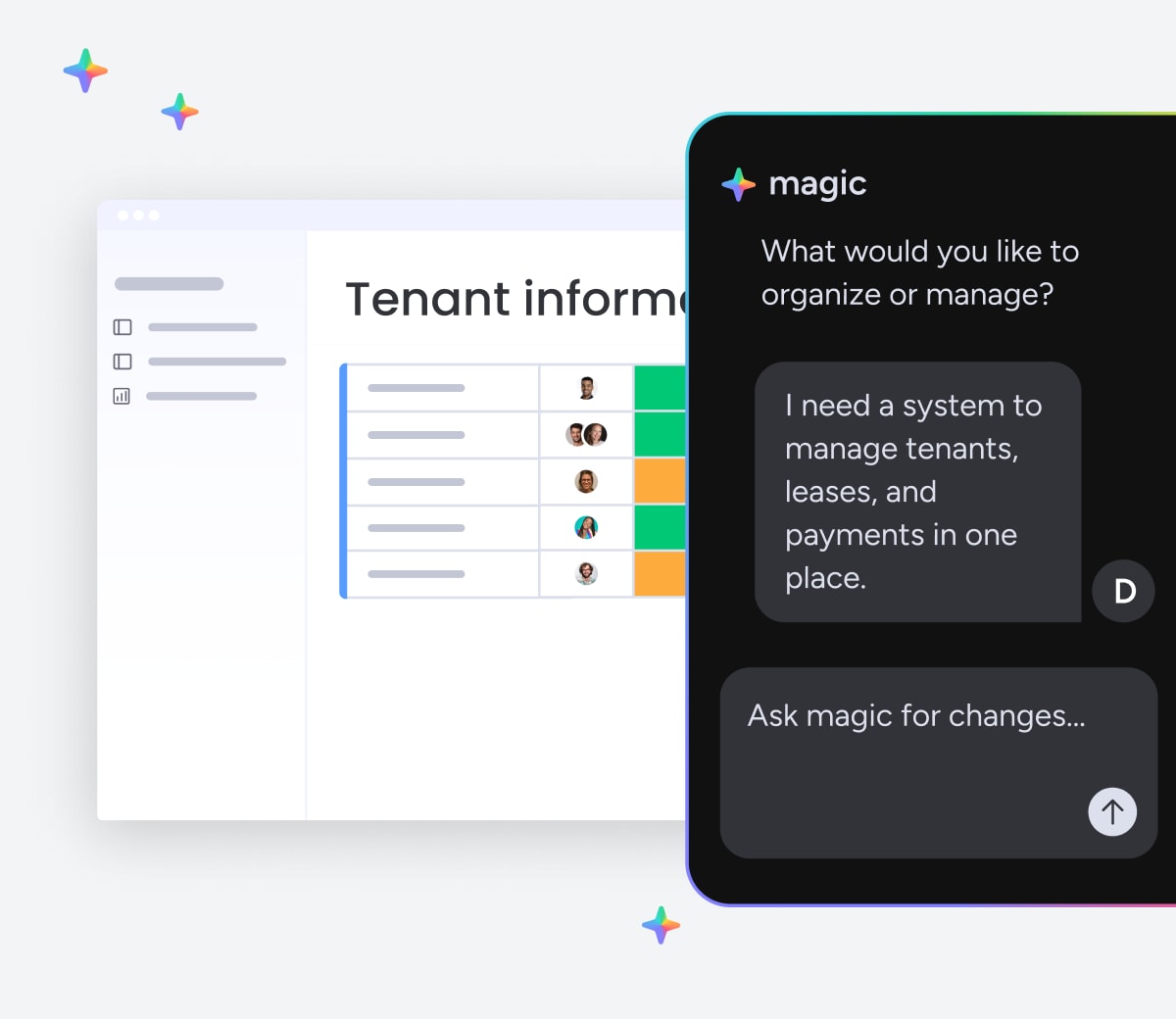
Create powerful, AI-built work solutions fast with monday magic
Describe your workflow in a prompt and get a ready-to-use monday.com solution — no setup, no developers, just instant results that grow with your team.
July 8
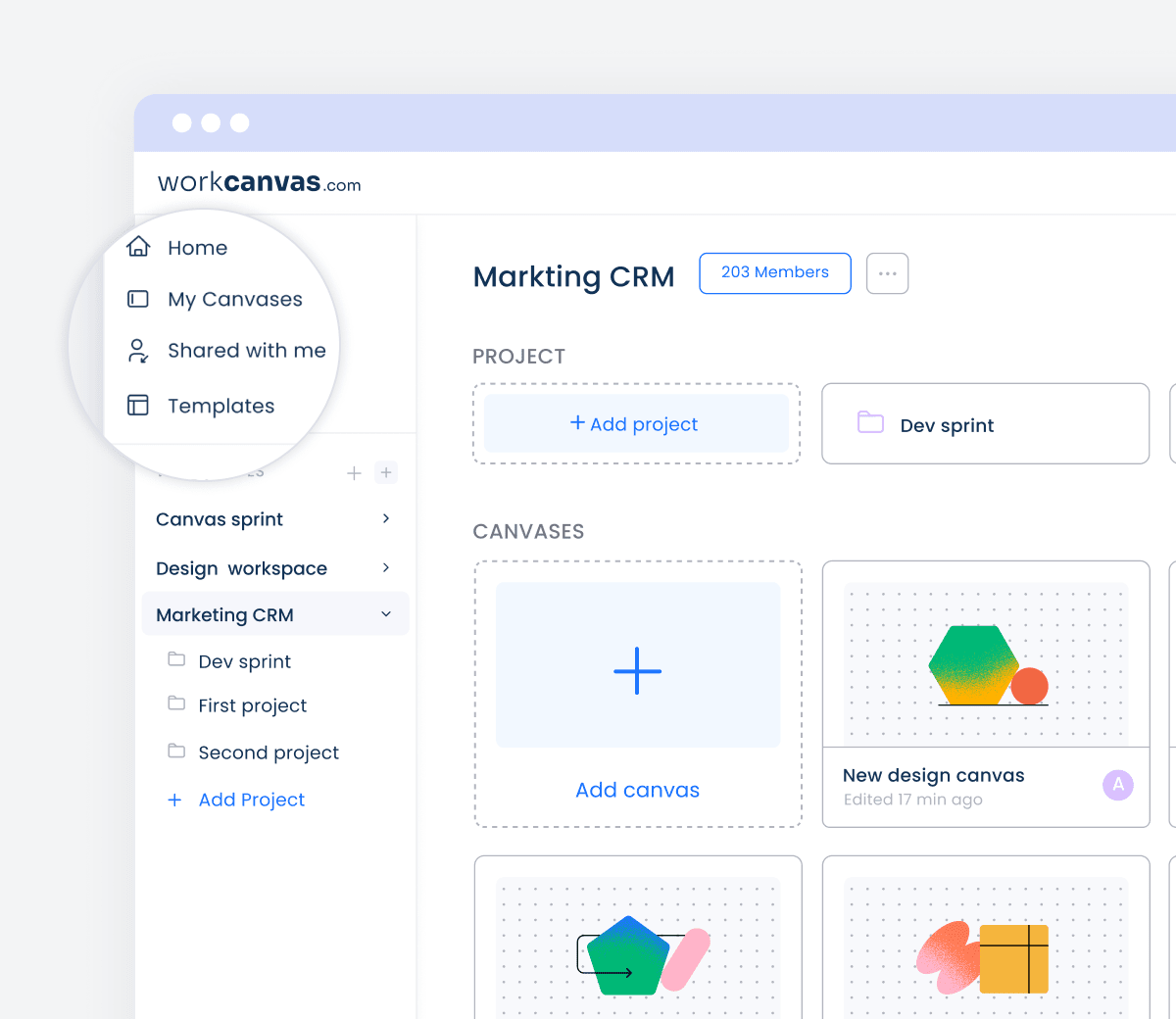
Navigate WorkCanvas faster and more securely with the new homepage
See how the updated homepage helps you find canvases faster, manage access more easily, and stay better organized, all with built-in security improvements.
Company wide
July 1
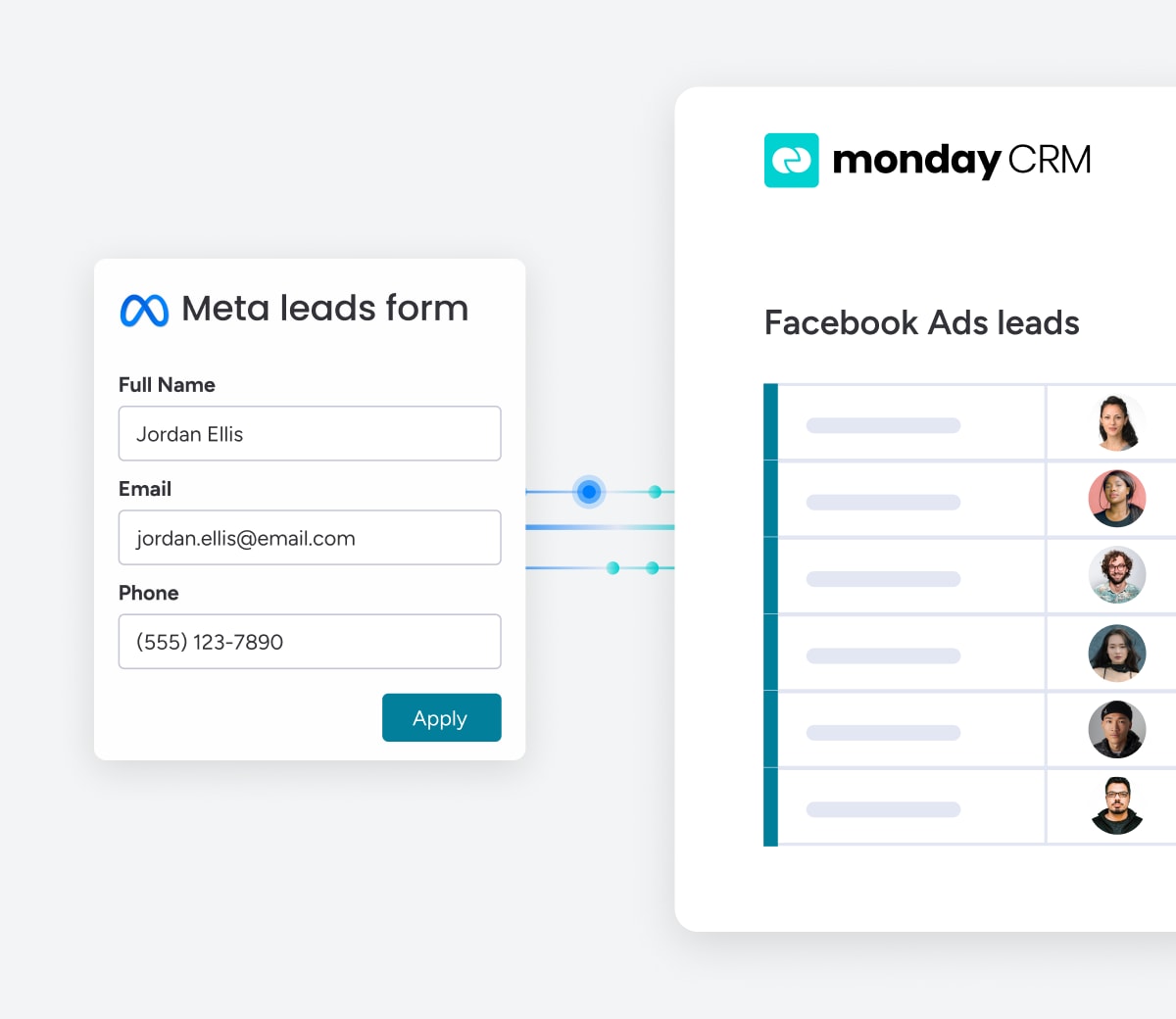
Easily connect Meta Conversions API
Sync your lead status back to Meta to improve targeting and conversions. For a quick setup, check out the new automation recipe under the Meta integration.
Company wide
June
June 23
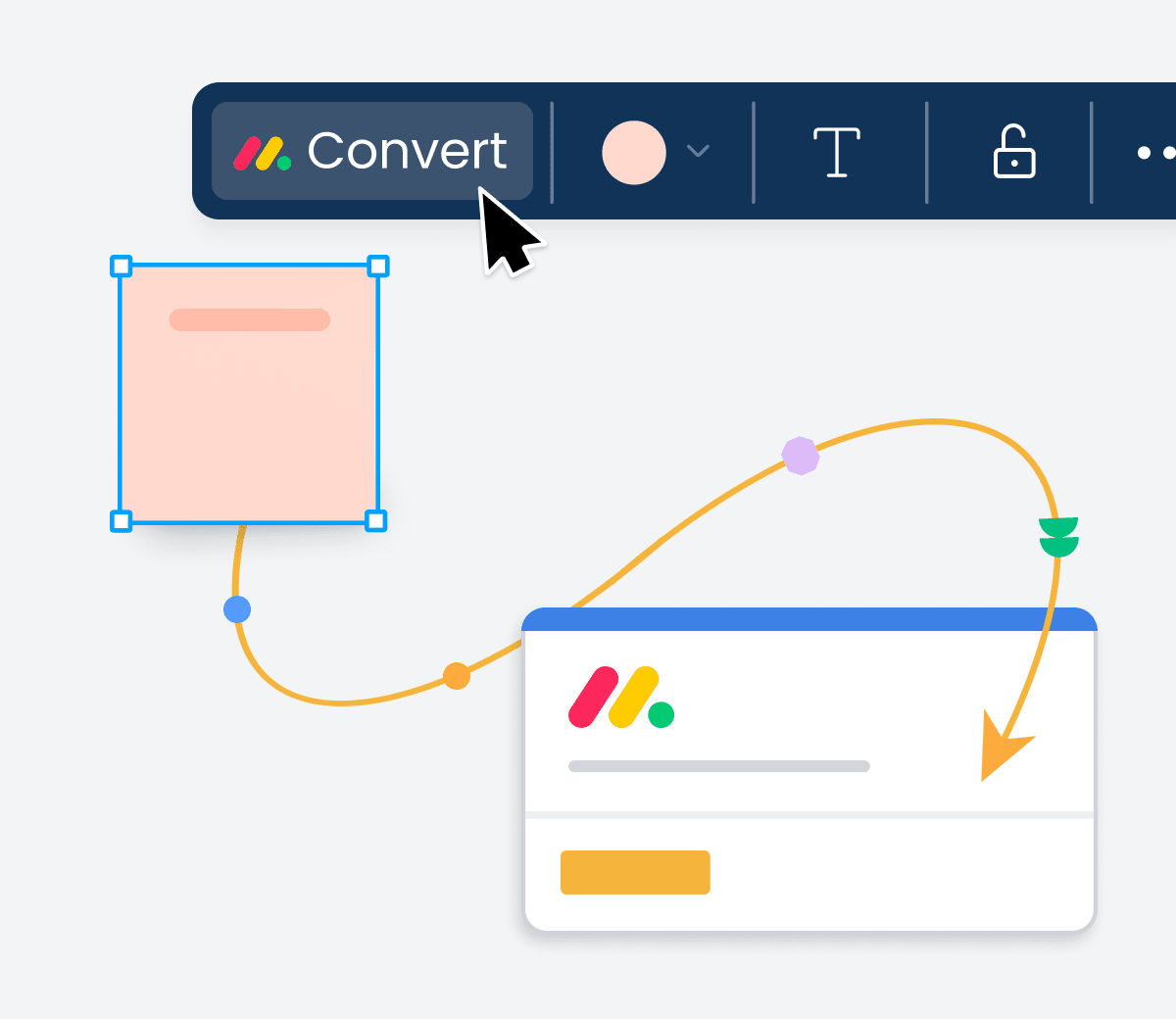
Turn Canvas elements into board items
Convert any Canvas element: shapes, sticky notes, text, or item cards—into monday.com items or subitems to move from planning to execution.
Company wide
June 23
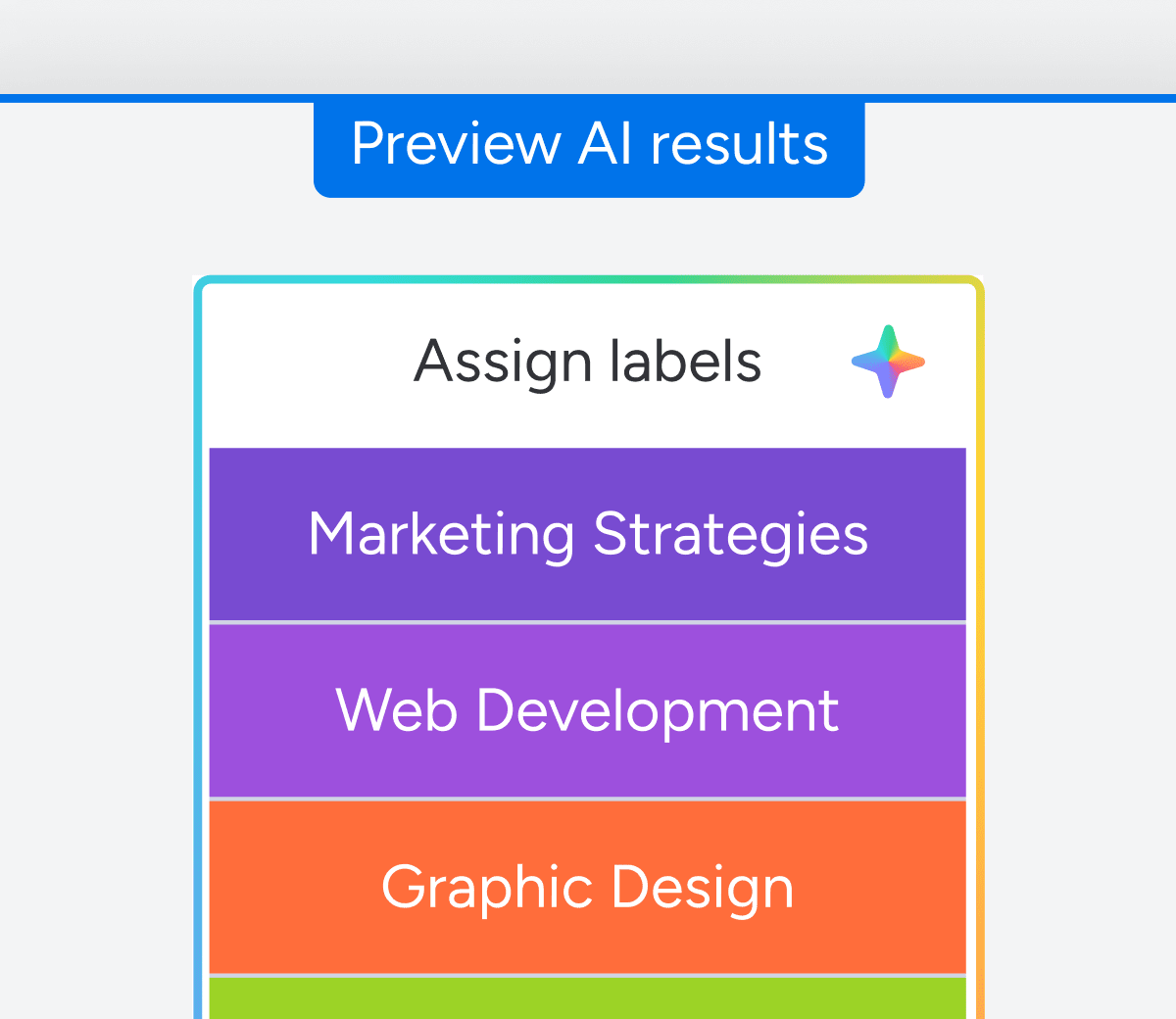
Enhance visibility with AI board previews
Use AI-powered board preview to see board content at a glance—stay informed, reduce clicks, and keep collaboration moving fast.
June 23
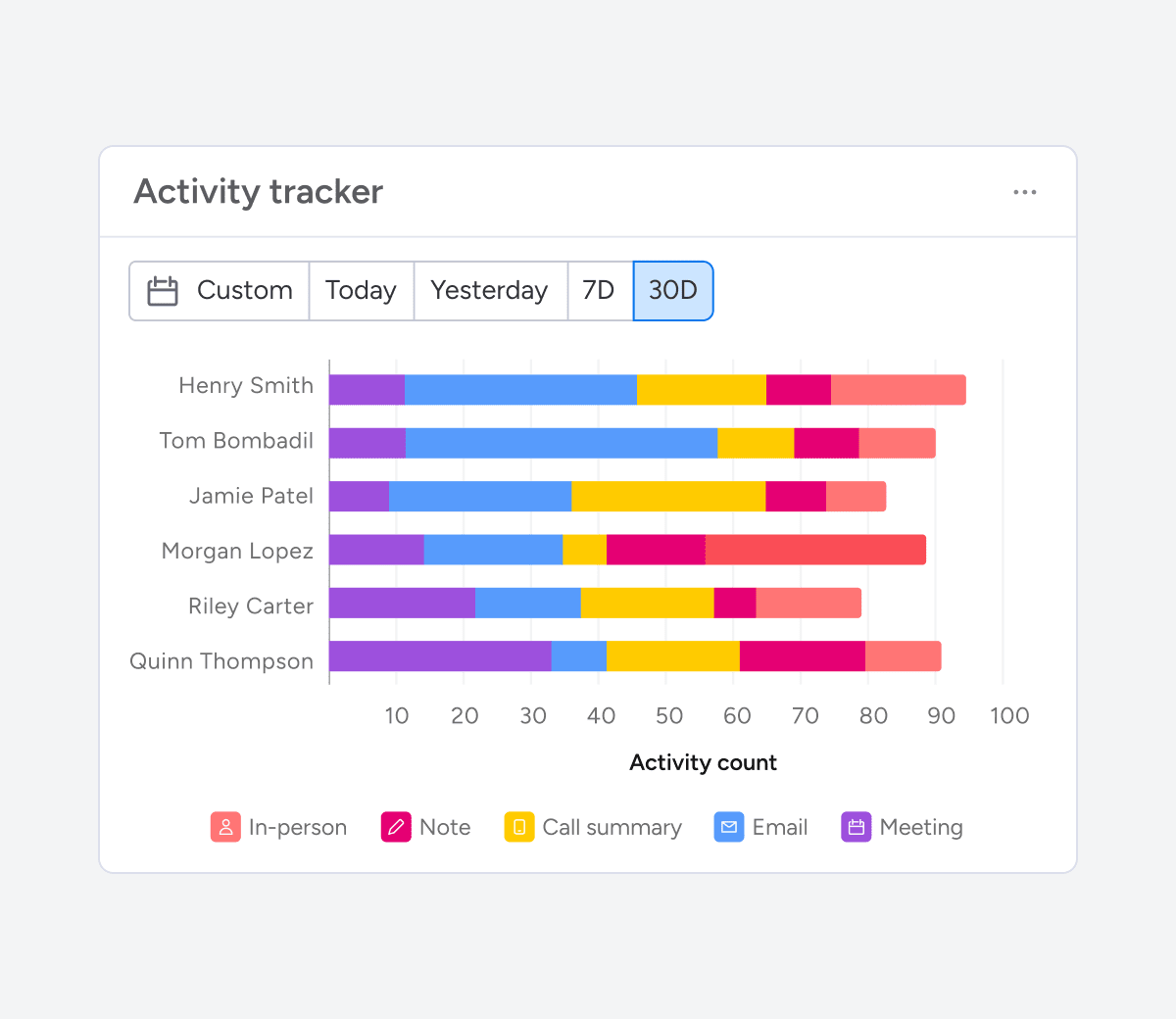
Track activity with powerful board filters
Get a clear view of rep activity by deal stage, value, or close date across multiple boards. Quickly spot what’s moving leads forward and where to step in with targeted coaching.
June 23
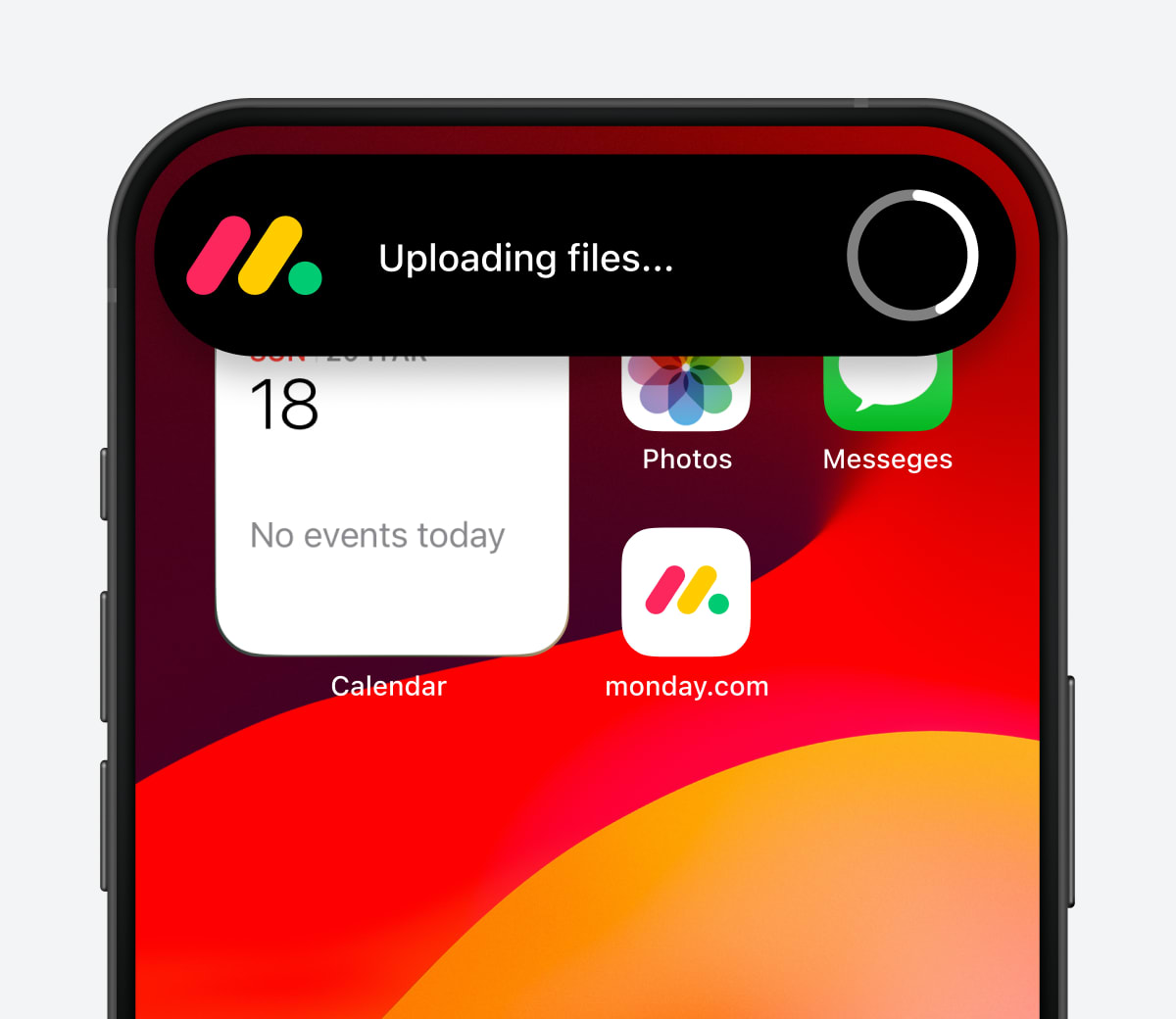
Enhance mobile uploads with real-time feedback
Enhance mobile uploads with real-time feedback to reduce errors, stay informed on progress, and keep work moving smoothly from anywhere.
June 23
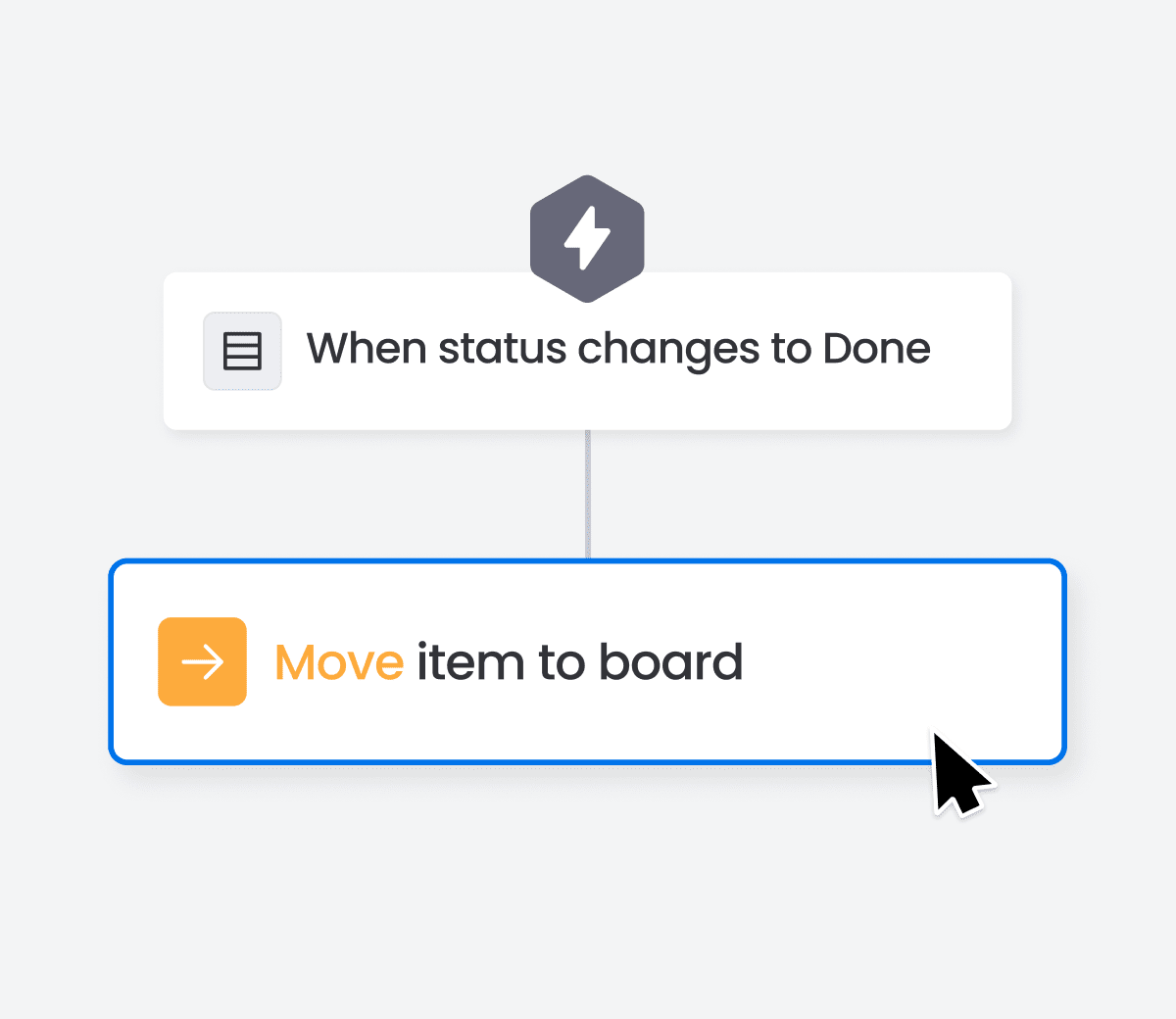
Streamline tasks with Move item to board
Streamline your cross-board workflow with the Move Item to Board feature! Effortlessly transfer items from source to target board while mapping columns for seamless data management.
June 23
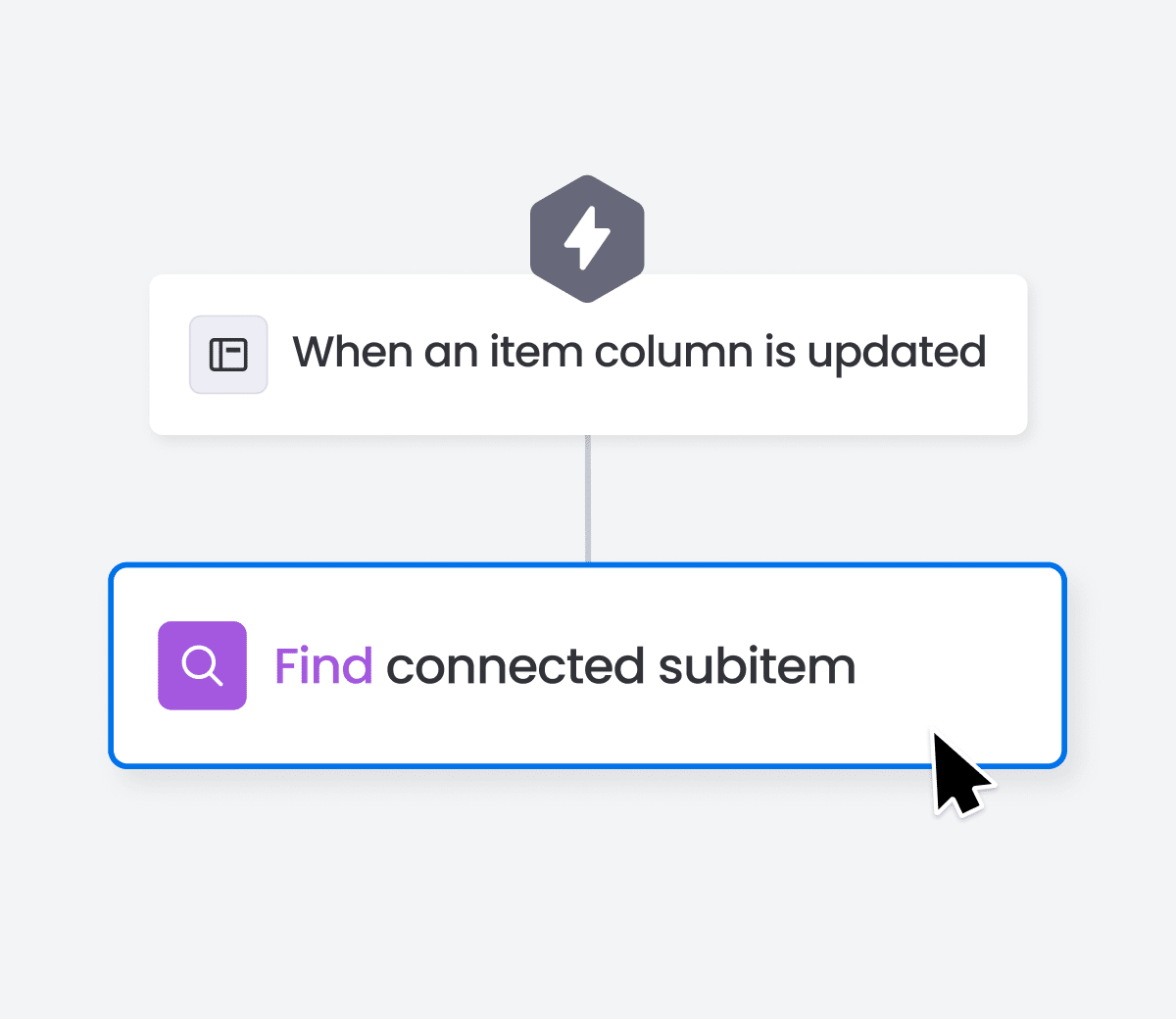
Find connected subitem to streamline updates
Streamline cross-board workflows and reduce manual tracking by using the "Find connected subitem" action to locate and update related subitems automatically.
June 23
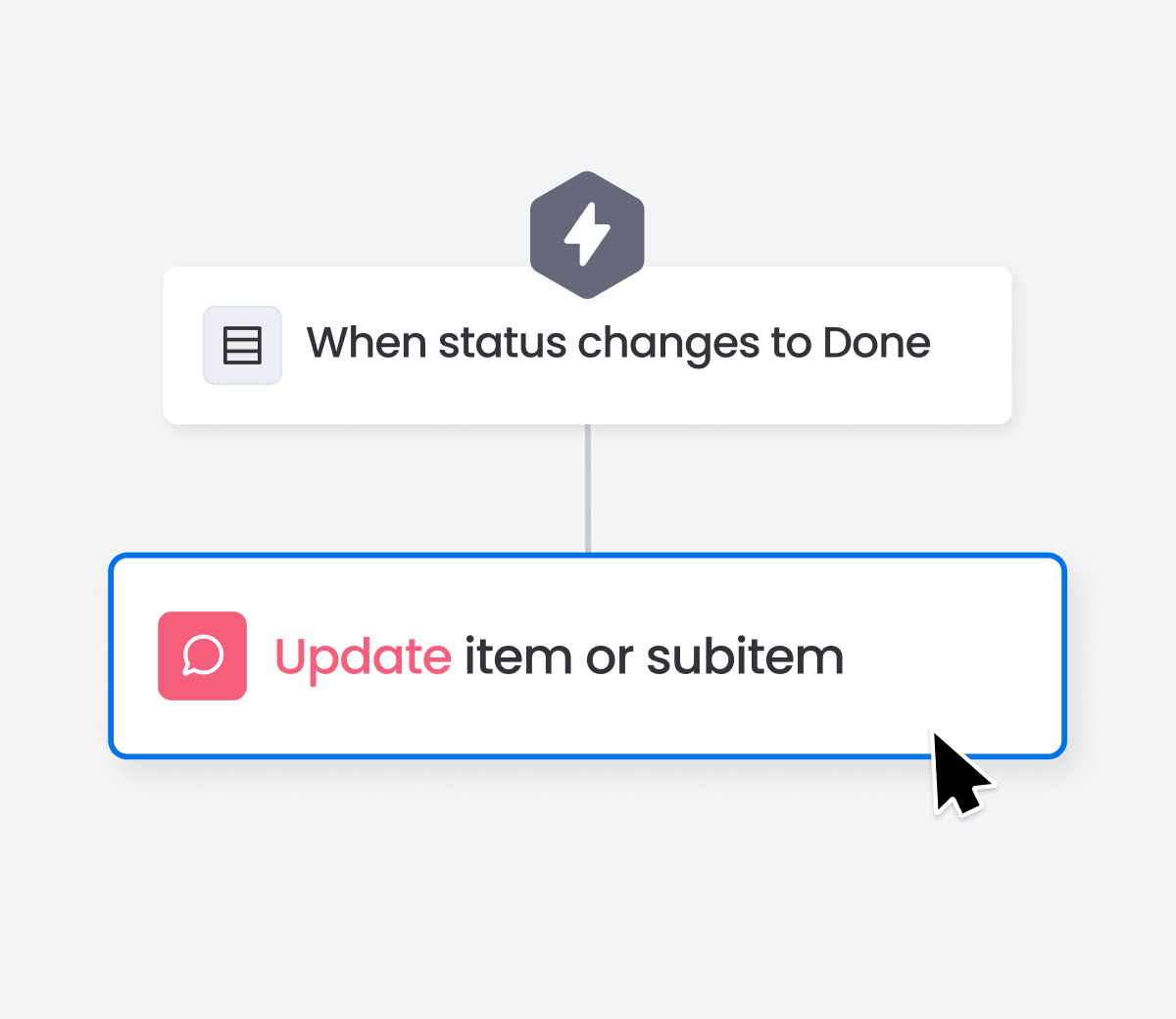
New action: speed up changes with update subitem
Description: Use the Update Subitem action to change multiple column values in one go — helping you move faster and keep your workflows clear and efficient.
June 23
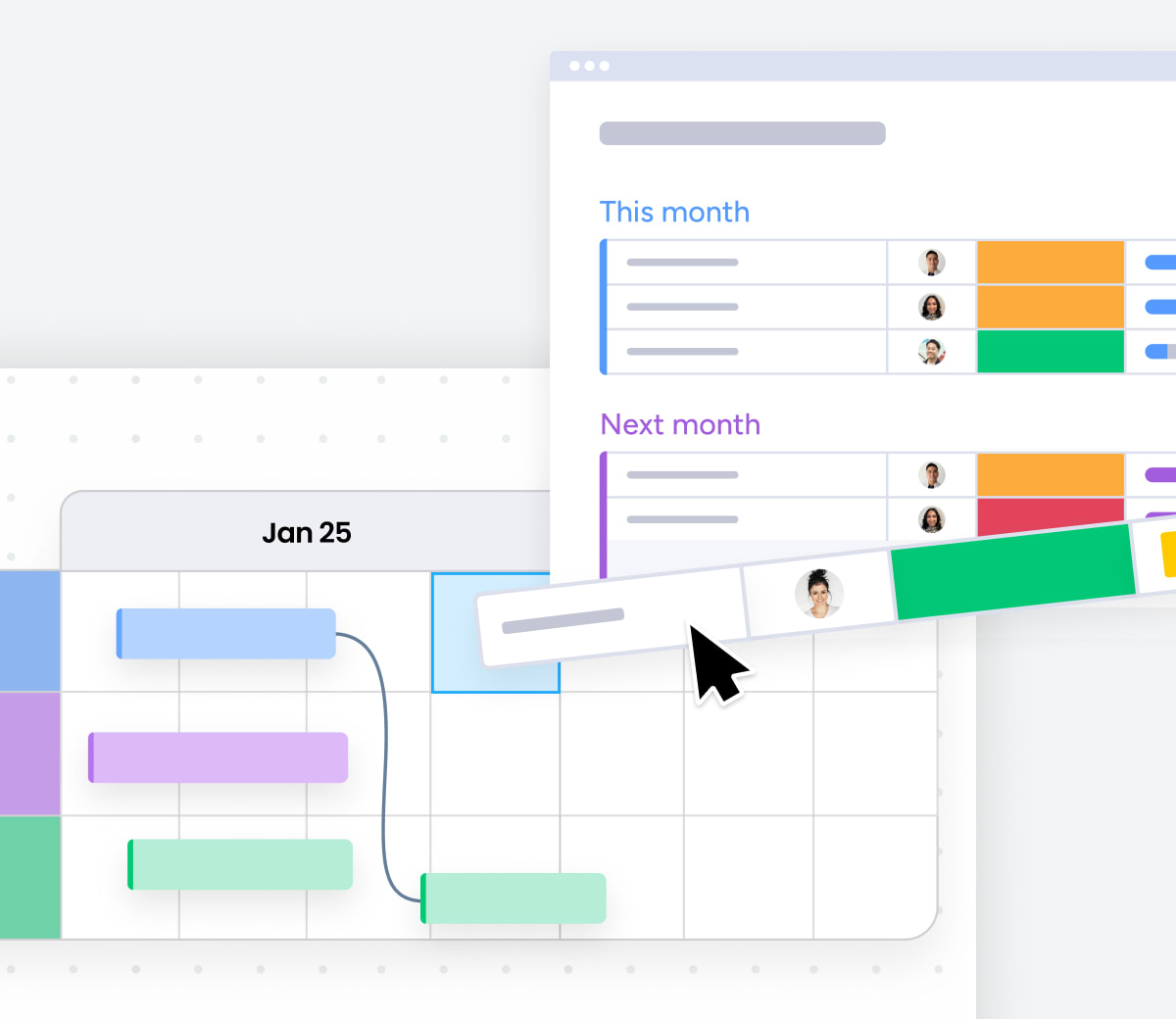
Plan projects visually with a dynamic Gantt Chart
Keep your projects on track with a dynamic Gantt Chart that’s fully connected to your monday boards—any change updates everywhere.
Company wide
June 23
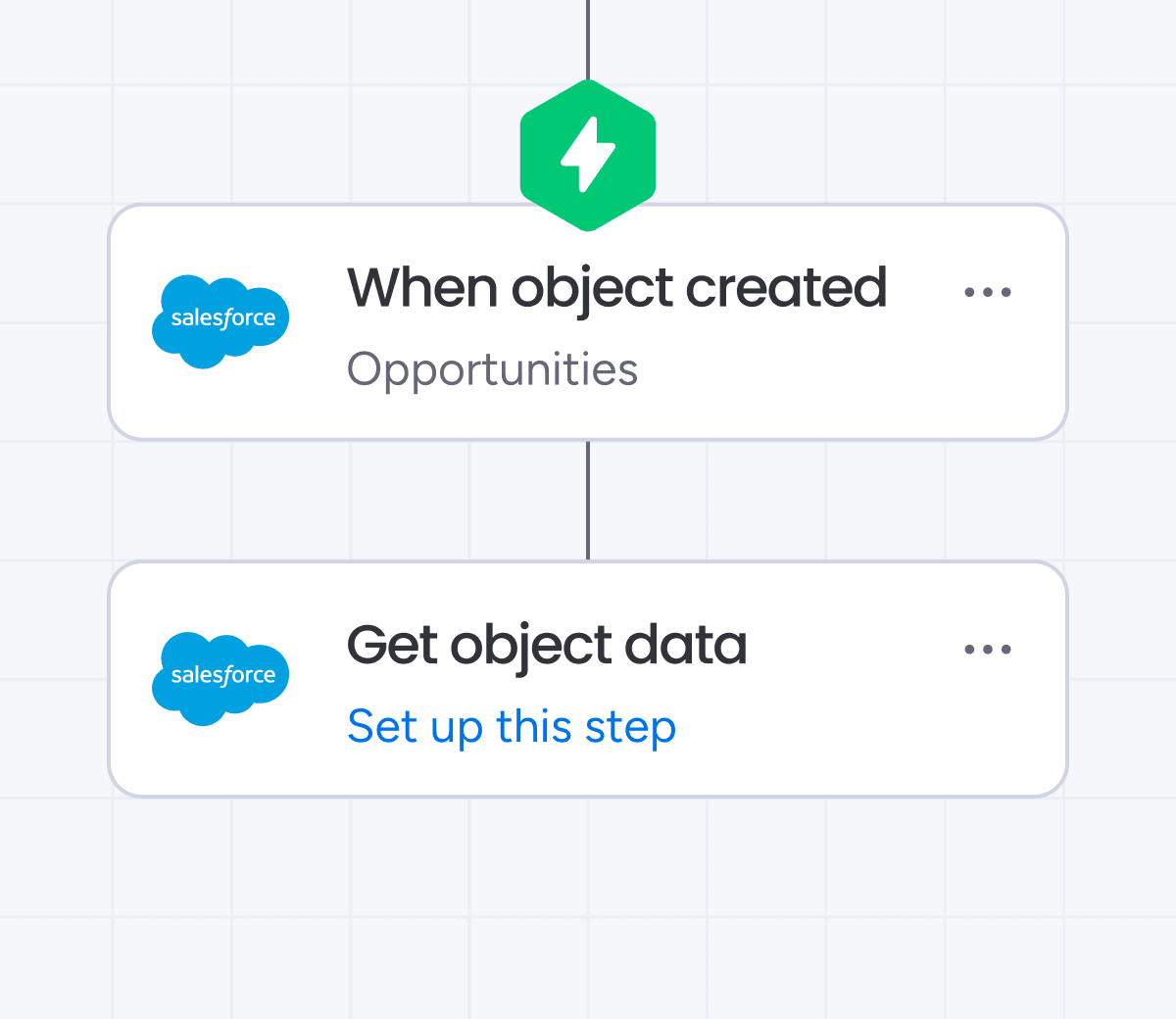
Trigger workflows with Salesforce objects
Save time and reduce manual work by automating actions based on Salesforce objects. Use real-time triggers in the workflow builder to keep processes running smoothly.
June 19
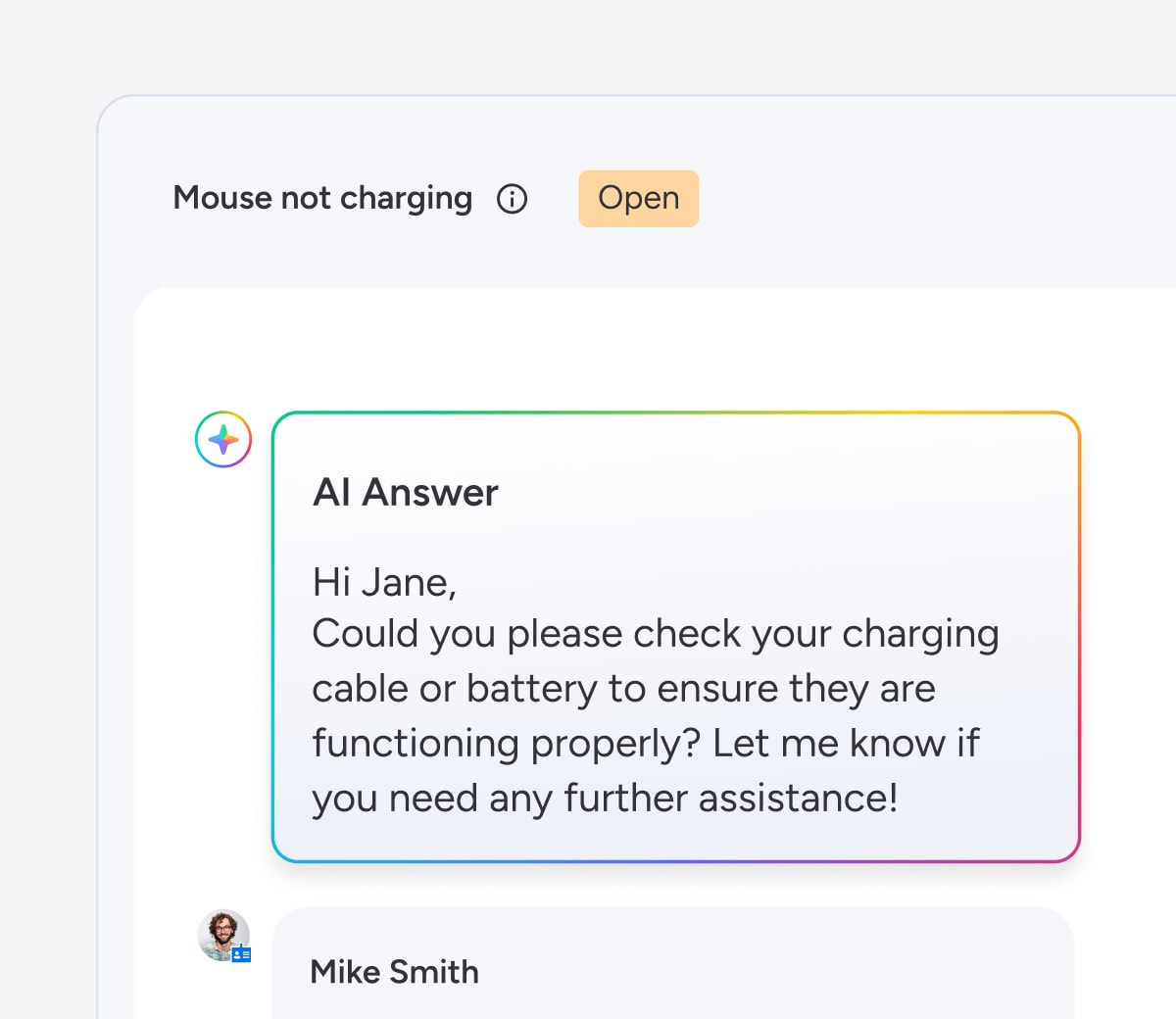
Auto-resolve tickets with AI
Let your service AI copilot instantly respond to routine requests and issues with accurate answers based on past resolutions. You control when AI replies - just choose the confidence level it must reach. Customers get fast answers, and your team stays focused on the work that moves the needle.
Company wide
June 18
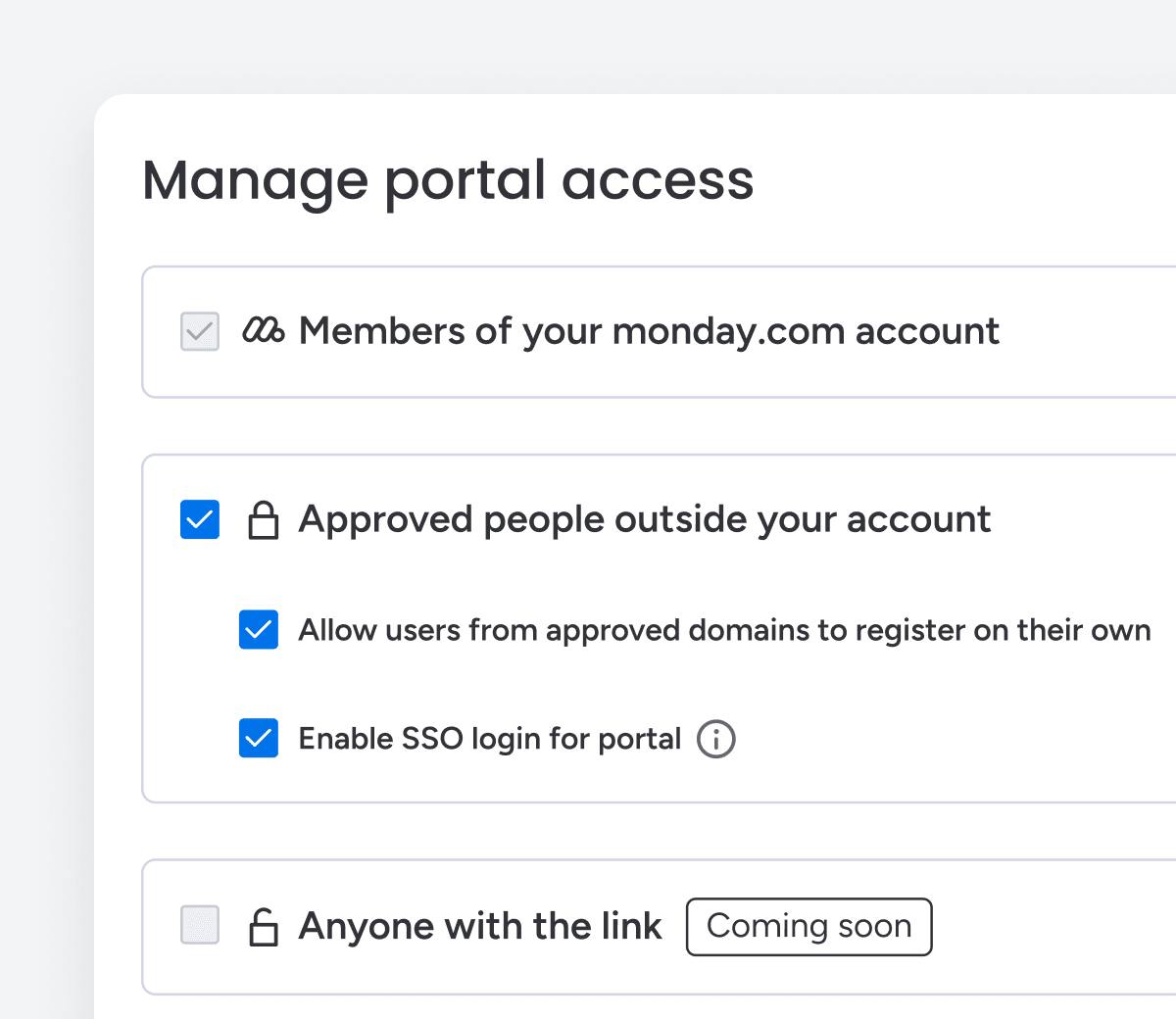
Service portal access to non-monday.com users
Easily invite clients, vendors, or your entire organization - no monday.com seat needed. Grant real-time visibility into tickets, follow ups, and shared resources, all without needing extra seats or compromising control.
June 18
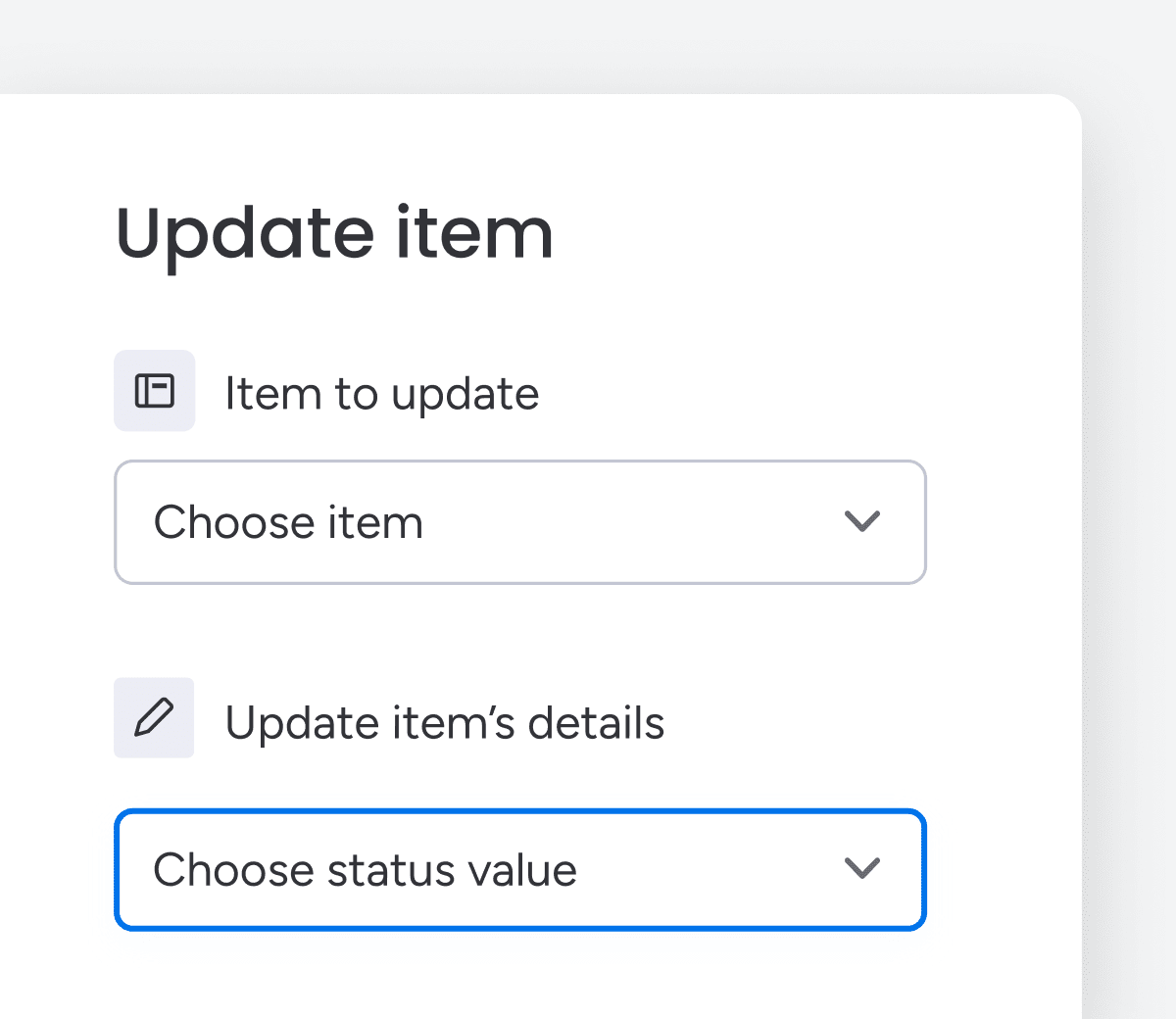
Streamline workflows with Update Item & Subitem!
Update multiple columns at once with the Update Item and Update Subitem blocks. Save time and keep your workflows clean, fast, and consistent.
June 18
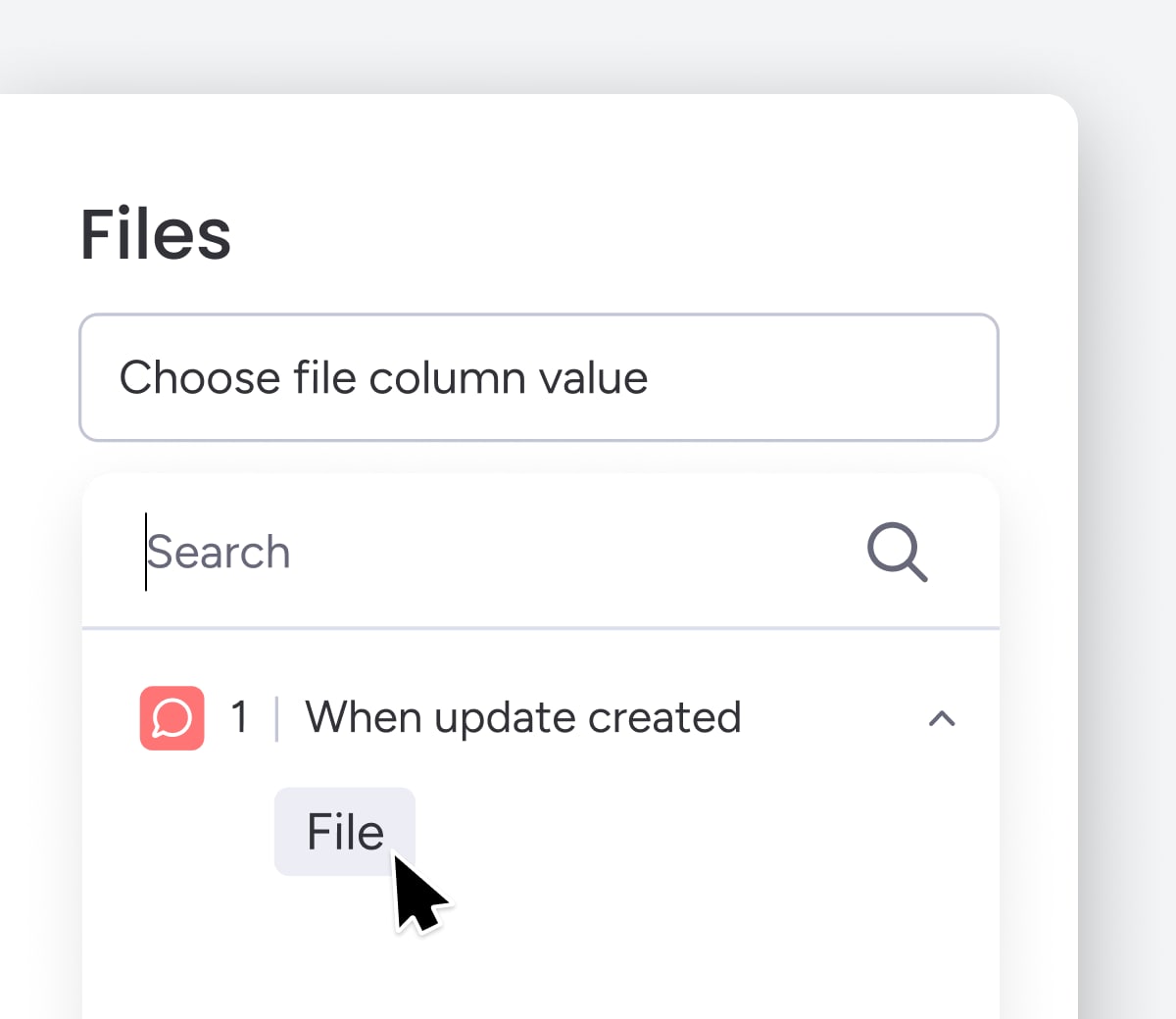
Streamline workflows with file automation
Use the "When update created" trigger to automatically add files to any board’s Files column. Keep documents organized and your workflows running smoothly.
June 18
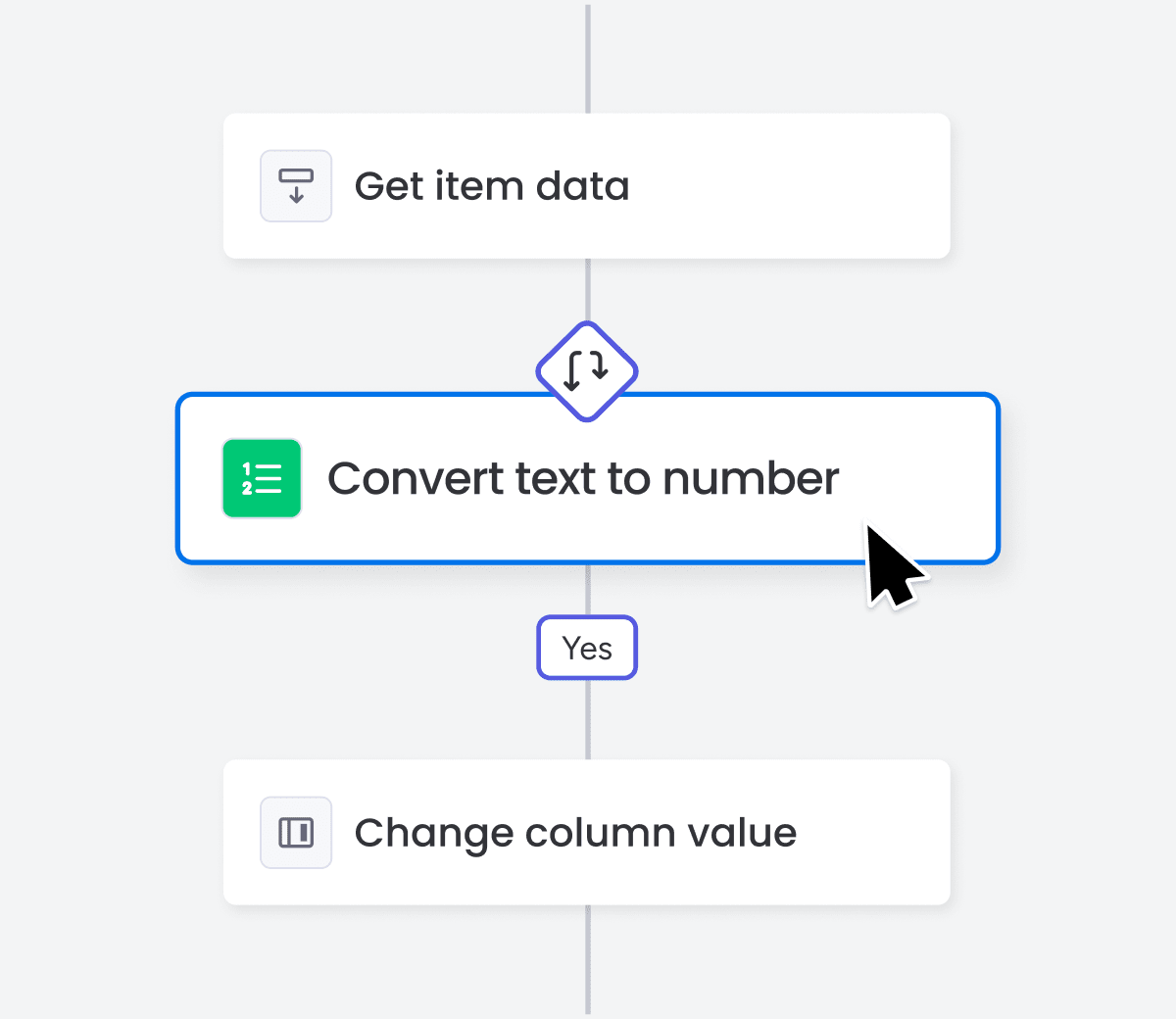
Transform text to numbers and dates easily
Use Convert Text to Number and Convert Text to Date blocks to format data accurately. Manage metrics and timelines with greater control and clarity.
June 18
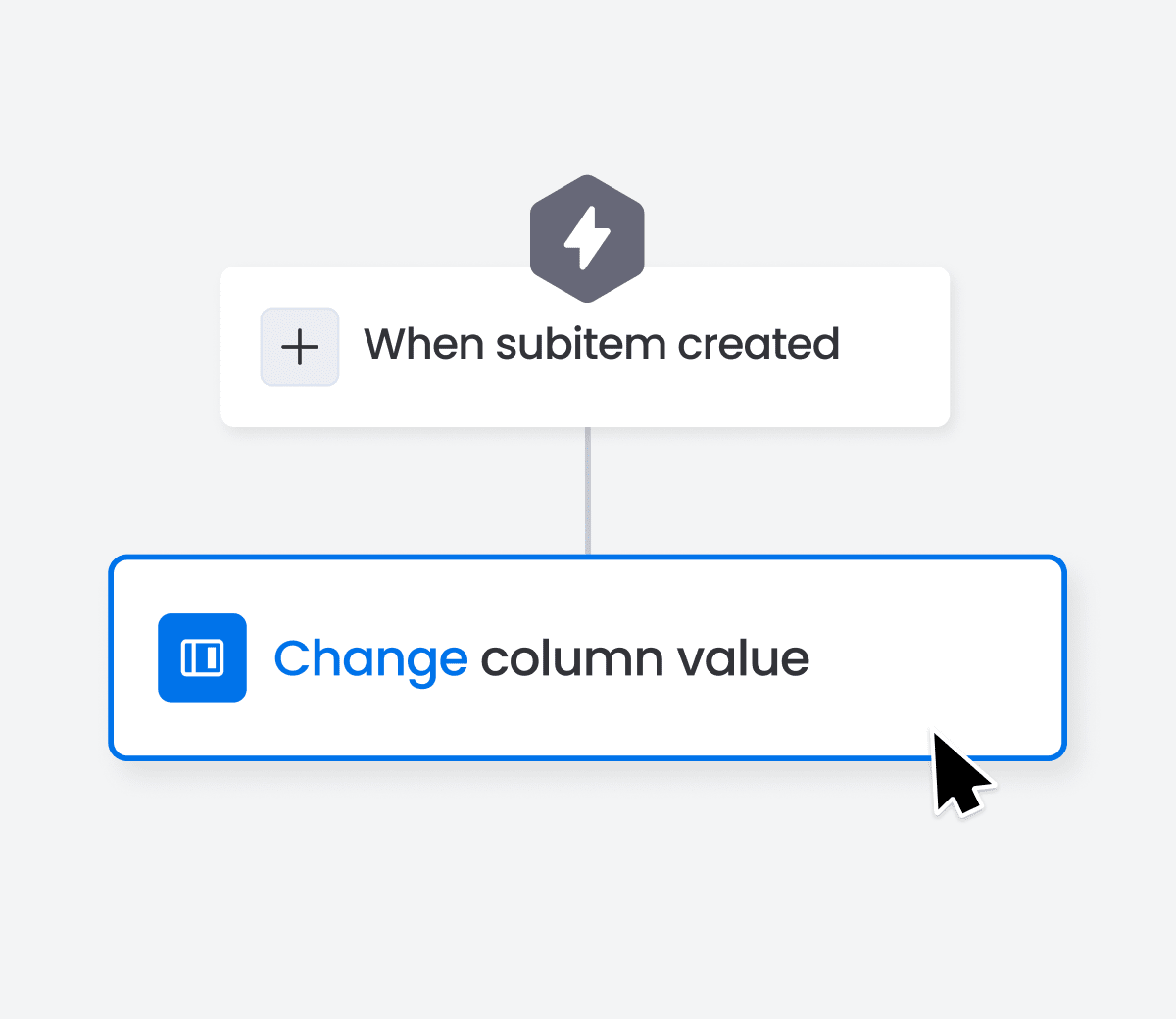
Enhance workflows with subitem column updates
Update specific subitem column values with ease using the Change Column Value action block. Gain more control and precision in your subitem workflows.
June 18
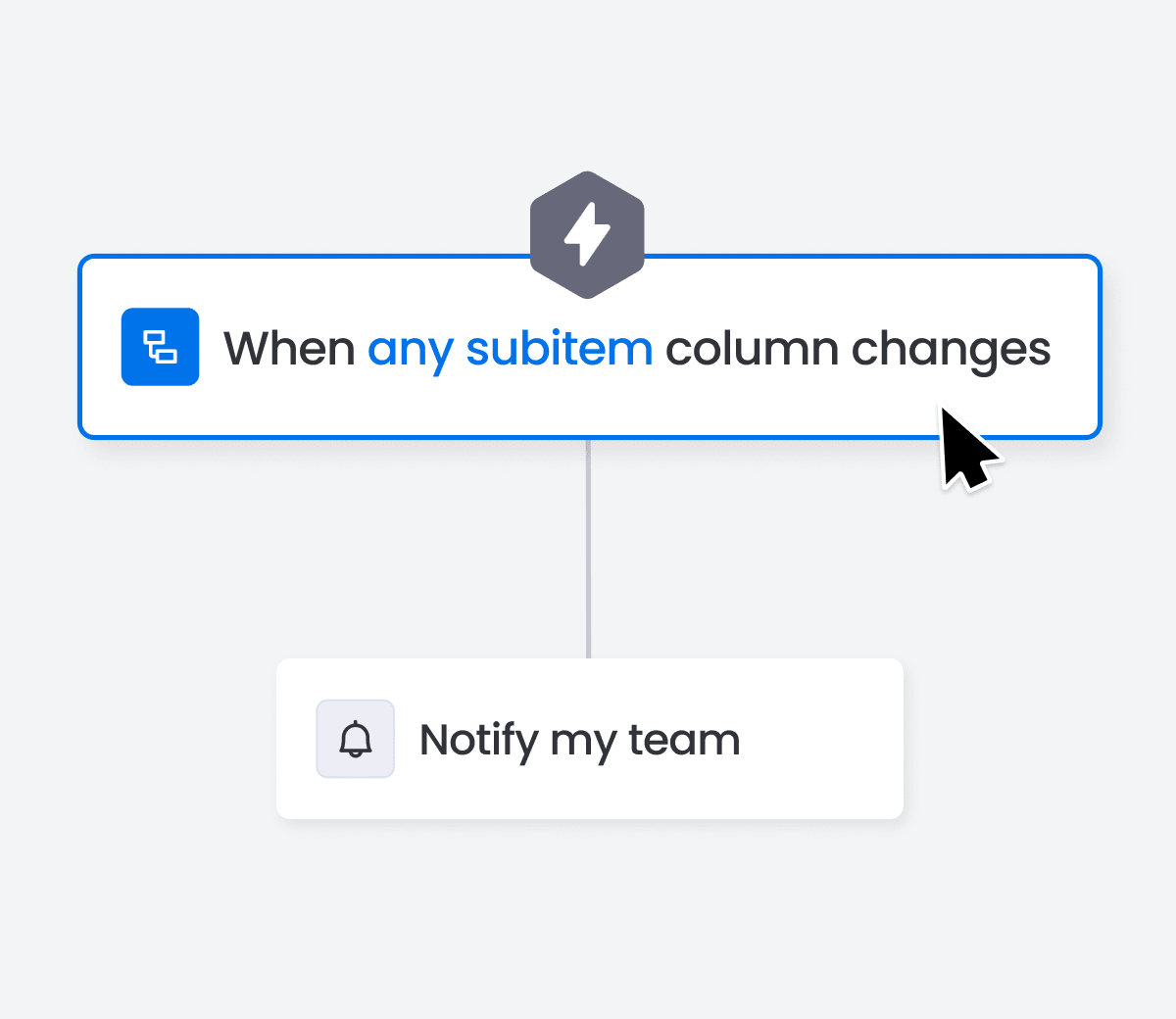
Automate tracking with subitem column changes
Track subitem activity effortlessly with the new 'When Any Subitem Column Changes' trigger. Automate workflows without specifying each column, enhancing your productivity.
Features you'll love

Couldn't find the feature you're looking for?
Don't panic. Visit our workflow center to explore our extensive features.