


The most powerful service platform is not the one with the most features, but the one teams actually adopt and enjoy using. Many organizations become weighed down by complex systems that promise efficiency but introduce friction instead, slowing service delivery and creating unnecessary overhead across operations.
The real advantage comes from choosing simple help desk software that delivers meaningful capabilities without a steep learning curve. When tools are intuitive by design, teams spend less time navigating systems and more time resolving issues, improving both speed and consistency across the service experience.
This guide cuts through the noise to focus on what truly matters. It explores the essential features that drive faster resolutions, compares leading solutions on the market, and outlines a clear path to getting your team fully operational in just one week.
Key takeaways
- Adoption matters more than feature volume: Simple help desk software succeeds when teams can start using it immediately without heavy training or complex configuration.
- Simplicity and power are not opposites: Modern platforms combine intuitive design with AI, automation, and analytics to improve resolution speed without increasing operational friction.
- No-code workflows enable faster scaling: Drag-and-drop customization allows teams to adapt processes themselves as service needs grow, without relying on IT support.
- Unified service improves consistency: Bringing tickets, channels, data, and collaboration into one workspace helps teams deliver faster and more reliable support experiences.
- Platforms like monday service show how simplicity scales: Visual workflows, built-in AI, and cross-team connectivity demonstrate how service operations can grow without becoming harder to manage.
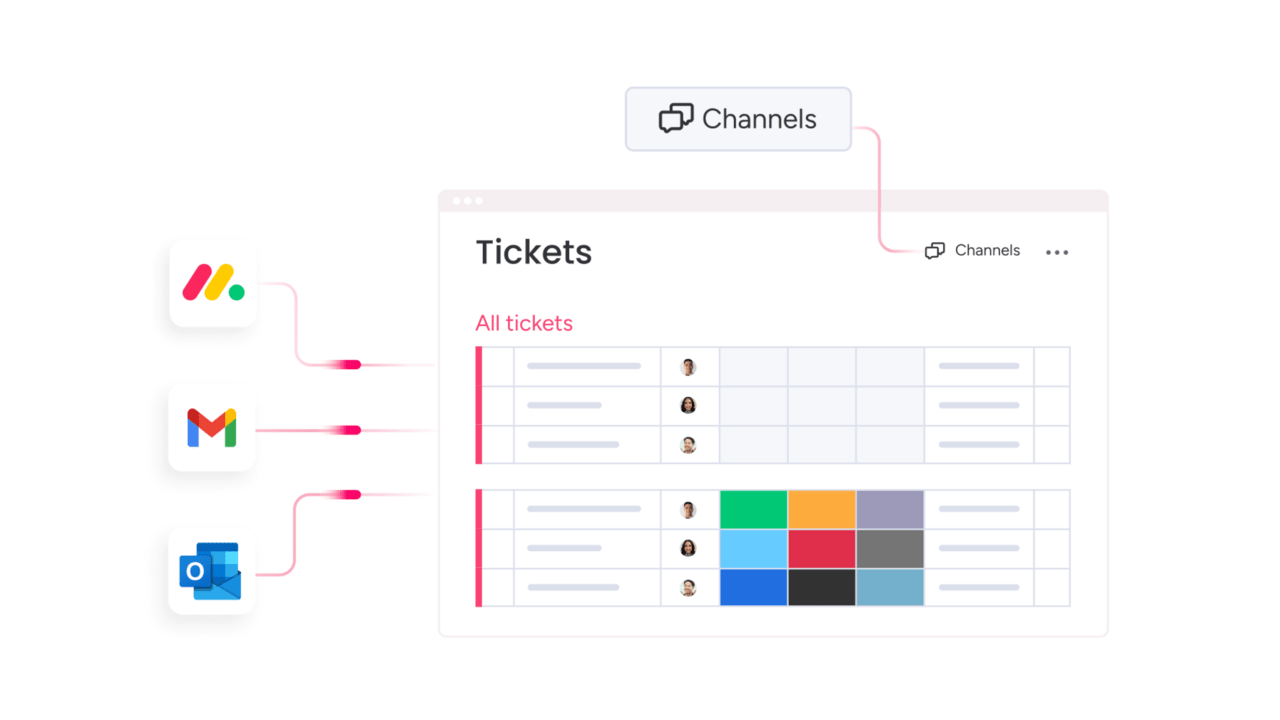
What is simple help desk software?
Simple help desk software acts as a clear operational framework for delivering reliable service, focusing on what matters most: helping people resolve issues quickly and consistently. It gives service teams an intuitive path from request intake to resolution, without cluttered interfaces or long onboarding cycles, because effective support should never feel difficult to run.
Simplicity in design does not mean limited capability. Modern platforms, such as monday service, combine built-in AI, smart automations, and real-time analytics to speed up resolutions behind the scenes. This shifts service operations beyond basic ticket handling toward continuous improvement across the entire service ecosystem.
Team empowerment sits at the core of this approach. A flexible, no-code structure allows teams to build and adjust workflows using simple drag-and-drop actions. This makes it easier to tailor processes to real needs, scale service delivery, and support teams across the organization without waiting on technical resources.

Simple vs complex help desk software
The conversation around simple versus complex software often overlooks the real issue. Many teams adopt feature-heavy enterprise platforms only to encounter long implementations and systems that slow daily work. The goal is a solution that delivers advanced capabilities while remaining intuitive, enabling teams to perform at a high level without a steep learning curve.
Platforms like monday service demonstrate how this balance works in practice. Teams can launch quickly using customizable workflows, while still benefiting from AI-powered routing and real-time insights that support faster decision-making. These capabilities stay accessible, removing barriers between service teams and the tools they rely on every day.
Growth should not introduce friction either. As service demands expand, the right platform connects service operations with the rest of the organization, helping teams optimize workflows while maintaining clarity and speed. This ensures scaling support does not come at the cost of usability or performance.
Essential features of simple help desk software
Effective help desk software does more than track requests. It creates structure and visibility across every interaction, acting as a central space where service teams can manage priorities, collaborate, and maintain consistency. When automation and insights are built into an intuitive experience, teams feel supported from day one.
The real strength of a simple platform lies in making complex processes easy to manage. Drag-and-drop workflows and one-click automations reduce manual effort, allowing teams to focus on solving problems instead of managing systems.
The result is faster resolutions, improved customer satisfaction, and stronger team engagement.
Solutions like monday service bring ticketing, projects, and collaboration into a single digital workspace. When service tools operate together, teams deliver more consistent support and create shared ownership across departments, improving outcomes for both customers and internal stakeholders.
Smart ticket management that actually thinks
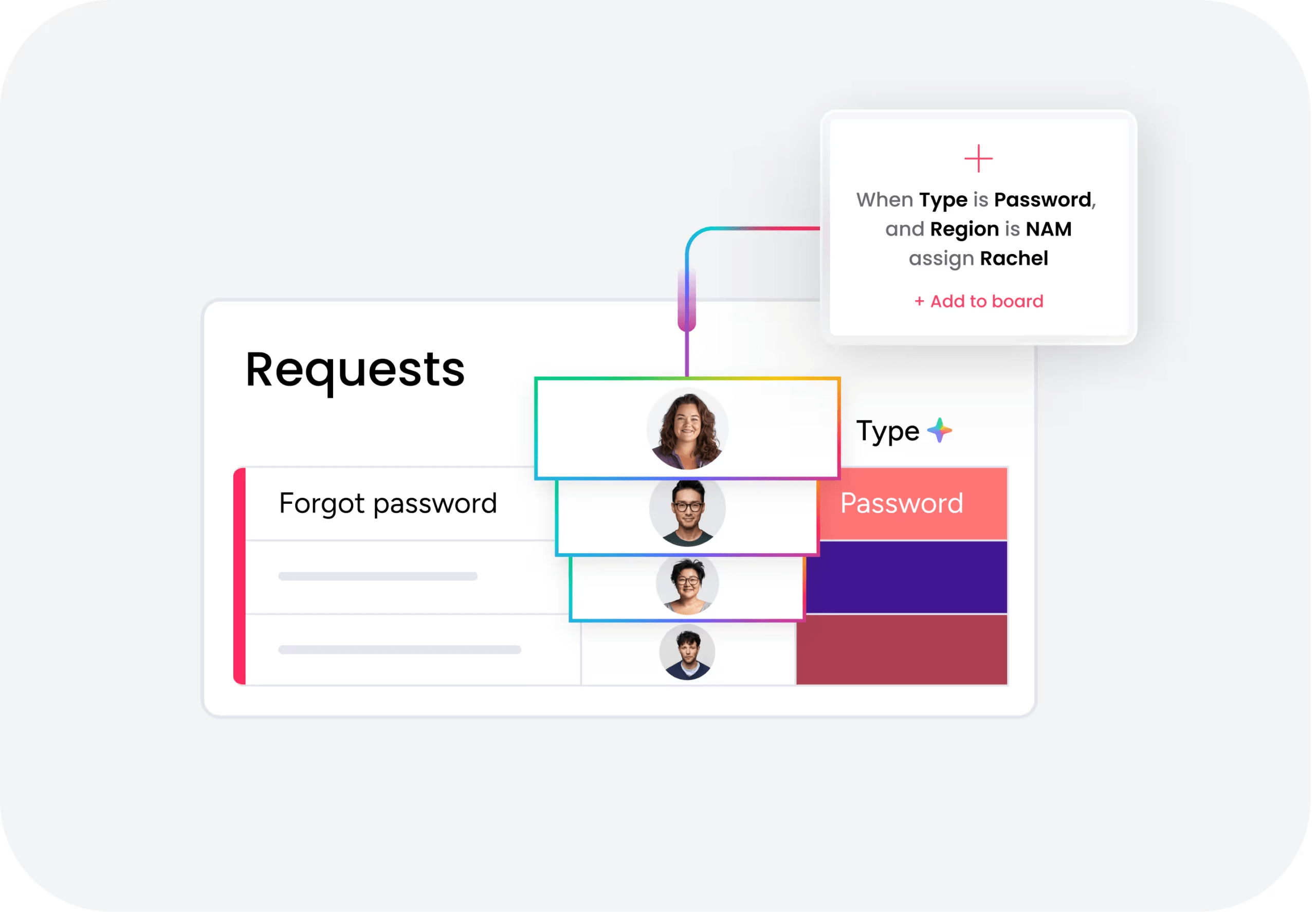
Modern ticket management removes the need for manual sorting. Built-in AI can automatically capture, categorize, and prioritize incoming requests, ensuring teams focus their energy on resolution rather than organization.
Intelligent routing assigns issues to the right person based on expertise and workload. When tickets move between teams, all context remains intact, allowing customers to experience continuity rather than repeated explanations.
How to achieve unified omnichannel support
Customers contact support across multiple channels, including email, chat, and social platforms. A unified view brings all conversations together, eliminating the need to switch between systems or lose context.
This visibility supports a deeper understanding of the customer journey. By seeing every interaction in one place, teams can deliver consistent, personalized support that strengthens trust and long-term relationships.
Automation that works while you sleep
Automation handles routine service tasks such as ticket assignment, SLA reminders, and follow-ups after resolution. This reduces manual work and ensures consistent execution without constant oversight.
AI-driven suggestions can also support agents by recommending responses and highlighting requests that need attention. This proactive approach helps teams stay ahead of issues around the clock.
Analytics that tell the real story
Data becomes valuable when it guides action. Clear dashboards surface response times, resolution trends, and workload distribution, giving teams insight into what is working and where adjustments are needed.
By identifying patterns early, teams can move from reactive support to proactive service planning. This supports smarter decisions and continuous improvement over time.
Self-service that customers choose to use
An effective self-service portal empowers customers to find answers independently. A well-structured knowledge base encourages adoption by making information easy to locate and understand.
When customers resolve simple questions on their own, service teams gain time to focus on complex issues. This balance improves satisfaction for customers while increasing efficiency for support teams.
Leading simple help desk software solutions
Great help desk software should feel invisible in the best way. It supports your team without slowing them down, helps new agents get started quickly, and keeps daily workflows clear instead of cluttered.
The strongest platforms make setup straightforward, automate the repetitive work, and keep everything connected in one place. Instead of juggling tools or digging through inboxes, teams can stay focused on solving problems and helping people.
Below are five simple help desk solutions that strike that balance. Each one combines ease of use with the core capabilities teams need to deliver reliable, scalable support as they grow.
1. monday service
monday service transforms how teams handle support requests by combining AI-powered ticket management with seamless cross-department collaboration. Built on the intuitive monday Work OS, it’s designed for organizations that want to connect service delivery with broader work management, making it perfect for IT, HR, and operations teams who need more than just a traditional help desk.
Use case:
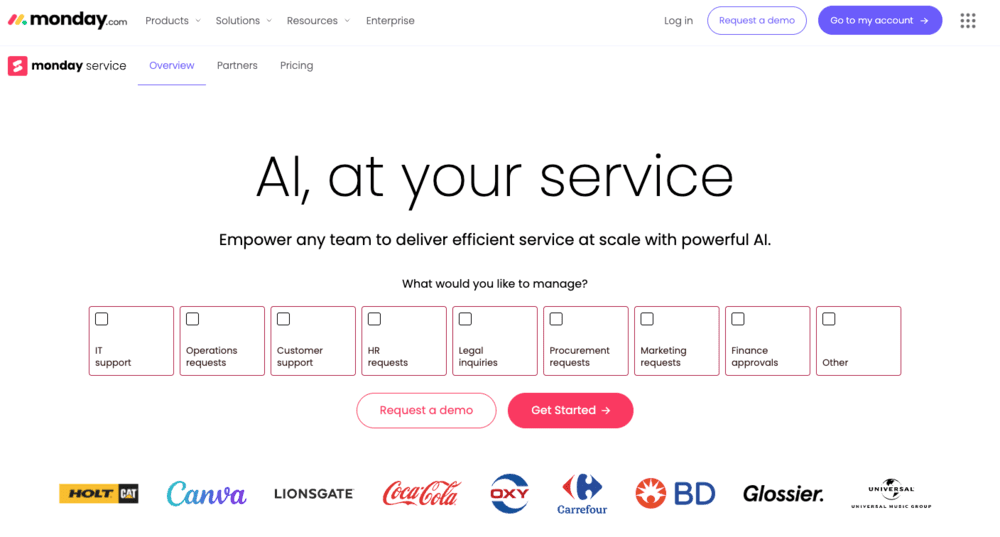
monday service empowers teams to streamline service operations through visual workflows, AI-driven automation, and unified collaboration across departments.
Key features:
- AI-powered ticket triage automatically categorizes requests by urgency, sentiment, and issue type for faster resolution.
- Visual workflow builder enables custom automation recipes without coding knowledge.
- Branded customer portal with self-service options, knowledge base, and real-time ticket tracking.
Pricing:
- Standard: Starts at $26 per seat per month, billed annually.
- Pro: starts at $38 per seat per month, billed annually.
- Enterprise: custom pricing with advanced security and unlimited capabilities.
- Annual billing: saves approximately 18% compared to monthly billing.
- AI credits: Move to a pay-as-you-go model after the initial grant.
Why it stands out:
- Native AI integration provides intelligent ticket routing and sentiment analysis without additional setup.
- Seamless connection between service requests and project workflows eliminates handoffs between teams.
- Visual, no-code platform makes complex service operations accessible to non-technical users.
2. Zendesk
Zendesk delivers comprehensive customer service solutions that transform how organizations handle support across every channel. The platform excels at unifying email, chat, voice, and social interactions into a single workspace, making it perfect for growing businesses that need scalable, AI-powered support infrastructure.
Use case:
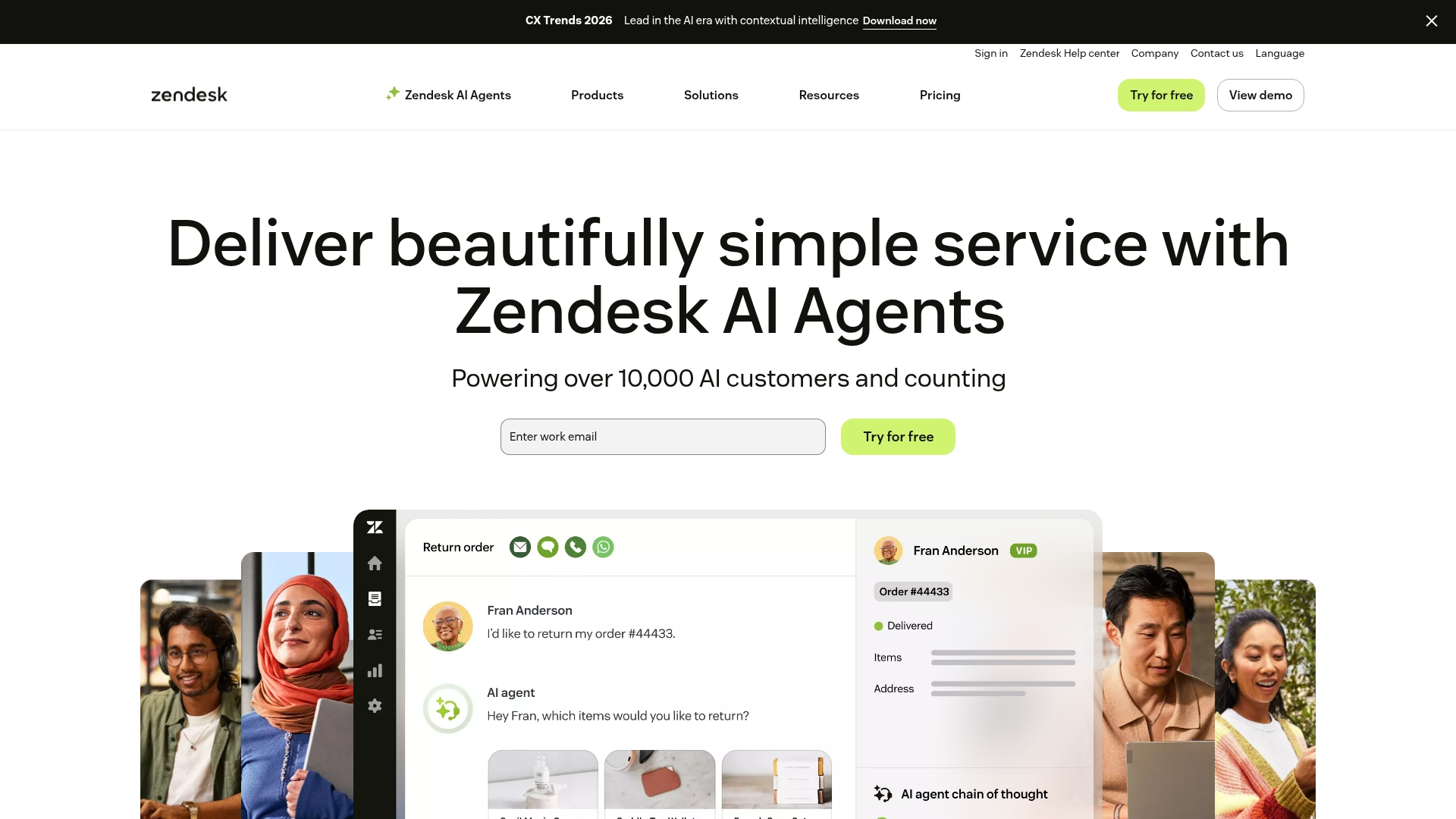
Zendesk’s Resolution Platform combines AI agents, knowledge management, and quality assurance to deliver complete issue resolution rather than simple ticket deflection.
Key features:
- Omnichannel ticketing system that centralizes email, messaging, voice, and social channels into one unified Agent Workspace.
- AI agents that deploy in three clicks and handle complex workflows across 80+ languages with built-in quality scoring.
- Extensive integration ecosystem with 1,800+ apps and connectors including Salesforce, Jira, Shopify, and Slack.
Pricing:
- Support team: Costs $19 per agent per month, billed annually.
- Support professional: Costs $55 per agent per month, billed annually.
- Support enterprise: Costs $115 per agent per month, billed annually.
- Suite team: Costs $55 per agent per month, billed annually.
- Suite growth: Costs $89 per agent per month, billed annually.
- Suite professional: Costs $115 per agent per month, billed annually.
- Add-ons: Include copilot at $50, quality assurance at $35, and workforce management at $25 per agent annually.
- Free trial and startup offer: Includes a 14-day free trial and up to six months free for eligible startups.
Considerations:
- Advanced features like skills-based routing and contextual workspaces are limited to higher-tier plans, potentially increasing costs for teams needing comprehensive functionality.
- Migration to the unified Agent Workspace requires a one-time, non-reversible change that merges Chat departments into Support groups.
3. Freshservice
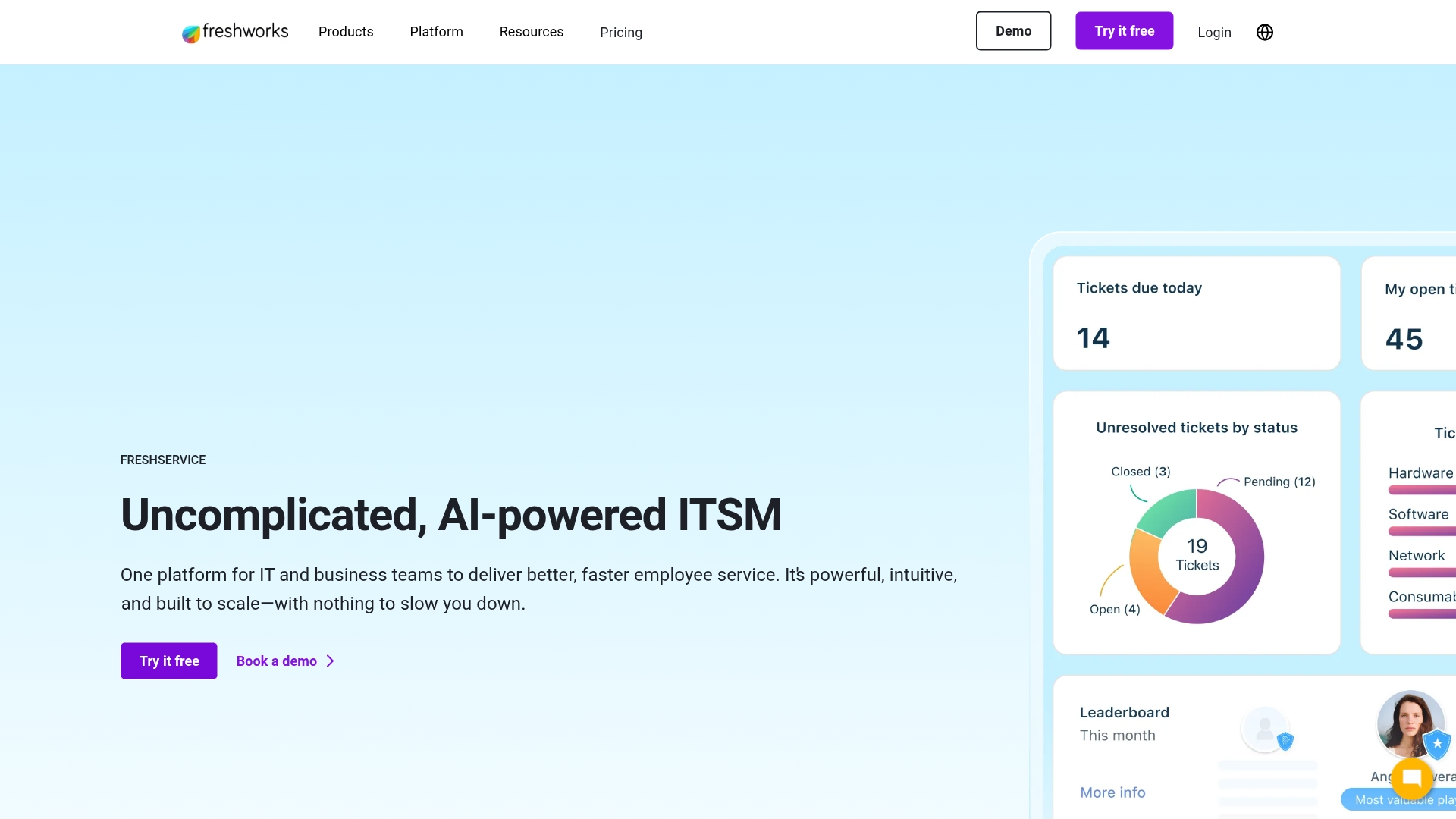
Freshservice delivers AI-powered IT service management that transforms how teams handle support requests and streamline operations. The platform combines intuitive design with robust backend capabilities, making it perfect for IT departments and internal service teams who need powerful functionality without the complexity. With deep integrations across Slack, Microsoft Teams, and mobile platforms, Freshservice meets users where they work.
Use case:
Freshservice excels at providing comprehensive IT service management with built-in AI capabilities that automate ticket routing, generate responses, and deliver 24/7 conversational support across multiple channels.
Key features:
- AI-powered automation: Freddy AI Agent provides 24/7 conversational support in 40+ languages, while Freddy AI Copilot assists agents with summaries, reply suggestions, and knowledge generation.
- Omnichannel collaboration: Deep integration with Slack and Microsoft Teams allows users to create tickets, receive notifications, and handle approvals directly within their preferred communication platforms.
- Comprehensive ITSM suite: Complete incident management, service request handling, change management, and asset tracking with drag-and-drop workflow automation.
Pricing:
- Starter: $19/agent/month (annual billing).
- Growth: $49/agent/month (annual billing).
- Pro: $99/agent/month (annual billing).
- Enterprise: Custom quote with included Freddy AI entitlements.
- Freddy AI Copilot add-on: $29/agent/month (annual) or $35/agent/month (monthly).
- Business Agent add-on: $49/agent/month for non-IT teams.
- Day passes: starting from $3 per use for occasional agents.
Considerations:
- Some users report limitations in reporting customization and occasional UI friction that can slow down workflows.
- Pricing can escalate quickly with add-ons like AI Copilot and Business Agents, plus managed asset counting methodology may increase costs as IT inventories grow.
4. HelpDesk
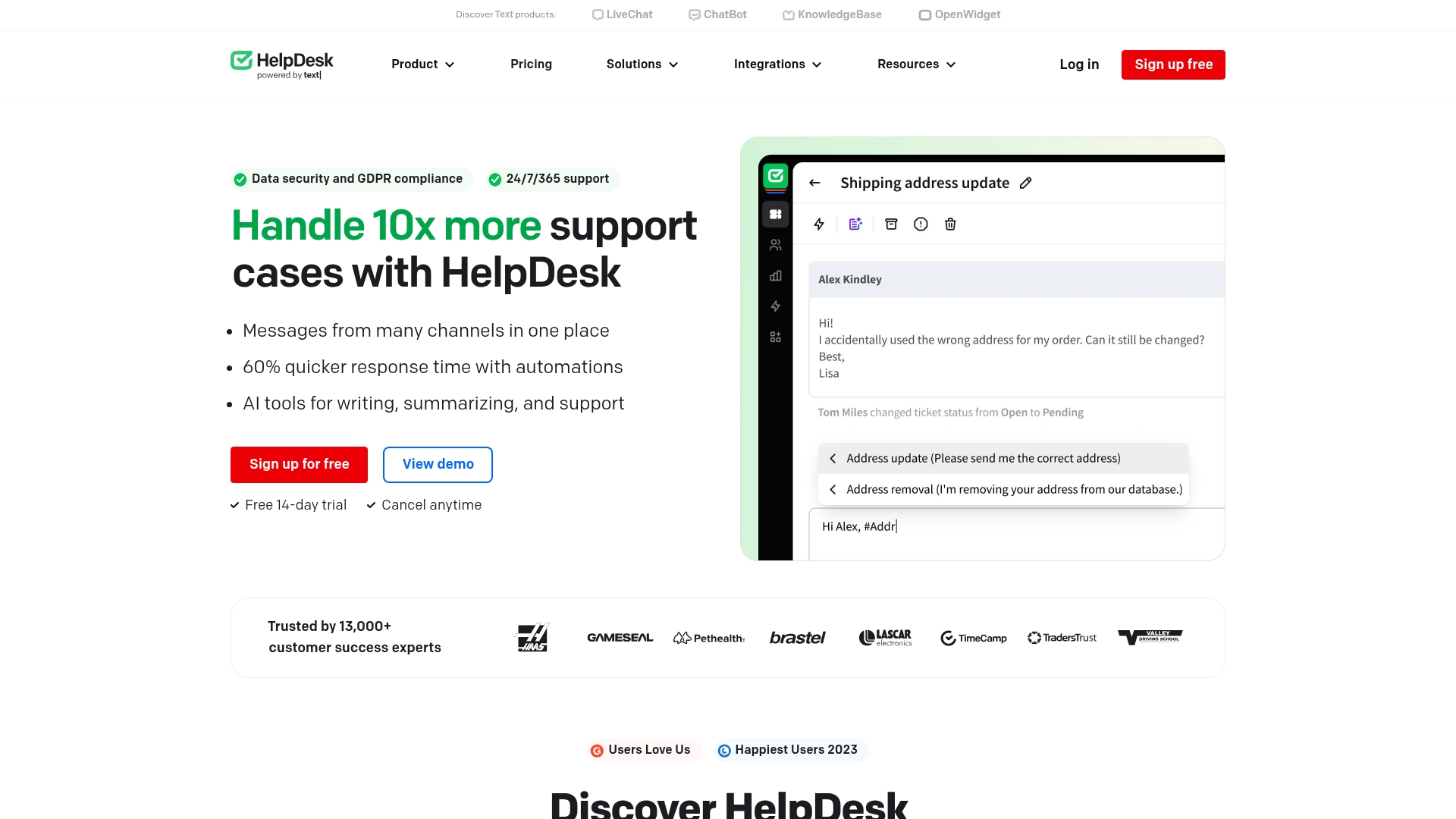
HelpDesk delivers straightforward ticketing that gets teams up and running in minutes, not weeks. The platform specializes in email-based support workflows with smart AI assistance, making it perfect for growing teams who want powerful automation without the complexity of enterprise suites.
Use case:
HelpDesk streamlines email-based customer support with AI-powered ticket management and seamless LiveChat integration for teams prioritizing quick setup and transparent pricing.
Key features:
- AI-powered ticket summaries, tag suggestions, and similar ticket detection to accelerate response times.
- Native LiveChat integration that converts chats to tickets within the same agent workspace.
- Collision detection and custom views to prevent duplicate work and organize ticket workflows.
Pricing:
- Team: $29 per agent per month billed annually, or $34 per agent per month billed monthly.
- Business: $50 per agent per month billed annually, or $59 per agent per month billed monthly.
- Enterprise: Custom pricing with dedicated account manager and white-label options.
- Annual billing discount: 15% off across all plans.
- Unlimited access: Includes free viewers and tickets on all tiers.
Considerations:
- Limited native voice/telephony features compared to full contact center suites.
- Some users report occasional bugs and limited macro functionality on lower-tier plans.
5. Zoho Desk
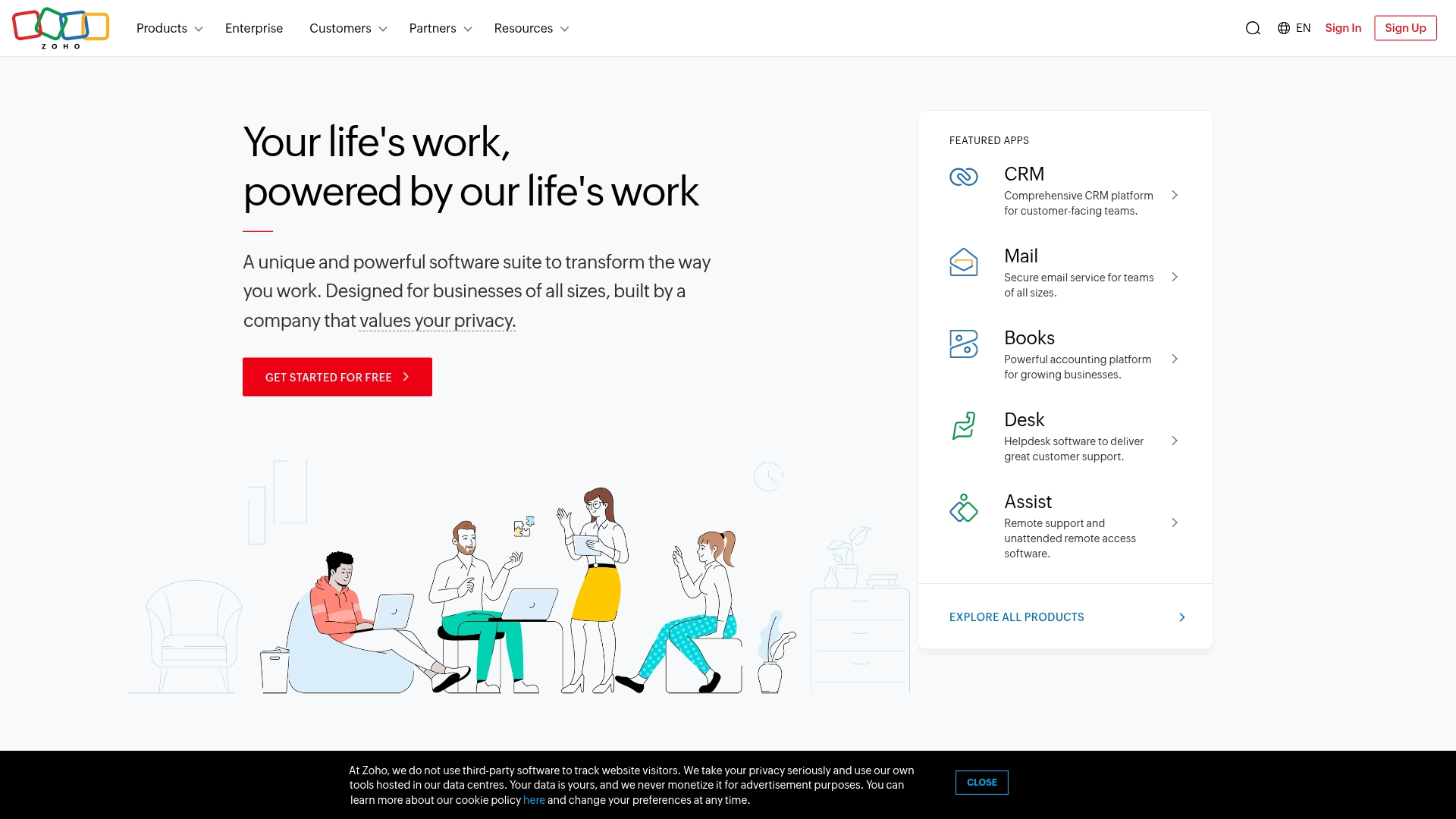
Zoho Desk transforms customer support into a streamlined, AI-powered experience that connects seamlessly with your entire business ecosystem. The platform specializes in deep integration with the broader Zoho suite and transparent pricing, making it ideal for organizations already using Zoho products or those seeking comprehensive business software integration.
Use case:
Zoho Desk delivers omnichannel support with built-in AI and process automation, perfect for businesses wanting unified customer service that integrates naturally with their existing Zoho workflow.
Key features:
- Process Blueprints create visual, state-based workflows that guide agents through consistent service delivery.
- Built-in AI (Zia) provides ticket summaries, sentiment analysis, and reply assistance at no additional cost.
- Native integration with 50+ Zoho apps plus 200+ third-party connectors for comprehensive business alignment.
Pricing:
- Free: $0 per month for up to three agents with email ticketing.
- Express: $7 per user per month, limited to five users, designed for micro businesses.
- Standard: $14 per user per month, adds business messaging, IM channels, and knowledge base.
- Professional: $23 per user per month, adds telephony, Blueprints, and multi-department support.
- Enterprise: $40 per user per month, includes advanced AI, skill-based routing, and multi-brand help center software.
- Premium support: Available at 20–25% of license fees.
- Discounts and special pricing: Annual billing discounts and nonprofit/education pricing available.
Considerations:
- Advanced features like multi-brand help centers and AI Agents are locked to the Enterprise tier, which may increase costs for growing teams.
- Some AI capabilities and messaging channels have regional availability limitations depending on your data center location.
How much does simple help desk software really cost?
The per-user price is usually just the starting point. The real investment goes beyond subscription fees and includes your team’s time, onboarding effort, and the resources required to maintain and adapt workflows over time. Looking at total cost of ownership from the outset helps you separate a smart long-term decision from a short-term budget win.
Free solutions can feel like an easy entry point, but limitations surface quickly as teams grow and service requests become more complex. When manual work increases and requests start crossing departments, the hidden cost of “free” shows up in wasted hours, slow handoffs, and missed opportunities. That is often the moment teams realize they need a platform designed to scale with automation and built-in analytics.
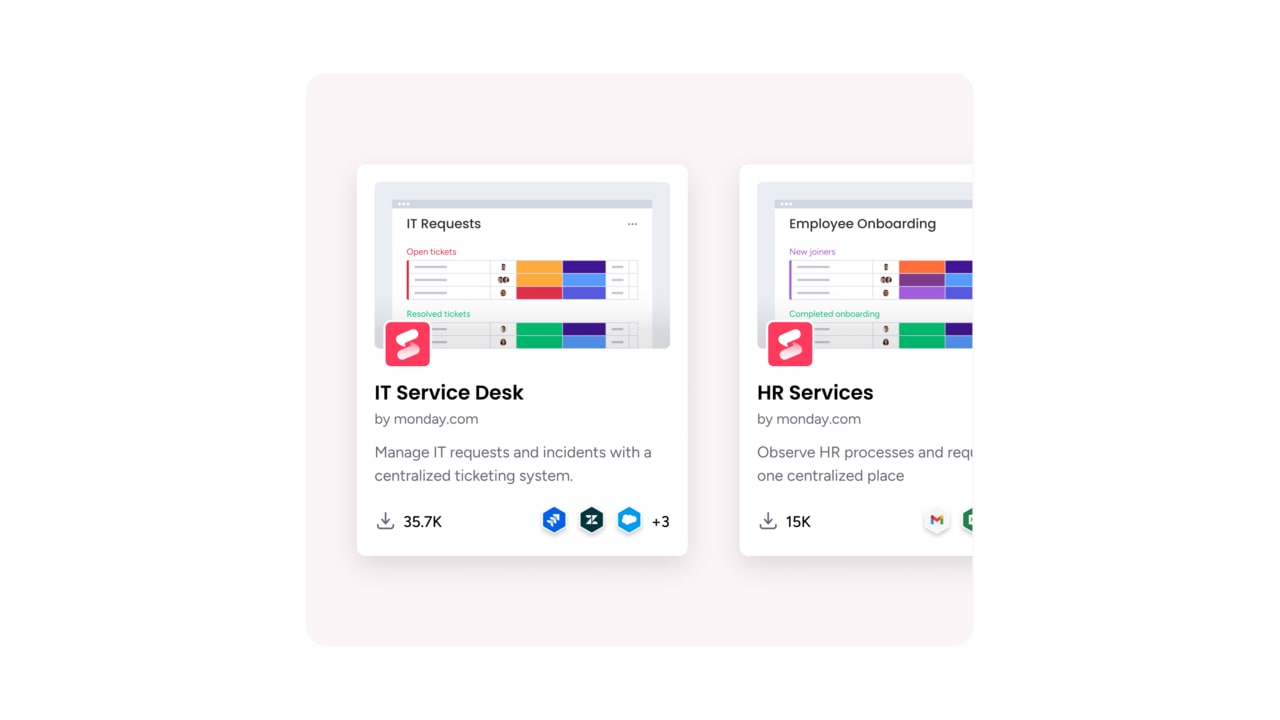
It is also an opportunity to eliminate inefficiencies that quietly drain energy and budget. With an intuitive, no-code design, monday service lets teams build, refine, and scale workflows independently, without relying on consultants or lengthy training. Many teams begin seeing measurable returns within weeks by accelerating resolutions and improving visibility from the very first login.
How to choose the right help desk software
Selecting a help desk should feel less like purchasing software and more like onboarding a high-performing teammate. The ideal platform combines power with simplicity, empowering all team members to deliver quality service without a steep learning curve.
A system should enable rapid deployment with customizable workflows that require no coding expertise. Automation of repetitive tasks allows team members to focus on their core work while connecting seamlessly with existing tools.
The true test is whether the platform allows teams to take ownership or whether frequent external support is necessary. A complex pricing model or required specialist interventions signals a platform that is not built for intuitive use.
Remember, true simplicity puts control directly in the team’s hands.
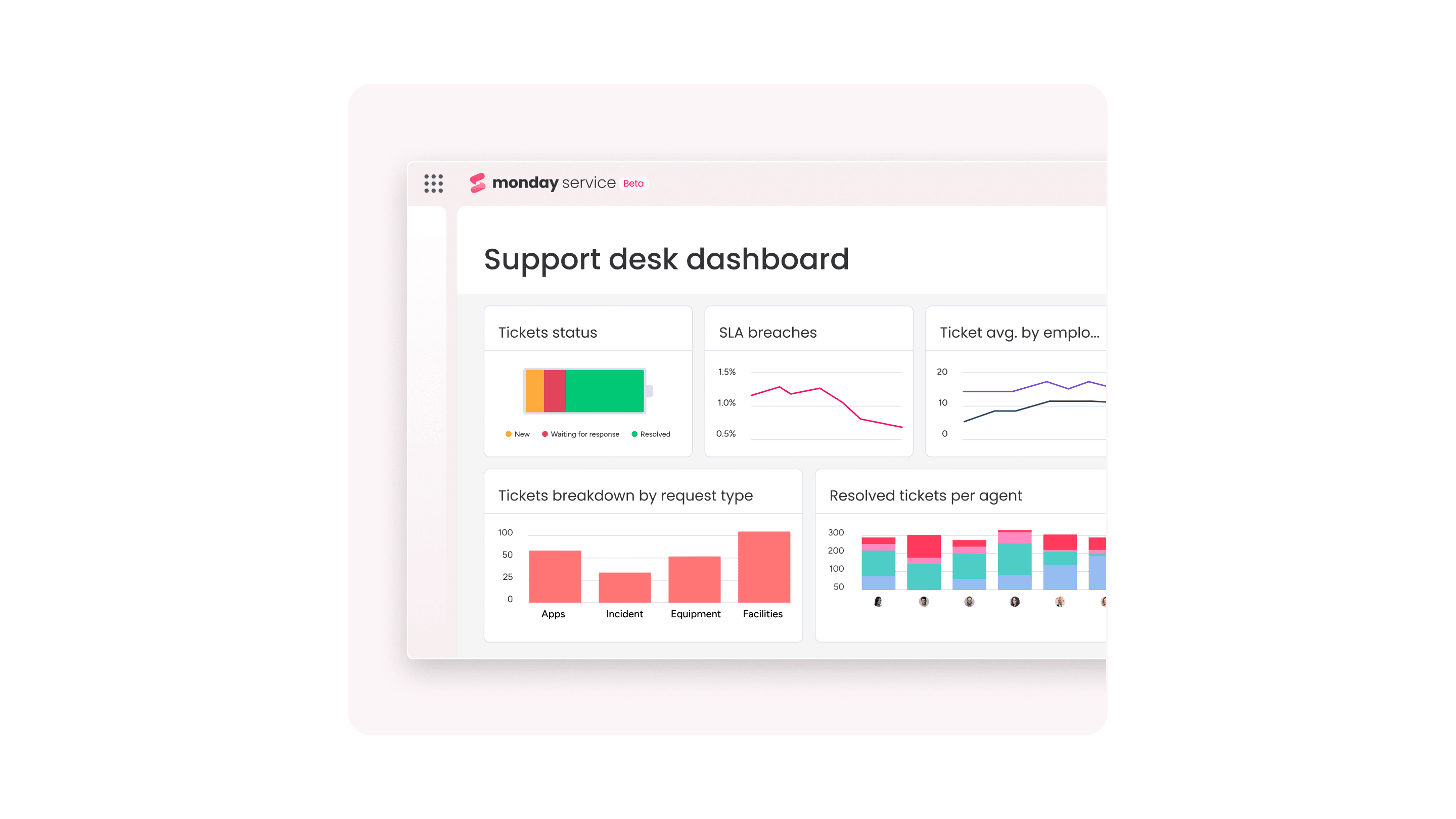
From sign-up to first ticket in one week
Improving your service operations should not feel like a long, technical project. The right platform lets you move quickly, without weeks of configuration or heavy onboarding before you see results.
Many teams go from signing up to resolving their first live service requests in just a few days. That speed comes from intuitive design and built-in AI that handle the heavy lifting behind the scenes, so your team can focus on solving real problems instead of navigating setup screens.
When the platform is clear and straightforward from the start, momentum builds naturally. Instead of wrestling with the system, teams start delivering value almost immediately.
Your day-by-day implementation roadmap
Initial setup should build momentum, not overwhelm. A structured, day-by-day guide divides the process into manageable tasks, each contributing to a complete solution by the end of the first week.
- Day 1: Create your account, invite your core team, and get a feel for the platform (one to two hours).
- Day 2: Set up your ticket categories, priorities, and first automations (two to three hours).
- Day 3: Connect your email or other channels to start routing requests (one to two hours).
- Day 4: Import existing tickets or customer info using our guided tools (two to four hours).
- Day 5: Run a few test tickets from start to finish to check your workflows (one to two hours).
- Day 6: Explore your new dashboards and set up key reports for visibility (one to two hours).
- Day 7: Go live with full team onboarding and monitor ticket flow (two hours).
Migrating without the headaches
Transitioning data from email or spreadsheets should not feel high risk. Import wizards handle most of the work, but progress over perfection is critical. Begin with core ticket and contact data, refining the process as the system goes live.
A common mistake is attempting to clean all data before starting. Export current information, use guided tools, and run a small pilot to uncover potential issues before impacting the full team.
Quick wins that prove value fast
Immediate benefits are often felt in the first days. Smart automations reduce response times, preventing requests from being overlooked. Teams gain control and visibility, transforming reactive processes into proactive service.
Customers benefit from automated updates that reduce repetitive check-in emails. Agents focus on complex tasks, while managers obtain a clear view of workloads and bottlenecks. This shift moves teams from firefighting to delivering consistent, high-quality service.
How to get your team on board without training
The most effective platform is one teams actually want to use. When agents struggle with the software instead of resolving tickets, productivity suffers. Success relies on an interface that feels intuitive from the start.
Resistance is rarely about reluctance, it’ss about maintaining workflow efficiency. Visual workflows align with natural team thinking, turning potential training challenges into a seamless upgrade.
Teams quickly customize workspaces and automate ticket routing in a few clicks. Initial adoption accelerates outcomes, allowing faster ticket resolution than was possible with previous systems. Skeptics become early champions.
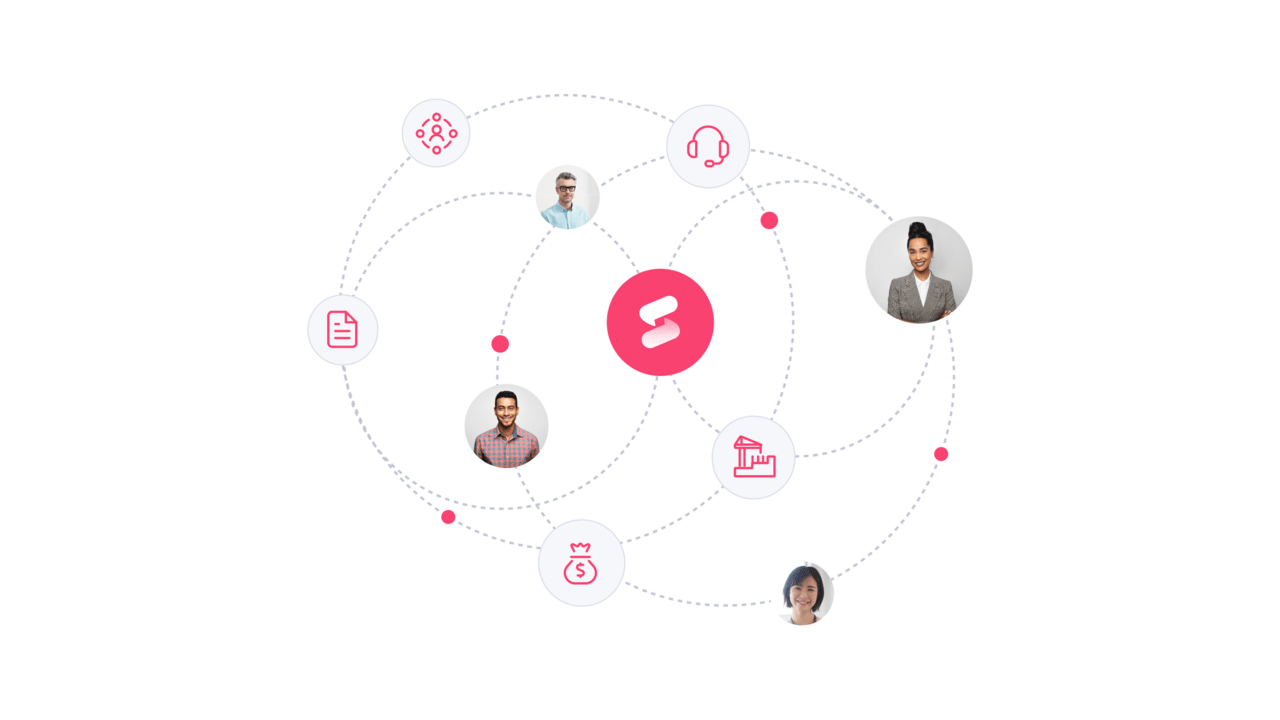
How AI makes help desk software simpler
AI does not make help desk software more complicated. When designed well, it removes complexity from your team’s day-to-day work.
Instead of manually sorting tickets, checking priorities, or copying information between systems, AI handles those repetitive tasks automatically. Incoming service requests can be categorized, tagged, and routed to the right person within seconds. That means less time managing queues and more time resolving issues.
AI also supports agents in real time. It can suggest responses, surface relevant knowledge base articles, and summarize long ticket threads so no one has to scroll through pages of history to understand what is happening. New team members ramp up faster, and experienced agents move more efficiently.
Beyond individual tickets, AI helps simplify decision-making at a broader level. Trend detection and sentiment analysis highlight recurring problems early, giving managers the clarity they need to adjust workflows or allocate resources before backlogs grow.
The result is a cleaner, more focused service operation. Fewer manual steps. Less friction. More time spent on meaningful, human-centered support.
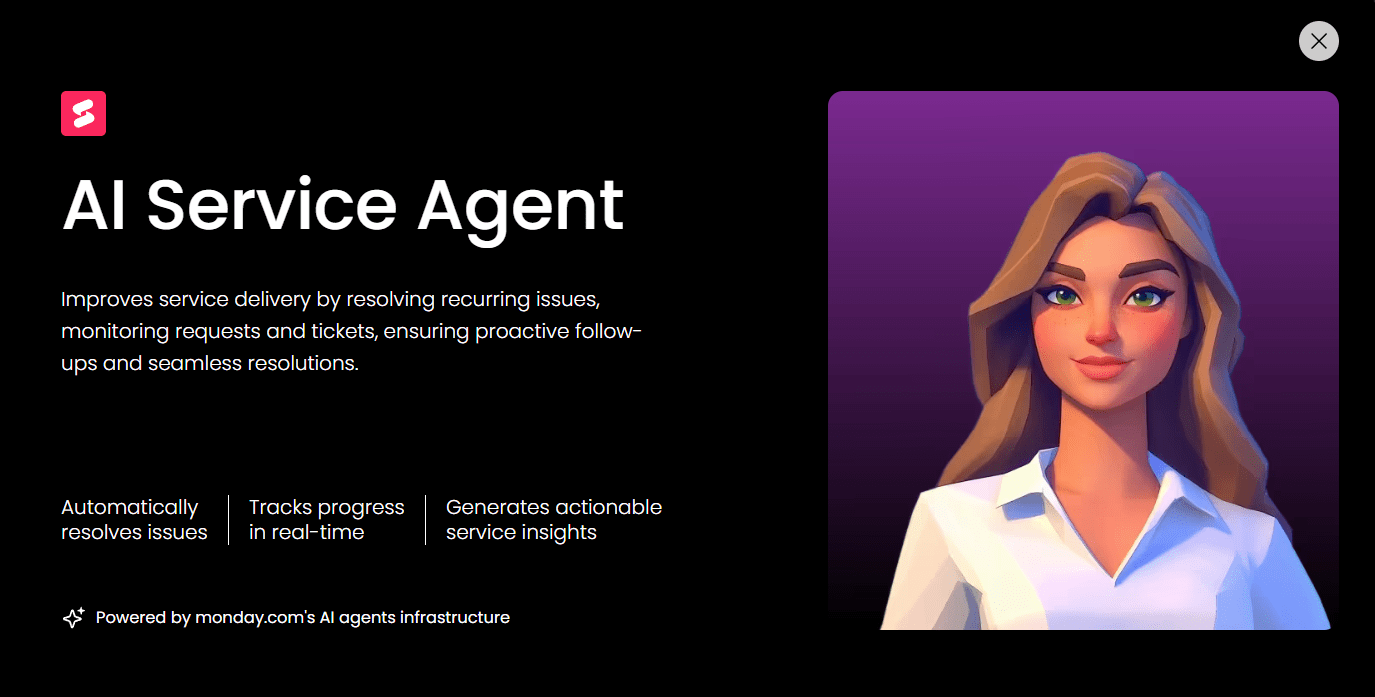
How monday service powers simple service at scale
Simplicity often disappears as teams grow. What starts as a lightweight help desk can quickly turn into a patchwork of tools, manual workarounds, and disconnected workflows. monday service is built to scale without introducing that friction.
At its core, the sophisticated platform keeps service work visual and intuitive. Teams can see ticket status, priorities, ownership, and workloads at a glance. As volume increases, built-in automations handle routing, escalations, and follow-ups automatically, so complexity stays behind the scenes rather than in front of your agents.
What truly enables scale is connection. Service requests do not live in isolation. With monday service, tickets can link directly to projects, tasks, assets, or cross-department workflows. When an issue requires collaboration with IT, HR, operations, or product teams, context moves with it. No copy-pasting. No lost details.
The no-code foundation also makes growth manageable. Teams can adjust forms, automations, SLAs, and workflows themselves as service demands evolve. There is no need to rely on technical specialists every time something changes.
As service operations expand, leaders gain real-time visibility into trends, workloads, and performance metrics. This makes scaling intentional rather than reactive. You are not just handling more tickets. You are improving how service is delivered across the organization.

"Our team LOVES the monday service platform and we’re already exploring how we could incorporate it for other departments, too. It has streamlined our workflow in a way that both our team and customers appreciate."
Andrew Marshall | VP Operations
״monday service provides clear insights into requests volume and types, response times, and trends - helping us continuously improve operations"
Grant De Waal-Dubla | CIO
"The biggest value for us is speed and flexibility. You can get up and running in days, change anything instantly, and see everything in real time. And you don’t need a dedicated admin to do it."
Clive Camilleri | Head of People Tech & OperationsTransform your service experience with monday service now
Simple service should still be powerful. As your team grows, the platform you choose should make work clearer, faster, and easier to manage, not more complicated.
monday service brings tickets, workflows, automation, and insights together in one visual workspace. Teams resolve issues with full context, collaborate without friction, and scale operations without adding unnecessary overhead.
If you are ready to simplify service while building a foundation for long-term growth, it is time to move beyond disconnected tools and reactive processes: try monday service today.
Frequently asked questions
What's the difference between help desk and service desk software?
Help desk software is focused on reactive incident resolution for customer support. Service desk software covers the broader scope of IT service management, including strategic planning and asset tracking.
How quickly can I implement simple help desk software?
Simple help desk software can be set up in minutes or days, not weeks. With platforms like monday service, your team can begin managing tickets immediately without a complex implementation cycle.
Can simple solutions handle complex service workflows?
Yes, modern simple help desks use powerful automation and visual workflow builders to handle complex processes. You get enterprise-grade capabilities without the complicated setup.
Do I need coding skills to customize help desk software?
No, you do not need coding skills. Customization is done through intuitive drag-and-drop interfaces, pre-built templates, and visual workflow builders anyone can use.
How do I migrate from email or spreadsheets to help desk software?
You can automatically convert emails into tickets through built-in integrations. For spreadsheets, simply import your data using a CSV file to get your history into the new system.
What makes help desk software "simple" vs "complex"?
"Simple" refers to an intuitive interface, rapid setup, and minimal training requirements. Complex software, in contrast, often demands extensive technical configuration and specialized knowledge to operate.

 Get started