


Many organizations manage more hardware, software, and cloud resources than they can reliably track. Asset data often lives in disconnected spreadsheets or separate tools owned by different teams, which slows issue resolution and limited visibility into security and compliance work.
IT asset tracking software centralizes this information in one workspace. Teams maintain accurate records, improve forecasting, and coordinate decisions across IT, finance, procurement, and security.
This guide explains what asset tracking software does, the features that matter most, and how AI strengthens asset visibility. It also compares leading platforms, including how monday service brings asset tracking and service delivery together.
Try monday serviceKey takeaways
- IT asset tracking software gives teams an up-to-date view of all hardware, software, and cloud resources.
- Centralizing this information reduces manual work and improves decision-making.
- Automation and AI help maintain accurate records and anticipate maintenance needs.
- monday service connects asset tracking with service delivery so teams manage requests and inventory in one place.
What is IT asset tracking software?
IT asset tracking software centralizes information about all the technology an organization uses. It keeps records for hardware, software, cloud services, accessories, and shared equipment in one structured place. Teams get a clear view of what assets exist, where they are, how they’re being used, and who’s responsible for them.
A strong platform supports:
- a consistent, up-to-date inventory
- lifecycle management from procurement to retirement
- license tracking and allocation
- maintenance history and configuration details
- audit and compliance reporting
- connected workflows across IT and operations
With everything in one authoritative record, teams avoid reconciling data across spreadsheets or disconnected tools. This leads to faster response times, smoother budgeting, and better coordination across departments.
The top benefits of modern asset management platforms
Modern platforms go beyond basic tracking. They help teams manage risk, plan budgets, and maintain operational reliability.
1. Cost control and smarter forecasting
Centralized asset data gives teams a clear picture of license usage, device lifecycle stages, warranties, and replacement cycles. This reduces unnecessary purchases, prevents duplicate licenses, and supports more accurate planning.
2. Stronger security and compliance
Accurate inventories and clear ownership records help teams keep devices updated, deprovision users quickly, and prepare for audits with less manual work. This visibility also supports patching, configuration reviews, and other security processes.
3. Up-to-date visibility across the organization
Real-time dashboards and automated updates replace static spreadsheets. Teams stay aligned on what assets they have, where gaps exist, and how to prioritize upgrades or maintenance across IT, finance, and procurement.
Must-have features in IT asset management software
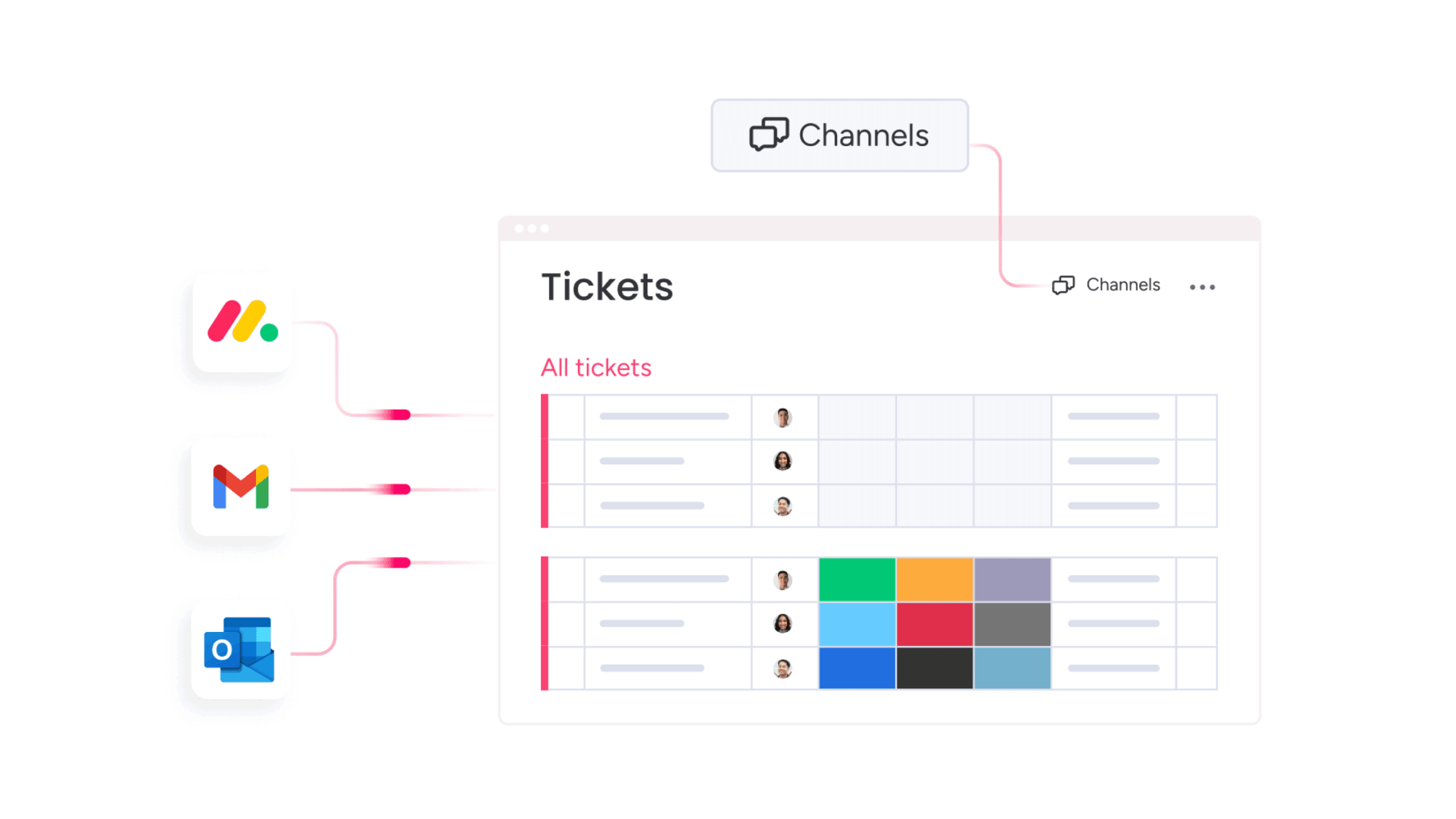
While platforms vary, most mature systems share core features that support both daily operations and long-term planning.
- Automated asset discovery: Automated scanning reduces manual work and keeps asset data consistent across servers, endpoints, network devices, cloud environments, and installed software.
- Full lifecycle tracking: Teams follow each asset from purchase through deployment, usage, maintenance, reassignment, and retirement. This supports cost control, compliance, and better planning.
- Integrated workflows: Asset records connect with ticketing, HR systems, procurement tools, configuration databases, and approval processes. This gives teams the context they need during onboarding, incident resolution, or equipment requests.
- Mobile access: Mobile tools help distributed or field teams scan assets, confirm locations, update assignments, and review records without returning to a desk.
- Reporting and dashboards: Dashboards highlight utilization, depreciation, status changes, and audit trails. These insights help teams plan ahead, identify trends, and improve operational processes.
How AI powers next-generation asset tracking
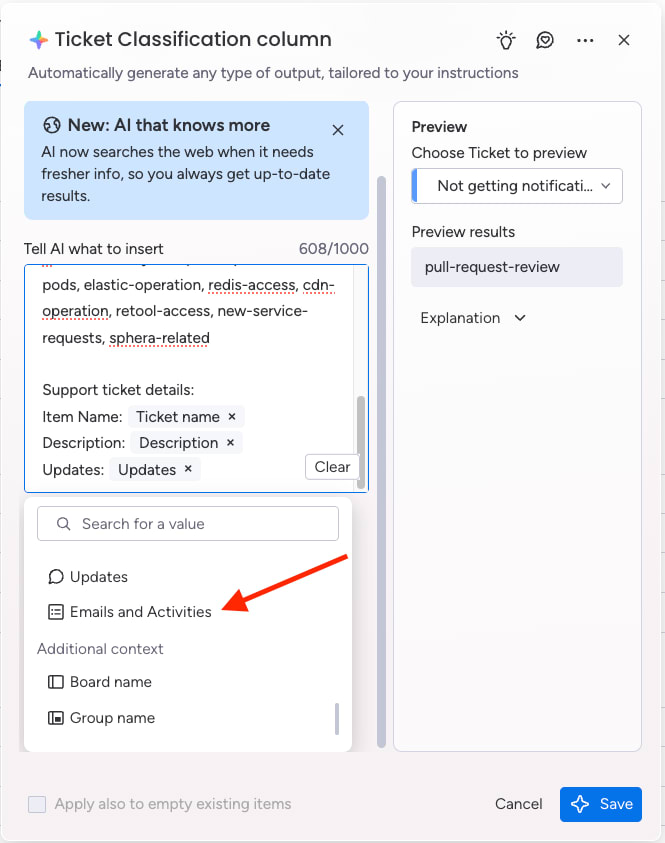
AI reduces manual work and helps maintain consistent, accurate asset records at scale. Its role in asset management continues to expand across several operational areas.
Automated data classification and enrichment
AI organizes and updates asset records with fewer manual steps. This improves data accuracy and supports faster onboarding of new equipment.
Early identification of performance issues
Platforms analyze usage and configuration trends to surface devices, licenses, or issues that may need maintenance, updates, or replacement.
Predictive planning and workflow automation
AI supports automated notifications, ticket creation, approval routing, and lifecycle tasks. This helps teams stay ahead of renewals, maintenance events, and equipment needs.
AI continues to play a larger role in IT operations, and asset management platforms that incorporate AI-driven intelligence tend to support faster, more accurate decision-making.
Top asset management software platforms for 2026
The platforms below offer strong capabilities for modern IT environments. Each supports different needs depending on scale, integrations, and the structure of the broader IT ecosystem.
1. monday service
monday service brings IT asset tracking and service delivery into one connected digital workspace. Teams can track hardware, software, licenses, and cloud resources in the same place where they manage requests, incidents, and approvals. This helps IT maintain accurate records, resolve issues faster, and stay aligned with procurement and finance.
Best for:
Teams that want flexible asset tracking built directly into their service workflows.
Key features:
- Centralized asset records connected to 72+ enterprise systems
- AI-supported lifecycle tracking for assignments, maintenance, and status updates
- Integrated ticketing that connects issues to the right assets
- Customizable automations for approvals, maintenance tasks, and assignments
- Mobile tools for scanning and updating assets in the field
- Dashboards that surface utilization trends, status changes, and audit details
Pricing:
monday service offers flexible plans for teams of all sizes:
- Free: $0 for up to 2 seats with basic features
- Basic: $9 per seat/month (billed annually) with unlimited viewers and 5GB of storage
- Standard: $12 per seat/month (billed annually) with timeline views and 250 monthly automations
- Pro: $19 per seat/month (billed annually) with advanced features and 25,000 monthly automations
- Enterprise: Custom pricing with 250,000 monthly automations and 24/7 priority support
Annual plans offer an 18% discount compared to monthly billing.
Why it stands out:
- Workflow integration: Asset tracking sits directly inside service operations for smoother handoffs.
- No-code customization: Teams design asset structures and workflows that match how they already work.
- AI-first approach: Predictive insights, intelligent categorization, and smarter routing reduce manual effort.
Advanced AI features:
- Intelligent asset categorization: AI auto-classifies and tags assets, reducing administrative overhead.
- Predictive maintenance insights: Machine learning helps teams spot early signs of failure and plan maintenance.
- Smart ticket routing: AI directs asset-related issues to the right specialists based on workload and expertise.
Automations:
- Lifecycle automation: Automate procurement, deployment, maintenance, and retirement workflows.
- Escalation triggers: Automatically escalate issues based on downtime, severity, or business impact.
- Cross-departmental notifications: Keep IT, procurement, and finance aligned on asset changes and approvals.
Integrations:
- Enterprise system connectivity: Integrates with 72+ systems, including procurement, HR, and financial tools.
- API-first architecture: Supports custom integrations for specialized or legacy systems.
- Popular tools: Connects with Microsoft 365, Slack, Jira, and more for unified collaboration.
IT asset tracking software features:
- QR code asset management: Generate and scan QR codes for quick check-in/check-out and location updates.
- Real-time dashboards: Monitor utilization, depreciation, and compliance using customizable views.
- Comprehensive audit trails: Keep detailed allocation and compliance documentation for audits and reporting.
2. ServiceNow IT Asset Management
ServiceNow IT Asset Management is an enterprise-scale platform built for organizations with complex environments and strict compliance requirements. It centralizes hardware, software, and cloud asset data while automating lifecycle processes.
Best for:
Large enterprises that need deep lifecycle automation and native CMDB integrations.
Key features:
- Unified hardware, software, and cloud asset tracking
- AI-powered software discovery and license optimization
- Native CMDB for configuration and relationship mapping
- Executive dashboards for cost, usage, and compliance reporting
Pricing:
Custom pricing based on modules, asset volume, and organizational size. A sales consultation is required.
Considerations:
- Implementation often requires specialized expertise and long onboarding timelines
- Pricing may be prohibitive for smaller organizations or limited IT teams
3. Asset Panda
Asset Panda is a cloud-based platform known for extensive customization and unlimited user access. It suits teams that want to tailor their asset management workflows without relying on IT resources.
Best for:
Organizations that need flexible, no-code asset tracking across large or distributed teams.
Key features:
- Mobile-first barcode and QR code scanning
- Unlimited user access across all plans
- No-code customization for fields, workflows, and automations
- Cloud-based configuration with granular permissions
Pricing:
Custom quotes are required. Additional collaborator seats start at $10 per user/month (billed annually).
Considerations:
- Setup can feel overwhelming due to the high level of customization
- Asset-based pricing may increase costs for organizations with large inventories
4. ManageEngine AssetExplorer
ManageEngine AssetExplorer offers comprehensive ITAM capabilities at an accessible price point. It includes automated discovery, lifecycle tracking, and integration with the wider ManageEngine ecosystem.
Best for:
Mid-market organizations looking for a cost-effective platform with strong discovery and compliance features.
Key features:
- Agent-based and agentless discovery (with barcode, QR code, and RFID support)
- Visual workflow builder with no-code automation
- Integrated CMDB with service mapping and rule-based sync
- Procurement and contract management modules
Pricing:
- Free Edition: Up to 25 nodes
- Trial Edition: 30 days for up to 250 nodes
- Professional Edition: Node-based pricing (quote required)
Considerations:
- Advanced features require time to configure
- Mobile capabilities are more limited than desktop features
5. Lansweeper
Lansweeper is known for its powerful agentless discovery and detailed device intelligence. It specializes in creating a complete asset inventory across IT, OT, and IoT environments.
Best for:
Organizations that need deep visibility across distributed or mixed-technology environments.
Key features:
- Agentless discovery for IT, OT, and IoT assets
- Centralized inventory with hardware, software, and user data
- Integrations with ServiceNow, Jira, cybersecurity platforms, and more
- Asset intelligence reports for risk and compliance
Pricing:
- Free: Up to 100 assets
- Starter: $199–$239/month (billed annually) for 2,000 assets
- Pro: $379–$439/month (billed annually) for 2,000–9,000 assets
- Enterprise: Custom pricing for 10,000+ assets
Considerations:
- Customer support response times can vary
- Interface may feel dated or cluttered for teams new to ITAM tools
Choosing the right IT asset management system
The best IT asset management system depends on an organization’s size, structure, and operational needs. Capabilities such as automated discovery, integration depth, lifecycle tracking, and reporting flexibility all shape which platform is the strongest fit.
Teams see the most value when the system matches their existing workflows and reduces manual effort. Platforms that centralize information, support consistent updates, and give clear visibility across departments tend to deliver the most reliable, long-term results.
Try monday service5 steps to successful asset tracking implementation
A strong asset management approach starts with a clear, structured plan. The steps below help teams move from scattered records to a reliable, repeatable process that supports accurate data and smoother operations.
Step 1: Build a complete inventory
Begin with a full list of hardware, software, cloud resources, and shared equipment. This creates an accurate baseline that supports lifecycle tracking, renewal planning, and budgeting. A complete inventory also prevents gaps that slow teams down later and establishes a single source of truth for asset information.
Step 2: Document lifecycle stages
Every asset moves through stages such as purchase, assignment, maintenance, reallocation, and retirement. Mapping these stages clarifies ownership, identifies workflow gaps, and supports consistent handoffs across IT, finance, procurement, and operations. This foundation also leads to faster issue resolution and fewer data inconsistencies.
Step 3: Automate recurring work
Automation reduces repetitive tasks and keeps asset data current. With tools like monday service, teams can automate reminders, route approvals, schedule maintenance, and log assignment changes. These workflows protect data accuracy at scale and free teams to focus on decision-making instead of manual updates.
Step 4: Train teams on the workflows
Adoption improves when teams understand how the system supports their daily work. Training should cover practical steps such as updating records, requesting assets, reviewing lifecycle history, and following approval workflows. Clear guidance builds consistency and helps teams rely on the platform as their main system of record.
Step 5: Review and refine the process
Once the system is in place, teams can use dashboards and reports to monitor performance. These insights make it easier to refine workflows, improve assignment practices, and adjust maintenance routines. Platforms like monday service help teams evolve their processes as needs change, supporting long-term reliability and high-quality data.
Transform IT asset management with monday service
monday service brings asset tracking and operational work into one connected workspace. Teams manage hardware, software, and license data alongside service tickets, requests, and approvals, which helps them move faster and stay aligned throughout day-to-day operations.
Built-in AI connects incoming tickets to the right assets, giving technicians immediate context and reducing time spent searching through separate systems. Asset-related tasks, updates, and approvals all happen in one place, supporting clearer communication across IT, procurement, and finance.
Dashboards highlight status changes, maintenance needs, and lifecycle events so teams can plan ahead and allocate resources with confidence. This creates a more proactive, reliable approach to asset management and helps keep operations running smoothly.
Try monday serviceFAQs
How do organizations maintain data accuracy in an IT asset management system?
Teams maintain accuracy through regular discovery scans, scheduled audits, automated updates, and clear ownership rules. Many platforms, including monday service, also support automated status changes and assignment tracking to reduce manual updates.
What teams typically use IT asset tracking software?
IT asset tracking supports IT, procurement, finance, security, HR, and facilities teams. Each uses the system for different tasks such as budgeting, access control, onboarding, or maintenance planning.
How does IT asset tracking software help with employee onboarding and offboarding?
Asset platforms connect devices and software to specific users. During onboarding, required equipment is assigned quickly. During offboarding, teams can recover devices, revoke licenses, and complete any remaining asset-related updates.
What reporting capabilities should organizations look for?
Helpful reports include lifecycle status, warranty timelines, software usage, vendor data, assignment history, depreciation, and audit logs. Strong platforms generate these insights without complex setup.
How does IT asset tracking support security work?
Accurate inventories help security teams identify unmanaged devices, track patching status, validate configurations, and review access permissions. This supports incident response and ongoing risk reduction.
Do organizations need both a CMDB and an IT asset management system?
Some platforms combine the two, while others keep them separate. A CMDB documents configuration details and relationships; an ITAM system tracks ownership and lifecycle. The right approach depends on compliance needs, scale, and operational complexity.
How often should organizations audit their asset inventory?
Most teams run a full audit annually and conduct targeted reviews throughout the year for high-value assets, remote devices, or equipment used by contractors or rotating staff.

 Get started