


Service operations rarely collapse all at once, they slow down. An inbox gets crowded. A ticket waits too long for a response. A follow-up slips through the cracks. As request volume grows, small gaps turn into bigger inefficiencies.
Shared inboxes and spreadsheets can only take a team so far. Without structure, it’s hard to see workload distribution, measure performance, or ensure every request reaches the right person. What starts as a simple system becomes a source of friction.
Help desk management software brings order to that complexity. It centralizes requests, automates routing, and gives leaders visibility into how the service operation is actually performing. Instead of reacting to issues, teams can manage workflows with clarity and control.
This article covers what modern help desk management software should include, how leading platforms compare, and what to consider when building a service operation that can scale without sacrificing quality.
What is help desk management software?
Help desk management software acts as your team’s central playbook for service, a unified digital workspace where every customer request and IT ticket is captured, organized, and tracked until resolution. It replaces the chaos of scattered emails and sticky notes with a single, transparent view of all service activities.
This system is not just about logging issues; it creates operational momentum. Automating repetitive tasks and providing real-time visibility frees teams to focus on solving complex problems that matter.
The result is a shift from a daily scramble to a streamlined, high-performing service operation.
Help desk software vs service desk software
While these terms may seem similar, in reality they both serve different purposes.
Help desk software focuses on solving immediate issues, like password resets or bug fixes. It is tactical, reactive, and designed for quick resolution.
Service desk software, on the other hand, manages the entire lifecycle of IT services, including proactive service planning, asset management, and change control. It goes beyond quick fixes to maintain the long-term health and strategy of the organization’s service ecosystem.
The table below outlines these main differences:
| Feature | Help desk software | Service desk software |
|---|---|---|
| Scope | Primarily handles reactive support and ticketing. | Covers end-to-end ITSM, including proactive processes. |
| Complexity | Simpler setup, focused on incident resolution. | More complex, supports processes like change, asset, and problem management. |
| Integration capabilities | Basic integrations (email, chat, CRM). | Deep integrations with IT, HR, facilities, and business systems. |
| Target use cases | Customer support, IT help desk for small to midsize teams. | Enterprise IT, HR, facilities, and cross-departmental service management. |
| Typical users | Support agents, IT technicians. | Service managers, IT leaders, cross-functional teams. |
Core components of modern help desk systems
Effective help desk platforms include several core components that work together to transform service delivery:
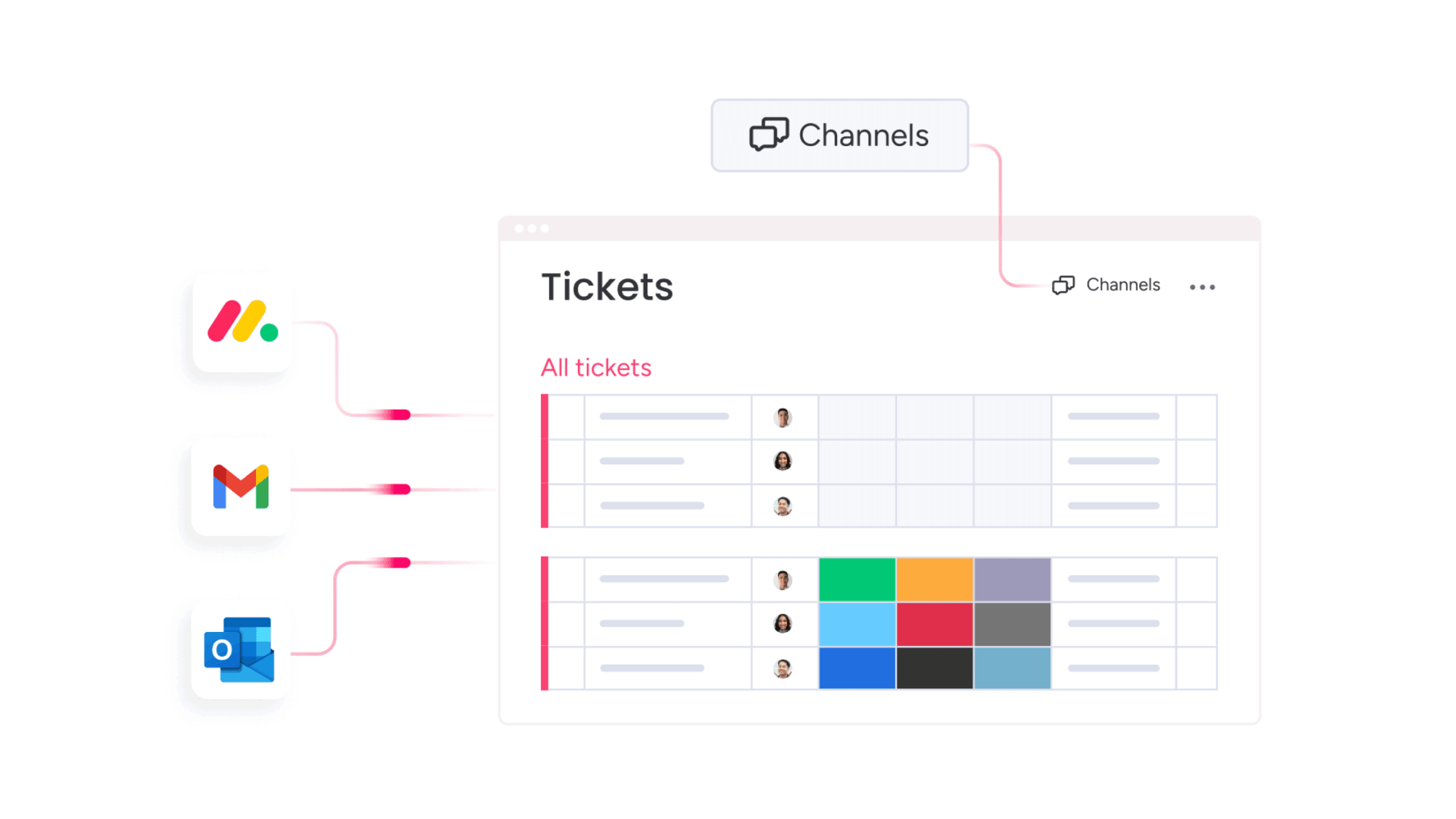
- Ticket management system: Centralizes requests, providing transparency and ensuring no issue is overlooked.
- Knowledge base: A repository of institutional knowledge, empowering both agents and customers with immediate self-service solutions.
- Automation engine: Handles repetitive tasks like ticket routing and status updates, freeing human resources for high-impact work.
- Reporting dashboard: Offers real-time insights into response times, ticket volumes, and customer satisfaction.
- Integration capabilities: Connects the help desk with essential business applications, streamlining workflows and eliminating data silos.
Essential features for service excellence
Top help desk solutions serve as the operational core of service delivery, connecting every request to the right person and solution (essentially shifting teams from reactive firefighting to proactive workflow management).
Key features include:
- Intelligent AI for smart ticket triage and suggested responses.
- Predictive analytics that reveal trends and potential bottlenecks.
- Customizable workflows that match unique team processes.
By automating routine work, these type of platforms allow team members to focus on actually delivering the human touch that defines exceptional service.
Best help desk software for transformative service delivery
Now that the foundations are clear, the next step is choosing the right platform. Not every help desk tool supports the same level of scale, automation, or cross-team coordination.
The best solutions do more than manage tickets. They connect service requests to broader workflows, surface performance insights in real time, and give teams the flexibility to adapt as demand grows.
Below are the leading help desk platforms that help organizations move from reactive support to structured, high-performing service delivery.
1. monday service
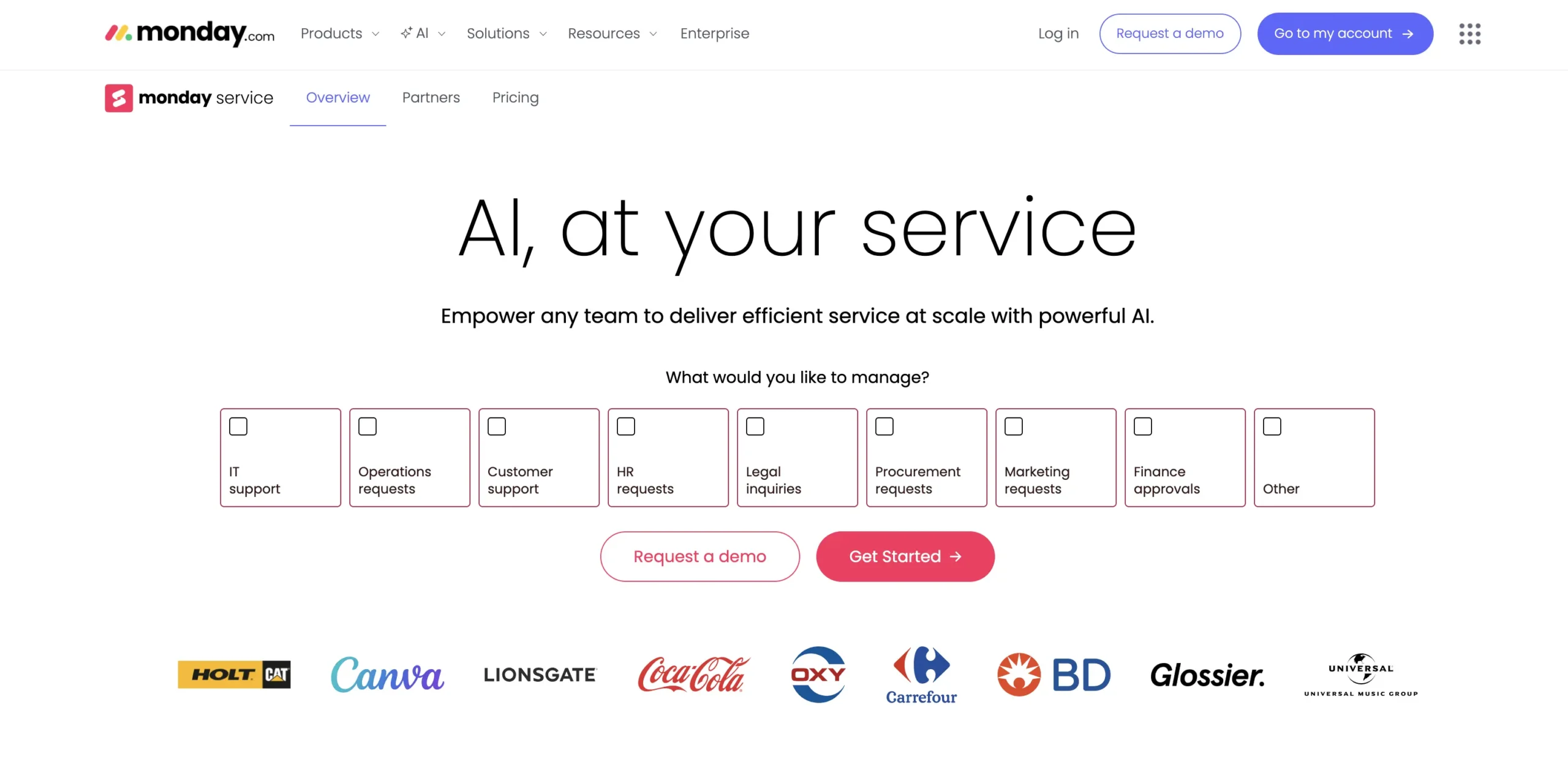
monday service brings no-code customization, AI-driven automation, and cross-departmental connectivity to help desk management. Built for IT, HR, facilities, and service teams, this power solution connects ticketing with projects and workflows across your organization.
Use case:
- Teams can streamline service delivery with visual workflows, AI triage, and seamless integration with existing processes.
Key features:
- Custom ticket forms with automated routing tailored to team workflows.
- AI-powered ticket triage with classification, sentiment analysis, and suggested responses.
- Branded customer portal with knowledge base, request tracking, and multi-portal support.
Pricing:
- Standard: $26/seat/month (billed annually): unlimited tickets, email + workForms intake, one monday Inbox, AI triage for one board, 250 automation actions/month, portal access for up to ten users.
- Pro: $38/seat/month (billed annually): AI triage on three boards, customizable monday Inbox prefixes, portal access for up to hundred users, 5,000 automation actions/month.
- Enterprise: Quote-based: HIPAA compliance, unlimited portal users, AI triage on unlimited boards, enterprise-grade automations, multi-level permissions.
- Annual billing: Saves approximately 18% compared to monthly plans, with nonprofit discounts available upon qualification.
Why it stands out:
- Work OS integration simplifies workflows: Tickets are linked directly to projects, changes, and boards without switching platforms.
- Built-in AI enhances efficiency: Smart triage, classification, and suggested responses reduce manual effort.
- No-code customization supports flexibility: Teams can deploy and adapt workflows quickly to evolving needs.
Advanced AI features:
- Automatic ticket summarization, classification, and sentiment analysis for accurate prioritization.
- Smart assignment of tickets based on skills, workload, and urgency.
- AI assistant drafts contextual replies and suggests relevant knowledge base articles.
Automations:
- Pre-built recipes handle ticket routing, status updates, and notifications automatically.
- Visual no-code builder allows creation of complex multi-step workflows.
- Enterprise-level automation supports tens of thousands of actions per month with performance tracking.
Integrations:
- Native gmail and outlook integration enables two-way communication and automatic ticket creation.
- Connect Slack, Jira, Microsoft Teams, and other enterprise apps for unified workflows.
- Open API supports custom integrations and data synchronization.
Additional features:
- Custom monday Inbox addresses for centralized email management.
- Real-time dashboards track CSAT scores and ticket volumes.
- The customer portal allows for request submission, knowledge base search, and ticket tracking without requiring platform licenses.
2. ServiceNow
ServiceNow offers an enterprise-grade help desk experience through its IT Service Management platform. It brings together service operations, automation, and deep integrations, making it a strong fit for large organizations with sophisticated IT needs and the teams to support them.
Use case:
- Centralizes core IT processes: Brings incident, request, problem, and change management into one connected platform.
- Supports automation at scale: Uses AI and workflow orchestration to reduce manual work and streamline service delivery.
Key features:
- Unified operations workspace that brings ticketing and IT context together for faster resolutions.
- AI automation through Now Assist for case summaries, intelligent routing, and quick response creation.
- Full ITIL-aligned processes, including a service catalog, knowledge base, and SLA tracking, with extensive integration options.
Pricing:
- Standard edition: Quote-based pricing with basic ITSM capabilities.
- Pro edition: Enhanced features with workflow automation.
- Pro plus edition: Includes AI features like now assist and advanced analytics.
- Enterprise edition: Full platform capabilities for large organizations.
- Enterprise plus edition: Premium tier with advanced AI agents and governance tools.
Considerations:
- Implementing and maintaining ServiceNow usually requires dedicated technical resources.
- AI features, including now assist, require higher-tier plans and may increase overall costs.
3. Zendesk
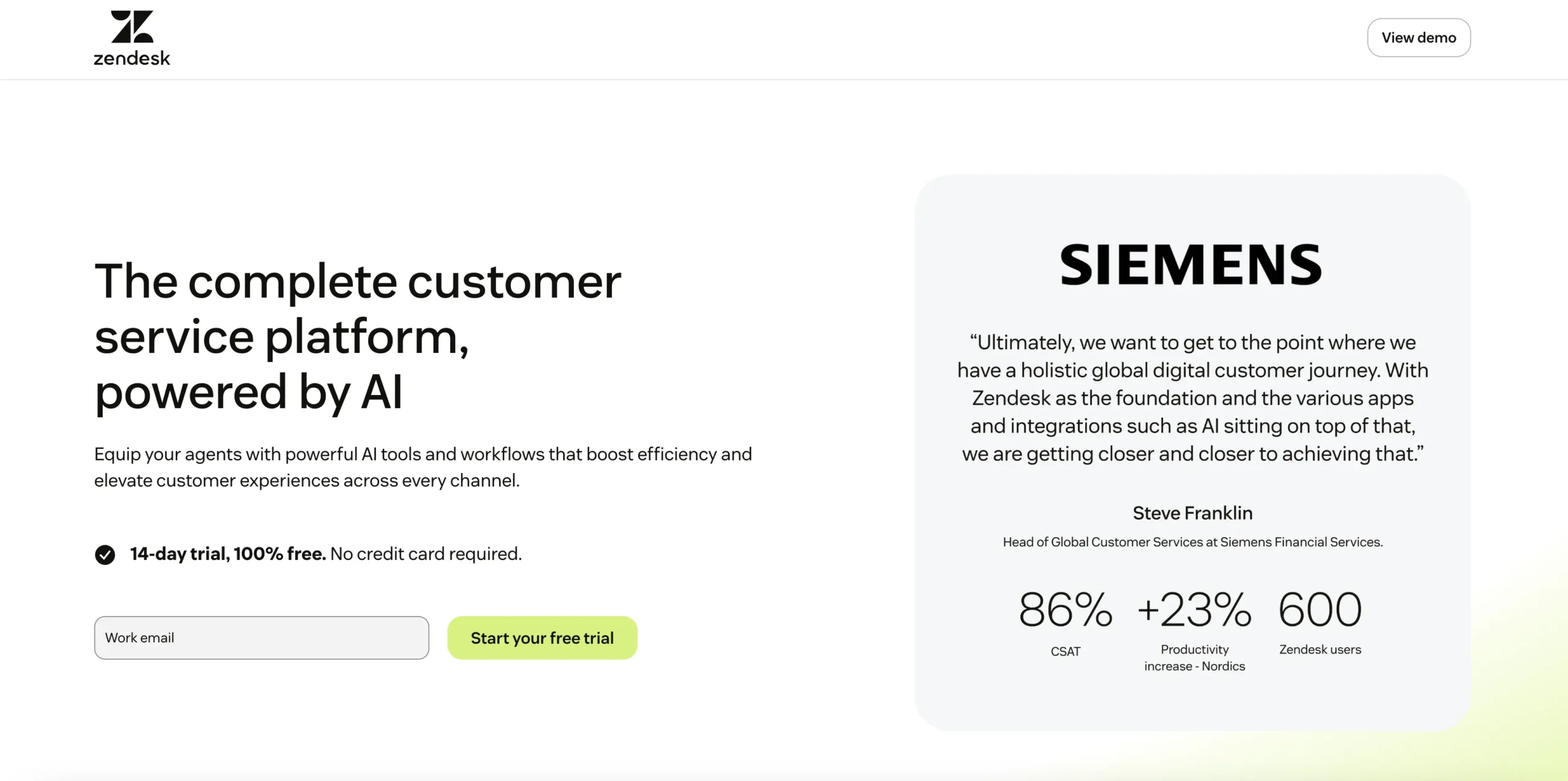
Zendesk brings email, chat, phone, and social messaging into one organized workspace. It’s designed for customer-facing teams that need a clear, consistent way to manage conversations at scale. With strong automation and a marketplace of over 1,200 integrations, Zendesk helps support teams work efficiently and stay aligned.
What it does:
- Manages high volumes of customer inquiries across multiple channels with ease.
- Uses AI tools to help agents respond faster while maintaining consistent quality.
Key features:
- Omnichannel ticketing that brings all conversations into one agent workspace.
- AI-powered automation for routing, sentiment analysis, and quality checks.
- A large integration ecosystem and robust APIs for connecting existing tools.
Pricing:
- Support team: $19/agent/month (ticketing only).
- Support professional: $55/agent/month (advanced ticketing features).
- Suite team: $55/agent/month (all-in-one service platform).
- Suite growth: $89/agent/month (includes messaging and knowledge base).
- Suite professional: $115/agent/month (advanced analytics and automation).
- AI copilot add-on: $50/agent/month.
- Quality assurance add-on: $35/agent/month.
- Workforce management add-on: $25/agent/month.
- Voice services: Billed separately based on usage.
Considerations:
- Many advanced AI features require separate add-ons, which can increase total cost.
- Zendesk focuses on customer support and is less suited for internal service management across departments.
4. Jira Service Management
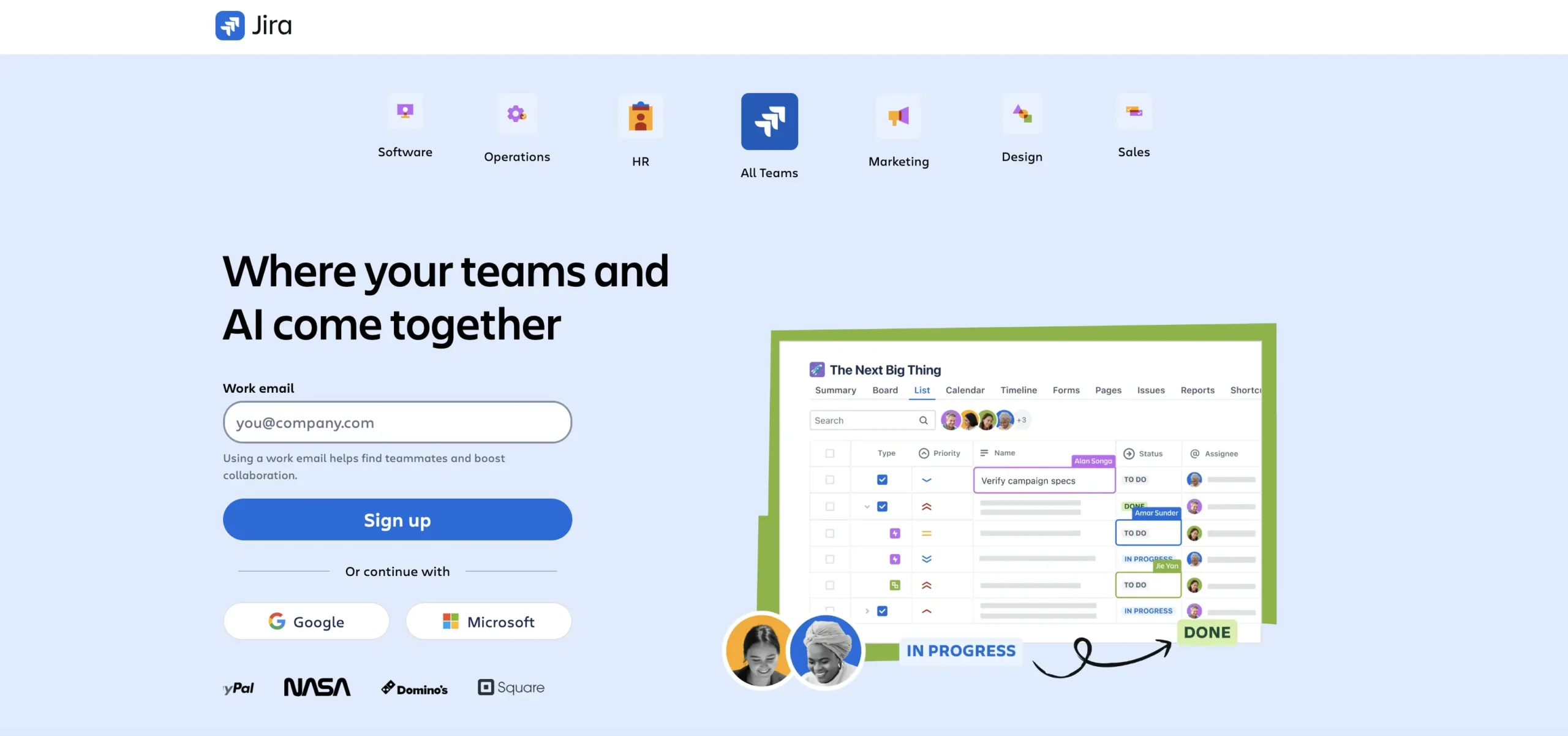
Jira Service Management brings request management, incident response, and asset tracking into the same workspace used by development and IT operations teams. It’s especially valuable for organizations already using Atlassian tools, as it connects support work with the software development lifecycle.
Use case:
Jira service management gathers service requests from multiple channels and automates workflows directly inside the Atlassian ecosystem, keeping support and development closely aligned.
Key features:
- AI-powered virtual agent that handles tier-1 questions through a portal, Slack, Microsoft Teams, email, and embeddable widgets.
- Native integrations with Jira software and Confluence for faster escalations and more context.
- Assets and CMDB tools that link configuration items to issues for better troubleshooting.
Pricing:
- Free: $0 for up to three agents with multichannel support, customizable forms, embedded knowledge base, and 2 GB storage.
- Standard: $20 per agent/month with custom help center software, unlimited email notifications, and audit logs.
- Premium: $51.42 per agent/month adding virtual service agent, Assets/CMDB, advanced incident management, and 99.9% uptime SLA.
- Enterprise: Quote-based annual pricing with advanced analytics, enterprise security, and 99.95% uptime SLA.
- Additional consumption fees: Apply for virtual agent conversations ($0.30/conversation) and assets objects ($0.05/object/month) beyond included quotas.
Considerations:
- The virtual agent is available only on Premium and Enterprise plans.
- Chat-based support requires choosing either Slack or Microsoft Teams, not both.
- A knowledge base requires adding Confluence, which may increase complexity and licensing needs.
5. Freshservice
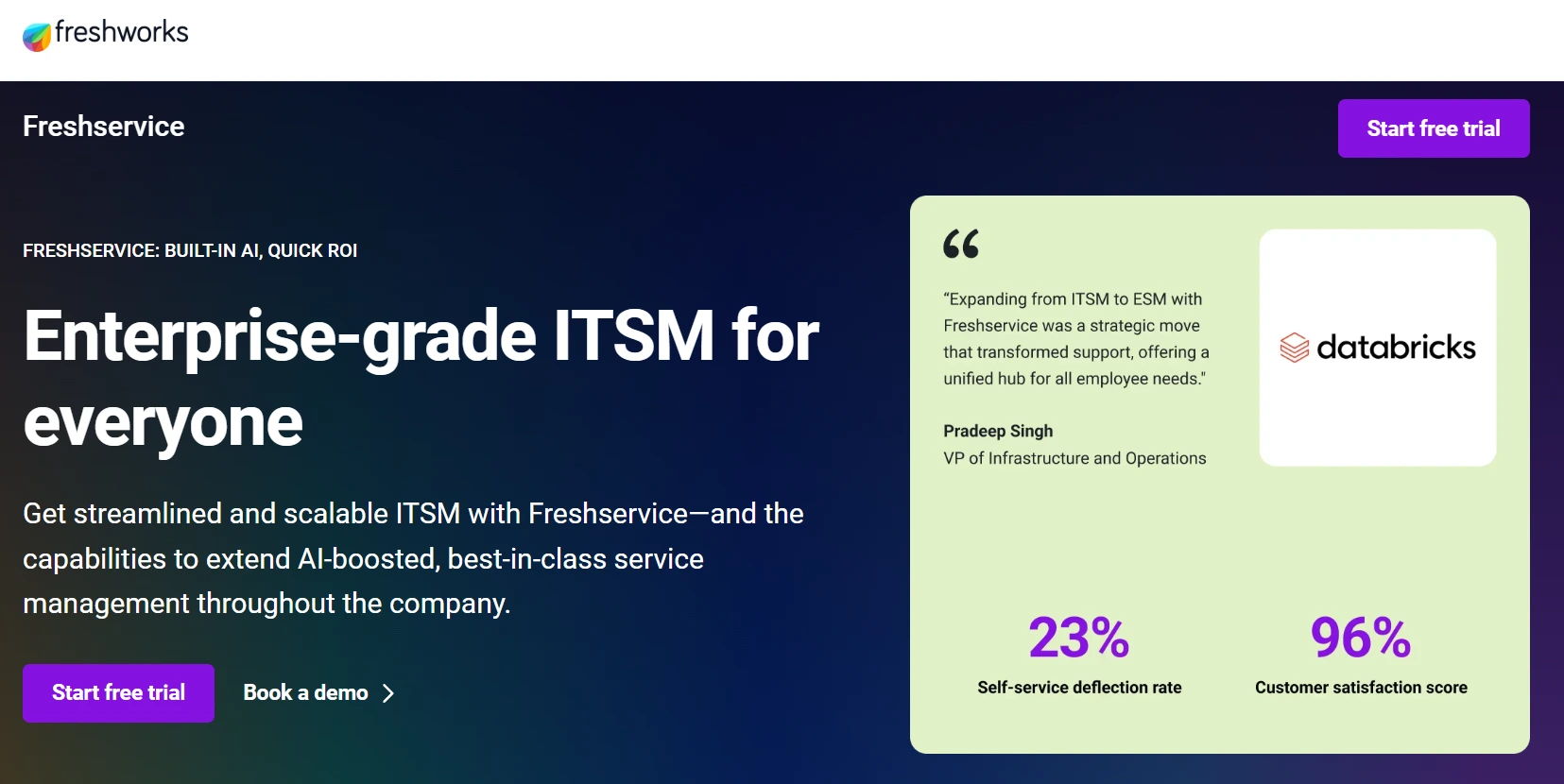
Freshservice offers a full IT service management platform designed for teams that need enterprise-level capabilities without the heavy setup. It focuses on fast deployment and intuitive workflows, making it a strong fit for growing organizations looking for reliable ITSM that does not slow teams down.
Example:
- A mid-market company needs a help desk with solid ITIL processes and automation.
- The company wants to avoid the long implementation cycles typical of legacy tools.
Key features:
- Omnichannel ticket intake across email, portal, phone, Slack, and Microsoft Teams within one unified workspace.
- Freddy AI for automated ticket triage, agent suggestions, and multilingual self-service in more than 40 languages.
- Built-in ITIL-aligned processes, including incident, problem, change, and release management, supported by a CMDB and asset management.
Pricing:
- Starter: $19/agent/month (billed annually).
- Growth: $49/agent/month (billed annually).
- Pro: $99/agent/month (billed annually).
- Enterprise: Custom pricing (quote-based).
- Trial: 14-day free trial available with no credit card required, with some marketplace connector apps requiring additional in-app purchases.
Considerations:
- Advanced capabilities and HRIS integrations, like BambooHR or Workday connectors, are available only on higher-tier plans.
- Cross-product integrations require accounts to be hosted in the same data center region, which may limit flexibility for teams with distributed infrastructure.
Key benefits of advanced help desk management systems
Advanced help desk platforms act as connective tissue across an organization, transforming how teams deliver service and creating measurable impact across every touchpoint.
Here’s how modern systems drive operational excellence:
- Faster resolution through intelligent routing: Every request reaches the right team member instantly, eliminating the bottlenecks that come from manual assignment. Teams spend less time searching for information and more time solving problems that matter.
- Automation that frees human potential: Routine tasks like ticket categorization, status updates, and follow-up reminders run automatically in the background. This shift allows your team to focus on complex, high-value work that requires human judgment and creativity.
- Self-service that empowers users: Branded portals and comprehensive knowledge bases give employees and customers the tools to find answers independently. This reduces ticket volume while improving satisfaction, as people get immediate help without waiting in a queue.
- Real-time visibility for proactive leadership: Dashboards surface trends, bottlenecks, and performance metrics as they happen. Leaders can spot issues before they escalate and make data-driven decisions that continuously improve service operations.
- Consistency that builds trust: Clear ticket paths and standardized workflows ensure every request receives the same level of attention and quality. This consistency creates predictable, reliable experiences that strengthen organizational trust.
- Cross-departmental collaboration: Modern platforms break down silos by connecting IT, HR, facilities, and other service teams in one unified workspace. This integration eliminates duplicate work and ensures seamless handoffs between departments.
Solutions like monday service bring these benefits to life through intuitive design and powerful automation. Teams gain the operational clarity needed to shift from reactive firefighting to proactive service delivery, while organizations build a foundation for scalable, sustainable growth.
How AI and automation are revolutionizing help desk operations
Traditional help desks rely heavily on manual effort. Agents sort incoming tickets, assign priorities, route requests, and draft responses. As volumes increase, this approach slows resolution and increases the risk of human error.
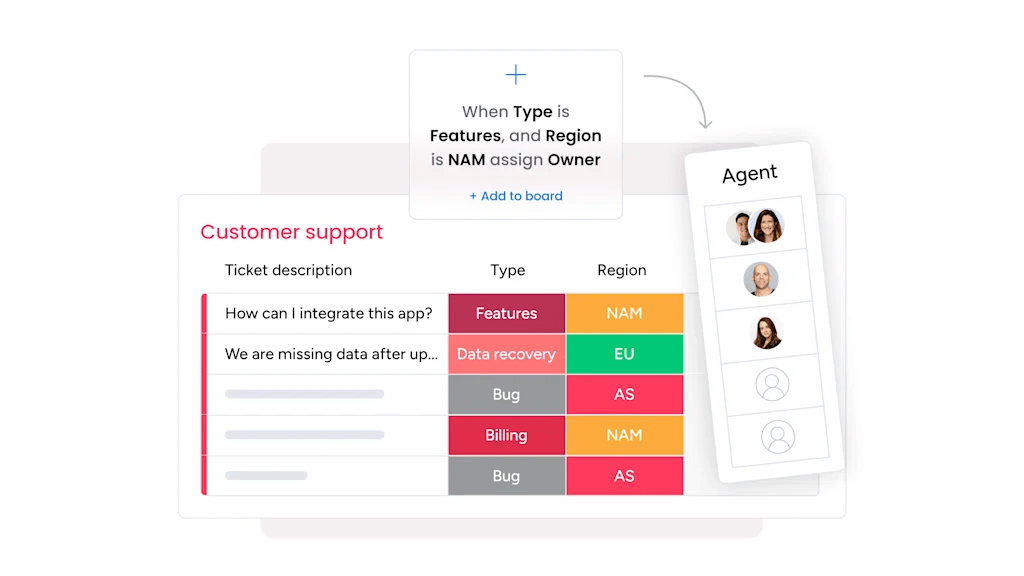
AI and automation remove much of that friction. Instead of manually triaging every request, intelligent systems categorize tickets, detect urgency, and assign them based on skills, workload, or predefined rules. Repetitive tasks like status updates, follow-up reminders, and escalations happen automatically in the background.
AI also improves decision-making. By analyzing historical ticket data, response patterns, and resolution times, it can surface recurring issues, flag bottlenecks, and recommend workflow adjustments. Over time, the system learns from trends, helping teams prioritize more effectively and reduce repeat incidents.
The result isn’t fewer agents. It’s better use of their time. Routine work becomes automated, and human attention shifts to complex issues that require judgment, empathy, and problem-solving
Implementing help desk software successfully
Choosing the right help desk platform is only half the equation. The real impact comes from how it’s rolled out and embedded into daily workflows. A rushed launch can create confusion and resistance. A structured approach builds momentum and long-term adoption.
Successful implementations follow a clear progression. Each phase strengthens the service operation and ensures the system supports how teams actually work.
Step 1: Audit your current service operation
Start by mapping how requests are submitted, routed, and resolved today. Identify bottlenecks, recurring issues, and manual tasks that slow teams down. This baseline will guide configuration decisions and highlight quick wins.
Step 2: Define workflows and ownership
Clarify ticket categories, priority levels, SLAs, and escalation paths. Assign clear ownership at every stage of the process. Without defined accountability, even the best platform will create confusion.
Step 3: Configure automation intentionally
Focus first on high-impact automation such as ticket routing, status updates, and approval flows. Avoid building complex workflows too early. Reduce friction before adding sophistication.
Step 4: Launch with a pilot group
Roll out the system with one team or department first. Gather feedback, refine forms and dashboards, and address gaps before expanding organization-wide.
Step 5: Train for practical adoption
Keep training concise and scenario-based. Show teams how the platform simplifies their daily work. Adoption increases when value is visible immediately.
Step 6: Measure and refine continuously
Track metrics like resolution time, backlog volume, SLA compliance, and satisfaction scores. Use that data to adjust workflows and scale improvements over time.
Measuring excellence with experience-level agreements
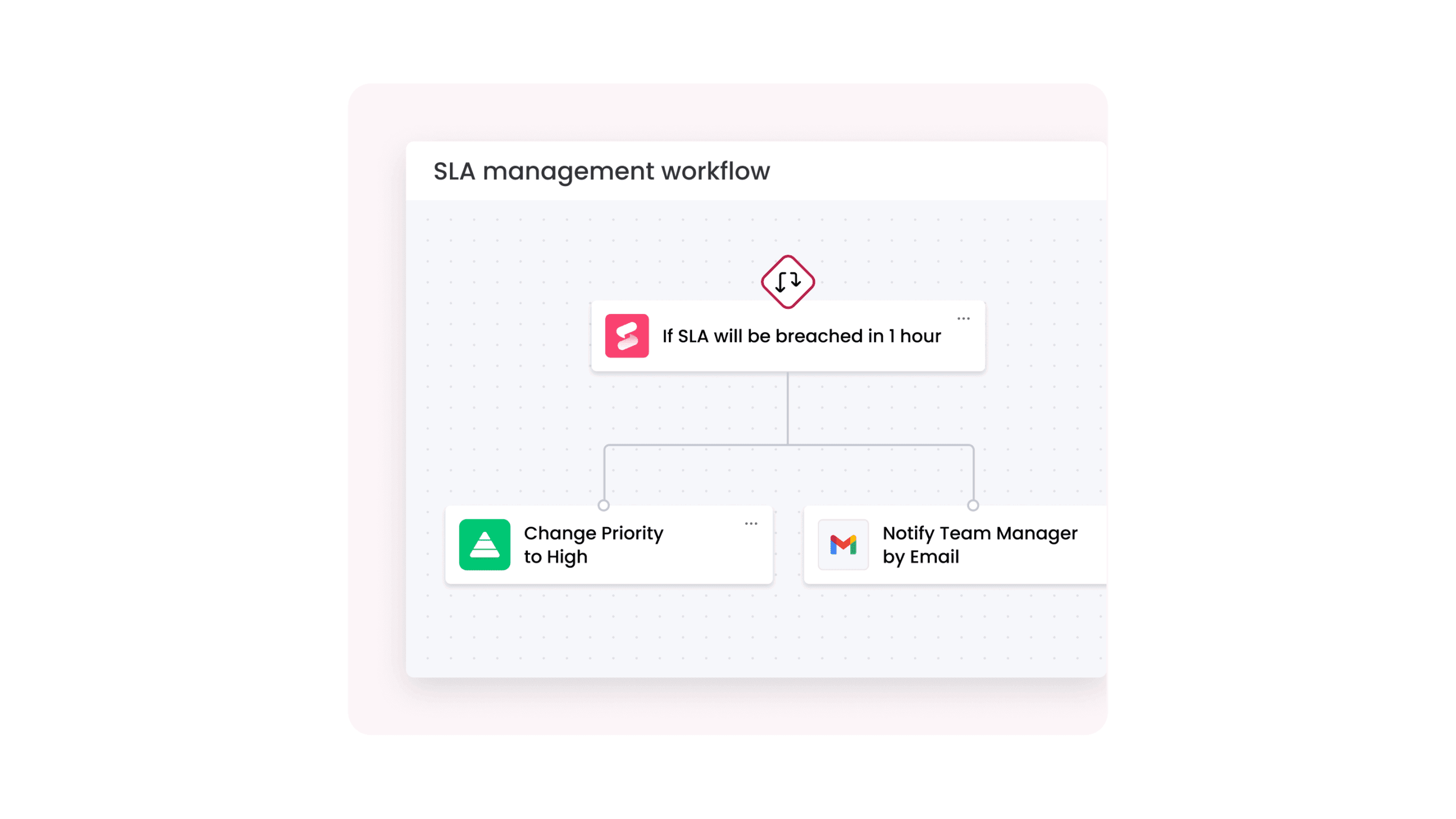
Once your help desk software is in place and performance metrics are being tracked, the next question is what those metrics actually tell you. Traditional SLAs measure speed. They show whether a ticket was resolved within a defined time frame. What they don’t show is whether the experience was effective.
Experience-level agreements, or XLAs, shift the focus from operational targets to outcomes. Instead of asking only how fast a request was closed, they look at effort, satisfaction, and the quality of resolution. Did the issue stay resolved? Was the process clear? Did the user feel supported?
This broader view helps teams move beyond closing tickets quickly and toward resolving issues well. It connects service performance to how people actually experience the service operation.
When SLAs and XLAs are tracked together, leaders gain a more complete picture. They can see not only whether targets are met, but whether the service operation is building trust and delivering consistent value.
Future-proofing your help desk strategy
Help desk performance isn’t static. As organizations grow, service demands become more complex. Teams support more channels, more stakeholders, and higher expectations around speed and transparency.
Future-proofing your help desk strategy means building for change from the start. That includes automation that reduces manual effort, integrations that eliminate silos, and flexible workflows that evolve alongside your service operation.
The focus shifts from simply keeping up to designing a system that can handle what comes next.
- Leverage AI for routine tasks: Built-in AI handles repetitive requests, allowing teams to focus on complex, high-value work.
- Seamless integrations: Connect every department to streamline operations and improve collaboration.
- Flexible and scalable platforms: Solutions like monday service grow with your organization, adapting to evolving needs.
- Proactive service delivery: Teams can set the pace instead of just keeping up, ensuring readiness for future demands.
- Focus on exceptional support: Reduces system concerns, enabling teams to prioritize delivering outstanding service.
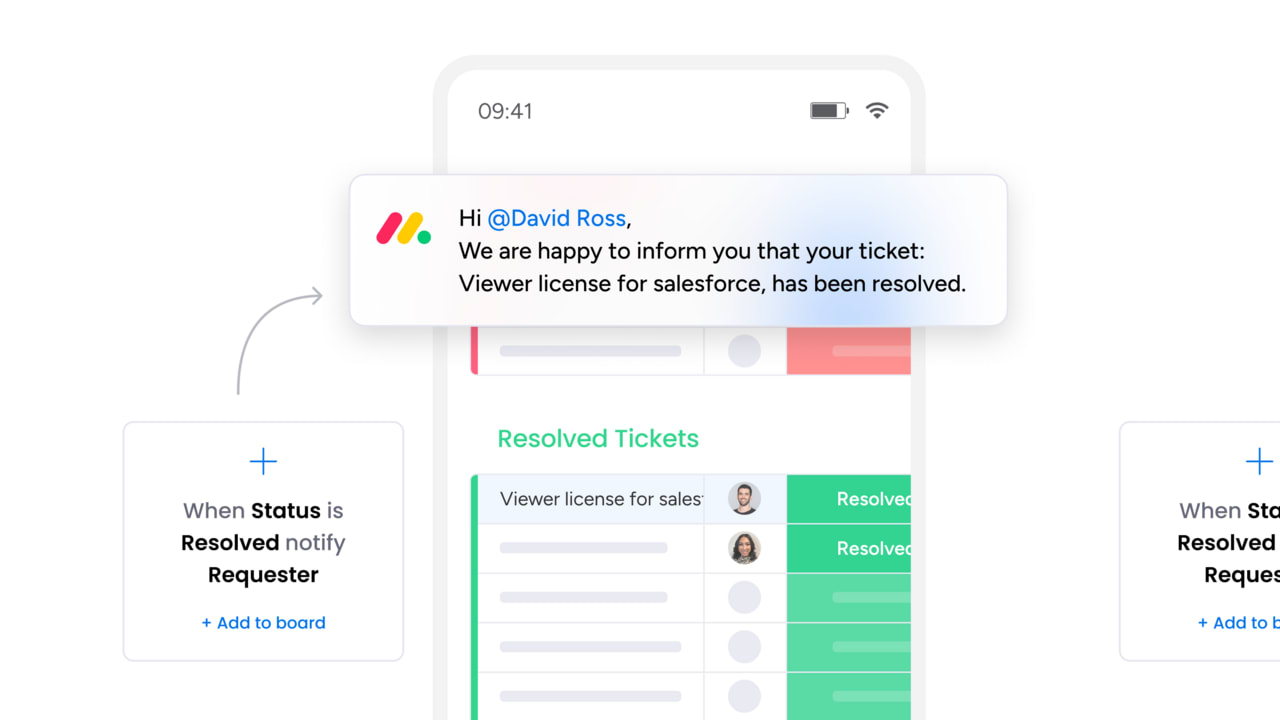
A modern help desk built for speed scale and service excellence: try monday service
As this guide has highlighted, modern service teams need more than basic ticket tracking. monday service is built to centralize requests, automate routine work, and give teams full visibility into service performance without adding operational overhead.
Instead of rigid systems that force teams to adapt, the platform supports flexible service workflows that evolve as needs change. Core capabilities include:
- AI-powered ticket triage and prioritization: Automatically classify requests, detect urgency and sentiment, and route tickets to the right teams faster
- No-code workflow automation: Configure intake forms, approvals, escalations, and SLAs without engineering support
- Unified service workspace: Manage IT HR facilities and internal service requests in one centralized system
- Real-time dashboards and reporting: Track resolution times, workload distribution, SLA performance, and satisfaction trends as they happen
- Scalable service operations: handle growing ticket volumes and new service teams without increasing process complexity
By combining automation intelligence and flexibility, monday service helps teams move from reactive ticket handling to proactive service management — delivering faster resolutions better experiences and long-term operational resilience.
Start your journey to service excellence today
Service excellence happens when teams are connected, tools are integrated, and routine work is automated. Disjointed systems make it hard for even the most capable teams to reach their full potential. Imagine one platform that breaks down silos, automates repetitive tasks, and provides visibility across functions, enabling teams to shift from reactive problem-solving to proactive service.
monday service is built for this purpose. It transforms service chaos into operational harmony, accelerates resolution, and delivers insights for continuous improvement.
Frequently asked questions
How long does help desk software implementation typically take?
Implementation usually takes two to twelve weeks, depending on team size and workflow complexity. Platforms with intuitive, no-code interfaces enable faster deployment and quicker impact.
What's the difference between on-premise and cloud help desk solutions?
On-premise solutions are hosted on your own servers and managed internally. Cloud solutions are managed by the vendor, offering remote access, automatic updates, and effortless scalability without infrastructure maintenance.
Can help desk software integrate with project management tools?
Yes. Leading platforms integrate seamlessly with project management tools, unifying workflows. Some solutions allow requests to be converted into projects directly on a single platform.
How is ROI calculated for help desk software?
ROI is calculated by measuring cost savings from faster ticket resolution and improved agent productivity against the software's cost. Key metrics to track include average resolution time, first-contact resolution rate, and tickets handled per agent.
What training is needed for adoption?
Training depends on platform complexity. Modern, user-friendly systems enable teams to manage tickets and build workflows with minimal instruction.
How do platforms handle security and compliance?
Top platforms use data encryption, role-based access, audit trails, and certifications like SOC 2 and ISO. Enterprise-grade cloud solutions provide continuous security monitoring and updates to meet strict standards.

 Get started