



In 1962, the US Interplanetary Mariner Program launched Mariner 1 to head to Venus—an ill-fated mission. NASA engineers were forced to execute a self-destruct command after just 290 seconds when the spacecraft veered wildly off course. An investigation later discovered the problem: a single hyphen had been omitted from a line of code, leaving a bug in the system and an $18 million investment down the drain.
Similar software bugs, such as syntax, runtime, or security errors, cause sleepless nights for developers, QA engineers, and product managers. These experts must implement an effective bug tracking system to maintain high-quality code, ensure the software’s integrity, and avoid expensive and humiliating malfunctions. Our guide explores how to create a bug tracking process, using monday dev as a platform to report, manage, and prioritize software issues.
Try monday devWhat is bug tracking?
Bug tracking is the process of capturing, reporting, and managing bugs or defects in a software application. In technology, we can define “bugs” as issues or errors that creep into software code to produce incorrect or unexpected results which negatively impact the user experience.
A bug tracking system acts as a source of truth, providing a complete overview of all the outstanding fixes you need to make. Using your bug tracking platform, teams can document these issues, prioritize them based on severity, assign them to team members for resolution, and track their progress until the bugs are fixed or exterminated.
How does bug tracking work?
Each software team can set up a bug tracking process that suits their workflows. Typically, it will involve some variation of the following steps:
- Detection: Automated testing sequences or users manually reporting issues are two ways to identify bugs.
- Reporting: Developers or QA teams can log issues in a bug tracking system, including contextual details.
- Prioritization: Teams can evaluate and prioritize bugs based on their impact on the system. For example, you might give higher priority to critical bugs that affect core functionality.
- Assignment: Bugs are assigned to developers or teams to fix based on their outstanding workloads or relevant skill sets.
- Resolution: Developers work on their assigned bugs, updating the status in the bug tracking system as they make progress.
- Verification: Once fixed, testers will verify that the issue is resolved and mark the bug as closed.
What are the benefits of bug tracking?
Bug tracking is absolutely essential if you want to launch glitch-free software. Here are the benefits of including this workflow in your overall development process:
- Improved product quality: Systematically tracking and resolving bugs enhances the overall quality of the software, leading to a better user experience.
- Increased efficiency: Bug tracking systems streamline the process of identifying, assigning, and resolving bugs, making teams more efficient at ironing out the issues.
- Enhanced collaboration: Centralized bug tracking tools ensure continuous communication among team members—colleagues can share updates and offer guidance to each other in complex cases.
- Real-time notifications: Using automation, it’s easy to update team members when part of the bug tracking workflow is completed, enabling the next person to check the fix or provide support.
- Workload prioritization: Implementing a robust bug tracking system ensures tasks are ranked based on the impact of each error. This prioritization allows critical issues to be addressed promptly.
- Greater accountability and transparency: Tracking systems provide clear visibility into the bug statuses and how each is progressing toward pre-defined milestones. Everyone should know what their colleagues are working on and understand if any task dependencies are causing bottlenecks.
- Advanced data and analytics: Historical bug tracking data allows teams to identify trends, recurring issues, and areas for improvement. This information is key to taking proactive measures to prevent future bugs. For example, if you discover that errors tend to creep in during certain stages of the development process, you might introduce code reviews at those specific points.
6 best practices for bug tracking
There’s no set way to track and improve bugs in your system; however, the following best practices will help you extract the most value from the process:
1. Generate detailed bug reports
Bug reports are the starting point for fixing software errors. When these reports include accurate, comprehensive information, developers can save time diagnosing the problem and move directly to finding a solution. Ensure your reports include clear descriptions with plenty of context, step-by-step reproductions that show the error being consistently triggered, and screenshots which offer visual and technical insights.
2. Use consistent terminology
Ensure all team members report and discuss bugs using a standardized vocabulary that reduces the risk of misunderstandings. A common language allows teams to quickly align and maintain absolute clarity, which is essential when working cross-functionally.
3. Lean on automated testing tools
Automated testing flags any bugs early in the development cycle, allowing engineers to address them before they become entrenched in the system. As these tools continuously scan for issues, you’ll obtain real-time feedback and alerts which enable quick fixes and reduce the need for extensive manual testing.
4. Hold regular review meetings
Regular meetings between all stakeholders—R&D teams, QA engineers, product managers, and project managers—are essential for maintaining a robust bug-tracking process. They allow you to assess the quality of your software and comb through the feedback. With everyone involved in the discussion, it’s easier to establish a consensus on your next steps.
5. Encourage team collaboration
A team-oriented environment produces more efficient bug tracking workflows where knowledge is shared freely, and everyone is aligned on priorities and goals. Gathering these diverse perspectives and expertise from multiple team members also allows you to troubleshoot complex issues and, ultimately, prevent misunderstandings.
6. Train your team
Your bug tracking process will only be successful if all team members adopt it uniformly. Provide ongoing training on how to complete specific workflows, how to use your bug tracking tools, and the benefits of committing to your process.
Try monday devManage bug tracking successfully with monday dev
If your current bug tracking process involves spreadsheets, email chains, or scribbling on whiteboards in a team meeting, there is an easier way to manage your custom workflows.
monday dev, part of the monday.com Work OS product suite, is an end-to-end product management solution with all the capabilities needed to manage your entire development cycle from one flexible platform. Offering full customization, here are the features that make it an indispensable part of your bug tracking process:
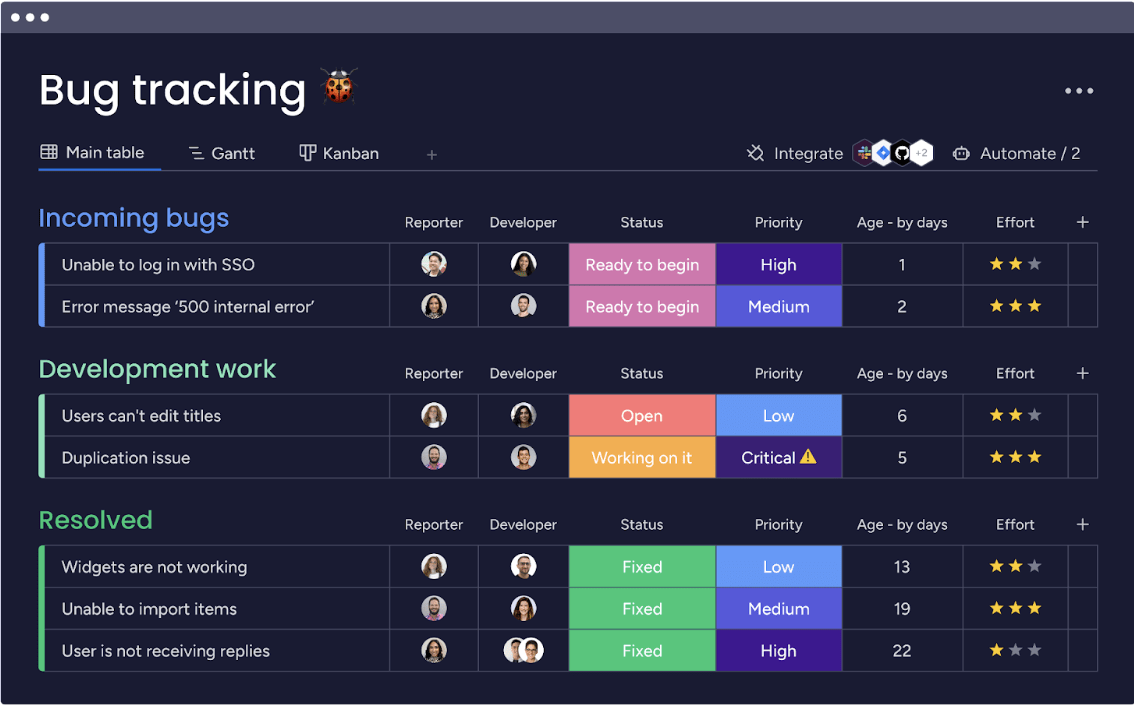
- Bug tracking template: Report, track, and assign bugs to an appropriate team member, using our highly visual template with columns for priority, effort required, age, status, and more.
- Integrations: monday dev offers native integrations with key development tools, such as GitHub, GitLab, and Figma. These make it easy to create streamlined updates between each platform, such as notifying when a bug is logged or fixed.

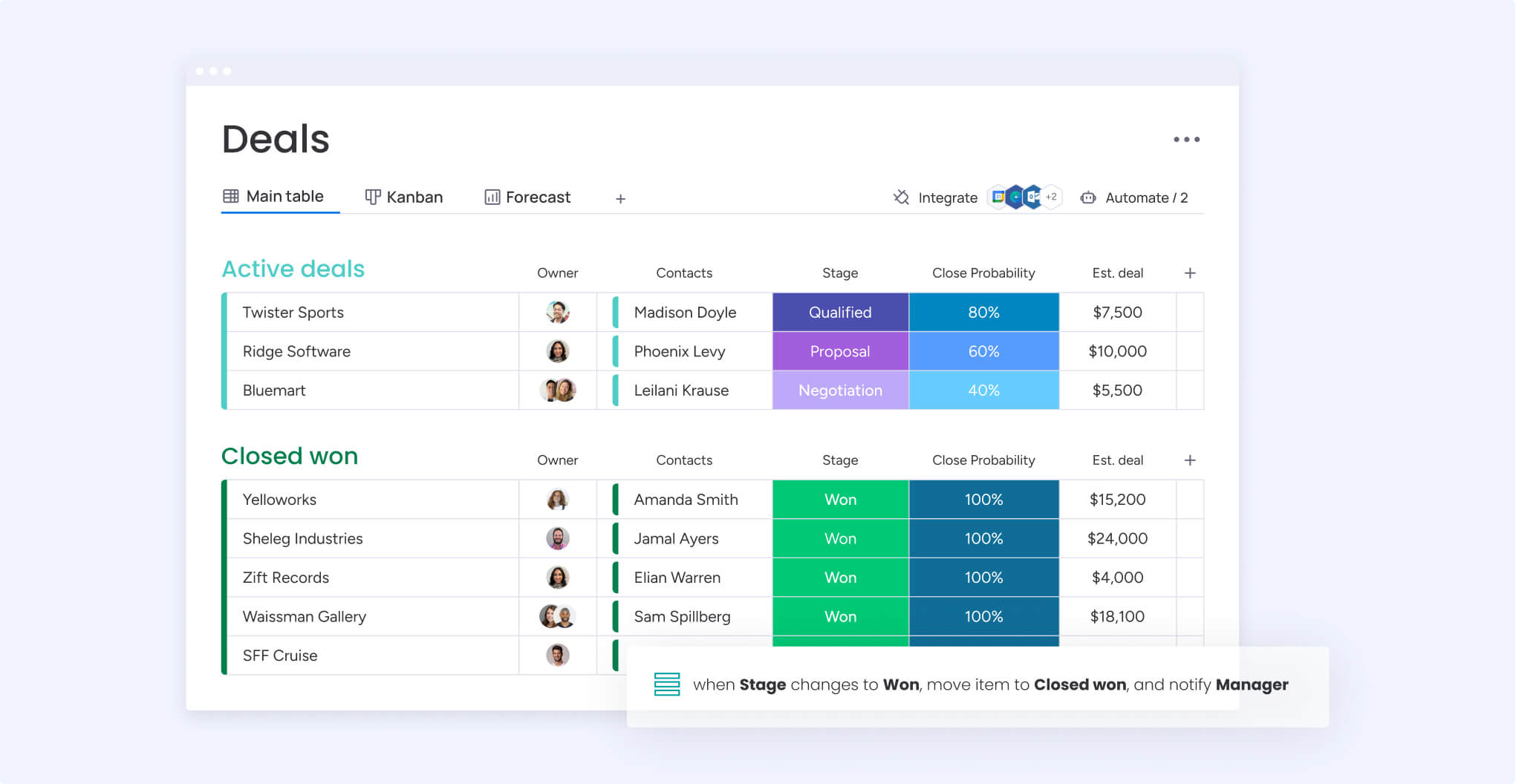
- Automation: Keep your bug workflows moving smoothly with easy recipes that automate task assignments, notifications, and workflow integrations with the rest of your tech stack.
- Sprint management: Bug tracking and fixing form an important part of your agile sprints. Use our selection of retrospectives and burndown charts to monitor your sprint’s progress and make adjustments along the way.

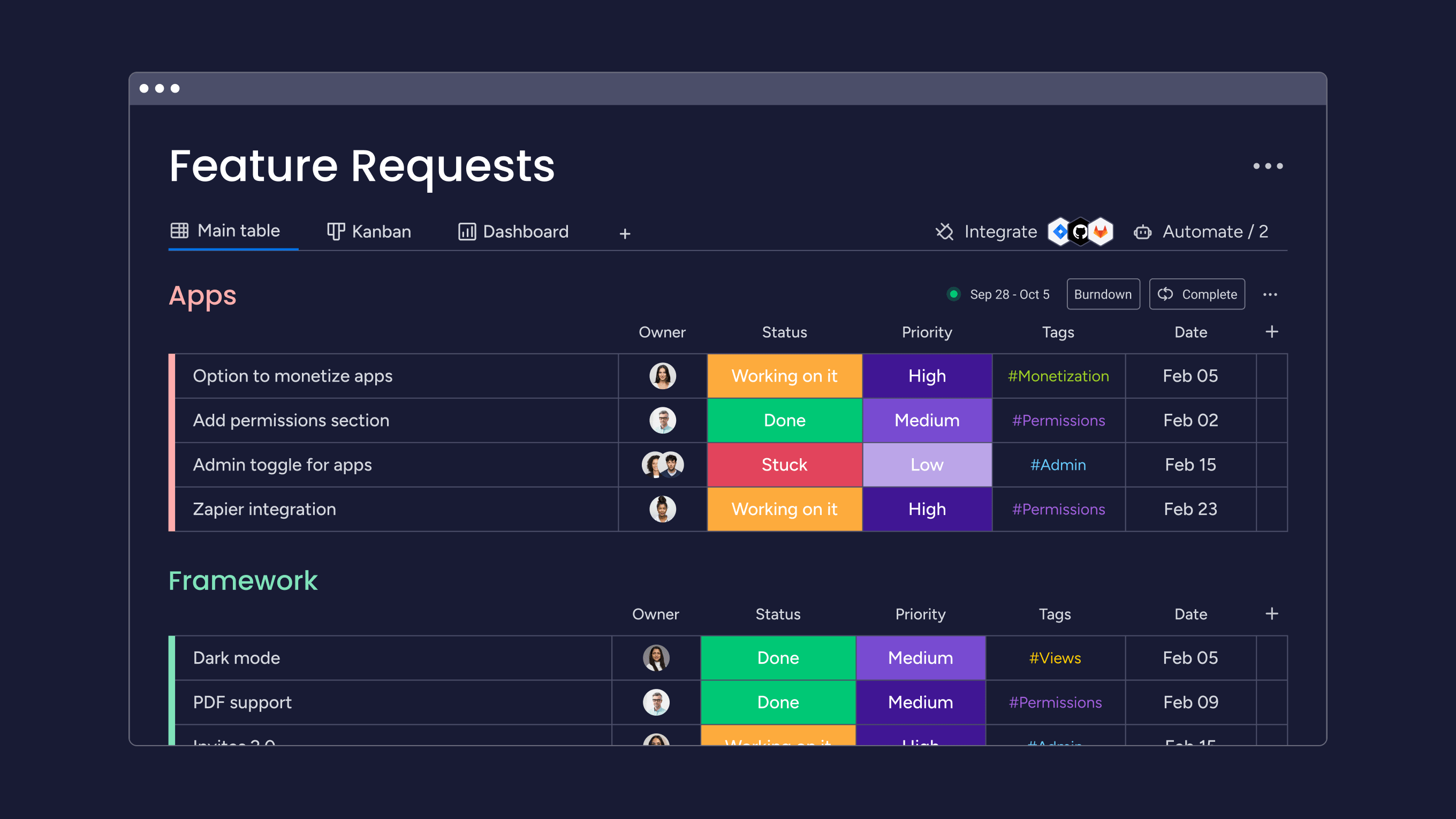
- Feature requests: Integrate user requests and bugs in the same platform, giving you complete control over your backlog and the ability to prioritize tasks that will genuinely enhance the user experience.
Don’t let software errors derail your development process. Take a free trial of monday dev to pinpoint bugs at the earliest opportunity and ensure a successful product launch.
Try monday devFAQs
Which tool is best for bug tracking?
The right bug tracking tool for your business will depend on your budget, the size of your teams, and the complexity of your development process. To kickstart your research, monday dev scores 4.7 out of 5 with the G2 user community, and is available as a 14-day free trial.
What is the difference between bug tracking and defect tracking?
The differences between bug tracking and defect tracking are subtle. Bug tracking is the process of identifying and managing issues that cause the software to behave unexpectedly. Defect tracking goes beyond software bugs to include flaws in hardware, processes, or other system components.
What does a bug tracker do?
A bug tracker is a software tool that helps teams record, manage, and resolve bugs systematically. It provides a centralized platform for reporting bugs, tracking their status, assigning them to team members, and ensuring they are fixed efficiently.

 Get started