


Microsoft Project has been a cornerstone of enterprise project management for decades, helping teams manage timelines, resources, and complex portfolios. But with its on-premises versions set to sunset in 2026, organizations face more than just a software replacement — they are being prompted to rethink how work flows across teams and projects.
Longstanding frustrations are driving this shift: steep learning curves, high costs that don’t always align with the value delivered, and desktop-centric interfaces that create friction for hybrid and remote teams. Version control conflicts slow progress, real-time collaboration can falter, and the gap between project tracking and strategic execution continues to widen.
This is an opportunity to modernize workflows rather than simply replicate legacy processes. The right project management platform can streamline execution, improve visibility, and connect day-to-day work to broader strategic outcomes. This guide explores 15 of the best Microsoft Project alternatives for 2026, including both free and paid options. It also provides guidance for evaluating features, pricing, integrations, and strategies for a smooth migration.
Key takeaways
- The end of Microsoft Project on-premises versions in 2026: organizations must plan a migration to cloud-based alternatives to maintain support, security, and collaboration.
- Modern project management requires more than timelines: platforms should connect strategy to execution, unify teams, and provide real-time visibility across projects and portfolios.
- AI and automation are becoming essential: predictive risk analysis, intelligent task prioritization, and automated resource allocation improve efficiency and reduce manual work.
- monday work management offers flexible, enterprise-ready workflows: it supports multiple views, AI insights, and portfolio dashboards to align daily execution with strategic goals.
- Migration success depends on planning and adoption: auditing current workflows, cleaning data, training teams, and monitoring usage ensures a smooth transition without disrupting operations.
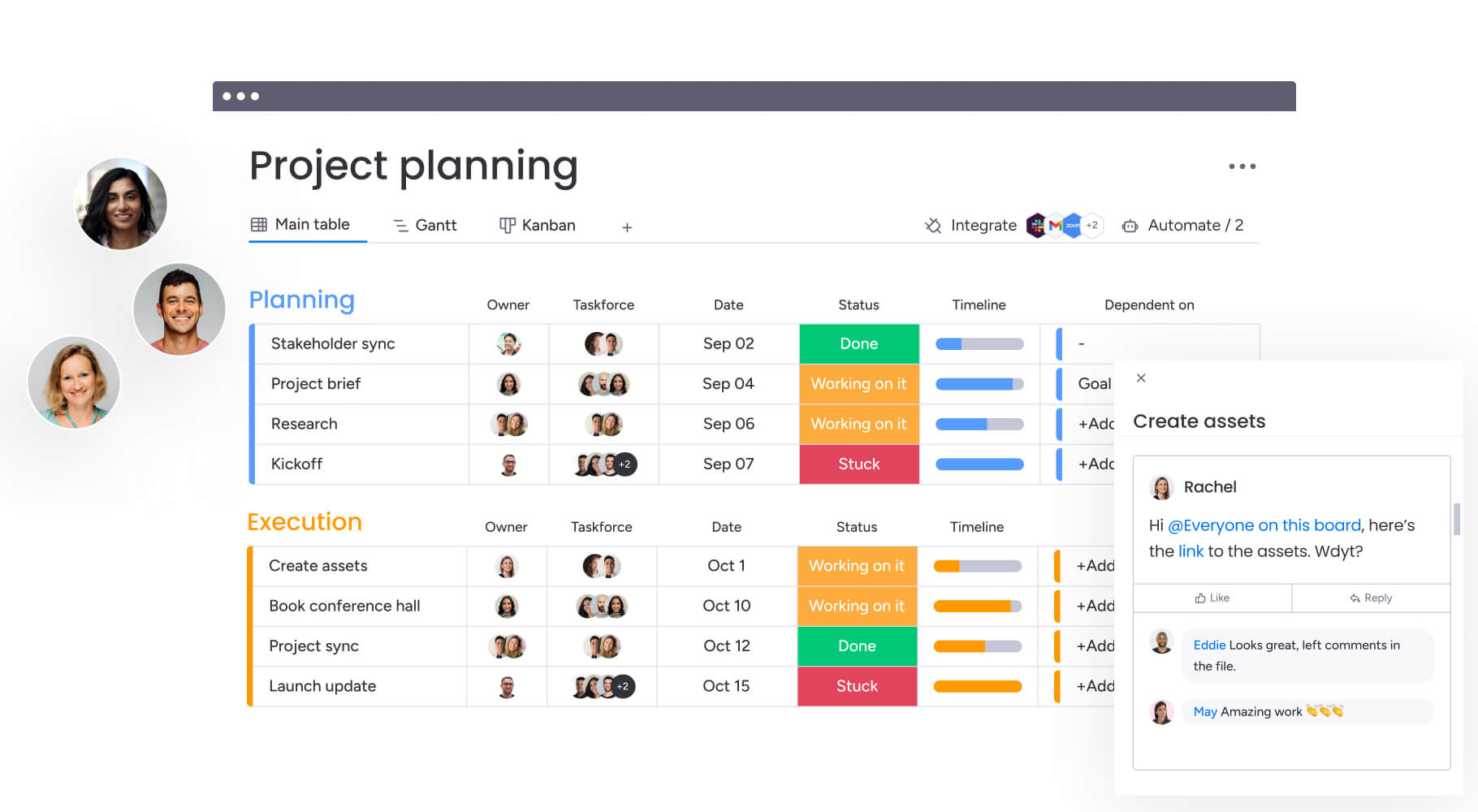
The sunset of Microsoft Project’s on-premise versions represents a pivotal shift rather than a fixed deadline. With 2026 approaching, forward-thinking teams are leaving outdated constraints behind and building workflows that align with how work actually happens today.
Common frustrations often drive this change: steep learning curves, pricing that does not match value, and rigid desktop-centric interfaces that create friction in project management. Version control conflicts impede real-time collaboration and disrupt hybrid teams trying to stay synchronized.
Is your current platform accelerating business performance or holding it back?
This transition offers an opportunity to move beyond basic tracking and establish a true business operating system. The right platform allows teams to design and execute workflows on an adaptable, cloud-native environment built for widespread adoption. Teams gain the visibility and alignment needed to turn a required migration into a genuine competitive advantage.
15 best Microsoft Project alternatives for 2026
Project management has evolved beyond simple timeline tracking. Modern enterprises need a central system that connects high-level strategy to daily work through proven project management methodologies, unifying functions from marketing to operations. A business operating system — not just a date tracker — is essential.
Replacing a legacy platform requires choosing software built for how teams actually operate today. Some alternatives excel at complex portfolio governance, while others prioritize intuitive design to drive company-wide engagement.
The best choice for 2026 balances AI insights, enterprise-grade security, and an interface people enjoy using. Achieve this balance, and your team moves faster, works more collaboratively, and maintains stronger alignment across projects.
1. monday work management
Modern platforms like monday work management empower enterprise teams to orchestrate projects, portfolios, and cross-functional processes within a single workspace on the monday.com Work OS. Instead of spreading timelines, approvals, and updates across multiple systems, teams can connect goals, execution, and reporting in one place. Leadership gains visibility into progress and potential bottlenecks in real time.
The platform is designed for mid-to-large teams that require a single system to manage projects, resources, and goals, with governance that scales.
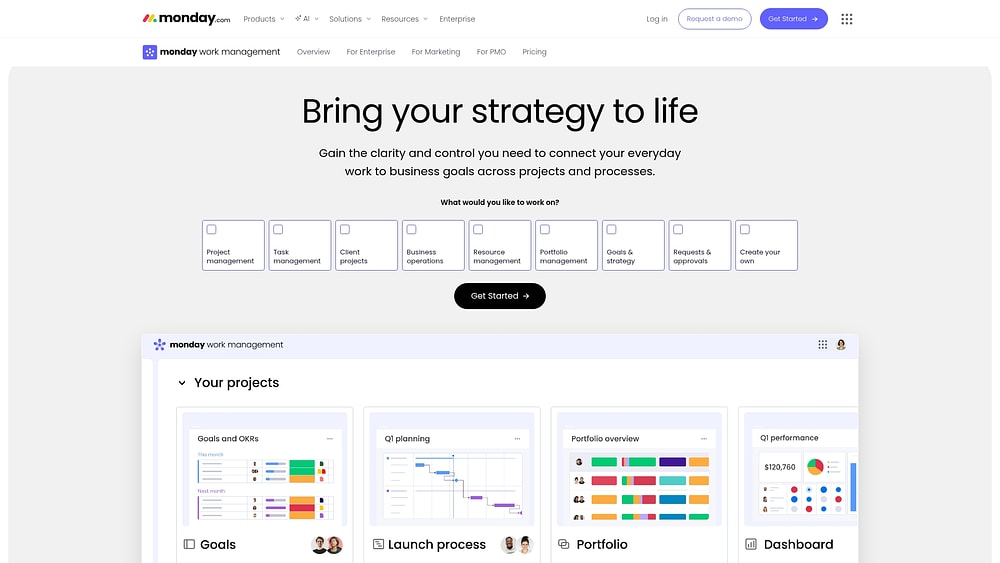
Example:
Teams link OKRs to daily workflows and roll progress into dashboards they can trust. Separate systems are no longer necessary — PMO leaders and delivery teams operate from the same platform.
Its flexibility allows teams to build tailored solutions for critical processes. Common use cases include:
- Project intake and approvals: standardize new initiatives to ensure they start with consistent data.
- Standardized delivery: create boards for each phase with dependencies, milestones, and clearly defined owners.
- Portfolio dashboards: highlight timeline risks, workload pressure, and goal progression.
Key features:
- Visual workflow building: design boards that reflect your exact process, from intake to close. Teams can toggle between 15+ board views, including Gantt chart, Kanban, Timeline, Calendar, and Workload, so each role works in their preferred format.
- Enterprise portfolio management: consolidate multiple projects into dashboards and reports to monitor budgets, schedules, and capacity across programs. PMO teams benefit from advanced scheduling tools such as dependencies, milestones, baseline, and critical path to identify slippage early.
- Work in context: monday docs facilitate collaboration from planning to reporting, with live boards and dashboards embedded in the document. Project briefs remain synced with delivery updates, eliminating manual copying.
- Project intake and approvals: standardize how requests are submitted and approved to prioritize work based on strategy rather than volume or urgency.
Pricing:
- Free: up to two seats with limited boards, docs, and templates.
- Basic: $9/seat/month (billed annually) with unlimited items, 5GB storage, and prioritized support.
- Standard: $12/seat/month (billed annually) including Timeline, Gantt, and Calendar views, guest access, and 250 automation actions monthly.
- Pro: $19/seat/month (billed annually) with private boards, Chart view, time tracking, and 25,000 automation actions monthly.
- Enterprise: custom pricing with enterprise-grade security, SAML SSO, advanced permissions, and 99.9% SLA.
Advanced AI features:
AI is integrated into workflows to accelerate execution without sacrificing control. The ecosystem includes AI Blocks, Product Power-ups, and the Digital Workforce.
- AI Blocks: deploy ready-made actions such as categorize, extract info from files, summarize, detect sentiment, translate, or a custom block for specific instructions.
- Implementation points: access AI via the Column Center (AI-powered columns), Automation center (AI automation blocks), or autofill with AI in compatible columns.
- Digital Workforce: leverage digital workers like Project Analyzer, which monitors projects in real time to flag bottlenecks and schedule risks. Capabilities expand over time.
Governance ensures admins manage AI at the account level while respecting existing permissions. Accounts include 500 free AI credits per month, with options for expansion.
Automations:
Automations maintain consistency with triggers, ownership, and notifications, which is especially helpful when moving from MS Project.
- Automation center: build rules quickly using pre-built templates.
- AI automation blocks (Pro and Enterprise): embed AI actions such as categorize, summarize text, or extract information directly into workflows.
- Run history: audit automation logs to confirm triggers and actions executed correctly.
Integrations:
Smooth integrations reduce friction for distributed teams. monday work management connects with 200+ apps and provides an open API for custom solutions.
- Enterprise connections: Microsoft Teams, Outlook, Excel, Slack, Gmail, Google Drive, Jira Cloud, Zoom, and Salesforce.
- Migration utility: teams often migrate schedule data via Excel, then centralize collaboration and reporting on monday work management immediately.
MS Project alternative features:
Look for platforms that maintain accurate schedules and aligned stakeholders while simplifying file management.
- Advanced scheduling: leverage Gantt chart views with dependencies, milestones, baseline, and critical path to track planned versus actual timelines.
- Resource visibility: use Workload views to assess capacity and adjust assignments proactively.
- Stakeholder reporting: deliver portfolio dashboards and reports to give leaders instant insight into progress and risk.
Why it stands out:
- Market leadership: recognized as a Leader in the Gartner® Magic Quadrant™ for Collaborative Work Management and the 2025 Gartner® Magic Quadrant™ for Adaptive Project Management and Reporting.
- Proven ROI: Forrester Total Economic Impact™ research indicates a 346% ROI with a payback period under four months.
- High adoption: awarded highest user adoption for enterprises by G2, which ensures reliable reporting and actionable data.
2. Triskell Software
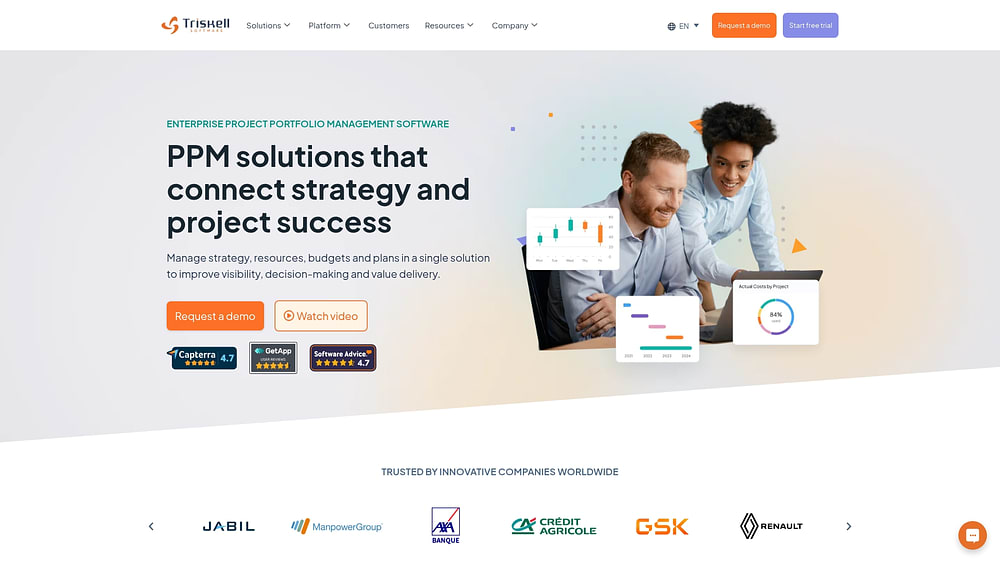
For large enterprises navigating complex hierarchies, Triskell Software connects strategic planning with daily execution. It provides resource management and financial tracking across multiple initiatives. The platform supports both agile and traditional methodologies, and its no-code configuration enables scenario planning across complex portfolios.
Use case:
Enterprises needing detailed financial tracking, strategic alignment, and hybrid governance often choose Triskell Software.
Key features:
- No-code meta-modeling: configure workflows, OKRs, and balanced scorecards.
- Advanced scenario planning: perform what-if analysis to guide funding decisions.
- Methodology support: unify Agile, SAFe, Waterfall, and Phase-Gate approaches in a single environment.
Pricing:
- Custom: quote-based, depending on scale.
- Trial: 15-day access available.
- Implementation: options range from quick setup to fully customized deployment.
Considerations:
- Steep learning curve for admin configuration.
- SaaS-only deployment may restrict use in air-gapped environments.
3. Planview AdaptiveWork
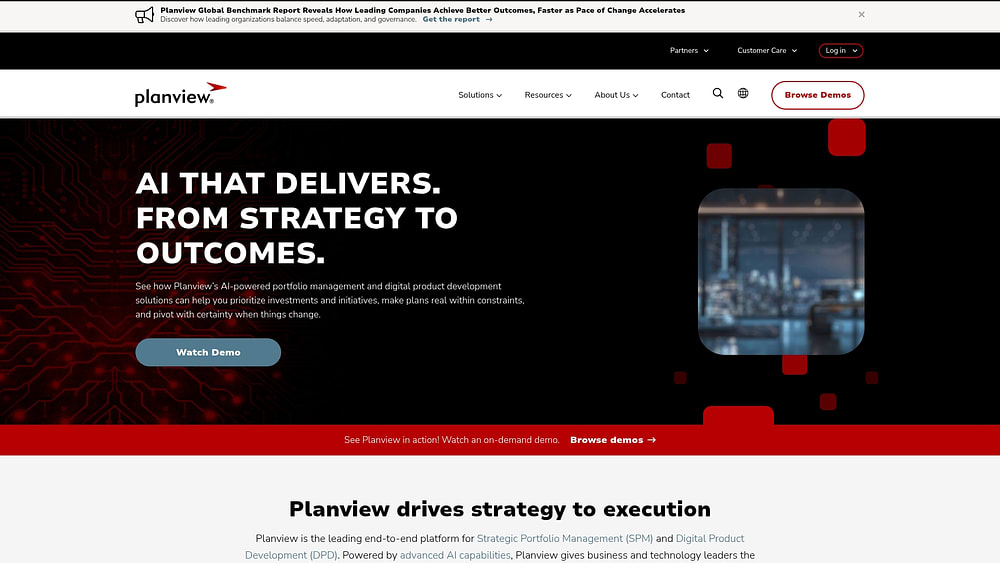
Planview AdaptiveWork focuses on AI-driven portfolio management that links strategy with execution. It excels in resource optimization, financial tracking, and executive visibility, serving large organizations. Planview Anvi provides AI insights and automated recommendations to support better decision-making.
Use case:
Large enterprises needing financial control, resource optimization, and dashboards connecting execution to business outcomes often rely on Planview AdaptiveWork.
Key features:
- AI-enhanced planning: sentiment analysis for risk detection.
- Capacity modeling: real-time insights into resource availability and CAPEX/OPEX.
- Planview Hub: no-code integrations with Jira, Azure DevOps, and Salesforce.
Pricing:
- Enterprise: quote-based via sales.
- Services: implementation and training priced separately.
- Trial: 30-day evaluation available.
Considerations:
- Quote-only model may delay initial cost comparisons.
- Implementation often requires professional services, raising total cost.
4. Smartsheet
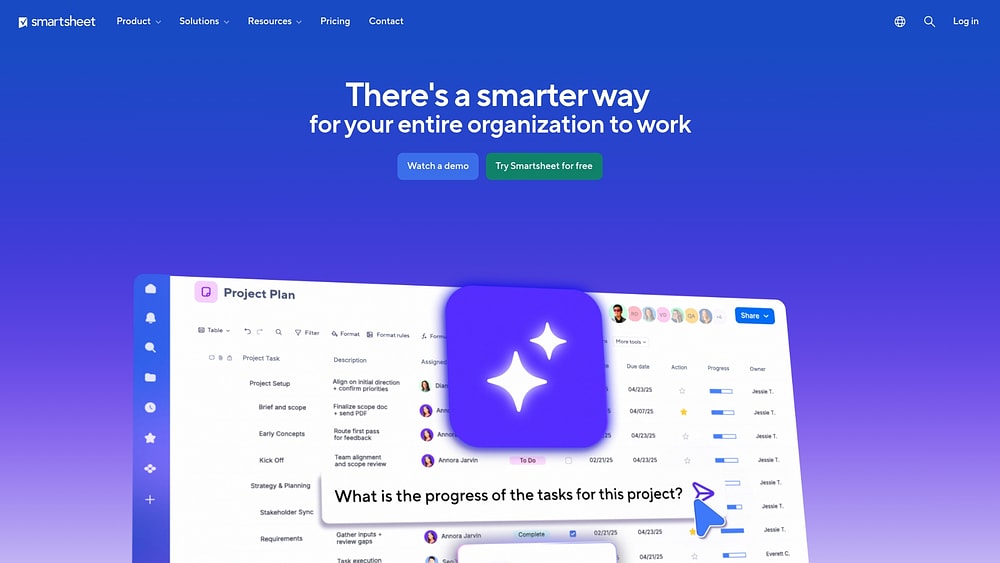
Smartsheet upgrades spreadsheet-style workflows into enterprise-grade work management, appealing to teams that want automation and portfolio-scale governance without losing Excel familiarity. It provides dashboards and controls that make collaboration secure and efficient.
Use case:
Teams with spreadsheet-heavy workflows often use Smartsheet to combine governance, automation, and secure external collaboration.
Key features:
- Control Center: standardize project provisioning and change management.
- Dynamic View: enable secure stakeholder access to relevant data.
- Compliance: meet SOC 2, HIPAA, and FedRAMP standards.
Pricing:
- Pro: $9/user/month (annual) for one to ten members.
- Business: $19/user/month (annual) for three or more members.
- Enterprise: custom pricing for 10+ members.
- Add-ons: Dynamic View ($125/month) and Data Shuttle ($100/month).
Considerations:
- Premium features may require costly add-ons.
- Sheet limits (20,000 rows) may constrain large datasets.
5. Jira
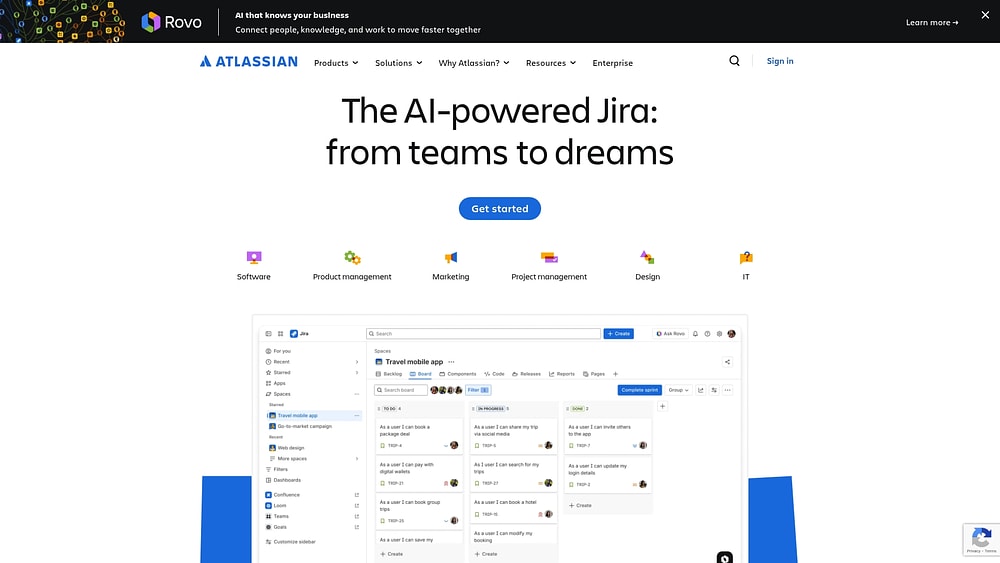
Jira unifies technical and business operations on a platform that scales from agile development to general work management. It is particularly suited for organizations where software development intersects with broader business goals. With a large global user base, Jira provides a deep ecosystem that enables cross-functional collaboration.
Use case:
Organizations needing to align software development workflows with business operations on a single platform.
Key features:
- Unified platform: connects business spaces with dev projects for shared workflows.
- Customization: configurable work items and approval processes with governance.
- Views: backlog, Kanban, timeline, calendar, and list views.
Pricing:
- Free: up to 10 users.
- Standard: $7.16/user/month (annual).
- Premium: $12.48/user/month (annual).
- Enterprise: custom pricing.
- Atlassian Guard requires a separate subscription.
Considerations:
- Configuration complexity: can be high for new users.
- Migration friction: moving Jira Work Management to the unified platform may require careful planning.
6. Zoho Projects
Zoho Projects serves cost-conscious organizations with comprehensive project management, financial controls, and ecosystem integration. It supports both traditional and agile methodologies, providing an end-to-end solution for delivery. Its privacy-first approach appeals to teams focused on security.
Use case:
SMBs seeking robust project features with financial tracking at a competitive price.
Key features:
- Hybrid management: combines Gantt charts with Zoho Sprints integration.
- Financial controls: includes earned value management (EVM) and budget tracking.
- Blueprint automation: enables visual process design for streamlined workflows.
Pricing:
- Free: up to 5 users.
- Premium: $5/user/month (annual).
- Enterprise: $10/user/month (annual).
- Ultimate: custom pricing.
Considerations:
- Portfolio dashboards: available only in higher-tier plans.
- UI complexity: may slow initial adoption.
7. Teamwork
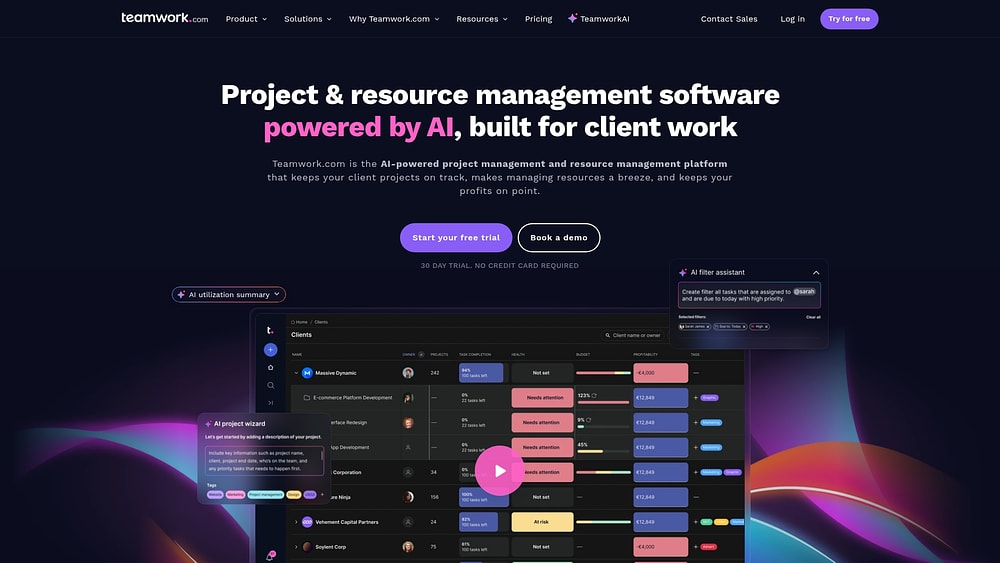
Teamwork is designed for agencies and service providers, focusing on client project management. The platform combines execution with financial tracking and resource planning to manage multiple client engagements efficiently. Its design reflects the experience of founders who understood the importance of balancing budgets and profitability.
Use case:
Service-based businesses needing integrated time tracking, budgeting, and client portals.
Key features:
- Time tracking and billing: native tools with QuickBooks integration.
- Client collaboration: unlimited free client users for project engagement.
- Resource planning: AI-powered assignment and utilization summaries.
Pricing:
- Free: up to 5 users.
- Deliver: $10.99/user/month (annual).
- Grow: $19.99/user/month (annual).
- Scale/Enterprise: custom pricing.
Considerations:
- Navigation: can be complex for new users.
- Advanced resource planning: requires higher-tier plans.
8. Trello
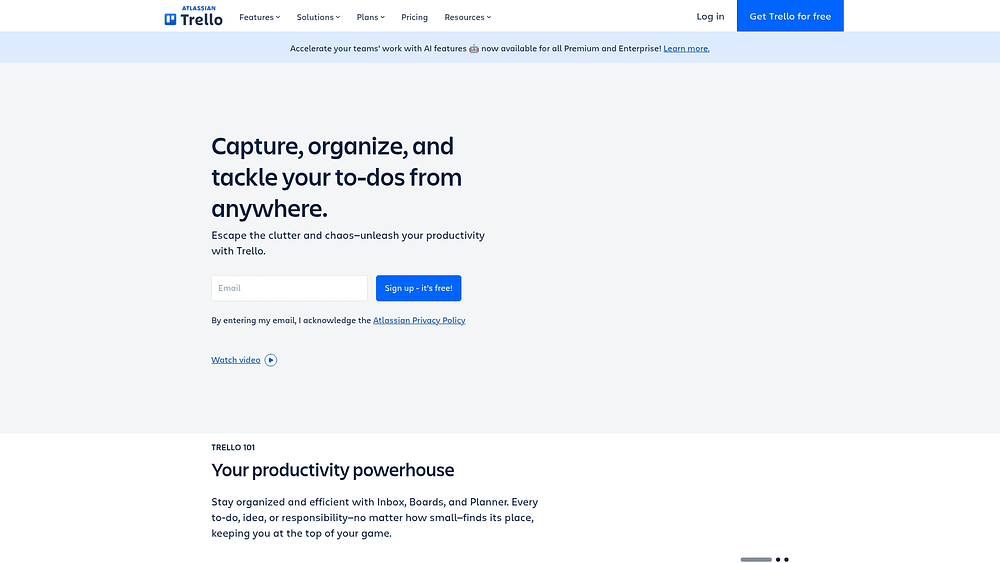
Trello emphasizes visual project management through Kanban boards, making task status immediately understandable. Its simplicity and flexibility suit teams prioritizing visual organization and intuitive workflows. Millions of users rely on Trello as a proven method for managing work visually.
Use case:
Teams seeking visual organization and ease of use over complex project mechanics.
Key features:
- Kanban system: unlimited Power-Ups for enhanced functionality.
- Butler automation: no-code rules to streamline repetitive work.
- Premium Views: includes timeline, calendar, and map layouts.
Pricing:
- Free: up to 10 collaborators.
- Standard: $5/user/month (annual).
- Premium: $10/user/month (annual).
- Enterprise: $17.50/user/month (annual).
Considerations:
- Performance: large boards (1,000+ cards) may experience slowdowns.
- Offline access: no sync capability without internet.
9. Asana
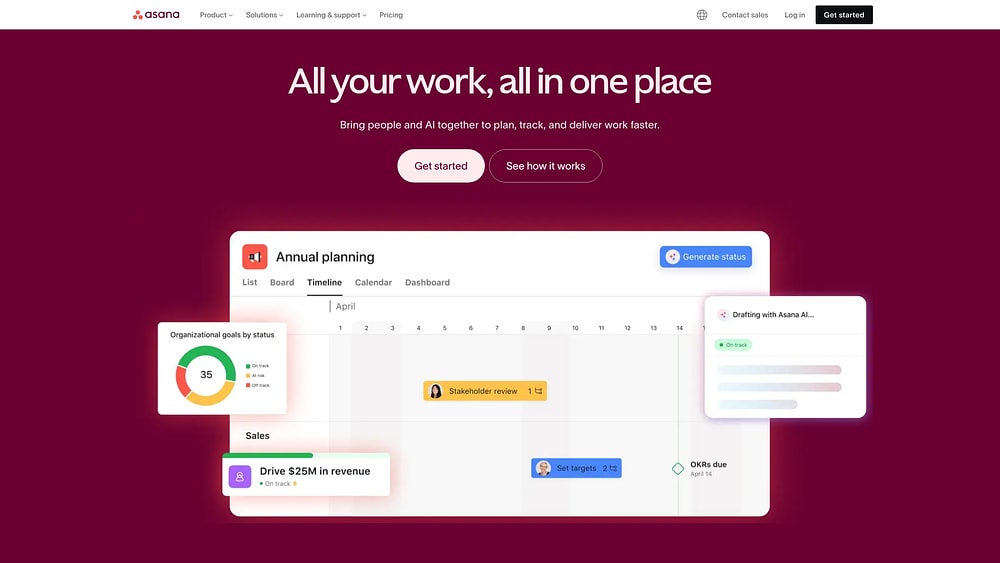
Asana uses the Work Graph data model to map relationships between objectives, projects, and people. The platform is ideal for mid-to-large organizations balancing ease of use with advanced coordination. Features such as AI Teammates and enterprise-grade security support scalable team management.
Use case:
Organizations aligning strategic goals with operational execution across departments.
Key features:
- Goal linkage: connects OKRs to tasks via Work Graph.
- AI Teammates: context-aware agents that support workflow automation.
- Portfolio management: universal reporting and dashboards for cross-team visibility.
Pricing:
- Personal: free (2 users).
- Starter: $10.99/user/month (annual).
- Advanced: $24.99/user/month (annual).
- Enterprise: contact sales.
Considerations:
- Seat requirements: paid plans have minimum user counts.
- Advanced features: goals and portfolios require the Advanced tier.
10. Planisware Orchestra
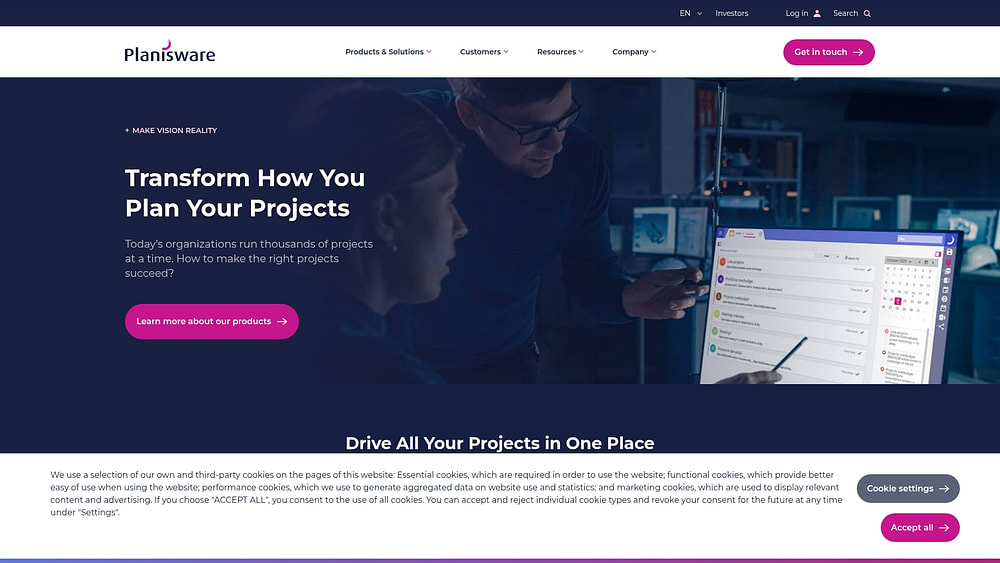
Midsize organizations seeking quick deployment often choose Planisware Orchestra for turnkey portfolio management. It connects high-level governance with team execution while supporting hybrid methodologies and AI-driven reporting. As a lighter alternative to enterprise systems, it delivers sophisticated capabilities without a heavy implementation effort.
Use case:
PMOs and midsize teams needing a comprehensive portfolio and resource platform.
Key features:
- Hybrid methodology support: for Waterfall, Agile, and Phase-Gate.
- Orchestra AI: for automated reporting and risk analysis.
- RAID management: with change control.
Pricing:
- Enterprise licensing: quote-based.
- Trial: 14-day trial (requires qualification).
Considerations:
- Onboarding: requires consultation; not fully self-service.
- Mobile app: primarily for viewing, not editing.
11. ClickUp
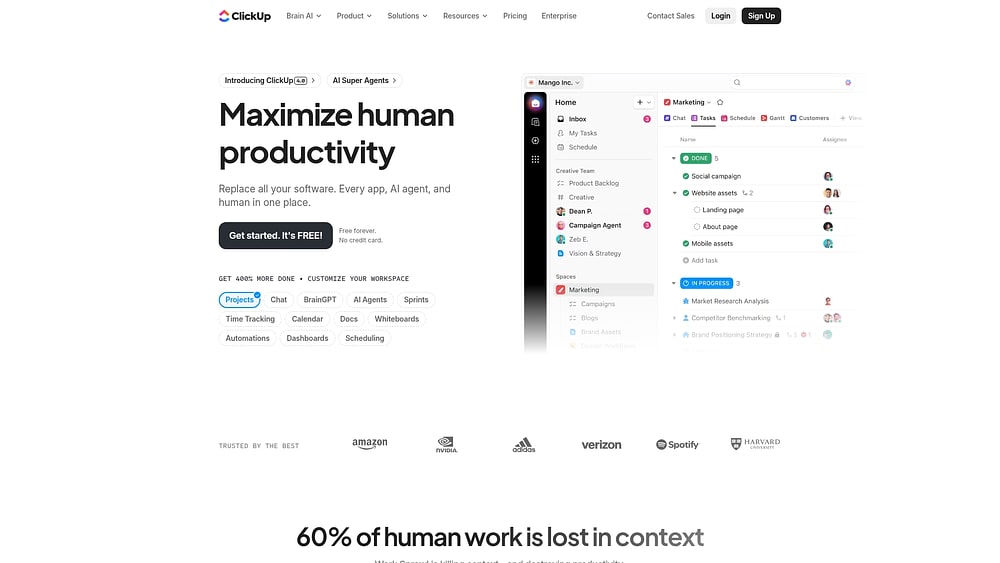
ClickUp consolidates projects, documents, and collaboration into a single customizable project management platform. It suits organizations looking to reduce tool sprawl while supporting diverse team workflows. Rapid growth reflects demand for unified work management solutions.
Use case:
Teams wanting to replace multiple tools with a single flexible workspace.
Key features:
- Unified workspace: for projects, documents, and chat.
- 15+ configurable views: including Gantt, Kanban, and Workload.
- AI automation and agents: for workflow efficiency.
Pricing:
- Free forever: core features.
- Unlimited: $7/month (annual).
- Business: $12/month (annual).
- Enterprise: custom pricing.
Considerations:
- Learning curve: steep due to feature density.
- Performance and support: occasional inconsistencies.
12. Wrike
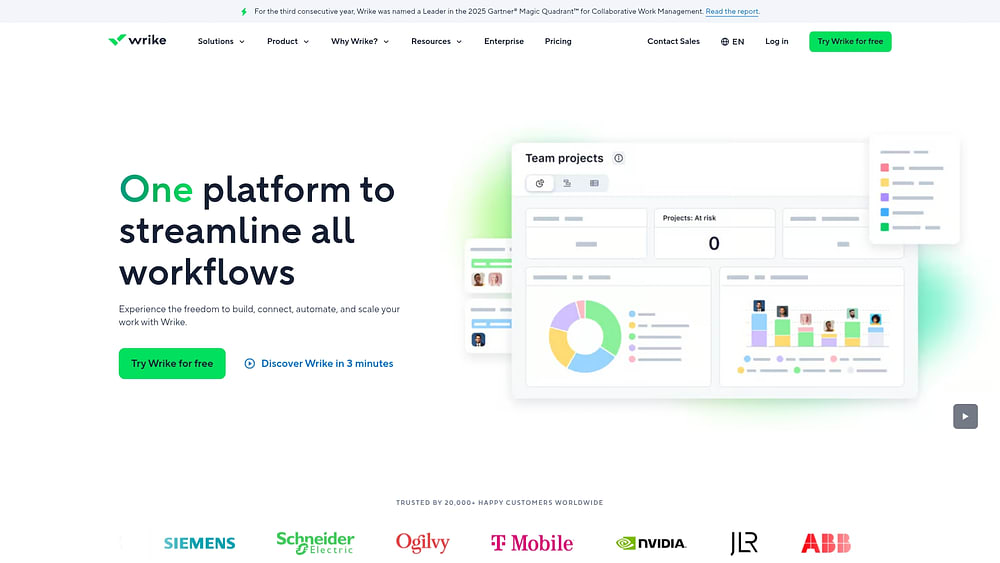
Wrike serves security-conscious enterprises and creative agencies, balancing structured execution with creative workflow support. Features such as customer-managed encryption and visual collaboration make it suitable for regulated industries.
Use case:
Complex organizations needing creative workflow support with enterprise security.
Key features:
- AI work intelligence: with Copilot and risk identification.
- Creative workflow support: including proofing and Adobe integration.
- Resource and capacity planning: advanced tools for teams.
Pricing:
- Free: core tasks.
- Team: $10/month (2–15 users).
- Business: $25/month (5–200 users).
- Enterprise/Pinnacle: custom pricing.
Considerations:
- Mobile functionality: lags behind desktop.
- Table View transition: has caused friction for some users.
13. Notion
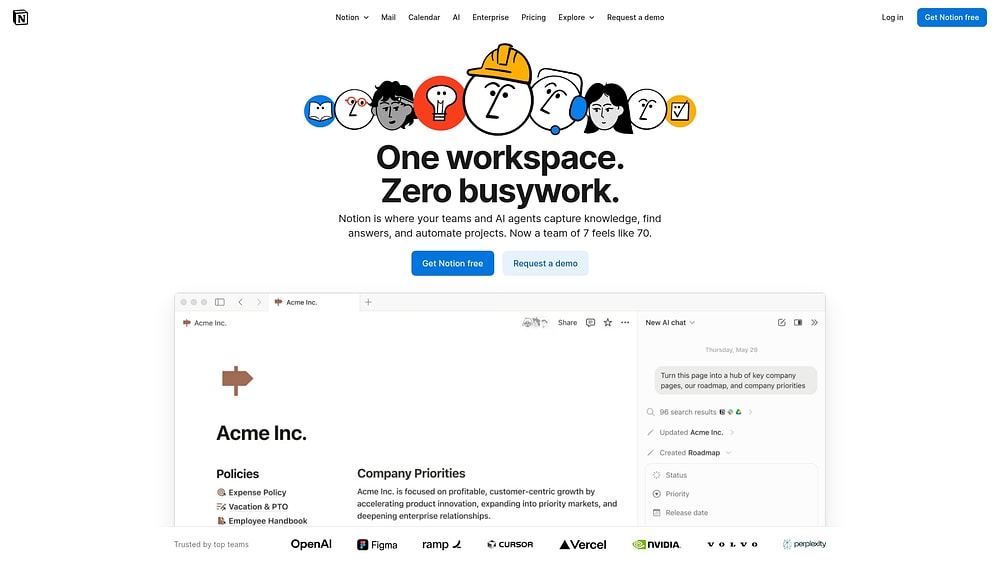
Notion combines document storage and project execution in a unified workspace. It is ideal for cross-functional teams needing integration between their knowledge base and daily workflows. Its flexibility allows for extensive customization to meet organizational requirements.
Use case:
Teams needing a highly customizable workspace that merges wikis, documents, and projects.
Key features:
- Database-driven management: with multiple views.
- Integrated documents: with AI search and verification.
- Automated workflows: and two-way syncs.
Pricing:
- Free: basic features.
- Plus: $10/member/month.
- Business: $20/member/month.
- Enterprise: custom pricing.
Considerations:
- Performance: may degrade with large databases.
- Learning curve: database configuration can be complex.
14. Microsoft Planner (Premium)
For organizations within the Microsoft 365 ecosystem, Planner provides unified work management that links personal tasks to enterprise projects. Seamless integration with Teams and Outlook makes it a natural choice for Microsoft-centric organizations. Premium tiers unlock advanced scheduling and AI assistance.
Use case:
Microsoft 365-focused organizations needing native integration and enterprise security.
Key features:
- Unified task management: across M365.
- Copilot in Planner: AI assistance for productivity.
- Advanced scheduling: with Gantt and dependencies.
Pricing:
- Basic: included in Microsoft 365.
- Plan 1: $10/month.
- Plan 3: $30/month.
- Plan 5: $55/month.
Considerations:
- Mobile functionality: limited in premium plans.
- Advanced reporting: may require Power Platform licenses.
15. VirtoSoftware (Virto Gantt Chart App & Virto Kanban Board App)
VirtoSoftware enhances SharePoint lists with Kanban boards and Gantt charts. Teams can modernize visualization without migrating platforms, maintaining existing SharePoint data. It provides a flexible bridge for organizations seeking better workflow tools.
Use case:
Organizations wanting to layer project management tools on top of SharePoint infrastructure.
Key features:
- SharePoint lists: transformed into Kanban boards.
- Gantt charts: with drag-and-drop dependencies.
- Teams deployment: aligned with SharePoint permissions.
Pricing:
- Starter: $2/user/month (annual).
- Pro: $3/user/month (annual).
- Enterprise: custom pricing.
- On-premises: $1,899/year per WFE.
Considerations:
- Configuration: requires SharePoint access.
- Template exports: limited functionality.
AI capabilities that transform project management
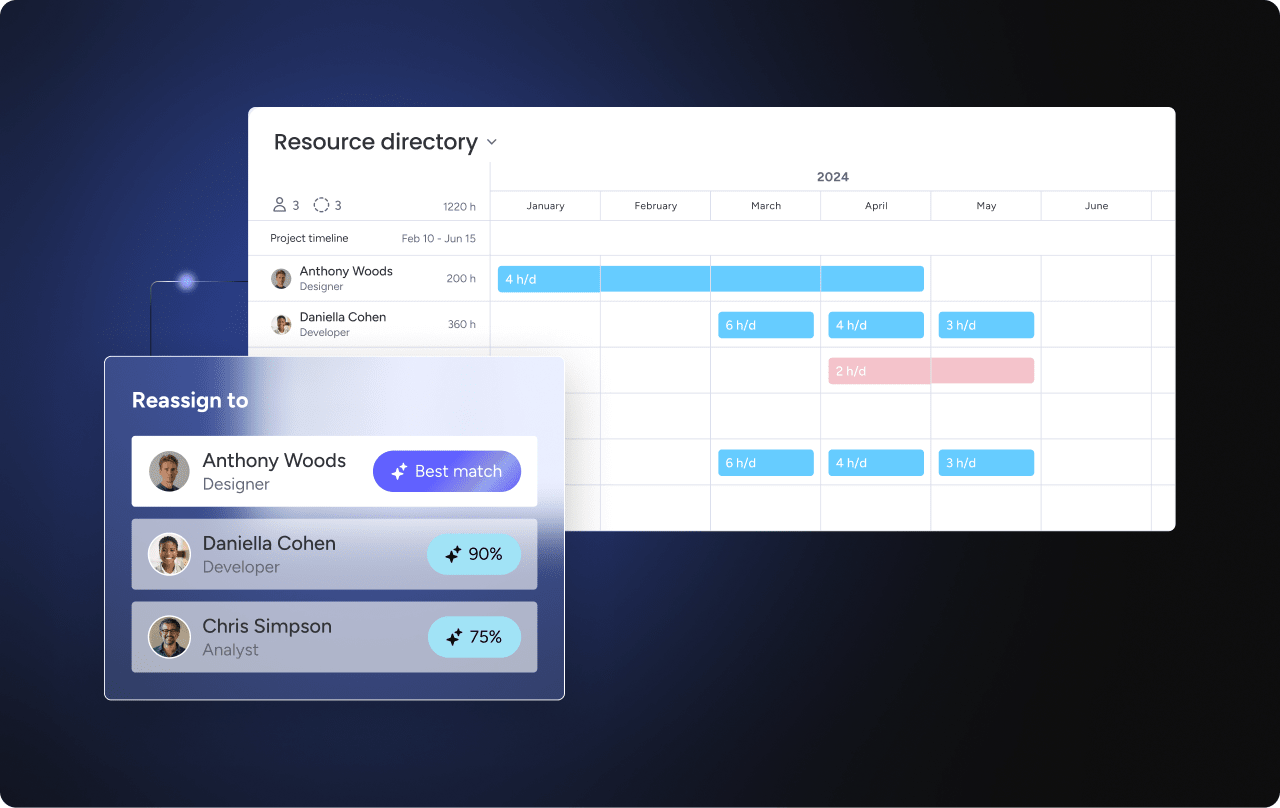
AI is redefining project management, shifting it from reactive oversight to proactive guidance. By forecasting challenges and optimizing resources, intelligent platforms allow teams to address risks before they affect timelines.
Modern platforms enable a shift from simply tracking workflows to achieving strategic outcomes. AI supports this transformation through:
- Predictive risk analysis: algorithms review project data to identify potential delays and budget variances early, keeping issues manageable.
- Automated resource allocation: systems match team members to workflows based on skills and availability, replacing manual spreadsheet juggling with optimized staffing.
- Intelligent task prioritization: by analyzing dependencies, platforms suggest focus areas, helping teams bypass competing urgencies.
Integrating these capabilities creates a resilient operation capable of consistent, reliable delivery.
Try monday work managementChoosing your MS Project replacement
Replacing a legacy platform offers a rare chance to redesign your operational framework. The ideal solution drives adoption, accelerates ROI, and connects execution to strategy. Selecting a system that fits current workflows while supporting future growth requires careful planning.
Assess your organization’s specific needs, total ownership costs, and ecosystem compatibility before making a decision.
Evaluating your project management needs
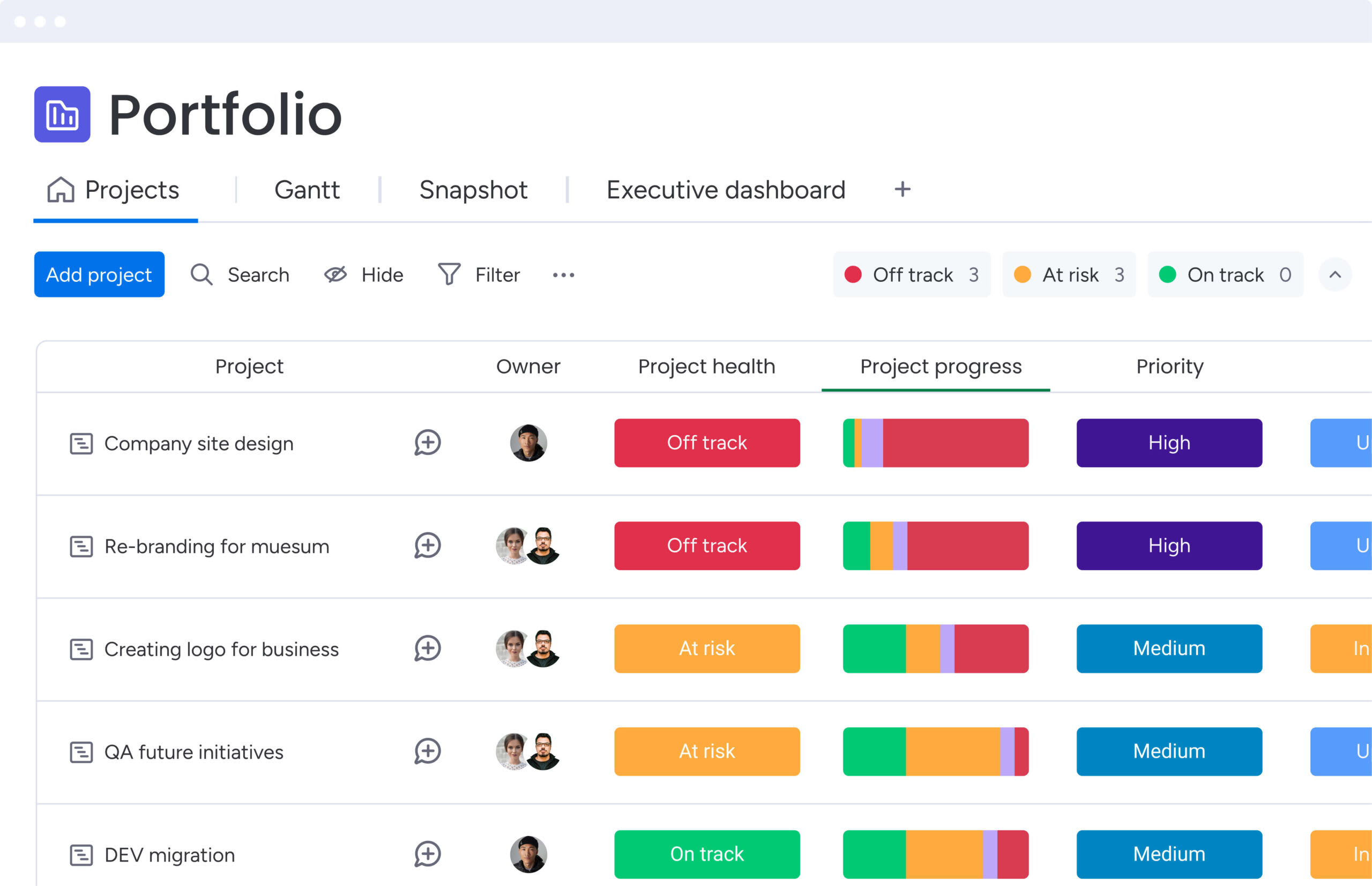
A successful selection begins with introspection. A thorough needs assessment ensures the chosen platform aligns with organizational maturity — neither too simple for complex programs nor too complex for broad adoption.
Consider these dimensions:
- Team size and structure: small teams benefit from streamlined workflows, mid-sized groups need portfolio visibility, and enterprises require robust security and governance to connect thousands of users.
- Project complexity: linear workflows need basic tracking, while complex programs require Gantt charts, resource leveling, and portfolio views to align daily work with business objectives.
Comparing features and pricing
Features are valuable only if they address real challenges. Evaluate platforms by their effectiveness in critical areas:
| Capability | Evaluation criteria | Key considerations |
|---|---|---|
| Gantt charts | Dependency management, critical path, baselines | Can it handle complex dependencies? Does it support real-time collaboration? |
| Resource management | Capacity planning, workload balancing, utilization | How does it handle resource conflicts? Can it optimize allocation across a portfolio? |
| Collaboration | Real-time editing, comments, file sharing, notifications | Do collaboration features feel natural or tacked on? Is the mobile experience robust? |
| Reporting | Custom dashboards, real-time data, export options | Can non-technical users build their own reports? Do dashboards update instantly? |
| Automation | Workflow triggers, notifications, data sync, AI abilities | How much expertise is needed? Does it meaningfully reduce administrative work? |
Total cost of ownership extends beyond licensing to include implementation, migration, and training.
Integration requirements
Effective project management platforms function as central digital workspaces rather than isolated systems. Seamless integration prevents data silos and improves operational efficiency.
Essential integrations typically include:
- Communication: Slack and Microsoft Teams for conversational context.
- File storage: Google Drive, SharePoint, and Dropbox for document centralization.
- Development: Jira, GitHub, and GitLab for technical alignment.
- CRM: Salesforce and HubSpot for customer-focused project tracking.
Modern platforms streamline these connections with hundreds of pre-built integrations, supporting real-time, bi-directional syncing and offering robust APIs for custom needs.
5 steps to migrate from Microsoft Project
Transitioning from Microsoft Project is an opportunity to establish a unified operational backbone. Success lies in creating a new way of working rather than simply replicating old processes. Follow these steps for a strategic migration.
Step 1: audit current projects and workflows
A successful migration starts with a comprehensive inventory. Mapping current complexities and priorities ensures a smooth transition and creates a blueprint for the new system.
Analyze workflows and stakeholder requirements to design an optimized future state:
- Map workflows: consult managers to identify process bottlenecks.
- Define requirements: gather needs from executives to individual contributors.
- Document integrations: list all systems connected to MS Project.
- Assess data quality: identify outdated files for archiving.
Step 2: select your migration timeline
Timing determines the difference between disruption and seamless adoption. Balance the urgency of change with your team’s capacity to absorb it.
Avoid peak business periods and consider a phased rollout, starting with a pilot group to refine processes before wider deployment. With the 2026 sunset approaching, starting early provides a necessary buffer for adjustments.
Step 3: prepare and clean your data
Clean data is the foundation of a functional new system. Standardizing project files before migration ensures immediate value and prevents legacy errors from carrying over.
Use this phase to standardize and archive:
- Standardize naming conventions: ensure consistency across projects and fields.
- Validate data accuracy: correct missing or erroneous information.
- Plan for resource pools: define shared resource management rules.
- Align with reporting goals: structure data so dashboards reflect owners, milestones, and key metrics immediately.
Step 4: enable team success through training
Adoption depends on relevance. Training should focus on role-based application, not just feature walkthroughs, and include ongoing support for lasting impact.
Effective strategies include:
- Teach workflows, not features: demonstrate the full lifecycle, from Gantt chart scheduling to dashboard reporting.
- Create internal champions: empower early adopters to set standards and guide peers.
- Provide ongoing support: establish community channels and regular check-ins to refine usage.
Step 5: monitor progress and optimize
Launch day is only the beginning. Continuous monitoring ensures the platform evolves with business needs.
Track adoption metrics and business outcomes using portfolio dashboards. Identify areas of success and persistent bottlenecks. Modern platforms like monday work management allow agile adjustments to boards and automations without heavy reconfiguration.
monday work management powers enterprise project success
For enterprise teams, success extends beyond managing projects — it requires driving business momentum. Organizations need platforms that balance power with intuitive design. Modern platforms like monday work management provide visibility, alignment, and coordination, enabling teams to move from basic tracking to a connected business operating system.
Build any workflow, no code required
No-code platforms empower teams to design their own solutions, bypassing IT backlogs and rigid templates. The visual interface on monday work management gives team members direct control over workflow creation, making process design intuitive and accessible.
Teams can switch between views to stay aligned while working in their preferred format:
- Gantt chart and timeline: for scheduling and managing task dependencies.
- Kanban board: for prioritizing work based on flow.
- Calendar: for tracking deadlines and milestones across projects.
- Workload: for assessing capacity and reducing risk.
Unified boards enhance cross-functional collaboration, allowing marketing, operations, and IT teams to coordinate seamlessly in a shared environment.
Automate work and predict outcomes with AI
Administrative work should not consume strategic focus. monday.com embeds AI into boards and automations to accelerate action and reduce manual effort.
AI Blocks can categorize data, extract information, and summarize content, streamlining routine tasks. These capabilities can be accessed via the Column Center, Automation Center, or AI Autofill to enhance team efficiency.
For enterprise oversight, Digital Workforce tools like Project Analyzer monitor risks in real time. Admins retain full control over AI permissions and enablement, ensuring governance remains intact.
Connect strategy to execution across every department
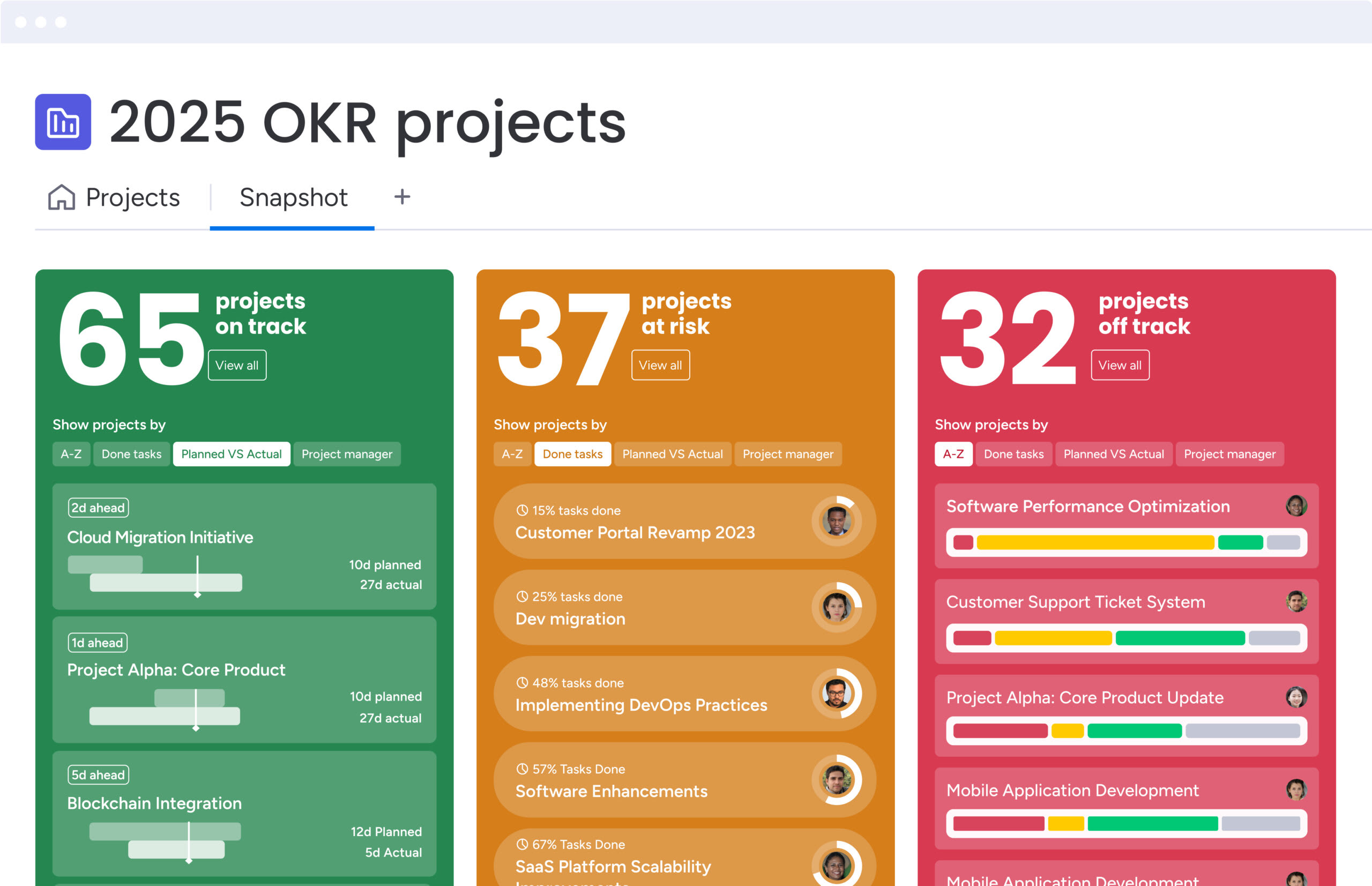
Achieving enterprise visibility requires linking high-level goals to day-to-day work. monday work management connects objectives to delivery, rolling progress up into reliable dashboards.
By integrating goals and OKRs with execution, teams stay aligned with business priorities. Workload views and live reporting provide realistic insights into resource planning, enabling managers to deploy talent where it creates the most value.
Scale with enterprise-grade security and compliance
Strong governance is critical for enterprise operations. monday work management supports secure rollouts with multi-level permissions and SSO integration, ensuring consistency without sacrificing safety.
All data is encrypted at rest (AES-256) and in transit (TLS 1.3). AI features comply with the same strict standards. The platform scales to thousands of users while maintaining live and accurate reporting.

“monday.com has been a life-changer. It gives us transparency, accountability, and a centralized place to manage projects across the globe".
Kendra Seier | Project Manager
“monday.com is the link that holds our business together — connecting our support office and stores with the visibility to move fast, stay consistent, and understand the impact on revenue.”
Duncan McHugh | Chief Operations OfficerBuilding a future-ready operating system
Moving away from legacy tools opens the door to greater organizational agility. Selecting a platform that connects strategy with execution positions teams for sustained success.
Evaluating solutions now ensures workflows scale effectively and empower teams to work faster and smarter.
Try monday work managementFrequently asked questions
What is the best free alternative to Microsoft Project?
When evaluating free alternatives to Microsoft Project, needs can vary depending on team size and project complexity. Modern platforms like monday work management offer a free trial that allows teams to explore enterprise-grade workflows, dashboards, and automations before committing financially.
How long does migration from Microsoft Project typically take?
Migration timelines range from a few weeks to several months, influenced by factors such as data volume, project complexity, and the organization’s focus on change management. Clear planning and stakeholder engagement can help streamline the transition.
Which MS Project alternative offers the most advanced Gantt charts?
For teams prioritizing visual planning, modern solutions provide robust Gantt capabilities. monday work management, for example, supports dependency management, critical path analysis, and baseline comparisons, giving leaders detailed insights into project timelines.
Can I import existing Microsoft Project files?
Many contemporary alternatives support imports from Microsoft Project formats, including XML or MPP. This allows teams to map legacy project data to new workflows and maintain continuity without losing prior project history.
What happens to Microsoft Project after September 2026?
On-premises versions will no longer receive support or security updates after this date. Organizations must transition to cloud-based solutions before September 2026 to ensure data security and uninterrupted project management operations.
Which alternative works best for remote teams?
Cloud-native platforms are generally better suited for distributed teams. They centralize communication, reporting, and project updates in a single digital workspace, making real-time collaboration easier for remote team members.
How do Microsoft Project alternatives handle resource management?
Leading platforms provide tools for capacity planning and workload balancing using visual dashboards. monday work management, for instance, leverages AI-powered insights to help managers optimize staffing and prevent team burnout.
What integration options are available with Microsoft Office?
Many modern alternatives offer deep integration with the Microsoft ecosystem. monday work management connects seamlessly with Teams, Outlook, and Excel, enabling synchronized data and smoother workflow coordination across tools.

 Get started