


Some days feel like there aren’t enough hours to get everything done. Campaigns, emails, social posts, and meetings all pile up, and it’s easy for things to fall through the cracks. When work isn’t connected, the team ends up spending more time chasing updates than actually creating results. It’s frustrating, exhausting, and familiar to anyone in marketing today.
The guide below compares 15 marketing software platforms for 2026, focusing on solutions built for connected teams. It dives into how these platforms help streamline collaboration, automate repetitive tasks, and keep projects on track. By walking through the features and benefits of each option, this guide makes it easier to see which solutions actually help teams work smarter, not just busier.
Key takeaways
- Cross-functional collaboration matters: marketing success depends on platforms that connect marketing, sales, product, and creative teams.
- Data integration drives efficiency: consolidating information reduces silos and improves decision-making.
- AI boosts productivity: intelligent automation can handle repetitive tasks and surface insights without replacing human strategy.
- Total cost of ownership matters: consider subscription, training, integration, and maintenance costs.
- Unified work management platforms lead: tools like monday work management coordinate planning, approvals, execution, and reporting across teams.
Quick comparison of leading marketing software platforms
Choosing the right marketing platform is challenging because it impacts not just your marketing team but the entire organization. The ideal solution brings together workflows, simplifies collaboration, and helps you measure growth across departments.
This comparison highlights top platforms, giving you a clear view of which solutions unify work, streamline campaigns, and deliver measurable outcomes.
| Platform | Starting price | Example | Key features | Free trial/plan |
|---|---|---|---|---|
| monday work management | Custom pricing | Unifying marketing operations across departments to connect strategy with execution | Unified campaign and creative workflows, AI-powered automation, and seamless cross-functional collaboration | 14-day trial |
| HubSpot | Free tier available | Inbound marketing teams focused on content management and lead nurturing | Marketing automation, integrated CRM, content management system, lead scoring | Free plan + trials |
| Salesforce Marketing Cloud | Enterprise pricing | Large organizations managing complex customer journeys across multiple channels | Advanced segmentation, journey builder, predictive analytics | Contact sales |
| ActiveCampaign | Starts at $29/month | Mid-market businesses combining email automation with CRM capabilities | Email automation, machine learning predictions, sales automation | 14-day trial |
| Mailchimp | Free tier available | Small teams prioritizing email marketing with basic automation needs | Email campaigns, audience segmentation, e-commerce integration | Free plan available |
| Adobe Marketo Engage | Enterprise pricing | B2B organizations requiring sophisticated lead management and attribution | Account-based marketing, revenue attribution, lead scoring | Contact sales |
| Brevo | Free tier available | European businesses prioritizing GDPR compliance with multi-channel marketing | Email and SMS marketing, CRM integration, automation workflows | Free plan available |
| Constant Contact | Starts at $12/month | Small businesses managing email campaigns and events | Email marketing, event management, social media platforms | 14-day trial |
| GetResponse | Starts at $19/month | Marketing teams incorporating webinars into their strategy | Email automation, webinar hosting, landing page builder | 30-day trial |
| EngageBay | Free tier available | Small businesses seeking affordable all-in-one CRM and marketing | Integrated CRM, email marketing, helpdesk functionality | Free plan available |
| Insightly | Starts at $29/user/month | Project-based businesses connecting CRM with marketing activities | CRM integration, project management, workflow automation | 14-day trial |
| Bitrix24 | Free tier available | Teams prioritizing collaboration alongside marketing capabilities | Team communication, CRM, project management features | Free plan available |
| Ortto | Custom pricing | Data-driven organizations unifying customer information across channels | Customer data platform, multi-channel automation, analytics | 14-day trial |
| Nutshell | Starts at $16/user/month | Small businesses seeking simple CRM with basic marketing features | Pipeline management, email marketing, contact management | 14-day trial |
| Moosend | Free tier available | E-commerce businesses focused on email automation and conversion | Email automation, e-commerce integration, landing pages | Free plan available |
Pricing is only one factor. The larger question is whether you want a platform that just manages marketing tasks or one that connects marketing to the rest of your organization. Your choice should reflect how teams collaborate and share data.
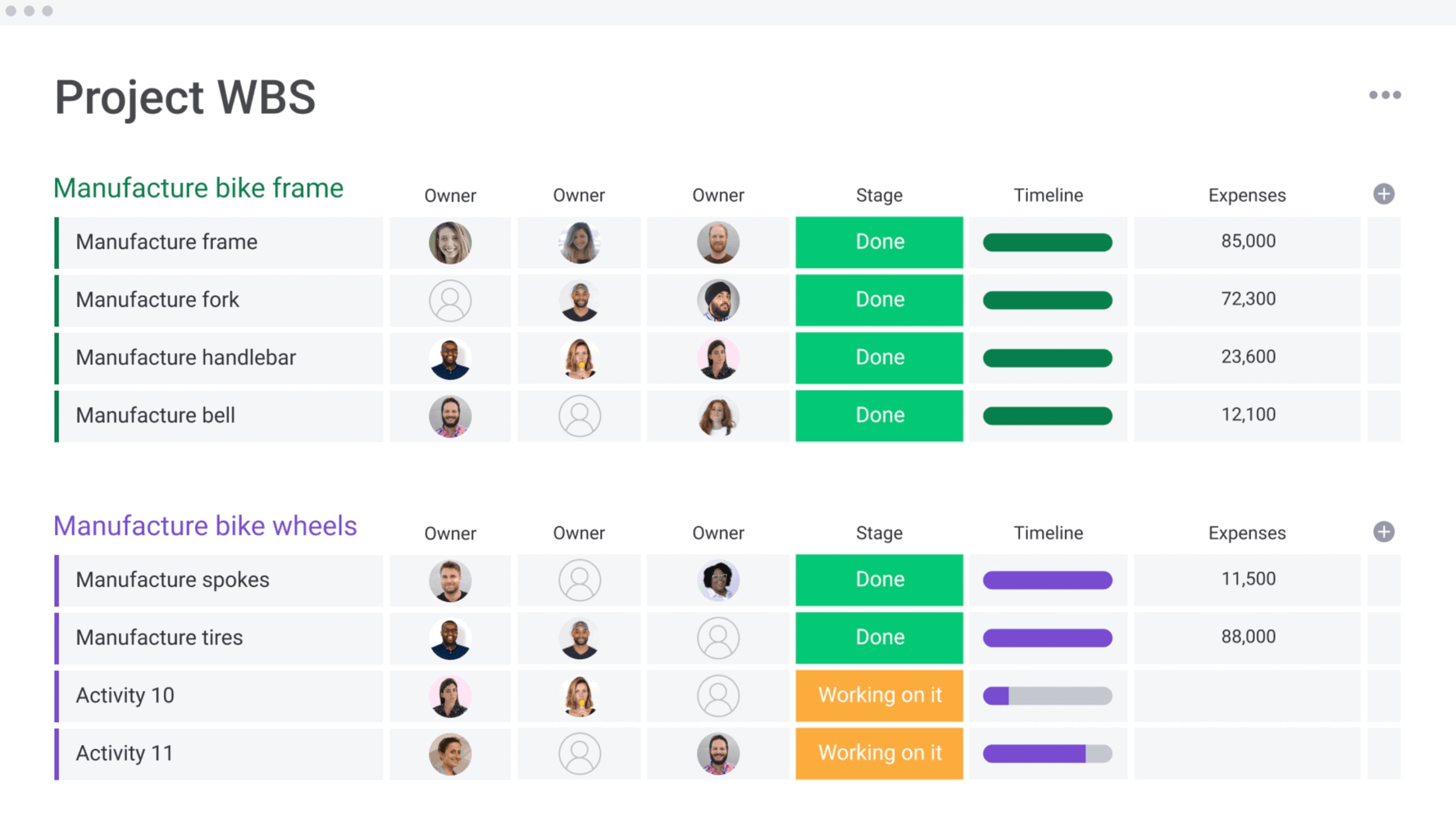
What makes great marketing software in 2026?
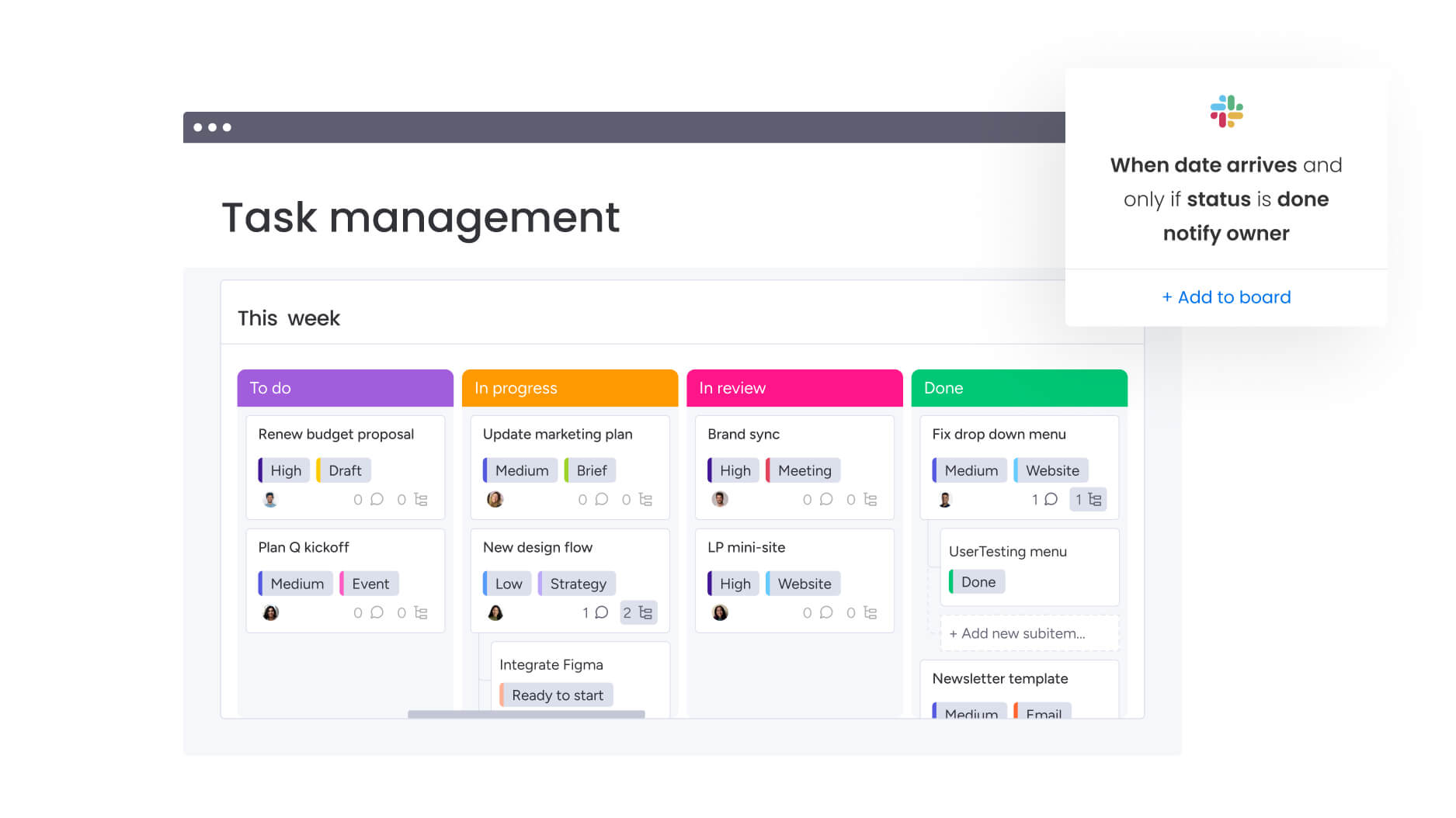
Marketing platforms today go far beyond email automation. They serve as the central nervous system for growth, linking marketing outcomes to company-wide goals.
Teams focus less on features and more on results. The key question is not what the platform can do, but what it helps achieve. Success comes from launching campaigns faster, tracking spend accurately, and making informed decisions in real time.
Leading solutions mirror how teams actually work. They structure complex projects while remaining flexible enough to adapt to shifting priorities.
Top platforms deliver:
- A single source of truth: data and workflows are unified so marketing, sales, and product teams work from the same playbook.
- Seamless collaboration: stakeholders from finance to sales engage within a shared workspace, ensuring nothing falls through the cracks.
- AI that amplifies your team: automation and smart insights free marketers to focus on strategy and creativity.
Platforms that unify work management transform fragmented tasks into cohesive campaigns, connecting daily marketing work directly to business outcomes.
15 best marketing software platforms for connected teams
Marketing today is a team sport. When different teams rely on separate systems, coordination suffers. The right platform should connect creative work directly to business results that can be tracked and measured.
Solutions were selected based on:
- Cross-departmental collaboration: the ability to unite marketing, creative, sales, and other units in one workspace.
- Workflow flexibility: systems that adapt to your team’s processes rather than forcing you to change them.
- Strong integrations: seamless connections with your existing technology stack for uninterrupted data flow.
- Enterprise-grade capabilities: security, governance, and scalability features required by growing organizations.
1. monday work management
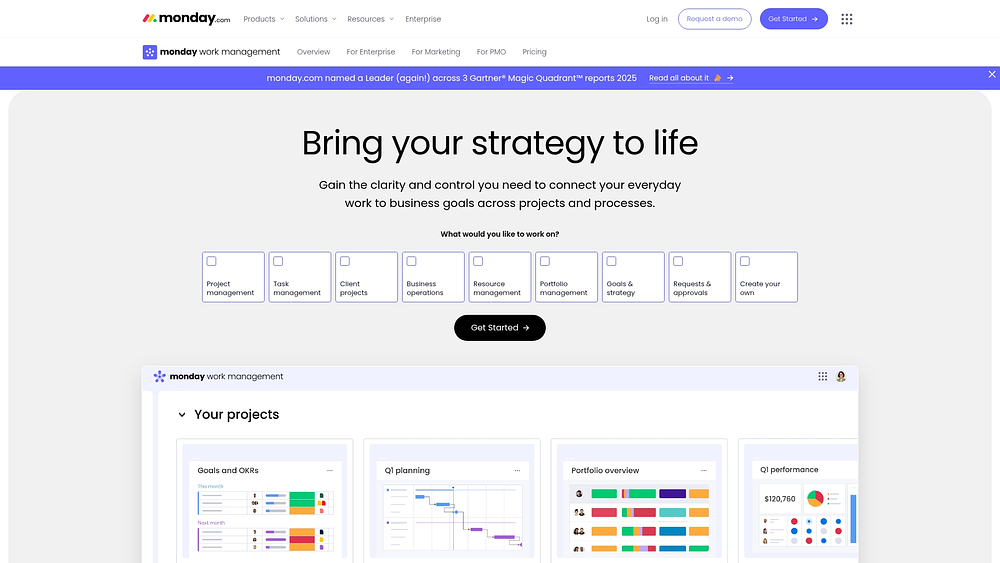
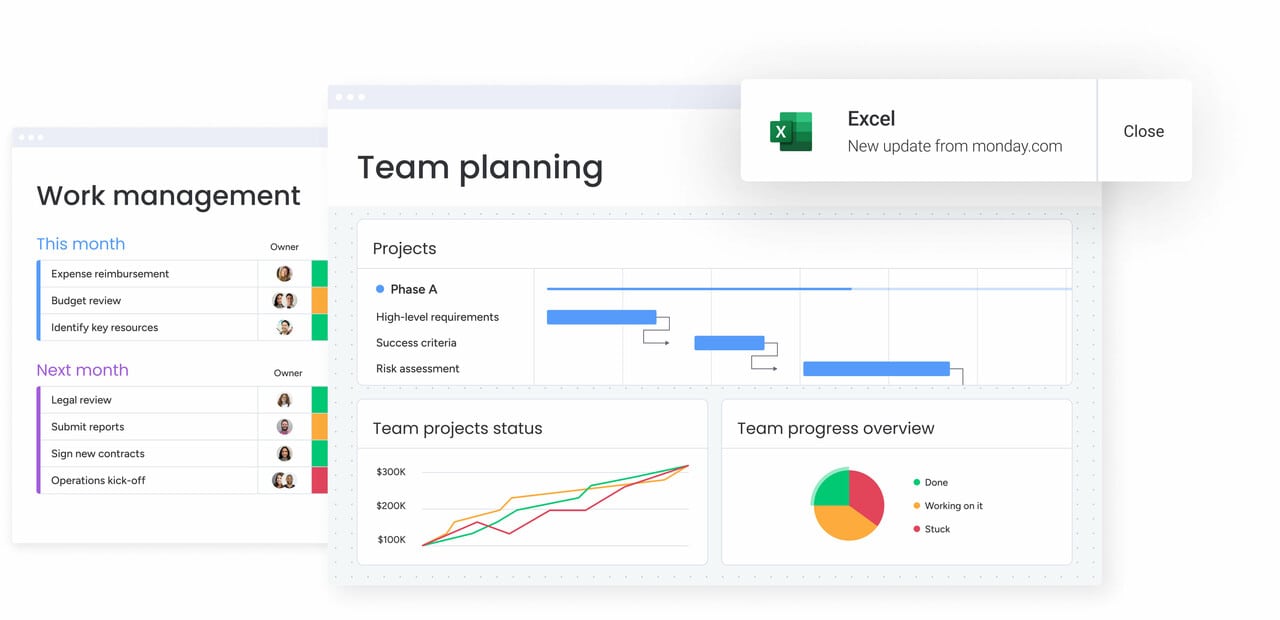
Modern marketing platforms like monday work management provide teams with a centralized space to run campaigns, create content, and manage requests, linking daily work directly to business objectives. Designed for marketing operations, it handles timelines, dependencies, approvals, and handoffs, ensuring launches stay on track. Leaders gain visibility into progress, risks, and team capacity, keeping marketing focused on high-impact initiatives.
Unlike standalone marketing solutions, monday work management unifies marketing with the broader organization. Creative teams, operations staff, and stakeholders operate from a shared playbook, reducing the need for repetitive status meetings and improving alignment across departments.
Use case:
From campaign planning and content calendars to creative requests and budget tracking, marketing teams use monday work management to handle the entire lifecycle within a platform that connects to company-wide goals.
Consider a global product launch: it begins with intake, progresses through creative production and approvals, and concludes with performance reporting across channels including email marketing campaigns. Teams can gather requests via Forms, plan in Calendar, Timeline, or Gantt views, track execution on Kanban boards, and keep leadership informed through dashboards.
Key features:
Before investing in a platform, it is crucial to understand the building blocks you will use daily. These are the monday work management capabilities marketing teams rely on to plan, produce, and deliver work with fewer gaps.
- Campaign management and content calendars: utilize Calendar, Timeline, and Gantt views to track dates, milestones, and dependencies across channels. Teams can map work from brief to launch and roll results into dashboards for visibility.
- Creative request workflows and approval processes: capture requests with Forms, route approvals via email automation, and keep feedback contextual with updates and monday work doc. Standardized forms ensure creative teams receive all necessary details upfront.
- Cross-departmental collaboration features: link marketing work to upstream priorities like Goals & OKRs, and coordinate handoffs through integrations with tools like Microsoft Teams, Slack, Outlook, Gmail, and Salesforce. Ownership of the next step in a multi-stakeholder campaign is always clear.
- Resource management views: the Workload View and Workload Widget allow for monitoring team bandwidth, ensuring high-priority launches are staffed correctly and deadlines remain realistic.
Pricing:
- Basic: $9/seat/month (billed annually).
- Standard: $12/seat/month (billed annually).
- Pro: $19/seat/month (billed annually).
- Enterprise: custom pricing (quote-only).
- Discounts: annual billing provides 18% discount.
- Trial: 14-day Pro trial available.
- AI credits: usage-based at $0.01 per credit beyond free allowances.
Why it stands out:
Marketing software should not require a compromise between team flexibility and leadership oversight. monday work management supports both by combining customizable workflows with portfolio-level visibility.
- Connected strategy and execution: align campaigns to Goals & OKRs, then aggregate progress and outcomes into dashboards for stakeholders. Instead of explaining how a campaign supports quarterly targets, you can simply show the link.
- Fast adoption and speed to value: designed for high adoption, the platform helps teams keep data current and reporting trustworthy. Independent research cited on monday.com notes a payback period of less than four months in a Forrester Total Economic ImpactTM study.
- Freedom to customize without losing consistency: use templates, automations, and governance-friendly permissions to standardize common processes, while allowing teams to adapt workflows as needs evolve.
Advanced AI features:
AI delivers the most value when embedded in the work itself, briefs, requests, updates, and status changes. The AI offering on monday.com integrates intelligence into monday work management through AI Blocks, Product Power-ups, and the Digital Workforce.
- AI Blocks for marketing workflows: deploy AI Blocks in columns and automations to Categorize, Summarize, Extract info from files, Translate, or Detect sentiment. For example, automatically categorize incoming requests by urgency, summarize feedback into action items, or extract details from a creative brief PDF.
- AI Automations and Autofill with AI (Pro and Enterprise): add AI actions via the Automation center or apply them directly from a column menu using “Autofill with AI.” The “Assign person” feature routes work based on expertise, keeping intake organized as volume increases.
- Digital Workforce (rolling out): digital Workers like Campaign Manager and Project Analyzer monitor performance and progress in real time, flagging bottlenecks and surfacing proactive insights.
Automations:
Marketing teams need fewer manual steps, not more meetings. Automations in monday work management convert repeatable processes into consistent, trackable workflows.
- Automations and templates: accelerate campaign launches with templated boards and automate routine steps like reminders, approvals, and handoffs.
- Approval and milestone support: combine automations with timeline-based planning to keep dependencies visible and stakeholder reviews on track.
- Cross-team notifications: link conversations in Slack or Microsoft Teams to the work itself, ensuring updates trigger action rather than getting lost.
Integrations:
A marketing platform is only effective if it fits into your trusted stack. monday work management supports this with extensive integration coverage and extensibility for specialized systems.
- 200+ integrations: connect to essential apps across communication, email, and file collaboration.
- Open API: develop tailored integrations for unique reporting, data flows, or internal systems.
- Everyday workflow integrations: includes Slack, Microsoft Teams, Outlook, Gmail, Google Drive, and Salesforce.
Marketing software features:
When evaluating marketing software, the critical question is whether it can run marketing operations, not just track work. monday work management supports the entire lifecycle from planning to performance.
- Unified campaign and content management: coordinate execution with calendars, timelines, and performance insights.
- Cross-functional marketing coordination: ensure launches align with other departments through connected workflows and shared visibility.
- Marketing performance visibility: track progress, workload, and outcomes via dashboards and reporting that executives can use for decision-making.
2. HubSpot
By embedding work management directly into its comprehensive customer platform, HubSpot reshapes marketing operations through integrated CRM marketing. It specializes in campaign orchestration and cross-functional collaboration, making it a strong choice for teams needing to coordinate complex initiatives while maintaining visibility into customer impact. Built on the inbound methodology, it links every marketing activity to measurable business outcomes.
Use case:
This platform is the natural choice for unifying campaign planning, execution, and measurement within an environment that already houses your customer data and marketing automation.
Key features:
- Marketing Studio: AI-assisted campaign planning with a visual collaboration canvas converting briefs into actionable plans across email, social, and SMS.
- Campaigns hub: a centralized workspace for task management, team coordination, and real-time ROI reporting built on CRM data.
- Collaboration sidebar: universal commenting, task creation, and approval workflows across all marketing assets and content.
Pricing:
- Free tier: basic features with limited functionality.
- Starter: $45/month (billed annually) with core marketing features.
- Professional: higher-tier pricing with advanced campaign collaboration and workflow limits.
- Enterprise: custom pricing with full approval governance and maximum automation capabilities.
- Discounts: annual billing discounts and nonprofit discounts up to 40% available.
- Additional costs: marketing contact tiers and onboarding fees may apply to paid plans.
Considerations:
- Campaign task management and calendar features are limited to Marketing Hub Pro and Enterprise tiers, restricting native work management capabilities for lower-tier users.
- Organizations requiring advanced project portfolio management features like Gantt charts, capacity planning, or time tracking often need to integrate with external work management platforms.
3. Salesforce Marketing Cloud
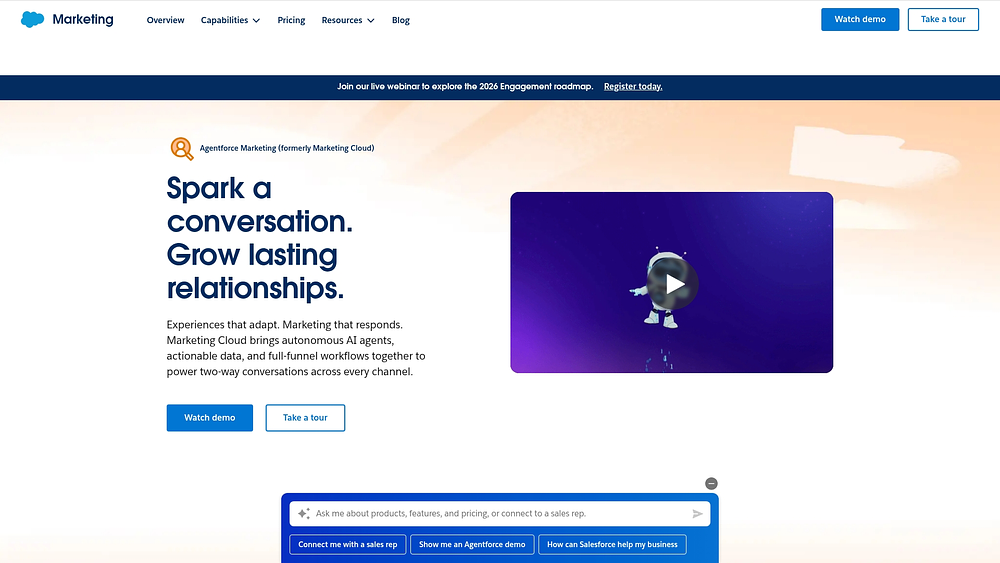
For large organizations navigating sophisticated multi-channel campaigns, Salesforce Marketing Cloud turns complex journeys into orchestrated experiences. By merging enterprise-grade data management with AI-powered automation, it serves as a robust solution for managing customer interactions at scale.
Use case:
Salesforce Marketing Cloud is particularly effective at unifying operations across departments through Slack-first collaboration, AI-assisted planning, and comprehensive approval workflows that bridge strategy and execution.
Key features:
- Journey Builder with AI assistance: Agentforce assists in planning campaigns, generating segments, and building multi-step customer journeys that adapt to real-time behavior.
- Enterprise governance and approvals: REST API-powered approval workflows with role-based permissions ensure brand compliance across distributed teams.
- Cross-department collaboration: Slack integration surfaces campaign insights and enables in-channel review of journey changes for faster decision-making.
Pricing:
- Growth edition: $1,500/organization/month.
- Advanced edition: $3,250/organization/month.
- Engagement pro+: $2,000/organization/month.
- Engagement corporate+: $5,500/organization/month.
- Engagement enterprise+: $30,000/organization/month.
- Additional costs: dedicated IP, extra contacts, and Premier Success plan (30% of net license fees) available as add-ons.
Considerations:
- Requires significant technical expertise and dedicated marketing operations teams to implement and manage effectively.
- High cost and steep learning curve make it suitable primarily for large enterprises with complex marketing needs.
4. ActiveCampaign
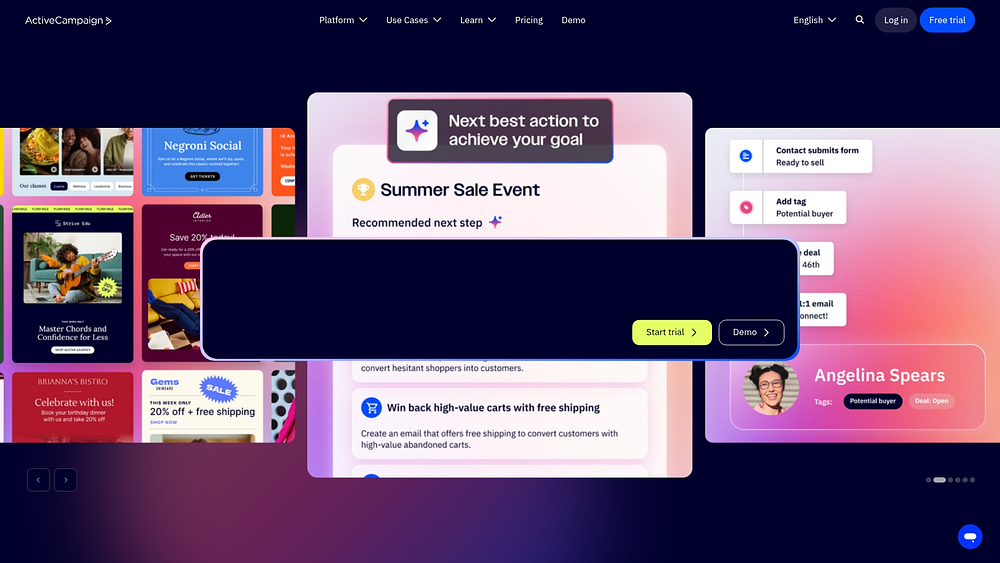
Mid-market organizations find a unified home for their data in ActiveCampaign, which pairs sophisticated automation with CRM capabilities for effective sales lead generation. The platform leverages behavioral triggers, machine learning insights, and sales pipeline management to coordinate marketing and sales activities seamlessly.
Use case:
This solution is ideal for businesses needing to bridge the gap between marketing campaigns and sales execution, offering automated workflows that span both functions.
Key features:
- Advanced automation workflows: multi-step nurture sequences with conditional logic and behavioral triggers automatically create tasks, assign deals, and route leads based on customer actions.
- Integrated CRM with predictive insights: win Probability scoring and lead prioritization powered by machine learning help sales teams focus on the most promising opportunities.
- Cross-channel coordination: a unified platform manages email, SMS, and transactional messaging alongside sales pipelines and task management.
Pricing:
- Starter: $29/month (billed annually).
- Plus: $79/month for 1,000 contacts.
- Professional: $79/month for 1,000 contacts.
- Enterprise: $145/month for 1,000 contacts.
- Additional costs: additional costs apply for SMS credits, extra user seats, and AI activities.
- Discounts: annual billing discounts and nonprofit pricing (20% off) available.
Considerations:
- Calendar sync is one-way only, meaning changes made in external calendars don’t update ActiveCampaign tasks.
- Win Probability features require 100-150 historically closed deals before providing reliable scoring, limiting immediate value for new pipelines.
5. Mailchimp
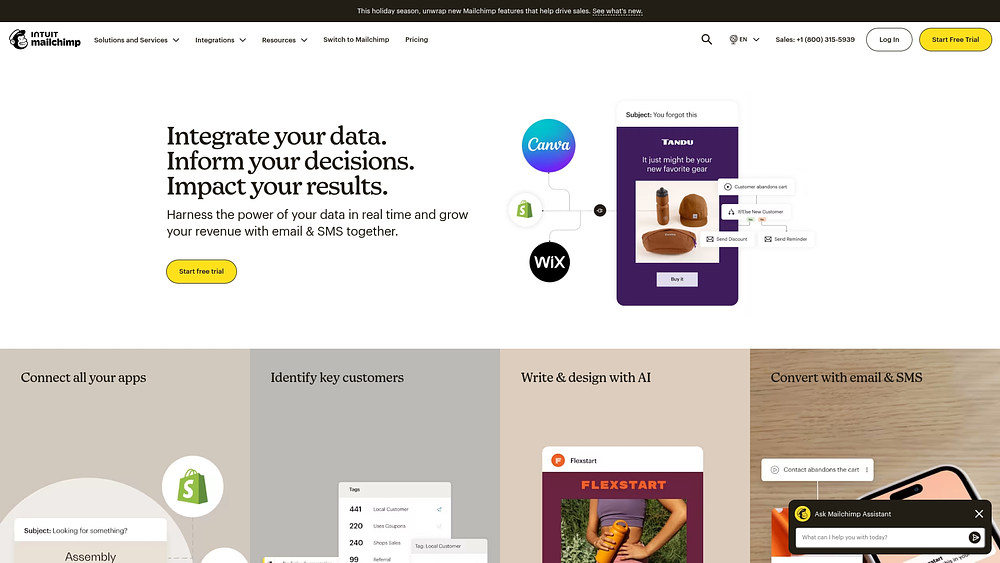
Moving beyond simple email blasts, Mailchimp offers comprehensive multi-channel orchestration for growing businesses with robust email marketing strategy capabilities. Through its Campaign Manager workspace, it facilitates unified marketing coordination, allowing small to mid-market teams to plan, execute, and track campaigns without juggling multiple tools.
Use case:
Mailchimp is particularly strong at coordinating marketing campaigns across email, SMS, and social channels while providing collaborative planning workspaces and automated workflow capabilities.
Key features:
- Campaign manager: an end-to-end planning workspace combining goals, touchpoints, scheduling, and team coordination in a single campaign-focused environment.
- Marketing calendar: a global calendar view visualizes all scheduled and completed marketing messages across channels with quick-edit capabilities.
- Real-time collaboration: native commenting, presence indicators, and threaded discussions exist directly within email drafts and campaign workflows.
Pricing:
- Free: basic email tools for up to 500 contacts with limited automation.
- Essentials: $13/month with three seats, A/B testing, and up to 4-step automation flows.
- Standard: $20/month with five seats, Campaign Manager access, and up to 200 automation flow steps.
- Premium: $350/month with unlimited users, advanced segmentation, and priority support.
- Pay-as-you-go: credit-based pricing for infrequent senders.
Considerations:
- Campaign Manager and advanced automation features are only available on Standard and Premium plans, restricting work management capabilities for budget-conscious teams.
- Collaboration features are limited to draft emails and don’t extend to plain-text messages or sent campaigns, potentially creating workflow gaps for teams managing diverse content types.
6. Adobe Marketo Engage
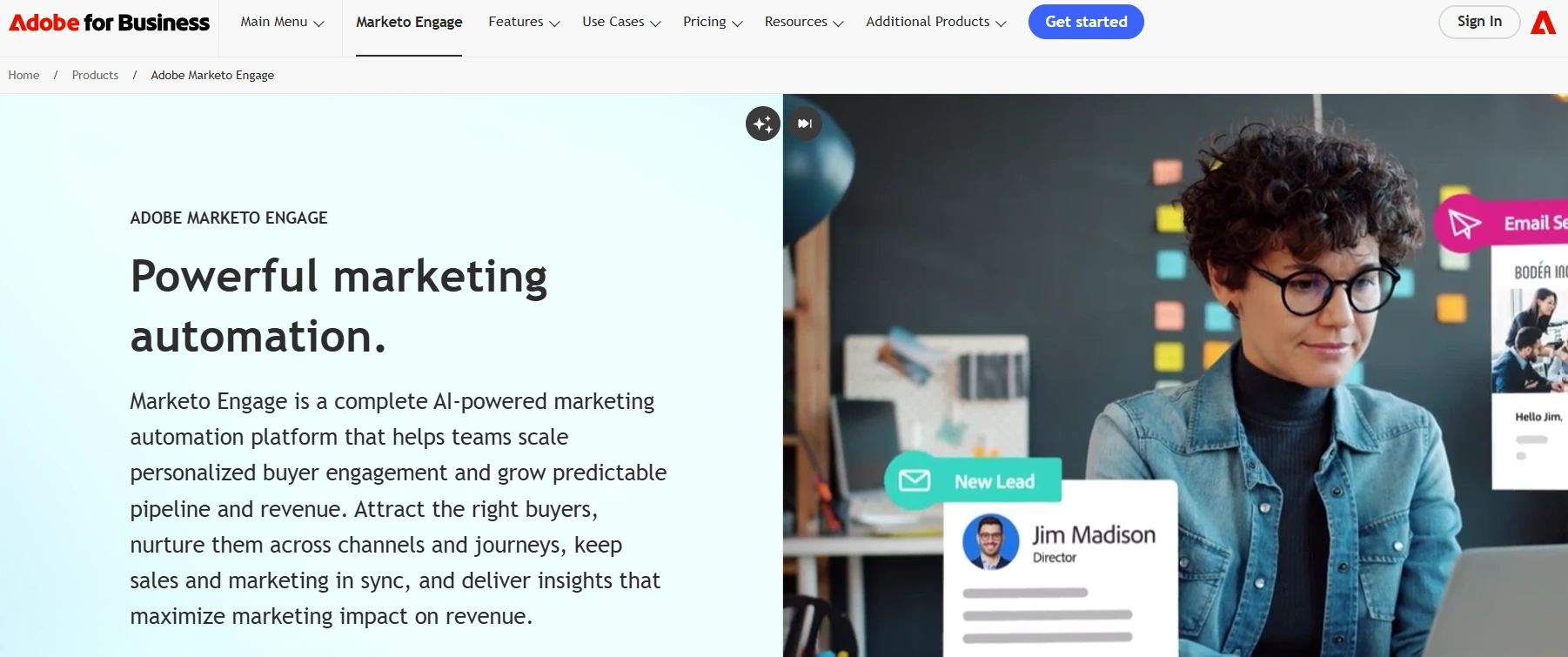
Through its integration with Adobe Workfront, Marketo Engage brings enterprise-grade work management to B2B automation. Targeting mid-to-large organizations with complex sales cycles, it offers prescriptive blueprints that seamlessly connect campaign planning to execution. This first-party integration distinguishes it from competitors relying on third-party connections.
Use case:
Marketo Engage is optimized for orchestrating complex B2B marketing campaigns from initial request through execution and measurement, featuring automated program creation and tokenized content delivery.
Key features:
- Automated intake-to-execution workflows: workfront request forms trigger automated Marketo program creation with pre-populated tokens, subject lines, and campaign assets.
- Enterprise resource planning: the Workload Balancer provides visibility into team capacity and projected work allocation across marketing initiatives.
- Integrated approval processes: built-in Workfront proofing and staged approvals streamline asset sign-off with proof visibility in user dashboards.
Pricing:
- Growth package: quote-based pricing with core email, segmentation, and automation features.
- Select package: quote-based pricing including essential automation and measurement capabilities.
- Prime package: quote-based pricing featuring ABM with journey analytics and AI personalization.
- Ultimate package: quote-based pricing with advanced automation and premium attribution tools.
- Add-ons available: dynamic Chat, Marketo Measure, Marketing Calendar, and Workspaces & Partitions may increase total cost.
- Workfront fusion: included with Ultimate; additional cost for Select/Prime packages.
Considerations:
- Realizing full work management value requires adopting both Marketo Engage and Adobe Workfront, potentially increasing implementation complexity and total cost of ownership.
- API call limits and user counts vary by package tier, which may constrain heavy integrations or larger teams without appropriate contract adjustments.
7. Brevo
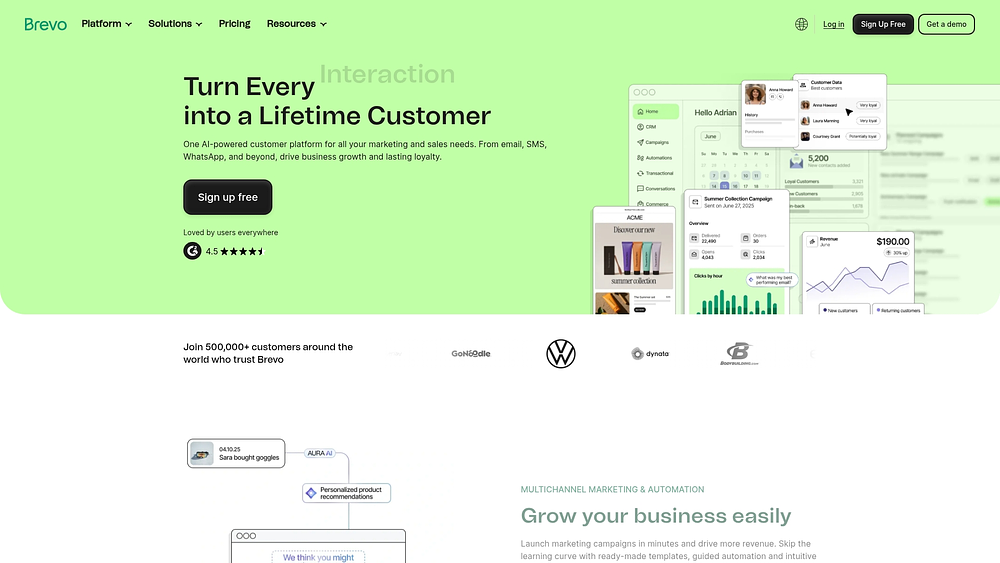
European businesses prioritizing GDPR compliance often turn to Brevo for its all-in-one approach. By unifying email campaigns, SMS marketing, and sales management in a single workspace, it offers comprehensive capabilities without the tool sprawl, all backed by transparent pricing.
Use case:
Brevo is well-suited for organizations needing integrated marketing automation and sales management with strong data privacy compliance, particularly those operating under European regulations.
Key features:
- Email and SMS marketing with automation workflows that trigger based on customer behavior and engagement patterns.
- CRM integration with customizable pipelines, task management, and deal tracking that connects marketing activities to sales outcomes.
- Multi-channel communication, including WhatsApp, push notifications, and in-browser video calls with meeting scheduling.
Pricing:
- Free: forever plan with 300 emails/day, one user, basic marketing automation, and core sales features.
- Starter: from $9/month with higher email volumes, forms, segmentation, and basic analytics.
- Standard: from $18/month with full marketing automation, A/B testing, and advanced reporting.
- Professional: from $499/month with ten users, advanced channels (WhatsApp, push), AI features, and analytics studio.
- Enterprise: custom pricing with unlimited users, data warehousing, SSO, and dedicated support.
- Sales packages available as add-ons: sales Essentials ($31/month) and Sales Advanced ($64/month).
- Annual billing: saves approximately 10% on marketing plans.
Considerations:
- Work management capabilities focus primarily on sales-related activities rather than comprehensive project management, limiting broader workflow applications.
- Advanced sales features like automation sequences and VoIP calling require additional Sales packages, which can increase total costs as teams scale.
8. Constant Contact
Small businesses looking to coordinate events and campaigns from a central hub find their solution in Constant Contact. Combining marketing automation with work management features, it allows teams to manage campaigns, events, and sales activities without switching contexts.
Use case:
This platform excels at unifying marketing operations and sales workflows for small businesses through its integrated campaign calendar, task management system, and event coordination capabilities.
Key features:
- Marketing campaign calendar with scheduling automation and personal calendar sync for streamlined campaign planning.
- Lead Gen & CRM with Task Manager dashboard, pipeline management, and automated follow-up workflows.
- Event management suite including registration, ticketing, payment processing, and attendee communication.
Pricing:
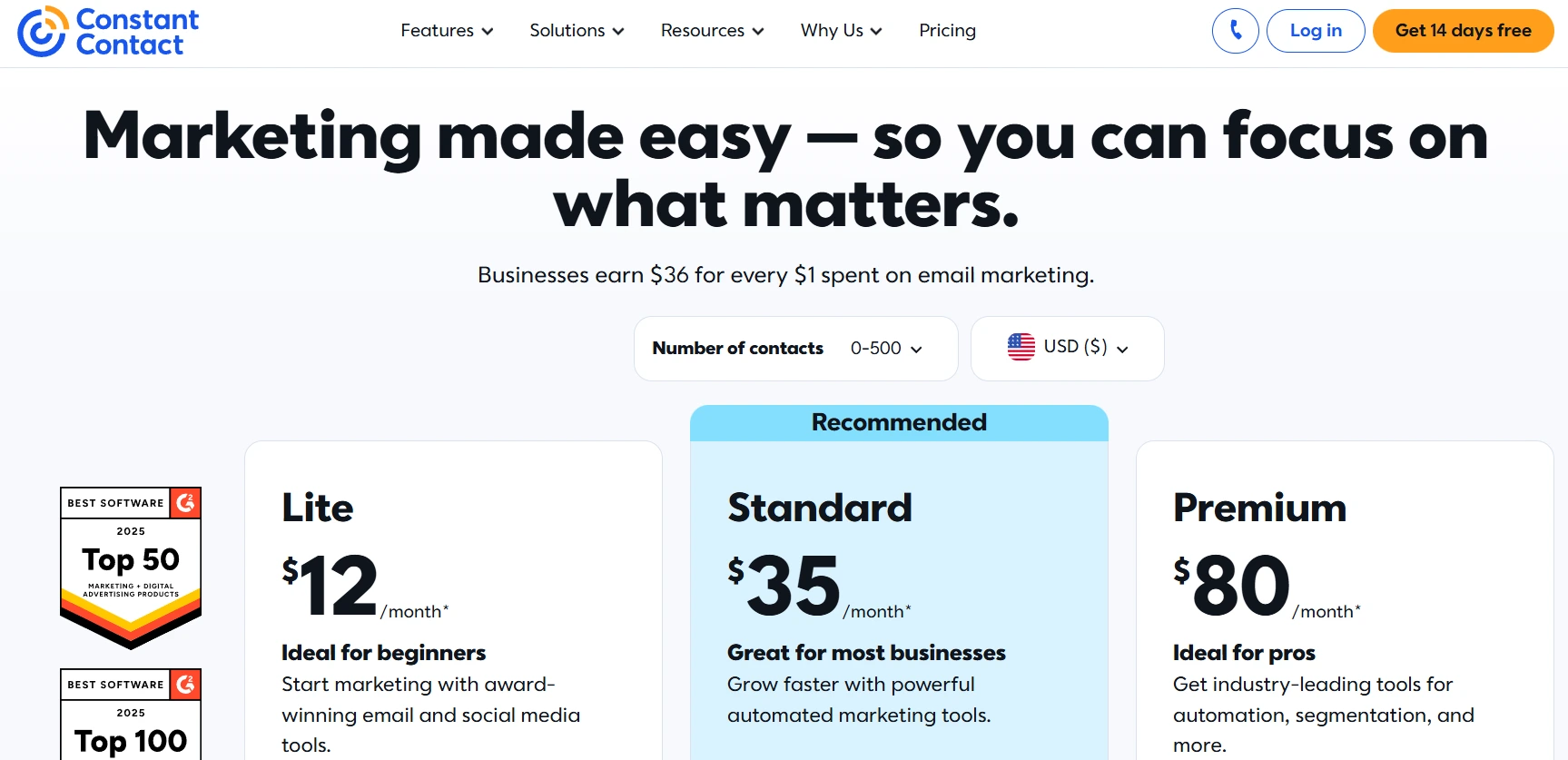
- Lite: $12/month (contact-based pricing).
- Standard: $35/month (contact-based pricing).
- Premium: $80/month (contact-based pricing).
- Lead Gen & CRM: custom pricing (demo required).
- Annual savings: annual prepay savings up to 15% available.
- Nonprofit discounts: nonprofit organizations receive up to 30% prepay savings.
Considerations:
- Work management capabilities focus primarily on marketing and sales workflows rather than general project management.
- Lead Gen & CRM pricing requires a demo consultation, which can slow evaluation for budget-conscious buyers.
9. GetResponse
Organizations blending educational content with digital campaigns rely on GetResponse to merge email sequences with webinar hosting. It specializes in combining automated email workflows with live and on-demand presentations, serving businesses that use content marketing and virtual events to drive engagement. With 25+ years in the market, it offers enterprise-grade deliverability alongside collaborative team management.

Use case:
GetResponse is ideal for marketing teams needing to coordinate email campaigns, webinars, and landing pages within a single platform while maintaining team collaboration and approval workflows.
Key features:
- Multi-step email automation with behavioral triggers and advanced segmentation capabilities.
- Integrated webinar hosting for live and on-demand presentations that connect directly to email workflows.
- Visual automation builder with multi-condition starts and cross-channel execution across email, web push, and landing pages.
Pricing:
- Free: up to 500 contacts and 2,500 messages/month.
- Starter: $19/month (1,000 contacts) with unlimited sends and AI content generators.
- Marketer: $59/month with unlimited automation workflows and ecommerce features.
- Creator: $69/month including webinars, website builder, and course creation.
- Enterprise (GetResponse MAX): custom pricing with SSO, dedicated IP, and unlimited users.
- Annual billing discount: 18% off plus additional 10% for completing onboarding checklist.
- Webinar add-on: $40–99/month for Starter/Marketer plans (availability varies by region).
Considerations:
- List-size-based pricing can become expensive for large databases, with $4 per additional 1,000 contacts above 100k.
- The interface feels dated compared to newer platforms, and some approval workflows reference legacy editors that may affect user experience.
10. EngageBay
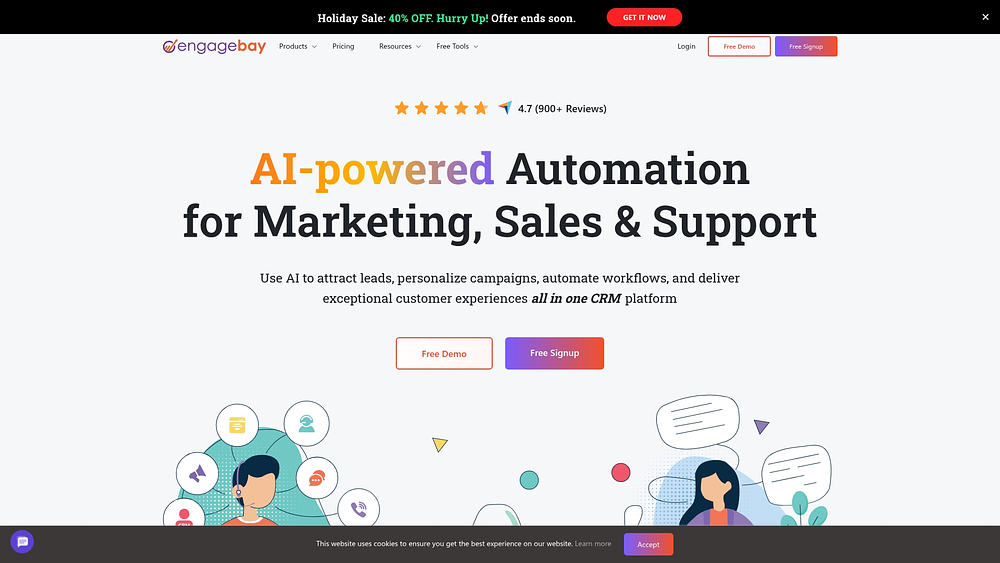
Designed specifically for small businesses wanting to avoid enterprise price tags, EngageBay offers an affordable all-in-one CRM and marketing suite. It combines contact management, email marketing, and helpdesk functionality with embedded work management capabilities, allowing teams to consolidate their tech stack.
Use case:
EngageBay works best for small businesses needing CRM-anchored work management with tasks, automations, and calendar scheduling tied directly to contacts, companies, and deals.
Key features:
- Task management with status boards: create configurable tasks with custom types and statuses that move across visual boards as work progresses.
- Cross-suite automation: build visual workflows that trigger on task changes, deal updates, and calendar events to connect marketing, sales, and service activities.
- Integrated calendar and scheduling: two-way sync with Google and Outlook calendars, plus automated appointment scheduling with custom domains and email reminders.
Pricing:
- Free plan: $0 (250 contacts, basic task management included).
- Basic plan: $14.99/user/month billed yearly (500 contacts).
- Growth plan: $64.99/user/month (5,000 contacts).
- Pro plan: $119.99/user/month (50,000 contacts, includes custom reporting, SSO, role management).
- Billing discounts: yearly billing offers 8% discount; biennial billing offers 15% discount.
- Onboarding & migration: free onboarding and migration included.
Considerations:
- Work management features are lighter than dedicated project management platforms, focusing more on CRM-centric tasks than advanced project constructs like Gantt charts or resource planning.
- Advanced capabilities like custom reporting, role management, and SSO are reserved for the Pro tier, which may require a significant pricing jump for teams needing those controls.
11. Insightly
Project-based businesses and agencies use Insightly to ensure customer relationships flow naturally into project delivery. By unifying CRM with project management and marketing automation, it eliminates the handoffs and data silos that typically plague service organizations.

Use case:
Insightly serves project-based businesses needing to convert sales opportunities directly into managed projects while maintaining visibility across customer relationships, delivery workflows, and marketing campaigns.
Key features:
- CRM-native project management with pipelines, milestones, and automated task creation through Activity Sets.
- AppConnect automation platform connecting 100+ tools like Jira, Asana, Microsoft Teams, and DocuSign.
- Unified data model across CRM, marketing, and service functions with embedded AI assistant (Copilot).
Pricing:
- CRM plus: $29/month per user (billed annually).
- CRM professional: $49/month per user (includes workflow automation and AI Copilot).
- CRM enterprise: $99/month per user (adds sandboxes, audit logging, and advanced features).
- Marketing plus: $99/month per account (includes 2,000 prospects).
- Marketing professional: $499/month per account.
- All-in-one bundles: starting at $349/month (includes CRM, Marketing, Service, and AppConnect).
- AppConnect: $249/month for 25,000 tasks with $3,000 technical setup fee.
Considerations:
- Projects can use either pipelines or milestones but not both simultaneously, limiting hybrid workflow approaches.
- Time tracking and approval processes require higher-tier plans, increasing costs for teams needing these capabilities at scale.
12. Bitrix24
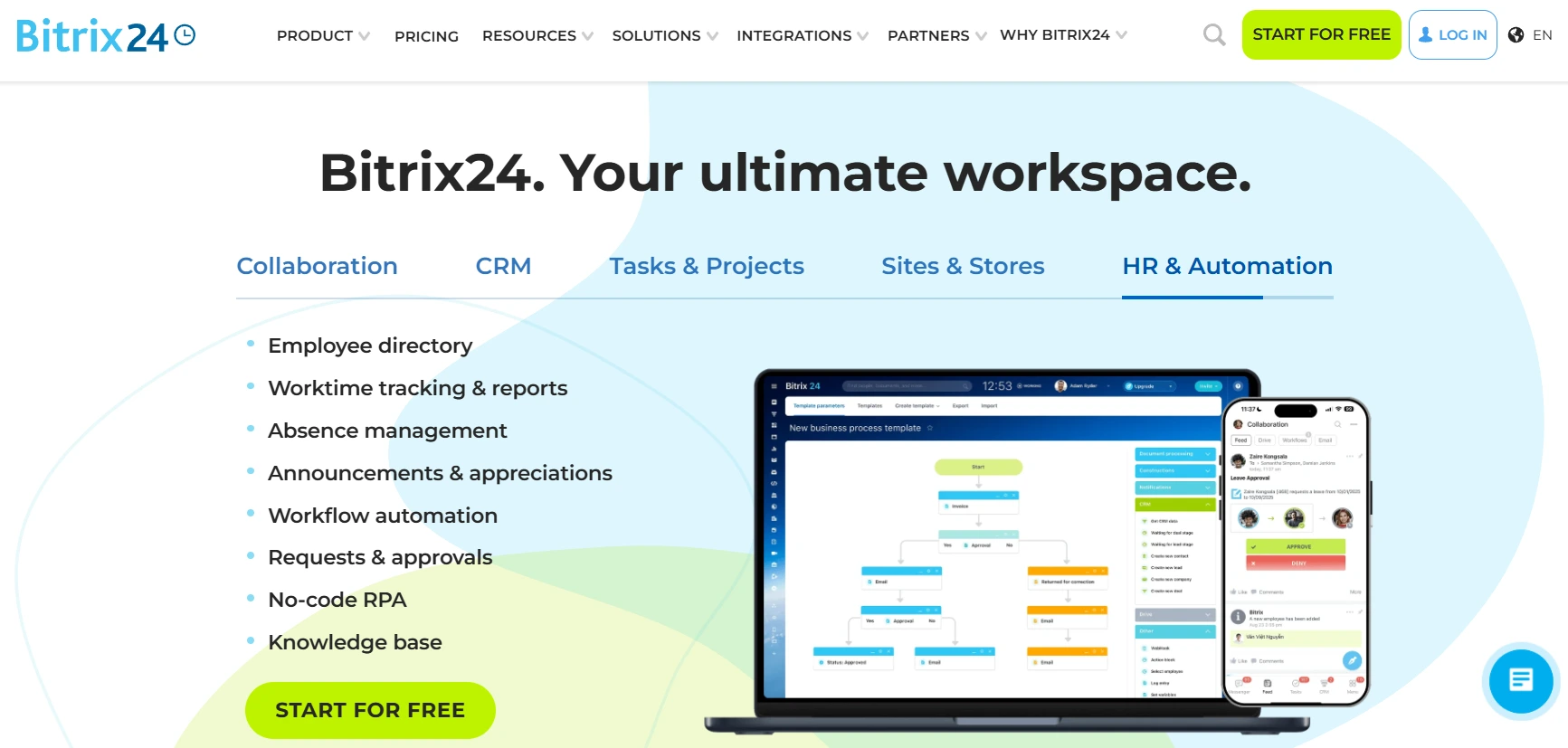
For organizations seeking unified operations without per-user fees, Bitrix24 consolidates CRM, collaboration, and project tools. Its flat organizational pricing model makes it attractive for mid-sized teams needing extensive functionality without escalating costs.
Use case:
Bitrix24 serves organizations wanting to consolidate their CRM, project management, communication, and collaboration needs into a single platform while maintaining predictable costs through flat organizational pricing.
Key features:
- Integrated workspace: combines tasks, projects, CRM, chat, video calls, and document sharing in one unified platform.
- Multiple project views: offers Kanban boards, Gantt charts, Scrum methodology, and workload visualization for flexible project management.
- AI-powered assistance: CoPilot feature generates task descriptions, creates checklists, and summarizes comment threads across tasks and communications.
Pricing:
- Free plan: unlimited users with 5 GB storage and core collaboration features.
- Basic plan: $61/month per organization ($46/month billed annually) for up to five users with 24 GB storage.
- Standard plan: $124/month ($87/month billed annually) for up to 50 users with 100 GB storage.
- Professional plan: $249/month ($175/month billed annually) for up to 100 users with 1,024 GB storage.
- Enterprise plan: fixed pricing from $499 to $9,999/month for 250 to 10,000 users.
- Annual savings: annual billing saves up to 35% on select plans.
- Additional costs: extra fees apply for telephony features and third-party marketplace apps.
Considerations:
- The interface can feel cluttered and overwhelming due to the breadth of features, creating a steep learning curve for new users.
- Support responsiveness varies significantly, with free-plan users relying primarily on self-help resources.
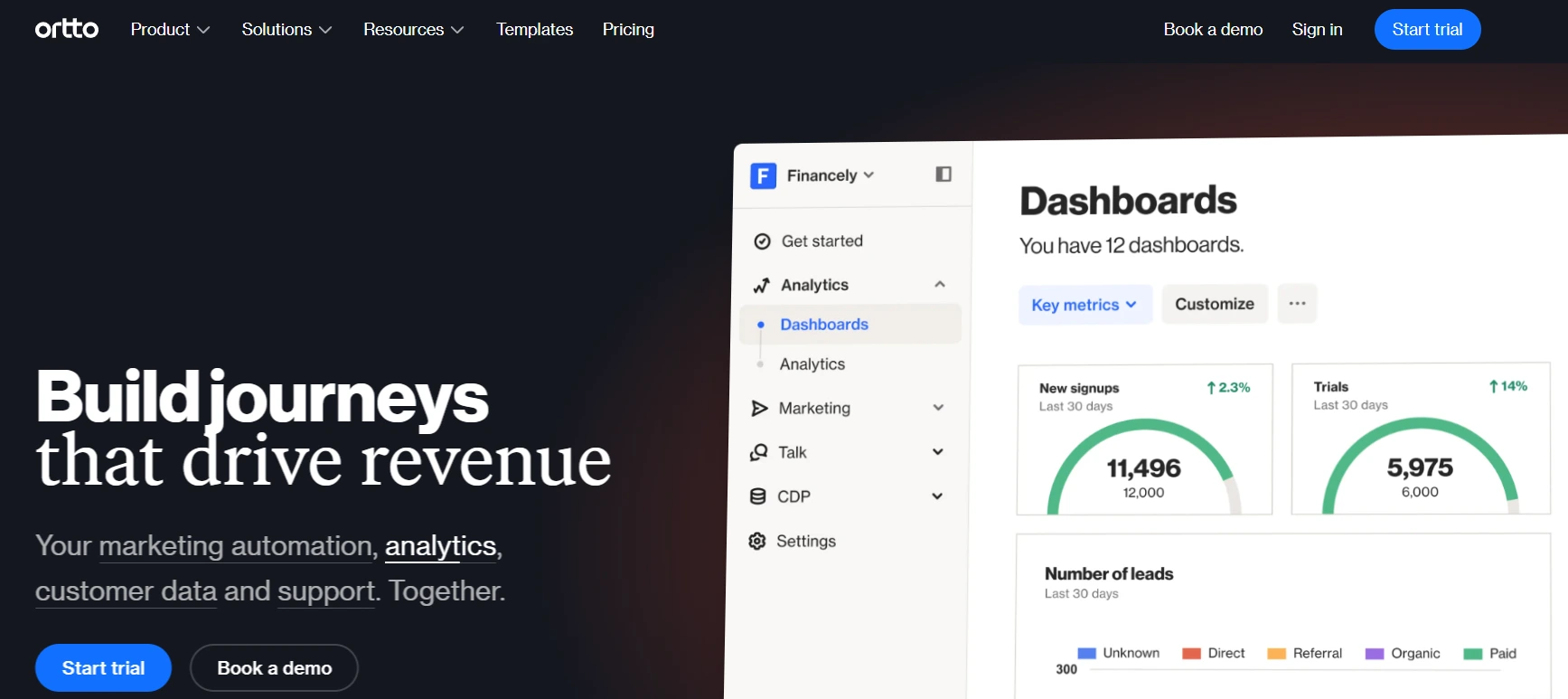
13. Ortto
Growth-oriented teams managing complex lifecycles use Ortto to fuse customer data, journey automation, and omnichannel conversations. By combining marketing automation with AI-powered support, it connects customer information and interactions in one workspace, making it ideal for organizations needing both marketing sophistication and support efficiency.
Use case:
Ortto excels for teams wanting to unify customer data across marketing campaigns and support interactions while leveraging AI to optimize both customer journeys and response times.
Key features:
- Customer data platform that unifies information from multiple sources into comprehensive customer profiles.
- Visual journey builder with automation workflows triggered by unified customer data and behavior patterns.
- AI-powered omnichannel inbox with knowledge base integration and suggested responses trained on your content.
Pricing:
- Starter: $199/month (or $169/month billed annually) for 5,000 contacts.
- Professional: $509/month for 10,000 contacts, includes Talk inbox and Knowledge Base.
- Business: $849/month for 10,000 contacts, adds mobile push and transactional messaging.
- Enterprise: custom pricing with dedicated support and advanced security features.
- Annual savings: annual billing provides approximately 15% savings across all tiers.
- Additional costs: email overages billed per 1,000 sends beyond plan limits.
Considerations:
- Talk inbox and Knowledge Base features require at least the Professional tier, limiting access for smaller teams on budget-conscious plans.
- There is a learning curve for advanced automation features and potential integration gaps compared to more established platforms in the market.
14. Nutshell
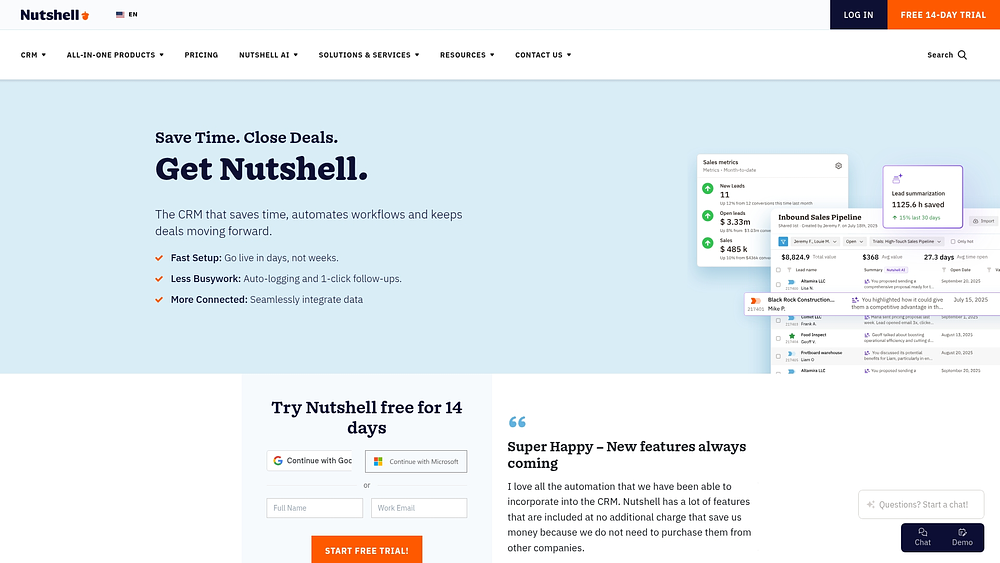
Nutshell guides teams through every stage of customer engagement by automating sales processes with built-in marketing tools. Specializing in pipeline automation and scheduling, it streamlines revenue operations for small businesses without adding complexity. All plans include unlimited contacts and data storage.
Use case:
Small businesses gain automated workflow guidance through features like stage goals, task lists, and lead distribution that systematically move prospects through sales pipelines while reducing manual administrative work.
Key features:
- Unlimited contacts and data storage included on all plans.
- Pipeline automation with stage goals to progress leads (Growth plan and up) and automated task lists with lead distribution to guide teams (Pro plan and up).
- Integrated meeting scheduler that connects to CRM records, with advanced options like round-robin booking available on higher-tier plans (Business plan and up).
- AI-powered meeting summarization and notetaker that automatically logs transcripts and summaries to contact timelines (Business plan and up).
Pricing:
- Foundation: $13/month (annual billing) with 100 active leads and a single pipeline.
- Growth: $25/month (annual billing) with stage goal automation.
- Pro: $42/month (annual billing) with automated task lists, multiple pipelines, and lead distribution.
- Business: $59/month (annual billing) with full scheduler features and unlimited AI notetaker.
- Enterprise: $79/month (annual billing) with advanced reporting and AI capabilities.
- Annual savings: annual billing saves 15% compared to monthly pricing.
- Add-ons: quotes and invoices ($67/month), Marketing Pro ($49/month), Nutshell IQ starting at $37/month.
Considerations:
- The Foundation plan limits teams to 100 active leads and a single pipeline, which may constrain higher-volume operations.
- Key automation features are gated across different plans: stage goals require the Growth plan, while automated task lists and multiple pipelines require the Pro plan.
- Full scheduler functionality and AI-powered tools like the meeting notetaker are only available on the Business plan or higher.
15. Moosend
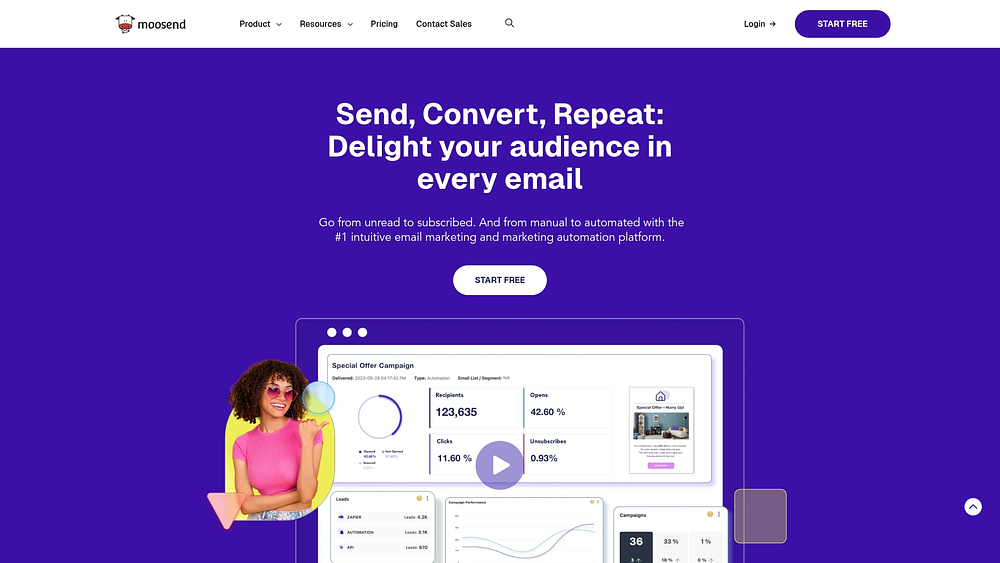
Online retailers and agencies focused on conversion find a strong ally in Moosend, which pairs deep ecommerce integration with automation. By combining AI-powered audience discovery with collaborative features, it supports marketing teams managing complex email workflows. Backed by Constant Contact, it serves over 100,000 customers with unlimited email sends.
Use case:
Moosend excels at ecommerce email automation, offering cart abandonment recovery, product recommendations, and behavioral triggers that help online retailers maximize customer lifetime value.
Key features:
- AI-powered automation: audience Discovery automatically segments contacts and generates targeted campaigns weekly, while AI Writer creates personalized email content.
- Ecommerce integration: native connections with major platforms trigger campaigns based on customer behavior, including browse abandonment and post-purchase sequences.
- Team collaboration: built-in commenting with mentions, version history, and role-based permissions streamline marketing production workflows.
Pricing:
- 30-day free trial: access to core features with limited contacts and assets.
- Pro: contact-based pricing starting around $9/month with unlimited email sends.
- Moosend+: custom pricing with add-ons like dedicated IPs, SSO/SAML, and extra team members.
- Enterprise: quote-only pricing includes SLA, priority support, and deliverability optimization.
- Credits: pay-as-you-go bundles from $350 for 350k credits to $1,000 for 1M credits.
- Annual discounts available: 15% bi-annual, 20% annual, plus 25% nonprofit discount.
Considerations:
- Limited to email marketing focus rather than comprehensive marketing operations, requiring additional platforms for broader campaign management.
- Team member seats are capped by plan (Trial: 2, Pro: 5, Enterprise: 10+), potentially constraining larger collaborative teams without upgrading to higher tiers.
How to choose marketing platform software that scales?
Choosing a marketing platform shapes how your team operates for years. The right solution fuels growth and efficiency, while the wrong one drains time, budget, and momentum. This decision affects how campaigns move, how teams collaborate, and how results are measured.
Scaling marketing is not just about handling more contacts. As your campaigns grow, you need stronger cross-team coordination, secure integrations, and clean data flow. Without that structure, complexity multiplies quickly.
When evaluating options, focus on architecture, customization, and integration depth. A platform should support how you already work while leaving room to evolve. The goal is alignment, not adjustment to rigid software.
Step 1: audit your current marketing tech stack
Begin by evaluating existing systems. Identify overlaps, gaps, and disconnects in workflows.
This process highlights unnecessary expenditures on redundant solutions and pinpoints where manual workarounds occur. Observing these workarounds reveals precisely what the new platform needs to handle.
Step 2: map cross-functional workflows
Marketing rarely works in isolation. Campaigns involve design, product, sales, and customer success, and each handoff introduces risk.
Map your core workflows from start to finish, especially where work changes hands:
- Lead handoffs: passing qualified leads to sales with full context.
- Product launches: coordinating marketing, sales, product, and success timelines.
- Content creation: managing requests, approvals, and distribution across creative teams.
When visibility is shared, handoffs feel seamless instead of chaotic. Context stays intact, and accountability improves.
Step 3: calculate total cost of ownership
Subscription fees only tell part of the story. Implementation, training, integrations, and lost productivity all contribute to the total cost.
Disconnected platforms quietly drain hours from your team. Switching tabs, reconciling data, and maintaining integrations add up fast. A true TCO analysis exposes the real financial impact.
Step 4: plan for phased implementation
Avoid launching everything at once. Instead, roll out in stages so teams can adapt and build confidence.
Start with one high-impact workflow that delivers quick wins. Then expand thoughtfully, applying lessons from each phase. Clear communication keeps adoption smooth and resistance low.
Modern platforms like monday work management support this gradual expansion. You can centralize workflows step by step without disrupting daily operations.
Marketing management software categories that drive results
Your choice should reflect how your organization operates and grows. Not every category solves the same problems.
Unified work management platforms
 These platforms connect every team involved in a campaign, from creative and finance to product and legal. Instead of isolating projects, they create one shared source of truth across departments.
With monday work management, you can centralize planning, execution, and reporting in one workspace. Leaders gain real-time visibility into resources and timelines, collaboration improves, and your tech stack becomes easier to manage.
Traditional marketing automation platforms
These platforms specialize in campaign execution. They handle email automation, lead nurturing, and analytics with precision.
If your needs are highly focused on segmentation and A/B testing, they perform well. However, once campaigns stretch across departments, separate project coordination platforms often become necessary.
Specialized point solutions
This approach lets you select best-in-class platforms for specific needs like SEO or social media. It offers deep functionality in narrow areas.
The trade-off is complexity. More platforms mean more integrations, more logins, and more administrative overhead. Over time, fragmentation can outweigh specialization.
Enterprise marketing suites
Large global organizations often require tightly controlled, highly governed marketing suites. These solutions emphasize compliance, multi-brand management, and enterprise security.
They provide scale and control but demand significant investment and administrative support. For agile teams, long implementation cycles can slow progress.
AI in marketing software beyond the hype
AI is now part of everyday marketing execution. Its real value lies in automating repetitive work and surfacing insights that improve decisions.
The most effective AI integrates directly into workflows. You should not need a data science team to benefit from it.
Within monday work management, AI capabilities are embedded into operations:
- Automate content organization: instantly tag and categorize assets.
- Generate summaries: turn campaign data or feedback into concise reports.
- Monitor workflows: digital Workers flag risks and track budgets automatically.
If AI saves time, improves performance, or uncovers insights you would otherwise miss, it earns its place. Otherwise, it is just noise.
7 steps to consolidate your marketing tools successfully
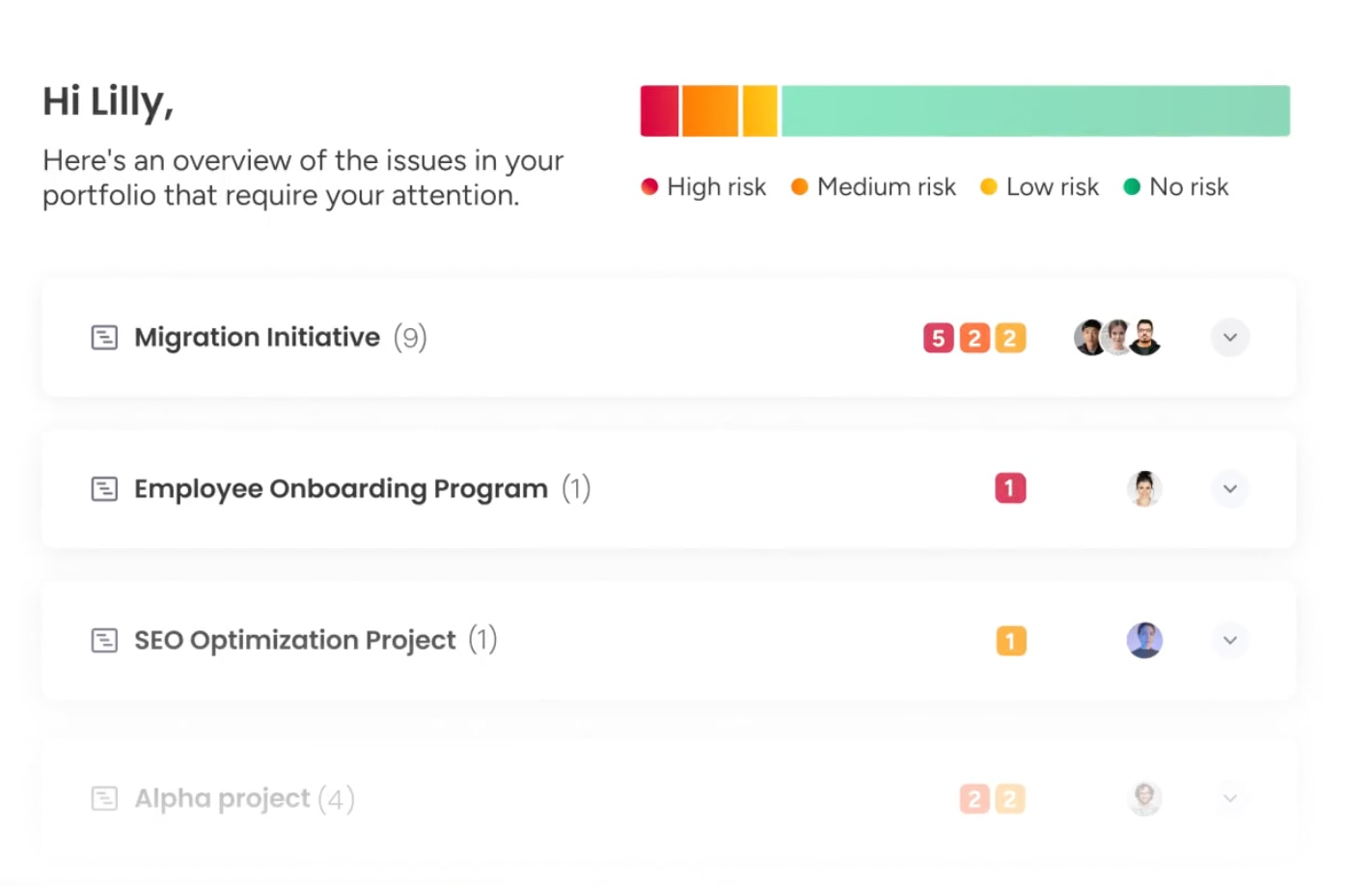
Marketing stacks often grow without intention. Over time, disconnected platforms create friction, slow campaigns, and inflate costs.
Consolidation brings focus. It replaces fragmentation with clarity and gives your team space to move faster.
Step 1: inventory your reality
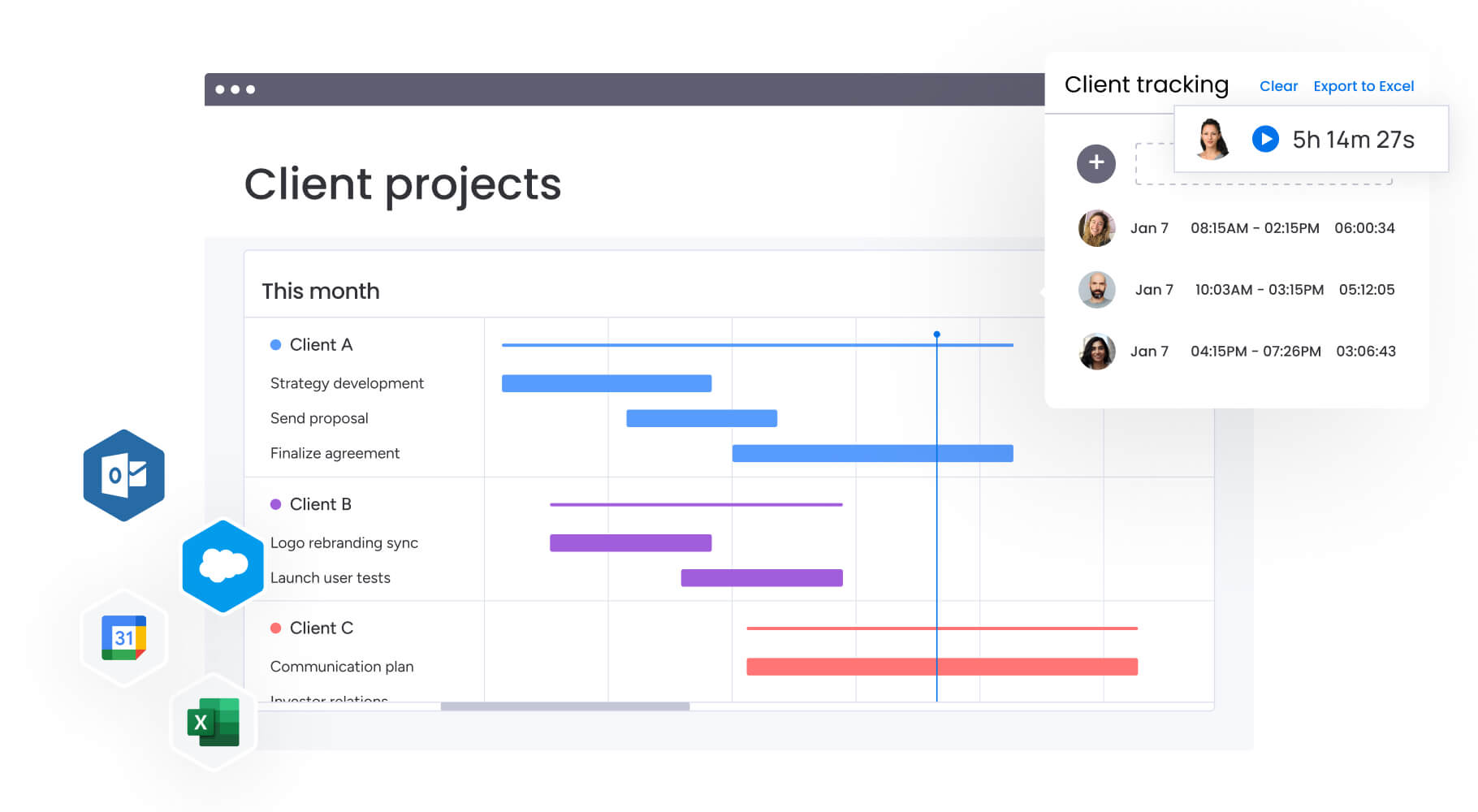
Audit every platform in use, including unofficial solutions powering small workflows. Then document:
- Costs and renewals: subscription fees and active users.
- Primary function: the core job it performs.
- Data stored: critical information inside it.
- Dependencies: workflows that rely on it.
This inventory becomes your roadmap.
Step 2: spot the overlap
Analyze the inventory to identify capability overlaps and gaps. This reveals opportunities for cost savings and workflow simplification.
- Redundancies: multiple project management platforms, email providers, or analytics systems tracking the same metrics.
- Gaps: manual workarounds such as content approvals in email chains or budget tracking in spreadsheets.
Step 3: decide: keep, kill, or scale
Assign each platform to one of three categories: keep, kill, or scale.
Retain what delivers unique value. Eliminate redundancy. Expand platforms with flexibility and adoption potential, such as monday work management, which can evolve into the central hub for marketing operations.
Step 4: migrate with purpose
Transition to new systems carefully to preserve critical history and active campaigns. Prioritize data by business impact, focusing first on active customer and campaign information.
Document what moves, where it will reside, and validation steps post-transfer. Archive less critical historical information to start with a clean workspace.
Step 5: map the connections
Even after consolidation, integrations matter. CRM, analytics, and campaign data must sync reliably.
Favor strong native integrations to reduce technical debt. Seamless data flow ensures trustworthy reporting.
Step 6: train for impact
Technology only works when people use it confidently. Provide role-specific training that shows practical improvements in daily work.
Designate internal champions and create feedback loops. When your team understands the why behind change, adoption accelerates.
Step 7: refine and evolve
Consolidation is not a one-time project. Review performance regularly and adjust workflows as your strategy evolves.
With monday work management, you can reconfigure processes quickly. That flexibility keeps your operations aligned with growth.
Why monday work management transforms marketing operations?
Many automation platforms handle execution well but struggle to connect strategy with delivery. monday work management bridges that gap by giving you one central place to run marketing.
Instead of layering another disconnected solution into your stack, you unify campaign planning, content calendars, and creative production. Visibility improves instantly, and silos begin to disappear.
| Capability | monday work management | Traditional marketing automation |
|---|---|---|
| Primary focus | Unified work management connecting marketing to organizational goals | Campaign execution and lead nurturing |
| Cross-departmental collaboration | Native workflows connecting marketing, sales, product, and other teams | Focuses on marketing-sales handoffs via CRM integration |
| Workflow customization | Fully customizable to any marketing methodology or process | Predefined workflows with limited customization |
| Project management | Enterprise-grade project management built into the platform | Basic task management requires separate platforms |
| Strategic visibility | Direct connection between campaigns and organizational goals | Marketing-focused dashboards with limited strategic context |
| AI capabilities | AI Blocks and Digital Workers automating workflows and providing insights | Campaign optimization and lead scoring AI |
| Implementation approach | Phased rollout starting with high-impact workflows | Full platform implementation required |
Connect marketing to organizational goals
Tie campaigns directly to company OKRs. Leadership gains clear insight into performance, resource allocation, and strategic alignment.
Scale with AI-powered workflows
AI manages repetitive work like tagging assets and summarizing metrics. Digital Workers monitor progress and surface risks so your team can focus on strategy.
Unite teams with customizable processes
Whether you run agile sprints or waterfall launches, workflows adapt to your methodology. As priorities shift, your platform evolves with you.
Building a marketing engine that grows with you
Marketing teams face fragmented workflows, scattered platforms, and limited visibility into impact. When operations are centralized, those barriers shrink.
Key advantages include:
- Unified workflows: campaigns, content, and creative requests live in one place.
- AI automation: repetitive tasks are handled automatically.
- Cross-team alignment: sales, product, and marketing stay connected.
- Flexible processes: workflows adapt as strategies change.
- Strategic visibility: every campaign ties back to organizational goals.
By consolidating onto a single platform, you reduce friction, strengthen alignment, and create a marketing operation built to scale.
Try monday work managementFrequently asked questions
How long does marketing software implementation really take?
The time it takes for marketing software implementation to be completed varies from a few days for simple platforms to 3–6 months for complex systems. With a flexible work management platform, teams often see initial value in just 4–8 weeks.
What's the difference between marketing automation and work management?
Marketing automation is specialized for executing campaigns, while work management platforms connect marketing projects and cross-functional collaboration to broader business goals. This creates a single source of truth for all work.
Can marketing software help reduce tool sprawl?
Yes, a comprehensive platform consolidates capabilities like project management, content calendars, and creative requests into one system. Teams using monday work management often replace 5–7 separate applications, creating a unified workspace.
How do I calculate ROI for marketing software?
To calculate marketing software ROI, measure direct cost savings from retired applications alongside productivity gains from automation and faster execution. Most organizations see a return within 6–12 months.
Which marketing software integrates best with existing systems?
The best software offers strong native integrations with your core systems (like CRM and analytics) and a robust API for custom connections. A platform like monday work management provides both, ensuring it fits seamlessly into your tech stack.
What security features should marketing software include?
Your software must include enterprise-grade security like data encryption, role-based access controls, and key compliance certifications (SOC 2, GDPR). This ensures both your organizational and customer data remain protected.

 Get started