


Your marketing team just launched three campaigns simultaneously. Email sequences are firing, social posts are going live, and your product launch event is next week. But somewhere between the chaos, you realize two campaigns are targeting the same audience segment, your content team is scrambling to meet deadlines they didn’t know existed, and nobody’s quite sure if the budget can handle everything that’s been approved.
This scenario plays out in marketing departments everywhere. Without a centralized marketing calendar, even well-intentioned teams end up with scattered efforts, resource conflicts, and missed opportunities. A marketing calendar transforms this reactive approach into strategic coordination. It’s the planning framework that organizes campaigns, content, and promotional activities across specific timeframes while connecting marketing execution to business objectives.
In this guide, you’ll learn exactly how to build a marketing calendar that moves the needle. We’ll break down eight proven steps for creating your calendar, help you pick a format that fits how your team works, and show you what to look for in software that scales as you grow.
Key takeaways
- Plan marketing proactively, not reactively: a centralized marketing calendar replaces last-minute firefighting with intentional planning aligned to business priorities.
- Match calendar structure to how your team works: visual calendars support deadlines, Kanban boards enable agile workflows, and Gantt charts manage complex campaign dependencies.
- Eliminate resource conflicts before they impact results: mapping campaigns, budgets, and ownership in one place prevents overlapping audiences, overloaded teams, and missed deadlines.
- Turn your calendar into a performance system: connect campaigns to KPIs, budgets, and review cycles so planning, execution, and optimization happen in one loop.
- Coordinate teams and timelines with monday work management: manage campaigns, approvals, workloads, and dependencies in a single workspace with real-time visibility and automation.
What is a marketing calendar?

A marketing calendar is a strategic planning document that organizes all marketing activities, campaigns, and content across specific timeframes.
It serves as the centralized workspace for coordinating marketing efforts, tracking deadlines, and ensuring consistent messaging across channels. Unlike simple scheduling platforms, a marketing calendar integrates campaign planning with budget allocation, resource management, and performance tracking to give teams complete visibility into how marketing efforts align with business objectives.
Your calendar needs to do double duty — it’s where you plan what’s coming and track what’s happening right now. It should handle the big stuff like campaign launches and product releases, while also keeping tabs on every blog post, social update, and promo you’re running.
A well-built marketing calendar does something simple but powerful: it transforms your team’s approach from reactive to strategic, ensuring coordinated execution that delivers on your business goals.
Marketing calendar vs content calendar
Content calendars focus exclusively on content creation and publishing schedules, tracking blog posts, social media updates, and editorial themes. Marketing calendars, on the other hand, encompass broader strategic activities including campaigns, events, product launches, budget allocation, and cross-channel coordination.
The content calendar should also feed into the marketing calendar as one component of the overall marketing strategy. The differences are outlined here:
Aspect Marketing calendar Content calendar
Scope All marketing activities, campaigns, events, and budget planning Content creation and publishing schedules only
Purpose Strategic coordination across all marketing functions Editorial planning and content production workflow
Timeline Quarterly to annual strategic planning with daily execution Weekly to monthly content scheduling
Stakeholders Marketing leadership, campaign managers, budget owners, cross-functional teams Content creators, editors, social media managers
Marketing calendar vs campaign calendar
Campaign calendars track individual campaign elements and timelines, focusing on the tactical execution of a single initiative with its specific deliverables, milestones, and team assignments. Conversely. marketing calendars provide the overarching view of all marketing activities, showing how multiple campaigns interact, compete for resources, and support broader business goals.
Campaign calendars also feed into the marketing calendar structure, with each campaign represented as a distinct initiative within the larger strategic framework.
Marketing calendar vs editorial calendar
Editorial calendars focus on content themes, topics, and publishing schedules, primarily serving content teams who need to plan article production and maintain consistent publishing cadence. Marketing calendars integrate content planning with promotional activities, paid advertising schedules, event coordination, and budget considerations.
The editorial calendar becomes one layer within the marketing calendar, ensuring content production supports campaign objectives and promotional timing.
8 steps to build a results-driven marketing calendar
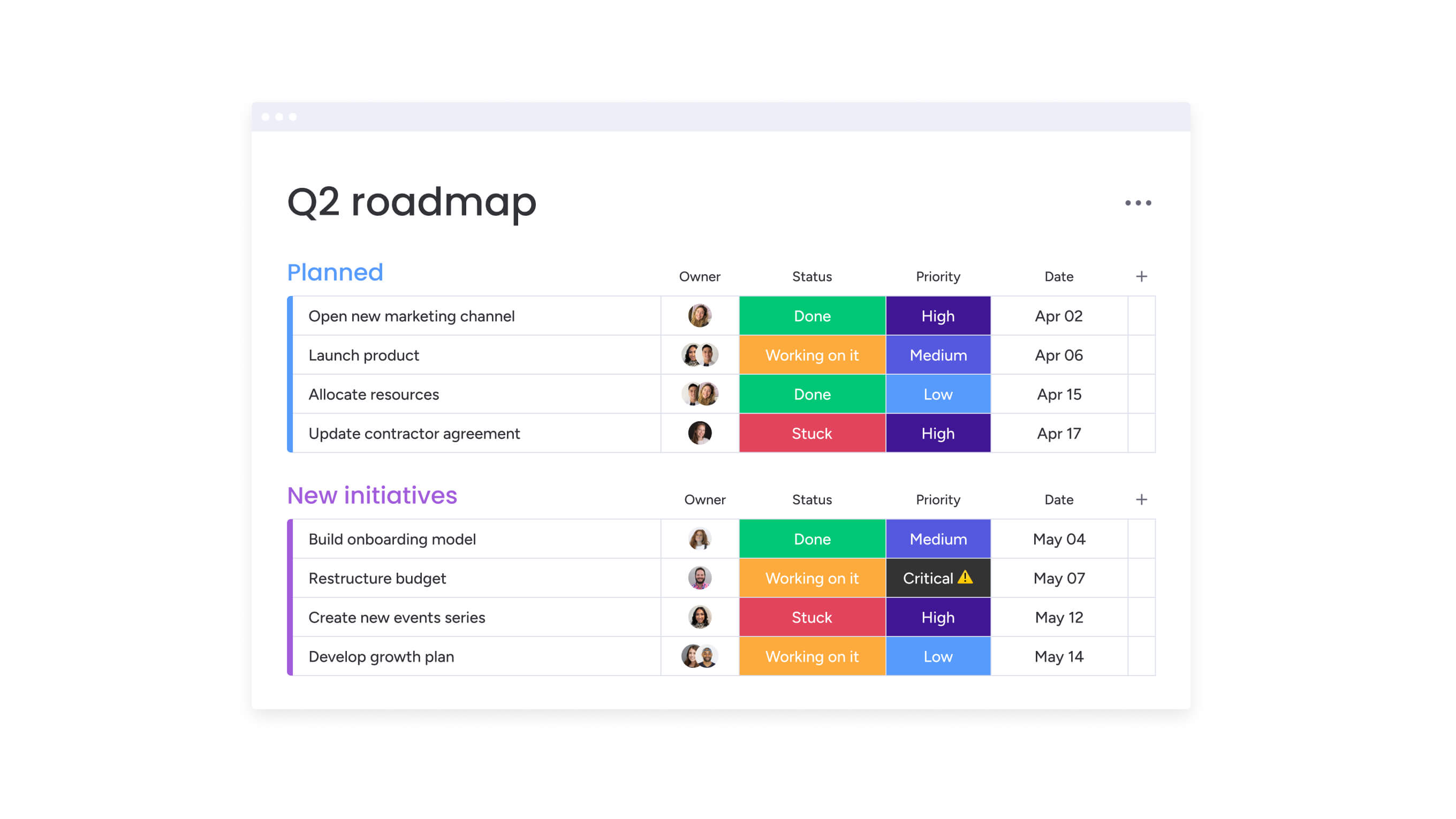
Building your marketing calendar isn’t a one-and-done task — it takes methodical planning. When done right, you’ll ensure full campaign coverage, align resource allocation from the start, and create a framework for continuous improvement.
Teams that follow a methodical implementation process (like we outline below) achieve faster adoption, stronger strategic alignment, and more consistent campaign delivery.
Step 1: define your marketing goals and KPIs
Your marketing goals should tie directly to what the business needs to achieve, then break down into KPIs you can actually measure — these will guide every decision you make in your calendar.
Teams establish metrics for lead generation, brand awareness, and revenue impact, as only three% of CMOs can show marketing ROI on more than 50% of their marketing spend. These metrics determine which campaigns receive priority, how resources get allocated, and which activities deserve calendar space.
Key metrics to track include:
- Lead generation: monthly qualified leads, conversion rates by channel.
- Brand awareness: website traffic, social media reach, share of voice.
- Revenue impact: pipeline contribution, customer acquisition cost, marketing-influenced revenue.
By leveraging a modern solution like monday work management, you to connect individual calendar items to strategic objectives through goal tracking capabilities. The platform automatically aggregates performance data across campaigns, showing which initiatives drive the most impact toward defined goals.
Step 2: audit your current marketing activities
Take a hard look at your current campaigns, content, and promotions. Figure out what’s crushing it, what’s falling flat, and where you’re missing opportunities completely. The audit documents resource allocation across different campaign types, identifies which channels receive the most investment, and reveals whether team capacity matches strategic priorities.
This assessment uncovers redundant efforts, underutilized channels, and opportunities to reallocate resources toward higher-performing initiatives. The audit process examines:
- Campaign performance data: ROI metrics, engagement rates, conversion statistics.
- Team workload distribution: resource allocation across team members and departments.
- Budget utilization: spending patterns and cost-effectiveness analysis.
- Strategic alignment: how current activities support business objectives.
Step 3: choose your calendar format and platforms
Different organizational approaches support different working styles and team needs. Visual calendar formats emphasize chronological planning and deadline management, while Kanban approaches accommodate agile marketing teams who prioritize flexibility and iterative execution.
The format choice impacts team adoption rates for your marketing calendar. Teams are more likely to maintain calendars that match their natural workflow preferences. Platforms like monday work management accommodate multiple viewing preferences within a single system, allowing campaign managers to work in Gantt chart views while content creators use Kanban boards.
Step 4: map out key dates and campaigns
Start with the dates you can’t move — product launches, major trade shows, seasonal campaigns, and recurring programs. These anchor points form the backbone of your entire calendar. This mapping reveals natural campaign clusters, potential resource conflicts, and opportunities to coordinate related initiatives for greater impact.
Campaign hierarchies establish relationships between major initiatives and supporting activities. A product launch campaign might include:
- Pre-launch awareness building: content marketing, social media teasers, influencer outreach.
- Launch day promotions: press releases, email campaigns, paid advertising.
- Post-launch nurture sequences: customer onboarding, feedback collection, case study development.
- Ongoing adoption campaigns: feature education, user community building, retention programs.
Step 5: assign resources and responsibilities
Ownership prevents confusion about who’s responsible for campaign execution, content creation, design work, and performance tracking. Teams allocate specific team members to each calendar item, assign budget amounts to campaigns, and identify when external resources need to be engaged.
This step gives you the foresight to identify potential resource constraints, allowing you to balance workloads and ensure every campaign is adequately supported. Workload management capabilities on monday work management visualize how assignments distribute across team members, highlighting imbalances that could lead to burnout or missed deadlines.
Step 6: set up tracking and measurement systems
Continuously track campaign performance after launch. Set up systems to track how campaigns perform, whether deadlines are being hit, and where the budget is going. Schedule regular check-ins where the team can honestly assess if campaigns are delivering what you expected.
The tracking system connects calendar activities to business outcomes, demonstrating how marketing execution drives measurable impact. Teams monitor:
- Leading indicators: email open rates, social media engagement, website traffic.
- Lagging indicators: lead generation, conversion rates, revenue attribution.
Step 7: create templates for recurring campaigns
Standardized processes for repeatable activities ensure consistency and reduce planning overhead. Templates capture the full scope of recurring campaigns including timeline structures, required deliverables, team assignments, approval workflows, and success metrics.
Template-based approaches maintain quality standards across campaign executions while accelerating planning cycles. New team members can execute established campaign types by following proven templates. Templates also preserve institutional knowledge about what works.
Step 8: implement review and optimization cycles
Your calendar needs to breathe and evolve. Review execution quality and deadlines weekly to stay on track. Once a month, dig into the performance data to see which campaigns are actually moving the needle. Quarterly, take a step back and adjust your strategy based on what you’ve learned.
Quarterly planning cycles incorporate performance insights into strategic decisions about campaign priorities, budget allocation, and team structure. Teams analyze which initiatives drove the most business impact and how market changes should influence future calendar planning.
Try monday work managementEssential components every marketing calendar needs
Successful marketing calendars share common structural elements that ensure comprehensive planning and execution. These components work together to provide complete visibility into marketing operations while supporting effective coordination across teams and channels:
- Campaign details and descriptions: each entry captures objectives, target audience segments, key messages, and success metrics that define what each initiative aims to accomplish.
- Channel distribution planning: mapping content and campaigns across different marketing channels ensures coordinated messaging and prevents channel conflicts.
- Budget allocation and tracking: financial planning integrates directly into calendar structure, with each campaign showing allocated budget, actual spending, and remaining funds.
- Team assignments and workload: responsibility assignment specifies who owns each calendar item and who contributes to execution.
- Key dates and deadlines: realistic timelines account for dependencies between activities, approval processes, and potential delays.
- Performance metrics and KPIs: measurement frameworks integrate directly into calendar planning, with each campaign specifying which metrics will determine success.
- Approval workflows: review and approval processes build into calendar timelines, specifying who needs to approve each deliverable.
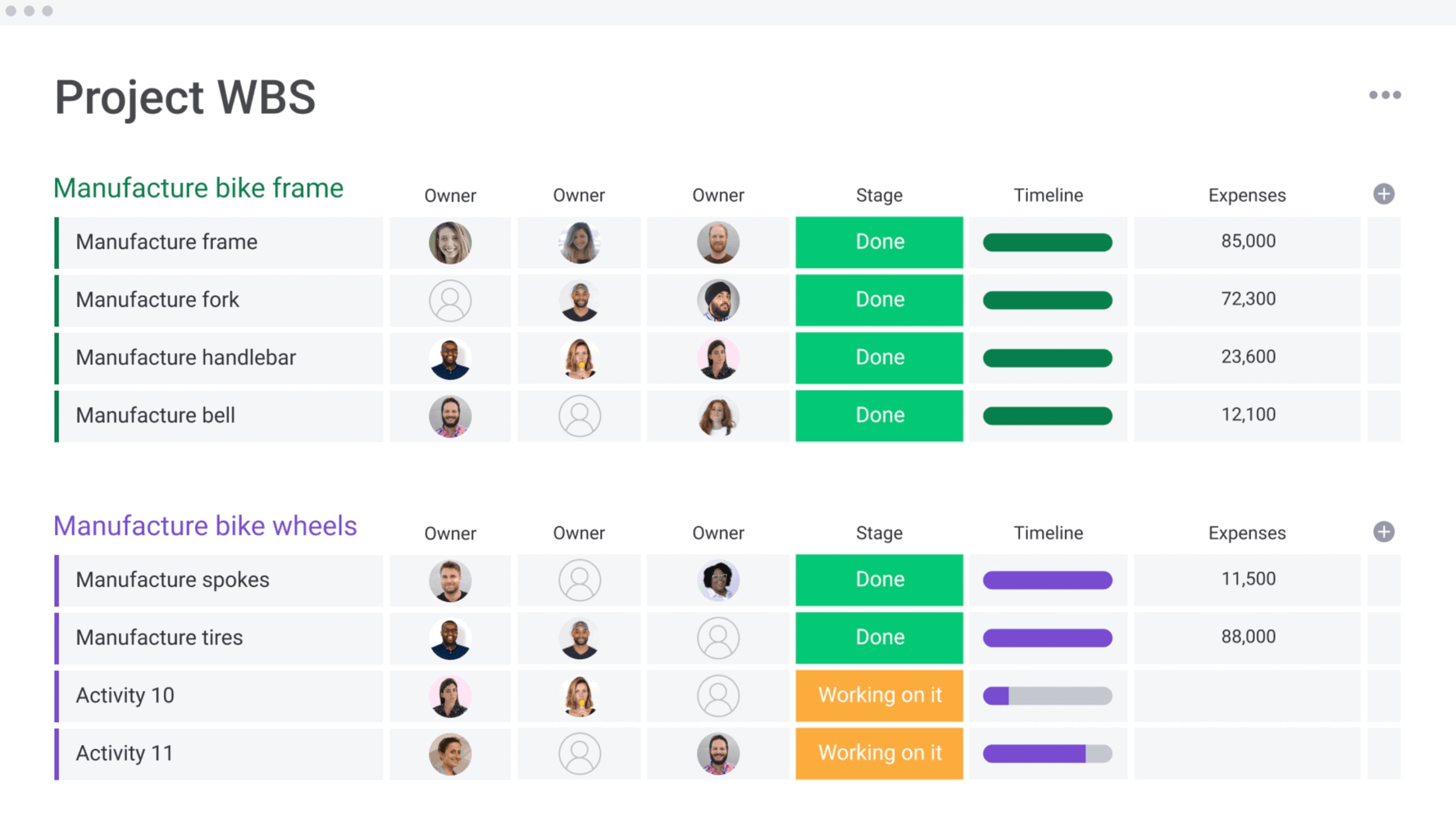
5 types of marketing calendars to match your workflow
Not all teams work the same way, so your calendar format should match how your people actually operate. Consider who’s using it, what they need to see first, and how they prefer to organize their work before choosing your approach.
Keep in mind that teams often benefit from multiple format options that serve different purposes within the same calendar system.
Calendar type Best for Key features Ideal team structure
Visual calendar Timeline planning Chronological layout, deadline visibility Deadline-driven teams
Kanban boards Agile workflows Stage-based progression, flexible priorities Iterative marketing teams
Gantt charts Complex dependencies Project timelines, resource allocation Multi-phase campaigns
List view Task management Sortable data, individual responsibilities Task-focused teams
Dashboard view Executive oversight High-level metrics, performance summaries Leadership and stakeholders
Visual calendar view for timeline planning
Traditional calendar layouts emphasize chronological organization, showing campaigns and activities plotted across days, weeks, and months. This format excels for deadline-driven teams who need to see exactly when campaigns launch and how activities cluster during specific periods.
Kanban boards for Agile marketing teams
Kanban-style organization supports iterative marketing approaches where campaigns move through workflow stages. Cards represent individual campaigns or content pieces, moving across columns that represent process stages. This format accommodates changing priorities and rapid iteration cycles.
Gantt charts for complex campaign dependencies
Gantt chart visualization shows project timelines, dependencies between activities, and resource allocation across extended periods. This format excels for multi-phase campaigns where activities must happen in specific sequences and cross-departmental projects that require coordination.
List view for task-focused teams
List-based organization prioritizes actionable items and individual responsibilities, presenting calendar entries as sortable, filterable rows of data. Teams can instantly see all campaigns assigned to specific individuals or all activities scheduled for particular channels.
Dashboard view for executive oversight
Dashboard formats provide high-level performance insights and strategic metrics about marketing activities without operational detail. Executives monitor campaign progress through completion percentages, budget utilization through spending summaries, and team performance through productivity metrics.
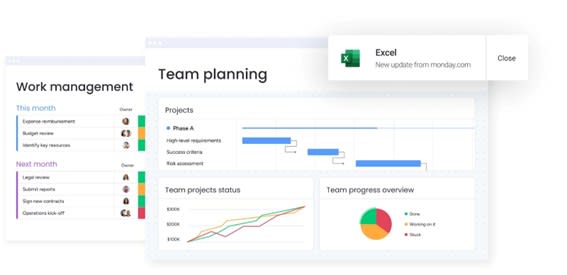
7 benefits of using a marketing calendar for strategic planning
Marketing calendars transform reactive marketing into strategic advantage by providing visibility, coordination, and optimization capabilities that scattered planning approaches cannot deliver.
Organizations that implement comprehensive marketing calendars consistently outperform competitors who rely on ad-hoc planning. In fact, research shows that companies with concentrated customer accountability see up to 2.3× more growth than those with scattered responsibilities.
Strategic advantages of marketing calendar implementation include:
- Improve cross-team collaboration: centralized planning eliminates information silos by giving all stakeholders visibility into campaign timelines, dependencies, and resource requirements.
- Ensure timely delivery and coordinated campaign schedules: comprehensive planning prevents scheduling conflicts by showing when multiple campaigns compete for the same resources.
- Optimize resource allocation across campaigns: calendar-level visibility enables strategic resource distribution based on campaign priorities and expected returns.
- Track campaign performance in real time: integrated performance monitoring enables rapid response to campaign results.
- Align marketing activities with business goals: calendar planning ensures marketing efforts support broader organizational objectives.
- Enable data-driven decision making: calendar-integrated analytics provide insights that inform future planning decisions.
- Scale marketing operations efficiently: systematic calendar management supports organizational growth without proportional increases in complexity.
How to choose the right marketing calendar software
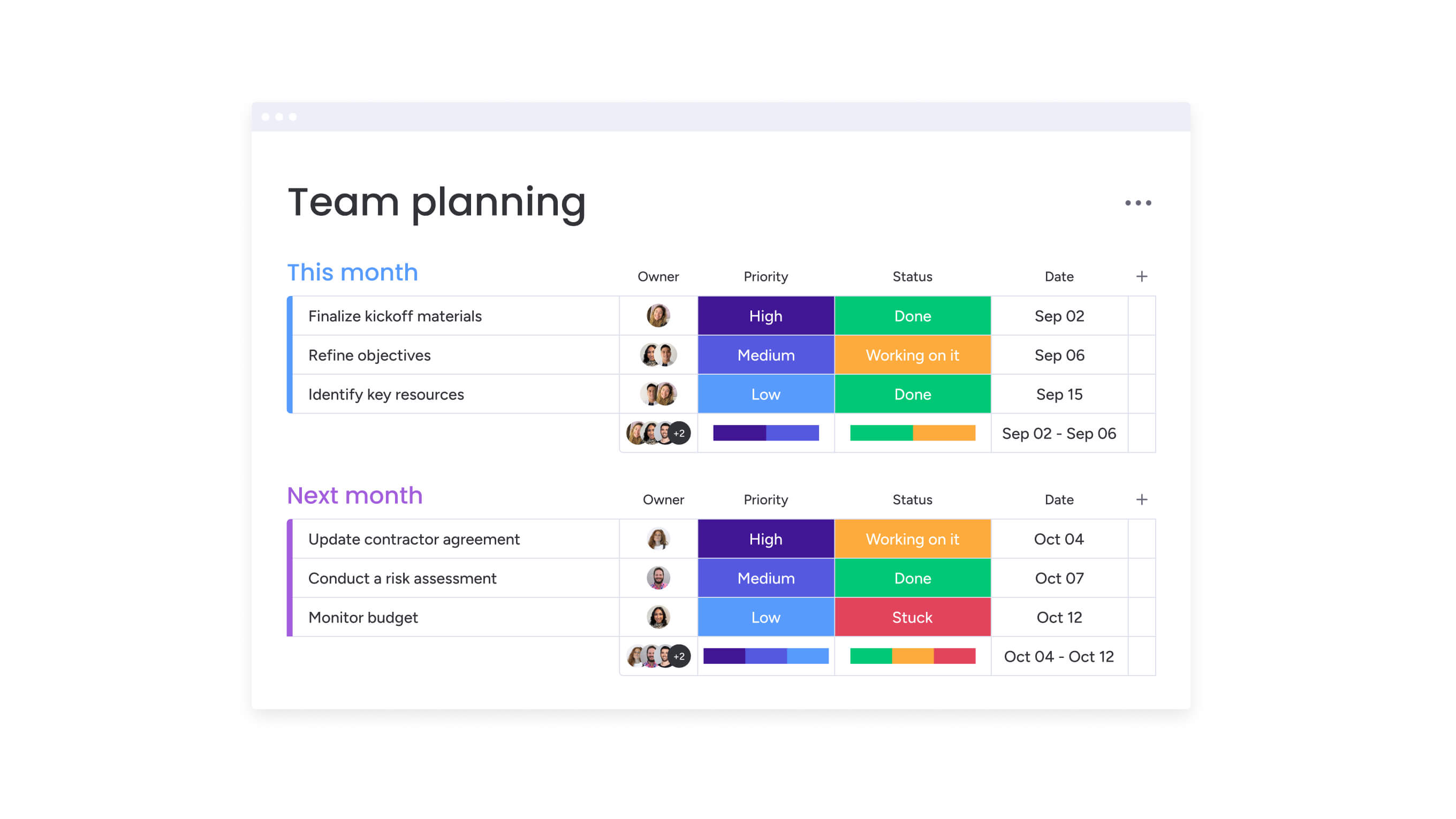
Choosing the right software ensures your marketing calendar becomes a dynamic, actively used asset for your team. The right platform fits your team’s actual workflow, plays nice with your existing tech stack, and can adapt when your needs inevitably change.
Essential capabilities include:
Integration with your martech stack
Connecting calendar software with existing marketing platforms reduces manual data entry and ensures consistent information across systems. Integration enables automated workflows where campaign launches in the calendar trigger email sequences, social media scheduling, and CRM updates without manual coordination.
Key integration points include:
- CRM systems: automatic lead tracking and campaign attribution.
- Email marketing platforms: synchronized campaign schedules and audience segmentation.
- Social media management platforms: coordinated content publishing across channels.
- Analytics software: real-time performance data and ROI measurement.
Collaboration and permission settings
Different team members require different levels of access based on their roles. Campaign managers need full editing rights, content creators need to update status and add deliverables, executives need read-only access to strategic views, and external partners might need limited visibility into specific campaigns.
Automation and AI capabilities
Automation reduces manual calendar maintenance by handling routine tasks. AI features optimize scheduling by analyzing historical performance data to suggest optimal timing, identifying potential resource conflicts, and recommending budget reallocation based on performance patterns.
AI Blocks within monday work management automatically categorize campaign types, extract insights from performance data, and suggest action items based on campaign results. The Campaign Manager Digital Worker also provides strategic recommendations for budget allocation by analyzing which initiatives deliver the strongest ROI.
Scalability and customization options
Software must accommodate organizational growth and evolving marketing strategies without requiring platform migration. Customization capabilities allow teams to adapt workflows, data structures, and views to match their specific needs.
Take full control of your marketing operations with monday work management
When campaign volume grows, basic calendars and spreadsheets start to crack — they can’t handle multiple workflows, real-time visibility, or performance tracking in one place. That’s why teams move to a system built for marketing operations end-to-end, with stronger flexibility, smarter insights, and better collaboration than traditional options (as the comparison below shows).
Feature monday work management Traditional calendar platforms Spreadsheet-based planning
Multi-view flexibility Calendar, Kanban, Gantt, Dashboard views accessible simultaneously Limited to single view type Single spreadsheet format
AI-powered insights Automatic campaign categorization, performance prediction, optimization suggestions No AI capabilities Manual analysis required
Cross-team collaboration Integrated workspaces, automated updates, real-time notifications Basic sharing features Email-based coordination
Performance integration Real-time dashboard tracking, automated ROI measurement Limited analytics Manual data compilation
Scalability Enterprise-grade with unlimited customization Fixed feature sets Becomes unwieldy with growth
With monday work management, you can:
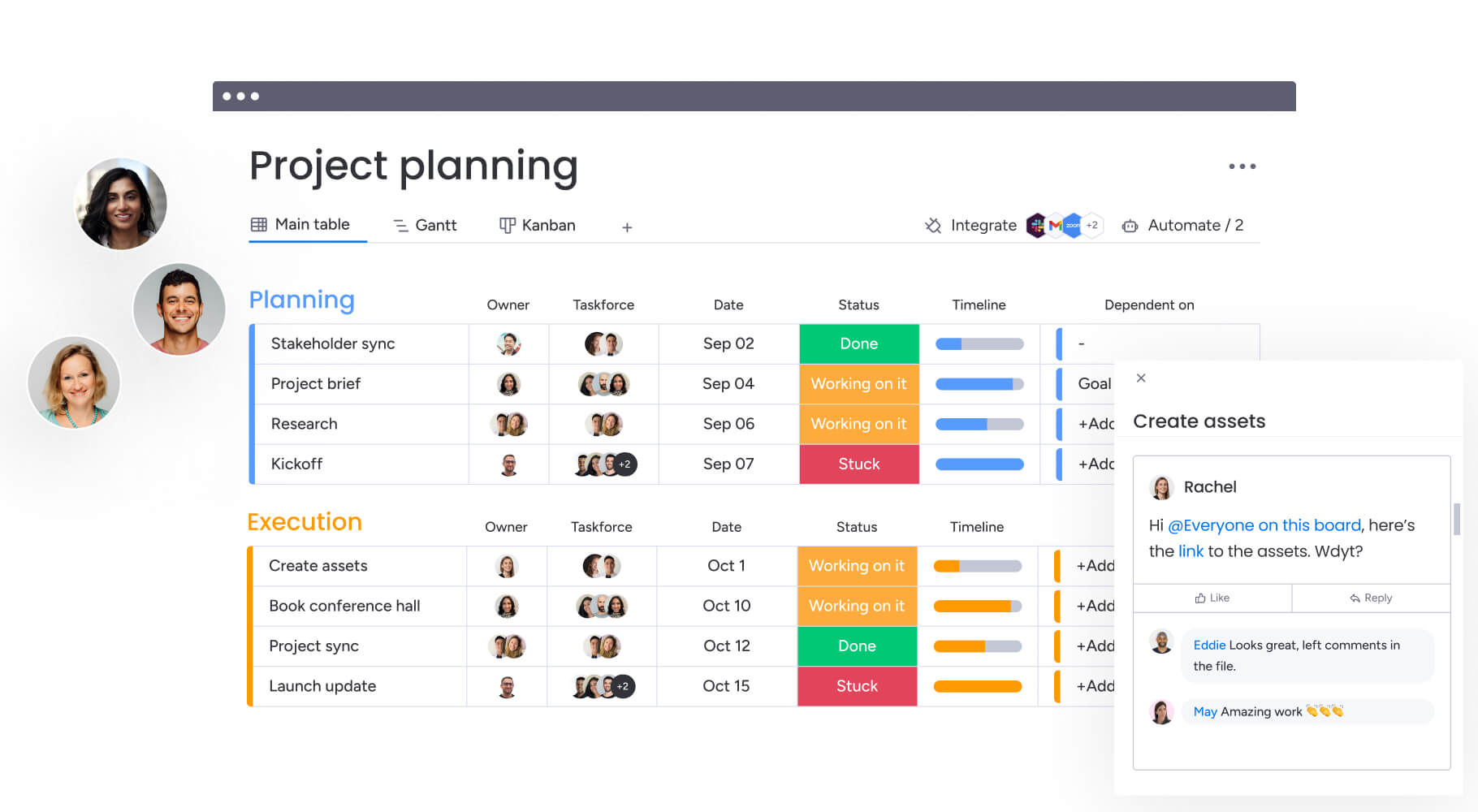
- Plan in the format that fits your team: switch between calendar, Kanban, Gantt, and dashboard views without duplicating work.
- Use AI to reduce manual calendar management: categorize campaigns, flag conflicts, and surface optimization opportunities faster.
- Keep collaboration in one shared workspace: coordinate marketing, sales, and stakeholders with updates, files, and approvals tied to the work.
- Connect execution to results: track deadlines, owners, and performance in real time so ROI isn’t a separate reporting project.
- Scale without rebuilding your process: apply templates, automate repeatable workflows, and customize your system as complexity increases.
Ready-to-use marketing calendar templates also speed up setup by giving you a proven structure from day one — while still leaving room to tailor timelines, deliverables, ownership, and success metrics to your team.
Unify your marketing strategy with a centralized calendar
A thoughtfully built marketing calendar turns chaos into your competitive edge. You’ll finally see where your resources are going, stop the scheduling nightmares before they start, and make sure every marketing dollar supports what the business actually needs to achieve.
Organizations that implement comprehensive marketing calendars see immediate improvements in team coordination and campaign performance: the structured planning process reveals optimization opportunities, prevents resource conflicts, and creates accountability frameworks that drive results.
Ready to transform your marketing operations? monday work management provides the integrated platform, AI capabilities, and collaboration features needed to build and maintain a results-driven marketing calendar that scales with your organization.
The content in this article is provided for informational purposes only and, to the best of monday.com’s knowledge, the information provided in this article is accurate and up-to-date at the time of publication. That said, monday.com encourages readers to verify all information directly.
Frequently asked questions
How often should you update a marketing calendar?
Active campaigns should be updated daily to reflect status changes and keep teams aligned. Weekly reviews help assess overall calendar health and resolve bottlenecks, while monthly optimization cycles inform resource and budget adjustments based on performance.
Can a marketing calendar integrate with my existing marketing platforms?
Marketing calendar platforms integrate with CRM systems, email marketing platforms, social media management platforms, and analytics software. These integrations create unified workflows that eliminate manual data entry and ensure consistent information across systems.
What's the difference between a marketing calendar and project management software?
Marketing calendars focus specifically on coordinating marketing activities, campaigns, and content across channels with features tailored to marketing workflows. Project management software addresses broader organizational workflows across departments, providing general-purpose planning and execution platforms without marketing-specific features.
How detailed should my marketing calendar entries be?
Each calendar entry should include campaign objectives, target audience specifications, key messages, channel distribution plans, assigned team members, budget allocation, and success metrics. This comprehensive detail ensures all team members understand campaign intent and supports effective coordination.
Can AI help optimize my marketing calendar performance?
AI capabilities automatically categorize campaigns, analyze performance patterns to predict optimal timing, suggest resource allocation improvements, and identify potential scheduling conflicts. Digital Workers provide strategic recommendations about campaign priorities and budget distribution based on comprehensive analysis.
How do I get my team to adopt a marketing calendar successfully?
Successful adoption requires selecting user-friendly software that matches how teams naturally work. Provide comprehensive training that shows how the calendar solves real problems teams face daily. Start with simple implementations that deliver immediate value before expanding to comprehensive calendar coverage.

 Get started