


Marketing launches a campaign while IT rolls out new infrastructure, and nobody realizes they’re both competing for the same resources until it’s too late. When teams track work in separate systems, leadership pieces together progress from 5 different status updates, creating missed handoffs and strategic initiatives that stall between departments.
This guide breaks down 12 timeline platforms that actually work for cross-departmental teams in 2026. You’ll learn what each does best, what you’ll pay, and how to pick the right one for your team’s specific needs.
Try monday.comWhat is timeline software for business teams?

Timeline software provides a visual roadmap that connects your organization’s strategy directly to its execution, similar to how project management templates structure work. It’s like having a live map showing exactly how today’s work connects to next quarter’s goals — no more jumping between 5 different tools to piece together the full picture.
A unified timeline gives every team member a direct line of sight into how their work contributes to the bigger picture. Consider these practical applications:
- Map complex initiatives: Visualize multi-phase projects with interconnected tasks and clear ownership through effective project schedule management
- Track dependencies: Identify potential bottlenecks before they derail your timeline
- Allocate resources confidently: See who’s working on what and when capacity opens up
For example, a marketing team can perfectly time a multi-channel campaign launch while an IT department manages a phased software rollout. With a shared timeline, they can ensure every step happens in the right order, preventing conflicts and delays.
Operating from a single source of truth eliminates friction between departments. Strategic initiatives move from planning to completion with greater speed and precision.
12 top timeline software solutions for cross-departmental collaboration
Cross-departmental projects stall when teams work in separate systems. The right timeline software connects the dots — making handoffs smoother and progress visible to everyone.
In this list, you’ll find tools that handle how teams actually work together. Each platform makes it easy to build timelines, connects people across departments, and scales with your company. Here’s what you need to know:
| Platform | Use case | Free plan? | Notable feature | Starting price |
|---|---|---|---|---|
| monday.com | Mid-size to enterprise organizations running cross-departmental initiatives | Yes | 15+ views including Gantt, Timeline, and Workload | $9/seat/month |
| Microsoft Project | Enterprises standardized on Microsoft 365 with formal PM practices | No | Advanced resource leveling and critical path analysis | $10/user/month |
| Asana | Growing companies aligning goals across multiple teams | Yes | Work Graph connecting goals to execution | $10.99/user/month |
| ClickUp | Teams wanting one customizable workspace for diverse workflows | Yes | ClickUp Brain AI-powered workspace | $7/user/month |
| Smartsheet | Enterprises transitioning from spreadsheets to governed timelines | No | Control Center for portfolio governance | $7/user/month |
| Wrike | Enterprises with strict approval processes and resource controls | Yes | Interactive Gantt with Custom Item Types | $10/month |
| GanttPRO | Project-driven teams focused primarily on scheduling accuracy | No | Critical path tracking with baselines | $7/user/month |
| TeamGantt | Schedule-first teams with many contributors and few planners | Yes | Manager–collaborator pricing model | $49/month |
| Trello | Small teams needing simple planning with minimal overhead | Yes | Card mirroring across boards | $5/user/month |
| HistoryTimeline.com | Educators, researchers, and institutions creating historical timelines | Yes | Interactive time-zoom canvas | $24.50/year |
| Notion | Teams combining project timelines with documentation and knowledge | Yes | Database timeline views with AI Agent | $10/user/month |
| Airtable | Data-heavy teams managing operational workflows at scale | Yes | Connected apps platform with AI automation | $10/user/month |
1. monday.com
Transforming scattered plans into one connected system teams can actually execute, monday.com lets you manage projects, portfolios, processes, and resources in a shared workspace where timelines stay tied to real ownership, real work, and real business goals.
Project teams need details, while leadership wants the big picture. monday.com supports 15+ views including Gantt chart capabilities, plus dashboards and automations, keeping updates flowing without constant follow-ups.
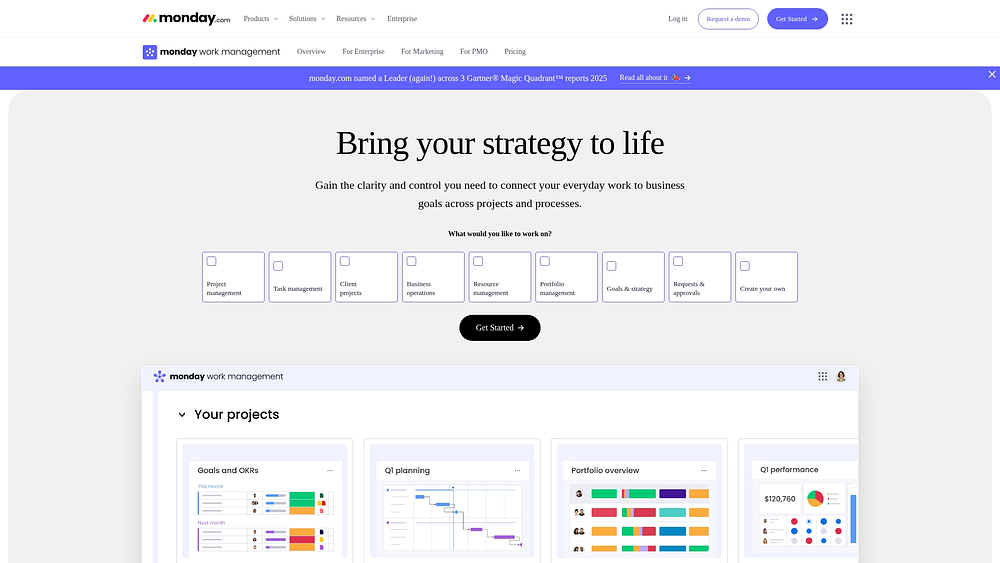
Use case: Cross-departmental teams needing comprehensive project orchestration with portfolio-level visibility, flexible views, and deep integrations
Key features
- Flexible timeline views from one data source: Timeline, Gantt, Calendar, Kanban, and Workload views for planning and tracking work without duplicating or re-entering data
- Dependency-aware scheduling: Gantt charts for visualizing task dependencies using baselines to compare planned vs. actual timelines and spot delivery risks early
- Portfolio-level visibility: Centralized dashboards and reporting for tracking progress, budgets, workloads, and timelines across multiple projects
Pricing
- Individual: Free
- Basic: $9/seat/month (billed annually)
- Standard: $12/seat/month (billed annually)
- Pro: $19/seat/month (billed annually)
- Enterprise: Custom pricing
Why it stands out
- Work intake that feeds timelines automatically: Forms to standardize requests so new work enters timelines with the right owner, priority, and context from the start
- AI-powered portfolio insights: AI to identify at-risk projects and dependencies across large portfolios, helping leaders act before delays escalate
- Deep integrations with less context switching: 200+ integrations plus an open API to keep timelines accurate while teams continue working in their existing tools
2. Microsoft Project
Microsoft Project delivers enterprise-grade project timeline management with deep scheduling capabilities and resource optimization built for complex project environments. The platform specializes in advanced Gantt chart functionality and critical path analysis, ideal for organizations with formal project management methodologies and existing Microsoft 365 investments.
Use case: Enterprise teams already invested in the Microsoft ecosystem requiring detailed project scheduling with formal resource management and portfolio-level reporting for executive visibility
Key features
- Advanced Gantt charts: Detailed task scheduling with multiple dependency types, constraint options, and critical path analysis for complex project planning
- Resource leveling: Automatic resource allocation adjustments resolving conflicts and optimizing utilization across projects
- Microsoft ecosystem integration: Native connectivity with Teams, SharePoint, and other Microsoft applications for seamless workflow management
Pricing
- Planner in Microsoft 365: Included with eligible Microsoft 365 enterprise subscriptions (basic features)
- Planner Plan 1: $10/user/month (paid yearly) — adds Timeline, dependencies, sprints, premium templates
- Planner and Project Plan 3: $30/user/month (paid yearly) — includes Copilot in Planner, advanced dependencies, Project Online + desktop
- Planner and Project Plan 5: $55/user/month (paid yearly) — adds portfolio management and enterprise resource management
Considerations
- Project for the web and Project desktop use different data stores with no round-trip editing capabilities, creating potential workflow friction.
- Advanced reporting often requires separate Power BI licensing, and deep customization may need additional Power Apps licensing.
3. Asana
Asana delivers comprehensive work management through its Work Graph architecture connecting goals to daily execution across teams. The platform excels at cross-functional coordination with multi-homing capabilities, particularly valuable for organizations managing complex, interconnected workflows. Embedded AI features and strong OKR integration help teams maintain strategic alignment while executing tactical work.
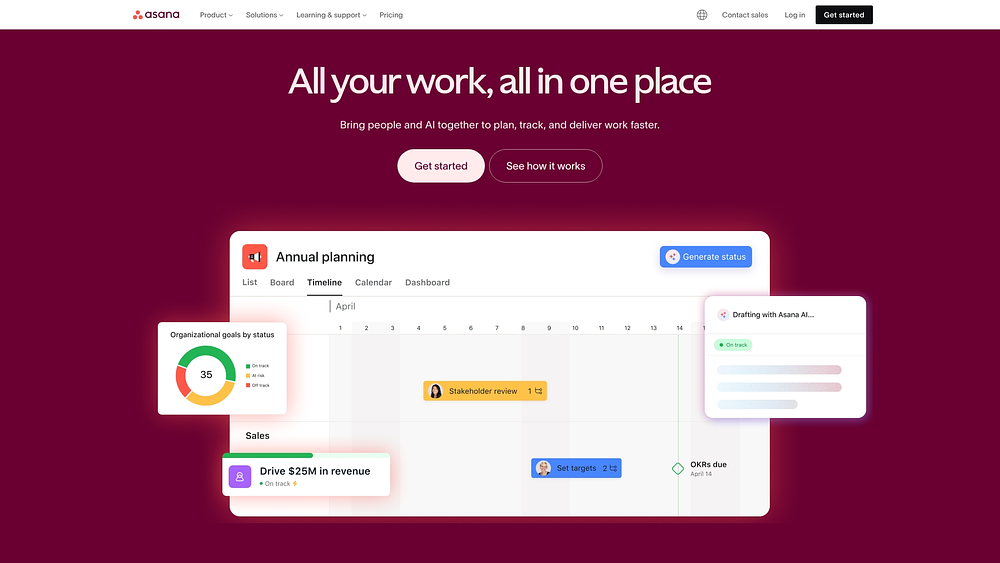
Use case: Mid-to-large organizations seeking unified goal-to-work visibility with robust cross-team coordination capabilities and AI-powered workflow automation
Key features
- Work Graph connectivity: Multi-home tasks across projects while maintaining unified goal-to-work linkage and real-time progress tracking
- AI-powered coordination: AI Studio for no-code workflow automation, smart summaries, and AI Teammates (beta) for collaborative agent execution
- Enterprise-grade governance: Advanced security controls, audit logs, data residency options, and comprehensive integration ecosystem with 200+ native connections
Pricing
- Personal: Free (up to 2 users)
- Starter: $10.99/user/month (billed annually)
- Advanced: $24.99/user/month (billed annually)
- Enterprise: Custom pricing
- AI Studio Plus: $135/account/month (billed annually)
- Annual billing discounts available
- Nonprofit discounts for eligible organizations
Considerations
- Seat banding requirements can force payment for unused seats, particularly challenging for smaller teams or organizations with fluctuating headcount.
- Advanced governance features like Permission Management and Compliance Management require additional paid add-ons, increasing total cost of ownership for regulated enterprises.
4. ClickUp
ClickUp provides comprehensive work management through an all-in-one workspace consolidating tasks, docs, chat, and AI-powered insights. The platform targets cross-functional teams seeking extensive customization options and unified collaboration — particularly valuable for organizations wanting to reduce tool sprawl while maintaining flexibility across diverse workflows.
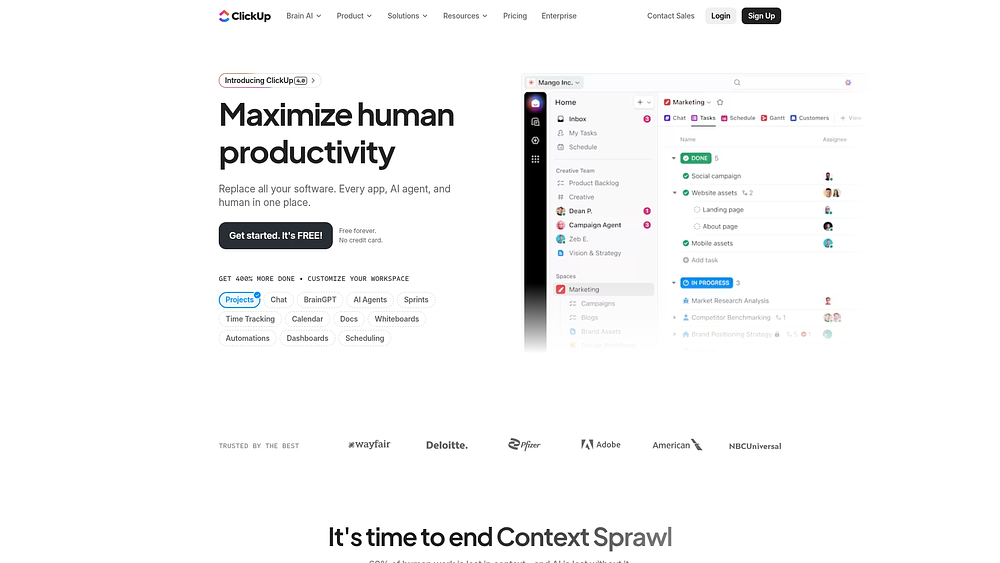
Use case: Teams wanting extensive customization options with timeline functionality across various project types, from marketing campaigns to software development sprints
Key features
- Multiple timeline views: Gantt, Calendar, and Timeline perspectives provide different angles on project schedules and dependencies
- AI-powered workspace: ClickUp Brain offers automated task assignments, project summaries, and Connected Search across internal and external apps
- Native Agile support: Built-in Sprints with points, burndown charts, and automated transitions streamline development workflows
Pricing
- Free Forever: Unlimited tasks and members with basic features
- Unlimited: $7/user/month (billed annually) with Gantt charts, time tracking, and custom fields
- Business: $12/user/month (billed annually) adding unlimited dashboards, workload management, and advanced automations
- Enterprise: Custom pricing with SSO, data residency, and advanced permissions
Considerations
- The learning curve can be steep due to the extensive feature set and customization options.
- Performance may slow with large datasets or complex boards, though recent platform upgrades have improved speed.
5. Smartsheet
Smartsheet bridges spreadsheet familiarity with enterprise-grade timeline management, converting traditional spreadsheet data into dynamic Gantt charts and timeline views. The platform proves particularly valuable for teams needing portfolio-scale governance without abandoning their preferred grid interface.
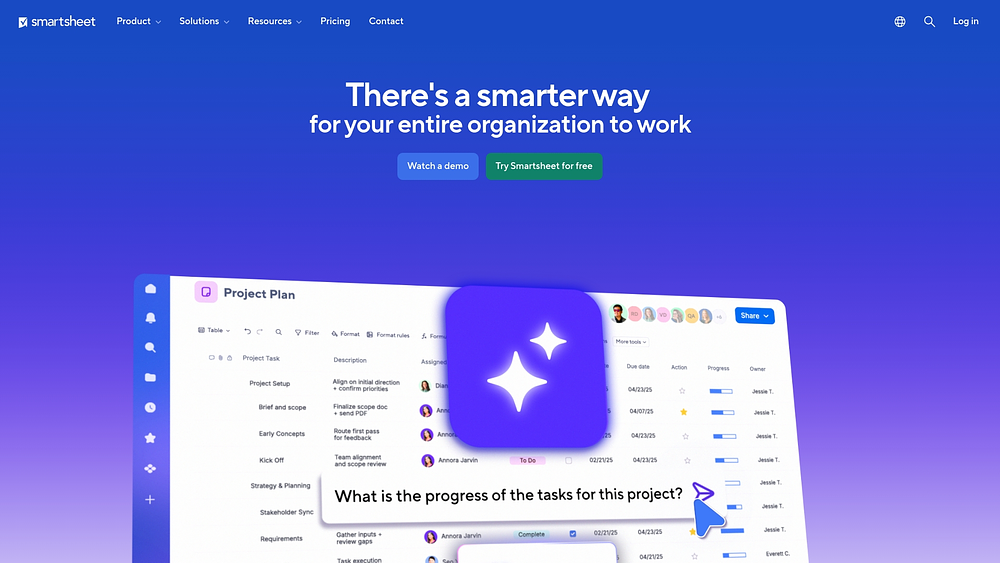
Use case: Organizations comfortable with spreadsheet workflows who need timeline visualization combined with enterprise governance capabilities for portfolio management and cross-functional collaboration
Key features
- Grid-to-Gantt conversion: Transform spreadsheet data into visual timeline representations with critical path tracking and dependency management
- Portfolio governance at scale: Control Center provisions standardized projects from blueprints and pushes global changes across multiple timelines
- Secure external collaboration: Dynamic View enables selective sharing of timeline data with stakeholders without exposing entire project sheets
Pricing
- Pro: $7/user/month (annual billing)
- Business: $25/user/month (annual billing, 3+ users minimum)
- Enterprise: Custom pricing with SLA coverage
- Advanced Work Management: Custom pricing with full governance suite
- Premium add-ons like Control Center and Dynamic View require additional fees
Considerations
- Sheet scale limitations of 500,000 cells and 400 columns can restrict timeline complexity for large projects.
- Many enterprise-grade timeline features require premium add-ons, potentially increasing total cost beyond base seat licenses.
6. Wrike
Wrike combines interactive Gantt charts, resource management, and AI-powered automation to serve teams requiring formal project control and detailed timeline visualization. Following its Klaxoon acquisition, Wrike now embeds whiteboarding and workshop capabilities directly into project workflows, eliminating switches between ideation and execution platforms.
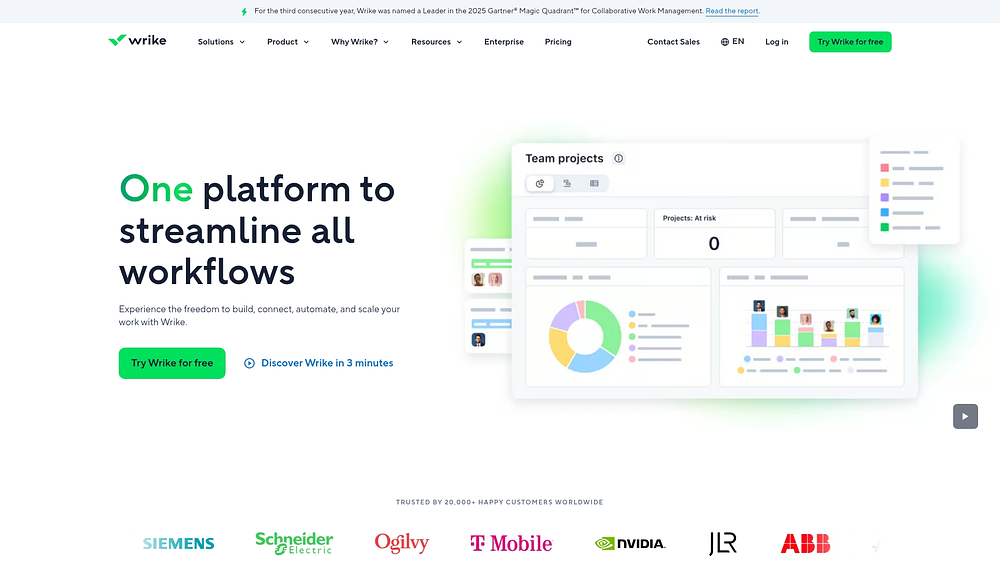
Use case: Enterprise teams needing comprehensive timeline visualization with formal approval workflows and advanced resource planning capabilities
Key features
- Interactive Gantt charts: Dynamic timeline visualization with dependency management and real-time updates across project portfolios
- Resource management: Workload balancing and capacity planning with detailed allocation tracking across teams and departments
- Custom workflows: Configurable approval processes and status transitions with Custom Item Types for domain-specific work objects
Pricing
- Free: $0/month — Basic task management with 200 active task limit
- Team: $10/month (2-15 users) — Unlimited projects and tasks with shared spaces
- Business: $25/month (5-200 users) — Blueprints, approvals, resource planning, and Custom Item Types
- Enterprise: Contact sales — SSO, advanced security, and audit reports
- Pinnacle: Contact sales — Locked Spaces, advanced analytics, and Datahub integration
Considerations
- Feature availability is heavily tiered, with advanced capabilities like Datahub limited to the highest-priced Pinnacle plan.
- Automation quotas vary significantly by plan, potentially limiting workflow efficiency for teams on lower tiers.
7. GanttPRO
GanttPRO focuses exclusively on Gantt chart functionality with advanced project planning capabilities for teams prioritizing timeline visualization. The platform specializes in traditional project management methodologies — ideal for organizations needing robust scheduling, resource management, and budget tracking without broader work management ecosystem complexity.
Use case: Teams specifically needing comprehensive Gantt chart functionality with integrated resource planning, budget tracking, and stakeholder sharing capabilities
Key features
- Advanced Gantt planning: Critical path tracking, baselines, auto-scheduling, and unlimited project history with restore capabilities
- Resource and workload management: Color-coded workload indicators, personal calendars, and drag-and-drop resource rebalancing across projects
- Integrated budget control: Automatic budget calculation with actual cost tracking derived from time logs and project progress
Pricing
- Core: $7/user/month (annual billing)
- Advanced: $10/user/month (annual billing)
- Business: $17/user/month (annual billing)
- Enterprise: Custom pricing with SSO, custom roles, and priority support
- 14-day free trial available
- 50% discount for nonprofits and educational institutions
- Monthly billing available only for teams of 5+ users
Considerations
- Native integrations are limited compared to comprehensive work management platforms, with current support primarily for Slack, Microsoft Teams, Google Drive, and Jira Cloud.
- Mobile apps offer core functionality only, requiring web access for advanced project configuration and management.
8. TeamGantt
TeamGantt puts schedule-first project management front and center with drag-and-drop Gantt charts accessible to teams without extensive project management experience. The platform specializes in live, shared scheduling with built-in resource management, which is perfect for construction, engineering, and marketing teams that need visual timeline control. Their unique manager-collaborator pricing model reduces costs for teams with many contributors but few planners.
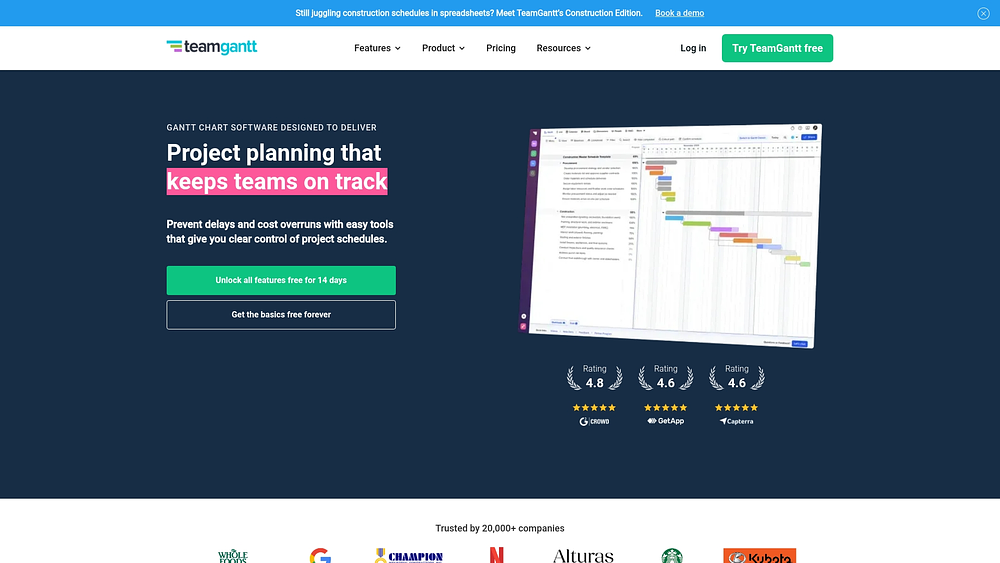
Use case: Perfect for schedule-driven teams needing intuitive Gantt chart creation with real-time collaboration and multi-project visibility
Key features
- Drag-and-drop Gantt scheduling: Visual timeline creation with dependencies, critical path highlighting, and baseline tracking
- Built-in resource management: Workload balancing and capacity planning directly integrated into the Gantt chart
- Live schedule sharing: Share view-only links with stakeholders to reduce status meetings and eliminate stale PDFs
Pricing
- Free: 1 manager, 1 project, 40 tasks
- Pro: $49/month per manager + $7/month per collaborator (annual billing)
- Unlimited Everything: Custom pricing with unlimited managers, collaborators, and advanced features
- Construction Edition: Custom pricing with industry-specific features like Procore integration
Considerations
- Mobile apps don’t display Gantt charts — complex scheduling remains web-only.
- Advanced features like Project Health Reports and Custom Boards require paid add-ons.
9. Trello
Trello converts visual task organization into timeline-driven project planning through its intuitive card-based system. The platform specializes in lightweight timeline visualization with Power-Ups — ideal for teams needing simple Kanban workflows with basic scheduling capabilities.
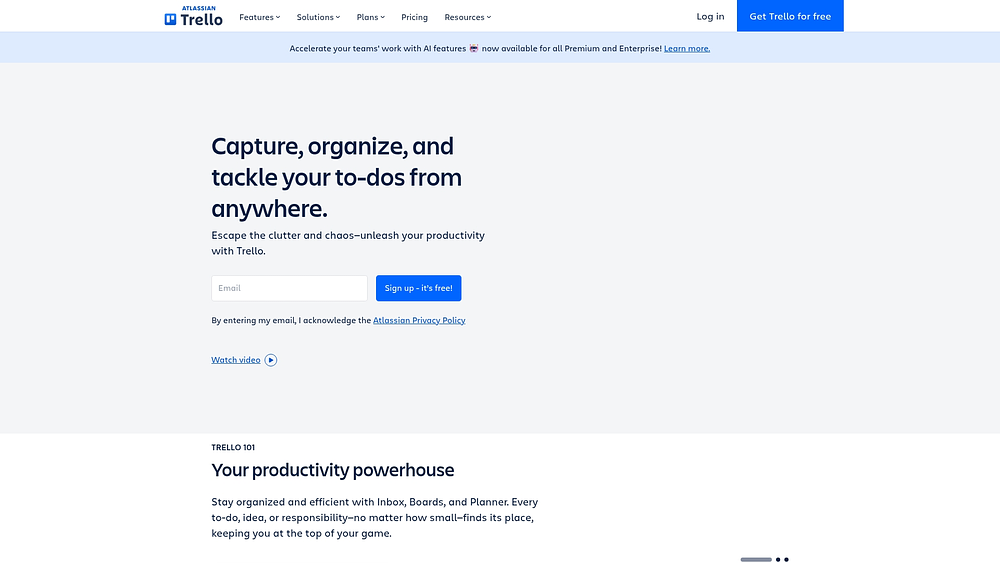
Use case: Small teams seeking straightforward timeline views alongside familiar board-based task management without complex project controls
Key features
- Timeline Power-Up: Add timeline visualization to existing Trello boards for basic scheduling
- Card mirroring: View and edit the same work item across multiple boards to maintain alignment
- Butler automation: Simple workflow automation rules with no-code setup
Pricing
- Free: $0 (up to 10 collaborators per workspace)
- Standard: $5/user/month billed annually ($6 monthly)
- Premium: $10/user/month billed annually ($12.50 monthly)
- Enterprise: $17.50/user/month billed annually
- Annual billing provides cost savings across all paid tiers
- Some third-party Power-Ups require separate vendor fees
Considerations
- Timeline and advanced views are restricted to Premium/Enterprise plans only.
- Limited native project dependencies and resource management compared to dedicated timeline platforms.
10. HistoryTimeline.com
HistoryTimeline.com offers specialized timeline creation software designed for historical visualization and educational presentation. The platform serves historians, educators, and researchers needing curated historical content with offline privacy controls, making it a good pick for academic institutions and museums documenting chronological events.
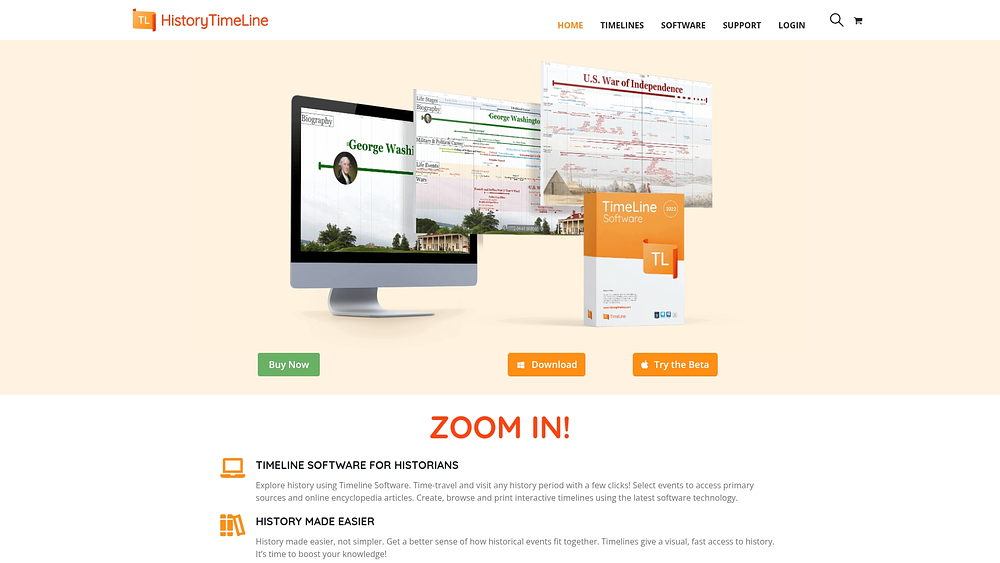
Use case: Educational institutions and researchers creating historical timelines for presentation and documentation rather than business project management
Key features
- Interactive time-zoom canvas: Navigate from cosmic scales to sub-second precision with unlimited timeline scope
- Curated reference integration: Access authoritative sources like Britannica and Smithsonian directly from timeline items
- Offline-first privacy model: Store timeline data locally on your computer without mandatory cloud synchronization
Pricing
- Free version: Unlimited install and use with access to browse free timelines
- Personal: $24.50/year for 1 user with premium timeline access and support
- Professional: $49.50/year for 1 user with timeline creation rights and educational licensing
- Perpetual license: $119.50 one-time payment with 5 years of support and updates
- Educational discounts available for schools and nonprofit organizations
Considerations
- Limited to historical and educational timeline creation without work management capabilities like task assignment or team collaboration.
- Mac support is currently in beta with waitlist availability, potentially limiting mixed-OS educational environments.
11. Notion
Notion reimagines timeline management by embedding visual scheduling directly into an all-in-one workspace where documentation, databases, and project tracking converge. The platform serves cross-functional teams wanting timeline functionality integrated with their broader knowledge management and collaboration ecosystem. With over 100 million users worldwide, Notion has established itself as a composable workspace adapting to any team’s unique workflow needs.
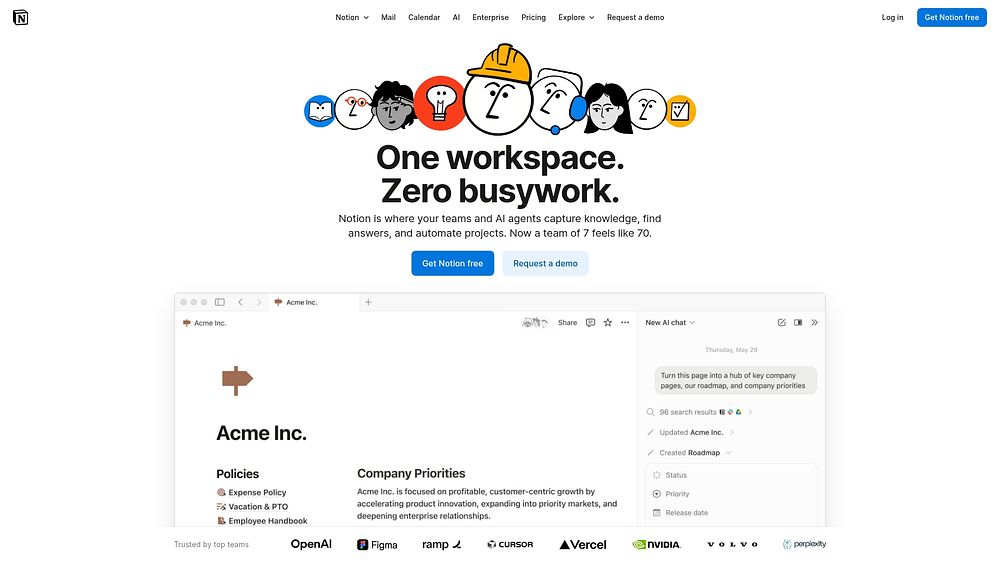
Use case: Teams seeking an integrated workspace where timeline visualization connects seamlessly with documentation, meeting notes, and project databases without switching between multiple platforms
Key features
- Database timeline views: Transform any database into visual timelines with custom properties, dependencies, and milestone tracking
- AI-powered automation: Leverage AI Agent to automatically create timeline entries, generate project updates, and maintain schedule accuracy
- Connected workspace integration: Link timeline data with meeting notes, project documentation, and team wikis for complete project context
Pricing
- Free: $0 per member/month (limited features)
- Plus: $10 per member/month
- Business: $20 per member/month (includes full AI features)
- Enterprise: Custom pricing with advanced security controls
- Annual billing saves up to 20%
- Education discounts available for students and verified organizations
Considerations
- Advanced project management depth may require additional configuration compared to dedicated timeline platforms.
- Performance can slow with large, complex databases requiring careful schema design for optimal speed.
12. Airtable
Airtable elevates the familiar spreadsheet into a powerful, flexible database, enabling teams to build connected apps unifying work across an organization. It integrates powerful AI capabilities into its workflow automation engine and offers enterprise-grade data handling for its largest customers — a go-to for managing complex, data-driven projects.
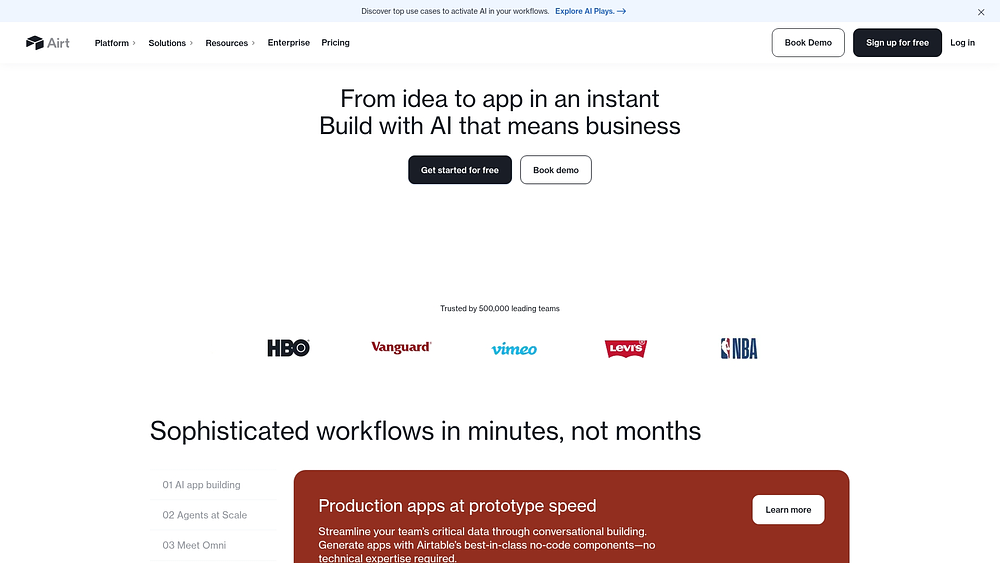
Use case: Data-driven teams needing timeline visualization with database functionality and advanced formula capabilities for managing large-scale operational datasets
Key features
- Timeline and Gantt views: Visualize database records chronologically with dependencies and resource allocation tracking.
- AI-powered automation: Create intelligent workflows that summarize, route, and generate content using multiple AI providers.
- Connected apps platform: Build custom interfaces on shared data, with the ability to scale to over 100 million records on Enterprise Scale plans via the HyperDB add-on.
Pricing
- Free: $0/month with 1,000 records per base and 1 GB of attachments.
- Plus: $10/month per user (annual) with 5,000 records per base.
- Team: $20/month per user (annual) with 50,000 records per base and full timeline/Gantt capabilities.
- Business: $45/month per user (annual) with 125,000 records per base and 2-way sync.
- Enterprise Scale: Custom pricing with advanced governance and options for unlimited scale.
- Annual billing offers discounts. The Portals add-on for external collaboration starts at $120/month (Team) and $150/month (Business).
Considerations
- Handling large datasets requires an upgrade to the Enterprise Scale plan with the HyperDB add-on, as lower tiers have strict record limits.
- Seat-based pricing plus add-ons like Portals can increase costs significantly for external collaboration needs.
Key features every timeline software should have
Not all timeline software is created equal. The platforms that actually move work forward share a few critical capabilities. Here’s what to look for:
Multiple views for different stakeholders
Your CEO needs a high-level roadmap. Your project managers need detailed dependencies. Your team needs to see how today’s tasks fit into the bigger picture. Look for software that lets everyone view the same data through their preferred lens — whether that’s Gantt charts, calendars, Kanban boards, or timeline views.
Native integrations with your existing tools
Timeline software that lives in isolation creates more problems than it solves. The right platform connects directly with the tools your teams already use:
- Communication tools: Slack, Microsoft Teams, and email
- CRM platforms: Salesforce and HubSpot
- File storage: Google Drive, Dropbox, and SharePoint
This keeps your timeline accurate without forcing teams to update multiple systems.
AI that spots problems before they happen
The best timeline platforms don’t just track what’s happening — they predict what’s coming, including AI-powered risk detection and forecasting (as seen in platforms like monday.com). Look for AI capabilities that analyze your project data to flag bottlenecks, forecast delays, and suggest resource adjustments before small issues become big problems.
Real-time collaboration and updates
When one team updates a deadline, everyone affected should know immediately. Choose software that keeps all stakeholders synchronized without manual status reports or endless email chains.
Dependency tracking and resource management
Your timeline should show not just when tasks happen, but how they connect. Look for platforms that visualize dependencies, track resource allocation, and automatically flag conflicts when team members are overbooked.
Try monday.com5 benefits of timeline software for cross-departmental teams
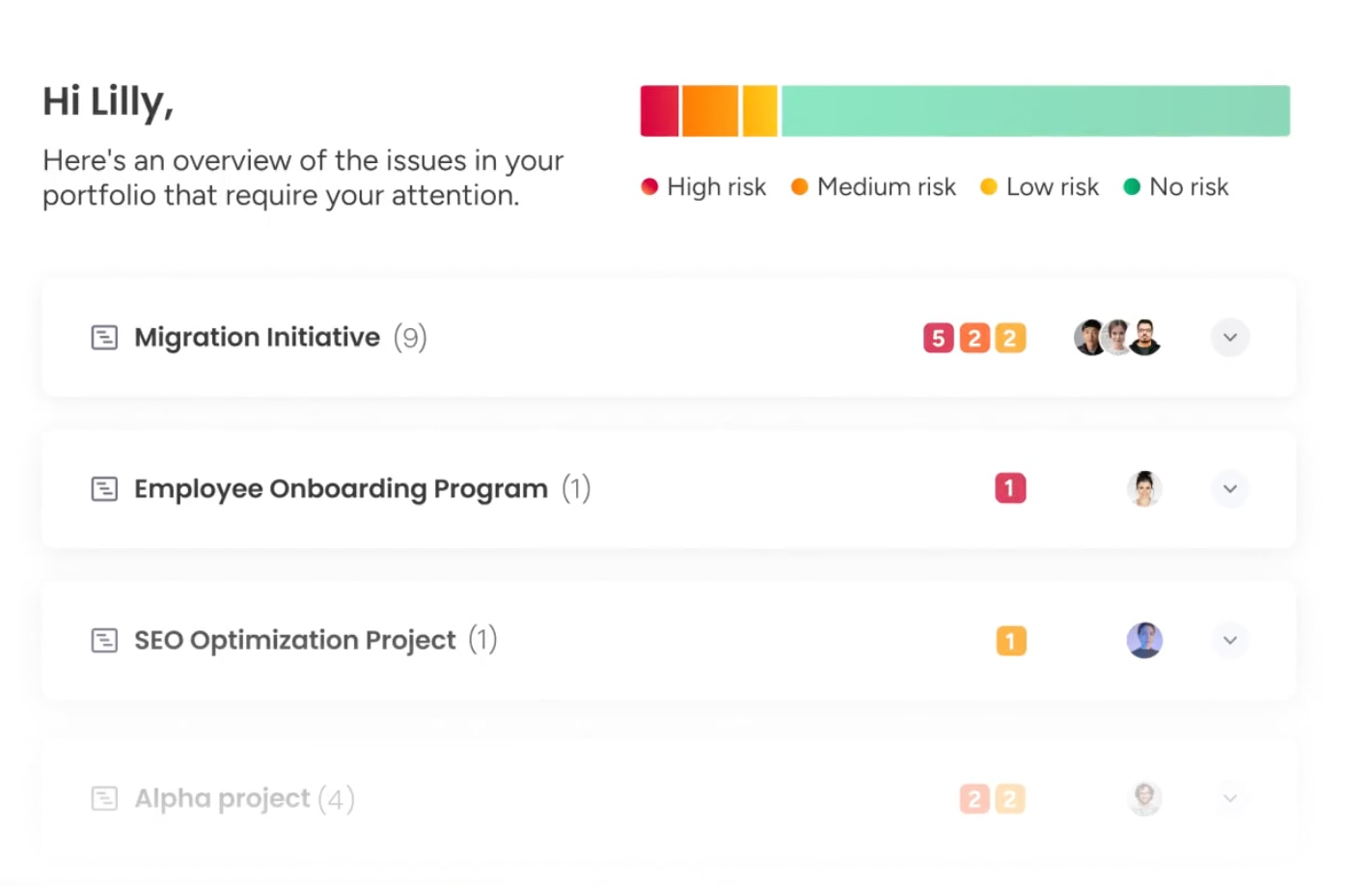
When departments run on separate systems, the bigger picture disappears. Timeline software cuts through the noise, converting fragmented efforts into coordinated workflows where everyone sees how their work connects.
- Unified visibility across projects and departments: Replace scattered spreadsheets with a single source of truth. Leaders gain real-time views of progress, dependencies, and resource allocation spanning the entire organization, connecting departmental work to strategic goals without micromanaging individual teams.
- Automated resource conflict resolution: Stop over-allocating top performers. Intelligent platforms automatically detect resource conflicts across departments, flagging overextended team members and suggesting optimal assignments based on skills and priorities, preventing bottlenecks while protecting team wellbeing.
- Real-time dependency tracking: Make connections visible. When a legal approval takes longer than planned, marketing and sales instantly see how their launch schedule changes. Automations adjust dependent workflows when dates shift, preventing domino effects across the organization.
- Predictive risk management: See roadblocks before you hit them. AI-powered analytics flag potential bottlenecks, deadline conflicts, and fragile dependency chains, learning from past projects to help teams build more resilient execution plans.
- Streamlined stakeholder communication: Stop manually creating status reports. Generate visual, easy-to-understand updates directly from live project data — with high-level dashboards for executives, detailed views for project teams, and simplified timelines for external partners.
The right timeline platform doesn’t just show you where work stands — it actively prevents problems, balances workloads, and keeps every stakeholder informed without extra effort.
How to choose timeline software for your organization
Selecting timeline software extends beyond plotting dates on charts. It means choosing a central system connecting every team, department, and goal across your organization, building a bridge from strategy to execution.
Assess your current tool ecosystem
Your new timeline platform must integrate with tools teams use daily. True integration creates a single source of truth, not another silo. Before choosing, map your current ecosystem to identify where data needs to flow.
Key integrations to evaluate include:
- Communication platforms: Sync project updates with collaboration channels.
- CRM and finance systems: Link timelines directly to customer commitments and budget tracking.
- File storage: Keep all project deliverables connected and accessible.
Platforms like monday.com offer hundreds of native integrations and a flexible API, ensuring timeline data flows effortlessly across your entire tech stack — from sales to finance.
Evaluate collaboration requirements
How does your organization actually collaborate? Platforms built for small, in-office teams won’t scale for distributed workforces with complex approval chains. Your timeline software should reflect and enhance your specific collaboration style.
Consider who needs access and what control level is required. Effective platforms support every work mode:
- Set custom permissions: Give clients, contractors, and internal teams exact visibility needed
- Enable real-time collaboration: Allow multiple users to edit and comment simultaneously without friction
- Support structured approvals: Build formal workflows for key processes while allowing flexible, agile collaboration elsewhere
Consider speed to value and adoption
Superior software delivers value in days, not quarters. Long, complicated implementations drain resources and delay needed results.
Seek platforms prioritizing intuitive design and flexible adoption. Teams should start building workflows immediately without extensive training. Adaptable platforms also allow gradual rollout of advanced features as organizational needs evolve.
Try monday.comImplementation strategies for timeline software success
Let’s be honest — plenty of powerful software ends up as expensive shelf-ware. The difference? How you roll it out. Even the best platform needs a smart implementation plan, training that doesn’t put people to sleep, and clear ways to measure if it’s actually making a difference.
Build your phased rollout plan
A phased rollout plan helps build momentum, so start with a small pilot group to generate quick wins. Start small, rack up some quick wins, and let your early adopters help you work out the kinks before rolling it out to everyone else.
Identify pilot departments with these traits:
- Supportive leadership: Managers excited about change and ready to champion it
- Capacity for feedback: Teams with time and willingness to share what works and what doesn’t
- High-value workflows: Work involving dependencies and stakeholder visibility, like marketing campaign launches or cross-functional operations initiatives
Train for rapid adoption
One-size-fits-all training fails. Executives, project managers, and individual team members need different skills to succeed — role-specific training ensures everyone learns what’s relevant without feeling overwhelmed.
Effective training approaches include:
- Hands-on workshops: Use real company projects demonstrating practical applications
- Video tutorial library: Enable self-paced learning for different skill levels
- Peer mentoring program: Empower early adopters to share knowledge and help others navigate common challenges
Measure success and ROI
You can’t prove impact without a ‘before’ picture. Start tracking key metrics now, before you implement anything — that’s how you’ll show what actually improved.
- Delivery performance to show execution improvement: Project completion rates, on-time delivery
- Resource efficiency to indicate workload balance: Utilization rates, overtime hours
- Team experience to reveal adoption quality: Satisfaction scores, communication effectiveness
- Business outcomes to prove ROI: Time saved, cost reduction
How monday.com excels for cross-departmental timeline management
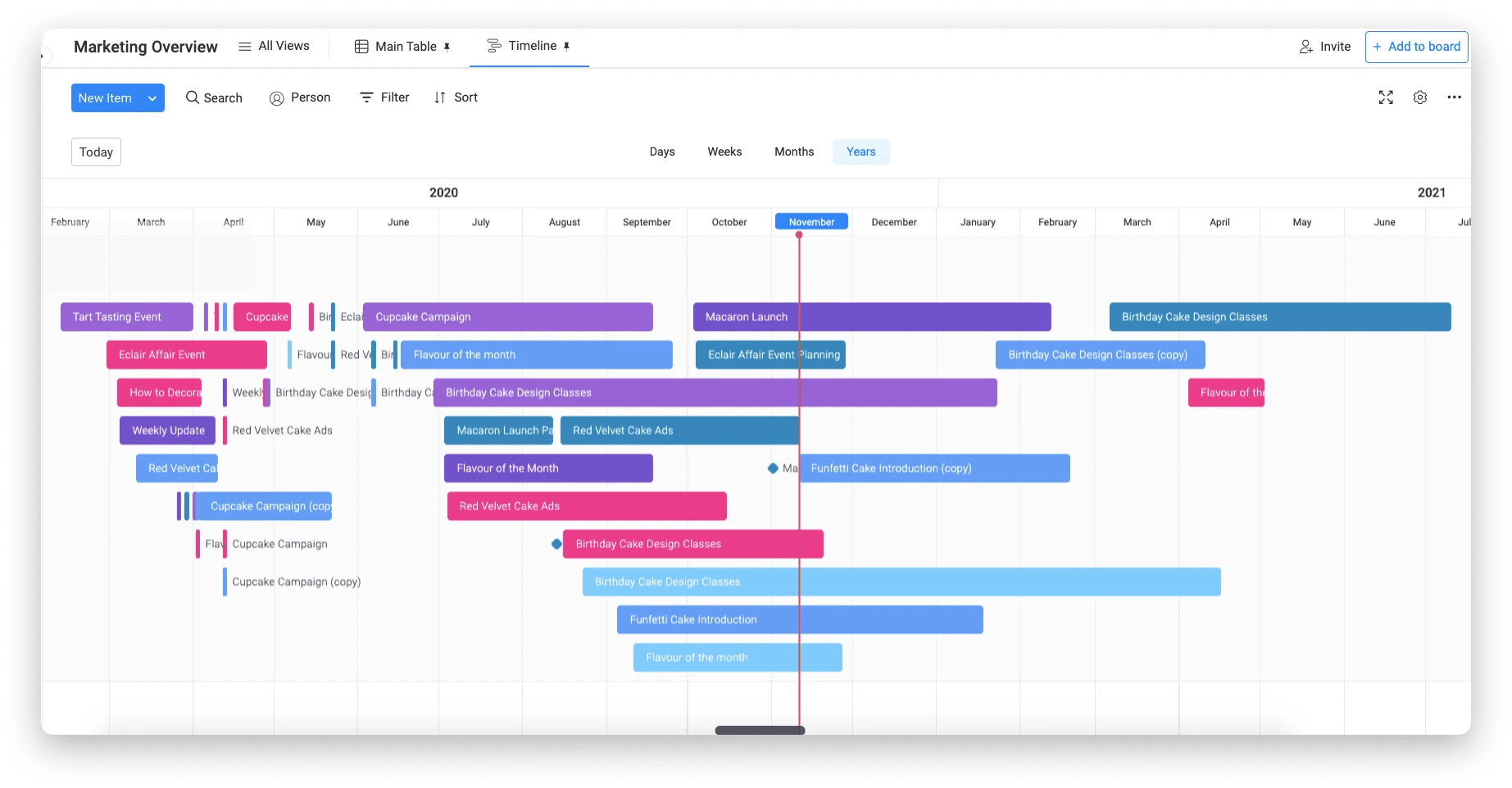
Siloed departments generate fragmented timelines, leaving leaders without a single source of truth. Truly connected organizations need more than project plans—they need orchestration from strategy to execution.
With monday.com, you can transcend simple visualization, providing intelligent coordination connecting every team and initiative. The platform combines intuitive timeline creation with AI-powered insights and deep customization, scaling from single team projects to enterprise-wide portfolios.
Giving every stakeholder their needed perspective without duplicating work requires multiple views from a single data source:
- For project managers: Gantt charts mapping dependencies and critical paths
- For leadership: High-level milestone timelines offering clean strategic progress views
- For teams: Calendar views showing how project activities align with other commitments
The platform’s AI-powered insights transform timelines into intelligent warning systems predicting and preventing problems. Portfolio Risk Insights monitor progress to flag at-risk projects, while AI Blocks analyze schedules to suggest more efficient task sequencing and resource allocation.
Leaders gain unified portfolio views showing how departmental projects connect to strategic objectives and where resource conflicts might exist. With monday.com, automation helps you coordinate activities across teams — when one milestone is hit, the next team receives automatic notification. Seamless handoffs keep the entire organization synchronized without manual check-ins.
Bring your cross-departmental timelines together
Timeline software has evolved from simple scheduling displays into strategic coordination platforms connecting every team’s work to organizational goals through advanced timeline management capabilities. Effective platforms eliminate blind spots from siloed departments, giving leaders real-time visibility into progress, dependencies, and resource allocation across the entire organization.
Your next step: Evaluate your current tool ecosystem and identify timeline visibility gaps. Consider starting with a pilot department having supportive leadership and high-value workflows, then expand based on real feedback and demonstrated results.
Try monday.comFAQs
Can timeline software integrate with existing ERP systems?
Yes, timeline software integrates with ERP systems using APIs and native connectors, syncing timeline data with financial and operational information across your organization.
What is the typical implementation timeline for enterprise timeline software?
Enterprise timeline software implementation varies from a few weeks to several months, depending on organizational size and complexity. Intuitive platforms with phased rollouts deliver value much faster.
How do timeline platforms handle data security and compliance?
Timeline platforms handle data security through encryption, access controls, and audit logs. Look for platforms with enterprise-grade compliance certifications such as SOC 2 and GDPR readiness.
What is the difference between timeline software and Gantt chart software?
Timeline software offers broader capabilities including multiple project views, real-time collaboration, and automations. Gantt chart software focuses more narrowly on task scheduling and dependencies.
Can multiple departments use the same timeline software simultaneously?
Yes, multiple departments can use the same timeline software simultaneously. These platforms are built for cross-functional collaboration with shared views and unified reporting.
How does AI improve timeline software capabilities?
AI improves timeline software through predictive analytics, automated risk detection, and intelligent resource recommendations, helping teams forecast more accurately and keep projects on track.

 Get started