


A calendar may show availability, while project timelines tell a different story. That disconnect can cost more than a few rescheduled meetings. When calendars operate separately from project work, scheduling becomes guesswork. Leaders lose visibility into actual capacity, conflicts appear too late, and coordination consumes time that could be spent on execution.
For organizations managing work across departments, the best calendar app isn’t just about booking rooms or finding open slots. It’s about connecting time to outcomes. The right calendar provides a single source of truth for who is doing what, when, and how tasks align with broader projects and organizational goals.
This handy guide highlights some of the top calendar apps that work effectively for teams, comparing basic schedulers to platforms that integrate calendars into daily workflows. It also covers the features that differentiate a simple scheduling tool from one that drives execution, explores how AI is reshaping calendar management, and identifies key capabilities that matter when calendars need to support entire organizations.
Key takeaways
- Effective team calendars connect time to outcomes: Calendars should link schedules with project timelines and organizational priorities, not just block hours.
- Integration with workflows is critical: Connecting calendars to project management, communication tools, and CRM systems reduces friction and ensures real-time alignment.
- AI can optimize scheduling and prevent conflicts: Intelligent suggestions for meeting times, workload balancing, and resource allocation improve productivity and reduce delays.
- Cross-platform, mobile, and scalable solutions are essential: Calendars must work consistently across devices and grow with organizational needs without performance loss.
- monday.com demonstrates calendar-driven execution: Embedding calendar views within work management platforms provides visibility into team capacity, dependencies, and project timelines.
What makes a great team calendar app?

A great team calendar does more than block out time: it gives your team a single source of truth for who is doing what, and when. For growing teams, the right calendar does not simply track tasks; it becomes a strategic tool, linking plans directly to results.
The most effective calendar platforms go beyond standalone appointments to provide a connected, operational view of your organization. They show team availability, project timelines, and critical deadlines in one place, ensuring planning and execution are fully aligned.
Here’s some of the features that define the best apps:
- Real-time sync: Instantly updates calendars across devices and platforms, so the team can trust that schedules are always accurate.
- Deep integrations: Connects calendars to project boards and communication platforms, transforming schedules into actionable workflows.
- Collaborative views: Shows team capacity and cross-departmental availability at a glance, making complex project coordination seamless.
- Enterprise-grade security: Provides granular permissions and scalable options to support the entire organization as it grows.
Organizations can also achieve greater coordination by embedding calendar views directly within workflows. This eliminates friction from switching between disconnected platforms.
The best calendar apps for teams at a glance
Choosing a calendar app impacts far more than how meetings are booked. It shapes how your team plans work, manages capacity, and delivers against deadlines. Some teams only need a reliable scheduling app. Others need their calendar to reflect project timelines, ownership, and real team bandwidth.
To help you quickly compare your options, the table below gives a high-level overview of the best calendar apps for teams. It highlights who each app is best for, starting price, core strengths, and integration capabilities. In the following section, we’ll explore each platform in more detail.
| Calendar app | Best for | Starting price | Key strength | Integration highlight |
|---|---|---|---|---|
| monday work management | Teams needing unified work and calendar management | $9/user/month | Native project timeline integration with AI-powered scheduling | 200+ integrations including Slack, Microsoft Teams, Google Workspace |
| Google Calendar | Small teams using Google Workspace | Free | Universal accessibility and zero-cost entry | Seamless Google Workspace connectivity |
| Microsoft Outlook Calendar | Enterprise teams in the Microsoft ecosystem | $6/user/month | Deep Microsoft 365 integration | Native Office 365 synchronization |
| Calendar.com | Teams focused on external scheduling | $10/user/month | Advanced booking and scheduling automation | Zoom, Google Meet, Microsoft Teams |
| Apple Calendar | Apple ecosystem users | Free | Seamless Apple device synchronization | iCloud and Apple services integration |
| Fantastical | Individual power users prioritizing design | $4.75/user/month | Natural language processing and premium UX | Calendar aggregation across multiple sources |
| Morgen | Teams managing multiple calendar sources | Free (Premium $9/month) | Unified view across calendar platforms | Google, Outlook, Apple Calendar consolidation |
| Reclaim | Teams optimizing time blocking | $8/user/month | AI-powered scheduling habits and focus time | Google Calendar and Slack integration |
| Akiflow | Individual contributors managing processes and time | $19/month | Process-calendar hybrid approach | Todoist, Asana, Notion integration |
Before deciding, get clear on what you actually need. Is your priority simple meeting coordination, or do you want scheduling tied directly to projects and team capacity? The right choice depends on whether your calendar is just a booking system or a core part of how work gets done.
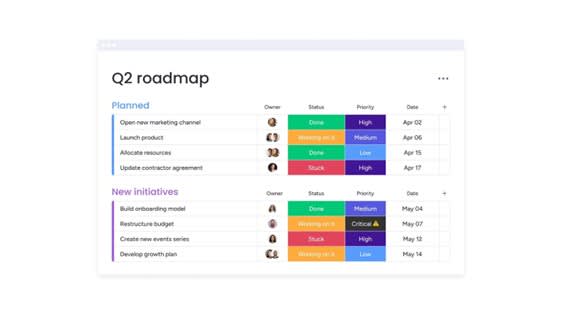
Top team calendar apps that drive collaboration
A team calendar should support how work actually gets done. It needs to show availability, but it should also reflect deadlines, ownership, and shifting priorities. When scheduling lives outside of project work, teams end up reacting to conflicts instead of planning ahead.
Below, we break down the best calendar apps for teams in 2026. Each platform takes a different approach to scheduling, collaboration, and visibility. After checking out this list, you will have a better understanding of how they work, who they’re best suited for, and how they fit into a broader workflow.
1. monday.com
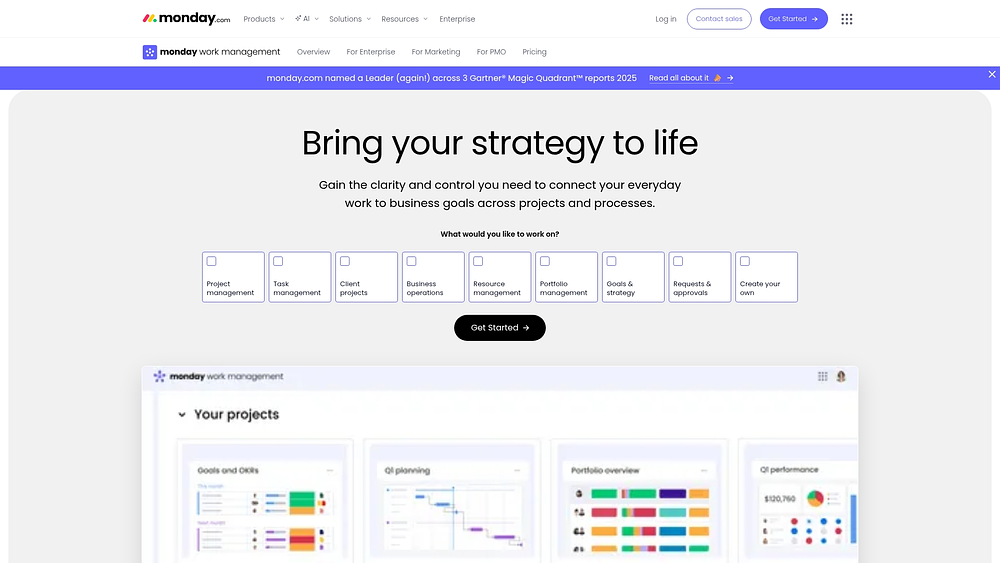
Modern platforms like monday.com transform basic meeting lists into tools that drive projects, processes, and goals forward. Instead of translating calendar events into work elsewhere, teams plan and deliver within a single workspace. Timelines, dependencies, workloads, and reporting all connect to one source of truth.
Schedule changes rarely happen in isolation. When a milestone shifts, modern platforms make it clear who is affected, which dependencies move, and which teams need adjustment.
Use case:
Organizations use monday.com to connect scheduling decisions to delivery reality. A marketing team can map campaign milestones in a Gantt chart, view key dates in Calendar view, and manage capacity in Workload view. This lets leaders see how time, resources, and dependencies interact.
Key features:
- Project views built for delivery: Choose from 15+ board views including Calendar, Timeline, Gantt chart, Kanban, and Workload to plan dates, visualize phases, and spot constraints.
- Dependency-aware timelines: Track dependencies, milestones, and critical paths in Gantt to understand how changes affect the broader plan.
- Capacity-aware planning: Combine Calendar view with Workload view and widgets to balance bandwidth as priorities shift.
- Work in context: Capture decisions and next steps in monday docs and embed live boards and dashboards so meeting outputs stay connected to execution.
Pricing:
- Basic: $9/month per user (annual billing)
- Standard: $12/month per user (annual billing)
- Pro: $19/month per user (annual billing)
- Enterprise: Custom pricing (quote-only)
- Annual discount: 18% savings compared to monthly billing
- AI credits: Additional usage-based costs (~$0.01 per credit on annual plans)
Advanced AI features:
AI works best embedded where work happens. Teams can apply AI directly inside boards and automations to reduce manual planning and follow-through.
- AI Blocks: Categorize, summarize, translate, detect sentiment, extract information, or run custom AI outputs.
- AI Automations: Build multi-step workflows using AI actions such as categorizing, summarizing text, extracting information, or running custom AI blocks.
- Autofill with AI: Summarize updates into action items or assign ownership based on roles.
- Digital Workforce: Monitors projects in real time, flags bottlenecks, and provides proactive insights to maintain progress (availability varies).
Automations:
Automations ensure calendar actions translate into consistent execution across teams:
- Reminders and notifications: Send automatic alerts so stakeholders stay aligned.
- Approvals and handoffs: Route items to the next owner when statuses change.
- Template-based rollout: deploy repeatable workflows faster using templates and automation patterns.
Integrations:
Integrations reduce app switching and keep work connected:
- Communication: Slack and Microsoft Teams updates link to work items.
- Email and calendars: Gmail and Outlook integrations convert emails into trackable work.
- Meetings: Zoom scheduling and management alongside project work.
- Files and planning sources: Google Drive and Excel files remain accessible from boards.
Best calendar app features:
The value of a calendar lies in execution. monday.com supports standard calendar expectations plus a layer of work management for measurable impact:
- Shared visibility: View key dates across projects, portfolios, and processes.
- Capacity and delivery: Align timelines with real team bandwidth through Workload view and dashboards.
- Executive-ready reporting: Drag-and-drop widgets track budgets, schedules, resources, and progress.
2. Google Calendar
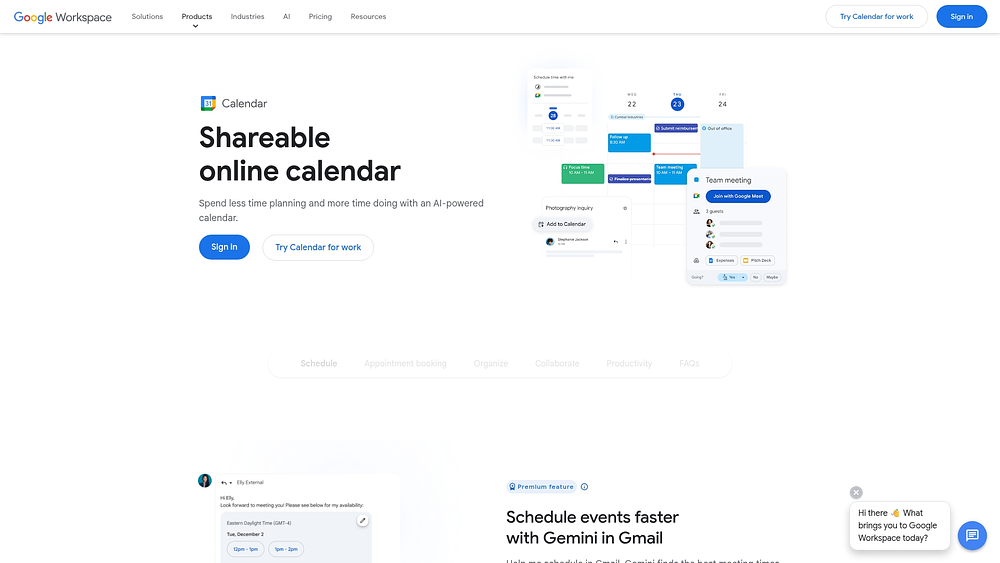
Universal scheduling accessibility with zero barriers to entry defines Google Calendar, and it delivers this experience for millions of teams worldwide. The platform stands out through seamless integration with Google Workspace, offering AI-powered scheduling assistance and built-in appointment booking that reduces the need for separate tools.
Use case:
Teams fully embedded in Google Workspace that require reliable, straightforward scheduling with integrated video conferencing and collaborative features.
Key features:
- AI-assisted scheduling: Gemini suggests optimal meeting times based on email context and calendar availability.
- Native appointment booking: Includes payment processing through Stripe, buffer settings, and multi-calendar conflict detection.
- Hybrid work coordination: Provides working location visibility, focus time blocking, and resource booking with room availability.
Pricing:
- Business Starter: $7/month (annual commitment available).
- Business Standard: $14/month (annual commitment available).
- Business Plus: $22/month (annual commitment available).
- Enterprise: Contact sales for pricing.
Considerations:
- Advanced scheduling features like multiple booking pages and paid appointments require Business Standard or higher plans.
- Creating and configuring appointment schedules is web-only, with mobile limited to booking and consumption.
3. Microsoft Outlook Calendar
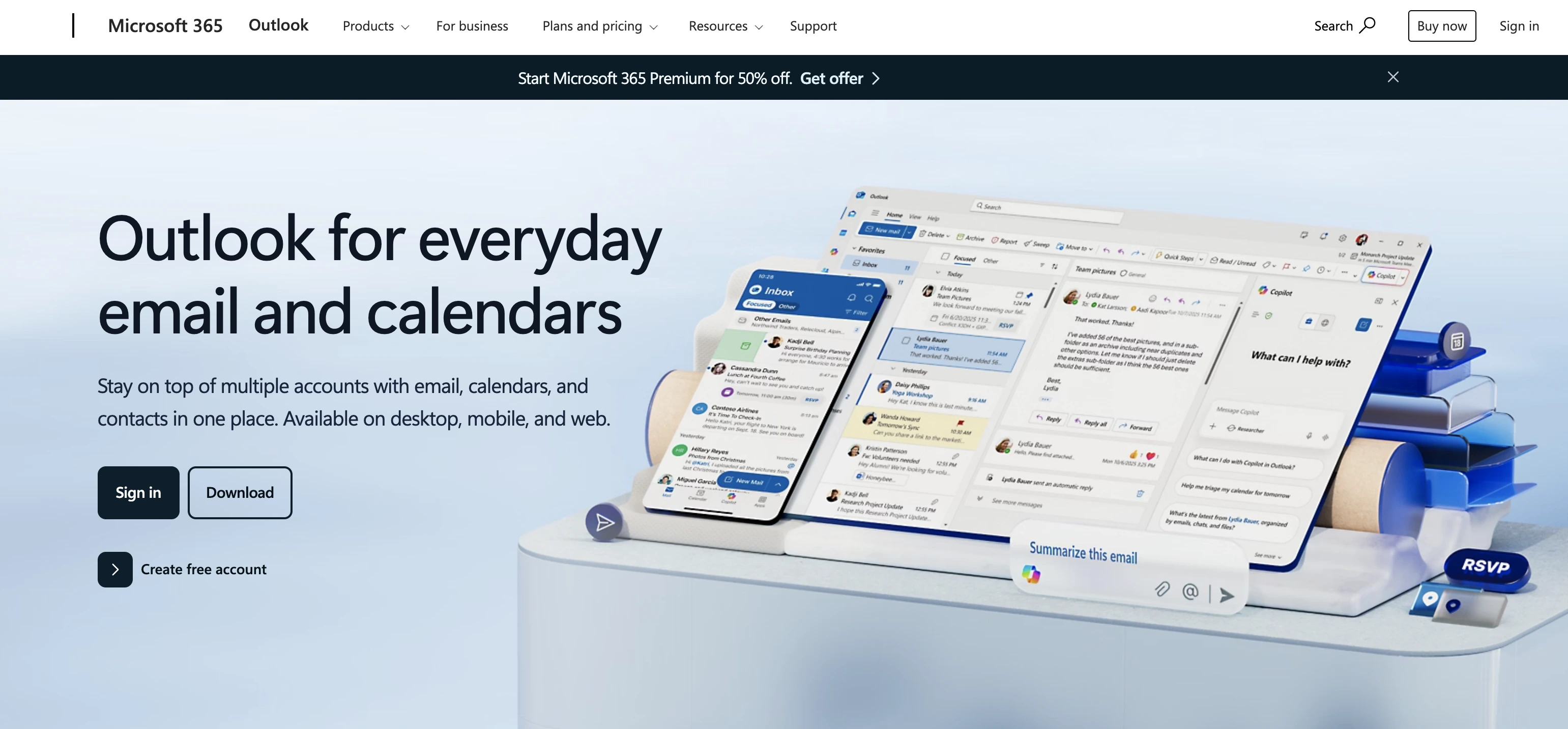
Microsoft Outlook Calendar combines email-driven scheduling with a unified workspace, allowing meetings, projects, and team coordination to converge. Enterprise organizations committed to Microsoft 365 benefit from deep integration with Teams, Exchange, and Office apps, reducing friction between scheduling platforms.
Use case:
Organizations seeking centralized time management within Microsoft 365, especially those requiring enterprise-grade security and administrative controls for complex scheduling workflows.
Key features:
- Scheduling Assistant and Room Finder: Visualize attendee availability and automatically book conference rooms with intelligent conflict detection.
- Scheduling polls: Propose up to 15 meeting times, place temporary calendar holds, and auto-schedule when consensus is reached.
- My Day integration: Unify calendar events with Microsoft To Do tasks in a single view, enabling drag-and-drop time blocking for focused work.
Pricing:
- Microsoft 365 Business Basic: $6/user/month (annual subscription).
- Microsoft 365 Business Standard: $12.50/user/month (annual subscription).
- Microsoft 365 Business Premium: $22/user/month (annual subscription).
- Office 365 E1: $10/user/month (annual subscription).
- Office 365 E3: $23/user/month (annual subscription).
- Microsoft 365 E3: $36/user/month (annual subscription).
- Add-ons: Planner Plan 1 ($10/user/month) and Copilot for Microsoft 365 ($30/user/month).
Considerations:
- Integration with non-Microsoft platforms is limited and often requires third-party connectors or manual synchronization.
- Project management connections with Planner rely on basic iCal feeds rather than real-time synchronization, creating potential gaps between calendar and project timelines.
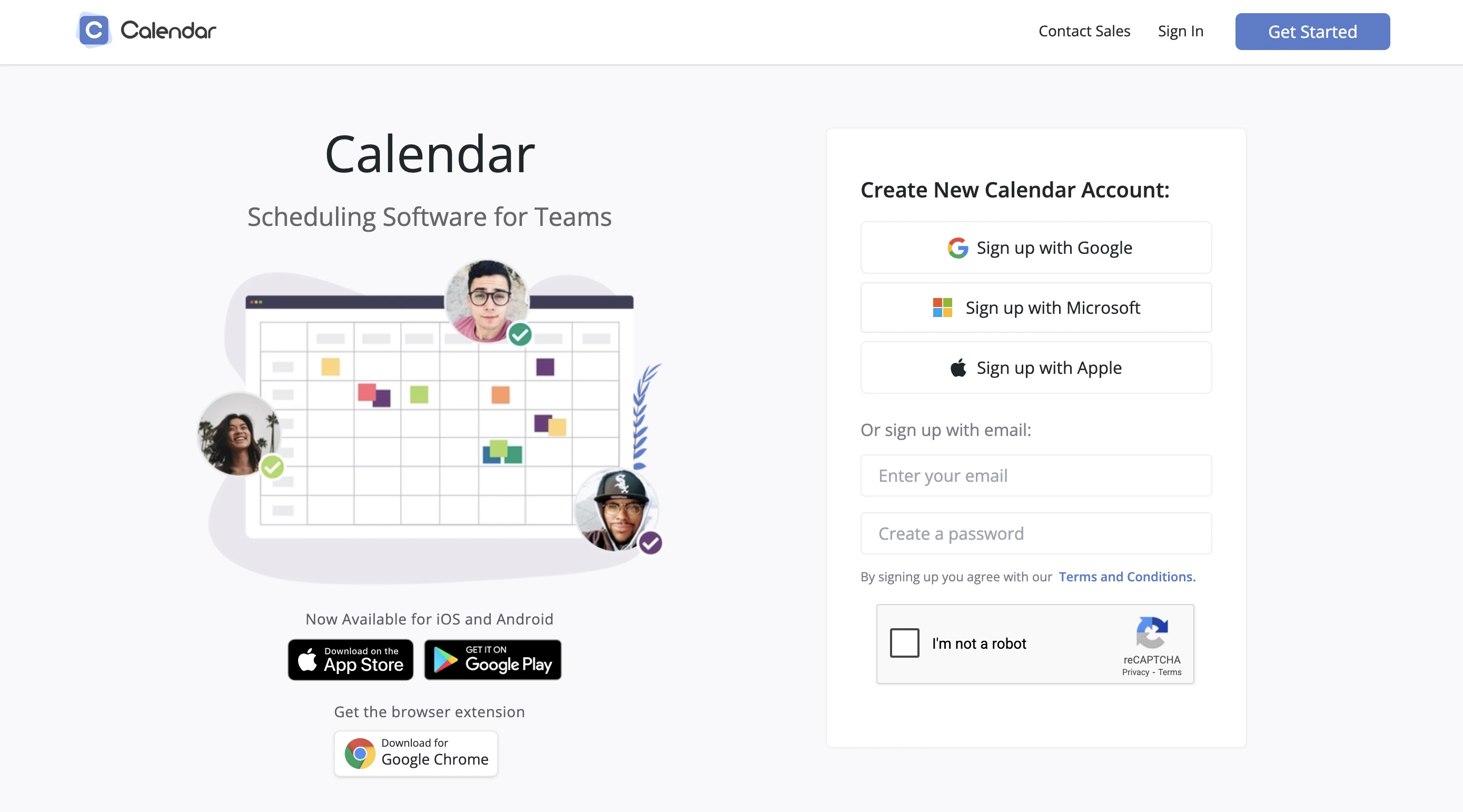
4. Calendar.com
Calendar.com focuses on team scheduling automation and advanced booking capabilities, ideal for organizations handling high volumes of external meetings. Round-robin routing and multi-host coordination make it suitable for sales teams, consultants, and customer success departments. Analytics and CRM integrations help optimize meeting workflows while reducing coordination overhead.
Use case:
Streamlining external scheduling workflows by automating back-and-forth coordination with clients, prospects, and stakeholders.
Key features:
- Round-robin scheduling: Uses REST API for automated lead routing and team distribution.
- “Find a Time” assistant: Checks availability across multiple team members’ calendars.
- Built-in analytics: Tracks time investments and optimizes scheduling patterns through meeting data and transcription pages.
Pricing:
- Free: Basic scheduling features with limited capabilities.
- Standard: $8/month per user (billed annually, 50% promotional discount from $16 list price).
- Pro: $12/month per user (billed annually, 50% promotional discount from $24 list price).
- Enterprise: Custom pricing for 30+ seats with SSO, SCIM, and dedicated support.
Considerations:
- Mobile experience lags behind web functionality, with Android still in beta.
- Advanced team analytics features are incomplete, with some marked as “coming soon.”
- Stripe payment processing fees apply separately for paid appointments.
5. Apple Calendar
Apple Calendar delivers seamless scheduling for teams and individuals fully committed to the Apple ecosystem. Native integration across iPhone, iPad, Mac, and Apple Watch provides an effortless experience. Intelligent features like travel-aware alerts and Siri automation enhance productivity and cross-device synchronization.
Use case:
Teams operating entirely within Apple devices that need straightforward scheduling with automated intelligence and cross-device sync.
Key features:
- Cross-device synchronization: iCloud keeps calendar data accessible across all Apple devices without manual setup.
- Travel-aware alerts: Apple Maps provides “Time to Leave” notifications with live traffic updates.
- Reminders integration: Surfaces tasks directly in calendar views, connecting scheduling with lightweight work management.
Pricing:
- Free: Calendar app with basic iCloud sync and sharing.
- iCloud+ 50GB: $0.99/month for additional storage and features.
- iCloud+ 200GB: $2.99/month for enhanced storage.
- iCloud+ 2TB: $9.99/month for teams requiring substantial shared storage.
- Apple Business Essentials: Starting at $2.99/device/month for small business device management.
Considerations:
- Ecosystem lock-in limits use for teams with Android, Windows, or mixed devices.
- Integration with non-Apple work management and collaboration tools is limited compared with cross-platform solutions.
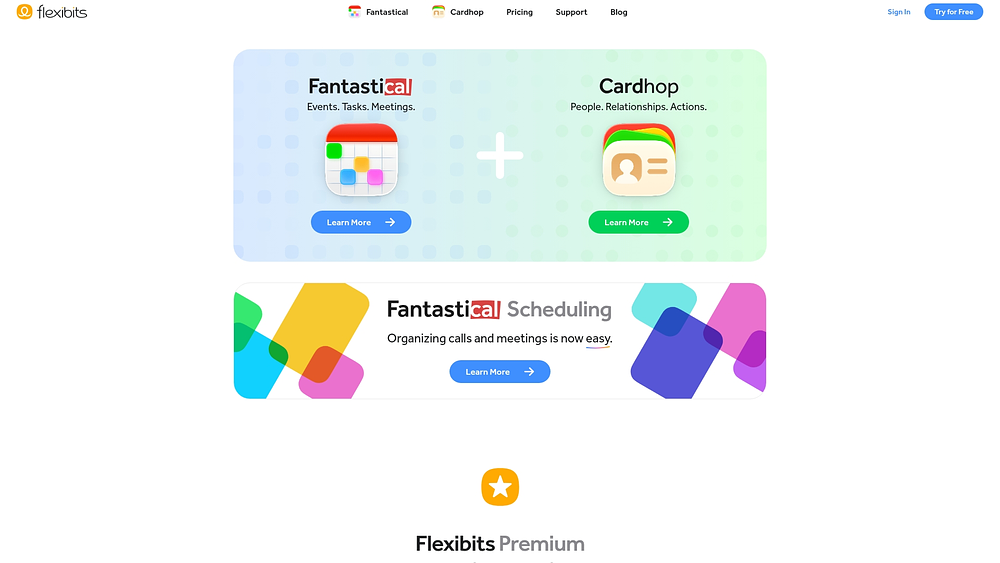
6. Fantastical
Calendar management becomes an intuitive, conversation-like experience with Fantastical. Natural language processing and premium design make it suitable for professionals who value refined user experiences and seamless calendar coordination. Deep Apple ecosystem integration combined with cross-platform availability supports individuals and teams seeking sophisticated scheduling capabilities.
Use case:
Streamlining calendar entry and scheduling coordination through natural language input and embedded booking functionality.
Key features:
- Natural language event creation: Converts phrases like “Lunch with Sarah tomorrow at noon” into properly scheduled calendar events.
- Integrated scheduling workflows: Includes Openings for booking pages, Proposals for time polling, and RSVP for event registration.
- Cross-platform synchronization: Works across Mac, iOS, Apple Watch, Apple Vision Pro, and Windows with unified subscription access.
Pricing:
- Free: Basic calendaring with existing calendar integration.
- Individual (Flexibits Premium): $6.99/month or $56.99/year with full Fantastical, Scheduling, and Cardhop features.
- Family: $10.49/month or $89.99/year for up to five members.
- Team: Per-user annual billing with SSO and multi-host availability features.
- Free trial: 14-day free trial available for all paid tiers. Annual billing discounts and education/military discounts available upon request.
Considerations:
- Limited project management capabilities: Restricted to calendar-centric workflows and task list integrations.
- Subscription pricing model: May feel expensive for users seeking basic calendar functionality without advanced scheduling features.
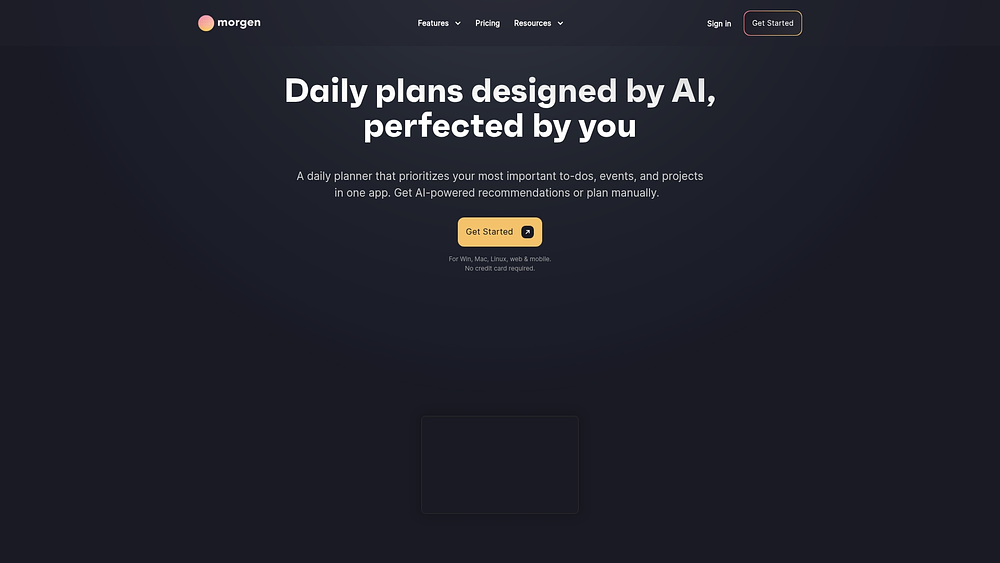
7. Morgen
Morgen turns calendar chaos into coordinated execution through a unified workspace for multiple calendar sources and task systems. This Swiss-built platform specializes in AI-driven daily planning that accounts for actual capacity and energy levels, ideal for professionals managing Google, Outlook, and Apple calendars alongside project management platforms.
Use case:
Bridging the gap between scattered calendar systems and disconnected task management platforms, creating realistic daily plans that actually stick.
Key features:
- AI Planner with Frames: Creates capacity-aware daily schedules using configurable templates of your ideal week, automatically padding time estimates and splitting long tasks into manageable sessions.
- Multi-provider calendar consolidation: Seamlessly aggregates Google, Outlook, Apple Calendar, and Fastmail into one unified interface with two-way sync and automated propagation.
- Deep task integrations: Pulls workflows directly from Notion, ClickUp, Linear, Todoist, and other platforms, enabling time-blocking with write-back capabilities for status updates and time tracking.
Pricing:
- Pro: Individual plan with monthly and yearly billing options.
- Team: Organization plan with monthly and yearly billing options.
- Discounts: 25% off for students, academics, and nonprofits; 15% off when switching from Motion, Reclaim, Fantastical, or Sunsama.
Trial: 30-day money-back guarantee available.
Considerations:
- Platform limitations: Integration capabilities vary, with some tools only supporting partial write-backs.
- Pricing model: The free tier has been removed, and some users may find monthly costs steep compared with alternatives.
8. Reclaim
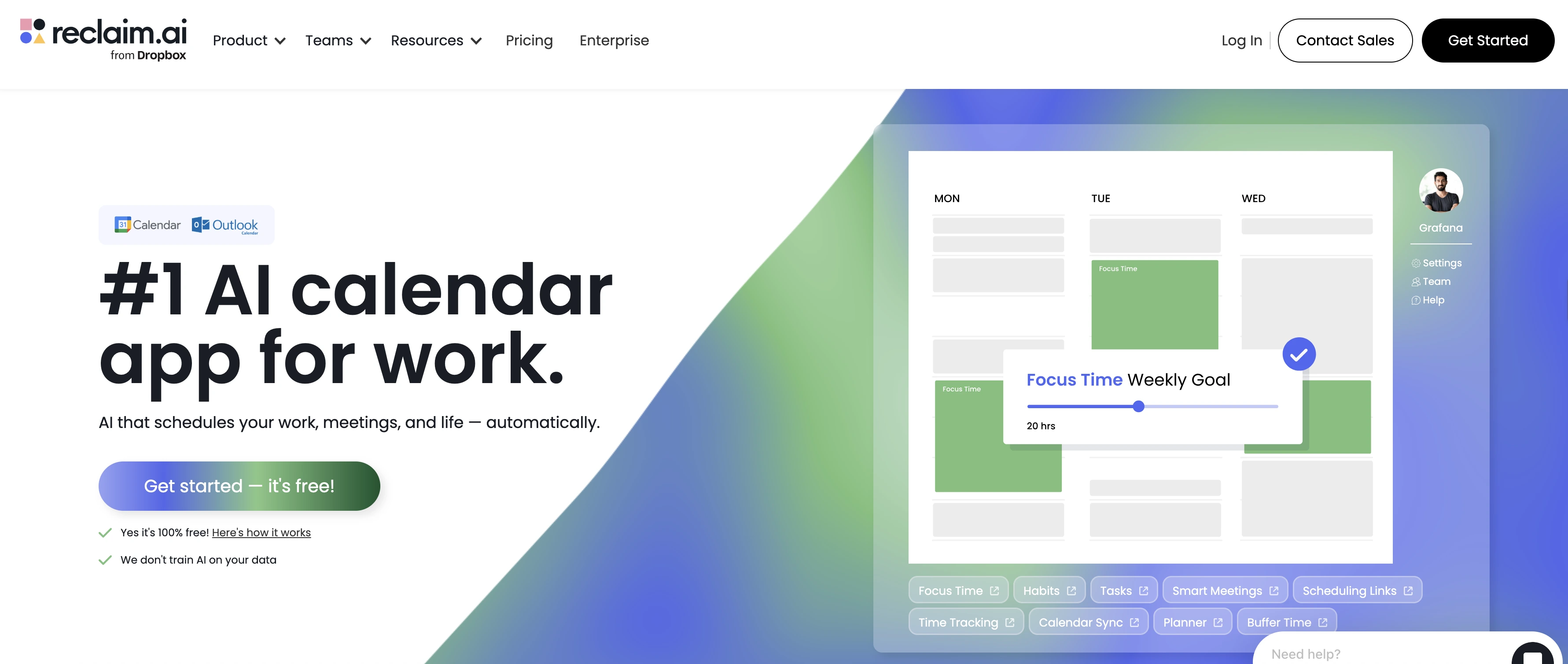
Reclaim transforms calendar chaos into intelligent time orchestration with AI-powered scheduling for focus time, meetings, and tasks based on priorities. Adaptive scheduling continuously adjusts as conflicts arise, supporting teams overwhelmed by meetings who need protected time for deep work.
Use case:
Teams seeking AI-powered calendar optimization that defends focus time and automates recurring meeting coordination.
Key features:
- Smart Meetings: Auto-schedules and auto-reschedules recurring team meetings using AI priority rules.
- Focus Time protection: Automatically declines or reschedules conflicting meetings during designated deep work periods.
- Task time-blocking: Converts to-dos from integrated project management platforms into flexible, deadline-aware calendar blocks.
Pricing:
- Lite: Free for one user with basic features and one-week scheduling range.
- Starter: $10/month per seat (annual billing) with eight-week scheduling range and unlimited focus time.
- Business: $15/month per seat (annual billing) with 12-week scheduling range and unlimited scheduling links.
- Enterprise: $22/month per seat with SSO, SCIM provisioning, and enterprise support.
Considerations:
- Mobile limitations: lacks native mobile apps, requiring management through mobile web or calendar apps.
- Platform scope: functions as a calendar optimization layer rather than a comprehensive work management solution.
9. Akiflow
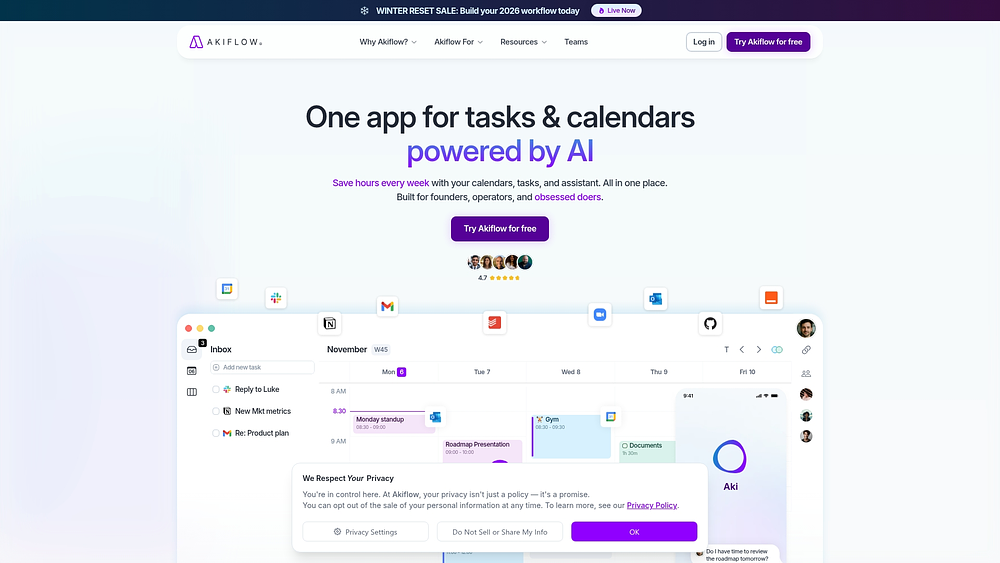
Akiflow unifies scattered tasks and calendar events into a single command center for individual productivity. Its time-blocking methodology and AI assistance support founders and knowledge workers who need manual control over daily execution. The universal inbox consolidates work from thousands of tools while maintaining a desktop-first, keyboard-driven experience.
Use case:
Helping individual contributors manage complex personal workflows by combining task management with calendar functionality in a single interface.
Key features:
- Universal inbox: Imports and syncs tasks from Gmail, Slack, Notion, Asana, Trello, and 3,000+ other platforms.
- Smart time slots: Enables drag-and-drop time blocking with reusable templates and automatic replanning of undone tasks.
- Aki AI assistant: Captures tasks by voice, generates events, and provides personalized planning guidance across daily rituals.
Pricing:
- Pro Monthly: $34/month per user, billed monthly.
- Pro Yearly: $19/month per user, billed annually (44% savings).
- Teams/Enterprise: Custom pricing available through sales contact.
- Free trial: 7-day free trial included with all plans.
Considerations:
- Mobile focus: The app serves as a companion to desktop rather than a standalone solution.
- Team collaboration: Individual-focused design lacks shared calendar views and collaborative features needed for team coordination.
How AI turns your calendar into a strategic asset
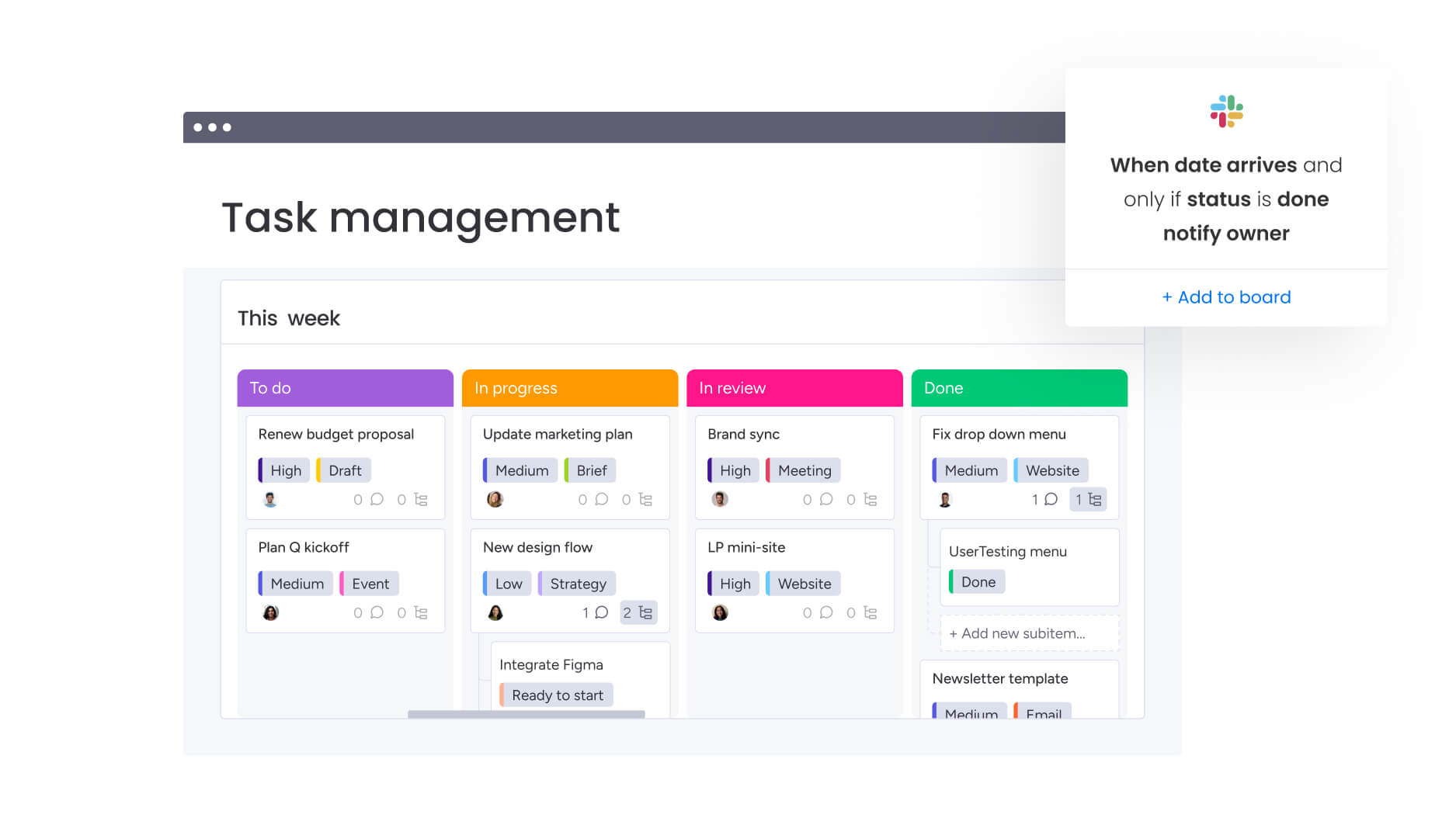
Your calendar should do more than track meetings. With AI, it becomes a smart system that ensures your team’s time aligns with priorities that matter most. Instead of just identifying free slots, it helps create schedules that push projects across the finish line efficiently.
Smart scheduling with AI automation
AI eliminates guesswork in scheduling by analyzing what your team is working on and identifying optimal times to collaborate. This reduces back-and-forth emails, giving everyone more time to focus on meaningful work. Think about how much time your team could reclaim with intelligent scheduling.
Teams streamline project execution on monday.com by receiving AI-powered scheduling recommendations that balance availability with project priorities. Every scheduling choice supports organizational goals, turning your calendar into a driver of success.
- Conflict detection: AI identifies scheduling conflicts across teams and projects before they cause delays, highlighting overlaps and enabling real-time adjustments to keep work on track.
- Optimal meeting times: Rather than only finding open slots, AI recommends times based on peak productivity and engagement, maximizing the value of every session.
- Resource optimization: The system evaluates calendars against project capacity to prevent burnout. When team members face overallocation, it suggests adjustments to balance workloads.
Learn more: AI calendar agent
Digital workers that manage calendars autonomously
Imagine a calendar that manages itself. Digital workers are autonomous agents that monitor schedules, coordinate teams, and resolve conflicts independently. They take care of routine tasks so your team can focus on what matters most.
The digital workforce on monday.com includes agents that handle coordination automatically. When a team’s timeline shifts, these digital workers detect ripple effects on other calendars and coordinate adjustments without manual intervention, keeping complex projects flowing smoothly.
5 key factors to consider when choosing a team calendar app
Not every calendar app is built for the same level of complexity. Some are designed for simple meeting coordination. Others need to support cross-functional planning, resource visibility, and long-term growth.
Before committing to a platform, it helps to step back and evaluate what your team actually requires. The five factors below separate basic schedulers from calendars that can support real operational scale.
1. Integration with your tech stack
Your calendar should never exist in isolation. Delivering true value requires seamless connections with the platforms your teams use daily — from project management to communication channels. Disconnected systems create friction and duplicate work, undermining the purpose of a shared calendar.
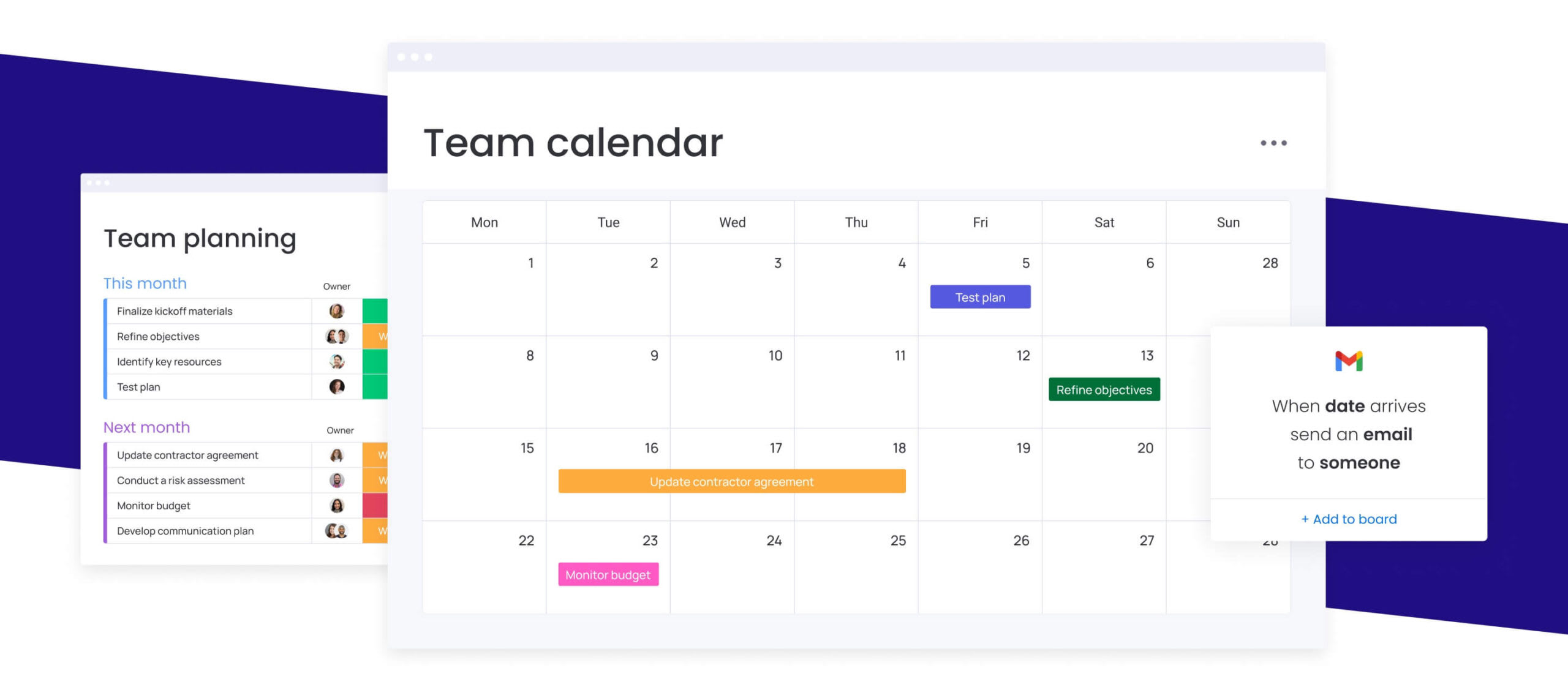
- Work management connectivity: Calendars that reflect project timelines ensure scheduling decisions carry strategic context. Platforms like monday.com can link calendars directly to project boards, making availability a direct input for execution.
- Communication channel integration: Switching apps to schedule meetings interrupts momentum. Direct connections with Slack or Microsoft Teams keep coordination flowing without pauses.
- CRM and business app sync: Automatic alignment of client meetings, follow-ups, and activities keeps customer-facing teams in sync. Leaders gain unified visibility into all interactions without manual entry.
2. A mobile-first experience for distributed teams
Work happens everywhere. A mobile-friendly calendar is essential for keeping hybrid teams aligned without tethering them to desks.
Mobile apps should deliver full functionality, not stripped-down features. Real-time, cross-device synchronization is critical; delayed updates reduce confidence and create confusion. Your calendar must match your team’s pace and flexibility.
3. Enterprise-grade security and compliance
Calendars contain sensitive information — strategic roadmaps, confidential meetings, and client data. Enterprise-grade security is essential. Look for robust architecture with controls that protect information without creating friction.
Modern platforms like monday.com maintain SOC 2 Type II certification and granular access controls, ensuring calendar information receives the same protection as other business-critical data.
4. Seamless cross-platform synchronization
Teams may use Windows, macOS, Android, or a combination of devices. Your calendar should deliver a consistent experience everywhere. Reliable apps update instantly when meetings move, regardless of technology. This eliminates confusion, avoids manual confirmation, and builds confidence for fast-moving projects.
5. Scalability as your teams grow
A calendar suitable for ten people should work just as efficiently for ten thousand. True scalability maintains performance and simplifies administration as organizational complexity increases.
Pricing flexibility ensures growth does not become cost-prohibitive. Platforms like monday.com scale from small teams to enterprise-wide deployments, keeping performance and features consistent so organizations can focus on growth rather than platform transitions.
Try monday.com
“monday.com has been a life-changer. It gives us transparency, accountability, and a centralized place to manage projects across the globe".
Kendra Seier | Project Manager
“monday.com is the link that holds our business together — connecting our support office and stores with the visibility to move fast, stay consistent, and understand the impact on revenue.”
Duncan McHugh | Chief Operations OfficerElevate team coordination with monday.com
Most organizations juggle work across disconnected calendars, creating scheduling conflicts that ripple through project timelines. When calendars, projects, and resource plans do not communicate, teams spend time reacting to problems instead of preventing them.
What if team schedules could automatically align with project priorities and real-time capacity?
From calendar chaos to unified clarity
Fragmented calendars create a silent drag on organizations, leading to missed deadlines and team burnout. Modern platforms like monday.com consolidate every schedule into a single, dynamic view connected directly to workflows. Leaders gain a clear line of sight from high-level strategy down to daily execution.
A unified platform enables organizations to move beyond simple scheduling. Teams gain the ability to coordinate complex, cross-departmental initiatives with confidence, ensuring every commitment aligns with strategic goals.
- Connect schedules to strategy: Integrate project timelines, resource plans, and team calendars to see how every piece of work fits together.
- Eliminate manual updates: When project dates shift, calendars adjust automatically, keeping everyone aligned without extra effort.
- Gain cross-functional visibility: Give marketing, operations, and leadership a shared view of campaign launches and key initiatives.
See team capacity in real time
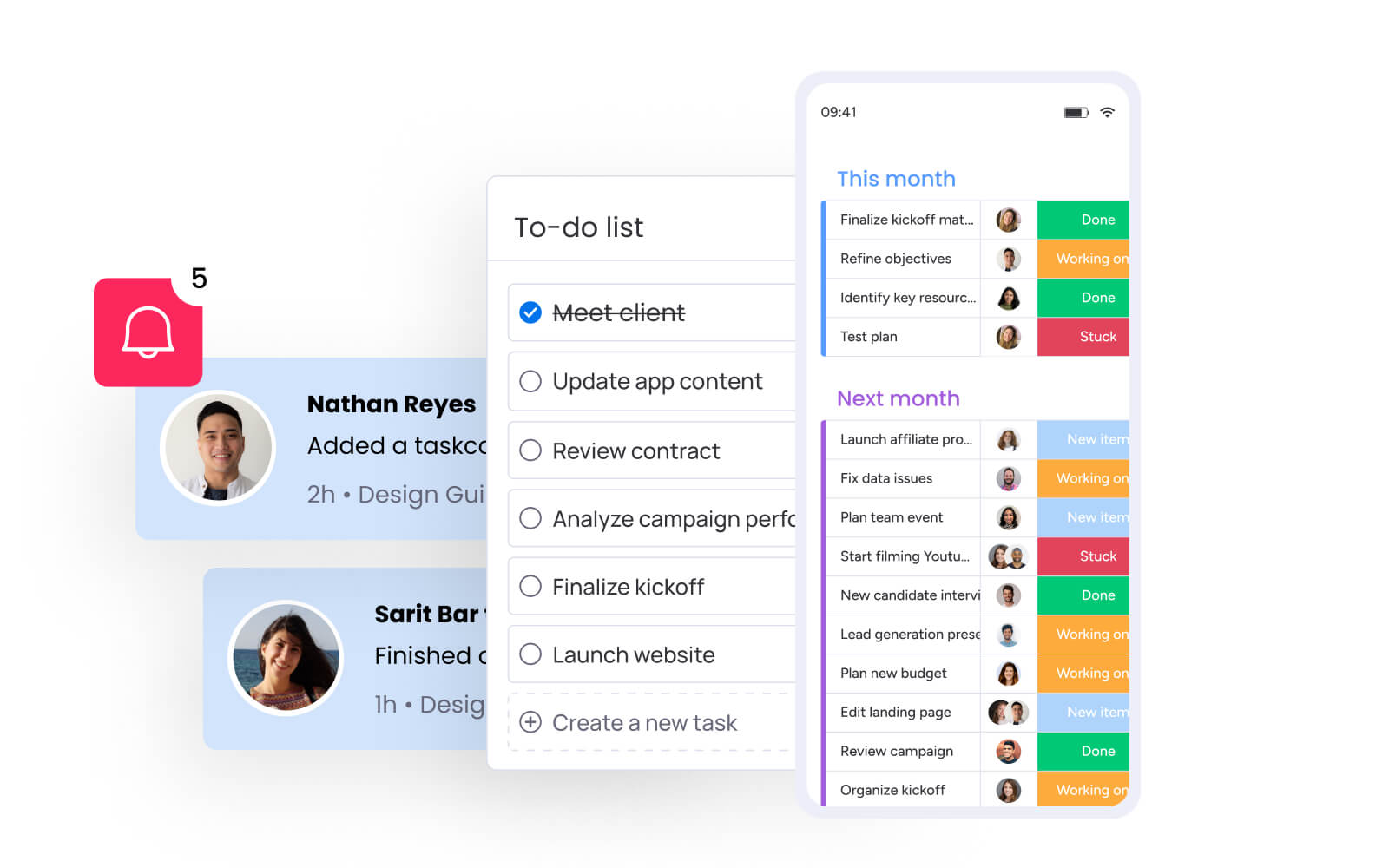
Are your best people stretched too thin? Guessing about bandwidth leads to unrealistic timelines and stalled momentum. monday.com provides live visibility into workload distribution by connecting calendar events to actual project requirements.
Managers can shift from assumption-based planning to data-driven decision-making. They can instantly identify who has room for new work and who risks overload, ensuring a sustainable pace across the organization.
- Visualize workloads accurately: See not just when people are busy, but what they are working on and how it impacts team capacity.
- Plan with confidence: Make informed resource allocation decisions for new initiatives by viewing aggregate capacity across departments.
- Address bottlenecks proactively: Spot scheduling constraints as they form and reallocate work to keep projects moving smoothly.
Let AI predict and prevent scheduling conflicts
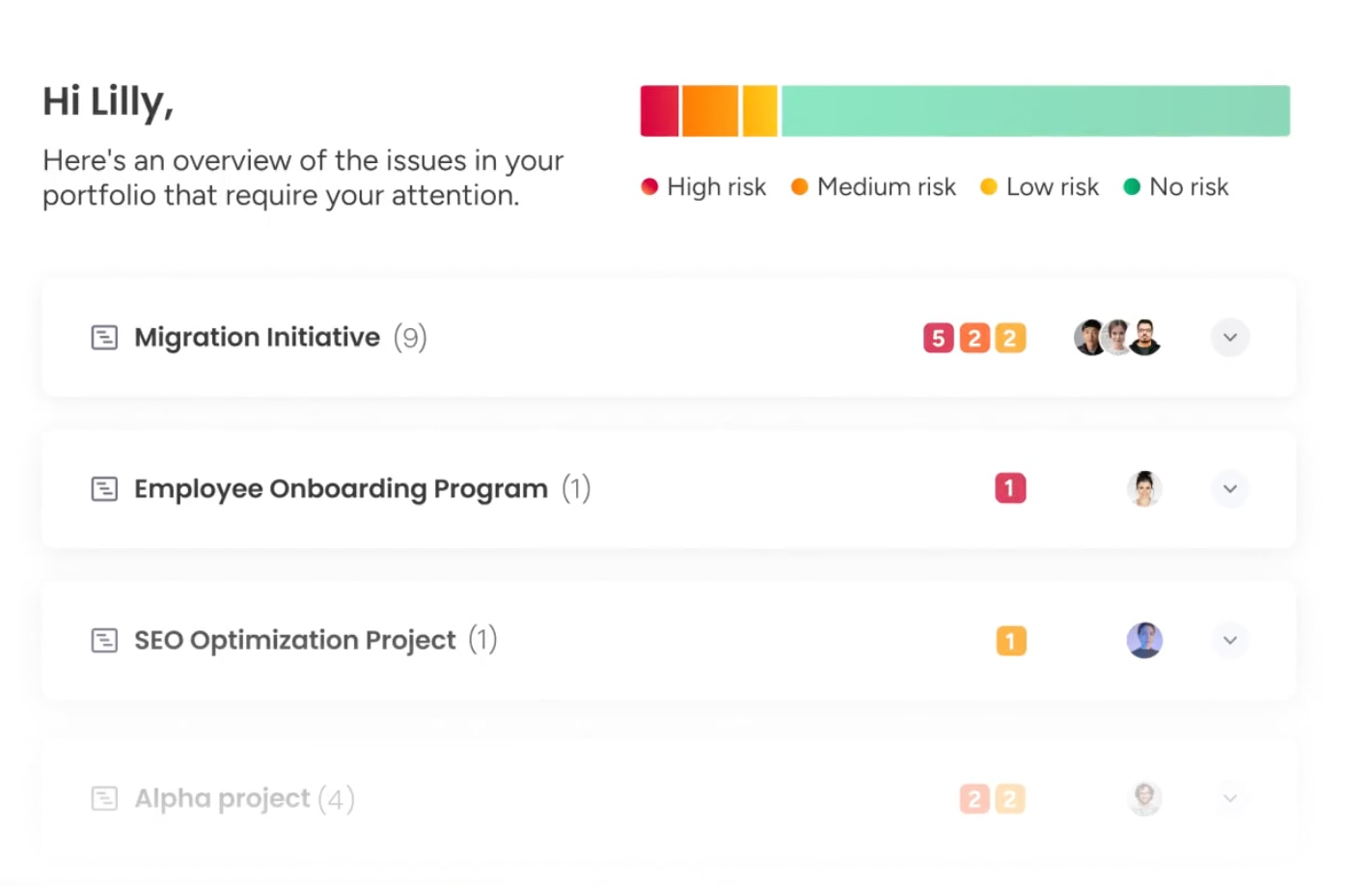
Reactive scheduling belongs to the past. Why solve conflicts when organizations can prevent them entirely? monday.com uses AI to analyze historical data and predict scheduling issues weeks in advance.
AI does not just find open slots—it identifies the right slots to optimize productivity and engagement across time zones. Calendars become strategic assets, keeping work flowing efficiently.
- Get intelligent recommendations: Receive AI-powered suggestions for optimal meeting times based on availability, project priorities, and team productivity patterns.
- Automate timeline adjustments: When conflicts arise, AI suggests smart adjustments that minimize disruption to project goals.
- Optimize resource allocation: Let AI identify overallocated team members and suggest intelligent reassignments to balance workloads and maintain momentum.
Turn scheduling into a strategic advantage today
A calendar should support how your team plans, prioritizes, and delivers work. When schedules are connected to real timelines and ownership, teams spend less time coordinating and more time executing.
As you compare options, focus on what will hold up as your organization grows. Look for clear visibility into capacity, reliable integrations with the systems you already use, and flexibility that can support both simple coordination and complex planning.
The right platform makes scheduling predictable instead of reactive. It gives leaders confidence in timelines and gives teams clarity about what comes next.
Try monday.comFrequently asked questions
What is the best free calendar app for teams?
Google Calendar is often the best free option for small teams, offering basic scheduling and sharing capabilities. For integrated project management, comprehensive platforms like monday.com deliver more long-term value than standalone free apps.
How do calendar apps integrate with work management platforms?
Calendar apps connect with work management platforms through native integrations and APIs that sync scheduling data with project timelines. Updates in one system automatically appear in the other, creating a single source of truth.
Can AI scheduling handle complex team calendars?
Yes. AI scheduling manages complex team calendars by analyzing availability, time zones, and project priorities to identify optimal times. This automation prevents conflicts across multiple teams and projects.
Which calendar app has the best mobile app for teams?
Google Calendar and Outlook offer strong standalone apps. For managing projects on the go, platforms like monday.com integrate calendar views with full work management capabilities.
What makes a calendar app enterprise-ready?
Enterprise-ready apps feature robust security, compliance certifications such as SOC 2, and scalability for thousands of users. They must also provide extensive integrations and centralized administrative controls for corporate tech stacks.
How do calendar apps handle different time zones for global teams?
Calendar apps automatically convert event times to each user's local setting. Advanced platforms also visualize team availability across regions, simplifying scheduling for global teams.

 Get started