

Effective expense tracking should create clarity, not confusion. When spending is captured in a structured way, finance teams gain reliable data, leaders understand where budgets are going, and employees spend less time navigating unclear processes. A strong expense template replaces scattered spreadsheets and manual reconciliation with a consistent system that supports faster decisions and cleaner financial records.
This practical article walks through the essential components every expense template needs, how to design categories that reflect real business activity, and which template structures support different operational needs. It also explores ways to apply formulas, approvals, and automation to reduce administrative effort while improving accuracy across teams.
With the right structure in place, expense tracking becomes a dependable foundation for visibility, compliance, and smarter resource allocation as organizations grow.
Key takeaways
- Build templates that enforce compliance automatically: Require receipts and proper categories before submission to eliminate audit scrambles and ensure tax-ready documentation from day one.
- Connect expenses directly to business outcomes: Link spending to specific projects and goals so you can measure true ROI and make data-driven decisions about resource allocation.
- Automate calculations and approvals to save hours weekly: Let formulas handle math while smart routing sends claims to the right approvers based on amount and type, eliminating manual processing delays.
- Transform static spreadsheets into collaborative workspaces: Teams using monday work management tag colleagues directly on expense items, attach receipts with drag-and-drop, and track approvals in real-time without version control headaches.
- Create category structures that match your actual business: Align expense categories with your general ledger and operational reality so finance teams get clean data that flows seamlessly into reporting.
What is an expense template?
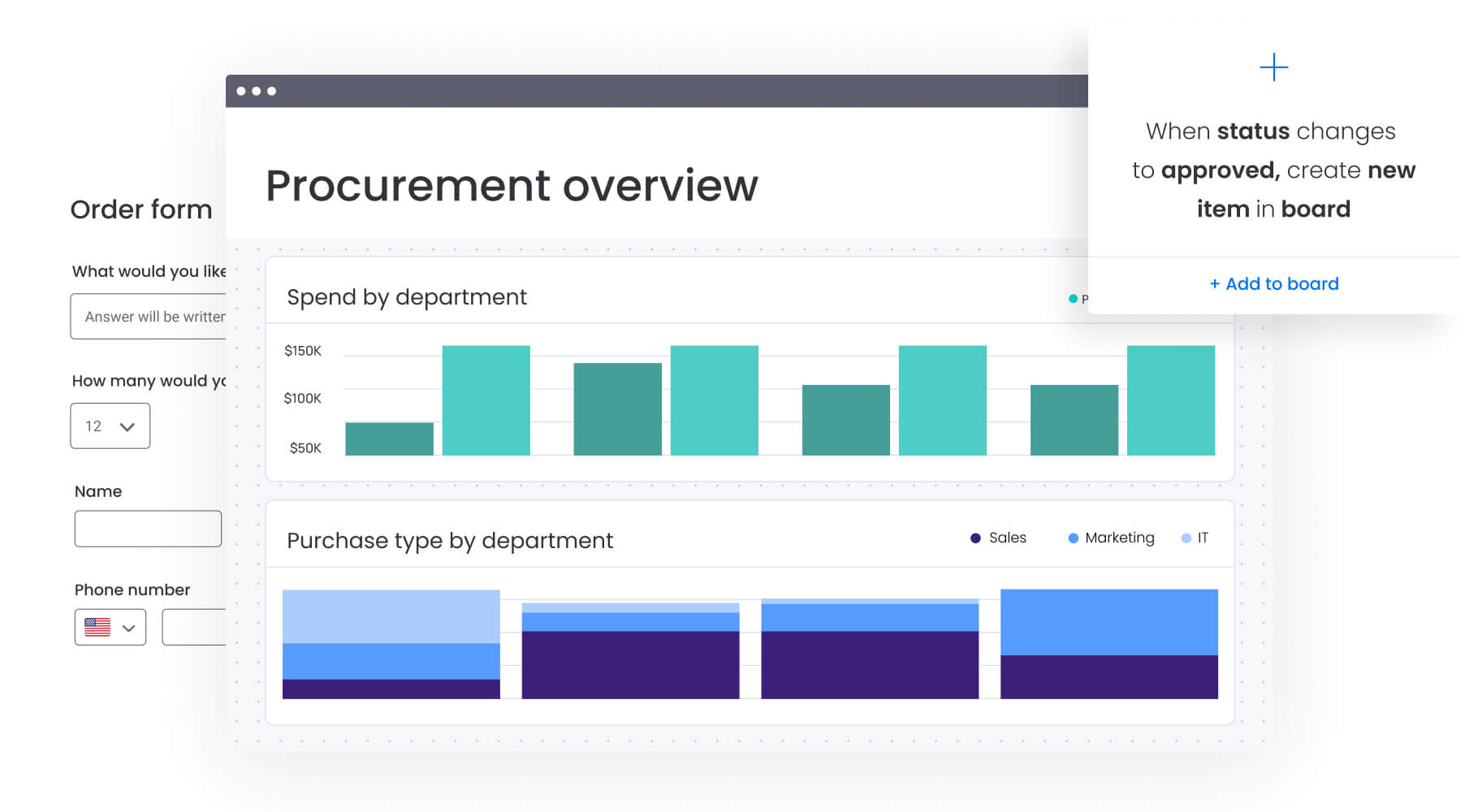
An expense template is your system for recording, sorting, and tracking business spending. It connects daily purchases to your financial reports, making sure every dollar gets documented, approved, and tagged to the right budget.
Think of it as your financial control center. A good expense template enforces your policies, speeds up approvals, and makes reconciliation easier for finance. Instead of scattered receipts and manual spreadsheets, you get clean data that feeds directly into your financial systems.
Expense template vs budget template
While expense templates and budget templates work together, they serve distinct purposes in your financial ecosystem. Understanding this difference helps you control spending better and keep operations clear.
As the table above indicates, the gap between these two shows how efficiently you’re actually running. Budget templates show where you planned to go, while expense templates document where you actually went. Together, they give you the full financial picture you need to make strategic calls.
Key components every expense template needs
A working expense template needs specific data points to stay compliant and actually useful. Missing fields lead to endless email chains and delayed reimbursements. Every expense tracking system needs these basics:
- Standardized categories: Dropdown menus prevent data fragmentation from inconsistent naming (Travel, not “Cab/Taxi/Uber”).
- Transaction dates: Accurate dating ensures proper fiscal period matching for accrual accounting.
- Merchant details: Vendor identification and business purpose establish the “who” and “why” for auditors.
- Pre-tax amounts: Separating base costs from taxes simplifies filing and reclamation.
- Digital receipts: Embedded upload fields keep proof of purchase with the data, eliminating lost paperwork.
- Department allocation: Cost center tagging enables granular profitability analysis.
- Approval indicators: Visual status fields show exactly where each claim sits in the workflow.
A good expense template enforces your policies, speeds up approvals, and makes reconciliation easier for finance. Instead of scattered receipts and manual spreadsheets, you get clean data that feeds directly into your financial systems.
Why your business needs expense templates
For executives and finance leaders, expense templates do more than keep things organized. They give you the control and visibility to make smarter decisions about where money goes and how efficiently you’re running. Standardized templates help you stop scrambling and start managing finances proactively. You’ll see where to cut costs and stay compliant — without slowing down.
Save time with automated calculations
Manual data entry and calculations are still the biggest pain points in expense management. Finance teams waste hours reconciling reports where a single formula error throws off the entire ledger. In fact, organizations can save an additional 1% in total procurement spending simply by not paying incorrect invoices, highlighting the financial impact of accurate expense tracking.
Templates with built-in formulas fix this problem:
- Instant reconciliation: Formulas automatically sum totals, calculate taxes, and flag duplicates the moment data enters the system.
- Reduced processing: Automated calculations deliver audit-ready totals immediately, cutting month-end processing from days to hours.
- Strategic focus: When math handles itself, finance teams can focus on spotting trends and planning ahead instead of checking for errors.
Improve financial visibility across teams
Fragmented systems create blind spots where marketing overspends without knowing until quarter-end. A unified expense template gives everyone who needs it access to the same accurate data. Department heads can watch burn rates in real time and adjust spending before the quarter ends.
This provides proactive insight into variance reports as they develop. A centralized system enables leaders to view cross-departmental spending trends on unified dashboards that update automatically.
Ensure tax compliance and audit readiness
Audit readiness is a continuous state of preparation. Structured expense templates enforce compliance by requiring necessary documentation before submission — the IRS requires receipts for expenses over $75 and mandates keeping records for at least three years, making proper documentation essential for compliance. Key compliance benefits include:
- Mandatory fields: Templates prevent submission without receipts or undefined categories, ensuring data completeness.
- Digital audit trails: Every entry, edit, and approval gets time-stamped and recorded for transparent transaction history.
- Simplified tax prep: Proper categorization at entry means instant segregation of deductible versus non-deductible expenses.
A unified expense template gives everyone who needs it access to the same accurate data.
Essential categories for business expense templates
Effective expense management starts with proper categorization. Categories need to match your general ledger and how your business actually works. The right balance makes accounting integration smooth without making the template hard to use.
Fixed business expenses
Fixed expenses represent your recurring, predictable costs that maintain operations. Tracking these separately helps with cash flow forecasting since they set your financial baseline. Common fixed expense categories include:
- Real estate costs: Rent, property taxes, facility management fees.
- Insurance premiums: Liability, property, workers’ compensation policies.
- Software subscriptions: Recurring SaaS licenses for CRM, HRIS, and work management platforms.
- Debt service: Regular loan repayments and interest charges.
Variable operating costs
Variable costs fluctuate with business activity, so watch them closely to spot where you can cut back. These often become the first targets during budget adjustments. Key variable expense categories include:
- Utilities and connectivity: Electricity, water, internet, mobile data plans.
- Marketing and advertising: Ad spend, campaign production, event sponsorships.
- Office supplies: Paper, toner, breakroom supplies, cleaning materials.
- Professional services: Legal fees, consulting retainers, contractor payments.
Project-specific expenses
Track project-specific expenses separately so you can see what each project actually costs. This categorization proves vital for service businesses that bill clients for out-of-pocket costs. Project expense examples include:
- Client travel: Flights, hotels, per diems directly attributable to client accounts.
- Project materials: Hardware, prototypes, printed materials for specific deliverables.
- Specialized licenses: Software purchased solely for project duration.
- Subcontractor fees: Payments to freelancers working on the project.
Employee reimbursements
This category covers personal funds spent by employees on company behalf. Clear policies and tracking prevent fraud while ensuring rapid repayment. Typical reimbursement categories are:
- Business meals: Client dinners or team lunches meeting policy criteria.
- Travel incidentals: Taxis, parking fees, tolls during business trips.
- Home office stipends: Internet or equipment reimbursements for remote workers.
- Professional development: Course fees, conference tickets, certification costs.
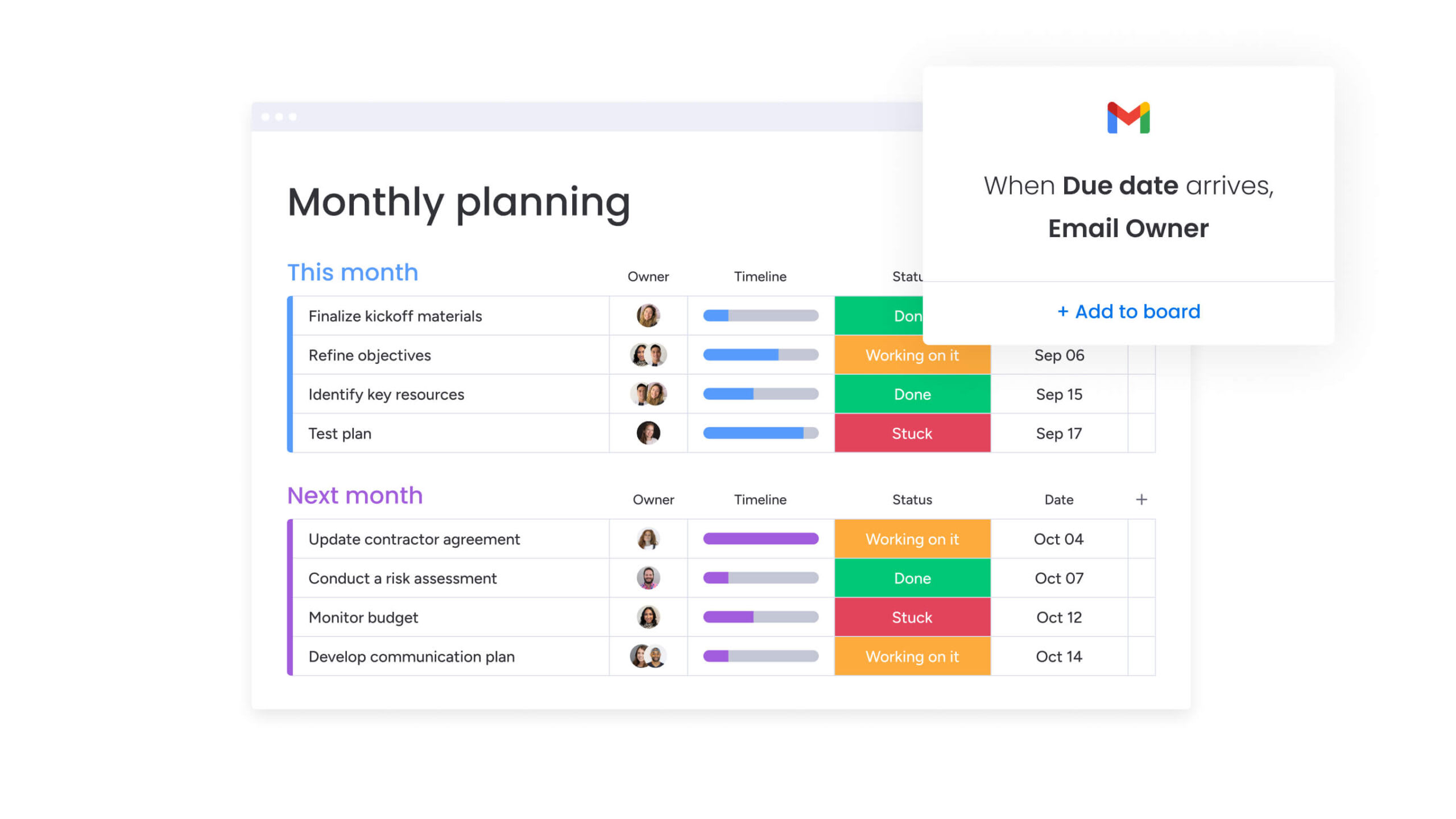
6 types of expense templates for different business needs
Different situations need different template setups. Most companies use several template types to cover all their spending scenarios. Each template explored below handles specific tracking needs while keeping your financial data consistent.
Simple monthly expense template
A monthly expense template keeps everyday spending organized without adding unnecessary complexity. It focuses on capturing core transaction details so teams can maintain consistent records and quickly review spending patterns over time.
- Use case: Small teams or departments tracking routine operational expenses with low transaction volume.
- Key features: Date, description, category, amount, and simple totals for monthly reporting.
Travel expense report template
Travel expenses often involve multiple transactions across locations, currencies, and days. A dedicated travel template ensures costs remain organized and compliant with company reimbursement policies.
- Use case: Employees submitting expenses from business trips, including transportation, accommodation, and meals.
- Key features: Trip ID grouping, per diem tracking, mileage calculation, currency conversion, and receipt attachments.
Project expense tracker
Project-based organizations need visibility into how spending impacts profitability. This template connects costs directly to deliverables, helping teams monitor budgets and ensure billable expenses are captured accurately.
- Use case: Teams managing client work, internal initiatives, or product development with defined budgets.
- Key features: Project ID, client name, billable status, budget tracking, and real-time cost monitoring.
Department budget template
Department leaders need a clear view of how spending compares to allocated budgets. This template helps track financial performance across quarters or fiscal years while supporting informed adjustments.
- Use case: Department heads managing allocated budgets and monitoring spend against targets.
- Key features: Budget vs actual columns, variance calculations, category grouping, and quarterly or annual summaries.
Credit card expense template
Corporate cards simplify purchasing but require structured reconciliation to maintain accuracy and accountability. This template helps finance teams match transactions with receipts and verify compliance.
- Use case: Organizations reconciling corporate card statements across multiple employees.
- Key features: Transaction matching fields, receipt verification, merchant tracking, and duplicate charge identification.
Annual business expense template
An annual template provides a high-level view of financial activity across the year. It consolidates monthly data to support tax preparation, financial reviews, and long-term planning.
- Use case: Finance teams preparing annual reports or analyzing year-over-year spending trends.
- Key features: Monthly rollups, category summaries, trend analysis, and export-ready reporting structure.

5 steps to build your custom expense template
Building a custom template lets you collect exactly the data your workflow and compliance require. The logic remains consistent whether using spreadsheets or a comprehensive platform like monday work management. Follow these steps to create a template that fits your organization’s specific needs.
Step 1: define your expense categories
Set up categories that matter to your business. Finance leaders should work with department heads to find the right balance between detail and simplicity. You want enough detail for insights without confusing employees during submission.
Step 2: set up your template structure
Structure determines data quality. Define column headers and enforce validation rules. Dropdown menus for categories and departments prevent typos. Setting specific formats for dates and currency eliminates manual cleanup later.
Step 3: add formulas for automatic calculations
Formulas transform static lists into functional systems. Essential formulas include SUM functions for category subtotals, IF statements to flag policy violations, and calculations for tax amounts based on selected codes. Advanced platforms handle complex logic automatically.
Step 4: create approval workflows
Map the path expenses take from submission to payment. Expenses under $50 might auto-approve while those over $1,000 require director sign-off. On a work management platform, you can set these rules to trigger automated notifications, ensuring the right person reviews claims without manual routing.
Step 5: test and refine your template
Before company-wide rollout, stress test with a pilot group. This phase uncovers usability issues like confusing category names or broken formulas. Gather feedback from initial users and iterate quickly. Regular review ensures the template evolves alongside tax law changes or company policy updates.
How to customize your expense template for maximum impact
Once basics are in place, customization aligns the template with operational nuances. The right adjustments transform generic tracking into strategic intelligence. These customizations ahead will ensure your template serves your specific industry requirements and organizational structure.
Add custom fields for your industry
Every industry tracks costs differently. Construction firms need Equipment ID or Job Site Location fields. Healthcare organizations require Compliance Code or Patient Reference fields. Adding these custom fields ensures data relevance to core operations rather than forcing unique expenses into generic categories.
Build multi-department views
Different stakeholders need different perspectives on the same data. Finance needs granular, line-by-line transaction views for reconciliation. Marketing directors only need to see marketing expenses aggregated by campaign.
Creating filtered views or permissions-based access ensures each user sees exactly what they need. This reduces cognitive load and protects sensitive financial data from unnecessary exposure.
Set up real-time dashboards
Visualizing data makes it actionable. Dashboards convert rows of numbers into charts revealing spending velocity and trends. Teams leveraging monday work management build custom dashboards with drag-and-drop widgets to display exactly what leadership needs:
- Budget vs. actual: Bar charts showing quarterly budget remaining.
- Category breakdown: Pie charts illustrating resource consumption patterns.
- Approval bottlenecks: Visual indicators of pending claims and their owners.
Automate expense tracking and approval workflows
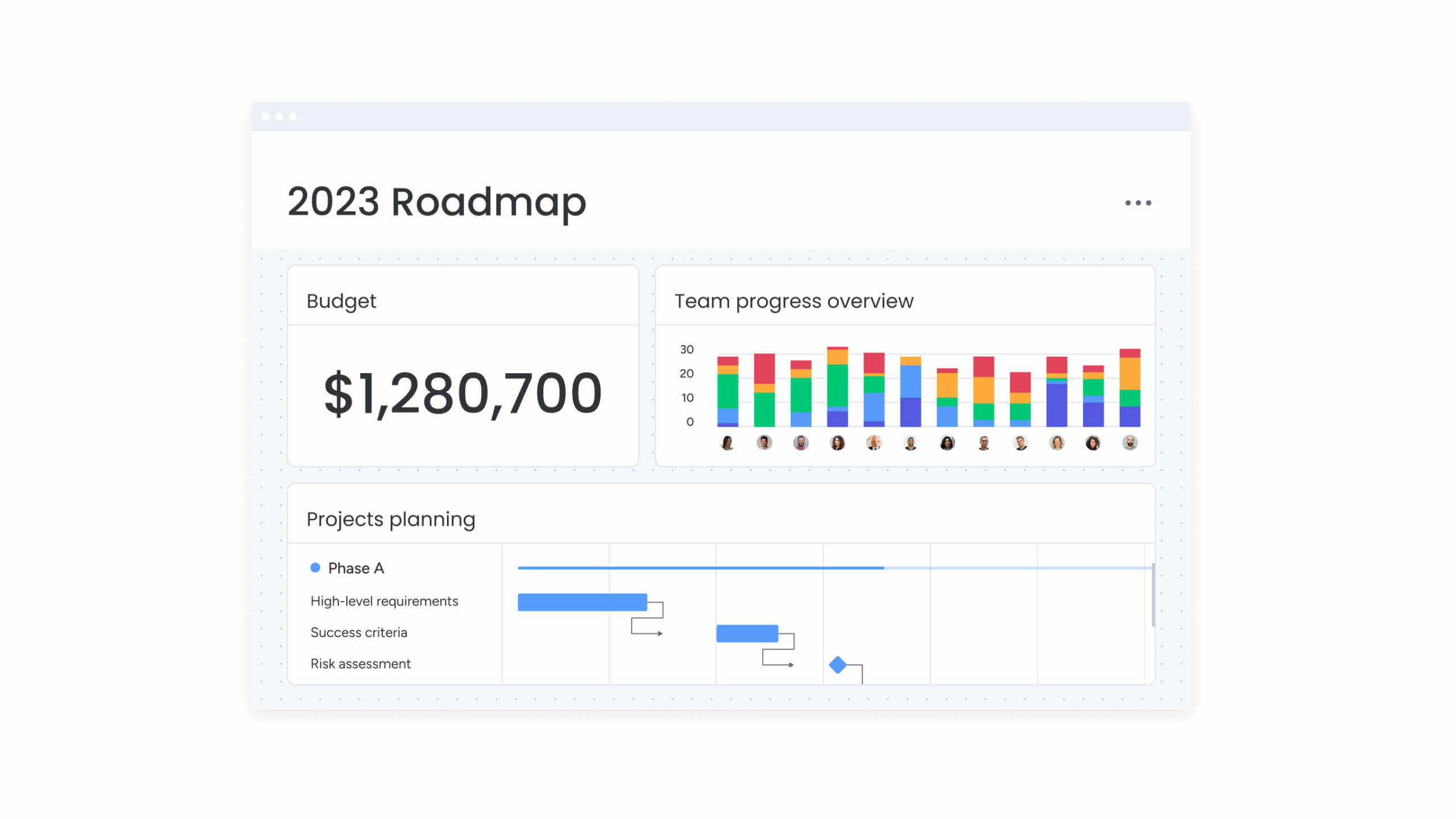
Automation represents the evolution from managing templates to running intelligent expense systems. By removing manual touchpoints, organizations reduce errors and accelerate reimbursement cycles. The following automation capabilities transform expense management from administrative burden into strategic advantage.
Set up AI-powered expense categorization
AI capabilities read transaction descriptions and automatically assign correct categories. The system learns that “Starbucks” usually falls under “Meals & Entertainment” based on context. AI capabilities can automatically categorize data at scale, extract information from receipts, and detect sentiment in text fields, significantly reducing the manual data entry burden.
Create multi-level approval chains
Automated routing ensures compliance without administrative delays. Logic-based automations route claims based on predefined criteria:
- A $200 software subscription routes to the IT manager.
- A $2,000 travel claim routes to the VP of Sales.
- If an approver is unavailable, the system automatically escalates to a delegate, preventing bottlenecks.
Enable real-time expense alerts
Proactive notifications prevent budget surprises. Managers receive alerts when specific budget lines reach 80% utilization or when expenses violate policy. These alerts allow immediate corrective action rather than discovering overage during month-end close.
Scale expense tracking with monday work management
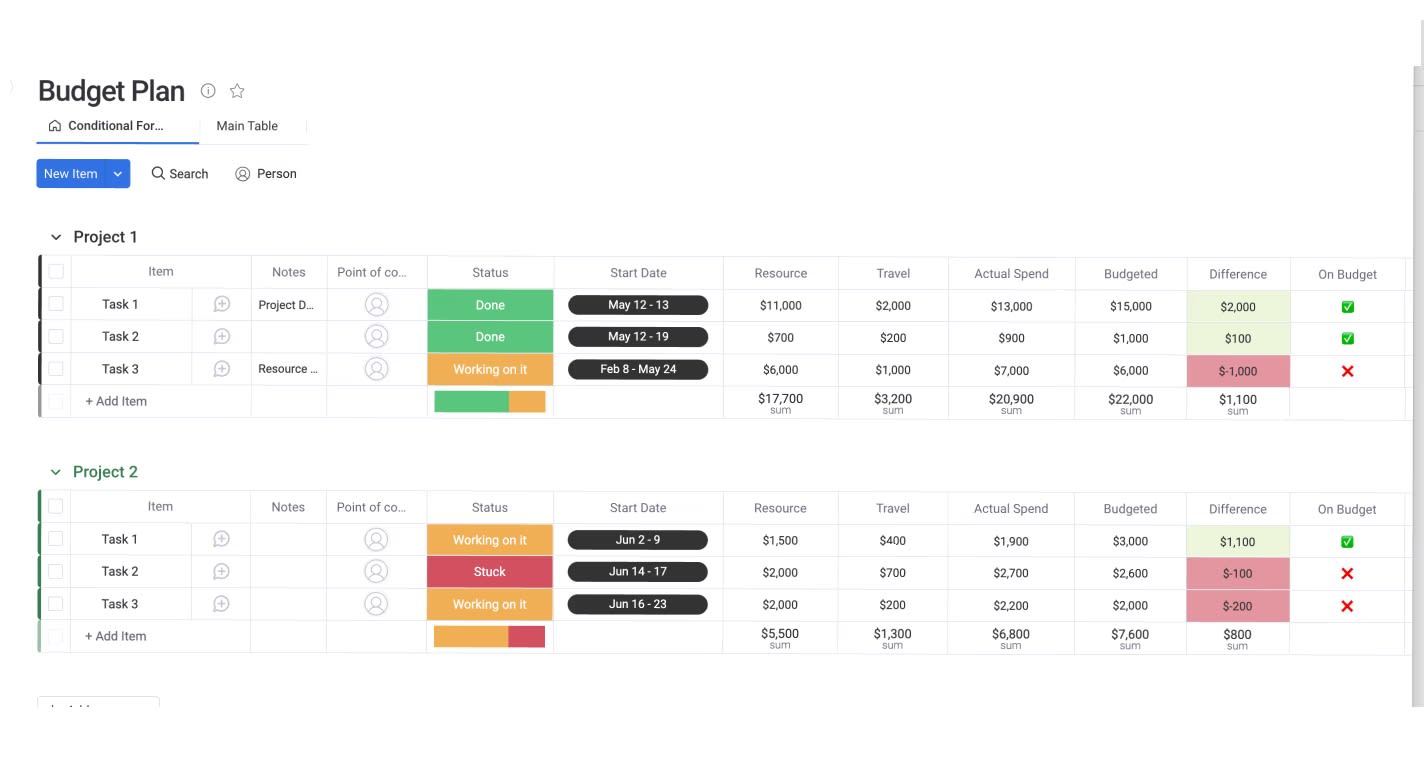
As expense tracking grows more complex, static spreadsheets often struggle to keep pace. Version control issues, scattered receipts, and limited visibility make it difficult for teams to maintain accuracy across departments. A more structured digital workspace helps teams collaborate on financial data in real time while keeping records organized, secure, and easy to audit.
The comparison below highlights how modern platforms like monday work management support greater visibility, automation, and scalability than traditional spreadsheets. These capabilities help organizations maintain control over spending while reducing manual coordination and improving financial transparency across teams.
| Feature | Traditional spreadsheets | monday work management |
|---|---|---|
| Collaboration | Single-user editing with file locking | Real-time co-editing with @mentions |
| Visibility | Data siloed in individual files | Centralized dashboards across departments |
| Automation | Limited to basic formulas | Custom triggers, notifications, and AI |
| Attachments | Difficult file management | Drag-and-drop receipts directly on items |
| Scalability | Becomes slow with large datasets | Enterprise-grade scale and security |
From spreadsheets to collaborative workflows
With monday work management, expense line items become collaborative workspaces. When finance managers have questions about receipts, they tag employees directly on the item, keeping conversation contextual and audit-ready. This eliminates disjointed email threads while preserving expense resolution history within the platform.
Connect expenses to business goals
Expenses don’t exist in isolation; they support business objectives. Organizations link expense boards directly to project management boards on monday work management. This connection means project managers see real-time financial impact alongside task progress, enabling true ROI analysis that shows not just spending but achievement with that spend.
Scale from team to enterprise expense tracking
As organizations grow, expense tracking needs become more complex. The platform scales from single teams tracking lunch receipts to global enterprises managing multi-currency budgets across dozens of departments. Enterprise-grade security features, including single sign-on and granular permissions, ensure sensitive financial data remains protected while accessible to those who need it.

“monday.com has been a life-changer. It gives us transparency, accountability, and a centralized place to manage projects across the globe".
Kendra Seier | Project Manager
“monday.com is the link that holds our business together — connecting our support office and stores with the visibility to move fast, stay consistent, and understand the impact on revenue.”
Duncan McHugh | Chief Operations OfficerBuild expense management that drives business growth
trong expense management creates more than organized records — it creates confidence in every financial decision. Structured templates and automation reduce manual effort, improve accuracy, and ensure spending data stays consistent across teams. Instead of chasing receipts or correcting errors, finance teams gain the clarity needed to monitor budgets, identify trends, and guide resource allocation with greater precision.
Clear visibility into expenses also strengthens compliance readiness, helping organizations maintain accurate documentation without last-minute scrambles. With reliable data and streamlined workflows in place, finance shifts from administrative oversight to strategic contribution.
When expense tracking runs smoothly in the background, teams spend less time managing processes and more time investing in initiatives that move the business forward.
Frequently asked questions
How do I share expense templates with my team?
Cloud-based platforms allow you to share templates via secure links or by adding team members directly to the digital workspace, ensuring everyone accesses the most current version without version control issues.
Can I track expenses across multiple currencies?
Yes, advanced expense templates and platforms record transactions in original currency while using formulas or integrations to convert and report them in your company's base currency for consolidated reporting.
How often should I update my expense template?
Templates should be reviewed and updated quarterly to reflect changes in tax rates, company policies, or project codes, ensuring continued accuracy and compliance.
What's the best format for expense templates?
While Excel and Google Sheets are common starting points, dedicated work management platforms offer superior functionality regarding automation, security, and mobile access for modern teams.
How do I migrate from spreadsheets to automated expense tracking?
Migration involves cleaning your current data, defining categories in the new platform, and importing existing records via CSV or Excel upload, typically completed within a few days.
What's the difference between expense tracking and budgeting templates?
Expense tracking templates record actual money spent historically, while budgeting templates plan for future spending limits; comprehensive financial management requires using both to compare actuals against the plan.

 Get started