


The best marketing teams don’t just send more emails — they build systems that turn every campaign into measurable revenue. When you organize email campaigns strategically, you connect marketing activities directly to sales outcomes, transforming scattered efforts into a predictable growth engine.
This article shows you how to build a revenue-focused email system in 2026. You’ll discover how to create standardized workflows, implement smart segmentation, and track performance with true revenue attribution — turning campaign chaos into a scalable process that shortens sales cycles and grows customer lifetime value.
Try monday campaignsKey takeaways
- Organized email campaigns directly drive revenue by connecting every message to specific business goals, increasing conversion rates and shortening sales cycles instead of just tracking engagement metrics.
- Build scalable workflows with 4 essential elements — centralized contact data, standardized processes, performance tracking, and marketing-sales alignment — to eliminate bottlenecks and reduce campaign launch time.
- Smart automation and behavioral segmentation deliver the right message at the perfect moment without manual work by setting up welcome series, nurture sequences, and win-back campaigns once and letting them run continuously.
- Focus on business impact metrics like revenue per email and customer lifetime value instead of vanity metrics, using multi-touch attribution to show how campaigns work together throughout the entire customer journey.
- Combine AI-powered optimization with native CRM integration using monday campaigns to create campaigns in minutes, track real-time revenue impact, and automatically connect email activities to actual sales outcomes.
What is email campaign organization?
Email campaign organization is the systematic approach to planning, creating, launching, and tracking email marketing efforts. This means you have defined processes for every step — from deciding what to send to measuring if it worked.
When campaigns follow a system, conversion rates increase. Sales cycles shorten. Customer lifetime value grows. This happens because organized campaigns send the right message to the right person at the right time.
How does this translate to your bottom line? Teams launch campaigns faster, test ideas more frequently, and scale efforts without adding headcount. monday campaigns makes this possible by connecting email activities directly to CRM data, showing exactly which campaigns drive revenue.
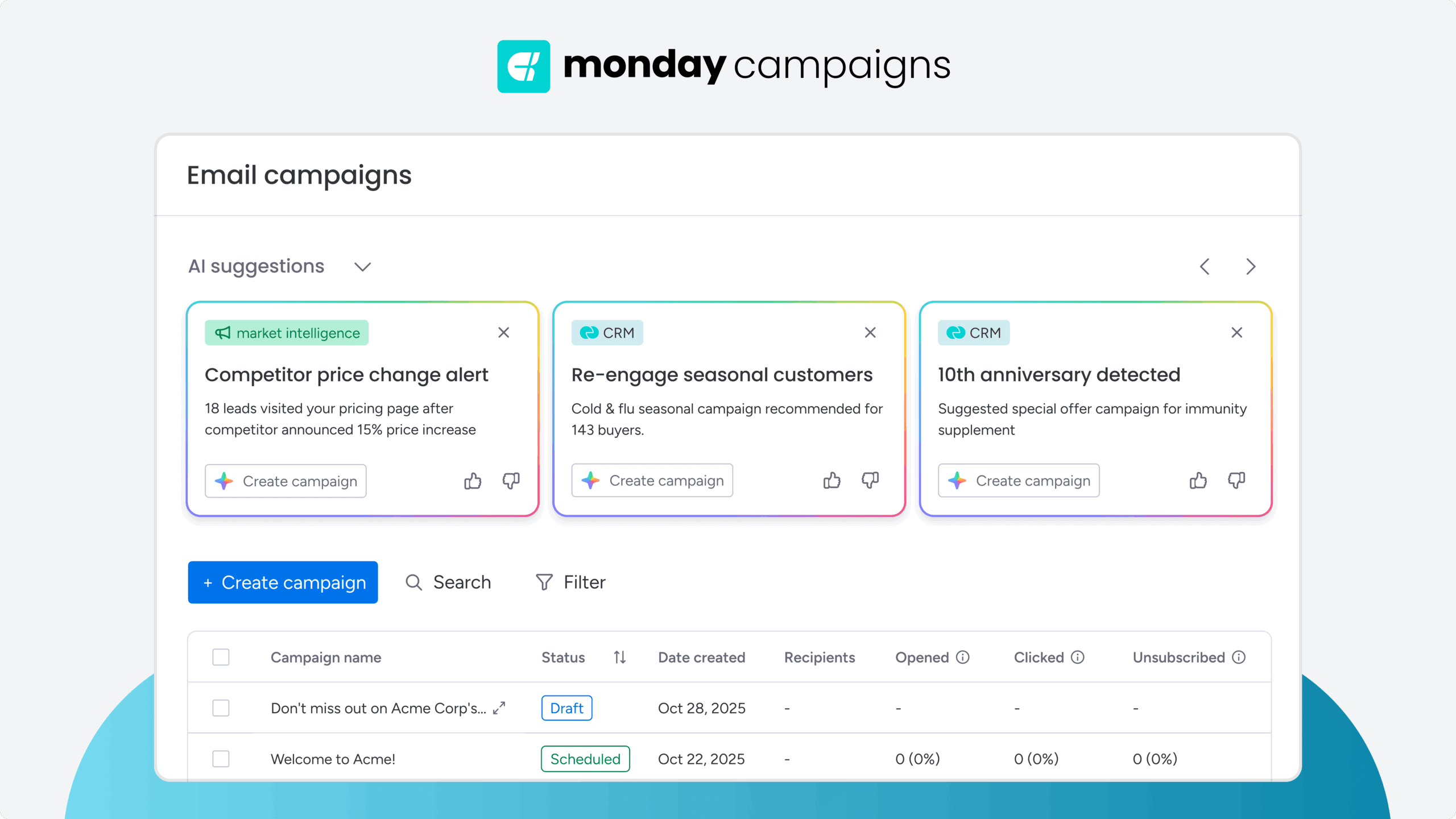
4 essential elements of revenue-driving campaign systems
Revenue-driving campaign systems need 4 core components working together. Each addresses a specific challenge that keeps teams from reaching their full potential.
1. Centralized contact database
A centralized contact database puts all audience data in one place. This eliminates duplicate records, outdated information, and conflicting segments that waste time and hurt results.
A single source of truth for customer data is the foundation of any revenue-focused system. By tracking the right information, you can move beyond generic messaging and deliver personalized experiences that drive action. Your database should track:
- Behavioral data: What contacts click, download, and purchase
- Engagement history: How often they open emails and which topics interest them
- Lifecycle stage: Where they are in the customer journey
2. Standardized campaign workflows
Standardized workflows guide campaigns from idea to launch without bottlenecks. These workflows include defined steps, ownership, and quality checks that catch issues before they reach inboxes. On monday, teams can build and share these workflows visually, ensuring everyone follows the same process for consistent, high-quality execution.
To build a scalable system, you must document the key stages of your campaign process. These components create a repeatable blueprint that reduces manual effort and minimizes errors. Essential workflow components include:
- Campaign briefs: Capture objectives, audience, and success metrics upfront
- Approval processes: Define who reviews content, design, and technical setup
- Quality checklists: Verify targeting, personalization, and deliverability
3. Performance tracking infrastructure
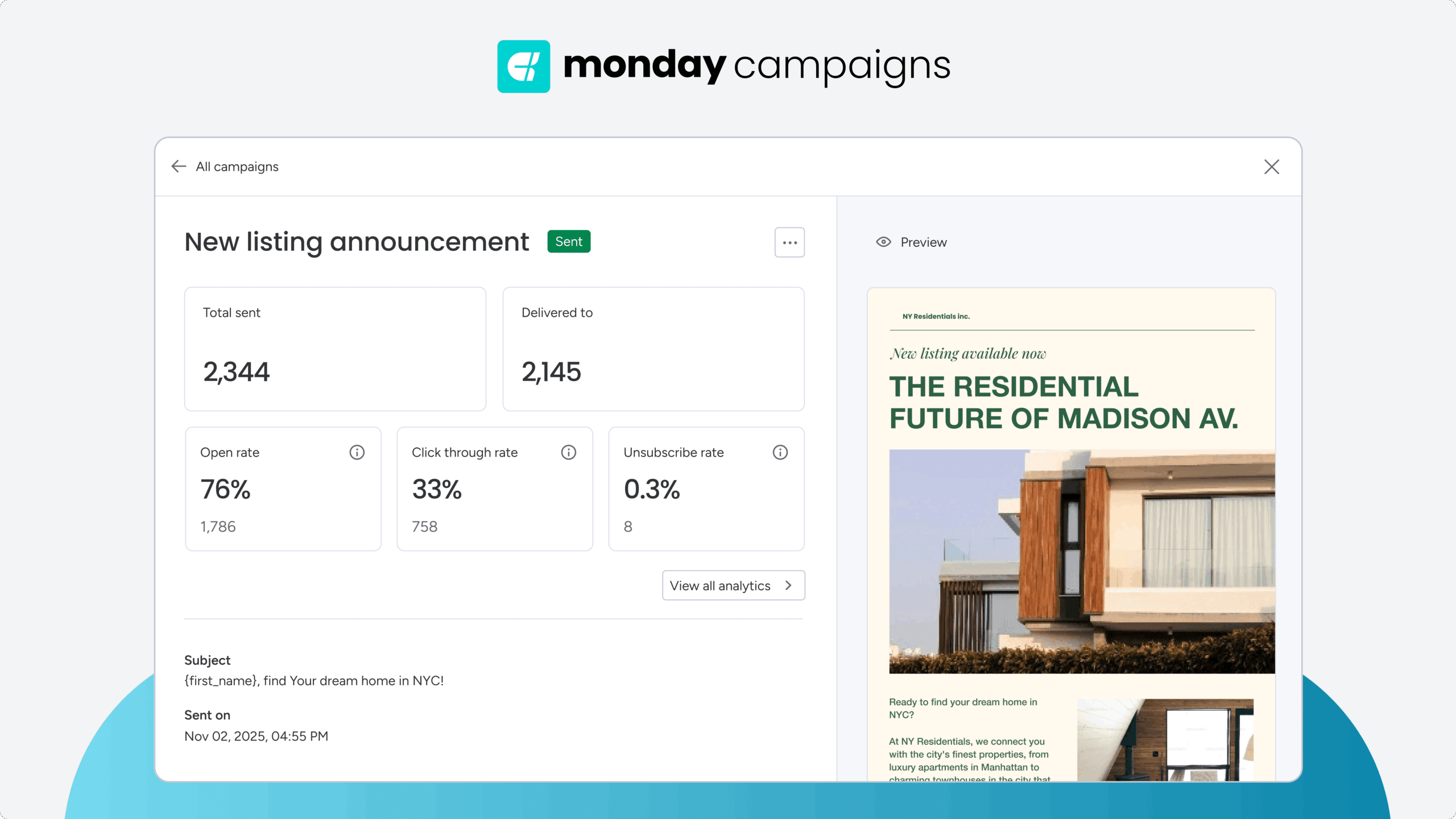
Performance tracking connects email activities to business outcomes. Instead of celebrating high open rates, you measure what actually drives revenue. With a platform like monday campaigns, you can build real-time dashboards that automatically link email performance to CRM data, giving you a direct line of sight into ROI.
Effective tracking includes real-time dashboards showing conversion rates and revenue per email. Trend analysis reveals which campaigns drive sustained growth. AI-powered insights forecast performance and recommend adjustments.
4. Cross-functional alignment
Cross-functional alignment ensures marketing and sales work together seamlessly. When both teams operate from a unified platform, they can see campaign performance, lead engagement, and pipeline impact in real time. This shared visibility on monday eliminates friction and ensures marketing efforts directly support sales objectives.
Key alignment mechanisms:
- Shared dashboards: Both teams access the same performance data
- Automated handoffs: Qualified leads transfer to sales instantly with full context
- Closed-loop reporting: Track campaigns through to closed deals
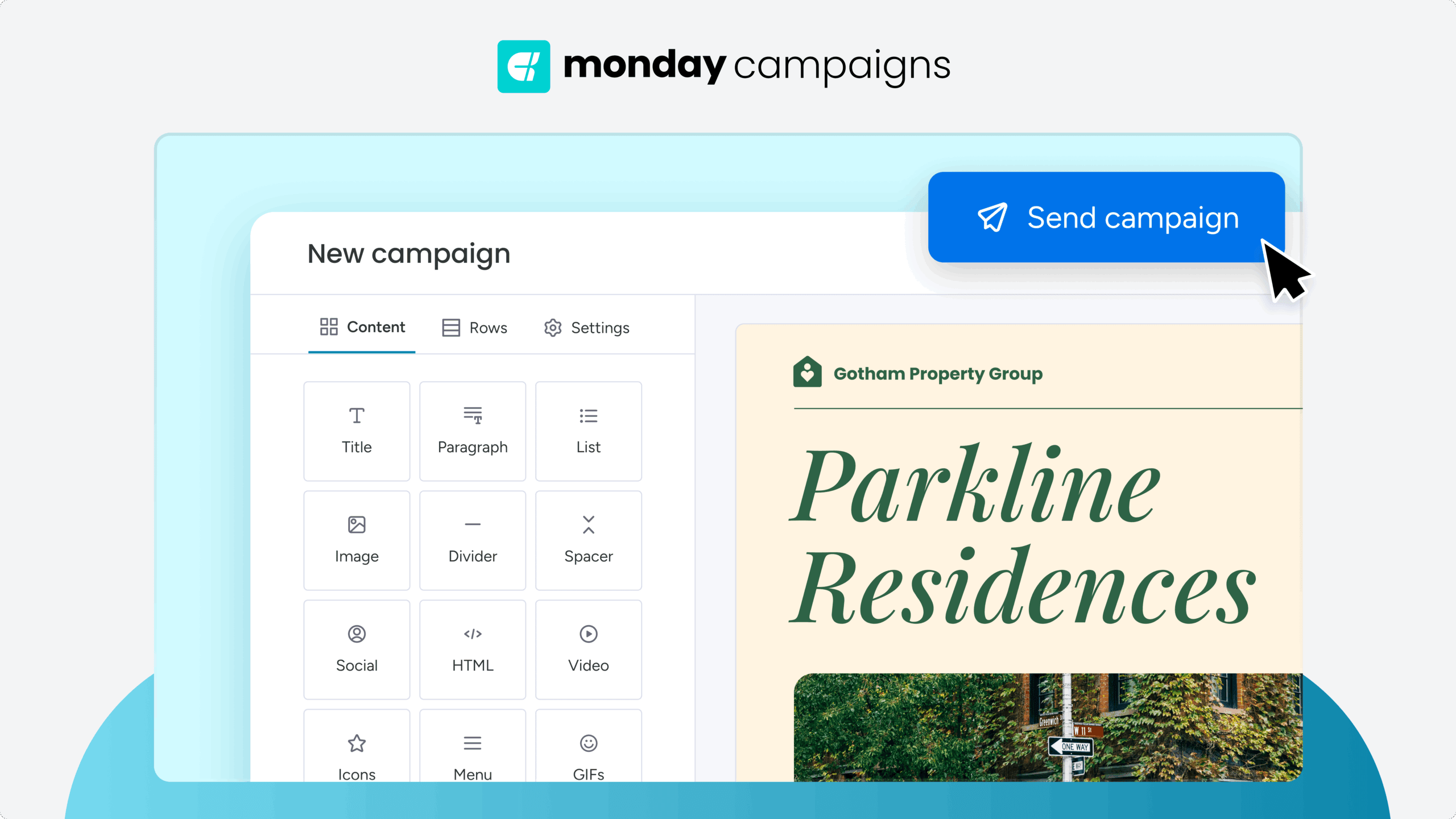
7 steps to create a scalable campaign process
Building an effective workflow starts with understanding your current process. What works? What causes delays? Where do things fall through the cracks?
Common challenges include gaining stakeholder buy-in, selecting the right technology, and balancing standardization with flexibility. Address these by breaking workflows into manageable stages with clear ownership.
Step 1: Define revenue-aligned goals
Revenue-aligned goals connect campaigns to business outcomes. Instead of aiming for “more engagement,” set specific targets like generating $100,000 from a product launch campaign.
Effective goals include:
- Revenue targets: Specific sales or upsell amounts
- Audience growth: Subscriber increases by percentage
- Engagement benchmarks: Measurable improvements in click-through or conversion rates
- Customer retention: Reduced churn through targeted campaigns
Step 2: Map your end-to-end workflow
Workflow mapping visualizes every stage from concept to analysis. This reveals bottlenecks, clarifies handoffs, and ensures nothing gets missed.
Key stages to map:
- Ideation and briefing: Define objectives and messaging
- Asset creation: Develop content and design
- Review and approval: Verify quality and compliance
- Execution and monitoring: Launch and track performance
- Analysis and optimization: Extract insights for future campaigns
Step 3: Build standard operating procedures
SOPs are the instruction manual for your email engine, ensuring anyone on the team can execute a campaign to the same high standard. This documentation is key to scaling operations without sacrificing quality. Document these areas:
- Content guidelines: Writing style, tone, and messaging rules
- Technical procedures: List setup, segmentation, and testing
- Quality standards: What to check before launching
- Performance protocols: How to track and report results
Step 4: Create reusable campaign templates
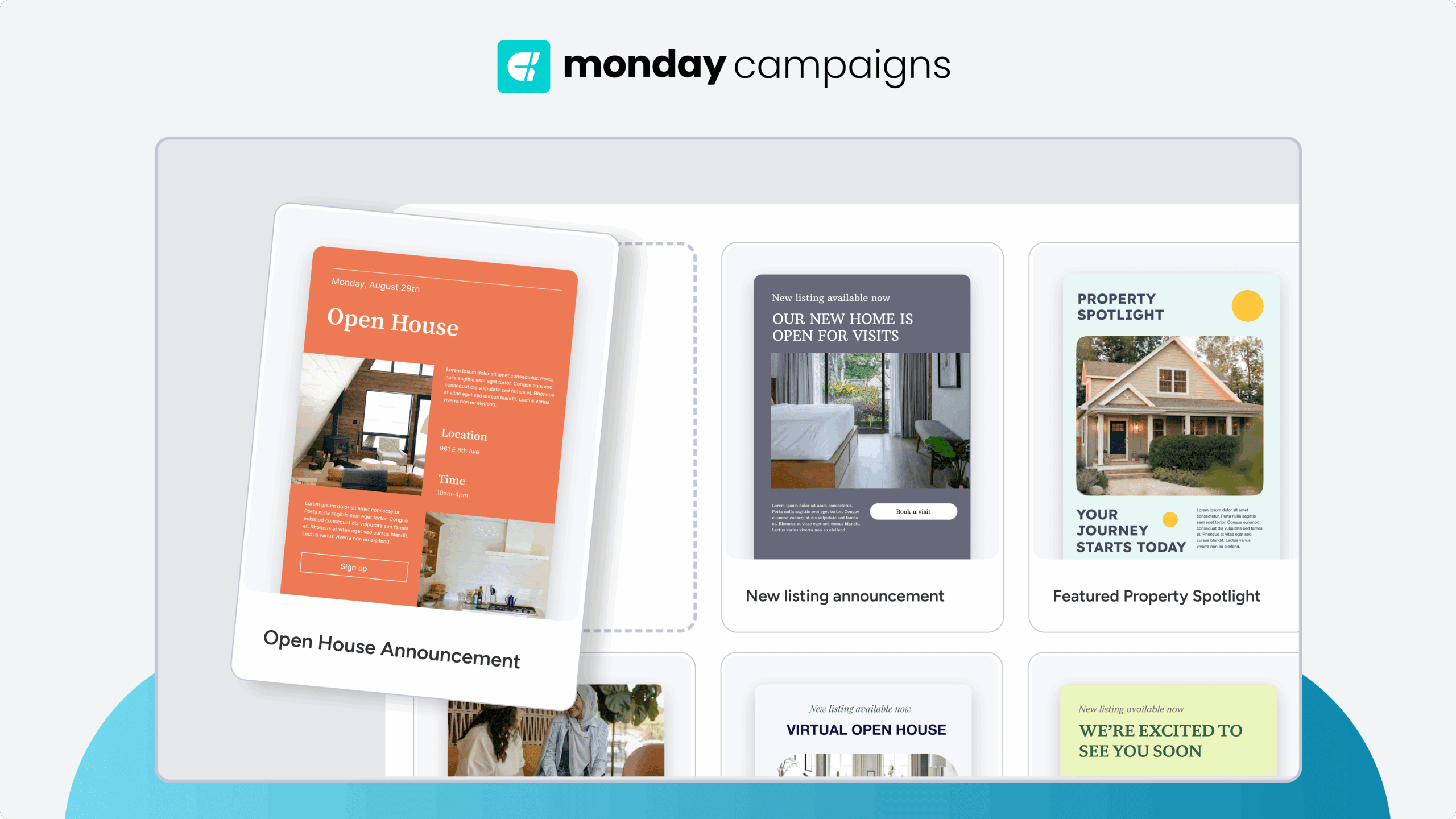
Templates eliminate repetitive work. Create templates for email designs, campaign briefs, approval workflows, and performance reports. Customize messaging while keeping structure consistent.
Step 5: Set up automated triggers
Automation is what allows you to deliver personalized experiences at scale, turning one-time setups into continuous revenue streams. By focusing on key moments in the customer journey, you can build relationships and drive conversions without manual intervention. Key revenue-driving automations include:
- Welcome series: Nurture new subscribers immediately.
- Behavioral triggers: Respond to downloads, clicks, or purchases.
- Win-back campaigns: Re-engage inactive contacts.
- Milestone messages: Celebrate customer anniversaries or achievements.
Step 6: Establish quality control checkpoints
Quality control prevents costly mistakes. Build checkpoints that verify audience segments, test links and images, confirm brand compliance, and validate send times.
Step 7: Design optimization feedback loops
Feedback loops turn campaign data into future improvements. Collect performance metrics, identify what worked, and apply insights to upcoming campaigns. This continuous improvement increases ROI over time.
Campaign planning templates that accelerate execution
Templates provide structure while maintaining flexibility. They eliminate decision fatigue and ensure consistency across all campaigns.
Email brief template
A comprehensive brief captures everything needed for successful execution. Include campaign objectives, target audience details, core messaging, content requirements, timeline milestones, success metrics, and stakeholder roles.
Campaign calendar template
Campaign calendars show more than send dates. They reveal campaign themes, audience overlaps, resource needs, and performance goals across timeframes.
A strategic campaign calendar provides a high-level view of all marketing activities, helping leaders align efforts with broader business goals. It transforms scheduling from a logistical task into a strategic planning exercise. Use calendars to:
- Prevent audience fatigue: Space campaigns appropriately
- Allocate resources: See who’s working on what
- Align with business cycles: Time campaigns with product launches or seasons
ROI tracking template
ROI templates measure true campaign value. Track total costs, attributed revenue, conversion rates, and customer lifetime value. Calculate ROI percentage and cost per acquisition.
Smart audience segmentation for targeted impact
Smart segmentation moves beyond demographics to group contacts by behavior and intent. This precision drives higher conversion rates and revenue per email.
Behavioral segmentation that drives action
Behavioral segments respond to what contacts actually do. Recent purchasers receive upsell offers. Cart abandoners get reminder emails. Inactive subscribers enter win-back sequences.
Lifecycle stage campaign organization
Lifecycle organization ensures timing matches customer readiness. New leads receive educational content. Evaluating prospects get case studies. Ready buyers see special offers.
Sending the right message is all about understanding where a contact is in their journey with your brand. Organizing campaigns by lifecycle stage ensures your content is relevant and helpful, building trust and guiding contacts toward the next step. Match campaigns to these key stages:
- Awareness: Educational content for new contacts
- Consideration: Comparisons and social proof
- Purchase: Time-sensitive offers and incentives
- Onboarding: Welcome series and usage guides
- Retention: Loyalty programs and exclusive benefits
AI-powered dynamic segments
AI analyzes patterns humans miss. It identifies contacts likely to purchase, flags churn risks, and optimizes send times for each individual.
Try monday campaignsEmail automation setup for operational excellence
Automation scales personalization without manual work. Set up sequences once, then let them run continuously while you focus on optimization.
Welcome series to convert
Welcome emails generate the highest engagement rates. Make them count with immediate delivery, progressive value, personalized recommendations, and clear next steps.
Your welcome series is your first and best chance to make a strong impression and set the tone for the entire customer relationship. A well-designed sequence immediately delivers value and guides new subscribers toward their first conversion.
Lead nurture sequences to educate
Nurture sequences build trust through education. Share helpful content, demonstrate expertise, and guide prospects toward purchase decisions.
Effective nurture tactics:
- Educational content: Address common challenges
- Product demonstrations: Show solutions in action
- Customer stories: Prove real-world results
- Progressive offers: Increase value over time
Win-back campaigns to re-engage
Win-back campaigns recover lost revenue. Target inactive subscribers with personalized reminders, exclusive offers, and feedback requests.
Customer success automations
Success automations drive retention and expansion. Send onboarding guides, usage tips, renewal reminders, and upsell offers based on customer behavior. These automations ensure no customer falls through the cracks.
Track campaign performance with revenue attribution
Move beyond vanity metrics to measure real business impact. Connect every campaign to revenue outcomes and customer lifetime value.
Business impact metrics beyond opens
Traditional metrics show activity. Business metrics show results. Track conversion rates, revenue per email, customer acquisition costs, and lifetime value.
Multi-touch revenue attribution
Customers rarely convert from one email. Multi-touch attribution shows how campaigns work together throughout the customer journey.
Understanding how each email contributes to a sale is crucial for optimizing your strategy and budget. Multi-touch attribution models provide a more complete picture than last-click reporting, helping you value every touchpoint in the customer journey. Common attribution models include:
- First-touch: Credits the initial campaign
- Last-touch: Credits the final campaign
- Multi-touch: Distributes credit across all touchpoints
Choose models based on your sales cycle length and complexity.
Real-time performance dashboards
Real-time dashboards enable instant decisions. Monitor campaign performance, audience engagement, revenue tracking, and deliverability metrics as they happen.
AI-enhanced campaign organization strategies
AI multiplies your team’s email campaign capabilities. It handles analysis and optimization while you focus on strategy and creativity.
Automated audience intelligence
AI processes engagement data to reveal hidden patterns. It predicts which segments will convert, identifies behavior changes, and recommends targeting adjustments.
Smart content optimization

AI tests and improves campaign elements continuously. It optimizes subject lines, send times, and content personalization based on real results.
AI-powered optimization allows your team to test and refine campaigns at a scale that would be impossible to manage manually. By automating these analytical tasks, you can focus on strategy and creative while the platform continuously improves performance. Let AI handle:
- A/B testing: Run multiple variants simultaneously.
- Send time optimization: Deliver when each contact engages most.
- Dynamic content: Personalize messages automatically.
Predictive campaign timing
AI predicts when contacts are ready to engage. It analyzes past behavior, current activity, and peer patterns to optimize timing.
How monday campaigns revolutionizes email organization
With monday campaigns, you can bring together everything needed for revenue-driven email marketing. The platform combines AI capabilities, CRM integration, and intuitive workflows in one solution.

Build campaigns in minutes with AI assistance
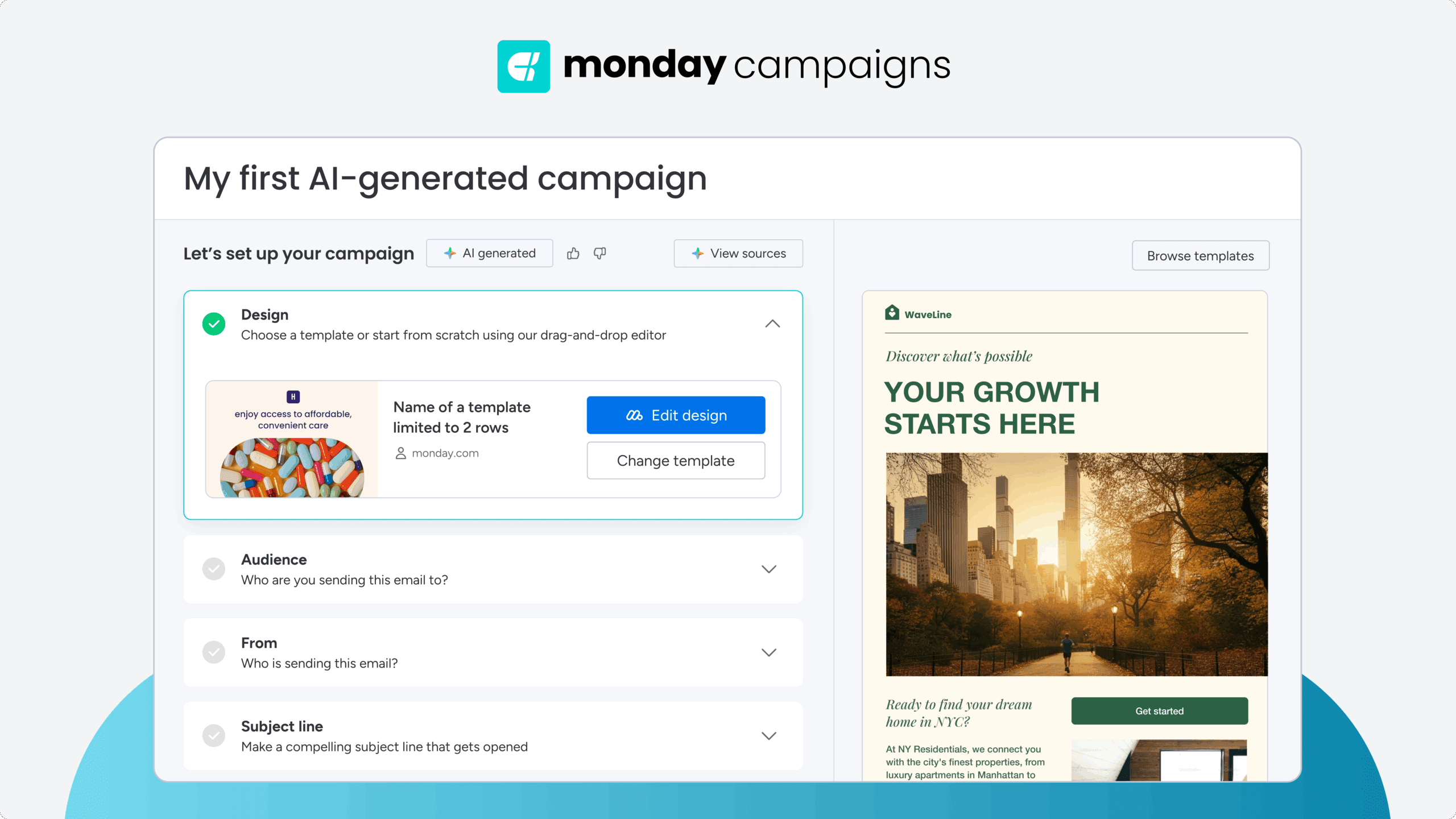
AI accelerates every step of campaign creation. Generate content, suggest templates, and optimize workflows automatically. What once took hours now takes minutes. Teams using monday campaigns report significant time savings. They launch more campaigns while maintaining quality and brand consistency.
Connect campaigns to CRM for complete visibility
Native CRM integration provides complete customer visibility. See every interaction, track engagement history, and measure impact on deals. Sales teams know exactly which campaigns prospects engaged with. Marketing sees how campaigns influence pipeline and revenue.
Optimize in real-time with field intelligence
Real-time optimization keeps campaigns performing at peak levels. Monitor results as they happen, adjust based on engagement data, and implement AI recommendations instantly. This responsiveness maximizes every campaign’s potential. Issues get fixed quickly. Opportunities get captured immediately.
Align marketing and sales with unified data
Unified data breaks down silos between teams. Both marketing and sales access the same dashboards, work from identical contact records, and track shared revenue goals. This alignment improves conversion rates and customer experience. Handoffs happen seamlessly. Follow-ups occur at the perfect moment.
Transform email chaos into revenue growth
Organized email campaigns transform marketing from cost center to revenue driver. With the right system, you launch faster, target smarter, and prove impact with verifiable data.
The journey from chaos to organization requires commitment. But teams that make this investment see immediate returns through higher conversion rates, shorter sales cycles, and increased customer lifetime value. Ready to build your revenue-focused email system? monday campaigns provides the platform, intelligence, and integration you need to succeed.
Try monday campaignsFAQs
How often should I audit my email campaign organization system?
Auditing your email campaign organization system quarterly ensures it stays aligned with business goals and performance standards. Schedule more frequent reviews during rapid growth periods or when introducing new products, channels, or team members to maintain effectiveness.
What's the ideal number of email campaigns to manage simultaneously?
The ideal number depends on your team size, automation level, and campaign complexity, but most teams successfully manage 5-10 active campaigns when using proper organization systems. Focus on quality over quantity to maintain consistent performance and avoid overwhelming your audience.
How do I organize email campaigns across multiple product lines?
Organizing campaigns across multiple product lines requires separate audience segments, distinct messaging strategies, and clear workflow ownership for each line while maintaining overall brand consistency. Use shared templates and approval processes to ensure efficiency while allowing product-specific customization where needed.
When should I refresh email campaign templates and workflows?
Refresh templates and workflows when performance metrics decline, customer feedback indicates issues, or business priorities shift significantly. Review templates quarterly and update immediately when rebranding, launching new products, or entering new markets.
How long does it take to implement a new email campaign organization system?
Implementation typically takes 4-12 weeks depending on your starting point, team size, and system complexity. Start with core elements like contact database and basic workflows, then add automation and advanced features gradually for smoother adoption.
What's the difference between email campaign organization and project management?
Email campaign organization focuses specifically on the processes, data, and workflows needed to execute email marketing effectively and measure revenue impact. Project management covers broader business initiatives and may include email campaigns as one component among many deliverables and timelines.

 Get started