


Imagine launching a major campaign, a system upgrade, and a new product roadmap all at once. Each team uses a different project structure, reinventing the wheel and burning hours on setup instead of execution. This common scenario highlights a critical gap in organizational efficiency, one that standardized frameworks are designed to solve.
This is where project management templates prove their worth. A project management template is a reusable framework that standardizes how work gets planned, tracked, and delivered across your organization. This guide introduces 15 project management templates and shows you exactly how to customize them to fit your workflow. Instead of starting from scratch every time, you’ll use a proven structure to launch future initiatives faster and smarter.
Try monday work managementKey takeaways
- Transform static templates into living workflows. Dynamic templates automatically update across teams and connect with your existing software, eliminating manual version control and keeping everyone on the same page.
- Bridge the PM talent gap with structured frameworks. Well-designed templates guide non-PM professionals through critical steps like risk assessment and stakeholder analysis, so teams can execute consistently, even without formal PM training.
- Reduce project setup time. Templates instantly generate project hierarchies, establish workflows, and set up reporting structures so teams launch initiatives faster and focus on strategic execution.
- Scale capabilities without hiring more project managers. Templates act as force multipliers; they let existing teams handle larger portfolios without sacrificing quality, even across distributed and hybrid setups.
- Use AI-powered templates on monday work management. Smart templates flag risks before they escalate, suggest optimal resource assignments, and auto-generate executive summaries, turning reactive tracking into predictive planning.
What are project management templates?
A project management template is a reusable framework that brings structure, consistency, and guidance to projects from start to finish. These frameworks standardize processes across an organization, so every initiative starts with a proven foundation instead of rebuilding workflows from scratch.
Templates are your project’s blueprint. They turn abstract goals into actionable plans, so teams can focus on execution instead of setup.
Core project management template components
Effective templates contain specific elements that turn ideas into deliverables. Understanding these components helps you spot which templates work versus those that create busywork. The right components make the difference between a template that sits unused and one that helps you complete your work.
- Standardized workflows: Pre-defined sequences and dependencies keep teams on the right path from start to finish, cutting out guesswork
- Predefined roles and responsibilities: Assignment structures show who owns specific project deliverables, so there’s no confusion
- Built-in checkpoints and milestones: Built-in review points force teams to pause, check quality, and sync on progress before moving forward
- Resource allocation frameworks: Structured inputs for time, budget, and personnel keep capacity planning realistic and grounded in solid data from day one
- Communication protocols: Integrated updates and notification rules control how and when information reaches stakeholders, keeping everyone in the loop
Living project managment templates vs. static documents
Traditional templates live in static files that go stale the moment work starts. You download an Excel file, customize it for your project, then manually update it throughout execution. But when priorities shift or timelines change, you’re stuck updating multiple documents that quickly fall out of sync.
A living template works like a dynamic ecosystem. It connects directly with your existing tools, updating automatically as work progresses and data changes. When a timeline shifts in a living template, dependent dates adjust instantly, and stakeholders receive real-time notifications.
Organizations using monday work management experience this through connected boards where changes propagate automatically across linked projects and dashboards. Your template reflects work in real time, not a snapshot from last week.
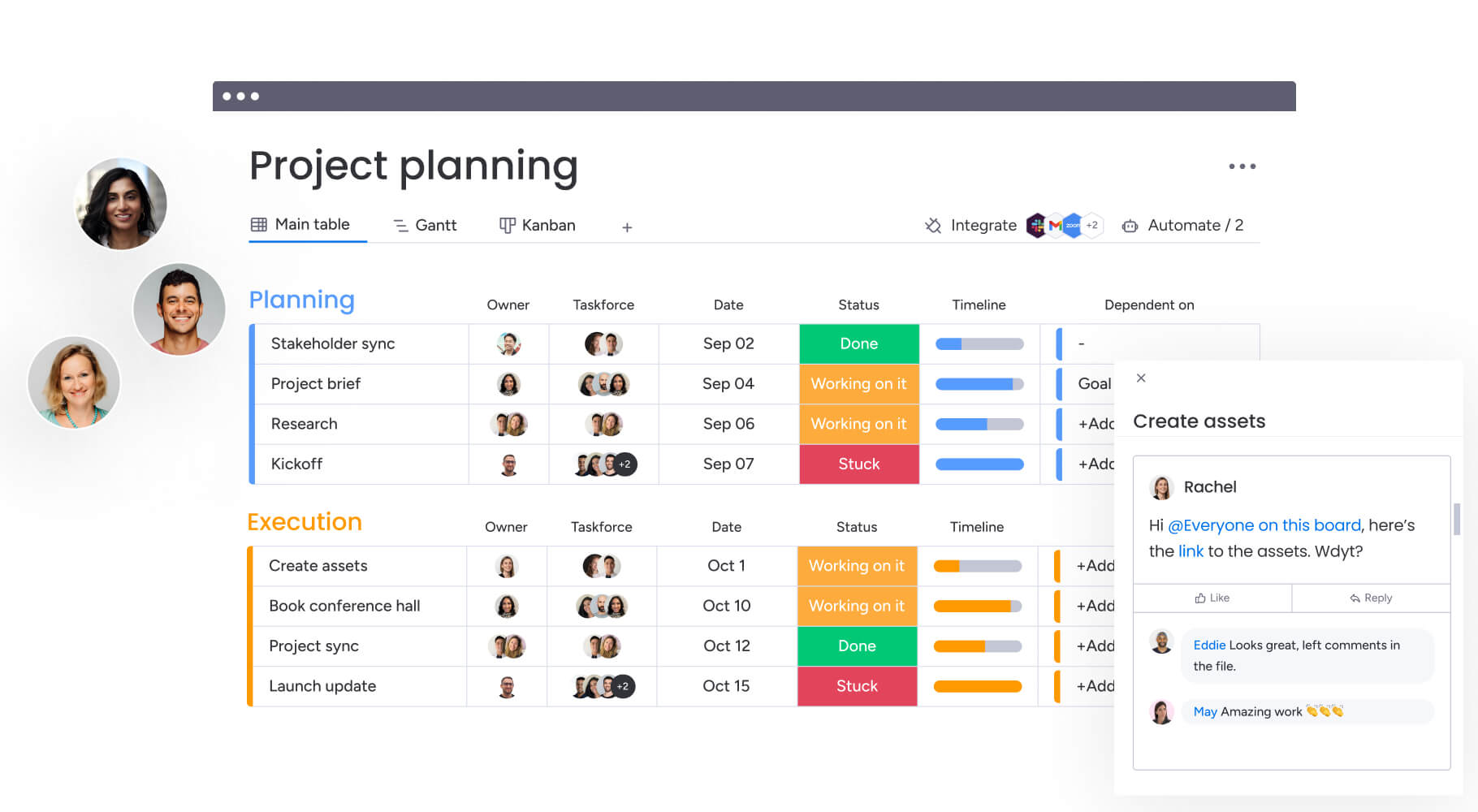
How project management templates accelerate business success
Templates deliver measurable improvements that directly impact the bottom line. Here’s the specific value you can expect when you make templates a core part of your digital transformation.
Templates reduce project setup time
Starting a project from scratch requires significant administrative effort to define workflows, build schedules, and assign resources. Templates automate these foundational steps by instantly generating task hierarchies, establishing approval workflows, and setting up reporting structures.
This efficiency lets teams launch initiatives faster and respond more quickly to market changes. Teams using templated project boards with pre-built automations eliminate repetitive setup work entirely, freeing up time for strategic planning and execution.
Templates enable consistent execution across teams
When multiple departments run similar projects without a shared framework, quality and compliance are all over the map. Templates create a single source of truth for methodology. Whether a project runs in marketing in New York or IT in London, the underlying process remains uniform.
This level of standardization delivers several key advantages that impact quality and predictability. By creating a uniform process, you make sure that every project, regardless of department, adheres to the same high standards. This results in:
- Predictable outcomes: Teams know what to expect at each project phase
- Uniform risk assessment: Every project evaluates risks using the same criteria
- Quality standards: Deliverables meet consistent benchmarks across the enterprise
Templates support hybrid and remote work models
Distributed teams need a defined structure to work effectively without constant real-time oversight. Templates provide a shared digital workspace that works across time zones. They set up protocols for asynchronous communication and digital handoffs, so work keeps moving even when teams aren’t online at the same time.
Remote teams particularly benefit from templates that include:
- Asynchronous update protocols: Clear guidelines for when and how to communicate progress
- Digital handoff procedures: Structured transitions between team members in different locations
- Time zone considerations: Built-in scheduling that accounts for global team distribution
Templates overcome the PM talent gap
Many organizations don’t have enough dedicated project managers, so subject matter experts end up leading complex initiatives. But what happens when your marketing director needs to run a cross-functional product launch without PM certification?
Well-designed templates bridge this gap by building PM methodology directly into the workflow. They guide non-PM professionals through critical steps like risk assessment and stakeholder analysis that might otherwise be overlooked. Templates democratize project management, so teams can execute consistently across the organization, no matter who’s leading or their formal training.
Templates scale PM capabilities without additional hires
As organizations grow, project volume and complexity skyrocket. Templates act as a force multiplier, letting existing teams manage larger portfolios without hiring more people. By cutting down on project admin, team members can handle more complex workflows without sacrificing quality.
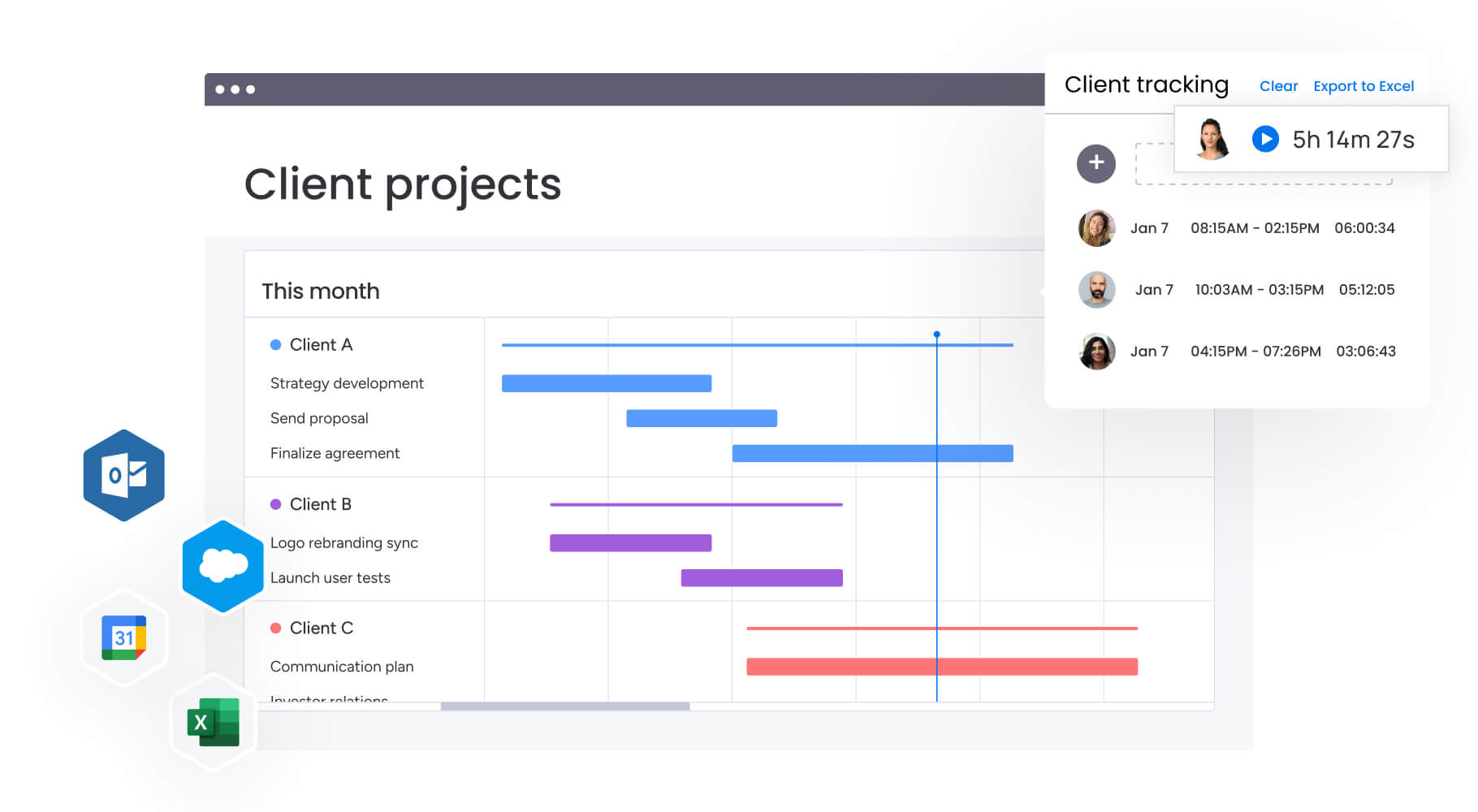
5 project planning templates for different phases
Successful project delivery needs different structural support at each lifecycle stage. The following templates address specific needs from initiation through closure, giving teams the structure they need to deliver consistently.
1. Project initiation and charter templates
The project charter establishes the project’s existence and gives the project manager authority to use organizational resources. Charter templates ensure alignment by requiring teams to define the business case, success criteria, and initial scope. They push stakeholders to agree on objectives and constraints before work starts, preventing scope creep and misalignment later.
Key elements in charter templates include:
- Business case documentation: Why this project matters to the organization
- Success criteria definition: Measurable outcomes that define project completion
- Initial scope boundaries: What’s included and explicitly excluded from the project
- Stakeholder identification: Who needs to be involved and at what level
2. Work breakdown structure templates
A Work Breakdown Structure (WBS) decomposes complex deliverables into smaller, manageable components. WBS templates help teams visualize the full scope of work, ensuring no critical element gets forgotten during planning. Whether organized by project phases or specific deliverables, these templates provide the granular detail necessary for accurate estimation of time, cost, and effort.
3. Resource and capacity planning templates
Resource templates manage allocation of human capital, equipment, and budget across the project timeline. They visualize availability and demand, helping managers identify bottlenecks or over-allocation conflicts before they impact delivery. The Workload View in monday work management enables teams to balance resources and quickly adapt to changing priorities across multiple projects.
4. Risk and issue management templates
Risk management is proactive, while issue management is reactive. Risk templates standardize identification and assessment of potential threats, assigning probability and impact scores to prioritize mitigation efforts. Issue logs track active problems, documenting ownership, resolution plans, and escalation paths. Together, these templates provide comprehensive visibility into project health and stability.
5. Stakeholder communication templates
Effective communication drives project success. Stakeholder templates map out who needs to know what, when, and how. They structure status updates, executive summaries, and change notifications to ensure consistent messaging. By categorizing stakeholders based on influence and interest, these templates tailor information flow to prevent both information overload and visibility gaps.
Try monday work management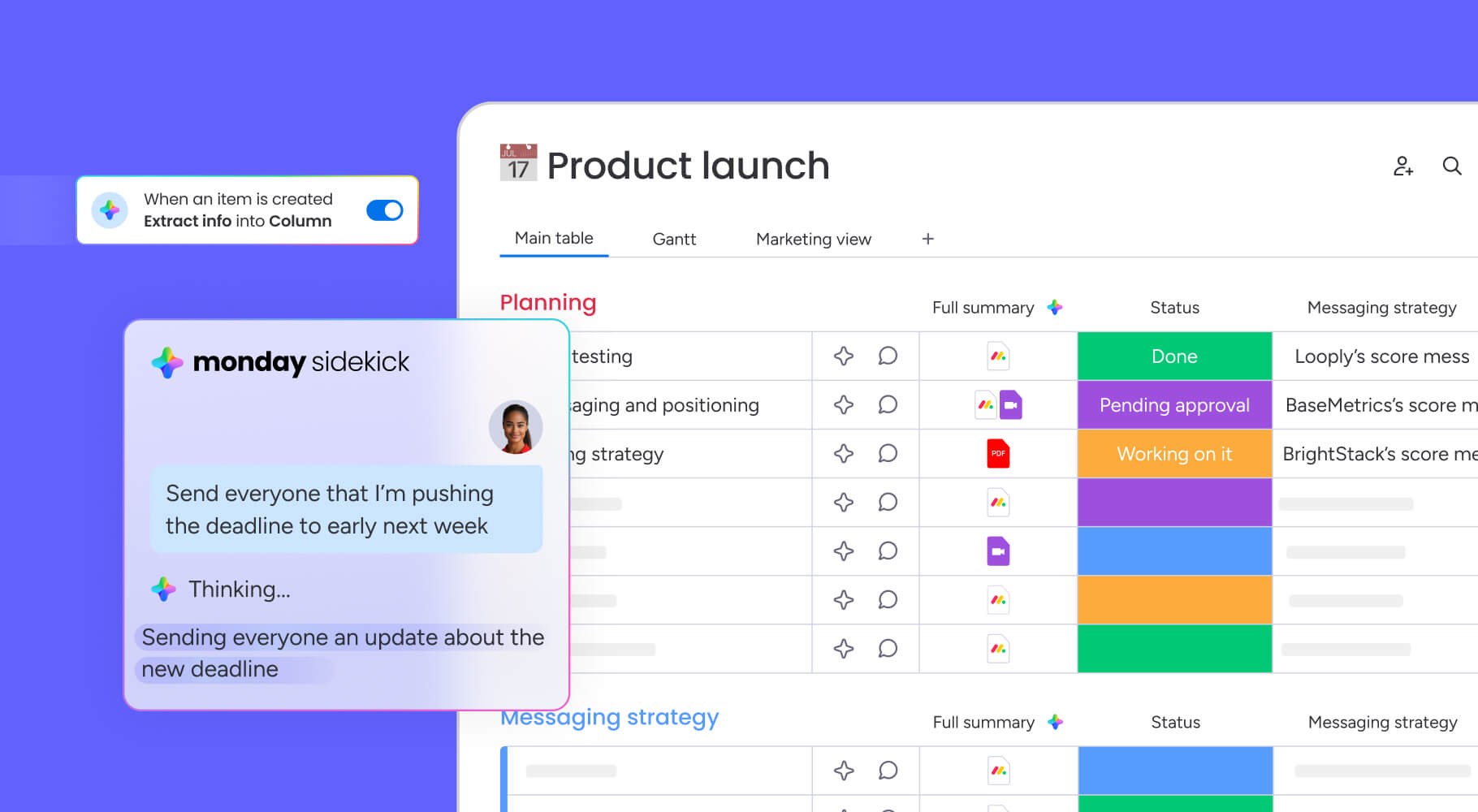
4 industry-specific templates that save time
Different verticals face unique regulatory and operational challenges that generic templates cannot address. Understanding how your industry’s compliance requirements shape your template needs, makes sure you select frameworks that support your work rather than creating additional overhead.
1. IT project management templates
IT templates cater to software development lifecycles, infrastructure upgrades, and system implementations. They include specific sections for code review protocols, environment provisioning, and deployment checklists. These frameworks address the technical rigor and testing requirements inherent in IT environments.
2. Marketing campaign templates
Marketing templates coordinate campaign planning, content production, and multi-channel distribution. They incorporate workflows for creative reviews, brand compliance checks, and asset management. These frameworks coordinate diverse teams to ensure cohesive market messaging while tracking campaign performance metrics.
3. Construction project templates
Construction templates focus on safety, regulation, and physical logistics. They manage permit tracking, subcontractor scheduling, and material procurement. These templates include rigorous safety inspection checklists and compliance documentation required by local laws.
4. HR and team development templates
HR templates manage the employee lifecycle, from recruitment pipelines to employee onboarding checklists and exit interviews. They ensure compliance with labor regulations and standardize performance review cycles. These frameworks help maintain organizational culture and employee engagement consistency across departments.
3 Agile and hybrid workflow templates
As methodologies evolve, templates must adapt to support flexibility and iteration rather than just linear progression. Modern teams need frameworks that accommodate both structured planning and rapid adaptation, allowing organizations to maintain control while embracing change.
1. Scrum framework templates
Scrum templates support specific ceremonies and artifacts, including sprint planning, daily standups, and retrospectives. They organize the product backlog and visualize sprint progress, enabling teams to adhere to Scrum principles without administrative friction.
2. Kanban board templates
Kanban templates visualize continuous work flow, helping teams identify bottlenecks and limit work-in-progress. They offer flexible column configurations to match specific team processes, from simple “To Do/Doing/Done” to complex multi-stage workflows.
3. Hybrid methodology templates
Hybrid templates combine Waterfall structure with Agile flexibility. They allow teams to plan high-level milestones using traditional timelines while executing daily work using iterative sprints. This approach suits organizations transitioning between methodologies or managing projects with mixed hardware and software requirements.
AI-powered templates to support your work
Project management shifts from reactive tracking to proactive optimization with the following AI templates.
1. Smart risk detection templates
AI-enhanced templates analyze historical project data and current progress patterns to flag potential risks. They identify subtle delay indicators that human managers might miss, allowing for preemptive intervention. Portfolio Risk Insights in monday work management scans all project boards, quickly flagging potential risks by severity.
2. Automated resource optimization templates
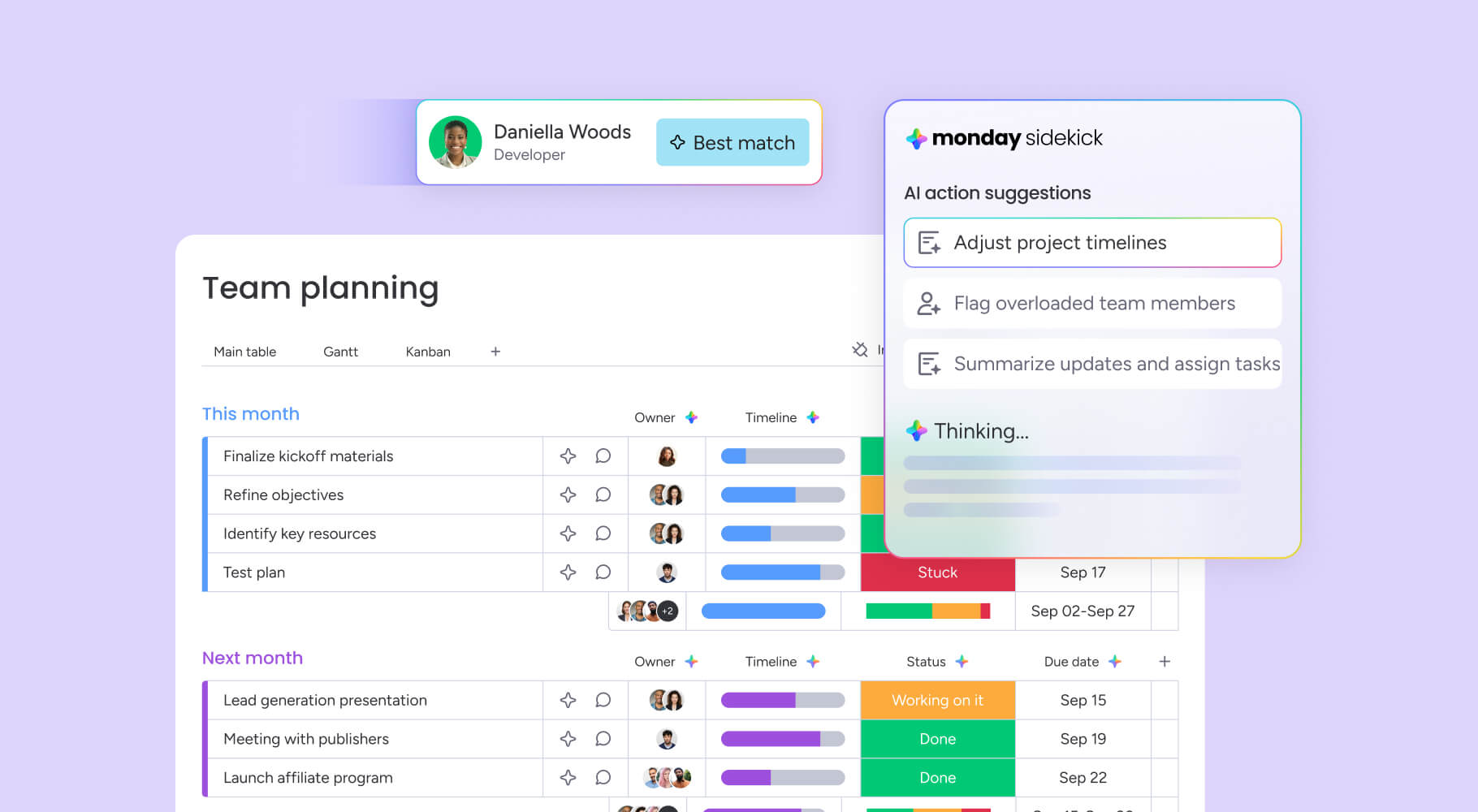
Intelligent templates use machine learning to suggest optimal resource assignments. Analyzing team skills, availability, and past performance, these capabilities recommend the best person for each work item, balancing workloads and maximizing team efficiency. monday work management enables organizations to assign the right people to the right projects based on skill and availability.
3. AI-enhanced reporting templates
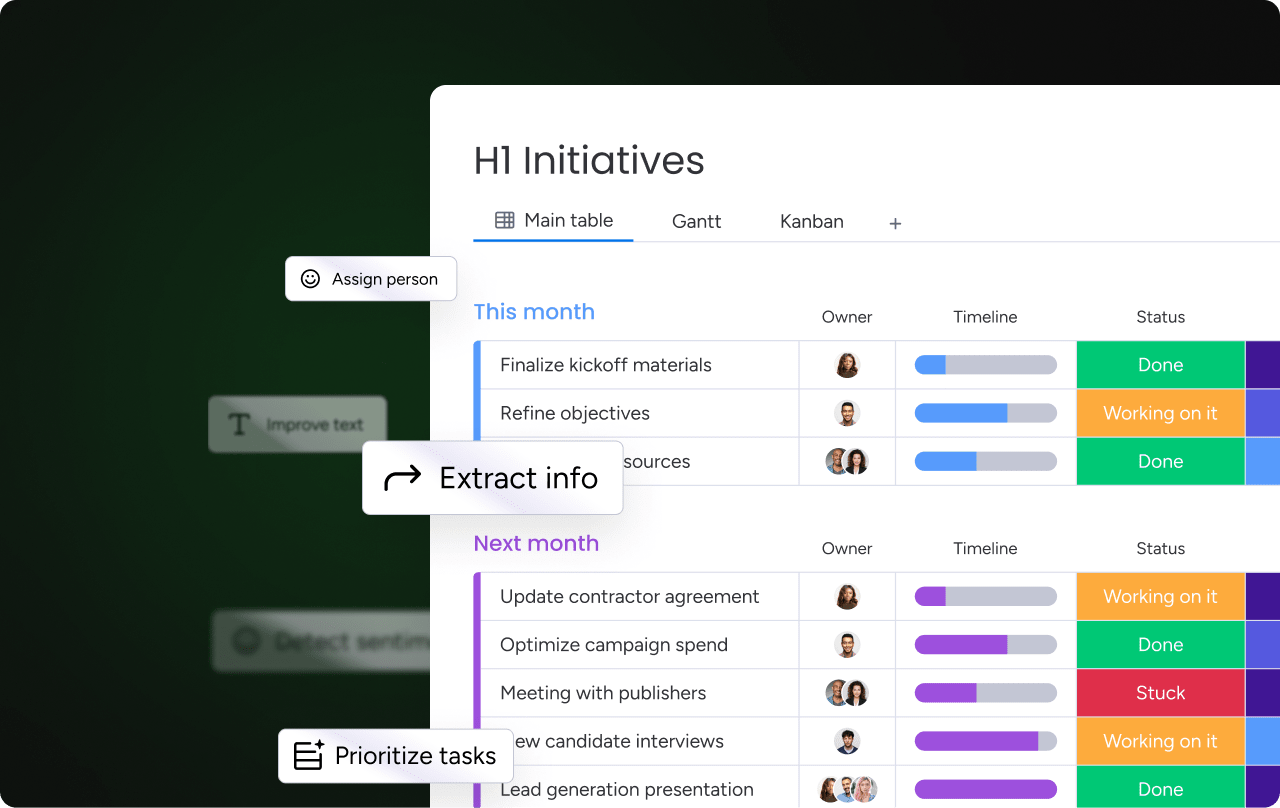
AI capabilities transform reporting by automatically generating executive summaries and identifying trends from raw data. These templates extract key insights from updates and comments, creating comprehensive status reports without manual data compilation. AI Blocks on monday work management can summarize complex topics, extract key points, and gain actionable insights instantly.
How to customize your project templates for maximum impact
Generic templates provide a starting point, but customization aligns them with your organizational DNA. The right adjustments transform a basic framework into a powerful operational asset. The following steps guide you through systematic customization that delivers measurable improvements.
Step 1: Assess your unique workflow requirements
Analyze current processes to identify friction points and unique data needs. Evaluate where standard templates fail to capture critical information or impose unnecessary administrative burdens. This assessment prioritizes which elements require modification to support work habits.
Step 2: Add custom fields and automation rules
Enhance templates with organization-specific data points like “Client Tier” or “Compliance Level.” Adding automation rules transforms static fields into active triggers. Automations in monday work management automatically change status to “At Risk” if a due date passes, send approval notifications, or create templated project boards based on project type.
Step 3: Create template governance standards
Governance makes sure that customization doesn’t lead to chaos. You can establish protocols for who can create, modify, and approve templates. Version control maintains a history of changes, ensuring teams always use the most current, approved methodologies. Multi-level permissions on monday work management control access to viewing and changing data, including vendors and guests.
Step 4: Scale templates across your organization
Rolling out templates requires a strategy for adoption and training. Pilot customized templates with select teams, gather feedback, and iterate before full-scale launch. Change management focuses on demonstrating value to drive adoption across departments.
Transform static templates into dynamic workflows with monday work management
With all the benefits of project management templates, we can’t overlook that they’re static. And without regular, manual updates, they quickly become outdated. To prevent data silos, monday work management democratizes project management by offering intuitive, collaborative templates that serve as a single source of truth. These dynamic environments allow teams to visualize work in their preferred format while accessing the same underlying data.
The following comparison demonstrates how monday work management addresses the limitations of traditional template approaches:
| Capability | monday work management | Traditional templates | Other PM platforms |
|---|---|---|---|
| Template flexibility | Fully customizable with drag-and-drop interface | Limited to document structure | Often rigid, predefined formats |
| Real-time updates | Automatic synchronization across all team members | Manual version control required | Varies by platform |
| AI integration | Built-in AI Blocks and Digital Workers | No AI capabilities | Limited or add-on AI features |
| Collaboration | Native real-time collaboration | Email-based sharing | Basic collaboration features |
| Automation | 200+ automation recipes | No automation | Limited automation options |
| Integration | 72+ native integrations | Manual data transfer | Fewer integration options |
| Customization | No-code customization for any workflow | Fixed template structure | Limited customization |
monday work management embeds collaboration directly into the workflow. Team members communicate within the context of specific items and documents, so all feedback and decisions stays centralized. This real-time visibility aligns stakeholders and eliminates the fragmentation of email-based project management.
Ready to build a template strategy for sustainable growth? Get started today for free.
Try monday work managementFrequently asked questions
What is the best project management template for beginners?
The best project management template for beginners is typically a basic project plan. This framework includes simple work item lists, timelines, and status tracking columns, providing essential structure without overwhelming complexity. This provides essential structure without overwhelming complexity, allowing new project managers to focus on core execution rather than complex methodologies.
How do I choose between different project management template formats?
Selection depends on team size, project complexity, and your existing ecosystem. Agile teams often prefer Kanban boards for continuous flow visualization, while construction or waterfall projects benefit from Gantt chart structures that show dependencies and critical paths.
Can project management templates work for complex enterprise projects?
Enterprise projects require comprehensive template suites that address multiple phases from initiation to closure. These templates must handle cross-functional dependencies, detailed risk logs, and extensive stakeholder communication plans while maintaining flexibility for customization.
What project management templates do I need for remote teams?
Remote teams require templates that emphasize asynchronous communication protocols and digital handoffs. These templates prioritize documentation and status visibility to ensure alignment without constant meetings, including clear update schedules and time zone considerations.
How do AI-powered templates differ from traditional templates?
AI-powered templates offer predictive insights and automated data population rather than just static fields. They proactively identify risks, suggest resource optimizations based on real-time project data, and continuously learn from team patterns to improve recommendations.
When should I create custom templates vs. using standard ones?
Standard templates work well for common, repeatable project types with established methodologies. Custom templates become necessary when organizational processes, specific compliance requirements, or unique industry workflows demand specialized data fields and logic that generic templates cannot accommodate.

 Get started