


Not so long ago, IT support relied on a single physical location. Today, with teams spread across cities and time zones, that central point of contact has fractured into multiple channels. Many organizations now struggle to deliver consistent, high-quality service, turning simple requests into frustrating delays.
Solving this challenge requires more than closing tickets faster. It demands a seamless operational backbone that empowers teams to perform at their best, regardless of location.
What follows in this post is a practical roadmap for building a high-performing remote support operation. It explores the core benefits and must-have features of remote help desk software, examines how AI is reshaping modern IT support, compares twelve leading platforms, and outlines the security, implementation, and ROI considerations that matter when making the switch.
Key takeaways
- Remote help desk software centralizes IT support: It unifies ticketing, communication, and workflows to provide consistent service across distributed teams.
- AI enhances efficiency and proactive support: Built-in AI automates ticket routing, detects patterns, and anticipates issues to reduce resolution time.
- Comprehensive platforms outperform standalone tools: Integrating ticketing, remote access, and analytics enables a seamless end-to-end support process.
- Implementation requires planning and adoption: Defining success metrics, phased deployment, workflow design, and ongoing optimization are critical for maximizing value.
- monday service supports unified support operations: It combines AI, automation, and cross-departmental collaboration in a single platform to streamline service delivery.
What is remote help desk software?
Remote help desk software functions as an IT team’s centralized digital workspace, engineered to deliver exceptional support regardless of employee location. Essentially, it’s the single environment for tackling everything from forgotten passwords to complex system failures, enabling teams to get back on track swiftly.
Beyond just speed, this software brings organizational clarity to the entire IT operation. By consolidating every request and automating repetitive tasks, it liberates skilled IT professionals to focus on high-impact problem-solving instead of administrative busywork. This ensures everyone receives consistent, high-quality support, whether they are in the main office or working from the other side of the world.
The platform’s true potential is also realized by combining intelligent ticket management with secure remote access and smart automation in a single, synchronized system.
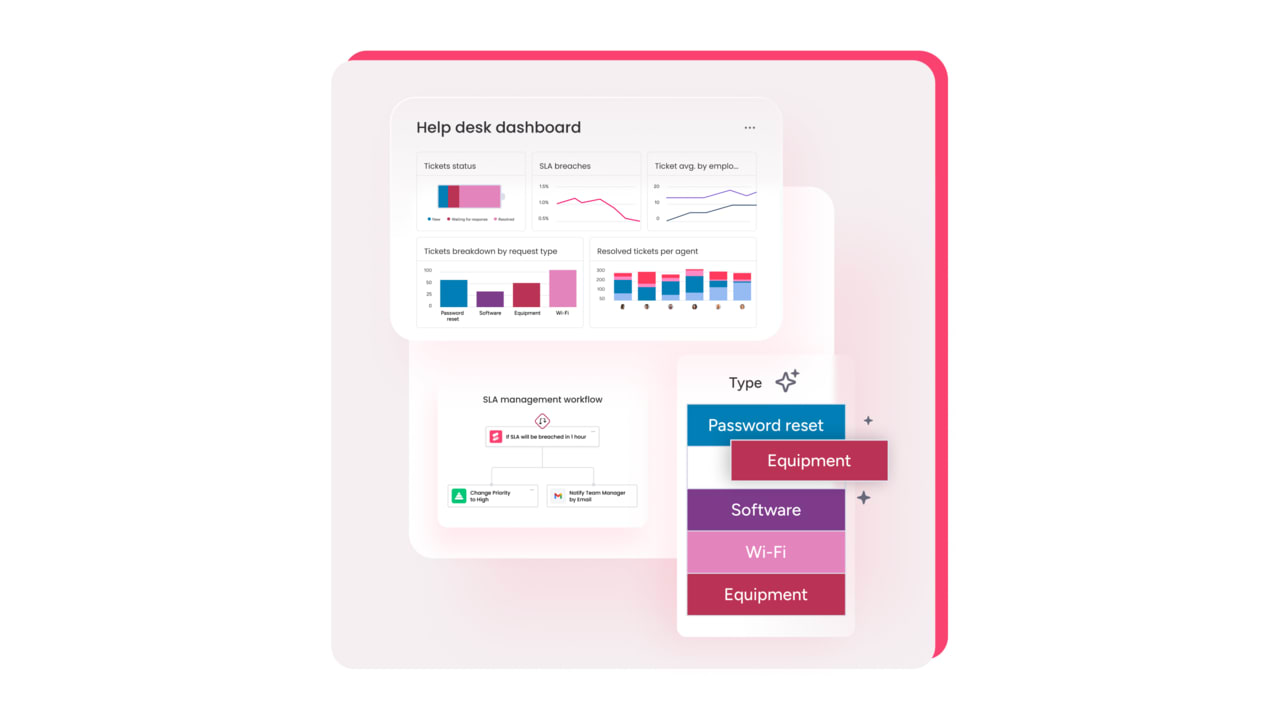
Remote help desk software vs remote desktop support tools
Understanding the difference between remote desktop tools and full help desk platforms is key to building an effective IT support strategy. Remote desktop software provides a focused capability for screen sharing and device control. In contrast, a remote help desk platform manages the entire support lifecycle, from initial request to final resolution.
A comprehensive help desk platform functions as the operational hub of the support team, integrating ticketing, AI-driven automations, and analytics into a single, intuitive environment. This allows teams to move beyond reactive troubleshooting and toward building an efficient, transparent support operation.
The optimal setup often combines both approaches, allowing IT teams to launch remote sessions directly from a ticket within the help desk platform. This ensures every interaction is logged automatically, creating a full context history that accelerates resolutions and optimizes overall support delivery.
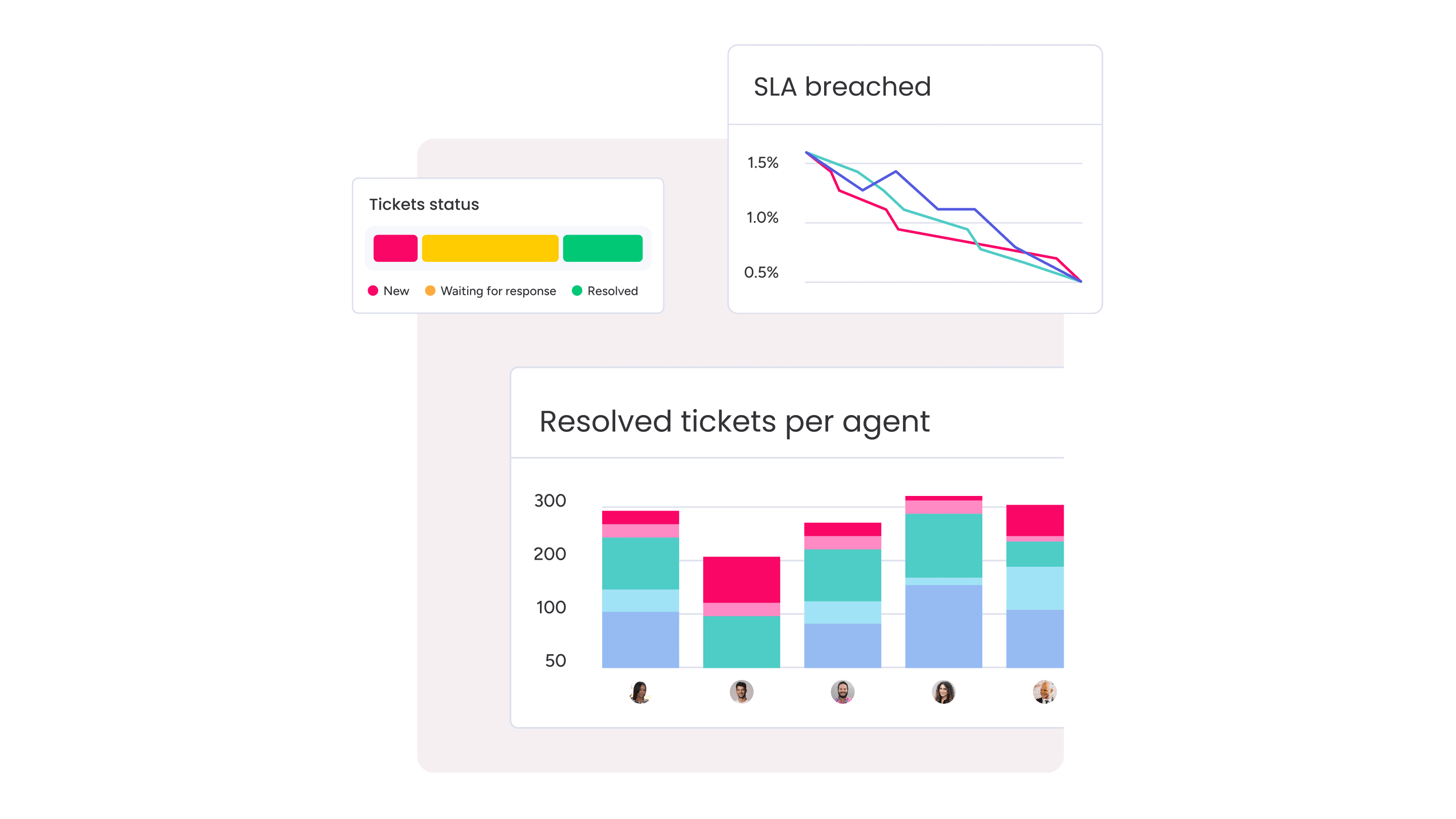
IT help desk software: essential benefits
Transforming support requests from a chaotic backlog into a streamlined operation is the core promise of modern IT help desk software. When a team is equipped with the right tools, the help desk evolves from a repository of problems into a launchpad for solutions, ensuring operational continuity for a distributed workforce.
This transformation is achieved with smart, intuitive tools designed for how modern teams operate. Integrated AI and automation handle routine tasks, instantly routing requests to the most qualified person so the team can focus on resolving complex issues faster. This translates to less time managing tickets and more time making a tangible impact.
With all service activities centralized on one platform, leadership gains a crystal-clear, real-time view of the entire operation. This clarity empowers organizations to accelerate resolutions, optimize resource allocation, and scale support seamlessly as the business grows, all while demonstrating the team’s value through concrete performance data.
Must-have features of remote support tools
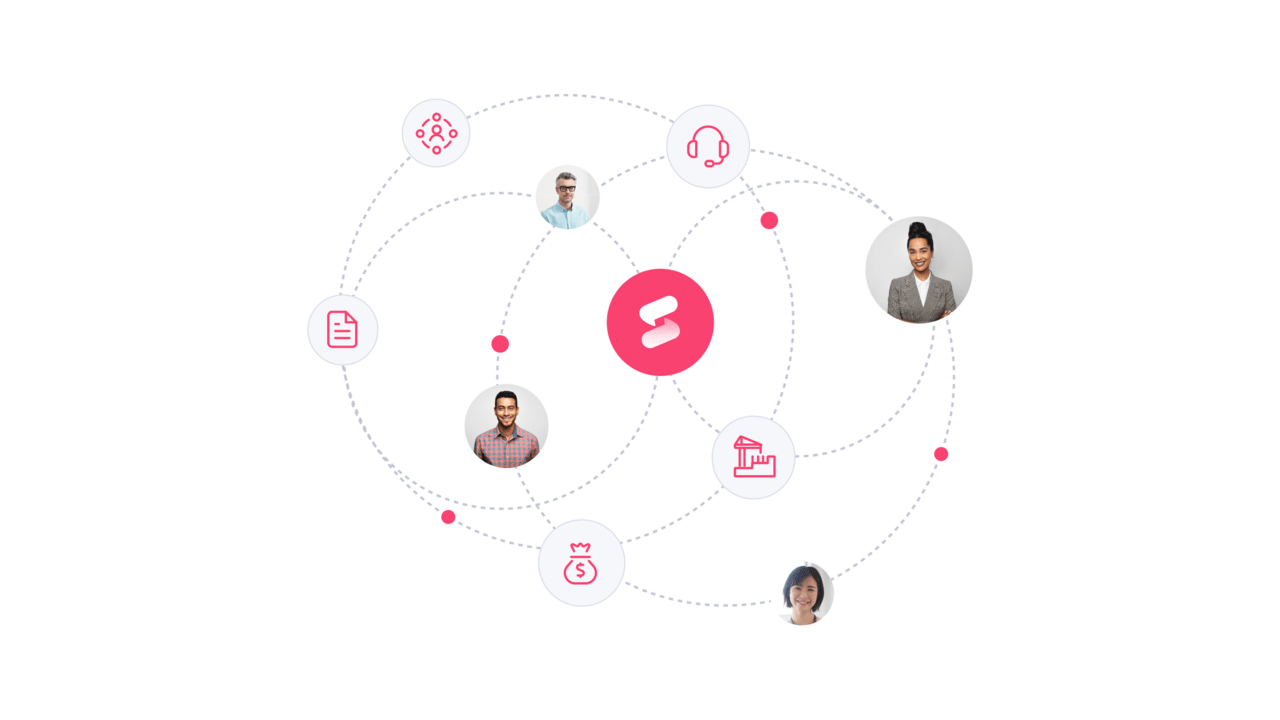
For distributed workforces, consistent support depends on a collaborative platform that removes distance barriers. The right tools streamline communication and unify IT teams, ensuring they operate in sync rather than in isolation.
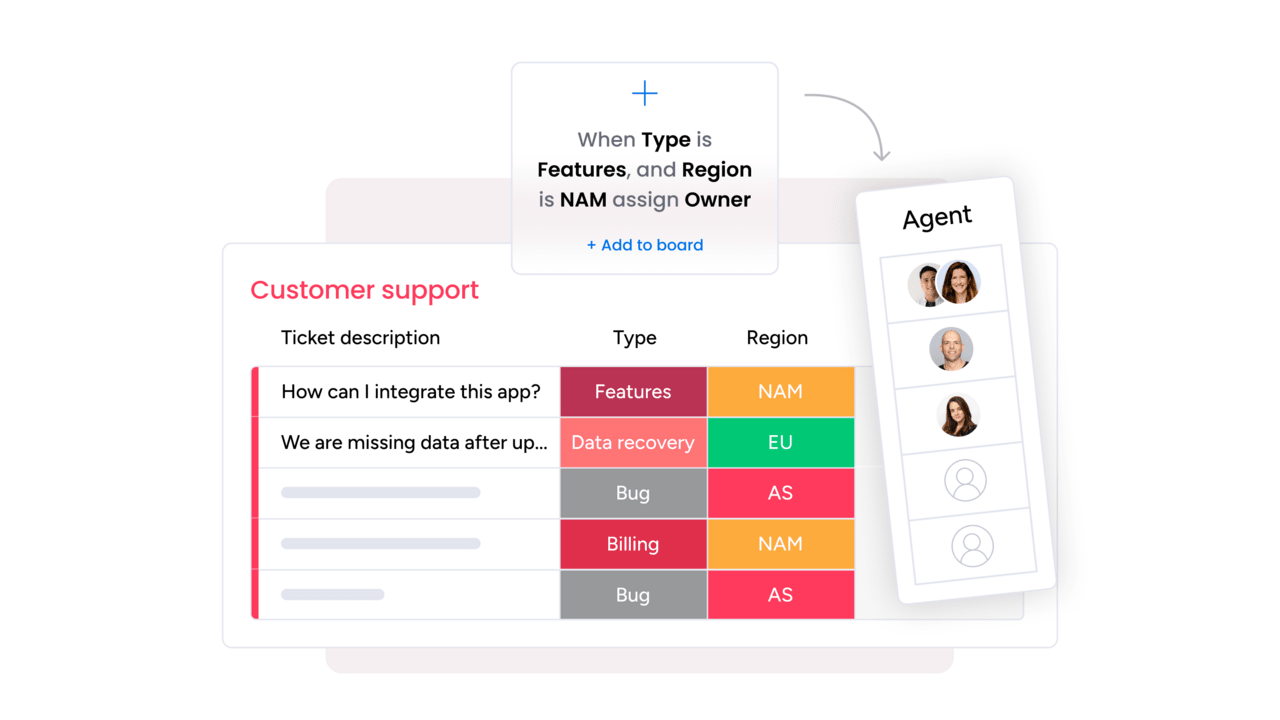
Smart automation directs requests to the most qualified team member automatically, removing manual sorting and improving efficiency. This allows IT staff to provide high-quality, human-centered support, moving the focus from reactive troubleshooting to proactive problem-solving.
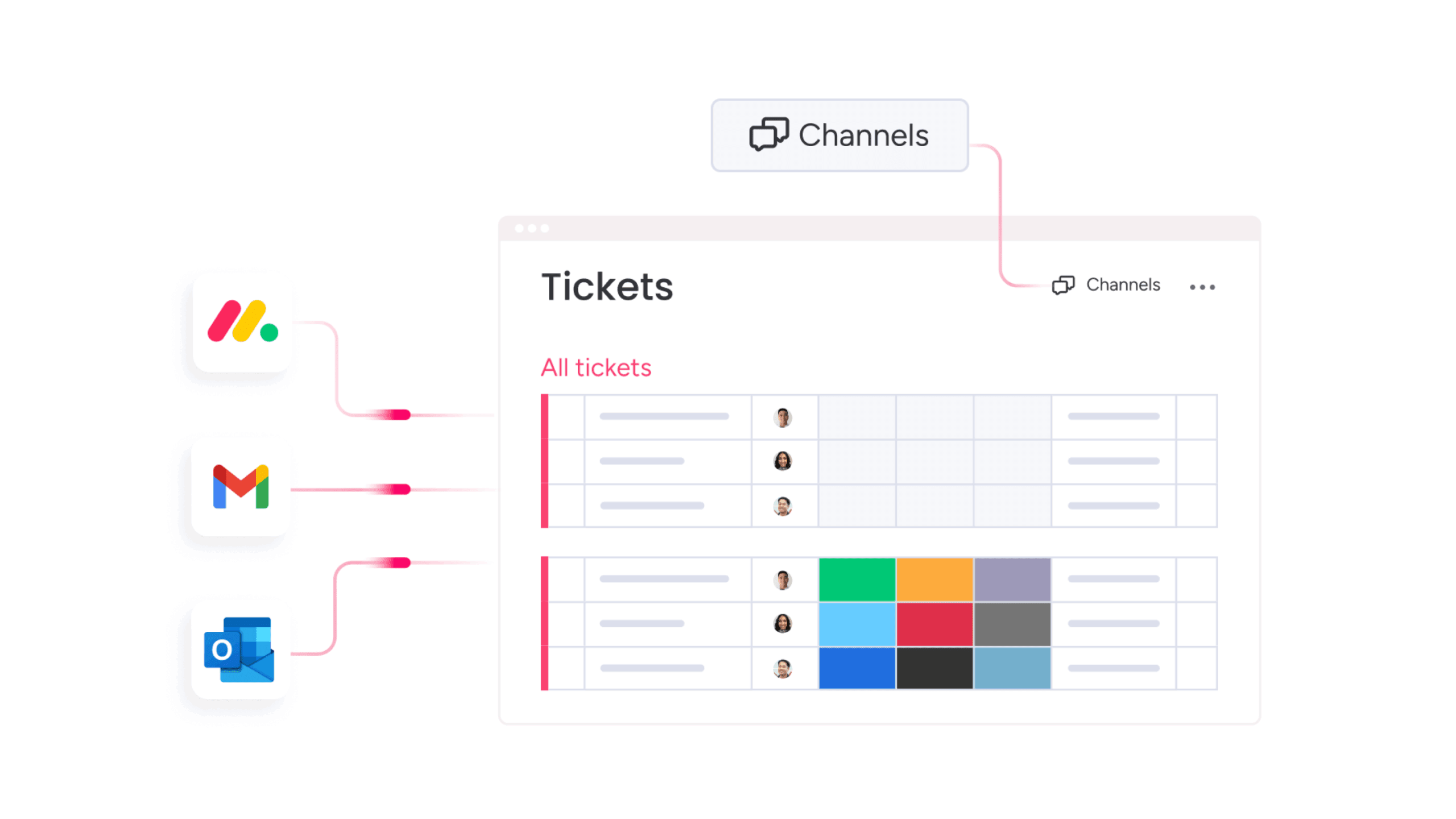
A seamless user experience integrates chat, email, and other communication channels, so employees do not need to repeat information. Pairing this with a self-service knowledge base empowers employees to resolve simple issues independently, reducing ticket volume and building confidence.
How AI revolutionizes remote IT support software
AI integration shifts IT support from reactive to proactive. Teams can anticipate issues and address them before users are impacted. AI acts as a continuous, intelligent partner, maintaining operational stability around the clock.
Built-in AI also learns from team activity, identifying patterns that may go unnoticed. For example, if an application slows down for a department, AI can generate alerts before a surge of tickets occurs: this enables IT teams to address root causes rather than just symptoms.
By automating routine fixes and flagging potential issues, AI frees IT teams from repetitive work, meaning they can redirect time toward strategic projects that enhance business value (instead of being consumed by maintenance tasks).

Leading remote help desk solutions on the market today
Remote support should not feel fragmented or reactive. The strongest remote help desk platforms bring structure to distributed teams, reduce manual work, and give support leaders real visibility into what is happening across the organization.
The solutions below stand out because they do more than log tickets. They connect workflows, automate repetitive tasks, and make it easier for teams to collaborate across locations and departments. Whether the priority is faster resolution, stronger security, or smoother scaling, each platform offers a different approach to building a dependable remote support operation.
If the goal is to move from constant troubleshooting to controlled, proactive service delivery, these are the platforms worth considering this year.
1. monday service
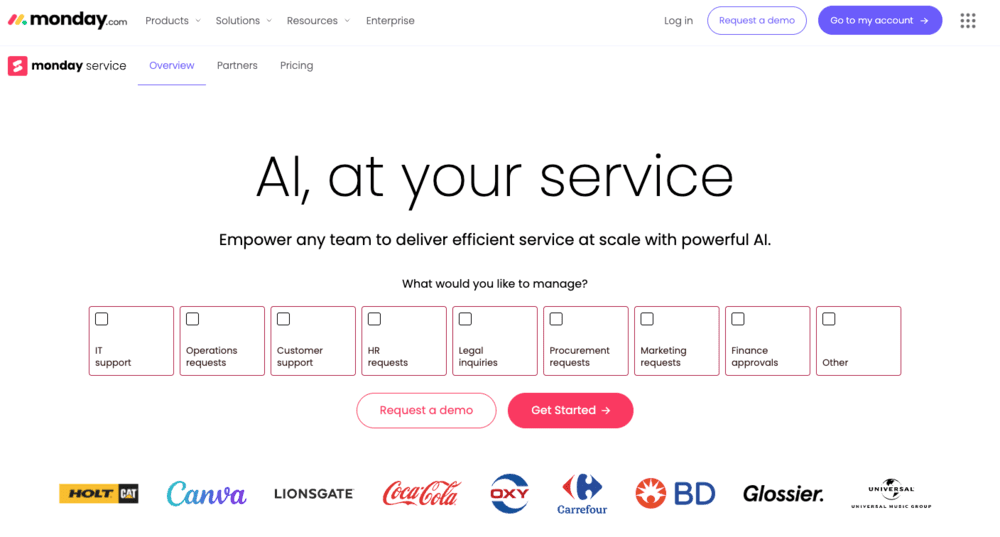
monday service transforms how organizations deliver support by unifying IT, HR, facilities, and operations on one intelligent platform. Built on the powerful monday Work OS, it breaks down departmental silos while accelerating resolution times through AI-powered automation and intuitive workflows. This makes it perfect for companies ready to move beyond fragmented tools toward connected, enterprise-wide service delivery.
Use case:
monday service empowers organizations to streamline cross-departmental service delivery while maintaining visibility and control across all support operations from a single, unified workspace.
Key features:
- AI-powered ticket triage: Automatically categorizes, prioritizes, and routes requests based on urgency, sentiment, and issue type.
- Branded customer portals: Provide self-service capabilities, supporting multiple portal configurations tailored to different audiences.
- Seamless integrations: Connect with existing business tools such as Slack, Teams, Gmail, and Outlook to create unified communication workflows.
Pricing:
- Standard: Starts at published rates with three-seat minimum (annual billing includes 18% discount).
- Pro: Enhanced AI capabilities, larger portal user limits, and advanced analytics.
- Enterprise: Full AI coverage, unlimited portals, HIPAA compliance options, and premium governance features.
- Add-ons: Guardian security package for BYOK and DLP, Premium Support with SLA commitments.
- Discounts: Annual billing discount and nonprofit pricing available upon qualification.
Why it stands out:
- Connected workflows: Unlike standalone help desk tools, monday service operates within the same platform as project management, CRM, and development work, eliminating handoffs and data silos.
- AI that learns: The platform’s AI assistant doesn’t just categorize tickets, it learns from your team’s historical resolutions to suggest replies and next steps, getting smarter over time.
- Enterprise-grade security: Offers SOC 2/3, ISO certifications, GDPR compliance, and optional BYOK encryption through the Guardian add-on, meeting strict security requirements without complexity.
2. ServiceNow
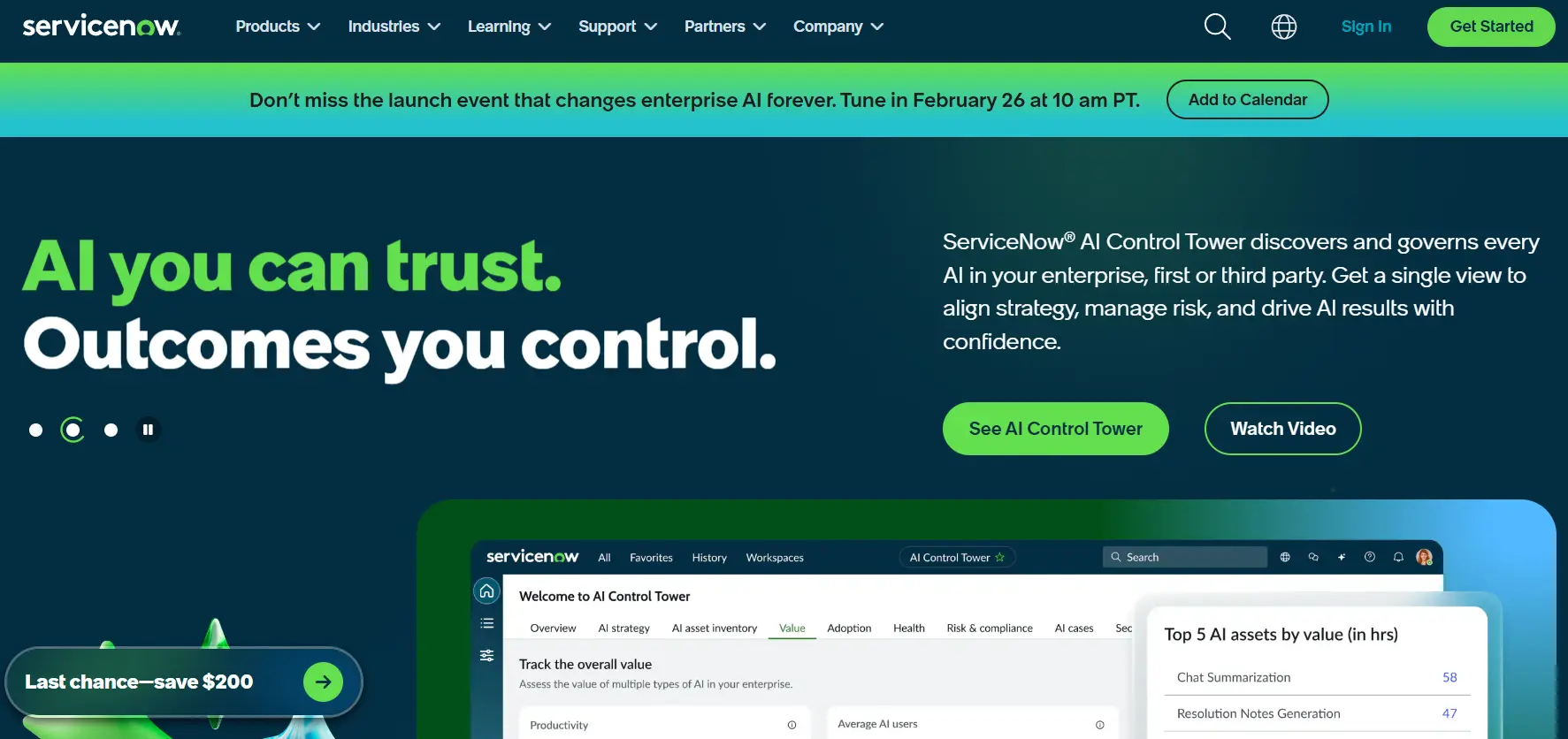
ServiceNow transforms remote help desk operations through its enterprise-grade IT Service Management platform that unifies incident resolution, automation, and AI-powered insights. The platform excels at supporting complex, distributed organizations with advanced workflow automation and predictive capabilities, making it the go-to choice for Fortune 500 companies managing global remote workforces.
Use case:
ServiceNow delivers comprehensive ITSM capabilities that combine incident management, problem resolution, and service operations into a unified platform designed for enterprise-scale remote support operations.
Key features:
- Service operations workspace: provides agents with a unified interface that predicts, prevents, and resolves incidents through AI-powered recommendations and real-time analytics.
- Now Assist for ITSM: leverages generative AI to automatically summarize incidents, generate resolution notes, and provide intelligent email reply suggestions.
- Predictive intelligence and analytics: uses machine learning to identify patterns, prevent issues before they occur, and optimize service delivery through comprehensive performance insights.
Pricing:
- Standard: custom quote required.
- Pro: most popular tier, custom quote required.
- Enterprise: advanced features, custom quote required.
- Pro plus/Enterprise plus: AI add-ons with Now Assist and AI Agents, consumption-based pricing for “Assists”.
- Government community cloud: FedRAMP High authorized with up to 70% discounts available through GSA OneGov agreement.
Considerations:
- Complex licensing structure with AI capabilities requiring separate add-on purchases and consumption-based pricing that can lead to unexpected costs.
- No transparent public pricing makes it difficult to compare costs without engaging sales teams for custom quotes.
3. Zendesk
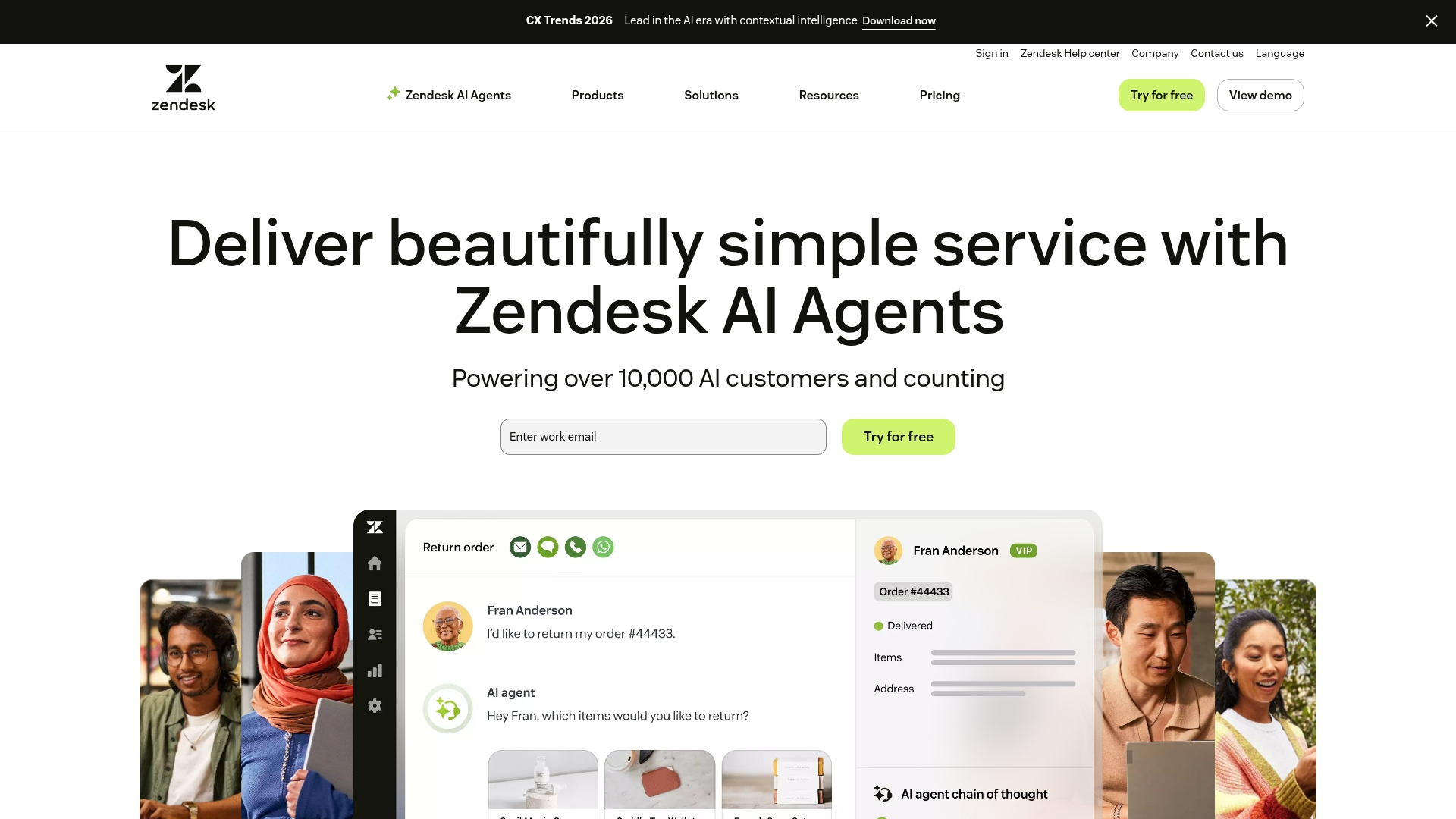
Zendesk delivers comprehensive help desk software that transforms customer support into a competitive advantage. The platform excels at unifying omnichannel communications and AI-powered automation, making it perfect for organizations that need to scale support operations without sacrificing quality.
With over 100,000 companies trusting Zendesk globally, it’s proven its ability to handle everything from startup support teams to enterprise-level service operations.
Use case:
Zendesk empowers support teams to deliver consistent, high-quality customer service across email, chat, phone, and social media channels through one unified workspace.
Key features:
- Unified agent workspace: Consolidates all customer interactions from multiple channels into a single interface with complete customer context and collaboration tools.
- AI-powered automation: Features AI agents that can handle up to 80% of routine interactions, plus Copilot assistance for suggested replies and intelligent ticket routing.
- Extensive integration marketplace: Offers 1,200+ prebuilt apps and open APIs to connect with existing business tools like Jira, Shopify, and Slack.
Pricing:
- Suite team: $55/agent/month (billed annually).
- Suite growth: $89/agent/month (billed annually).
- Suite professional: $115/agent/month (billed annually).
- Suite enterprise: Contact sales for pricing.
- Support-only plans: Starting at $19/agent/month for email-focused ticketing.
- Add-ons: Copilot ($50/agent/month), Quality Assurance ($35/agent/month), Workforce Management ($25/agent/month).
- Voice/Talk usage fees: Apply separately with per-minute charges.
Considerations:
- Pricing can become complex with multiple add-ons and usage-based voice charges that increase total cost of ownership.
- Advanced telephony capabilities may not match specialized contact center solutions for high-volume phone support scenarios.
4. Freshservice
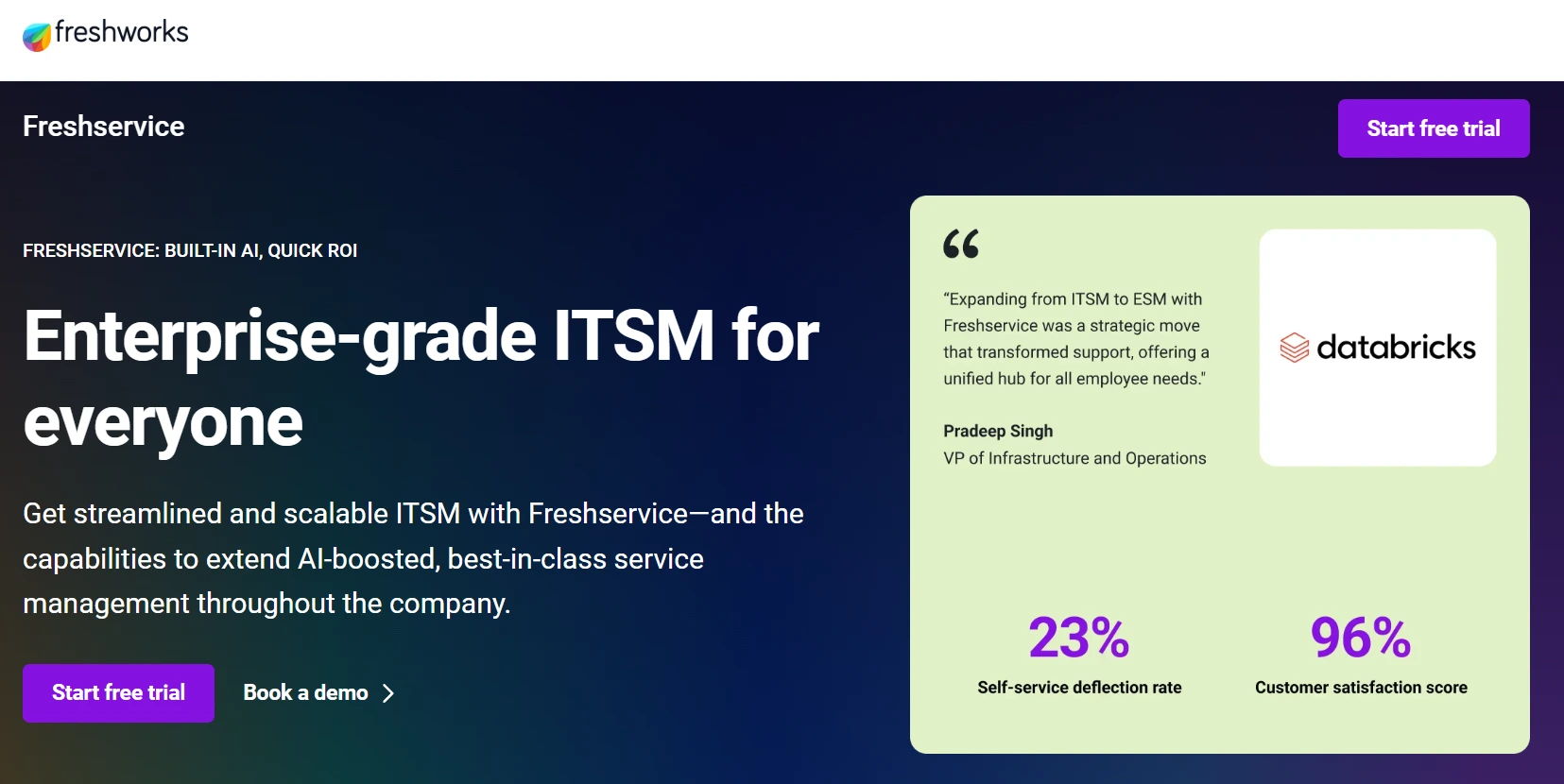
Freshservice delivers an AI-powered IT service management platform that unifies ticketing, asset management, and operations in one intuitive solution. The platform specializes in rapid deployment and transparent pricing, making it ideal for small to midsize businesses seeking quick implementation without extensive training overhead.
Use case:
Freshservice empowers IT teams to streamline service delivery through unified ITSM, ITAM, and ITOM capabilities with embedded AI that accelerates ticket resolution and reduces operational complexity.
Key features:
- AI-powered ticket routing and summarization with Freddy AI Agent supporting 40+ languages.
- Unified ServiceOps platform combining incident management, asset discovery, and workflow automation.
- Omnichannel support through Slack, Microsoft Teams, email, and self-service portals.
Pricing:
- Starter: $19 per agent/month, billed annually.
- Growth: $49 per agent/month, billed annually.
- Pro: $99 per agent/month, billed annually.
- Enterprise: Custom pricing with Freddy AI Agent session allotment.
- Day passes: Available for occasional agents starting at $3 per day.
- Additional costs: AI Copilot licenses, session packs, and connector apps may incur extra charges.
Considerations:
- Advanced configurations and cross-functional ESM rollouts can increase setup complexity beyond simple ticketing.
- AI usage may require additional licensing costs for heavy usage scenarios, impacting total cost of ownership.
5. Jira Service Management
Jira Service Management transforms how IT and DevOps teams handle service delivery by unifying development workflows with service management on a single platform. Built specifically for organizations practicing agile methodologies, it seamlessly connects your development, IT, and business teams to eliminate handoffs and accelerate resolution times.
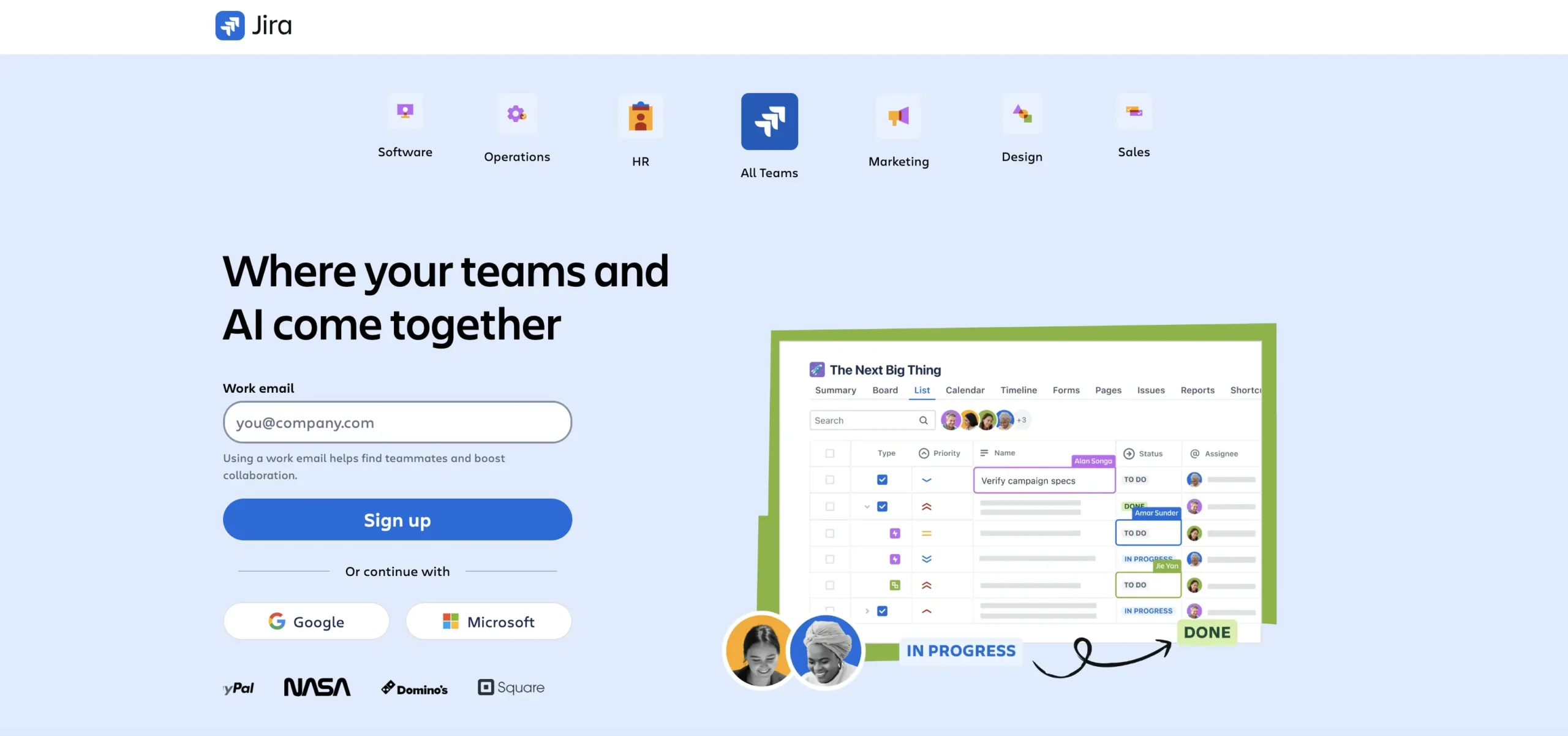
Use case:
Jira Service Management excels for IT and DevOps teams that need deep integration between service management and software development workflows, particularly in organizations following Agile or DevOps methodologies.
Key features:
- Multi-channel request intake through portals, email, and native Slack/Teams integration with conversational ticketing.
- AI-powered virtual service agent that provides automated responses and escalates complex issues appropriately.
- ITIL-certified incident, problem, and change management with CI/CD integrations and deployment gating.
Pricing:
- Free: $0/month for up to three agents.
- Standard: $20/month per agent (billed monthly).
- Premium: $51.42/month per agent (includes virtual agent, Assets/CMDB, 99.9% SLA).
- Enterprise: Annual billing with custom pricing (99.95% SLA, advanced analytics).
- Annual billing discounts: Available up to 17% savings.
Considerations:
- Knowledge base functionality requires adding Confluence, though core features can be used at no extra cost.
- Advanced features like Assets and virtual agent are only available in Premium and Enterprise tiers, increasing per-agent costs significantly.
6. Zoho Desk
Zoho Desk delivers comprehensive remote help desk capabilities with AI-powered automation and multichannel support built right in. The platform specializes in context-aware ticketing that pulls customer data from across the Zoho ecosystem, making it ideal for small to midsize businesses seeking cost-effective, scalable support solutions.
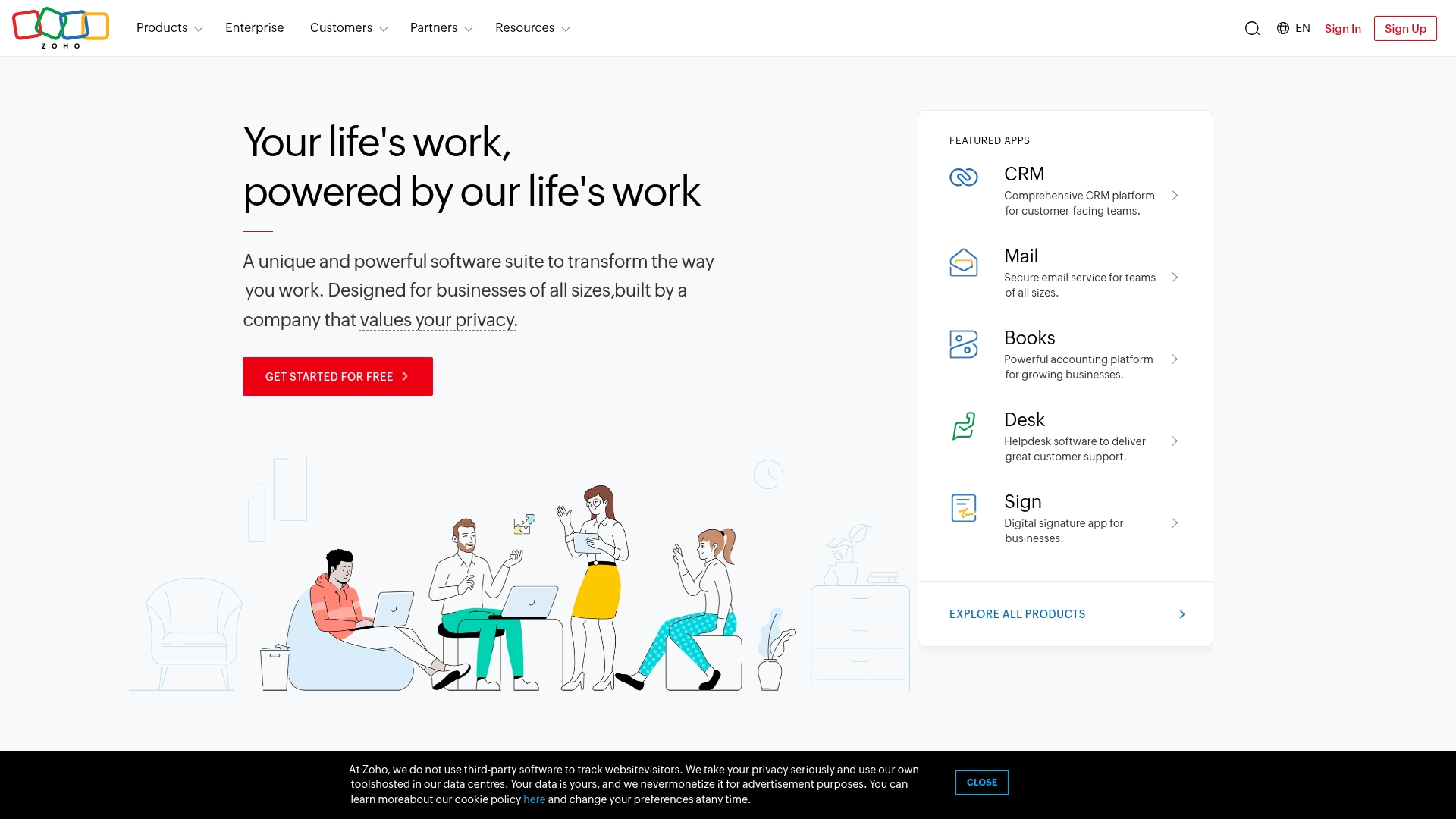
Use case:
Zoho Desk empowers remote support teams to deliver context-rich customer service through omnichannel management and AI-driven automation, all while maintaining tight integration with existing business systems.
Key features:
- Context-aware ticketing that surfaces CRM data and interaction history directly within support tickets.
- Omnichannel support across email, chat, social media, WhatsApp, and telephony from a unified interface.
- Built-in AI (Zia) for ticket summarization, sentiment analysis, auto-tagging, and customer-facing chatbots at no extra cost.
Pricing:
- Free: $0/month for up to three agents.
- Express: $14 per agent/month, billed annually.
- Standard: $23 per agent/month, billed annually.
- Professional: $40 per agent/month, billed annually.
- Enterprise: $52 per agent/month, billed annually.
- Free trial: 15-day trial available.
- Billing savings: Annual plans provide significant savings compared with monthly billing.
- Support plans: Premium support available at 20–25% of the license fee.
Considerations:
- Learning curve can be steep for advanced automation and reporting features, particularly for teams new to comprehensive help desk systems.
- Some AI capabilities and instant messaging channels have limited availability depending on data center location.
7. ManageEngine ServiceDesk Plus
ManageEngine ServiceDesk Plus delivers comprehensive ITSM capabilities that combine help desk functionality with robust asset management and change control. The platform targets IT teams in mid-market and enterprise organizations who need deep ITIL alignment, flexible deployment options, and extensive customization capabilities.
With transparent pricing and strong compliance features, it’s particularly well-suited for organizations with strict governance requirements.
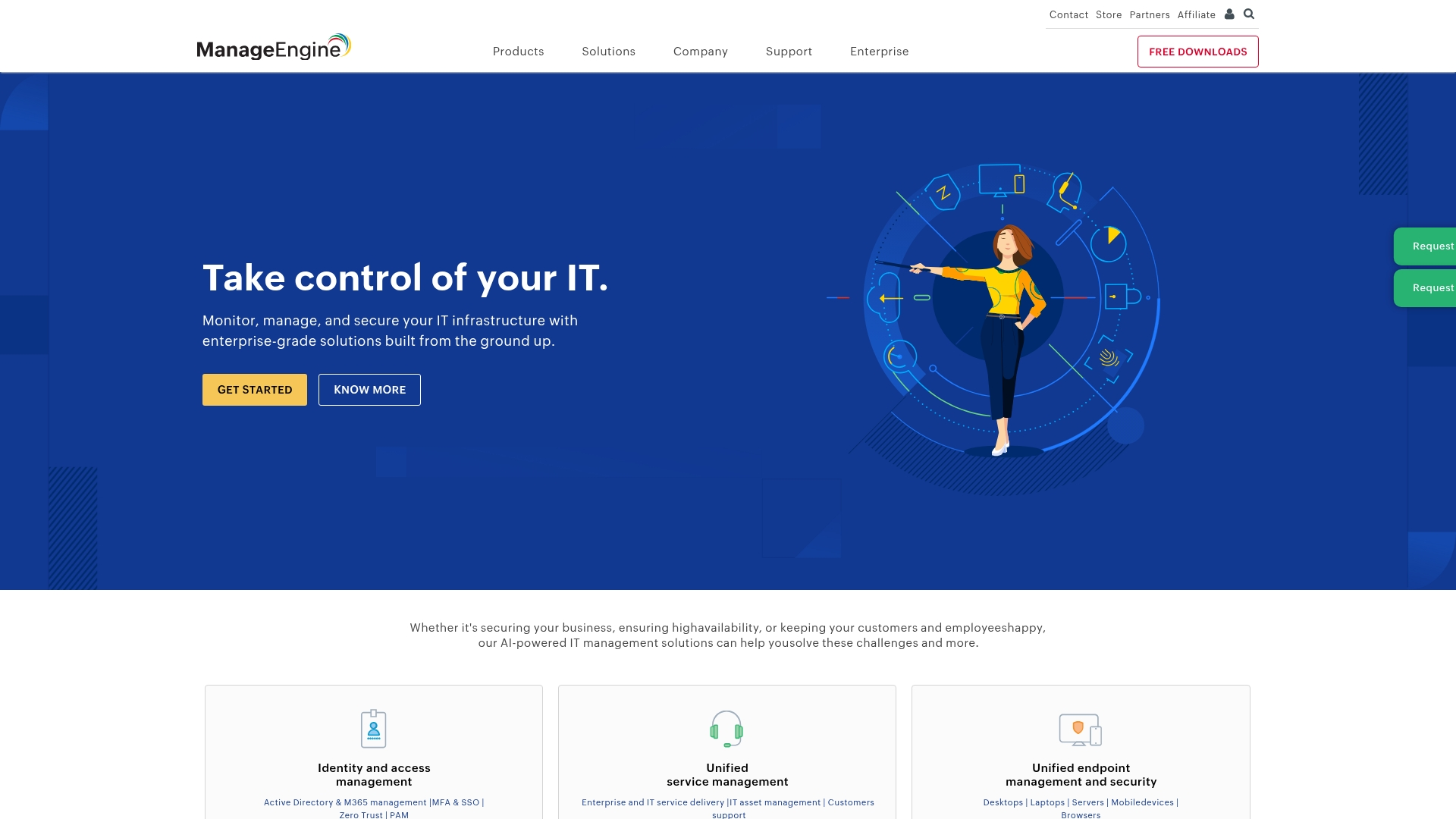
Use case:
ManageEngine ServiceDesk Plus excels at providing full-stack ITSM with integrated asset management and CMDB capabilities, making it ideal for organizations that need comprehensive IT operations visibility in a single platform.
Key features:
- ITIL 4 certified processes: Offers 14 PeopleCert-certified ITIL practices with PinkVERIFY and SERVIEW validations for process-mature organizations.
- Flexible deployment options: Available as both cloud and on-premises solutions with migration flexibility and feature parity across deployment models.
- AI-powered automation: Includes predictive triage, virtual agent “Zia,” and GenAI capabilities for ticket summarization and reply assistance without additional licensing costs.
Pricing:
- Standard edition: $13/month per technician (free for up to 5 technicians).
- Professional edition: $27/month per technician (includes asset management).
- Enterprise edition: $67/month per technician (includes change management and projects).
- Annual subscriptions: Receive discounted rates.
- Add-ons: Available for service catalog, problem management, CTI, and failover services.
Considerations:
- Advanced setup and customization can be time-consuming, with some users noting scripting and reporting limitations out-of-the-box.
- Mobile web access relies on native iOS/Android apps rather than browser-based solutions, which may limit BYOD scenarios.
8. Atera
Atera transforms IT service delivery by combining remote monitoring, help desk functionality, and AI-powered automation in one unified platform. The solution targets MSPs and internal IT teams with its unique per-technician pricing model and unlimited endpoint management, making it especially valuable for organizations managing distributed environments across multiple locations.
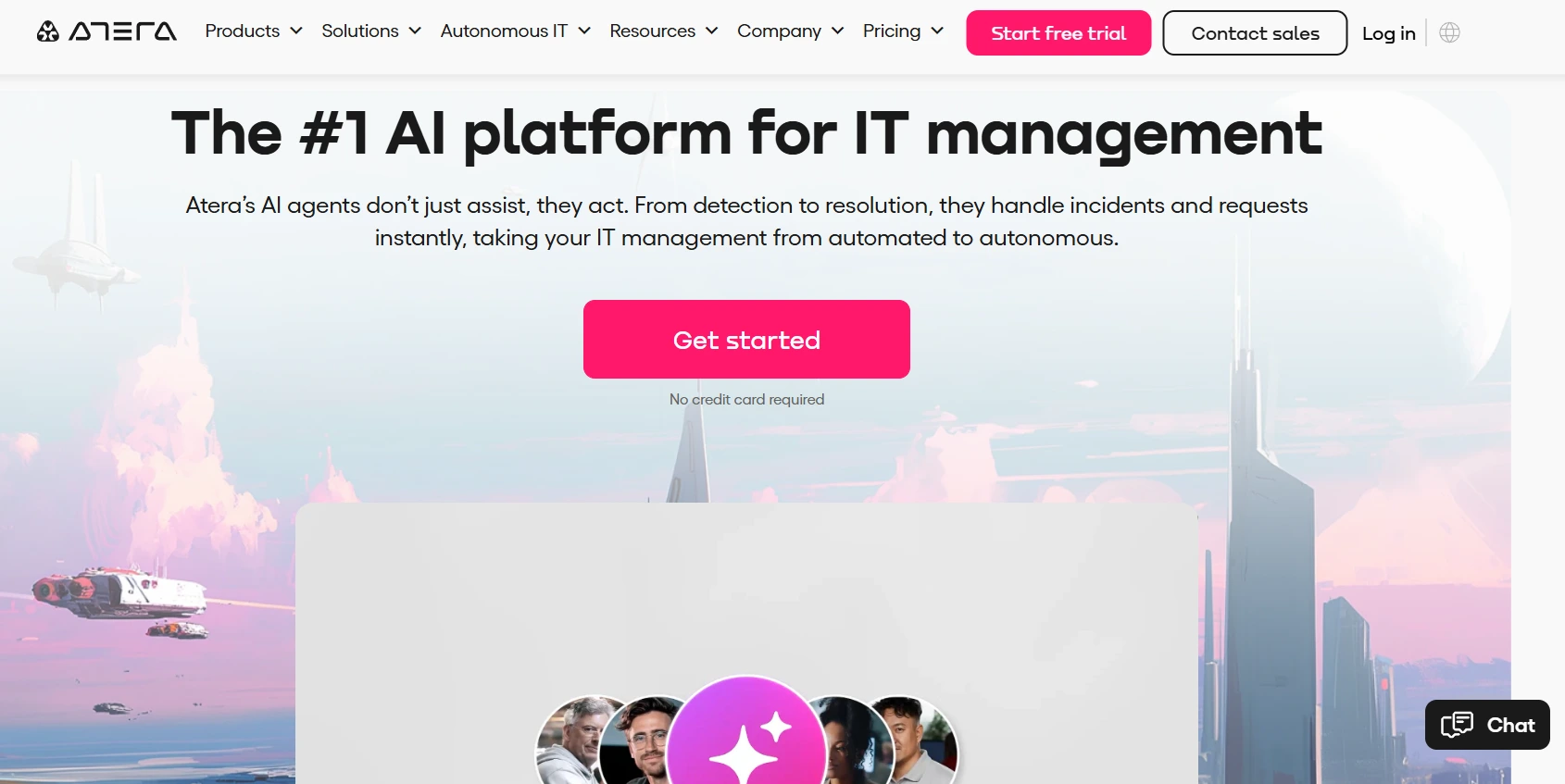
Use case:
Atera delivers comprehensive IT management through an all-in-one platform that integrates RMM, PSA, and AI-powered help desk capabilities to streamline service operations and reduce tool sprawl.
Key features:
- AI Copilot generates automated ticket responses, summaries, and suggested actions while Autopilot enables autonomous end-user self-service.
- Omnichannel ticketing across email, customer portals, Microsoft Teams, and Slack with automated routing and assignment.
- Unified RMM and PSA integration with time tracking, contract management, invoicing, and QuickBooks/Xero synchronization.
Pricing:
- MSP pro: $129/month per technician.
- MSP growth: $179/month per technician.
- MSP power: $209/month per technician.
- IT department professional: $149/month per technician.
- IT department expert: $189/month per technician.
- IT department master: $219/month per technician.
- AI Copilot add-on: $95/month per technician.
- Annual billing: Discounts of up to 16% available.
- Free trial: 30-day trial included.
Considerations:
- Helpdesk Agent is Windows-only, limiting cross-platform support for organizations with diverse operating systems.
- Many advanced features like SSO for portals and enhanced remote access require higher-tier plans or separate add-on purchases, potentially increasing total costs.
9. SolarWinds Service Desk
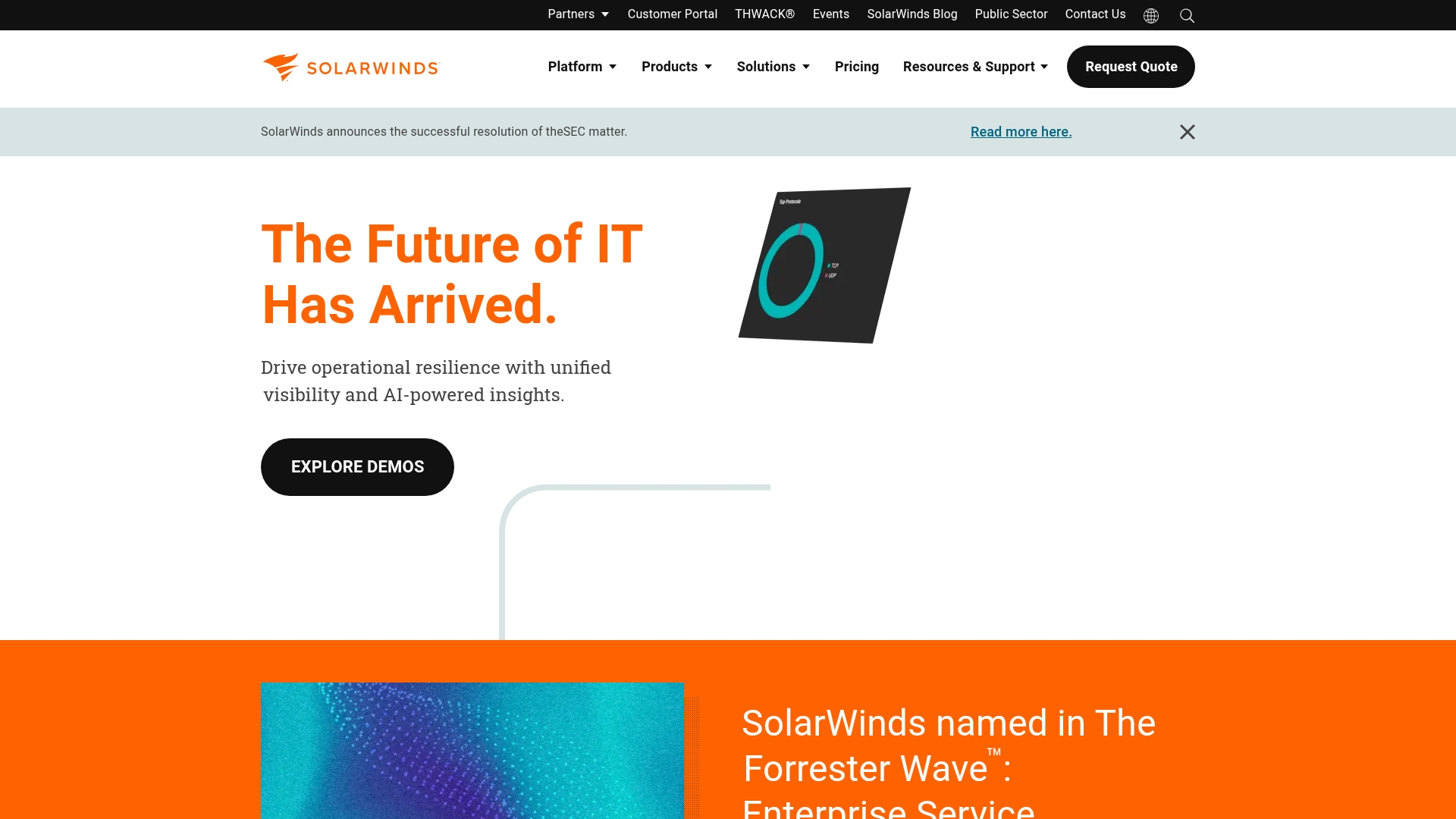
SolarWinds Service Desk delivers cloud-based ITSM with AI-powered automation and comprehensive asset management capabilities. The platform specializes in ITIL-aligned processes with PinkVERIFY certification, making it ideal for IT teams seeking rapid deployment and enterprise-grade service management.
With unlimited requesters across all plans and deep integration with SolarWinds’ broader ecosystem, it’s designed for organizations wanting to scale their service operations without per-user costs.
Use case:
SolarWinds Service Desk empowers IT departments to streamline incident management, automate service requests, and maintain comprehensive asset visibility through AI-assisted workflows and visual CMDB capabilities.
Key features:
- AI-powered incident management with automated categorization, routing, and sentiment analysis for faster resolution times.
- Visual CMDB with dependency mapping and network discovery for comprehensive asset management and change impact analysis.
- Enterprise service management capabilities extending ITIL processes beyond IT to HR, facilities, and other departments.
Pricing:
- Essentials: $39/month per technician (billed annually), includes incident management, knowledge base, service portal, asset management, service catalog, change management, SLA tracking, and 24/7 live chat support.
- Advanced: $79/month per technician, adds custom fields/forms, advanced automations, virtual agent, network discovery, enterprise service management, contract management, and API access.
- Premier: $99/month per technician, adds visual CMDB/dependency mapping, higher API throughput, runbooks, and SolarWinds AI Premier capabilities.
- All plans: Include unlimited requesters and a 30-day fully functional trial.
- Additional pricing: Asset/device management pricing available upon request.
Considerations:
- No free tier available and billing requires annual commitment, which may not suit organizations preferring monthly flexibility.
- Advanced AI capabilities and certain features are limited to specific data center regions (US/EU only).
10. HaloITSM
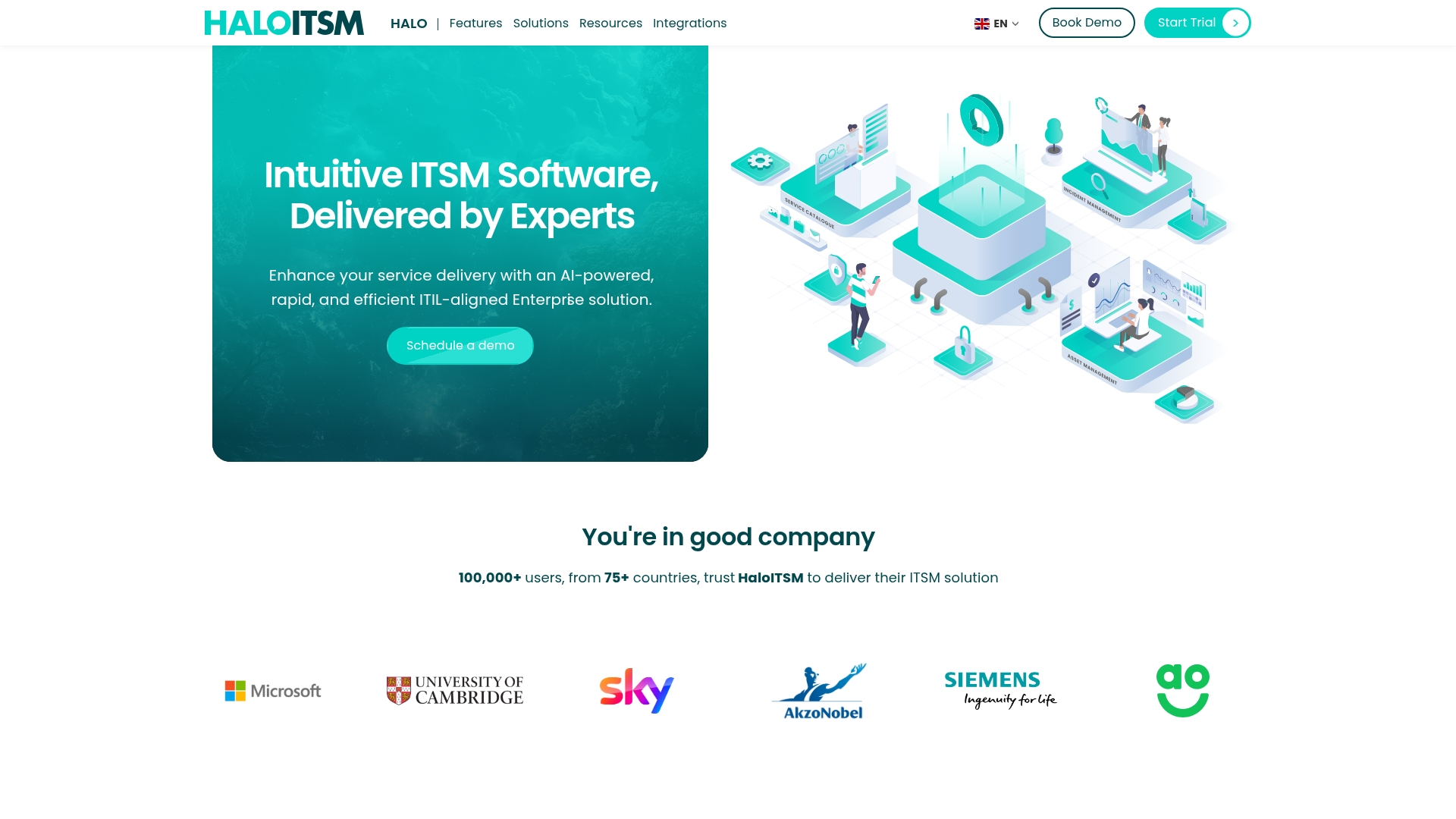
HaloITSM delivers comprehensive ITIL-aligned service management with all modules included as standard, eliminating the complexity of modular licensing. The platform targets organizations seeking robust service desk software capabilities with built-in AI, extensive customization, and transparent pricing that scales from growing teams to enterprise deployments.
Use case:
HaloITSM excels at providing enterprise-grade service management capabilities without the administrative overhead of larger suites, making it ideal for organizations that need ITIL compliance with faster implementation times.
Key features:
- All core ITSM modules included as standard (incident, problem, change, release, service catalog, SLA management, CMDB, knowledge base).
- Built-in AI capabilities for ticket clustering, summarization, triage, and categorization at no additional cost.
- Enterprise service management (ESM) extension across HR, facilities, finance, and legal departments with the same workflows.
Pricing:
- Enterprise packages: Quote-based pricing (contact sales for details).
- Charity/education discount: 15% discount available for qualifying organizations.
- Integrations included: All integrations bundled in subscription cost.
- Add-ons available: Asset discovery, remote control, live chat, and self-service password reset.
Considerations:
- Quote-only pricing model can slow initial budgeting and vendor comparisons compared to platforms with transparent tier pricing.
- ITIL-heavy approach may be more complex than smaller teams require, though the comprehensive feature set supports long-term scalability.
11. Splashtop
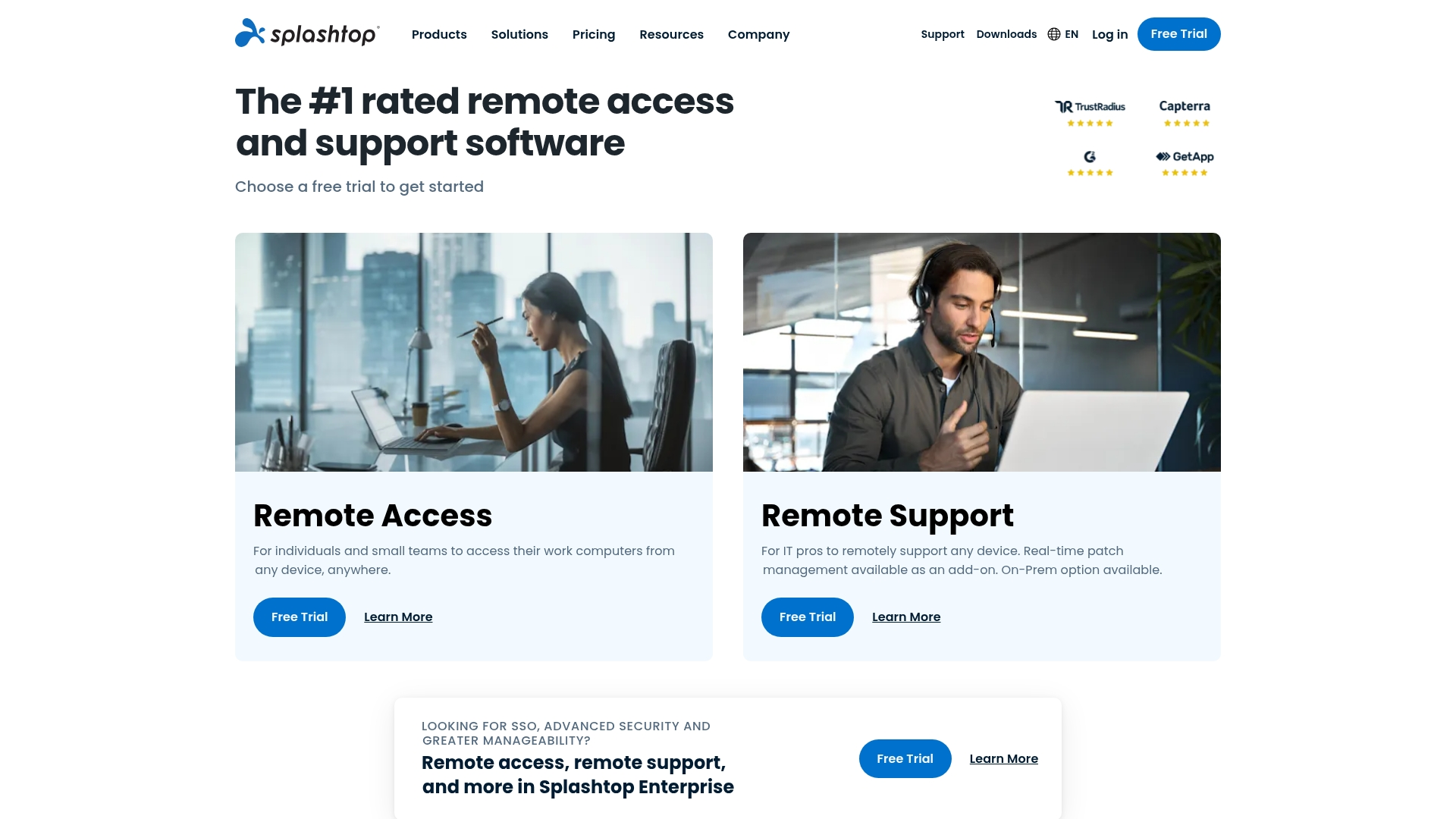
Splashtop delivers high-performance remote desktop access and support with enterprise-grade security and lightning-fast connections. The platform specializes in multi-intake service desk workflows and deep ITSM integrations, making it ideal for IT teams and MSPs who need reliable remote troubleshooting without the premium price tag.
Use case:
Splashtop empowers IT support teams to deliver fast, secure remote assistance through multiple intake channels while maintaining seamless integration with existing ticketing systems like ServiceNow and Zendesk.
Key features:
- Multi-intake service desk with 9-digit codes, 6-digit PINs, persistent invite links, and embedded webforms for flexible support initiation.
- High-fidelity streaming up to 4K/60fps with professional peripheral support including Wacom tablets and USB passthrough.
- Deep ITSM integrations with ServiceNow, Zendesk, Jira, Freshservice, and Microsoft Teams for launching sessions directly from tickets.
Pricing:
- SOS (concurrent technician): $22/month billed at $259/year (up to 10 unattended computers) or $399/year (up to 300 unattended computers).
- Remote work solo: $5/month billed at $60/year.
- Remote work pro: $8.25/month billed at $99/year.
- Remote work performance: $13/month billed at $149/year.
- Enterprise: Quote-only with SSO, SIEM logging, Service Desk console, and on-premises deployment options.
- Autonomous endpoint management: Available as add-on or standalone (quote-only).
Considerations:
- iOS support is limited to view-only due to platform restrictions, with no full remote control capabilities.
- Advanced Service Desk features require Enterprise Technician licenses, while SOS Lite excludes mobile support and reboot-and-reconnect functionality.
12. TeamViewer
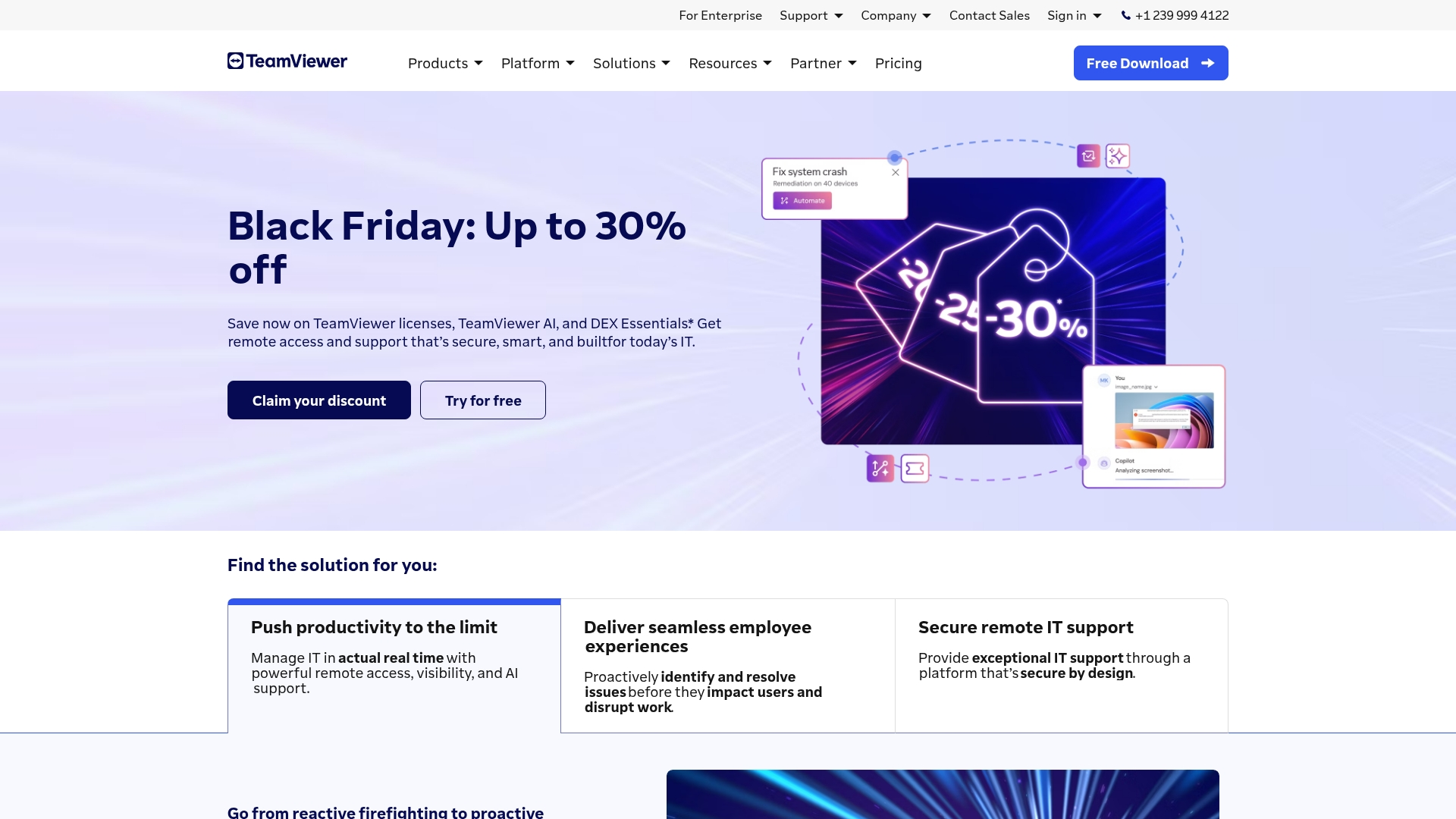
TeamViewer transforms remote support by seamlessly connecting help desk ticketing with instant remote access capabilities. The platform specializes in bridging the gap between ticket creation and hands-on problem resolution, making it ideal for organizations that need to quickly transition from support requests to direct device control.
Use case:
TeamViewer Service Desk consolidates ticketing and remote support workflows, enabling agents to launch direct remote sessions from tickets for faster issue resolution.
Key features:
- One-click transition from support tickets to remote control sessions.
- Email-to-ticket conversion with automated routing and priority assignment.
- Self-service portals with integrated knowledge base for customer independence.
Pricing:
- Business: Costs $50.90/month, allowing for one single user, one concurrent connection, and management for up to 200 devices.
- Premium: Costs $112.90/month, allowing for 15 users, one concurrent connection, and management for up to 300 devices.
- Corporate: Costs $229.90/month, allowing for 30 users, three concurrent connections, and management for up to 500 devices.
- Tensor: Enterprise pricing information is available upon request.
- Service desk feature: Access is only available with the premium tier or a higher plan.
- AI credits and mobile device support: Both are available as optional, paid add-ons.
- Promotional discounts: First-year discounts are available upon sign-up.
- Money-back guarantee: A seven-day money-back guarantee is available for new subscriptions.
Considerations:
- Service Desk functionality is only available with Premium, Corporate, or Tensor licenses, limiting access for smaller teams on business plans.
- End users must create TeamViewer accounts to access service portals, which may create friction compared to anonymous web forms.
Security requirements for remote computer support
Every remote connection represents an exercise in trust. Therefore, effective remote computer support must be both fast and secure, ensuring each interaction protects operational integrity while safeguarding sensitive data.
This is where a unified and secure service platform becomes essential. For example, modern platforms like monday service enable organizations to build security protocols directly into service workflows, ensuring every remote session automatically aligns with internal standards without slowing down support teams or interrupting service delivery.
By embedding governance within the platform itself, organizations establish a single source of truth for encryption policies, access controls, and complete audit trails. This integrated approach allows support teams to focus fully on problem resolution, knowing that every action is protected, tracked, and compliant.
How to select the right help desk remote access software
Selecting remote access software is about more than solving today’s support gaps. It shapes how easily teams scale, how efficiently they collaborate, and how well the platform is adopted over time. The right solution should handle immediate operational demands while supporting future growth, becoming a long-term foundation for service delivery rather than a short-term workaround.
A strong remote help desk platform should feel connected, not siloed. When it integrates seamlessly with communication tools, identity systems, and existing workflows, agents spend less time switching tabs and more time resolving issues. Full visibility into tickets, history, and context leads to faster resolutions and a more consistent experience for employees and customers alike.
True value also goes beyond the headline price. Flexible, no-code platforms reduce implementation friction and allow teams to refine workflows without waiting on technical resources.
How to implement remote support tools successfully
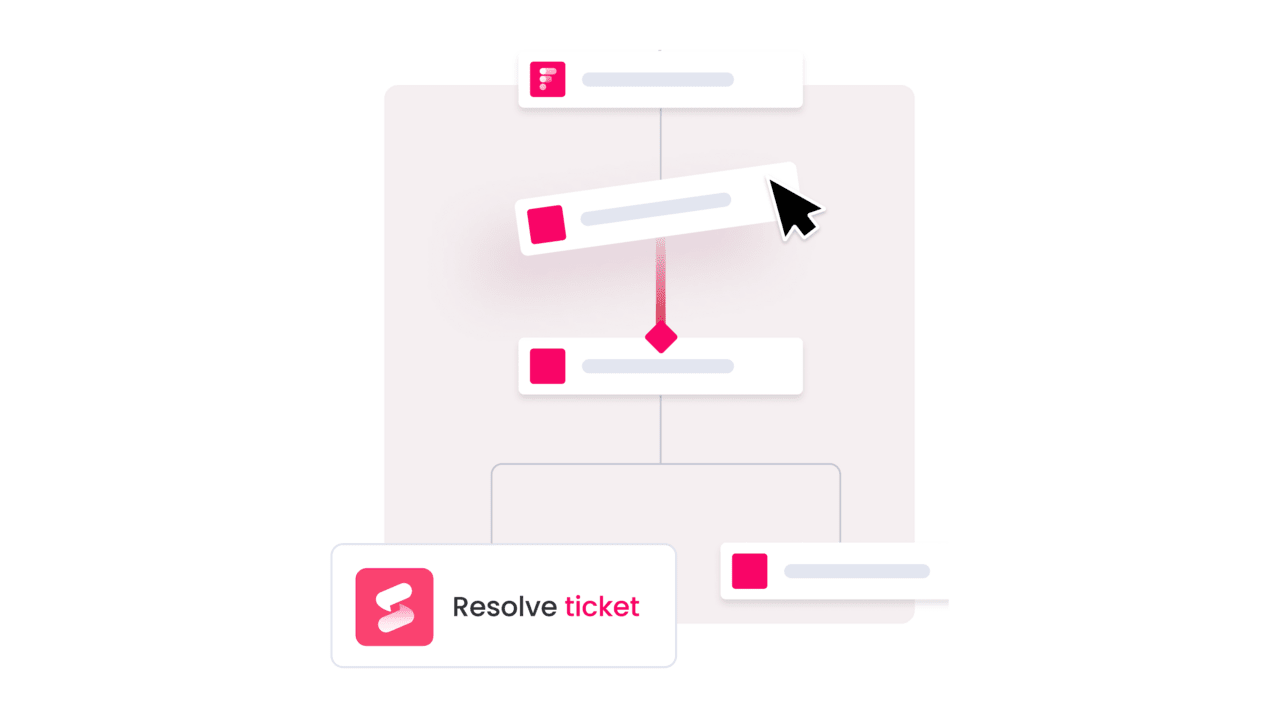
This five-step framework below helps ensure smooth adoption, encourages engagement, and delivers measurable outcomes across teams.
Rather than treating implementation as a simple system switch, this approach also focuses on building momentum, aligning stakeholders, and creating early wins that drive confidence and long-term success.
Step 1: Define what a “Win” looks like
Start by clearly defining what success means for both agents and stakeholders. Focus on outcomes that improve service quality and team experience, rather than relying solely on surface-level metrics. Involving teams across IT, HR, and operations ensures alignment with broader organizational objectives.
Step 2: Plan your deployment playbook
A ‘big-bang’ rollout often leads to chaos; a phased approach is far more effective. Begin by launching with a pilot group of engaged users who can test the new system in a real-world setting and help identify any issues. This strategy cultivates internal champions and creates a proven deployment model, making the subsequent company-wide expansion feel less like a risky launch and more like a controlled success.
Step 3: Build workflows that actually flow
Next is designing workflows that reflect how the team actually works. With a flexible platform like monday service, rigid processes can be replaced with an intuitive system that automates the repetitive tasks draining the team’s energy. Set up intelligent ticket routing and automated alerts to ensure the right task is assigned to the right person instantly, freeing up capacity for creative and complex problem-solving.
Step 4: Empower your team to adopt and adapt
Effective tools require a compelling introduction. Replace passive presentations with hands-on workshops where team members can experience first-hand how the new platform simplifies their daily work and amplifies their impact.
The objective is to drive adoption through genuine excitement, not by mandate, transforming the team into confident power-users from day one.
Step 5: Keep an eye on performance and optimize
Finally, keep in mind that launch day is just the starting point; true value comes from continuous improvement. Regularly monitor performance dashboards to identify what is working well and where opportunities for optimization exist. Most importantly, maintain an open feedback loop with both agents and customers, as their insights are essential for evolving a good service operation into an exceptional one.
ROI analysis: desktop support software remote vs traditional methods
The financial impact of remote help desk software becomes obvious when compared side by side with traditional on-site support. What once required travel, physical hardware, and local presence can now be handled instantly from anywhere.
Remote support reduces costs in several key areas:
-
Travel expenses: Eliminate on-site visits, mileage reimbursements, and time lost in transit.
-
Hardware overhead: Reduce dependency on physical infrastructure through cloud-based tools and remote management.
-
Resolution time: Accelerate fixes with instant remote access and automated ticket routing.
-
Staffing efficiency: Scale support capacity without adding local IT headcount.
-
Facility costs: Minimize the need for dedicated office space and regional support hubs.
The shift to digital-first service is not just about cutting travel. Automation streamlines workflows, remote access speeds up troubleshooting, and centralized visibility improves resource allocation. The result is a leaner, more scalable support model that grows without multiplying costs.
Platforms like monday service take this further by connecting remote desktop support with ticketing, cross-team collaboration, and real-time analytics in one workspace. Instead of isolated cost savings, organizations gain operational clarity and measurable performance improvements that compound over time.
The comparison below highlights how remote support stacks up against traditional on-site models across key cost categories.
| Cost category | Remote support software | Traditional (on-site) support |
|---|---|---|
| Hardware | Reduced need for physical devices; supports DaaS | Frequent hardware refresh cycles |
| Travel | Eliminated; all support delivered remotely | High travel costs for on-site visits |
| Productivity | Faster resolution via automation and remote access | Slower due to scheduling, travel |
| Scalability | Instantly add users and endpoints | Limited by physical presence |
| Facility overhead | Minimal; cloud-based infrastructure | Requires local IT presence, office space |

"Our team LOVES the monday service platform and we’re already exploring how we could incorporate it for other departments, too. It has streamlined our workflow in a way that both our team and customers appreciate."
Andrew Marshall | VP Operations
״monday service provides clear insights into requests volume and types, response times, and trends - helping us continuously improve operations"
Grant De Waal-Dubla | CIO
"The biggest value for us is speed and flexibility. You can get up and running in days, change anything instantly, and see everything in real time. And you don’t need a dedicated admin to do it."
Clive Camilleri | Head of People Tech & OperationsThe future of remote support: from reactive to predictive
Remote support is evolving beyond reactive troubleshooting. The future lies in predictive service models that identify and resolve issues before users are affected, a shift already enabled by modern service platforms.
This transition moves teams from constant firefighting to proactive system design. AI-driven insights allow support teams to strengthen reliability, reduce disruptions, and improve employee experience while maintaining operational efficiency.
Predictive support is not just about closing tickets faster either: it’s about creating a seamless work environment where technology operates in the background, enabling teams to focus on meaningful work without interruption.
Next-generation AI capabilities
AI now acts as an intelligent partner, interpreting requests regardless of how they are submitted. monday service uses AI to categorize issues, suggest resolutions, and prioritize actions, allowing agents to focus on high-impact work immediately.
Digital employee experience integration
A support request is never an isolated event; it is a moment in an employee’s overall experience. By consolidating support history, device health, and application usage data, teams gain a holistic view of each user. When someone requests help, the team already has the necessary context to deliver a precise and personalized solution.
Proactive service delivery models
The paradigm is shifting from fixing what is broken to ensuring systems run smoothly from the outset. A platform’s automated monitoring can act as a 24/7 watchtower, detecting early warning signs and triggering self-healing scripts before users even notice a performance dip. The focus is on fire prevention, not firefighting.
Power your remote support with monday service
Remote help desk software works best when it connects people, processes, and data in one place. monday service brings IT, HR, and operations together in a shared digital workspace, replacing scattered tools and email threads with structured, visible workflows.
Built-in AI and visual, no-code automations handle routine requests and route work instantly to the right specialist. Service tickets can link directly to projects and broader initiatives, giving teams full context and reducing back-and-forth. Real-time dashboards provide clear insight into performance, capacity, and trends.
Instead of reacting to issues one by one, teams gain the clarity and coordination needed to stay ahead. With monday service, remote support becomes more connected, more efficient, and easier to scale.
Frequently asked questions
How does remote help desk software support BYOD policies?
Remote help desk software supports BYOD policies by providing a secure, centralized platform that allows IT teams to consistently support any approved device, regardless of its operating system. This ensures your team can embrace BYOD policies without compromising security or service quality.
What's the difference between help desk and service desk platforms?
A help desk primarily focuses on reactive incident resolution, while a service desk is a comprehensive IT service management (ITSM) solution. Service desks integrate proactive functions like asset tracking and change management to drive strategic organizational efficiency.
Can remote support tools function offline?
While live sessions require an internet connection, many tools offer offline capabilities for creating tickets or accessing knowledge bases. These actions then automatically sync once connectivity is restored.
How many simultaneous sessions can support agents manage?
The number of simultaneous sessions an agent can manage depends on the platform and issue complexity, but leading tools are built for multitasking. Agents often handle 3–5 concurrent sessions for simple issues, maximizing their productivity without sacrificing service quality.
What bandwidth do remote support tools require?
Modern remote support tools are optimized for low-bandwidth environments, often requiring just 1–2 Mbps for core remote control and screen sharing functions. This ensures reliable support delivery even from locations with basic internet service.
How do you migrate from legacy help desk systems?
Migrating from a legacy system involves exporting historical data and mapping it to the new platform's structure, often using built-in tools or professional services. Modern platforms provide templates and support to ensure a seamless transition with minimal disruption.

 Get started