


Internal support shouldn’t feel like navigating a maze. Yet in many organizations, employees still juggle separate portals for IT, HR, facilities, and finance. Requests get rerouted. Updates stall. Productivity slows.
Employee experience software changes that structure. Instead of fragmented systems, organizations create a single front door for internal services. Requests are routed intelligently. Workflows connect across departments. Leaders gain visibility into how support actually performs.
The impact goes beyond ticket resolution. When internal service runs smoothly, onboarding accelerates, collaboration improves, and employees spend more time doing meaningful work instead of chasing approvals or status updates.
This helpful article explores how modern employee experience platforms are reshaping internal service in 2026. You’ll see what features matter most, how leading solutions compare, and how to build a service model that strengthens both performance and retention.
Key takeaways
- Employee experience software is a strategic tool: Unified platforms streamline IT, HR, and facilities requests, boosting productivity and retention.
- Modern platforms do more than manage tickets: AI, self-service, analytics, and cross-department workflows improve work experiences.
- AI and automation speed up service: Intelligent routing and predictive insights reduce manual effort and prevent issues.
- ROI combines operational and human metrics: Resolution times, cost savings, and employee satisfaction show impact.
- Flexibility and fast implementation drive adoption: No-code customization and integrations enable quick wins and scalable growth.
What is employee experience software?
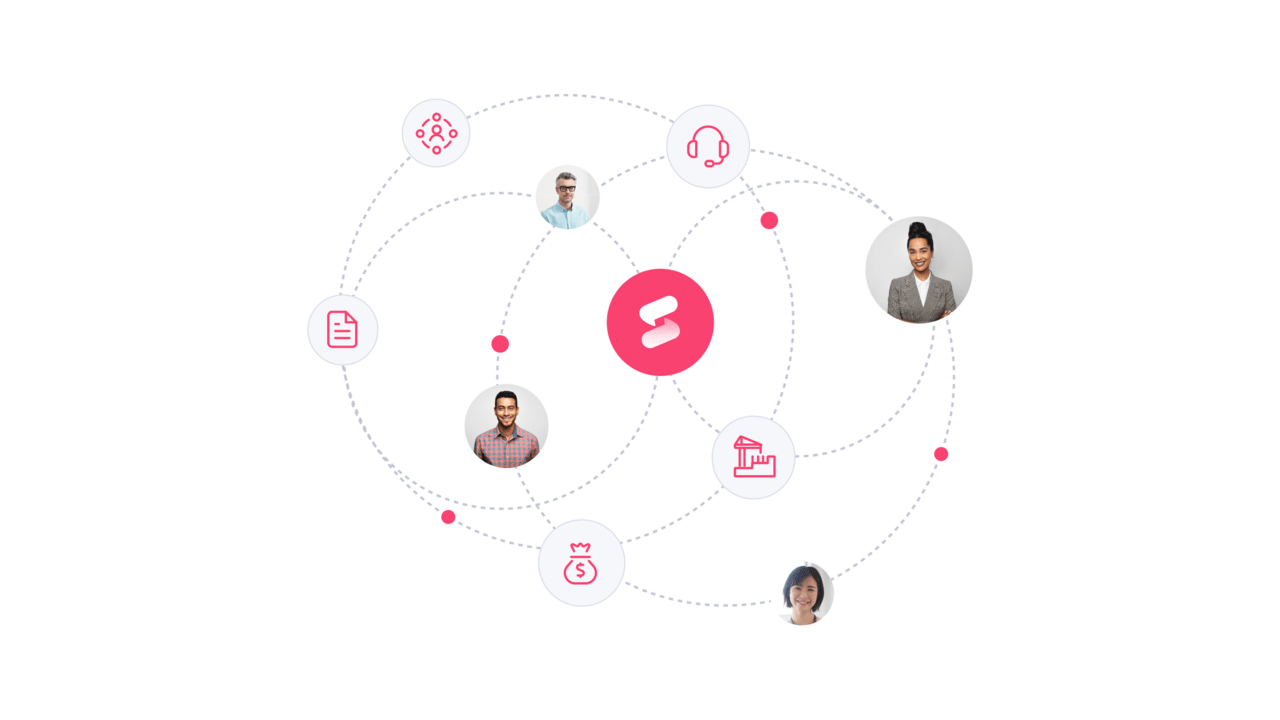
Employee experience software centralizes internal requests, eliminating the need for employees to navigate multiple systems. Instead, a single, intuitive platform enables teams to focus on their work rather than chasing updates.
These platforms move beyond ticket management, creating a frictionless work environment and connecting departments to prevent delays. Modern tools even leverage smart automation and real-time insights, delivering faster resolutions and a more efficient workplace.
How employee experience platforms transform your workplace
An employee’s journey to get help shouldn’t be a confusing maze of different contacts and systems. Siloed processes can be replaced with a single, unified front door for all workplace services. This creates a simple experience for employees and empowers service teams to deliver exceptional support consistently.
A unified approach improves collaboration by automatically routing requests to the right team, IT, HR, or facilities, removing guesswork and allowing support squads to work seamlessly together. The focus remains on providing consistent, fast service for every request.
This model shifts teams from constantly putting out fires to proactively preventing issues. Leveraging automation and real-time insights, support moves beyond a basic help desk to become a strategic partner that drives the employee experience forward.
8 must-have features of modern employee experience platforms
A modern employee experience platform does more than handle tickets, it powers the entire organization. The eight features below are essential for teams that want to transition from just keeping up to leading the way.
1. AI-powered service automation
Artificial intelligence handles repetitive tasks, freeing teams to focus on high-value work. Smart automation routes requests to the right expert and triggers workflows to resolve common issues without manual intervention.
Tickets are categorized and prioritized automatically, ensuring critical tasks are addressed first. Employees receive faster answers, agents feel more impactful, and the service operation flows smoothly.
2. Intelligent self-service portals
A dynamic self-service portal empowers employees to find solutions independently. Unlike a static FAQ, it’s a dynamic, searchable knowledge hub that guides people to answers, without technical language.
This feature allows support teams to focus on complex challenges while employees get instant responses. It builds a culture of self-sufficiency and speed.
3. Cross-departmental workflow builder
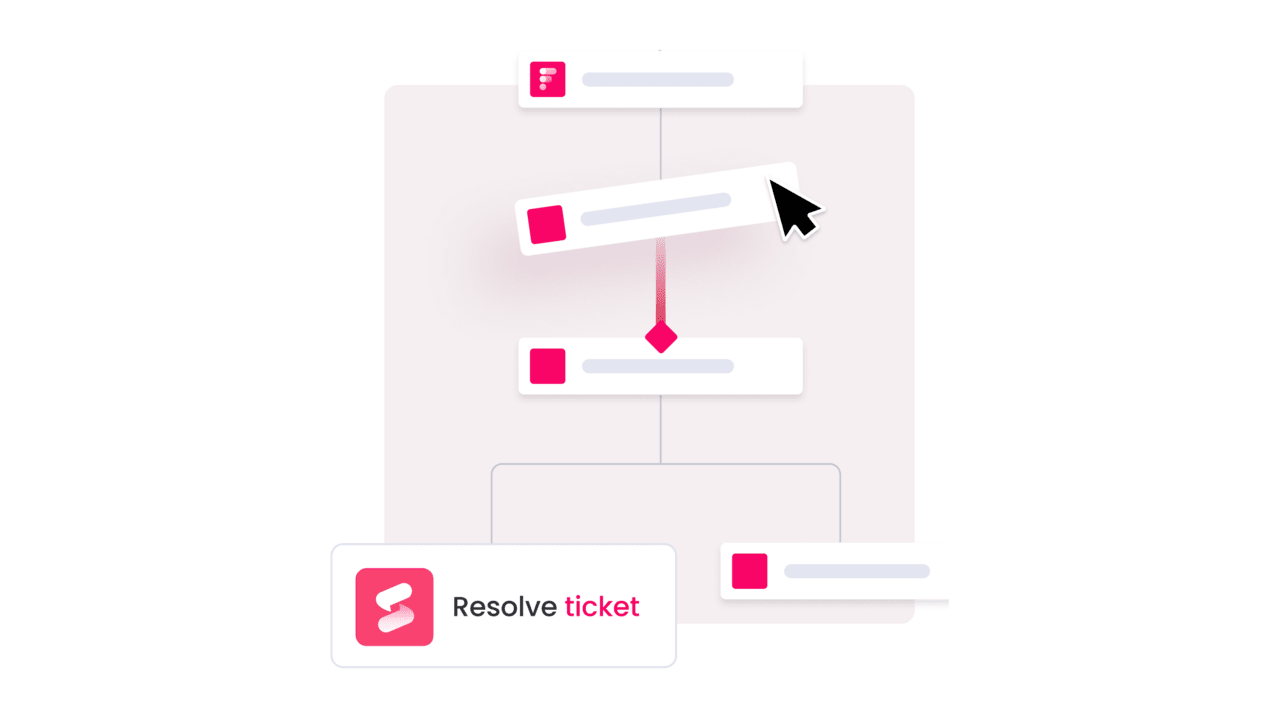
Real work that transcends departmental boundaries, must have a service platform that reflects that reality. A visual workflow builder connects the dots between IT, HR, and any other team involved in a request, eliminating lost emails and the recurring question of task ownership.
An intuitive, drag-and-drop interface allows for the design of workflows that mirror how an organization actually operates. For example, a single onboarding request can automatically trigger tasks for IT, HR, and Facilities, creating a seamless welcome for a new teammate.
4. Real-time service analytics
Teams need live insights, not last month’s reports. Real-time dashboards track key metrics, highlight bottlenecks, and identify trends before they escalate, enabling proactive decision-making.
These analytics guide continuous improvement, helping leaders allocate resources effectively and optimize processes. Data-driven service excellence becomes part of daily operations.
5. Mobile-first employee access
Support must be accessible anywhere. A robust mobile experience allows employees to request help or check statuses directly from their phone, providing a seamless experience across devices.
A clean, intuitive app ensures user adoption rises, resulting in happier employees and a more efficient support team.
6. No-code platform customization
A business is in a constant state of evolution, and its service platform must keep pace without creating friction. No-code customization empowers teams to tweak forms, adjust workflows, and adapt processes on the fly.
This capability is the definition of true agility. When a new process or team is introduced, the platform can be updated in minutes, not months: ensuring service delivery remains perfectly synchronized with the needs of the business.
7. Enterprise integration ecosystem
Top platforms connect seamlessly with HR, communication, and business applications, centralizing information and avoiding repeated requests from employees.
Smooth integration creates a frictionless environment where data flows automatically between systems, improving efficiency for the entire organization.
8. Experience-level agreement (XLA) management
It’s time to move beyond tracking mere response times and start measuring what truly matters: the employee experience. XLAs help focus on the human side of service, such as satisfaction and ease of use. This ensures goals are always aligned with delivering a great experience, not just hitting a number on a stopwatch.
Optimizing for experience drives outcomes that ripple across the entire organization, including happier people, higher productivity, and a stronger culture. It represents the ultimate shift from checking a box to making a tangible difference in the team’s day-to-day work.

"Our team LOVES the monday service platform and we’re already exploring how we could incorporate it for other departments, too. It has streamlined our workflow in a way that both our team and customers appreciate."
Andrew Marshall | VP Operations
״monday service provides clear insights into requests volume and types, response times, and trends - helping us continuously improve operations"
Grant De Waal-Dubla | CIO
"The biggest value for us is speed and flexibility. You can get up and running in days, change anything instantly, and see everything in real time. And you don’t need a dedicated admin to do it."
Clive Camilleri | Head of People Tech & OperationsTop employee experience platforms revolutionizing service delivery
Choosing the right employee experience platform can transform how your organization delivers internal services. From automating repetitive tasks to creating seamless cross-department workflows, these platforms empower teams to work smarter while providing employees with fast, intuitive support.
In 2026, the most effective solutions combine AI, real-time analytics, and no-code customization to unify IT, HR, and facilities services, making employee experience a strategic advantage rather than just a back-office function.
monday service
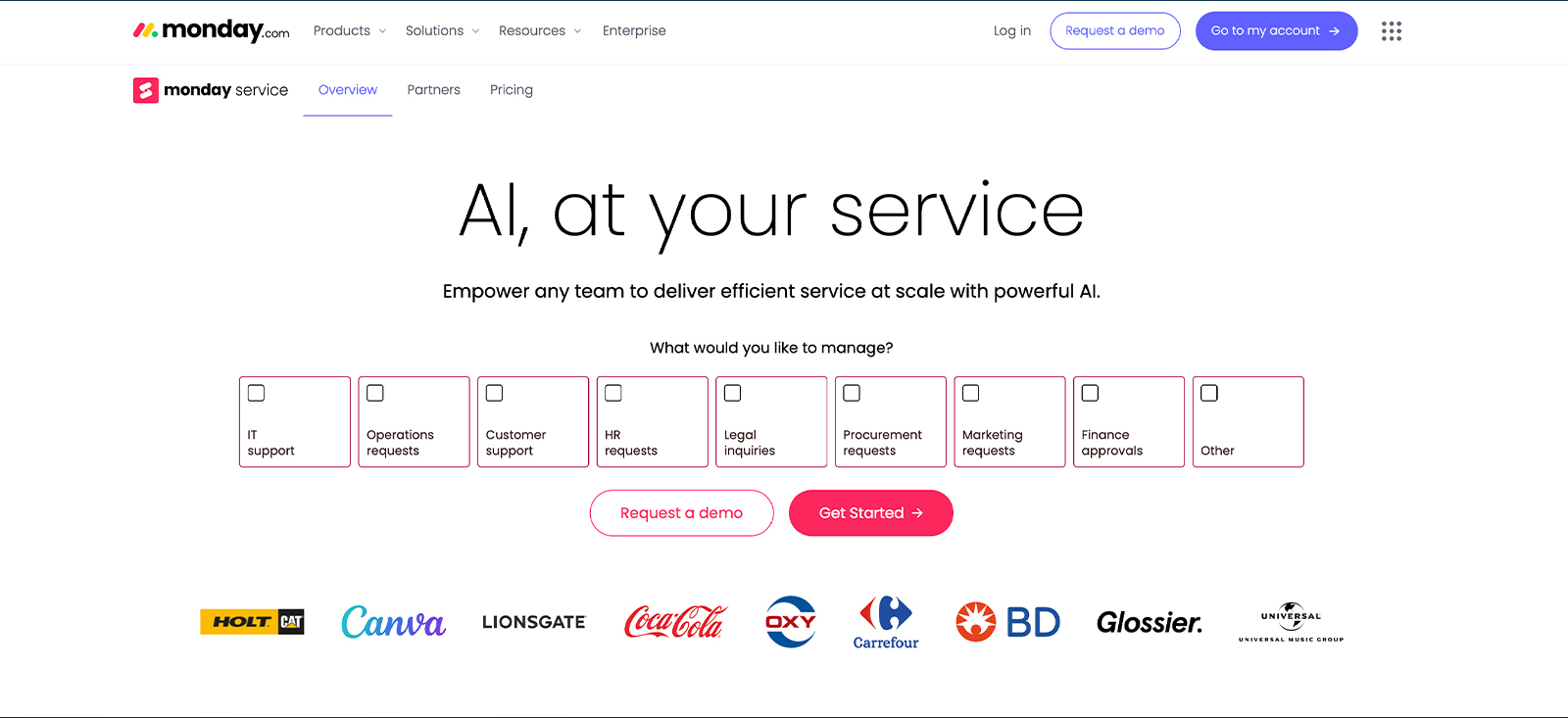
monday service transforms how organizations deliver employee experiences by unifying service delivery across all departments with AI-powered automation and intuitive workflows. The platform specializes in rapid deployment and seamless customization, making it ideal for mid-size teams to large enterprises seeking to modernize their service operations without heavy IT overhead.
Use case:
monday service centralizes internal service operations across IT, HR, and facilities into one unified portal where employees can submit requests, track tickets, and access knowledge, all powered by AI that automatically triages, routes, and resolves common issues.
Key features:
- AI-powered ticket triage that automatically categorizes requests by urgency, sentiment, and department while routing them to the right teams.
- Unified employee portal with “My tickets” view, knowledge base access, and real-time status tracking across all service requests.
- Cross-department workflow automation that connects HR onboarding to IT provisioning and facilities setup through no-code templates.
Pricing:
- Standard: $26 per seat/month (billed annually).
- Pro: $38 per seat/month (billed annually).
- Enterprise: Custom pricing (quote-based).
- Annual prepayment: Receive an 18% discount.
- Security add-on: Guardian available for advanced compliance needs.
- AI usage: Additional AI credits required beyond trial limits.
Why it stands out:
- Delivers weeks, not months, deployment with pre-built templates and no-code customization that gets teams operational in days.
- Connects service requests directly to project execution within the monday Work OS, turning employee tickets into trackable work across departments.
- Provides enterprise-grade security with ISO 27001/27017/27018/27701 Compliance, SOC 1/2/3 Type II certification, and 99.9% uptime SLA.
2. ServiceNow Employee Workflows
ServiceNow Employee Workflows transforms how large enterprises deliver cross-departmental service experiences through a unified AI-powered platform.
The solution specializes in orchestrating complex, multi-national service operations that span HR, IT, facilities, and legal departments, making it the go-to choice for Fortune 500 companies with existing ServiceNow investments.
Use case:
ServiceNow employee workflows unifies employee service delivery across departments on a single platform, enabling organizations to streamline everything from onboarding journeys to workplace requests through AI-assisted automation.
Key features:
- Employee center pro: Multi-departmental intranet with personalized content, AI-driven enterprise search, and omnichannel approvals hub accessible via web, mobile, Teams, and kiosks.
- HR service delivery: Comprehensive case management with employee journey management, virtual agent capabilities, and now assist AI features for case summarization and chat automation.
- Cross-enterprise integration: Native connections with Workday, SAP Concur, Oracle HCM, and other enterprise systems to centralize approvals and data across platforms.
Pricing:
- Quote-based pricing: All packages are customized based on scope, users, and usage requirements.
- Package licensing: Products are licensed in specific SKUs (HRSD packages, Employee Center vs Employee Center Pro, and now Assist add-ons) determined during the sales consultation.
- Additional costs: Some capabilities, such as AI features, certain integrations, and kiosk deployments, require separate entitlements or higher-tier packages.
What to keep in mind:
- Implementation complexity: Configuration and customization can be highly complex, often requiring specialized administrator expertise to achieve intended user experiences.
- Cost transparency: Quote-only pricing model with potential hidden costs for add-ons, spokes, and implementation services can make budget planning challenging.
3. Workday people experience
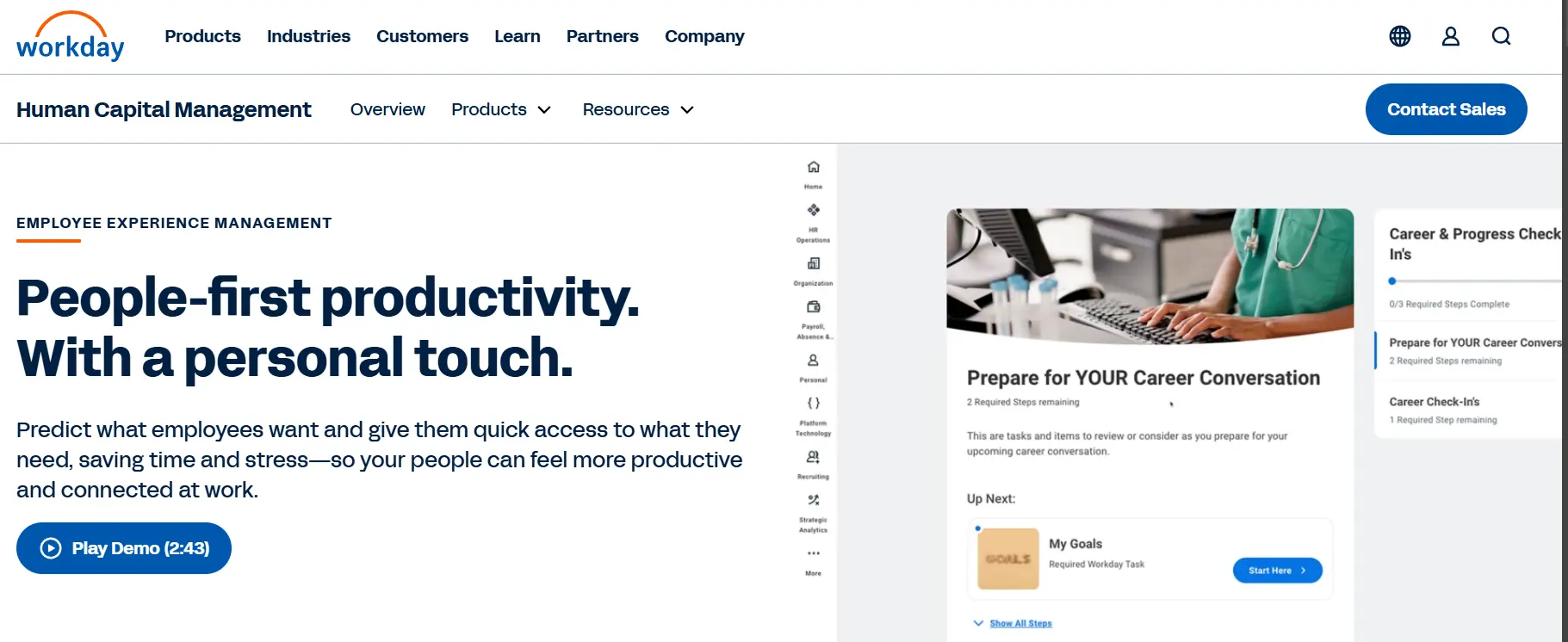
Workday people experience transforms how employees interact with HR services by delivering personalized, AI-powered experiences that feel more like having a personal concierge than navigating corporate systems.
The platform specializes in deep integration with existing Workday HCM data, making it ideal for organizations already invested in the Workday ecosystem who want to extend their service delivery capabilities.
Use case:
Workday people experience creates a unified, personalized workspace that combines AI-powered assistance, HR service delivery, and guided employee journeys, all while leveraging native Workday HCM data for deeper personalization and faster resolution times.
Key features:
- AI-powered personalization: Machine learning curates personalized, card-based experiences for each user, surfacing relevant tasks, insights, and content from both Workday and third-party systems.
- Conversational assistance: Enables natural-language interactions and transactions through Workday Assistant, with enterprise search capabilities that improve over time using NLP.
- Guided employee journeys: Provides moment-based experiences for critical touchpoints, such as onboarding, manager transitions, and career development, using Workday Journeys, which integrates content from multiple systems.
Pricing:
- Enterprise subscription: Quote-only pricing for all Workday People Experience modules.
- Flex credits: Pre-purchase AI capabilities on a subscription basis for more transparent AI usage costs.
- Add-on modules: Help, Journeys, Assistant, and Peakon are available as separate product lines under the main subscription agreement.
Considerations:
- Workday dependency: While PEX can surface non-Workday content, its deepest personalization and value realization requires Workday HCM as the system of record.
- Implementation complexity: Requires significant change management and knowledge curation efforts to realize full value, including standing up Help Center content and designing custom Journeys.
4. Qualtrics EmployeeXM
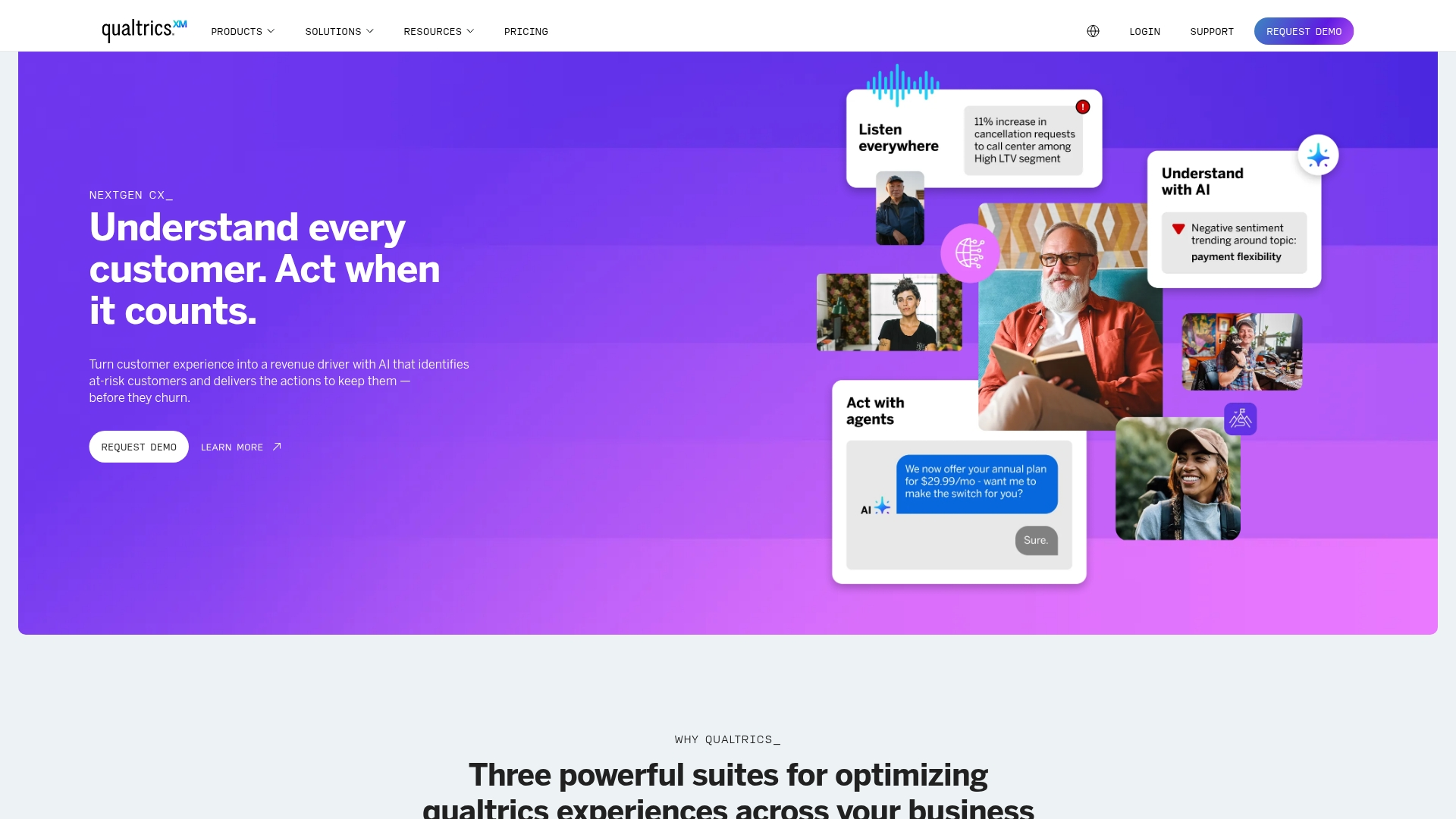
Qualtrics EmployeeXM transforms how organizations listen to and act on employee feedback through advanced analytics and AI-powered insights. The platform specializes in continuous employee listening that combines survey data with unstructured signals from tickets, chats, and calls, making it ideal for enterprises focused on measuring and improving employee sentiment at scale.
Use case:
Qualtrics EmployeeXM enables organizations to create persistent employee profiles that track preferences, engagement, and feedback across the entire employee lifecycle, connecting moments like onboarding and tech experiences to retention outcomes.
Key features:
- Experience agents and AI automation: Automatically surfaces team focus areas and prescribes research-backed actions with progress tracking for managers.
- Employee experience ID: Creates unified employee profiles that personalize interventions and connect journeys over time.
- Multi-channel listening: Combines structured survey data with unstructured signals from tickets, chats, calls, and external forums to detect issues early.
Pricing:
- Free tier: Qualtrics surveys with limits (three active surveys, 30 questions per survey, response caps).
- Strategic research: $420/month billed annually (1,000 total responses across users).
- EmployeeXM suite: Quote-based pricing with an employee-based pricing model.
- Add-ons: Stats iQ for advanced analytics, specialized integrations, and training certifications available.
Considerations:
- Pricing transparency is limited with quote-only access for core EmployeeXM features, which may complicate budget planning.
- Some advanced analytics require additional licensing, and confidentiality thresholds may restrict granular data viewing for small teams.
5. Zendesk for Employee Service
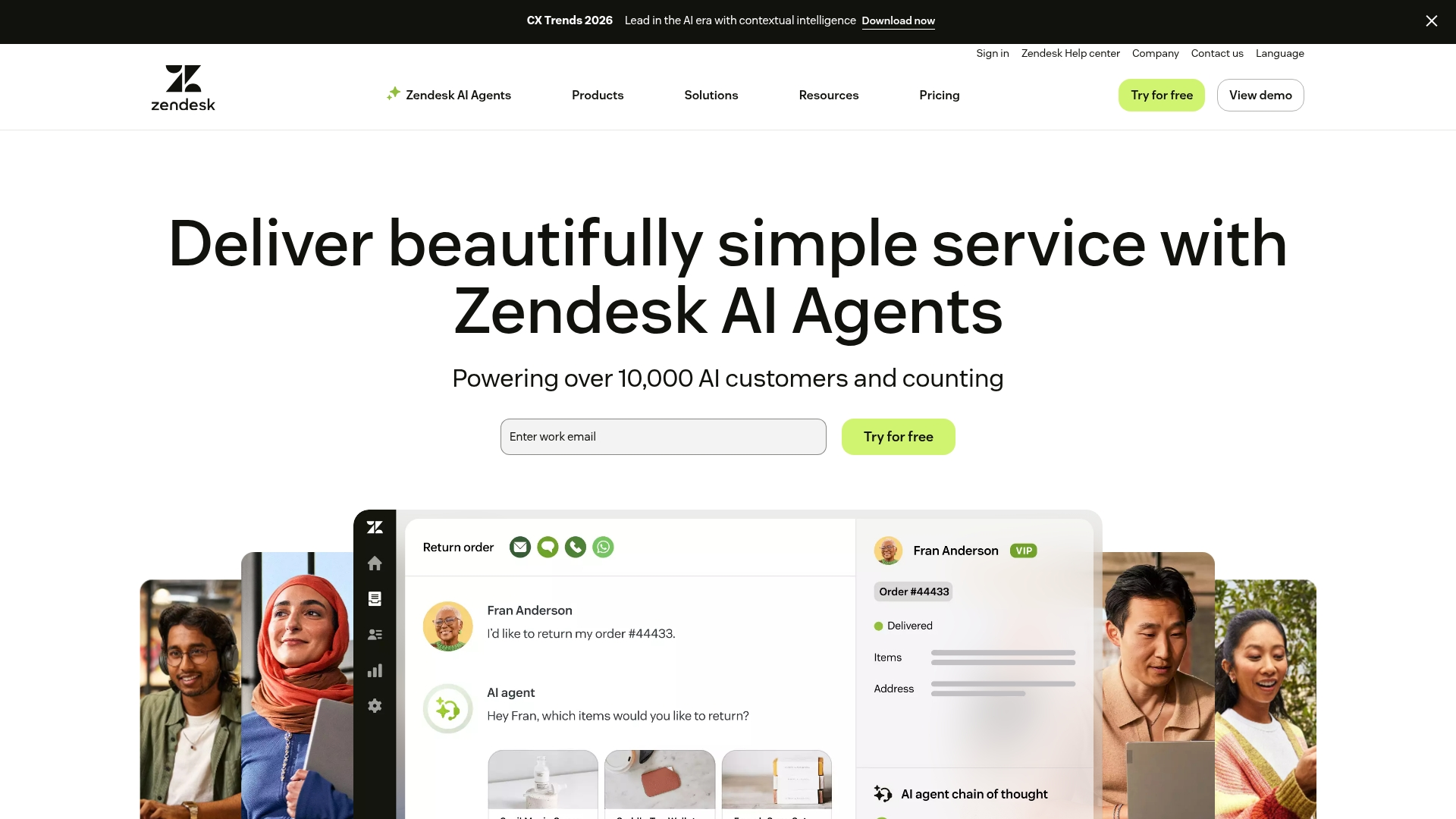
Zendesk for Employee Service transforms internal support by bringing the same customer service excellence to your employees. The platform specializes in pre-trained AI and omnichannel support, making it ideal for organizations wanting familiar, customer-service style experiences for their internal teams.
Use case:
Zendesk for Employee Service creates a unified internal help desk spanning HR and IT, powered by AI to automate routine requests and accelerate resolution times.
Key features:
- Agentic AI agents and copilot that handle autonomous resolutions, triage routing, and content generation without requiring model training.
- Service catalog with approvals and tailored agent workspace designed specifically for employee service workflows.
- Omnichannel internal support across email, chat, voice, and business channels with employee knowledge base and self-service portals.
Pricing:
- Suite team: $55/month per agent (annual billing).
- Suite growth: $89/month per agent (annual billing).
- Suite professional: $115/month per agent (annual billing).
- Suite enterprise: $169/month per agent (annual billing).
- Add-ons: AI Copilot $50/agent, Quality Assurance $35/agent, Workforce Management $25/agent.
- AI usage: Additional Automated Resolutions priced at ~$1.50 (committed) or $2 (pay-as-you-go) per resolution.
Considerations:
- Advanced ITIL and IT Asset Management capabilities often require marketplace partner integrations, which can add vendor complexity and additional costs.
- Cost layering through add-ons and usage-based AI pricing can increase the total cost of ownership as automation scales, particularly for high-volume environments.
6. Freshservice
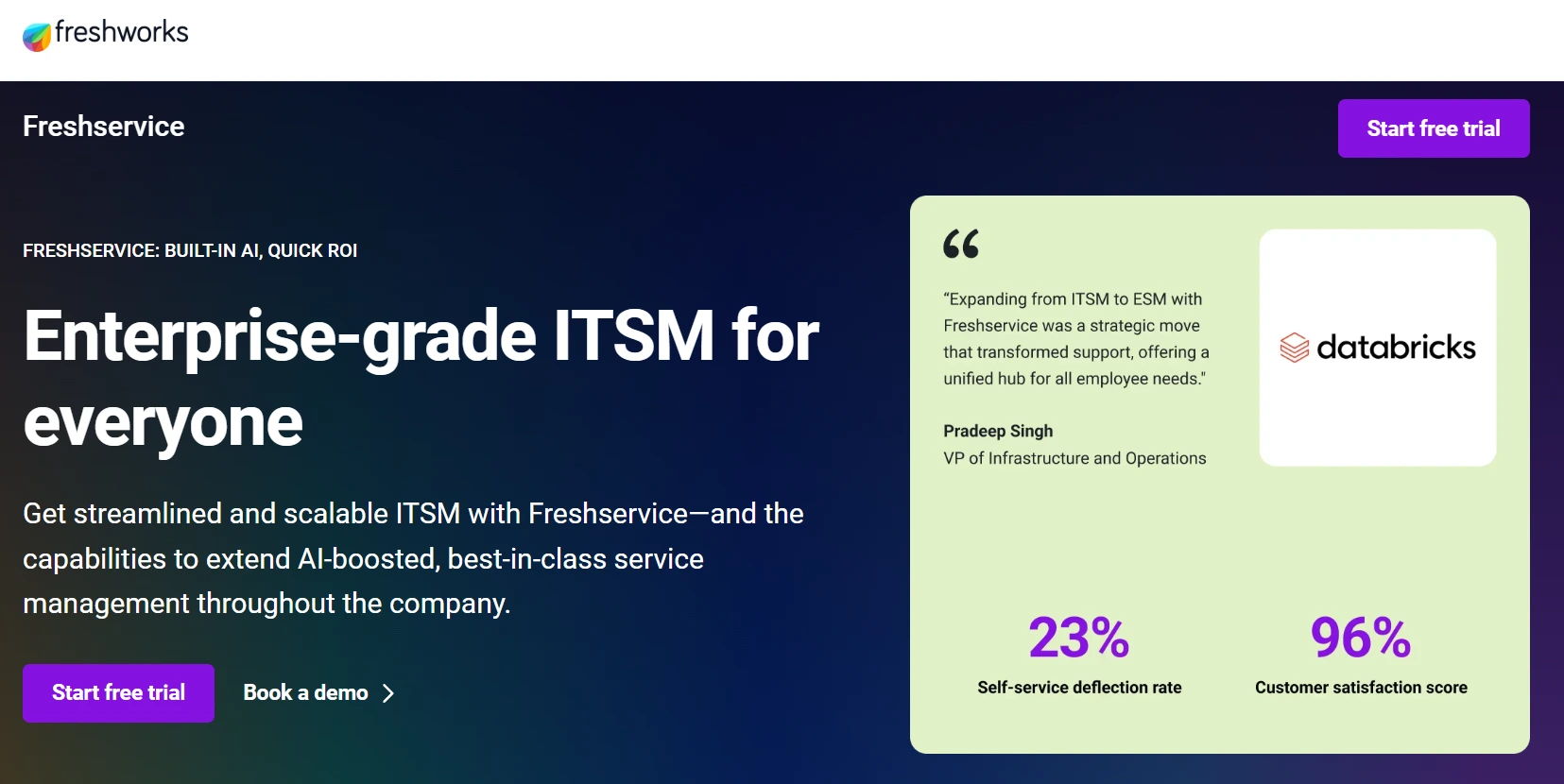
Freshservice transforms employee experience through AI-powered service management that spans IT, HR, and beyond. The platform specializes in making enterprise-grade capabilities accessible without the complexity, making it ideal for growing organizations seeking rapid deployment and intuitive design.
Use case:
Freshservice delivers unified employee service management across departments with native AI assistance, omnichannel support, and secure workspaces that eliminate silos while maintaining governance.
Key features:
- Freddy AI across roles: 24/7 conversational support in 40+ languages through Teams, Slack, and portals, plus AI-powered agent assistance and insights.
- Cross-functional Journeys: Orchestrates complex workflows across IT, HR, and facilities for seamless onboarding, relocations, and offboarding experiences.
- Secure workspaces: Enables departments to manage their own service catalogs and workflows while maintaining a unified employee portal experience.
Pricing:
- Starter: $19/month per agent (billed annually).
- Growth: $49/month per agent (billed annually).
- Pro: $99/month per agent (billed annually).
- Enterprise: Quote-based pricing.
- Free trial: 14 days, no credit card required.
- Day passes: $3 for occasional agents.
Considerations:
- Advanced AI capabilities like Freddy AI Insights are primarily available in Enterprise tier, requiring cost evaluation for full feature access.
- Enterprise plan includes 1,200 AI Agent sessions per license annually, which may require usage modeling for high-volume environments.
7. Microsoft Viva
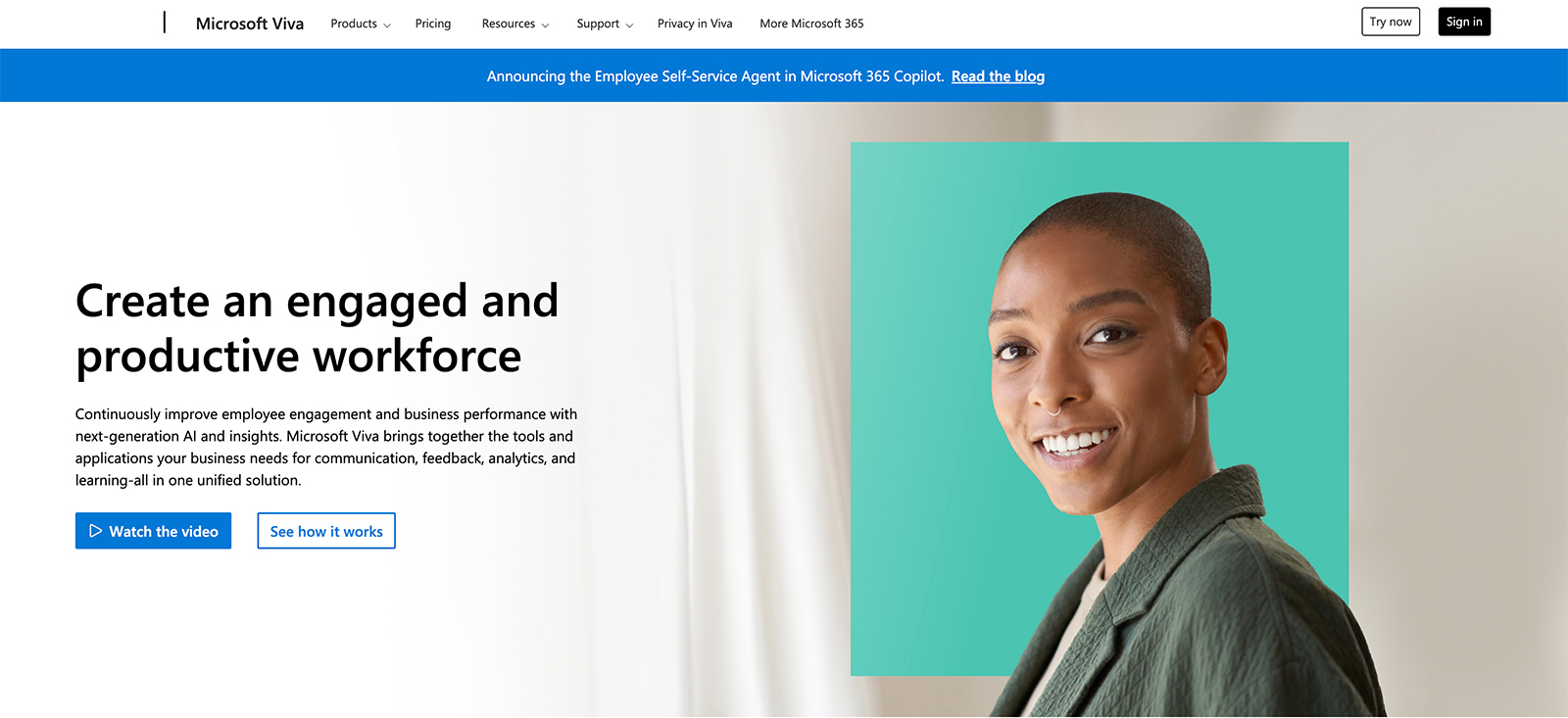
Microsoft Viva extends the Microsoft 365 ecosystem into a unified employee experience layer. Rather than introducing a standalone service platform, it embeds engagement, learning, communications, and workplace analytics directly into Microsoft Teams and existing productivity tools.
For organizations already operating within the Microsoft environment, Viva centralizes employee insights and internal communications without requiring a separate front-door portal
Use case:
Microsoft Viva is best suited for organizations already invested in Microsoft 365 that want to layer employee engagement, analytics, learning, and internal communications directly into Teams without introducing a separate service platform.
Key features:
- Workplace analytics and feedback: Provides work pattern insights via Viva Insights, engagement surveys through Viva Glint, and quick pulse surveys using Viva Pulse.
- Communications and communities: Offers a personalized hub with Viva Connections, supports communities and leadership communication via Viva Engage, and runs multichannel campaigns through Viva Amplify.
- Learning and knowledge management: Aggregates content from LinkedIn Learning, Cornerstone, and Coursera via Viva Learning, while Answers in Viva crowdsources organizational knowledge.
Pricing:
- Included with Microsoft 365: Basic Viva Connections and Engage community features at no extra cost.
- Viva Employee communications & communities: $2/user/month (annual commitment).
- Viva Workplace analytics & employee feedback: $6/user/month (annual commitment).
- Viva Suite (bundle): $12/user/month (annual commitment).
- Individual apps: Viva Insights ($4/user/month), Viva Glint ($2/user/month), Viva Learning ($4/user/month).
- Additional licensing: Required for Microsoft 365 Copilot features and full LinkedIn Learning library access.
Considerations:
- Viva Goals is being deprecated on December 31, 2025, requiring organizations to migrate their OKR processes to alternative solutions.
- Full functionality requires Teams licensing and specific Viva add-ons, which may increase overall costs beyond the base Microsoft 365 subscription.
How AI and automation elevate employee experience management
AI has become a core part of modern employee service operations. It doesn’t just process tickets. It understands context, detects urgency, and supports smarter decisions directly within existing workflows.
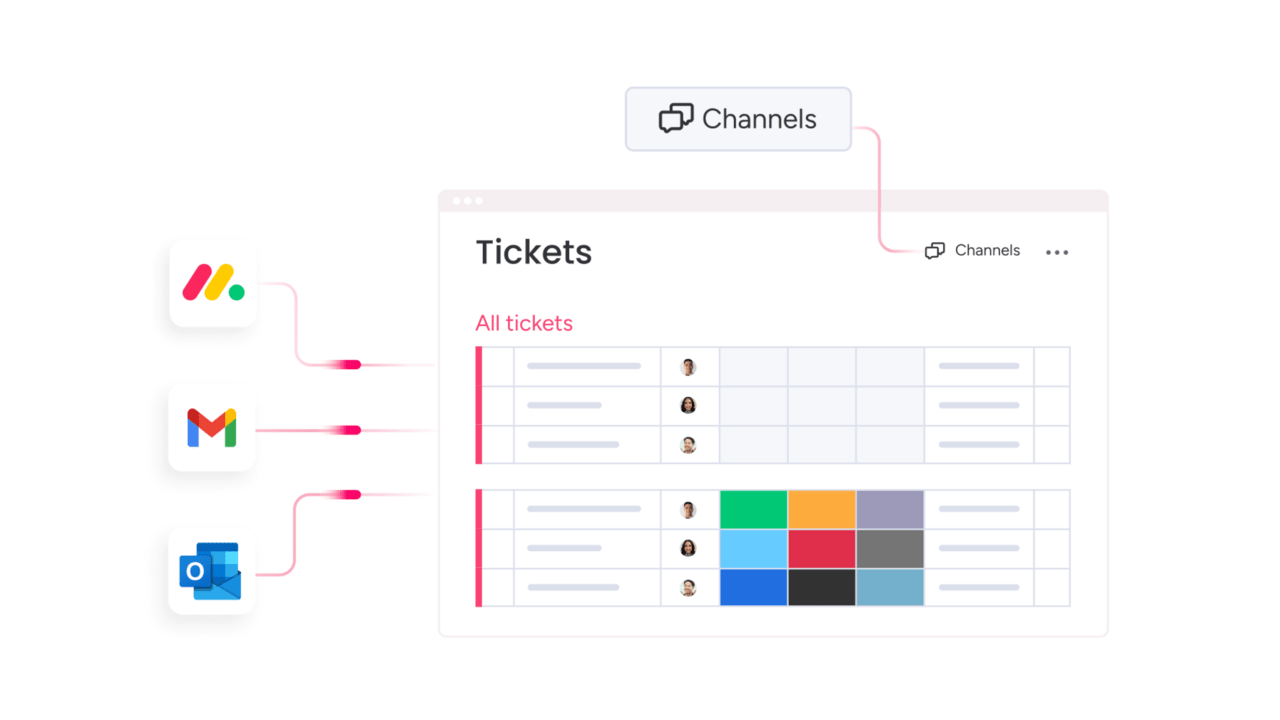
Requests no longer bounce between departments while someone figures out ownership. AI interprets intent instantly and routes each issue to the right expert on the first pass. That reduces unnecessary handoffs, shortens resolution times, and removes the friction that slows teams down.
Beyond routing, AI helps teams anticipate problems. By identifying recurring patterns, seasonal spikes, or emerging bottlenecks, it enables proactive adjustments before disruptions affect productivity. Instead of constantly reacting, service teams can prevent issues and manage demand with more confidence.
Measuring the ROI of your employee experience
Demonstrating ROI combines hard numbers with the human impact that drives long-term growth. It shows leadership how great employee experiences directly benefit the organization’s performance.
Platforms like monday service provide real-time analytics, so teams can track how efficiency improvements translate into savings, satisfaction, and operational excellence. These insights connect daily actions to measurable outcomes.
A structured framework helps communicate value. Covering quick efficiency wins and long-term strategic impact provides a clear roadmap for demonstrating the business benefits of improved employee experience.
Quantifying service efficiency gains
Efficiency gains provide immediate cost savings and momentum. Tracking these metrics from day one offers undeniable proof of progress.
Average resolution times drop as intelligent automations route requests correctly, while first-contact resolution rates improve because teams have all the context they need in one place. This frees employees to focus on high-value work.
Self-service capabilities scale support without increasing budgets. Employees can resolve issues independently through an intuitive knowledge base, reducing costs while boosting satisfaction.
Connecting employee satisfaction to business outcomes
Employee satisfaction links directly to business performance. Positive experiences increase retention, lower recruitment costs, and improve productivity.
Internal Net Promoter Scores (NPS) reflect organizational health and can attract top talent. High scores demonstrate that employees trust and believe in the company, creating a culture that naturally draws exceptional candidates.
Hidden cost savings through automation
Automation generates savings that accumulate over time. Manual handoffs and duplicate data entry disappear, freeing hours of valuable time.
Onboarding new team members is faster and easier with intuitive workflows guiding them through processes. Consolidating multiple systems into a single platform ensures connected, streamlined operations.
Strategic value of unified operations
Transforming your organization goes beyond improving individual workflows; it’s about how your entire operations function together. Unified operations create long-term benefits, turning service delivery from a cost center into a strategic driver of the business.
With unified data, leaders gain a clear, 360-degree view of operations, enabling smarter decisions aligned with company-wide goals. Rolling out new processes becomes simpler, allowing your organization to adapt with speed and confidence.
Enhanced compliance and audit trails come without the administrative burden. From seamless onboarding to smooth offboarding, every step of the employee journey is optimized, strengthening your employer brand for years to come.
ROI calculation framework
To make ROI tangible, break it into clear categories with defined measurement approaches and realistic timelines. Some gains show up quickly in operational metrics. Others build over time as employee satisfaction and strategic alignment improve.
The table below outlines how to track each ROI category and when you can typically expect to see results
| ROI category | Measurement approach | Typical timeframe |
|---|---|---|
| Service efficiency gains | Track resolution times, agent productivity, FCR | 1–3 months (quick wins) |
| Employee satisfaction impact | Monitor retention, NPS, productivity | 3–6 months |
| Cost savings through automation | Compare manual vs. automated process costs | 3–12 months |
| Strategic value of unification | Assess change agility, compliance, unified data | 6–18 months (long-term) |
Selecting your employee experience platform
Choosing the right platform is about more than checking off features: you need a partner that solves today’s service challenges while scaling with your team. The goal is a foundation that makes work effortless, flexible, and powerful.
Start by assessing your service setup:
- Firefighting mode: If your team juggles emails, chats, and spreadsheets, centralize everything into one platform for a single source of truth.
- Disconnected systems: If existing tools don’t talk to each other, connect workflows for clear visibility across departments.
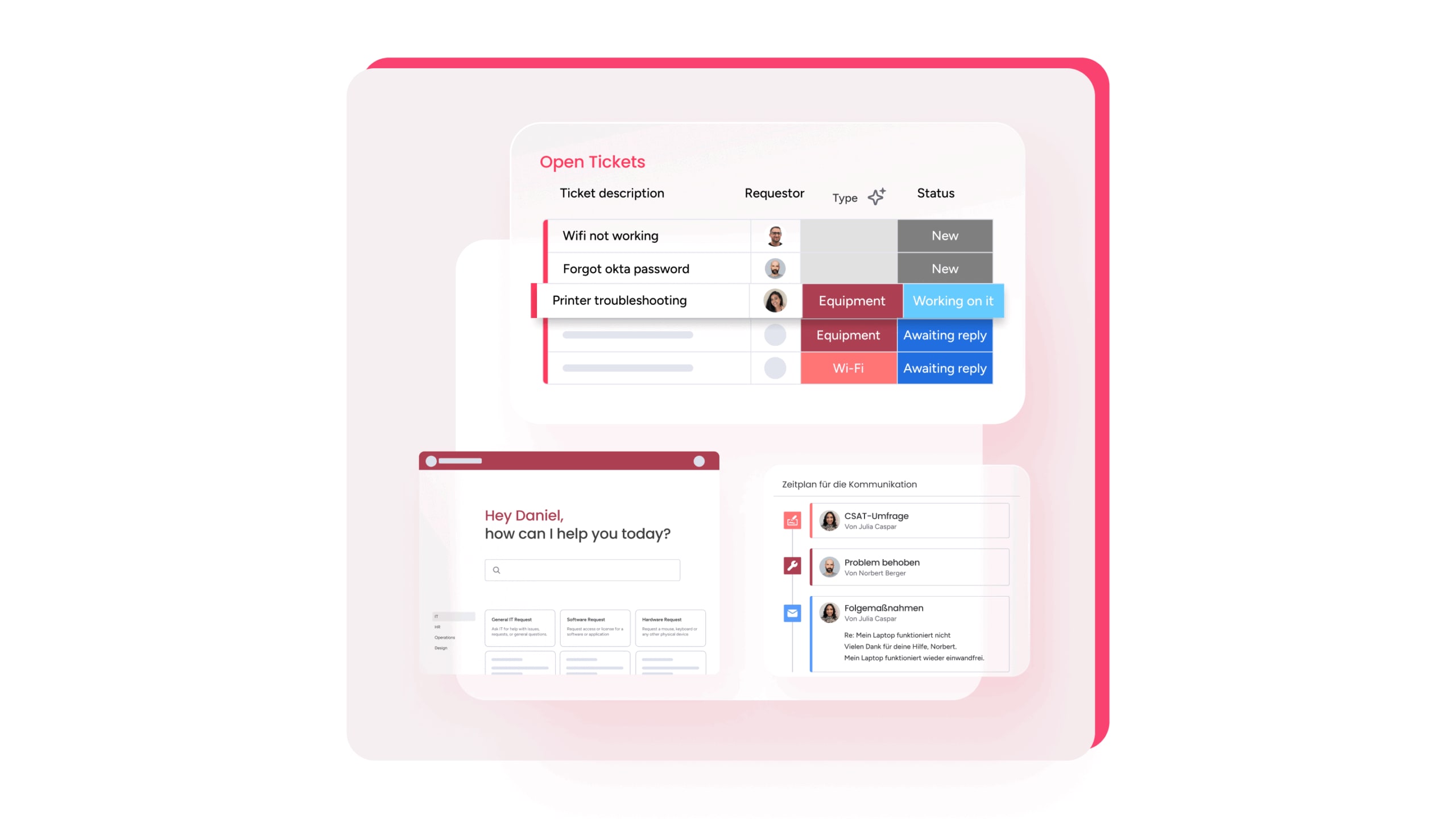
Platforms like monday service integrate your tools and provide a foundation for AI-driven, proactive service. Start simple and build sophisticated, automated workflows as your team matures.
The must-haves for a platform that lasts
Your platform should integrate with the apps your team already uses, from Slack and Teams to HR and finance systems. Built-in integrations and automations create a single connected workspace, eliminating time lost switching apps and accelerating resolution times.
Agility comes from enabling teams to adapt without developer dependency. No-code workflows let anyone build or tweak processes in minutes, turning ideas into solutions quickly.
Real-time analytics are essential. Dashboards provide visibility into performance, highlight trends, and support data-driven decisions to improve the employee experience.
Thinking beyond the price tag
The listed cost is only part of the story. Hidden costs include long implementation cycles, mandatory training, low adoption, and IT dependency.
monday service delivers value from day one. Templates get your team started fast, intuitive design ensures quick adoption, and no-code flexibility lets you own your workflows. This lowers total cost of ownership while boosting ROI.
Fast-track your employee experience platform implementation
Rolling out an employee experience platform doesn’t need to take a year. With the right approach, teams can launch in focused phases and start seeing measurable impact within weeks.
Begin with high-impact workflows that affect the most employees, such as IT support requests or HR onboarding. Standardize intake forms, define routing rules, and automate simple approvals first. Early wins build trust and create momentum across departments.
Identify internal champions who can test workflows, provide feedback, and support adoption within their teams. Short, practical training sessions focused on real scenarios help employees understand how the platform improves their daily work.
Remember to rack progress from day one. Monitor resolution times, request volumes, and satisfaction metrics to show tangible improvements. As confidence grows, expand automation and connect additional departments to create a truly unified service experience.
A phased rollout keeps disruption low while delivering visible results quickly.
Future-proofing employee experience: 2026 trends
Employee experience is expanding beyond traditional HR support. In 2026, organizations are designing service models that support full-time employees, contractors, and distributed teams through one consistent system.
AI is becoming more autonomous. Instead of simply routing requests, intelligent agents can resolve routine issues end to end, from access approvals to hardware provisioning. This reduces ticket volume and frees teams to focus on complex, high-impact work.
Personalization is also accelerating. Platforms now surface relevant resources, policies, and updates based on role, location, or lifecycle stage. Onboarding, internal mobility, and offboarding are increasingly structured as guided journeys rather than disconnected tasks.
Finally, integration is no longer optional. Employee experience platforms must connect seamlessly with HRIS, ITSM, communication tools, and identity management systems. Unified data creates smoother handoffs, stronger compliance controls, and clearer visibility into performance.
How monday service is leading the employee experience revolution
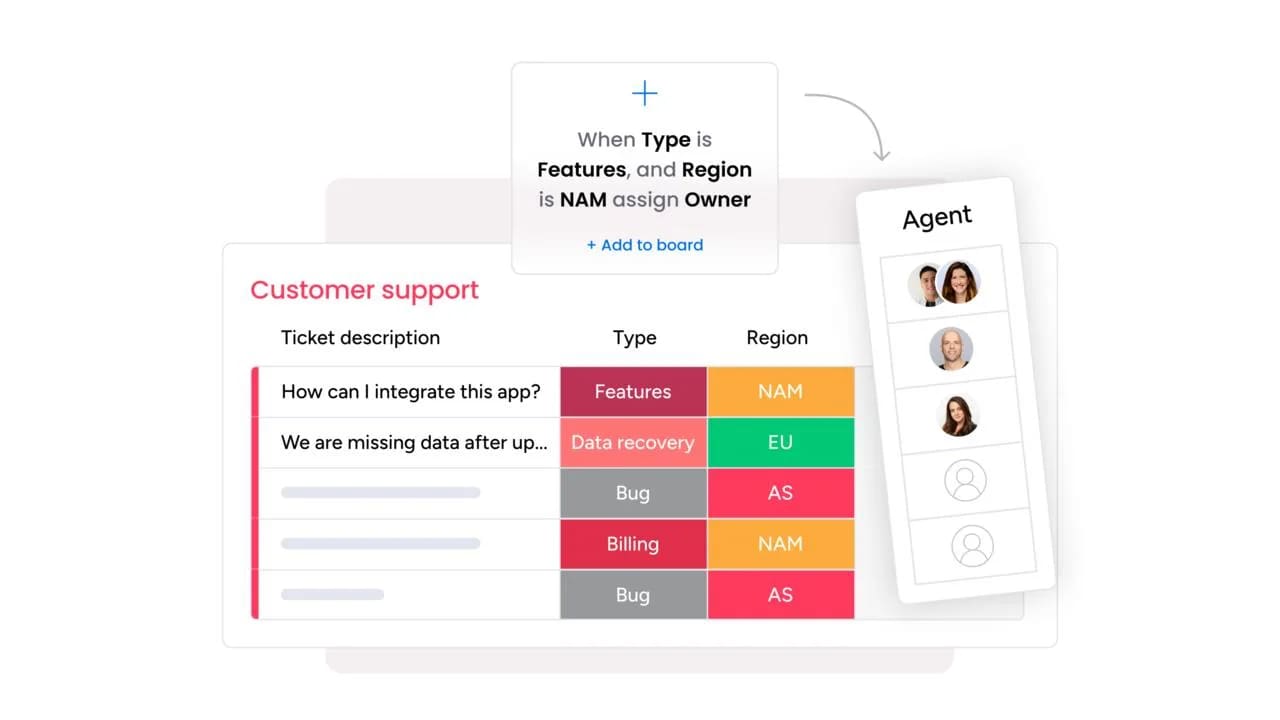
Great employee experience doesn’t happen in isolated systems. It happens when internal service feels connected, responsive, and easy to navigate. monday service brings IT, HR, facilities, and other teams into one shared workspace, replacing fragmented processes with a unified service model.
Instead of layering complexity onto existing tools, the platform simplifies how requests are submitted, routed, and resolved. Workflows adapt to how your organization operates. Automation removes repetitive coordination. Visibility improves at every level.
Here’s what makes the difference:
- One connected service hub: Employees submit requests through a single front door and track progress without chasing updates across departments.
- AI that works behind the scenes: Intelligent triage and smart routing reduce handoffs and accelerate resolution without adding overhead.
- Workflows that evolve with you: No-code configuration allows teams to adjust forms, approvals, and processes as priorities shift.
- Live performance visibility: Real-time dashboards show service health, workload trends, and satisfaction metrics in one place.
- Enterprise-ready governance: Built-in permissions, audit logs, and compliance controls support secure, scalable growth.
The result is a service operation that feels seamless to employees and manageable for support teams. Instead of reacting to issues, organizations gain the structure and insight to improve experience continuously.
Frequently asked questions
What is the difference between employee experience software and employee engagement platforms?
Experience software streamlines internal services like IT and HR, while engagement platforms measure employee sentiment. Experience platforms improve processes that shape how employees feel about work.
How quickly can organizations implement employee experience software?
Most teams can get up and running in just a few weeks, especially with intuitive, no-code platforms. The timeline depends more on your own process complexity than the software itself.
Can employee experience platforms handle both IT and HR service requests?
Absolutely. Modern platforms are built to unify requests from any department, like IT, HR, or facilities, into one central hub. This creates a single, consistent service experience for everyone on your team.
What are experience-level agreements (XLAs) and how do they improve service?
XLAs measure service quality from the employee’s perspective, focusing on satisfaction rather than just speed.
How does employee experience software integrate with existing HRIS and ITSM systems?
They connect seamlessly with your existing tools through pre-built integrations and open APIs. This ensures all your systems stay in sync without forcing you to rebuild your tech stack from scratch.
What size organization benefits most from employee experience platforms?
Mid-size organizations (100–5,000 employees) often see the largest impact, automating complex processes without a large IT team or budget.

 Get started