


AI plays a growing role in inventory operations, helping teams move from manual updates to smarter, data-driven planning. Many service teams still rely on manual tracking, which slows work and makes it hard to plan ahead. AI inventory management tools help organize stock data, reduce repetitive tasks, and support faster customer support workflows. When connected to a unified digital workspace like monday service, inventory activity stays aligned with tickets, projects, and field operations.
This guide outlines what to look for in AI-powered inventory software, how AI supports day-to-day work, and what leading platforms offer in 2026.
Get started with monday serviceKey takeaways
- AI inventory tools support accurate stock visibility, forecasting, and faster response times.
- Strong platforms offer automation, real-time updates, and flexible workflows.
- Connecting inventory to customer and field operations helps teams act quickly.
- monday service brings inventory, service requests, and automations into one workspace.
What to look for in AI inventory management software
AI inventory software supports accurate stock tracking, predictive planning, and real-time updates. A strong platform delivers visibility across locations and captures stock movements without extra manual steps. Automations can handle reorders, alerts, and data updates, giving teams more time for high-value work.
A helpful system adapts to your operations. Look for tools that integrate with your current tech stack, connect through APIs, and support no-code adjustments. This flexibility lets teams shape workflows to match how work happens on the ground, rather than adjusting processes to fit the software.
How AI supports daily inventory operations
AI creates faster, clearer workflows for teams that manage stock. Instead of reviewing spreadsheets to find trends, teams receive insights directly in their workspace. AI highlights items that need replenishment, identifies slow-moving inventory, and suggests stock levels based on usage patterns.
These insights help teams plan ahead. With automations handling calculations and alerts, teams spend less time on administrative tasks and more time acting on what matters. AI also helps reduce errors by updating data consistently and flagging issues early.
Key benefits of using AI in inventory management
AI inventory systems help teams reduce manual tasks, maintain balanced stock levels, and plan inventory budgets more confidently. Automated tracking provides reliable data that updates as work happens. Teams can respond to changes faster and reduce delays caused by outdated or inconsistent records.
AI also detects patterns that may signal potential issues. When order trends shift, supplier reliability changes, or product performance drops, teams gain early insight and time to take action. Centralized dashboards help teams coordinate work across departments and stay aligned on stock needs.
Top AI inventory management software solutions
Inventory needs differ across organizations. Some teams need simplified tools for day-to-day service work, while others require advanced modeling for global supply chains. The right platform should support your workflow, scale with your growth, and integrate cleanly with your stack.
Below is an overview of leading AI inventory platforms and what they offer.
1. monday service
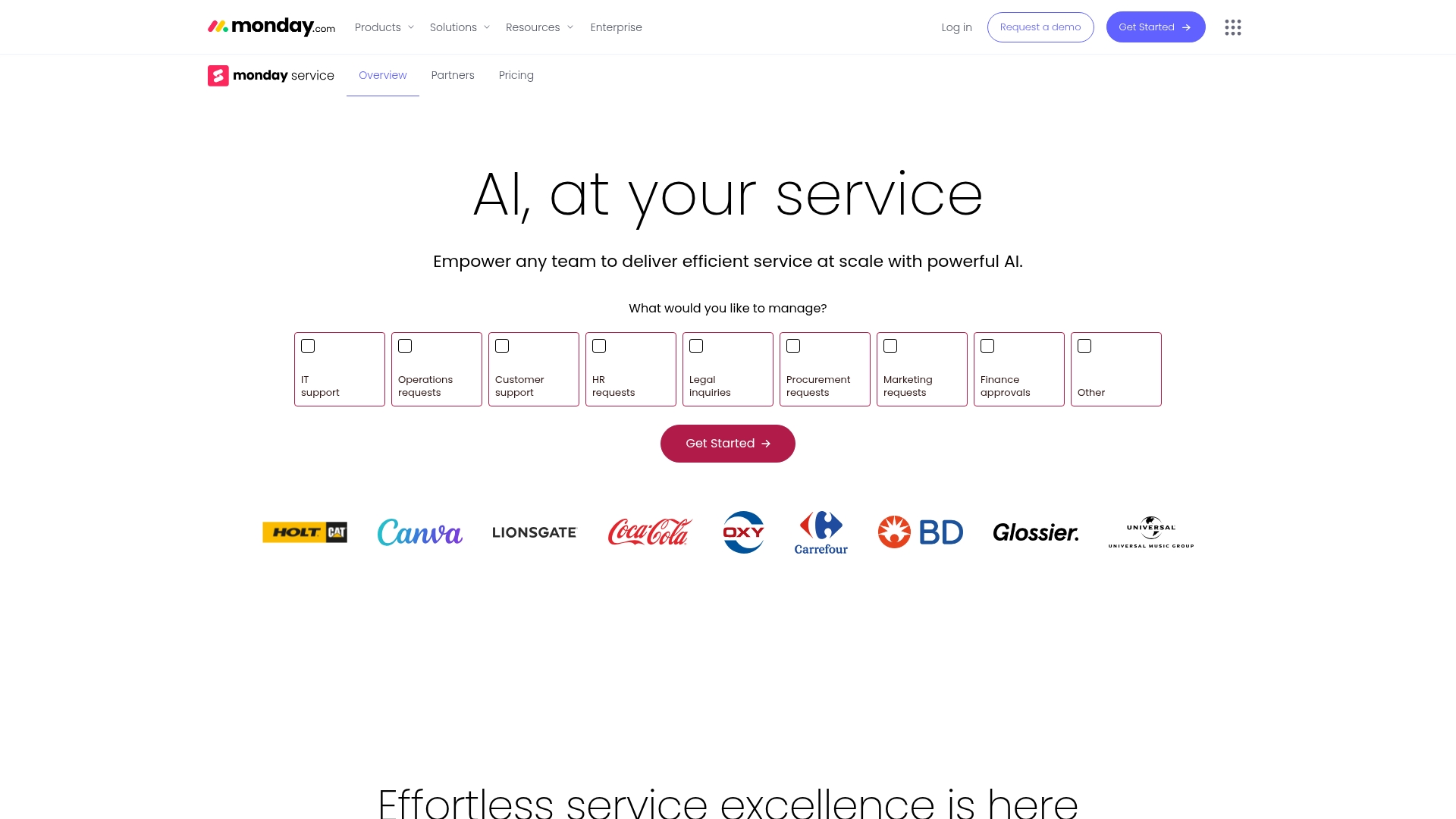
monday service brings inventory tracking, service requests, and operational work into one connected workspace. The platform supports teams that want clear visibility across stock levels, customer needs, and field activity in one workspace that connects inventory activity with related work. With flexible boards, no-code automation, and AI-driven insights, teams can build workflows that support their specific inventory processes at scale.
Use case:
monday service helps teams to build custom inventory management systems that connect directly with sales, customer service, and field operations, all within one unified platform.
Key features:
- Customizable inventory boards with automated stock tracking, QR code support, and real-time mobile updates
- Pre-built templates with built-in formulas for inventory calculations, manufacturer groupings, and order fulfillment procedures
- Visual dashboards and chart views that monitor stock levels, track deficiencies, and display inventory progress at a glance
Pricing:
- Free: $0 (up to 2 seats, limited features)
- Basic: $9 per seat/month (billed annually)
- Standard: $12 per seat/month (billed annually)
- Pro: $19 per seat/month (billed annually)
- Enterprise: Custom pricing (contact sales for a quote)
- All paid plans include a 14-day free trial
- Monthly billing available at higher rates (no 18% annual discount)
Why it stands out:
monday service provides a connected workspace where teams can manage inventory activity alongside service tasks, project work, and communication. The platform supports detailed customization, real-time visibility, and AI-driven recommendations that fit into daily work. Teams can adjust workflows, add automations, and expand processes as operations grow, without relying on code or external development.
Advanced AI capabilities
- AI Blocks recommend reorder points, analyze usage patterns, and help teams forecast needs.
- Digital Workers update quantities, generate purchase orders, and sync data across connected systems.
- No-code automations support alerts, vendor communication, and reporting.
- Smart categorization groups items by manufacturer, product type, and demand patterns.
- AI forecasting highlights seasonal trends and future demand shifts.
- Real-time analytics flag slow-moving inventory and recommend actions that support better cash flow and lower carrying costs.
Automations
The no-code automation engine helps teams reduce manual work through triggers and actions. Pre-built automation recipes can create notifications, send supplier updates, adjust item quantities, and route tasks to the right team. Multi-step workflows connect inventory changes with customer updates, vendor communication, or reporting in a single flow.
Integrations
The platform connects with Shopify, accounting tools, shipping carriers, barcode scanners, and ERP systems through pre-built integrations and API access. These connections help teams maintain consistent data and centralize updates across systems.
Get started with monday service2. ServiceNow
ServiceNow supports enterprise-wide IT asset management and inventory tracking through its IT Asset Management (ITAM) suite. The platform connects inventory data with broader service workflows to help large organizations manage hardware, software, and cloud assets throughout their lifecycle.
Use case:
ServiceNow’s IT Asset Management (ITAM) suite provides enterprise-grade inventory management that seamlessly integrates with IT service management workflows, enabling organizations to track hardware, software, and cloud assets throughout their entire lifecycle while maintaining compliance and optimizing costs.
Key features:
- Comprehensive lifecycle automation — Automates every stage of asset management from procurement to disposal, with built-in workflows for requests, approvals, and retirement processes
- Real-time asset discovery and tracking — Automatically discovers new assets as they connect to the network and provides up-to-the-minute visibility into quantity, location, and status
- Integrated compliance management — Tracks software licenses and hardware assets to ensure regulatory compliance while reducing audit risks and security vulnerabilities
Pricing:
ServiceNow uses custom pricing based on your organization’s specific needs and requirements. Contact ServiceNow directly for a tailored quote that scales with your business growth.
Considerations:
- Users often report complexity in initial setup and navigation, requiring specialized training and expertise to maximize platform benefits
- The platform’s enterprise focus means significant investment in both licensing and professional services for proper deployment
3. IBM Supply Chain Intelligence Suite
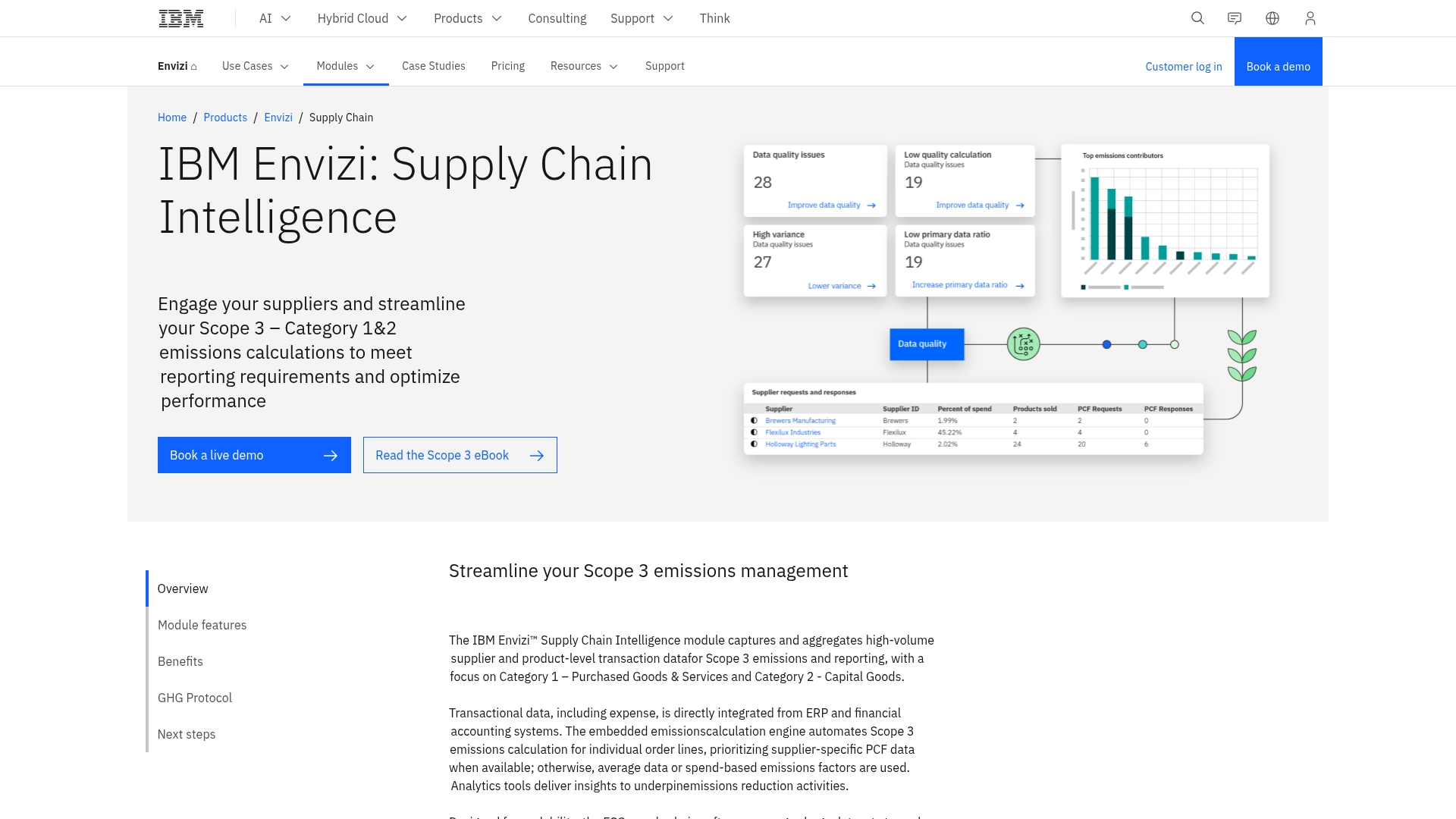
IBM Supply Chain Intelligence Suite supports complex global supply chains into intelligent, predictive operations through advanced AI and real-time analytics. The platform specializes in enterprise-grade inventory visibility and disruption prediction, making it ideal for large organizations managing intricate, multi-location supply networks.
Use case:
IBM’s suite creates a unified source of truth for inventory data across disparate systems, enabling accurate customer promises while preventing stockouts and overselling through AI-powered predictive insights.
Key features:
- Watson AI integration: Provides predictive analytics and disruption forecasting by analyzing internal and external data sources like weather and news
- Real-time global visibility: Delivers accurate inventory updates across all channels using advanced gateway technology and databases
- Resolution rooms: Collaborative spaces where teams identify root causes of disruptions with AI-recommended personnel and relevant information
Pricing:
Contact IBM for custom enterprise pricing based on order lines or subscription models.
Considerations:
- Complex implementation with steep learning curve for new users
- High initial investment for software, implementation, and training may limit accessibility for smaller businesses
4. C3 AI Inventory Optimization
C3 AI Inventory Optimization transforms complex inventory challenges into streamlined operations through advanced machine learning and predictive analytics. The platform specializes in dynamic reorder optimization for large enterprises managing millions of parts across global supply chains, making it ideal for manufacturers, aerospace companies, and industrial organizations with complex inventory requirements.
Use case:
C3 AI Inventory Optimization helps teams plan inventory levels with AI-driven recommendations that account for demand shifts and supplier variability.
Key features:
- Dynamic reorder recommendations that provide near real-time, AI-powered parameter suggestions at the item-facility level
- Uncertainty modeling that predicts supplier delays, demand variability, and quality issues to inform inventory decisions
- “What-if” scenario simulation allowing users to test business implications of changing reorder parameters before implementation
Pricing:
Contact sales for detailed pricing and deployment information.
Considerations:
- Steep learning curve may require significant time investment for users to fully understand and utilize the platform effectively
- High price point and enterprise focus may make it less accessible for small to medium-sized businesses due to cost and complexity
5. Kinaxis Maestro
Kinaxis Maestro supports supply chain planning with real-time modeling and end-to-end visibility. The platform specializes in end-to-end supply chain orchestration for large enterprises with complex global operations, making it ideal for organizations that need rapid scenario modeling and instant visibility across their entire network.
Use case:
Kinaxis Maestro enables large enterprises to optimize inventory levels across complex, multi-tier supply chains while maintaining real-time visibility and the ability to instantly model “what-if” scenarios for proactive decision-making.
Key features:
- Multi-echelon inventory optimization (MEIO) that calculates optimal inventory targets and safety stock settings across all supply chain tiers
- Real-time scenario planning with unlimited “what-if” modeling to evaluate disruption impacts and demand changes
- AI-powered insights with generative interface that provides instant reports and recommendations for preventing stockouts and managing excess inventory
Pricing:
Pricing information is not publicly available and requires contacting Kinaxis directly for a custom quote based on enterprise requirements.
Considerations:
- High complexity and cost make it unsuitable for small to mid-sized businesses, typically requiring companies with revenues over $250 million
- Performance can be slow when handling large, complex datasets, with scenarios sometimes taking several minutes to load
How AI shapes inventory workflows
AI supports inventory work with real-time analysis, automated triggers, and proactive insights. Teams gain clearer visibility into stock levels, reorder timing, and item movement across locations. Automated workflows can create purchase orders, update records, and notify teams about important changes without extra manual steps.
AI also highlights patterns that require attention, including shifts in demand, supply delays, or changes in product performance. Teams gain time to act, adjust plans, and maintain continuity across warehouses or service locations.
When these insights appear in a connected workspace, departments stay aligned on the same data throughout the day.
Using AI inventory management across industries
Inventory needs vary across sectors, and AI supports each with targeted capabilities.
Retail teams handle frequent product changes, promotions, and seasonal shifts. AI helps track sell-through rates, highlight upcoming demand spikes, and maintain accurate stock levels across stores or distribution centers.
Healthcare organizations manage items with expiration dates, temperature requirements, and strict regulatory rules. AI can monitor shelf-life windows, track lot or batch numbers, and surface items that need priority movement to reduce waste.
Manufacturers depend on consistent material availability to keep production running. AI helps track raw material usage, monitor supplier delivery patterns, and forecast consumption based on planned production runs.
A unified workspace brings these insights together so procurement, service teams, and planners see the same real-time data. This alignment supports quicker approvals, more accurate orders, and better coordination when demand or supply conditions shift.
Common considerations during AI adoption
AI adoption often raises questions around data quality, workflow design, access permissions, and onboarding. Strong foundations help teams gain early traction. Reliable item attributes, accurate stock history, and consistent naming standards support better forecasting and automation results. Clear ownership over inventory updates, reorder actions, and vendor communication helps teams maintain clean data as the system evolves.
Workflow design is another key step. Teams benefit from mapping current processes, identifying frequent bottlenecks, and outlining approval paths before building anything in the platform. This preparation helps translate existing work into automated steps that run smoothly.
Platforms with no-code builders, guided setup, and real-time visibility help teams introduce AI gradually. Teams can start with automated alerts, basic replenishment rules, or simple dashboards and expand to more advanced forecasting or supplier workflows over time.
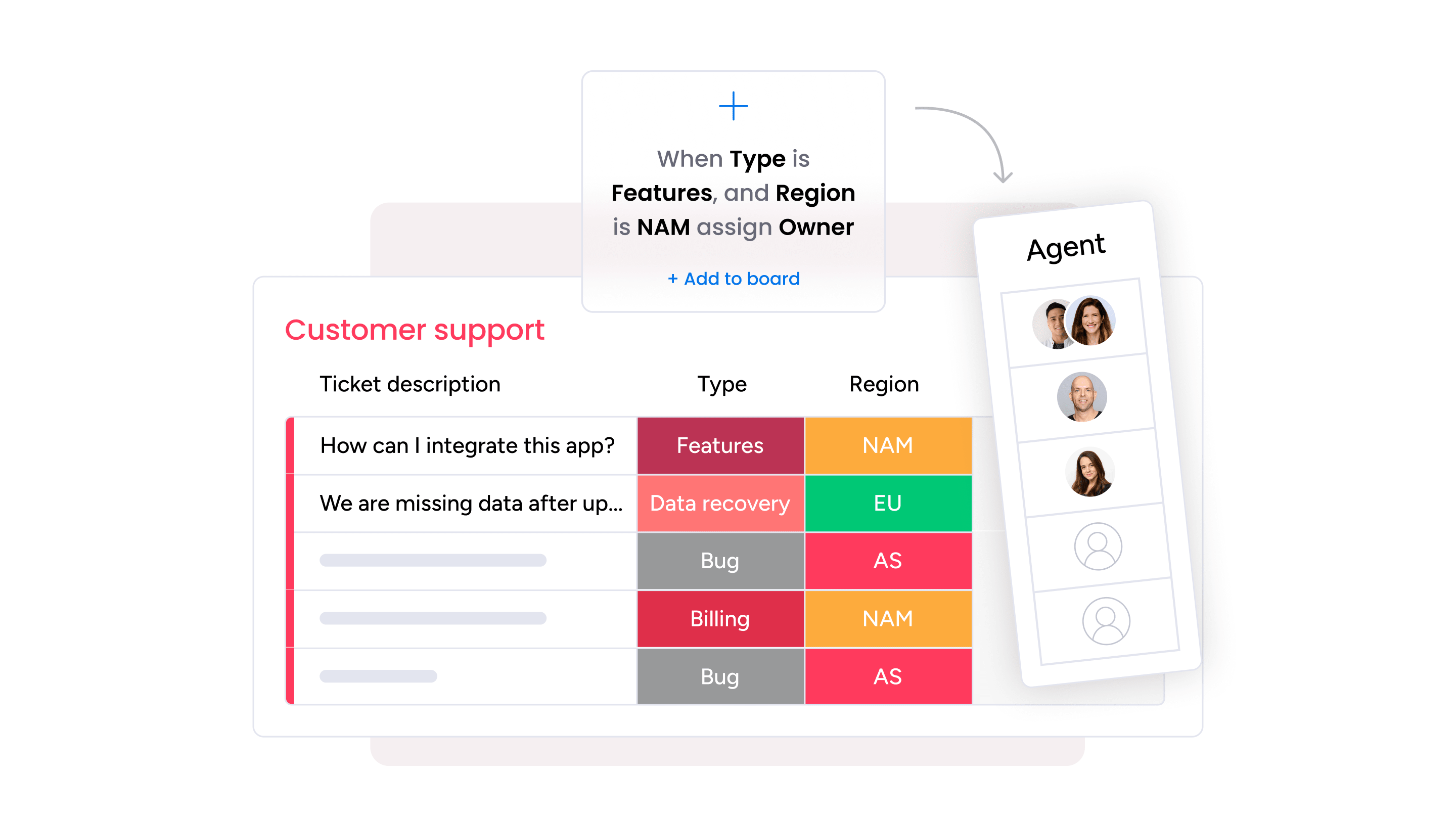
monday service supports this phased approach through customizable boards, AI-driven recommendations, and automation recipes that help teams refine processes as they work. Inventory, procurement, and service teams can collaborate in one workspace, making it easier to adjust responsibilities, review data, and update workflows without slowing daily operations.
Bringing AI-supported operations together with monday service
AI works best when inventory activity lives alongside the rest of your operations. monday service brings stock data, tasks, and service work into one workspace so teams can coordinate decisions with the same real-time information. AI supports routine updates, highlights important patterns, and recommends actions that help teams stay ahead of daily needs.
No-code tools give teams the flexibility to adjust workflows, strengthen processes, and expand automation as operations grow. This approach helps maintain accurate inventory records while improving alignment between service, planning, procurement, and field teams.
Get started with monday serviceFAQs
What types of data help AI inventory systems perform well?
AI performs best with accurate product details, historical usage data, supplier information, and location-level stock activity. Clean, structured inputs support stronger recommendations.
Does AI work with barcode scanners and other hardware?
Many platforms connect to scanners and handheld devices through APIs or native integrations. These connections help teams update quantities from the warehouse floor.
How does AI support teams with frequent product changes or new items?
AI can analyze early movement data, categorize new items, and establish initial reorder guidance based on similar products or historical patterns. Teams gain faster insight during product launches or rotations.
Can AI help teams manage serialized or lot-tracked inventory?
Some platforms support serial numbers, lot codes, expiration dates, and batch history. AI can monitor these attributes to highlight items that need priority movement or special handling.
How does AI support financial or audit requirements?
AI-driven logs track item changes, adjustments, and workflow actions. These records help finance teams review cost patterns and support audit preparation.
Do AI inventory systems help with capacity or space planning?
AI can analyze storage use, turnover rates, and product dimensions to highlight space constraints. Teams can plan stocking strategies that better match available capacity.
Are AI inventory tools useful for organizations with simple or low-volume inventory?
Yes. Teams with smaller catalogs still benefit from automated updates, stock accuracy, and earlier visibility into potential risks or delays.

 Get started