



Many engineering leaders believe the biggest drag on their team is technical debt, but the real bottleneck is often operational friction from using generic project management software. These one-size-fits-all systems force development teams into rigid processes that disconnect them from business goals and create frustrating information silos. The right software development management platforms are built on the principle of flexibility, adapting to your team’s unique rhythm instead of dictating it.
A platform like monday dev is designed to connect engineering execution directly to business strategy, giving you the freedom to build the exact workflows you need. To help you find the right fit, this guide explores the leading platforms for 2026. We will compare their key features, pricing, and core strengths to help you identify the solution that will make your team faster, more aligned, and more confident.
Key takeaways
The following points summarize the main insights from the analysis of software development management tools for modern engineering teams:
- Workflow flexibility: platforms support Scrum, Kanban, or hybrid methodologies to match team-specific processes without enforcing rigid structures.
- Cross-team visibility: engineering, product, and business teams gain unified dashboards and reporting for improved decision-making.
- Integration capabilities: top tools integrate with GitHub, GitLab, Bitbucket, and CI/CD pipelines to reduce manual updates and maintain operational continuity.
- Resource and capacity management: platforms like ClickUp enable workload balancing and sprint planning to prevent team burnout and optimize productivity.
- End-to-end lifecycle alignment: monday dev and similar tools connect engineering roadmaps, sprint execution, and release tracking to business strategy, ensuring every activity supports organizational objectives.
What are software development management platforms?
Software development management tools are specialized platforms that serve as a central command center for engineering teams. Unlike generic project management software, which applies a uniform approach to all projects, these systems are engineered to support the entire development lifecycle. They provide tailored functionalities for everything from sprint planning and backlog grooming to code reviews and release tracking, effectively removing operational friction.
These platforms function by creating a direct link between strategic objectives and technical execution, establishing a unified data source for all stakeholders. Through deep integration with the development stack, they offer real-time visibility, translating complex operational data into clear, actionable insights. This fosters genuine alignment, allowing every team member to grasp the impact of their work without the need for constant status meetings.
The most effective tools do not impose a rigid structure; instead, they offer flexible components to construct a workflow that matches a team’s specific methodology. Whether a team employs Scrum, Kanban, or a custom hybrid model, the right platform adapts to their process.
Adaptability helps clear roadblocks and provides the control needed to cultivate a confident, high-velocity team that consistently ships high-quality products.
15 Best Software Development Management Tools Overview
Selecting the right development tool is a strategic decision that extends beyond simple task management; it’s about equipping your team to perform at its peak. Many organizations have experienced the drag caused by clunky, one-size-fits-all software that dictates process rather than enabling it. A true competitive advantage comes from a platform that molds to your team’s unique rhythm, empowering you to build and release on your own terms.
This guide will explore the leading contenders for 2026, each offering distinct advantages. From platforms providing complete freedom in workflow design to those creating a seamless connection between development and business units, these tools are engineered for performance. Their core purpose is to help you accelerate product delivery, manage backlogs effectively, and achieve the clarity required for confident leadership.
Your team’s process is a key differentiator, and your software should enhance it, not suppress it. Whether you operate with lean agile sprints or have pioneered a custom hybrid methodology, a suitable platform exists. Let’s identify the solution that will help your team build faster, smarter, and with greater cohesion than ever before.
Top Software Development Management Tools for Your Team
An effective development tool should function as a partner, not an obstacle. Identifying the ideal platform is crucial for unlocking a team’s velocity and potential, allowing them to move beyond restrictive systems that create drag and instead convert friction into forward momentum.
Every engineering team operates with a distinct cadence. The premier tools acknowledge this by providing configurable building blocks to design precise workflows, which in turn connect engineering, product, and leadership. This approach dismantles information silos and grants everyone the visibility needed to make more intelligent, collective decisions.
To assist in your selection, we have analyzed how the top platforms deliver on the most critical capabilities. Moving beyond simple feature comparisons, our review assesses which tools genuinely help you reduce backlogs, gain definitive control over your pipeline, and ship superior products with assurance. Let’s pinpoint the platform that will make your team more efficient and aligned.
monday dev: best for flexible development workflows
monday dev transforms how development teams work by connecting engineering execution directly to business strategy through a visual, no-code platform. The platform specializes in bridging the gap between technical teams and stakeholders, making it ideal for fast-moving product teams that need to adapt quickly without getting bogged down by rigid processes.
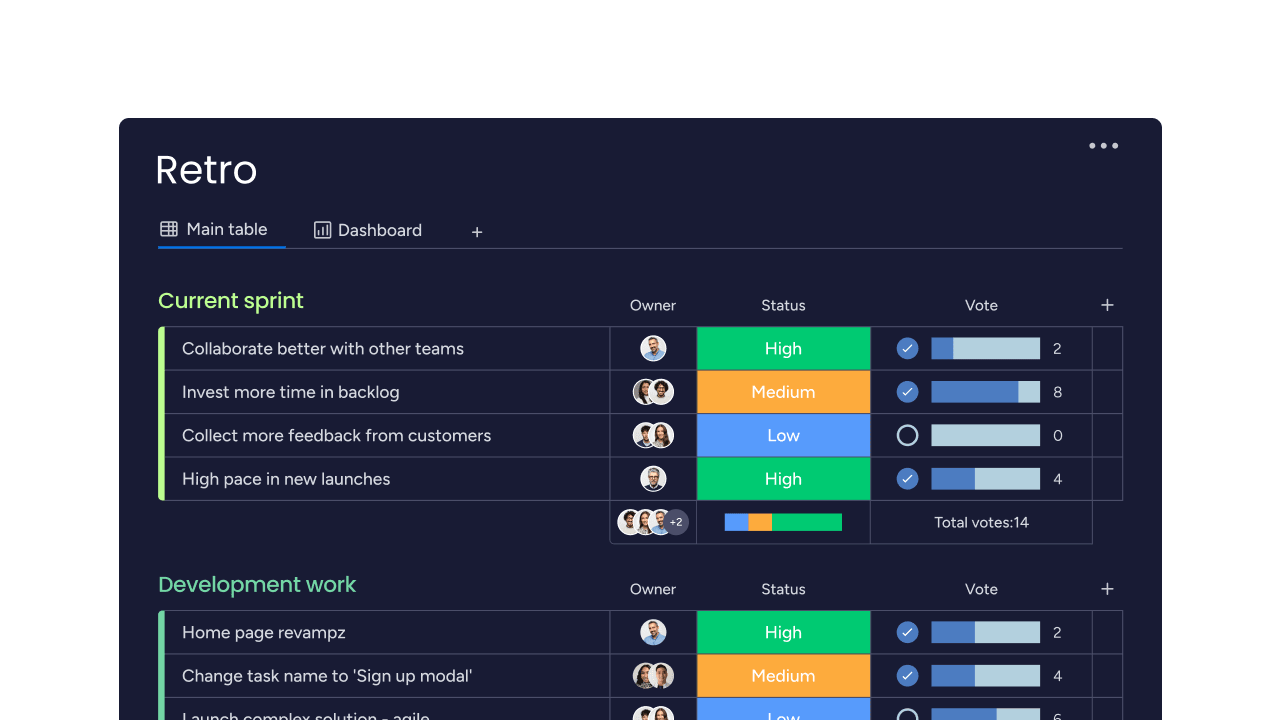
Example:
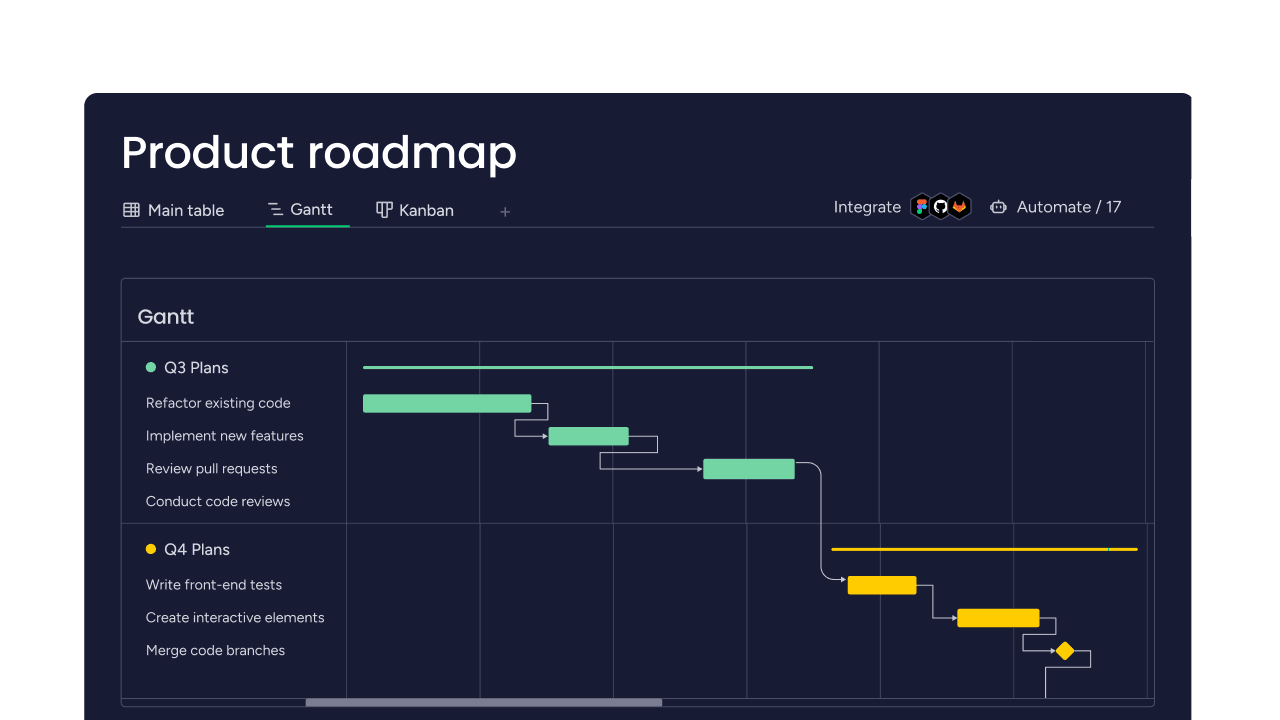
monday dev offers end-to-end product lifecycle management that connects roadmaps, sprint execution, and CI/CD signals while keeping business teams aligned on the same platform.
Key features:
- Agile execution with AI ceremonies: sprint management with story points, velocity tracking, and AI-powered daily standups that suggest next actions based on current workload.
- Two-way GitHub integration: direct sync with GitHub issues and pull requests, plus Engineering Performance dashboard that visualizes PR flow without leaving the platform.
- Cross-team roadmaps and hierarchy: single and multi-team roadmaps with epic breakdown views supporting up to four levels of project structure.
Pricing:
- Basic: $9/month per user (billed annually).
- Standard: $12/month per user (includes sprint management and GitHub integration).
- Pro: $20/month per user (adds time tracking and advanced integrations).
- Enterprise: custom pricing (includes advanced security and analytics).
- Annual billing: provides 18% discount compared to monthly plans.
- Offers: three-seat minimum for all paid plans.
Why it stands out:
- Single platform approach: eliminates tool sprawl by connecting engineering work to business roadmaps, docs, and stakeholder dashboards in one workspace.
- AI-enhanced ceremonies: daily standups generate next-step suggestions while executive sprint summaries provide AI-powered retrospective insights automatically.
- Enterprise-ready security: SOC 2, ISO certifications, and 99.9% SLA with optional Guardian add-on for BYOK and tenant-level encryption.
Advanced AI features
- AI daily standups: automatically generate next-step suggestions based on current workload and sprint progress to keep teams moving forward.
- Executive sprint summaries: AI-powered retrospective insights that highlight key accomplishments and provide recommendations for future sprints.
- Smart task categorization: AI assists in organizing and prioritizing backlog items based on project context and team velocity patterns.
Automations
- Sprint workflow automations: pre-built recipes handle status updates, notifications, and task assignments automatically as work progresses through development stages.
- No-code automation builder: teams can create custom workflows without technical expertise, from simple notifications to complex multi-step processes.
- Integration-triggered actions: automations respond to events from GitHub, GitLab, and CI/CD tools to keep project status synchronized across all development tools.
Integrations
- Native development tool connections: two-way sync with GitHub, GitLab, and Bitbucket enables seamless tracking of code changes and pull requests within project boards.
- Visual studio code extension: streamlines branch creation and PR linking directly from development environment with full context from monday items.
- CI/CD pipeline integration: CircleCI and other pipeline tools send build status and deployment updates directly to project dashboards for real-time visibility.
Software development management tools features
- End-to-end visibility: connect roadmap planning to sprint execution and code deployment, giving stakeholders complete transparency into development progress.
- Cross-functional collaboration: engineering, product, and business teams work from the same boards and dashboards, eliminating communication silos that slow down delivery.
- Flexible workflow design: teams can adapt Scrum, Kanban, or hybrid methodologies without being locked into rigid frameworks that don’t match their processes.
Jira: best for traditional agile teams
Jira delivers comprehensive project tracking and agile workflow management for development teams who need process discipline and end-to-end visibility. The platform specializes in connecting business requirements to code delivery through robust sprint planning, detailed reporting, and extensive integrations with development tools. According to Atlassian’s 2024 shareholder report, Jira serves over 300,000 customers, including 84% of Fortune 500 companies, making it an industry standard for teams practicing established methodologies like Scrum and Kanban.
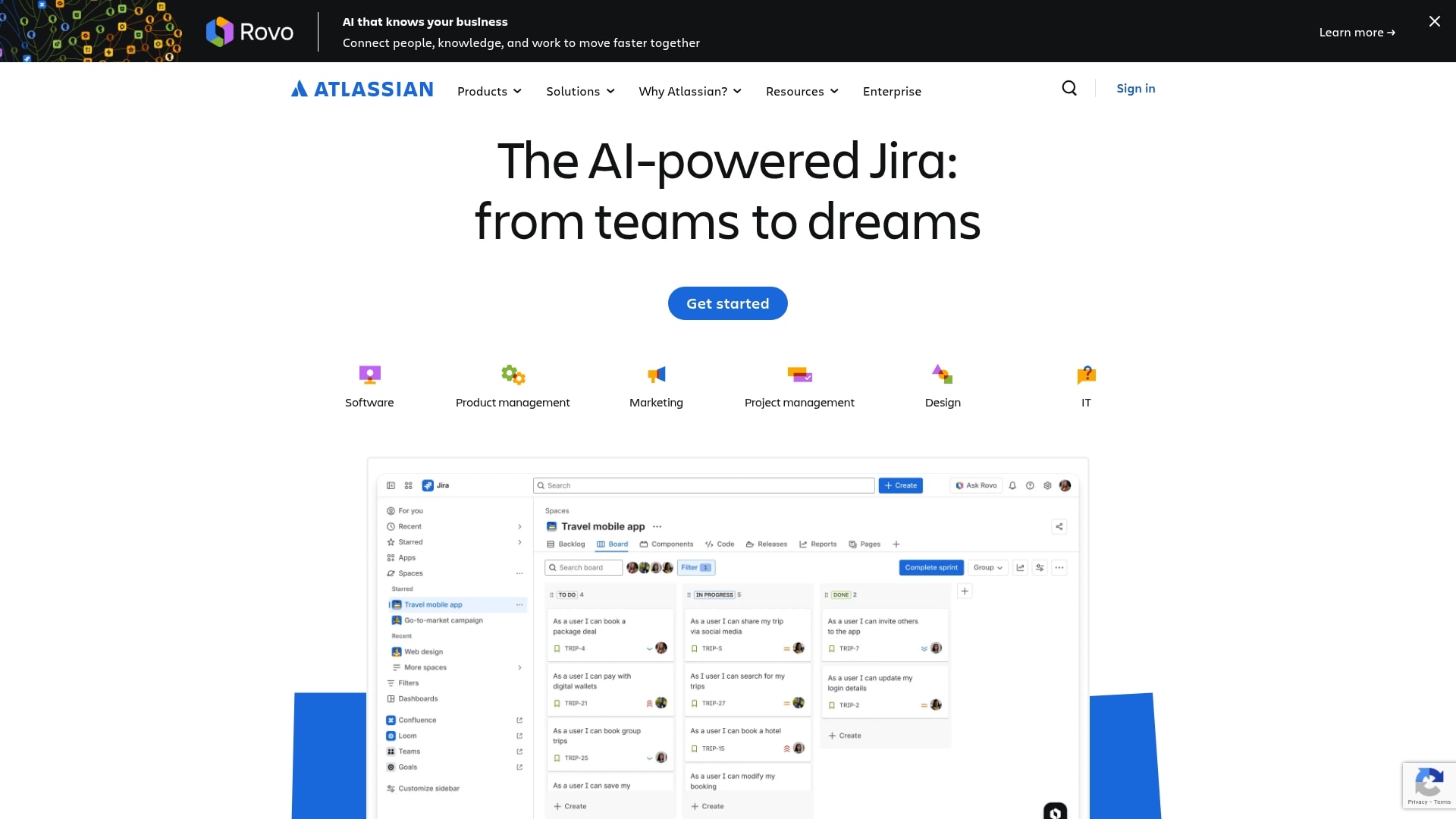
Use case:
Jira excels for engineering teams that need centralized visibility across the entire development lifecycle, from requirements gathering to deployment. It maintains flexibility by allowing teams to integrate with their existing development platforms.
Key features:
- Development page insights: unified dashboard showing pull request cycle times, deployment frequency, and proactive work suggestions to help engineering leaders make data-driven decisions.
- Open DevOps integration: pre-connected toolchain with Jira, Confluence, Bitbucket, and one-click support for GitHub, GitLab, and hundreds of third-party development tools.
- Release management hub: real-time release status tracking with risk warnings when development signals indicate potential issues, plus seamless sharing to stakeholders via Confluence.
Pricing:
- Free: $0/month for up to ten users with basic boards and issue tracking.
- Standard: $7.75/month per user with advanced permissions, reporting, and 1,700 automation rule runs per site.
- Premium: $15.25/month per user including advanced planning, dependency management, and 99.9% uptime SLA.
- Enterprise: custom pricing with unlimited sites, 99.95% SLA, and enterprise-grade security controls.
- Additional costs: include Atlassian Guard for organization-wide SSO/SCIM ($4.20–$8.18 per user/month) and Rovo Dev AI assistant ($20 per developer/month).
Considerations:
- Requires careful integration setup and consistent use of Jira issue keys in branches, commits, and pull requests for development data to appear properly.
- Some advanced features, like deployment insights, don’t yet support all CI/CD tools (notably Bamboo), requiring teams to use supported providers or marketplace connectors.
Linear: best for modern product teams
Linear delivers lightning-fast issue tracking and project management designed specifically for modern software teams. The platform specializes in speed and simplicity, making it ideal for product-led organizations and engineering teams that value a streamlined, keyboard-driven workflow over complex customization.
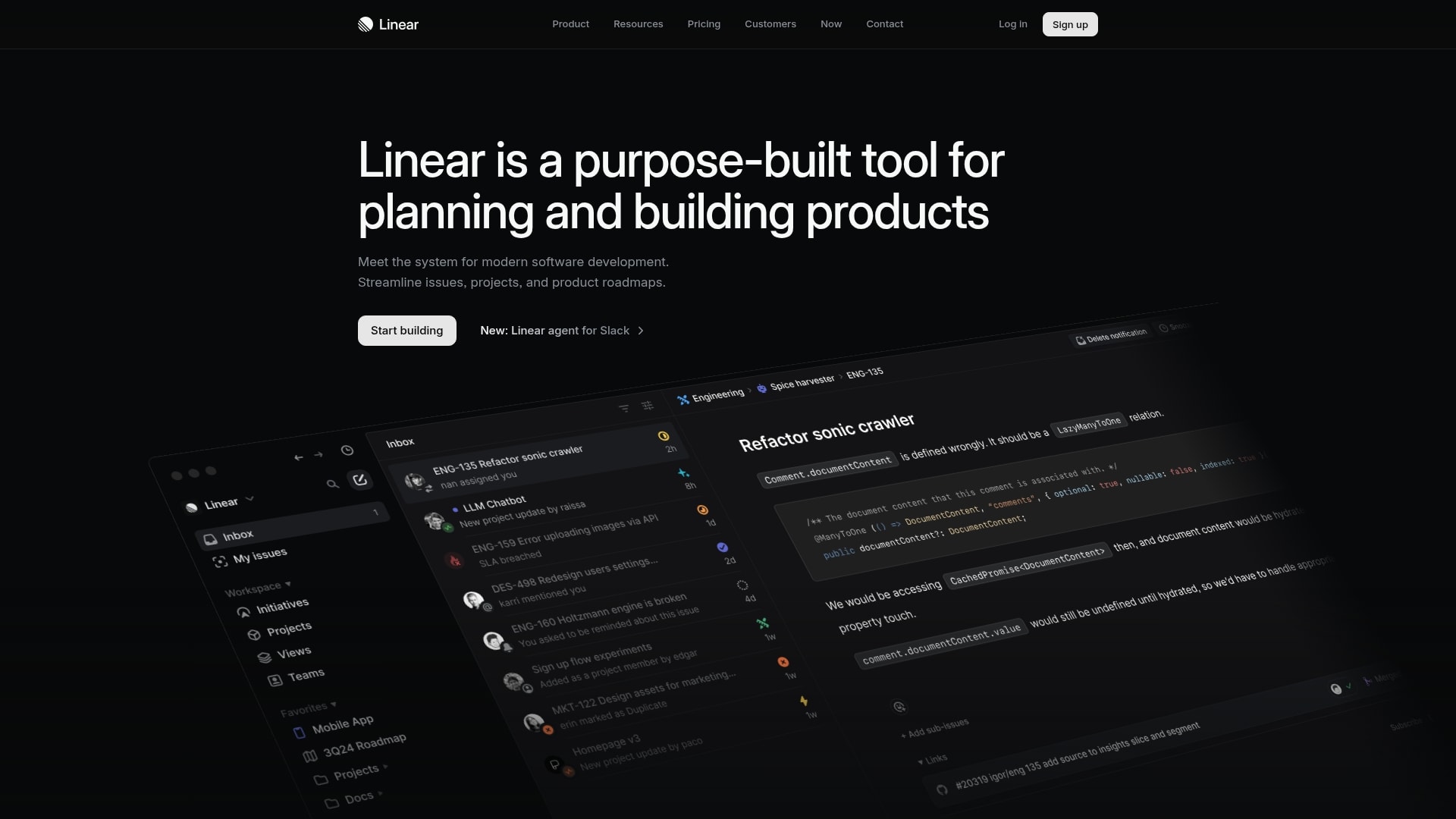
Use case:
Linear provides an end-to-end system spanning roadmap planning through delivery execution, reducing tool fragmentation and handoffs for teams that prioritize speed and minimal process overhead.
Key features:
- AI-powered triage intelligence: automatically routes incoming requests, detects duplicates, and suggests team assignments to streamline intake workflows.
- Cycle-based execution: time-boxed development cycles (one to eight weeks) with automatic rollover, capacity estimation, and real-time progress tracking.
- Native analytics and insights: built-in charts and dashboards provide instant visibility into team velocity, completion rates, and blockers without external reporting tools
Pricing:
- Free: $0/month, unlimited members, two teams, 250 issues, basic AI agents.
- Basic: $10/month per user (billed annually), five teams, unlimited issues, admin roles.
- Business: $16/month per user (billed annually), unlimited teams, triage intelligence, linear insights, issue SLAs.
- Enterprise: custom pricing (annual billing), advanced security, SAML/SCIM, dashboards, migration support.
- Nonprofit discount: 75% off basic and business plans.
- Education discounts: available upon application.
Considerations:
- Cycles are limited to one to eight week timeframes, which may feel constraining for teams preferring flexible scheduling or longer development phases.
- Advanced features like Dashboards and enterprise security require the highest pricing tier, making full functionality expensive for larger organizations.
ClickUp: best for resource management
ClickUp delivers an all-in-one workspace that consolidates project management, collaboration, and development tools into a single platform. The platform specializes in resource allocation and capacity planning, making it ideal for development teams juggling multiple projects with shifting priorities. With its flexible workspace structure and comprehensive automation engine, ClickUp eliminates the need for multiple disconnected tools.
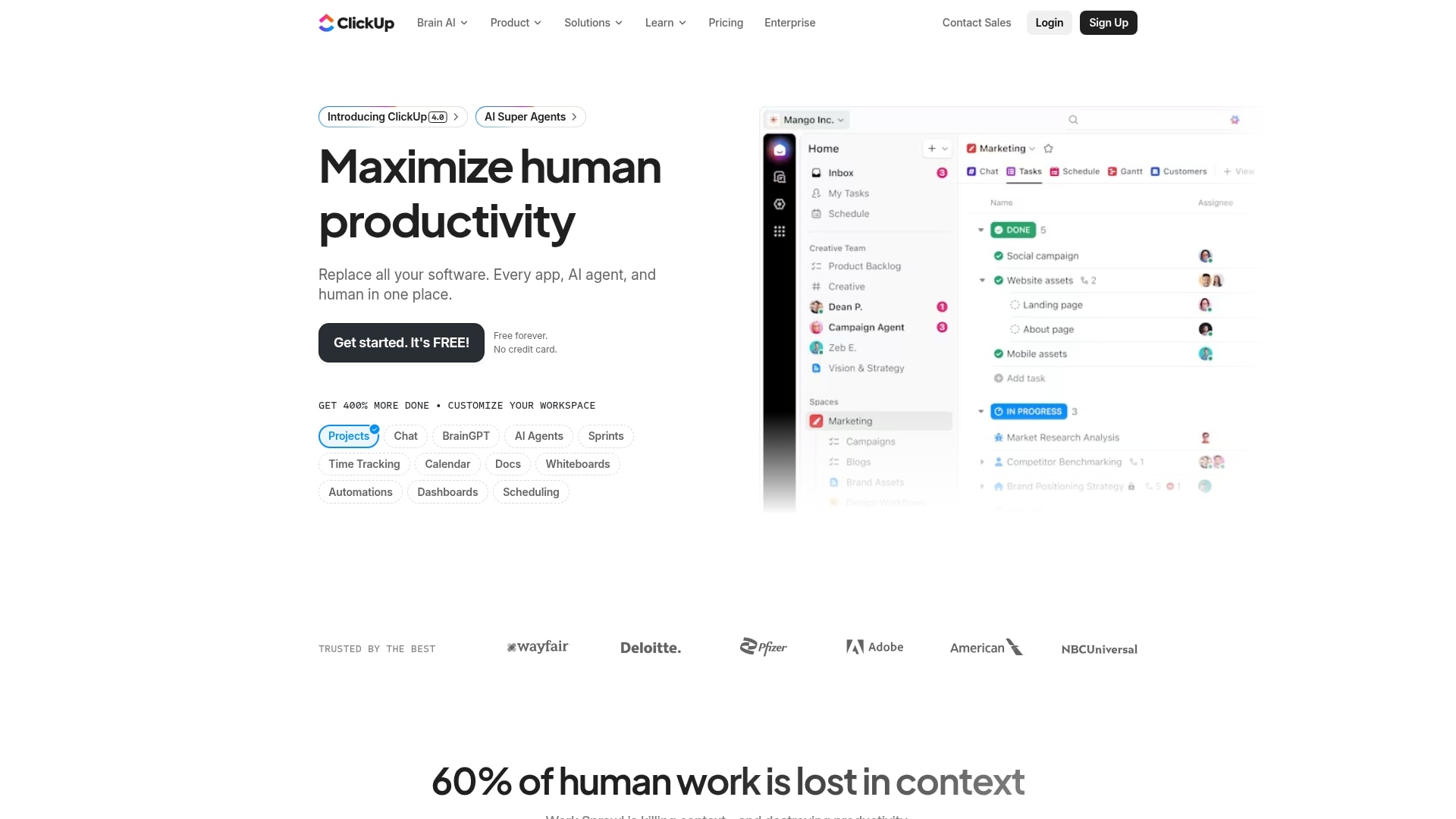
Use case:
ClickUp serves development teams that need granular control over resource planning and capacity management while maintaining visibility across multiple projects and stakeholders.
Key features:
- Resource workload views: visual dashboards display individual and team workloads, helping managers prevent burnout and optimize assignments across sprints and projects.
- Native agile support: complete sprint management with story points, burndown charts, velocity tracking, and automated rollover of unfinished work between iterations.
- Git integrations: direct connections with GitHub, GitLab, and Bitbucket automatically link commits, pull requests, and branches to tasks while updating statuses from commit messages.
Pricing:
- Free forever: $0/month with unlimited tasks, Kanban boards, sprint management, and 24/7 support.
- Unlimited: $7/month per user (billed annually) with unlimited storage, integrations, Gantt charts, and time tracking.
- Business: $12/month per user (billed annually) with Sprint Points & Reporting, advanced automations, and workload management.
- Enterprise: custom pricing with SSO, advanced permissions, data residency options, and a dedicated customer success manager.
- Annual billing: saves up to 30% compared to monthly plans.
- AI features: (ClickUp Brain) available as usage-based add-ons with “Super Fair Billing” policy.
Considerations:
- Advanced agile analytics and Sprint Automations require business plan or higher, which may increase costs for smaller teams.
- Some integrations, like self-hosted Sentry are not supported, potentially limiting DevOps workflow options.
Asana: best for cross-functional collaboration
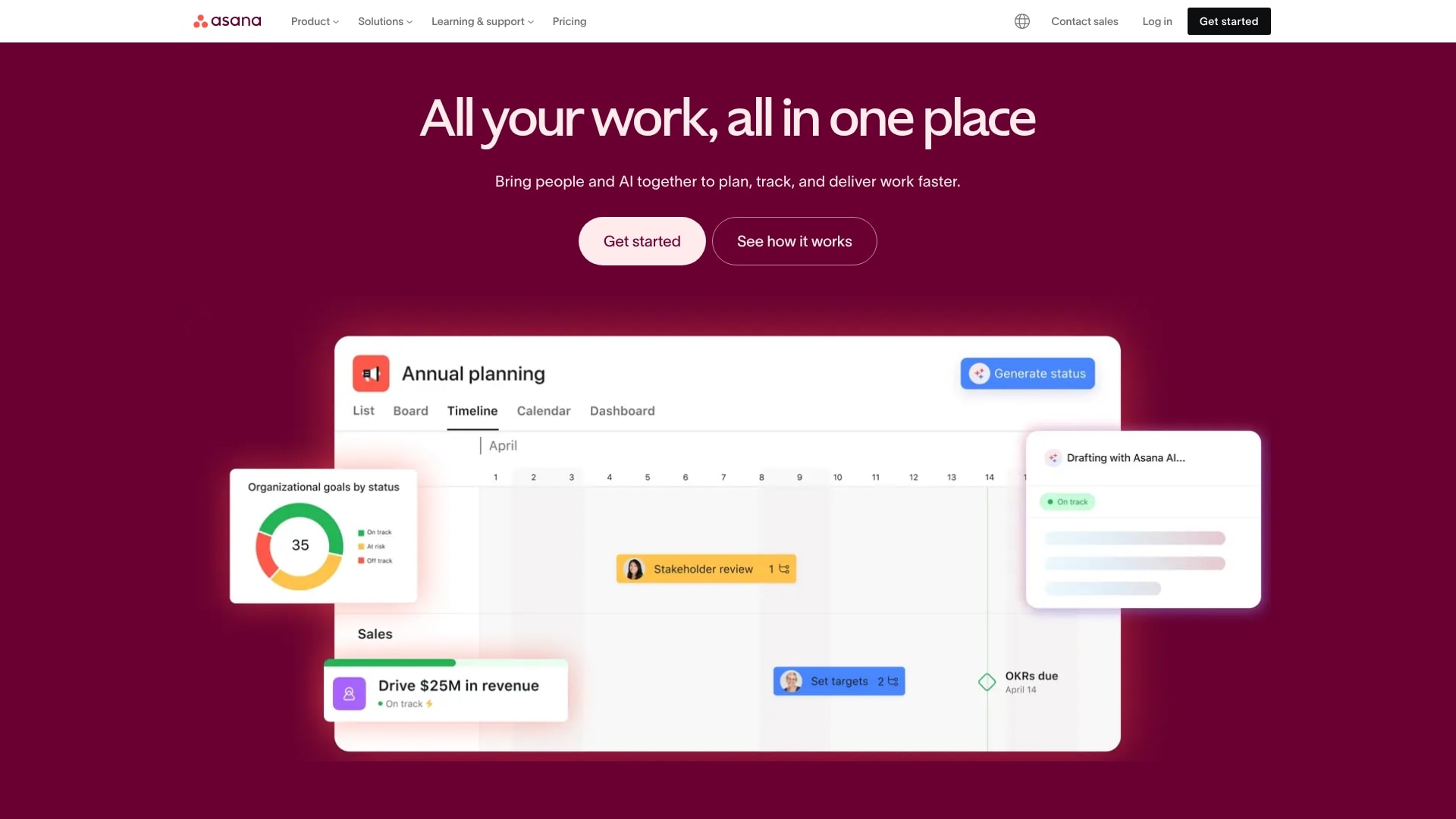
Asana bridges the gap between technical and non-technical teams, making development management accessible to everyone from engineers to executives. The platform excels at connecting engineering work to business goals, ensuring dev teams stay aligned with organizational priorities while maintaining the flexibility to work how they want.
Use case:
Asana centralizes sprint planning, product roadmaps, and feature launches while connecting technical execution to organizational goals for improved visibility and cross-team alignment.
Key features:
- Agile and Scrum support: native Kanban boards, sprint planning templates, and backlog management with multiple project views (list, board, timeline, Gantt) for comprehensive planning and tracking.
- Developer tool integrations: native Jira Cloud integration, GitHub PR status sync, and Sentry error tracking handoffs, plus two-way sync options for GitLab and Bitbucket through Unito.
- Work graph connectivity: proprietary data model that preserves relationships between tasks, goals, people, and status updates, enabling accurate roll-ups and seamless cross-team collaboration.
Pricing:
- Personal: free for one to two users with unlimited tasks, projects, and basic views.
- Starter: $10.99/month per user (billed annually) with Asana AI, timeline & Gantt, workflow builder, and dashboards.
- Advanced: $24.99/month per user (billed annually) with goals, unlimited Portfolios, native time tracking, and advanced integrations.
- Enterprise: custom pricing with resource management, SAML/SCIM, and 24/7 support.
- Enterprise+: custom pricing with audit logs, data residency, and HIPAA compliance options.
Considerations:
- Relies heavily on integrations for core development functions like code repositories and CI/CD, which may create workflow friction for teams preferring all-in-one solutions.
- Some advanced features, like Resource management and enterprise compliance controls, are locked behind higher-tier plans, potentially limiting scalability for growing teams.
Wrike: best for enterprise scale development
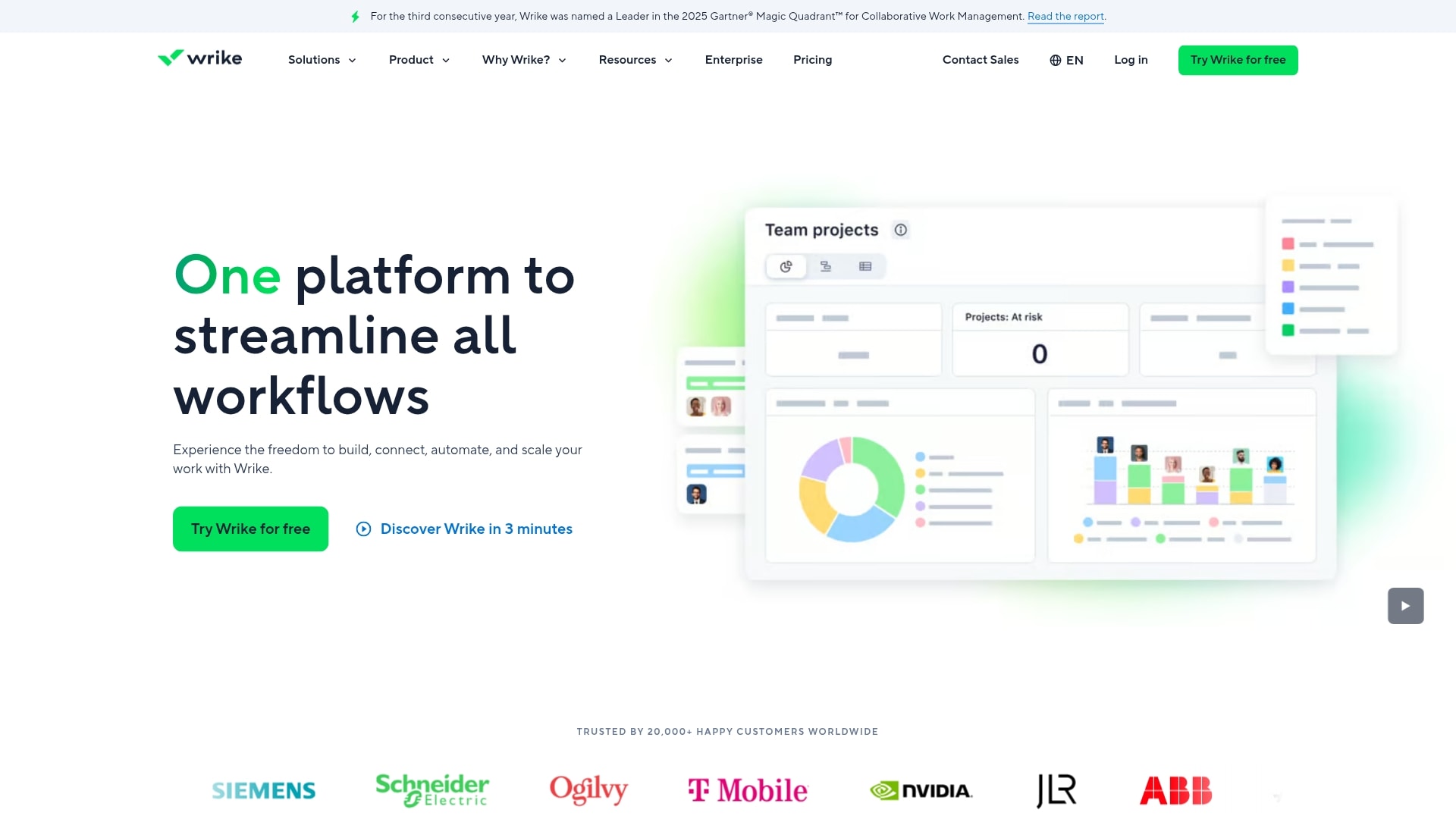
Wrike delivers enterprise-grade collaborative work management that bridges the gap between development teams and business stakeholders. The platform specializes in unifying complex development workflows across multiple teams and projects, making it ideal for large organizations managing sophisticated product portfolios. With advanced security features and deep integrations, Wrike helps enterprises maintain visibility and control without forcing developers to abandon their preferred tools.
Use case:
Wrike excels at connecting development teams with business operations through two-way sync capabilities that let engineers stay in their native tools while providing unified reporting and planning for product managers and executives.
Key features:
- Cross-functional workflow management: connects ideation, sprint planning, QA, and release processes on one platform while maintaining two-way sync with Jira, GitHub, GitLab, and Bitbucket.
- AI-powered project intelligence: Copilot provides risk insights, automated triage, and predictive analytics to surface potential delivery issues before they impact timelines.
- Enterprise security and compliance: ISO 27001/17/18/27701 certified with optional customer-managed encryption keys, EU data residency, and granular permission controls for regulated environments.
Pricing:
- Free: $0/month, basic task management and project views.
- Team: $9.80/month, dashboards, integrations, and custom workflows for up to 15 users.
- Business: $24.80/month, advanced automation, resource planning, AI features, and unlimited request forms.
- Enterprise: custom pricing, advanced security, SSO, and enterprise integrations.
- Pinnacle: custom pricing, advanced resource management, budgeting, and BI-level reporting.
- Additional costs: may apply for Wrike Integrate, two-way sync, and Whiteboard by Klaxoon add-ons.
Considerations:
- Development-native capabilities like code hosting and pull request reviews require integrations rather than built-in functionality, which may add complexity for teams seeking an all-in-one solution.
- Advanced integration features and AI capabilities often require higher-tier plans or paid add-ons, potentially increasing the total cost of ownership for comprehensive development workflows.
Azure DevOps: best for Microsoft ecosystems
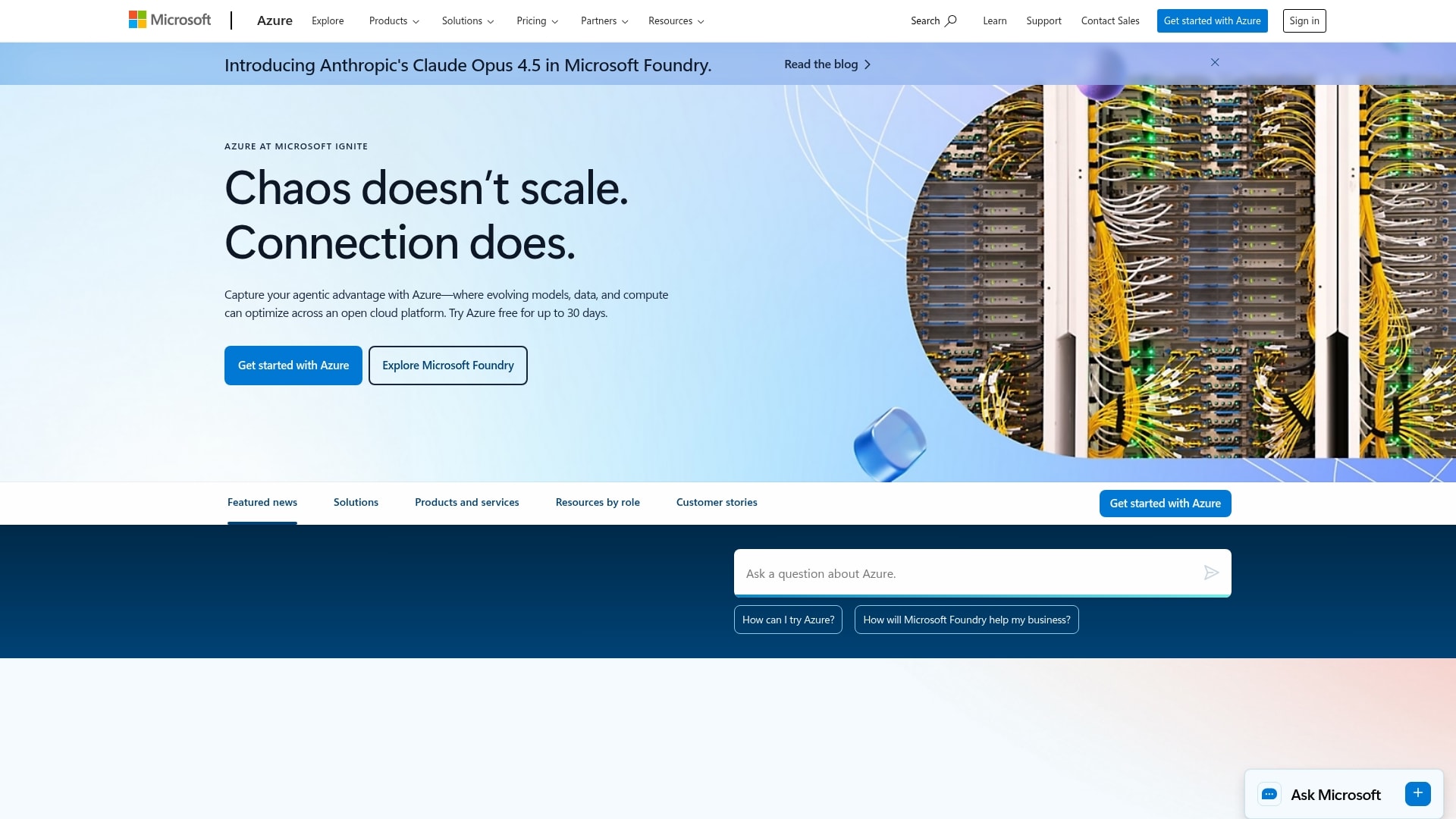
Azure DevOps delivers a comprehensive suite of development tools that seamlessly integrates with Microsoft’s cloud infrastructure and enterprise ecosystem. The platform specializes in end-to-end DevOps workflows with deep Azure integration, making it ideal for organizations already committed to Microsoft technologies.
Use case:
Azure DevOps provides modular development services that teams can adopt individually or as a complete suite, offering everything from work planning and source control to CI/CD pipelines and test management with built-in traceability from idea to release.
Key features:
- Integrated work management: Kanban and Scrum boards with customizable workflows, backlogs, and analytics that link directly to GitHub commits and pull requests.
- Multi-cloud CI/CD pipelines: cloud-hosted agents for Linux, macOS, and Windows with YAML pipelines that deploy to Azure, AWS, or Google Cloud Platform.
- Comprehensive test management: built-in manual and exploratory testing capabilities with rich defect capture and end-to-end traceability throughout the development lifecycle.
Pricing:
- Basic plan: first five users free, then $6/user/month.
- Basic + test plans: $52/user/month (includes test management features).
- Microsoft-hosted parallel jobs: $40/job/month (includes 1,800 minutes).
- Self-hosted parallel jobs: $15/job/month (unlimited minutes).
- GitHub Advanced Security add-on: code Security $30/committer/month, secret protection $19/committer/month.
- Artifacts storage: first two GiB free, then tiered pricing from $2/GiB to $0.25/GiB based on usage.
Considerations:
- Advanced security features require separate add-on purchases that can significantly increase costs for larger development teams.
- Teams heavily invested in non-Microsoft ecosystems may find the deep Azure integration less valuable than the platform’s comprehensive feature set suggests.
GitLab: best for complete DevOps integration
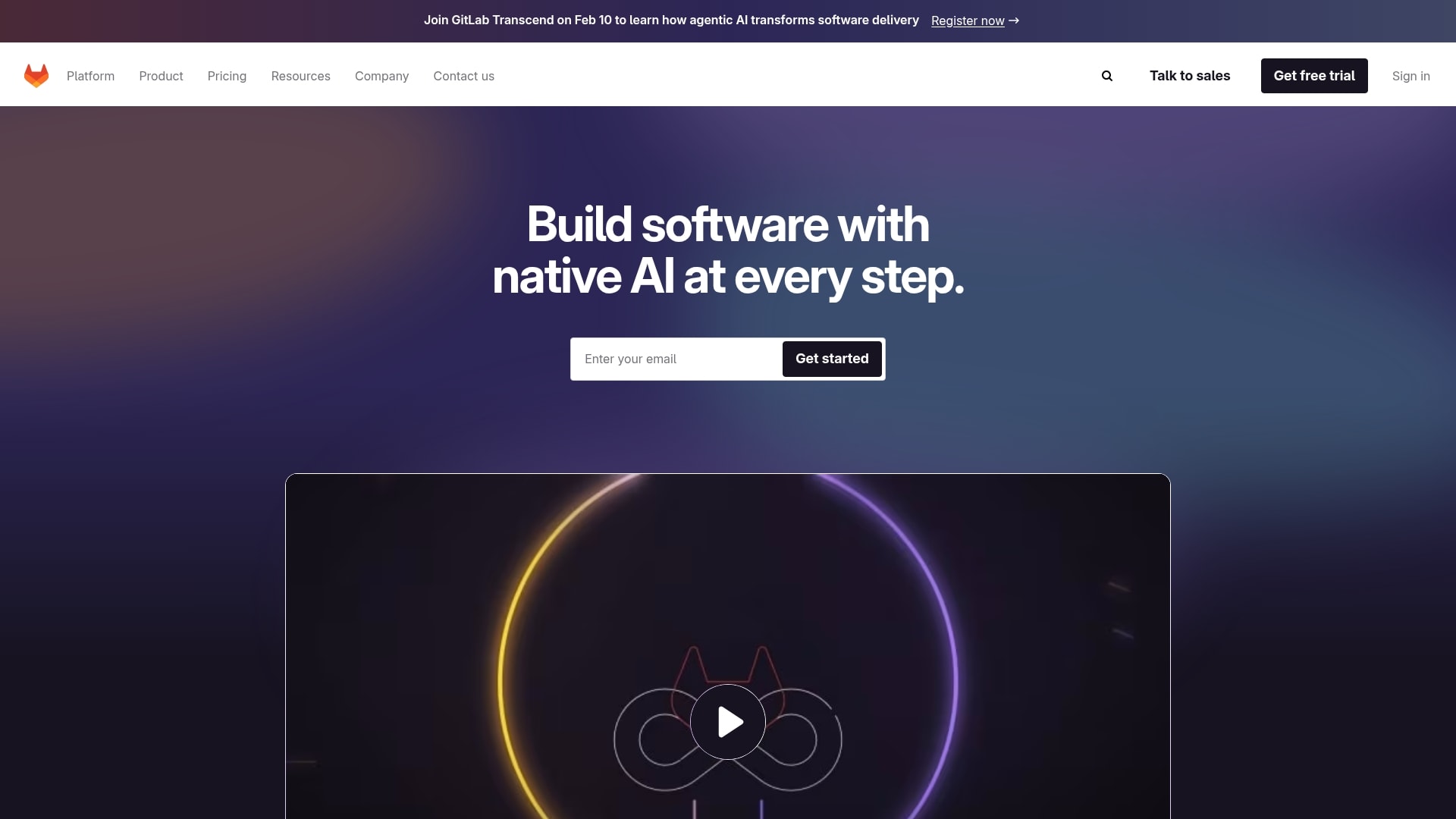
GitLab delivers a unified platform that spans the entire software development lifecycle, from initial planning to production monitoring. The platform consolidates what typically requires multiple tools into a single application, making it ideal for DevOps-driven teams who want to eliminate tool sprawl and streamline collaboration across development, operations, and security departments.
Use case:
GitLab serves as an all-in-one DevOps platform that replaces multiple disparate tools with a single application covering planning, source code management, CI/CD, security scanning, and monitoring.
Key features:
- Integrated CI/CD pipelines: automated building, testing, and deployment workflows with built-in security scanning and vulnerability detection.
- Unified work management: issue tracking, agile boards, epics, roadmaps, and OKRs connected directly to code and deployment metrics.
- End-to-end traceability: single data model linking strategic objectives to code commits, enabling drill-down visibility from portfolio to implementation.
Pricing:
- Free: $0/month (up to five users, 400 compute minutes, basic SCM and CI/CD).
- Premium: $29/user/month (unlimited users, 10,000 compute minutes, advanced project management).
- Ultimate: quote-based pricing (enterprise security, compliance, portfolio management, 50,000 compute minutes).
- GitLab duo pro (AI): $19/user/month add-on for premium/ultimate tiers.
- Enterprise agile planning: $15/user/month add-on for ultimate (Jira replacement scenarios).
Considerations:
- Some advanced planning features like OKRs and consolidated work item views are still behind feature flags and not production-ready.
- Higher-tier features like DORA metrics, Value Stream Analytics, and requirements management require premium or ultimate subscriptions, which can increase costs for teams needing comprehensive development management capabilities.
Trello: best for visual development workflows
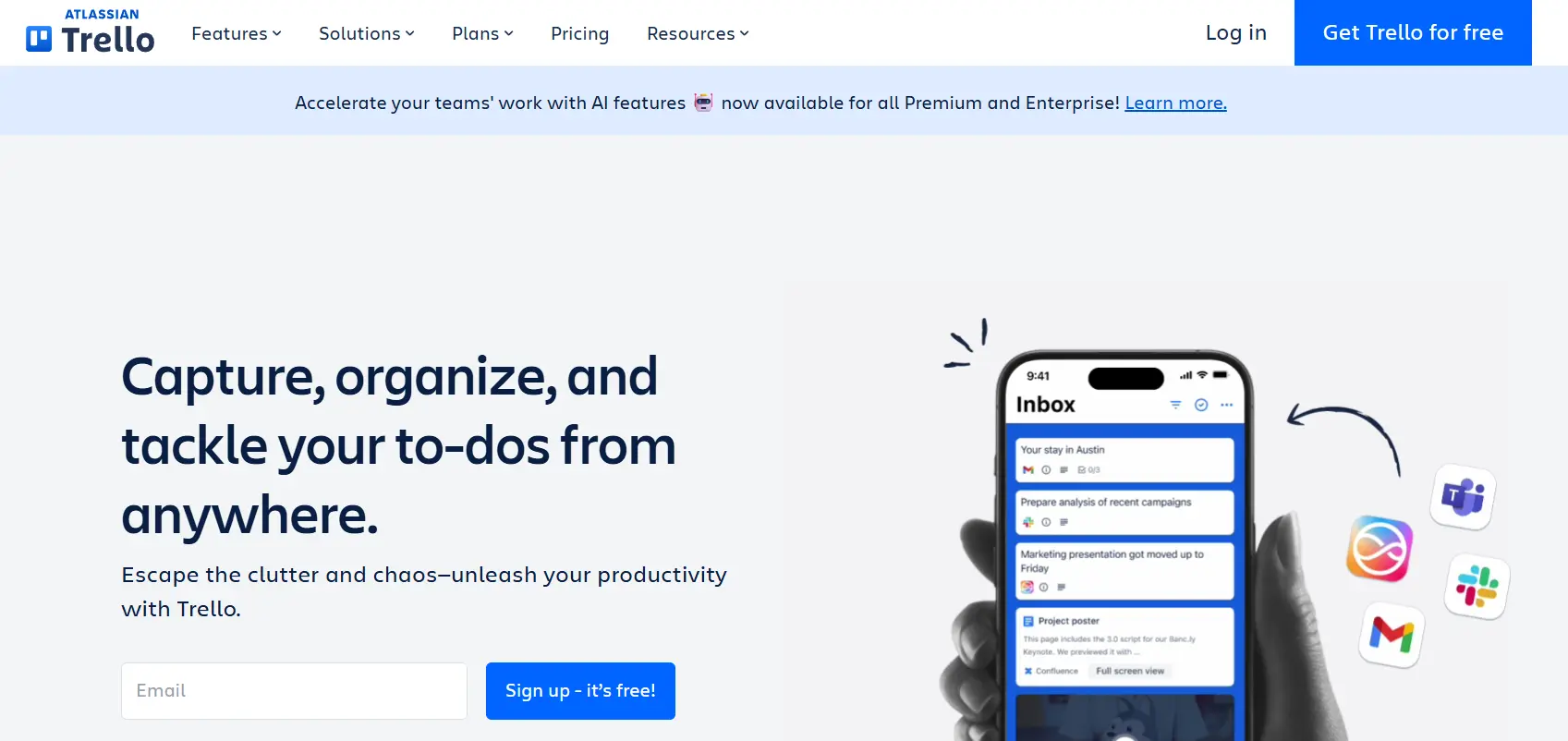
Trello transforms development management into a visual, drag-and-drop experience that makes tracking progress feel effortless. The platform specializes in Kanban-style boards with powerful automation, making it ideal for teams who want lightweight project management without sacrificing functionality.
Use case:
Trello excels at providing visual workflow management for development teams who need simple, flexible project tracking with seamless integrations to their existing developer toolchain.
Key features:
- Visual boards and automation: organize development tasks with customizable Kanban boards and Butler automation that handles repetitive actions like moving cards and sending notifications.
- Developer integrations: connect directly to GitHub, GitLab, Jira, and 200+ other tools through Power-Ups, enabling traceability without leaving Trello.
- Advanced planning views: timeline, table, calendar, and dashboard views provide sprint planning and cross-team visibility for program-level coordination.
Pricing:
- Free: $0/month for up to ten collaborators per workspace.
- Standard: $5/month per user (billed annually) with advanced checklists and integrations.
- Premium: $10/month per user (billed annually), including Timeline view and dashboard reporting.
- Enterprise: $17.50/month per user (billed annually) with SSO and organization-wide controls, $10,000 minimum annual spend.
Considerations:
- Advanced agile metrics like story points and burn-down charts require third-party Power-Ups or external tools.
- Views for sprint planning and reporting are restricted to Premium and Enterprise plans, limiting native project visibility on lower tiers.
Notion: best for documentation-heavy projects
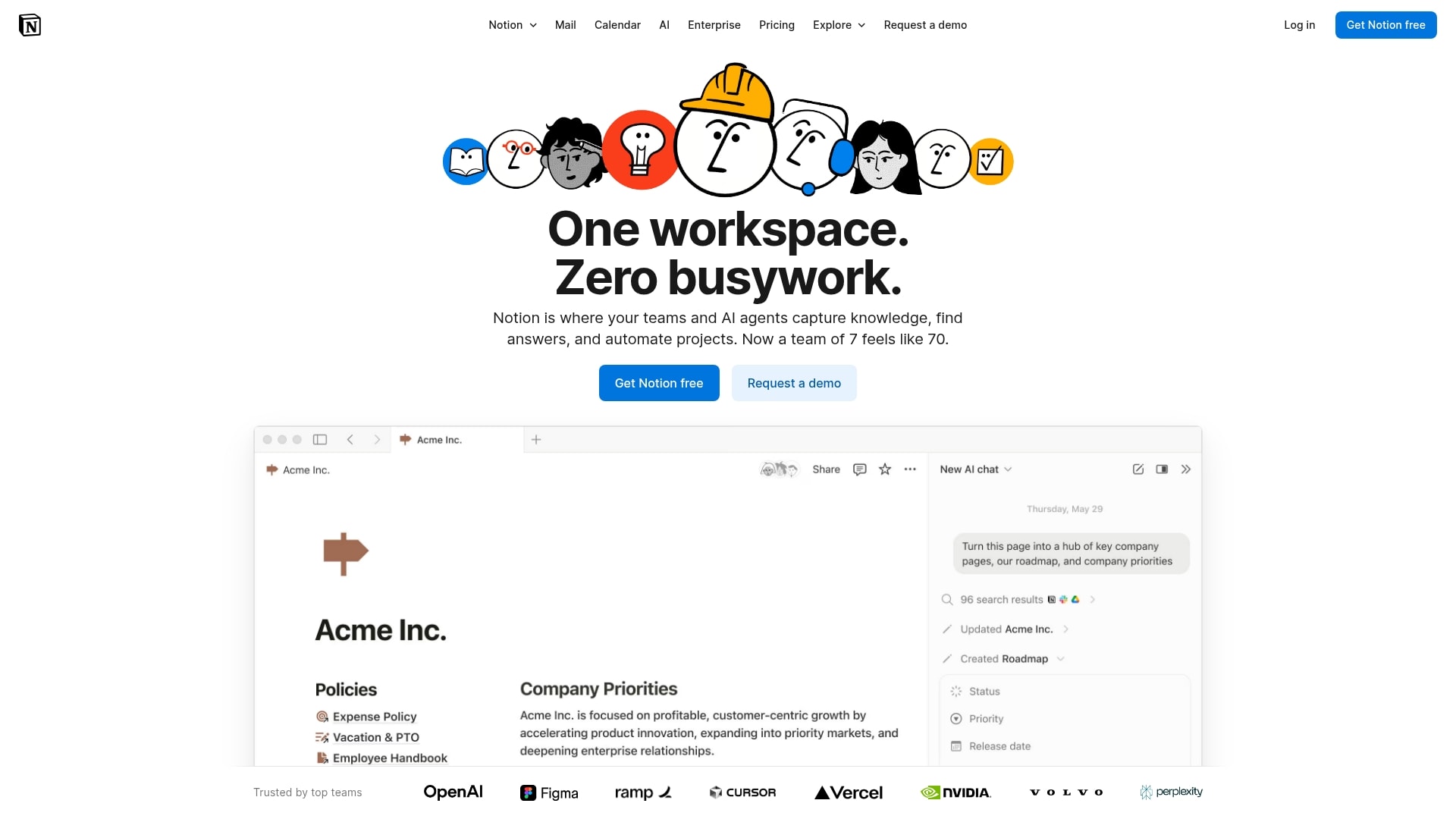
Notion transforms how development teams manage projects by combining powerful documentation capabilities with flexible project management in one connected workspace. The platform helps unify technical specs, wikis, and task management, making it a great fit for remote teams and organizations that prioritize knowledge sharing alongside sprint execution.
Use case:
Notion creates an end-to-end development workspace where PRDs, roadmaps, sprints, and bug tracking live alongside specifications and documentation, eliminating the need to switch between different tools.
Key features:
- Connected databases: organize tasks, dependencies, and requirements with customizable tables and boards that link directly to your technical documentation.
- GitHub and Jira integrations: sync pull requests and issues as previews and automatically update task statuses to keep workflows unified. Note that some advanced features, like the AI Connector for Jira, are still in beta.
- AI-powered project management: use AI Autofill for user stories, enterprise search across connected apps, and automated meeting summaries that convert action items into trackable tasks (some features are exclusive to higher-tier plans).
Pricing:
- Free: $0/month with unlimited pages & blocks and basic database functionality.
- Plus: $10 per user/month (billed monthly) or $8 per user/month (billed annually). Includes unlimited file uploads and guest access.
- Business: $18 per user/month (billed monthly) or $15 per user/month (billed annually). Includes Notion AI*, SAML SSO, and advanced permissions.
- Enterprise: custom pricing with zero data retention, SCIM provisioning, and advanced security controls.
- Startups program: Offers three to six months free on plus plans.
- Notion AI is included in Business and Enterprise plans. It is available on Free and Plus plans with a limited trial, after which it requires an add-on.*
Considerations:
- Advanced sprint reporting requires building custom charts and templates, as there are no native burn-down or velocity reports.
- The GitHub integration doesn’t currently support labels/tags in synced databases, and the Jira integration doesn’t support on-prem instances.
Smartsheet: best for spreadsheet-style project tracking
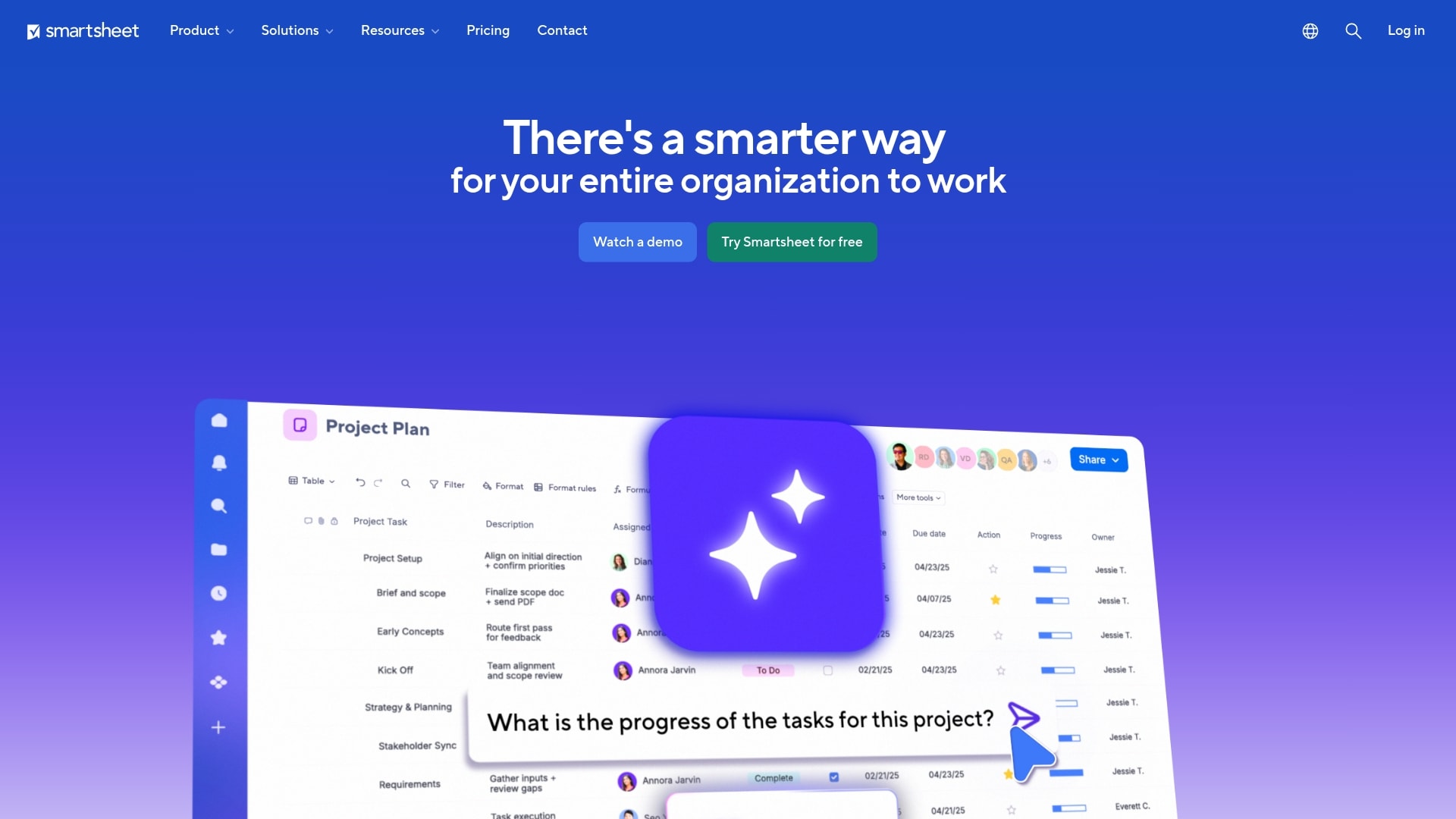
Smartsheet transforms the familiar spreadsheet experience into a powerful development management platform that bridges the gap between technical teams and business stakeholders. The platform excels at providing portfolio-level visibility while maintaining deep integrations with engineering tools like Jira, making it ideal for enterprises managing complex, cross-functional software releases. With its emphasis on governance, resource management, and compliance capabilities, Smartsheet serves organizations that need both technical execution tracking and executive-level reporting.
Use case:
Smartsheet enables development teams to manage software projects from idea intake through launch while providing business stakeholders with real-time visibility into progress, resource allocation, and portfolio health without disrupting engineering workflows.
Key features:
- Jira integration with two-way sync: connects engineering execution in Jira with business reporting in Smartsheet, allowing developers to work in their preferred environment while giving leadership portfolio-level insights.
- Control center for portfolio governance: standardizes project templates and enables global updates across multiple development initiatives, ensuring consistency and faster change propagation at scale.
- Resource management capabilities: tracks team capacity, allocation, and utilization across projects with integrated time tracking and budget reporting for accurate resource planning.
Pricing:
- Pro: $9/month per user (one to ten users, unlimited free viewers).
- Business: $19/month per user (three plus users, unlimited free guests and viewers).
- Enterprise: custom pricing (includes SSO, unlimited storage, Work Insights, enterprise security).
- Advanced work management: custom pricing (includes control center, connectors, premium support).
Considerations:
- Advanced development features like the Jira Connector and Control Center require higher-tier plans or add-ons, potentially increasing total cost of ownership.
- Sheet size limitations (500,000 cells, 20,000 rows) may require partitioning for very large backlogs or complex project portfolios.
Zoho Sprints: best for growing agile teams
Zoho Sprints delivers comprehensive agile project management that scales with your development team’s growth. The platform specializes in seamless integration across the entire Zoho ecosystem while providing robust development toolchain connectivity, making it ideal for teams expanding their agile practices without breaking the bank.
Use case:
Zoho Sprints excels for development teams seeking an affordable, feature-rich agile platform that integrates natively with popular development tools like GitHub, GitLab, and Jenkins while offering built-in collaboration features.
Key features:
- Complete agile workflow management: from backlog refinement and sprint planning to real-time Scrum/Kanban boards with customizable swimlanes and WIP limits.
- Development toolchain integrations: native connections to GitHub, GitLab, Bitbucket, Azure DevOps, and Jenkins for seamless code-to-delivery tracking.
- Built-in collaboration tools: integrated meetings for stand-ups and retrospectives, team chat, and real-time activity feeds.
Pricing:
- Free: $0/month for up to three users, three projects, and 500 MB of storage.
- Starter: $1/month per user (for twelve to 100 users) with 50 projects and 20 GB of storage.
- Elite: $5/month per user with unlimited projects and access to client/vendor portals.
- Premier: $10/month per user with advanced analytics, custom roles, and a 99.99% uptime SLA.
- Enterprise: custom pricing for advanced security, governance, and a dedicated account manager.
- Annual billing: offers a discount on Elite and Premier plans.
- Additional storage: is available at $5 per 5 GB/month.
Considerations:
- The jump from the three-user free plan to the Starter plan (which requires 12–100 users) creates a gap for teams with four to eleven members.
- Advanced features like OKRs, test case management, and budget tracking are only available on the Premier and Enterprise plans.
- While many integrations are available, some advanced connections and webhooks are limited to higher-tier plans.
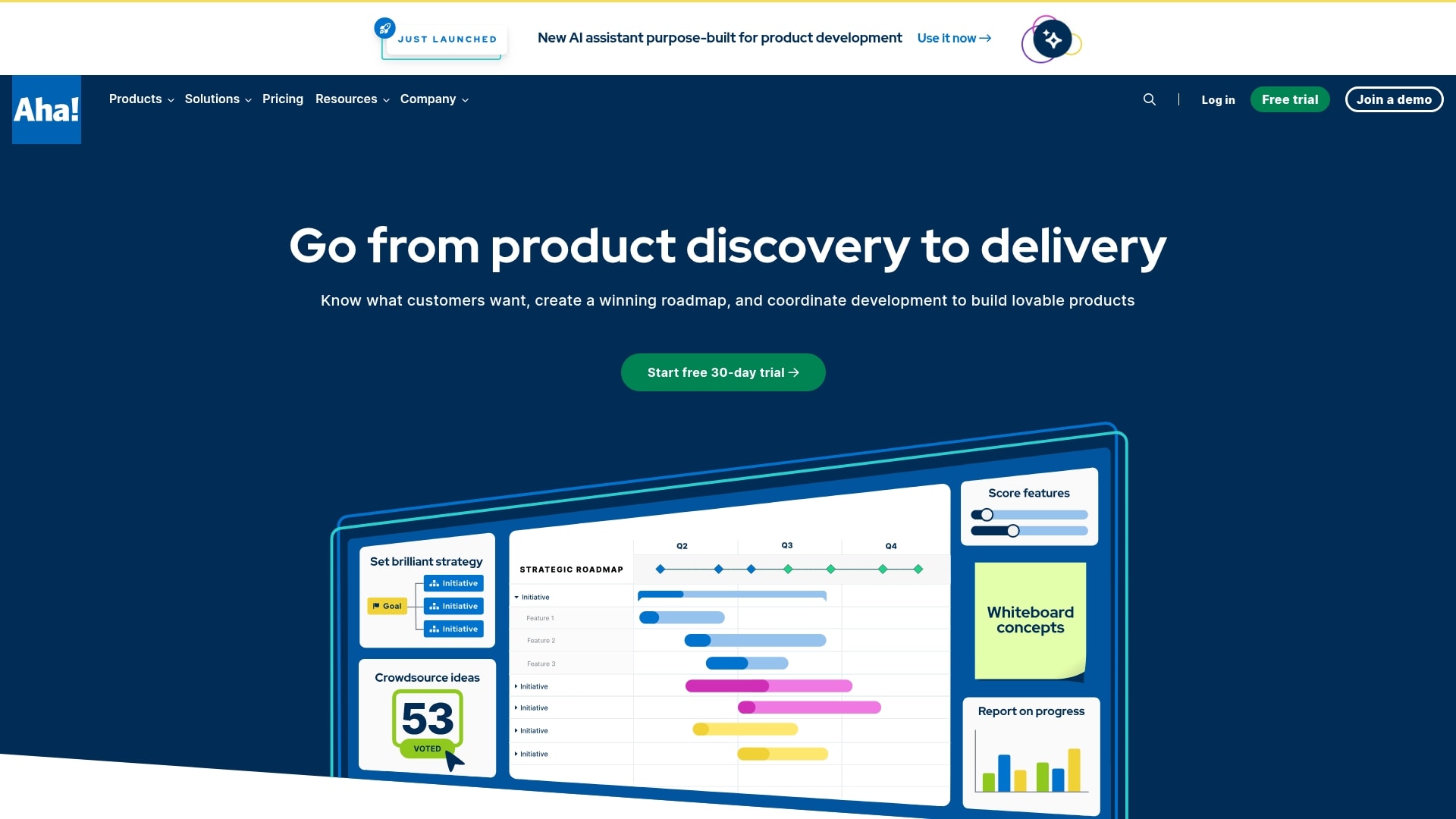
Aha!: best for product roadmap integration
Aha! bridges the gap between strategic product planning and development execution, creating seamless alignment from vision to delivery. The platform specializes in connecting roadmaps with engineering workflows, making it ideal for product teams that need to maintain strategic focus while managing day-to-day development tasks.
Use case:
Aha! excels at linking product strategy to development delivery through native roadmap integration and bidirectional sync with existing engineering tools.
Key features:
- Strategy-to-delivery alignment: native connection between Aha! Roadmaps and Aha! Develop ensures product and engineering teams share the same epics, features, and status updates.
- Flexible methodology support: choose from Scrum, Kanban, SAFe, or hybrid approaches with sprint planning, capacity management, and WIP limits.
- Advanced analytics and reporting: track delivery risk, cycle time, velocity, and cumulative flow with drill-down capabilities for continuous improvement.
Pricing:
- Develop essentials: $9/month (annual) or $11/month (monthly).
- Develop advanced: $18/month (annual) or $23/month (monthly).
- Roadmaps premium: $59/month (annual) or $74/month (monthly).
- Roadmaps enterprise: $99/month (annual) or $124/month (monthly).
- Roadmaps enterprise+: $149/month (annual only).
- Annual subscriptions: include discounted pricing.
- Offers: all paid plans include pooled AI credits with option to purchase additional credits.
Considerations:
- Feature gating: key capabilities like burndown charts, velocity tracking, and SSO are locked behind the advanced tier.
- Integration dependency: full strategy-delivery alignment requires both Aha! roadmaps enterprise/enterprise+ and develop advanced, increasing total cost.
Basecamp: best for simplified coordination
Basecamp strips away the complexity that bogs down most development teams, focusing on essential coordination through simple task lists, centralized communication, and shared schedules. The platform specializes in the “shape up” methodology with unique Hill Charts for tracking uncertainty, making it ideal for small to midsize teams who want to ship faster without heavyweight processes.
Use case:
Basecamp consolidates core development coordination needs in one place, replacing multiple tools like Slack, Trello, and Dropbox while keeping teams focused on shipping through six-week cycles and clear scope management.
Key features:
- Hill charts: unique visual progress tracking that shows whether teams are figuring things out or executing, focusing discussions on real blockers rather than completion percentages.
- Shape Up workflow: built-in support for six-week cycles with two-week cool-downs, designer-programmer pairs, and “betting table” project selection.
- Doors integration: surface external tools like GitHub, Figma, and Google Sheets directly in project sidebars for seamless workflow connections.
Pricing:
- Plus: $15/month per user (guests and clients free).
- Pro Unlimited: $299/month flat rate for unlimited users (billed annually).
- Free: one active project available.
- Add-ons: timesheet tracking ($50/month), Admin Pro Pack ($50/month), extra storage (+1 TB for $50/month).
- Discounts: 10% off for non-profits, free accounts for K-12 and university education.
Considerations:
- No native enterprise ALM features like advanced workflows, custom fields at scale, or built-in roadmapping, teams rely on integrations for specialized development tools.
- English-only interface with U.S.-based data centers only, which may limit global teams or those requiring data residency compliance.
GitHub Projects: best for code-centric management
GitHub Projects transforms project management by embedding it directly into your development workflow, eliminating the friction between planning and coding. The platform specializes in seamless integration with repositories and pull requests, making it ideal for engineering teams who want to manage work without leaving their codebase.
Use case:
GitHub Projects delivers methodology-agnostic planning surfaces that sync directly with your code, issues, and pull requests for end-to-end development visibility.
Key features:
- Live integration with code: two-way sync between project boards and GitHub issues, pull requests, and discussions for complete traceability.
- Flexible project views: switch between high-density tables, kanban boards, and timeline roadmaps with custom fields and saved views.
- Built-in automation workflows: automate status changes, notifications, and assignments based on code activity, plus GraphQL API for advanced logic.
Pricing:
- Free: $0/month with unlimited repositories, issues, and Projects access.
- Team: $4/month per user for the first twelve months with advanced permissions and automation features.
- Enterprise: $21/month per user for the first twelve months including SAML SSO, audit logs, and enterprise account management.
- Additional: actions minutes, and Packages storage have usage quotas that may incur additional charges if exceeded.
Considerations:
- Complex automation workflows require GitHub Actions or GraphQL setup, which demands technical expertise beyond basic project management.
- Cross-organization project visibility can be limited by ownership requirements and enterprise configuration settings.
Development Tools Comparison Chart
| Tool | Best For | Starting Price | Key Strength | Integration Capabilities | Team Size Suitability | Deployment Options |
|---|---|---|---|---|---|---|
| monday dev | Flexible workflows | $10/user/mo | Custom workflows | GitHub, GitLab, Slack, Azure | Small to enterprise | Cloud |
| Jira | Traditional agile teams | $0/user/mo | Agile boards, reporting | 1000+ apps, CI/CD, code repos | Small to enterprise | Cloud, Server, Data Center |
| Linear | Modern product teams | $0/user/mo | Speed, UI, Git integrations | GitHub, GitLab, Slack | Small to mid-size | Cloud |
| ClickUp | Resource management | $0/user/mo | Workload, time tracking | GitHub, Slack, cloud storage | Small to enterprise | Cloud |
| Asana | Cross-functional collaboration | $0/user/mo | Collaboration, templates | Slack, GitHub, Google Drive | Small to large | Cloud |
| Wrike | Enterprise scale development | $9.80/user/mo | Security, customization | MS, Google, Salesforce | Mid-size to enterprise | Cloud, On-prem |
| Azure DevOps | Microsoft ecosystems | $6/user/mo | DevOps pipeline, Azure | Azure, GitHub, Active Directory | Mid-size to enterprise | Cloud, Server |
| GitLab | Complete DevOps integration | $0/user/mo | Unified DevOps platform | GitHub, Slack, CI/CD, security | Small to enterprise | Cloud, Self-hosted |
| Trello | Visual workflows | $0/user/mo | Kanban simplicity | GitHub, Slack, Power-Ups | Small to mid-size | Cloud |
| Notion | Documentation-heavy projects | $0/user/mo | Docs + tasks | Slack, GitHub, Google Drive | Small to large | Cloud |
| Smartsheet | Spreadsheet-style tracking | $7/user/mo | Familiar interface | MS, Google, Slack | Small to enterprise | Cloud |
| Zoho Sprints | Growing agile teams | $0/user/mo | Scalable agile features | Zoho, Slack, GitHub | Small to mid-size | Cloud |
| Aha! | Product roadmap integration | $59/user/mo | Strategic planning | Jira, Azure DevOps, Slack | Mid-size to enterprise | Cloud |
| Basecamp | Simplified coordination | $15/user/mo | Simplicity, ease of use | Email, calendar, storage | Small to mid-size | Cloud |
| GitHub Projects | Code-centric management | $0/user/mo | Embedded in code workflow | GitHub, CI/CD, Slack | Small to enterprise | Cloud |
Essential Features of Development Project Management Software
A development platform should serve as an accelerator for your team’s work, not an inhibitor. The objective is to enhance your existing workflow with maximum flexibility, rather than imposing a rigid process that creates bottlenecks.
By concentrating on core functionalities, from planning and tracking to streamlined collaboration, teams can reduce backlogs, improve control over the development pipeline, and connect all stakeholders from engineering to leadership.
Effective Sprint Planning and Backlog Management
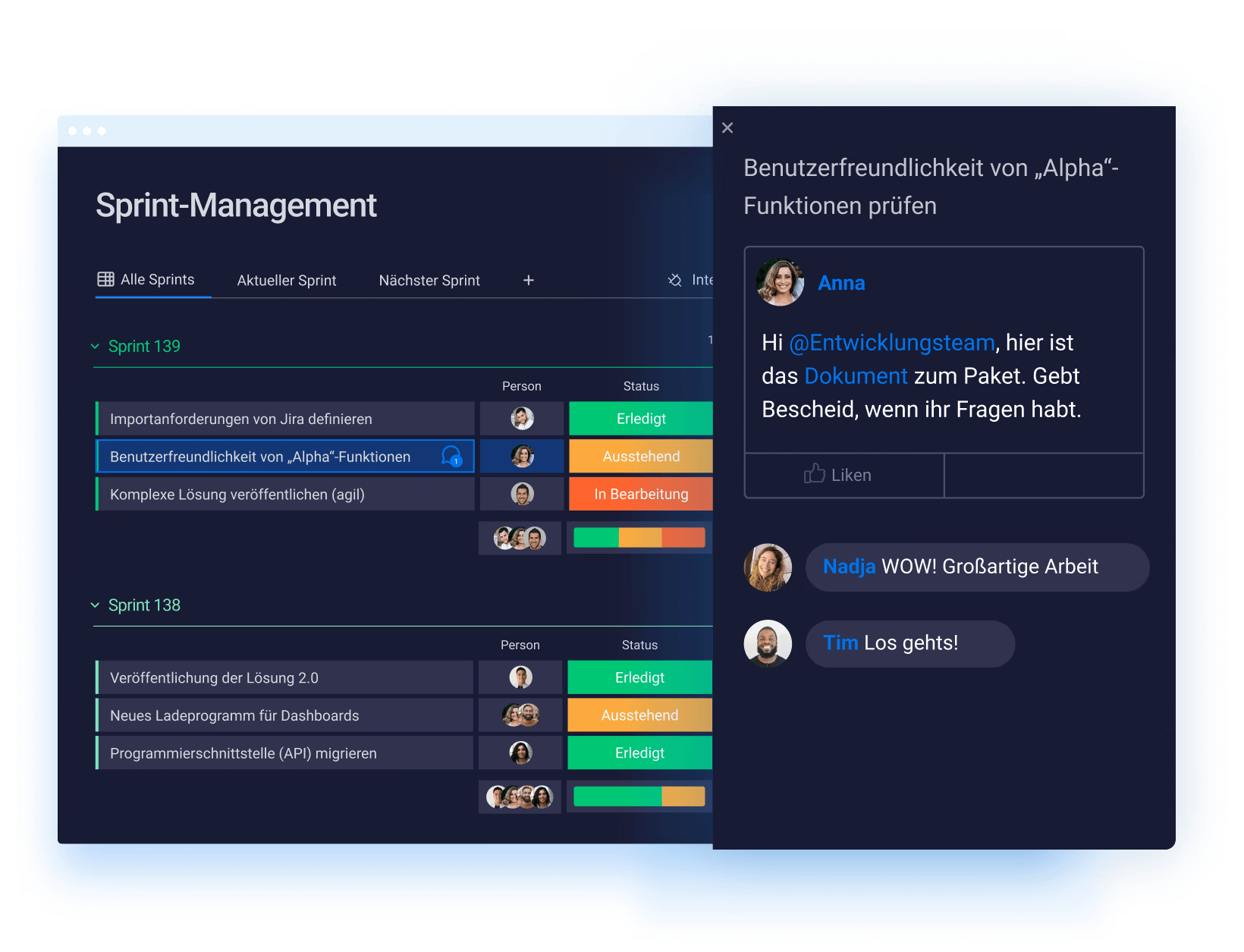
Successful sprint planning generates momentum, transforming the product backlog into a clear, actionable plan that the team can execute with confidence. With monday dev, you have the adaptability to design a process that suits your needs, whether it’s pure Scrum, Kanban, or a custom hybrid. You can stop trying to force your workflow into a predefined structure and start building a system that energizes your team.
This approach removes ambiguity and maintains a manageable backlog. With integrated tools for estimation and prioritization, your team can concentrate on shipping high-value features instead of debating priorities. This leads to more reliable forecasts and a sustainable development pace across releases.
Real-Time Progress Tracking without Micromanagement
Provide all stakeholders with the visibility they need, without burdening developers with manual status reports. Live dashboards and burndown charts offer an immediate, accurate view of progress, helping teams identify potential blockers before they escalate. This is not about surveillance; it is about fostering trust and alignment.
When your platform automatically syncs with code commits and other development tools, progress reports reflect actual work, not just recollections. Leadership gains the high-level perspective needed for strategic decisions, while the development team can remain focused on their primary task: building quality software.
Cross-Team Collaboration that Eliminates Silos
Exceptional products are the result of a collaborative effort between engineering, product, and business teams. A unified platform creates a central hub where all stakeholders can collaborate efficiently, keeping conversations contextual and work moving forward. Using monday dev, you can finally connect technical execution with business objectives.
Imagine product managers tracking feature development, designers viewing live implementation status, and leadership understanding timelines, all within a single environment, reducing the need for excessive meetings. This is how information silos are dismantled, accelerating the entire development lifecycle. When everyone operates from a shared understanding, you ship superior products, faster.
How AI Enhances Modern Development Management?
Artificial intelligence acts as a significant force multiplier for your team’s expertise, providing tools that enable smarter, more efficient work. By automating tedious data analysis and routine tasks, AI frees up developers to concentrate on their core mission: designing and shipping excellent products. This returns their most valuable resource: time.
AI algorithms can operate in the background, analyzing development data to identify hidden risks and forecast delivery timelines with greater accuracy. This provides the foresight needed to proactively address bottlenecks and plan sprints more effectively, ensuring optimal resource allocation. Your team shifts from a reactive posture to a strategic one.
This level of intelligence should be accessible to the entire organization, not just a select few. Placing powerful insights directly into the hands of every team member—from individual engineers to executive leadership, creates a unified perspective that aligns all departments. This results in a faster, more connected team that can execute every release with confidence.
Selecting the Right Development Platform for Your Methodology
Your team’s development process is its operational signature, the specific rhythm used to create outstanding products. An effective platform respects this individuality by adapting to your workflow, rather than forcing you to adapt to it. The right tools should empower your team’s unique methods, offering the freedom to design the exact processes needed for success.
Your objective is to find a platform that amplifies your team’s efforts, improving sprint efficiency and making collaboration feel effortless across all departments. When engineering, product, and leadership share a common operational picture, confusion is eliminated and replaced with focused momentum. This is a key strategy for effectively managing the backlog.
Ultimately, the ideal platform provides both visibility and control without compromising speed or creativity. It gives leaders the high-level overview necessary for strategic direction and developers the autonomy to produce their best work. This fosters an environment where teams are more efficient, aligned, and confident in every release.
Supporting Agile and Scrum Workflows
For teams operating with Agile and Scrum, velocity and clarity are paramount. The right tool helps you move beyond cumbersome spreadsheets, transforming sprint planning into a rapid, collaborative exercise where priorities become clear. The goal is to make backlog grooming and user story mapping feel less like administrative tasks and more like strategic planning.
Consider the ability to break down large epics into manageable stories and track them from concept to launch within a single system. With integrated reporting, you can get an accurate measure of your team’s velocity, leading to more reliable sprint commitments and predictable outcomes.
Hybrid Development Methodology Flexibility
Many of the most effective teams develop their own playbooks, blending different methodologies to address their specific challenges. Your platform should support this hybrid approach, not hinder it. Look for a tool that provides the necessary building blocks, such as customizable boards, automations, and multiple project views, to design a workflow that mirrors your team’s actual process.
This is the essence of true flexibility: the ability to run a Kanban board for bug tracking while simultaneously managing a major feature launch with a Gantt chart. You can maintain the processes that are proven to work for you while retaining the space to experiment and innovate, unconstrained by your software.
Scaling Considerations for Growing Teams
Team growth is a positive sign, but it should not introduce friction or reduce visibility. A scalable platform allows you to expand with confidence, offering granular permission controls to manage access without creating bottlenecks. Security and performance must go hand-in-hand, ensuring the platform operates flawlessly whether you have ten users or ten thousand.
As you scale, leadership requires a simple method for viewing the big picture across all projects without getting lost in details. Portfolio management dashboards consolidate every initiative, providing a unified view to balance resources, monitor progress, and make strategic decisions. This keeps the entire organization aligned and moving in the same direction.
Enterprise Security and Compliance in Development Tools
Building remarkable products depends on a secure foundation. For development teams, security is what provides the confidence to innovate and ship at full speed, knowing that all code and data are protected. Security should be viewed not as a barrier, but as an enabler of a team’s best work.
For this reason, monday dev was engineered with enterprise-grade security as a core component, integrated to work for you, not against you. With top-tier certifications and compliance standards addressed, your team can concentrate on its primary objectives: building quality products and collaborating securely across the organization. The focus is on removing obstacles, not creating them.
This integrated approach gives you complete visibility and granular control over the development lifecycle, from individual tasks to the entire product portfolio. You can define access permissions without creating bottlenecks, empowering a faster, more aligned team that ships with the assurance that comes from knowing their work is secure.

"monday dev empowered us to optimize our GTM approach, resulting in faster, more dependable deliveries"
Steven Hamrell | Director of Product Management
"monday dev empowers us to manage the entire development process on one platform so we can speed up product delivery and improve customer satisfaction"
Mitchel Hudson | Head of Technology
"We're operating in an open, deep trusting, transparent environment with no silos of information. It's about completely opening access to everyone who needs it."
Alan Schmoll | Executive Vice President, Vistra PlatformMigrating From Your Current Development Management Tool
Changing tools can seem like a daunting project, but it is also an ideal opportunity to discard the rigid processes that may be hindering your team. Migration should be viewed not as a disruption, but as a chance to build the powerful, connected workflows you’ve always needed. It’s an upgrade to your entire development engine, not just a component swap.
This process is more than just moving tickets; it is a strategic move to unlock greater speed and improved collaboration across the organization. A phased plan can be mapped out to preserve critical data while immediately eliminating frustrating bottlenecks. This will position your team to ship more product, more efficiently, from the start.
Our implementation playbook is designed to help your team achieve early wins. When engineers experience how monday dev’s flexibility allows them to construct their exact process, be it Scrum, Kanban, or a unique hybrid, they don’t just adopt the new tool; they become its strongest advocates. This is how you build a faster, more aligned, and more confident development team.
How monday dev Revolutionizes Development Team Management?
Your development team is tasked with creating the future, yet they are often constrained by tools from the past. We created monday dev to change this dynamic, offering a platform that adapts to your team’s process, not the other way around. This is more than a new tool; it’s about unlocking the inherent speed and creativity of your team by allowing them to design the exact workflows needed to increase output.
We connect brilliant engineering execution with strategic business goals, creating a unified operational view for everyone from engineering to leadership. Imagine your product, engineering, and business teams moving in perfect sync, following a clear path that reduces the backlog and links every task to the larger objective. When collaboration is this fluid, you eliminate silos and make smarter decisions, faster.
This consolidated perspective gives leaders the high-level visibility required to guide the organization, all without disrupting the team’s flow. With real-time dashboards and automated reporting, you can identify roadblocks, manage resources effectively, and keep stakeholders informed with minimal effort. It’s about providing your team with the autonomy they desire and the support they need to build exceptional products with complete assurance.
Transform Your Development Management Today
Engineering teams face increasing pressure to deliver faster while managing complex workflows, cross-team dependencies, and growing stakeholder expectations. Operational friction, fragmented tools, and limited visibility often prevent teams from translating daily execution into measurable business impact. monday dev addresses these challenges by connecting development work directly to strategy, without adding process overhead.
- Disconnected execution and strategy: daily engineering tasks link directly to product roadmaps and business goals, ensuring work prioritization reflects organizational outcomes.
- Rigid tools that constrain team workflows: fully configurable boards, views, and automations support Scrum, Kanban, or hybrid methodologies without forcing process changes.
- Limited visibility across teams and leadership: real-time dashboards provide shared visibility into progress, risks, and delivery timelines without manual reporting.
- Manual coordination and status updates: native integrations and automations sync code activity, sprint progress, and releases automatically across teams.
- Scaling challenges as teams grow: enterprise-grade security, permissions, and portfolio views enable teams to scale operations without sacrificing speed or autonomy.
By unifying planning, execution, and visibility in a single platform, monday dev helps teams reduce friction, improve delivery confidence, and align engineering efforts with strategic priorities, driving measurable impact without unnecessary complexity.
Frequently asked questions
How do software development management tools differ from generic project management software?
They offer specialized features for engineering workflows like code repository integrations, sprint planning, and release management that generic tools lack. This allows teams to manage the entire development lifecycle, from backlog to deployment, in one place.
Can development management platforms support distributed teams?
Yes, they provide a central source of truth with real-time updates, automated notifications, and seamless integrations. This ensures distributed teams stay perfectly aligned on priorities and progress, no matter where they are.
What is the typical ROI timeline for development tool implementation?
Most teams see a significant return on investment within 3–6 months as they improve velocity and reduce wasted cycles. Platforms that are easy to adopt and customize can accelerate this timeline, delivering value from the very first sprint.
How complex is migrating from Jira to modern platforms?
Migration complexity depends on your current data and customizations, but modern platforms provide powerful import tools to streamline the process. Many teams find the short-term effort is quickly offset by long-term gains in flexibility and reduced administrative overhead.
Which development tools integrate best with CI/CD pipelines?
The best tools offer deep, native integrations with the entire DevOps toolchain, including GitHub, GitLab, and Jenkins, to automate workflows. This provides real-time visibility from code commits and pull requests directly within your planning boards.
What development management features matter most for enterprise teams?
Enterprises require advanced security, governance, portfolio-level visibility, and the ability to scale processes across thousands of users. The key is finding a platform that provides this enterprise-grade control without sacrificing the speed and autonomy development teams need to innovate.

 Get started