


Six months of demos, pilot programs, and stakeholder debates later, your IT team has narrowed it down: Smartsheet or Wrike. Both promise to solve your organization’s project chaos, but they couldn’t be more different in how they approach work management. One feels like a supercharged spreadsheet, the other like a structured hierarchy with folders and tasks. This choice will shape how your teams work together for years.
The Wrike vs Smartsheet decision comes down to philosophy: how should work actually be organized? Smartsheet appeals to teams comfortable with Excel-like flexibility, allowing users to build custom workflows through formulas and grid manipulation. Wrike enforces structure through its folder-based hierarchy, offering built-in project management capabilities but requiring teams to adapt their processes to fit the platform’s rigid framework.
In this guide for 2026 we’ll break down five critical differences, unpack the real costs beyond sticker prices, and show you what enterprise implementation actually looks like. We’ll also cover why teams are ditching traditional project tools for a Work OS that actually links what leadership wants with what teams deliver.
Key takeaways
- Choose tools that match how teams already work: Smartsheet suits spreadsheet-centric teams and Wrike fits structured PMOs, while monday work management adapts to any workflow without forcing formulas or rigid hierarchies.
- Account for total cost of ownership early: add-ons like Smartsheet Control Center or Wrike Integrate can push costs into five-figure annual spend, whereas monday work management includes core capabilities with transparent pricing.
- Factor in real adoption timelines: Smartsheet and Wrike often require three to six months of rollout, training, and change management, while monday work management gets teams productive in days.
- Prioritize a Work OS over project-only platforms: monday work management connects strategy, execution, and collaboration across departments instead of limiting teams to task tracking.
- Evaluate scalability beyond initial use cases: Smartsheet struggles with large datasets and Wrike becomes difficult to navigate at scale, while monday work management performs consistently from ten to 10,000 users.
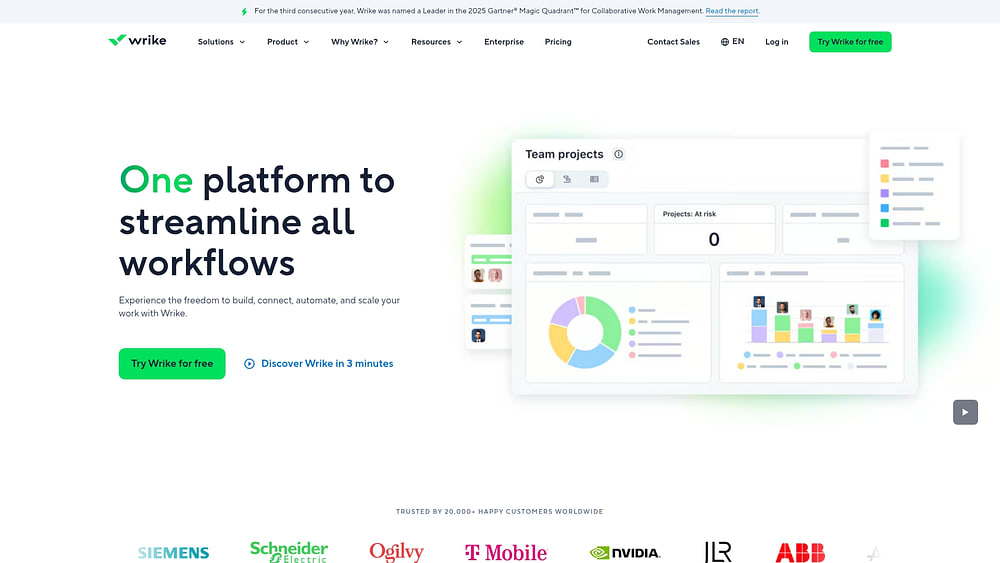
Quick verdict: Smartsheet vs Wrike for enterprise teams
Smartsheet and Wrike represent two philosophies: spreadsheet flexibility vs structured hierarchy. If your team lives in Excel and loves granular data control, Smartsheet fits. It’s built for ops and finance departments. Wrike offers a rigid folder-and-task structure that appeals to traditional project management offices and creative agencies requiring strict approval workflow management.
But here’s the thing: enterprises outgrow both platforms fast. While Smartsheet struggles with scale and Wrike creates adoption friction through complexity, organizations increasingly require a Work OS that unifies data, automates complex processes without code, and provides executive visibility across the entire business.
This is especially crucial as only 1% of leaders call their companies ‘AI mature’ (despite 92% planning to increase AI investments over the next three years).
Executive summary for busy leaders
If you’re in the C-suite, this choice goes beyond tracking projects. It defines how fast your data moves and how your teams collaborate.
Smartsheet’s strategic trade-offs:
- Low barrier to entry: users familiar with spreadsheets adopt quickly.
- Governance challenges: disconnected sheets proliferate without oversight.
- Reporting limitations: executive reporting becomes manual and error-prone.
Wrike’s structural approach:
- Organized hierarchy: solves data structure problems effectively.
- Adoption barriers: steep learning curve hampers non-technical teams.
- ROI concerns: teams often revert to email and chat for daily communication.
Both platforms focus on managing projects — not running a business. That’s the real risk. As organizations scale, the need shifts from tracking individual items to orchestrating comprehensive workflows that span departments.
This is a critical capability given that only 14% of projects in the UK Government Major Projects Portfolio were rated ‘Green’, while 63% were ‘Amber’ and 15% were ‘Red’ with £198 billion in whole-life costs at stake.
Ask yourself: do you want a digital version of the old way, or a system that actually connects your work, data, and teams?
At-a-glance comparison table
This table breaks down the core differences. Take a minute to read though before we get into a more detailed comparison below.
| Feature dimension | Smartsheet | Wrike | monday work management | Decision factor |
|---|---|---|---|---|
| Core architecture | Cell-based (spreadsheet) | Object-based (folders/tasks) | Flexible board-based (adapts to any workflow) | Smartsheet forces spreadsheet thinking; Wrike locks you into rigid hierarchy; monday adapts to how your team actually works |
| Learning curve | Low for Excel users; high for complex workflows | High; requires training on navigation and hierarchy | Low; intuitive visual interface for all users | monday gets teams productive in days, not months—no formulas or complex navigation required |
| Customization | High flexibility via formulas | Rigid structure; limited custom fields | No-code building blocks; any user can customize | monday empowers business users to build workflows without IT or formula expertise |
| Scalability | Performance degrades with large datasets | Complex navigation at enterprise scale | Enterprise-grade performance; grows with your org | monday maintains speed and usability from 10 to 10,000 users without architectural compromises |
| Pricing transparency | Low; key features are paid add-ons | Medium; features locked behind tiers | High; clear pricing with features included | monday's transparent pricing eliminates surprise costs—what you see is what you pay |
| Industry focus | Operations, finance, construction | Marketing, creative agencies, IT | Cross-functional; connects all departments | monday breaks down silos—one platform for marketing, ops, IT, and leadership to collaborate |
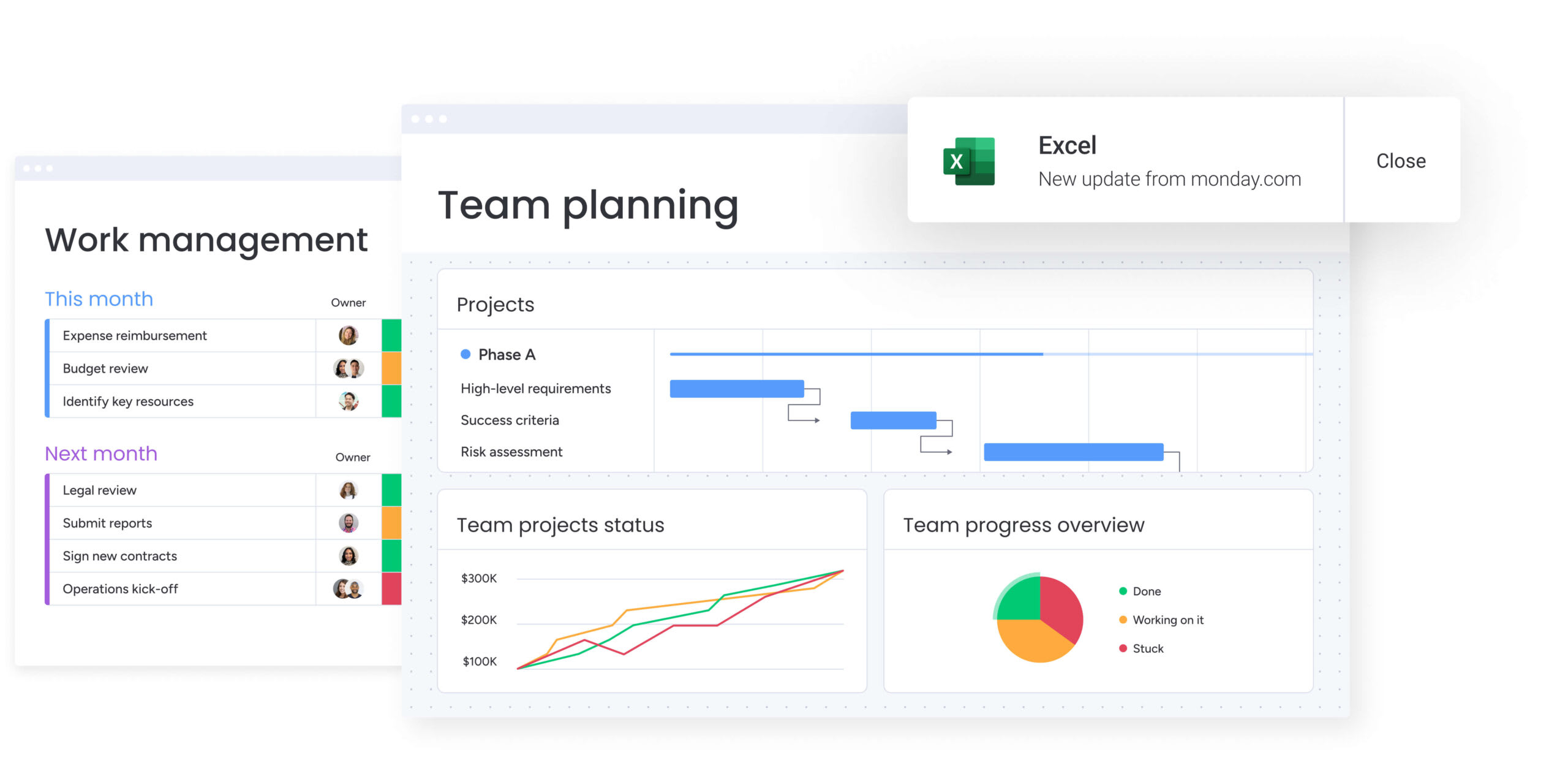
5 critical differences between Wrike and Smartsheet
Know how these platforms are built — it’ll save you from expensive migration disasters. This choice doesn’t just affect features — it changes how your teams think and work every day. Each platform’s core design philosophy creates specific advantages and limitations that impact long-term success.
Core architecture and flexibility
Smartsheet’s spreadsheet paradigm:
- Grid-based structure: every project is essentially a grid offering immense flexibility for data entry
- Data integrity risks: users can type anything anywhere, creating risks for structured data.
- Mental model: forces users to think in rows and columns.
Wrike’s hierarchical approach:
- Organized structure: work gets organized into Spaces, Folders, Projects, and items.
- Strict hierarchy: enforces organization but makes it difficult to manage work that doesn’t fit neatly into task definitions.
- Navigation complexity: users must navigate a complex tree structure to find information.
monday work management’s adaptive architecture:
- Board-based flexibility: visual boards adapt to any workflow — projects, processes, or portfolios—without forcing spreadsheet thinking or rigid hierarchies.
- Structured freedom: column types enforce data integrity (dates stay dates, statuses stay consistent) while giving teams visual flexibility.
- Natural mental model: teams see work the way they think about it—no translation into grids or folder trees required.
Learning curve and user adoption
User adoption is the primary failure point for enterprise software deployments: a challenge compounded by the fact that employees are already three times as likely to be using gen AI for >30% of daily work as executives think, highlighting significant adoption and change-management gaps.
Smartsheet adoption patterns:
- Initial advantage: benefits from Excel familiarity; users intuitively understand grid interaction.
- Secondary complexity: moving beyond basic lists requires learning proprietary formulas and linking syntax.
- Power user dependency: creates reliance on formula experts to maintain complex systems.
Wrike adoption challenges:
- Immediate friction: dense interface and non-intuitive navigational hierarchy.
- Department-specific success: adoption often lags in sales or HR where users prefer simple, visual interfaces.
- Fractured deployment: often results in PMO using Wrike while other departments stay in silos.
monday work management adoption advantage:
- Immediate productivity: visual, color-coded interface gets teams working in hours, not weeks —no training manuals required.
- Universal appeal: sales, marketing, HR, and IT all adopt quickly because the interface feels intuitive, not technical.
- Organization-wide success: high adoption across all departments eliminates silos and creates genuine cross-functional collaboration.
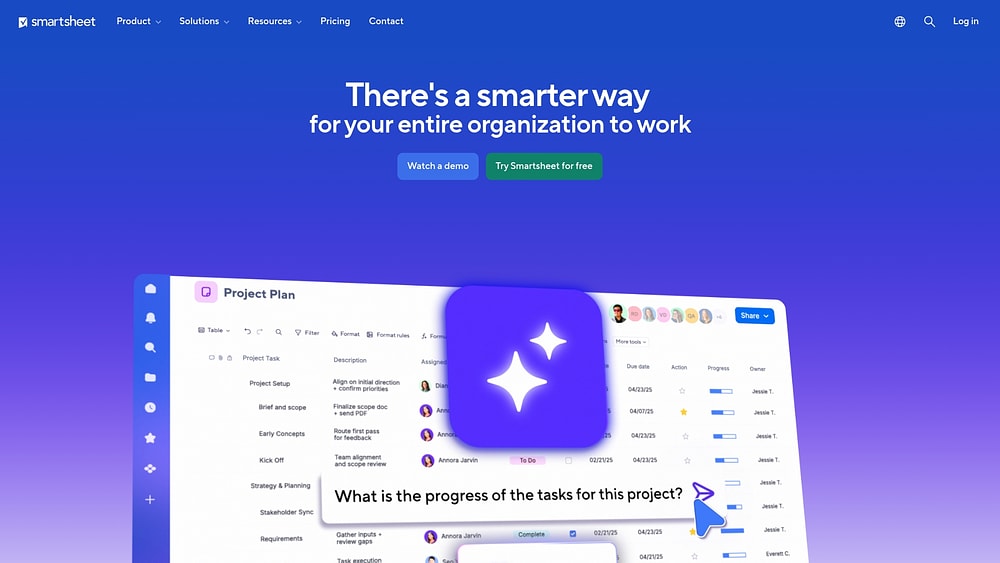
Customization without code or formulas
Real customization? Business users build workflows without calling IT. Each platform takes a fundamentally different approach to empowering users.
Smartsheet’s formula-dependent customization:
- Excel-like syntax: creating status reports or calculated fields requires writing formulas.
- Expert dependency: creates reliance on a few Smartsheet experts within the company.
- Maintenance challenges: complex formulas become difficult to audit and update.
Wrike’s configuration-based approach:
- Admin-controlled setup: admins define custom item types and workflows.
- Centralized control: removes formula complexity but centralizes customization power.
- User limitations: everyday users cannot easily adapt the system without administrator intervention.
monday work management’s no-code empowerment:
- Building blocks approach: drag-and-drop columns, automations, and integrations—no formulas, no coding, no IT tickets.
- Democratized customization: any team member can build and modify workflows to match how they actually work.
- Sustainable systems: visual automations and formulas are easy to understand, audit, and update as processes evolve.
Real scalability from teams to enterprise
Scalability isn’t just about speed — it’s also about whether admins can actually manage the thing. Each platform faces distinct challenges as organizations grow beyond initial pilot groups.
Smartsheet technical limits:
- Performance degradation: heavy sheets with many formulas and cell links become sluggish.
- Hard caps: cell count limitations restrict data volume.
- Complex linking: connecting data across hundreds of sheets requires fragile Cell Links that are difficult to audit.
Wrike administrative complexity:
- Navigation challenges: folder trees become unwieldy as organizations grow.
- Permission bottlenecks: granular but complex permissions create security issues.
- Access problems: users either have too much access or cannot see what they need
monday work management’s enterprise-grade scalability:
- Consistent performance: maintains speed and responsiveness from 10 to 10,000 users without architectural compromises.
- Intelligent governance: board-level permissions and enterprise controls that scale without creating bottlenecks.
- Connected data: relational connections between boards replace fragile links, creating a unified data layer that grows with your organization.
Cross-functional visibility and control
Visibility? It’s seeing what’s happening across your entire org — right now. Each platform approaches enterprise-wide reporting differently, with significant implications for executive decision-making.
Smartsheet’s manual aggregation:
- Report-based visibility: achieves cross-project views through Reports that aggregate rows from multiple sheets.
- Manual maintenance: new project sheets must be manually added to report scope.
- Executive blind spots: manual processes leave gaps in organizational visibility.
Wrike’s departmental limitations:
- Built-in analytics: offers improved out-of-the-box visibility through analytics views across entire Spaces.
- Adoption constraints: because Wrike is often used only by specific departments, executive view rarely provides holistic insight
- Missing context: lacks operational data from teams not using the platform.
monday work management’s unified visibility:
- Real-time dashboards: automatic aggregation across all boards — no manual maintenance, no missing data.
- Organization-wide adoption: because every department actually uses it, executives see complete operational reality, not departmental fragments.
- Strategic alignment: connect strategy boards to execution boards so leadership sees how daily work drives business outcomes in real time.

Smartsheet vs Wrike: complete feature comparison
Let’s break down how each platform handles what your business actually needs. Understanding these capabilities helps you evaluate which platform aligns with your organization’s specific needs and growth trajectory.
Project management capabilities
Watch how these platforms handle projects — it shows you what they’re really built for. Understanding their approach to methodology support, dependency management, and portfolio oversight helps you evaluate fit.
Methodology support comparison:
- Wrike: native support for Agile project management, Waterfall, and Kanban with specific views designed for each methodology.
- Smartsheet: supports methodologies via grid manipulation but feels less purpose-built for Agile ceremonies
- monday work management: adapts to any methodology without forcing teams into rigid structures — Agile boards, Gantt timelines, and Kanban views work together seamlessly, letting teams switch perspectives without rebuilding workflows.
Dependency and portfolio features:
- Wrike: robust critical path analysis and baseline tracking with visual timeline views.
- Smartsheet: simple finish-to-start logic in the grid; requires Control Center add-on for effective portfolio management at scale.
- monday work management: native dependency tracking across all boards with automatic critical path visualization — no add-ons required. Portfolio views aggregate data automatically, giving executives real-time visibility without manual report maintenance.
Collaboration and communication features
Effective collaboration requires more than file sharing. The way each platform handles contextual communication, creative review, and external access shapes how teams actually work together on a daily basis.
Communication and review capabilities:
- Contextual communication: Wrike allows commenting directly on items and files; Smartsheet supports row-level comments but often buries conversations in hidden panels.
- Proofing capabilities: Wrike excels with advanced markup for images and video directly in the interface; Smartsheet has proofing capabilities but with less integration into core workflow.
- External access: both platforms allow guest access, but Smartsheet’s publish feature is easier for sharing read-only views with stakeholders.
- monday work management: Threaded conversations stay attached to specific items with @mentions that actually notify the right people. Built-in file proofing with markup tools keeps feedback contextual. Guest access is unlimited and free, making external collaboration frictionless.
Resource management and workload planning
Get resource allocation wrong, and your projects fail. Simple as that. Each platform approaches capacity planning, allocation logic, and skills tracking differently, with significant implications for project success rates.
Capacity planning approaches:
- Native vs add-on: Wrike includes workload views in higher tiers; Smartsheet requires a separate product, Resource Management by Smartsheet (formerly 10,000ft), for true capacity planning.
- Allocation logic: Wrike allows effort-based allocation (4 hours/day); Smartsheet’s core product relies on manual percentage allocation in cells that doesn’t update dynamically with schedule changes.
- Skills tracking: neither platform offers comprehensive skills databases connected to work allocation without significant customization.
- monday work management: Workload views are built-in across all plans — no separate products or premium tiers required. Time tracking integrates directly with capacity planning, automatically updating availability as work progresses. Custom columns let you track skills, certifications, and availability without complex formulas.
Reporting, analytics, and dashboards
Execs don’t want stale reports: they need live data. Dashboard flexibility, BI capabilities, and cross-project rollup features determine how effectively leaders make data-driven decisions across the organization.
Dashboard and analytics comparison:
- Smartsheet dashboards: widget-based, require manual setup of underlying data sources, static and require ongoing maintenance.
- Wrike Analyze: PowerBI-style analytics within the platform, powerful but requires data analyst skills to build effectively.
- Cross-project rollups: Smartsheet struggles without Control Center add-on; Wrike handles rollups natively due to hierarchical structure.
- monday work management: dashboards update in real-time without manual maintenance—add a new board, and it automatically appears in relevant dashboards. No data analyst skills required; business users build sophisticated visualizations with drag-and-drop widgets. Cross-board rollups happen automatically through relational connections, giving executives complete organizational visibility.
Automation and workflow features
Automation either saves you time or buries you in busywork. That’s the difference. The trigger logic, complexity handling, and integration actions reveal automation maturity and real-world effectiveness.
Automation capabilities breakdown:
- Trigger logic: Smartsheet uses “When rows are added/changed” logic; Wrike uses “When task status changes” logic.
- Complexity handling: Wrike supports multi-stage approvals more effectively than Smartsheet; Smartsheet’s automations are easier to set up for simple alerts but become messy for complex business processes.
- Integration actions: both platforms can trigger actions in other applications via their automation engines, but deep two-way syncing usually requires third-party middleware.
- monday work management: visual automation builder lets any user create complex workflows without code — multi-stage approvals, conditional logic, and cross-board actions are simple to configure and easy to audit. Automations trigger based on any column change, time-based schedules, or external events. Native integration actions eliminate middleware costs, connecting directly to Slack, Teams, email, and 200+ apps without third-party tools.
AI and smart work features
AI isn’t a nice-to-have anymore — it’s expected. The generative capabilities, predictive insights, and strategic value of each platform’s AI offering reveal their readiness for the future of work.
Current AI capabilities:
- Smartsheet: AI generates formulas and text summaries for basic productivity enhancement.
- Wrike: AI suggests sub-items and summarizes comment threads; includes Project Risk AI that flags potential delays.
- Strategic limitations: both platforms treat AI as a productivity assistant rather than a strategic agent that optimizes resource allocation or automates decision-making.
- monday work management: AI is embedded throughout the platform — automatically generating items from emails, building formulas in plain language, summarizing complex threads, and categorizing requests by urgency. Unlike productivity-focused AI assistants, monday’s AI creates operational intelligence that optimizes workflows, suggests resource allocation, and identifies bottlenecks before they impact delivery.
Integration ecosystem and APIs
Your platform needs to play nice with the rest of your stack. Ecosystem alignment, connector availability, and API access determine how well they fit into your existing technology stack and future growth plans.
Integration landscape:
- Ecosystem alignment: Smartsheet has strong Microsoft ecosystem alignment; Wrike integrates heavily with Adobe Creative Cloud and Salesforce.
- Connector costs: both offer pre-built connectors (Smartsheet Data Shuttle, Wrike Integrate) that often come at additional cost
- API comparison: Wrike’s object-oriented API is generally preferred by developers for building complex custom integrations compared to Smartsheet’s cell-based API.
- monday work management: 200+ native integrations included without additional connector fees—Microsoft, Google, Salesforce, Adobe, Slack, Zoom, and more work out of the box. The platform’s flexible API and extensive developer documentation make custom integrations straightforward. Unlike ecosystem-specific tools, monday connects everything: your CRM, marketing automation, support desk, and financial systems all sync bidirectionally.
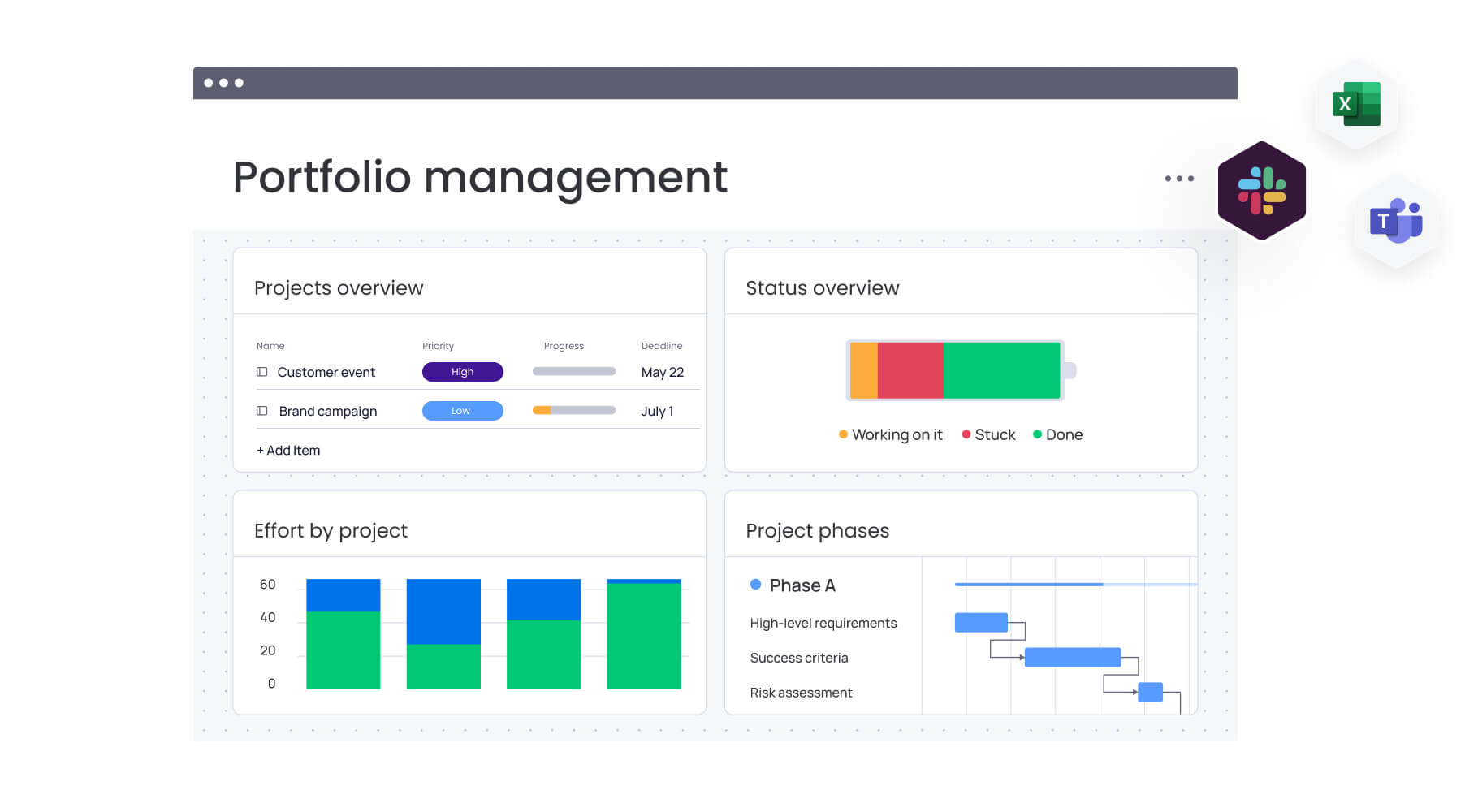
True cost comparison: what you'll actually pay
License fees? That’s just the start. Real TCO? Factor in add-ons, implementation, and maintenance—they’ll blow your budget.
Published pricing tiers
| Feature | Smartsheet (Enterprise) | Wrike (Pinnacle) | monday work management |
|---|---|---|---|
| Pricing model | Per user/month | Per user/month | Per user/month |
| User minimums | Typically 3+ | Typically 5+ | 3 seats minimum |
| Guest access | Free (unlimited) | Free (collaborators) | Free (unlimited) |
| Storage | Limited per sheet | Pooled storage | Generous pooled storage that scales with your plan |
Enterprise pricing is custom for both platforms, typically ranging from $30-$60+ per user/month depending on volume and add-ons.
Hidden costs and essential add-ons
Sticker price? That’s not even half the story. Understanding which capabilities require additional investment helps you build an accurate budget and avoid surprises during implementation.
Smartsheet hidden costs:
- Control Center: essential for portfolio management and blueprinting at scale (five-figure annual addition).
- Data Shuttle: required for automated data upload/offload to ERPs (sold separately).
- Premium support: 20-30% of license cost for rapid-response support and dedicated success managers.
Wrike hidden costs:
- Wrike Integrate: advanced integration capabilities often require separate license fee.
- Wrike Analyze: advanced BI reporting is an add-on in many contract structures.
- Premium support: similar 20-30% premium for enhanced support services.
monday work management’s transparent pricing:
- No surprise add-ons: portfolio management, automations, integrations, and dashboards are included — no five-figure Control Center fees or separate integration licenses
- Built-in capabilities: what you see is what you pay — advanced reporting, BI analytics, and data connections work out of the box without hidden costs.
- Predictable support: comprehensive support included at every tier without 20-30% premium fees for basic responsiveness.
Implementation and training investment
Implementation for enterprise deployments requires significant investment beyond licenses. Each platform demands different expertise and time commitments that impact your total investment.
Smartsheet implementation requirements:
- Solution architects: design sheet architecture and build complex formulas
- Training focus: teaching users to build and maintain durable formulas for data integrity.
Wrike implementation requirements:
- Process consultants: map business processes to Wrike’s rigid hierarchy.
- Training focus: navigation skills and adherence to process governance.
monday work management implementation advantage:
- Minimal consulting needs: intuitive interface eliminates the need for expensive solution architects or process consultants — business users configure workflows themselves.
- Training simplicity: teams become productive in days, not months — no formula syntax or complex navigation to master, just visual building blocks that make sense immediately.
Expect three to six months for full rollout to 500+ users with Smartsheet or Wrike, with consulting fees ranging from $15,000 to $100,000+. monday work management typically deploys in four to eight weeks with minimal consulting investment because the platform adapts to how teams already work.
Implementation reality check: what to expect
Want a successful rollout? Know the real challenges and timelines upfront. Setting realistic expectations helps prevent frustration and ensures proper resource allocation throughout the implementation process.
Realistic deployment timelines
Deployment timelines vary significantly based on organizational size and complexity. Each phase requires specific attention to ensure successful adoption across different user groups.
Timeline breakdown by organization size:
- Small teams (under 50): four to eight weeks for basic workspace setup and one round of training.
- Mid-market (50-500): three to five months including pilot groups, security reviews, and custom workflow configuration.
- Enterprise (500+): six to twelve months involving phased rollouts, legacy data migration, and extensive integration testing.
Smartsheet pilots start faster but take longer to scale due to architectural planning. Wrike takes longer to configure initially but scales more predictably once the hierarchy is set.
monday work management deployment reality:
- Small teams (under 50): one to two weeks — teams start working immediately without extensive training or configuration.
- Mid-market (50-500): four to eight weeks including security setup and workflow customization—no complex architectural planning required.
- Enterprise (500+): two to four months for phased rollout — significantly faster because the platform’s intuitive design eliminates lengthy training cycles and the visual interface reduces change management resistance.
Change management requirements
Change management? It’s the thing that kills most rollouts. Each platform presents unique behavioral challenges that require different approaches to ensure successful adoption.
Platform-specific change challenges:
- Smartsheet: behavioral challenge of stopping users from treating it like a personal scratchpad and enforcing data standardization.
- Wrike: navigational challenge where users often resist the complex interface and retreat to email.
- monday work management: minimal resistance because the visual, color-coded interface feels intuitive from day one — teams actually want to use it instead of reverting to spreadsheets or email, dramatically reducing change management investment
Successful adoption with Smartsheet or Wrike requires executive mandates, champion programs, and a commitment to improving underlying processes alongside the new platform. monday work management achieves organic adoption because it adapts to existing processes rather than forcing teams into rigid structures.
Data migration and integration complexity
Migrating from your current setup? Expect technical headaches and organizational chaos. Understanding these complexities helps you plan adequate resources and realistic timelines.
Migration realities:
- Smartsheet migration: involves exporting data to CSVs and re-mapping columns; you lose historical context, comments, and file attachments during flat-file transfer.
- Wrike migration: equally complex; mapping flat spreadsheets into Wrike’s hierarchical folder structure requires significant manual decision-making.
- monday work management migration: flexible import tools accept data in multiple formats without forcing it into rigid structures — historical context, attachments, and relationships transfer cleanly because the platform adapts to your data model rather than requiring you to rebuild everything from scratch.
Integration setup often reveals dirty data in source systems that must be cleaned before synchronization can work. monday work management’s visual data mapping makes it easy to spot and fix data quality issues during migration, while native integrations eliminate the middleware complexity that plagues Smartsheet and Wrike implementations.
Try monday work managementSetting realistic expectations helps prevent frustration and ensures proper resource allocation throughout the implementation process.
Making the right choice for your organization's future
Smartsheet and Wrike work for specific needs, but their limits matter. Will they grow with you? Don’t just think about today: think about where you’ll be in three years.
The limitation of project-only platforms
Both Smartsheet and Wrike are fundamentally designed to manage projects with start and end dates. However, business is continuous, involving ongoing processes, retainer work, strategic goals, and operational maintenance. Using project-focused platforms to manage continuous flows creates silos where strategy disconnects from execution.
Impact on organizational agility:
- Reporting focus: teams report on items completed rather than business value delivered.
- Strategic disconnect: limited ability to pivot quickly in response to market changes.
- Operational gaps: ongoing processes don’t fit neatly into project-based structures.
Work management that connects everything
Organizations increasingly need workflow management platforms that bridge the gap between strategic planning and daily execution. monday work management operates as a true Work OS, designed to connect every aspect of the organization rather than just manage discrete projects.
Unified approach benefits:
- Relational connectivity: boards can be linked relationally, so a Strategy Board connects directly to Projects and Resources.
- Real-time updates: when status changes, it updates strategy and resource availability instantly
- Cross-functional visibility: eliminates the silos created by department-specific tools.
How monday work management addresses key limitations:
| Capability | Smartsheet | Wrike | monday work management |
|---|---|---|---|
| Cross-functional workflows | Manual linking required | Rigid hierarchy limits flow | Native relational connection across departments |
| Customization | Complex formulas | IT-heavy configuration | No-code building blocks for any user |
| User adoption | High for Excel users only | Low; steep learning curve | High; intuitive, visual interface |
| Scalability | Performance drags at scale | Navigation becomes complex | Enterprise-grade performance and governance |
AI-powered intelligence without complexity
monday work management embeds AI into the platform’s core, moving beyond simple text generation to create genuine operational intelligence. Capabilities like automated item generation, smart formula building, and email composition are accessible to every user without requiring technical expertise.
The platform creates an intelligent layer that can summarize complex project updates into executive briefs or automatically categorize incoming requests based on sentiment and urgency. This democratizes AI, allowing non-technical teams to leverage machine learning to optimize their daily work.
AI capabilities that actually work:
- Intelligent item creation: forward an email to your board, and AI automatically extracts tasks, assigns owners, sets deadlines, and populates relevant fields — no manual data entry, no copy-paste busywork.
- Natural language formulas: type what you want in plain English (“show me overdue items assigned to Sarah”), and AI builds the formula instantly — no syntax memorization, no formula experts required.
- Smart summarization: AI reads through dozens of updates and comments, then generates executive summaries that capture what actually matters — perfect for leadership reviews without manual report writing
- Sentiment analysis: incoming requests get automatically categorized by urgency and tone, routing critical issues to the right teams before they escalate into problems.
- Content generation: AI drafts status updates, client emails, and project briefs based on your board data: maintaining your tone while eliminating the blank-page problem.

Automation that connects the dots:
While Smartsheet requires formula expertise and Wrike demands admin configuration, monday work management lets any user build sophisticated process automations through visual, if-this-then-that logic that actually makes sense.
- Cross-board workflows: when a deal closes in Sales, automatically create onboarding tasks in Operations, notify the delivery team in Slack, and update capacity in Resource Planning —all without middleware or IT tickets.
- Conditional intelligence: automations understand context — if a high-priority item sits untouched for two hours, escalate to a manager; if budget exceeds threshold, trigger approval workflow; if timeline shifts, recalculate dependencies across connected boards.
- Integration actions: trigger actions in 200+ connected apps — create Jira tickets, send Teams notifications, update Salesforce records, generate invoices in QuickBooks — all from a single automation without writing code.
- Time-based intelligence: schedule recurring tasks, send reminder sequences, archive completed projects, and generate weekly reports — all running automatically in the background while your team focuses on actual work.
The difference? Smartsheet’s automations require understanding cell references and formula syntax. Wrike’s automations need admin permissions and complex configuration. monday work management’s visual automation builder works like explaining your process to a colleague — intuitive, immediate, and powerful enough to handle enterprise complexity without technical debt.
Frequently asked questions
How quickly can teams implement Smartsheet or Wrike?
Small teams can deploy basic task management functions in four to eight weeks, but enterprise-wide implementation for either platform typically requires three to six months of configuration, training, and data migration.
Is it possible to migrate data between Smartsheet and Wrike?
Direct migration is difficult. While both support CSV export/import, you lose historical data, comments, and file attachments, requiring third-party migration assistance or manual reconstruction.
Which platform provides superior support for remote and hybrid teams?
Wrike offers improved native proofing and in-context communication for remote creative teams, while Smartsheet relies more on external communication integrations like Slack or Teams.
How do Smartsheet and Wrike handle enterprise security requirements?
Both platforms offer enterprise-grade security including SSO, 2FA, and encryption, with certifications like SOC2 and HIPAA compliance available on their top-tier enterprise plans.
What level of customer support does each platform provide?
Both vendors restrict 24/7 phone support and dedicated customer success managers to their highest-priced enterprise tiers, leaving standard users with self-service knowledge bases and ticket-based support.
How does monday work management compare to both platforms?
monday work management offers a more flexible, intuitive Work OS that bridges the gap between Smartsheet's grids and Wrike's structure, providing superior cross-functional connectivity, adoption rates, and built-in AI capabilities without requiring complex formulas or rigid hierarchies.

 Get started