


Project management software should make work feel clearer and faster. Too often, it does the opposite. Teams end up navigating complex interfaces, sitting through long onboarding sessions, and building workarounds just to get basic visibility. Features that promise efficiency are locked behind higher-tier plans, and cross-department coordination still requires manual updates and status meetings.
That friction is why many organizations are actively exploring Wrike alternatives. Modern teams want platforms that adapt to how they work, not tools that force rigid structures and admin-heavy processes. They need software that connects marketing to operations, product to sales, and strategy to daily execution without slowing everyone down.
In this guide, we break down some of the best Wrike alternatives for 2026. You’ll see how each platform compares on implementation speed, workflow flexibility, AI capabilities, and long-term value. Whether you’re scaling fast or simply looking for a more intuitive way to manage projects, this overview will help you find a solution that supports how your team actually works.
Key takeaways
- Teams are seeking flexibility: Modern organizations prioritize platforms that adapt to unique departmental workflows rather than enforcing rigid structures.
- Complexity limits adoption: Platforms with steep learning curves and clunky interfaces slow down productivity and reduce engagement.
- Cross-functional visibility is essential: Unifying workflows across marketing, operations, and other departments improves decision-making and reduces bottlenecks.
- AI capabilities can drive efficiency: Embedded AI features, such as task automation and data extraction, help teams reduce manual work and accelerate project execution.
- monday work management supports rapid deployment: Intuitive design and customizable workflows allow organizations to implement solutions quickly while maintaining portfolio-level oversight.
Why teams are switching from Wrike to simpler solutions
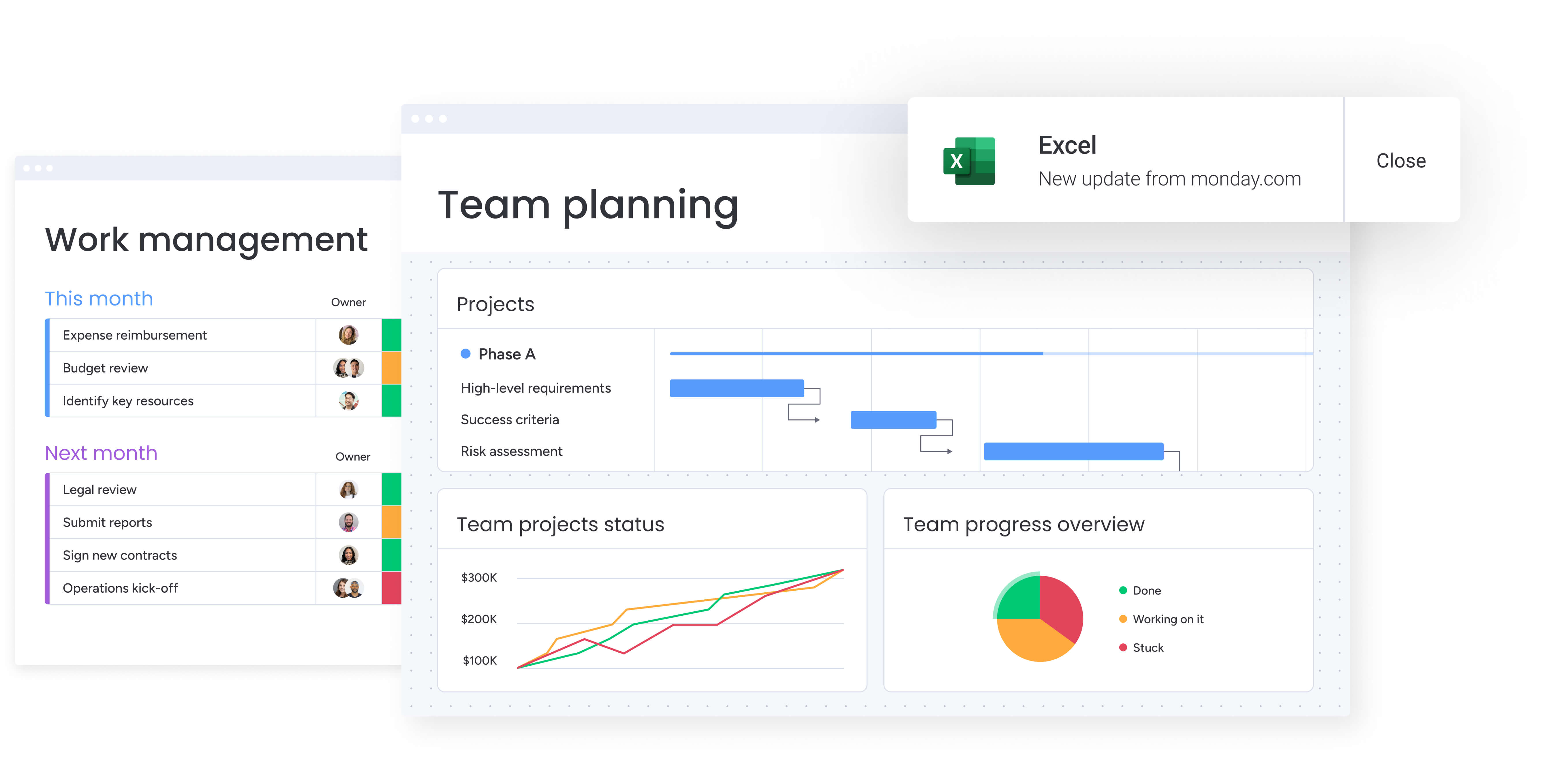
Work habits have evolved dramatically, yet many project management platforms have not kept pace. Today’s teams expect software that works intuitively — no excessive admin required. Platforms should adapt to workflows, not force teams to adjust to rigid structures.
Wrike was designed for top-down control, which has been standard in years gone by. However, modern teams need to align marketing plans with operational realities and connect daily work to larger organizational goals. The mismatch between outdated platforms and dynamic team needs is widening, prompting organizations to explore more flexible alternatives.
These frustrations are motivating companies to jump ship, with some of the most common painpoints including:
- Suffocating complexity: Clunky interfaces and steep learning curves turn software into a bottleneck rather than an accelerator.
- Inflexible cost structures: Critical features are often hidden behind expensive enterprise plans, misaligned with team usage or budget constraints.
- Departmental isolation: Limited cross-functional visibility makes orchestrating work across the organization nearly impossible.
Complexity kills adoption
Powerful software delivers value only when teams actively use it. With legacy systems, new hires spend weeks navigating manuals instead of contributing. The result is slowed work, reduced productivity, and poor adoption.
Intuitive platforms, by contrast, democratize capabilities and encourage adoption. Teams can organize workflows without reverting to spreadsheets or emails. Advanced features are also accessible immediately, allowing leaders to deploy and adjust processes efficiently.
Enterprise pricing without the flexibility
Many pricing models create a false choice: limit your team or overpay for unnecessary features. Essential capabilities like automation and advanced reporting are often gated behind high-tier plans, making them inaccessible to growing teams.
This rigidity strains budgets without delivering proportional value. As organizations expand, they frequently outgrow basic plans yet cannot justify enterprise pricing. Teams benefit from software that scales with their needs rather than holding workflows hostage for higher fees.
Unified workflows are non-negotiable

High-performing work relies on connectivity. For example, product launches require marketing, operations, sales, and support to move in harmony. Platforms that unify teams enable information to flow freely, keeping projects on track.
Breaking down silos, rather than reinforcing them, allows employees to see how their contributions impact larger goals. Without this visibility, even the most ambitious objectives remain out of reach.
A quick comparison of 15 Wrike alternatives
Choosing a work management platform is a long-term decision that influences team operations for years. Options range from lightweight project trackers to full-scale business systems. The table below highlights top choices based on speed of implementation, adoption potential, and capacity for complex, multi-department workflows.
| Platform | Best for | Starting price | Key strength | Implementation time |
|---|---|---|---|---|
| monday work management | Cross-departmental workflow orchestration | $9/user/month | AI-powered automation with Digital Workforce and a unified workspace for all teams | Days to weeks |
| Smartsheet | Teams comfortable with spreadsheet interfaces | $7/user/month | Grid-based familiarity with enterprise reporting | 2 – 4 weeks |
| ClickUp | Teams wanting extensive customization options | Free tier available | Feature-rich all-in-one approach | 3–6 weeks |
| Asana | Small to mid-sized teams focused on project management | Free tier available | Clean interface with a strong mobile experience | 1–2 weeks |
| Trello | Simple visual project tracking | Free tier available | Intuitive Kanban board system | Days |
| Screendragon | Creative and marketing teams | Custom pricing | Specialized creative workflow management | 4–8 weeks |
| Ravetree | Professional services and agencies | $29/user/month | Project profitability tracking with time billing | 2–4 weeks |
| GoodDay | Teams needing business management integration | $4/user/month | Comprehensive planning with business features | 3–5 weeks |
| Teamwork | Client-facing project delivery | Free tier available | Strong client portal capabilities | 2–3 weeks |
| Notion | Documentation-heavy workflows | Free tier available | Flexible content creation with basic PM | 1–2 weeks |
| Zoho Projects | Existing Zoho ecosystem users | $4/user/month | Deep integration with the Zoho suite | 2–4 weeks |
| Basecamp | Teams prioritizing simplicity | $15/user/month | Straightforward communication focus | Days to 1 week |
| Airtable | Database-driven project needs | Free tier available | Relational database flexibility | 2–4 weeks |
| Jira | Software development teams | $7.75/user/month | Advanced Agile and sprint management | 4–8 weeks |
| MeisterTask | Design-conscious smaller teams | Free tier available | Visual appeal with automation | 1–2 weeks |
Implementation timelines indicate platform complexity. Teams seeking rapid deployment without sacrificing power must balance usability with enterprise capability. Modern platforms like monday work management enable organizations to build sophisticated workflows in a fraction of the time compared with legacy systems.
15 best alternatives to Wrike
The ideal work management platform adapts to your processes rather than forcing your team to adjust. It should connect departments and accelerate progress while supporting dynamic, evolving workflows.
The following list highlights 15 powerful alternatives for organizations seeking a more flexible solution than Wrike. Each platform was evaluated on critical success factors, including speed of implementation, user-friendly design that drives adoption, and the ability to manage complex, multi-departmental projects.
These solutions reflect the realities of modern work: collaborative, transparent, and iterative. They enable teams to maintain momentum, share insights effortlessly, and stay aligned across multiple workflows without imposing rigid structures.
1. monday work management
Intelligent platforms like monday work management unify goals, execution, and reporting within a single, adaptable workspace. Enterprise teams across marketing, operations, and PMO functions gain rigorous workflow control with an intuitive interface.
Productivity begins almost immediately, scaling from departmental processes to portfolio-level oversight. Research highlights a payback period under four months, demonstrating rapid value.
Use case:
Organizations managing complex cross-departmental workflows gain unified visibility, practical AI integration, and fast rollout measured in days rather than months.
Key features:
- Portfolio management: Aggregate work from multiple projects into a high-level view to track value and performance across the organization.
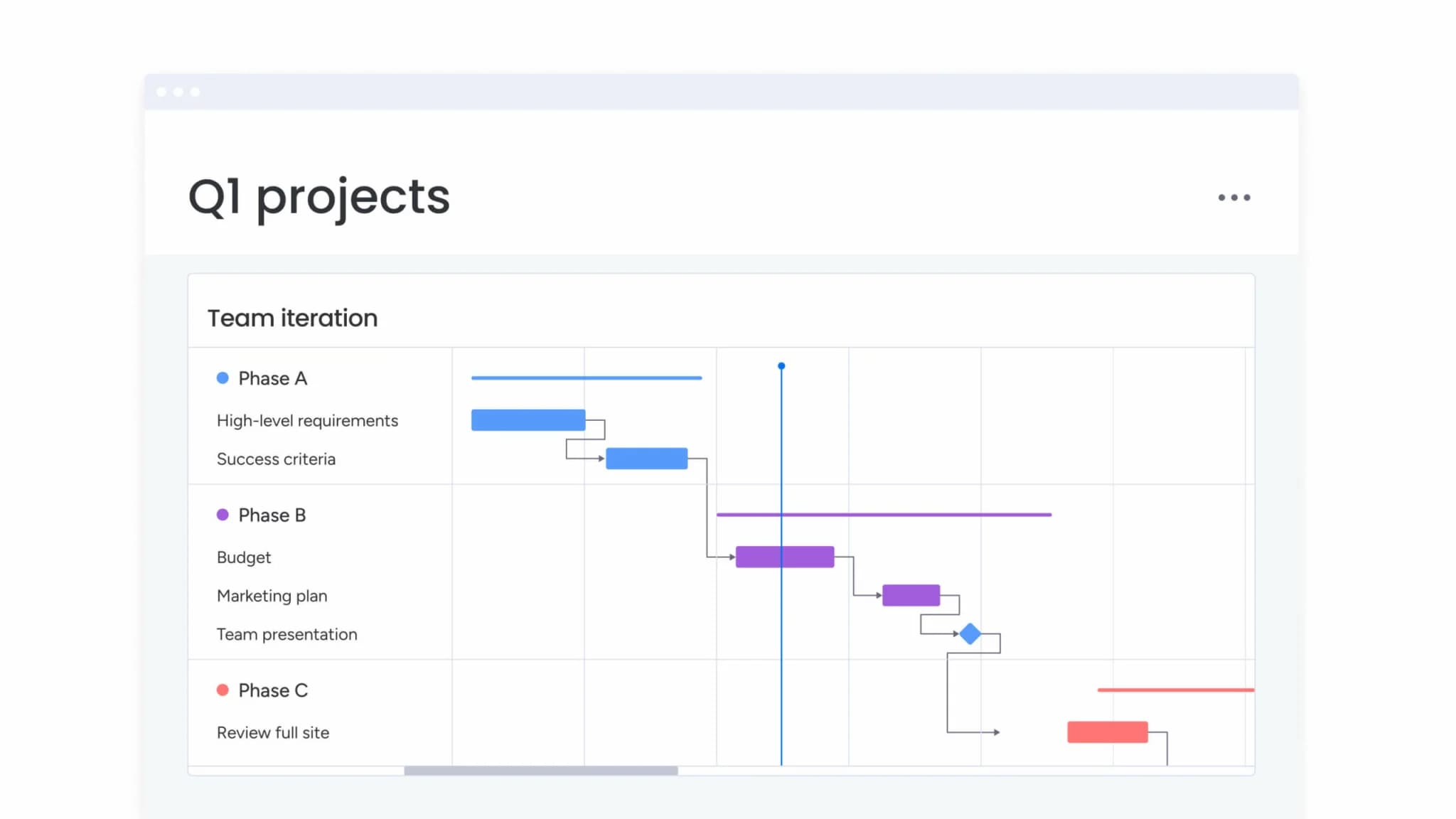
- PMO capabilities: Use Gantt, dependencies, milestones, critical path, and baseline features to manage schedules, identify delays, and compare planned versus actual progress.
- Dashboards & reporting: Create live, shareable reports via dashboards and widgets, allowing leaders to review status without chasing updates.
- Flexible views: Visualize data through Gantt, Kanban, Timeline, Calendar, and Workload views, keeping teams aligned without enforcing a single format.
- Project intake & approvals: Standardize request capture and routing to ensure decisions are made efficiently.
AI capabilities:
AI embedded within workflows reduces manual effort and accelerates high-volume tasks:
- AI Blocks: Insert capabilities such as categorize, extract info, summarize, translate, and detect sentiment directly into workflows.
- Autofill with AI: Populate columns instantly, summarizing updates or extracting key information from documents.
- Assign person with AI: Route work automatically in the People Column based on expertise and role.
Admins retain control to enable or disable AI features via Administration settings.
Automations and templates:
Teams can standardize work movement while maintaining ownership:
- Automations and templates: Deploy templated boards, automate approval notifications, and streamline handoffs to reduce manual follow-up.
Integrations and connected work:
Speed improves when workflows remain connected to existing tools:
- Integrations: Connect with Slack, Microsoft Teams, Gmail, Outlook, Google Drive, Zoom, and Jira Cloud.
- Excel connectivity: Import existing spreadsheets to maintain collaboration and data consistency.
Wrike alternatives strengths:
- Unified execution: Manage marketing campaigns, operational tasks, and PMO portfolios in one workspace with shared governance.
- Rapid adoption: High adoption rates ensure workflows are actively used, maintaining accurate portfolio data.
- Actionable visibility: Stakeholders view real-time dashboards and timelines for informed decision-making.
Pricing:
- Free: Up to two seats, three boards, and 200 items.
- Basic: $9/user/month (annual) — unlimited personal boards and basic integrations.
- Standard: $12/user/month (annual) — timeline views, calendar integration, and guest access.
- Pro: $19/user/month (annual) — private boards, time tracking, and advanced automations.
- Enterprise: Custom pricing — advanced security, analytics, and multi-level permissions.
Annual billing provides an 18% discount. AI features include trial credits with options to purchase more capacity.
Why it stands out:
- Market leader: Recognized in the 2025 Gartner® Magic Quadrant for collaborative work management and adaptive project reporting.
- Fast ROI: Research shows a payback period under four months.
- User preference: High adoption ensures portfolio data remains reliable.
2. Smartsheet
For teams that think in rows and columns, Smartsheet bridges the gap between Excel flexibility and enterprise coordination. It appeals to data-heavy organizations by retaining the familiar grid interface while adding collaboration and automation layers.
With 85% of Fortune 500 companies using its spreadsheet-evolved approach, Smartsheet provides a comfortable transition for teams moving away from static files.
Use case:
Groups with strong spreadsheet expertise managing complex data who need collaborative functionality without losing grid-based workflows.
Key features:
- Grid interface: Reduces the learning curve for Excel users while supporting real-time updates.
- Control Center: Standardizes project templates and governance for large-scale portfolio management.
- Dynamic View: Securely shares only relevant data fields with external partners or stakeholders.
Pricing:
- Pro: $9/user/month (annual).
- Business: $19/user/month (annual).
- Enterprise: Quote-based.
- Premium add-ons like Dynamic View and Data Shuttle are sold separately.
Considerations:
- Cell and row limits: 500,000 cells and 20,000 rows may restrict very large datasets.
- Total cost: Can rise significantly when adding necessary premium features.
3. ClickUp
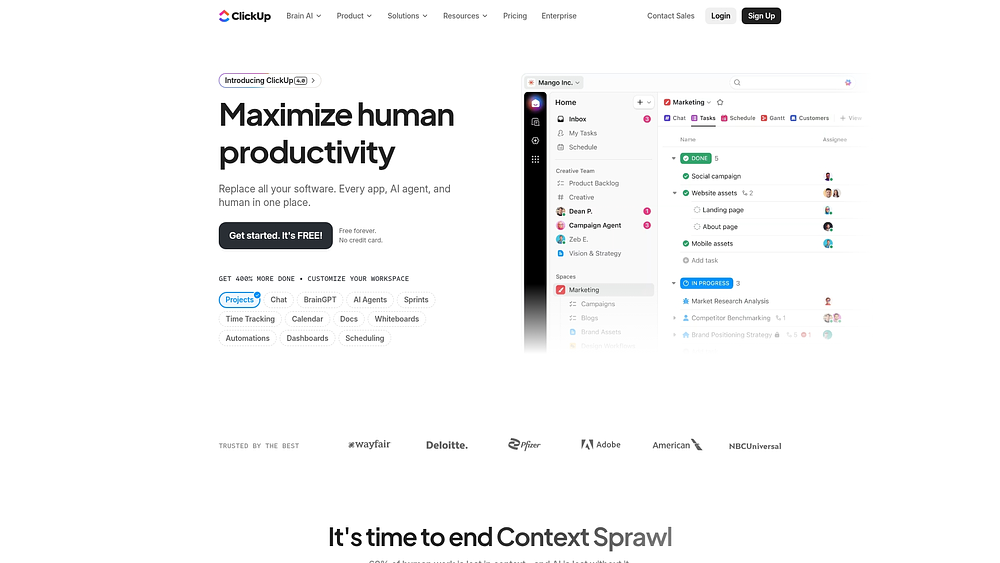
ClickUp positions itself as an all-in-one platform, consolidating projects, docs, whiteboards, and chat into a single ecosystem to reduce app sprawl. It attracts teams willing to invest time in configuration to achieve a fully customized workspace. With significant market presence, ClickUp targets organizations that want to centralize all aspects of their digital work.
Use case:
Teams with dedicated administrators who desire deep customization and are prepared for a longer setup phase to build a unified digital environment.
Key features:
- ClickUp Brain: Integrates AI for search, transcription, and writing assistance across the platform.
- Hierarchy & Views: Highly configurable structure (Spaces, Folders, Lists) with over 15 visualization options.
- Automation: Extensive library of pre-built recipes and triggers for no-code workflow creation.
Pricing:
- Free Forever: Robust free tier with storage limits.
- Unlimited: $7/user/month (annual).
- Business: $12/user/month (annual).
- Enterprise: Custom pricing.
Considerations:
- Learning curve: The large number of features can overwhelm new users.
- Performance: Users report lags with large datasets and occasional stability issues.
4. Asana
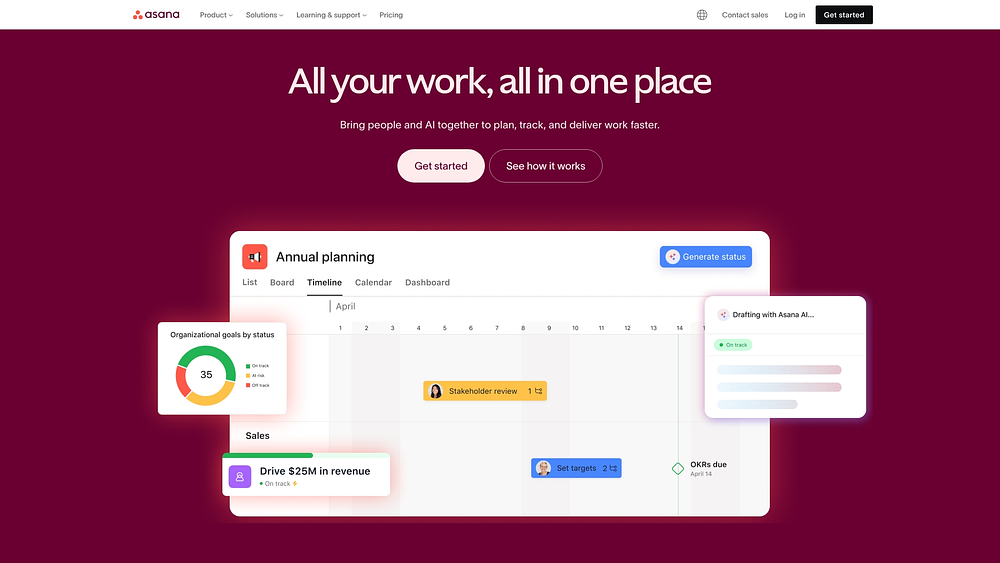
Asana emphasizes visibility and accountability, connecting daily tasks to broader organizational objectives through its Work Graph model. It is designed for cross-functional enterprise teams needing coordinated workflows and transparency. High adoption among Fortune 500 companies reflects its balance of enterprise security and user-friendly design.
Use case:
Organizations prioritizing structured coordination, goal alignment, and governance across teams.
Key features:
- Work Graph: Links daily work to strategic objectives for holistic visibility.
- AI Studio: Provides intelligent workflow automation and collaborative agents.
- Security: Meets standards including SOC 2 Type II and FedRAMP in process.
Pricing:
- Personal: Free (up to ten teammates).
- Starter: $10.99/user/month (annual).
- Advanced: $24.99/user/month (annual).
- Enterprise: Custom pricing.
Considerations:
- Assignment model: The “one task, one assignee” philosophy may restrict collaborative workflows.
- Advanced features: Enterprise security and data residency require the most expensive tiers.
5. Trello
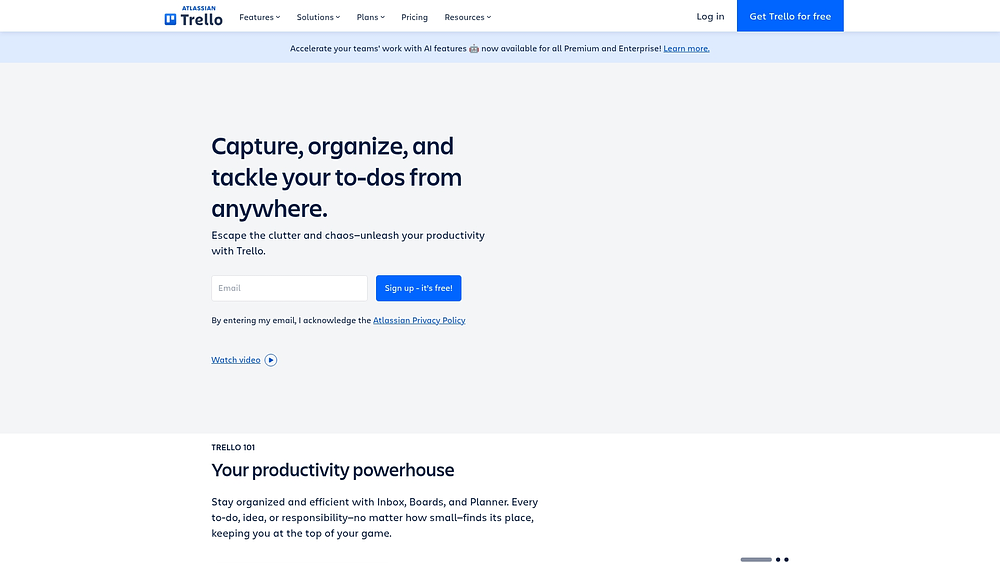
Trello popularized digital Kanban boards, offering a visual and intuitive way to track progress. It excels at breaking projects into manageable cards and lists, requiring little training to get started. Teams valuing simplicity and visual clarity continue to find Trello an effective solution.
Use case:
Teams managing linear projects who prefer a simple visual workflow and rapid setup over complex project management features.
Key features:
- Kanban boards: Drag-and-drop interface provides immediate status visibility.
- Butler automation: Simple, no-code rules automate repetitive actions.
- Power-Ups: Extensive library of integrations to extend functionality.
Pricing:
- Free: Basic boards for small teams.
- Standard: $5/user/month (annual).
- Premium: $10/user/month (annual).
- Enterprise: $17.50/user/month (annual).
Considerations:
- Reporting: Limited compared to full-scale work management platforms.
- Resource management: Handling complex workloads often requires third-party add-ons or workarounds.
6. Screendragon
Screendragon targets marketing teams and creative agencies, offering a platform designed for their unique workflows. It unifies campaign management, creative approvals, and resource allocation within a governed system. Trusted by major global brands, it addresses the challenges of orchestrating creative projects from brief to final delivery.

Use case:
Marketing departments and agencies handling high-volume campaigns with complex approval processes.
Key features:
- Custom workflows: Role-based routing and embedded proofing built for creative teams.
- AI agent suite: Automates briefing, scoping, and compliance checks.
- Resource management: Skills-based allocation and real-time capacity planning.
Pricing:
- Custom: Quote-based subscription with setup fees.
Considerations:
- Admin console complexity: Setup can require a steep learning curve.
- Mobile functionality: Limited features may affect remote access.
7. Ravetree
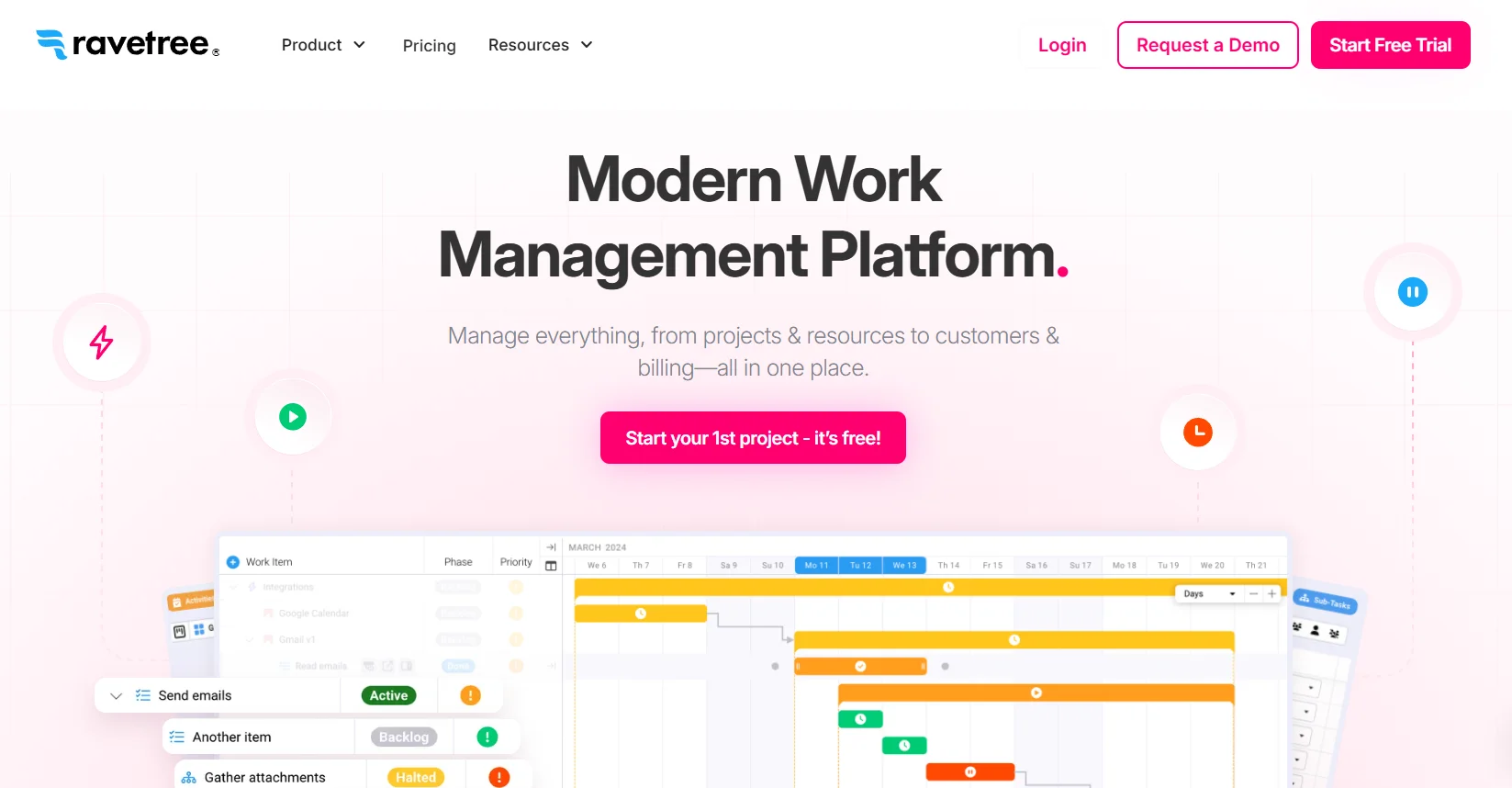
Ravetree serves professional services firms that rely on billable hours, combining project execution with financial tracking. It integrates resource allocation, client collaboration, and budget monitoring, making it essential for agencies focused on project profitability. This financial emphasis distinguishes it from generalist work management tools.
Use case:
Agencies and service firms tracking time, managing retainers, and monitoring project profitability.
Key features:
- Profitability tracking: Provides a real-time view of budgets versus actuals.
- Integrated billing: Automates invoicing from time entries.
- Client portals: Allows clients to approve files and view project updates.
Pricing:
- Annual: $29/user/month.
- Quarterly: $34/user/month.
- Monthly: $39/user/month.
Considerations:
- Learning curve: Extensive financial features may be challenging for non-financial users.
- Limited internal focus: Less suitable for teams not managing billable client work.
8. GoodDay
GoodDay addresses the execution gap by linking strategic goals to daily tasks. It combines business intelligence with work management and features an “Action Required” system that clarifies ownership. This emphasis on accountability benefits organizations where tasks often fall through the cracks.

Use case:
Teams seeking to connect strategic planning, such as OKRs, directly to project execution.
Key features:
- Strategic alignment: Links organizational goals directly to daily tasks.
- Configurable views: Offers over twenty visualization options including Gantt and workload.
- Accountability: Systematically identifies the next owner for each item.
Pricing:
- Free: Basic features for small teams.
- Professional: $4/user/month (annual).
- Business: $7/user/month (annual).
- Enterprise: Custom pricing.
Considerations:
- Mobile experience: Lags behind desktop functionality.
- Customization complexity: Extensive options can make initial setup challenging.
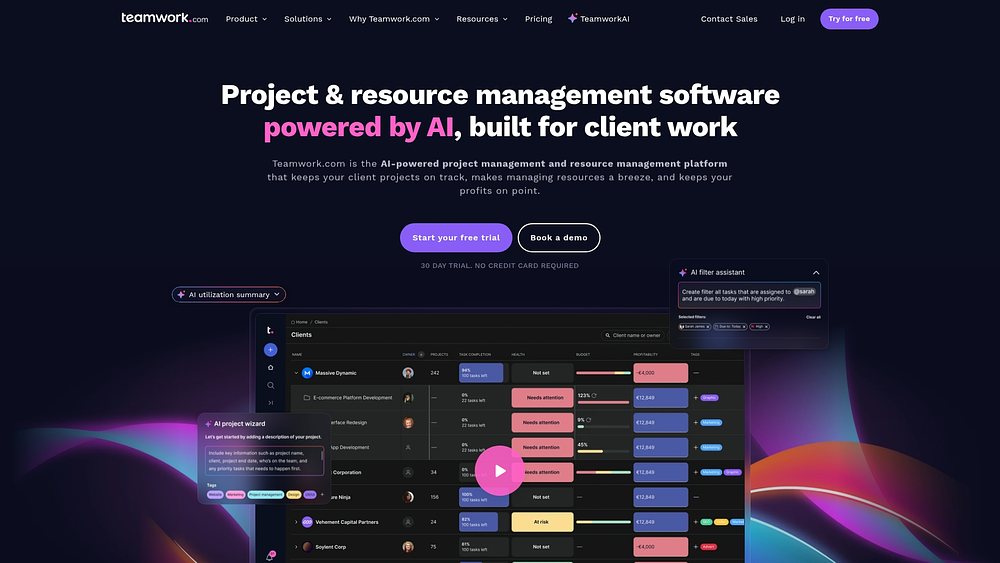
9. Teamwork
Teamwork focuses on balancing internal efficiency with client visibility. It provides agencies and consultancies with project management tools while giving clients clear insight into progress. Integrated time tracking and billing streamline the client delivery lifecycle.
Use case:
Client-service organizations needing strong external communication alongside project management.
Key features:
- Client portals: Dedicated spaces for client feedback and updates.
- Time tracking: Built-in tools for billable hours and invoicing.
- Profitability monitoring: Tracks project margins in real time.
Pricing:
- Free: Small teams (five users).
- Deliver: $9.99/user/month (annual).
- Grow: $17.99/user/month (annual).
- Scale: Custom pricing.
Considerations:
- Resource scheduling: Critical features are reserved for higher-tier plans.
- Interface navigation: Some users find it less intuitive than alternatives.
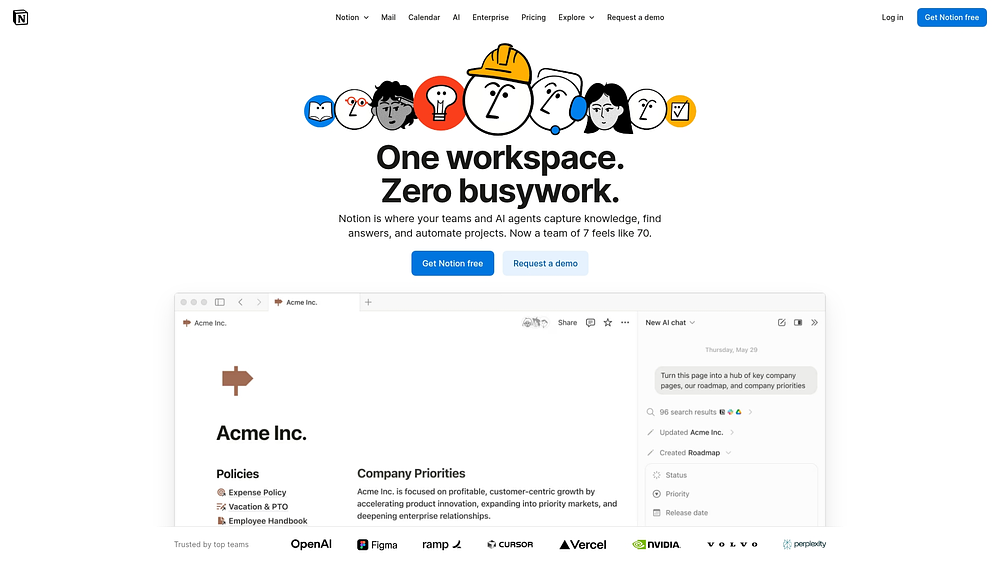
10. Notion
Notion reimagines the workspace as a flexible system of building blocks, combining documents, wikis, and project management into a unified interface. It works best for knowledge-centric teams that want to design their own systems without code. Its adaptability makes it a popular choice for documentation and content-heavy workflows.
Use case:
Teams that prioritize knowledge management and documentation alongside lightweight project tracking.
Key features:
- Flexible canvas: Mix text, media, code, and databases on any page.
- Relational databases: Connect data across different views and pages.
- AI workspace: Integrated search and writing assistance.
Pricing:
- Free: Robust individual plan.
- Plus: $10/user/month (annual).
- Business: $20/user/month (annual).
- Enterprise: Custom pricing.
Considerations:
- Large databases with complex relations can experience performance issues.
- The blank canvas nature requires careful setup and structure to be effective for teams.
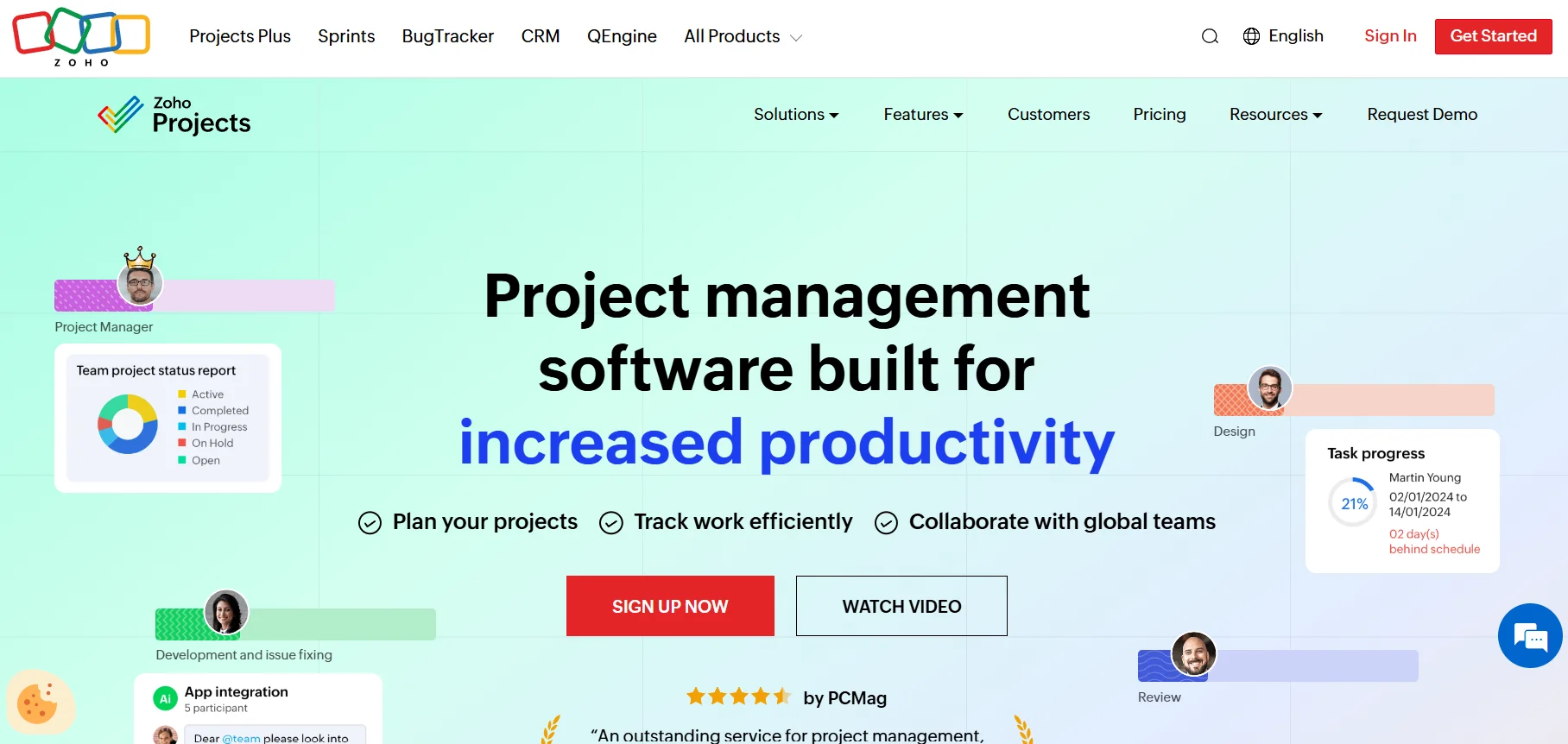
11. Zoho Projects
Zoho Projects is ideal for organizations already embedded in the Zoho ecosystem, offering seamless connections with CRM, finance, and analytics tools. This keeps project data within a unified platform, supporting a holistic view of business operations without complex integrations.
Use case:
Businesses using other Zoho products that want project management without adding a new vendor.
Key features:
- Ecosystem integration: Native links to Zoho CRM, Books, and Analytics.
- Blueprint: Visual workflow designer for enforcing process rules.
- Hybrid methodology: supports both classic and agile project styles.
Pricing:
- Free: Up to three projects.
- Premium: $4/user/month (annual).
- Enterprise: $9/user/month (annual).
Considerations:
- Portfolio dashboards and cross-project reporting are limited to higher tiers.
- The interface and automation logic can be complex for new users.
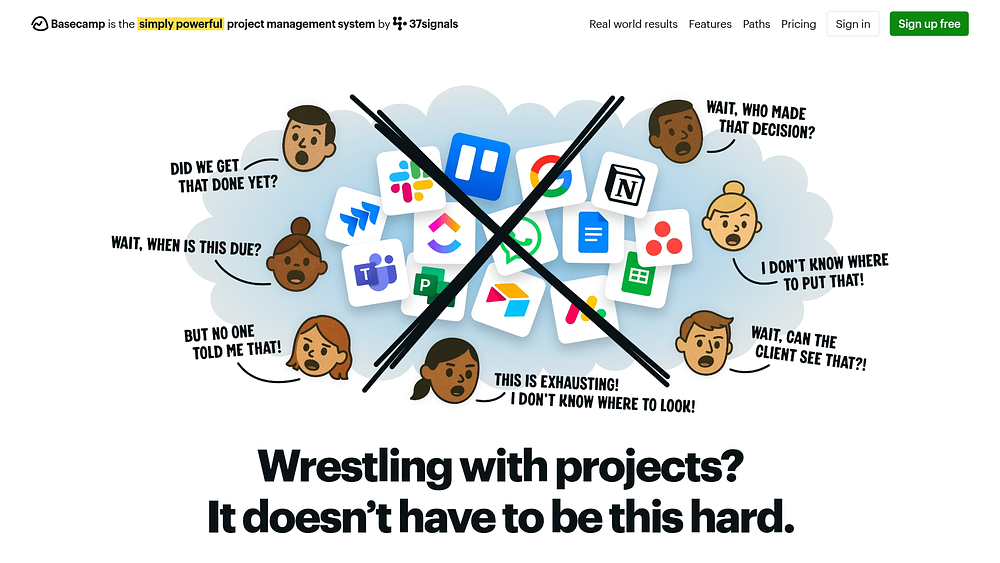
12. Basecamp
Basecamp emphasizes a calm approach to work, focusing on communication and clarity over feature density. It centralizes chat, files, and tasks into a straightforward interface designed to reduce noise, offering teams a simpler alternative to complex project management software.
Use case:
Teams that want to centralize communication and basic workflows without Gantt charts or dependencies.
Key features:
- Message boards: Centralized discussions replace long email threads.
- Hill charts: A visual way to track project progress.
- Automatic check-ins: Replaces status meetings with scheduled questions.
Pricing:
- Basecamp Plus: $15/user/month.
- Pro Unlimited: $299/month (flat fee for unlimited users).
Considerations:
- Lacks advanced project management features such as resource planning or dependencies.
- The interface is English-only, which may limit global teams.
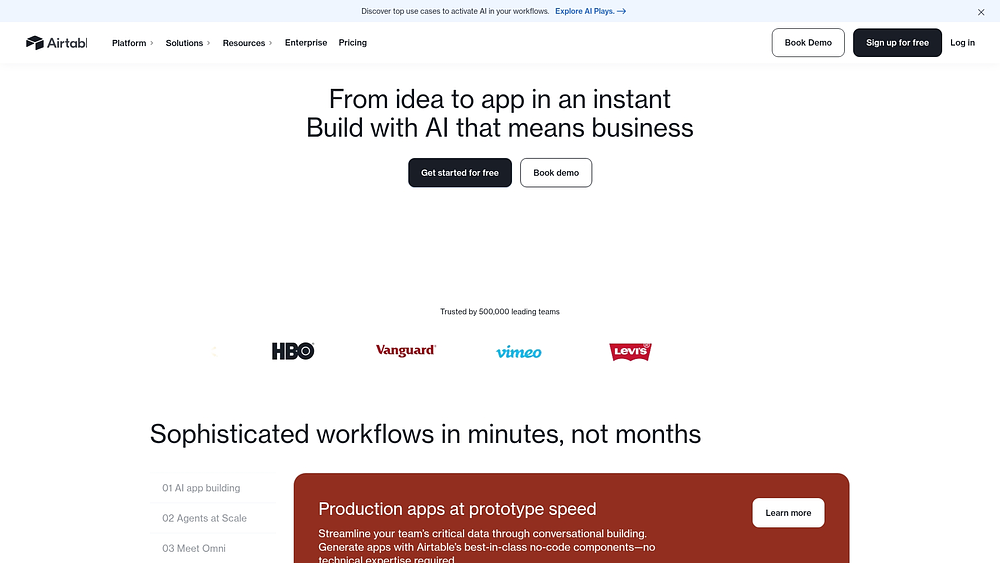
13. Airtable
Airtable combines the familiarity of a spreadsheet with the functionality of a database, letting teams build custom workflows and manage structured data. Its versatility is well-suited for organizations that need to track complex information without coding.
Use case:
Teams that need to manage complex data relationships and build custom workflows without code.
Key features:
- Relational database: Link records across tables to model complex data.
- Interface Designer: Create custom dashboards for different team roles.
- Views: Switch between grid, calendar, Kanban, and gallery layouts.
Pricing:
- Team: $20/user/month (annual).
- Business: $45/user/month (annual).
- Enterprise Scale: Custom pricing.
Considerations:
- Understanding relational database concepts is necessary to maximize value.
- Costs can escalate quickly, and large bases may experience performance slowdowns.
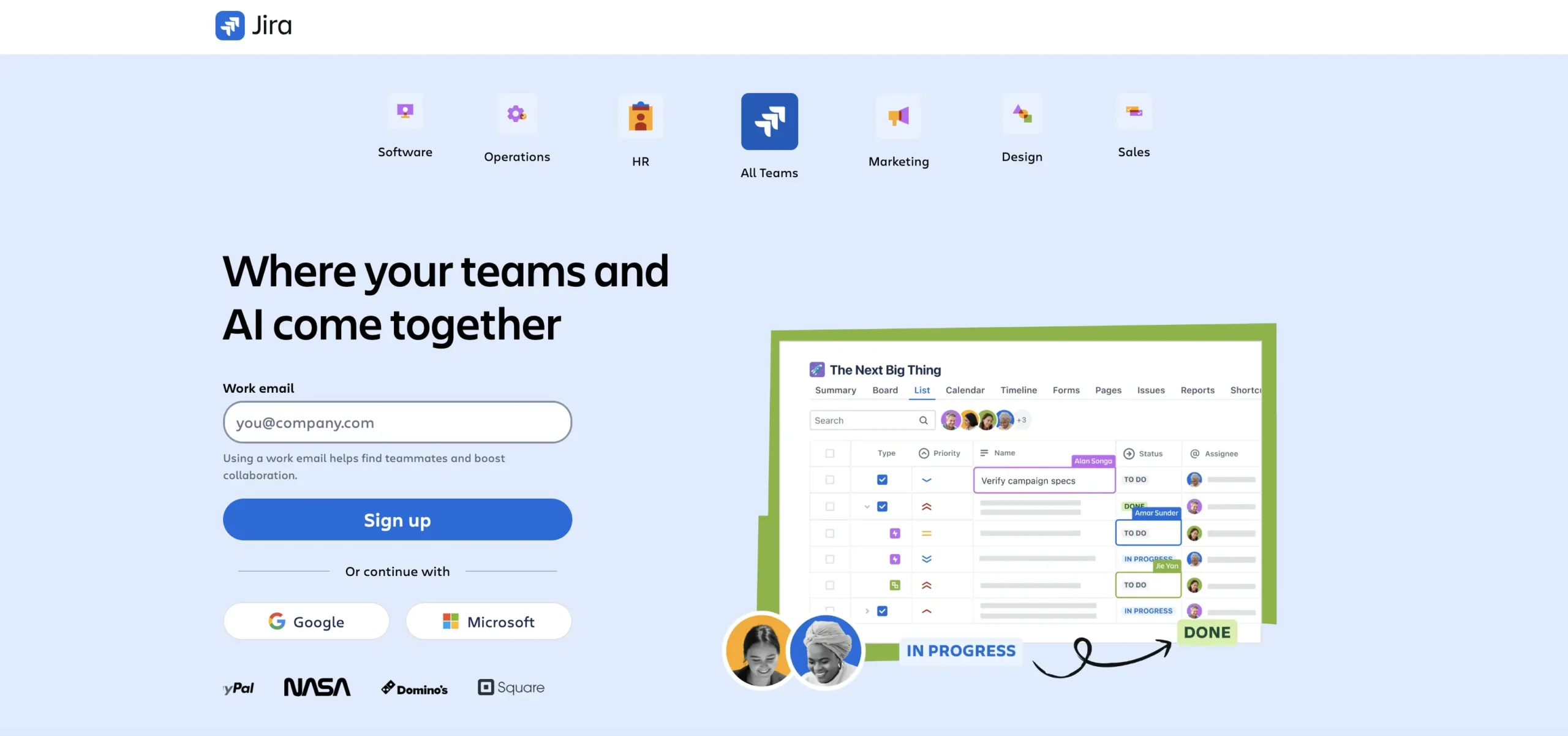
14. Jira
Jira is the standard for software development, connecting engineering workflows with business objectives. It enables technical and non-technical teams to collaborate on a single platform, bridging the gap between product development and go-to-market execution. Its agile tools are indispensable for development-focused organizations.
Use case:
Software development teams and organizations that want to align business projects with engineering sprints.
Key features:
- Unified projects: Manage software and business workflows in one place.
- Agile tools: Advanced support for Scrum, Kanban, and sprint planning.
- Automation: Powerful rule engine to streamline issue tracking.
Pricing:
- Standard: $7.91/user/month.
- Premium: $14.54/user/month.
- Enterprise: Custom pricing.
Considerations:
- Configuration can be complex and may require technical knowledge.
- The interface can feel cluttered and overwhelming for non-technical business users.
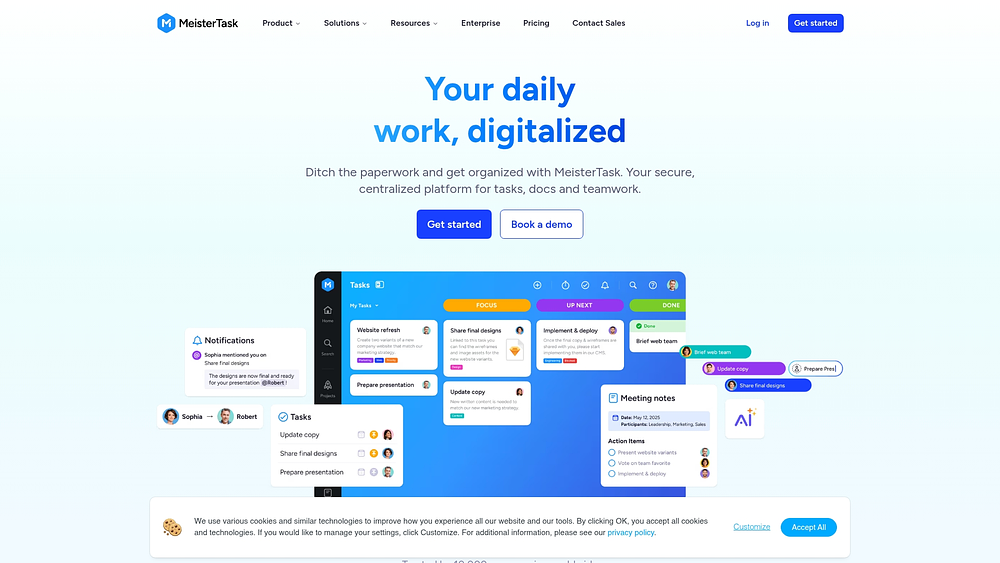
15. MeisterTask
MeisterTask emphasizes design and user experience, providing a visually appealing Kanban platform that is intuitive to navigate. Hosted in the EU, it is particularly attractive for organizations with strict data residency requirements. Its integration with MindMeister allows teams to move seamlessly from brainstorming to workflow execution.
Use case:
Design-focused teams and European organizations seeking a secure, compliant, and visual project management environment.
Key features:
- Visual Kanban: Customizable boards with section-based automation.
- Time tracking: Built-in timer for workflows.
- Mind mapping: Direct integration with MindMeister for ideation.
Pricing:
- Pro: $13/user/month.
- Business: $25/user/month.
- Enterprise: Custom pricing.
Considerations:
- Advanced views: Features like Timeline view are included only in the Business plan.
- Free version limits: Collaboration capabilities are restricted in the free plan.
How to choose the right alternative to Wrike
Selecting a project management platform is more than a technical swap — it is an opportunity to upgrade organizational workflows. Choosing a solution that adapts to team needs, scales with growth, and delivers results requires looking beyond a simple feature list.
Step 1: Demand workflow flexibility
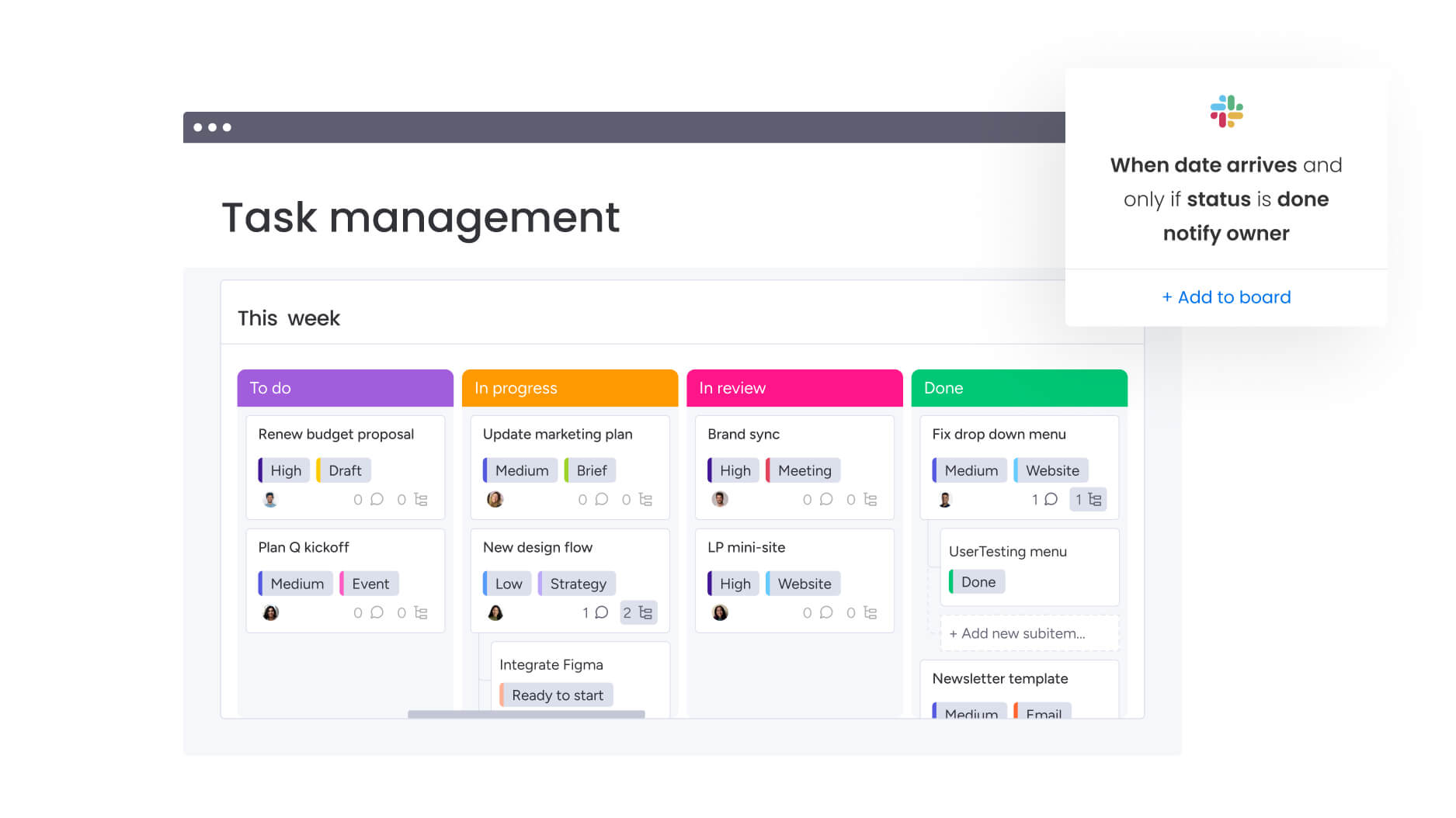
Different departments operate in unique ways. Marketing processes differ from legal workflows, and operations vary from sales. A rigid platform can create bottlenecks, whereas a flexible solution adapts to each team’s rhythm.
Ask these important questions:
- Cross-team connectivity: Can the platform link dependent workflows across departments to ensure smooth handoffs from creative to approval?
- Accessible customization: Can non-technical users configure workflows, or is IT intervention required for every change?
- Real-time visibility: Does leadership gain live insights, or are reports based on outdated data?
Modern platforms like monday work management provide the connective framework that integrates isolated teams into a cohesive operational unit.
Step 2: Look for AI that works, not just talks
Artificial intelligence should function as a capable team member, not a superficial feature. AI features that only save small amounts of time are not transformative. Seek solutions with embedded intelligence that genuinely enhances workflow execution.
Practical AI helps teams operate faster. For example, monday work management’s AI Blocks can summarize documents, extract relevant data, and translate communications within workflows, shifting focus from administrative tasks to high-value execution.
Step 3: Prioritize speed to value
A platform requiring months of configuration can really slow momentum. The bridge from purchase to tangible results should be measured in days: a solution must balance enterprise-level power with immediate usability.
Rapid implementation drives ROI. Using drag-and-drop building blocks and pre-made templates, teams can construct an ideal environment without lengthy onboarding.
When software is intuitive and enjoyable, adoption follows naturally.
Your guide to migrating from Wrike
Migration goes beyond moving data too — it reshapes how teams work. Transferring files is only the technical part; encouraging new habits across teams is the real challenge. When executed strategically, a migration can transform a logistical headache into a significant productivity boost.
Chart the course
A clear timeline prevents confusion. While each organization differs, a four- to eight-week window balances speed and thoroughness effectively.
- Weeks one–two – audit and plan: Review your Wrike instance. Identify critical data versus clutter, select essential workflows to rebuild, and appoint internal champions to lead the effort.
- Weeks three–four – construct and pilot: Set up core workflows in the new platform. Engage a small pilot team to test the setup, collecting feedback to refine processes before wider adoption.
- Weeks five–six – train and transition: Operate both systems simultaneously. Train the broader team to develop familiarity with the new workflows while maintaining business continuity.
- Weeks seven–eight – launch and refine: Fully switch to the new platform. Archive legacy data, track usage patterns, and gather feedback to optimize workflows immediately.
Win hearts and minds
Resistance often arises from fear of change. Communicate the reason for the move clearly and consistently, highlighting personal and team benefits, not just organizational gains.
Engage teams early, address concerns openly, and treat feedback as valuable insight. Empower internal champions to guide peers, as peer-to-peer support often outperforms top-down directives.
Quantify the win
Success should be measured with data, not assumptions. Establish baseline metrics before migration and monitor them closely for the first quarter to validate progress and identify improvement areas.
Key metrics include:
- Velocity: Are projects completing faster?
- Engagement: Are team members updating workflows daily?
- Connectivity: Is information flowing more smoothly across departments?
By linking daily work to strategic goals, modern platforms like monday work management enable organizations to quantify ROI through efficiency and resource utilization.
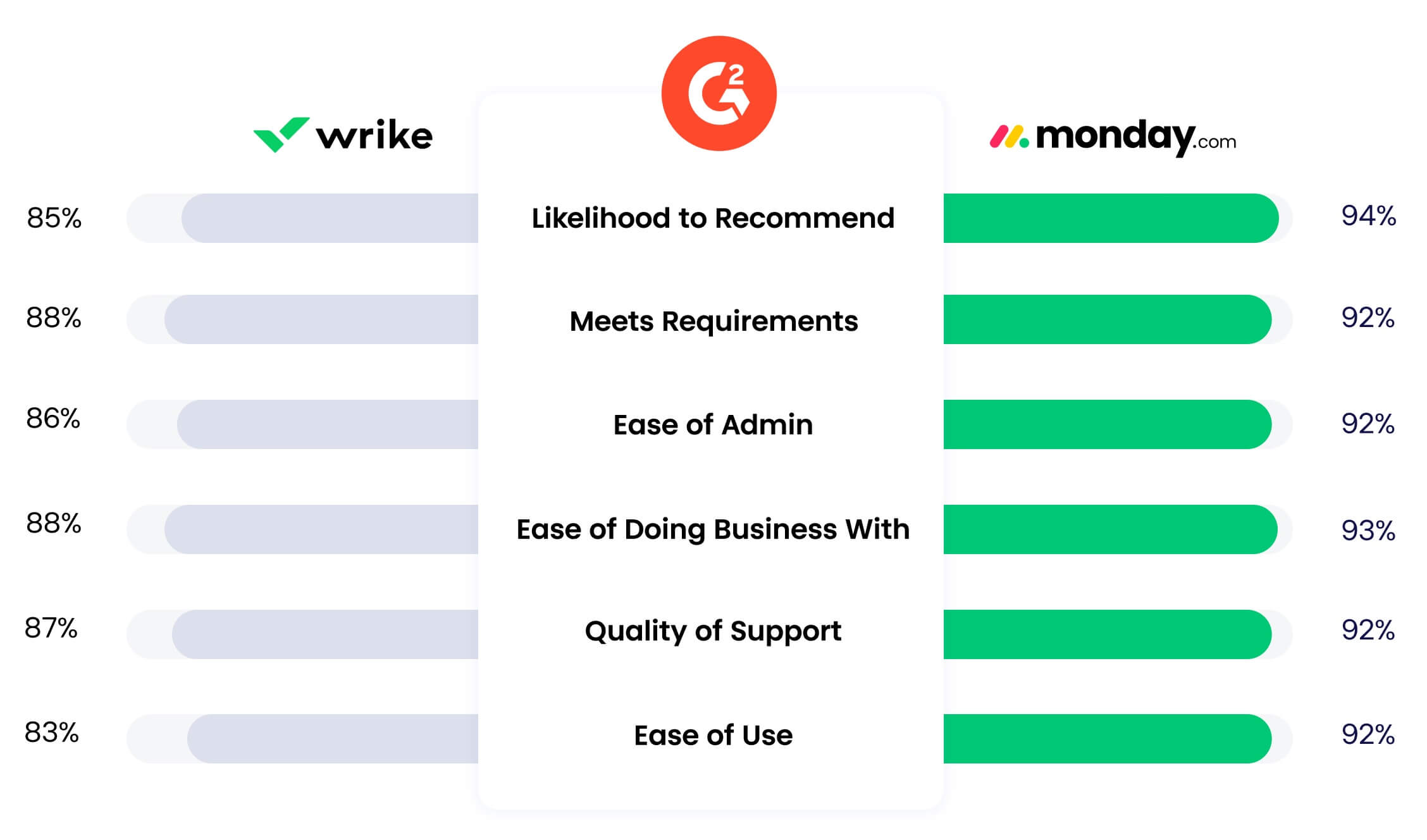
Why monday work management leads among Wrike competitors
As this guide has alluded to, selecting the right platform is a crucial decision: it separates organizations that simply track tasks from those that orchestrate business operations effectively. While many solutions provide lists or boards, modern platforms like monday work management offer a complete operating system that connects strategy with execution.
It goes beyond project management to address business management: rigid processes are replaced with flexible building blocks, enabling each department to design workflows that meet their exact needs.
AI that drives action
Intelligence is embedded into operations, transforming AI from a passive feature into a proactive driver of productivity.
- Actionable AI: Eliminates manual data entry with AI Blocks that categorize, extract, and summarize information instantly.
- Digital workforce: Deploys specialized AI agents to monitor risks, guide sales processes, and optimize campaigns proactively.
- Strategic insight: Leverages AI to solve complex resource allocation problems and manage portfolio risks that standard automation cannot address.
| AI capability | monday work management | Wrike | Impact |
|---|---|---|---|
| Ready-made AI actions | AI Blocks (Categorize, Extract, Summarize) | Limited automation rules | Frees teams from manual data entry |
| Autonomous AI agents | Digital Workforce (8+ specialized agents) | Not available | Provides proactive, intelligent support |
| Advanced problem-solving | Product Power-ups (Risk Management) | Basic reporting | Drives strategic decision-making |
Breaking down the silos
Collaboration falters when information is scattered across multiple tools. A unified platform ensures all departments operate from a single source of truth, aligning marketing, operations, and the PMO in a shared environment.
- Unified workspace: Operations can see marketing’s impact on capacity instantly, with visible dependencies and smooth handoffs.
- No-code customization: Teams visually build the workflows they need, with dashboards and automations accessible to all.
- Portfolio visibility: Leaders gain a real-time view of every initiative, identifying risks and resource bottlenecks without waiting for status meetings.
Speed is the ultimate feature
Value should be realized quickly. Modern platforms are engineered for rapid deployment, ensuring that the time between purchase and productivity is minimal.
- Zero training barrier: The visual interface is intuitive, allowing teams to start working immediately.
- Organic adoption: Because the platform is enjoyable to use, teams adopt it willingly, driving high usage rates.
- Instant deployment: Begin with hundreds of templates or build custom workflows in minutes.
| Implementation factor | monday work management | Wrike | Advantage |
|---|---|---|---|
| Learning curve | Intuitive, no training needed | Complex, requires extensive training | Immediate productivity |
| Setup time | Days to weeks | Weeks to months | Faster time-to-value |
| Payback period | <4 months (Forrester) | 6-12+ months | Faster return on investment |
Transform how your team works together now
Moving away from a legacy platform is a chance to simplify how work gets done. Instead of navigating rigid structures and disconnected tools, teams can build flexible workflows that reflect how they actually operate.
A modern work orchestration platform connects departments, automates repetitive steps, and provides leaders with real-time visibility. Teams gain autonomy. Leadership gains clarity. Daily execution stays aligned with strategic priorities.
When work flows smoothly across functions, the entire organization moves faster and with greater confidence.
Try monday work managementFrequently asked questions
What is the quickest Wrike alternative to deploy?
Modern platforms with intuitive design drive fast adoption and rapid ROI: monday work management is the fastest to deploy, enabling teams to see a payback period of under four months.
Which platform offers the best enterprise features?
Enterprise companies benefit from comprehensive functionality: monday work management combines AI automation, portfolio management, and cross-functional orchestration within a user-friendly Work OS.
Is migrating from Wrike difficult?
Data transitions typically take two to four weeks: platforms like monday work management simplify the process with dedicated import tools and support teams that guide each step.
Can these alternatives handle large portfolios?
Organizations with complex portfolios require visibility and control: monday work management provides automated risk detection and resource management tools, giving leaders the oversight needed to manage large initiatives effectively.
Which platform offers the most advanced AI capabilities?
Teams looking to automate complex workflows gain the most from advanced AI: monday work management integrates AI Blocks and a digital workforce directly into processes, enabling automation without extensive configuration.
What is the best choice for resource management?
Resource-focused teams achieve optimal balance when allocation is data-driven: monday work management delivers real-time capacity views and insights, helping teams manage workloads efficiently and reduce burnout.

 Get started